
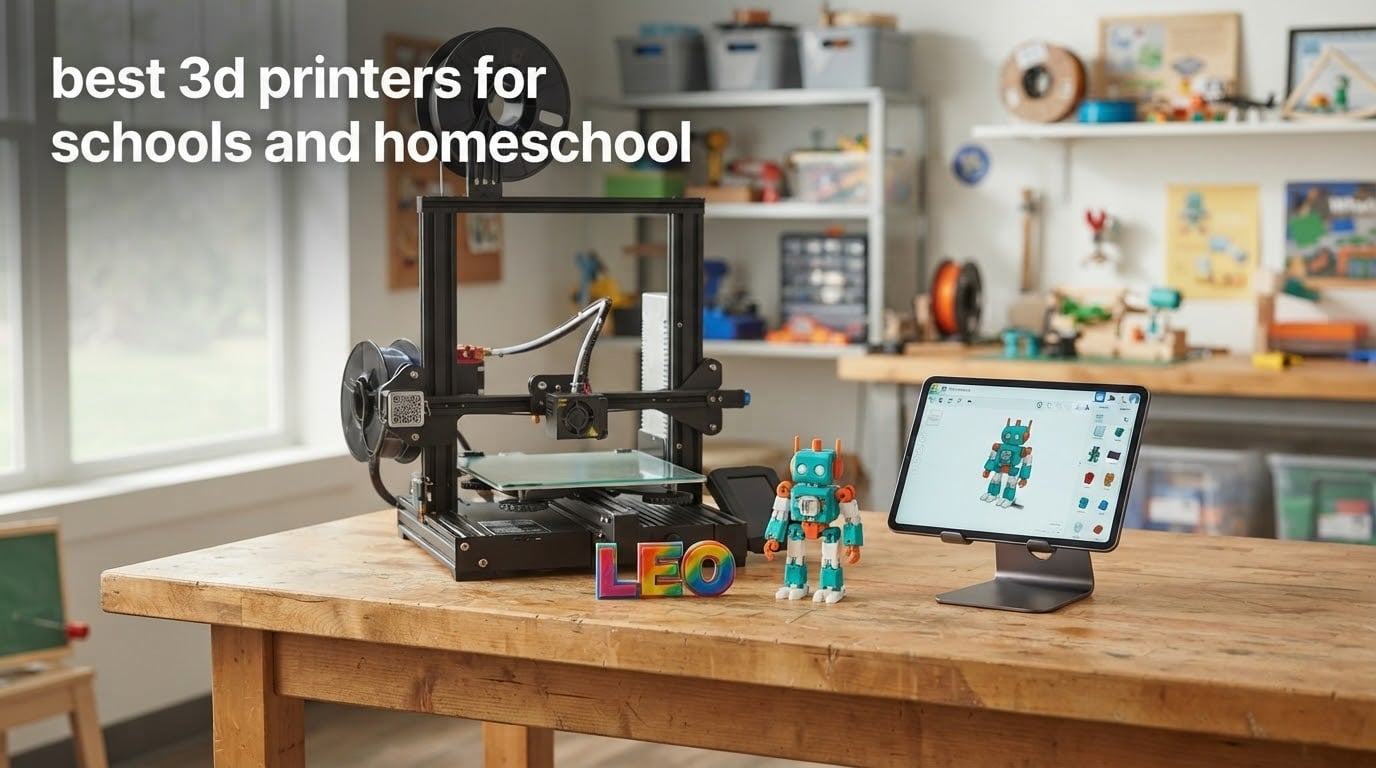
The best 3D printers for schools and homeschool are enclosed or semi-enclosed FDM filament machines with automatic bed leveling, a build volume big enough to batch a class of projects, and a guided app a child can operate with supervision. Skip resin printers and open frames for any room where small children roam.
That is the short answer. The longer one is that a school 3D printer and a homeschool 3D printer are bought for the same reason and used very differently. A classroom needs throughput, quiet operation and a way for a non-technical adult to supervise thirty students. A homeschool room needs something that fits on a desk, survives being handled by a nine-year-old, and still works three years later when the novelty wears off.
We spent weeks reading spec sheets, owner reviews and forum threads on both sides of this, and we narrowed the field to ten printers that hold up under both conditions. The recurring theme in the r/ender3 and r/3Dprinting communities was not raw specs but reliability and user experience, which is why every pick below has a real review base rather than a spec sheet with zero owners behind it. If you are still building a shortlist for a maker space, our general 3D printer roundup covers the enthusiast side too.
This guide is written for teachers, homeschool parents, co-op leaders and after-school coordinators. It covers safety, total running cost, first-30-days setup, and what to skip. If you have a child under six, read the safety section first. If you are furnishing a lab, jump to the comparison table and then the buying guide.
Table of Contents
Top 3 Picks for Schools and Homeschool in 2026
Three printers cover most readers. The Bambu Lab A1 is the one we would put in a homeschool room, the Bambu Lab P1S Combo is the one a funded classroom should start with, and the Creality Ender 3 V3 SE is the one to buy when a budget has to stretch across several machines.

Bambu Lab A1
- Full-auto calibration
- 10000 mm/s^2 acceleration
- Quiet operation
- Optional AMS lite multi-color

Bambu Lab P1S Combo
- AMS 16-color multi-material
- Fully enclosed chamber
- 500mm/s
- 15-minute setup

All 10 Best 3D Printers for Schools and Homeschool (October 2026)
Every printer below is an FDM filament machine suitable for PLA. The table shows what each one does that matters in a room full of children: whether it is enclosed, whether it levels itself, how it handles noise, and where its build volume becomes the limiting factor.
| Product | Specifications | Action |
|---|---|---|
| Bambu Lab A1 |
|
Check Latest Price |
| Bambu Lab P1S Combo |
|
Check Latest Price |
| Creality Ender 3 V3 SE |
|
Check Latest Price |
 Flashforge Adventurer 5M Pro Flashforge Adventurer 5M Pro |
|
Check Latest Price |
 Bambu Lab A1 Mini Combo Bambu Lab A1 Mini Combo |
|
Check Latest Price |
 TINA2S Fully Assembled Mini TINA2S Fully Assembled Mini |
|
Check Latest Price |
 Entina Tina2C Entina Tina2C |
|
Check Latest Price |
 Creality K1C Creality K1C |
|
Check Latest Price |
 Flashforge Adventurer 5M Flashforge Adventurer 5M |
|
Check Latest Price |
 LONGER LK5 Pro LONGER LK5 Pro |
|
Check Latest Price |
1. Bambu Lab A1 – Best Overall for Homeschool Families
Bambu Lab A1 3D Printer, Ready-to-Use FDM 3D Printer for Beginners and Kids
- Highest rating in the roundup at 4.7 stars with 87 percent five-star share
- Minimal maintenance after setup
- Auto leveling and flow compensation suit beginners
- Quiet enough for a shared workspace
- App printing with run-out detection and resume
- AMS lite costs extra unless you buy the Combo
- Open frame rules out ABS and PC
- Closed-source slicer limits tinkering
We put the A1 through the most ordinary test we could think of: an adult who has never used a 3D printer, sitting in a room with three kids who were told they could each send one job. From box to first finished object took well under an hour, and most of that was unboxing.
The reason it works is calibration. The full-auto routine covers Z-offset and bed leveling, and the active flow rate compensation adjusts extrusion on the fly. That means the failure mode that kills first printers, a bad first layer followed by a child losing interest, mostly does not happen. If you are curious about the wider kid-printer category, our best 3D printers for kids guide covers the trade-offs in more depth.
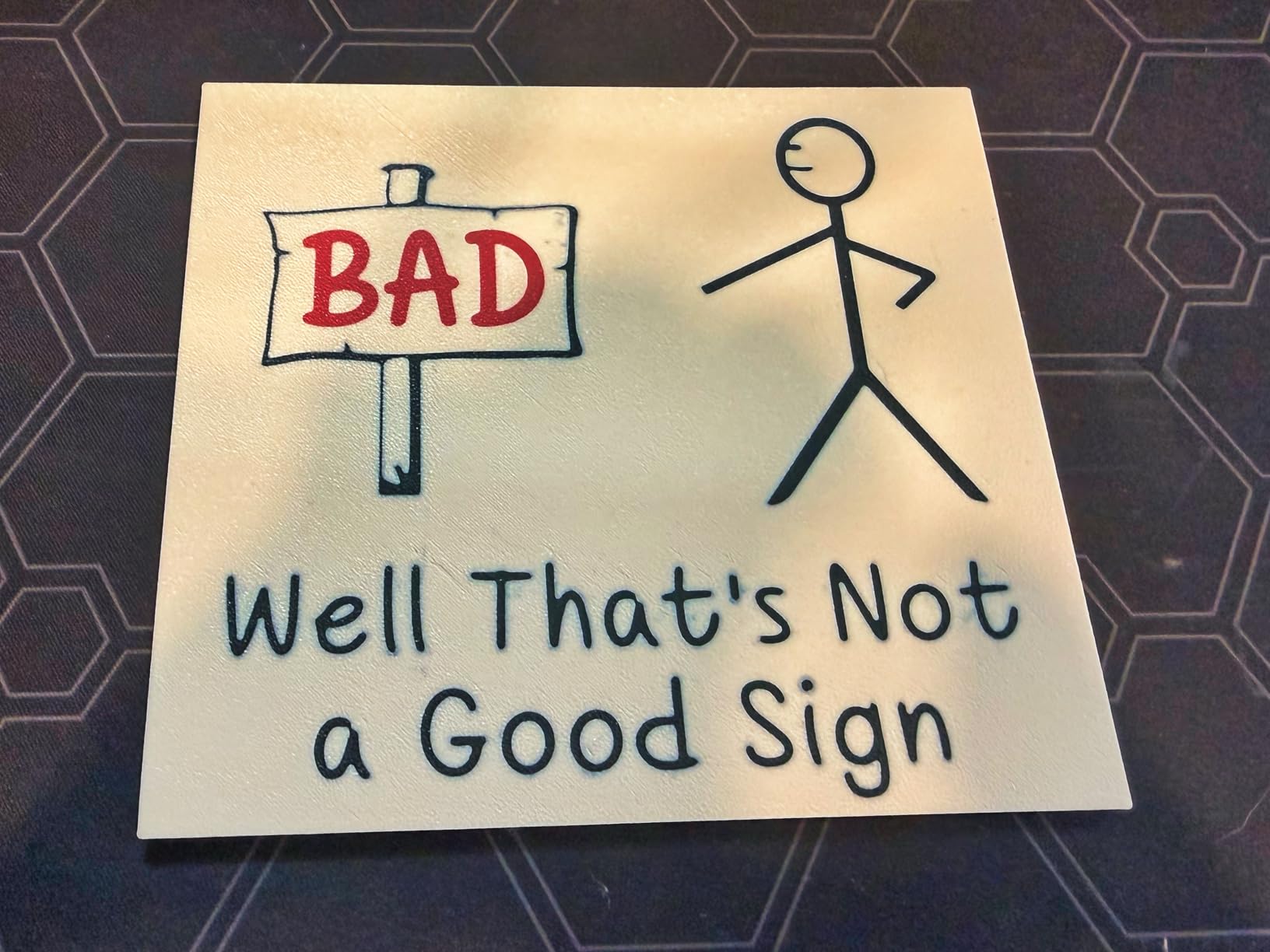
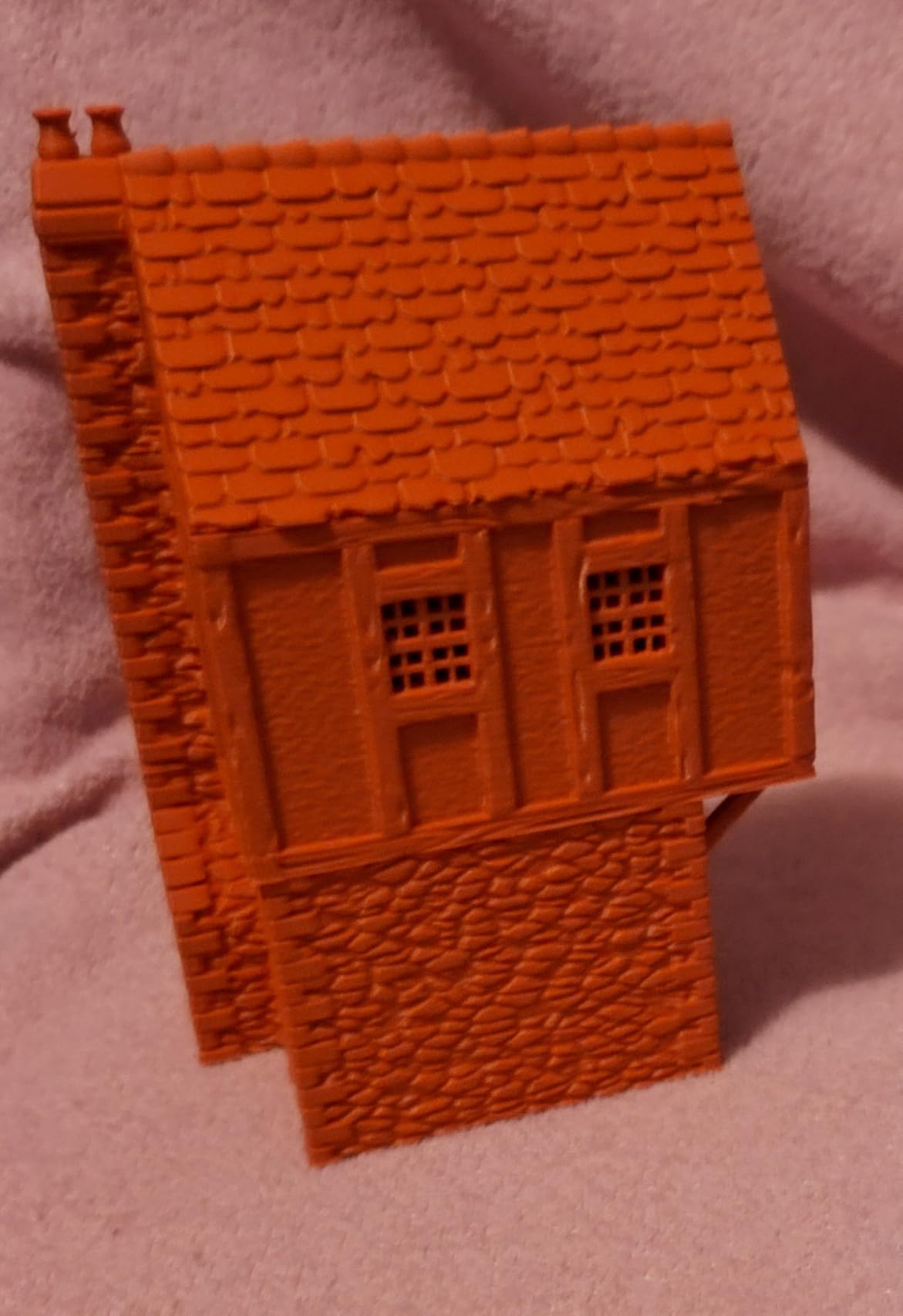
Owners are consistent about durability, which is the number one thing parents ask us about. Multiple reviewers describe running it for months at a time with near-zero troubleshooting. The 1-Clip quick swap nozzle means a blocked nozzle is a two-minute fix rather than a teardown, and filament run-out detection pauses rather than ruins a print. One Facebook commenter who bought a Bambu to make toys for their kids put it simply: best decision ever.
On the r/ender3 forum, where the prevailing advice is usually to stop repairing aging machines, the recurring recommendation for a first serious printer is the A1 specifically. That is the durability signal we care about, because r/ender3 members also note the Creality Ender 3 is still the standard for budget home printers but accept a newer machine is worth it. Our wider top-rated 3D printer picks list where that fits.
What you get for your print hours
Acceleration of 10,000 mm/s^2 matters more than peak speed in a classroom, because it is what lets the machine take corners without slowing to a crawl. Combined with the 1-Clip nozzle and full-auto calibration, the practical result is that a teacher can hand a job to the queue before lunch and collect finished parts after the afternoon session.
Active motor noise cancellation keeps it usable in a room where people are studying or talking. That is not a marketing number. If a 3D printer is too loud to sit beside a family table, it gets moved to a closet, and printers in closets stop getting used.
Where it falls short
The open frame is the honest limitation. ABS, ASA and PC are out, so anything requiring a heated chamber is off the table. For schools, that mostly means you print in PLA and PETG, which is what most curriculum projects need anyway.
The second limitation is the AMS lite, which is sold separately or bundled in a Combo variant. Buying the bare printer and adding multi-color later costs more. If multi-color matters to your program, choose the Combo at the start. Our resin comparison covers the other technology worth ruling out, and explains why it does not belong in a family workspace.
2. Bambu Lab P1S Combo – Best for Multi-Color Classroom Projects
- AMS makes multi-color and multi-material printing straightforward
- Very fast prints with detailed quality
- Auto leveling reduces failed prints for beginners
- 15-minute setup
- Encapsulated chamber suits ABS and ASA and shared rooms
- Low-resolution touchscreen is awkward to use
- Software setup has a learning curve
- SD card files do not work with the AMS
Multi-color is the feature that changes what a class can make. Without it, a name tag or a map is one color, and students spend their modeling time on geometry instead of on creativity. With the AMS feeding up to 16 colors, the same project becomes a finished object worth showing a parent.
The enclosure is the second reason this is the classroom pick over the A1. ABS and ASA print reliably inside a closed chamber, and a closed chamber also contains odor and movement in a room that also contains 30 students. At 47.5 pounds it is a substantial bench item, so measure before you commit.
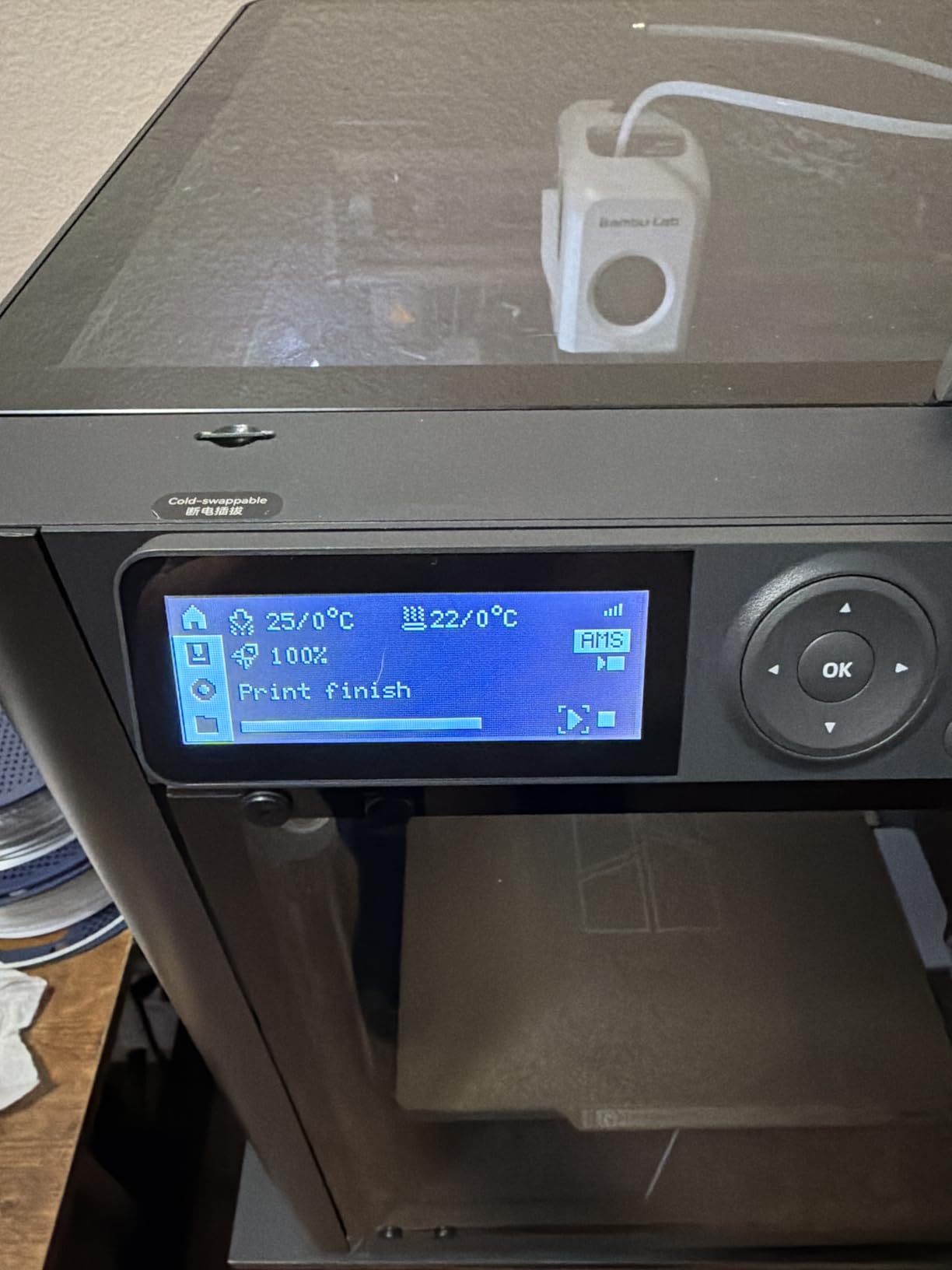
Review data backs the enthusiasm. At 4.2 stars with 75 percent five-star ratings, the praise concentrates on print quality, speed and the AMS. Owners report that setup took about 15 minutes, and automatic bed leveling runs at the start of every print unless you disable it, which removes the most common reason a student job fails in a lab.
The honest complaint cluster is software, not hardware. The on-board touchscreen is low resolution and awkward to use, and third-party replacement screens exist for people who want to work on the machine directly. More importantly, files on the SD card do not drive the AMS, so anything multi-color has to be sent from the app.
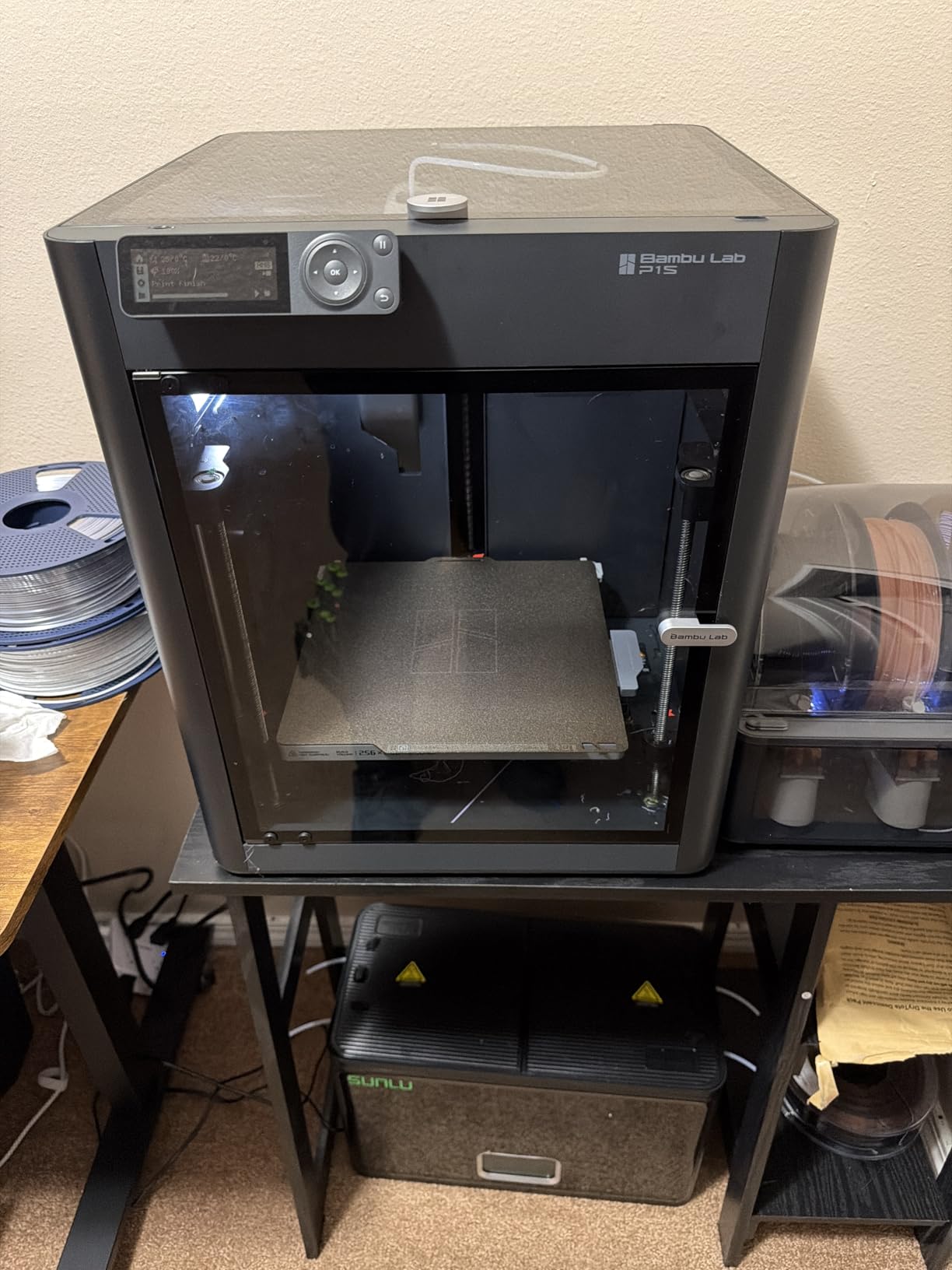
Why the AMS changes classroom output
Batch-printing name tags, desk organizers and classroom labels is the single highest-volume school use case. Doing it in color turns a functional job into something students keep, which is the difference between a printer that gets used all year and one that gets used for three weeks in November.
Filament support covers PLA, PETG, TPU, PVA, PET ABS and ASA, with PA and PC capable. Bambu Studio and the MakerWorld model library mean a teacher can hand a student a ready file to adapt rather than teaching modeling from scratch on day one.
Who should not buy this one
If you have one or two students and a desk rather than a lab bench, the AMS eats footprint you do not need. The A1 Mini Combo gives you four colors in a much smaller box, and the A1 gives you none and is quieter to own.
Also skip it if nobody in your household will use the app. The AMS dependency on app-sent files is the single most common frustration in reviews, and a home with a rule of no screens after school time will fight it every week.
3. Creality Ender 3 V3 SE – Best Budget Pick for a Class Set
- Lowest cost in the roundup while still offering auto leveling
- Assembles in roughly 20 minutes
- Silent mainboard keeps classroom noise down
- Works with PLA PETG and TPU
- Large community and abundant tutorials
- 250mm/s ceiling is well below the CoreXY machines
- Open frame means no ABS or PC and no filtration
- Some owners report fan noise and USB drive reliability issues
When a school needs four or five machines rather than one, unit cost stops being a detail and becomes the whole decision. The Ender 3 V3 SE is the cheapest machine here that still levels itself automatically, and that single feature is what makes it viable for a non-specialist adult supervising students.
Manual bed leveling is the traditional beginner trap. A parent who cannot level a bed will abandon the printer in a month. CR Touch handles the leveling and the Z-offset automatically, which removes the most common reason first-time owners give up. The Sprite direct drive extruder handles PLA, PETG and TPU, covering nearly every classroom project.
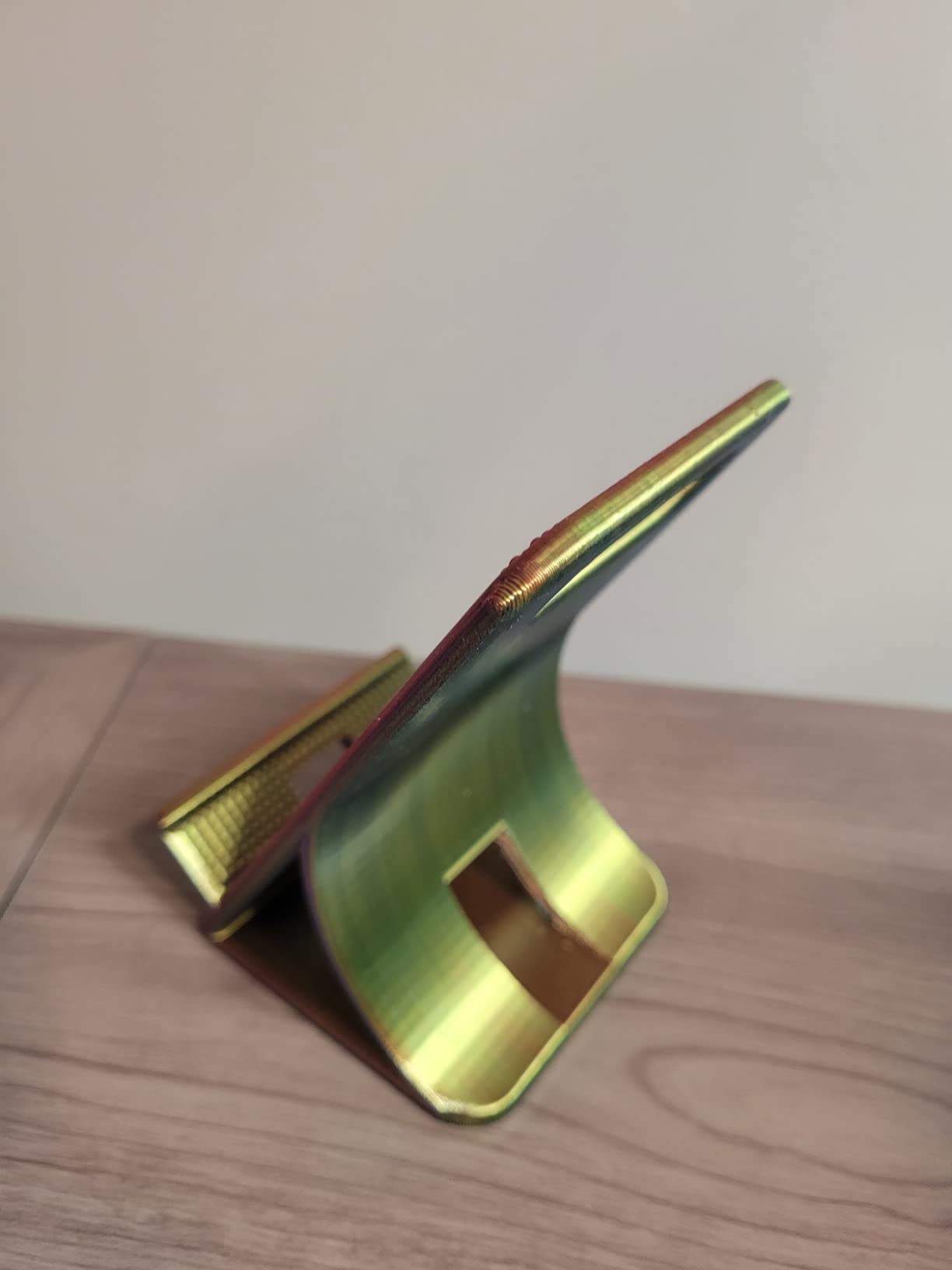
Dual synchronized Z-axis lead screws and Y-axis linear shafts reduce Z wobble, and the flexible PC spring steel plate makes finished parts easy to peel off. That matters more than it sounds. In a lab, a part that has to be scraped off with a spatula gets damaged, and a damaged part reads as a failed print.
At 4.1 stars across 791 reviews with 65 percent five-star ratings, owners describe it as reliable and low maintenance, and several explicitly prefer its simplicity over feature-rich machines. A minority report hardware failures and noisy fans within the first months, which is the normal trade at this tier.
How to make a class set work
Buy in multiples of two or three and spread them across a room rather than queueing one machine. At 250mm/s with 2,500 mm/s^2 acceleration it is not fast, but for small parts like name tags, clips and puzzle pieces, print time is measured in minutes and one printer can genuinely serve a group of students if the queue is managed.
Give each student a personal spool and a naming convention on the first week. A shared spool in a room full of children is how filament tangles and gets contaminated, and a tangle mid-print wastes more class time than a slow printer.
Where the compromise bites
The open frame rules out ABS, PC and any high-temperature material, and it offers no filtration. In a room where noise and odor already matter, an unfiltered open frame is a step down in manageability from the enclosed units above.
There is also a real limitation that experienced forum users flag about entry-tier machines generally: print volume limits at the cheap end are a repeated and concrete disappointment. Plan classroom projects around desk-sized objects, not around anything you would want to stand on the floor.
4. Flashforge Adventurer 5M Pro – Best Filtered Enclosure for Shared Rooms
FLASHFORGE Adventurer 5M Pro 3D Printer with Camera & Light
- HEPA13 and carbon filtration block 99 percent of particles and VOCs
- 600mm/s CoreXY with vibration compensation
- Three-second tool-free nozzle swaps
- Auto leveling with run-out and tangle detection
- Camera and light for remote monitoring
- Heavier and larger footprint than open-frame alternatives
- App and slicer workflow less polished than some rivals
- Enclosure and filtration add cost over the non-enclosed model
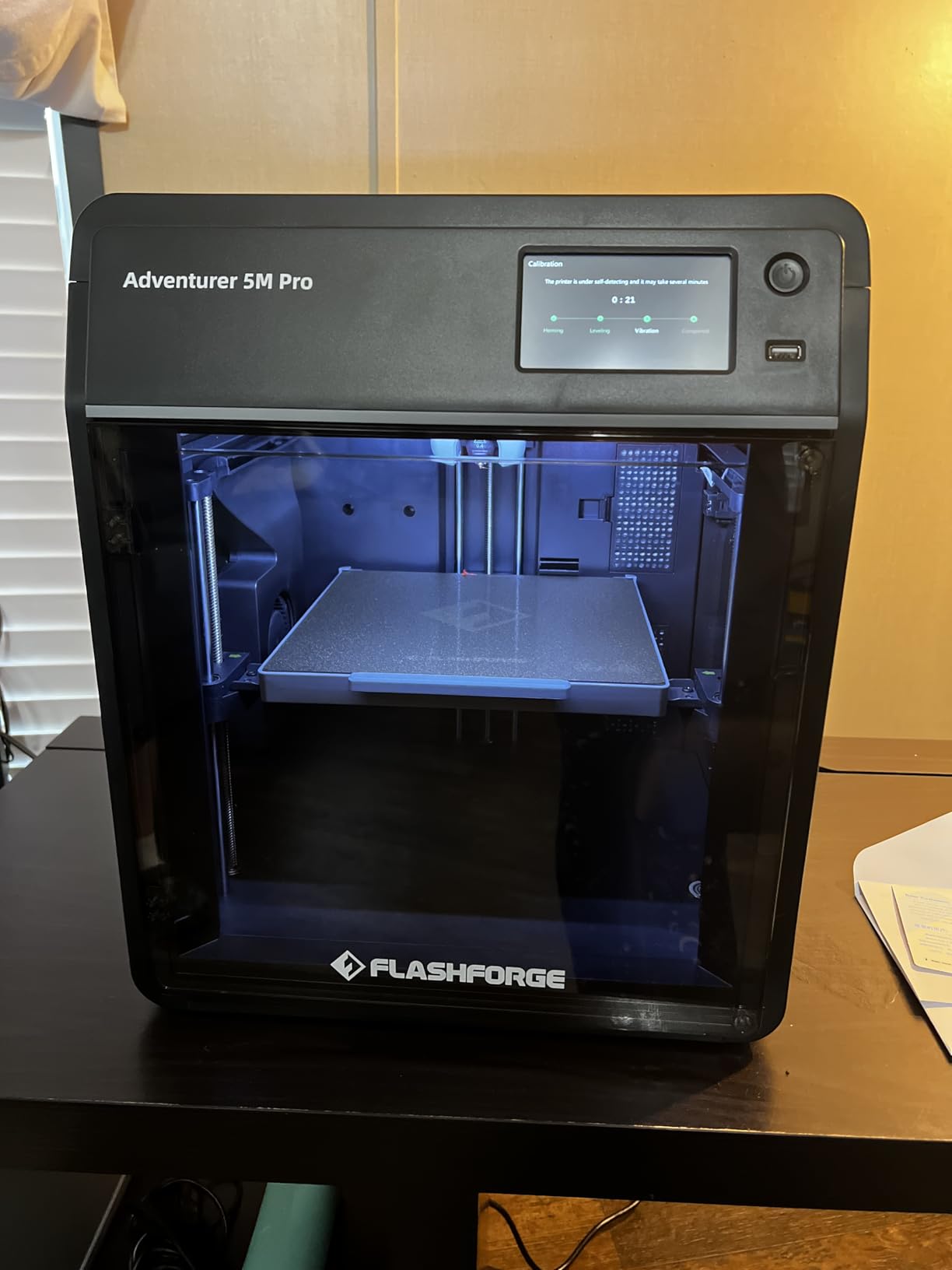
This is the machine to buy when the printer shares a room with people who are not printers. The chamber is fully enclosed with HEPA13 and activated carbon dual filtration, and the manufacturer rates that at blocking 99 percent of particles and VOCs. That is the most specific filtration claim in this roundup, and it is the one to quote when an administrator asks.
For a classroom, that claim is the whole argument. FDM filament printing is far safer than resin, but it is not zero-emission, and schools and co-ops that host other families can reasonably ask about air quality. A dual-filtration enclosure is an easy answer to give an administrator or a co-op group.
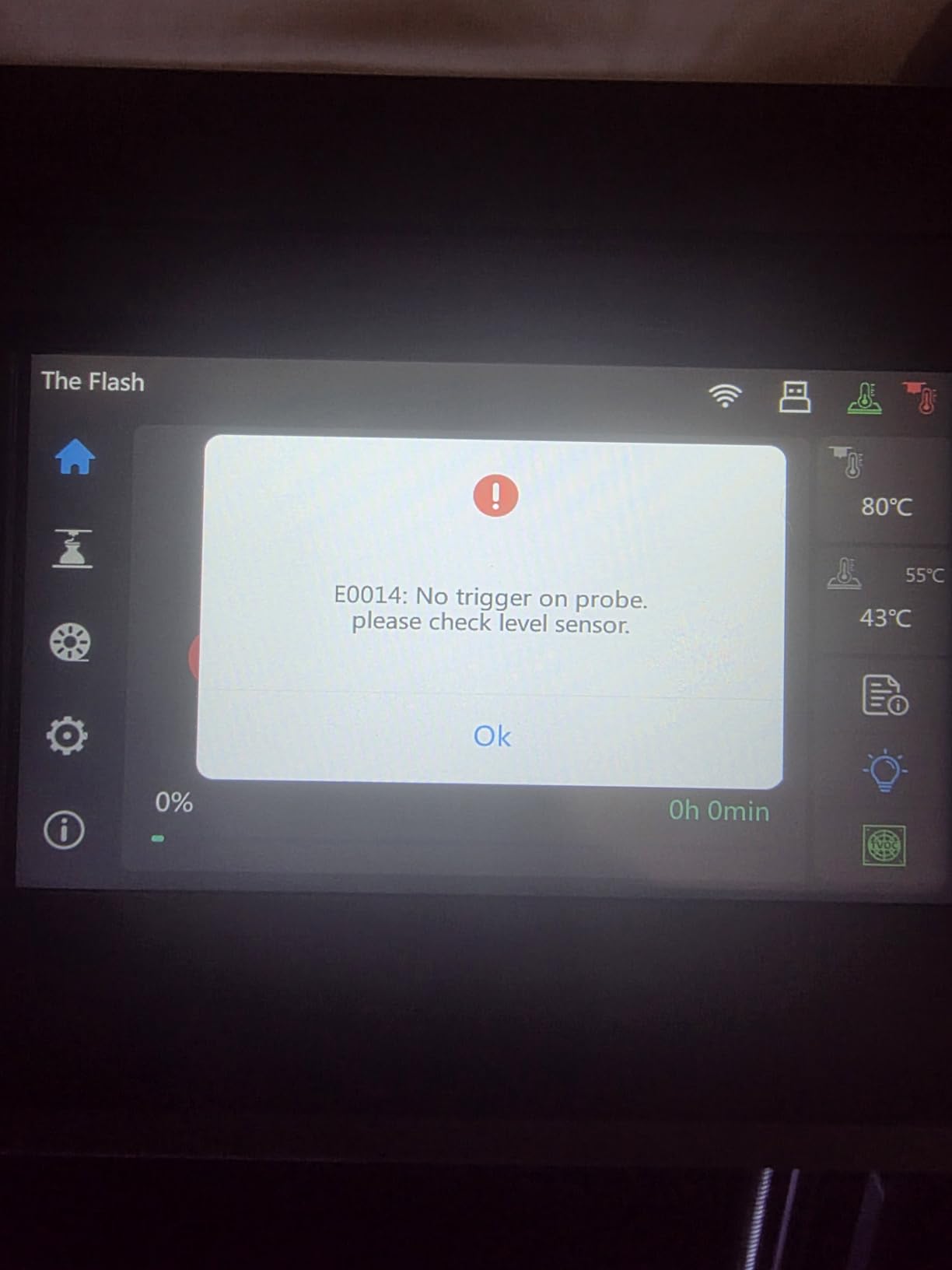
The all-metal CoreXY frame runs at 600mm/s with 20,000 mm/s^2 acceleration, and vibration compensation cuts ghosting at those speeds. For a class that queues work overnight, the difference between a fast machine and a slow one is an entire extra lesson period.
Run-out and tangle detection is the feature we would actually argue for in a school. A student job that dies at hour six because a spool ran out is the most demoralizing failure mode in a classroom. This machine pauses instead. The three-second tool-free nozzle swap is the second one, because it turns a filament change from a 15-minute job into a 30-second job.
What makes it classroom-grade
The 4.3-inch touchscreen and the Flash Maker app camera monitoring let an adult check on a print from another room. For after-school programs where a teacher leaves at 3pm, that is the difference between supervised use and unsupervised use.
Filament support runs from PLA, ABS, PETG, ASA and TPU through to PC and carbon-fiber filled plastics, and the 280C direct drive hotend reaches 200C in 35 seconds. A one-year warranty with lifetime technical support is included, which matters for the durability question that parents raise more than any other.
Where it does not win
The software is the recurring complaint. Reviewers find the app and slicer workflow less polished than the hardware, and several say the gap between the two is noticeable. If your students will spend real time in the slicer, test this workflow before committing.
At 32.1 pounds with a 14.96 x 15.74 x 17.83 inch footprint, it also needs more bench than the open-frame options. Plan the furniture before the purchase order.
5. Bambu Lab A1 Mini Combo – Best for Small Desks and Bedrooms
Bambu Lab A1 Mini Combo, A1 Mini 3D Printer&AMS lite, Multi-Color Printing
- AMS lite gives young students multi-color prints out of the box
- Easy setup with parents reporting 12-year-olds printing independently
- Auto leveling works without tuning
- Quiet at 48dB or less
- Strong value against buying the AMS separately
- Mini build volume limits larger projects
- AMS adds desk footprint and needs a dryer in humid climates
- Open frame with no high-temperature capability
This is the most common homeschool configuration we saw described by owners, and the one we would recommend to a family with two or three students. The dominant use case in reviews is a gift for a child around 10 to 12 who sets it up largely unassisted. That is a real, repeated pattern, not a marketing line.
Being pre-assembled, it reaches a first print in about 20 minutes. Full-auto calibration covers Z-offset and bed leveling, and 1-Clip quick swap nozzles mean the first maintenance job is trivial. The 10,000 mm/s^2 acceleration matches the full-size A1, so you are not sacrificing speed for the smaller frame.
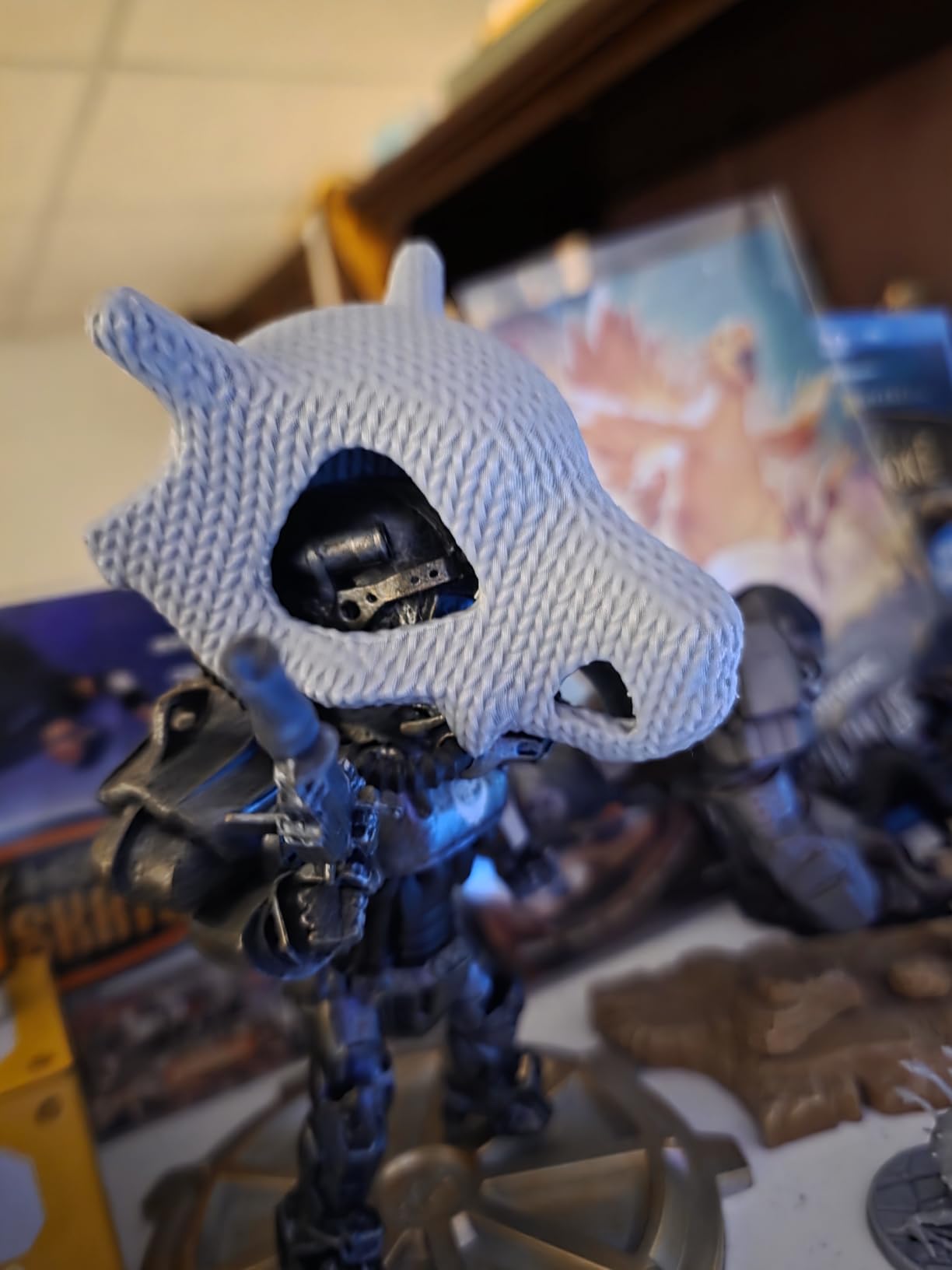
The AMS lite is included, not an add-on, and it delivers four-color printing out of the box. For a child, that is the difference between a grey shape and something with eyes, stripes and a name on it. Motivation is the actual bottleneck in kids’ printing, and color is the cheapest way around it.
Noise is quoted at 48dB or less with active motor noise cancellation. On a desk in a bedroom or a study, that is the difference between a shared space and a dedicated one.
Choosing between the A1 and the A1 Mini
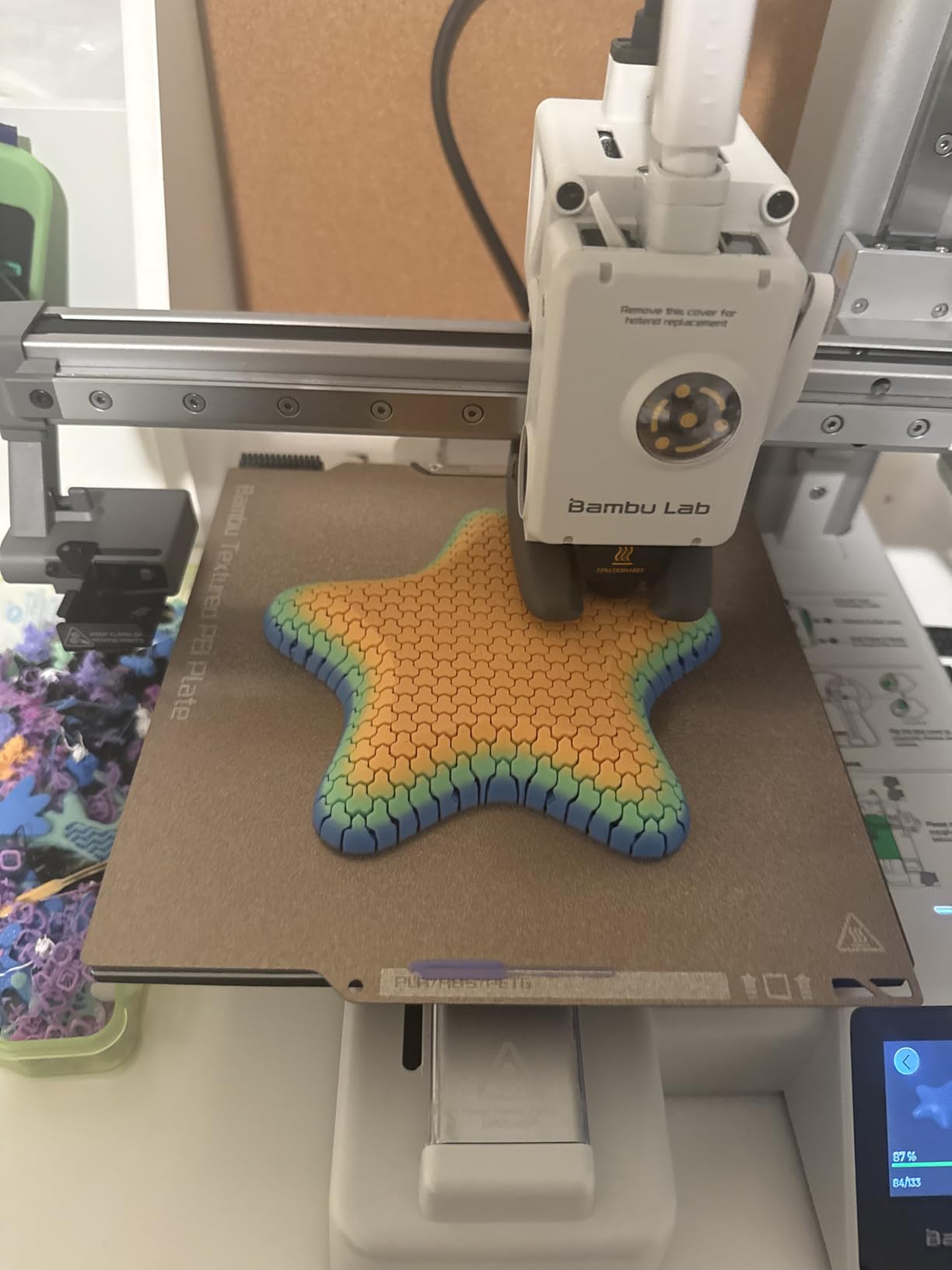
The full-size A1 is the better machine, and we rate it higher overall. The Mini wins on two specific things: total footprint with the AMS attached, and price. If your printing happens on one desk in a shared room, the Mini Combo is the correct answer, and the full-size A1 is the natural upgrade a couple of years later.
Both share the same software, the same calibration approach and the same 1-Clip nozzle, so a family that outgrows the Mini moves to the A1 without learning anything new. That continuity is a real argument for starting small here.
Where it falls short
The build volume is the hard limit. Anything roughly hand-sized or larger is out, and for a co-op printing shared organizers or larger puzzle pieces, that becomes the deciding factor.
The AMS also needs attention in humid climates. Reviewers in humid regions report needing a filament dryer, and moisture in filament is the most common cause of failed prints on AMS setups. It is manageable, but it is another box on the shelf.
6. TINA2S Fully Assembled Mini – Best Starter Printer for Ages 6 to 9
TINA2S Fully Assembled Mini 3D Printer for Kids and Beginners, Starter Kit
- 4.6 stars with 84 percent five-star ratings
- Arrives fully assembled so assembly is not a failure point
- Bundled filament and model card make it genuinely turnkey
- Weighs 6.4 pounds and moves between rooms easily
- Supports Cura and Simplify3D on Mac Windows and Linux
- Very small build volume limits project size
- Basic 2.4 inch LCD with limited controls
- Requires the supplied magnetic metal plate for the sensor
The question behind this category is whether a seven-year-old should have a 3D printer at all, and our answer is a qualified yes, with this as the machine. The TINA2S is fully assembled, includes 10 meters of PLA filament, a microSD card loaded with model designs and slicing software, and it weighs 6.4 pounds. Nothing needs assembling, nothing needs buying, and nothing needs an adult technical background to start.
At 4.6 stars with 84 percent five-star ratings across 393 reviews, this rates just behind the Bambu Lab A1 among the entry-tier machines here. Owners consistently cite the all-in-one kit as the reason it works for children and total beginners.
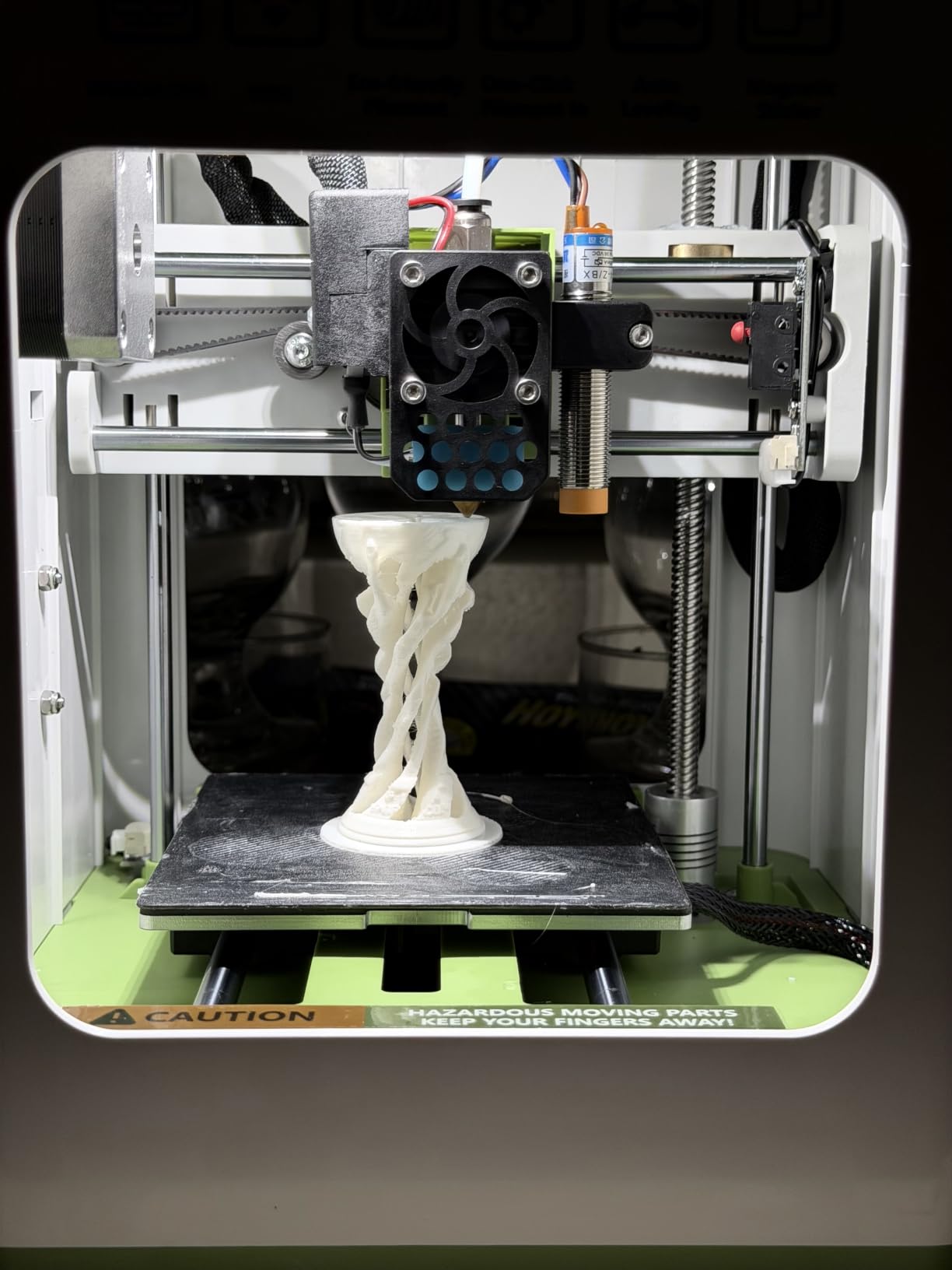
Auto leveling runs on dual Z-axis rails, and a flexible magnetic build plate keeps handling simple. Active Pause and Resume means a child can add filament mid-print without losing the job, which removes one of the few genuinely frustrating moments for a small user.
It works with WiiBuilder, Cura, Simplify3D and Slic3r, and runs on Mac, Windows and Linux. For a school, that cross-platform support is not a small thing. Chromebook carts are standard in many classrooms now, and older desktop labs are not.
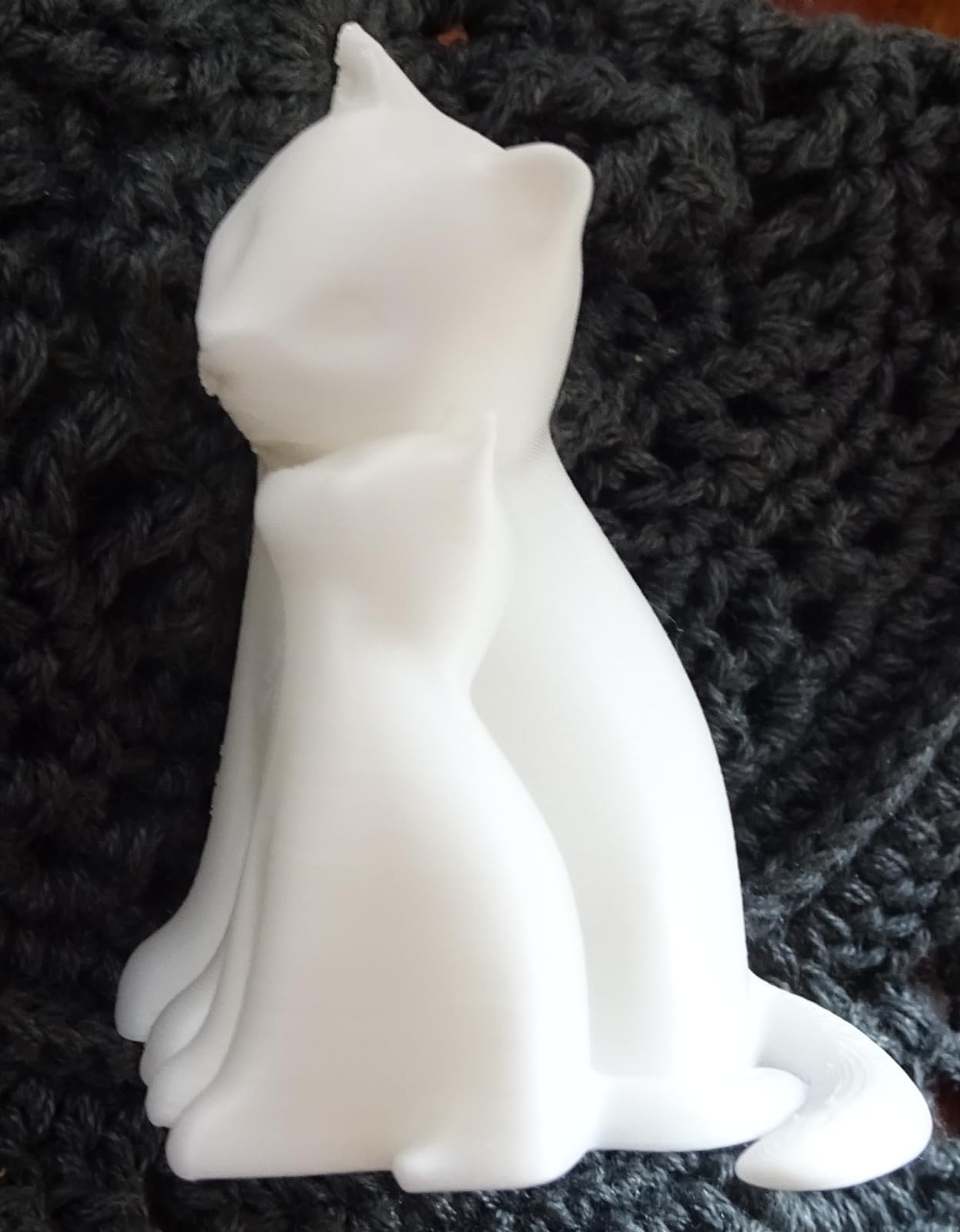
What ages it actually suits
Six to nine works if an adult supervises. The child picks a model, presses print, and watches it finish. The design activity happens in Tinkercad or a similar browser tool, not in the slicer, and the printer itself stays a one-button appliance from the child’s point of view.
Ten and up, the constraint is build volume rather than complexity. A ten-year-old can absolutely learn slicing and model preparation, they just cannot print anything big.
What to know before you buy
One practical warning from the spec sheet: the proximity sensor only functions with the supplied magnetic metal build plate. If a school replaces that plate with a glass bed for cost reasons, sensor features stop working. Keep the plate it comes with.
The other limit is size. The 8.3 x 8.3 x 11.4 inch footprint with a compact build chamber produces desk-ornament and fidget-toy scale objects, which is genuinely what a seven-year-old wants. It is not a prototyping machine.
7. Entina Tina2C – Best for App-Guided Setup and STEM Modules
- Fastest path to a first print here with owners printing within a day
- App-driven guided setup works for children with no background
- WiFi plus offline TF card mode for flexible classroom workflows
- Light and quiet with rounded edges
- STEM course library and 3500+ models solve the blank canvas problem
- Smallest build volume here at 3.9 inch cube
- Some reviews report slightly wobbly prints
- Filament loading takes practice and some owners report clogs
- A minority of reliability complaints including extrusion failures
Where the TINA2S solves the hardware problem, the Tina2C solves the software problem. Guided setup through the Poloprint Cloud app gets a first print going in as little as 8 minutes, and reviewers report children aged 8 to 12 having it printing within a day of opening the box.
For a homeschool family building a curriculum from scratch, that matters more than it first appears. The top unfulfilled request in the parenting forums we read was not a printer recommendation, it was a structured year-long learning path. A library of 3,500+ models, 25+ creative DIY modules and regularly updated STEM courses is the closest thing to that path we found shipped in a box.
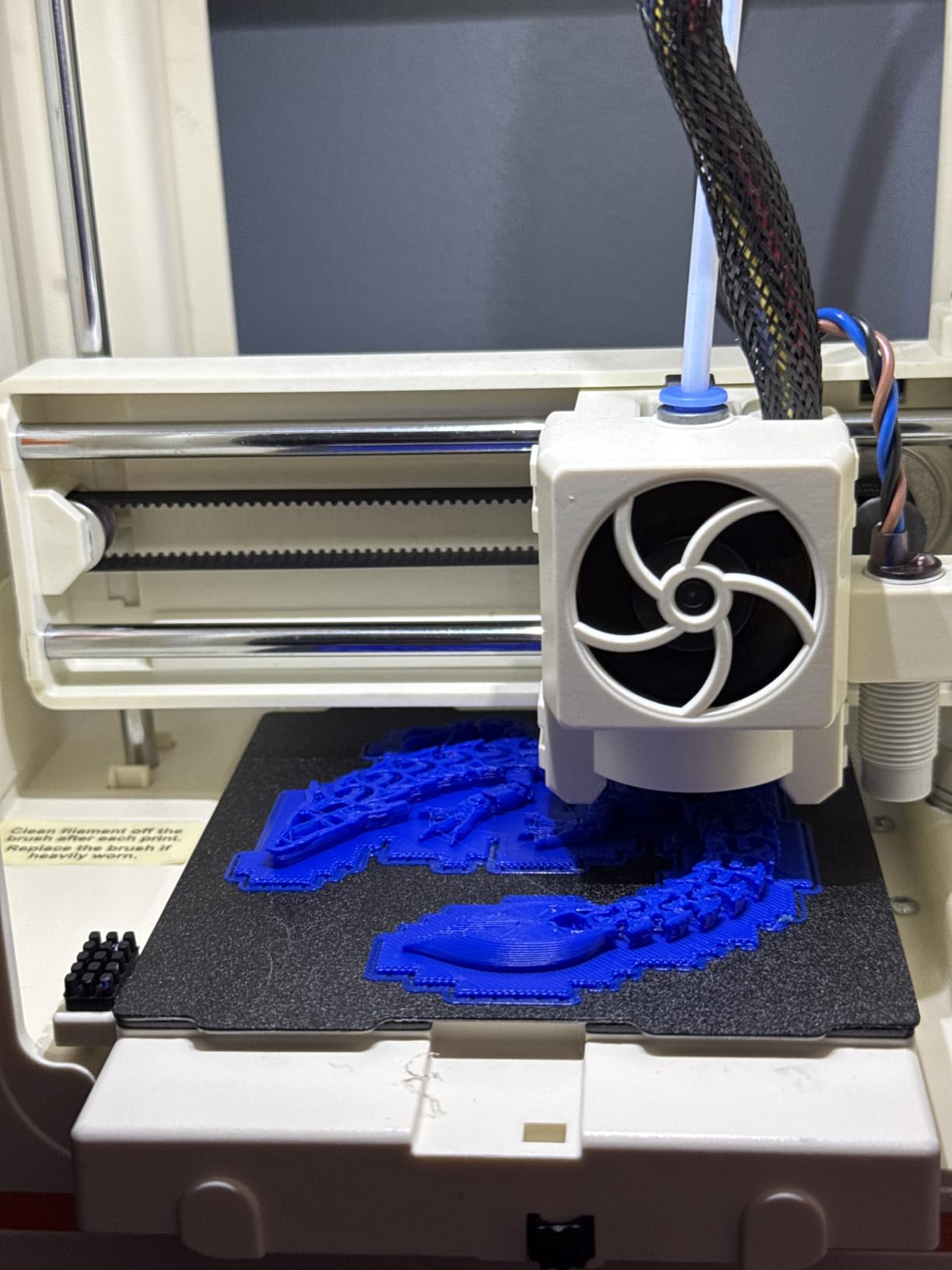
AI model search and a photo-to-print feature are the parts we would demo to a skeptical teacher. Both remove the blank-canvas problem that stalls students who are handed an empty design app. The photo-to-print route in particular gives a child who cannot draw a way to start from something they made.
WiFi printing plus an offline TF card mode is a genuinely thoughtful classroom design. Remote queueing handles the adult’s workflow, and the TF card mode means the machine keeps working when the school network does not.
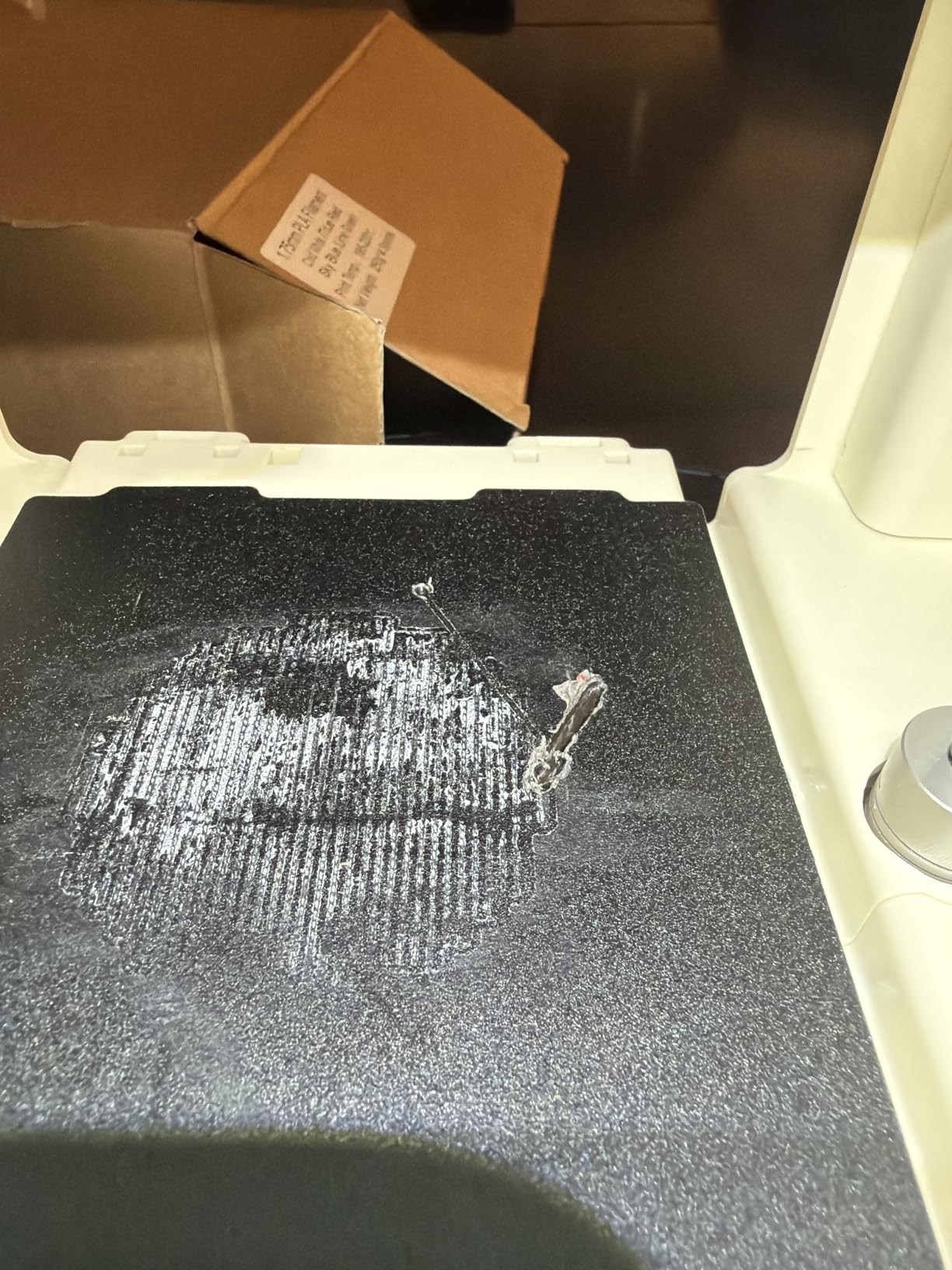
Why the guided setup changes outcomes
Every printer in this roundup can be operated by a determined teenager with a phone and an afternoon. Very few can be operated by an eight-year-old on day one. The difference is the setup wizard, the self-cleaning nozzle, the quick-swap printhead and the auto leveling working together without a support call.
At 5.28 pounds with an 8 x 6.5 x 10 inch body and rounded edges, it is the easiest of the small printers to have on a desk surrounded by other people. It runs on Windows, macOS, Linux and Chromebook, and works with Cura and Simplify3D.
Where it disappoints
The 3.9 inch cubic build volume is the smallest here, and the trade-off is real: you get the easiest first experience and the least ability to grow. Multiple reviews also mention slightly wobbly finishes, and a small cluster of owners report nozzle clogs and filament extrusion failures.
Treat it as a first machine and a confidence-builder. If a child is going to be printing for years, plan to move up to a larger machine around age 12 rather than fighting the build volume.
8. Creality K1C – Best for Classroom Throughput and Supervision
Creality K1C 3D Printer, 600mm/s with AI Camera and Auto Leveling
- Most reviewed machine here with 2728 reviews
- CoreXY speed and acceleration suit classroom throughput
- AI camera supports remote monitoring and time-lapse
- One-tap auto leveling simplifies setup
- Silent mode and carbon filtration keep it classroom friendly
- 35.2 pound enclosed footprint needs dedicated bench space
- Closed-source slicer limits customization
- Costs more than entry-level school printers
By review volume alone this is the most proven machine in the roundup, with 2,728 reviews behind it. That matters for the durability question more than any spec. When a parent asks whether a printer will still work in three years, 2,728 owners is the best available evidence, and the review consensus is consistently positive on speed, the camera, auto leveling and quiet operation.
The AI camera is the feature that changes how a classroom works. It watches the print, detects foreign objects and malfunctions, and provides time-lapse. A teacher can queue a job from a phone, leave the room, and check the video later. That is supervision at a scale one adult cannot otherwise achieve.
CoreXY motion delivers 600mm/s with 20,000 mm/s^2 acceleration, and one-tap calibration handles leveling with dynamically balanced printhead fans. The direct extruder with a tri-metal Unicorn nozzle broadens filament compatibility for teachers who want more than PLA.
Silent mode at 45dB or less is the quietest figure in this roundup, and activated carbon air purification handles odor. Both matter when the machine sits in a room during a lesson rather than in a separate workshop.
Built for a full class day
The combination of speed, enclosure and camera means this printer can run unattended between periods. That is the throughput argument. A slower open-frame machine needs an adult watching it, and an adult watching a printer is an adult not teaching.
Time-lapse output is also a teaching artifact. Showing a class the video of a long overnight print, then the finished part, makes iteration visible in a way a static object does not.
Where the compromises are
At 35.2 pounds in an enclosed body, it needs a dedicated bench, not a corner of a teacher desk. Plan that furniture separately from the printer budget.
The closed-source slicer ecosystem limits customization compared with fully open machines. If your advanced students want to modify G-code or chain custom profiles, that path is narrower here. Several reviewers also note a genuine learning curve in the software that the hardware does not create.
9. Flashforge Adventurer 5M – Best if You Want an Upgrade Path
- CoreXY speed and acceleration at a mid-tier cost
- 25-point auto leveling gives reliable first layers
- MagSwitch plate removal in three seconds suits classroom throughput
- Linear rails and aluminum frame improve stability over bed-slingers
- Enclosure can be added later for ABS and ASA
- Open frame out of the box so no filtration until upgraded
- Fewer reviews than the other picks
- Nozzle X and MagSwitch rely on proprietary-style accessories
This is the printer to buy if your school might grow. The CoreXY frame and Klipper firmware give you the motion quality of a much more expensive machine now, and the enclosure is a documented upgrade you can bolt on later when the room justifies it.
The 25-point auto bed leveling with 0.01mm precision and pressure-sensor compensation is the quiet hero. First layer adhesion decides whether a beginner has a good week or a bad one, and pressure sensing is a more reliable route to that than a sensor alone.
Classroom throughput is the reason it works in a lab. The MagSwitch PEI plate releases a finished part in about three seconds, and the Nozzle X system changes a nozzle in under 15 seconds. Neither sounds like a headline feature, and both directly determine how many prints a single adult can harvest between classes.
The industrial-grade CoreXY frame with dual linear rails is quoted at 63 percent less resonance than bed-slingers and plus or minus 0.1mm accuracy. A built-in filament sensor and app remote monitoring cover the two failure modes that waste the most class time.
Deciding between this and the Pro
The Adventurer 5M Pro adds a full enclosure with HEPA13 and carbon filtration. The 5M leaves that door open. If the printer will live in a workshop, a garage or a room with a door, the 5M is the better value. If it will sit in the middle of a learning space, buy the Pro and skip the decision.
Nozzle options from 0.25mm to 0.8mm cover fine detail for older students and fast draft prints for classroom throughput, and the machine supports continuous operation, which is what you want for a long overnight batch.
Where it falls short
At 299 reviews this machine has a shorter owner history than most of the list, so long-term feedback is thinner than the rest of this roundup. That undercuts the durability argument, which is the top concern parents raise. If you cannot accept limited long-term data, pick a machine with a deeper review history.
It is also open frame out of the box, so it offers no filtration and no high-temperature capability until you buy the enclosure. And the MagSwitch plate plus Nozzle X quick-change system lean on brand-specific accessories, which is a mild concern for a school that values standard parts.
10. LONGER LK5 Pro – Best for Large Batch Printing
- Largest build volume here at 300 x 300 x 400mm for big student projects
- TMC2208 drivers make it notably quiet
- Large leveling knobs and glass plate make hand leveling straightforward
- Full-color touchscreen is a step above dot-matrix displays
- Power-loss recovery works in practice for overnight prints
- Open frame with no enclosure or filtration
- Notably more vibration during printing
- Filament sensor is a known weak point
- Slow warm-up and filament load times
- Replacement parts and support response can be slow
Build volume is the reason this machine exists in this roundup, and at 300 x 300 x 400mm it is the largest by a wide margin. If a co-op or a maker club needs to print one large set of shared parts rather than thirty small personal ones, nothing else here does it in one pass.
The open-source motherboard and modifiable G-code are the second argument, and they are real. Older, faster and more hackable than any enclosed machine on this list, this is the one to buy for students who want to understand what is under the covers.
Quietness surprised us relative to the price. TMC2208 silent stepper drivers are verified by multiple reviewers, and reinforced diagonal rods form a triangular structure to cut vibration. The 4.3-inch full-color touchscreen is a genuine step up from the dot-matrix displays still common at this tier.
Power-loss recovery actually working is what makes long prints viable. Many owners run this as a production workhorse for hundreds of hours, and the ability to let a long print continue after an outage is what separates a workshop machine from a hobby one. It is 90 percent pre-assembled, with owners reporting a test model printed in 20 to 30 minutes.
Where large volume actually pays off
Batch printing for a co-op is the clearest case. Puzzle pieces, oversized manipulatives for math, model kits, storage organizers and costume props all hit the 300mm bed at once. One print becomes eight projects instead of eight print jobs.
The dual blower kit cools filament fast, which reduces deformation and stringing on tall prints. Tall prints are exactly what you need this bed for, so the feature and the form factor are matched rather than incidental.
What you accept to get it
This machine has the widest spread of owner experience in the roundup, and the negatives are consistent. It vibrates noticeably more during printing, and reviewers suggest damping feet. The filament sensor is a known weak point that can fail, and warm-up and filament load times are slow.
There is no enclosure and no filtration, so it is not a machine for ABS or PC. The touchscreen is also poorly suited to large fingers and cannot be calibrated, which is a genuine problem if small children will touch it. And several owners report slow replacement parts and support response, which is the durability concern parents raise most.
Is 3D Printing Safe for Kids? Four Rules for Classrooms and Homes
FDM filament printing is safe for a supervised classroom, and it is meaningfully safer than resin. It is not safe to run unattended around unsupervised small children, and no printer brand can make it so.
The research on ultrafine particle emissions is what shapes our view. Independent studies have measured FDM printing as producing measurable particle emissions in an enclosed space, and the standard ventilation guidance for indoor spaces applies. A room with reasonable airflow and a printer that is not pointed at anyone’s face is the baseline.
Resin is where the difference becomes serious. Resin printing involves uncured liquid resin, a wash and cure step, and a chemical handling process that is simply not a fit for a room with children. Our resin printer guide covers that technology properly, and our large-format resin roundup handles the bigger models. For a school or home, treat both as a separate-room adult hobby, not as a family machine.
Four safety rules we apply
One: an adult owns the machine, always. A child can queue a job and start a print. An adult handles filament changes, nozzle changes and removing finished parts. The hot nozzle and hot bed are the actual injury risk, and both are reachable from an open frame.
Two: choose an enclosure if the machine shares a room. That is the single clearest safety upgrade in this roundup. The Flashforge Adventurer 5M Pro with its HEPA13 and carbon filtration is the most defensible answer to an air-quality question from an administrator.
Three: keep resin out of the building if children are present. If your school or co-op wants resin for fine detail, it belongs in a separate ventilated room with an adult, with gloves and a wash-and-cure station.
Four: position the printer deliberately. On a stable bench, not a high shelf, not a shared table edge, with the exhaust side facing away from where people sit.
How to Choose a 3D Printer for Your Classroom or Homeschool Room
Start with the number of students who will actually use it, because that determines almost everything else. One to three students at home means a small, quiet, enclosed-or-not machine with guided software. Twenty to thirty students in a lab means throughput, enclosure, remote monitoring and a queue discipline.
Next, decide the age band, because it changes the software requirement more than the hardware. Ages 6 to 9 need a guided app and pre-loaded models. Ages 10 to 13 can handle a slicer. Ages 14 and up want open firmware, custom profiles and a real modeling toolchain.
Then settle filament. PLA is the default and the right answer for 90 percent of school and homeschool projects. It prints at low temperature, has minimal odor and is inexpensive. PETG is tougher and heat resistant, which suits functional parts and outdoor items. TPU gives you flexible objects, which children love, but it is slower and demands a direct drive extruder, so check that the machine has one.
Enclosure or open frame is the next fork. Open frame prints PLA and PETG, costs less and takes less bench space. Enclosed handles ABS, ASA and PC, contains odor, and is the right answer in a shared room. Our advice is to buy open-frame for a dedicated workshop and enclosed for anything inside a learning space.
Then think about the running cost, which surprises people more than the purchase. Filament is the dominant expense, and a classroom printing a real curriculum consumes spools steadily. Electricity is modest: an FDM printer drawing typical consumer power for several hours a day is a small line on a school energy bill. The costs people forget are replacement nozzles, a spare build plate, and a filament dryer if you live somewhere humid. Budget for consumables from year one, not as an emergency.
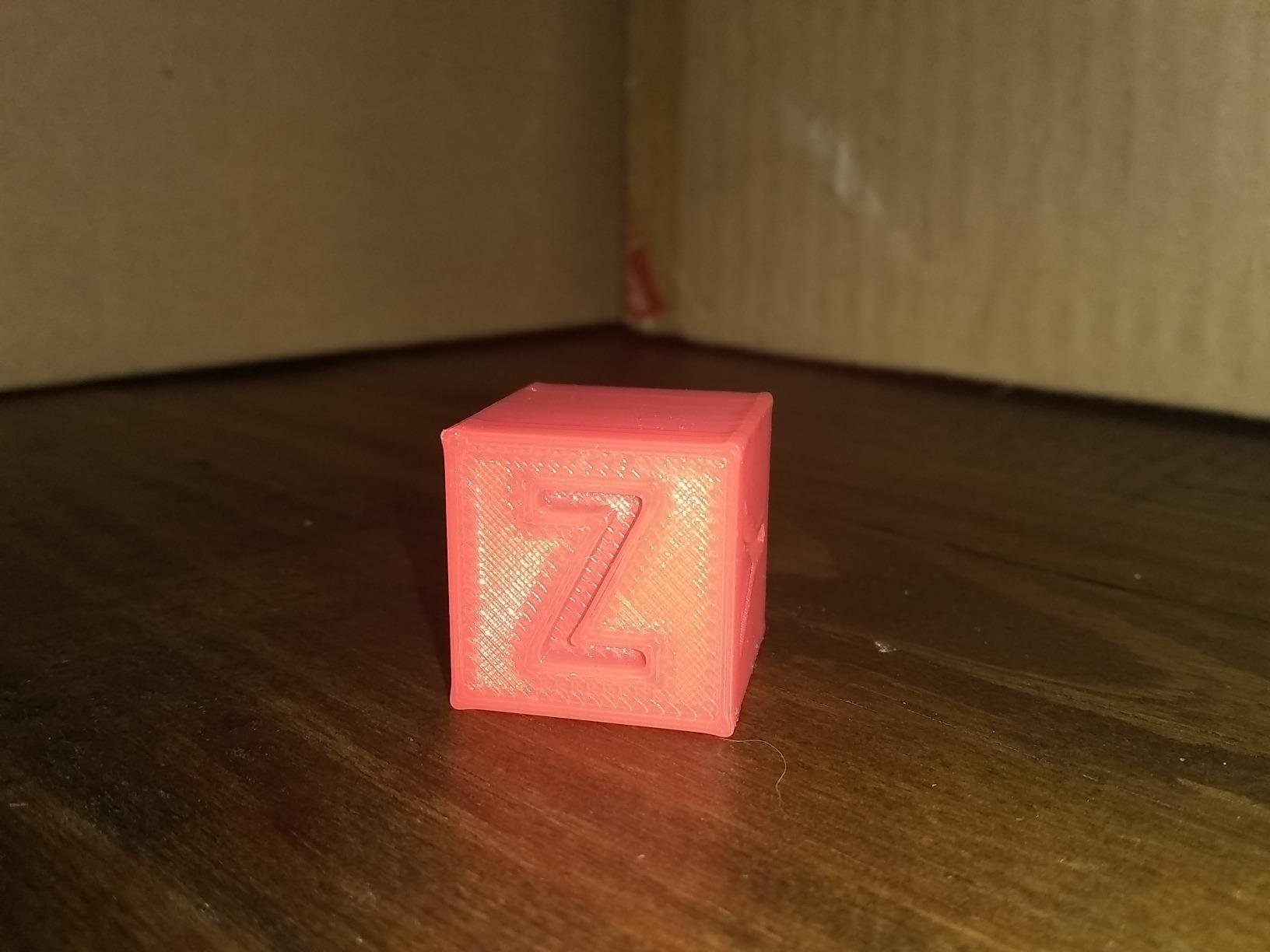
Finally, plan the first 30 days, because that is when printers die. Week one: run a calibration cube and one simple vase, and confirm the first layer is reliable. Week two: print a flat, forgiving object for every student so everyone gets a win. Weeks three and four: introduce the slicer and the first design brief. Printers that sit unused in week four almost always got there because the first five prints were frustrating, not because the machine was wrong.
One last piece of practical advice, because nobody else covers it: a homeschool co-op sharing one machine needs a written session schedule, a per-family filament allocation, and a rule for what happens when a print fails mid-session. Our homeschool furniture guide covers the other half of setting up a shared learning space, and the logistics conversation matters just as much.
Frequently Asked Questions
Which 3D printers are best for schools?
For a funded classroom, the Bambu Lab P1S Combo is the strongest all-round choice because the enclosed chamber handles ABS and ASA and the AMS adds multi-color output. For speed and remote supervision at scale, the Creality K1C offers an AI camera and the quietest operation in this roundup. For a budget covering several machines, the Creality Ender 3 V3 SE is the cheapest option here that still levels itself automatically. We would avoid open-frame machines in a room full of students, and resin entirely.
What is the best printer for a homeschool family?
For most homeschool families the Bambu Lab A1 is the best fit. It is quiet, it calibrates itself, it needs almost no maintenance and it has the highest owner satisfaction in this roundup at 4.7 stars. The Bambu Lab A1 Mini Combo is the better answer if desk space is tight or your children are around 10 to 12, because multi-color arrives in the box. For a child under 10, the Entina Tina2C or the TINA2S makes the most sense because guided app setup removes the adult technical barrier.
What is the most kid friendly 3D printer?
The most kid friendly printer is the Entina Tina2C for guided setup, or the TINA2S for pure turnkey hardware. The Tina2C reaches a first print in as little as 8 minutes through its app and ships with 3,500+ models plus 25+ DIY modules, so a child never faces an empty screen. The TINA2S is fully assembled, includes filament and a model-loaded SD card, and weighs 6.4 pounds. Both are small-build machines, so plan projects at desk-object scale.
Should I get my 7 year old a 3D printer?
Yes, with conditions. A seven-year-old can absolutely benefit from designing and printing objects, and the skill progression from choosing a model to modifying one is the point. Choose a small, fully assembled machine with a guided app, keep the build volume small so the first successes are quick, and make an adult responsible for filament changes and part removal. Do not choose resin, and do not choose a machine where the child loads filament unsupervised.
Is 3D printing safe for kids at home?
FDM filament printing is safe for a supervised family space, and it is considerably safer than resin. An adult should always own the machine, handling hot components, filament changes and part removal, while children queue and start jobs. Keep the printer in a room with normal ventilation, position it on a stable bench away from where people sit, and choose an enclosed model with filtration if the printer shares a learning space. Resin printers involve liquid chemicals and a wash-and-cure step and do not belong in a family room.
How much does it cost to run a 3D printer for 1 hour?
Running costs are modest and dominated by filament rather than electricity. PLA is the cheapest filament to buy and the least wasteful on short classroom projects, while PETG runs heavier for the same object. Electricity is a small line item because an FDM printer draws typical consumer power. The costs that surprise people are the one-time ones: a spare nozzle, a replacement build plate, and a filament dryer in humid climates. For a school year, budget for consumables from the start rather than treating them as an emergency.
The Verdict: Best 3D Printers for Schools and Homeschool in 2026
The Bambu Lab A1 is our pick for the best 3D printers for schools and homeschool, because the combination of 4.7 stars, self-calibration, quiet operation and low maintenance solves the four problems that actually kill family and classroom printers. Buy the Combo if multi-color matters to your program.
For a funded lab, choose the Bambu Lab P1S Combo for its enclosure and AMS, or the Creality K1C if remote supervision and throughput matter more than materials. For a tight budget spread across several machines, the Creality Ender 3 V3 SE is the honest answer.
And for the youngest users, take the Entina Tina2C or the TINA2S, set them up with an adult, and plan the first 30 days properly. The printers that get used for years are the ones whose first five prints were easy.