
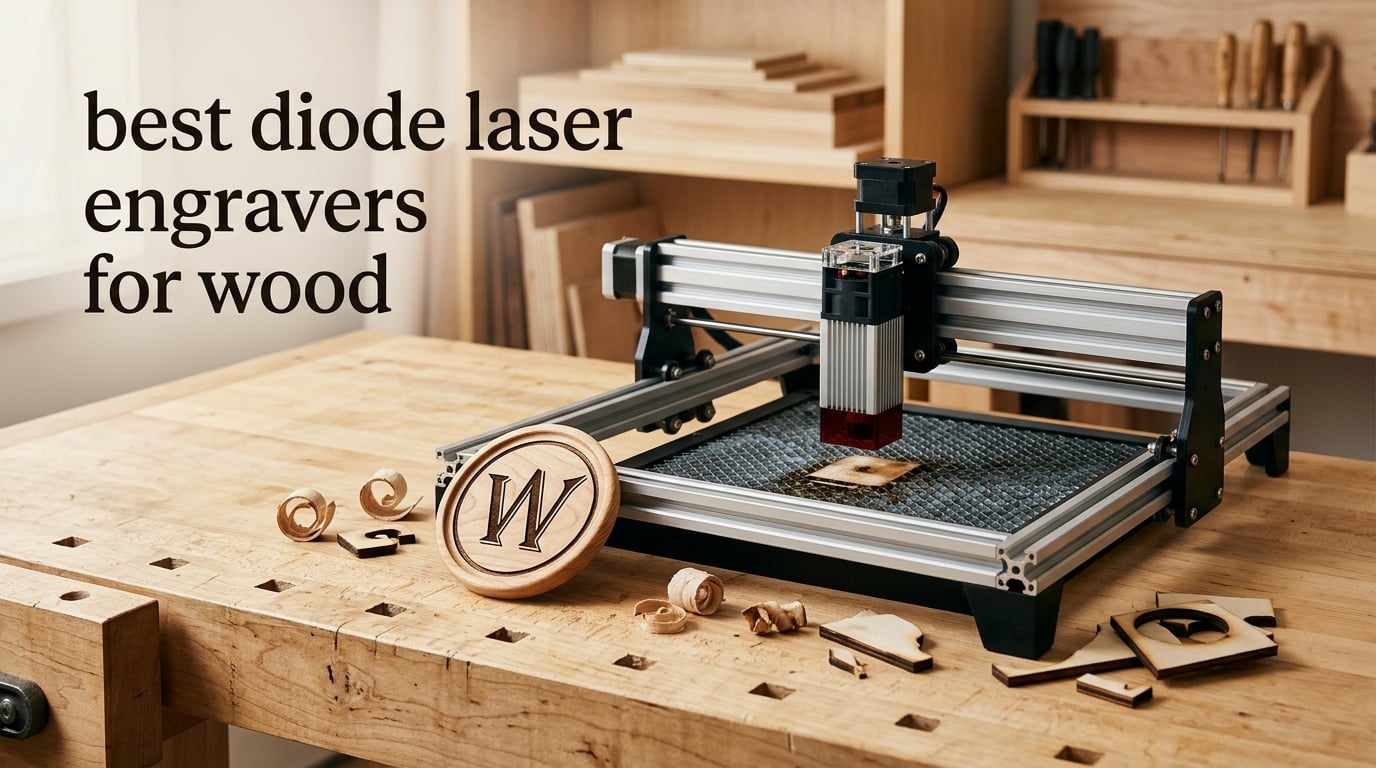
The short answer: the Ortur Laser Master 2 S2 is the best diode laser engraver for wood for most people, because it pairs a real 10W optical module with a rigid full-metal frame and has the largest review base of any machine here. If you need to cut 18mm cherry in a single pass inside a closed cabinet, step up to the xTool S1 40W instead.
That distinction matters more than it sounds. A diode laser engraver is an engraving-first tool that cuts second. It fires a focused 455nm blue beam across an XY gantry and burns the surface by controlling power, speed, and pass count. On wood that means dark, crisp lettering on a cutting board is easy, and slicing a thicker sheet of birch plywood in one pass is a different job entirely.
It also matters because of who is writing. Most of the pages ranking for this query are run by brands that sell the machines they rank. We have read the category the same way you are reading it now, and everything below is anchored to a stated capacity, a stated rating, or a review pattern we can see, rather than to a wattage number on a marketing page.
Our broader roundup of laser engravers for other materials sits at 10 Best Laser Engravers if you want the wider field, but this page only covers diode machines judged on wood.
Table of Contents
Top 3 Best Diode Laser Engravers for Wood in 2026
These three are the ones we would put on a bench first, and they cover the sensible spread: a battle-tested value machine, the fastest value upgrade, and the enclosed heavy cutter.

Ortur Laser Master 2 S2
- 10W optical module
- 390 x 410mm area
- Cuts 20mm wood
- Full metal frame

Best Diode Laser Engravers at a Glance (October 2026)
All eight machines, with the wood-relevant numbers up front. Live pricing moves constantly in this category, so use the buttons rather than any figure you find written elsewhere.
| Product | Specifications | Action |
|---|---|---|
| Ortur Laser Master 2 S2 |
|
Check Latest Price |
 Twotrees TTS-10 Pro Twotrees TTS-10 Pro |
|
Check Latest Price |
 Longer RAY5 Longer RAY5 |
|
Check Latest Price |
| xTool S1 40W |
|
Check Latest Price |
 Creality Laser Falcon 10W Creality Laser Falcon 10W |
|
Check Latest Price |
 xTool M1 10W xTool M1 10W |
|
Check Latest Price |
 Creality Falcon A1 Creality Falcon A1 |
|
Check Latest Price |
 xTool F2 15W Diode and 5W IR xTool F2 15W Diode and 5W IR |
|
Check Latest Price |
Why a Diode Laser Suits Wood, and Where It Falls Short
A diode module is a 455nm blue light source, the same family as a Blu-ray pickup, focused through a lens onto the work surface. What you see is not a line being scored out of the material so much as the surface being burned. On wood that burn is useful: it is what turns a pale maple coaster into a dark, permanent monogram.
Three consequences follow from that physics, and they explain almost every result in this roundup. Dark mark on pale wood comes easily. Cutting happens by removing material layer by layer through repeated passes, so cut depth is governed by total energy delivered, not by beam sharpness. And a diode is blind to bare metal, because a blue beam gets reflected rather than absorbed, which is why a “20W diode metal engraver” listing is misleading marketing.
The second honest limit is throughput. Forum users consistently describe a gantry diode as the right learning machine and the wrong production machine. Cutting one 3mm plywood coaster takes seconds, which is fine for prototyping and painful when you owe a customer four hundred of them.
A third limit is enclosure. Open-frame machines are cheaper and lighter, but wood is the material that most needs fume extraction, because plywood and MDF release adhesives and formaldehyde-based binders when the surface chars. That reframing drives most of our enclosure and safety guidance further down.
1. Ortur Laser Master 2 S2: Best Diode Laser Engraver for Wood Overall
- Real 10W module rated to cut 20mm wood
- Full-metal frame holds accuracy over time
- 10-15 minute modular assembly
- G-sensor tilt stop plus idle auto-off
- Works with LaserGRBL and LightBurn
- Open frame means Class 4 safety glasses are mandatory
- Steep learning curve in LaserGRBL or LightBurn
Of the eight machines here, this is the one with the deepest real-world track record: 1474 ratings averaging 4.2, and a 67 percent five-star share. That is the largest sample of actual owners we could examine, which is worth more than any spec line when you are deciding where to start.
On wood, the 10W module is genuinely competent rather than nominal. Ortur rates it at 20mm of wood and 30mm of acrylic, and the 0.05 x 0.1mm compressed spot is tight enough for small text in a single pass. The 390 x 410mm bed is a little unusual in shape but it is a real full-size working area, large enough for a set of coasters or a sheet of 3mm ply.
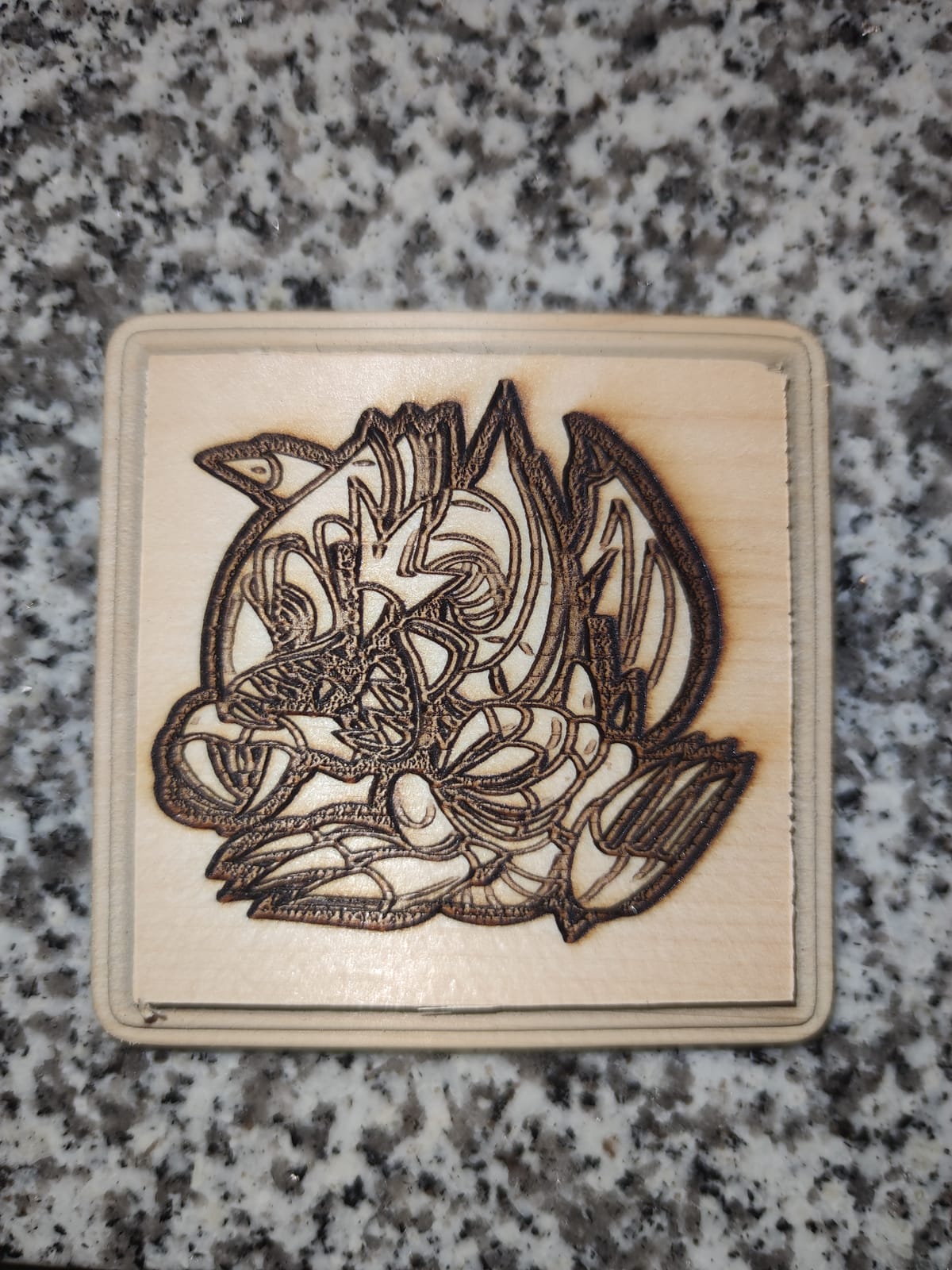
The frame is the reason we keep coming back to it. It is a modular industrial-style full metal frame, not folded sheet, and that rigidity is what keeps registration steady across a long batch. Reviews describe accuracy holding up over months rather than drifting, and the module itself is a dual-fan-cooled 235g head with a built-in air-assist interface on the laser module itself.
The safety suite is unusually honest for an open-frame machine. A G-sensor on the motherboard cuts the laser if the machine is tilted or displaced, the beam shuts off when the USB link drops, and the supplied cover filters 98 percent of UV. Safety glasses are in the box.
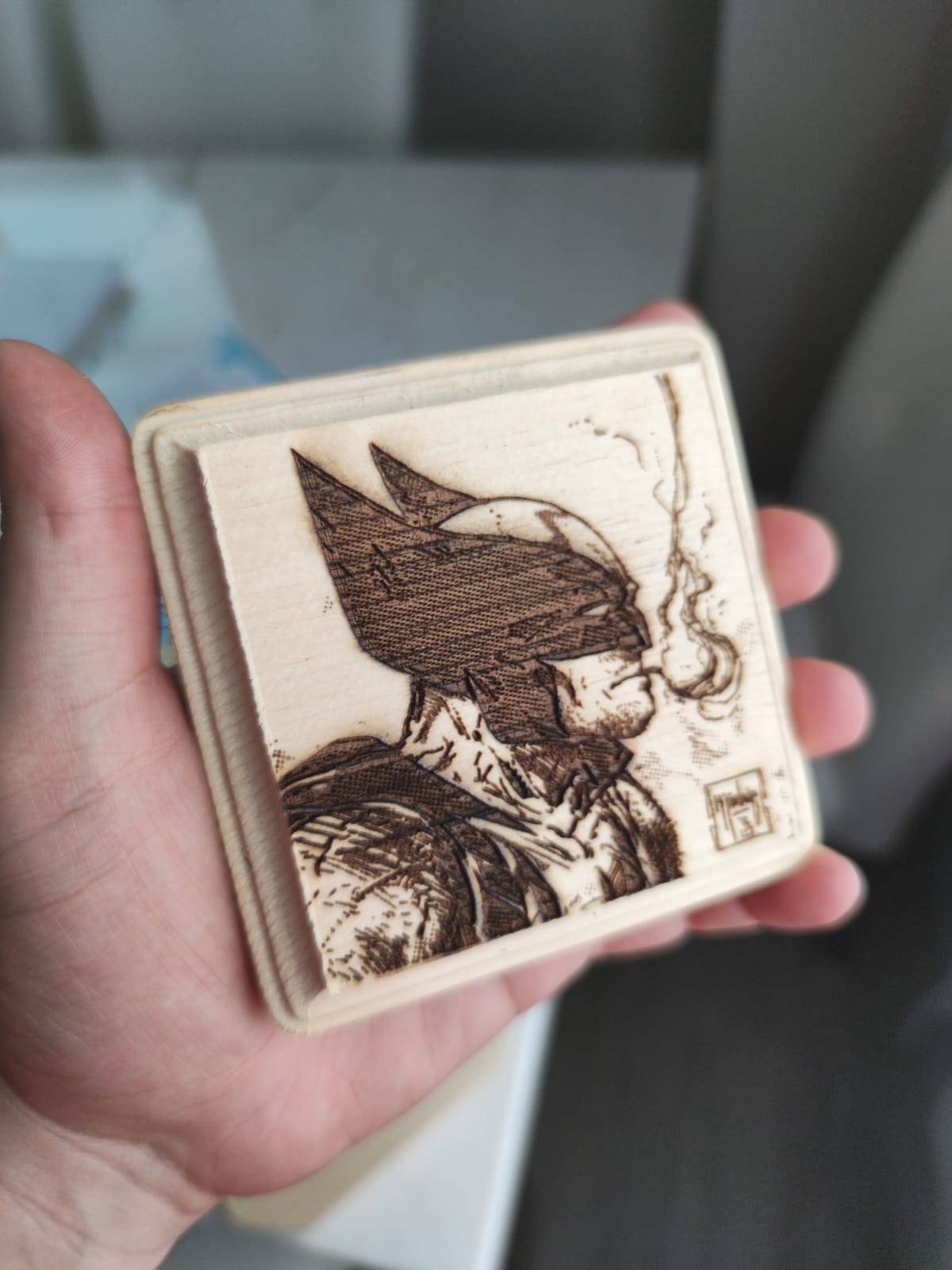
Who the Ortur Laser Master 2 S2 suits
It suits a beginner who wants a metal frame under them from day one and who will spend a weekend in LightBurn or LaserGRBL learning the workflow properly. The review pattern is consistent: owners like the cutting power and the straightforward assembly, and the nine percent one-star share is mostly about the software learning curve and open-frame safety requirements rather than the hardware.
It also suits a hobbyist making signs, personalised gifts, and cutting boards under 10mm, and a small seller running occasional short batches rather than continuous production.
Where the Ortur Laser Master 2 S2 falls short
It is a Class 4 open-frame machine, which means rated safety glasses and a real extraction plan are not optional. Owners also note the learning curve, and a small number of owners report hardware disappointments. If your work is mostly cutting rather than engraving, 10W is the practical ceiling of this class.
2. Twotrees TTS-10 Pro: Best Budget Diode Laser Engraver for Wood
Twotrees TTS-10 Pro Laser Engraver,10000mW High Precision Laser Engraving
- Clean even burns on wood and bamboo
- Compact durable frame for a small bench
- Offline TF card operation with 4GB card included
- Responsive support and 12-month warranty
- Assembly and first setup are fiddly
- 300 x 300mm bed excludes projects over 12 inches
- LightBurn is a separately licensed paid program on Mac
This is the most compact listing in the group and the one with an unusually thorough certification list, which matters if you are buying in a country with import checks. It carries CE, FCC, ROHS, FDA, and UL62368 certification, a 30-day return window, and a 12-month warranty, and the reviewers consistently call the support responsive.
For wood, reviewers describe dependable, even burns across wood, bamboo, acrylic, leather, and dark glass. That is the honest list of what a 10W blue diode marks well, and wood is at the top of it. The 450nm blue diode is the standard wood wavelength, and a 300 x 300mm bed is roughly an 11.8 inch square of working room.
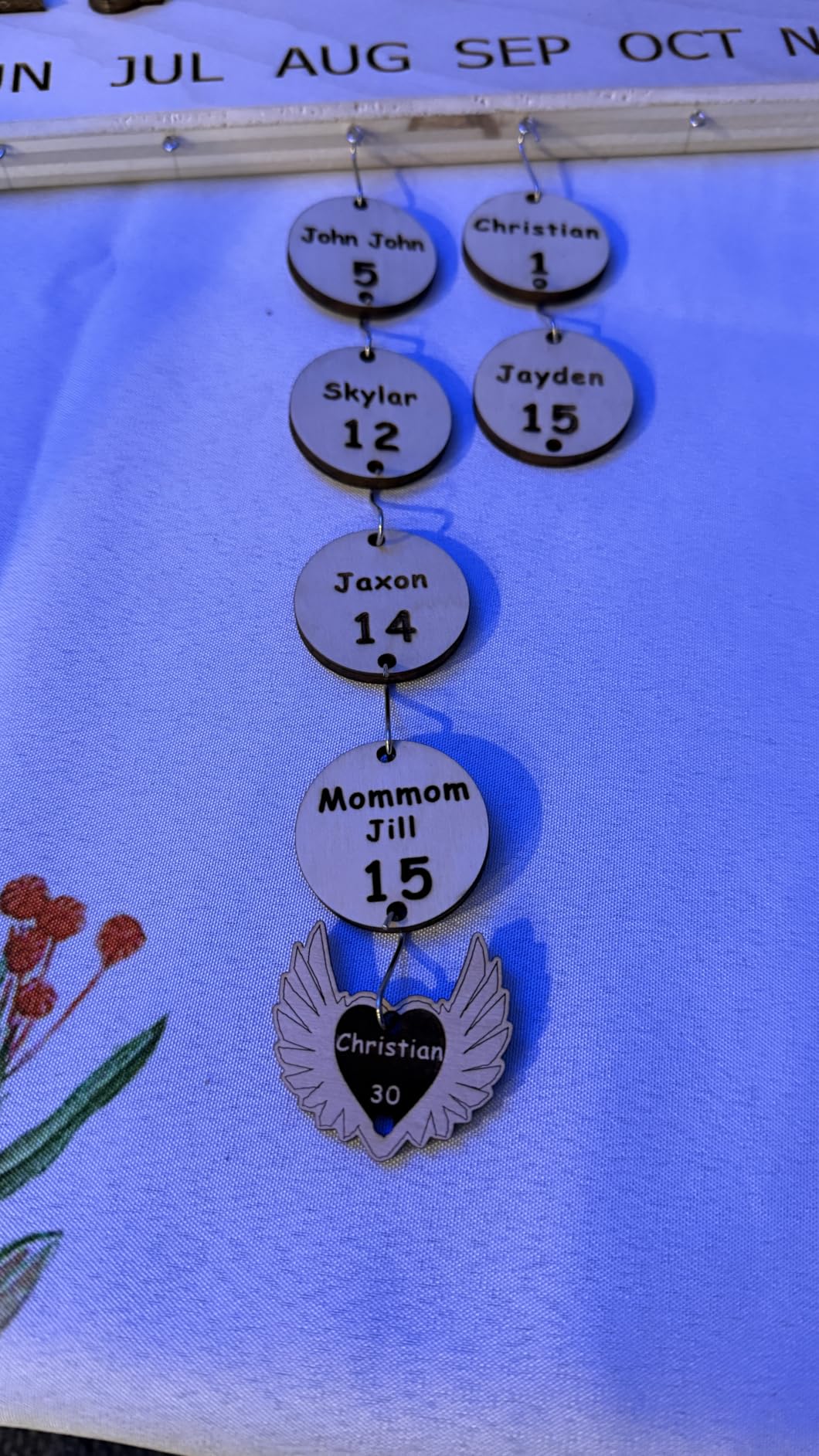
The build is a 32-bit dual-core MCU mainboard on an aluminum alloy frame with injection-molded parts, dual Y-axis 42 stepper motors, and GT2-6mm synchronous belts. The dual-motor Y is a good sign for a machine this size, because it resists the gantry skew that makes small beds feel inaccurate.
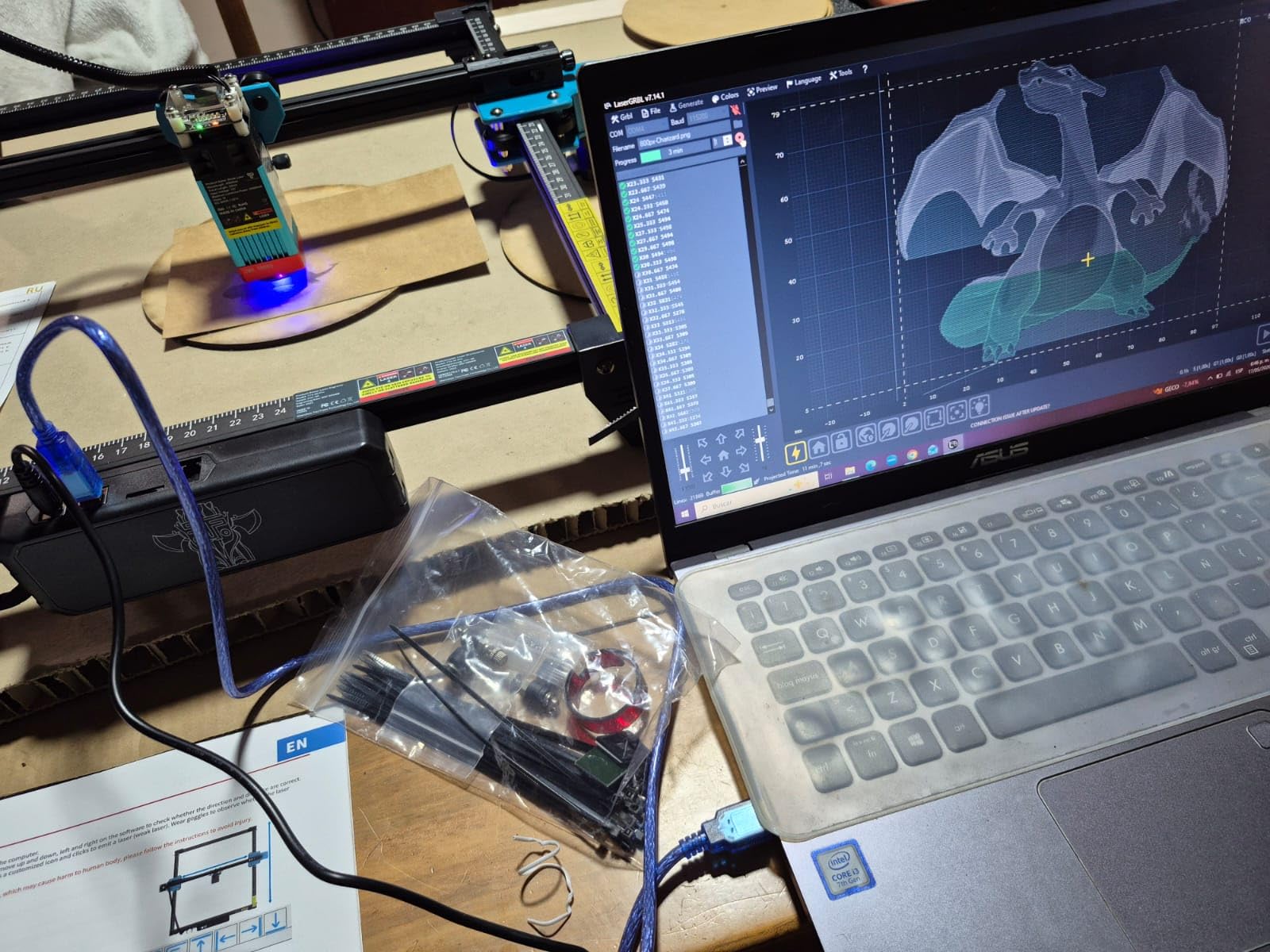
Control is unusually flexible for the money. You get online engraving over Wi-Fi, mobile app and web control, plus offline operation from the bundled 4GB TF card and card reader, and it exports to both LightBurn and LaserGRBL. For a machine you might use on a workshop bench with no computer nearby, that is a real advantage.
Who the Twotrees TTS-10 Pro suits
It suits a first machine for someone who mainly engraves: names on bamboo, markings on plywood, monograms on small blanks, and light scoring. The 300 x 300mm bed is genuinely limiting, so plan projects under 11.8 inches, and the weight figure is not published, which usually means it is not a machine you carry anywhere.
It also suits anyone who wants to learn the software before spending more, because the file export is standard and nothing is locked to a vendor cloud.
Where the Twotrees TTS-10 Pro falls short
The most common complaint is setup. Some owners reassembled the frame more than once, and the three percent to seven percent middle ratings suggest a real learning curve at the start. A 300 x 300mm bed excludes anything larger, LightBurn is a paid licence on Mac, and there are occasional reports of job stops and connection drops after weeks of use.
3. Longer RAY5: Best Value Diode Laser Engraver for Batch Wood Signs
- 24000 mm/min with clean single-pass cuts in 20mm wood
- Extension kit expands the bed to 850 x 400mm
- 3.5-inch touchscreen with four transfer methods
- Strong 73 percent five-star share among owners
- Written assembly instructions are thin
- Out-of-bounds errors until the origin is framed
- Exe firmware updates block macOS users
The RAY5 carries the highest rating of any open-frame machine in this roundup, with a 4.4 average and a 73 percent five-star share across 383 ratings. That is the cleanest rating profile of any open-frame machine here.
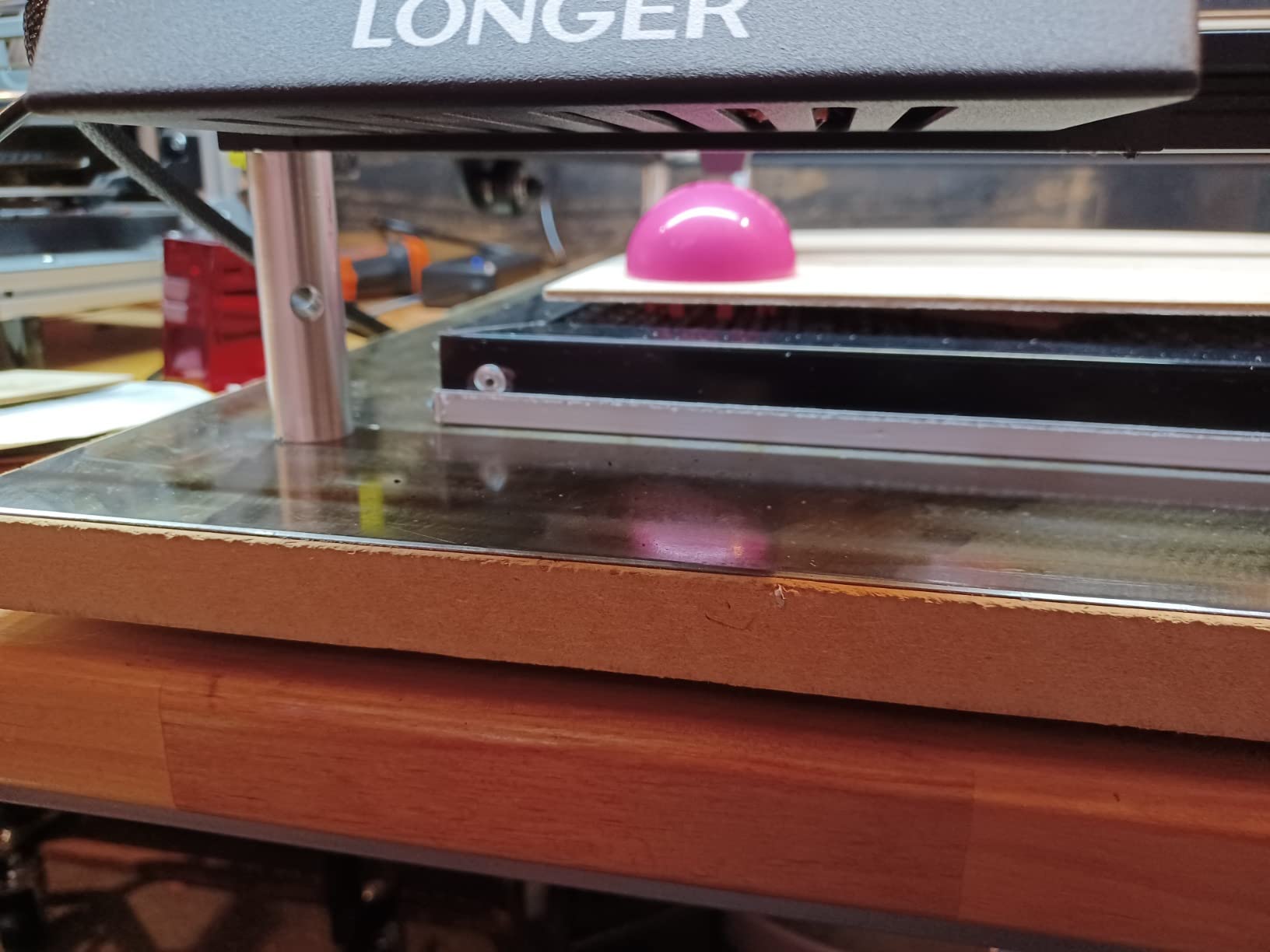
Its wood claim is the strongest one at this tier: 20mm of wood and 30mm of acrylic, cut with a dual-beam 10W head running at up to 24000 mm/min. The 400 x 400mm standard work area already handles a full sheet of common plywood, and the extension kit takes it to 850 x 400mm when a sign run gets bigger.
Two features make it the practical batch machine. The 3.5-inch touchscreen handles framing and job selection without a computer, and four transfer methods cover Wi-Fi, USB cable, app, and TF card with offline support, so a run does not stop because the network dropped halfway through a stack of blanks.
There is also a safety detail worth noting: built-in abnormal shaking and suspension detection auto-stops the machine, which is a useful guard on an open frame sitting near a busy bench. A protective cover and safety glasses are included.
Who the Longer RAY5 suits
It suits a maker producing batches of identical wooden blanks, coasters, or layered sign parts, because the bed and the speed both work in your favour there. It suits anyone who wants a wood cut capability well past what a 10W machine usually manages, and it suits a workshop where the machine lives next to a computer but is not always watched.
For a small seller, the extension kit is the deciding feature. One machine then covers prototyping and short production runs without buying a second bed.
Where the Longer RAY5 falls short
Documentation is the main friction. Written assembly instructions are thin and most owners set it up from video guides, the head can throw out-of-bounds errors until you frame the origin manually in software, and power and speed settings need experimentation to get an even burn. Firmware updates arrive as .exe files, which blocks macOS users entirely, and support hours sit 12 hours ahead of US time.
4. xTool S1 40W: Best Enclosed Diode Laser Engraver for Thick Wood
- Single-pass cuts in 18mm cherry and thick acrylic
- 82 percent five-star share
- Class 1 cab filters 99 percent so no goggles needed
- 400-plus material presets with auto-focus
- Support replaced a faulty unit
- 86.8 pounds needs a dedicated workspace
- No motor braking so a bump knocks the head out of origin
- Indoor extraction required because smoke is strong
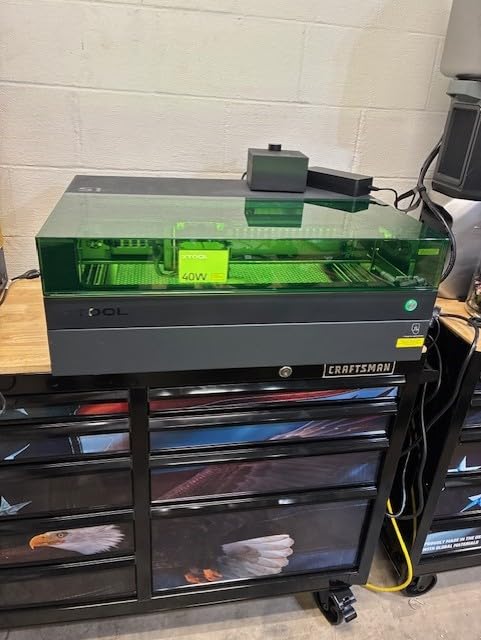
This is the highest-rated machine in the roundup at 4.6, with 82 percent of owners giving five stars. On pure wood capability it is also the strongest fit, and it is the honest answer for anyone whose work is cutting hardwood rather than marking it.
The headline is 18mm of cherry wood in a single pass, plus thick acrylic, from a 40W diode module. The 23.93 x 15.16 inch bed runs at up to 600mm/s, and the manufacturer states up to 119 dog tags per run, which tells you how the bed is actually used in production.
The enclosure is the second reason to look here, and it is a wood-specific one. It is a Class 1 design with a cover filtering 99 percent of laser light, five flame sensors, an emergency stop, and a lid-open stop. With five flame sensors watching the bed, a small ember from a runaway cut is far more likely to be caught, and you do not need laser goggles for routine work in the cab.
Two features go further than the wood work itself. AutoPassthrough supports projects up to 118 inches with an optional feeder, and Pin-point Positioning handles 3D engraving on curved surfaces. Auto-focus and xTool Creative Space come with 400-plus pre-tested material presets. A 3mm aerospace-grade aluminum frame is the backbone that makes the accuracy claims plausible.
Who the xTool S1 40W suits
It suits someone cutting hardwood for a living or for serious craft: chopping boards, thick ply signage, boxes, inlay stock. It suits a workshop where fumes are a genuine concern, because the closed cab with flame sensors changes the safety conversation rather than just adding a feature.
It also suits a buyer who has already owned a 10W machine and hit its ceiling. This is the upgrade that removes the ceiling, not a sideways move.
Where the xTool S1 40W falls short
It is heavy, at 86.8 pounds, and large enough to need a dedicated workspace rather than a desk. There is no motor braking, so a hand can bump the head and knock it out of X and Y origin. The spring-loaded Z probe spear can dent and give false focus readings, extraction is required indoors, and experienced users often prefer LightBurn to xTool Creative Space.
5. Creality Laser Falcon 10W: Best Diode Laser Engraver for Fine Wood Detail
- Cuts 5mm basswood in one pass at 10000 mm/min
- 0.06mm spot with 0.004 inch accuracy
- All-aluminum frame with steel shaft guide rails
- Assembles in 10-20 minutes with tool-free focus
- 11 percent one-star share suggests unit variation
- Open frame needs eye protection and extraction
- Air assist and rotary sold as separate variants
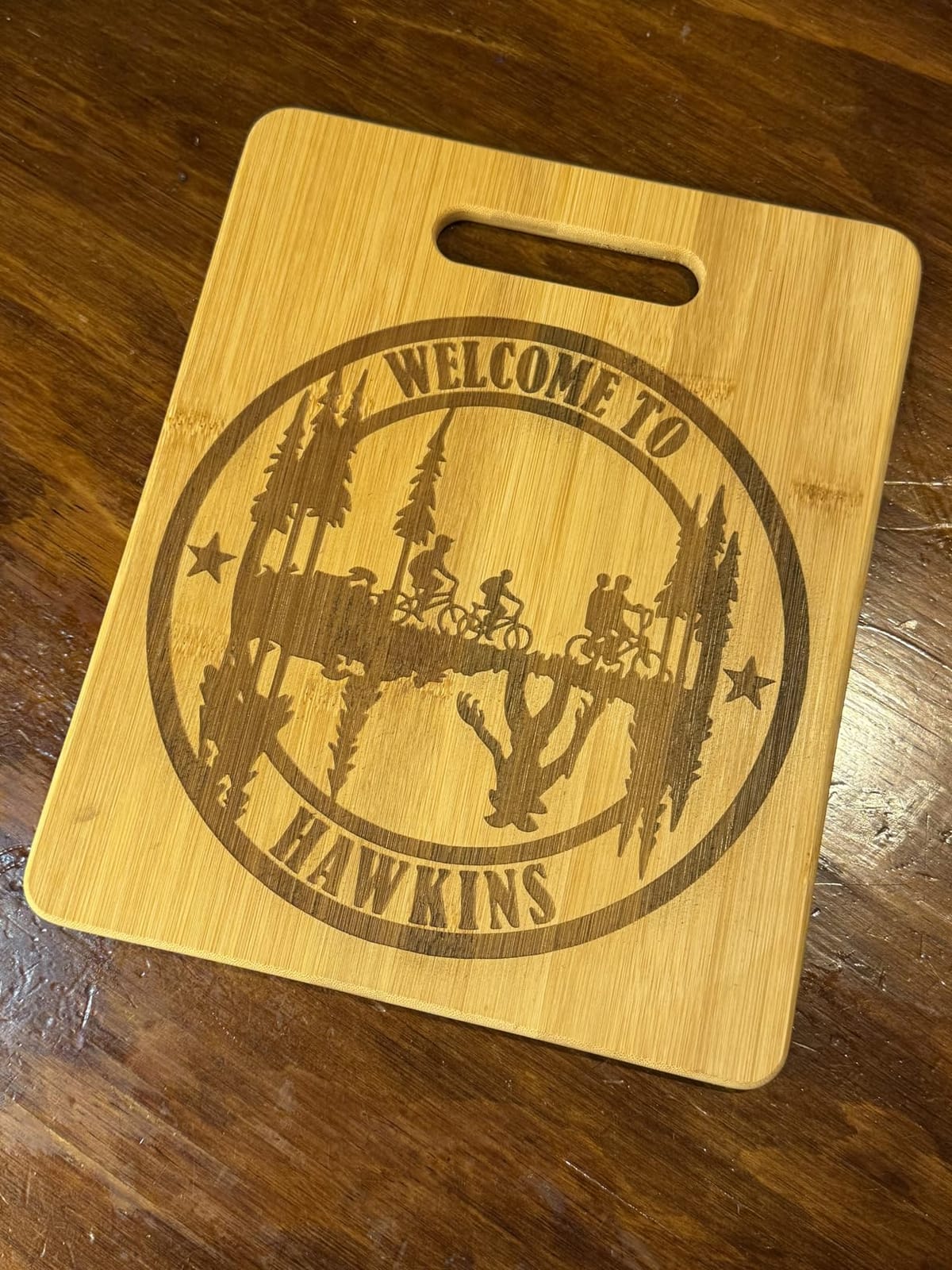
This is the machine to look at if your wood work is engraving small text, serial numbers, or fine detail rather than cutting shapes. The 0.06 x 0.06mm spot is among the tightest stated spots in this group, with accuracy within 0.004 inches and repositioning accuracy under 0.007 inches.
On wood it is rated to cut 5mm of basswood in one pass, which is thin material, but that is a deliberate trade toward a small, sharp beam. Speed runs to 10000 mm/min, and the 17 x 16 inch bed is a familiar square shape that suits square blanks.
The frame does more for accuracy than the wattage does. An all-aluminum alloy frame with steel shaft wheel guide rails and belt tension adjustment resists the flex that makes open frames lose registration, and the laser head carries a focusing plate so you can refocus without tools.
Software support is the quiet strength here. LightBurn is recommended for experienced users and LaserGRBL for beginners, and LightBurn runs on Windows, macOS, and Linux. Transfer is over Wi-Fi, USB, or SD card, and anti-UV filter acrylic on the laser module blocks 97 percent of UV rays.
Who the Creality Laser Falcon 10W suits
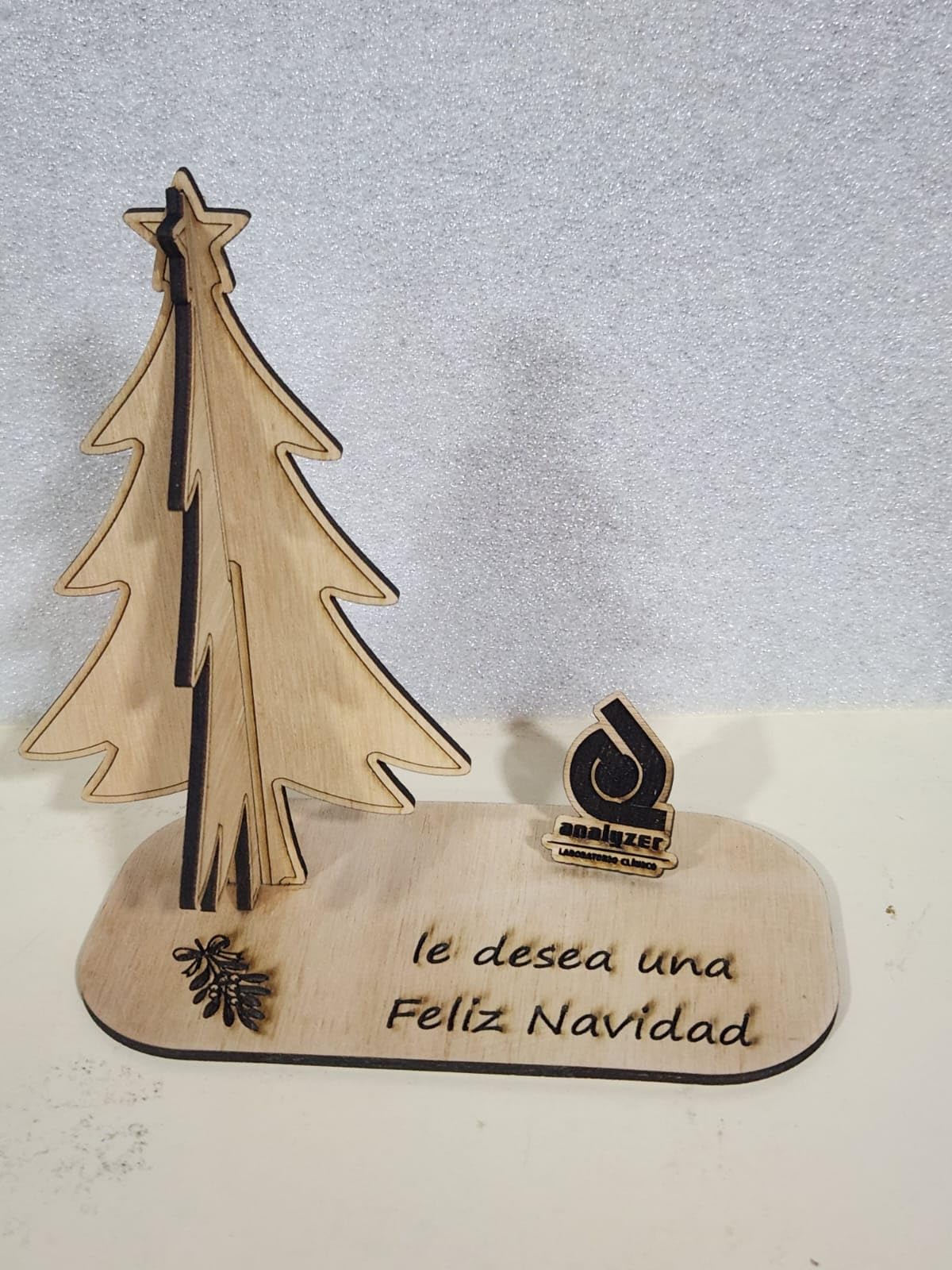
It suits someone whose product is a small wooden item with a lot of fine text on it: instrument panels, small plaques, gift blanks, control tags. It suits a Mac or Linux user who does not want to be locked out of LightBurn, and a buyer who wants a machine assembled in 10 to 20 minutes rather than an afternoon.
It also suits a beginner, since the manufacturer points new users toward LaserGRBL and the assembly is genuinely quick.
Where the Creality Laser Falcon 10W falls short
Consistency is the concern. With 223 ratings, the 11 percent one-star share is the highest in this roundup, which usually points to variability between individual machines rather than a design fault. It is an open-frame Class IIIa design needing eye protection and ventilation, and air assist and the rotary roller kit are sold as separate bundle variants rather than included.
6. xTool M1 10W: Best Compact Diode Laser Engraver for Wood and Vinyl
xTool M1 10W Laser Engraver with RA2, Class I Laser Engraver, 3-in-1 Laser Engraving Cutting, Blade Cutting, Supports Processing Glass, Cylindrical Objects
- Only machine here combining laser
- blade
- and engrave
- Second-pass alignment avoids wasted material
- Camera auto-focus with AI shape recognition
- Compact footprint with riser for tall material
- RA2 rotary included for cylinders
- No LightBurn or Laserbox Basic support
- 10W underpowered for thicker wood
- Exhaust fan stops when the job ends
- Reports of missing parts in the box
The M1 is the odd one out in this roundup, and that is its selling point. It is a 3-in-1 desktop unit that does laser engraving, laser cutting, and blade cutting in the same chassis, at 17.6 by 21.9 by 9.1 inches, which is smaller than most enclosed machines at this class.
For wood it is a 10W dual laser head rated to cut 10mm in a single pass, with FAC lens compression spot accuracy up to 0.01mm and an engraving rate of 250mm/s. The blade adds something no laser here can do: clean vinyl edges with no burn and no smoke, which is how a wood-and-vinyl sign package gets made on one machine.
The camera is what makes repeat work reliable. A built-in high-resolution camera handles auto-focus, image capture, and material detection, and AI material shape recognition enables batch processing of identical items. Owners specifically praise reliable second-pass alignment, which is the usual reason cheap cutters waste a blank.
Enclosure-wise it is a visible protective cover that blocks blue light, auto power-off when opened, plus a built-in fan and an exhaust pipe. A removable bottom plate and riser base let you work on material of unlimited height, and the RA2 rotary covers tumblers and glasses.
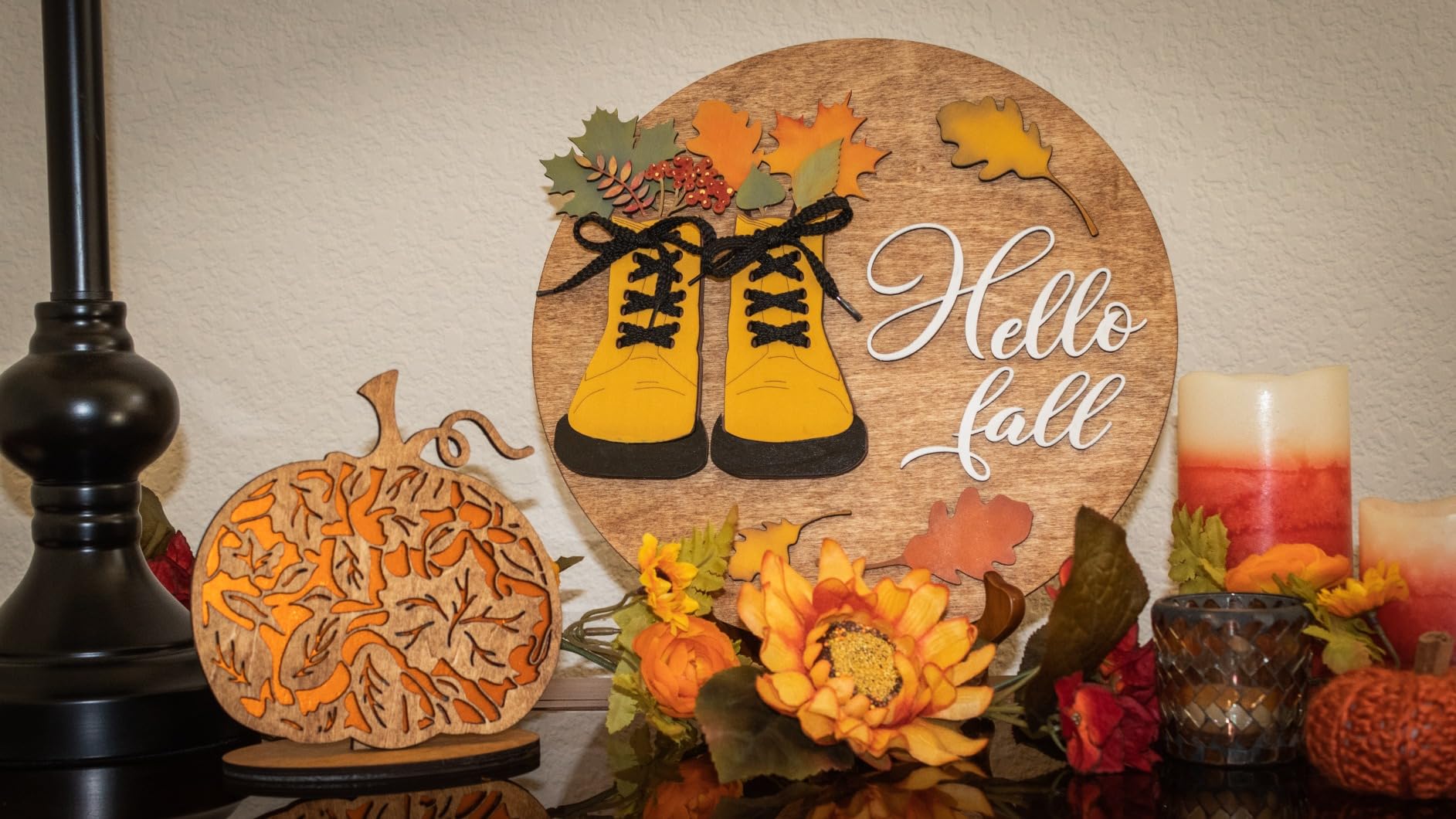
Who the xTool M1 suits
It suits a small-space maker or a first product business, because one machine covers wood engraving, wood cutting, and vinyl or fabric prep without a second purchase. It suits someone running short runs of identical wooden items, where the camera and shape recognition remove the alignment guesswork.
It also suits a seller who does markets or client visits, since the footprint is manageable and the RA2 rotary is already in the box.
Where the xTool M1 falls short
Software is the real limit. It runs xTool Creative Space only, with no LightBurn and no Laserbox Basic, so advanced workflows that depend on LightBurn are closed off. At 10W it is underpowered for thicker wood than the Ortur or Longer can reach, the exhaust fan stops when the job ends and leaves residual smoke, and owners report missing parts in the box.
7. Creality Falcon A1: Best Diode Laser Engraver for Guided Wood Setup
- 600mm/s CoreXY speed is three times this class
- Camera removes manual origin tweaking
- Class 1 cab filters 99 percent of laser radiation
- Pre-set material parameters reduce trial and error
- Air assist included in the box
- 381 x 305mm bed on a larger footprint
- No acrylic cutting and no reflective surfaces
- Heaviest sub-600 tier machine at 43.6 pounds
- Falcon Design Space library is shallow
The Falcon A1 is an enclosed 10W machine built around speed and guided setup. It uses a CoreXY motion system with dual motor power drive reaching 600mm/s, roughly three times what a comparable open-frame gantry manages, and it is a Class 1 machine with a dual-door enclosure.
That enclosure filters 99 percent of laser radiation and adds auto-lock, an emergency stop, and smoke control, which on wood work is the difference between a machine you can leave running while you walk to the next job and one you cannot.
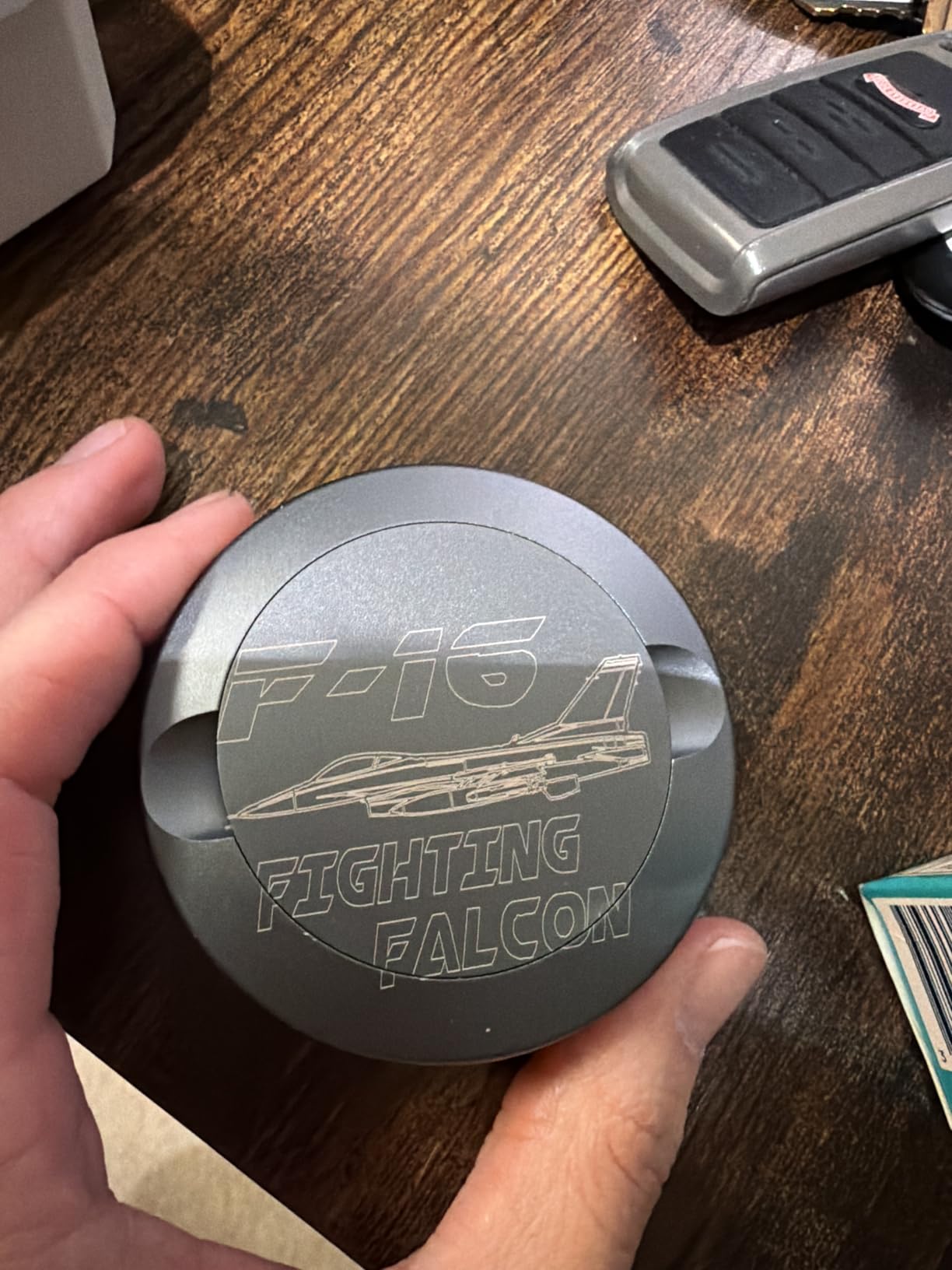
The camera is the reason to choose it. A pre-calibrated HD camera gives a full-frame view of the engraving area, and graphic outline extraction converts an imported design into a detailed engraving path. For a beginner, that removes the single most common first-week failure, which is getting the origin wrong on a fresh piece of wood.
Material setup is handled too, with pre-set optimal parameter profiles for common materials so there is less trial and error on your first sheet of plywood. Air assist comes in the box, which is where most open-frame competitors make you buy a separate pump.
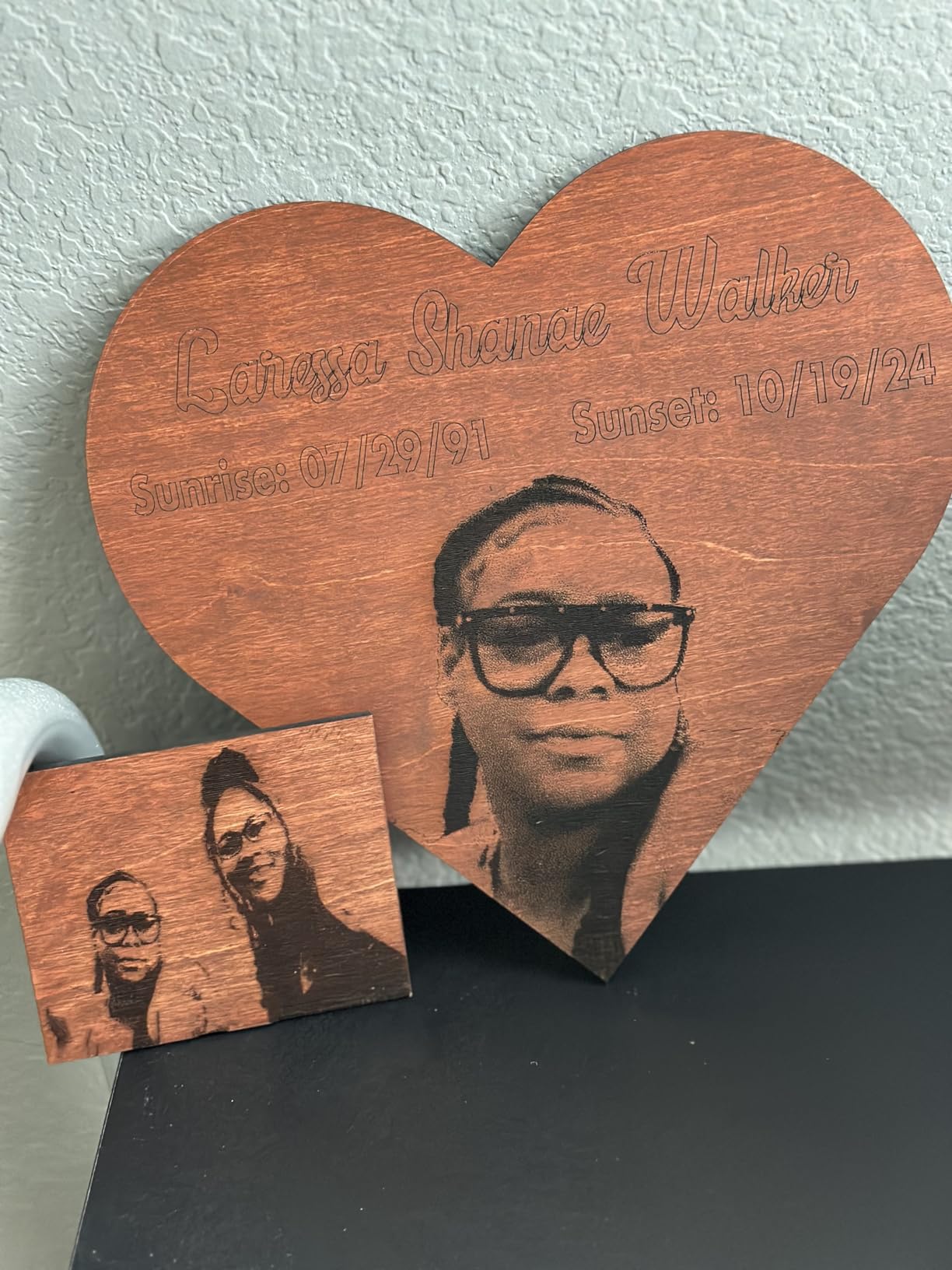
Who the Creality Falcon A1 suits
It suits a beginner who wants the machine to hold their hand through setup, and anyone working in a room where smoke and laser light both need to be contained. It suits a small seller who values 600mm/s throughput on short jobs over raw cutting depth, since 10W output will not take on hardwood the way the S1 does.
It also suits users who do not want to commit to one software vendor, since Falcon Design Space, LightBurn, LaserGRBL, and Cutlabx are all supported.
Where the Creality Falcon A1 falls short
The bed is the compromise. It is 381 x 305mm, which is not large, and it is not compatible with the 500 x 500mm honeycomb panel, so a common accessory upgrade is off the table. Acrylic cutting is not supported, mirror-finished metals and mirrored acrylic are strictly prohibited, the machine weighs 43.6 pounds, and Falcon Design Space has a shallower library than LightBurn.
8. xTool F2: Best Diode Laser Engraver for Taking Wood Work to Clients
- Light 10 pound body that travels to markets and sites
- 6000mm/s is the fastest speed in this group
- 50MP camera aligns to 0.1mm on small pieces
- Runs one program across both lasers
- Arrives fully assembled
- Small work plate limits batch sizes
- Cloud-only file handling instead of local saves
- IR marking may not register on 304 stainless
- Smoke filter connector does not match the manual
At 4.6 kg, about 10 pounds, this is light enough to carry to a market, a pop-up, or a customer’s kitchen. That is a narrow reason to buy, but for a mobile engraving business it is the reason that matters.
The wood side of the machine is a 15W diode, rated for 3D embossing and thicker cutting, paired with a 5W infrared laser that produces deep dark colour marking on metal. Speed runs to 6000mm/s, with a card engraving completing in about three seconds.
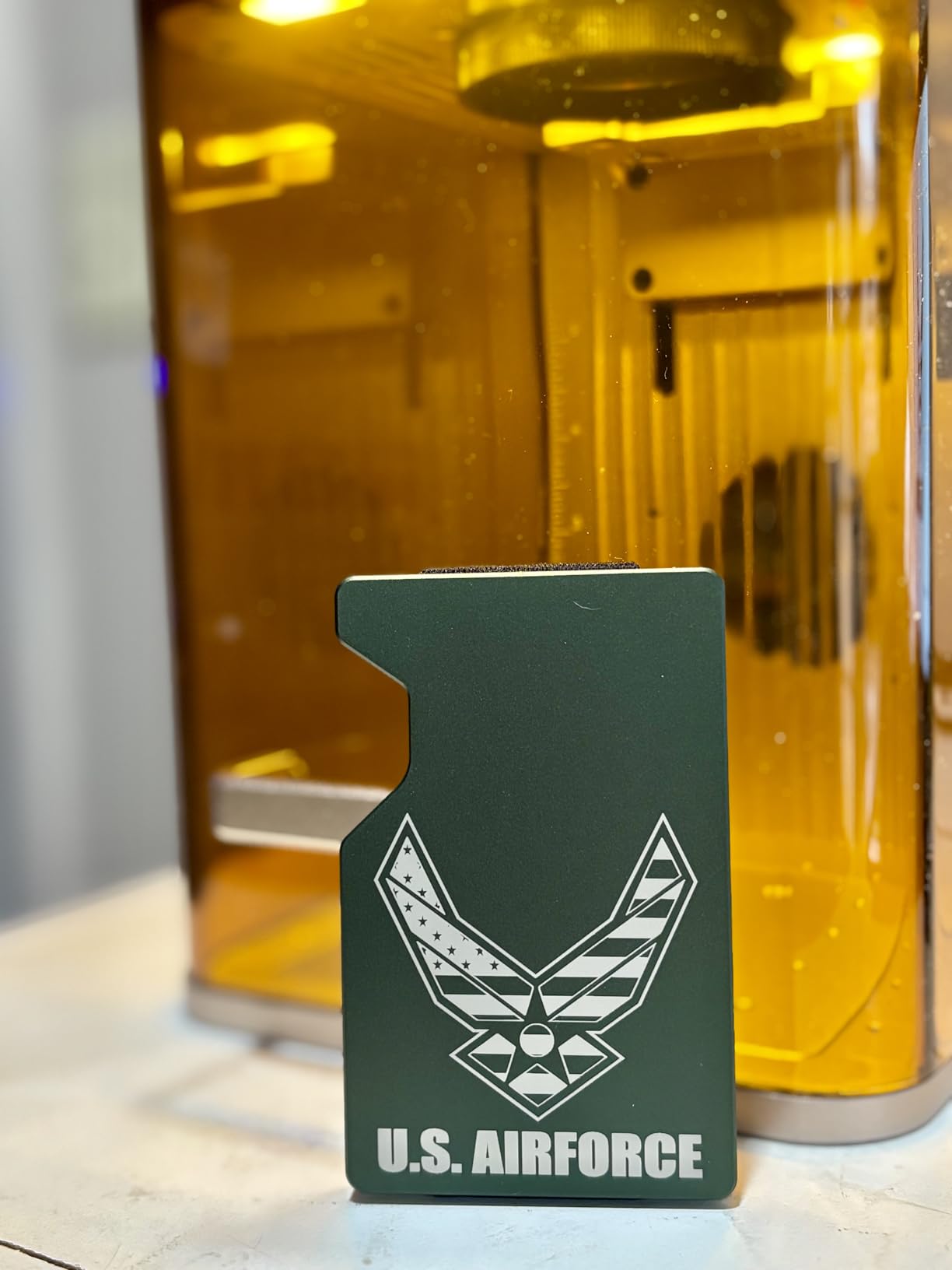
Setup friction is near zero because it arrives fully assembled with a base plate and base material kit, and calibration was the only setup step for most owners. The built-in 50MP camera aligns to 0.1mm on small pieces, with 0.00199 inch motion accuracy, so a personalisation job on a coaster does not eat the blank.
It is fully enclosed and leak-proof with a built-in fan and an optional purifier for indoor use, and it can be expanded with the RA3 rotary and a Slide Extension that enables batch processing of items like coasters and phone cases.

Who the xTool F2 suits
It suits a person who personalises on location: markets, craft fairs, client visits, and pop-up shops where the machine has to come to the customer. It suits someone who works on a mix of wood and coated metal, because one program runs across both lasers rather than needing two machines.
It also suits a buyer who does not want to spend a Saturday assembling a frame. The 79 percent five-star share suggests most people get it running immediately.
Where the xTool F2 falls short
The work plate is small, and without the Slide Extension your batch size is limited. Software locks work to the cloud instead of saving files locally, and the AI assistant is unhelpful. IR colour marking may not register on some stainless grades such as 304, the smoke filter connector does not match the manual, the newest ARM-based Microsoft Surface Pro driver is unsupported, and tumbler work is slow and uneven without the optional RA3 rotary.
How to Choose a Diode Laser Engraver for Wood
Wattage, and why the number overstates the result
Wattage is the number vendors race to the top of, and it is the least useful number on the page. A diode’s rated wattage is optical output at the module, not energy delivered to the wood, and real cut depth also depends on focus, assist pressure, speed, pass count, and the density and moisture of the wood. Two 20W machines from different brands can behave very differently in the same plywood.
What we can do is read the stated claims honestly. In this group, 10W machines are rated between 5mm of basswood and 20mm of wood, the xTool M1 states 10mm in a single pass, and the 40W xTool S1 states 18mm of cherry. Treat every one of those as a manufacturer figure on ideal material rather than a guarantee, and run your own test grid on the wood you actually buy.
Bed size, and how it decides your batching
Work area is a batch decision more than a capacity decision. A 300 x 300mm bed, like the Twotrees, handles coasters and small blanks and excludes most sign sheet material. A 400 x 400mm bed, like the Longer, takes a full sheet of common plywood. The 23.93 x 15.16 inch xTool S1 bed is wide rather than square, which is the shape that suits long signage and push-through runs. The Creality Falcon A1 is the cautionary one: 381 x 305mm inside a 25 x 22 x 10.5 inch package, so you get the enclosure footprint and not the bed.
If you already know the size of your product, measure the blank and add room for the tab holder frame before choosing. A machine that fits your material exactly leaves you nowhere to put clamps or a riser.
Enclosed versus open frame, framed around wood fumes
Most roundups treat an enclosure as a premium feature. For wood it is a safety decision, because plywood and MDF adhesives off-gas when the surface chars, and a closed cab with a flame sensor catches an ember that an open frame will not. The xTool S1, the Creality Falcon A1, and the xTool M1 are all enclosed and filter 99 percent or more of laser light, so routine work inside the cab does not require goggles. Open-frame Class 4 machines like the Ortur and the Longer require rated safety glasses every time the beam fires.
Enclosure does not replace extraction. Owners of the S1 still report strong smoke and odor indoors, and the Falcon A1’s exhaust is a point in its favour. If your shop is indoors, budget for a filtered exhaust unit either way. Our wider notes on workshop lighting and machine placement are in the laser lighting guide, since glare on a shiny bed plate makes camera alignment harder than it should be.
Air assist, honeycomb beds, and exhaust
Air assist is the highest-value accessory in this category and the one most often missing from a budget machine. It clears debris out of the kerf, keeps the lens cooler, and reduces the charring halo on the edge of a cut, which is the difference between a clean 3mm plywood cut and a black, burnt one. A module-level air-assist interface, as the Ortur has, is the version worth having, since it blows directly at the cut rather than across the bed.
A honeycomb bed is what stops small pieces falling through the slats. On this roundup the Creality Falcon A1 is explicitly not compatible with the 500 x 500mm honeycomb panel, so check fit before you plan on that upgrade. The other two things you will eventually want are a light duty air pump and a filtered exhaust unit.
Software: LightBurn versus LaserGRBL
LaserGRBL is free, simple, and does one job well. LightBurn is the reason most experienced users in this category moved past their first machine, and its camera alignment and framing workflow are what make repeat batches accurate. Two of the eight machines here run xTool Creative Space instead, and the M1 in particular will not run LightBurn at all, so check that before you buy based on your workflow.
The trap forum users hit is the trial. LightBurn offers a limited trial that expires, and a project stopped mid-way by an expired trial is a real and unwelcome cost surprise. If you will use the machine beyond the first month, treat the software as part of the purchase decision rather than an afterthought.
Safety and eye protection
A diode laser is a Class 4 or Class IIIa device, and OSHA laser hazard guidance and FDA laser product guidance both treat eye and skin exposure as the primary hazard. For a 455nm blue beam, OD6+2.2 goggles are the standard rating outside an enclosure; inside a fully enclosed cab filtering 99 percent of laser light, the enclosure itself is the control and routine work does not need eyewear.
The wood-specific hazards are less discussed. Fire is real, which is why the S1 carries five flame sensors, and ventilation matters more with MDF and plywood than with acrylic. Never engrave PVC or vinyl, and do not cut any glued or coated wood you have not identified, because the fume chemistry of an unidentified polymer is the risk.
What Each Machine Can Actually Cut in Wood
These are manufacturer-stated figures for each machine in this roundup, with the species the manufacturer named. We are not adding estimates to fill gaps, and a machine with no published wood figure is left as unstated rather than guessed.
Ortur Laser Master 2 S2 rates 20mm of wood. Longer RAY5 rates 20mm of wood. xTool S1 40W rates 18mm of cherry in a single pass. xTool M1 rates 10mm of wood in a single pass. Creality Laser Falcon 10W rates 5mm of basswood in a single pass.
The Creality Falcon A1, the Twotrees TTS-10 Pro, and the xTool F2 do not publish a specific wood cut thickness in their listed specifications. What the F2 does publish is capability scope: the 15W diode handles 3D embossing and thicker cutting, and the machine works across more than 300 materials.
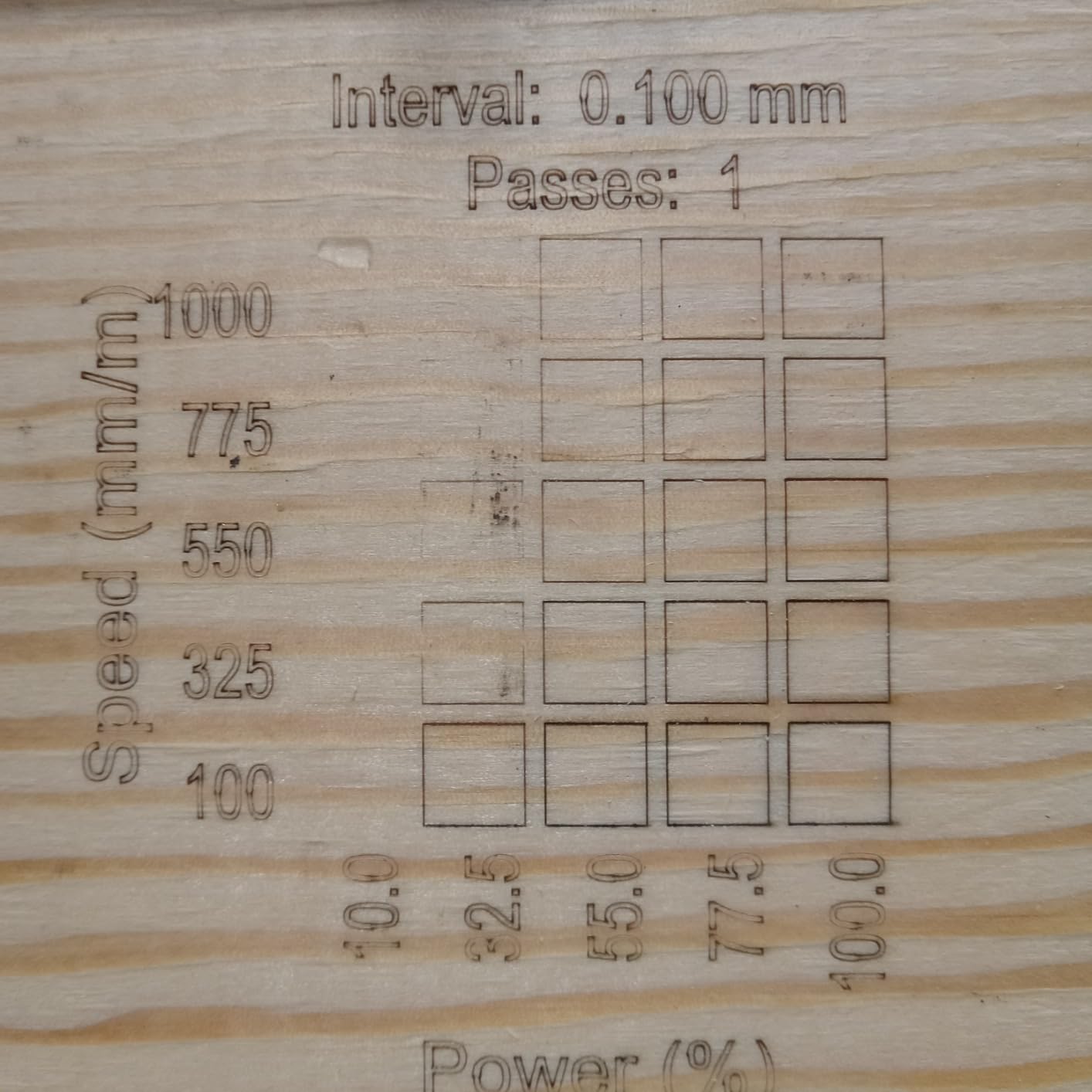
Where those figures matter is method. Higher wattage does not mean higher speed on a given job, and it rarely changes how you work. Run a test grid on your own material before the first real project, and keep a note of the power, speed, and pass combination that worked, because that grid becomes your reference for every batch after it.
True Cost of Ownership After the Box
The machine is the smallest part of what a wood laser actually costs, and this is the section no roundup competitor includes.
Air assist pump: if your machine does not include one, you will be adding it, and it is the first thing to buy. Exhaust: a filtered unit for indoor work is not optional with MDF or plywood. Honeycomb bed: needed for anything thicker than thin veneer, and priced as an add-on by most brands, with fit compatibility to check per machine. Laser safety glasses: rated OD6+2.2 for any open-frame Class 4 diode. Software: a LightBurn licence once the trial ends, unless you are happy in LaserGRBL. Riser and tab holders: a riser for tall blanks and comb-style tab holders for holding small parts on the bed.
If you are working out whether a cheaper machine is genuinely cheaper, that list is the honest comparison. A budget open-frame unit plus a pump, exhaust, glasses, honeycomb bed, and software can close most of the gap to a mid-tier enclosed machine, which is why we rate the Ortur and Longer as strong value rather than as compromise buys.
Wood Laser Troubleshooting: Symptom, Cause, Fix
No visible mark on dark or stained wood. The beam is reflected rather than absorbed. Fix it with surface prep: a light coat of white spray paint, gesso, or matte tape over the area before engraving, which is also the standard trick for dark glass.
Head loses position, banging, or outline drift. Frame speed or acceleration is too high for the gantry. Lower the speed, check V-wheel belt tension and pulley set screws, and check whether the air hose is dragging the head. This is the most common fault in the category and the easiest to fix.
Cut edges are black and charred. Air assist is off, weak, or pointed wrong. Turn it on for cutting, aim the nozzle at the kerf, and raise pressure until the edge stays clean. Softwoods char fastest, so pine and balsa need more assist than plywood.
Job stops part way through, or the connection drops. On the Twotrees this is reported after weeks of use. Run long jobs from a local file rather than a network share, use offline TF card operation, and on the xTool products check whether cloud-only file handling is the cause.
Out-of-bounds errors on a new setup. The origin has not been framed in software. This is reported on the Longer RAY5 and is a setup step rather than a fault. Frame the origin manually, then run a test grid.
Engraving looks inconsistent across a batch. Focus has drifted, or the Z probe is reporting falsely. On the xTool S1 the spring-loaded Z probe spear can dent and give false focus readings, so refocus and check the probe tip.
Nothing engraves on bare metal. Expected on a diode. Use a marking spray or coating, or move to a machine with an infrared or fiber module for that job.
Smoke and odor build up inside the cab. The exhaust fan stopped when the job ended, as reported on the xTool M1. Run extraction independently of the machine and let the cab clear before opening.
Who Should Not Buy a Diode Laser
If your work is bare metal engraving, stop here. A blue diode is reflected by uncoated metal, which is why a 20W diode will not mark steel or aluminium without a coating, and why the xTool F2 pairs a 5W infrared module alongside the diode. Metal needs a different wavelength entirely.
If you need volume, a diode is the wrong shape of machine. Forum users describe buying a gantry diode for cutting wood and acrylic and then finding it too slow for bulk production. Above a few hundred identical pieces, a CO2 tube or a production-grade system pays for itself in time saved.
If serious plywood work is the goal, the community advice is to use a CO2 machine, and that is worth taking seriously rather than dismissing. A 40W diode can take 18mm of cherry, but a CO2 tube cuts a full sheet of plywood far faster with a much larger work area. A diode wins on size, cost, quietness, and safety, not on thick-sheet throughput. Our general laser engraver roundup covers the other laser classes if that is your direction.
The honest summary: buy a diode for engraving wood and light-to-medium cutting, and buy something else if your product is thick plywood, bare metal, or volume.
Frequently Asked Questions
What is the best laser engraving machine for wood?
For most makers the best laser engraving machine for wood is a 10W to 20W diode laser with a rigid frame and at least a 300 x 300mm bed. It marks every common wood species cleanly and cuts thin to medium stock. The best machine for thick wood is an enclosed 40W diode, which is a step up in both capability and physical size.
Which diode laser cutter is the best?
It depends on the job. The Ortur Laser Master 2 S2 is the best general choice, with a full metal frame and the largest review base in its class. The Longer RAY5 is the fastest open-frame machine and expands to a larger bed. The xTool S1 40W is the best enclosed cutter for thick hardwood, and the Creality Laser Falcon 10W is the sharpest for fine engraving text.
Will a 20W diode laser engrave metal?
No, not on bare metal. A 455nm blue diode beam is reflected by uncoated steel, aluminium, and other metals, so you get a shine rather than a mark. To mark metal with a diode you need a surface coating or marking spray first. For permanent marking on bare metal you need an infrared, fiber, or UV laser instead.
Which is better, CO2 or diode laser for wood?
A diode wins on cost, size, quietness, and safety, and it engraves wood superbly. A CO2 tube wins on cutting thick plywood fast and over a much larger work area, which is why experienced makers recommend CO2 for serious plywood work. For engraving and light cutting, a diode is the better tool. For thick sheet production, CO2 usually is.
What are the best settings for a laser engraver to engrave wood?
Wood responds to power, speed, and pass count together, and the right combination is specific to your material. Run a test grid on the wood you actually use, starting at low power and moderate speed, then increase until the mark is a consistent dark brown rather than black. Keep air assist on for most engraving to reduce the charring halo, and run multiple passes rather than raising power.
Should you turn air assist on or off when engraving wood?
On, for most engraving. Air assist clears debris from the surface, keeps the lens cooler, and reduces the charring halo, especially on softwood such as pine and balsa. The exceptions are very thin or fragile material where the airflow moves the piece, where you should lower the pressure or turn assist off. For cutting, assist should always be on.
What should you not laser engrave?
Do not engrave PVC or vinyl of any kind, because the fumes are toxic and corrode the machine. Avoid any plastic you cannot positively identify, and do not cut glued or coated wood without knowing what the adhesive is. Dark glass and dark stained wood will not mark without a light surface coat first, and reflective mirror-finish surfaces should be avoided entirely on diode machines.
Why will my diode laser not mark dark wood?
Because the beam is reflected rather than absorbed by a dark surface, so there is no energy left to burn. The fix is surface prep: apply a light coat of white spray paint, gesso, or matte masking tape over the area and let it cure, then engrave through the coating. This is also the standard technique for dark glass, and it gives a much crisper mark than raising power.
Which Diode Laser Engraver Should You Buy for Wood?
The Ortur Laser Master 2 S2 is the pick for most people, and it wins on evidence rather than on a spec sheet: 1474 ratings averaging 4.2, a modular full metal frame that holds its accuracy, and a 20mm wood rating that no other open-frame machine here matches on paper. Buy it if your first year is signs, coasters, and personalisation, and if you are willing to learn the software properly.
Buy the Longer RAY5 instead if throughput and a bigger bed matter more than frame rigidity, since it is faster, it carries the highest open-frame rating at 4.4, and the extension kit takes it well past its starting size. Buy the Creality Laser Falcon 10W if your work is small and detailed, and the Twotrees TTS-10 Pro if you are starting on a tight budget and mostly engraving.
Move up to the xTool S1 40W when cutting hardwood, not just marking it, is the job. It is the highest-rated machine here at 4.6, it cuts 18mm of cherry in one pass, and its Class 1 enclosure with five flame sensors changes what is safe to run indoors. If fumes, smoke, and fire risk in a shared room are your concern, that enclosure is the reason to spend more.
Whatever you choose, buy air assist and exhaust at the same time, expect the first month to be software learning rather than making, and test every wood species you plan to use before you promise anyone a delivery date.