
If you want one honest answer to the best fiber laser engravers for metal marking question, it is the xTool F1 Ultra for most buyers, the xTool F2 Ultra when color marking or deeper cutting matters, and the GWEIKE G2 at 20W if the machine has to cost as little as possible while still marking bare metal. Those three cover the jobs we see most often: jewelry and personalisation, batch production, and deep engraving into thicker stock.
Fiber lasers work at a 1064nm infrared wavelength, and that single fact explains almost everything about them. The beam is absorbed by bare metal, so stainless steel, aluminum, brass and copper mark without paint, coating or a marking spray, and the mark becomes part of the metal itself rather than sitting on top of it. The same beam cannot touch wood, paper, plastic or bare glass at all, which is why a pure fiber machine is the wrong purchase for a mixed-material hobby shop.
We built this roundup around owner feedback, published specifications and the differences that actually change a job on metal. We are an independent site, so nothing here is written by a brand that sells the machines. If you already cut metal rather than mark it, our guide to the best fiber laser cutters covers the thinner-sheet end of this category. If you still want the broader picture across laser types, our guides to the best laser engravers overall and the best laser marking machines cover wood, acrylic and UV work too. We updated this roundup in 2026, and hardware in this category moves quickly enough that the update date matters.
A note on disclosure: we may earn a commission when you buy through links on this page. That does not change the ranking order, which is based on specifications, owner feedback volume and how honestly a machine handles metal.
Table of Contents
Top 3 Best Fiber Laser Picks for Metal Marking in 2026
The three machines below are the ones we would put in front of a jewelry maker, a production shop and a first-time buyer in that order of frequency rather than price.

xTool F1 Ultra 20W Fiber and Diode
- 20W fiber plus 20W diode
- marks bare metal
- 220 x 220mm bed
- 16MP camera

xTool F2 Ultra 60W MOPA and 40W Diode
- 60W MOPA source
- 100+ metal colors
- cuts 2mm metal
- dual 48MP cameras

GWEIKE G2 20W Fiber Laser Engraver
- 20W 1064nm fiber
- 15000 mm/s galvo
- LightBurn compatible
- detachable head
Best Fiber Laser Engravers for Metal Marking at a Glance (October 2026)
Every machine below marks bare metal directly at 1064nm. The differences that decide your purchase are wattage, laser source, bed size and whether you need a rotary attachment for rings and curved parts.
| Product | Specifications | Action |
|---|---|---|
| xTool F1 Ultra 20W Fiber and Diode |
|
Check Latest Price |
| xTool F2 Ultra 60W MOPA and 40W Diode |
|
Check Latest Price |
 GWEIKE G2 Pro 30W Fiber Laser GWEIKE G2 Pro 30W Fiber Laser |
|
Check Latest Price |
| GWEIKE G2 20W Fiber Laser Engraver |
|
Check Latest Price |
 GWEIKE G2 Max 50W Fiber Laser GWEIKE G2 Max 50W Fiber Laser |
|
Check Latest Price |
 ComMarker B4 20W Fiber Laser ComMarker B4 20W Fiber Laser |
|
Check Latest Price |
 LaserPecker LP5 20W Dual Laser LaserPecker LP5 20W Dual Laser |
|
Check Latest Price |
 SFX 50W JPT Fiber Laser Marker SFX 50W JPT Fiber Laser Marker |
|
Check Latest Price |
1. xTool F1 Ultra 20W Fiber and Diode – Best Overall Metal Marking Machine
- Marks bare stainless aluminum brass copper gold silver and titanium
- Diode handles wood acrylic leather and glass in the same machine
- 16MP smart camera with shape recognition for batch parts
- Enclosed cover with smoke extraction fire alarm and emergency stop
- Rotary attachment for curved surfaces
- Deep metal engraving runs long on small pieces
- Calibration drifts and needs manual tweaking
- LightBurn connectivity issues reported on Mac
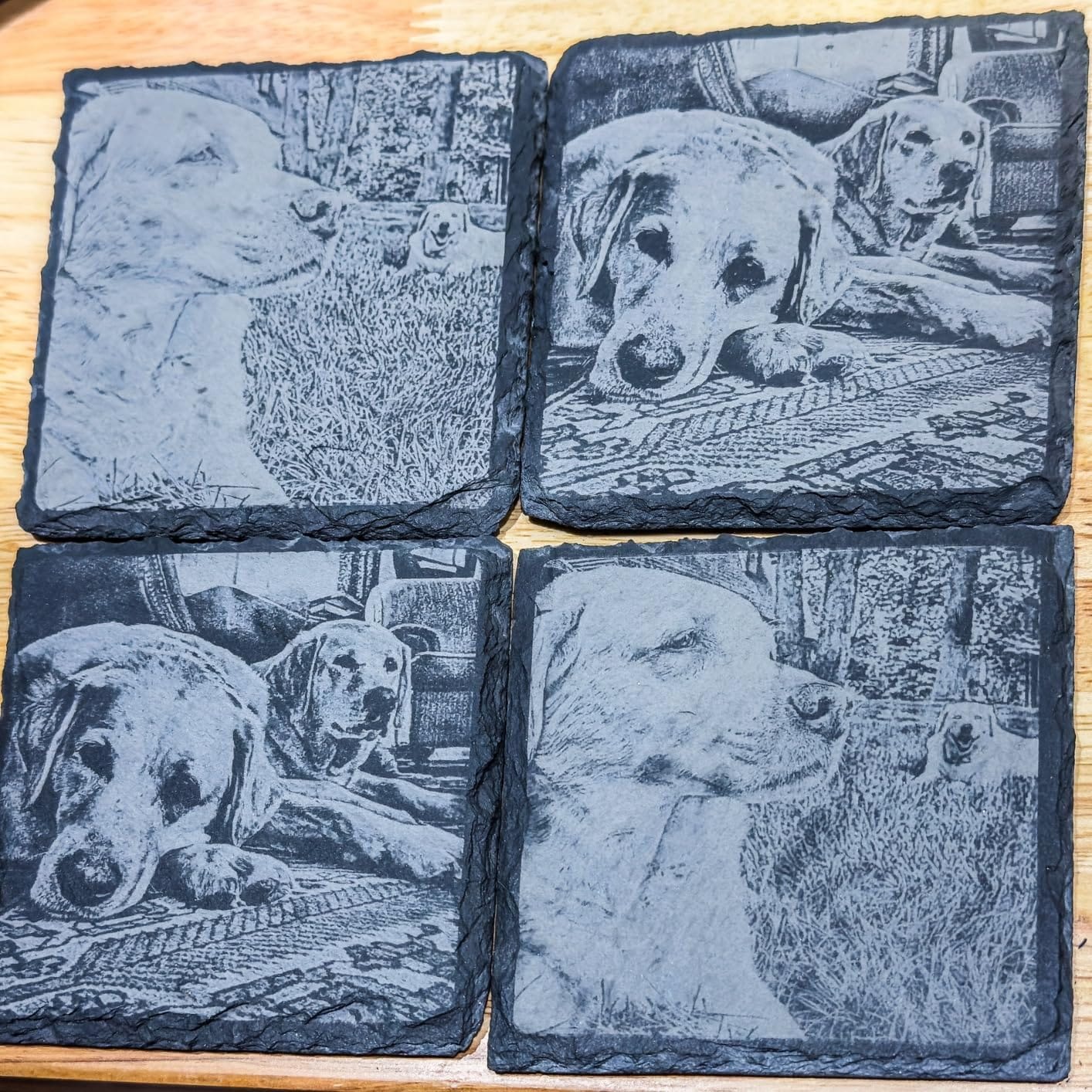
The xTool F1 Ultra puts a 20W fiber head and a 20W diode in the same desktop enclosure, and that combination is why it sits at the top of our list. The fiber side engraves gold, silver, copper, stainless steel, brass and titanium, and the diode side takes wood, acrylic, leather, glass, rubber and fabric, so a shop that sells both does not need two machines.
With 140 owner reviews on record it also has the widest feedback base in this roundup, which matters more than a longer spec sheet when you are judging reliability. Owners describe fast galvo engraving with clean, precise results, and several mention that support replies arrive within about 24 hours, which is rarer than it should be in this category.
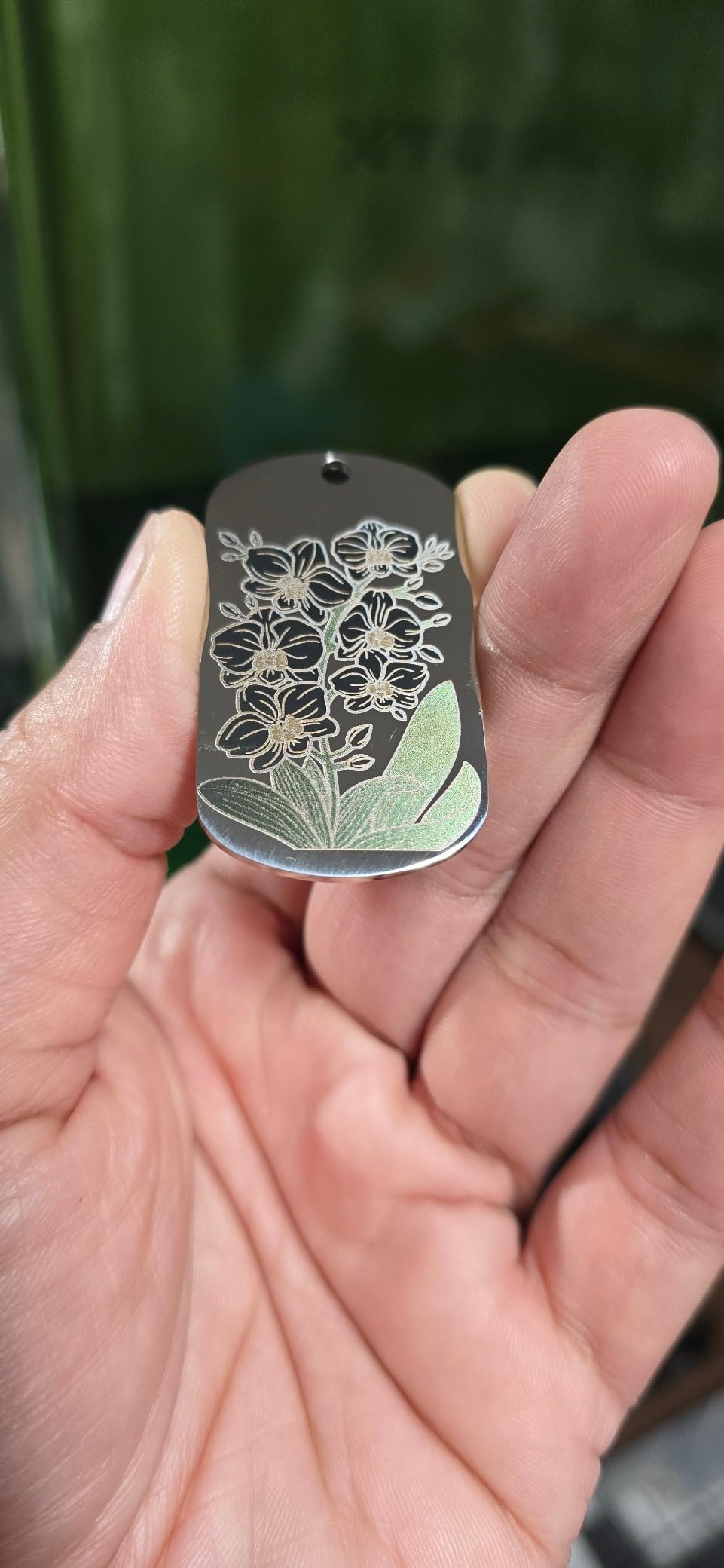
The working area is 220 x 220mm and extends to 220 x 500mm with the optional auto conveyor, so repeat batches do not need a second machine on the bench. The 16MP smart camera handles shape recognition and positions parts automatically, and the fiber head cuts 0.3mm stainless steel, 0.4mm brass and 0.2mm aluminum for light jobs without a separate cutter.
It weighs 43.8 pounds and measures 18 x 17 x 24 inches, so it is a countertop machine rather than a floor unit. It is a Class 4 laser, but the enclosure, integrated smoke extraction, fire alarm and emergency stop are what allow it to run in a shop with customers nearby, which is the situation most personalization businesses are actually in.
Who the xTool F1 Ultra suits
A shop that marks metal all day and also sells engraved wood or acrylic items will get the most from this machine, because the diode saves a second machine and a second learning curve. Retail customizers get the most again, because the safety package supports doing live demonstrations.
Anyone who wants laser cleaning, thin welding or color marking on a large batch should look at the F2 Ultra instead. The 20W fiber here is a marker first and a cutter second.
Where the F1 Ultra falls short
Owners report that deep metal engraving becomes time-intensive, with multi-hour runs on small pieces, so plan job times before quoting a customer. Calibration drifts and needs manual front-to-back adjustment, which adds minutes to every setup.
Software friction is the other recurring theme: LightBurn connectivity problems on Mac and paywalled desktop features. Around 16 percent of reviews are one star, and one owner reported both lasers failing within about 30 days on two separate machines, so check the warranty terms before a long production run.
2. xTool F2 Ultra 60W MOPA and 40W Diode – Best for Color Marking and Cutting
- MOPA source delivers repeatable color marking on metals
- Handles cleaning and thin welding alongside engraving and cutting
- Dual 48MP cameras with 0.2mm positioning accuracy
- 15000 mm/s keeps batch work fast
- Compact enclosed build with quiet fans
- Color settings need significant trial and error
- Camera preview is not always accurate so test passes are needed
- One owner damaged a laser on reflective brass
The xTool F2 Ultra is the machine to buy when the job is not only marking but producing repeatable color on the same alloy week after week. Its 60W MOPA fiber source is the reason, because MOPA lets you dial pulse width independently of frequency, and that control is what makes a consistent color possible instead of a lucky result.
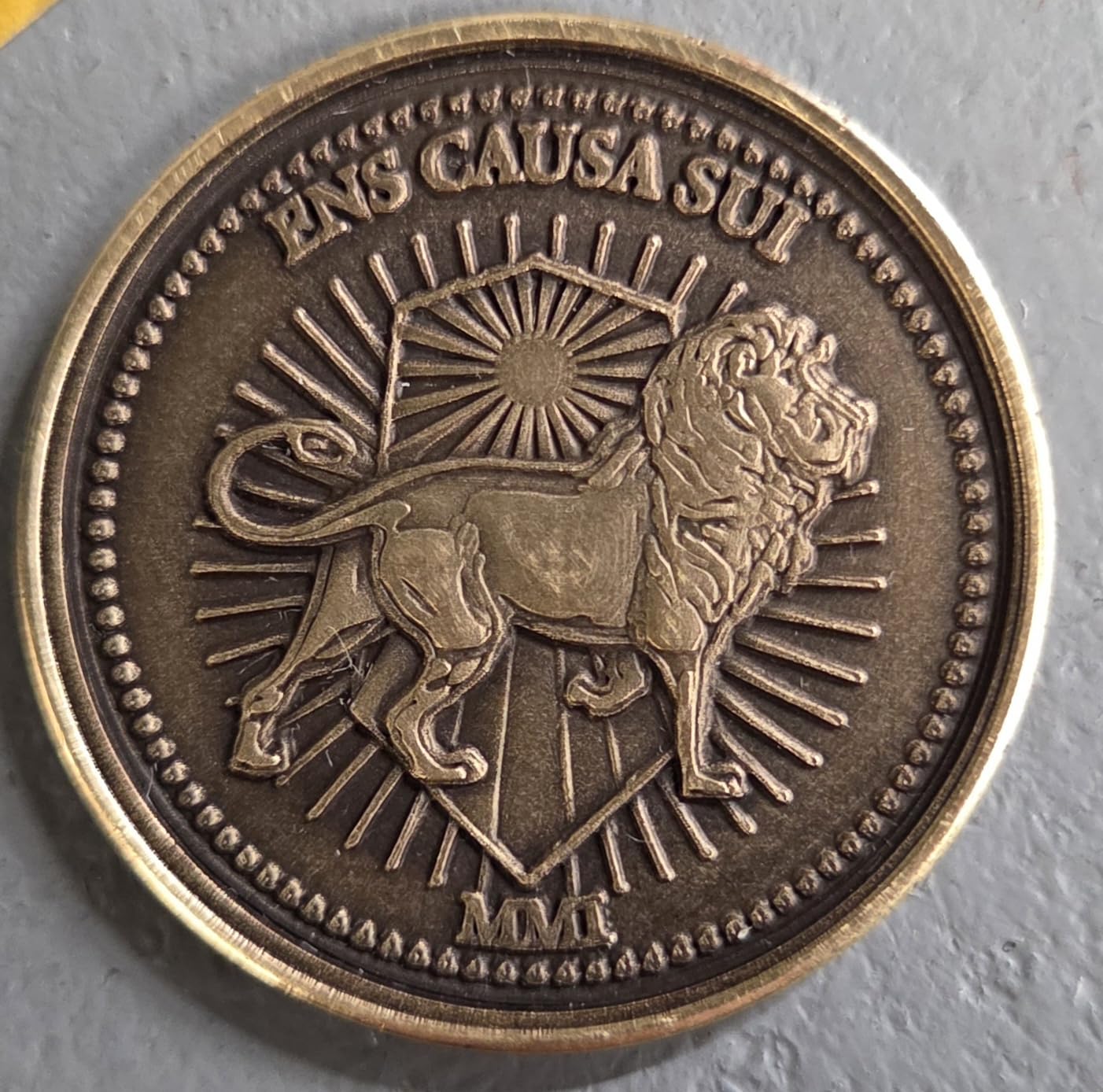
Owners running this in production on challenge coins and drinkware report strong, repeatable results once the settings are tuned, plus high throughput. The specification sheet adds laser cleaning, black marking on aluminum and thin metal welding to the engraving and cutting functions, which widens what you can sell from one machine.
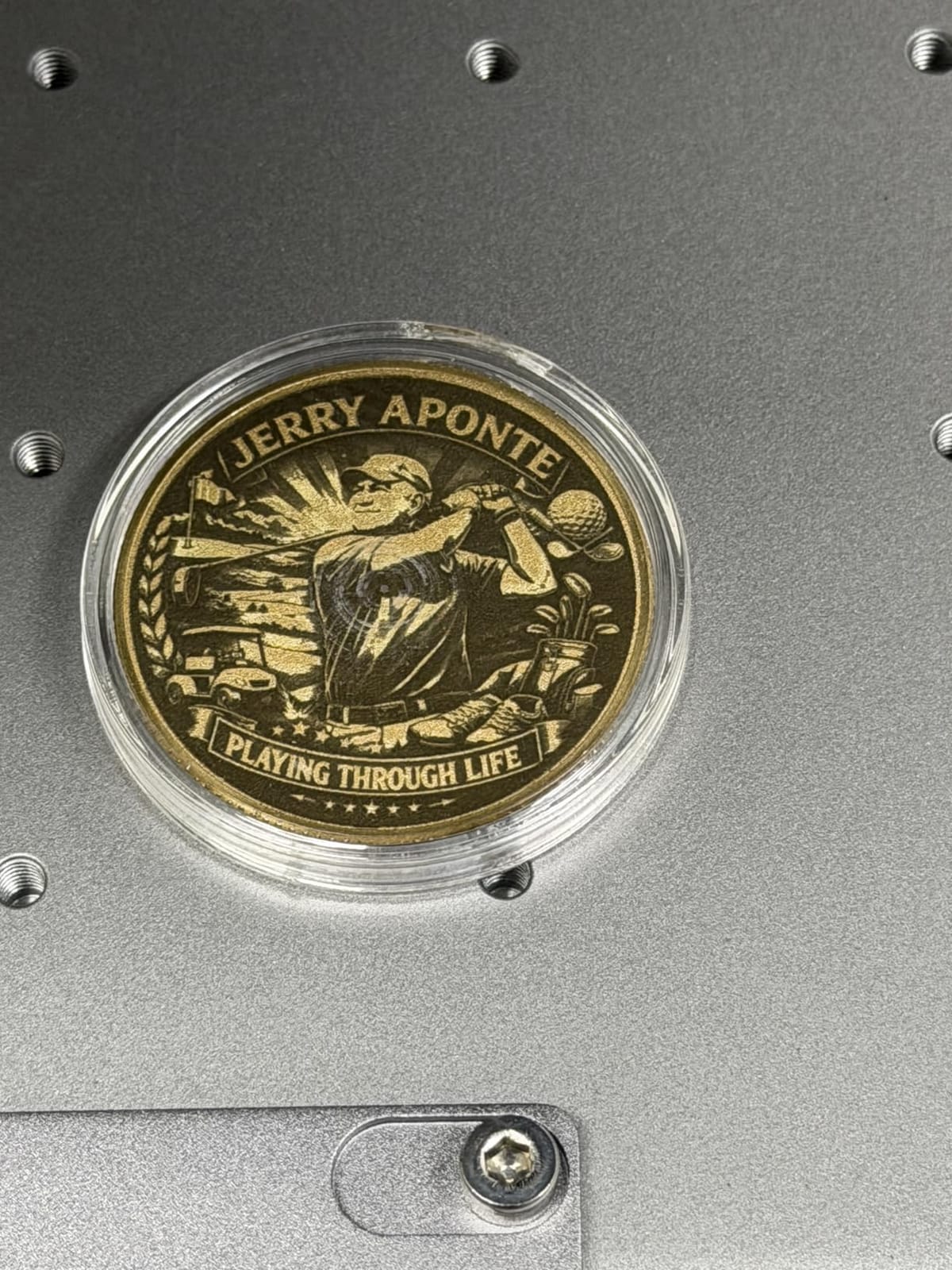
Speed reaches 15000 mm/s and 3D embossing runs up to 80 percent faster than a 20W fiber machine according to the listing, and it cuts 2mm metal, 20mm acrylic and 23mm wood. Two 48MP cameras with 0.2mm positioning accuracy cut setup time on curved items such as cups, where manual alignment would otherwise eat the savings.
At 67.9 pounds and 16.88 x 11.57 x 20.51 inches it is the heaviest machine in this roundup, and the 8.7 x 8.7in working area suits small to medium parts rather than large signage. It is also available as a fiber-only 60W MOPA configuration if you never touch wood or acrylic.
Who the xTool F2 Ultra suits
Producers who sell color on stainless steel, or who need real cutting depth, will get the most from this machine. The preset color matrix files covering more than 100 colors save a lot of trial time for someone learning the process from scratch.
Shops that already own a separate diode machine should weigh the fiber-only version instead. Buying the dual configuration when you have a diode on the shelf is paying twice for the same capability.
Where the F2 Ultra falls short
The honest drawback is the learning curve on color. Owners describe significant trial and error on frequency, power, speed and spacing before a color repeats, and some presets and setting-sharing options are simply missing from the software. Camera preview is not always accurate, so budget time for test passes.
There is also a small reliability tail: reports of defective units arriving with safety lockout and door issues, and one owner whose laser failed while engraving a reflective brass coin. Treat reflective polished alloys as a risk, not a routine job.
3. GWEIKE G2 Pro 30W – Best Speed for the Money
GWEIKE G2 Pro 30W Fiber Laser Engraver with 3D & Deep Engraving
- Strong depth and power for the money
- 15000 mm/s galvo with 8K resolution options
- LightBurn works over WIFI or USB once settings are dialed in
- Detachable head for portable and handheld work
- Support has given specific settings advice when contacted
- Intermittent power loss reported by several owners
- Rotary plug-in can trigger the lift motor and break focus
- WhatsApp support can take several days to reply
The GWEIKE G2 Pro 30W is the machine to buy when you want real fiber power without paying for a dual-source machine you will not use. A 30W 1064nm source with a high-speed precision galvanometer gives you 15000 mm/s scanning and up to 0.001mm accuracy, which is fast enough that batch marking feels productive rather than endless.
It is also genuinely portable at 22 pounds, with a detachable design that lets you lift the head out for handheld or bench work away from the fixed frame. Owners like the portability, the galvo speed and the price-to-power ratio, and one of them notes that Gweike support gave specific settings advice when it responded at all.
Color marking is claimed at 90 or more colors on metals such as stainless steel and titanium, and there is dual red light positioning plus 8K resolution options for detail work. Connection options are WIFI and USB, with LightBurn and GLaser compatibility, which matters because LightBurn is the software enthusiasts treat as decisive.
The work area is 110 x 110mm and the unit measures 17.2 x 10.1 x 21.2 inches, so it fits a small bench. Safety kit includes an emergency stop, protective glasses and a protective cover, and the listing carries FDA Accession Number 2211667-002.
Who the G2 Pro 30W suits
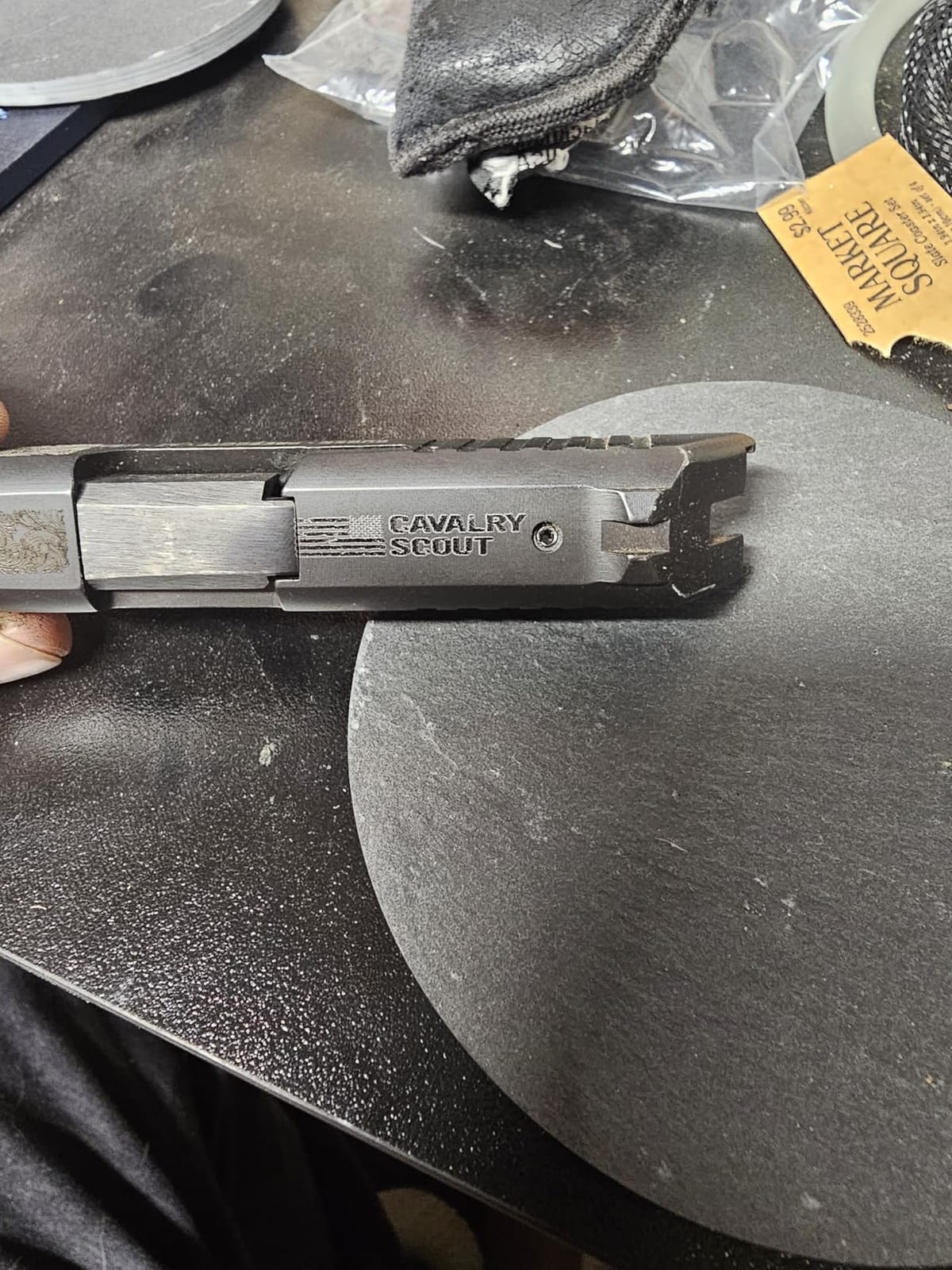
Small workshops that mark jewelry, gun parts and serial numbers will get the most here, especially anyone who moves between locations and needs the head in hand rather than on a bed. LightBurn users will feel at home immediately.
Buyers who need genuinely deep engraving should move up within the same range rather than pushing this one. It is a marking machine with cutting ability, not a carving tool.
Where the G2 Pro 30W falls short
This carries the lowest average rating of the eight machines here, with 20 percent one star reviews, and the cause is specific: several owners report intermittent power loss that requires power-cycling the machine mid-job. If your work depends on a machine running all day, that is worth asking the seller about directly.
Two smaller issues recur. The rotary attachment plug-in can trigger the lift motor and break focus, so fit the rotary before focusing rather than after. The column focus buttons are also awkwardly placed compared with a hand crank, and support replies over WhatsApp can take several days.
4. GWEIKE G2 20W – Best Budget Entry to Metal Marking
- Least expensive route to marking bare metal
- LightBurn compatible over WIFI or USB
- Detachable design for bench or handheld work
- Red light positioning simplifies layout and focus
- 110 x 110mm work area is small for larger parts
- 20W output limits deep engraving and cutting thickness
- Narrower color range than higher-wattage MOPA machines
The GWEIKE G2 20W exists because most first-time buyers assume a metal laser is a large investment, when a 20W galvo marker will mark bare stainless, titanium and other metals on a bench. It runs 15000 mm/s with 0.001mm accuracy and offers 2k, 4k and 8k resolution options, so the scanning head is not the weak point.
Across 34 reviews it holds a 4.3 average with 66 percent five-star feedback, which makes it the better-rated of the two lower-wattage G2 machines. That matters for a first purchase, because the margin between a smooth introduction and a frustrating one is usually build and support rather than headline wattage.
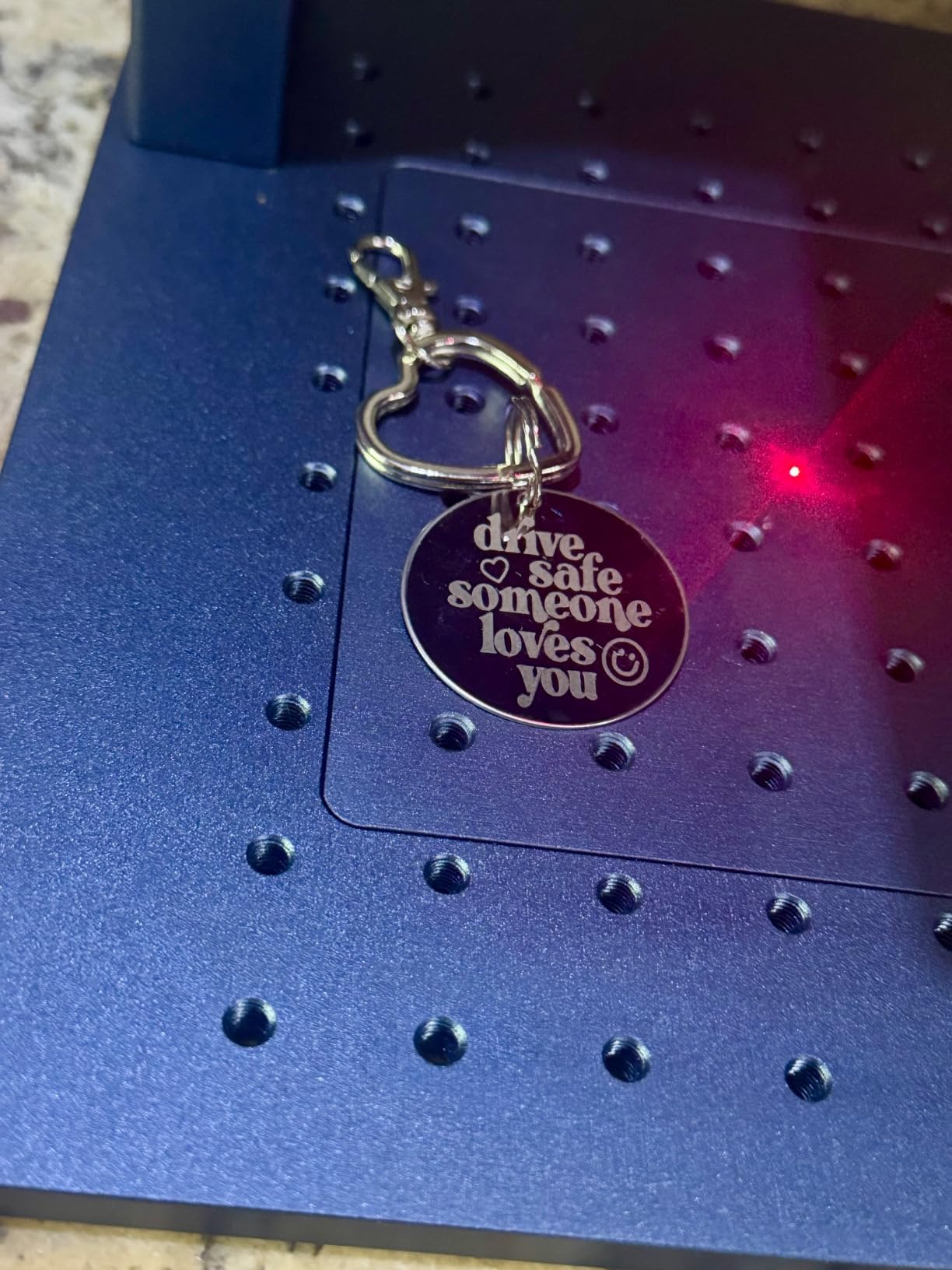
Beyond metal it will deep-engrave plastic, leather, dark glass, colored ceramic, black acrylic and stone, which covers most small-shop job lists. You get 30 or more colors on stainless steel and titanium, dual red light positioning, and WIFI plus USB transfer with LightBurn compatibility.
The work area is 110 x 110mm in the standard configuration, with a 150 x 150mm version listed as a variant, and the body measures 17.2 x 10.1 x 21.2 inches. Safety kit includes an emergency stop, protective glasses and a cover, with a Class 4 rating and 20000mW output.
Who the G2 20W suits
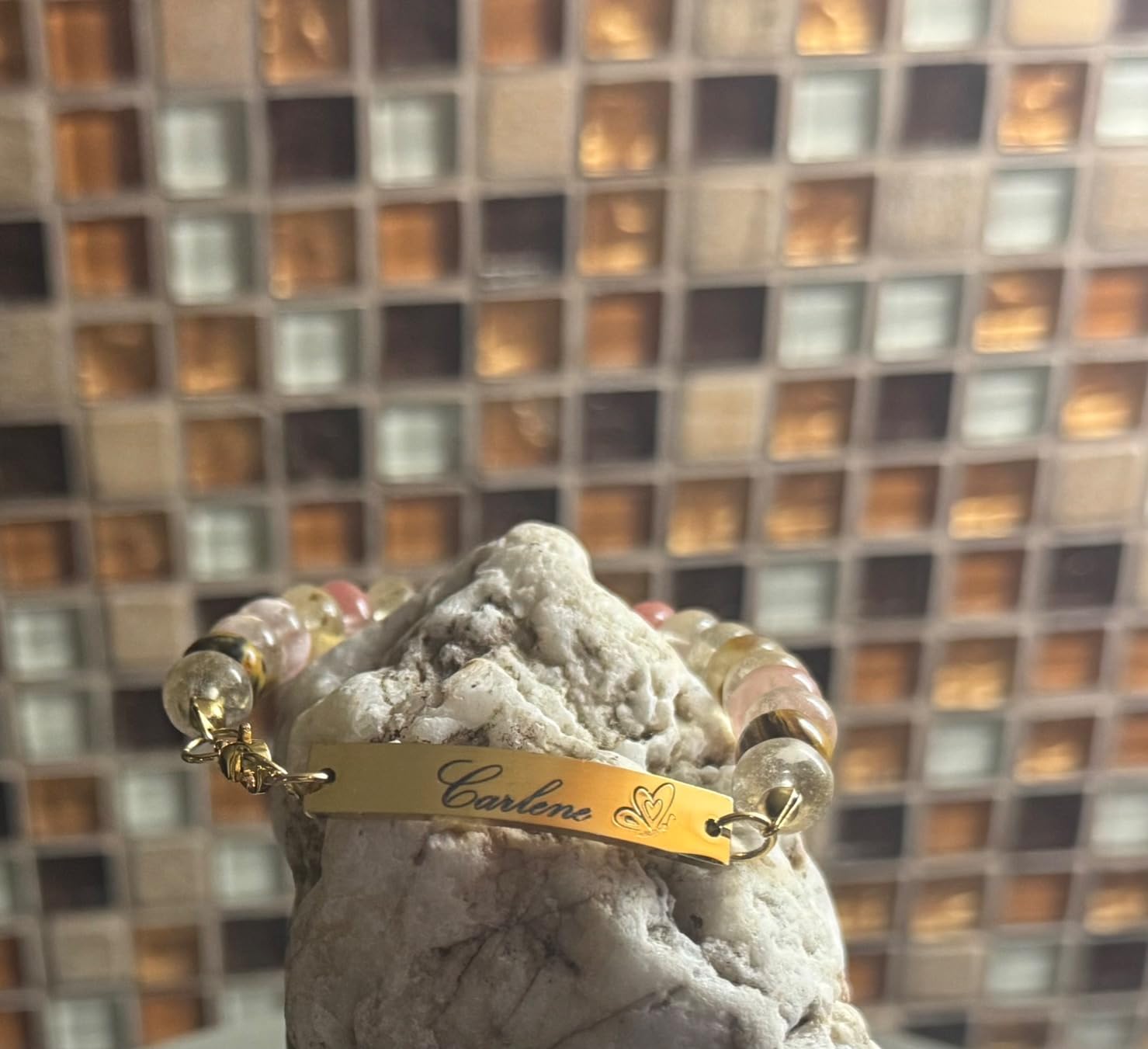
A first-time buyer who wants to test whether fiber marking fits their business before committing will find this the gentlest place to start. Jewelry hallmarks, small steel parts and personalized blanks all fall inside its comfort zone.
Anyone who already knows they will need deep engraving or thicker cutting should skip ahead to the 50W model rather than outgrow this one later.
Where the G2 20W falls short
The 110 x 110mm bed is the first limit, and it arrives quickly. Once a part will not fit flat, you are rearranging the job rather than making it. The 150 x 150mm variant exists if you can arrange it.
On depth, 20W is the entry point of the range, not a comfortable middle. Owners moving to it from a diode find it precise but modest on deep engraving and cutting thickness, and its color range on metals is narrower than what a MOPA machine produces.
5. GWEIKE G2 Max 50W – Best for Deep Engraving on a Single Platform
GWEIKE G2 Max 50W Fiber Laser Engraver with 3D & Deep Engraving
- Noticeably deeper engraving and cutting than the 20W and 30W G2 models
- Largest work area in the G2 range at 150 x 150mm
- Electric lift column gives quick repeatable push-button focus
- 90+ color metal engraving with LightBurn and GLaser support
- Smallest review sample of the three Gweike models here
- Heavier power draw and heat management than lower-wattage machines
- Shares the G2 rotary plug-in focus quirk
The GWEIKE G2 Max 50W is the version of this platform for anyone who has already learned that shallow marking is not what customers pay for. A 50W 1064nm source handles deep engraving, metal cutting and 3D carving, and owners who moved up from the 20W and 30W report a material difference in depth rather than a marginal one.
The electric lift column is a quiet but real upgrade. Focus becomes a button press instead of a hand-cranked adjustment, which matters when you are running the same job all day and consistency matters more than the first pass.
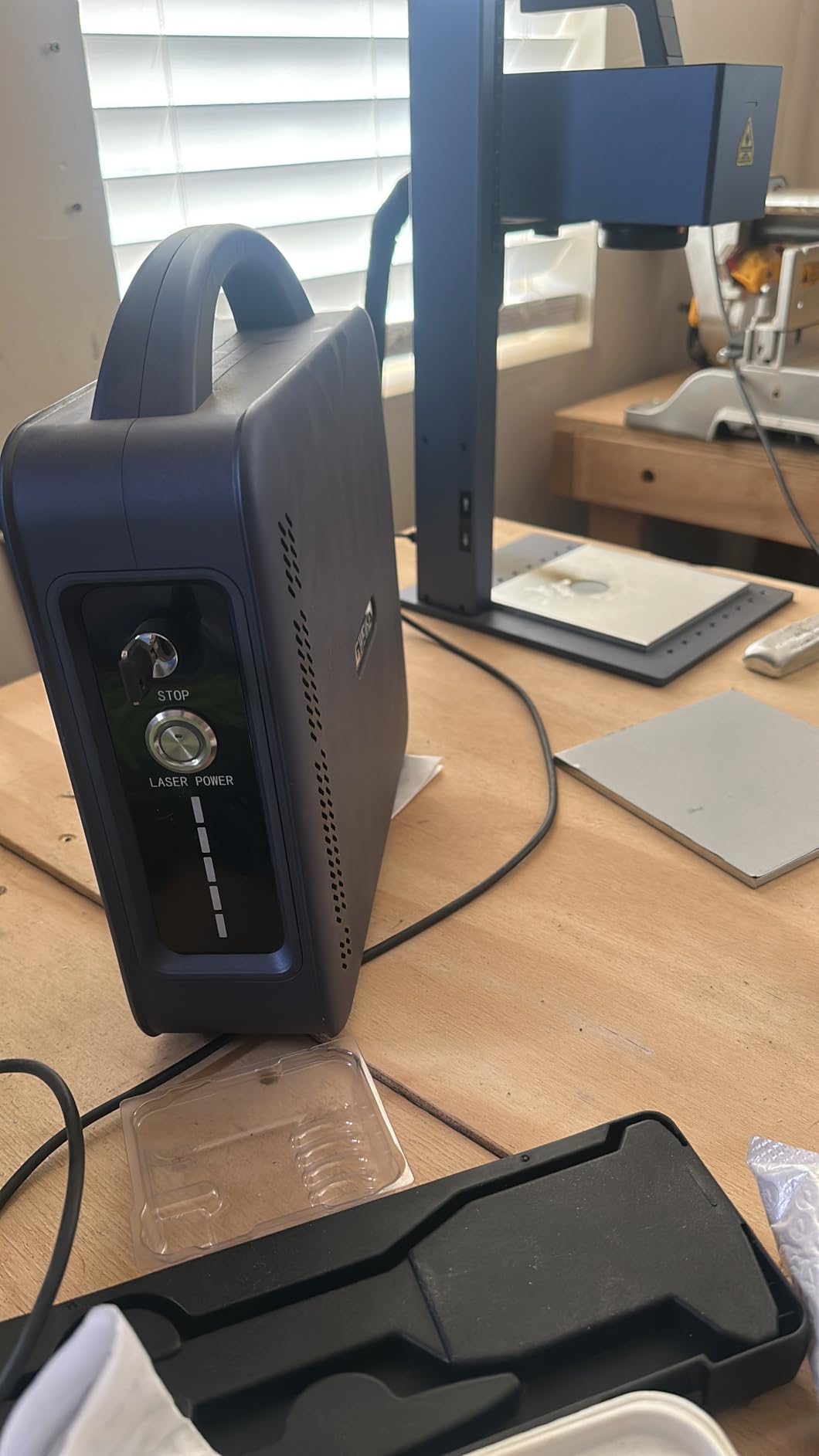
Scanning is 15000 mm/s at 0.001mm accuracy with 8K resolution, dual red light positioning and a fully digital galvo system. Color engraving reaches 90 or more colors on metals including stainless steel and titanium, and connection is WIFI or USB with both GLaser and LightBurn support.
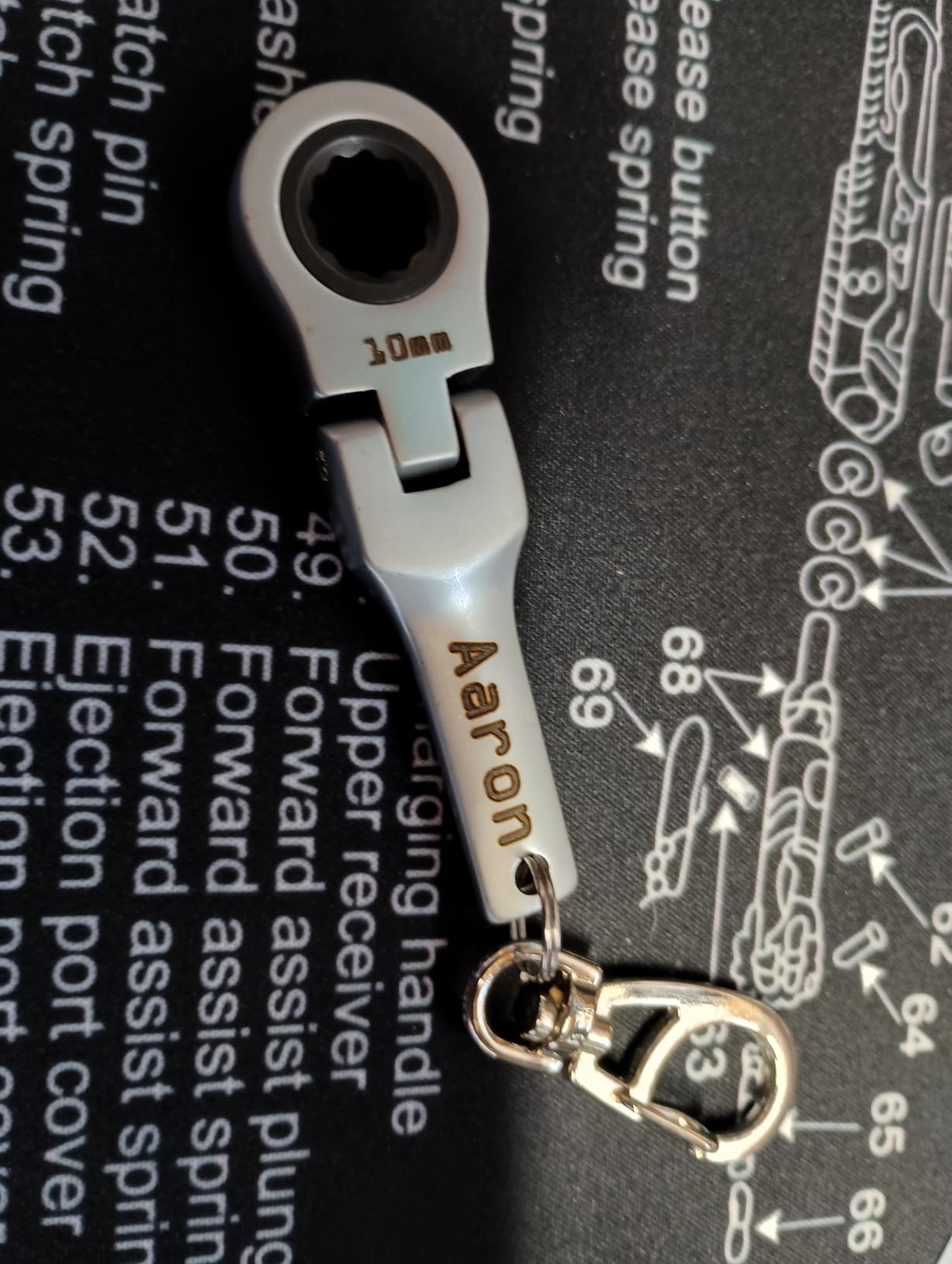
The work area is 150 x 150mm, the widest of the G2 range, on a 22 pound chassis measuring 17.2 x 10.1 x 21.2 inches. Safety equipment includes an emergency stop, protective glasses and a protective cover, and the listing carries FDA Accession Number 2211667-002 with Class 4 rating and 50000mW output.
Who the G2 Max 50W suits
Anyone engraving into thicker stock, cutting thin metal or making 3D relief pieces should start here rather than buying low and upgrading later. The 150 x 150mm bed also removes the awkward part-sizing limit of the smaller G2 models.
Because the software, frame and workflow match the rest of the G2 range, an existing G2 owner can move up without relearning anything. That is a quiet advantage most roundups ignore.
Where the G2 Max 50W falls short
The evidence here is thinner than the specification sheet suggests, with 26 reviews the smallest sample among the three Gweike models. The 4.4 average with 76 percent five-star feedback is encouraging, but it is a smaller base than the numbers on the xTool machines justify a confident long-term reliability claim.
Expect a heavier power draw and more heat to manage than the lower-wattage G2 machines, and note that the G2 series shares the rotary plug-in focus issue reported on the Pro model. If your shop circuit is already busy, check the draw before installing.
6. ComMarker B4 20W – Best Two-Lens Setup for Jewelry Work
- Two lens sizes cover small jewelry and larger plates
- Very high detail output for a 20W machine
- LightBurn and EzCad2 both supported
- Foot switch positioner and sample plates in the box
- 20W is the floor of the range rather than a comfortable middle
- Some listings show the rotary as included when it is sold separately
- Reported power supply failure on a 220V supply
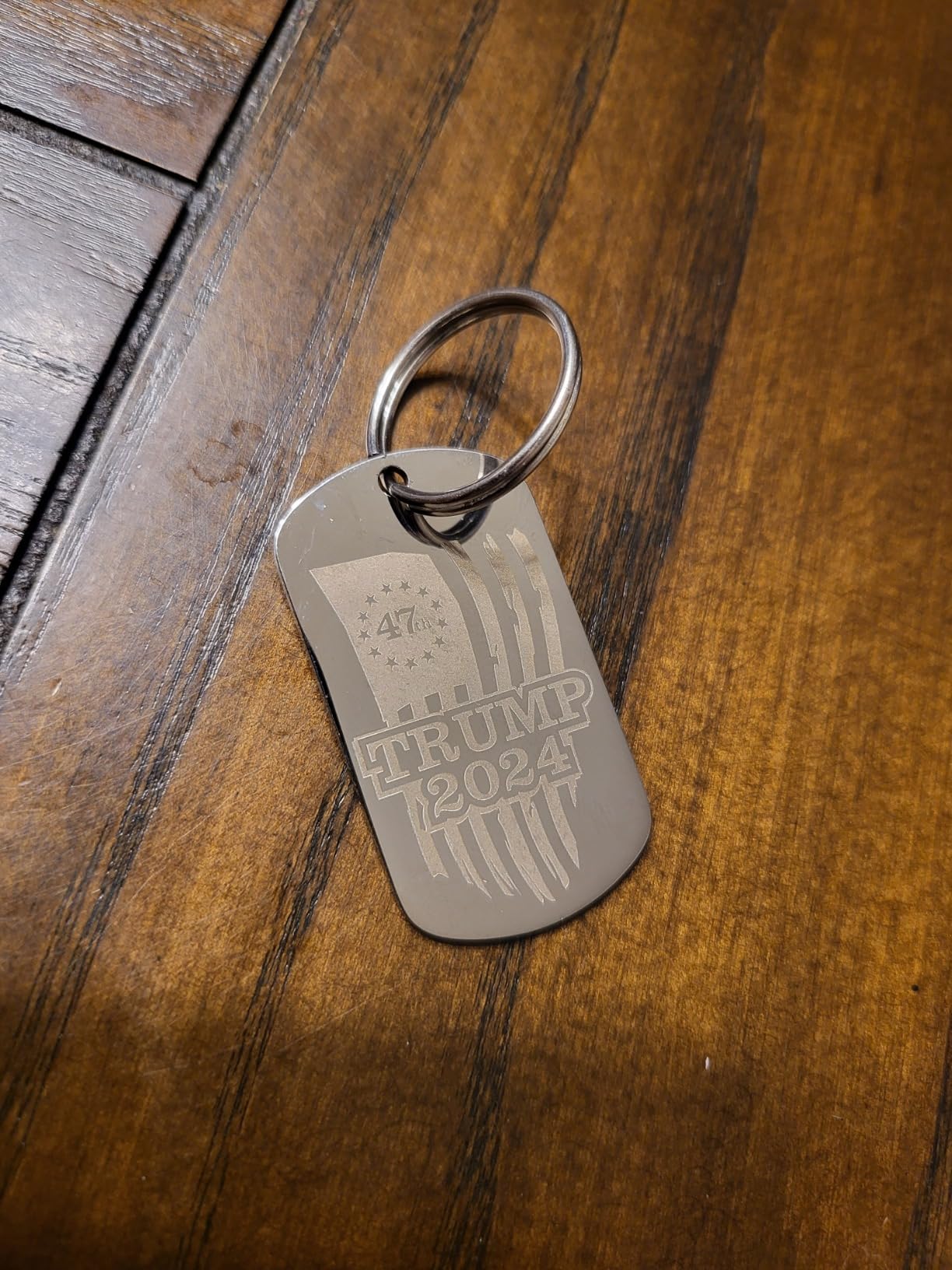
The ComMarker B4 solves a problem the other 20W machines here do not: lens choice. It ships with two lenses, one for a 110 x 110mm field and one for 200 x 200mm, so you can switch between fine work on a small pendant and a full-size plate without buying a different machine. Jewelry-focused buyers tend to treat exactly this kind of flexibility as the deciding factor.
Owners coming from diode or CO2 machines find the B4 approachable and precise, particularly for jewelry and printed circuit board work. Specs quote a minimum line width of 0.01mm, a marking speed range of 0 to 15000mm/s, a frequency range of 20 to 60kHz and engraving depth of 0.3 to 0.5mm.
It is a 2-in-1 desktop and handheld 20W 1064nm machine with automatic lifting, an emergency switch, a foot switch and a positioner included. Rotary attachment compatibility is supported, and it runs Windows 7, 8, 10 and 11 plus Mac through LightBurn.
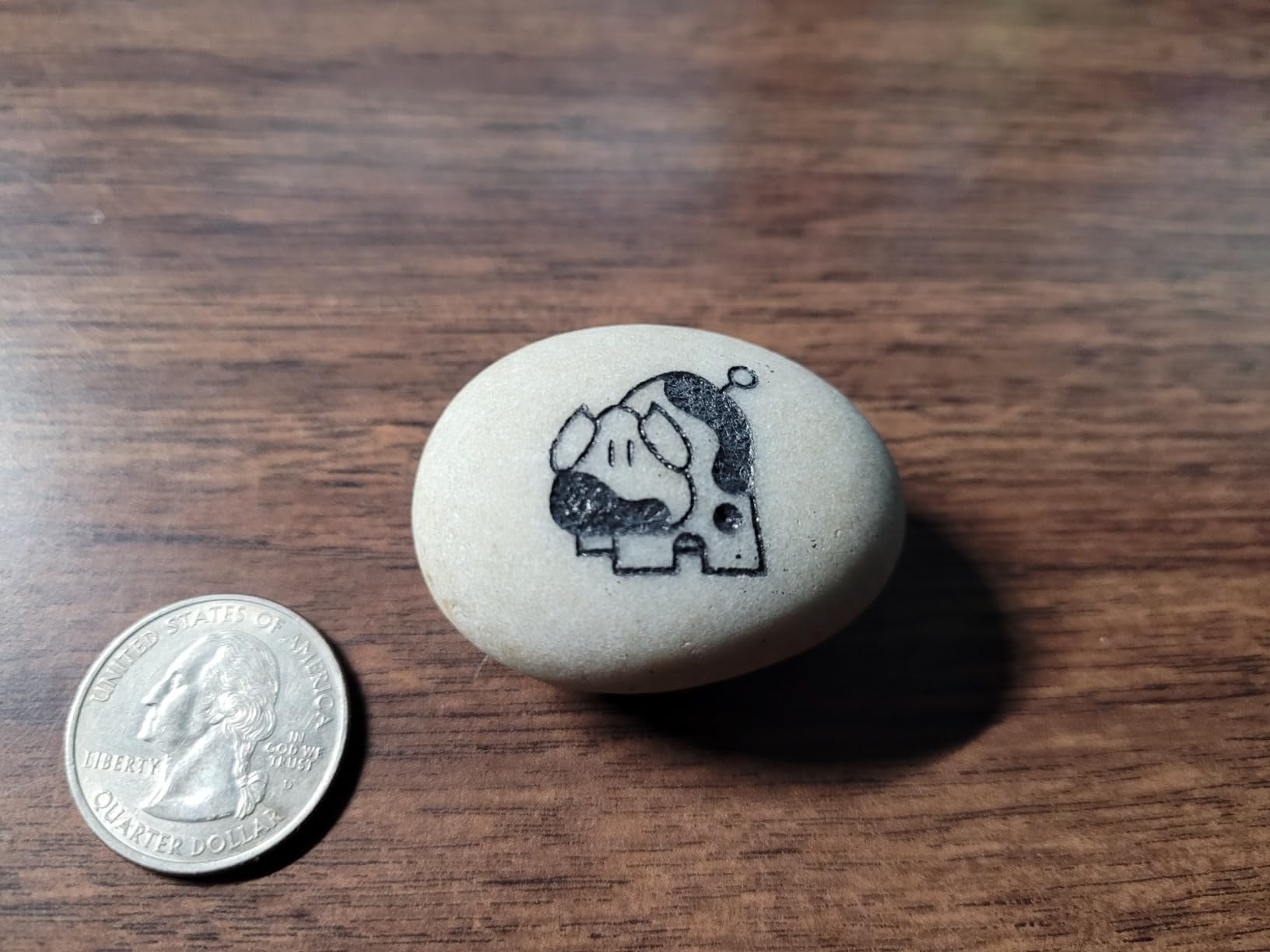
The unit weighs 37.9 pounds and carries IEC 60825-1 report 2501Q25848E-SFA1 with FDA Accession No. 2521455-000. It marks stainless steel, aluminum, gold, silver, copper, jewelry, tumblers and painted or non-transparent plastics.
Who the ComMarker B4 suits
Goldsmiths and jewelry makers who alternate between tiny hallmarks and larger plaques will get the most from the dual lens system. The foot switch and positioner in the box also remove two small purchases that new owners usually discover are not included.
Buyers who want the widest range of wattage options later should note that the B4 family also comes in 30W, 50W and 100W configurations with rotary variants.
Where the ComMarker B4 falls short
Twenty watts is the bottom of the range here, and owners say so directly, describing it as marginal for leather and some steel marking. If your work is deep engraving rather than fine surface marking, this is the wrong floor to start at.
Two practical warnings. Some listings show the rotary attachment as included when it is sold separately, so confirm what is in the box before planning ring work, and one buyer reported a power supply failure on a 220V supply. Linux users also need to load the firmware over USB before LightBurn will detect the device.
7. LaserPecker LP5 20W – Best Portable Fiber Laser for On-Site Work
- Genuinely portable at roughly 6kg for trade shows and job sites
- Marks metal with no coating or pre-treatment
- Fast: some jobs finish in 20 to 30 seconds
- Solid aluminum build with braided cables
- Cooling fans are loud and the unit suits workshops over living spaces
- Mobile app disconnects when not in the foreground
- Needs an external extraction fan for longer jobs
The LaserPecker LP5 is the only machine in this roundup you can genuinely carry to a customer, and for a business doing markets, school visits or on-site personalization that changes what the tool is worth. At roughly 6.02kg it is a hand-carry machine rather than a bench machine with casters.
Owners consistently praise portability, metal marking with no pre-treatment, and cutting ability, with fan noise and mobile app stability as the main complaints rather than engraving quality. Its 4.5 average across 17 reviews is strong, though on a sample that small it should be read as encouraging rather than proven.
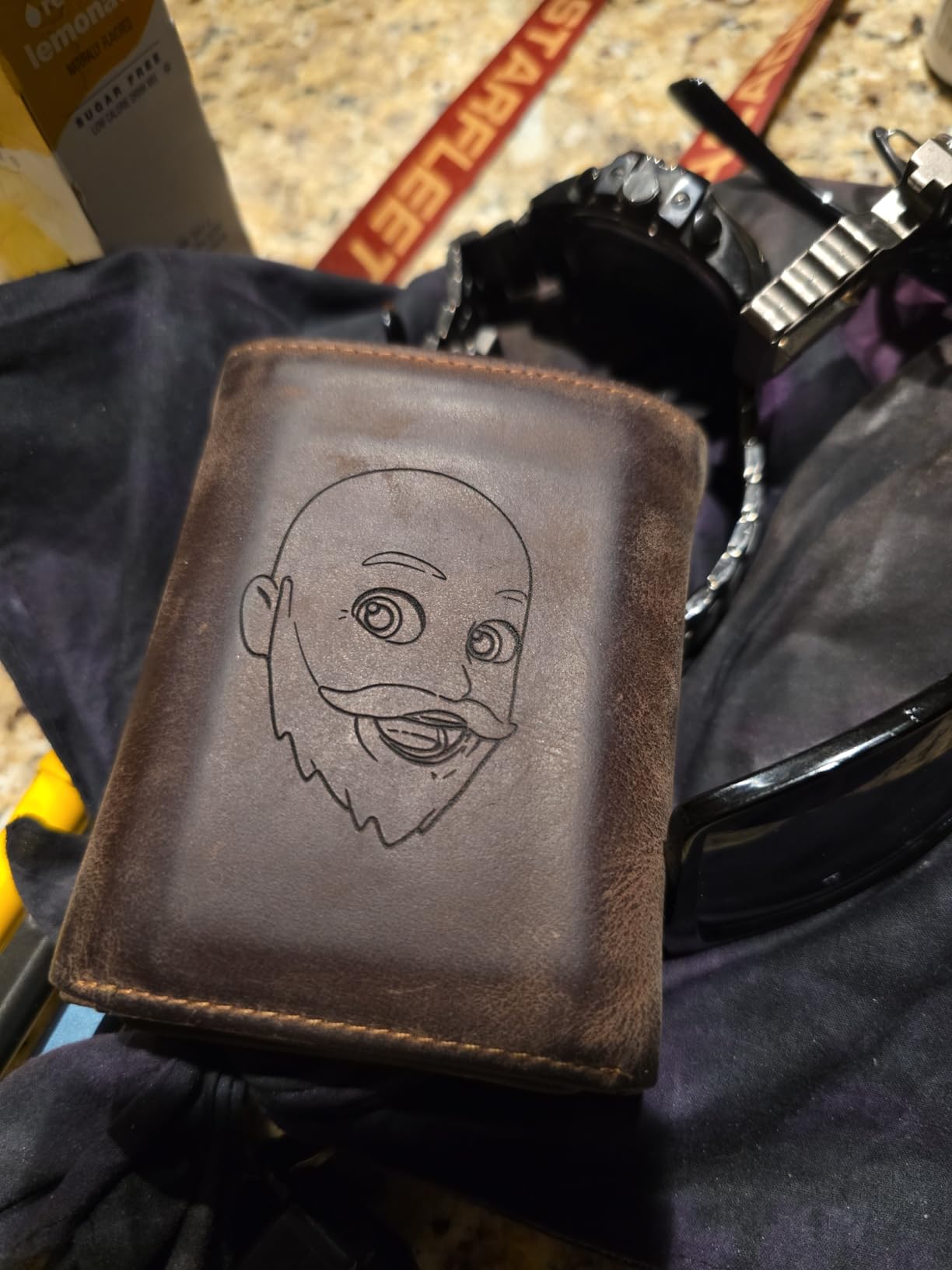
The fiber source slices 0.5mm brass and titanium while the diode handles 20mm wood and 15mm acrylic, so one unit covers a genuinely mixed product list. Speed reaches 10000mm/s at 0.0027mm precision with 8K detail and an LDS 3D grayscale function for depth-controlled relief work.
Positioning uses a blue laser project outline rather than a red dot, which projects the job shape onto the material and removes a lot of guesswork when you are working somewhere that is not your bench. It connects over 2.4GHz Wi-Fi to the LaserPecker mobile and desktop apps.
Who the LaserPecker LP5 suits
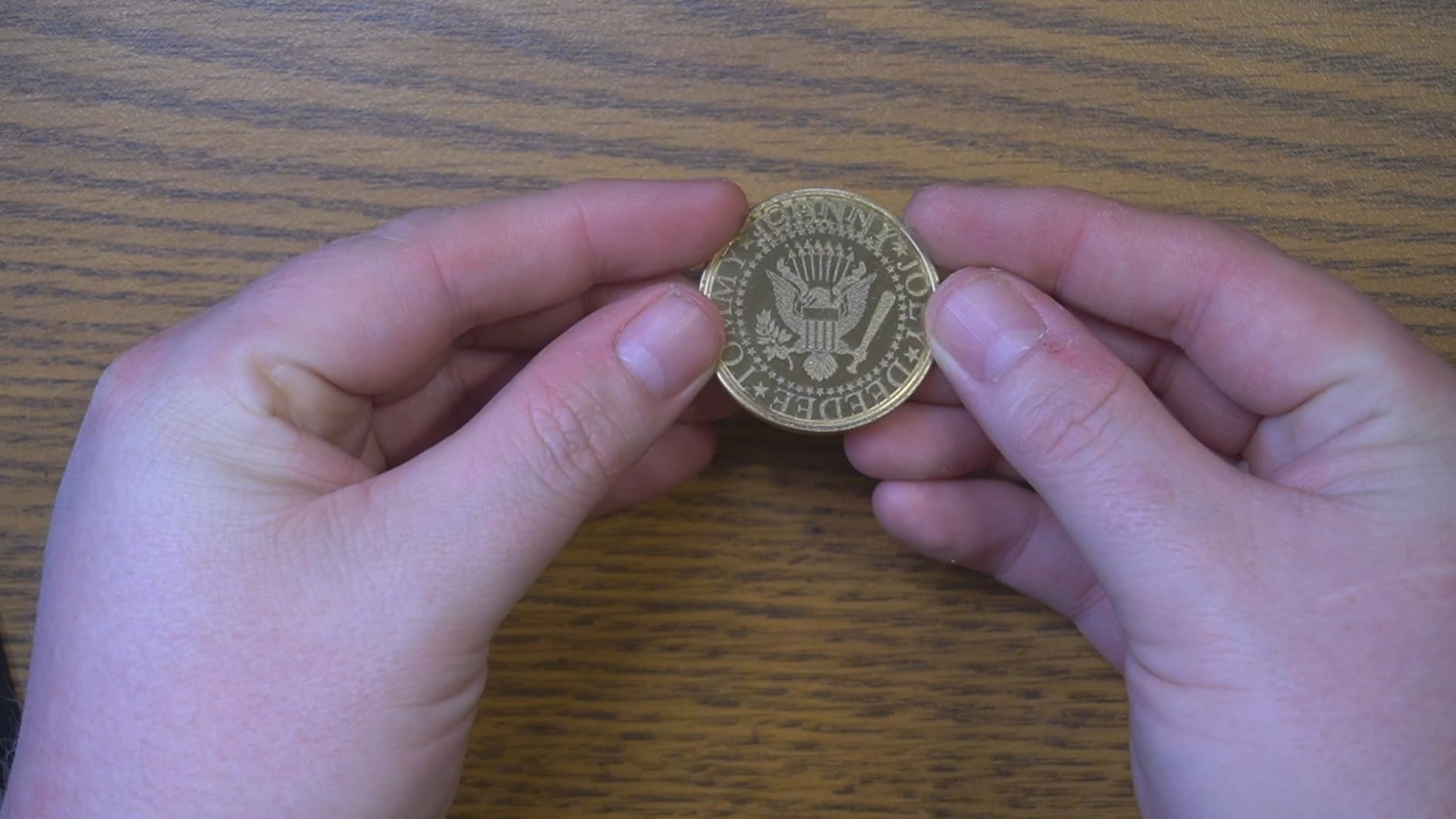
Personalization businesses that work at trade shows, farmers markets or customer sites will get the most from it, and the roughly 15-second setup supports quick turnarounds. The 3D grayscale function also suits relief coins and small art pieces.
Anyone producing volume in a fixed workshop will find a larger bed more useful than a light one. This is a mobility-first choice.
Where the LaserPecker LP5 falls short
The cooling fans are loud, and owners advise keeping it out of living areas, which limits where you can use it in a home. Ventilation and debris extraction need an external fan for longer jobs, so add that to your setup list.
Software is the weak spot. The mobile app disconnects when it is not in the foreground and supports 2.4GHz Wi-Fi only, some Android users report material presets disappearing, and the included cables are short. Budget for a longer run of cable and a local setup.
8. SFX 50W JPT Fiber Laser Marker – Best Wide-Area Bench Marker
- Large 175 x 175mm marking area with the rotary axis included
- JPT LP+ source rated for engraving depth up to 1mm
- Original BJ JCZ board with LightBurn and EzCad2 support
- Two-year warranty with US-based technical support
- Galvo speed is roughly half the 15000mm/s of the newer machines
- Floor-standing format rather than a compact desktop enclosure
- Only 20 reviews for a machine at this level of investment
The SFX 50W JPT is a floor-standing bench marker for shops that mark parts too large for a desktop bed. The marking area is 175 x 175mm and the rotary axis is included, which matters if you engrave rings, tumblers or curved housings rather than only flat blanks.
The source is a JPT LP+ series unit with an 80mm rotating head, rated for engraving depth up to 1mm on metal, with a repetition rate of 1 to 600kHz and a pulse duration of 200ns. That pulse specification is the number to check if you care about precision on thin, heat-sensitive parts.
Control comes from an original BJ JCZ board with EzCad2 and LightBurn compatibility, marking speed reaches 7m/s and repositioning precision is 0.002mm. Optical to electrical conversion is stated at up to 70 percent, which is a spec worth comparing when you are working out your running costs.
It works on aluminum, stainless steel, brass, copper, nylon, ABS, PVC and PES, and the listing carries FDA accession 2520815-000 with a Class II 0.874mW rating. The body is 31.1L x 20.08W inches, and the machine ships with a two-year manufacturer warranty and US-based support.
Who the SFX 50W JPT suits
A shop engraving larger panels, housings or curved parts will value the 175 x 175mm area and the included rotary more than anything else on this list. Two years of warranty coverage also helps on a machine at this investment level.
Buyers who want a plug-and-play desktop experience should look elsewhere. This is floor-standing equipment that expects a dedicated place in the shop.
Where the SFX 50W JPT falls short
Marking speed of 7m/s is roughly half the 15000mm/s quoted by the newer galvo machines here, so per-job times will be longer on flat marking work even though the depth capability is stronger. EzCad2 as the primary control board is also dated next to LightBurn-first and Creative Space workflows.
The evidence base is the real caveat. All 20 reviews are five star, and on a small sample from a reseller listing that is very limited evidence rather than a strong reliability signal. Buy it on the warranty and the included rotary, not on the star average.
What to Know Before You Buy a Fiber Laser for Metal
Most buyer regret in this category comes from choosing on wattage and ignoring the four things that actually decide whether a job is profitable. Here is the decision order we use.
1. Pick the laser source before the wattage
A fiber laser source comes in three common families. JPT is the value standard and the most common choice on the machines here. MOPA costs more but lets you set pulse width independently of frequency, which is what makes repeatable color marking possible and gives finer control on thin or heat-sensitive parts. Raycus is the third common name and sits between them in price.
My rule is simple: if color on stainless steel is a product you sell, buy MOPA. If you are marking serials, initials and clean black marks, JPT is the better value and the differences will not show up in your finished work.
2. Separate deep engraving from surface marking
This is the single most useful distinction and almost no roundup frames it this way. Surface marking changes the surface color in microns of depth and runs at high galvo speed. Deep engraving removes material, and depth scales with wattage: 20W handles surface marks and light depth, 30W to 50W handles meaningful carving and thin cutting, and industrial work above that is a different machine class.
A Reddit user in r/Laserengraving posted a 100W fiber reaching 2.1mm engraving depth into aluminum in ten minutes, which is a useful illustration of how depth and wattage scale together. Expect far less from a desktop unit, and size your purchase against the deepest job you actually sell.
3. Check the bed size and the rotary before anything else
Bed sizes here run from 110 x 110mm to 220 x 220mm plus extension. A small bed is fine for jewelry and painful the moment a part will not fit flat. Curved work needs a rotary attachment, and the jewelry crowd consistently asks for one alongside a small field lens, as a goldsmith in a Facebook laser engraving group described when asking for a rotary plus a 75mm lens for small work.
Confirm whether the rotary is included. The ComMarker B4 listings show it as included when it is sold separately, which is exactly the kind of detail that turns a good purchase into a frustrating one.
4. Judge the software, not the speed number
LightBurn is treated as decisive by enthusiasts and by owners in the reviews here, and software friction is the most common reason people abandon or replace a machine. EzCad2 is the older control software and still works, but it lacks the layout tools people expect now. The xTool machines run Artimind and Creative Space instead, and the LP5 uses its own apps over 2.4GHz Wi-Fi.
Galvo speed figures are less meaningful than they look. Anything from 7000 to 15000 mm/s marks small text well; what changes your job time is power, pulse settings and how many passes you need, not the headline scanning speed.
5. Budget for the shop around the machine
The machine is the part most people plan for. The running costs are the chiller or integrated cooling, an air compressor or air assist supply, fume extraction, wavelength-matched eyewear at OD6 for the 1064nm beam, and marking spray if you ever work with materials fiber cannot touch. Add consumables and you will spend meaningfully more than the machine over its first year of use.
On safety, treat the infrared beam as invisible and treat an enclosure as the control that matters. A Class 1 enclosed machine with integrated extraction and an emergency stop is what makes a shop with customers in it safe to operate, and eyewear rated for the wavelength and optical density is non-optional even inside an enclosure.
6. Know what fiber cannot mark
Bare glass, wood, paper, leather and plastics are outside a fiber laser’s range entirely. Coated or anodized metals can mark because the coating responds, which is why anodized aluminum behaves differently from bare aluminum. If your business is half wood and half metal, a dual-source machine such as the xTool F1 Ultra or the LaserPecker LP5 is the honest choice.
7. Check the certifications before the specifications
Look for an IEC 60825-1 report, an FDA accession number and a stated optical density for the eyewear. Machines listed as Class 4 with an FDA accession, as several here are, have at least been through a filing process, and the buyer in the forums who ended up with an uncertified unbranded machine described support and safety rating as the reasons they moved on.
When Not to Buy a Fiber Laser
Some of the clearest advice we can give is about who should walk away.
Do not buy a fiber laser if most of your work is wood, paper, acrylic or leather. Fiber does none of that, and a diode machine will do all of it for far less.
Do not buy a 20W machine expecting deep engraving. If your customers want carved depth or cut sheet, start at 50W or accept that you are buying twice.
Do not buy any fiber laser for a home hobby space without enclosed extraction. The beam is invisible, the fumes are real, and a loud chiller and compressor will make the room unusable anyway.
Do not buy on wattage alone. The buyer surveys behind our sibling guides repeatedly find that regret tracks wattage-based decisions, because source type, software and bed size determine whether the machine is usable for the job you had in mind.
Do not buy a floor-standing industrial marker for occasional hobby marking. The SFX 50W style of machine is built for daily production, and buying one for occasional use leaves most of your money idle.
Frequently Asked Questions
Which fiber laser is best for engraving on metal?
For most buyers the xTool F1 Ultra is the best fiber laser for engraving on metal, because its 20W fiber head marks bare stainless, aluminum, brass and copper while a 20W diode covers wood and acrylic in the same enclosed desktop machine. Choose a 60W MOPA machine such as the xTool F2 Ultra when repeatable color marking or 2mm metal cutting is your priority, and choose a 20W GWEIKE G2 when the machine has to be the least expensive entry into real metal marking.
Will a diode laser engrave metal?
Only in limited circumstances. A diode laser can mark anodized or coated metals because the coating absorbs the light, and it can mark bare metal if you first apply a marking spray or paint. A fiber laser at 1064nm is absorbed by the bare metal itself, so no coating is needed and the mark becomes part of the part. That is why fiber, not diode, is the default answer for jewelry, knives and serial number marking.
What are the disadvantages of fiber lasers?
The honest list is short and worth reading before you buy. A fiber laser cannot mark wood, paper, plastic, leather or bare glass, so it is a single-material machine unless you buy a dual-source model. The 1064nm beam is invisible, so you need an enclosed machine, fume extraction and OD6 eyewear. Expect to budget for a chiller or compressor, and expect higher purchase and running costs than a diode machine.
Is a 20W fiber laser enough for metal marking?
Yes, for surface marking on stainless steel, aluminum, brass, copper, titanium, gold and silver, which covers serial numbers, initials, hallmarks and personalization. A 20W source is the entry point of the range, though, so deep engraving and metal cutting are limited at that level. If your customers want carved depth or cut sheet, step up to 50W rather than planning an upgrade later.
Do fiber lasers cut metal?
Yes, within limits. The machines here cut thin stock rather than plate: the xTool F1 Ultra is listed at 0.3mm stainless steel, 0.4mm brass and 0.2mm aluminum, the LaserPecker LP5 at 0.5mm brass and titanium, and the xTool F2 Ultra at 2mm metal. Cutting is the side benefit of extra wattage, and treating a fiber marker as a plate cutter is how people end up with a damaged laser head.
The Verdict on Fiber Laser Engravers for Metal Marking in 2026
The xTool F1 Ultra is our pick for the best fiber laser engravers for metal marking because it marks bare metal, handles mixed materials, carries the largest owner review base in this roundup and includes the safety hardware a working shop needs. If your work is color on stainless or deep cutting, move up to the xTool F2 Ultra with its 60W MOPA source. If the budget is the deciding factor, the GWEIKE G2 20W gets you into real metal marking without the dual-source premium.
Whichever one you choose, buy the bed size and rotary you need on day one, budget for extraction and eyewear, and set your pulse settings per alloy rather than reusing a job file. That is where the difference between a machine that earns its place and one that sits on a bench gets decided.
Last updated in 2026. Hardware in this category changes often, so check the current specifications and owner feedback before buying.