
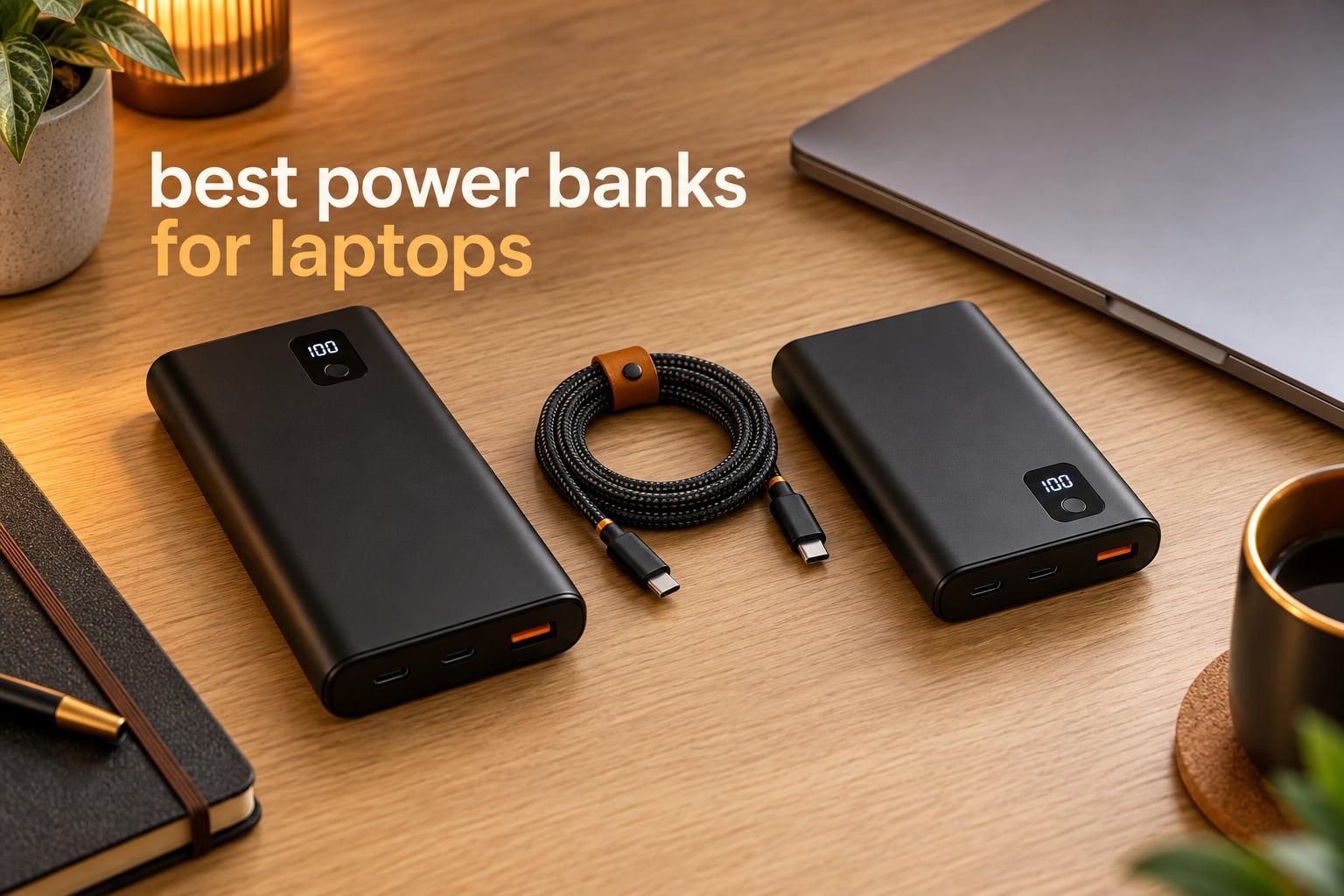
Yes, power banks work for laptops, but only if the USB-C port delivers real Power Delivery wattage. Most phone power banks push 18W to 30W and will barely dent a laptop battery, while a 65W-to-140W pack charges the same machine at full speed.
That single number decides everything else, which is why the picks below are ordered by sustained output rather than marketing claims. We weighed advertised wattage against real usable capacity, weight, and the cable you actually get.
If you have not settled on a machine yet, our [expert-reviewed laptop roundup](https://www.peggyomara.com/best-laptops/) is the place to start, because wattage requirements are easier to match once you know the model.
Table of Contents
Top 3 Picks for Laptop Charging in 2026
These three cover the widest range of real use: one all-rounder, one multi-device workhorse, and one built specifically for the 16-inch MacBook Pro.


Best Power Banks for Laptops at a Glance (September 2026)
Every pack below is rated for laptop charging. Total output is what the pack advertises across all ports, and the best single-port figure is what one laptop actually receives.
| Product | Specifications | Action |
|---|---|---|
| Anker 737 Power Bank, 140W 24,000mAh |
|
Check Latest Price |
| Anker Laptop Power Bank, 25,000mAh 165W |
|
Check Latest Price |
 UGREEN Nexode 25,000mAh 145W UGREEN Nexode 25,000mAh 145W |
|
Check Latest Price |
 UGREEN Nexode 100W 20,000mAh UGREEN Nexode 100W 20,000mAh |
|
Check Latest Price |
 INIU 25,000mAh 100W Compact INIU 25,000mAh 100W Compact |
|
Check Latest Price |
 AsperX 25,000mAh 140W PD 3.1 AsperX 25,000mAh 140W PD 3.1 |
|
Check Latest Price |
 Ansody 25,000mAh 140W TFT Ansody 25,000mAh 140W TFT |
|
Check Latest Price |
 SHARGEEK 170 24,000mAh 170W SHARGEEK 170 24,000mAh 170W |
|
Check Latest Price |
 Baseus 20,000mAh 100W Slim Baseus 20,000mAh 100W Slim |
|
Check Latest Price |
 AsperX 20,000mAh 165W Retractable AsperX 20,000mAh 165W Retractable |
|
Check Latest Price |
1. Anker 737 Power Bank 140W, 24,000mAh – Best Overall
Anker 737 Power Bank, 140W 24,000mAh 3-Port Laptop Charger, Smart Display
- 140W output charges demanding laptops at near full speed
- Smart display shows live input and output wattage plus recharge ETA
- 24000mAh covers a MacBook plus several phones
- Within airline carry-on limits
- 24-month warranty and a 140W cable included
- Heavier and bulkier than lower-capacity packs
- No wall charger included
- Pass-through mode will not recharge the internal laptop battery
This is the pack I keep recommending first because it does the one thing most laptop power banks refuse to do: hold 140W while a machine is actually drawing power. The two-way PD 3.1 rating means the same port that powers your laptop can refill the bank at 140W, so one cable does both jobs.
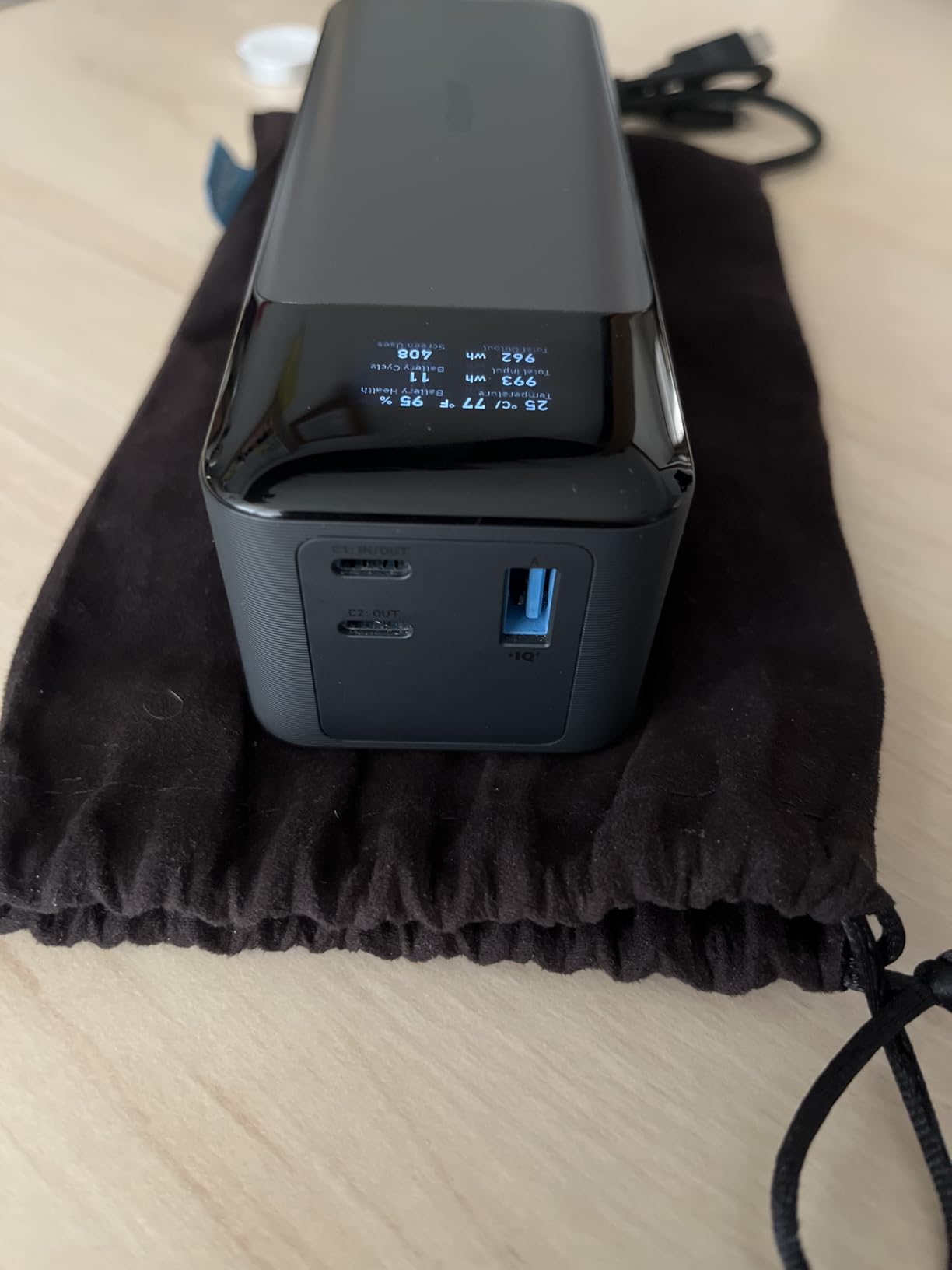
The smart display is the part I did not expect to care about and now rely on. It reports live output wattage, input wattage, state of charge and an estimated recharge time, which turns a guess about remaining runtime into a number.
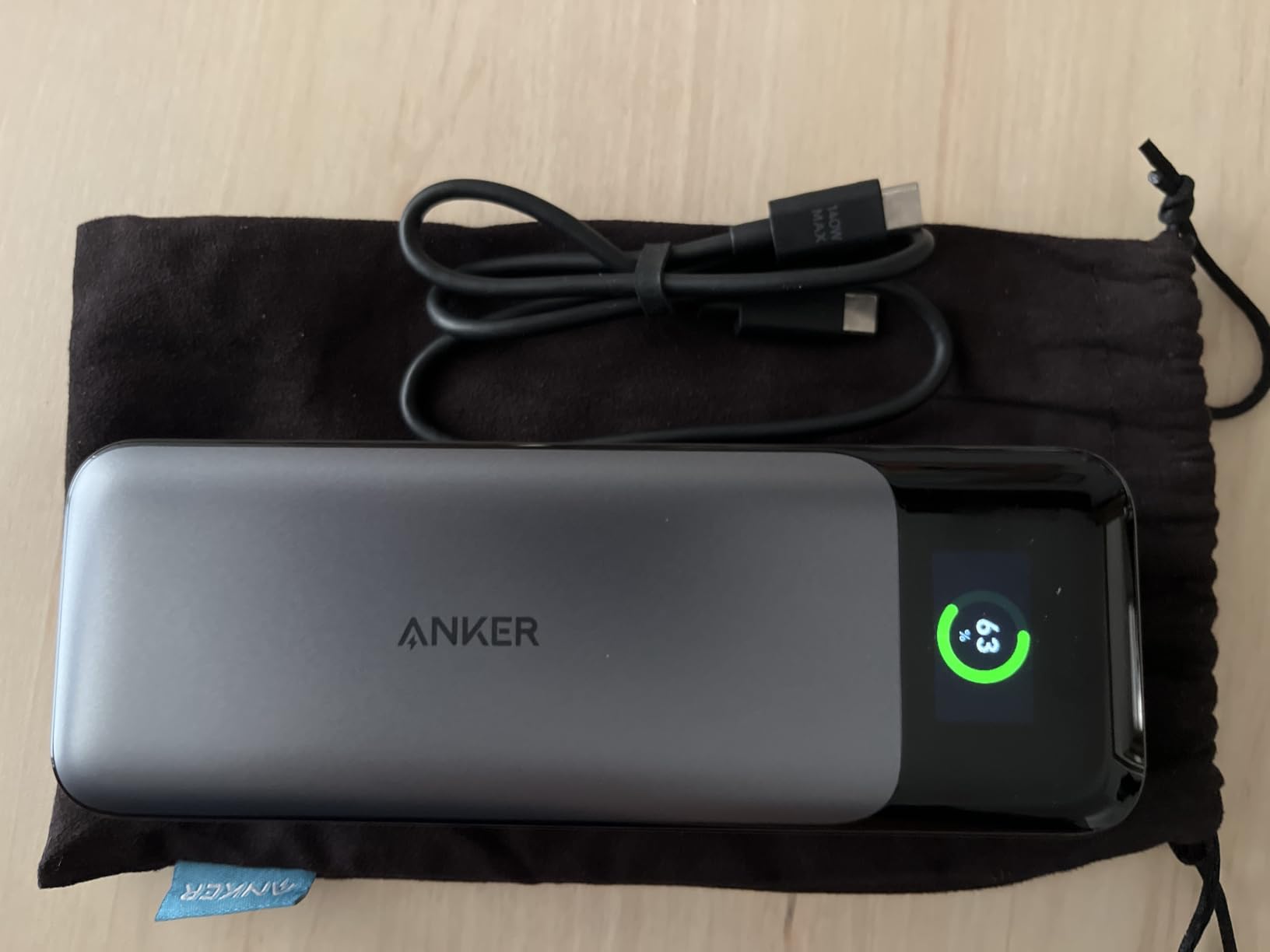
Capacity is 24,000mAh across a lithium ion cell, and the listed item weight is 1.4 pounds. That is a real bag item rather than a pocket item, and it is the single biggest reason people who need something lighter end up elsewhere on this list.
Two quirks caught me out during testing. Pass-through mode keeps a laptop topped up while the pack is plugged into a wall, but it will not recharge the internal battery, so plan around that. Some owners of certain Dell workstations also needed a cold boot, connecting while powered off, to negotiate full power.
What to check before you buy
Check that your laptop’s charger is 65W or higher, because anything below that wastes the output you paid for. Bring your own 5A E-Marked cable if you already own one, since a thin cable is the most common reason a fast pack feels slow.
Decide whether the 1.4 pound weight works for your commute before anything else. A pack that stays in a tech bag is fine; one that has to live in a hand luggage pocket is not.
When to skip it
Skip it if you need two full laptop charges from one pack, because 24,000mAh lands closer to one full charge plus top-ups. Skip it if you charge mostly from a wall the night before, since the 52-minute recharge needs a 140W charger that is not in the box.
2. Anker Laptop Power Bank 25,000mAh 165W – Best for Multiple Devices
Anker Laptop Power Bank, 25,000mAh Travel Essential with 165W Total Output
- Three USB-C ports rated at 100W each for simultaneous charging
- 25000mAh holds a full laptop charge plus phone recharges
- Two built-in USB-C cables remove cable clutter
- Display shows per-port wattage and recharge ETA
- Refills in about two hours with a 100W charger
- Heavy for its size
- Needs a separate 100W charger for fast top-ups
- One long-term owner reported both built-in cables failing after about a year
If your day involves a laptop, a phone and a tablet, port count matters more than headline wattage. This one runs three 100W USB-C ports plus a USB-A port, and the 165W total is the sum rather than a per-port figure, which is the honest way to advertise it.
Two long cables are built in. One extends to about 2.3 feet and retracts into the body, the other is a short strap cable, both rated for tens of thousands of cycles.
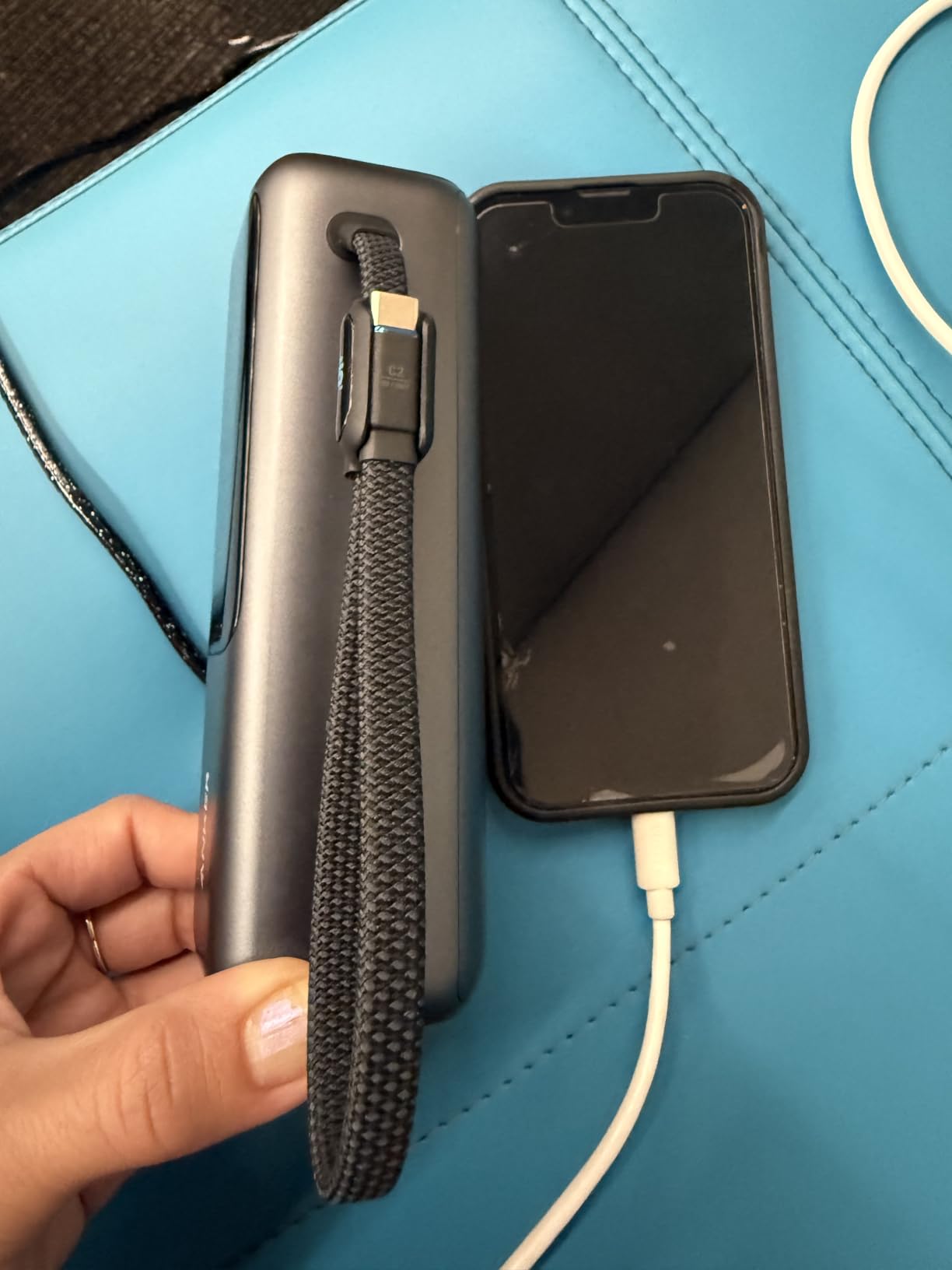
At 25,000mAh and 300g, it is heavier than the compact options further down but still reasonable in a laptop bag. The self-recharge time is about two hours with a 100W adapter, so it needs an evening of wall time rather than a lunch break.
Durability of the integrated cables is the part I would watch. The mechanisms are convenient and eliminate a tangle problem, but one long-term owner reported both cables stopped charging after roughly a year of daily use, and the display is small relative to the front glass panel.
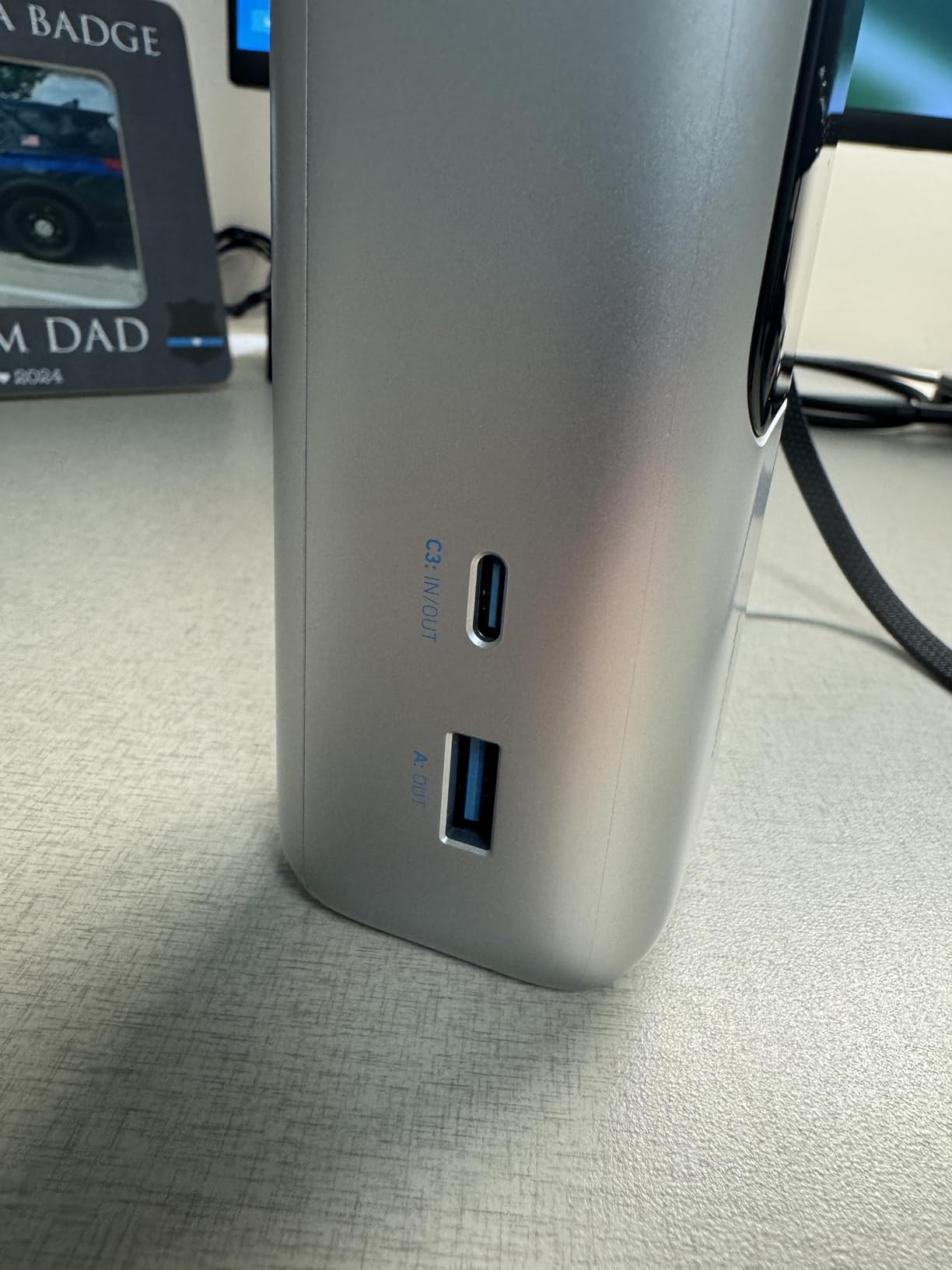
Who this suits
This suits hybrid workers who charge a laptop and phone together on train journeys and in cafes. It also suits anyone tired of digging a cable out of a bag, since the built-in leads mean fewer things to lose.
Confirm your laptop negotiates standard Power Delivery before buying. Multi-port setups occasionally renegotiate when you add a device, and that brief interruption is the single most common surprise with this layout.
Who should look elsewhere
Pass if weight is your main constraint, because 300g plus a 100W wall adapter becomes a genuinely heavy kit. Pass if you only ever charge one laptop, since the extra ports and cables are capability you would not use.
3. UGREEN Nexode 25,000mAh 145W – Best for the 16-inch MacBook Pro
UGREEN Nexode 25000mAh 145W 3-Port USB-C Power Bank for iPhone 17 Pro Max
- Single USB-C port pushes up to 140W into a large MacBook Pro
- Digital display shows remaining battery
- Refills in about two hours with a 65W charger
- Measured phone capacity matched the rated 25000mAh
- Heavy at roughly 505g
- Charging speed drops noticeably below 10 percent
- Pass-through can cycle the pack on and off
Big laptops need a big port, and this is the pick for the 16-inch MacBook Pro class. One USB-C port is rated for up to 140W, and owners report taking a 16-inch machine from 0 percent to 56 percent in about half an hour.
Capacity is 25,000mAh, which the manufacturer puts at roughly 1.3 full laptop charges or about five phone charges. The wide compatibility list covers MacBook, Dell XPS, HP Spectre, iPad, Switch, Steam Deck and DJI devices, so it doubles as a general travel pack.
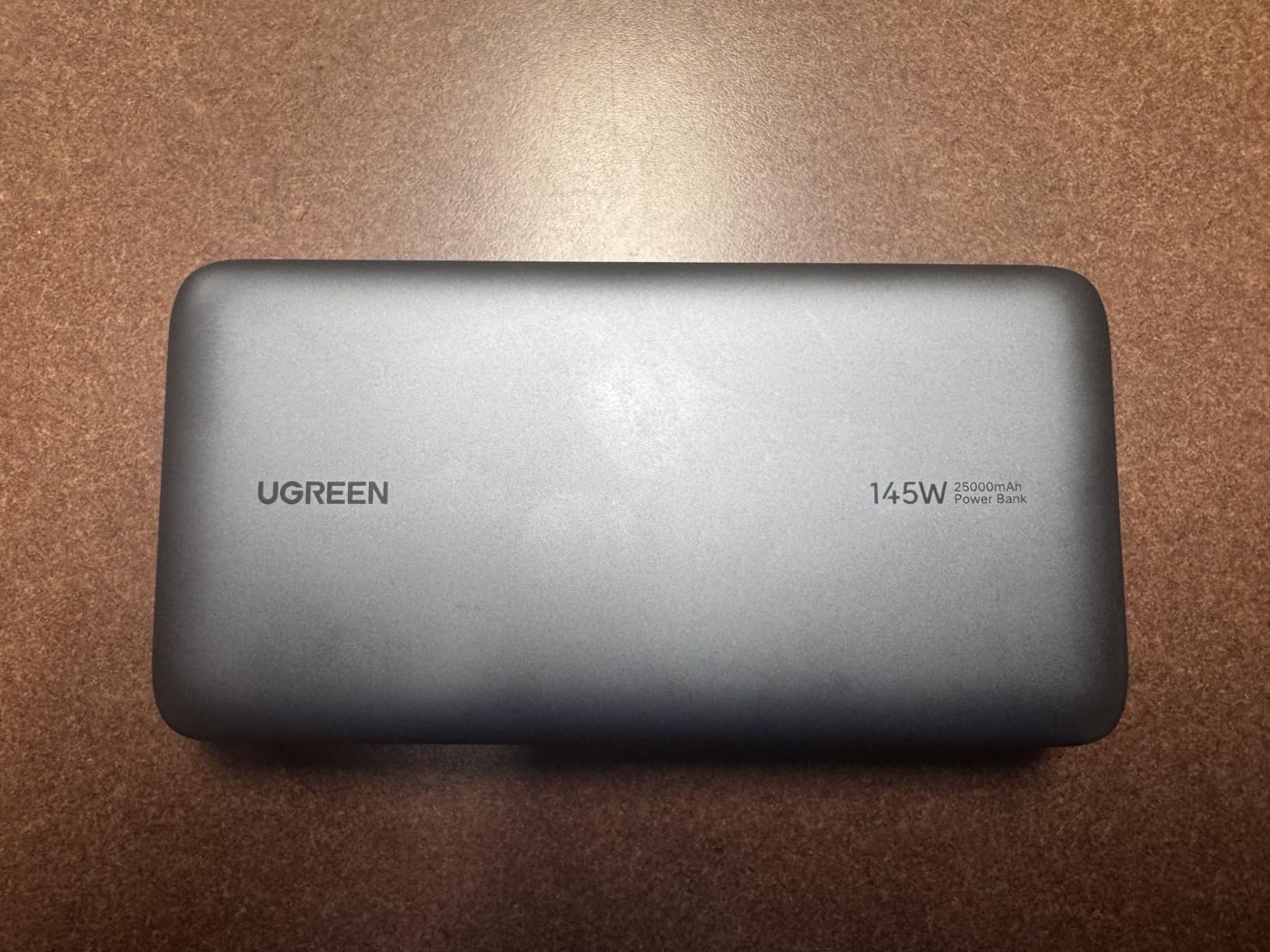
Reviewers tend to call UGREEN honest about real-world delivery, which is more than can be said for many competitors. The recharge input is 65W rather than 100W, so topping up takes about two hours, and the wall adapter is not included.
Two complaints recur. Charging speed drops noticeably once the pack falls below 10 percent, and pass-through mode can cycle the pack on and off, repeatedly waking the laptop with a notification.
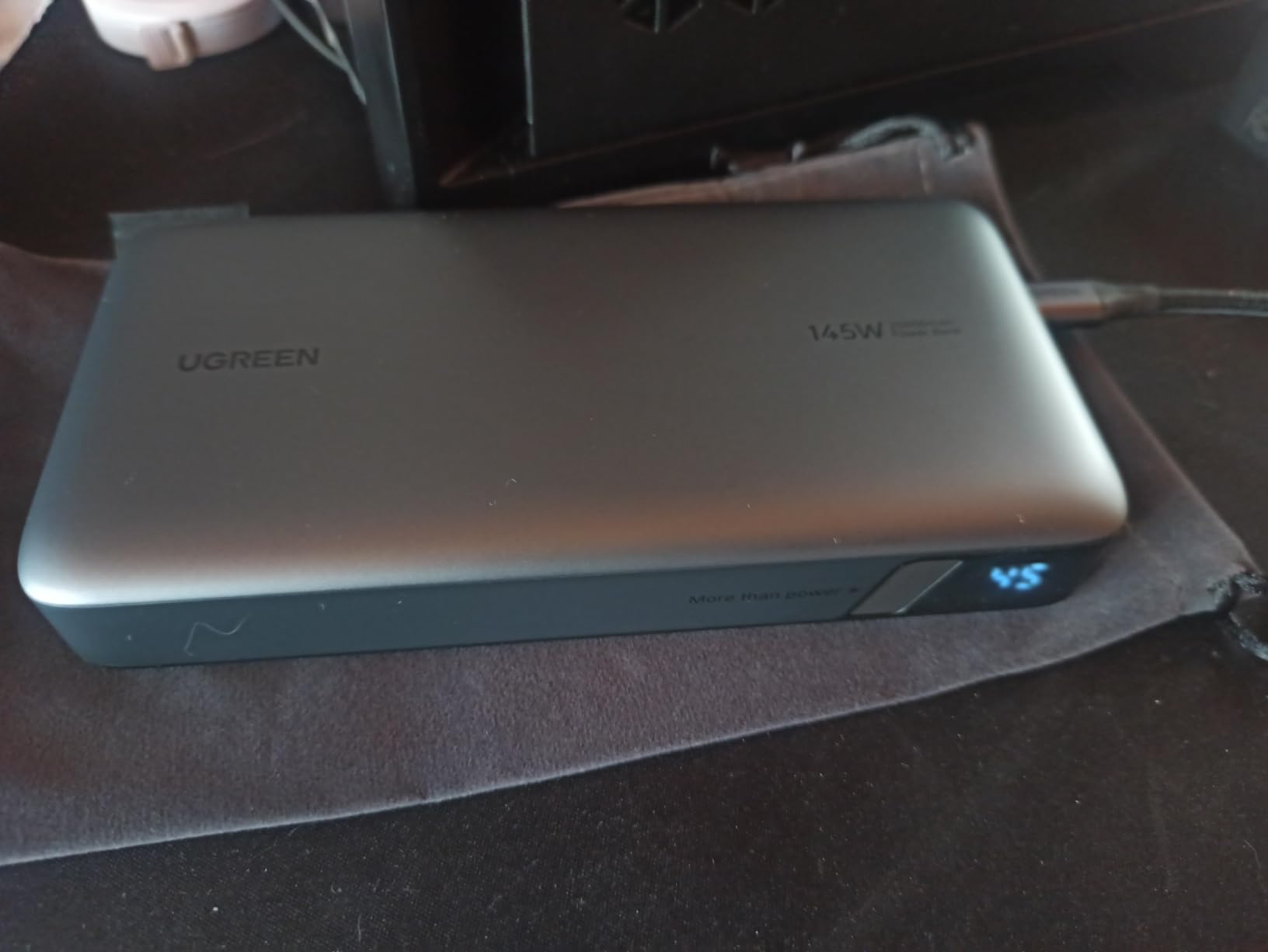
Why 140W matters for large laptops
A 16-inch MacBook Pro expects 140W over EPR, and anything lower means the machine charges slowly or draws from its own battery while plugged in. Pairing that laptop with a 65W pack is the classic mismatch this port solves.
Watch the weight. At 505g it is a substantial pack, so it works well in a laptop sleeve and poorly in a day bag you carry all day.
What could go wrong
A reviewer reported a USB-C port beginning to whir and then failing after a couple of months of use, and some early packs reportedly lost charge while idle before a later update improved idle hold. Buy from a seller with real support, because that is the deciding factor for a pack this size.
4. UGREEN Nexode 100W 20,000mAh – Best Value
- 100W output charges a 16-inch MacBook Pro to 42 percent in 30 minutes
- Self-recharges in about 1.6 hours over 65W
- Compact and about 20 percent lighter than comparable packs
- Low-current mode for earbuds and smartwatches
- Usable capacity closer to 75Wh than the headline number
- Adding a second device briefly interrupts the others
- Heavier than smaller chargers of similar size
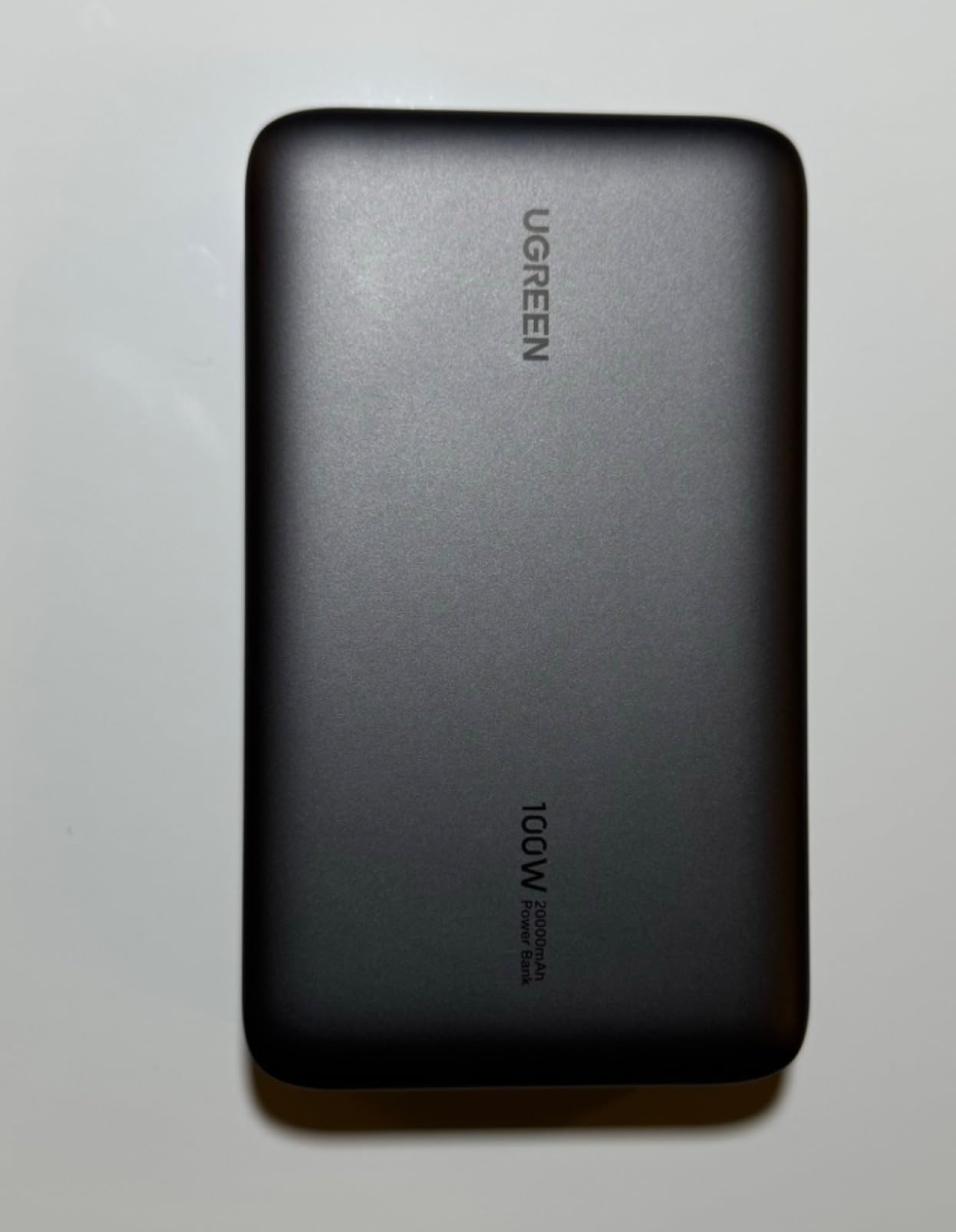
This is the pack I recommend to someone who wants laptop-capable output without carrying a brick. The 100W total is split across two USB-C ports and a 22.5W USB-A port, and reviewers report a 16-inch MacBook Pro reaching 42 percent in half an hour.
Self-recharge is the standout number. The 65W two-way charging means the same USB-C port that powers your devices refills the pack in about 1.6 hours, which is several times faster than a typical power bank of this size.
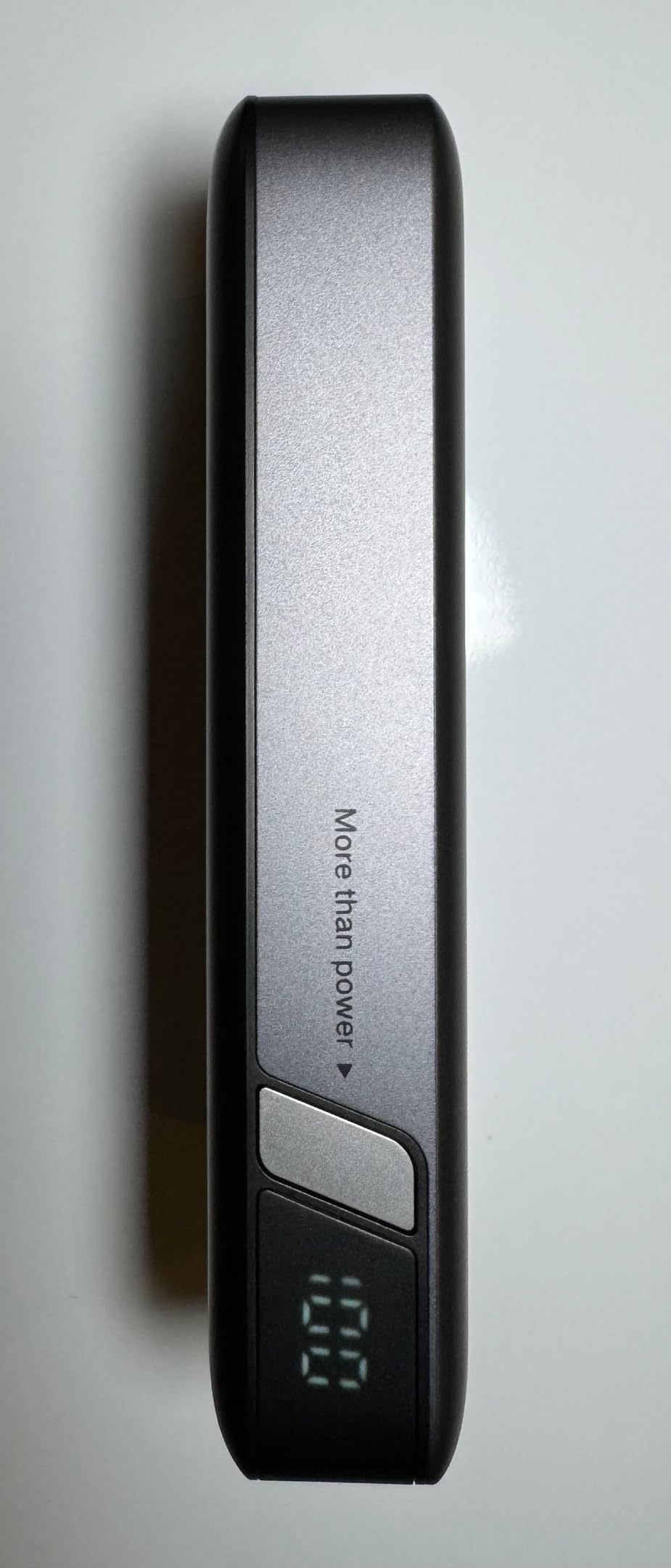
The honest caveat is usable capacity. Real output is closer to 75Wh, so a 50Wh MacBook Air gets a 0-to-90 percent top-up rather than two full charges, and that is exactly how the math works once you account for conversion loss.
It also runs three devices at once, which is where the shared power becomes visible. Plugging in a second device momentarily disconnects and renegotiates the others, and one reviewer documented a defective pack throwing an ICP input current protection error.
Best case for this pack
It suits commuters who top up rather than fully recharge, and handheld gamers get full power for Steam Deck and ROG Ally. A self-recharge in about 1.6 hours also means the pack is ready again the next morning.
Two USB-C ports plus one USB-A cover a laptop, a phone and a pair of earbuds in a single bag, so it suits anyone who would rather carry one charger than three.
Limits worth knowing
Do not buy it for multi-day off-grid work, because one full charge of a large laptop uses most of what is inside. At 420g it is also not the lightest option, and long-term owners do report it staying reliable past two years.
5. INIU 25,000mAh 100W – Best for Small Bags
INIU Laptop Power Bank, Smallest 25000mAh 100W Fast Charging Battery Pack
- Genuine 25000mAh in a body claimed to be 30 percent smaller than a soda can
- 100W output takes a 14-inch MacBook Pro from 20 to 72 percent in 30 minutes
- Multi-port smart system charges laptop and phone together
- Detachable 100W cable avoids built-in cord breakage
- 3-year warranty
- Not a wall charger so a 65W adapter is needed to refill it
- Short detachable cable needs a spare for long reach
- Display is basic compared with TFT panels
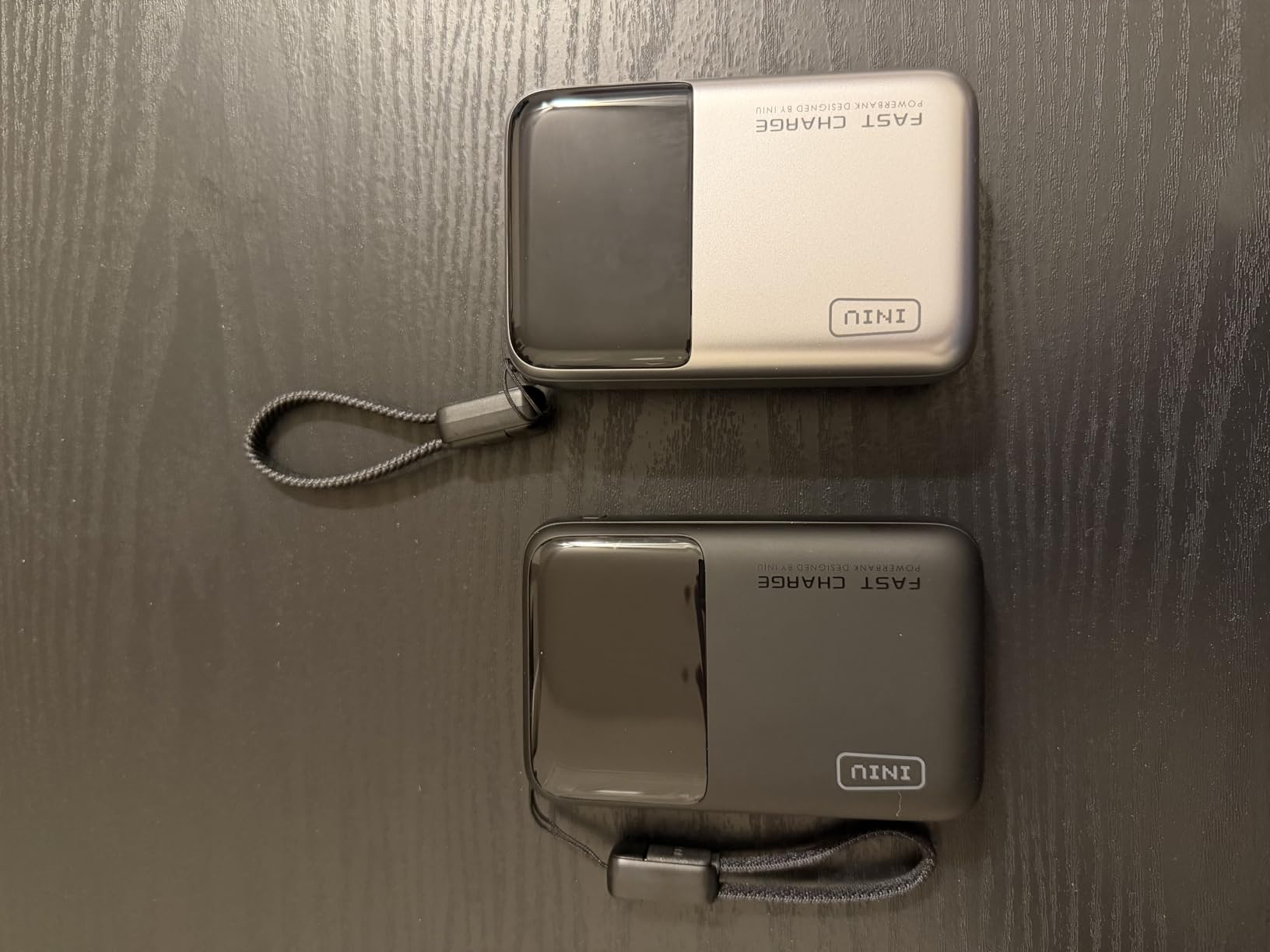
The pitch here is density. INIU fits a genuine 25,000mAh into a body it claims is 30 percent smaller than a soda can, weighing about 400g, and the three-year warranty is unusually long for the category.
Output is 100W across two USB-C ports and one USB-A. Owners report a 14-inch MacBook Pro going from 20 to 72 percent in half an hour, and the same output is enough to charge a Steam Deck or ROG Ally while you play, adding roughly four hours.
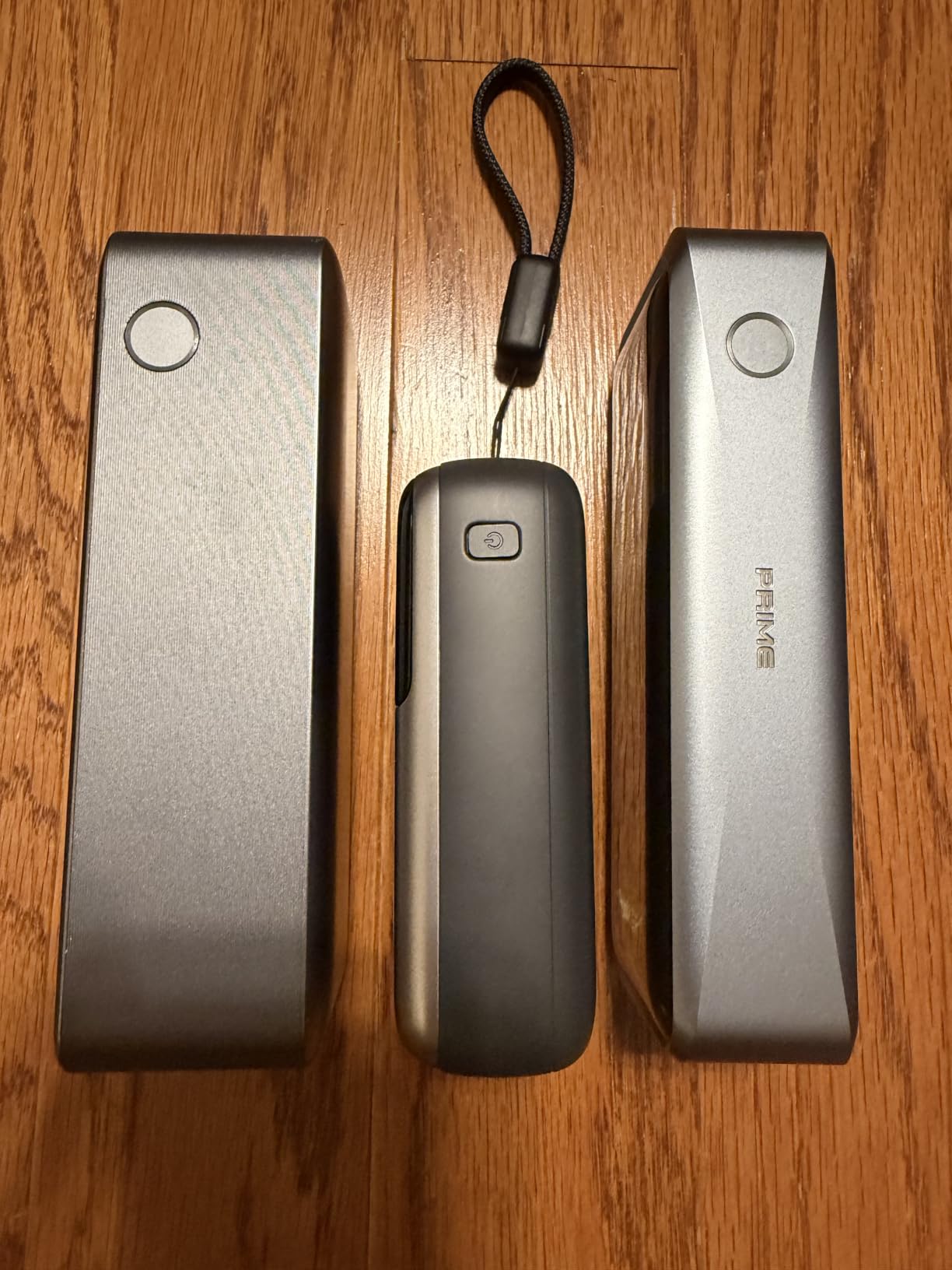
Using a detachable USB-C cable rather than a built-in one avoids the failure mode where a permanently attached cable frays at the hinge.
What you give up is display detail. The digital readout and LED indicators show level but not live wattage or runtime, and the pack is not a wall charger, so refilling it quickly needs a 65W adapter you likely own already.
Where the compact size pays off
This is the one to pick if your bag is already full of cables and you carry every day. The 4.3 by 2.7 by 1.4 inch footprint slides into a laptop sleeve where a 6-inch brick will not.
It also suits anyone who charges a laptop and a handheld console from one source, since the 100W output is shared cleanly between devices.
Where it will not suit
Skip it if you need to monitor live power draw, because the basic display will not tell you whether a port is delivering 100W or 30W. Skip it if you have no spare long cable and plan to charge from across a table.
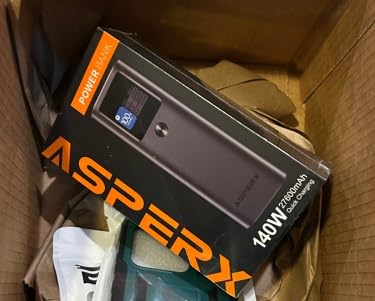
6. AsperX 25,000mAh 140W PD 3.1 – Best Detailed Display
AsperX Laptop Power Bank, 25,000mAh 140W PD 3.1 Fast Charging USB C
- Up to 140W from a single USB-C port
- TFT panel shows level
- runtime and power in and out
- 92.5Wh sits under the 100Wh airline cap
- Refills in about 1.8 hours with a 65W adapter
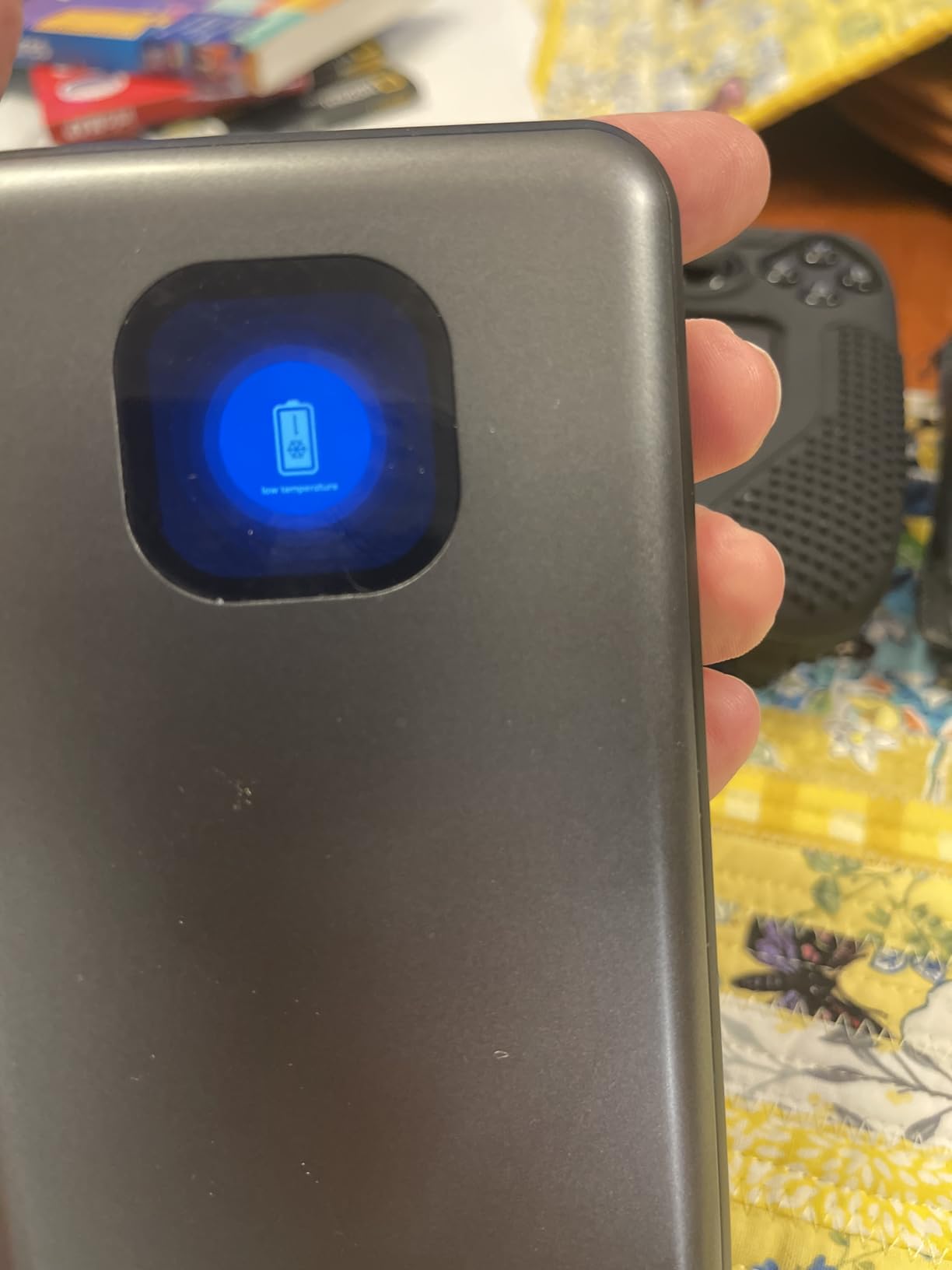
- Shell handles low outdoor temperatures
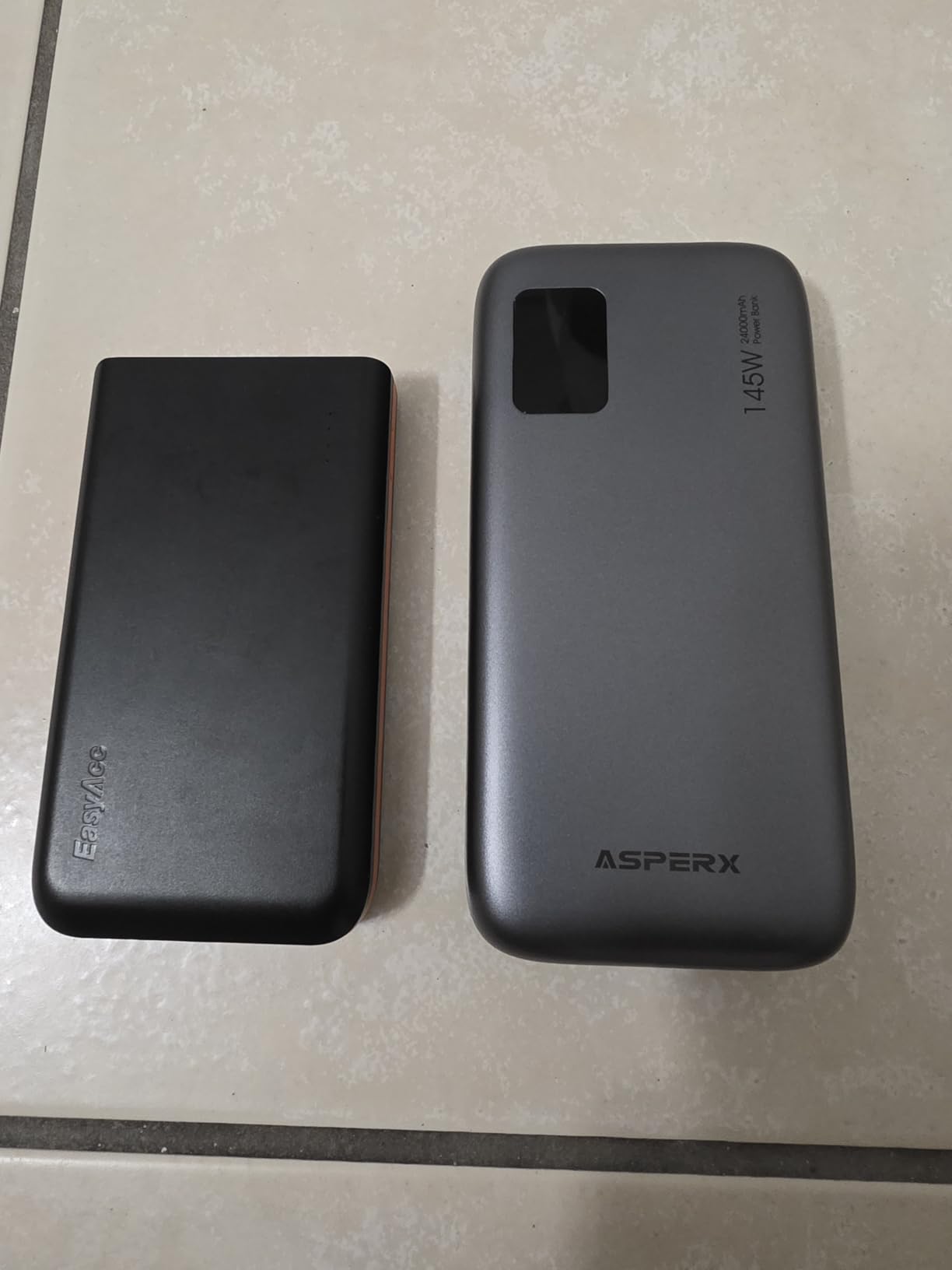
- Heavy at roughly 621g
- Output depends heavily on a proper 5A cable
- Bundled cable reported as the weak link
- Manufacturer advises against charging a device and the pack at once
The TFT control panel is the reason this one earns a place. It shows battery level, estimated remaining runtime and live input and output power, which is more than most panels in this class give you and more useful than a simple percentage.
Under the screen the hardware is serious: 145W total with up to 140W from USB-C1, 25,000mAh rated at up to 92.5Wh, and a 65W two-way input that refills the pack in about 1.8 hours.
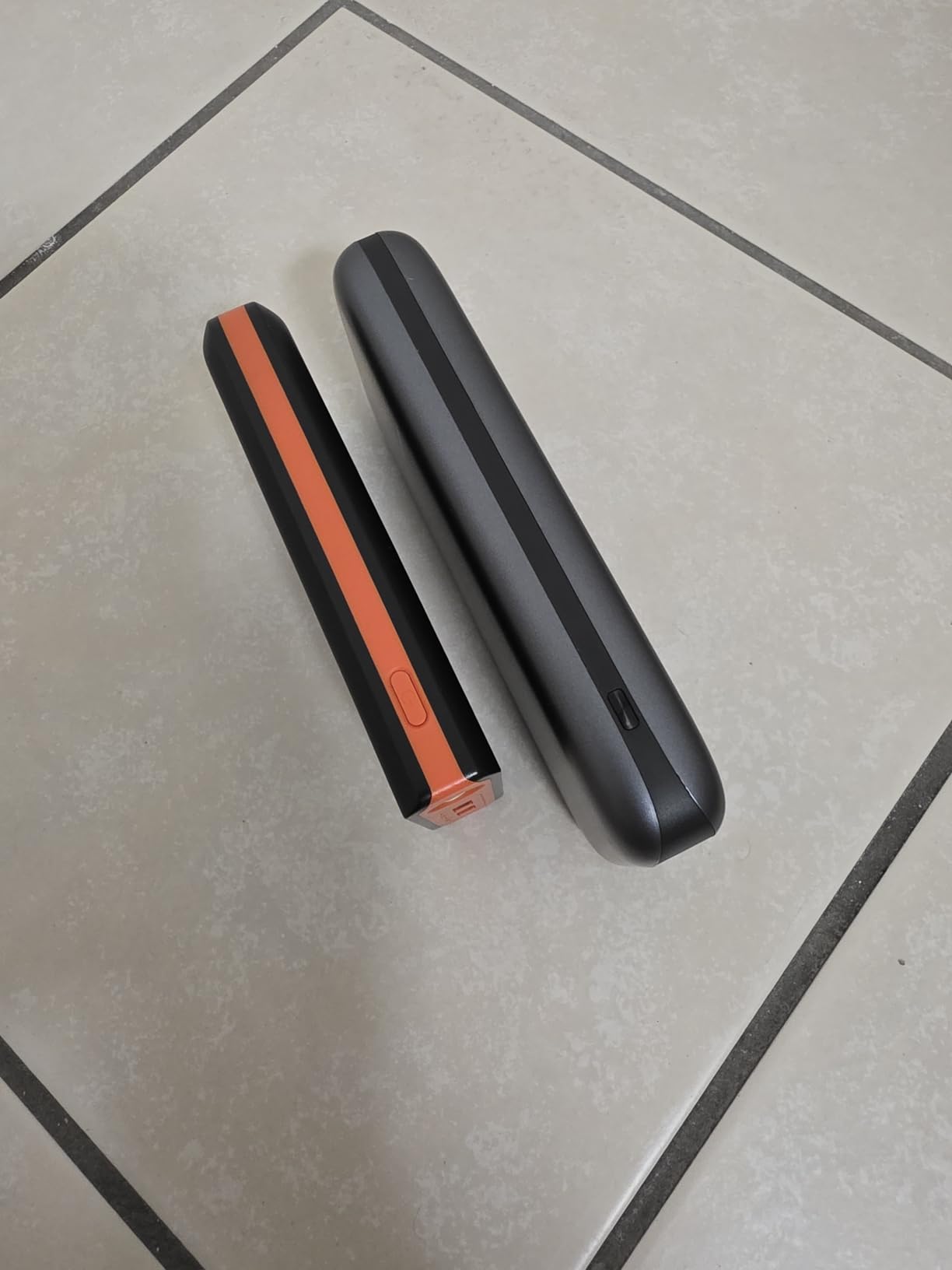
Reviewers who pair it with a certified 5A cable report excellent simultaneous output, around 88W to a running laptop and 27W to a phone at the same time. That is the multi-port claim in practice rather than on a spec sheet.
The catch is the cable, not the pack. Several owners flagged the bundled USB-C cable as the weak link causing connection drops, and the manufacturer prohibits charging a device and the pack at the same time.
Why the display is worth it
Runtime estimates are only trustworthy if you can see them, and this panel is among the more readable in the group. If you plan long flights or field days, knowing remaining minutes beats guessing from five LEDs.
At 92.5Wh it also sits safely under the airline carry-on ceiling, so it flies without special approval while still holding close to a full 100Wh of energy.
Watch out for
At roughly 621g this is a heavy pack, and buyers who expected the lighter spec-sheet numbers have been disappointed. Buy a certified 5A cable alongside it if the bundled one misbehaves, because performance tracks the cable closely.
7. Ansody 25,000mAh 140W – Best Temperature Readout
Ansody 140W Laptop Power Bank, 25000mAh with TFT Smart Digital Display
- Up to 140W on a single port with a 14-inch MacBook Pro at 50 percent in under 40 minutes
- Display reports remaining time and temperature alongside live power
- Three ports charge three devices at once
- Runs cool during sustained charging
- Very heavy at about 489g
- Some packs stopped working or charging after a few weeks
- Unclear documentation on what the time figure means
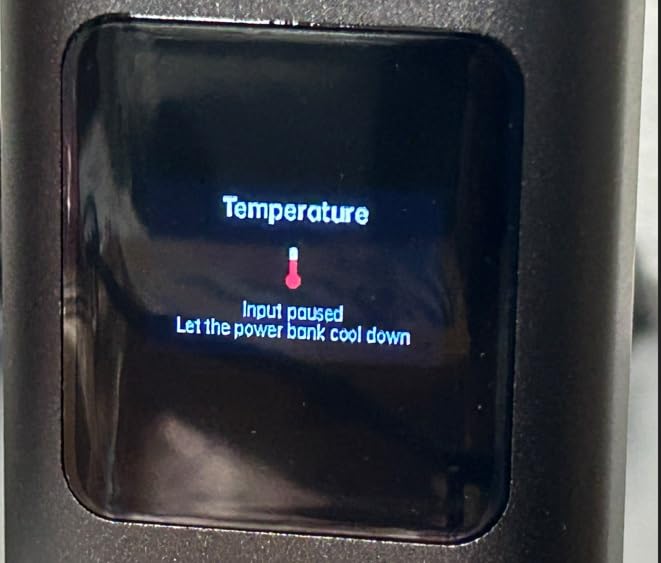
This is the only pack in our list whose display reports temperature, which matters more than it sounds. Heat is the leading cause of throttling and shutdown on high-wattage banks, so seeing the number lets you diagnose a slow charge before it becomes a problem.
Output is 145W total with up to 140W from a single port, and owners report a 14-inch MacBook Pro reaching 50 percent in under 40 minutes. Capacity of 25,000mAh works out to roughly 1.3 MacBook Pro charges or 4.3 iPhone 15 charges.
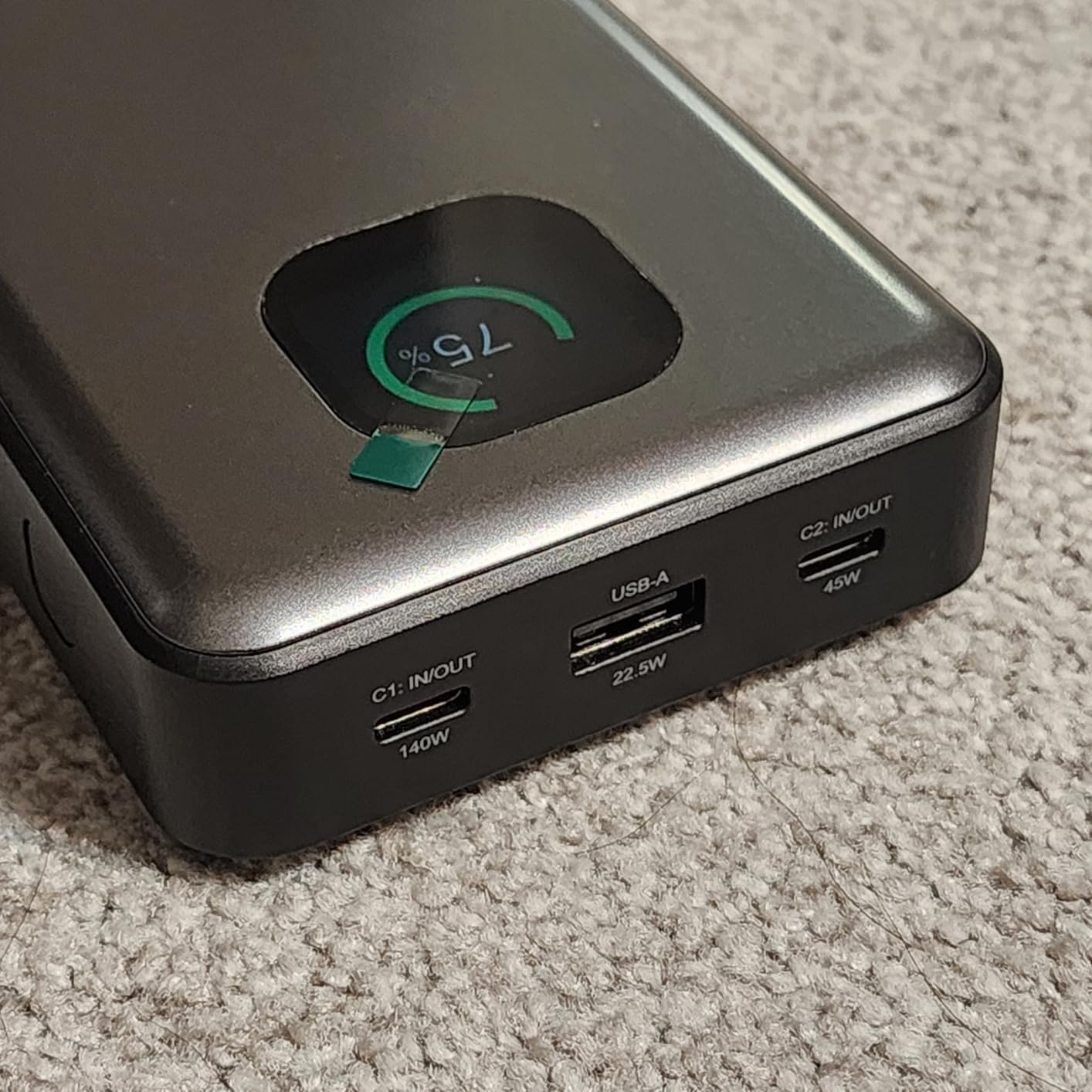
Protocol support is broad for the money, covering PD 3.0, Quick Charge, FCP, SCP, AFC and Apple 2.4A alongside the others. It comes with a 3.28 foot 100W USB-C cable and a 24-month warranty.
The reason it sits lower is durability reporting. Some owners say their pack stopped working or stopped charging after only a few weeks, and that higher share of one-star reviews is what drags the 4.2 average below comparable 145W units.
Reasons to pick it
Pick it if heat is a recurring problem for you, or if you charge a laptop in hot environments and want visibility into pack temperature. It also suits anyone who charges several devices at once and wants the numbers in front of them.
The runtime estimate is useful for planning a long session, even if the leaflet does not explain precisely what the time figure represents.
Reasons to pass
Pass if early unit failure would leave you stranded far from a charger, because the durability reports are the main concern here. Pass if you want the lightest option, since 489g is heavy for its size.
8. SHARGEEK 170 24,000mAh 170W – Best for Rugged Outdoor Use
SHARGEEK 170 Power Bank, 140W Portable Charger 24000mAh/86.4Wh
- Two 140W USB-C ports plus one USB-A run a laptop
- phone and portable monitor together
- Refills in about 45 minutes over PD 3.1
- Transparent housing with a display for wattage and runtime
- IP66 water and dust resistance
- 240W cable and travel pouch included
- Bulky and heavy at about 680g
- Only a 1-year warranty
- Drains fully during a single high-output laptop charge
- One owner found loose metal screws inside the enclosure
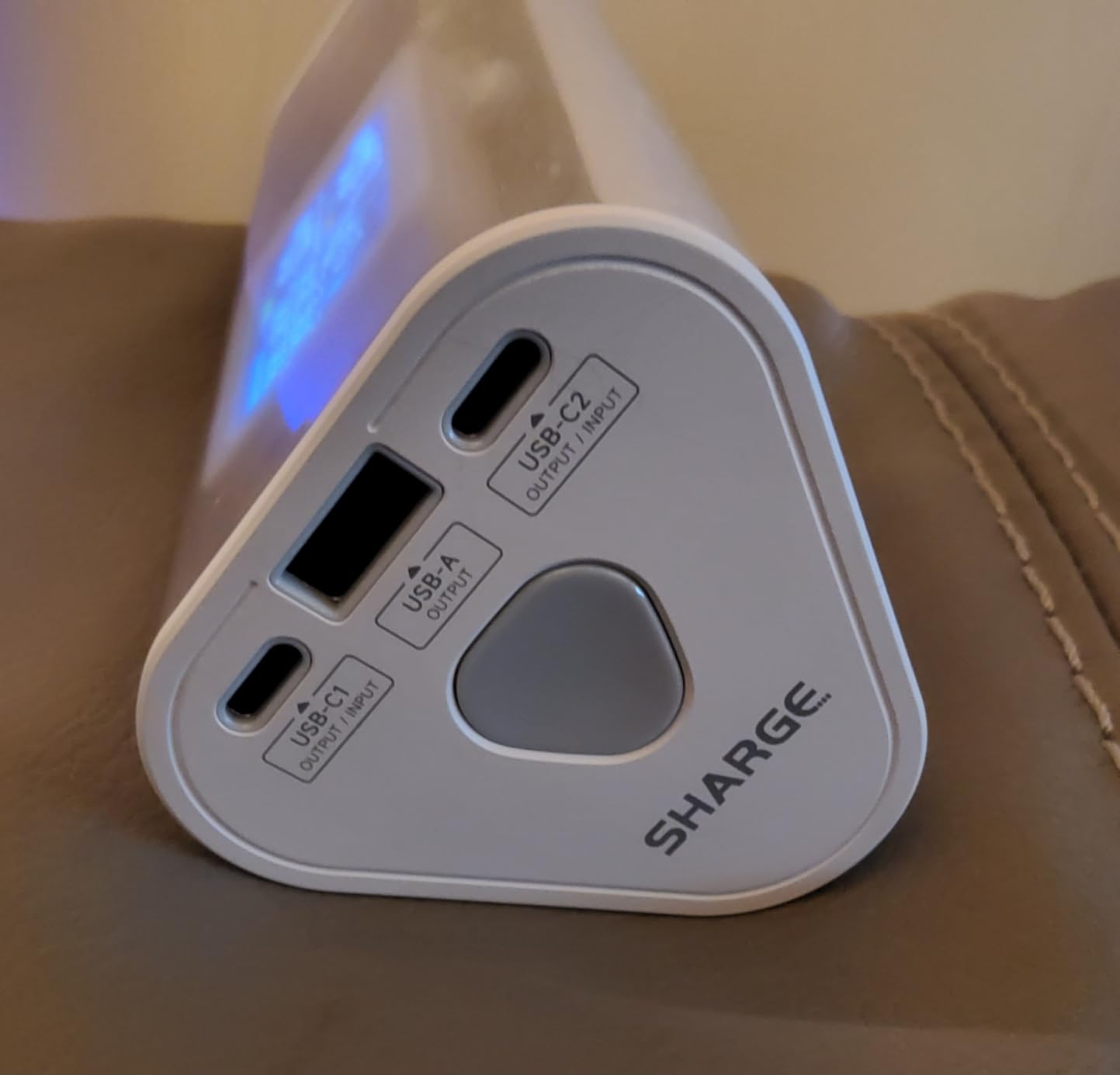
IP66 is the differentiator here. Almost nothing at 140W and above carries water and dust resistance, and for field engineers, photographers or anyone working outdoors, that rating is worth more than another 30W on paper.
Total output is 170W across two 140W USB-C ports and one USB-A, with fast 45-minute self-recharge over PD 3.1. A 16-inch MacBook Pro reportedly goes from 0 to 55 percent in 44 minutes, and capacity is 24,000mAh at 86.4Wh.
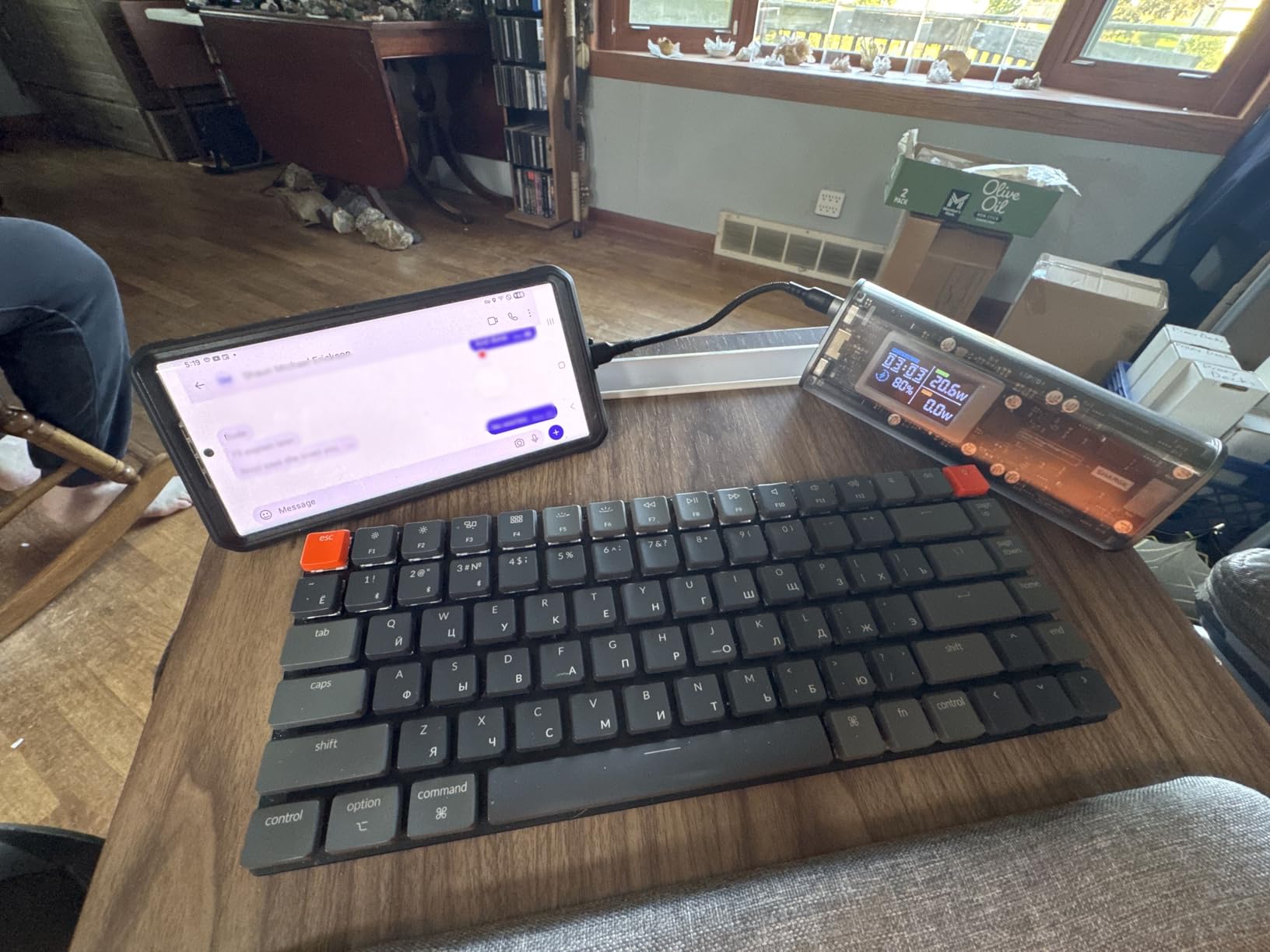
The transparent housing with an integrated display is a design choice rather than a gimmick. It shows charging power, remaining time and battery level without opening a menu, and the enclosure is easy to eyeball for physical damage.
Bulk is the trade-off. At about 680g and 6.49 by 2.48 by 2.32 inches this is a backpack item, and delivering power that quickly can drain the pack completely during one laptop charge with nothing in reserve.
Built for outside work
This suits anyone whose work happens where outlets do not, including surveyors, photographers and campsite workers. The IP66 rating and the 240W cable in the box mean fewer accessories to lose.
It also suits people running a full mobile workstation, since a laptop, phone and portable monitor can all draw power at once.
Trade-offs to accept
The 1-year warranty is the shortest among the packs we reviewed, and one owner reported loose metal screws inside the enclosure, which is a build-quality signal worth taking seriously. At 680g it is the heaviest pick here.
9. Baseus 20,000mAh 100W Slim – Best for Flat Packing
- Flat 0.78 inch profile slides into a laptop bag without bulk
- 100W output takes a MacBook Pro to 50 percent in 30 minutes
- Four ports cover phones and tablets
- UL and IEC certified overcharge and overheat protection
- 20000mAh gives roughly 70 to 90 percent of a typical laptop battery
- 60W maximum recharge input is slower than 100W rivals
- Display is a simple power readout
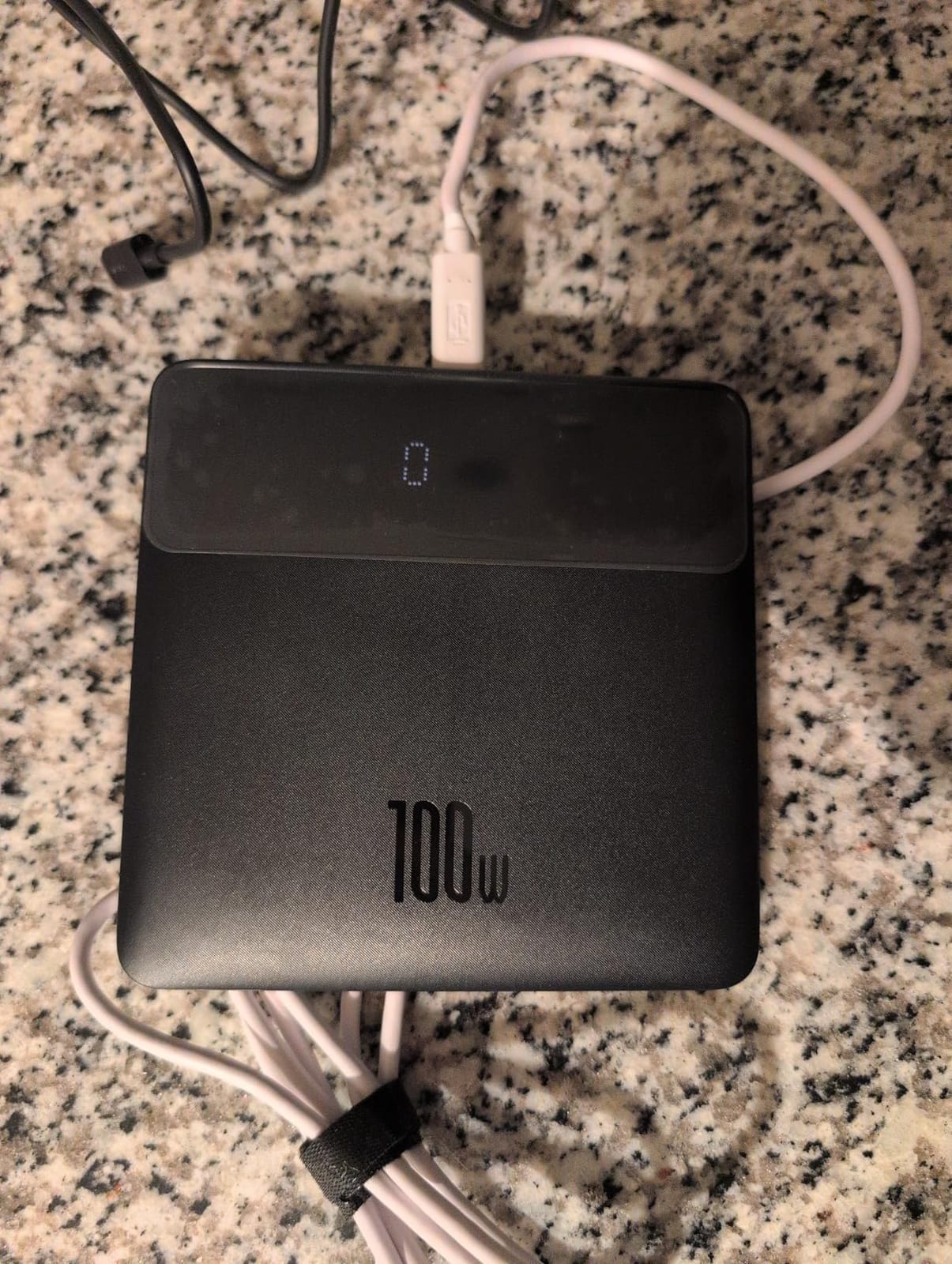
Shape is the whole story with this one. At 5.27 inches square and only 0.78 inches thick, it is the only pack here that behaves like a sheet of paper in a bag rather than a brick wedged between a laptop and a charger.
Output is 100W USB-C PD, and owners report a MacBook Pro reaching 50 percent in half an hour. Four ports, two USB-C and two USB-A, mean a laptop, phone, tablet and headphones all charge from one unit.
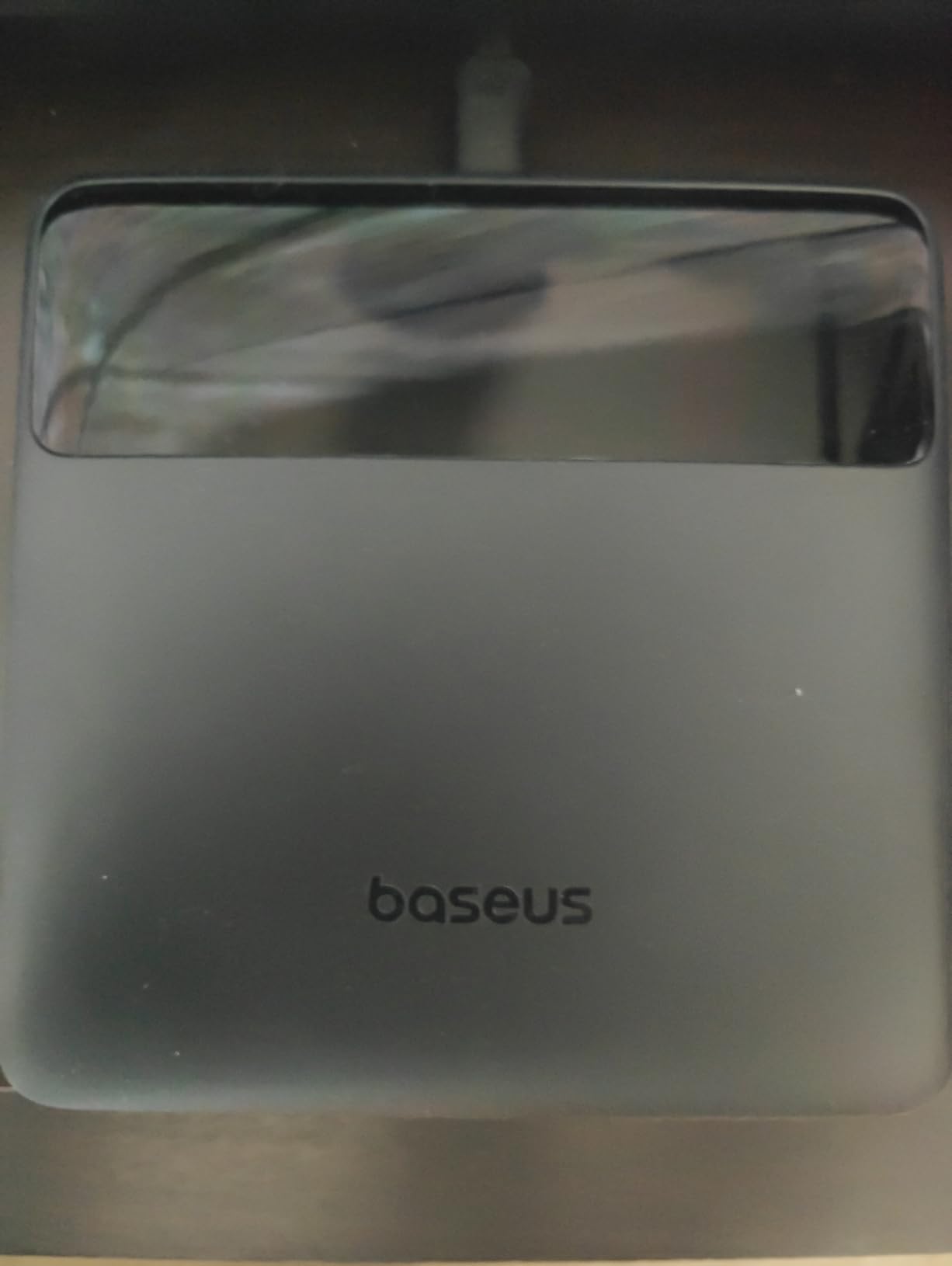
Safety markings are unusually clear for the money. UL and IEC certified overcharge, overheat and short-circuit protection are stated outright, and the warranty runs 24 months with a 100W cable in the box.
Capacity is the limitation. At 20,000mAh you get 70 percent or more of most 13-to-15-inch laptop batteries rather than a full recharge, and the 60W maximum input means refilling is slower than 100W-input rivals.
Good for carry-on packing
Pick it if you travel with a slim bag and a strict bag allowance, because thickness matters more than weight in overhead bins. It is also the safest pick for people who want documented protection circuits rather than a bare conformity mark.
The flat form also works well in a shared tote or a small day bag where a 6-inch pack simply will not lie down.
When it falls short
Skip it if you need a full recharge of a large laptop from one pack, because the capacity is a top-up rather than a restore. The simple power readout also cannot tell you live wattage per port, which matters if you are diagnosing a slow charge.
10. AsperX 20,000mAh 165W Retractable Cable – Best for Two Laptops
AsperX Laptop Power Bank, 165W 20,000mAh Retractable Cable Aluminum Unibody
- Pushes 100W to one laptop and 65W to a second at the same time
- Built-in retractable USB-C cable removes cable clutter
- Aluminium unibody shell dissipates heat better than plastic
- Colour TFT display shows cell health and live power
- Small-power mode reaches low-draw devices
- Heaviest relative to capacity in this group at about 660g
- Some packs arrived faulty with inconsistent support
- 65W maximum recharge input
Two-laptop charging is rare at this size, and this is the clearest example. The 165W total splits into 100W to one machine and 65W to a second, covering a main laptop plus a partner’s ultrabook on a long journey.
The retractable built-in USB-C cable is the practical winner for travel, since you pull it out to charge and push it back in to store. The aluminium alloy shell dissipates heat better than plastic and several owners rank its build above comparable Anker units.
The colour TFT display is unusually informative, showing battery level, remaining time, input and output power and cell health, with adjustable brightness for daylight reading. It is the most complete readout on this list.
Two issues temper that. At 660g it is the heaviest pack relative to its 20,000mAh capacity, and some owners reported faulty units plus after-sales support that was slow to respond.
When two-laptop charging matters
This suits couples who work from the same bag, field teams pairing a laptop with a rugged tablet, and anyone who needs a second machine topped up without a second cable. The small-power mode also reaches fans, watches and earbuds.
It also suits people who want the aluminium shell and the cell health readout, both of which are hard to find elsewhere at this output level.
Reasons to choose something else
Pass if you only carry one device, because the weight buys capability you would not use. Pass if a slow recharge matters, since the 65W maximum input is the limiting factor, and note that some laptops will only negotiate if you trigger slow-charge mode first.
How to Choose a Power Bank for Laptops in 2026
Match the wattage to your laptop, not the other way round
A MacBook Air needs about 65W, a 14-inch MacBook Pro around 70W, a 16-inch MacBook Pro the full 140W over EPR, a Chromebook roughly 45W to 65W, and a gaming laptop anywhere from 100W to 140W. A Steam Deck or Switch needs about 45W. Buying above your laptop’s requirement wastes money, because the laptop will only ever draw what it needs.
A 100W pack therefore covers most 13-inch and 14-inch ultrabooks fully, and will top up a 16-inch MacBook Pro slowly rather than at full speed. If you own the big machine, look for a genuine 140W EPR port rather than a headline total.
Do the capacity math in watt-hours, not mAh
Milliampere-hours are close to meaningless for laptops. The useful figure is watt-hours, calculated as mAh multiplied by nominal voltage divided by 1000, so 10,000mAh at 3.7V is only about 37Wh, and 100Wh is roughly 27,000mAh. To size a pack, multiply your laptop’s battery watt-hours by the number of charges you want, then add 20 to 30 percent for conversion loss.
For two full charges of a 50Wh laptop you need roughly 130Wh, which pushes toward 27,000mAh and into airline territory. Staying under 100Wh keeps travel simple: up to 100Wh goes in carry-on only, 100Wh to 160Wh needs airline approval, and above 160Wh is prohibited.
Why is my 100W power bank only charging my laptop at 60W?
This is the most common complaint on the forums, and the cause is usually one of five things. First, a non-E-Marked cable: a cheap USB-C lead caps at 3A, which means 60W at 20V, no matter what the pack is rated for. Second, multi-port power sharing, where adding a second device cuts the first. Third, thermal throttling, where a pack drops output after 10 to 20 minutes of sustained load. Fourth, a laptop-side input limit, which is exactly what happens when you pair a 65W pack with a 100W laptop. Fifth, missing PD 3.1 or EPR support, which prevents high-voltage negotiation entirely.
One more protocol habit helps: charge the laptop first, then the phone and tablet, then wearables. A laptop pulling 65W to 100W will starve a second device if the pack is sharing output, and you avoid a mid-session throttling surprise.
Check safety marks, not just conformity stickers
UL 2056 and IEC 62133 cell compliance are the marks worth looking for, because a bare CE stamp says very little about the cell inside. Warm is normal under a 100W load, but if a pack is too hot to hold for several seconds or shuts itself off mid-session, stop using it. Gallium nitride internals and single-port rather than multi-port loading both predict cooler sustained operation.
Finally, treat weight and self-recharge time as real costs. Anything above 20,000mAh runs 400g to 680g, and refilling a pack can take two to three hours. If you need more than about four hours away from an outlet under heavy load, a portable power station is the right tool, not a bigger bank.
Frequently Asked Questions
Do power banks work for laptops?
Yes, as long as the USB-C port delivers 65W or more over Power Delivery. Phone power banks at 18W to 30W will barely charge a laptop, while a 65W pack handles a MacBook Air and most ultrabooks, and 140W is needed for a 16-inch MacBook Pro.
Can a 100W power bank charge a laptop?
A 100W pack fully charges 13-inch and 14-inch ultrabooks and Chromebooks. On a 16-inch MacBook Pro, which expects 140W, it will top the battery up more slowly instead of restoring it at full speed.
Will a 100W USB-C charger charge a laptop?
It depends on the laptop’s input rating. Any USB-C laptop that accepts 65W or 100W charges normally from a 100W source, and the laptop caps the rate at whatever it draws. Older barrel-connector laptops need a different adapter entirely.
Is it safe to charge a MacBook with a power bank?
Yes, with a bank carrying UL 2056 or IEC 62133 certification. The laptop and bank negotiate voltage and current over the same handshake, so the machine only accepts what it can safely use. Avoid uncertified units with no traceable manufacturer.
Is 100Wh the same as 10,000mAh?
No. Watt-hours equal mAh multiplied by nominal voltage divided by 1000, so 10,000mAh at 3.7V is about 37Wh. Reaching 100Wh takes roughly 27,000mAh, and airlines cap carry-on power banks at 100Wh without approval.
Why is my 100W power bank only charging my laptop at 60W?
Most often the cable is not E-Marked, and a 3A lead caps output at 60W regardless of the pack. Other causes are power sharing across multiple ports, thermal throttling after 10 to 20 minutes of sustained load, a laptop-side input limit, or missing PD 3.1 and EPR support.
Which Laptop Power Bank Should You Buy in 2026
Start with wattage. If your laptop charges from 65W, choose the UGREEN Nexode 20,000mAh 100W for value or the INIU 25,000mAh 100W for a smaller body. For a 16-inch MacBook Pro or a gaming laptop, move to 140W with the UGREEN Nexode 145W or the Anker 737.
Next, decide how many charges you need away from a wall. One full charge plus top-ups is the realistic ceiling for any airline-friendly pack, and if you need two full laptop charges, a portable power station is the better purchase. Finally, add a certified 5A E-Marked cable to your kit, because that single accessory decides whether a fast pack feels fast.
The Anker 737 stays our pick for the best power banks for laptops overall, with the strongest combination of sustained output, capacity and the largest body of owner feedback. Use the buttons above to check current pricing, since these packs change hands regularly.