
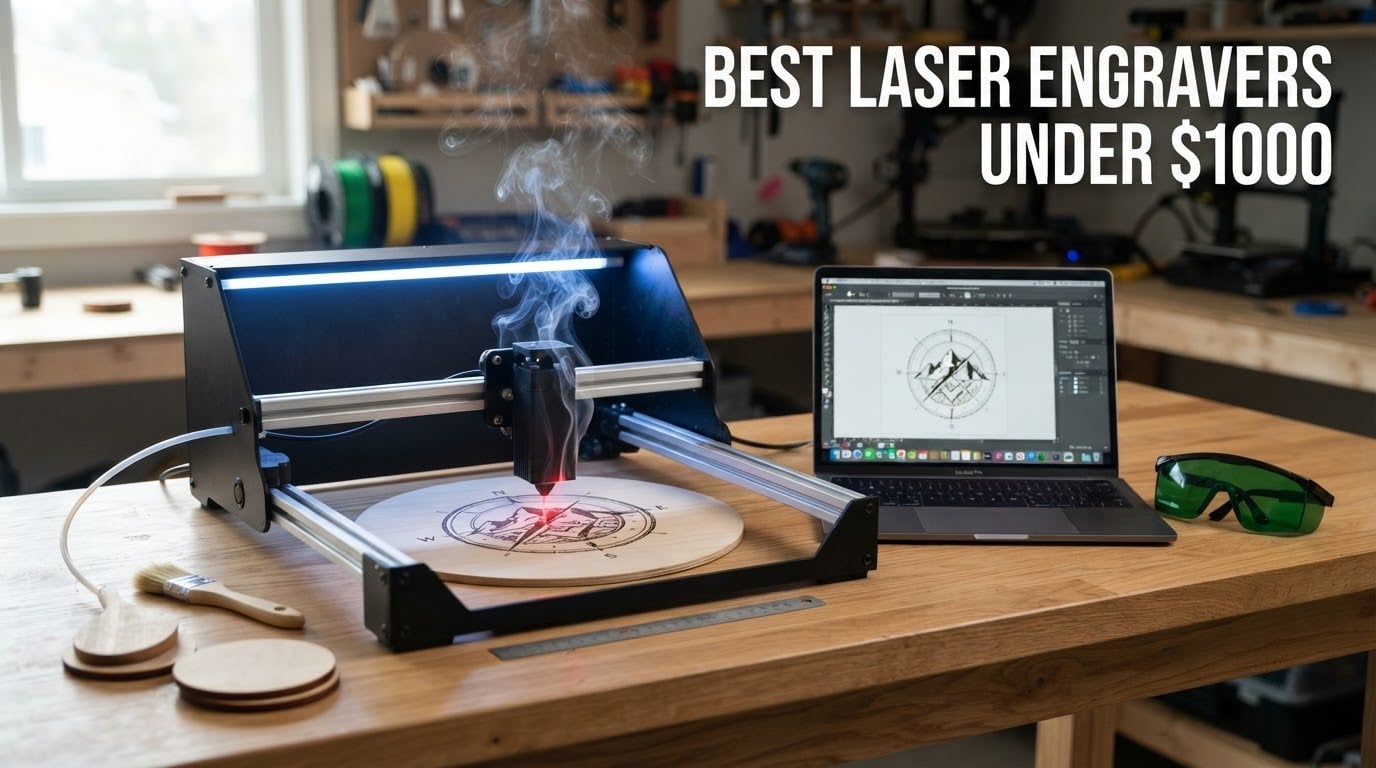
If you want one answer, take the Ortur Laser Master 2 S2 LU2-10A as the best laser engraver under $1,000. It pairs a genuine 10W optical module with the largest review base of any machine in this roundup, and it runs both LaserGRBL and LightBurn. If you need real cutting power, step up to the Longer RAY5 20W.
I spent weeks comparing specs, reading owner reviews and cross-checking what the community actually argues about at this budget. Twelve machines made the cut, and they span the whole range: 2.5W pocket units, 10W open frames, enclosed Class 1 machines and a handheld galvo engraver with no bed at all.
The short version on whether $1,000 is enough: yes, for wood, plywood, acrylic, leather, paper and coated metal, and no for bare metal engraving or thick clear acrylic. No fiber laser exists at this price. If metal marking is your only goal, keep saving.
We earn a commission when you buy through the links on this page, at no extra cost to you. That never changes which machine we rank first.
If you also work with alignment tools or print your own labels, our guides to the best laser levels and best laser printers cover the rest of the workshop setup.
Table of Contents
Top 3 Picks for the Best Laser Engravers Under $1,000 In 2026

Ortur Laser Master 2 S2 LU2-10A
- True 10W optical module
- 390 x 410mm bed
- LaserGRBL and LightBurn

Our top pick is the Ortur because review volume matters more than any other signal at this price. When a machine has 1,470 reviews, its failure modes are already documented and its strengths are real rather than marketing copy.
The Longer RAY5 20W is the strongest cutter in the group, and it holds the highest rating here at 4.4 stars. The ACMER S1 takes the budget slot: it is the smallest and lightest machine, and it arrives almost fully assembled.
All 12 Machines at a Glance (October 2026)
| Product | Specifications | Action |
|---|---|---|
| Ortur Laser Master 2 S2 LU2-10A |
|
Check Latest Price |
 Twotrees TTS-10 Pro Twotrees TTS-10 Pro |
|
Check Latest Price |
| Longer RAY5 20W |
|
Check Latest Price |
 ACMER S1 ACMER S1 |
|
Check Latest Price |
 xTool M1 xTool M1 |
|
Check Latest Price |
 Creality Falcon 10W Creality Falcon 10W |
|
Check Latest Price |
 Creality Falcon A1 Creality Falcon A1 |
|
Check Latest Price |
 Longer Ray5 5W Longer Ray5 5W |
|
Check Latest Price |
 LaserPecker LP2 LaserPecker LP2 |
|
Check Latest Price |
 Carverall K15 Pro Carverall K15 Pro |
|
Check Latest Price |
 Genmitsu L8 20W Genmitsu L8 20W |
|
Check Latest Price |
 Woxcker L2 MAX Woxcker L2 MAX |
|
Check Latest Price |
1. Ortur Laser Master 2 S2 LU2-10A: The 10W With the Biggest Review Base
- Genuine 10W optical output
- All-metal modular frame
- Works with LightBurn and LaserGRBL
- Quick 10-15 minute assembly
- Multiple built-in safety features
- Open frame means fumes and fire risk need external handling
- Class 4 laser needs real eye protection
- 2020 design with a compact work area
This is the machine I keep coming back to, and the reason is unglamorous: 1,474 reviews. Owners consistently report that the 10W module really does output 10W, and the all-metal frame holds accuracy better than the folded-steel frames at similar prices.
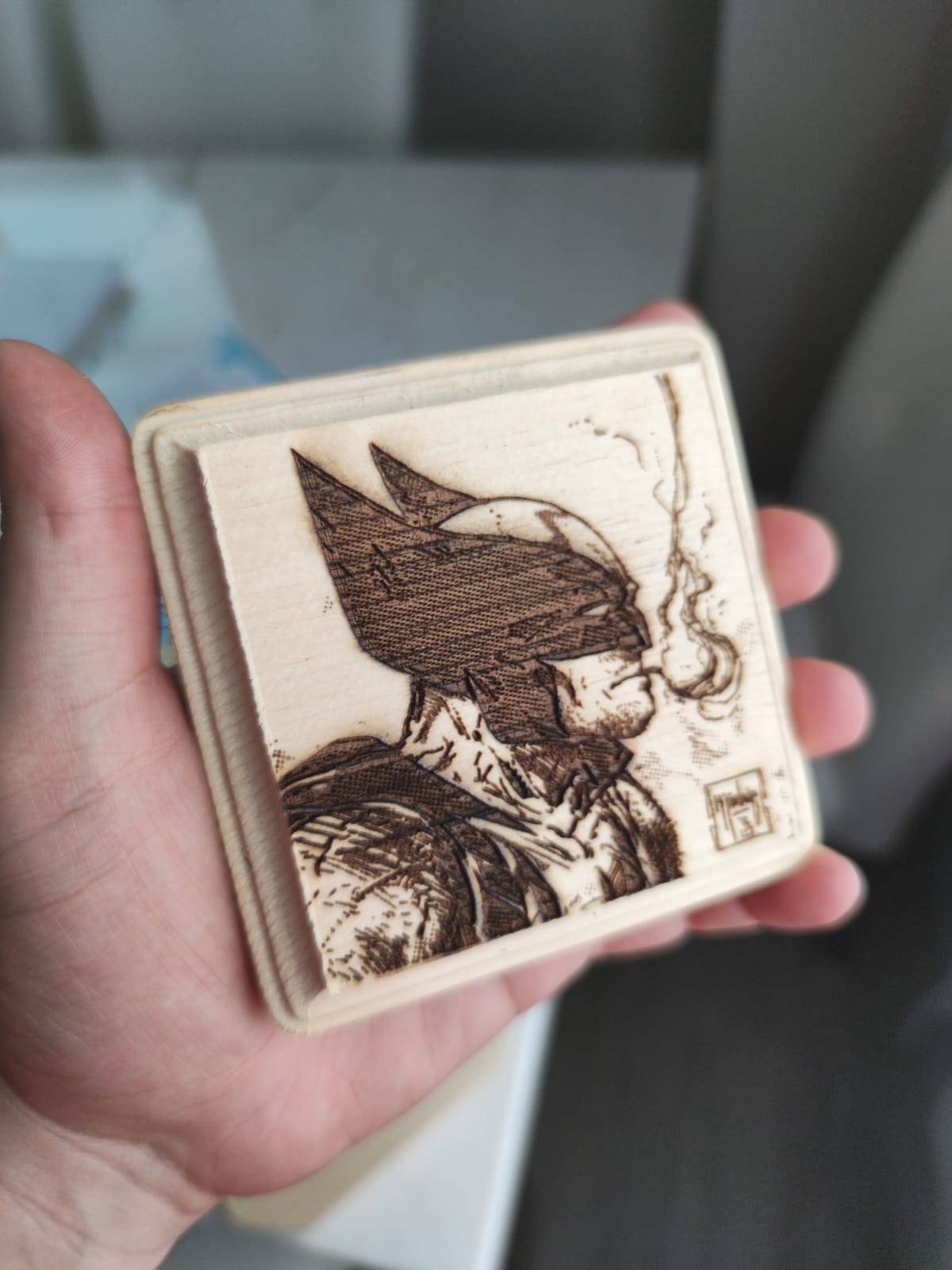
The compressed spot of 0.05mm by 0.1mm is tight enough for small text on keychains and pet tags, and the manufacturer claims cuts of 30mm acrylic and 20mm wood. Treat those numbers as single-pass maximums on ideal material rather than everyday results.
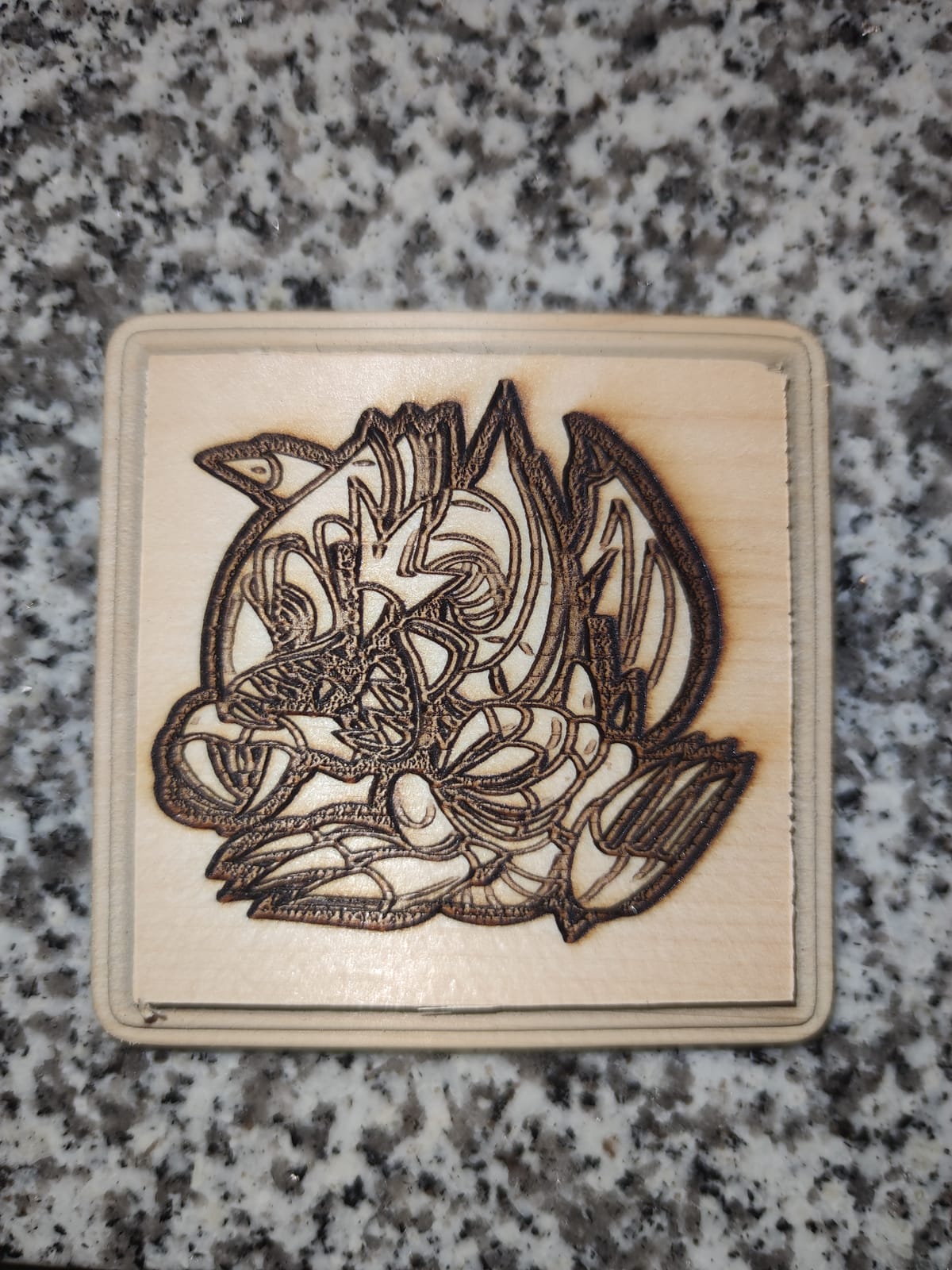
Owners also mention assembly time of 10 to 15 minutes and file format support across SVG, DXF, JPG, PNG and TIF. It runs on both Windows and Mac, which matters if you are not locked to a single ecosystem.
The G-sensor that stops the machine on tilt or impact is a genuinely useful safety feature, and the included cover filters 98% of UV. That still leaves a Class 4 open frame, so exhaust is on your list, not on the box.
What you get for the money
You get a 10W optical module, a 390 x 410mm bed, dual Y-axis rigidity from the metal frame, and both software standards supported. That combination is rare in the sub-$250 bracket.
The nine-pound weight and 22.4 by 21.7 inch footprint make it genuinely portable between a garage and a kitchen table, which is more than most enclosed machines in this roundup can claim.
Where it will frustrate you
The 390 x 410mm area is modest. A standard letter sheet will not fit without overhang, so batch jobs mean more manual swapping.
There is no enclosure, so you need ventilation and a fire-safe surface before your first cut. LightBurn also has a learning curve, and a minority of owners report needing to troubleshoot file transfers.
2. Twotrees TTS-10 Pro: Fast, Certified and Happy Off a Memory Card
Twotrees TTS-10 Pro Laser Engraver,10000mW High Precision Laser Engraving
- Deep fast engraving on wood and leather
- Dual Y-axis motors and alloy frame
- TF card offline operation
- CE FCC ROHS FDA and UL62368 certified
- Responsive seller support
- Not a metal engraver despite the marketing
- Assembly is tough for first-time users
- 300 x 300mm bed limits signage
The TTS-10 Pro stands out for its certification list. CE, FCC, ROHS, FDA and UL62368 is more paperwork than most competitors at this price publish, and it matters if you are buying for a workshop rather than a bedroom desk.
A 32-bit dual-core mainboard and GT2-6mm synchronous belts drive engraving at up to 30,000mm/min. Owners praise the deep, fast results on wood, bamboo, acrylic, leather, dark glass and coated metal.
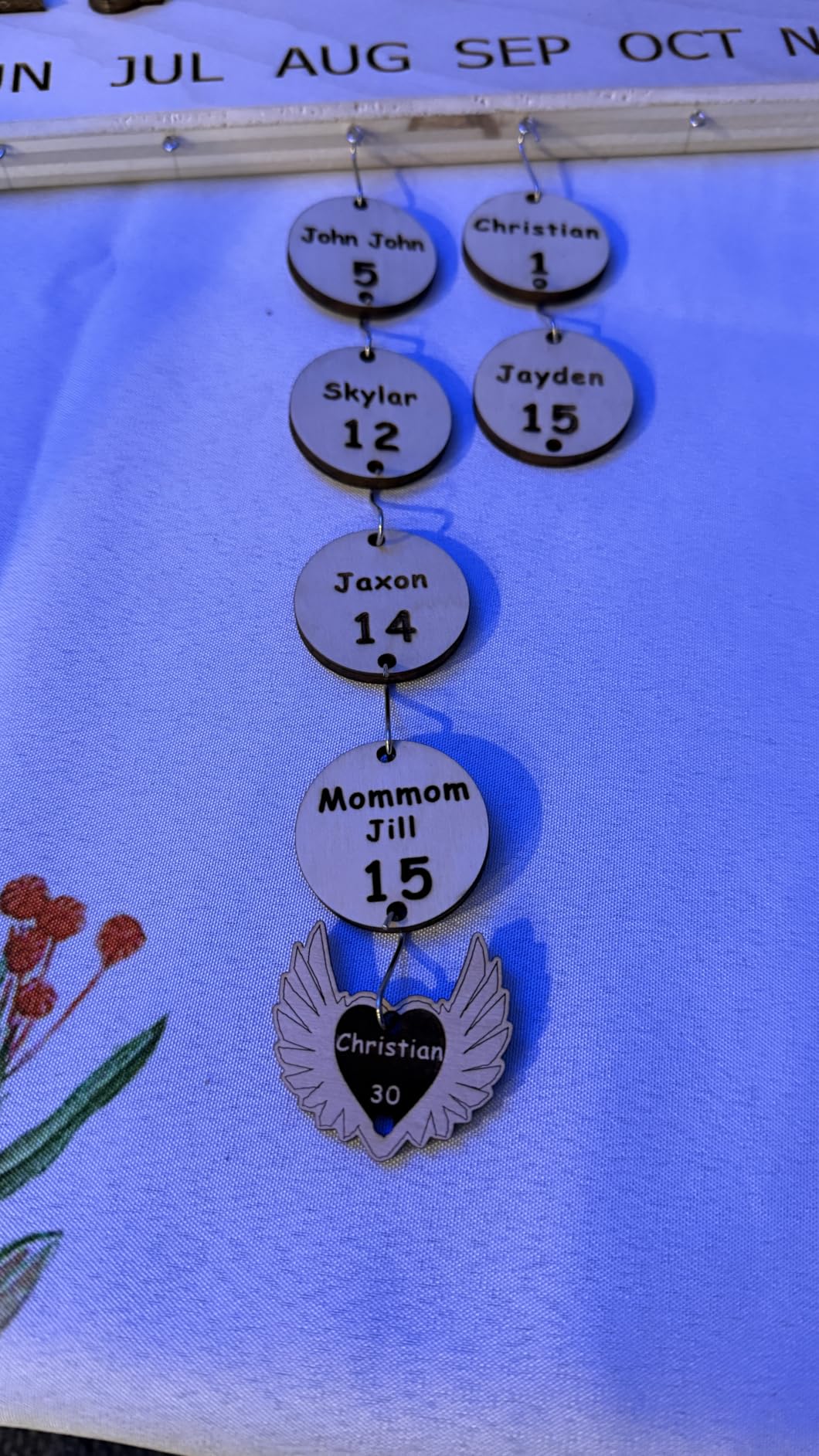
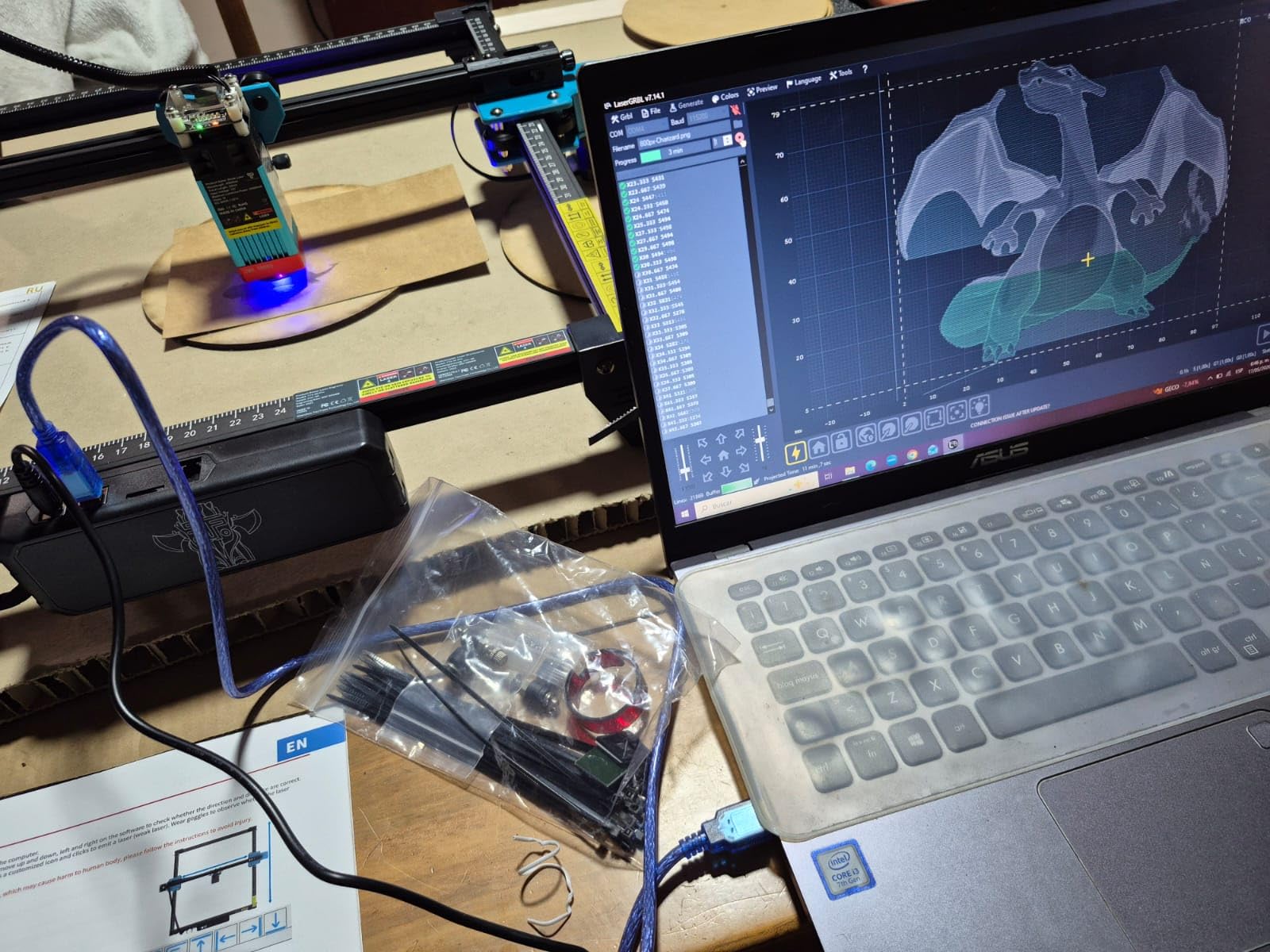
Two Y-axis stepper motors keep the gantry square, which is why lettering stays straight across the full bed instead of drifting at the far edge. That single detail separates good machines from cheap ones.
The four gigabytes of TF card storage, card reader and assembly tools are all in the box. You can send a job from the computer and walk away, which is a real advantage over USB-tethered frames.
Why owners keep it
Buyers call it a capable, durable starter machine with accurate stepper motors and a year of warranty behind it. Support responsiveness comes up repeatedly in positive reviews.
It accepts LightBurn and LaserGRBL through .lbrn or .nc export, plus mobile app and browser-based control. That gives you three ways to run the same machine.
Where it falls short
It is not a metal engraver. The marketing says “metal,” but bare stainless needs a marking spray, and the same applies to the RAY5 below.
The 300 x 300mm bed is small for signage, and setup asks more of a first-time owner than most. Some buyers also report intermittent connection drops and file transfer trouble.
3. Longer RAY5 20W: The Cutting Machine in This Group
- Fast engraving and clean single-pass cuts
- Large bed suits small production runs
- Handles curved surfaces without a rotary
- Responsive support that resolves issues
- Instructions are thin and setup leans on video tutorials
- Touchscreen can throw out-of-bounds errors
- Air assist and rollers sold separately
At 4.4 stars across 383 reviews, the RAY5 20W is the highest-rated machine here. If you came to this budget to cut rather than just engrave, this is the one.
Dual-beam technology pushes speed to 24,000mm/min, and the listed cut capability is 15mm pine and 8mm acrylic in a single pass, rising to 25mm wood and 35mm acrylic over multiple passes. The 0.05mm stainless figure means it marks a very thin sheet, not that it engraves metal properly.
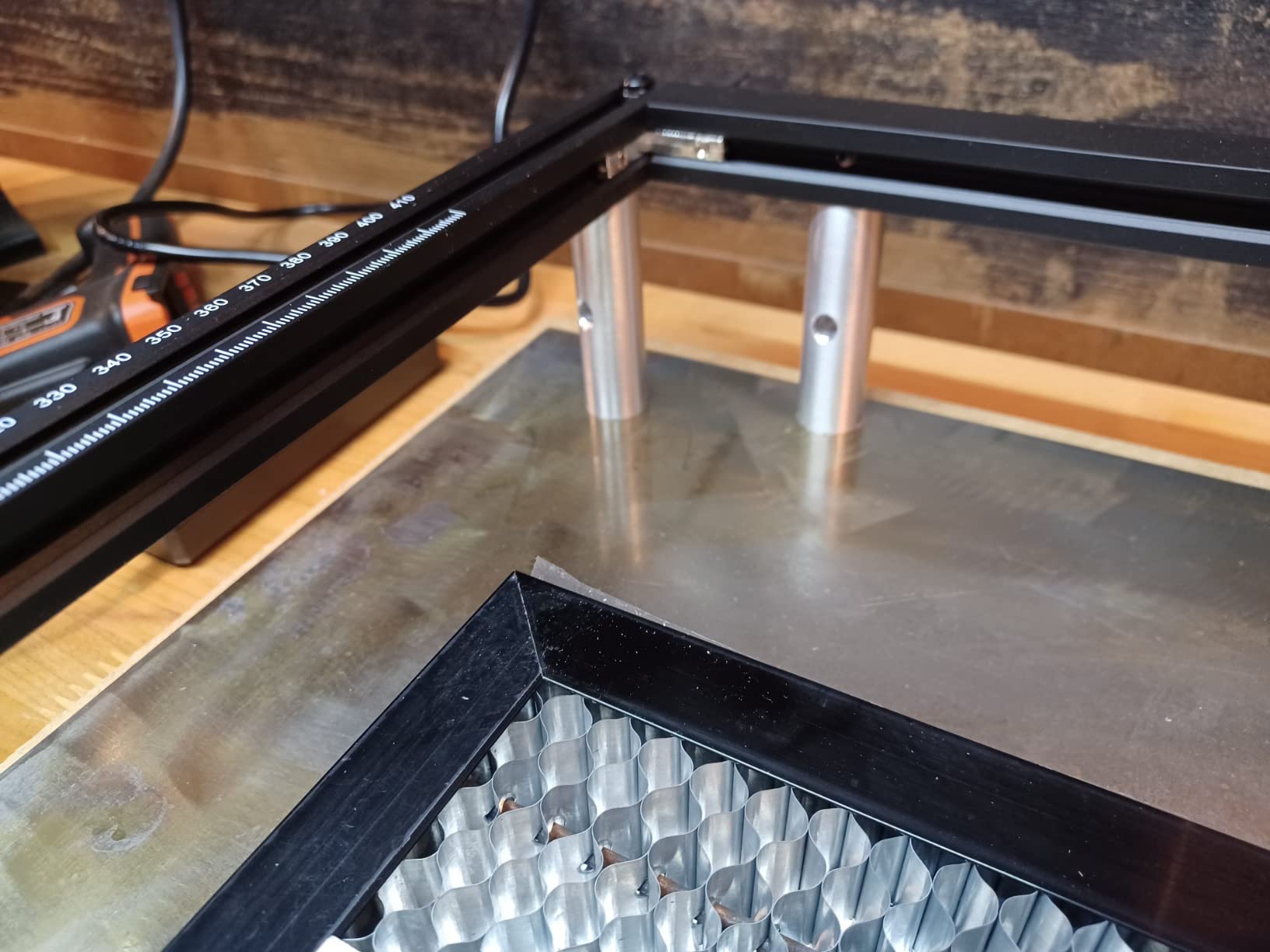
The 15.75 by 14.37 inch bed holds a full sheet of smaller stock, which is why owners run batch jobs on it. Several mention the beam handling curved surfaces like ABS balls without needing a rotary attachment.
A 256-bit color scale and a 0.08 by 0.1mm focus area keep gradients smooth. The 32-bit Longer-developed motherboard supports continuous operation and control of multiple machines from one computer.

Where it earns its rating
Cut quality at speed is the headline. Owners describe clean single-pass cuts in wood and acrylic and a bed large enough for production runs of small items.
Support is repeatedly cited as a reason for the high score, with several buyers reporting free parts or refunds when problems appeared. That is the support experience most of this category fails to deliver.
Where you will hit friction
Documentation is the weak point. The written instructions are thin enough that owners end up on YouTube tutorials, and the touchscreen can throw out-of-bounds errors on first use.
Air assist and roller modules are separate purchases, and the roller documentation is minimal. Mac users report a higher rate of file upload and firmware problems.
4. ACMER S1: The Smallest Footprint and the Lowest Barrier to Entry
ACMER S1 Laser Engraver Machine, 2500mW Lazer Cutter for Wood and Acrylic
- Arrives 99% assembled with a one-minute head install
- Compact and light at 2kg
- Free Acmerstudio software plus LightBurn and LaserGRBL
- Clean results on wood and acrylic once focused
- 130 x 130mm bed is very small
- 2500mW is slow for cutting
- False out-of-bounds alarms and lost home position
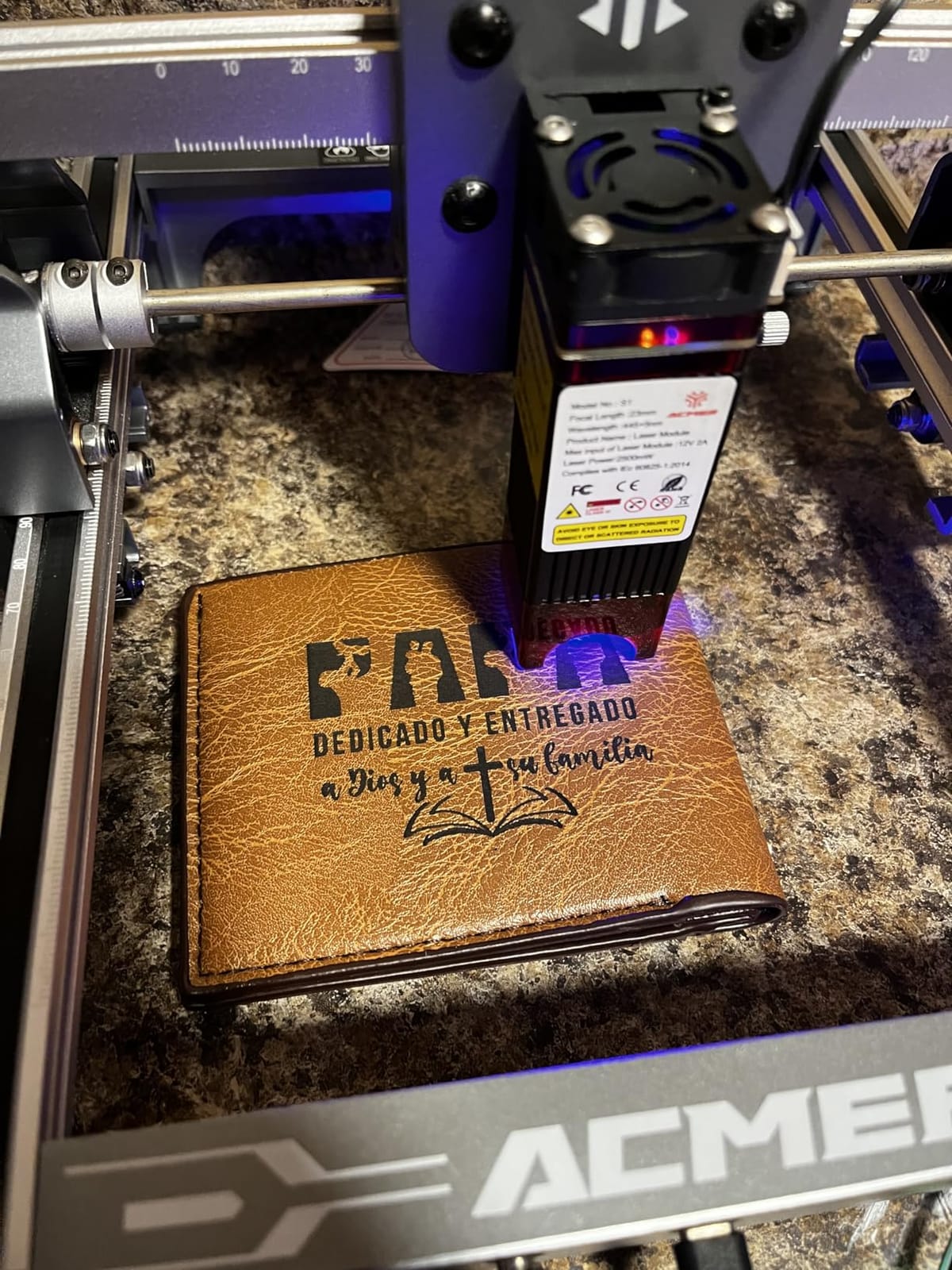
The ACMER S1 answers a question the rest of this list ignores: do you need a machine at all, or do you need a small one? At two kilograms and a 250 x 250 x 162mm body, it is the only pick here that fits in a drawer.
It ships 99% preassembled with a one-minute laser head installation, and the 2mm focal length is forgiving for beginners. Setup is genuinely a ten-minute job rather than an afternoon project.
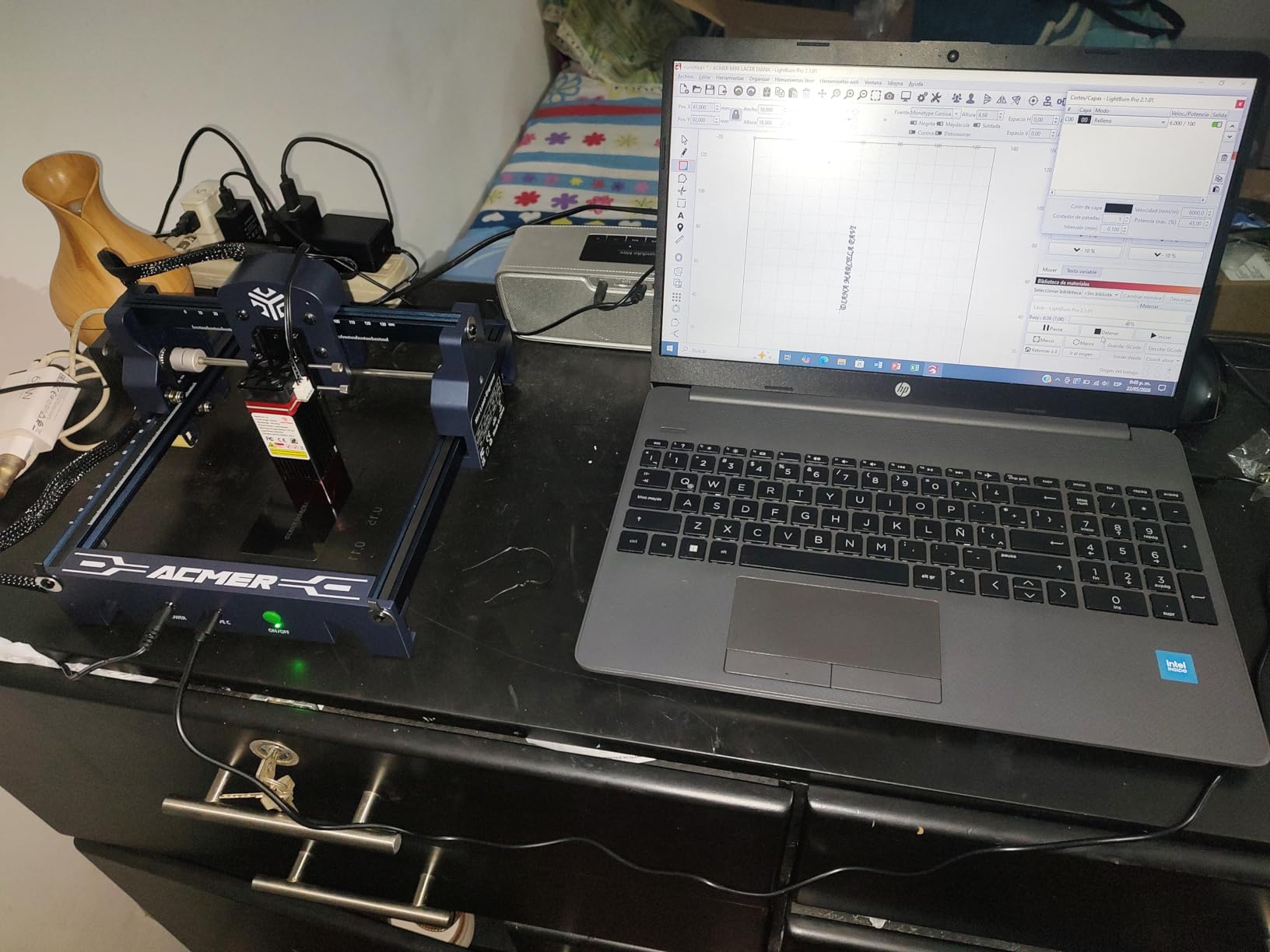
Free Acmerstudio software comes bundled, and it also accepts LightBurn and LaserGRBL files in NC, DXF, BMP, JPG and PNG. It runs on macOS, Windows and Linux, which is broader than most machines at this price.
Positioning repeatability of 0.01mm and speeds to 10,000mm/min are more than enough for the small craft projects this bed size allows.
Why buyers recommend it
Owners like the portability, the near-zero assembly and the honest entry cost. Several describe it as sharp value for small jobs and as the machine they wish they had started on.
The IEC 60825-1 Class 4 certification and 12-month warranty are stated plainly, and results on wood, plywood and acrylic are clean once focus is set.
Why buyers outgrow it fast
The 130 x 130mm bed is the dominant complaint in reviews. Many owners say it pushed them toward a larger machine within months.
At 2500mW, cutting is slow and several buyers recommend buying more power instead. False out-of-bounds alarms and a head losing its home position are the second recurring thread.
5. xTool M1: Enclosed, Camera-Guided and Blade-Equipped
xTool M1 10W Laser Engraver with RA2, Class I Laser Engraver, 3-in-1 Laser Engraving Cutting, Blade Cutting, Supports Processing Glass, Cylindrical Objects
- Safest configuration in the group with a Class 1 enclosure
- Built-in camera gives autofocus and material detection
- Blade cutter handles vinyl without smoke
- Easy setup and approachable XCS software
- Strong customer service
- 10W is not enough for serious cutting
- Does not run LightBurn or Laserbox Basic
- Air assist and riser cost extra
The M1 is the only pick here that does three separate jobs: laser engraving, laser cutting and blade cutting. The blade is not a gimmick. It cuts vinyl cleanly with no smoke and no charring, which a laser module cannot do.
The built-in high-resolution camera handles autofocus and material detection, and the system extracts outlines from a graphic to turn it into an engraving path. Batch alignment that would take manual placement on other machines happens in seconds.
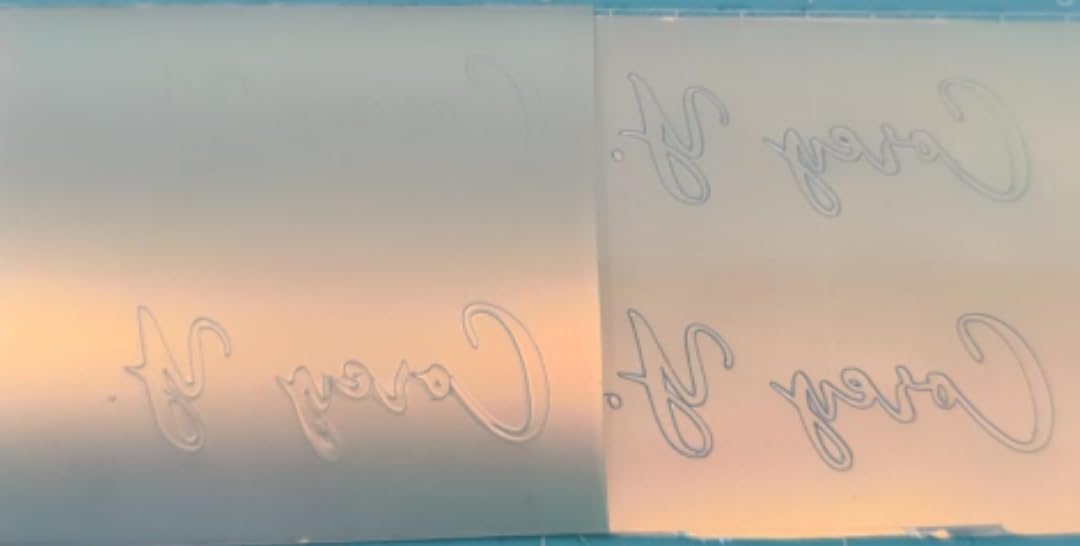
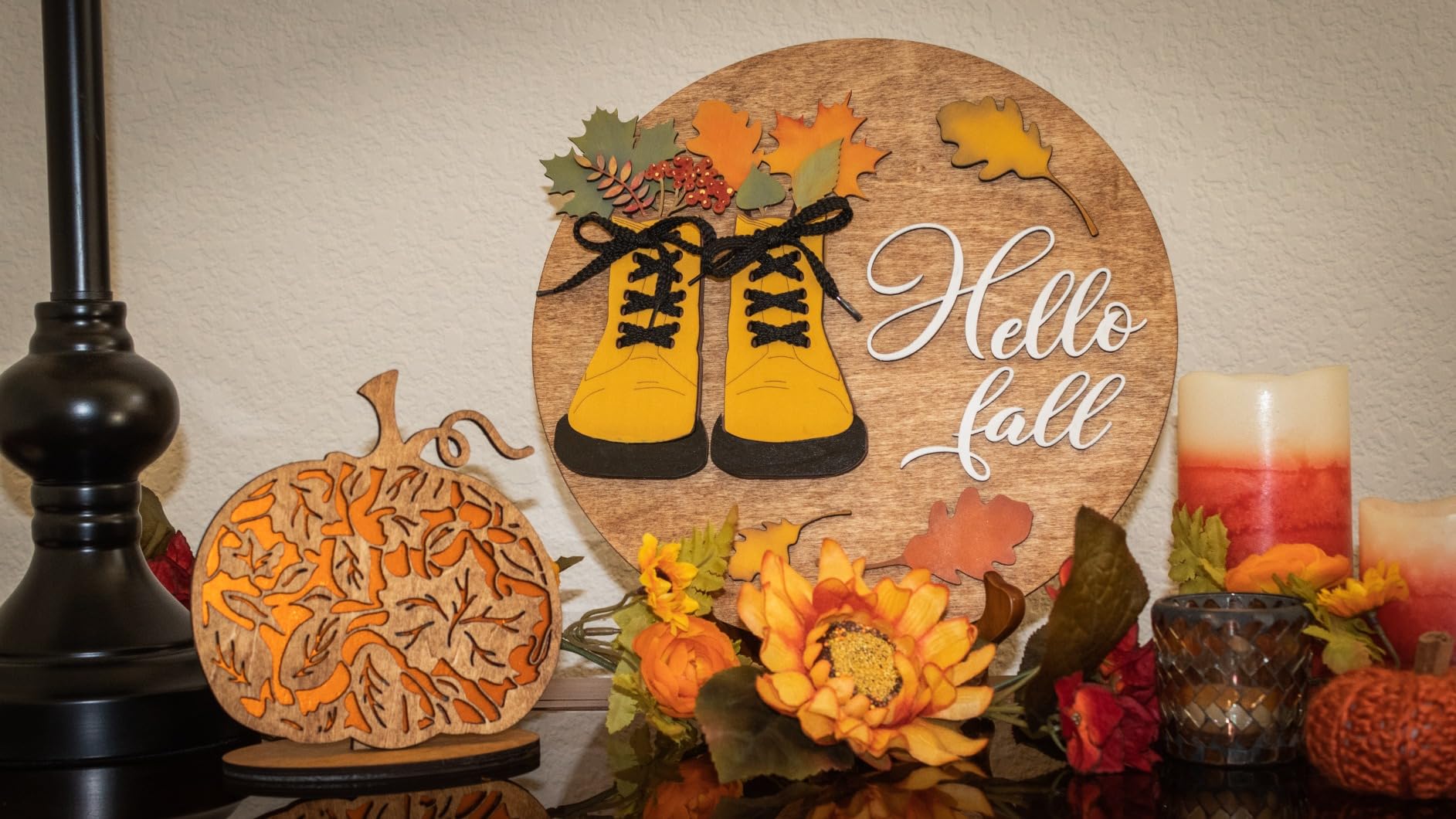
It works across 300-plus materials including vinyl, coated metal, leather, wood, fabric, felt and ceramic, cuts 10mm wood in one pass, and engraves at 250mm/s with 0.01mm accuracy. A removable bottom plate handles material height.
The visible protective cover blocks blue light and powers the laser down when opened, and there is a built-in fan with an exhaust pipe. The RA2 rotary in the box covers cylindrical objects, and XCS works on mobile.
Why it suits beginners
Out-of-box setup is easy, XCS is approachable, and the camera removes the two hardest beginner tasks: finding focus and positioning material.
Owners repeatedly praise the customer service for resolving issues quickly, and the enclosed Class 1 format means you can run it indoors without the anxiety an open frame brings.
Where the walls are
Ten watts is not enough for serious cutting, and several buyers feel it suits only small projects. The removable plate helps with thickness, not with power.
It does not support LightBurn or Laserbox Basic, so you are locked into XCS. Air assist and the riser are extra purchases, and the exhaust fan stops when the job ends, leaving residual smoke.
6. Creality Falcon 10W: A Large Bed for Very Little Money
Creality Falcon 10W Laser Engraver Machine, 0.06mm High Precision Laser Engraving Machine 72W Laser Cutter and Engraver Machine for Wood Metal Acrylic Leather, 15.7″×16.3″ Workspace
- Large 400 x 415mm bed for the money
- Cuts basswood to 6mm in one pass
- Free Falcon Design Space works without LightBurn
- Quick 15-minute assembly
- Bilingual instructions with weak English
- Framing failures are a persistent pain point
- Included safety glasses are inadequate
The Creality Falcon gives you a 400 x 415mm bed, which is larger than the Ortur, the Twotrees and the ACMER, for a fraction of the price of the enclosed machines. On pure square millimeters per dollar, nothing else here wins.
The compressed spot is 0.06 by 0.06mm with accuracy within 0.004 inches, and repositioning stays under 0.007 inches. Owners report basswood cutting to 6mm in a single pass and good work up to 12mm wood and 5mm black acrylic.
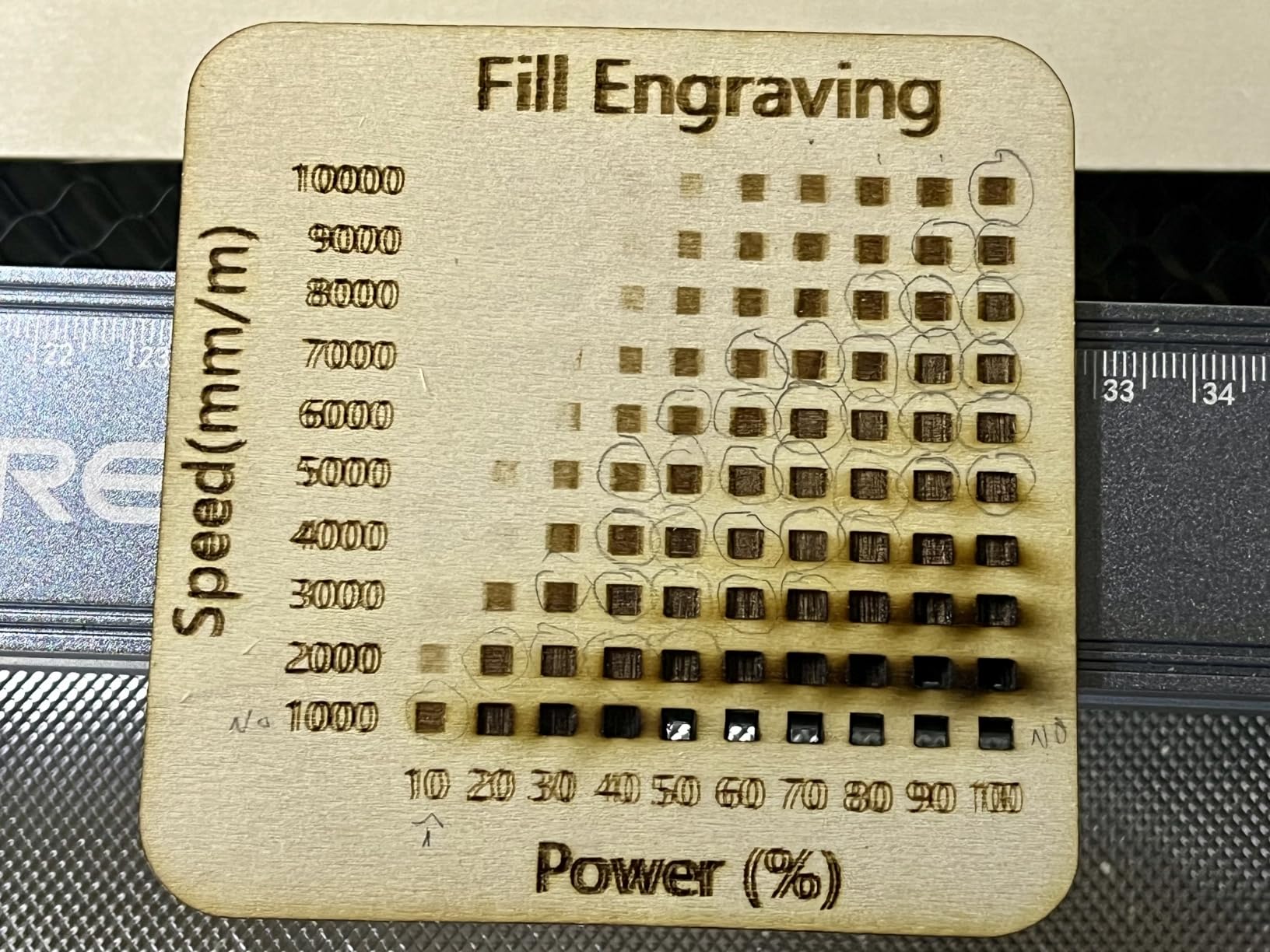
Free Falcon Design Space makes the machine usable on its own, and it also supports LightBurn and LaserGRBL plus offline SD card operation. It works with 200-plus materials and runs at up to 10,000mm/min.
Mac users report success with silicon machines using the right USB-C to USB-A adapter setup. The anti-UV module filter blocks 97% of UV rays, which reduces but does not eliminate the need for proper eyewear.
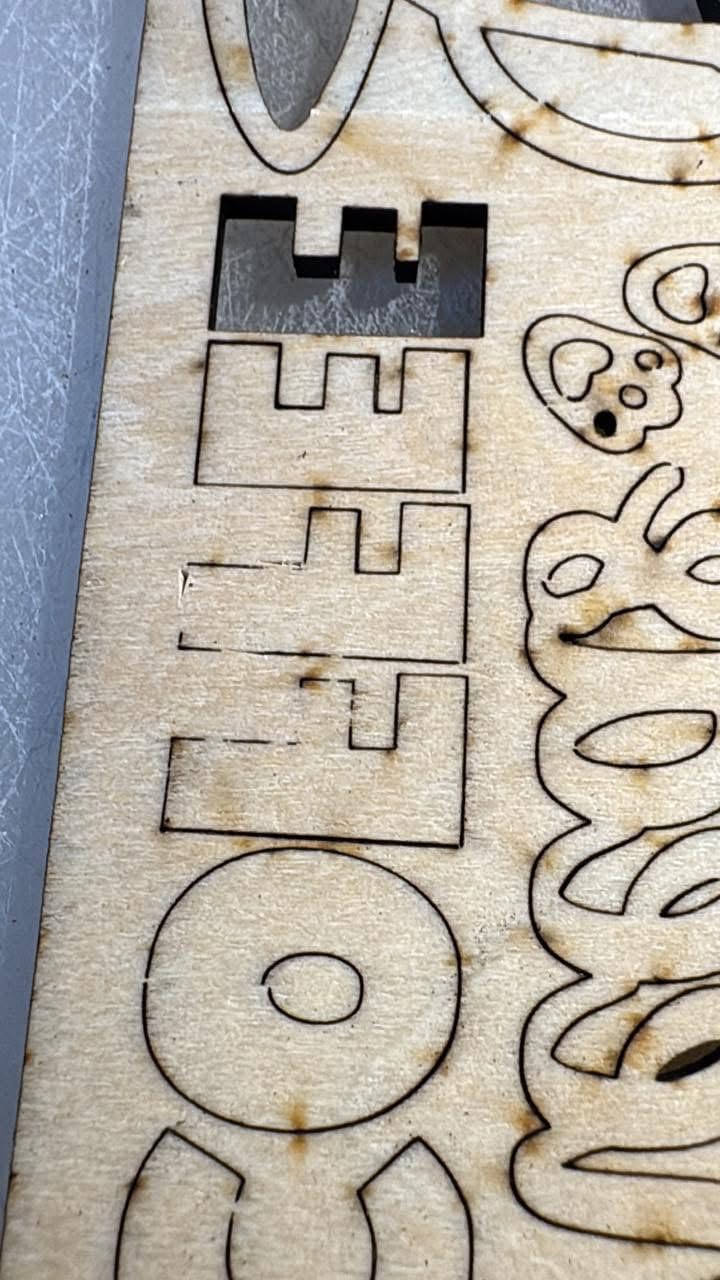
When it shines
It is the pick for flat, wide work: signs, coasters, bookmarks and anything where bed size beats enclosure. Assembly is about 15 minutes and owners call onboarding painless.
Several reviewers note that buyers who read the instructions get a capable, inexpensive machine that cuts and engraves well, which is more than can be said for some rivals.
When it frustrates
Opinion is sharply split, and the negative half is specific. The bilingual instructions have weak English and few illustrations, and framing failures are reported often enough to plan around.
Laser lines can come out rough and choppy even with air assist. The bundled green safety glasses are widely criticized as inadequate for blue diode lasers, and there is no Bluetooth despite expectations.
7. Creality Falcon A1: The Fastest Enclosed Machine Here
- Class 1 dual-door enclosure filters 99% of radiation
- CoreXY motion at 600mm/s
- Pre-calibrated HD camera for positioning
- Pre-set material parameters cut trial and error
- Air assist included
- Bed will not accept a 500 x 500mm honeycomb panel
- Does not support acrylic cutting
- 43.6 pounds is heavy for a desktop unit
The Falcon A1 runs its CoreXY gantry at 600mm/s, and the manufacturer states that is three times a traditional frame. In practice that speed shows up on vector engraving jobs where the laser is moving constantly rather than parked.
The dual-door enclosure filters 99% of laser radiation while also cutting noise and trapping smoke. That combination is why it is the safest enclosed configuration in this roundup, and the reason it suits an apartment or a shared workshop.
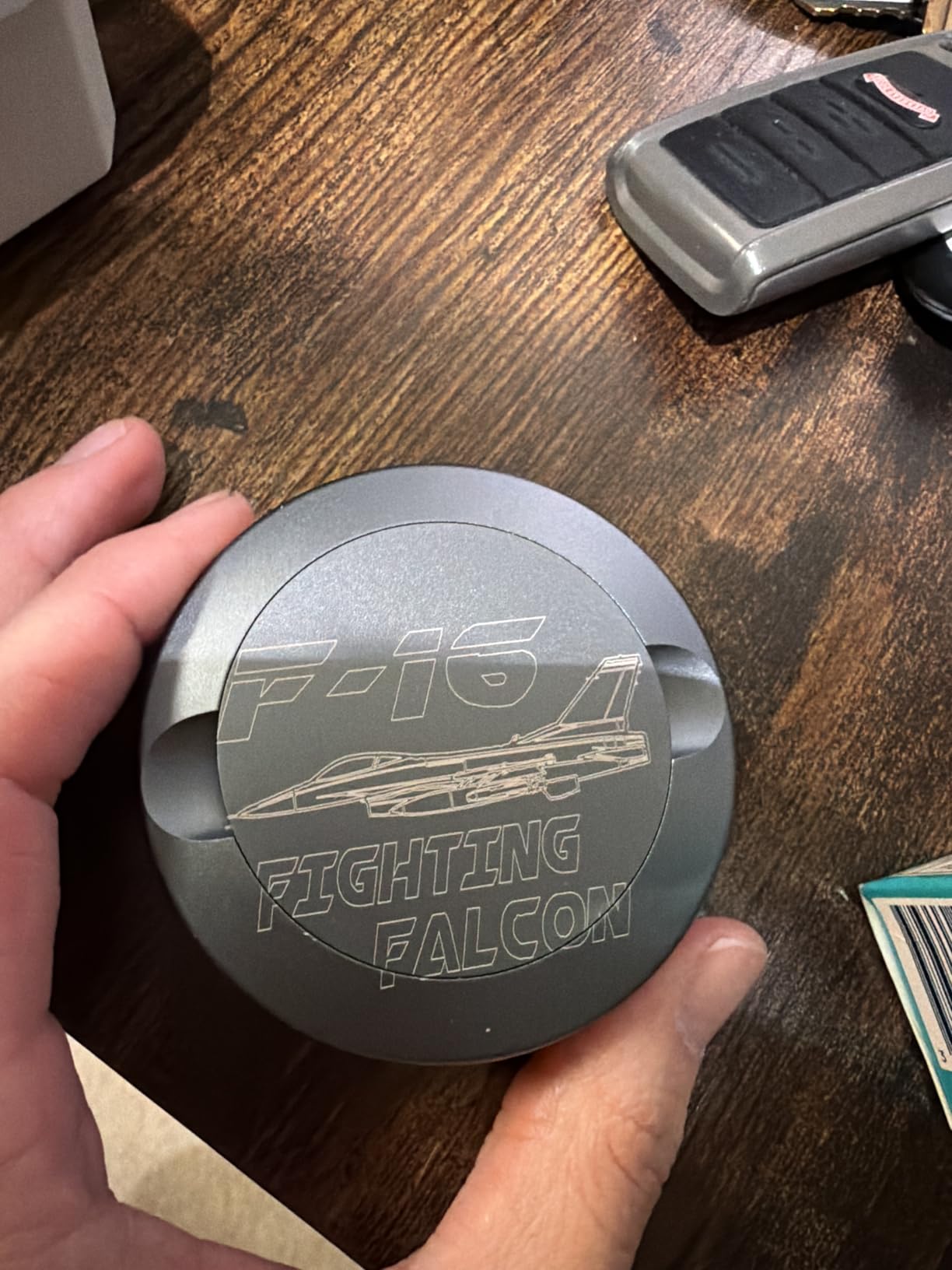
The pre-calibrated HD camera covers the full frame for positioning, and a graphic outline extraction feature converts a design into an engraving path automatically. Auto-lock, emergency stop and smoke control are all built in.
Free Falcon Design Space comes with it, and it also supports LightBurn, LaserGRBL and Cutlabx. Air assist is included, which is unusual at this price and removes one line from your accessory budget.
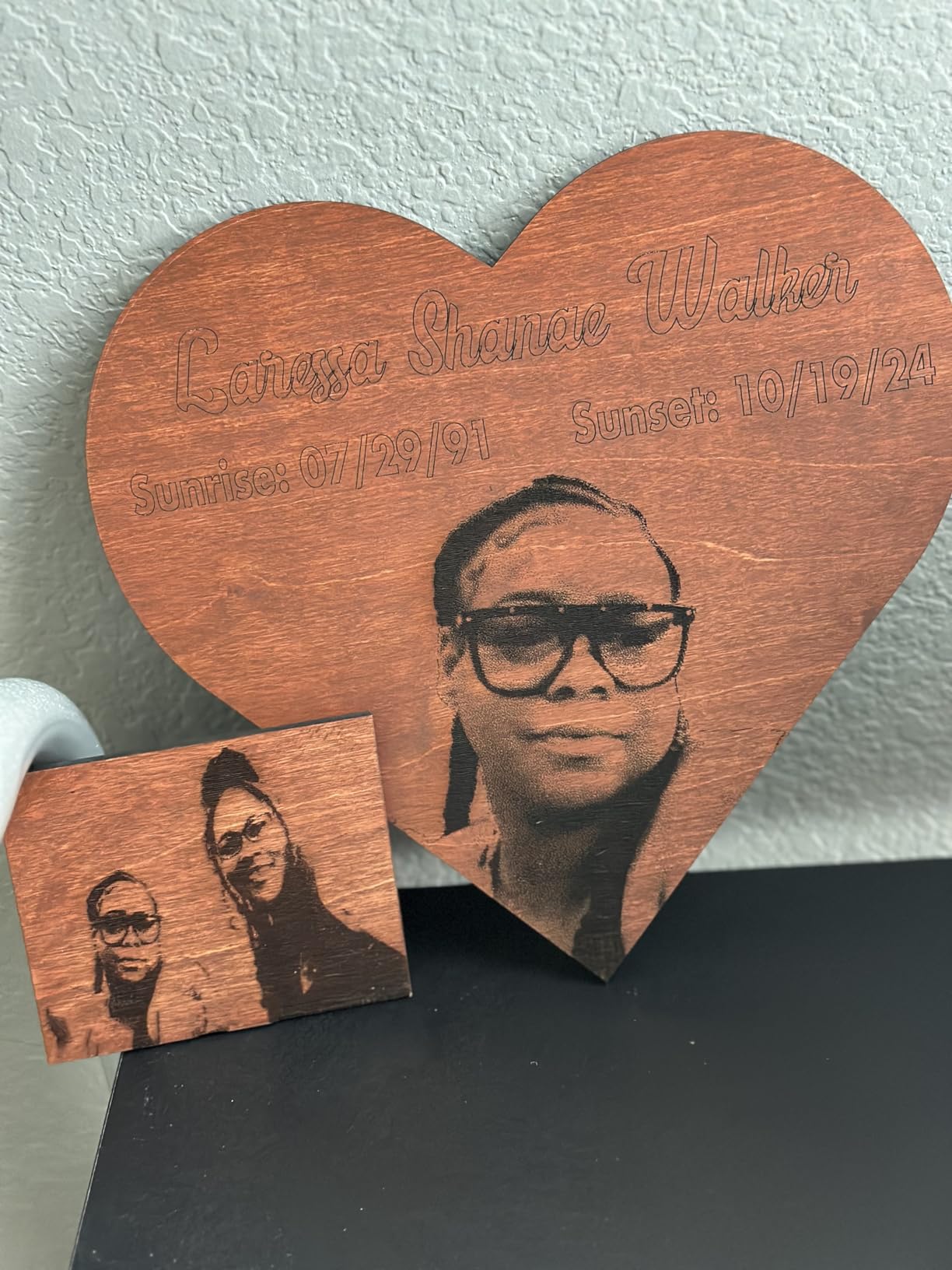
Why it earns its place
Buyers treat the enclosed Class 1 safety, the camera and the speed as the three real upgrades over an open frame. Free software lowers the total cost further.
Pre-set parameter settings per material are the quiet feature. New owners get usable results on the first attempt instead of burning through test stock.
What you trade away
The 381 x 305mm bed is smaller than the packaging suggests, and it will not take a 500 x 500mm honeycomb panel, which limits the kinds of jobs you can stage on it.
Acrylic cutting is unsupported and highly reflective materials are forbidden. At 43.6 pounds, it is also the least flexible machine here to move or expand.
8. Longer Ray5 5W: A Large Bed With Touch Control
LONGER Laser Engraver Ray5 5W Higher Accuracy DIY Laser Engraving Machine with 3.5″ Touch Screen,Offline Usage Laser Cutter,400x400mm,0.08mm Laser Spot, CNC Laser Cutter for Wood Metal Acrylic Glass
- Large 400 x 400mm bed at an accessible price
- Built-in 3.5 inch touch screen runs without a computer
- TF card offline plus WiFi and app control
- Light enough to move between workspaces
- 5W is underpowered beyond light engraving and thin material
- 13% of reviews are one-star
- Touch screen and software setup can be fiddly
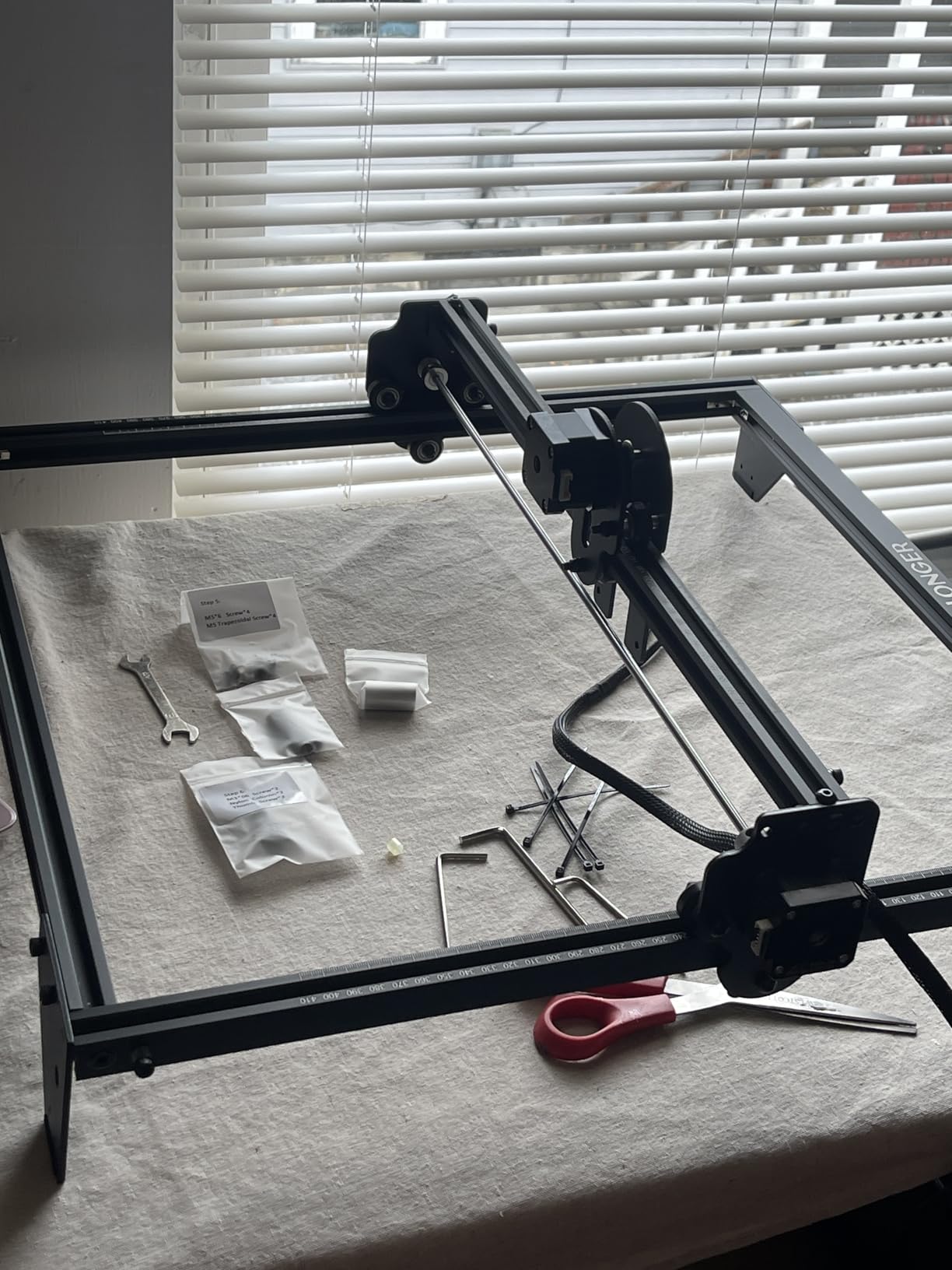
This is the machine to buy if you want a big bed and do not want to touch a computer. The 3.5 inch touch screen handles operation directly, and a 400 x 400mm area is the joint-largest in this group.
Connectivity covers USB, TF card, WiFi and app control with offline use, so you can send files from a phone or work from a card with no device connected at all.
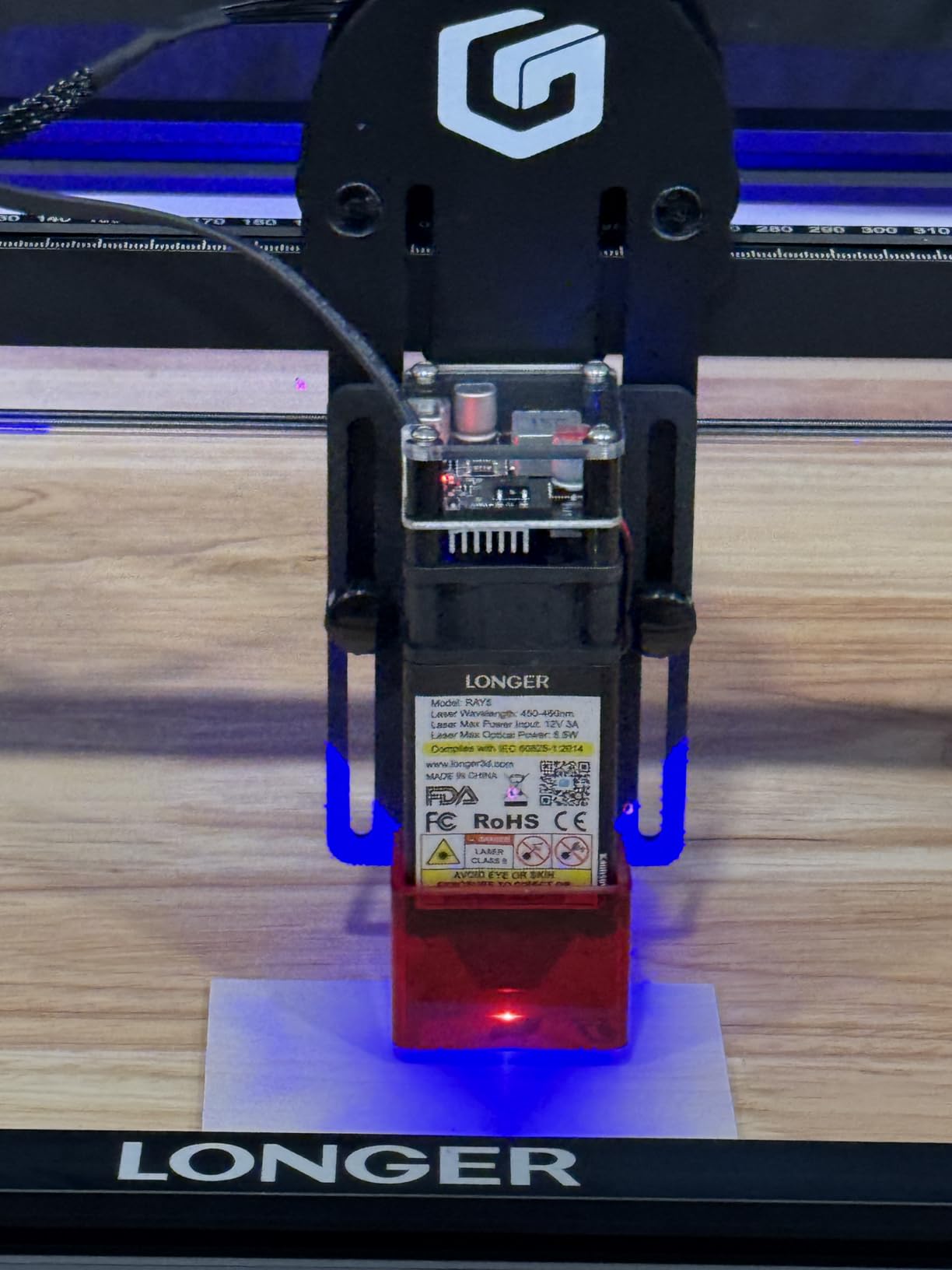
The 240MHz ESP32 chipset drives up to 10,000mm/min, with a 0.08 by 0.08mm spot and 0.01mm engraving accuracy. Emergency shutdown, motion protection and overheat detection are all present.
At 8.26 pounds it is easy to carry between a garage and a craft room, which matters more than the weight suggests for a first machine.
What works well
Owners like the combination of bed size, touch control and low weight. Standalone operation is genuinely pleasant once you stop needing a laptop for every job.
LaserGRBL and LightBurn are both supported, so you are not locked out of better software later.
What to plan around
At 4.1 stars it sits just above the LaserPecker LP2, and its 13% one-star share puts real weight behind that number. It is a reliability signal, not a rounding artifact.
Five watts handles light engraving and thin material. It will not cut, and owners who expected cutting are the ones leaving one-star reviews. The touch screen workflow and software setup are also fiddly for newcomers.
9. LaserPecker LP2: Handheld Galvo Engraving Without a Bed
- Truly handheld at 1kg with no bed
- Very fast galvo engraving
- Fixed-focus cover removes manual focusing
- Responsive customer support
- Strong value for learning the craft
- Not powerful enough for metal
- Uneven power outside the center spot
- Buggy proprietary software with no LightBurn support
The LP2 breaks the format entirely. There is no bed, no frame and no gantry. It is a one-kilogram handheld galvo unit that engraves objects in place, which is why it appears in product carousels alongside framed machines.
Galvo scanning reaches 36,000mm/min with previews up to 225,000mm/min, and the 0.05mm micro-spot comes in 1K, 1.3K and 2K resolution options. The fixed-focus conical cover means you never adjust focus by hand.
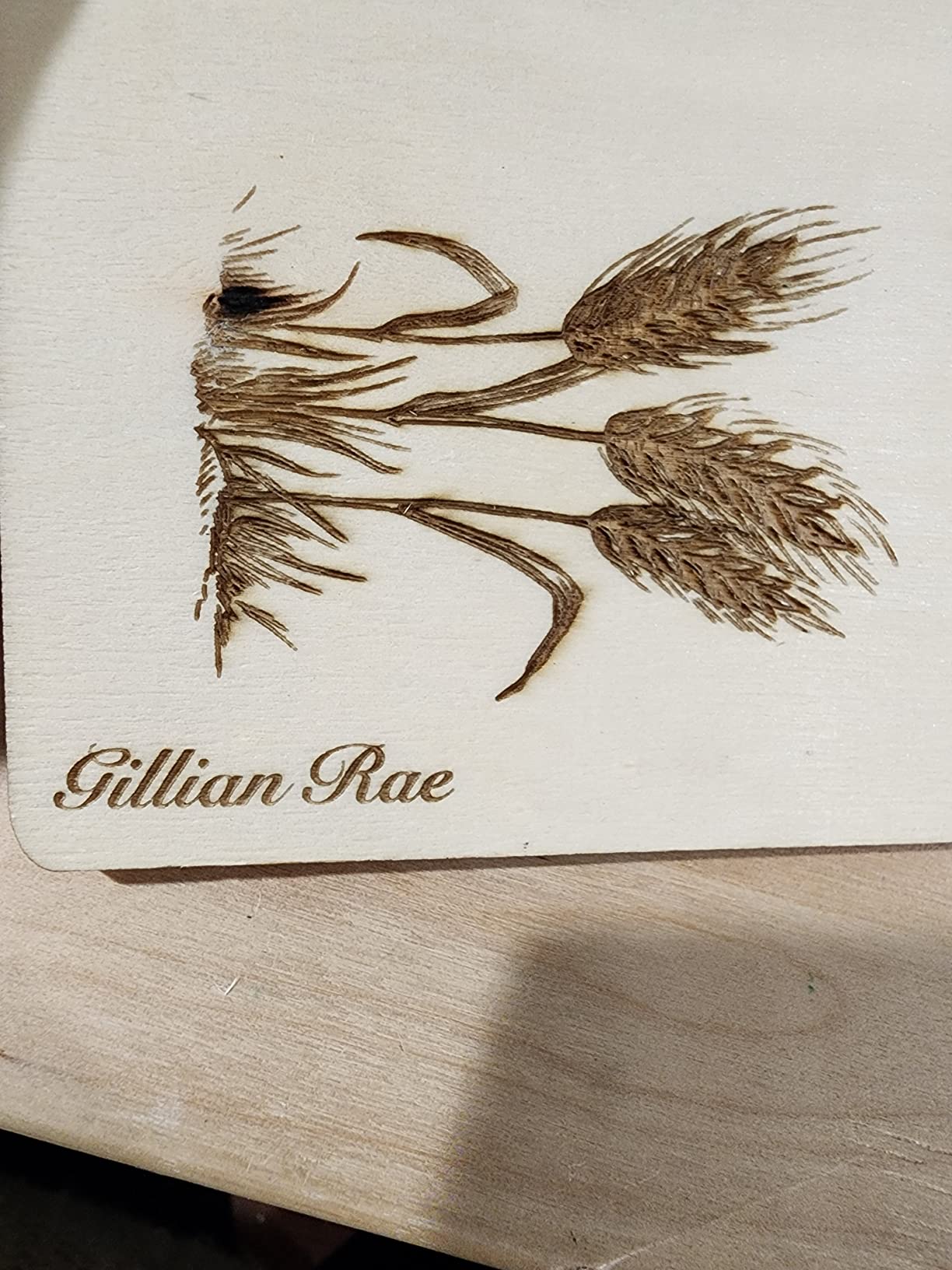
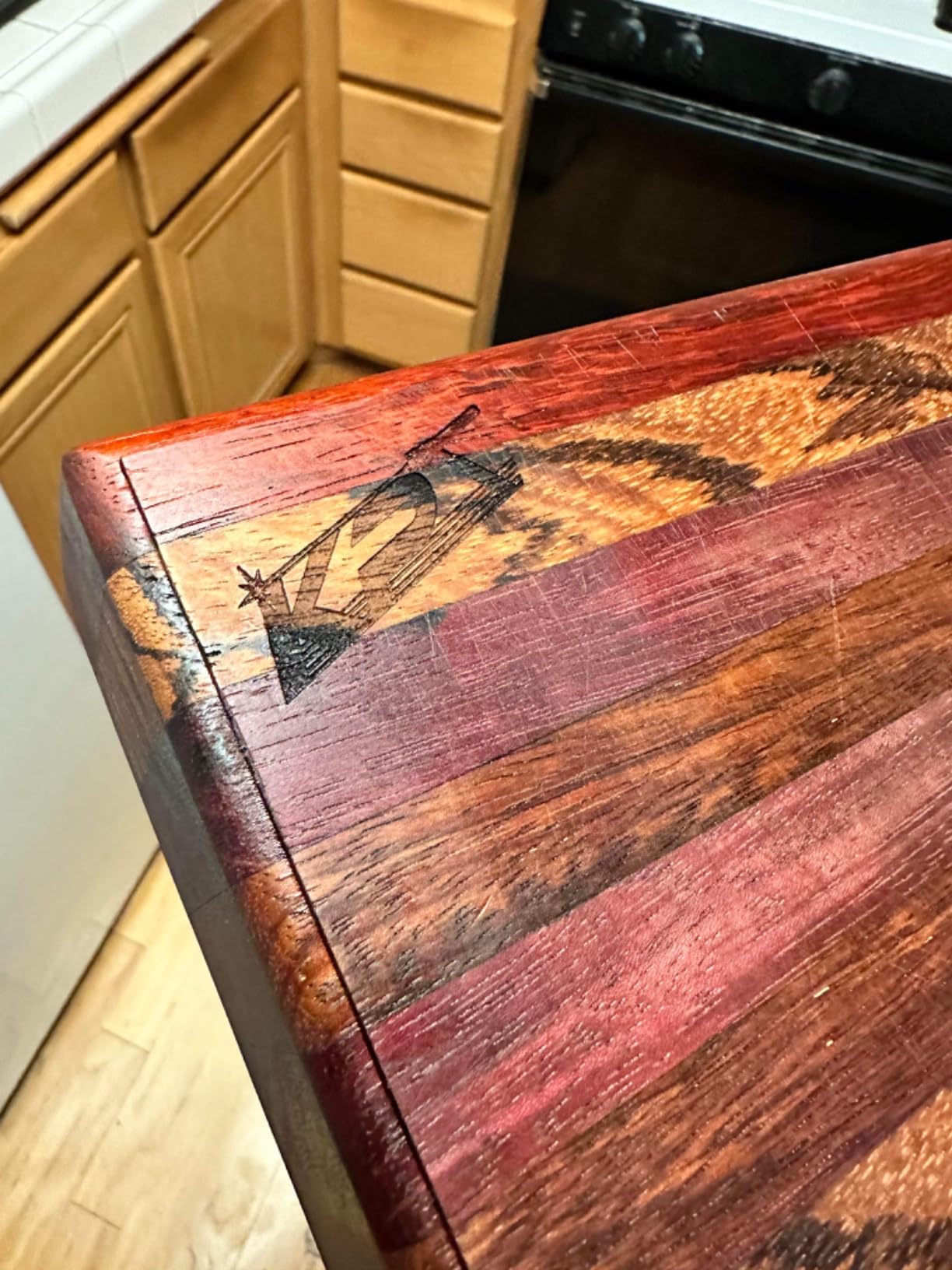
It works across 100-plus materials including wood, leather and coated metal, ships with zero assembly, and drives from a cross-platform app with text, photo and clipart import. Overheat protection, motion sensors and CE certification are included with a 12-month warranty.
The optional Electric Roller accessory extends it to long, cylindrical and oversized surfaces, which is how you get tumbler work out of a handheld unit.
Why it is worth a look
Portability and speed are unmatched in this roundup. Enthusiastic beginners and hobbyists love marking things where they sit rather than fitting them into a bed.
Support is repeatedly praised, and the fixed-focus cover removes the single most common beginner frustration on framed machines.
Why it is the lowest rated here
At 4.0 stars with a 12% one-star share, it has the lowest average rating of the twelve machines here, and the critical reviews are consistent rather than random.
Power drops off sharply outside roughly a one-inch center spot, which causes uneven results. There is no auto-depth sensor, no LightBurn support, and the proprietary desktop software is buggy with Bluetooth drops that force a USB dongle.
10. Carverall K15 Pro: A4 Bed Assembled in About Three Minutes
- Sharp consistent engraving on wood and acrylic
- Assembles in about three minutes
- Free CutLabX works on phones and computers
- A4 bed is more usable than tiny 15x15cm machines
- Good support and active community
- CutLabX is unstable and crashes often
- Manual has incorrect page references
- Air pump enclosure camera and honeycomb all cost extra
- No ventilation included
The K15 Pro is the rare listing that publishes a measured output rather than a marketing number: 10.36 to 10.58W verified. That is exactly the kind of spec verification this category needs and almost never gets.
Six screws and about three minutes of assembly put it ahead of every other open frame here for setup time. The A4 bed at 11.8 by 7.9 inches is a far more useful shape than a square 15 x 15cm area.
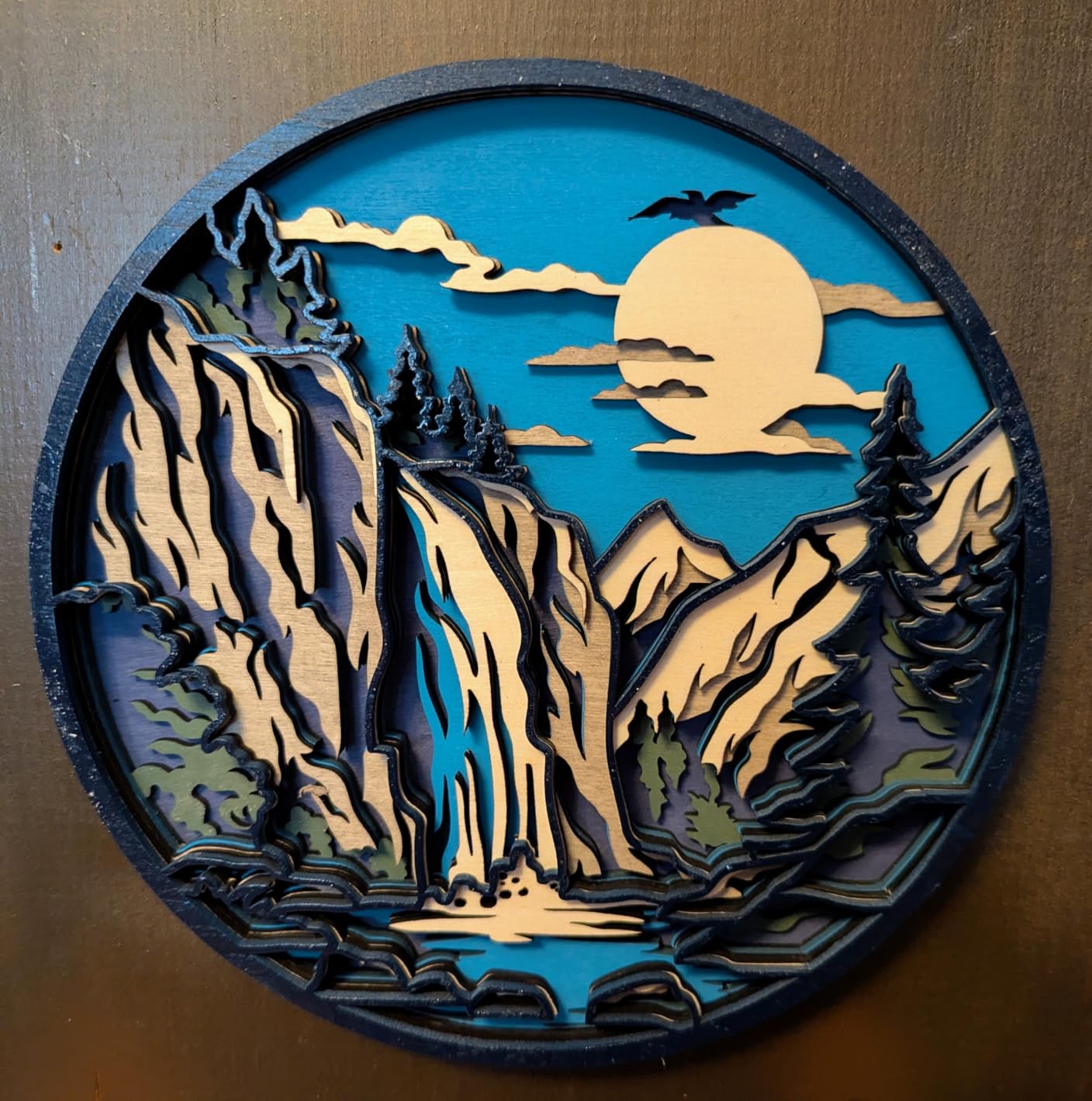
Engraving runs at 15,000mm/min with 0.01mm precision, and it cuts 12mm plywood and 8mm acrylic. Four heightening columns handle tall items, and one-touch smart focus plus file memory speed up repeat jobs.
Free CutLabX includes AI design generation and works across phones, tablets and computers, while LightBurn and LaserGRBL are both supported for anyone who outgrows the bundled app. TF card offline batch operation is there too.

Where it earns its stars
Owners describe a satisfying first laser with good build quality and consistent engraving. The 1-year warranty comes with lifetime technical support, and the community around it is active.
It works with 300-plus materials and takes an optional 1W infrared head, which is a cheap way to reach into the 1064nm range for coated metal marking.
What it costs you later
Total cost of ownership is the theme in its reviews. Several buyers had to buy air assist, an enclosure, a camera and a honeycomb bed separately, and the enclosure is not included.
CutLabX is unstable and crashes often on lighter hardware, and the manual is poorly written with incorrect page references. Plan on moving to LightBurn.
11. Genmitsu L8 20W: Enclosed 20W That Runs Straight Out of the Box
Genmitsu L8 Laser Engraver, 20W 20000mW Laser Cutter with Acrylic Enclosure
- Fully assembled and cutting within about ten minutes
- 20W module cuts plywood cleanly and quickly
- Enclosure air assist honeycomb and camera all included
- Strong safety suite with flame detection
- Quiet enough for a home workshop
- Highest 1-star share in the group at 19%
- Loose hardware and sensor errors on arrival
- USB connections and casing described as flimsy
- Included 3-inch exhaust fan is weak for heavy cutting
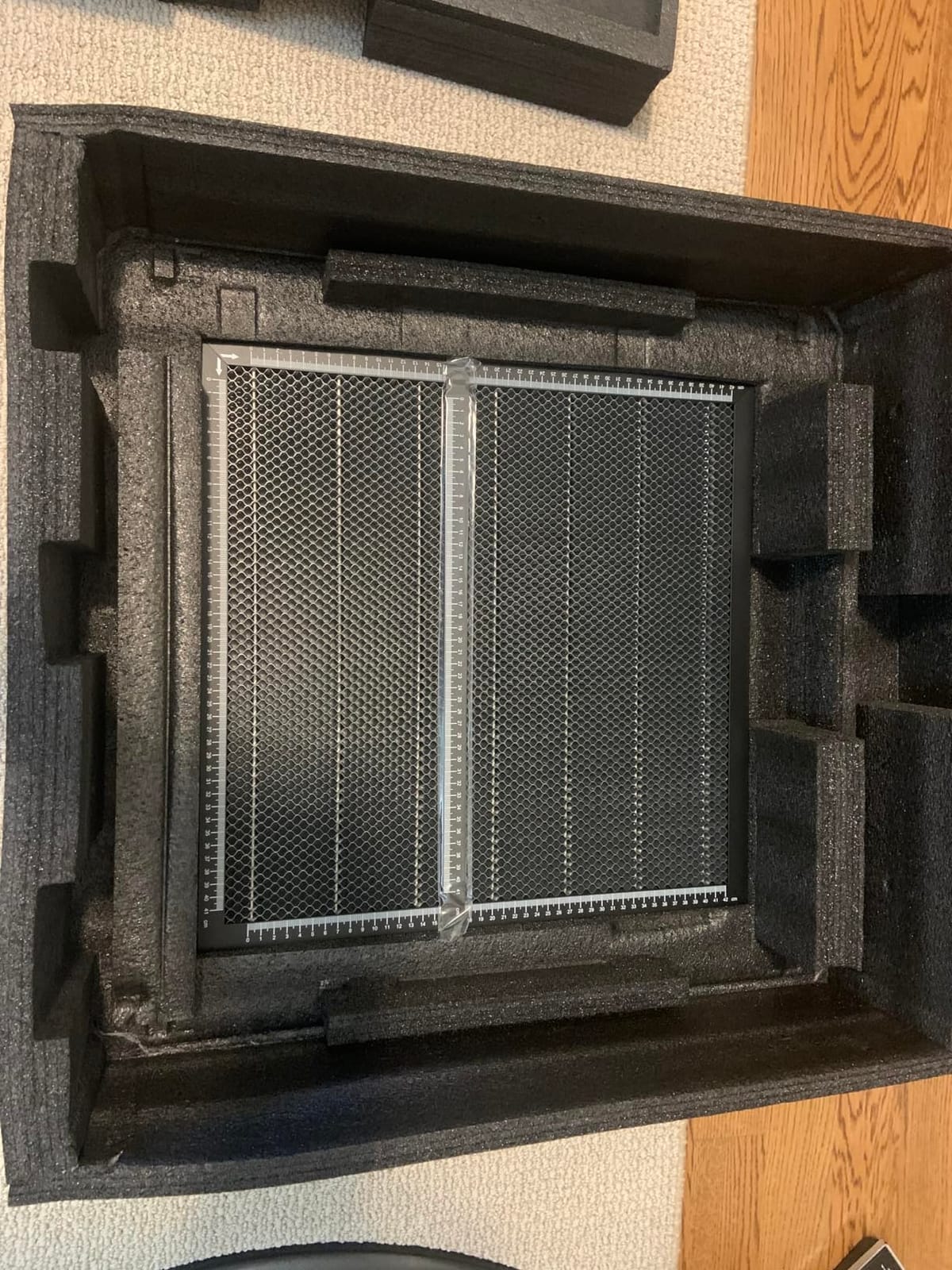
The L8 20W is the most complete package in this roundup. Enclosure, 30L/min air assist pump, honeycomb bed and camera all ship in the box, and it arrives fully assembled cutting within roughly ten minutes.
Twenty watts cuts 12mm pinewood, 8mm black acrylic and 0.05mm stainless steel in one pass, at engraving speeds to 40,000mm/min. That is the fastest headline figure of any machine here.
The safety suite is the most extensive in the group: Class 1 certification with a door sensor, tilt auto-stop, flame monitor buzzer, limit switches, an e-stop and a child lock. Optional smoke purifier and roller rotaries extend it further.
A LightBurn-compatible camera handles job positioning, and the power indicator bar, fault reporting light and airflow detection give you visible feedback when something is wrong.
Why owners rate it highly
Buyers with a properly adjusted unit describe an excellent ready-to-run enclosed machine. Support from Sainsmart and Genmitsu is praised consistently and specifically.
It is quiet enough for a home workshop, which matters more than it sounds when the alternative is an open frame roaring next to your monitor.
Why it has the highest 1-star share
At 19% one-star with 62% five-star, this is the most polarized listing here, and there are no two-star reviews at all. The negatives cluster on manufacturing and quality control.
Buyers report loose hardware, an unreadable USB drive and sensor errors on arrival. The USB connections and casing are described as flimsy, the shipped guides are out of date, and the included 3-inch exhaust fan is weak for heavy cutting.
12. Woxcker L2 MAX: Enclosed 10W Built for Batch Orders
Laser Engraver 10W for DIY Maker, Small Business, 300×300mm Large Area, 20,000mm/min High-Speed Engraving Machine, 0.01mm Ultra-Precision for Wood, Metal, Leather, 360° Enclosure, Class 1 10000mW
- Fully enclosed Class 1 contains fumes dust and noise
- 20000mm/min speed suits batch personalized orders
- 0.01mm focus gives sharp lines on names and logos
- 300 x 300mm bed holds several small pieces
- Wi-Fi app and TF card offline control
- Air assist and rotary roller are optional extras
- Under 100 reviews so the reliability record is thin
- Enclosed format limits very large sheet material
The L2 MAX is the batch-order machine. At 20,000mm/min with a 0.01mm square focus point from point-compression technology, the speed is for engraving identical name-and-date pieces back to back.
The 360-degree enclosure contains fumes, dust and noise in one body, so it is a realistic choice for a home with a spare room rather than only a garage. The five-part modular assembly saves roughly 30 to 40 minutes of setup time.
Safety provisions include lid-open auto-stop, flame detection, an emergency stop, a safety lock and a 15-degree tilt stop. The 300 x 300mm bed holds several small pieces at once, which is the point.
LightBurn, LaserGRBL and CutLabX are all supported, and control runs through Wi-Fi, USB, an app or a TF card offline. That is the widest software range in the roundup.
Why it works for production
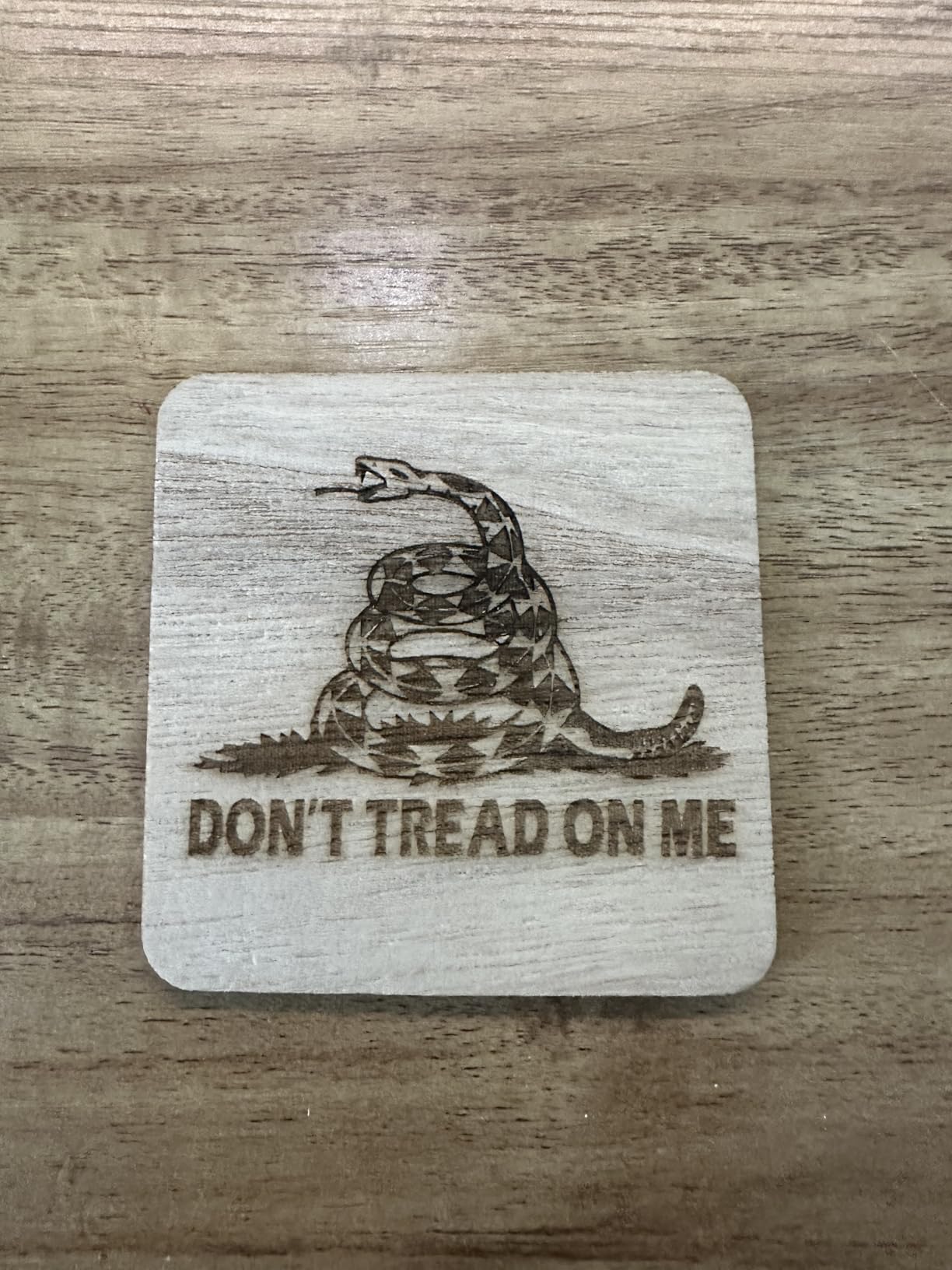
Sharp lines on names, logos and fine patterns at speed are exactly what personalized order fulfillment needs. The enclosure means fumes stay contained while you work.
At 4.4 stars with a 72% five-star share, the ratings are strong. The catch is how few reviews sit behind them.
What the thin review base hides
There are 83 reviews, so the long-term reliability record is limited. A high rating on a small sample carries less weight than the same score on the Ortur.
Air assist and the rotary roller are optional extras, and the enclosed format limits very large sheet material. Check every accessory is included before assuming a bundle.
How We Picked These 12 Machines
Every machine here was selected against the same four filters: a named brand with reachable support, a documented optical wattage rather than a marketing estimate, LightBurn or LaserGRBL compatibility, and enough owner reviews to make the pros and cons specific.
We cross-checked spec sheets against the 1-star and 5-star shares in the rating distribution, because a 4.4 with a 72% five-star share and a 4.4 with a 19% one-star share are not the same machine experience.
We did not rank on price. Several picks sit far above the entry point, and we would rather tell you which machine fits your project than which one is cheapest.
For a broader look at the machines we have covered across price bands, our laser engraver reviews go deeper on the same criteria.
Is $1,000 Actually Enough for a First Laser?
Enough for what most people want, yes. A 10W to 20W diode machine under $1,000 handles wood, plywood, acrylic, leather, cardboard, cork, paper and coated metal properly, and it will produce gifts, signage and small production runs that look professional.
Not enough for bare metal. There is no fiber laser in this price range. If your project is marking stainless steel, you need either a marking spray, an infrared module, or a budget well above this one. Buyers in the community ask this constantly, and the answer is consistently no.
Not enough for thick clear acrylic, continuous production, or a machine that is already in a room with other people. Those all push past $1,000.
The community’s dominant regret is underbuying, not overspending. One line that recurs in buyer discussions is worth remembering before you save the difference: the cheapest laser is often the most expensive.
Diode vs CO2 vs Fiber vs Galvo: What the Budget Buys
Diode lasers are 450nm blue light. They cut wood, acrylic, leather and paper, and they are the only realistic option under $1,000. Every machine in this roundup except the LP2 is a diode.
CO2 lasers are 1064nm infrared and cut acrylic and thin wood beautifully. At this budget, the only route is a K40-class machine, and even those sit right at the ceiling before you add exhaust and air assist.
Fiber lasers are also 1064nm and are the real answer for metal. They start around $3,000, which is outside this guide entirely. Handled the same way, a 2W infrared diode module approximates the marking behavior on coated materials for a fraction of the cost.
Galvo scanners bounce the beam off mirrors rather than moving the machine. That is why the LaserPecker LP2 engraves in place at speed, and why it cannot cut: the beam sweeps a field rather than applying force along a path.
What Your Real Total Cost Adds Up To
Here is the section no competitor in this space publishes, and it is the reason a machine sticker price under $1,000 rarely leaves you under $1,000 in practice.
Air assist is the first addition. Three machines here include it. For the rest, a decent pump is a real line item, and pump quality is not trivial: it is what clears soot and debris from the kerf, and reviewers repeatedly single out weak air pressure as a reason a cut looks dirty.
Ventilation is the second. An enclosed machine such as the xTool M1, Creality Falcon A1, Woxcker L2 MAX or Genmitsu L8 20W handles fumes itself. Every open frame here, including the Ortur, needs an exhaust solution before indoor use.
Eyewear is the third, and the bundled glasses are the most commonly criticized accessory across this whole category. The Creality Falcon’s green glasses are called out specifically. Buy proper OD-rated eyewear for 450nm blue light rather than trusting what is in the box.
A spare lens, a chiller for long sessions, a honeycomb bed, clamps and a rotary attachment are the fourth group. Several owners of the Carverall K15 Pro and the Longer RAY5 20W report buying four separate accessories to finish the machine.
Add it up honestly and a $200 to $400 open frame often becomes a $400 to $600 setup, and a $700 enclosed machine becomes a $900 to $1,100 setup. Budget for the second number, not the first.
Machines to Skip Under $1,000
Unbranded marketplace machines with no support. If the listing has no brand, no warranty length and no reachable company, skip it. When something breaks there is no parts supply and no one to ask, which is the single most repeated regret in buyer communities.
Mislabelled high-wattage machines. Some listings advertise wattage that is electrical input rather than optical output, so a machine described as far more powerful than it is. Only trust a published optical figure. The Creality Falcon’s “72W effective machine power” next to a 10W module is exactly why you read the second number.
Any machine whose seller cannot name the controller. LightBurn compatibility depends on the board, and an unknown board usually means locked software or none.
Open frames sold for indoor apartment use with no enclosure, no exhaust and no mention of eye protection. This is the most common safety complaint in laser groups, and it is a design mismatch, not a user error.
Anything promising true metal engraving at this budget. If the listing implies stainless steel marking without a marking spray or an IR module, the claim is not real.
LightBurn vs laserGRBL vs Proprietary Apps
LightBurn is the better tool for almost everyone. It handles library management, multi-layer files, variable power, offsets, rotation and engraving order, and it is the only option here that treats a production workflow properly.
laserGRBL is the free alternative and is genuinely capable for single-layer jobs. It is what most machines ship compatibility for, and learning it is a reasonable way to start without spending anything.
Proprietary apps are the tradeoff. The xTool M1 runs XCS and the LaserPecker LP2 runs its own desktop software. Both are approachable, and neither supports LightBurn, so accept the lock-in before you buy rather than after.
Two machines in this list push you toward LightBurn regardless: the Carverall K15 Pro ships unstable CutLabX that crashes on lighter hardware, and the Woxcker L2 MAX supports all three standards at once.
Safety, Fumes and Enclosures for Home Use
Never cut PVC or vinyl with a laser. Vinyl releases chlorine gas, and no amount of ventilation makes that safe. This is the one absolute rule in the category.
Air assist is a safety feature, not a polish feature. It pushes debris away from the lens, reduces fire risk near the beam, and cleans up the cut edge.
Enclosed Class 1 machines filter the beam and the fumes, which is why the Creality Falcon A1, Woxcker L2 MAX, xTool M1 and Genmitsu L8 20W are the only picks here appropriate for a room where people are not wearing eye protection.
For open frames, add a fume extractor or a filtered exhaust, keep a fire-resistant surface, and treat eye protection as mandatory. The machines here all include some form of protection, and on several it is not sufficient for a 450nm diode.
When a Laser Stops Working: A Troubleshooting Order
Work in this order and you will find the cause faster than searching randomly. This sequence is the same whether you own an Ortur, a Creality or a Twotrees machine.
Start with the lens. A scorched or contaminated lens reduces power and burns material oddly. Replace it before anything else.
Check air assist next. A failed pump or blocked nozzle mimics almost every other fault: dirty cuts, smoke, fire risk and inconsistent depth.
Then check limit switches and homing. If the head does not return to the same corner every time, or throws an out-of-bounds alarm, the switches or the frame geometry are the problem. Several machines here report exactly this symptom.
Confirm the controller and drivers, and re-seat the USB connection. File transfer failures that appear only on Mac are common on this generation of machines.
Last, check the power supply and the module itself. If the head fires but output is low, a cooling fan failure is often the root cause, since these modules throttle themselves when hot.
Help Me Choose in 30 Seconds
Start here if you want the single best laser engraver under $1,000 and do not want to read the whole list. The Ortur Laser Master 2 S2 LU2-10A is the safe pick, with the widest evidence base and both software standards supported.
If you need to cut, take the Longer RAY5 20W. If you need to work indoors around other people, take the Creality Falcon A1, the Woxcker L2 MAX, the xTool M1 or the Genmitsu L8 20W. If you need to mark objects in place with no bed, the LaserPecker LP2 is the only option.
If you want a vinyl and glass workflow, the xTool M1 is the one with a blade cutter and a camera. If you want the largest bed for the least money, the Creality Falcon 10W has the most square millimeters available at the entry point.
If you are still deciding and your main question is about the basic hardware, our laser light guide covers the difference between visible and invisible beam output.
Frequently Asked Questions
What is the best laser engraver for your money?
The Ortur Laser Master 2 S2 LU2-10A is the best value under $1,000. It delivers a genuine 10W optical module, has a 390 x 410mm bed, and supports both LightBurn and LaserGRBL. With 1,474 reviews it also has the largest evidence base of any machine in this roundup.
What is a good low-cost laser engraving machine?
A good low-cost machine is a 10W diode in the $200 to $400 range. The Twotrees TTS-10 Pro and the Creality Falcon 10W both land there, with certified electronics, dual-axis rigidity and beds around 300 to 415mm. Under $200 you will accept a 5W module and accept slower work.
Are cheap laser engravers any good?
Yes, within limits. A 10W to 20W diode under $1,000 produces clean work on wood, plywood, acrylic, leather and coated metal. The limits are real: no bare metal engraving, no thick clear acrylic, and open frames that need ventilation and eye protection before indoor use.
Which is better, xTool or LaserPecker?
They serve different needs. The xTool M1 is an enclosed Class 1 machine with a camera, autofocus and a blade cutter, best for beginners and indoor work. The LaserPecker LP2 is a 1kg handheld galvo with no bed, best for marking objects in place. xTool cuts and stays safer; LaserPecker moves faster and travels.
Is lasergrbl or LightBurn better?
LightBurn is better for almost everyone, handling libraries, layers, variable power, offsets and rotation. laserGRBL is free and fine for single-layer jobs. Check compatibility before buying: the xTool M1 and LaserPecker LP2 do not support LightBurn and use proprietary software instead.
My laser engraver isn’t working. What could be the problem?
Work in order: replace a scorched lens, check the air assist pump and nozzle, verify limit switches and homing behaviour, then re-seat USB connections and update drivers. Low output on a hot machine usually means a cooling fan failure, since these modules throttle themselves when the head runs hot.
Conclusion
There is a genuinely capable laser engraver under $1,000 in 2026, and the twelve above prove it. What that budget cannot buy is bare metal engraving, thick clear acrylic, or a machine that skips accessories.
Buy the Ortur Laser Master 2 S2 LU2-10A for the strongest all-round pick with the best support evidence. Buy the Longer RAY5 20W when cutting is the point. Buy the Creality Falcon A1, Woxcker L2 MAX, xTool M1 or Genmitsu L8 20W if the machine has to run indoors around other people.
Whatever you choose, budget for air assist, ventilation and real eye protection on top of the machine. That is where these budgets quietly run out, and it is the difference between a first laser that gets used and one that ends up in a cupboard.