
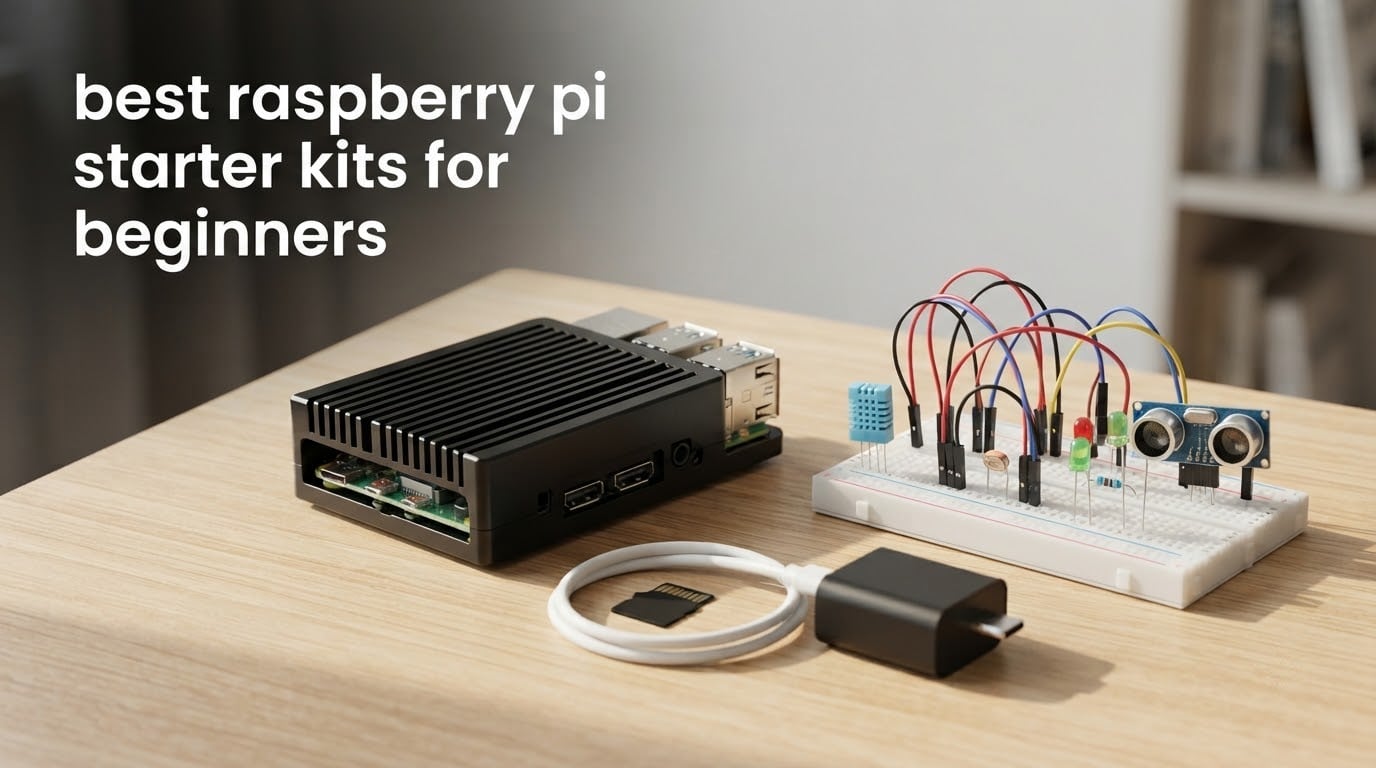
If you have been reading Raspberry Pi buying guides and still cannot tell which kit to buy, you are not alone. The same brand name appears in four or five different tiers, and half the listings called a “starter kit” do not even contain the board. After spending weeks comparing ten of the most popular Raspberry Pi starter kits for beginners, checking what is actually in each box, this guide breaks the category into two groups you can choose between confidently.
The best Raspberry Pi starter kits for beginners in 2026 fall into two very different shapes. A complete kit bundles the board with a power supply, a preloaded microSD card, a case and cables so you can boot into Raspberry Pi OS with nothing else to buy. An expansion kit is a bag of breadboards, sensors, motors and jumper wires that assumes you already own a Raspberry Pi.
This roundup covers the current hardware generation, including Pi 5 8GB kits with active coolers and Pi 4 4GB kits that still make more sense for most first-time buyers. Every pick below was scored on the same four things experienced owners actually talk about in community threads: cooling, case build, microSD card and power supply, plus documentation depth. Prices change daily, so the Check Latest Price buttons are the only place to see current figures.
Table of Contents
Top 3 Best Raspberry Pi Starter Kits in 2026

CanaKit Raspberry Pi 4 Starter PRO Kit
- Pi 4 4GB board included
- 32GB preloaded microSD
- Case with fan and heat sinks
- 3.5A USB-C supply with PiSwitch

Vilros Raspberry Pi 4 Complete Kit
- 9-part bundle
- 64GB preloaded microSD
- Fan-cooled case
- Micro-HDMI cable and reader

Freenove Ultimate Starter Kit
- Board not included
- 223 parts and 128 projects
- 962-page tutorial
- Five programming languages
Quick Comparison: All 10 Raspberry Pi Starter Kits (October 2026)
| Product | Specifications | Action |
|---|---|---|
| CanaKit Raspberry Pi 4 Starter PRO Kit |
|
Check Latest Price |
| Vilros Raspberry Pi 4 Complete Starter Kit |
|
Check Latest Price |
| Freenove Ultimate Starter Kit |
|
Check Latest Price |
 RasTech Raspberry Pi 5 8GB Kit 64GB Edition RasTech Raspberry Pi 5 8GB Kit 64GB Edition |
|
Check Latest Price |
 Vilros Raspberry Pi 4 Basic Starter Kit Vilros Raspberry Pi 4 Basic Starter Kit |
|
Check Latest Price |
 SunFounder Raphael Ultimate Starter Kit SunFounder Raphael Ultimate Starter Kit |
|
Check Latest Price |
 CanaKit Raspberry Pi 3 Ultimate Starter Kit CanaKit Raspberry Pi 3 Ultimate Starter Kit |
|
Check Latest Price |
 Vilros Raspberry Pi 5 Starter Kit MAX Vilros Raspberry Pi 5 Starter Kit MAX |
|
Check Latest Price |
 Freenove Complete Starter Kit Freenove Complete Starter Kit |
|
Check Latest Price |
 SunFounder Da Vinci Starter Kit SunFounder Da Vinci Starter Kit |
|
Check Latest Price |
1. CanaKit Raspberry Pi 4 Starter PRO Kit – Best Overall
- Largest review base of any kit here
- Board and card and case and supply in one box
- Quiet fan and correctly sized 3.5A USB-C supply
- Onboard PiSwitch for clean shutdowns
- Heat sink and case assembly is fiddly first time
- Quick-start guide is brief
- No keyboard mouse or monitor
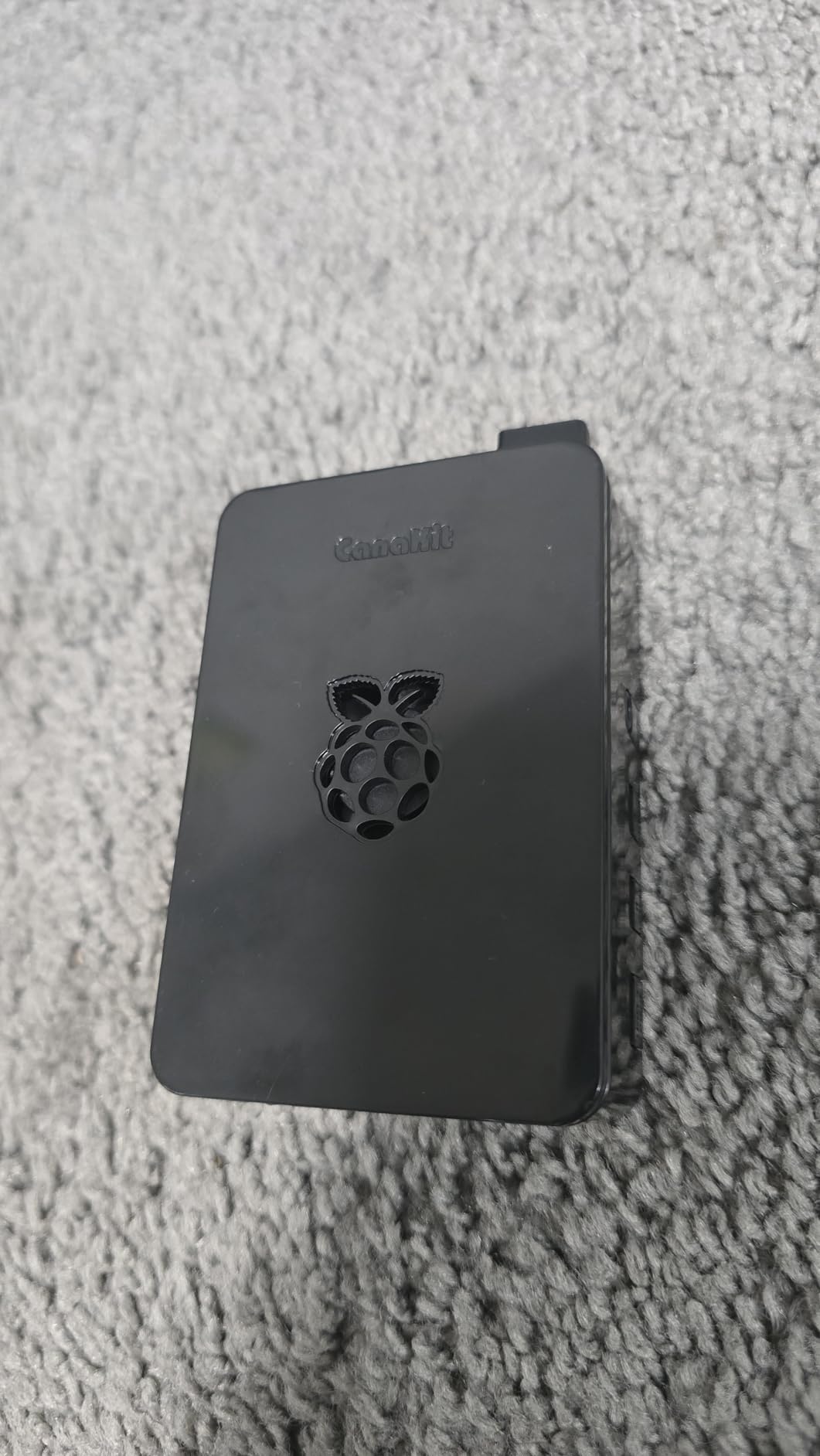
This is the kit I keep coming back to. It carries 4.8 stars across more than 6500 reviews, the largest review base of anything in this roundup, and for a first Raspberry Pi that volume of feedback matters more than any spec sheet. You get the Pi 4 4GB Model B, a 32GB Class 10 microSD card with the operating system already written to it, a case with a fan mount, a set of heat sinks, a six foot display cable and a 3.5A USB-C power supply.
Four USB ports, onboard Wi-Fi and Bluetooth, and a 1.5GHz 64-bit quad-core chip make this a genuinely useful little computer rather than a novelty. The 4GB of LPDDR4 memory is the right amount for a beginner: enough to run a browser, a code editor and a couple of services at once, without paying a premium for memory most projects never touch.
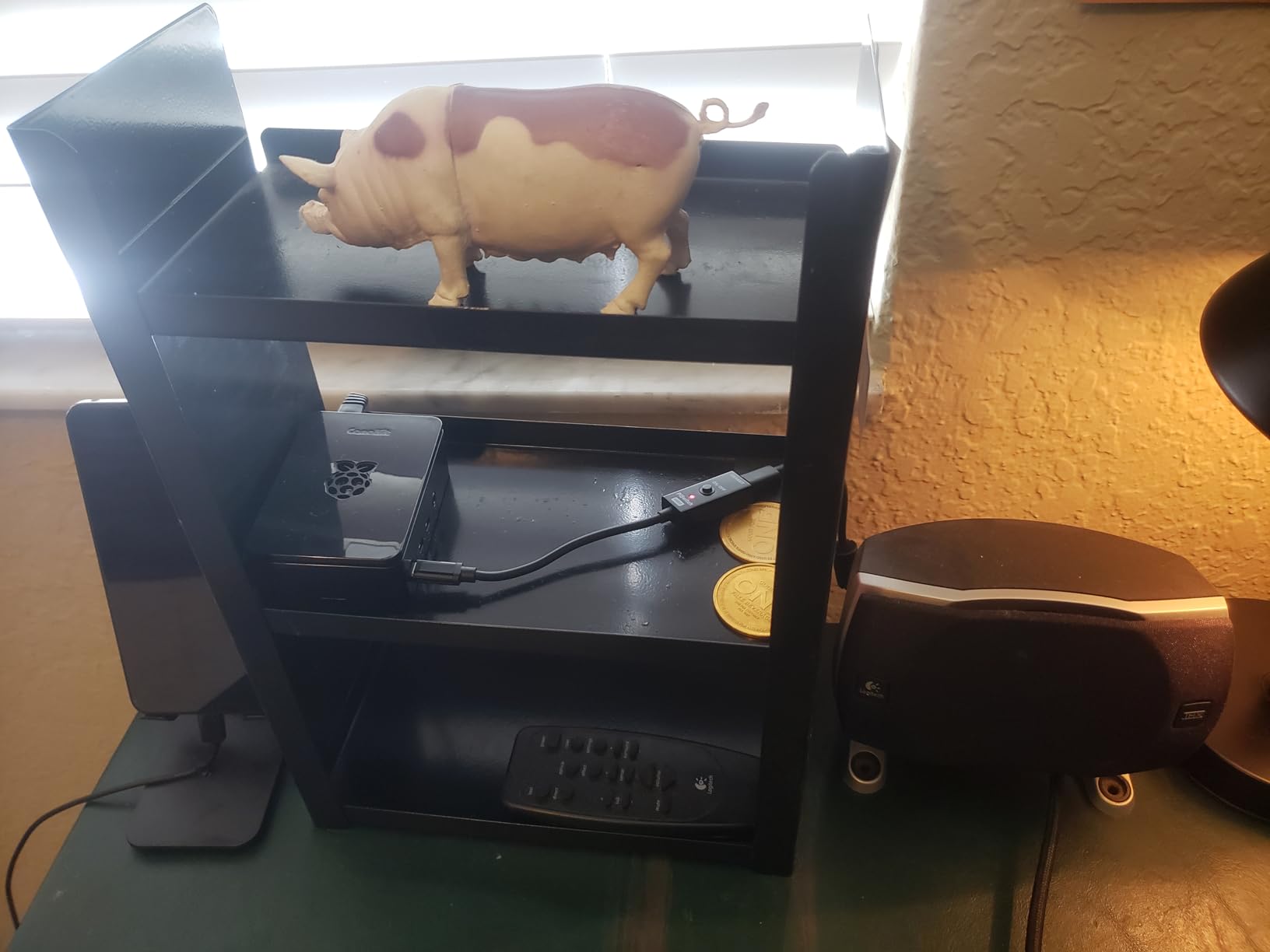
What sets this bundle apart is the boring stuff done properly. The included 3.5A USB-C supply is correctly sized for the Pi 4, which rules out the most common cause of weird boot behaviour on a new kit. The fan uses a low-noise bearing system, and reviewers rarely describe it as intrusive.
In a kit comparison thread on r/Microcenter, the top-voted reply recommended CanaKit for three specific reasons: better case, better cooling, better microSD. That is exactly what this package delivers, and it is why I rate it first even though a Pi 5 would be faster on paper.
What to check before you buy this kit
Expect to spend ten minutes on assembly the first time. Fitting the heat sinks and getting the case halves to line up around the fan is fiddly if you have never handled a small board, and reviewers mention both steps repeatedly. A pair of tweezers helps more than anything else.
The quick-start guide is genuinely thin. It gets you to a desktop, and after that you will be following online tutorials rather than the booklet, so budget an afternoon for setup rather than expecting a guided course in the box.
Who this kit is wrong for
It is the wrong choice if your goal is electronics rather than computing. There is no breadboard, no sensors and no GPIO breakout here, so wiring a circuit means buying a second box of parts anyway. Pair it with an expansion kit such as the Freenove pick later, once you know which projects you want.
It is also the wrong choice if you specifically want machine learning or computer vision. A Pi 4 with 4GB will run the tutorials, but headroom runs out quickly once a real model is loaded.
2. Vilros Raspberry Pi 4 Complete Starter Kit – Top Rated
- Nothing else needed to boot a Pi 4
- 64GB card saves buying storage separately
- Tool-free case with fan pre-fitted
- Inline power switch and storage bag
- Case fan can be noisy and buzz over time
- Printed quickstart is brief
- No keyboard mouse or monitor
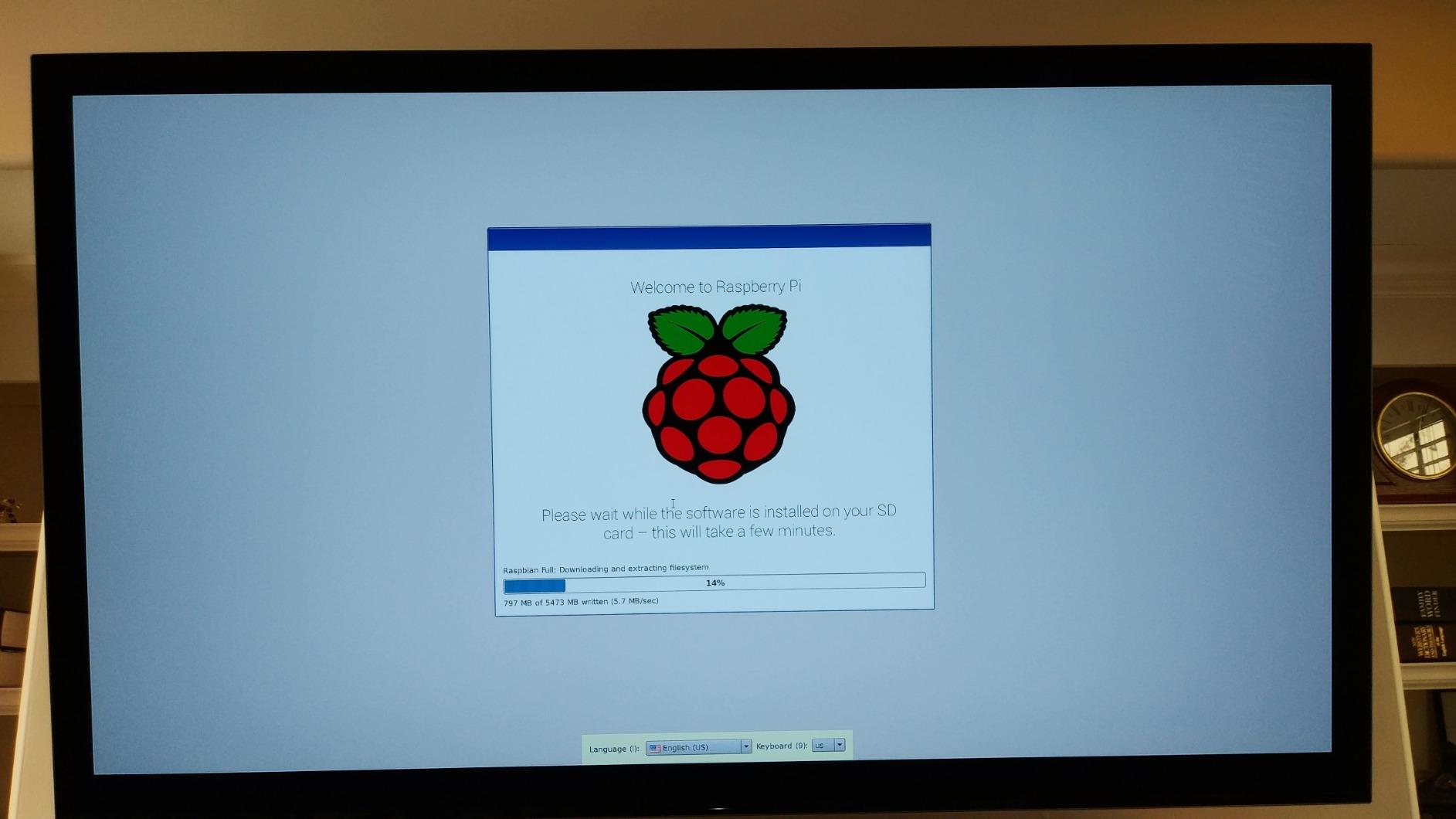
The Vilros Complete kit is the one I suggest when someone asks me to keep it simple. It is a nine-part bundle: the Pi 4 Model B board, a case with a built-in fan, a 64GB microSD card preloaded with Raspberry Pi OS, a compatible power supply with an inline switch, a five foot micro-HDMI cable, a microSD to USB adapter, a neoprene storage bag, four heat sinks and a quickstart guide.
That 64GB card is the quiet hero. It is double the storage of most bundles in this roundup, so you can install a desktop environment, a media centre build and a few tools before you think about expanding storage at all. The card is already imaged, which means the first boot is genuinely a plug-in-and-power-on moment.
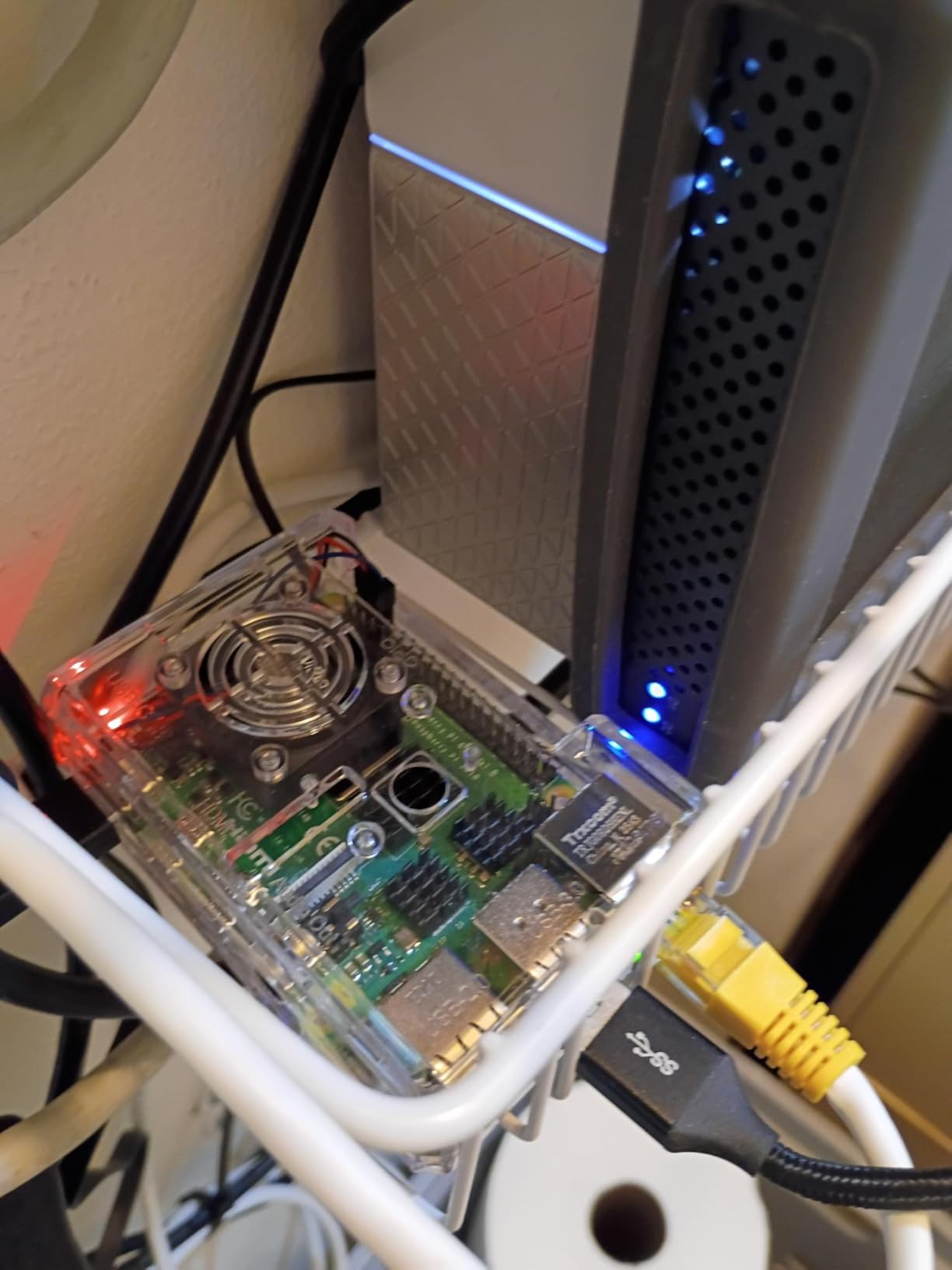
Assembly is the easiest of any complete kit here. The fan arrives already mounted to the top shell, so you are snapping two plastic halves together rather than aligning a fan with a screw pattern in a confined space. Reviewers consistently call the process quick and tool-free.
My one reservation is the case fan. Across reviews the most common complaint is noise, and some owners report an audible developing buzz after months of use. Several people fixed it by tightening the fan screws so the blades stop rubbing the housing, which tells you the housing itself is the problem rather than the fan motor.
What to check before you buy this kit
Read the fan reviews before you commit. If your Pi will sit on a desk next to where you work, the buzz is audible in a quiet room and a swap to a different case later is a simple fix that costs little.
The storage bag sounds like a gimmick until you try to find a 64GB card, a power supply and four loose heat sinks in a drawer. It genuinely helps when a kit lives in a classroom cupboard between sessions.
Who this kit is wrong for
Like the CanaKit above, there is nothing here for GPIO work. No breadboard, no resistors, no sensors. This is a computer kit, not an electronics kit, and treating it as one leaves you disappointed on day two.
Variants exist in 2GB, 4GB and 8GB with a clear or transparent case. The 4GB version is the sensible middle and is what I would pick for general learning and light projects.
3. Freenove Ultimate Starter Kit – Best for Learning Electronics
Freenove Ultimate Starter Kit for Raspberry Pi 5 4 Zero 2 W (NOT Included)
- Enormous component count for the money
- Compartmentalised breadboard box keeps parts sorted
- Free support answers circuit questions quickly
- Projects span LEDs sensors motors and LCD
- Raspberry Pi board is not included
- Tutorial English is imperfect
- Breadboard diagrams are inconsistent
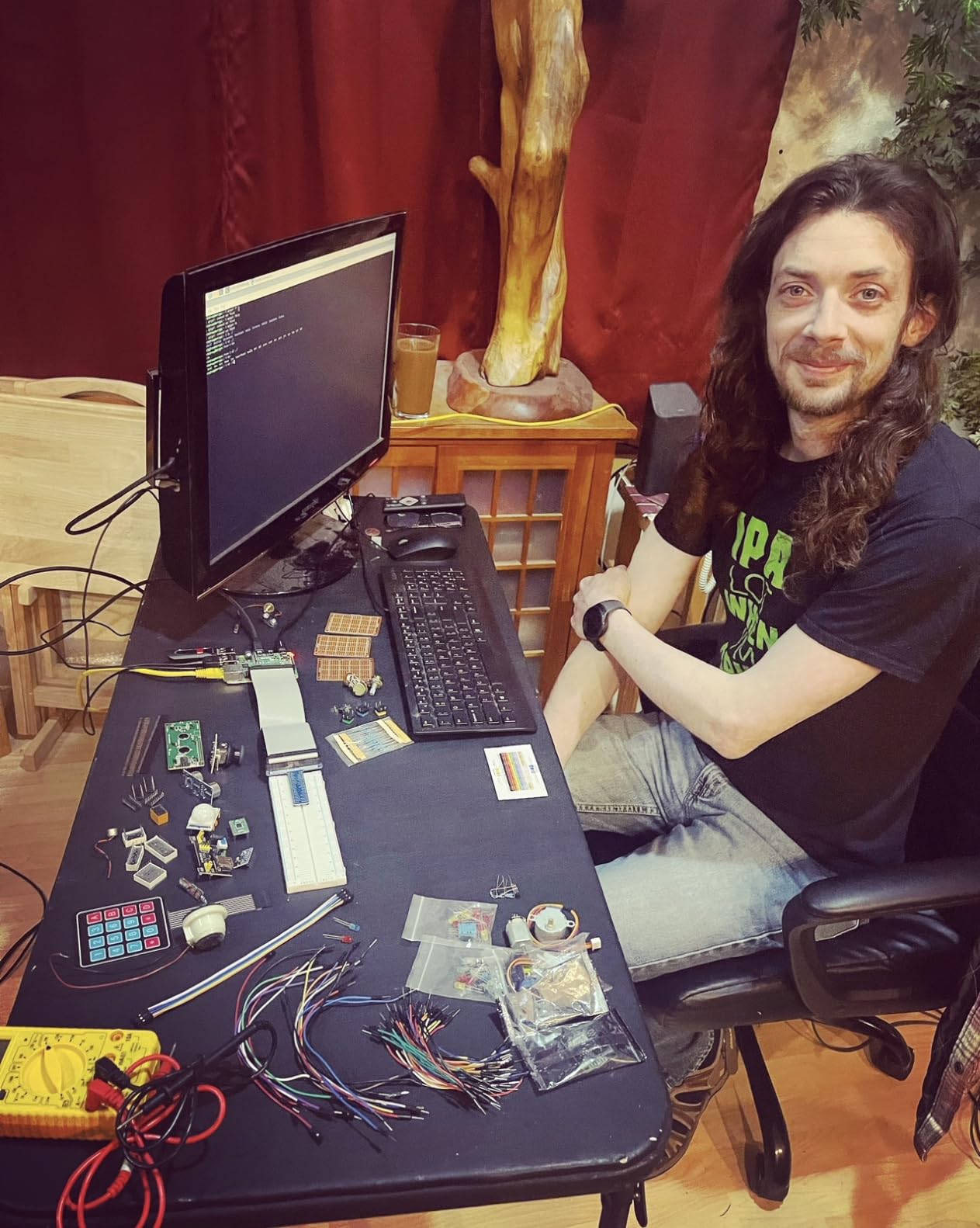
Read this one carefully before you buy: the Raspberry Pi is not included. The listing title says so in brackets, and it is the single biggest source of confusion in this category. What you are buying is 223 components covering the most commonly used modules, sensors and wires, plus 128 graded projects and a 962-page tutorial.
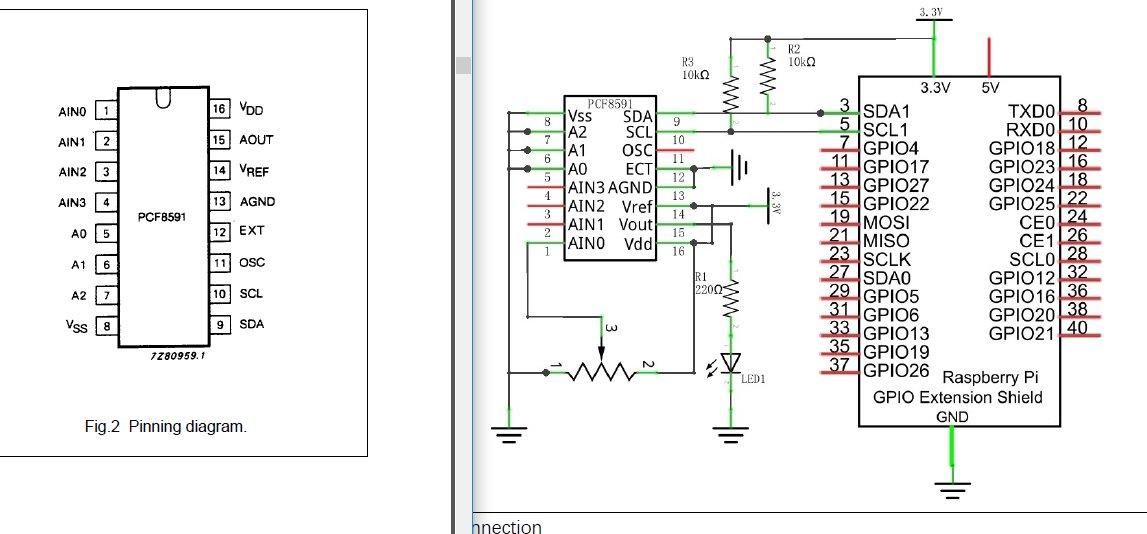
That tutorial is the real product. It is available as a download or to read online, and it takes you from a blinking LED through sensors, motors, relays and an LCD with complete code, wiring diagrams and explanations. There is no paper version, so plan to use a screen or a laptop rather than paper and a pencil.
Code comes in five languages, Python, C, Java, Scratch and Processing, so you can follow the same hardware project in whichever language suits you. Compatibility is broad: the kit works with the Pi 5, Pi 500, Pi 400, Pi 4B, Pi 3B+, earlier models and the Zero 2 W, which means it outlives whatever board you pair it with.
Two things stand out for me. First, the breadboard sits in a dividable storage box, which is a small design decision that makes a 223-part kit manageable instead of overwhelming. Second, the free support genuinely answers circuit questions, and reviewers mention that sellers will look at photos of your breadboard to spot a wiring mistake.
What to check before you buy this kit
You need a Raspberry Pi. Pair it with a current board, and add a case, a correctly rated power supply and a preloaded microSD card, because none of those are in the box. Add those costs to your budget before you compare this against a complete kit.
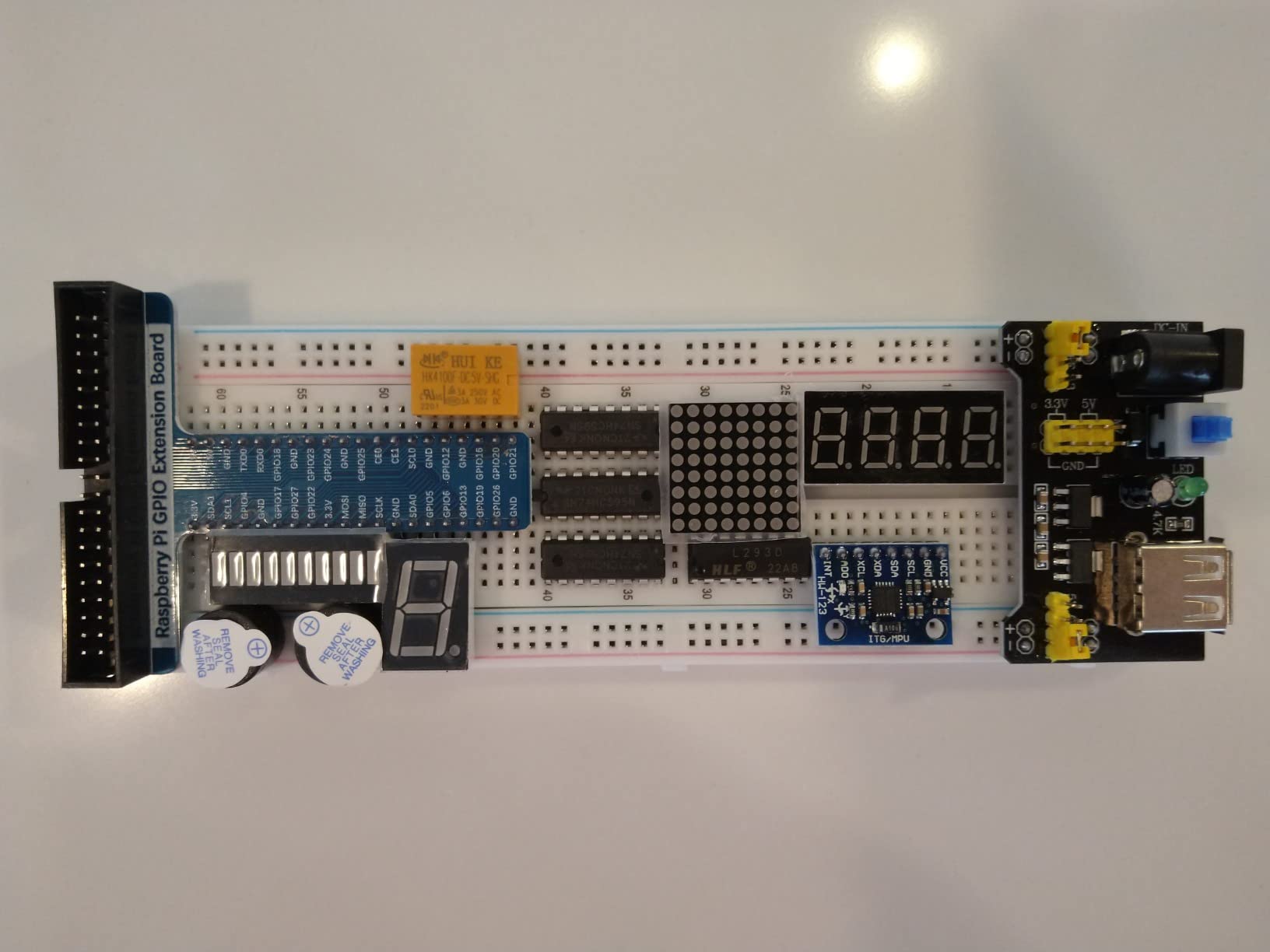
The tutorial is written in imperfect English, and a few reviewers find the breadboard diagrams inconsistent about which side the GPIO extension board goes on. Some diagrams also show wire colours that are not supplied, so treat the diagram as a layout guide rather than a literal parts list.
Who this kit is wrong for
It is aimed at a motivated learner rather than a true zero-experience beginner. If you have never held a breadboard or run current through a LED, the volume of material is a lot to chew through before the first satisfying result.
It suits older kids, teens and adults. For a younger child who wants guided, forgiving projects, the video-led SunFounder pick below is a better entry point. Our picks for starter kits for kids follow the same principle of age-appropriate challenge level.
4. RasTech Raspberry Pi 5 8GB Kit 64GB Edition – Best for Pi 5 Performance
- 27W GaN supply is correctly rated for the Pi 5
- Active cooler holds temperature under load
- Two card readers and a screwdriver included
- 8GB RAM gives room to multitask
- Case is plastic rather than metal
- Instructions do not show thermal pad placement
- Case cutout can press the power button
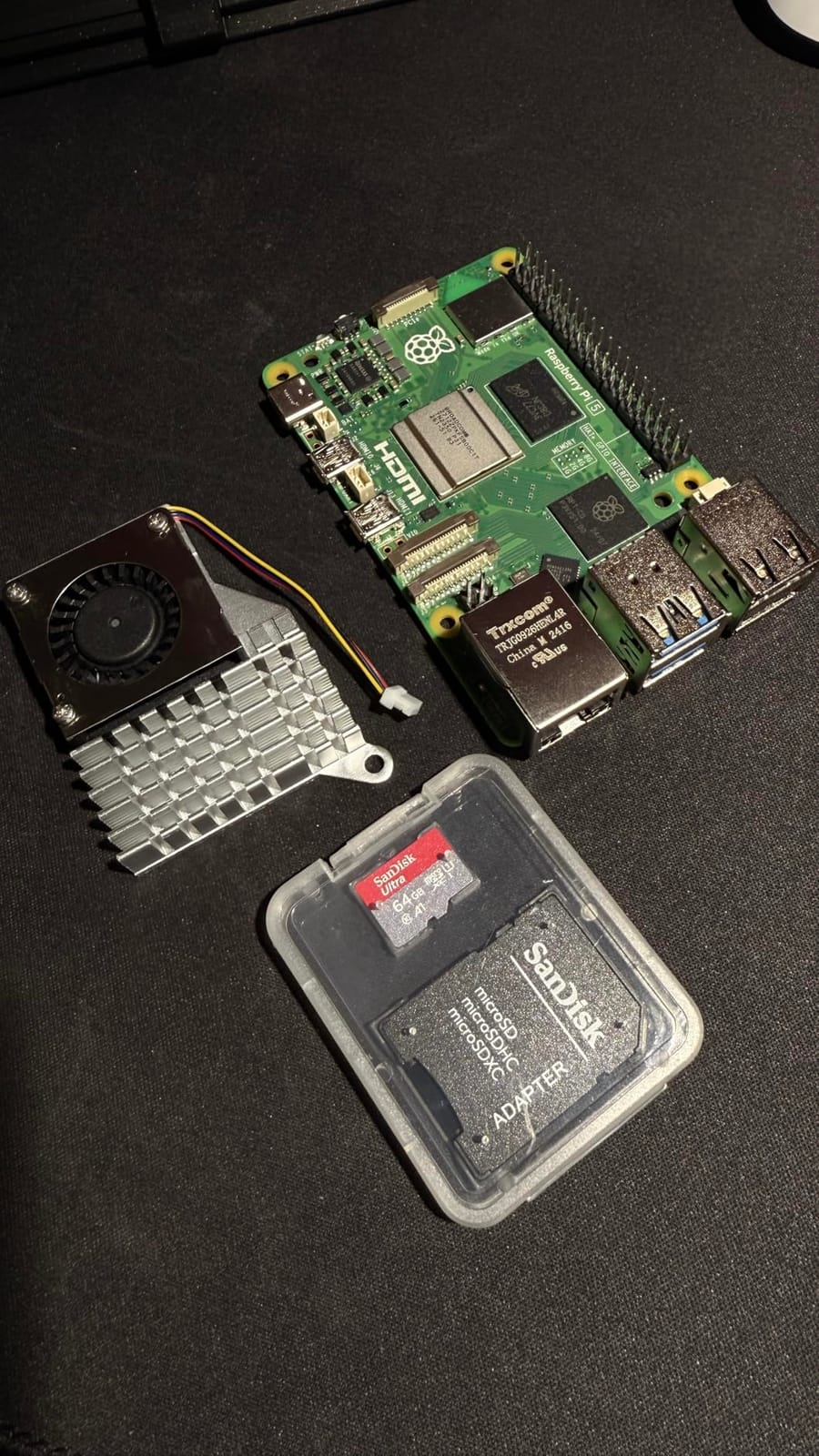
This is the pick for anyone who wants current-generation hardware in one box. The board is a Pi 5 8GB with a 64-bit quad-core Arm Cortex-A76 running at 2.4GHz and an 800MHz VideoCore VII GPU, and the bundle adds a 64GB card, two card readers, an active cooler, a Pi 5 case, two 4K micro-HDMI cables, a 27W GaN USB-C supply, a screwdriver and instructions.
The power supply is the part I would point at first. It offers 5.1V at 5A plus 9V, 12V and 15V alternatives, which is the correct rating for a Pi 5 and removes the undervoltage warnings that plague kits shipped with undersized bricks. Owners single it out consistently, and it also means the kit has some headroom for a drive or a hat later.
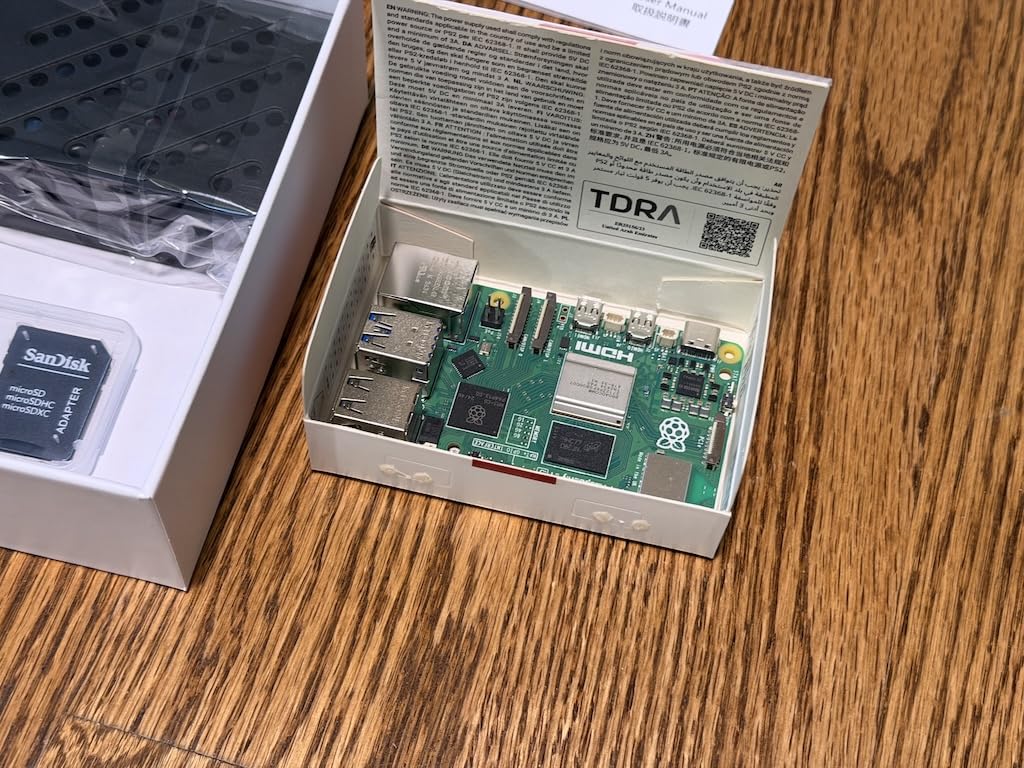
The 8GB of LPDDR4X memory is the real reason to consider a Pi 5 as a first board. If you plan to run a desktop, a code editor, a web server and a container or two, 8GB removes the swapping that makes a 4GB board feel slow. It is overkill for GPIO blink-an-LED work and reasonable for everything else.
Including two card readers is a strange, thoughtful touch. One is enough for setup, and the second means you can keep one card for the operating system and a second for a backup image without buying anything.
What to check before you buy this kit
Read the assembly notes on thermal pads before you close the case. This is the most cited friction point in reviews: the documentation does not clearly state where the three pads belong, and some people find the answer by watching a video instead. Take two minutes to place them correctly, because cooling is the whole point of the bundle.
The case is plastic, and once fitted its cutouts press close to the board’s own power button. If you plan to fit an NVMe HAT or another hat later, check the case will not block it, because reviewers note it offers little value once a hat is installed.
Who this kit is wrong for
It is wrong if your interest is electronics. This bundle is a computer with cooling, not a breadboard kit, so you would still need to buy components and a breakout board for GPIO projects.
It is also wrong if this is a gift for a child who wants a guided path. Nothing here teaches, and a first-timer will be dropped into a desktop with no project to aim at. Pair it with an expansion kit, or pick a guided electronics kit instead.
5. Vilros Raspberry Pi 4 Basic Starter Kit – Best for Metal Case Cooling
Vilros Raspberry Pi 4 4GB Basic Starter Kit with Fan-Cooled Heavy-Duty Aluminum Alloy Case
- Aluminium dissipates heat better than plastic
- Switched USB-C supply is a usability plus
- 4GB is enough for gaming and media playback
- Tough case protects a board that gets handled
- SD card is not included
- Fewer bundled accessories than the Complete kits
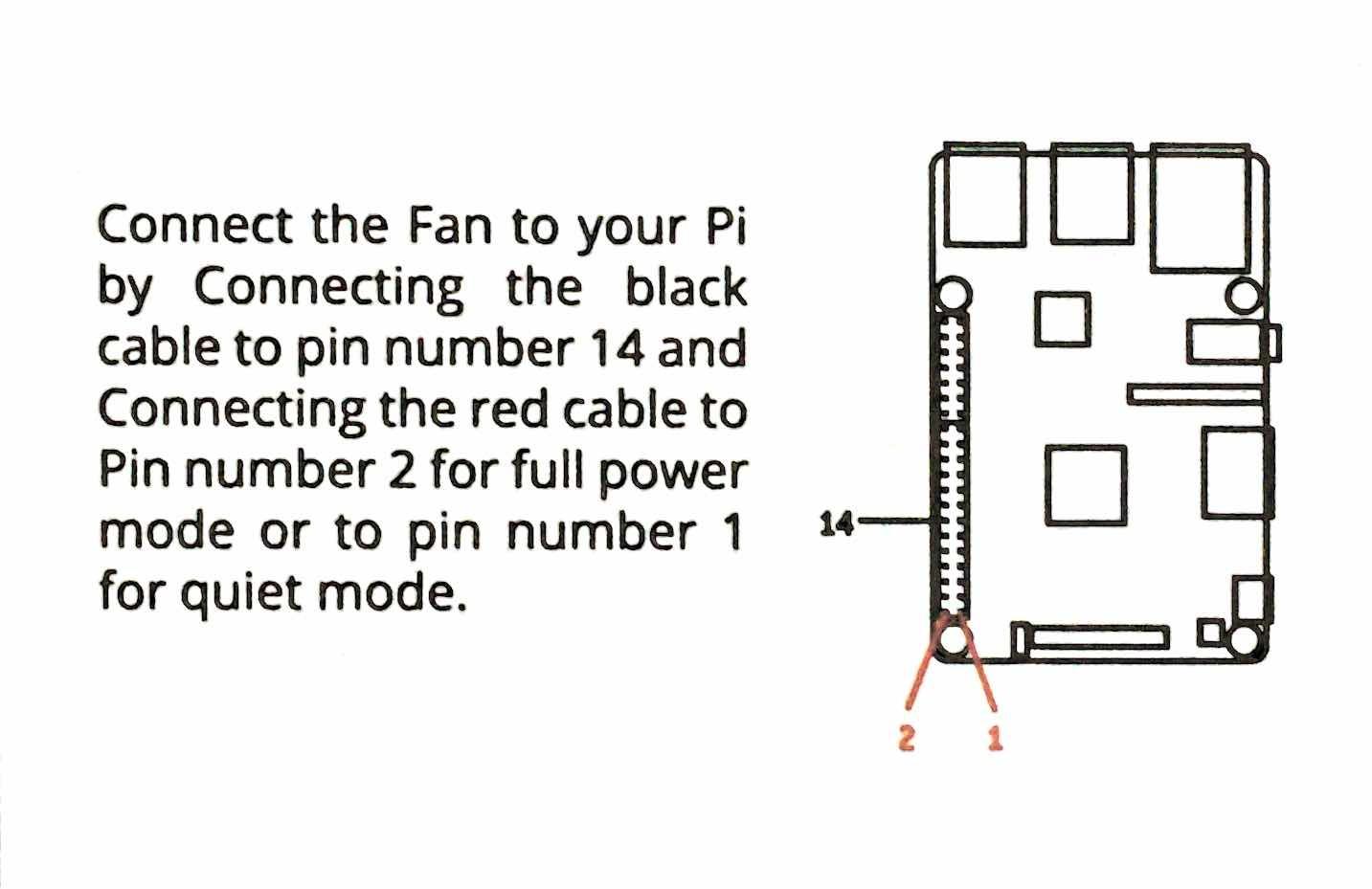
Most cases in this roundup are plastic. This one is heavy-duty aluminium alloy with a fan already installed, and for a board that people pick up, move around and run long builds, that extra thermal mass and rigidity makes a real difference to both temperature and peace of mind.
The bundle is deliberately simple: a Pi 4 Model B with 4GB of RAM, the metal case with pre-installed fan, and a USB-C power supply with an easy-to-use on and off switch. That inline switch is a small feature I appreciate more than expected, because shutting a Raspberry Pi down properly every time matters for the card.
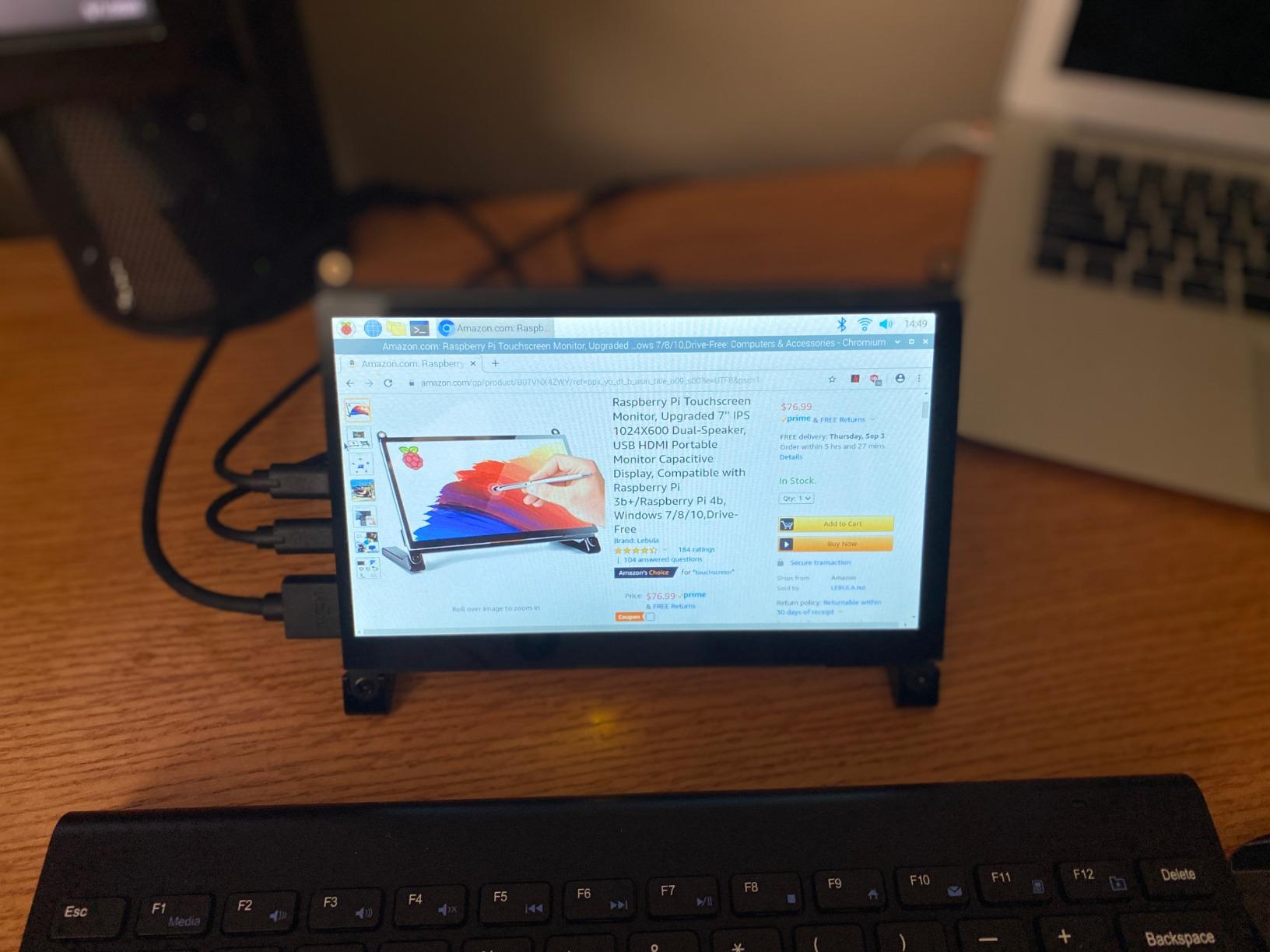
4GB of DDR4 is the right tier for a beginner. It handles retro gaming builds, media playback, web browsing and the usual desktop applications without pushing past its limits, and it avoids the cost jump that the 8GB tier brings for work that most learners never do.
Reviewers consistently note two things. The case runs cooler than the plastic shells, and the presence of a proper switch is noticed every time someone reaches for it.
What to check before you buy this kit
No microSD card is included, and the listing is explicit about it. This is the one thing that turns a simple purchase into a project, because you need a card and you need to write the Raspberry Pi OS image to it yourself. Raspberry Pi Imager makes this a short job on any computer, but it is a step a first-timer will not enjoy on their first evening.
You also get fewer bundled accessories than the Complete version of the same kit, so expect to buy a micro-HDMI to HDMI cable separately if you do not have one. The Pi 4 uses micro-HDMI on both sides, and that adapter confusion is one of the most common first-boot problems.
Who this kit is wrong for
It is wrong for anyone who wants to open the box and see a working computer straight away. The missing card and the missing display cable add two decisions to a purchase that was supposed to remove decisions.
It is also not the right pick for GPIO learning, since there is no breadboard or component set here. If you want both cooling and electronics, run this board alongside one of the Freenove kits.
6. SunFounder Raphael Ultimate Starter Kit – Best for Kids and Classrooms
- Video format lowers the barrier for absolute beginners
- Camera and speaker widen the project range
- Five languages including Node.js
- Vendor forum and ongoing technical support
- Raspberry Pi board is not included
- Spec pages list generic board attributes
This is the kit I would hand to a ten-year-old or to a teacher covering a classroom. The teaching format is the difference. Instead of a written course, SunFounder provides more than 70 video lessons led by educator Paul McWhorter, and watching someone wire a sensor on a screen is a far lower barrier than following a breadboard diagram alone.
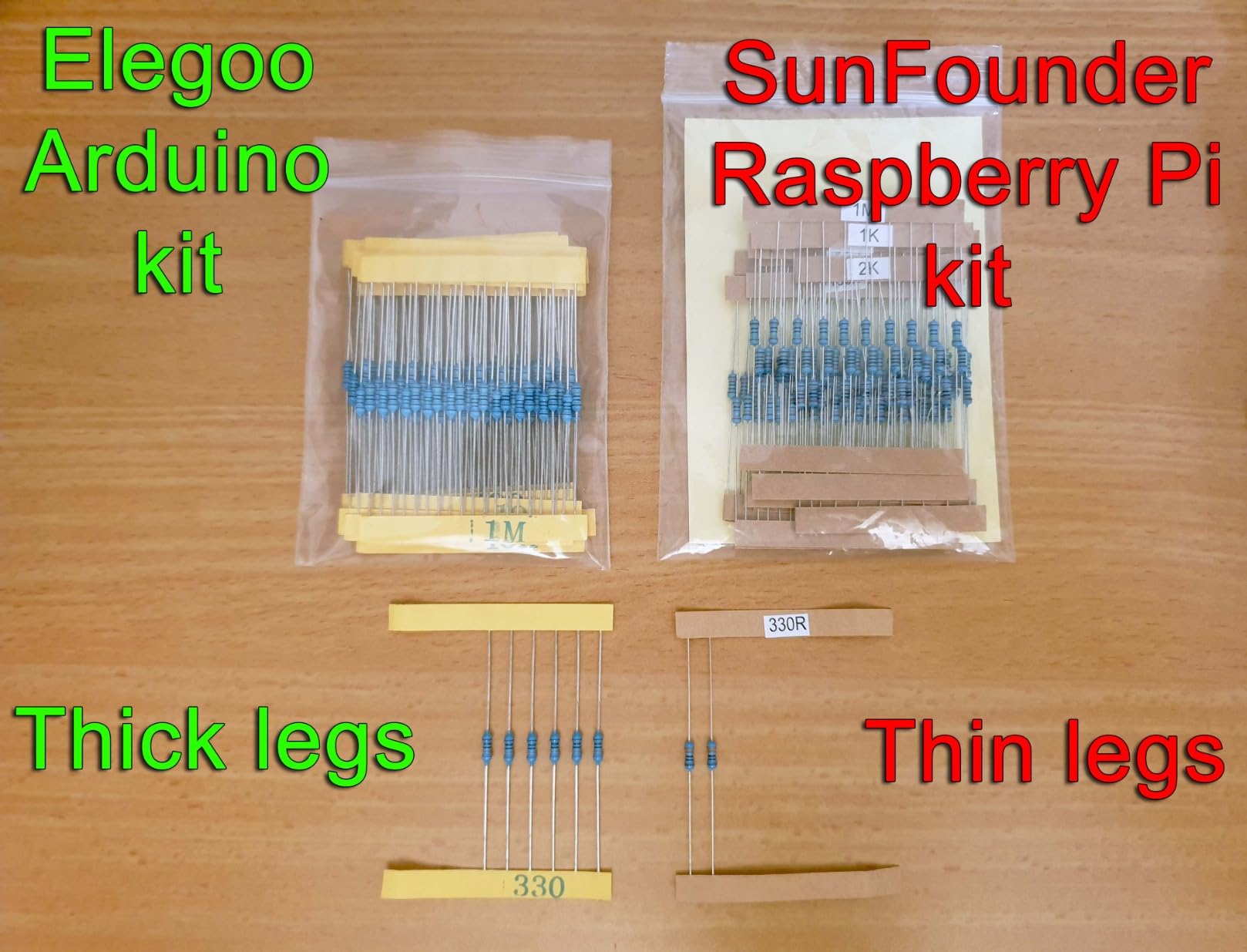
The hardware list is also more ambitious than most competitors: 337 components and modules driving 161 projects, with a camera, a speaker, sensors, actuators, LEDs and LCDs. Including a camera and a speaker changes the character of what you can build, because most kits stop at blinking an LED and a temperature reading.
Five languages are supported, Python, C, Java, Node.js and Scratch, and Scratch matters here because it is the first language most children meet. A beginner can start in a drag-and-drop environment and move to Python on the same hardware when they are ready.
Compatibility covers the Pi 5, Pi 4B, Pi 3B+, Pi 3B, the Pi 400 and the Zero 2 W, though the board itself is sold separately. There is a one year guarantee and a community forum for support, which matters more for a classroom than a single household user.
What to check before you buy this kit
Budget for the board and the basics. To use this kit you need a Raspberry Pi, a case, a correctly rated power supply, a preloaded microSD card and a display cable. For a class of ten, that overhead is the real number to plan against.
Check the spec pages carefully. Reviewers note that some listings describe generic board attributes rather than kit-specific detail, so treat the component count and project count as the reliable numbers and the hardware table as less precise.
Who this kit is wrong for
It is wrong for an adult who already writes code and wants parts to experiment with. Watching seventy videos when you can already read a schematic is friction, not help, and a text-based kit serves you better.
It is also wrong as a gift on its own. Paired with a board it is a fantastic gift; without one it is a box of components that does nothing yet. Our guide to practical beginner kits makes the same point about buying the missing core piece up front.
7. CanaKit Raspberry Pi 3 Ultimate Starter Kit – Best for GPIO Basics
- Only complete kit here with a full breadboard set
- Preloaded 32GB card boots without imaging
- Colour quick-start guide and reference cards
- Onboard Wi-Fi and Bluetooth
- Pi 3 hardware is several generations old
- Documentation described as thin by buyers
- Case has loose tolerances
- Only two USB ports
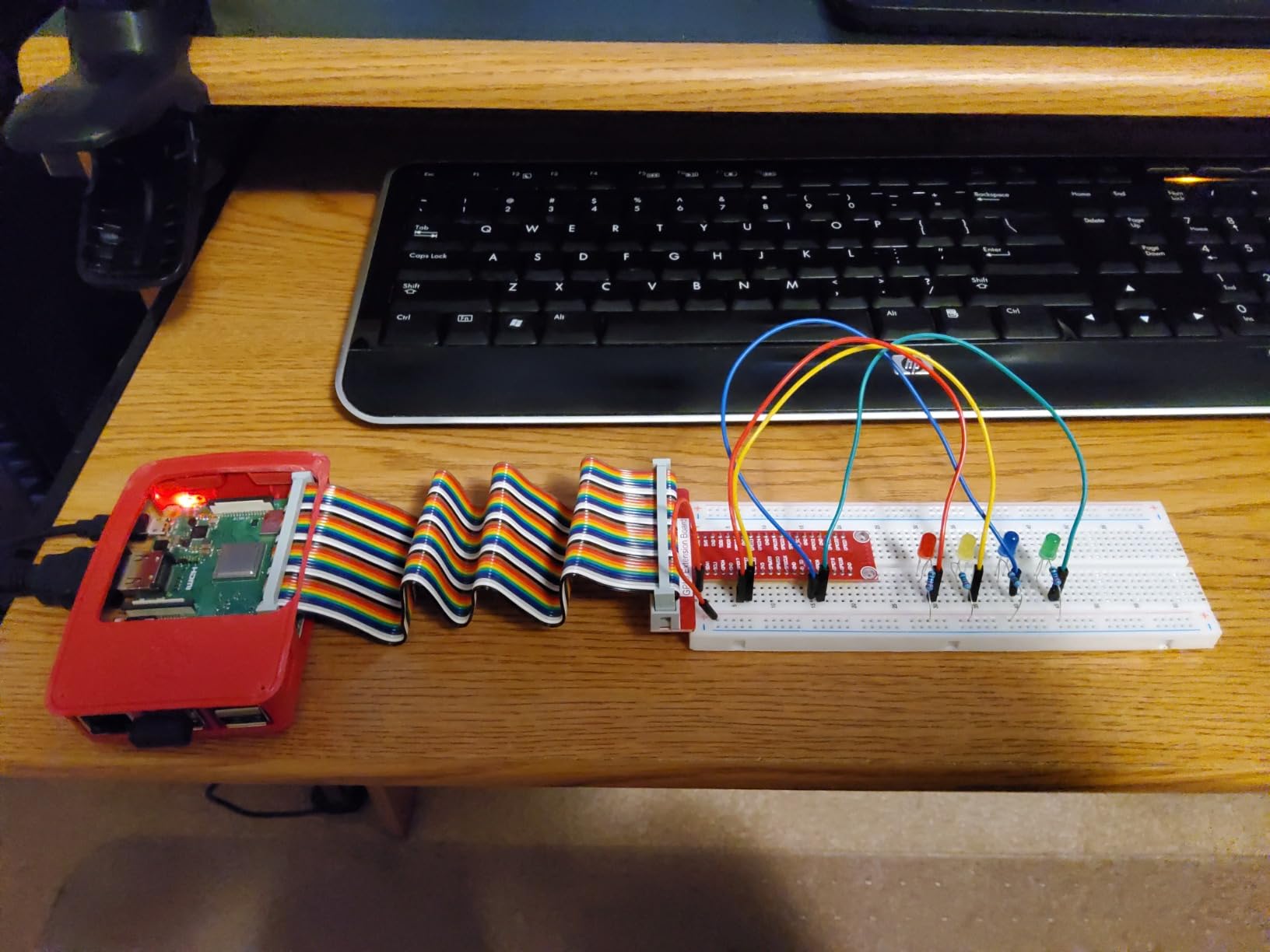
This is the odd one out, and it earns its place for a specific reason. It is the only complete kit in this roundup that bundles a proper electronics lab: a GPIO-to-breadboard interface board, a ribbon cable, a large breadboard, 42 jumper wires, an RGB LED, eight standard LEDs, 15 resistors and two push button switches, all alongside the Pi 3 Model B board.
If your goal is learning what a GPIO pin actually does, that parts list is worth more than a faster processor. You can build a button input, an LED output, a resistor divider and a small circuit with everything on the same table, and you can follow the printed quick-start guide and reference cards for resistor and pin colours.
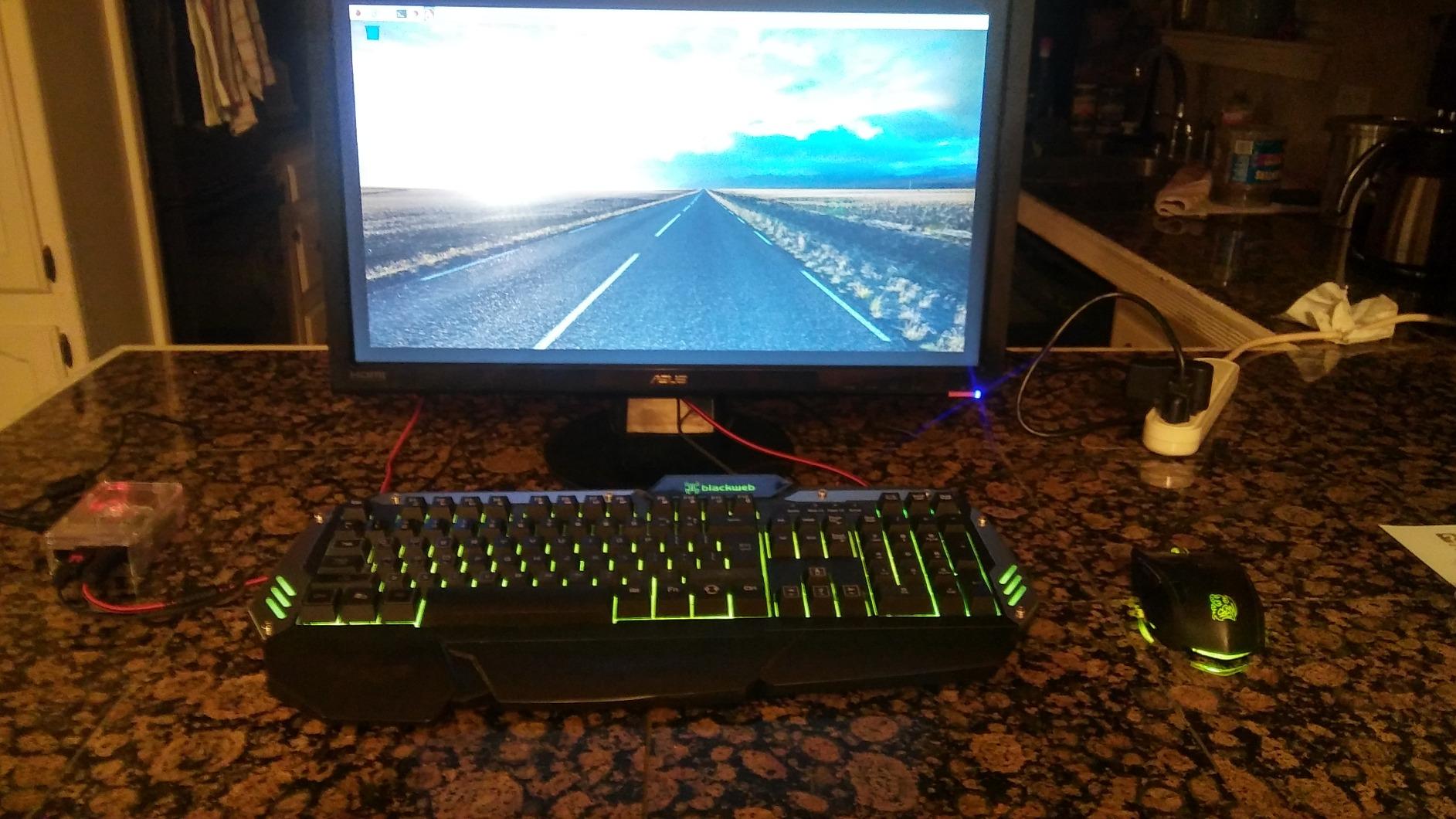
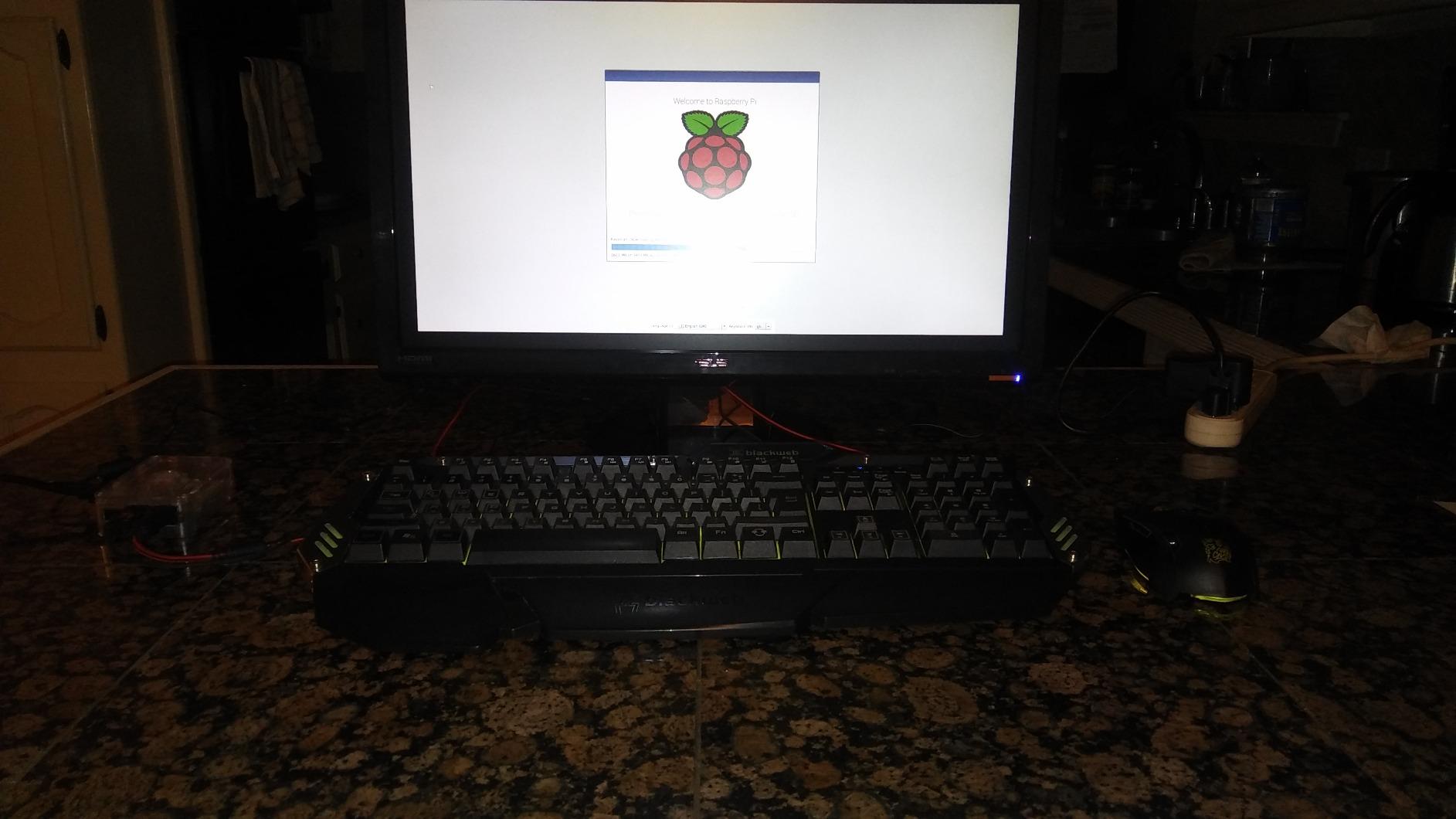
The 32GB Class 10 card arrives preloaded, so the board boots without an imaging step. The power supply is a UL listed 2.5A unit with a five foot micro-USB cable and a noise filter, which is the correct pairing for a Pi 3 and avoids the brown-out warnings that come with a phone charger.
Onboard Wi-Fi and Bluetooth mean no dongles, and the case, display cable and heat sink round out a package that is genuinely ready to use.
What to check before you buy this kit
The board is a Pi 3 Model B with 1GB of LPDDR2 or LPDDR3 memory and a 1.2GHz quad-core chip. That is several generations behind a Pi 4 or Pi 5, and 1GB is tight by current standards, so modern desktop use will feel slow. For GPIO projects and simple headless services it remains perfectly workable.
The case has loose tolerances and no cutout for a camera ribbon cable, and buyers describe the documentation as a little light. Two USB ports is half what a Pi 4 offers, which matters if you plan to plug in a keyboard, mouse, storage and something else at the same time.
Who this kit is wrong for
It is wrong if you want a daily-use computer. A modern browser, a code editor and a few background services will fight over 1GB, and you will be disappointed by the experience rather than by the kit.
It is also a poor match for a board you might use for machine learning or computer vision. For a camera-based project, a Pi 5 with 8GB gives you a great deal more headroom.
8. Vilros Raspberry Pi 5 Starter Kit MAX – Best Plug-and-Play
- Raspberry Pi OS already on a 128GB card
- Generous storage with no need to re-image
- Metal case with standoffs and heat transfer tape
- Camera adapter cable and card reader included
- Heat sinks sometimes missing from the box
- Included fan described as cheap and noisy
- Case heat sink is less effective than a multi-fin design
The selling point here is the absence of work. The official Raspberry Pi 5 8GB board comes with 128GB of storage already flashed with Raspberry Pi OS, a case, a power supply, cooling, two five foot micro-HDMI cables that support 4K60p, a camera module adapter cable and a USB card reader. Unbox, connect, power on.
That 128GB card is unusually generous. Most complete kits ship 32GB, which fills quickly once you install a desktop environment, a compiler and a couple of tools. At this size you will not be re-imaging or moving files to external storage for a long time.
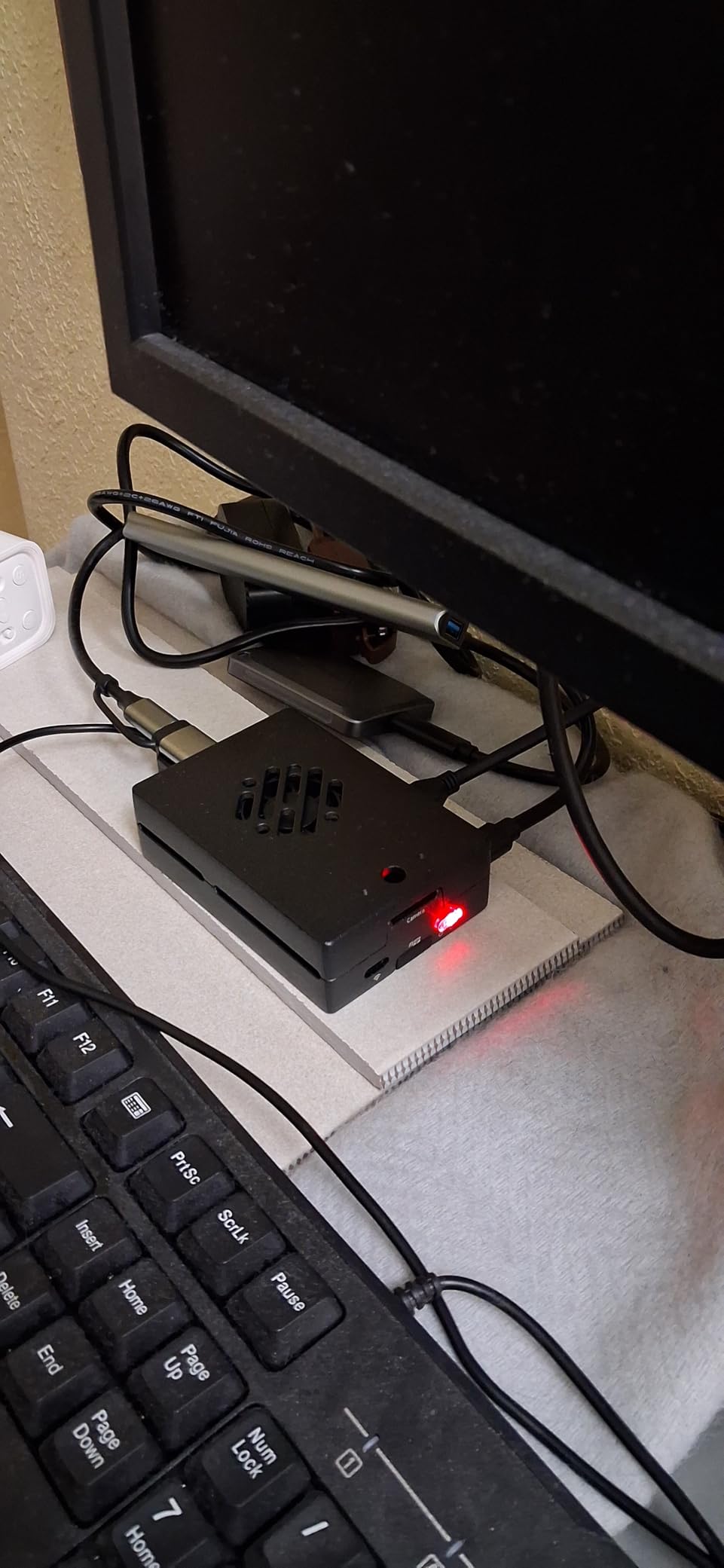
The case is metal with standoffs, an on and off switch and heat transfer tape, which is a better starting point thermally than a bare plastic shell. Owners also report the kit working quietly as a headless home server, which is a genuinely useful first project.
A velcro cable tie and a helpful setup manual are included, and RAM variants exist from 1GB up to 8GB so you can match the board to your budget without changing anything else in the box.

What to check before you buy this kit
Verify the contents on arrival. The most common complaint is that heat sinks are not actually in the box despite the listing describing advanced cooling, so open the package before you assume the thermal solution is complete. Some buyers also describe the included fan as cheap and noisy.
The case uses a drop-in CPU heat sink that is less effective than a proper multi-fin design. If you plan long compiles or sustained loads, plan on adding a better cooler or an active cooler later, and note that the passive case may need replacing once a hat is fitted.
Who this kit is wrong for
It is wrong for anyone who wants to wire things. There is no breadboard and no components here, so this is a computer kit first, and the electronics side comes as a separate purchase later.
It is also more than most first-time buyers need. The 8GB tier is excellent for heavier work, but a 4GB board serves the same beginner projects at a lower outlay.
9. Freenove Complete Starter Kit – Best for Project Variety
Freenove Complete Starter Kit for Raspberry Pi 5 4 Zero 2 W (NOT Included)
- Largest parts count of any kit in this roundup
- 1170 pages and 164 graded projects
- Five language tracks for comparison
- Free downloadable documentation to preview
- Raspberry Pi board is not included
- More parts means more chance of a faulty item
- Documentation is online-only English
This is the Freenove Complete kit, and the difference from their Ultimate version is scale. You get 386 items, 164 projects and a 1170-page tutorial, against 223 items, 128 projects and 962 pages there. If your aim is to never run out of things to build, this is the largest parts list in the roundup.
The code examples are spread across five languages, with 51 in Python, 46 in C, 27 in Java, 15 in Scratch and 25 in Processing. Having the same class of project written in several languages is a good way to decide which one you actually want to learn, and it is unusual to see that level of parity in one kit.
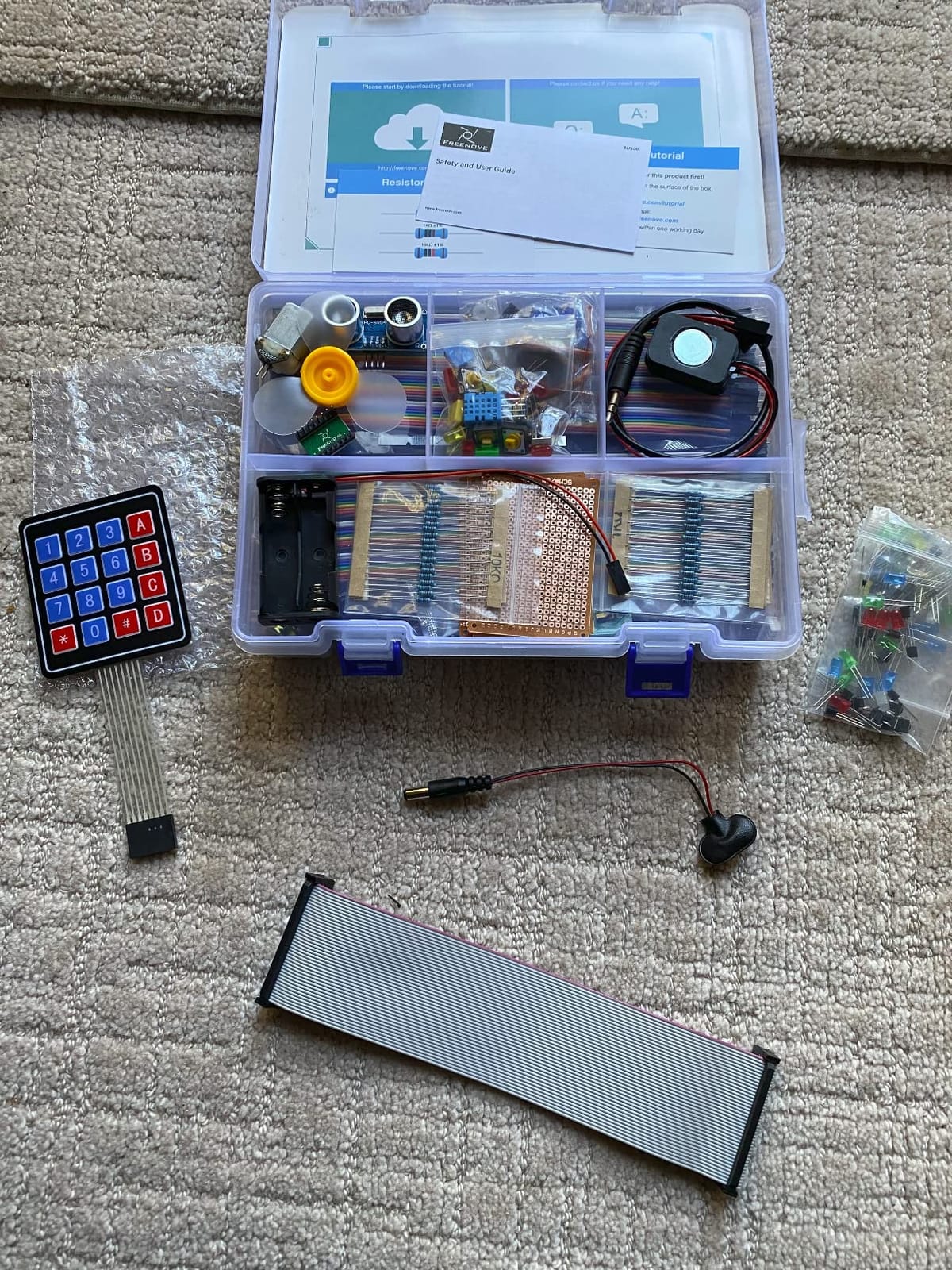
One of the genuinely useful features is that the documentation is free to download, so you can read the tutorial before committing. If the writing suits you, buy the kit; if it does not, you have lost nothing. That is a fair arrangement for a nearly thousand pages of material.
The board is not included, and compatibility is broad but with real caveats. The Pi 5 is not compatible with the speaker, and the 500 and 400 series are not compatible with the camera or speaker, so check your board model against the project you want to build.
What to check before you buy this kit
Reviewers raise two honest concerns. A kit with 386 items carries a higher chance of arriving with a faulty part than a simple board-and-case bundle, and the documentation is downloadable rather than printed and available in English only.
Set aside time to sort the parts. There is no substitute for an hour with a storage box, and a large kit that has never been organised is a large kit you will not open again.
Who this kit is wrong for
It is wrong for a complete beginner who wants to win quickly. A hundred and sixty four projects is a long runway, and the earlier projects are the ones that build the habits you need, so expect to work through them properly rather than skimming.
It is also wrong if you want a working computer on day one. There is no board, no case, no power supply and no card in this box, so treat it as an addition to hardware you already have rather than a starting point.
10. SunFounder Da Vinci Starter Kit – Budget Pick
- Well-rounded parts assortment for the money
- Good sensor selection
- Video course plus written tutorials
- Labelled component storage box
- Some tutorials reference the retired wiringPi library
- Translated documentation has errors
- Dim LCD backlight
- Board is not included
The Da Vinci kit is the entry-level SunFounder option and the lowest-cost way into a large parts library here. You get more than 300 components driving more than 150 projects, seventy video lessons with the same educator who teaches the Raphael kit, and support for Python, C, Java, Node.js and Scratch.
The parts assortment is well judged for the money. The sensor selection is broad, the storage box is clearly labelled so parts stay findable, and having both video and written tutorials lets a self-paced learner and a classroom follow different routes to the same project.
What to check before you buy this kit
Check the tutorial dates before you plan a project. This is the standout negative in reviews: some older material references the wiringPi library, which has been retired, so those examples no longer work as written. The fix is usually a library swap, but you need to know it is coming.
The translated documentation contains grammatical errors, and the LCD backlight is dim enough that some buyers report struggling to read it even after adjusting the onboard pot. If a display is central to your project, test it early.
Who this kit is wrong for
It is wrong for anyone who wants the newest material on a specific subject. Where the Freenove kits ship updated documentation covering the Pi 5 and Pi 500, some of this content predates them, so expect more of your own research.
It is also wrong as a first purchase without a board. Add the board, case, power supply and card to the cost and the saving narrows, which is why I still pair it with a complete kit rather than choosing it instead. If you are comparing value rather than specifications, our budget starter kit picks apply the same reasoning.
What You Can Build With a Raspberry Pi Starter Kit
Once it boots, a Raspberry Pi starter kit supports a wide range of projects, and the ones you can do depend mostly on whether the kit included a board, a breadboard and any sensors. These are the paths that come up most often for beginners.
Learn to code. Python runs straight out of the box, and the C, Java, Node.js, Scratch and Processing coverage in the electronics kits lets you compare languages on identical hardware.
Wire circuits. A breadboard, jumper wires, LEDs, resistors and buttons in a kit like the CanaKit Pi 3 Ultimate or the Freenove range take you from pin to working circuit.
Read the physical world. Temperature, motion, light and distance sensors turn a hobby into an IoT project, and the larger SunFounder and Freenove kits include enough sensors to build a small weather station.
Run a home lab. A Raspberry Pi 5 with 8GB and reliable power is a comfortable host for network services, a blocking DNS resolver, a VPN or a small web server, and the bigger storage tiers in this roundup help here.
Media and retro gaming. Kodi or Libreelec on a Pi 4, and emulator front-ends such as RetroPie, are among the most common first projects, and 4GB of memory is the comfortable tier for both.
Camera and computer vision. The kits that include a camera support image and video projects, and a Pi 5 with 8GB is the sensible board when a model needs real memory headroom.
Two paths deserve a note because people expect them to be harder than they are. Media centre and retro gaming builds are mostly a software install, and a beginner can be playing in an afternoon. Camera and machine learning projects are the opposite, and they are the reason to consider a Pi 5 8GB board rather than saving money on 2GB.
How to Choose a Raspberry Pi Starter Kit
The biggest mistake in this category is buying the wrong shape of kit. Everything below matters, but the first criterion settles the decision for most people before you compare anything else.
Decide whether the board is included
This is the distinction no competitor makes clearly and the one that causes the most confusion. A complete kit contains the Raspberry Pi board, a power supply, a preloaded microSD card, a case and cables, so you can boot into a desktop. An expansion kit contains electronics only: breadboards, sensors, motors, resistors and jumper wires, and you need a board, case, supply and card before any of it works.
Four of the ten kits here are expansion kits, and each says so in its own title. If you do not already own a Raspberry Pi, buy a complete kit first. If you already have one and want to add projects, an expansion kit is the cheaper and more useful purchase.
Check the cooling solution before anything else
Pi 5 boards run hot and throttle when they get warm, and a kit that ships a passive case with no fan will make your first experience a slow, frustrating one. Look for an active fan in the case or an active cooler in the box, and treat a bare heat sink as a warning sign.
Case material matters too. Aluminium alloy pulls heat away from the board better than plastic, and a case with proper port cutouts and an inline power switch saves you small frictions every time you move the machine.
Check the microSD card, and the A1 rating
Look for a card that is already flashed with Raspberry Pi OS, because writing the image yourself is the step beginners get stuck on most often. Capacity is worth paying for: 32GB fills up quickly, and 64GB or 128GB buys you a year of projects before you think about external storage.
The A1 rating matters for anything left switched on. An A1 card is tested for random read and write performance and endurance, which matters for a home server, a camera that writes constantly, or a device that survives a power cut. Some kits ship a plain Class 10 card, which is fine for desktop use and marginal for always-on work.
Check the power supply, and the cable
An undersized supply is the other half of the classic boot failure. A Pi 4 wants a correctly rated 3.5A USB-C supply, and a Pi 5 wants a 27W supply offering 5.1V at 5A, since the board draws more current than older models and a weak supply causes undervoltage warnings, random reboots and SD card corruption.
Also check that the kit includes a micro-HDMI to HDMI cable. The Pi 4 and Pi 5 use micro-HDMI on both sides, and the adapter that comes with a Pi 3 does not fit. Kits that omit it leave you hunting through a drawer on day one.
Treat the documentation as a real feature
Documentation is the single best predictor of whether you will finish a project. A kit with 300 components and a vague quickstart teaches you less than one with 150 components and a thorough tutorial, and this is the single distinction the strongest editorial competitor in this category built its whole pitch on.
Look at page count, project count, whether wiring diagrams and full code are included, and whether the material covers the board you own. Also check whether the tutorial is current, because kits that reference retired libraries will send you down a dead end. Free technical support through a forum or email is worth real weight here, since getting a wiring question answered beats an afternoon of guessing.
Match the RAM to your projects, not your ambition
For learning, a media centre or home lab, 4GB is the sweet spot. For camera work, machine learning or running several services at once, 8GB is the sensible upgrade. For GPIO projects and light scripting, 2GB is workable, and 1GB limits you to small tasks. Buying 16GB for a first board is the most common overbuy in this category.
Work out what you still need to buy separately
Almost nothing includes a monitor, keyboard or mouse, and the Vilros listing states this outright on the packaging. Beyond that, expect to need a display of some kind, a way to type, and a way to point. Community answers in r/RetroPie and r/RASPBERRY_PI_PROJECTS confirm that buyers repeatedly underestimate this part of the purchase. Our mid-range starter kit picks run the same checklist against every bundle.
A beginner in r/RASPBERRY_PI_PROJECTS built a from-scratch list that runs to a board, a case, a power adapter, an HDMI adapter, an SD card and a heatsink or cooler at 4GB or more. That list is a fair baseline for judging what a complete kit already covers, and for judging what an expansion kit leaves you to buy.
First-Boot Troubleshooting When a New Kit Will Not Start
If a brand new kit will not boot, the diagnosis is short. The stickied FAQ thread in r/raspberry_pi puts it plainly: 99.999% of the time it is either a bad SD card or a power problem, and if the voltage under load is under 5V the supply or the cable is not adequate. Work through these in order and you will usually find it in a few minutes.
1. Confirm the power path. Use the supply that came with the kit, plugged into the wall rather than a hub, and connect it with the cable that came with it. A phone charger and a thin USB cable are the two most common causes of a Pi that powers on then immediately shuts down. Look for the red activity LED to flicker and go out, and any undervoltage warning on screen if you get one.
2. Re-image the microSD card. Take the card out, write a fresh Raspberry Pi OS image with Raspberry Pi Imager on another computer, and try again. Cards arrive preloaded but they also arrive dead sometimes, and cheap cards fail without warning. This is the single highest-probability fix.
3. Check the display connection. On a Pi 4 and Pi 5, confirm you are using a micro-HDMI to HDMI cable, that it is seated in the correct port next to power, and that the adapter is not the loose Pi 3 style. A Pi 4 will boot headless with no display at all, so a black screen on a board that has never worked may simply be a video output problem rather than a board problem.
4. Check the heat. If the board runs for a minute and then disappears, or performance drops sharply, it is throttling. A passive case with no fan on a Pi 5 is the usual cause, and the fix is an active cooler, which several kits here include as standard.
5. Re-seat everything. Remove and refit the microSD card, check the case is not pressing on the board, and confirm the ribbon cable or any expansion header is fully clicked home. The case power button cutout on some plastic cases can press the board’s own button once assembled, which stops it booting cleanly.
One option removes the card from the equation entirely. A Raspberry Pi can boot from a USB SSD, and running the operating system from fast external storage instead of a microSD card sidesteps most card-related failures while being considerably quicker. It adds a setup step, so it suits an always-on machine rather than a first evening.
Frequently Asked Questions
What is the best Raspberry Pi starter kit for beginners?
The CanaKit Raspberry Pi 4 Starter PRO Kit is the best overall for most beginners, pairing a Pi 4 4GB board with a 32GB preloaded card, a fan-cooled case, a correctly rated 3.5A USB-C supply and an on-board power switch. Buy a Freenove or SunFounder electronics kit instead only if you already own a Raspberry Pi.
What is the best kit for Raspberry Pi 5?
The RasTech Raspberry Pi 5 8GB Kit 64GB Edition is the strongest Pi 5 bundle here, with an 8GB board, a 64GB card, a correctly rated 27W GaN 5A supply and an active cooler included. The Vilros Raspberry Pi 5 Starter Kit MAX is the plug-and-play alternative, with Raspberry Pi OS already on 128GB of storage.
Do Raspberry Pi starter kits include the board?
Some do and some do not. Complete kits such as the CanaKit Pi 4 Starter PRO, the Vilros Complete kit and the RasTech Pi 5 bundle include the board, case, power supply and card. Expansion kits such as the Freenove Ultimate, the Freenove Complete, the SunFounder Raphael and the SunFounder Da Vinci do not include a Raspberry Pi at all.
Is a Raspberry Pi starter kit worth it?
Yes, for a first board, because a kit removes the four things that most often stop beginners: an undersized power supply, a slow or unreliable microSD card, a case with no active fan, and a missing micro-HDMI cable. It is not worth it if you already own a board, in which case an expansion kit is the better purchase.
What Raspberry Pi should I buy as a beginner?
A Pi 4 Model B with 4GB of memory is the best all-round first board, since it runs a desktop, coding tools and a home lab without straining. Choose a Pi 5 with 8GB if you plan camera, computer vision or machine learning work, and drop to 2GB only for light GPIO projects.
What can I do with a Raspberry Pi starter kit?
Depending on what is in the box you can learn to code, wire breadboard circuits, read sensors, run a home lab, build a media centre or retro gaming console, and work on camera or machine learning projects. Complete kits get you a working computer; expansion kits add the electronics to build with.
What extra do I need to buy with a Raspberry Pi starter kit?
Expect to supply a monitor or television, a keyboard and a mouse, since no kit in this roundup includes them. Depending on the kit you may also need a micro-HDMI to HDMI cable, a microSD card, a case, active cooling or a correctly rated power supply. Expansion kits need a board, case, supply and card added on top.
How do I fix a Raspberry Pi that is not booting?
Check the power supply and cable first, then re-image the microSD card, then check the micro-HDMI connection, then check for heat throttling. Community troubleshooting consensus attributes roughly 99.999% of new-kit boot failures to the SD card or the power supply, so start there before replacing anything.
Which Raspberry Pi Starter Kit Should You Buy?
Start with the CanaKit Raspberry Pi 4 Starter PRO Kit. It is our pick for the best Raspberry Pi starter kits for beginners in 2026 because it solves the four problems that stall new owners, cooling, case quality, microSD card and power supply, and more than 6500 reviews say the same thing. Pair it with a Freenove Ultimate Starter Kit later when you want breadboards and sensors.
Choose a different one if your situation calls for it. Buy the RasTech Raspberry Pi 5 8GB Kit if you need current hardware and real memory headroom for camera or machine learning work. Buy the Vilros Raspberry Pi 4 Complete Starter Kit if you want the most straightforward boot experience with generous storage. Buy the SunFounder Raphael Ultimate Starter Kit for a child, a classroom or anyone who learns better by watching. Buy the CanaKit Raspberry Pi 3 Ultimate Starter Kit if you specifically want to learn GPIO wiring and already understand that the board is old hardware.
Whatever you choose, check the two things that decide the experience: a correctly rated power supply and active cooling. Get those right and almost everything else in this roundup is a matter of budget.