
Short answer: the ANYCUBIC Photon Mono 4 is the best resin printer for tabletop miniatures overall, because its 17 x 17 micron pixels put faces, chainmail and weapon blades on the same footing as injection-moulded minis without moving up a class. The ELEGOO Mars 5 Ultra is the easiest first machine to run, the ELEGOO Saturn 4 Ultra 16K gives the finest surface finish, and the older ANYCUBIC Photon Mono remains the cheapest way into the hobby.
I have been running six current-generation MSLA resin printers on the same bench, printing the kind of models a tabletop player would actually want: 28mm infantry with capes and shields, 32mm heroes with facial detail, and a few oversized pieces. The differences between them are smaller than the spec sheets suggest, and the real gap is between machines that level themselves and machines that make you think about leveling.
Before the recommendations, one piece of advice that saves more money than any of them. Ignore the K rating on the box. A 16K panel that covers a 6-inch screen gives you coarser pixels than a 10K panel on a 7-inch screen, and detail on a miniature is set entirely by how wide one pixel is measured in microns. Everything below 30 microns XY handles tabletop scale comfortably; the community threads that rank above this page argue about exactly this point constantly.
If you are still choosing between technologies, our guide to resin 3D printers covers the fundamentals, and if your ambitions run to display-scale work, our large format resin printer comparison handles the bigger machines.
Table of Contents
Top 3 Resin Printers for Miniatures in 2026

ANYCUBIC Photon Mono 4
- 7-inch 10K mono LCD
- 17 x 17 micron XY pixels
- 4-point one-and-done leveling
- 6.04 x 3.42 x 6.49 inch build volume

ELEGOO Mars 5 Ultra
- 7-inch 9K mono LCD at 18 micron XY
- self-leveling build platform
- tilt release at up to 150 mm/h
- AI camera with time-lapse

ELEGOO Saturn 4 Ultra 16K
- 16K monochrome LCD
- heated tank holding resin at 30 degrees C
- tilt release at up to 150 mm/h
- AI camera with chamber light
Best Resin Printers for Tabletop Miniatures at a Glance (October 2026)
The table below puts all six machines side by side with the number that actually decides miniature quality, the pixel size in microns, wherever the manufacturer publishes it.
| Product | Specifications | Action |
|---|---|---|
| ANYCUBIC Photon Mono 4 |
|
Check Latest Price |
| ELEGOO Mars 5 Ultra |
|
Check Latest Price |
| ELEGOO Saturn 4 Ultra 16K |
|
Check Latest Price |
 ANYCUBIC Photon Mono ANYCUBIC Photon Mono |
|
Check Latest Price |
 ANYCUBIC Photon P1 14K ANYCUBIC Photon P1 14K |
|
Check Latest Price |
 Phrozen Sonic Mega 8K S Phrozen Sonic Mega 8K S |
|
Check Latest Price |
1. ANYCUBIC Photon Mono 4: the best resin printer for tabletop miniatures overall
- Layer lines virtually invisible at normal layer heights
- First print roughly 30 minutes after unboxing
- Laser-engraved plate gives clean part removal
- Quiet enough for a home office
- Default profiles need exposure tuning
- Vats can break with aggressive cleaning
- App pairing unreliable so PC slicing is required
The Photon Mono 4 is the machine I keep reaching for, and one specification decides it: a 7-inch 10K monochrome screen with 9024 x 5120 pixels working out to 17 x 17 microns. That is a square pixel in the under-20-micron class, and it is the reason a chainmail shirt or a miniature face reads cleanly at tabletop viewing distance rather than turning into a soft blob the moment you lean in.
The second thing that matters is that it levels itself. Four-point leveling on this machine is a one-and-done job after the initial calibration, so there is no ritual of releveling between resin types. Owners describe going from the box to a finished print in around half an hour, which is the fastest path from box to a usable machine among the six.
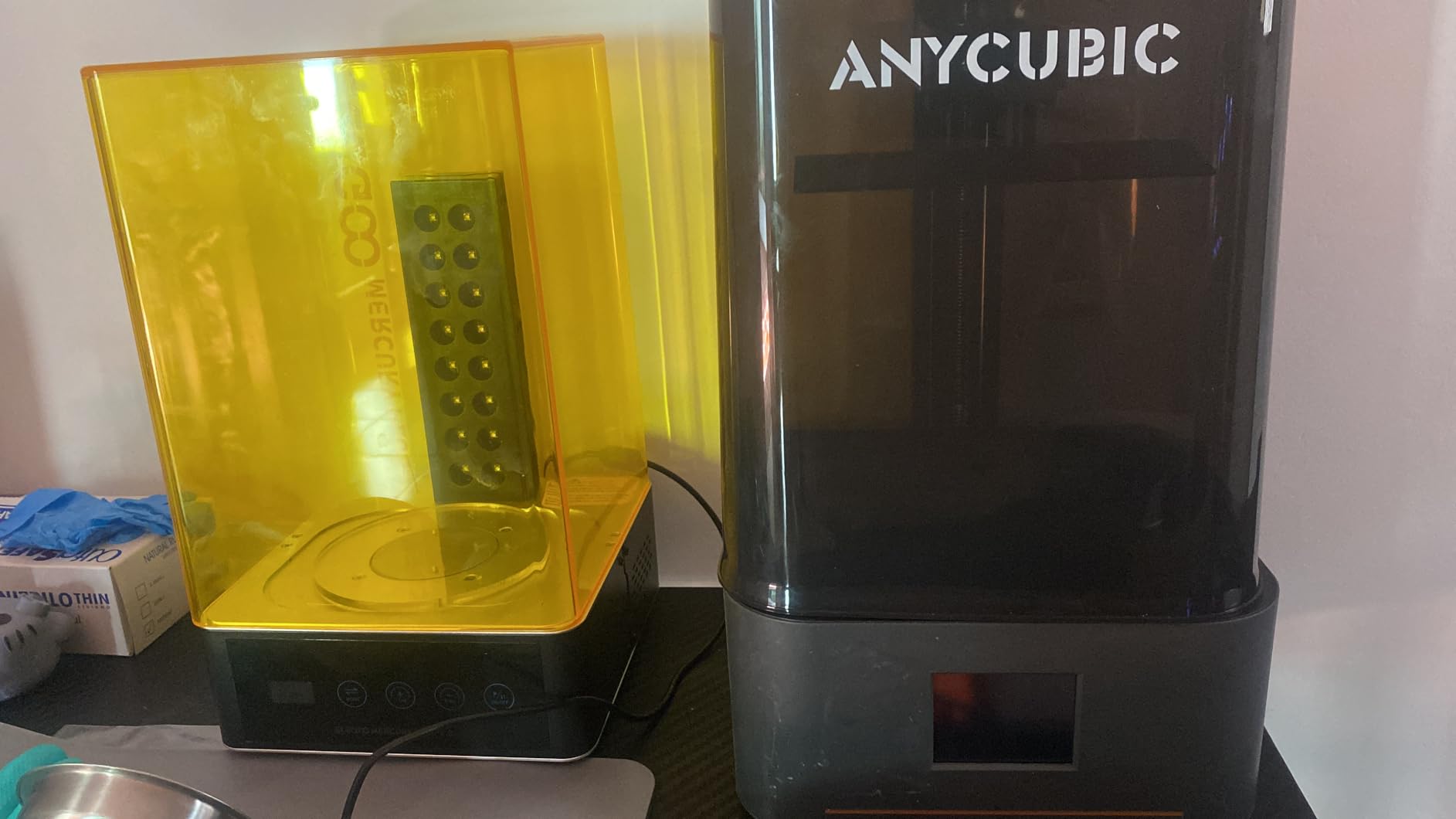
Technical details worth knowing before you commit. The LighTurbo matrix light source spreads UV evenly across the panel, which is what removes the rasterization pattern you see on cheaper single-lens machines, and the laser-engraved Print Platform 2.0 gives enough tooth for the base layer to hold without aggressive rafts. It resumes after a power cut, which matters if you ever print overnight in a garage.
The honest weakness is that it is not a fully hands-off machine. Default profiles need exposure adjustment for most third-party resins, and skipping that step is the single most common cause of failed prints reported by owners. The vat is also breakable, and one reviewer notes that an aggressive cleaning routine can damage the LCD in the vat.
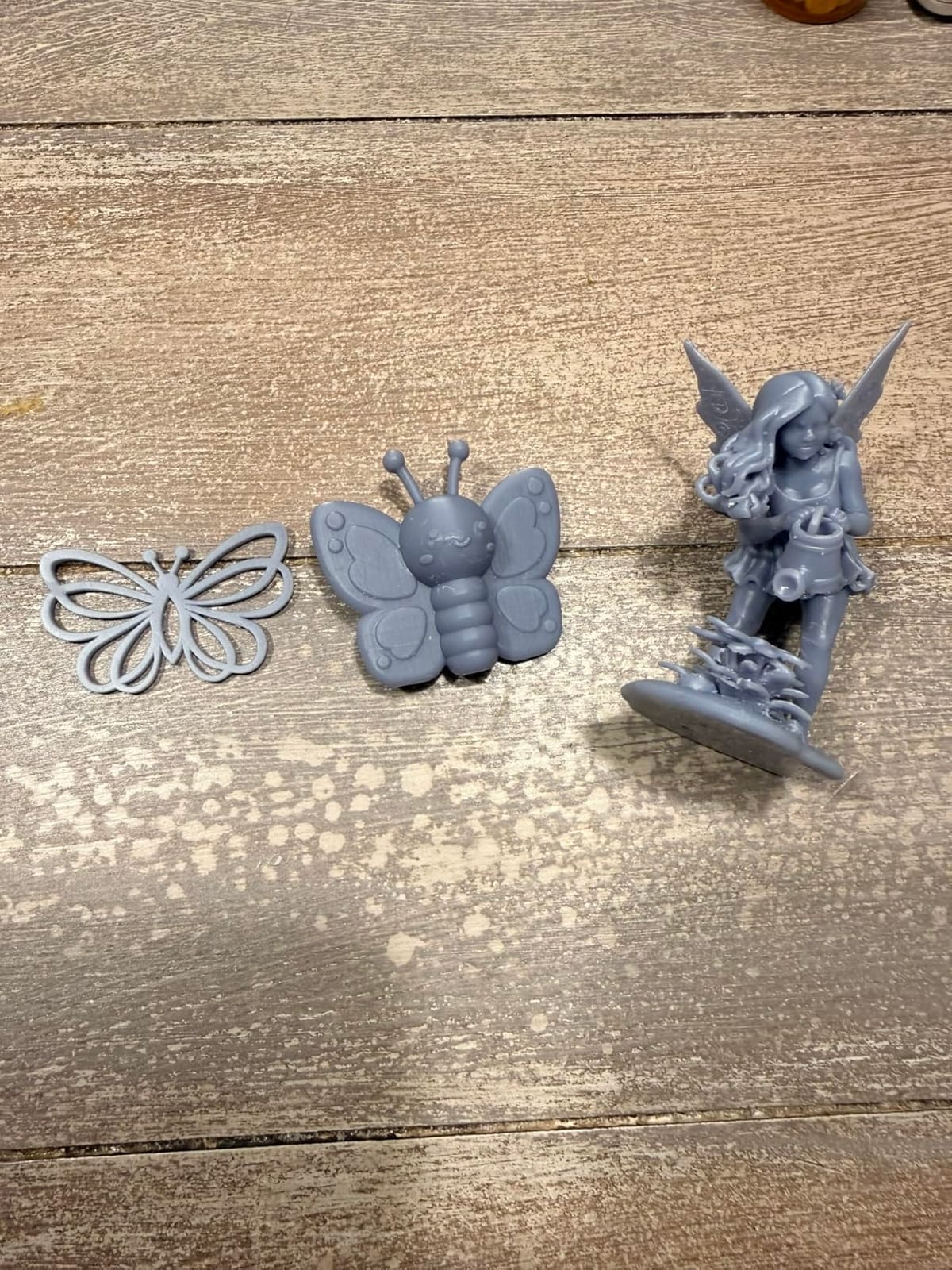
Is it worth tuning profiles before your first print
Yes, and it is a ten-minute job rather than an evening. Run a single 20 x 20 mm test block, adjust bottom exposure in small steps, and check whether the top of the block is matte or glossy. Glossy means underexposed, matte means correct. Do that once with the resin you plan to use most and the failure rate drops sharply.
One more practical note. The mobile app is not supported on this model, and owners report that barcode pairing and app connections fail often enough to be annoying. Plan on slicing on a computer with Photon Workshop or exporting a sliced file over USB.
Where the build volume catches people out
The 6.04 x 3.42 x 6.49 inch volume is generous for 28mm and 32mm minis, and several reviewers use it for lost-wax casting wax patterns. It is still a small-format machine, though, so a full plate of 40mm models needs splitting into batches, and buyers frequently report having to resize models they expected to fit.
2. ELEGOO Mars 5 Ultra: the easiest resin printer to run for a first army
- Self-leveling removes the top beginner failure point
- Prints well with no exposure tuning out of the box
- AI camera useful for long unattended runs
- Cleanup cycle simplifies maintenance
- Lid has no hinges and lifts off entirely
- Rounded resin spout makes pouring messy
- Small plate limits large batches
- Camera easily blocked by tall prints
If you have never printed resin before, the Mars 5 Ultra removes the two things that scare beginners out of the hobby. The build platform self-levels and self-zeroes, and the 7-inch 9K screen at 18 micron XY resolution is close enough to the Mono 4 that a 28mm miniature is visually indistinguishable between the two at arm’s length.
What surprised me most was how little tuning it demanded. Reviewers consistently describe plug-and-play behaviour, with first prints succeeding without exposure calibration, which removes the most tedious early phase entirely. The tilt release vat is the other quiet win, roughly halving print times against the original Mars.
On the technical side, the machine runs up to 150 mm/h with tilt release, and the smart mechanical sensor handles residue detection on the LCD along with resin level and leveling failure alarms. Wi-Fi cluster printing lets you push jobs to several machines from one device, and there is a three-month Chitubox Pro subscription bundled in to cover model preparation.
The AI camera watches for an empty build plate and for warping in real time and records time-lapse video. It is genuinely useful for a three-hour unattended run, though owners note the view is easily blocked by tall prints and the small screen limits what you can actually judge from it.
What beginners should know about the physical design
The design has two ergonomic quirks worth knowing in advance. The lid is not hinged, so you lift it off completely to get at a finished print, and the resin spout is rounded rather than sharp, which makes pouring back into the bottle a slower, messier job than on machines with a defined pouring lip.
Resin itself can still be picky. Owners report needing exposure tweaks for adhesion on some bottles, and there are occasional reports of first-layer adhesion failures. None of these are alarming, but they mean the machine is forgiving rather than infallible.
Is the small build plate a problem for army printing
For a full 40-figure regiment it is limiting. This is a small-plate machine, and you will run batches rather than one large plate, which means more vat clean cycles and more manual intervention between runs. If your goal is a painted army on a campaign table, that trade is usually fine. If you want a hundred-figure batch, look at the large format section instead.
3. ELEGOO Saturn 4 Ultra 16K: the best fine detail for display and busts
- Fine sculpted detail and sharp edges on every part
- Heated tank cuts bubbles and layer separation
- Automatic leveling with no manual adjustment
- Chamber light makes night monitoring easy
- Heaviest unit in the roundup at 35.5 pounds
- Big footprint needs a sturdy bench
- AI detection accuracy varies by environment and resin
The Saturn 4 Ultra 16K exists to solve a problem the rest of this list mostly avoids: bubble formation and layer separation on long prints. Its intelligent tank heating holds resin at 30 degrees C, and reviewers consistently single this out as the feature that most improves real-world reliability rather than simply adding to the spec sheet.
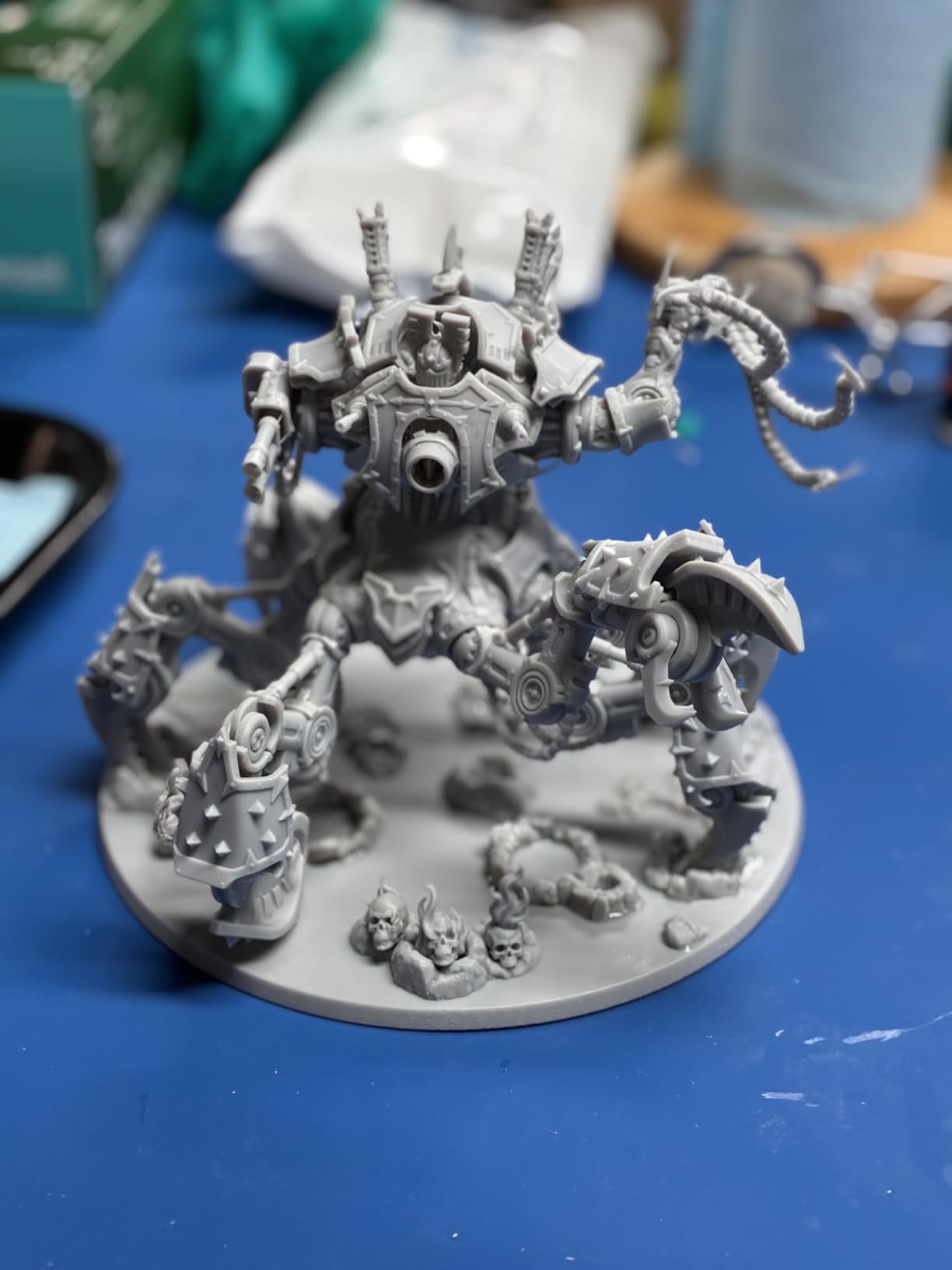
Visually, the 16K panel captures fine sculpted detail and sharp edges, and it is the machine I would choose for busts, display figures and anything going behind glass rather than onto a game table. Tilt release keeps the rated 150 mm/h speed while peeling models cleanly off the release film.
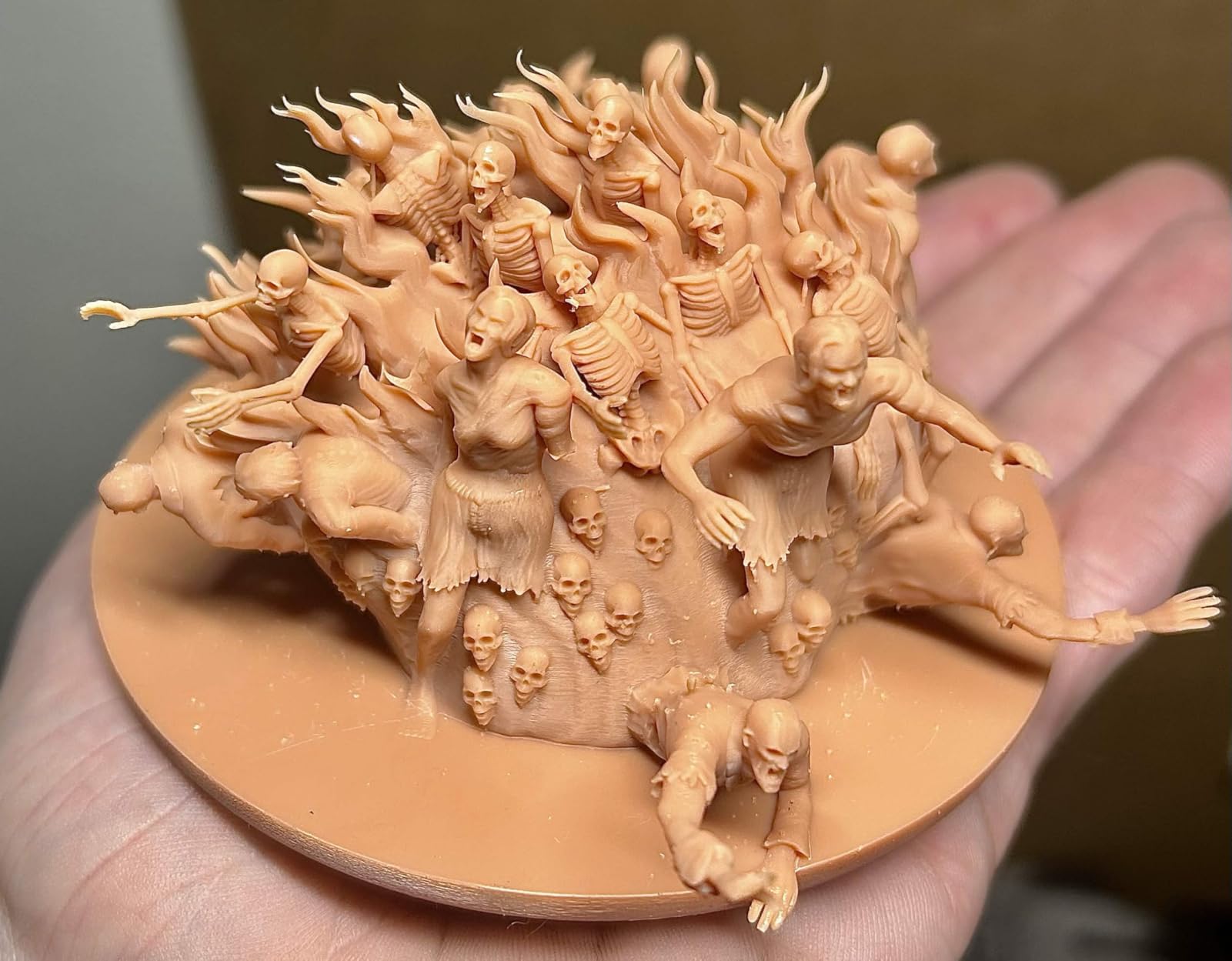
Automation is thorough. Automatic leveling means no manual bed work at all, smart mechanical residue detection protects the LCD, and there are alarms for resin shortage and leveling failure. The AI camera works with a built-in chamber light, so you can check progress or capture time-lapse video whether or not the room is lit.
Layer adhesion is where the heated tank earns its keep. Keeping resin fluid reduces bubbles and layer separation on longer prints, which is the failure mode that quietly ruins a three-hour batch in a cold garage. It matters most in the environments hobbyists actually print in.
Is a 16K screen worth the step up over 9K and 10K
For 28mm minis on a table, the difference from the Mono 4 or the Mars 5 Ultra is real but small. For 75mm busts, character models and display pieces, the sharper edges and finer surface texture start to show at close range, and that is the use case this machine is built for.
Keep in mind the usual caveat about K ratings. ELEGOO does not publish a micron figure for this panel, so you are buying resolution without the number that makes it comparable. In practice owners report output that sits at the sharp end of this group, but it is an informed read rather than a datasheet comparison.
What to consider before buying this one
Size and weight are the real constraints. At 35.5 pounds and 24 x 17 x 15 inches it needs a dedicated, sturdy bench rather than a desk you can shuffle. The AI detection is a helpful safety net but not a guarantee, since accuracy varies with environment, model geometry and resin type.
4. ANYCUBIC Photon Mono: the best value entry point for miniatures
- Very quiet in operation
- Sharp detailed output on figure-scale prints
- All tools and gloves supplied in the box
- UV cover contains resin odor well
- Needs slicer knowledge to avoid failed prints
- One-piece FEP frame takes no generic film
- No resin or spare film included
The original Photon Mono has been around long enough to accumulate a review history none of the newer machines can match, and that history is uniformly positive. At 4.3 stars across more than two thousand ratings, owners describe quiet operation, sharp miniature output and simple setup with all the tools supplied.
This is the printer most hobbyists meet first, and it still prints 28mm figures well. The 6.08-inch 2K monochrome screen exposes at 1.5 seconds per layer with a matrix parallel light source, and the removable UV cover blocks exposure the moment you open it, which genuinely contains resin smell during a print.
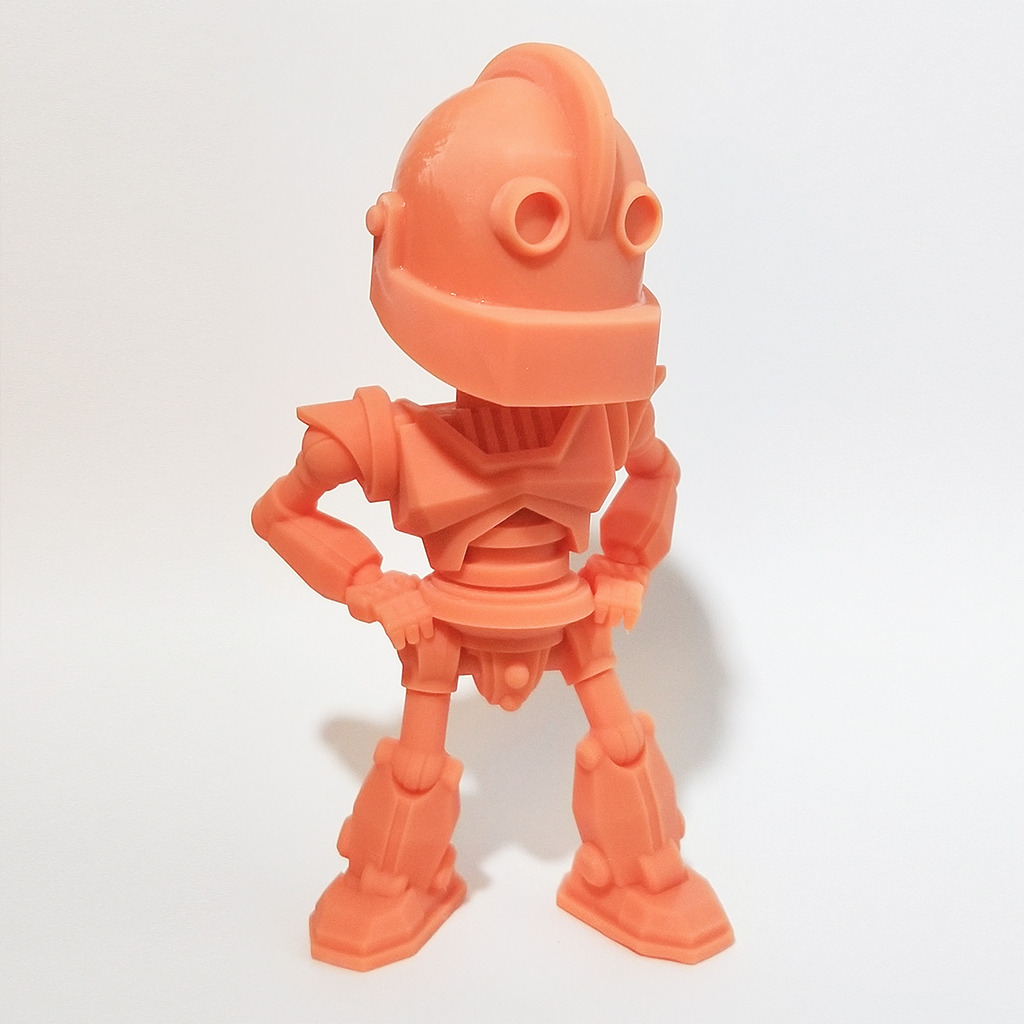
Two design details shape the experience. The Z-axis guide rail with stepper motor keeps movement steady enough for clean faces, and offline printing over USB means you can slice without a computer connected, which is more useful than it sounds if your printer lives in a garage with poor reception.
The screen exposures are quick, helped by the brighter UV source, and it can pause and resume so a spotted mistake does not cost you the whole run. The build volume suits tabletop minis but not large plates of models.
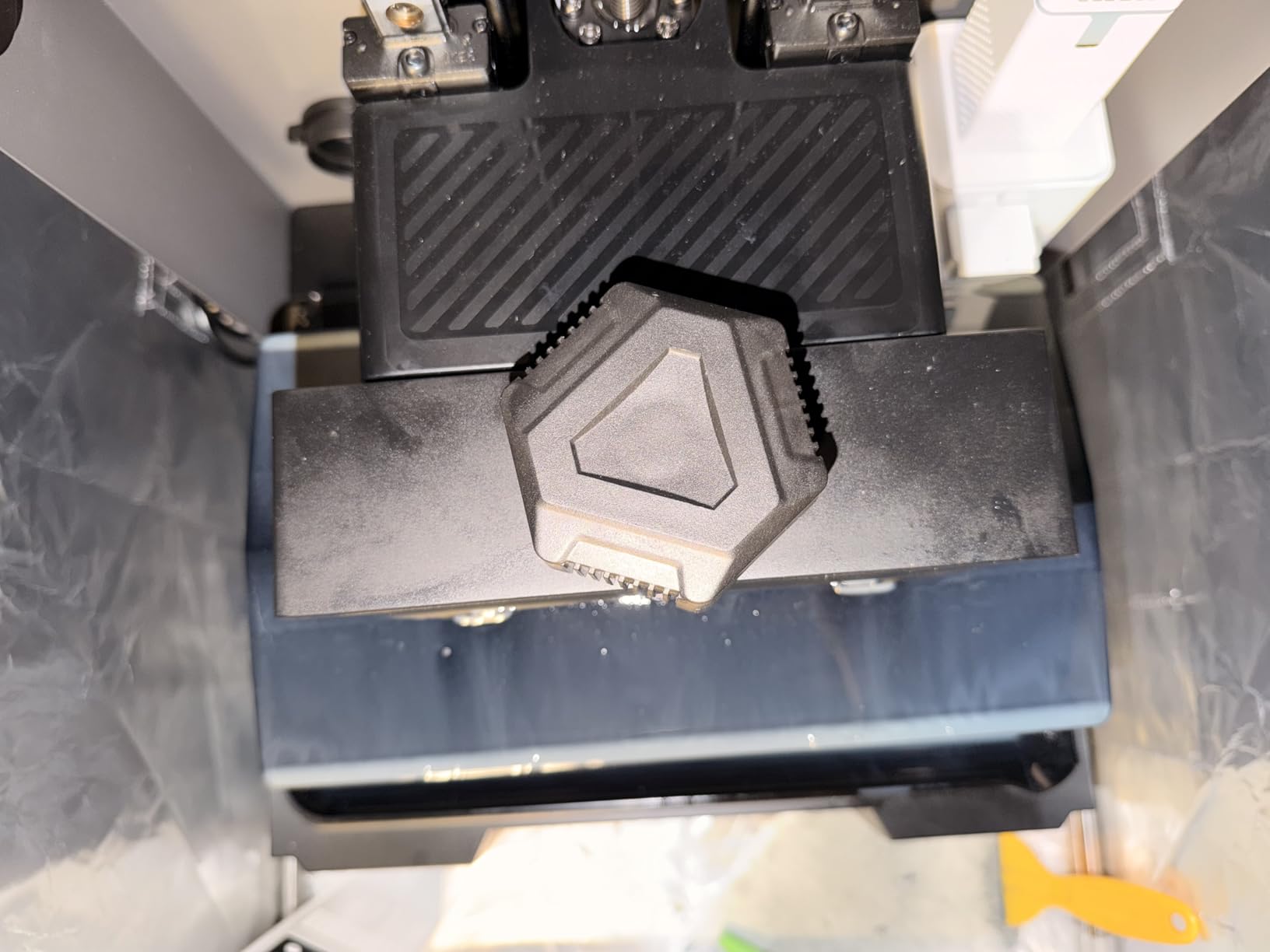
Is this still a good buy for someone starting now
It remains the cheapest credible way to print a decent 28mm miniature, and the learning value is real: you will understand exposure, supports and layer adhesion on a machine with nothing to hide behind. What you give up is pixel size, since this panel is well behind the 17-micron class on the current machines.
Know that it is not a hands-off first machine. Owners are explicit that you need to understand slicer profiles, resin settings and support placement, otherwise failures pile up. Treat the first ten prints as tuition.
The two hardware gripes worth knowing about
The FEP film is pressed into a one-piece frame and cannot be swapped with generic sheets from another machine, so a torn film means a branded replacement. The touchscreen can also be slightly out of calibration, causing accidental taps during a long print, and the recessed LCD is hard to clean if resin gets around the screen frame.
5. ANYCUBIC Photon P1 14K: the pick for high-viscosity resin printing
ANYCUBIC Photon P1 14K Resin 3D Printer with Auto-Leveling
- Handles viscous resins up to 8000 cps
- Wave Release cuts release force by 60 percent
- Factory-calibrated leveling needs no manual setup
- AI inspection catches plate and residue issues
- Small review base limits long-term data
- Large footprint needs a dedicated surface
The Photon P1 is the newest machine in this roundup and the one with the least history behind it, which is both its appeal and its risk. Its 10.1-inch 14K panel resolves to 16.8 x 24.8 microns with a 0.3 mm minimum print aperture, fine enough to hold the sharpest edges on small detail.
What separates it from the others is resin handling. It supports ultra-high viscosity resins up to 8,000 cps, roughly forty times the viscosity of standard hobby resin, and comes with pre-configured profiles for ANYCUBIC resins so you can print without manual calibration. That is for functional parts and durable models as much as miniatures.
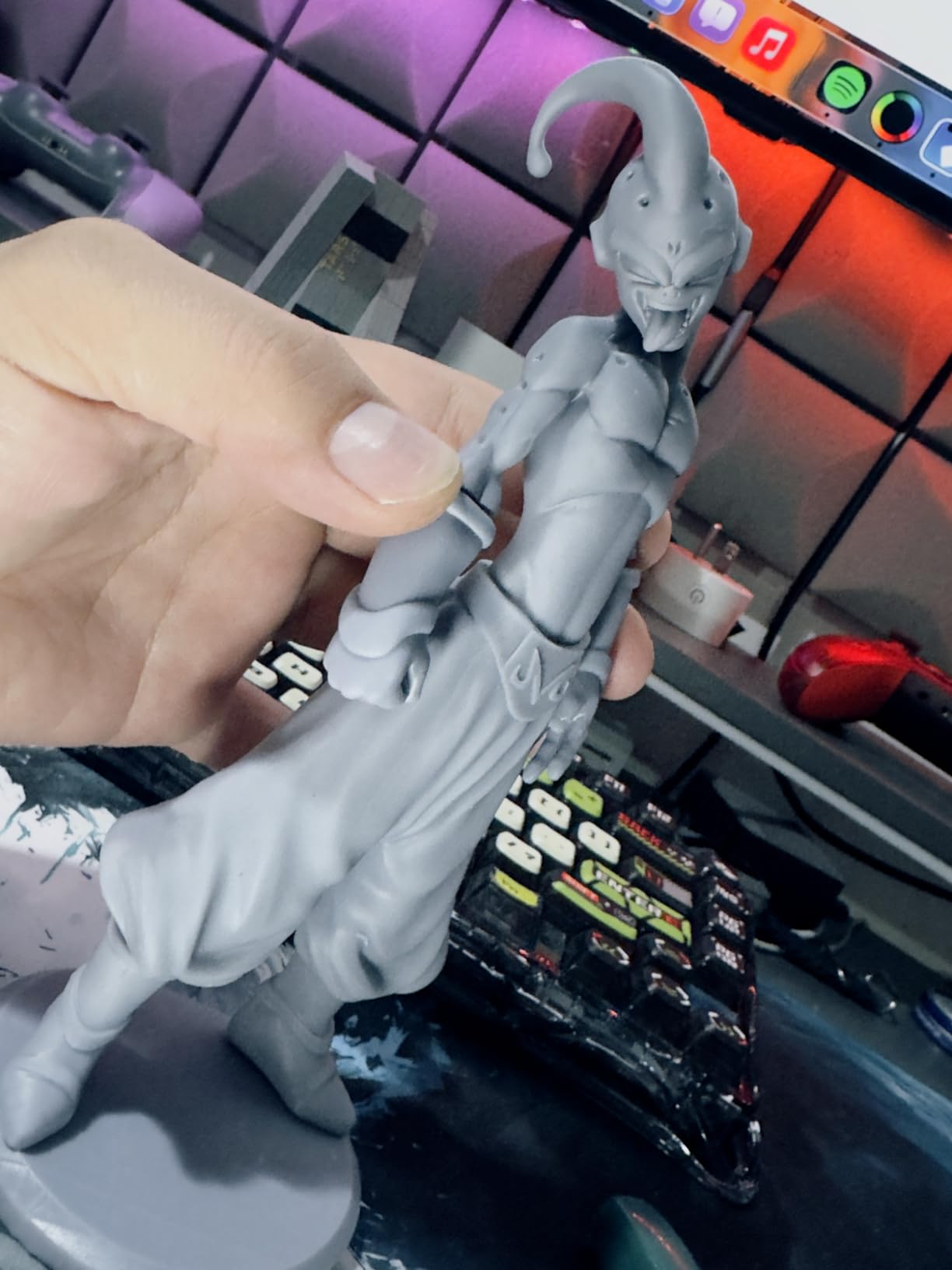
Smart Leveling 3.0 arrives factory-calibrated with real-time four-corner pressure feedback, so the leveling step disappears from setup. Ball screws and precision guide rails keep lifting smooth, and Wave Release Technology generates micro-airflow during plate movement, cutting release force by 60 percent according to the manufacturer.
AI inspection covers build plate installation, bottom layer separation, resin level and vat residue. Support experiences so far are positive, though at 58 ratings the sample is small enough that we would treat early reliability claims as provisional rather than settled.
Should a first-time buyer choose a brand-new model
There is an argument for patience. Hardware generations in this category turn over quickly, and a machine with a year of owner data behind it is easier to support when something breaks. On the other hand, this is the only machine here that can print tough, functional resin, so if you want more than display models it earns its place immediately.
The practical risk is parts and support, not capability. Newer platforms mean a thinner pool of proven fixes and fewer documented failure repairs.
How the 14K panel compares in real microns
This is a good example of why the K rating misleads. A 14K label here produces pixels of 16.8 x 24.8 microns, which is not automatically finer than the 10K Mono 4 at 17 x 17 microns. The larger panel simply spreads the same class of resolution across a bigger screen, which helps if you print large plates and does very little for a single 28mm figure.
6. Phrozen Sonic Mega 8K S: the pick for large batches and big models
- Prints about 80 1/32 scale minis in under 90 minutes
- Very large build volume handles big models and multi-model plates
- ACF film and TR300 resin raise success rate in production
- Built-in metal drip hanger drains resin cleanly
- 43 micron resolution is softer on fine detail
- No Wi-Fi camera or auto-leveling
- Self-filling vat reported to work poorly
- Warranty service on large parts can be slow
The Sonic Mega 8K S is the only large-format machine in this group, with a 12.99 x 7.28 x 11.81 inch build volume, and that single fact changes what you can attempt. Busts, terrain tiles and full plates of small figures all become one job instead of an evening of queueing.
Throughput is the headline. With ACF film and TR300 high-speed resin, it runs up to 80 1/32 scale miniatures in under 90 minutes, and the reduced suction force raises success rates during continuous production. The built-in metal drip hanger lets excess resin drain back into the vat, which keeps post-processing clean.
There is a real cost to that approach. The 15-inch 8K panel works out to 43 microns, well behind the 9K and 10K machines here, so fine sculpted detail comes out softer and less sharp. If you are printing a hundred goblins, that hardly matters. If you are printing a hero bust with a face, it does.
Convenience features are absent too, with no Wi-Fi, camera or auto-leveling, which means manual setup and dial-in from the start. The lift-up lid helps in tight workspaces where a removable lid would need more clearance.
Is 43 micron resolution acceptable for tabletop minis
For mass ranks at 28mm and below, yes. At viewing distance on a table, the difference between 43 and 17 microns is largely invisible. For single figures you will examine closely, hold the budget for a higher-resolution panel instead, because that is where the coarseness starts to show.
Production consistency matters more here than peak detail. Owners who tuned the machine describe it as quiet and dependable afterwards, which is the profile you want for a machine running unattended all weekend.
Who should keep looking elsewhere
Anyone who wants an easy first machine. This one requires exposure calibration, the self-filling vat mechanism is reported to work poorly, and the perforated large build plate means flex build plates are not compatible. Several reviews also describe electronics failing after the unit was moved, and warranty service on large components has been reported as costly and slow with parts shipped internationally.
How to Choose a Resin Printer for Miniatures
XY pixel size in microns beats the K rating
This is the single most misunderstood specification in the hobby, and it is why two machines labelled 14K can produce visibly different results. Detail on a resin print is set by the width of one LCD pixel, and that number only exists once you divide screen width in microns by pixel count. Below roughly 30 microns XY is the practical threshold for clean miniature faces, chainmail and weapon blades.
Two machines in this roundup demonstrate the trap perfectly. The Photon P1’s 14K panel yields 16.8 x 24.8 micron pixels, while the Photon Mono 4’s 10K panel yields 17 x 17 microns. The lower K number produces the more uniform pixel, and on a single 28mm figure that uniformity is what you see.
Match build volume to what you actually print
Build volume is the mistake first-time buyers make, because they size for the biggest thing they can think of rather than their most common job. A 28mm or 32mm army needs very little space, and a small plate machine handles it in minutes. Busts, terrain and dice push upward fast, and full production plates are where small-format machines stop being convenient.
28mm and 32mm wargaming minis need only a compact small-format plate. The Photon Mono 4 and Mars 5 Ultra both handle a full rank in one run.
Busts and 75mm display figures are where height clearance starts to matter. The Saturn 4 Ultra 16K is built for this class of work.
Dungeons and Dragons character minis sit comfortably in small format, since a character model is rarely larger than a 32mm hero.
Terrain and scenic bases want a large format machine so a whole tile prints as one piece. That points to the Sonic Mega 8K S.
Mass production of an army combines a large plate with a fast cycle time, which is the single strongest argument for a large-format machine.
Dice and gaming accessories fit any compact platform, so an entry machine handles them without a dedicated purchase.
Two rules of thumb follow from this. If your most common print is a single figure you will hold in your hand, buy small format and save the bench space. If your most common print is a batch or a terrain piece, buy large format and accept a coarser pixel size, because throughput matters more than detail at that volume.
Auto-leveling and tilt release beat raw resolution
Once you are inside 30 microns, additional resolution stops being the constraint and reliability takes over. Automatic leveling removes the first-layer failure that ends most beginner prints, and tilt release shortens peel cycles enough to matter on a full plate of minis. Both features appear across this roundup and both are worth more to a new owner than a jump from 17 to 14 microns.
Watch for heated tanks as well. Cold rooms are a recurring problem in hobby threads, and resin viscosity changes with temperature in ways that produce bubbles and layer separation. The Saturn 4 Ultra 16K holds resin at 30 degrees C for exactly this reason, and in an unheated basement that feature alone can be the difference between a successful print and a ruined one.
Safety, ventilation and resin handling at home
Resin is not dangerous in the way the internet sometimes implies, but it deserves respect. Uncured resin and its VOCs irritate skin and lungs, so wear nitrile gloves, work in a space you can ventilate, and never print in a closed living room with a sleeping family in the house. A UV cover that cuts exposure when opened limits the light side of the problem.
Wash prints in isopropyl alcohol before you touch them with bare hands, and cure them fully before painting. The good news is that the workflow is well established and every beginner issue we saw came from skipping a step rather than from the process itself.
Resin versus FDM for tabletop minis
The short version is that resin wins on detail and FDM wins on convenience and safety. Resin gives you surface finish, undercut detail and features like chainmail that filament simply cannot reproduce at this scale, and every experienced painter we compared notes reaches for resin first. FDM, meanwhile, prints safely in a living room, needs no washing, and handles terrain pieces well.
There is a third route worth naming. If you would rather skip printing entirely and start with a warband on the table this weekend, our picks for the best Perry Miniatures plastic sets cover the pre-cast route, and our epoxy resin kit guide covers the hand-pouring alternative for scenery and dice.
The split most hobbyists converge on is resin for detail-sensitive minis and FDM for larger terrain and quick game pieces. If you are undecided, start with resin for your minis and add an FDM machine later for terrain rather than trying to make one printer do both jobs.
What a resin printer actually costs to run
The printer is the smallest part of the budget. Resin, isopropyl alcohol, nitrile gloves, a wash and cure station, replacement FEP or ACF film and an activated carbon filter all recur, and the running cost is what decides whether you keep printing or let a bottle solidify on the shelf.
Wash and cure stations are not locked to a brand, which answers one of the most common questions in hobby forums. You can pair any printer here with any station, so choose on capacity and wash method rather than worrying about ecosystem compatibility. Budget for the full set before the first print, not after.
Frequently Asked Questions
Which resin printer is best for printing miniatures?
The ANYCUBIC Photon Mono 4 is the strongest all-round choice for tabletop miniatures. Its 7-inch 10K monochrome screen produces 17 x 17 micron pixels, the smallest published pixel size in our test group, and four-point one-and-done leveling removes the first-layer failures that derail beginners. The ELEGOO Mars 5 Ultra is the easiest machine to run, and the ELEGOO Saturn 4 Ultra 16K gives the finest surface finish for busts and display models.
Are resin printers better for minis?
Yes, for detail-sensitive miniatures. Resin produces smooth surfaces, sharp undercut detail and features such as chainmail or fine weapon blades that filament printers cannot reproduce at tabletop scale. FDM is still the better choice for terrain, large game pieces and quick jobs because it needs no washing or curing and carries no resin odor. Most hobbyists print their minis in resin and their terrain in FDM.
Which resin printer is better, Anycubic or Elegoo?
For miniature detail at the lower end, the ANYCUBIC Photon Mono 4 has the finer published pixel size at 17 x 17 microns, against 18 microns for the ELEGOO Mars 5 Ultra, and a larger review base. ELEGOO pulls ahead on convenience with self-leveling, tilt release at up to 150 mm/h and an AI camera on the Mars 5 Ultra. At the top end, ELEGOO’s Saturn 4 Ultra 16K leads on screen resolution and its heated resin tank.
What is the best resin for miniature printing?
For painted tabletop minis, a tough or tough-grey ABS-like resin is the most practical choice because it resists chipping during support removal and holds fine detail. Grey resin is easier to see defects on before priming, while standard ABS-like is slightly stiffer and better for display pieces. Support-heavy prints benefit from a low-viscosity resin that flows into small features, and any resin should be filtered before it goes into the vat.
Is a resin printer safe to use at home?
It is manageable with basic precautions. Uncured resin and its VOCs can irritate skin and lungs, so wear nitrile gloves, print in a ventilated room rather than a closed living space, and wash prints in isopropyl alcohol before handling them bare-handed. A printer with a UV cover that stops exposure as soon as you open it keeps the light risk low, and keeping the machine in a room you can air out handles odor far better than trying to seal the smell in.
Final Verdict for Miniature Resin Printers in 2026
If you want one answer for the best resin printers for tabletop miniatures, buy the ANYCUBIC Photon Mono 4. Its 17 x 17 micron pixels, one-and-done leveling and low running fuss make it the machine we recommend to almost everyone, and it is the pick we would hand to a friend starting their first army.
Match the machine to the job instead. Choose the ELEGOO Mars 5 Ultra if you want zero leveling and no profile tuning on day one, the Saturn 4 Ultra 16K if you are printing busts or display pieces in a cold room, the original Photon Mono if budget is the deciding factor, the Photon P1 if you want tough functional resin, and the Sonic Mega 8K S if you are producing terrain or full plates rather than individual figures.
Whatever you pick, decide on XY microns before you decide on anything else, and budget for resin, washing and ventilation on day one rather than after your first failed print.