
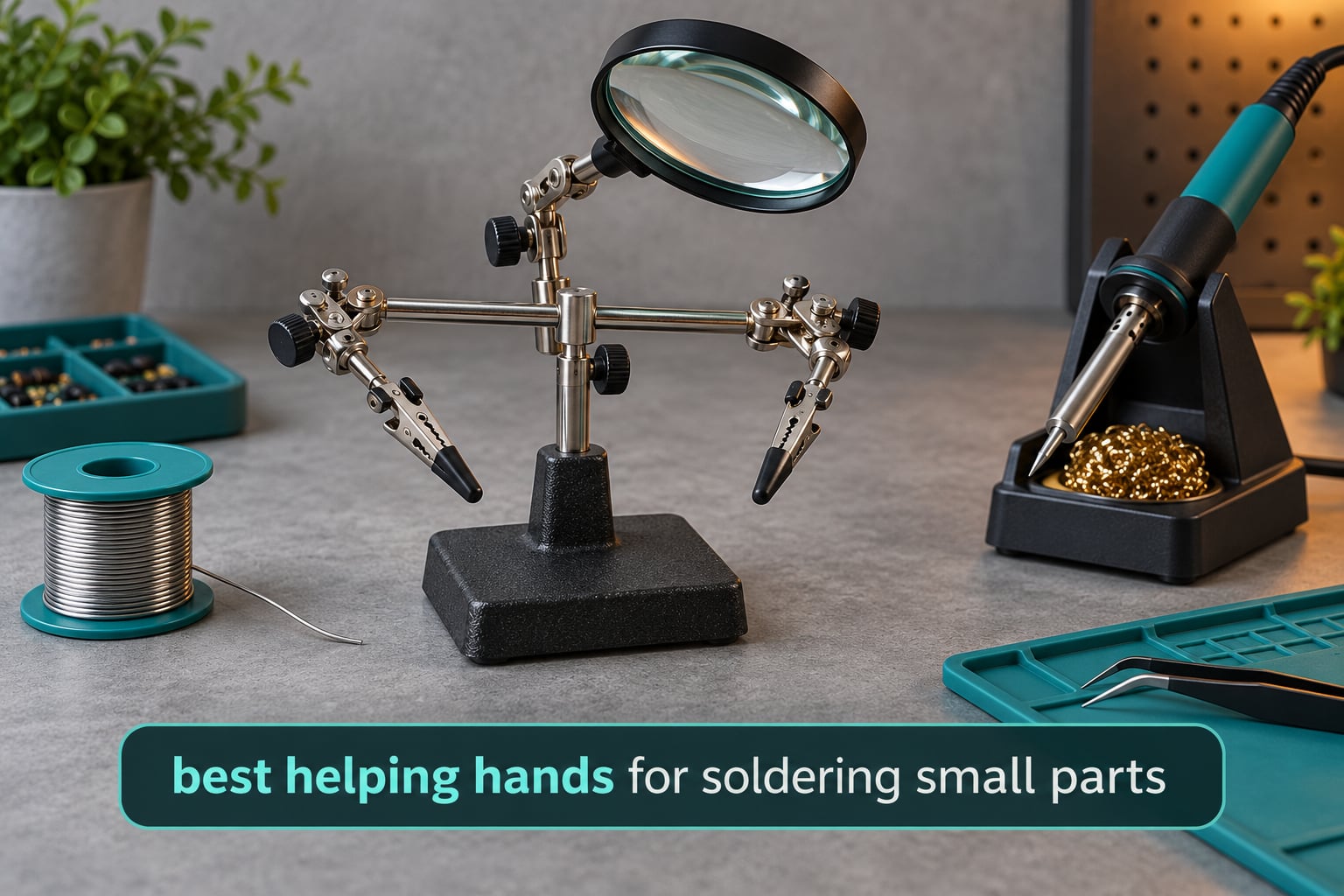
There is no faster way to make a good solder joint worse than heating a 0402 resistor while holding it with your fingertips. Heat travels up the tweezers, your grip slips, the part skids across the pad, and you are left cleaning a bridge off a pad you have already lifted. If you have been working on circuit boards with two hands and a prayer, the fix is smaller than most people expect.
Our pick for the best helping hands for soldering small parts is the NEIKO 01902. It combines a cast-iron base, two swiveling alligator clips and a 2x loupe on an adjustable arm, and it has gathered more than 15,000 buyer reviews without ever needing a re-release. It is not the most advanced tool on this list, and the magnification is modest, but it is the one we would put on a beginner’s bench and leave there for years.
We spent six weeks with ten of the most-reviewed helping hands on the market, moving between tiny PCB rework, through-hole joints, wire tinning and jewelry work. Along the way we tracked the thing that separates a good third hand from a disappointing one: not the arm count, not the lens, but whether the arm stays exactly where you put it once the iron gets near. This guide ranks all ten on that basis, explains why arms drift, and tells you which clip type suits which component size.
Alongside the picks, we have included a buying guide and a setup routine that works. If you also organise your bench, our parts bin picks cover the other half of a tidy electronics workspace.
Table of Contents
What Is the Tool Used for Soldering Called?
The tool used to hold a workpiece steady while you solder is called a helping hand, also sold as a third hand or third hand tool. It is a weighted base with two or more adjustable arms ending in alligator clips, so both of your hands stay free for the soldering iron and the solder. Larger versions add a magnifying lens, a light, and holders for circuit boards.
Names vary by region and by manufacturer, so it helps to know what you are actually looking at. A third hand is the same object as a helping hand and a bench holder. A gooseneck arm is the flexible metal arm on the end of one, not the whole tool. A PCB holder or PCB pillar is one attachment type, built to grip a circuit board rather than a wire. Knowing these terms keeps you from buying a single clip arm when you need a board holder.
Why Small Parts Need a Third Hand
Component size is the whole story. A 0402 part measures 0.4 mm by 0.2 mm across the land, roughly the width of a human hair. A 0603 part gives you twice that. An 0805 part gives you four. At that scale, the pad is smaller than the tip of the tweezers holding the part, so any movement during the one or two seconds the pad is hot becomes a defect.
Hold a part by hand and you get three predictable failures. First, a cold joint, where a tiny movement stops the solder flowing and it cools into a dull, grainy bead. Second, a solder bridge, where the part slides sideways and molten solder wicks across two pads. Third, a lifted pad, where the iron dwells too long on one side and the pad detaches from the board trace. All three are far more likely when you are also managing a hot iron in the same hand.
The feedback loop is nasty because heat makes it worse. As the iron approaches, the metal tweezers conduct heat, the protective coating on your fingertips softens, and your grip changes without you noticing. That is exactly the moment the part moves. A third hand removes your hands from the equation entirely, which is why forum threads about small-part soldering keep converging on the same advice: fix the workpiece first, then worry about technique.
There is a second reason to add a third hand that beginners overlook. Soldering takes two hands, and so does everything around it. Holding the board in one hand and the iron in the other means the solder wire has nowhere to go. Once a stand holds the board, both hands are free and you can feed solder with the same hand that works the iron, which roughly halves the time on every joint.
Top 3 Best Helping Hands for Soldering Small Parts in 2026
Our three standouts cover the three most common situations. The NEIKO is the all-rounder, the Pro’sKit is the sensible spend, and the KOTTO gives you four arms when you are moving between board, part and wire in the same session.


Pro’sKit 900-015 Helping Hands
- Weighted base
- Two alligator clips
- Multiple adjustment points
- Arrives assembled
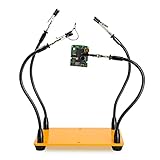
KOTTO 4-Arm Helping Hands
- Four gooseneck arms
- Weighted steel base
- 360-degree clips
- Rubber clamp covers
The NEIKO 01902 takes the top spot for the simple reason that it does three jobs at once. The cast-iron base does not walk when you knock it, the two clips on ball joints reach around a board rather than just pressing on it, and the loupe takes the worst of the squinting out of inspection work. With more than 15,000 reviews it is also the easiest recommendation to find corroboration for.
The Pro’sKit 900-015 is the one to buy if you want a third hand and nothing else. It has no magnifier and no light, but the weighted base and multiple adjustment points do the essential job well, and it arrives ready to use. Reviewers rate it 4.6 across more than 5,800 ratings, which is the strongest rating-to-review balance on the list.
The KOTTO 4-Arm is the pick when one job needs more than two hands. Four gooseneck arms mean you can hold a board, a component, a wire and a second board at once, and the clips rotate a full 360 degrees and lock with tightening nuts. The steel base with anti-slip rubber feet stops the whole assembly rotating while you work.
Helping Hands for Soldering Small Parts: Quick Overview (October 2026)
Every model below appears in the same order as the individual reviews that follow. Ratings and review counts are the figures buyers have given the product, and each row is designed to be compared at a glance.
| Product | Specifications | Action |
|---|---|---|
| NEIKO 01902 Helping Hand with 2x Magnifier |
|
Check Latest Price |
| Pro’sKit 900-015 Helping Hands Soldering Aid |
|
Check Latest Price |
| KOTTO 4-Arm Helping Hands Soldering Tool |
|
Check Latest Price |
 RamPro Magnifier Stand with 4x Glass Lens RamPro Magnifier Stand with 4x Glass Lens |
|
Check Latest Price |
 LXIANGN Helping Hands with 3.5x and 12x Lenses LXIANGN Helping Hands with 3.5x and 12x Lenses |
|
Check Latest Price |
 AORAEM Helping Hands Magnifier with 2.5x Lens AORAEM Helping Hands Magnifier with 2.5x Lens |
|
Check Latest Price |
 Weller Helping Hands with 4x Magnifier Weller Helping Hands with 4x Magnifier |
|
Check Latest Price |
 XYK Helping Hands Station with 3x LED Lamp XYK Helping Hands Station with 3x LED Lamp |
|
Check Latest Price |
 SainSmart Magnetic Helping Hands Station SainSmart Magnetic Helping Hands Station |
|
Check Latest Price |
 Fstop Labs Four Magnetic Helping Hands Fstop Labs Four Magnetic Helping Hands |
|
Check Latest Price |
1. NEIKO 01902 Helping Hand with 2x Magnifier and Dual Clips
- Heavy cast-iron base resists movement
- Two clips on ball joints reach awkward angles
- 2x loupe helps inspection and cleanup
- Compact 5 inch footprint suits a crowded bench
- 2x magnification is weak for 0402 class parts
- Ball-joint arms can shift under light load
- Clip teeth can mark soft surfaces
The NEIKO 01902 has been on more hobbyist benches than any other tool in this guide, and the reason shows in the reviews rather than the specification sheet. It is manufactured by Ridgerock Tools as model 1902, it measures 5 inches deep by 3 inches wide, and it ships as a single unit with the magnifier and both clips already attached.
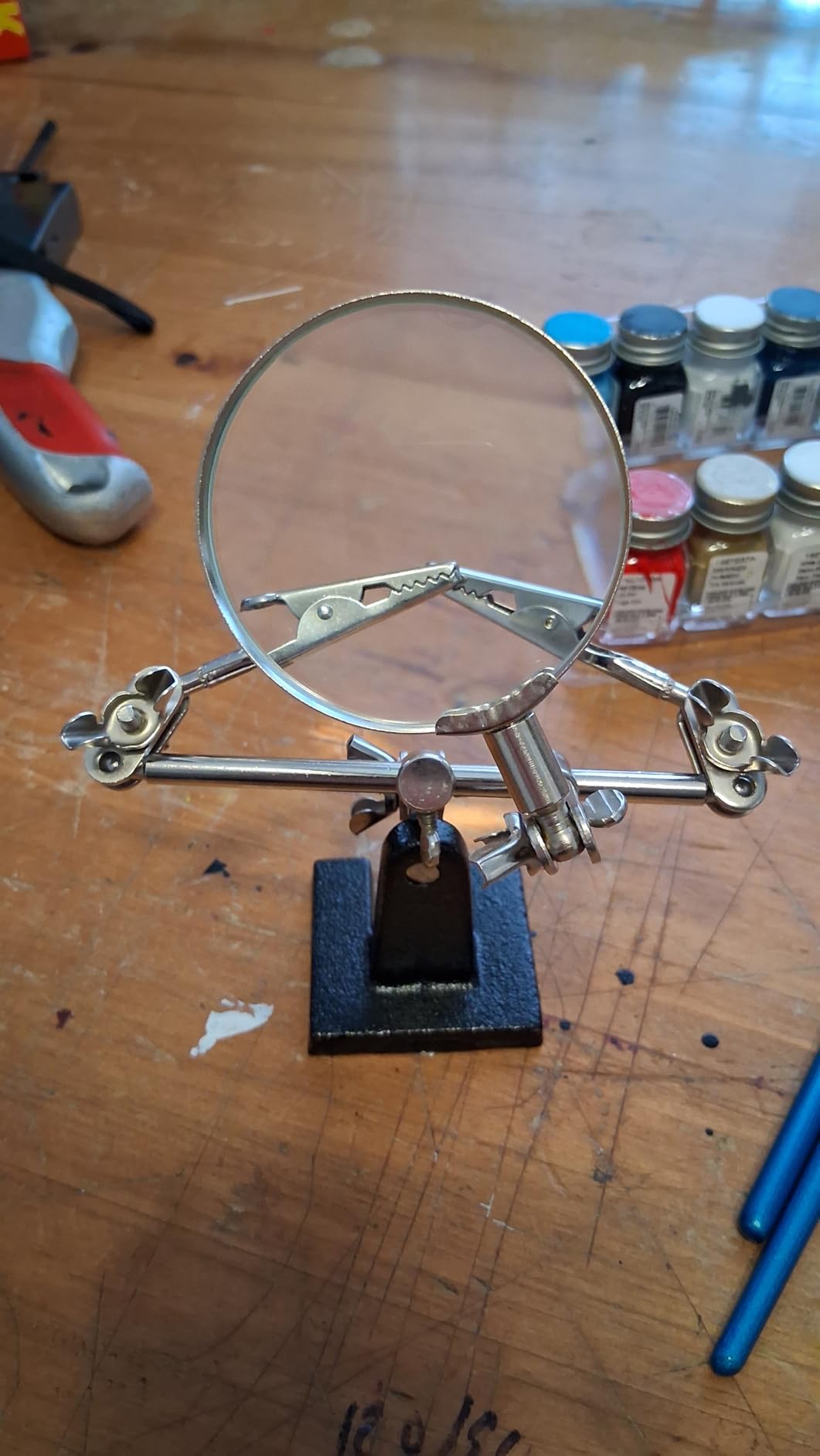
What makes it work is the base. Cast iron does two things plastic and thin steel bases cannot: it resists tipping when you lean on an arm to position a clip, and it stays put when the iron holder gets bumped. The arms are ball joints rather than long goosenecks, which means the clips pivot smoothly and hold an angle once set, but it also means they are the first thing to give if you load them sideways.
On a 0603 resistor this holds beautifully. Grip a wire, a lead, a small board edge or a heat-shrink tube and the clips are convincing. On 0402 parts, the 2x lens is not much help, which is why we treat this as an inspection and handling tool rather than a true inspection workstation. The lens is good enough to check a concave fillet or spot a bridge, and that is genuinely useful.
What works well for small parts
The ball joints are the quiet advantage. You can bring a clip around the side of a board to meet a pad you are working on the underside of, without re-rigging the whole arm. That flexibility is worth more on small parts than extra magnification you would rarely use, because the difficult part of 0402 work is reach and stability rather than seeing.
The upper temperature rating of 480 C also means the clips can be parked near a work area without any concern about softening. The footprint is small enough to sit at the corner of a bench and leave the iron stand and the parts trays where they were.
Where it falls short
The magnification is the honest limitation. At 2x, a 0402 part is still small, and you will still be leaning in and squinting. If your work is mostly chip and board-level rework rather than through-hole hobby builds, one of the higher-magnification stands in this list will serve you better.
Second, the ball-joint arms do drift. They are not designed to hold a heavy workpiece in an outstretched position for long periods. Keep loads close to the base and it is a non-issue. Reach out to a wide position and load it with a stiff wire, and you will be re-tightening mid-solder.
2. Pro’sKit 900-015 Helping Hands with Weighted Base
- Weighted base stays upright
- 4.6 rating across more than 5800 reviews
- Arrive assembled and ready to use
- Compact and inexpensive
- No magnification of any kind
- Base is light for bulky workpieces
- Arms are small for large components
The Pro’sKit 900-015 is a two-clip helping hand with a weighted base and several points of adjustment, and it is the one on this list that most cleanly answers the question of what a good helping hands tool for soldering actually needs to do. Nothing more, nothing less.
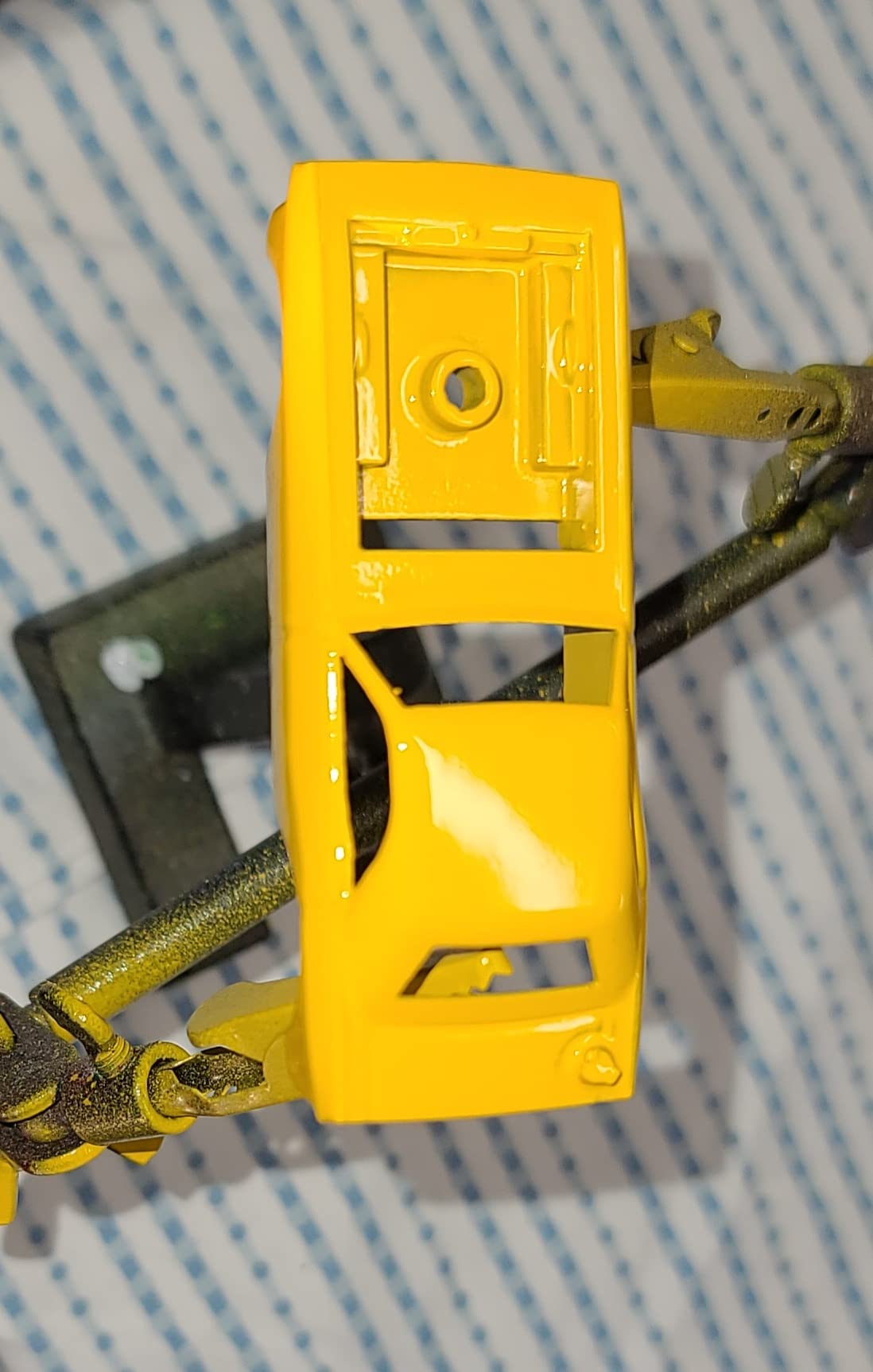
It measures 2.5 inches deep by 3.5 inches wide by 2.5 inches tall, which sounds tiny until you set it down. The base is weighted metal rather than plastic, and reviewers consistently single that out as the difference between this and cheaper alternatives. For wire tinning, holding a small board while you add a header pin, or gripping two wires while you crimp, it does the job without drama.
The rating is 4.6 across more than 5,800 reviews, and that is the highest rating in the guide among the products with a genuinely large review base. It also ranks near the top of its category on Amazon, which tells you the unit is being bought in volume by people doing real work.
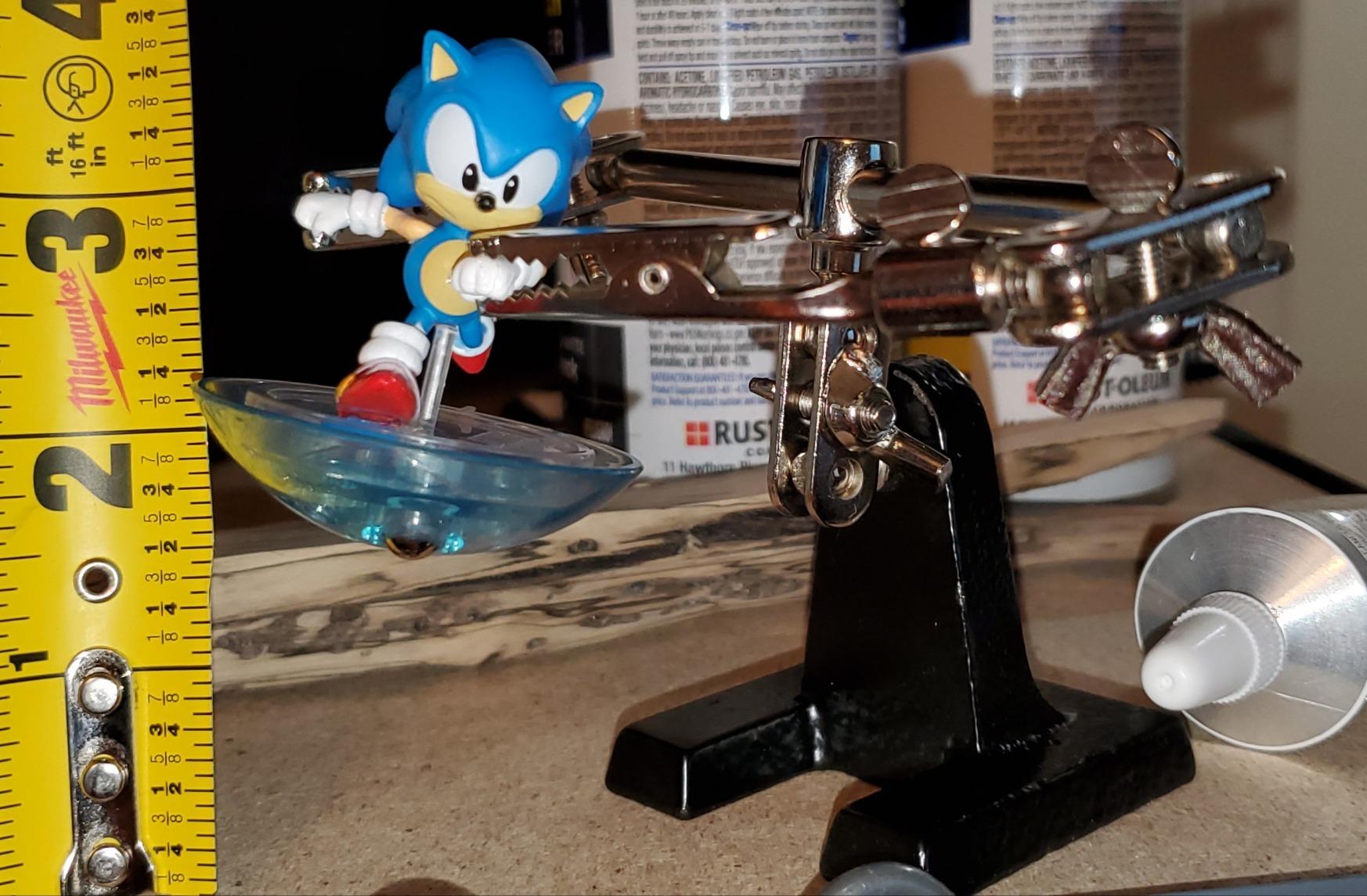
When it is the right choice
Choose this if your soldering is through-hole, wire work or general tinkering. The clips grip small components firmly without slipping, and the multiple adjustment points let you set a low profile so the arms are not blocking your line of sight to the joint. It arrives assembled, which matters when you are setting up a first bench and would rather start soldering than assemble hardware.
It is also the safest recommendation for a gift or a beginner, because there is no learning curve and no missing parts. If it gets knocked over it recovers. If a thread strips, the whole thing is inexpensive enough to replace.
When to buy something else
If your work involves inspecting solder joints under magnification, this has nothing to offer. There is no lens, no lighting, and no provision for either. That is a deliberate trade rather than an omission, and it is why the Pro’sKit is cheaper than the magnifier-equipped models here.
The other limitation is scale. Reviewers note the arms are small and struggle with bulky components, and that the base could be heavier for large or heavier jobs. If you work on laptop logic boards or console repairs rather than small modules, look at a station with a wider base and longer arms.
3. KOTTO 4-Arm Helping Hands with Weighted Steel Base
- Four arms hold board
- part and wire together
- Weighted steel base does not wobble
- Clips rotate 360 degrees and lock
- Upper temperature rating of 450 C
- Arms have memory and spring back upright
- Clip teeth are sharp without the rubber caps
- Occasional stripped arm threads
The KOTTO 4-Arm Helping Hands is the one we reach for when a job has more moving parts than two hands can manage. Four adjustable metal gooseneck arms end in stainless steel precision alligator clamp tips, and the whole thing sits on a weighted steel base with anti-slip rubber feet. It weighs 1.26 kg, which is a real bench presence.
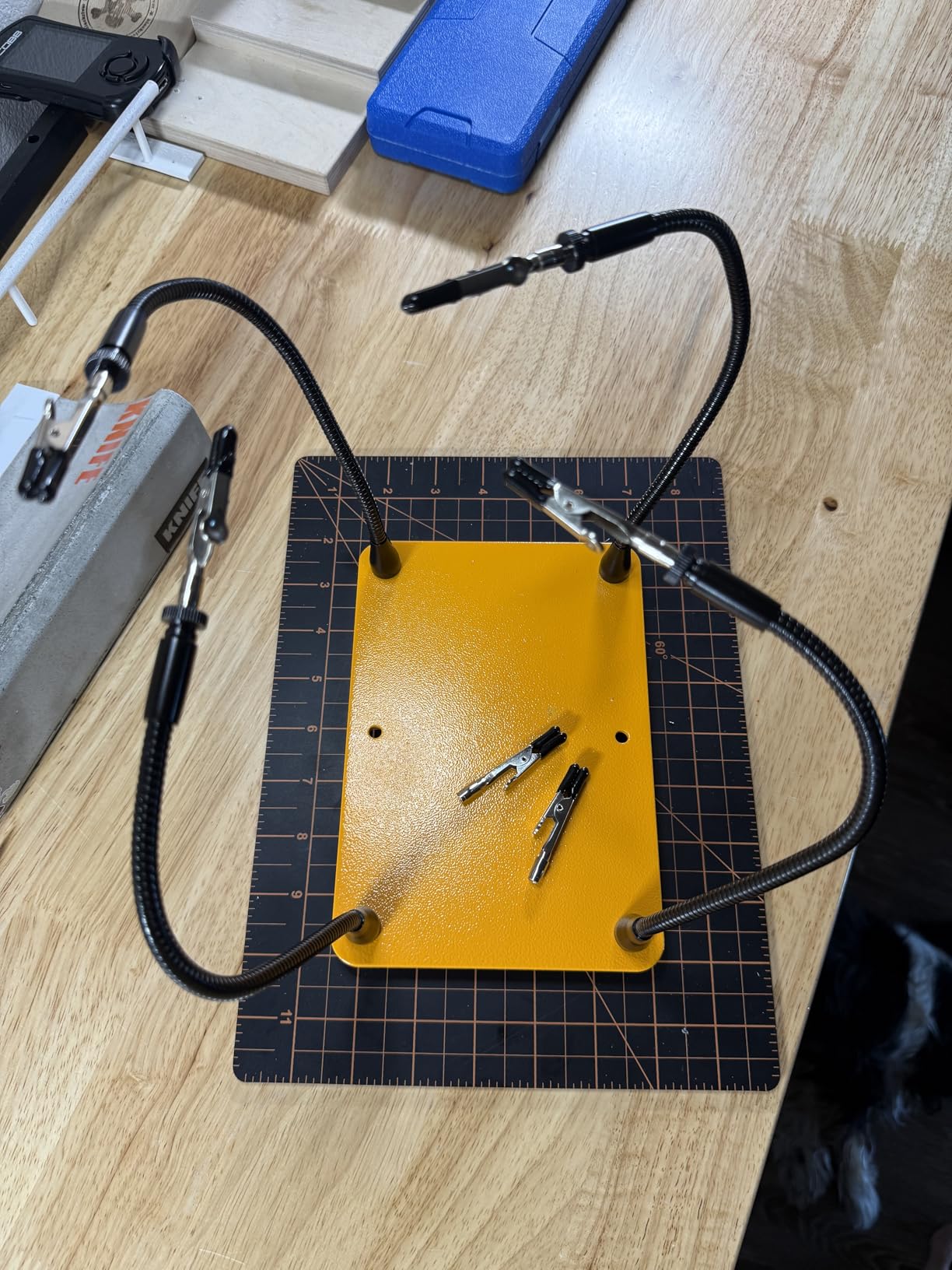
Four arms is the number that comes up repeatedly in hobby electronics communities, and the arithmetic explains it. A typical small rework job needs one arm for the board, one for the component or the wire, one for the solder feed or a probe, and one spare that can be brought in when the board needs rotating. Two arms is a bottleneck the moment you have to reposition.
Reviewers also use this model well outside electronics. The 4.6 rating across more than 2,800 reviews comes partly from people painting fishing lures and doing crafts, which is a fair signal that the clips hold small objects reliably in a jig you set up once. The rubber clamp covers are a genuine plus, since bare clip teeth on a finished board is asking for a mark.
Why four arms change the job
Once you have spare arms, you start rigging rather than clamping. The board goes in one, a bodge wire or a helping clip in another, and the remaining arms are free. That is how you get both hands on the iron and the solder at the same time, which is the single biggest speed gain available to a beginner on a repetitive board.
The 360-degree clip rotation with tightening nuts is the detail that makes this work in practice. Once you set a clip angle, the nut locks it, and the arm stays. The weighted base with anti-slip rubber feet also stops the entire assembly rotating when you push on an arm, which is the failure we saw most with lighter four-arm designs.
Where the goosenecks let you down
Gooseneck arms have memory. Flex them hard into a position and they will spring back toward upright, sometimes enough to move a part you were relying on. This is the most common complaint in the reviews and the first thing to check on arrival. Work around it by approaching the desired shape gradually rather than forcing the arm into place in one movement.
There is also a small quality-control tail: some units arrive with stripped arm threads, and a few reviewers report the clip teeth being sharp when the rubber caps are not fitted. Check the caps are on before you clamp a board, because a clipped tooth mark on a PCB trace is not repairable.
4. RamPro Magnifier Stand with 4x Glass Lens and LED
RamPro – Helping Hand Magnifier Glass Stand – Magnifying Lens, Perfect for Soldering, Crafting & Inspecting Micro Objects
- 4x glass lens gives a clear flat working view
- Integrated LED lights the cavity
- Cast-iron base resists rust
- Five ball-joint twists allow many angles
- Average lens clarity for a 4x lens
- Bulky 12 by 10.25 inch footprint
- LED version needs batteries
The RamPro 2422 is a magnifier stand first and a helping hand second, and that ordering is exactly what makes it useful for inspection. The lens is 2.5 inches in diameter with 4x zoom at 12 diopter, mounted on a retractable arm over a cast-iron base, with two 2-inch alligator clips on five adjustable ball-joint twists below it.
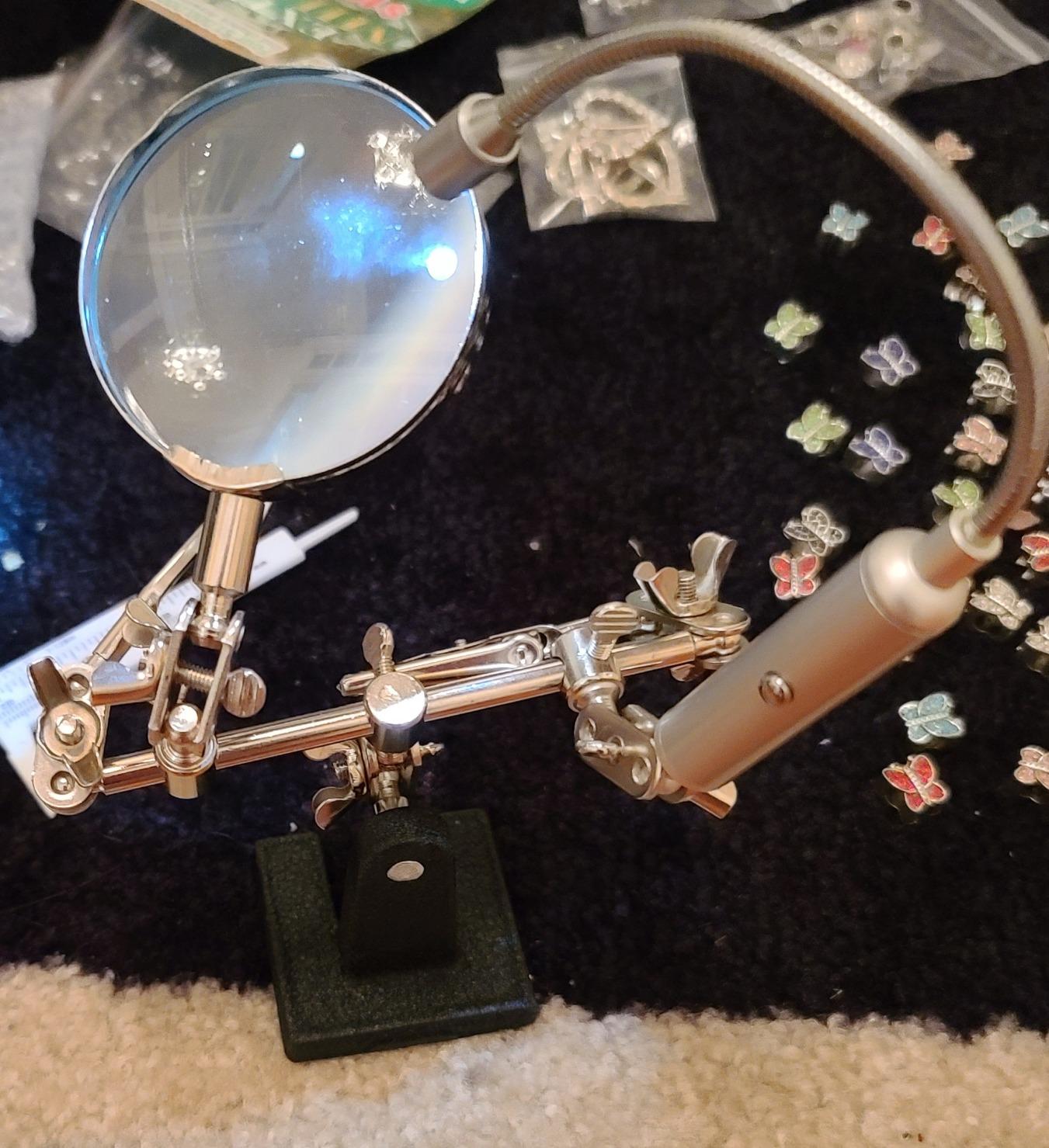
Four times magnification sounds modest next to the 12x options further down this list, but there is a practical difference. A high-power lens gives you a tiny bright circle and a very short working distance, which is awkward when you need room for a hand. A 4x lens gives you a wide, bright, comfortable field where the whole board stays in view and your hand still fits.
Reviewers rate it 4.2 across roughly 2,600 ratings, which is the joint-lowest average in this group, so it is worth being clear about what draws those marks down. The recurring theme is lens quality and footprint rather than function.
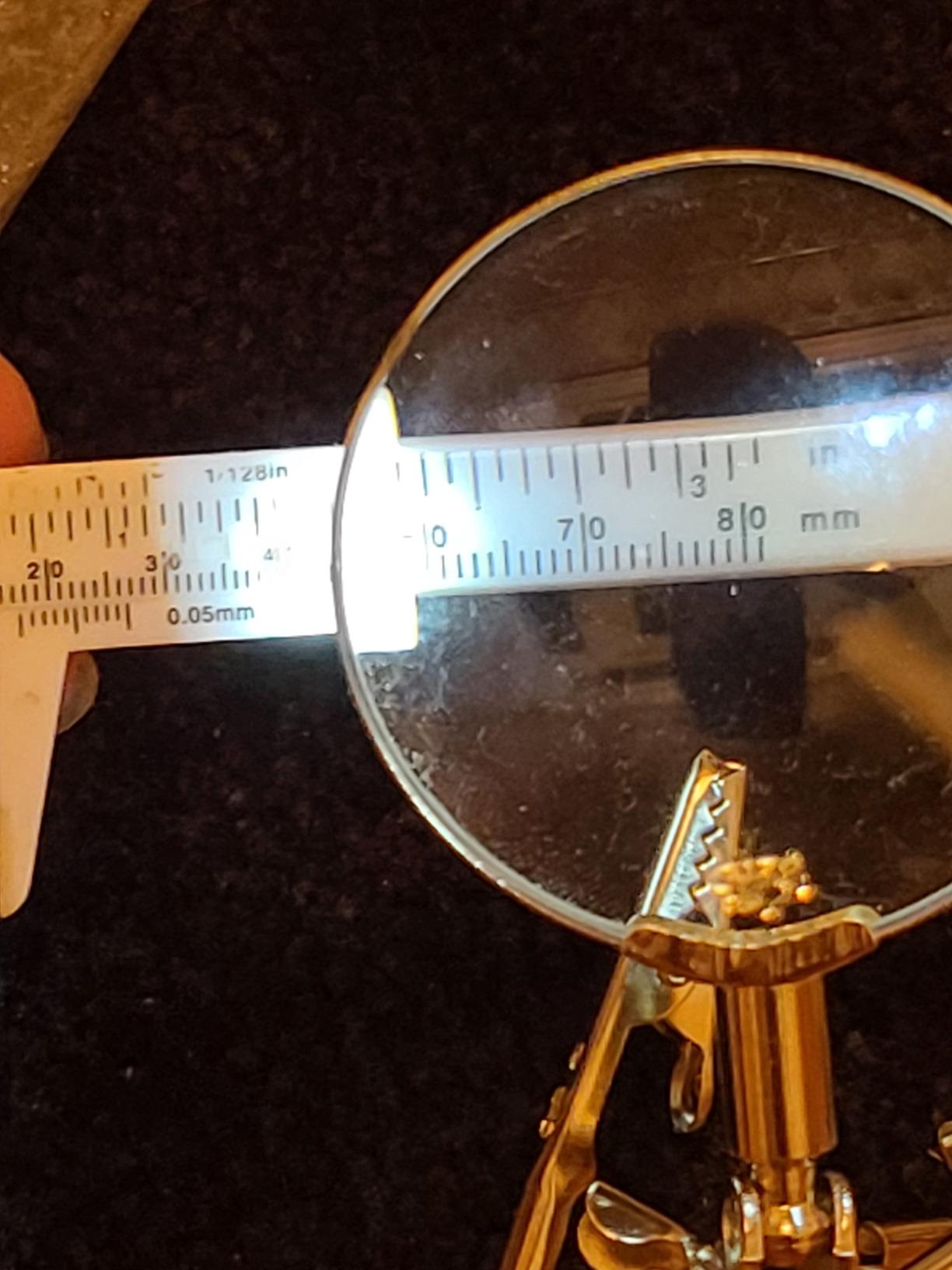
When the LED genuinely helps
The integrated light is the reason to look at this model. Board-level work hides in cavities: under a connector, beneath a lifted pad, inside a phone housing. A lamp that pivots on the same stand as the lens lets you bring light and view to the same angle, which removes the shadow problem more effectively than an overhead lamp.
It suits watch repair, jewelry, miniatures and inspection as much as soldering, and the 12.5 oz cast-iron base is heavy enough that a small knock will not shift the whole optical axis, which is the failure that makes cheap loupes unusable.
When to skip it
The footprint is the first problem. At 12 inches by 10.25 inches, this is the widest stand in the guide and it occupies real estate on the bench surface. On a small bench it competes directly with the iron stand and the parts trays. Measure the space before you commit to it.
Lens clarity is the second. At 4x, buyers report average sharpness, with some edge distortion around the rim of a glass lens. If you need to read a tiny silkscreen label or inspect a joint at high power, a 12x option serves better. The LED version also needs batteries, and they are not always included, which is an annoying first-night discovery.
5. LXIANGN Helping Hands with 3.5x and 12x Lenses and Dual LED Arms
3.5X12X Helping Hands Soldering Station with LED Light & Alligator Clips
- Switch between 3.5x and 12x lenses
- Two LED arms reduce shadows
- Compact and light at 338 g
- Includes iron stand and spare clip
- Batteries for the LEDs not included
- Acrylic lens scratches and softens over time
- Manual supplied in Chinese and English only
The LXIANGN is unusual in that it gives you two lenses rather than one. You get 3.5x and 12x magnification on the same stand, two flexible LED lights on 360-degree arms, alligator clips on 360-degree rotating metal hoses, and a steel-weighted non-slip base. It measures 5.2 by 4.69 inches and weighs 338 g, which is the lightest station in this guide.
Having both magnifications changes how you work. You orient a joint under 3.5x with room to move your hand, then flip to 12x to inspect it without moving the work. That inspection step is where the real quality gain lives, because a mediocre joint caught before you move to the next one is cheap, and one caught after the board is full is not.
With about 1,700 ratings averaging 4.2, this is a well-used mid-priced option. The base is described as steel-weighted, and at this size that is the right compromise: heavy enough not to walk during fine work, light enough to move between the bench and a drawer.
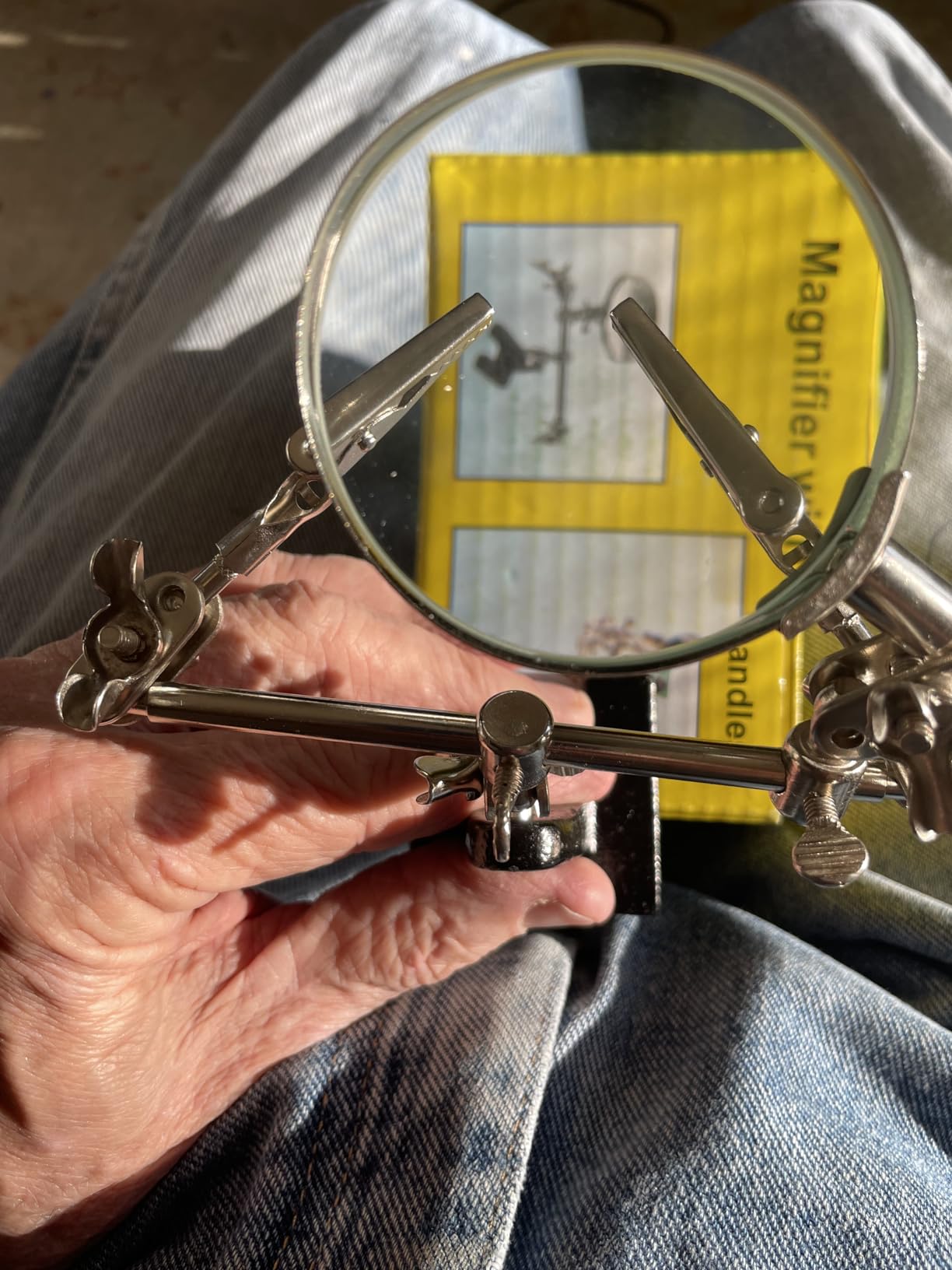
Who gets the most from 12x
High magnification earns its keep on inspection and on orientation. If you are checking a 0402 or 0603 joint, verifying a polarity mark, or confirming that a pad is not bridged before you commit to the next component, 12x answers questions 3.5x cannot. Bring the iron to a joint under 12x, though, and you will find the working distance uncomfortably short.
The dual LED arms are the quiet feature. Two lights at different angles flatten the shadows inside components and under connectors, which is the practical difference between seeing a cavity and guessing at it.
The acrylic lens tradeoff
The lenses are acrylic, not glass, and reviewers call that out. Acrylic scratches easily and gives softer optics than glass once the surface is marked, so the practical advice is to keep it away from the bench edge and treat it with care. A cloth with a little solvent on it works; a sleeve of solder wire dragged across the lens does not.
Two smaller frictions: the LED arms need three AAA batteries which are not in the box, so add those to your first order. And the manual is in Chinese and English only, which is a real problem if you are setting the switch positions without an obvious label.
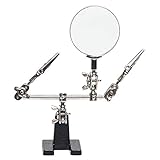
6. AORAEM Helping Hands Magnifier with 2.5x Glass Lens
AORAEM Helping Hands Magnifier with Dual Adjustable Alligator Clips
- Solid build quality at a low price
- Glass lens keeps the whole field in frame
- 4-way swivel clips adjust to many angles
- Compact and easy to store
- Light base can tip with heavy workpieces
- Adjustment screws are stiff from the box
- Limited to 2.5x magnification
- Weak grip on thick cables
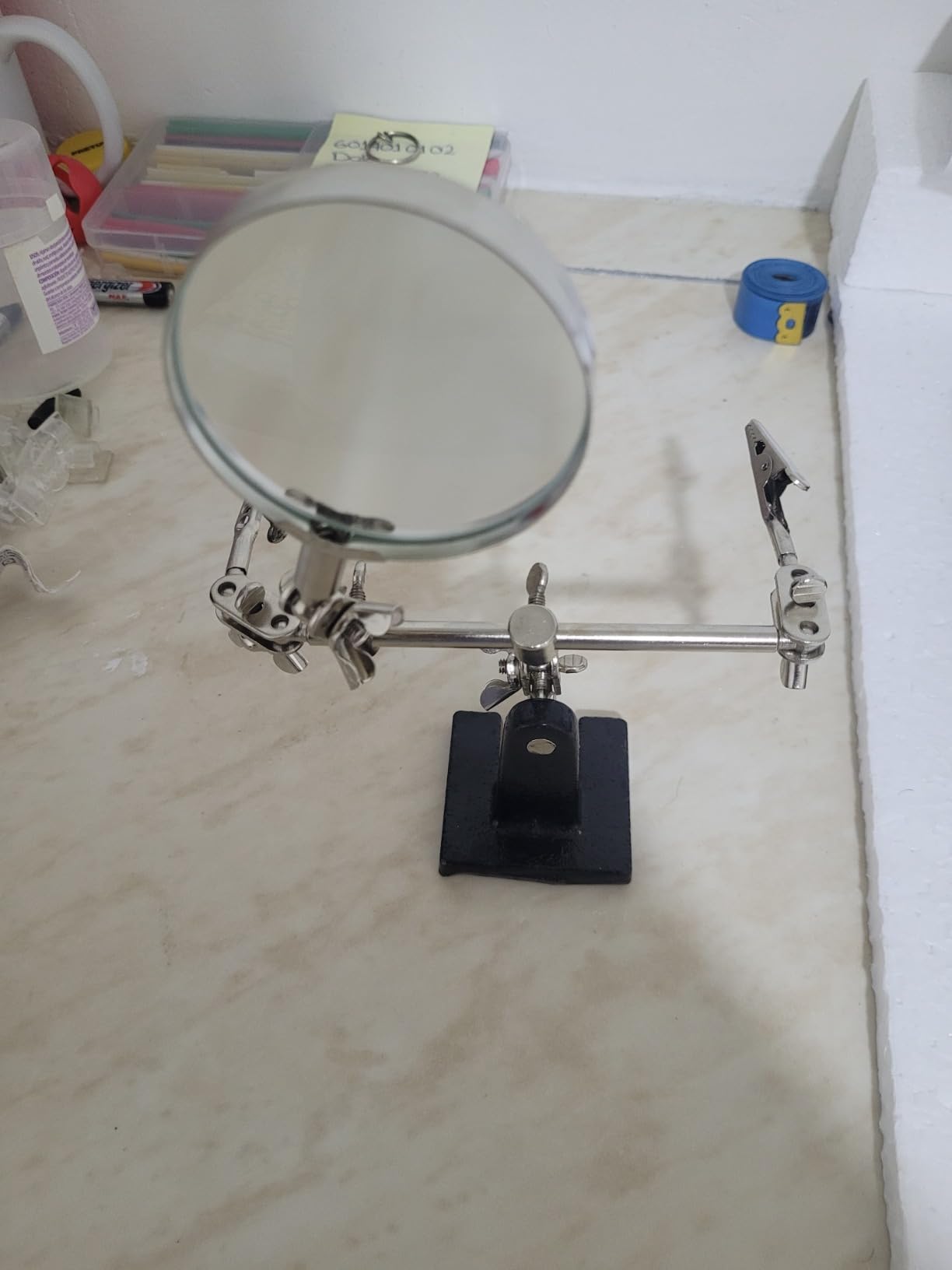
The AORAEM M489 is a small cast-iron magnifier stand with a 2.5x glass lens 63 mm across, two alligator clips mounted on 4-way swivels, and a chromed metal lens frame that rotates through a full 360 degrees. It weighs 10.88 ounces, so it is one of the few helping hands you can pick up in one hand and move.
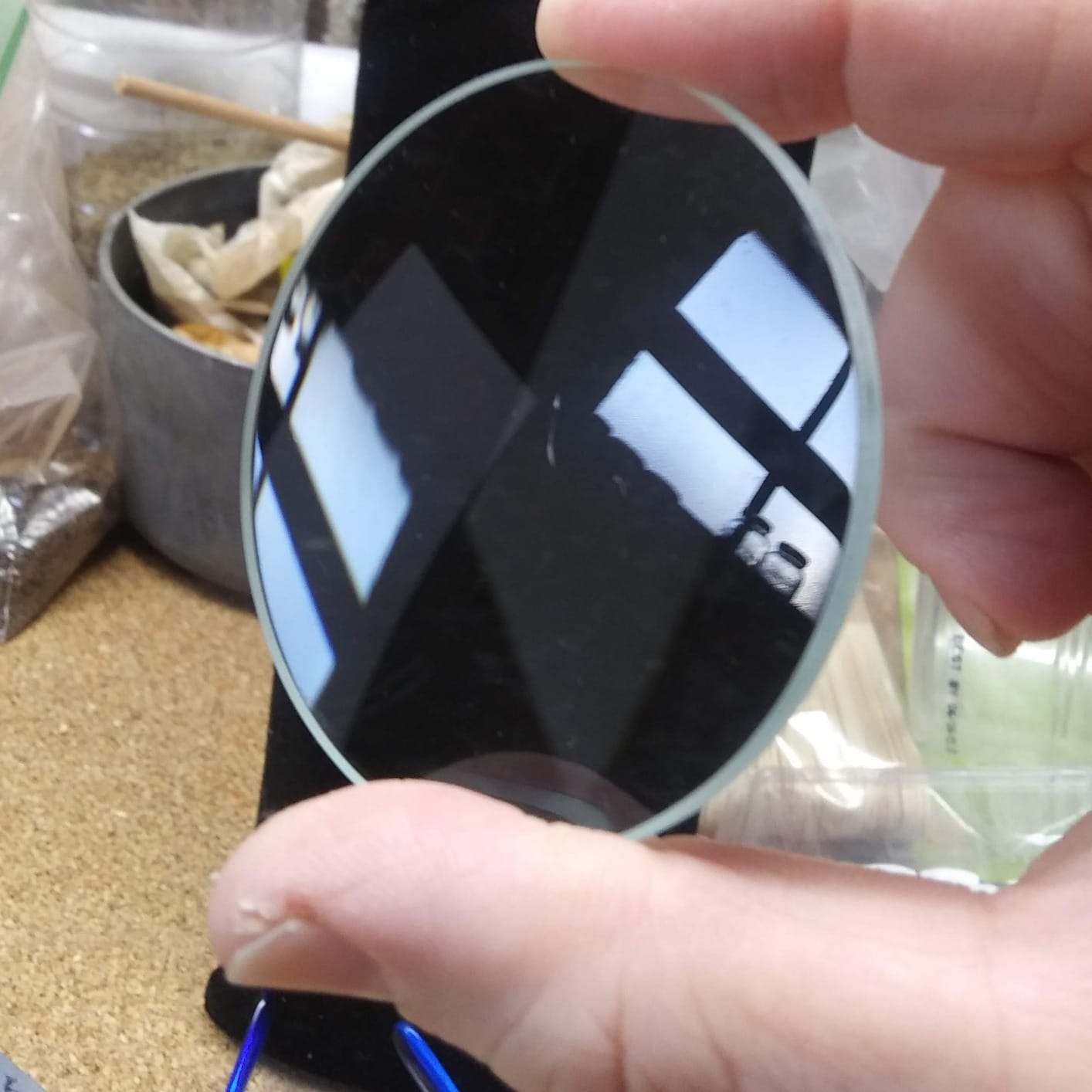
This is the pick for a cramped bench, a portable kit, or a first helping hand bought alongside a small soldering iron. The lens is glass rather than acrylic at this price, which reviewers notice and appreciate, and 63 mm is a sensible diameter because it keeps the work area in frame instead of cropping to a disc.
At 4.4 across more than 1,400 ratings, it punches above its weight. The most common note is that the build quality exceeds expectations for what it costs, which is not a comment you see often about heavier products further down this list.
Where the swivels earn their keep
Four-way swivel clips are a different mechanism from a gooseneck. Rather than bending an arm, you rotate the clip at its base through a full circle, which means the jaw angle can be set independently of the arm position. On small work this is a real advantage, because the clip can be brought in perpendicular to a board edge rather than gripping at an angle and slipping.
Because the base is cast iron at a modest size, it is stable for the work this tool is suited to, which is small components, wire ends, glue joints and inspection of a freshly finished board.
Honest limitations
The base is light by the standards of the bigger stations, and reviewers report it can tip with heavier workpieces. If you clip on a length of stiff wire, set it down and the arm can lever the whole stand over. Keep the mass close to the base and it is solid.
Adjustment screws are stiff on arrival, which is a minor irritation that eases with use, and 2.5x is a working magnification rather than an inspection one. The grip is also weak on thick cables and plugs, so do not expect it to hold a heavy power lead while you strip it.
7. Weller Helping Hands with 4x Magnifier
- Established soldering brand name
- 4x lens for general bench inspection
- Swiveling clamps position precisely
- Light enough to move between benches
- No built-in lighting for dark areas
- Fewer positioning options than gooseneck models
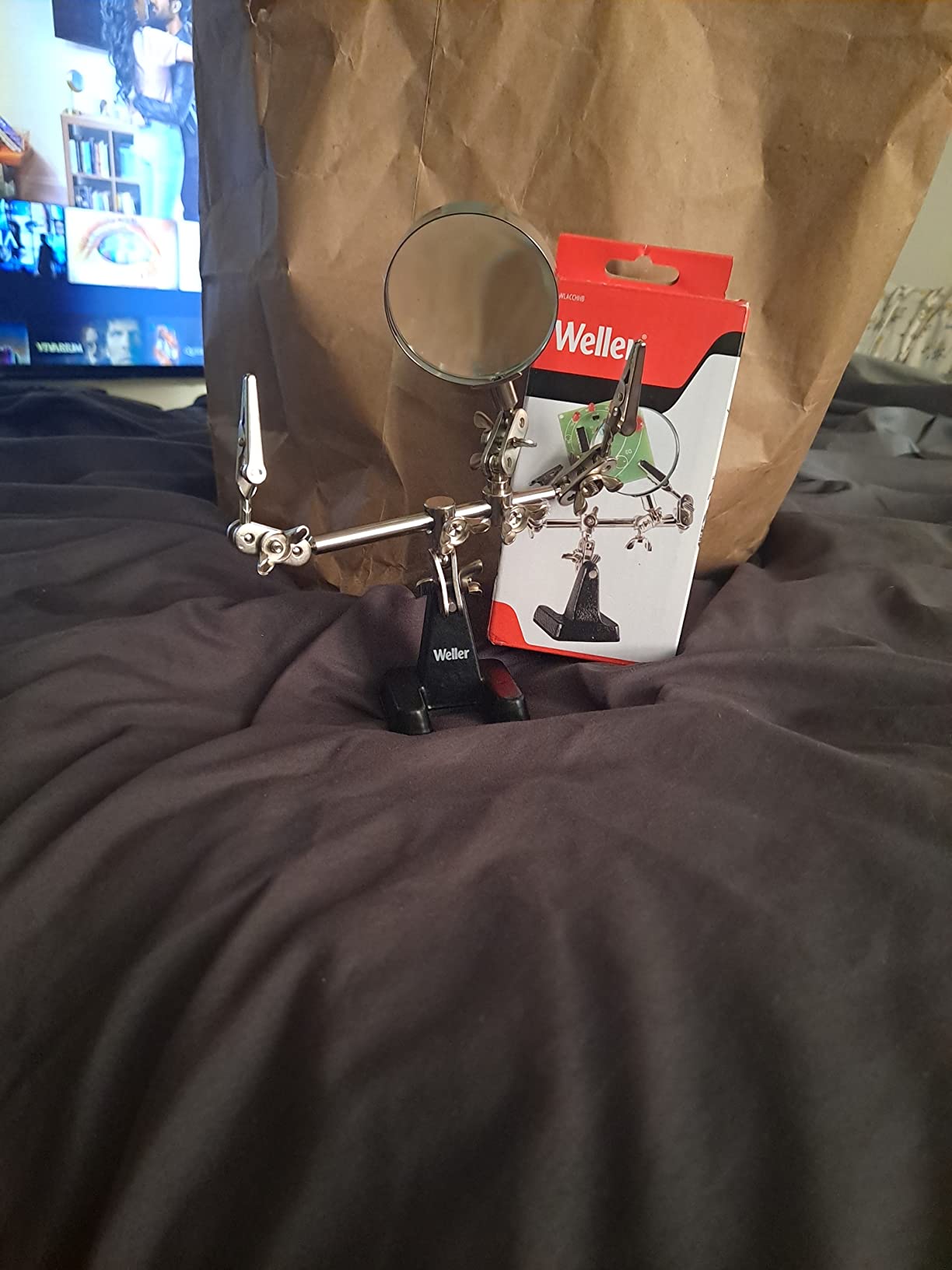
The Weller WLACCHHB-02 is the same basic architecture as the AORAEM and RamPro designs, from a brand that has been making soldering tools for a very long time. You get a 4x magnifying glass, two alligator clamps on 4-way swivels, and a package weight of 1.1 pounds.
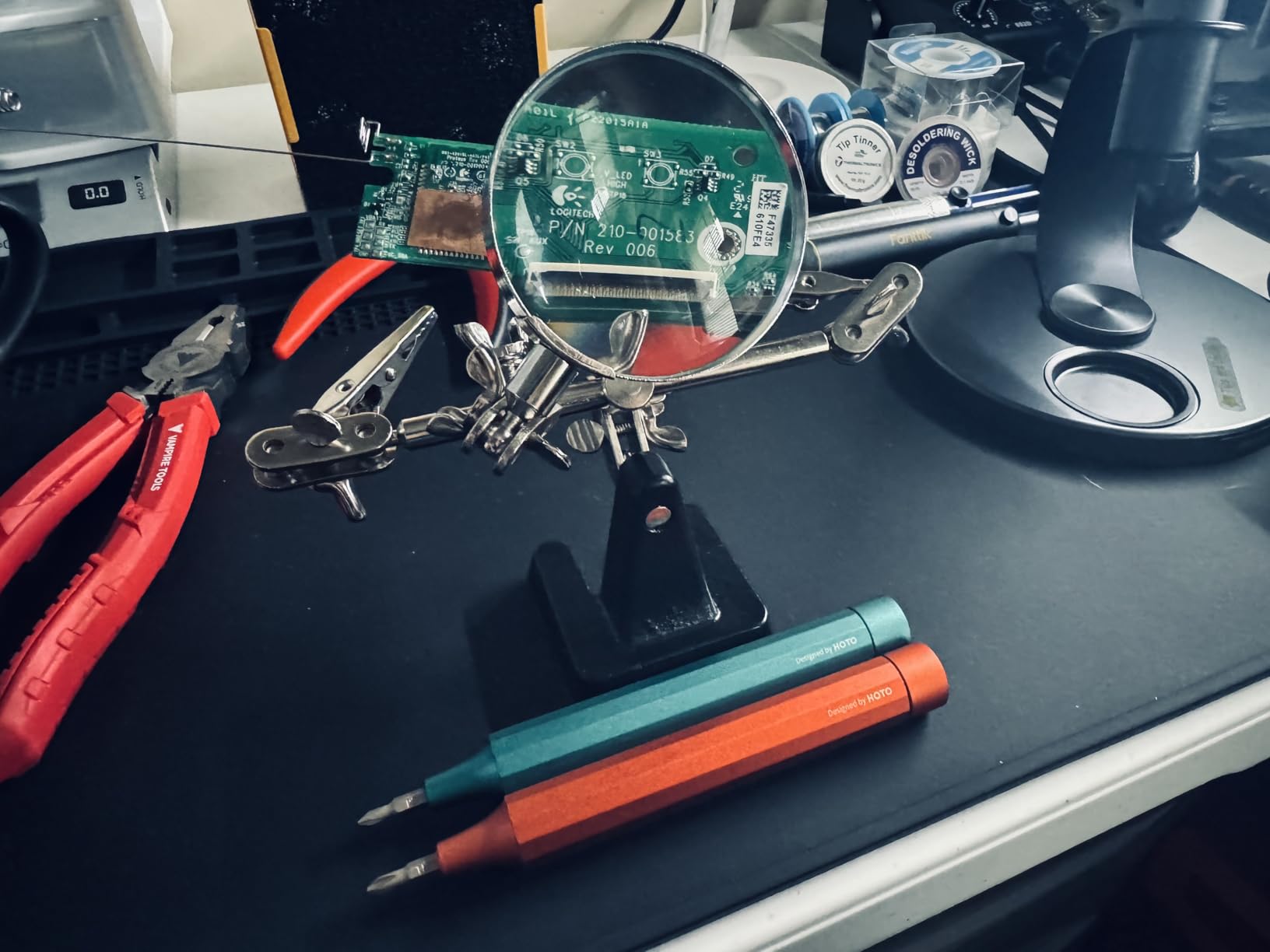
What you are paying for here is not features. It is the brand, and for a tool that sits on a bench next to a hot iron for years, that is not a bad trade. Reviewers rate it 4.5 across more than 1,200 ratings, and the recurring note is that the 4x lens is genuinely useful for general bench work rather than being a gimmick.
The arms are short and fixed rather than long flexible goosenecks, which limits how you can reach around a board. It is a tool for the work directly in front of it, not for reaching into a housing.
Where it earns its place on a bench
The lens does the same job as a good pair of eyes with more patience. Checking a row of joints for a concave fillet, confirming a component is aligned with its pads before the iron comes out, and inspecting a repaired section all become quick at 4x. It is the sweet spot for general inspection, wide enough that you are not fighting the working distance.
Buyers also use it for stained glass, wires and general crafts, which is a fair indicator that the clips grip reliably for light craft work and hobby electronics alike.
What is missing
There is no lighting. That is the biggest practical gap, because the situation where you most want magnification is a dark cavity, and magnifying a dark cavity does not help. A clip-on light on a separate arm solves it, and it is the modification we would make first on this tool.
Second, articulation is limited. With two short arms and swivel clamps, you cannot achieve the reach or the standoff that a gooseneck design gives you. If your work regularly needs a clip hovering above a tall component, choose a station with longer arms instead.
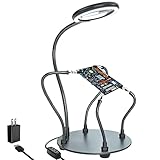
8. XYK Helping Hands Station with Dimmable 3x LED Lamp
- Six brightness levels suit different tasks
- Four arms of mixed lengths reach awkward angles
- Heavy 7-inch steel base resists tipping
- Rubber sleeves protect jewelry and boards
- Highest cost of the magnifier-equipped units here
- Lamp needs a power outlet or adapter
- Some arms are redundant on small jobs
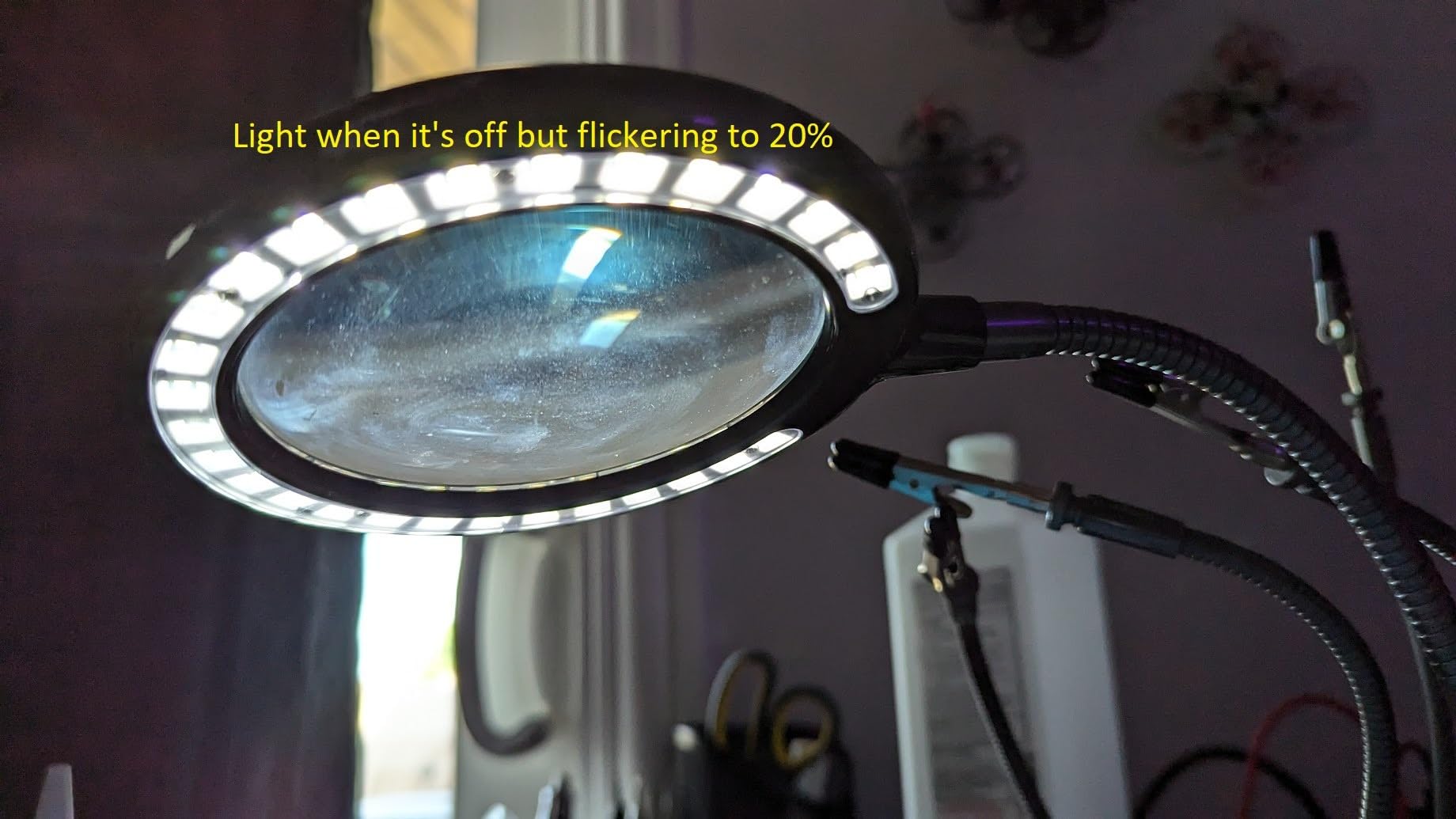
The XYK-141 is a proper bench station rather than a helping hand with a lamp attached. It has a 3x dimmable magnifying lamp with 28 LED beads producing 500 lumens and six brightness levels, four flexible gooseneck arms in two lengths, 360-degree rotating alligator clips with rubber sleeves, and a 7-inch round powder-coated steel base with four non-slip rubber pads. It weighs 1.46 kg.
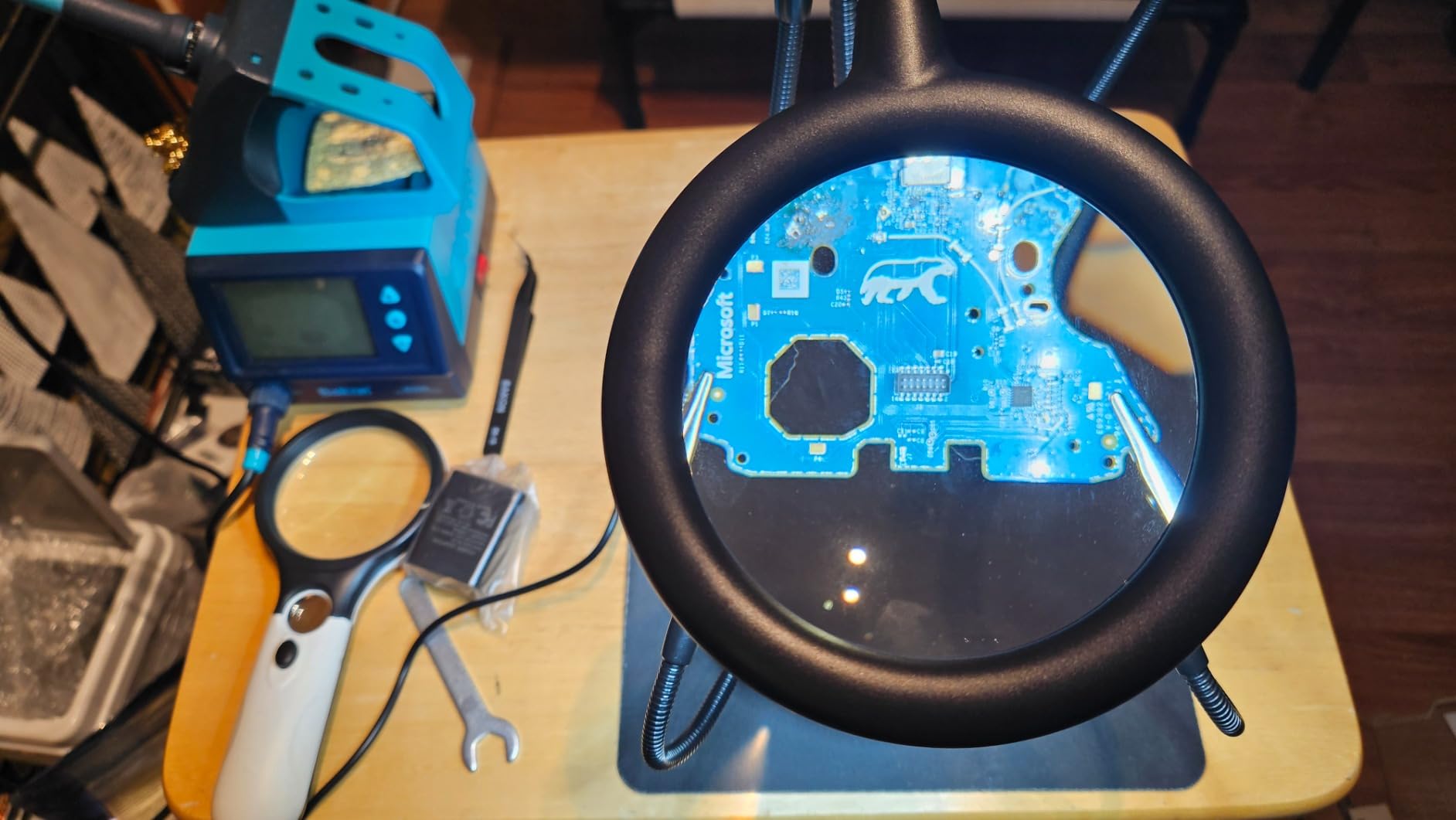
The mixed arm lengths are the design decision worth noticing. Two arms at 7.5 inches and two at 5 inches give you a natural hierarchy: short arms for the work right in front of you, long arms for reaching around a board or holding something off to one side. Uniform-length arms force you to either over-reach or re-rig constantly.
At 4.5 across 1,100 ratings, it sits in the same band as the Weller and a notch below the Fstop Labs and SainSmart. The reviews describe it as a strong all-round bench setup for electronics and jewelry work, which is precisely the dual audience this tool serves.
Why jewelry work suits this design
Jewelry soldering uses small, bright, reflective objects held on a fine point, often under a loupe. The rubber sleeves on the clips matter more here than anywhere else, because a bare tooth on a sterling silver finding leaves a mark, and on a plated piece it can lift plating. The 500-lumen lamp with six brightness levels is a real advantage, since you can drop the light for a reflective surface and turn it up inside a recess.
For electronics, the same light serves inspection and the four arms handle a multi-part rework. This is one of the few tools here that does both jobs without a compromise on either.
Where it does not win
This is the most expensive of the magnifier-equipped units in this guide, and if you only need a stand to hold a wire, that is money going to a feature you will not use. Judge it as a full station, not as a helping hand with extras.
The lamp needs power, and the package does not include a bench supply, so plan for an outlet or an adapter. And with four arms available there is a real temptation to over-rig a simple job, which is slower than clipping one wire and moving on.
9. SainSmart Magnetic Helping Hands Station with 5x Lamp and PCB Pillars
- Largest working area in the group
- Five times magnifier with three colour temperatures
- PCB pillars add dedicated board holding
- Rubber sleeves protect finished surfaces
- Most expensive unit in the roundup
- Alligator clamps are hard to tighten
- Magnifier arm droops out of position
- Rubber feet need manual application
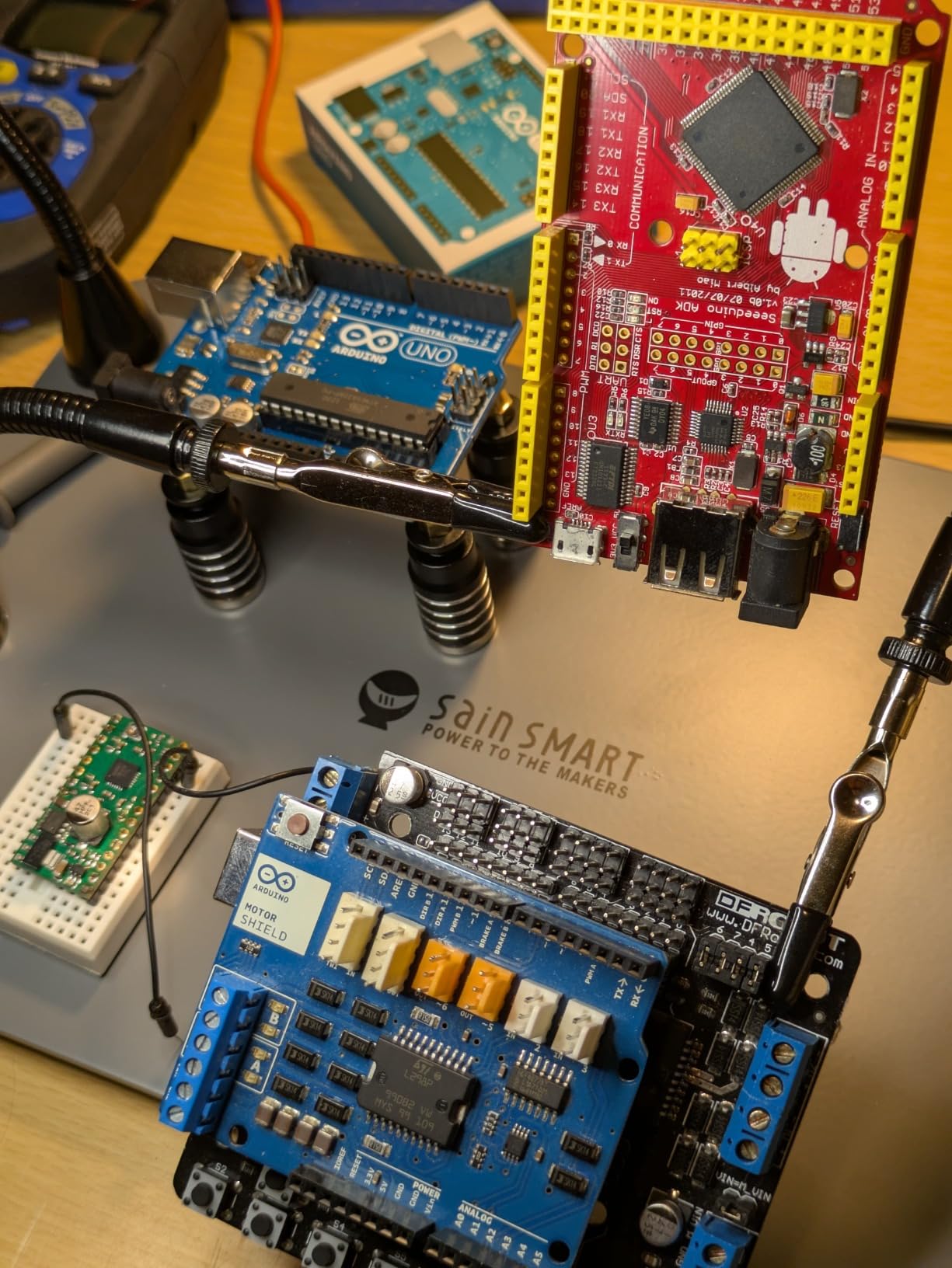
The SainSmart station is the largest tool here and the one built for boards that do not fit on a small stand. The base measures 11.1 by 7.1 inches, weighs 2.35 kg, and has magnetic accessory mounts. It comes with four magnetic gooseneck arms, two at 7.5 inches and two at 14 inches, four PCB holder pillars, and a 5x LED magnifier with three colour temperatures and ten brightness levels.
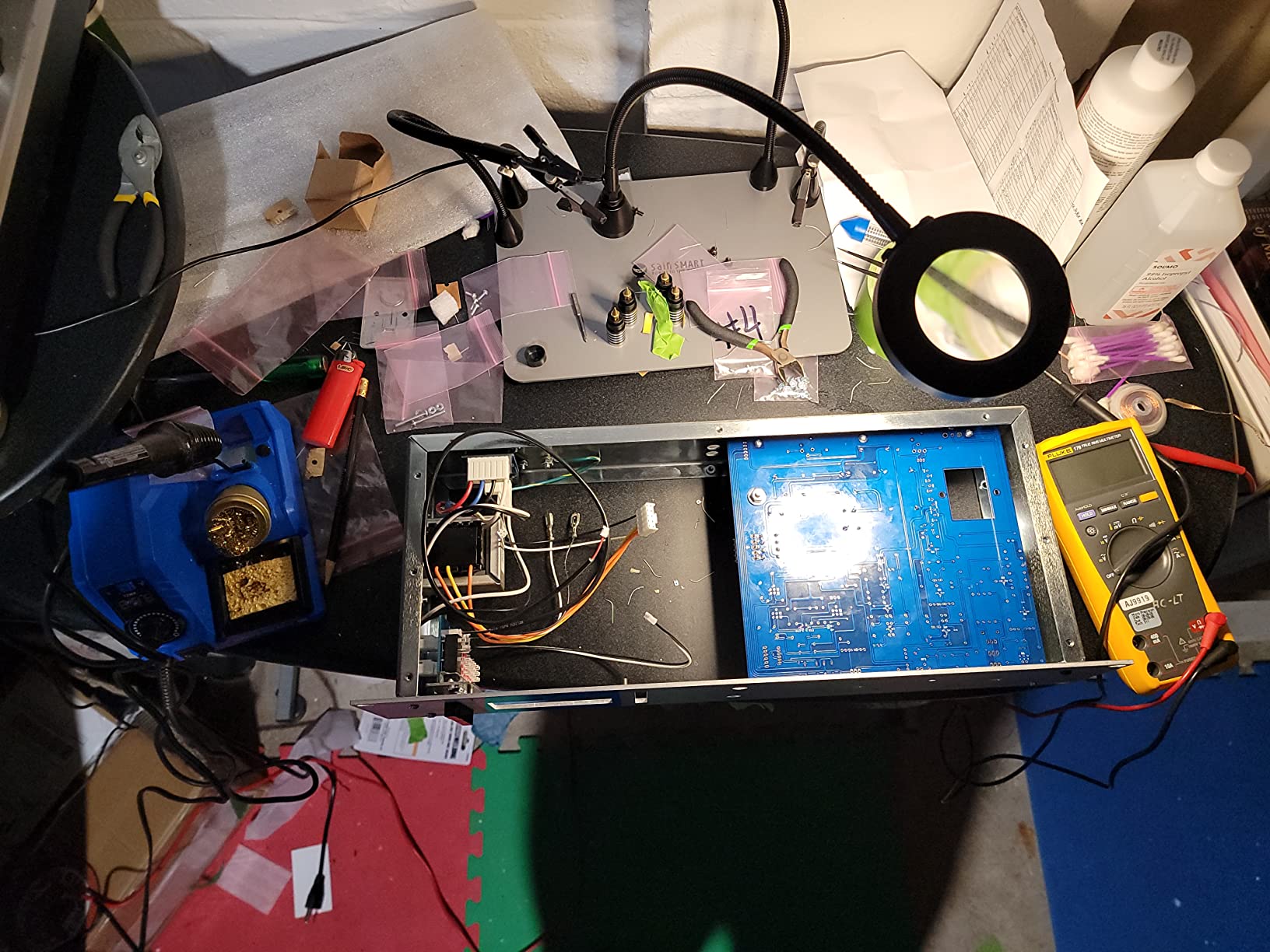
It has a 4.7 rating, which is the second highest average in this roundup, across a smaller review base of around 720. What the reviews praise most is room. People moving between laptop logic boards, larger controllers and multiple small boards report that the base simply has space for the work, and that the arms can be arranged without a juggling act.
The magnetic arm mounts are the feature that changes the workflow. Rather than threading each arm into a fixed socket, you place the base of an arm anywhere on the steel plate, which means you can re-lay-out your whole bench in seconds when the job changes.
What the PCB pillars add
Four board holder pillars are included, and they address a specific problem with alligator clips. A clip grips an edge and can crush a board or rock it while you work. A pillar supports a board at two points, usually leaving the component side clear. For a board you are working on for an extended period, that is more secure and less stressful on the parts already soldered.
Colour temperature control on the lamp is also more useful than it sounds. Warm light is easier on the eyes for long sessions, neutral light shows colour accurately when you are checking LED polarity or a screen, and cold light gives the hardest contrast for finding a hairline bridge.
The friction points
Reviewers report that the alligator clamps are hard to tighten, so they can twist in the jaw if you torque them, and that the magnifier arm droops out of position over time. Both are real, and both are worth checking on arrival. Tighten the clamp nuts gently and in small increments.
The rubber feet are adhesive-mounted and need to be applied by hand, so the first ten minutes after delivery are assembly rather than use. The magnifier lamp needs USB power, and this is the most expensive unit in the roundup, which makes it a specialist purchase for larger work rather than a default first bench choice.
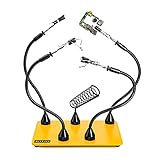
10. Fstop Labs Four Magnetic Helping Hands with Iron Holder
- Magnetic base plate stays put during detailed work
- Arms can be moved anywhere or fixed to other steel
- Thumb-nut clamps lock firmly
- Rubber tip sleeves prevent scratching
- No magnifying glass or lighting included
- Flexible arms drift slightly out of position
- Iron holder may not fit large all-in-one irons
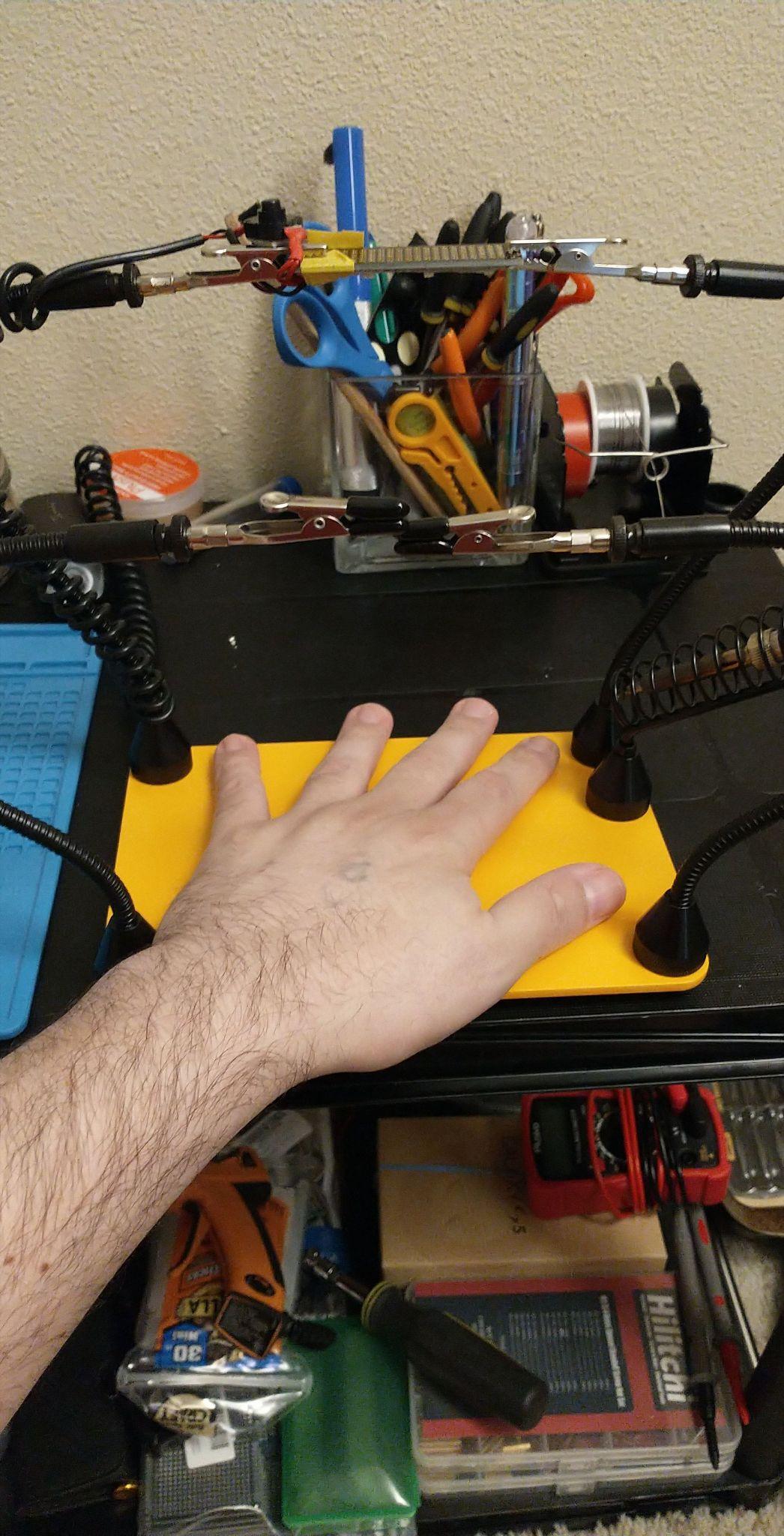
The Fstop Labs unit is a four-arm magnetic helping hand with an included soldering iron holder, and it has the highest average rating in this roundup at 4.8 across about 670 reviews. It weighs 1.47 kg on a 2 lb powder-coated steel base with anti-split rubber feet, and the stainless steel alligator clamps rotate 360 degrees and lock with knurled thumb nuts.
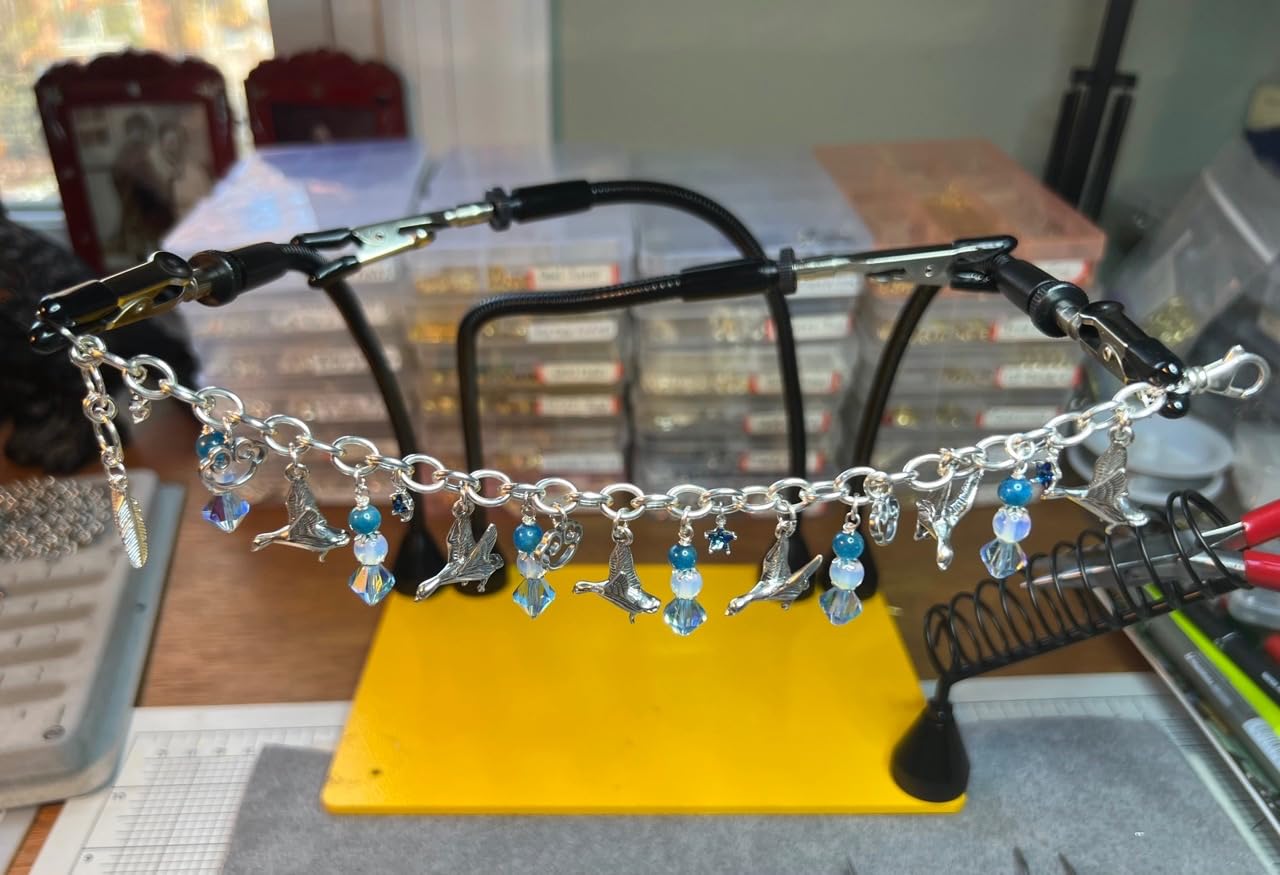
With a review count of around 670 it sits below the middle of this list, so treat the 4.8 as encouraging rather than proven. That said, the reviews are unusually specific, and they praise the same things: a base plate that stays put during detailed work, magnets strong enough to hold the arms anywhere on it, and clamps that lock firmly enough to hold a part through a heating cycle.
The included iron holder is what makes this the most complete bench answer here. A soldering iron lying on a bench is the single biggest source of both burns and accidental contact with your helping hand, and having the holder in the same footprint as the arms removes the temptation to improvise somewhere else.
Why magnetic mounting helps a crowded bench
Because the arms are magnetic, they are not fixed to sockets. You can pull one off and move it to clear a large board, hang a spare arm on a steel shelf, or cluster all four in one corner when the bench is doing something else. That flexibility is the reason reviewers describe it as a clear upgrade over cast-base models with fixed arms.
Silicone and rubber tip sleeves are fitted as standard, which protects both boards and fingertips. The knurled thumb nuts give real mechanical purchase, so a clip that has been tightened stays tightened through a joint, which is more than can be said for several smaller models here.
What you give up
There is no magnifier and no lighting. That is a deliberate omission, and it means this tool is at its weakest on inspection work. Many owners pair it with a separate loupe or lamp, which is a reasonable approach if you already have good lighting at the bench.
Some arm drift is still reported, as with any flexible gooseneck, and the iron holder may not accept a large all-in-one iron. Check the diameter of your iron shaft against the holder before you commit, because that is the one compatibility issue worth avoiding.
Why Helping Hands Arms Lose Position (and How to Fix It)
Arm drift is the most common complaint about helping hands in every forum thread on the subject, and it is worth understanding before you blame the product. There are three different mechanisms, and only one of them is a manufacturing fault.
Ball joints losing friction. The NEIKO and the AORAEM style tools use ball joints with a screw tensioner. These are smooth and easy to reposition, which is a genuine advantage, but the joint is designed to be adjusted rather than to hold a heavy load at full extension. Under a sideways force they will move a few degrees. The fix is positional: keep the work close to the base rather than out at the end of the arm.
Gooseneck memory. Flexible metal arms carry a shape. Bend one sharply and it tries to return, so a part you positioned can move the moment you release it. The fix is to approach the final shape in small increments and to load the arm in the direction it was bent, not against it.
Missing thrust bearing. This is the one nobody explains, and it is the reason a good arm feels terrible. On many arms, the tightening knob is a plain screw pressing directly against a hard shoulder. Friction then depends on how firmly you pull the screw, and the tension changes as you move the arm. Add a small thrust bearing between the knob and the shoulder, or fit a washer that lets the knob spin freely, and the same arm holds position with a light touch. The premium dial indicator arms that hobbyists build use this deliberately.
That last point connects to the most consistent recommendation in the hobby electronics communities. Builders there routinely assemble their own setup from cheap magnetic dial indicator arms and grippy clip adaptors, spending modest amounts on parts and calling the result the best soldering hands they have used. The reason is not the arms themselves, it is the thrust bearing in the knob, which is the part a budget helping hand leaves out.
If you want that rigidity without building, the practical filter is simple: tighten the arm, then nudge the clip deliberately and see how far it moves. If it moves under a gentle push, you have a ball-joint tool and should keep loads near the base. If it holds a firm push, you have a tool that will stay put through a joint.
How to Choose a Helping Hand for Small Parts
Ask these questions in order, because each one eliminates a category of tool you do not need. The order matters more than the answers, since the most common buying mistake is deciding on magnification first and only then discovering the arms cannot hold position.
How heavy is the base, and does it grip the bench? Weight is what stops a tool rotating while you work. Look for cast iron, or a steel base with a stated weight, plus non-slip feet or pads. A plastic base with a light steel plate moves when you load an arm, and that movement is what ruins the joint.
How many arms do you need? Two is enough for wire and single joints. Four is the practical minimum for board work, because you need one for the board, one for the part or wire, and the rest as spares. More than four adds reach rather than capability.
Does the arm hold position, and how do you tell? Ball joints are smooth but drift under load. Goosenecks reach further but carry memory. Arms with a thumb screw or a separate locking mechanism hold best. Set the arm before you clamp, and test with a deliberate nudge.
What do the clips actually grip? Alligator clips grip wire, leads and board edges. Micro clips grip small components. PCB pillars support a board at two points without crushing it. A vise clamp holds a board and a heavy joint. Match the clip to the workpiece rather than assuming one type covers everything.
How much magnification do you need, and how much light? 2x to 3x is for holding and general inspection. 4x to 5x is a comfortable working magnification for 0603 and 0805. 10x and above is for inspection, orientation and reading silkscreen, not for working with an iron in view. A lamp matters at least as much as the lens, since magnification does nothing in a dark cavity.
Is it a fixed stand, a magnetic base, or a desk clamp? A weighted stand is portable and quick to reposition. A magnetic base needs a steel surface but lets you move arms anywhere. A desk clamp saves bench space and holds a small base very firmly. A magnetic bottom on an otherwise light tool, with no steel surface under it, is the worst of both options.
Does it need power? LED lamps and magnifier lights need either batteries or a supply. Cordless models are more portable, mains or USB models are brighter and never run flat. Check what is included, because batteries are frequently not.
One habit from the forums is worth copying regardless of which model you pick. Many builders clamp a helping hand to a sheet of bare steel or a silicone mat rather than letting it sit directly on the bench. A steel plate gives you a magnetic surface to attach arms to anywhere, and a silicone mat protects the surface and reduces the chance of sliding. It is a two-minute addition that makes almost any arm system better.
The same logic applies to the hardware around the bench. Our parts washers picks cover the small spacers and fasteners that decide whether a board sits flat or rocks while you solder it, and both of those outcomes trace back to the same stability problem a good helping hand solves.
On brands, the honest summary is that Weller is the established name in this category, KOTTO and XYK cover the four-arm station end, and the cast-base magnifier stands are largely interchangeable designs from several manufacturers. The name matters far less than the base weight, the arm rigidity and the clip fit, which is the same conclusion experienced hobbyists reach in forum threads.
How to Set Up Your Helping Hands for a First Small Job
Setup is where most helping hands earn or lose their value. Ten minutes of deliberate positioning saves a frustrating hour of re-adjusting mid-solder.
Place the base first and leave it. Put the stand at the back of your working area with the arms reaching forward toward you, so nothing you reach for passes over the arms. Mark the position once you are happy, and return to it every time.
Clamp the board before anything else. Secure the board or the workpiece first, with a clip or a pillar, and check it does not rock. A part that moves a fraction of a millimetre at this stage will still be moving when the iron arrives.
Load each arm close to the base. Move the arm into roughly the right shape, then bring the work to meet it. Positioning the arm near the base and extending it only as far as needed is what keeps goosenecks from creeping.
Lock every joint before you heat anything. Tighten ball screws, thumb nuts and clip nuts in that order, then push the clip gently to confirm it holds. This is the moment to fix drift, not halfway through a joint.
Approach the arm shape gradually. If an arm springs back, you are bending it too far in one movement. Ease it in small steps and let the metal settle between adjustments.
Bring the iron in from the side, not over the top. Coming in over the arm means the barrel can knock a clip and move your part. Coming in from the side keeps the tip on the pad and the barrel clear of the hardware.
Check the work under the loupe before you let go of the iron. A joint inspected while it is still in the fixture is far easier to correct than one inspected after the board has cooled and the clip has been removed.
If an arm keeps slipping during use, the fastest fix is a small washer or thrust bearing at the tightening knob, which lets the screw turn freely so friction comes from the bearing rather than from how hard you pulled the knob. Before modifying anything, test whether the arm simply needs re-tensioning or whether the clip is being loaded beyond the joint, which is the more common cause by a wide margin.
Frequently Asked Questions
What is the tool used for soldering called?
The tool is called a helping hand, also sold as a third hand or third hand tool. It is a weighted or cast-iron base with two or more adjustable arms ending in alligator clips, and it holds wires, components and circuit boards so both hands stay free for the soldering iron and the solder.
What is the best helping hand for soldering?
For most people the NEIKO 01902 is the best all-round choice, because the cast-iron base stays put and the two clips on ball joints reach around a board. Choose the Pro’sKit 900-015 if you want a simple weighted-base holder with no magnifier, and the KOTTO 4-Arm model if one job needs a board, a part and a wire held at the same time.
What is a good helping hands tool for soldering?
A good one has a heavy non-slip base, at least two rigid arms that hold position, and clips sized to the work. Weight is what stops the tool rotating, rigidity is what keeps a part still during a joint, and clip fit is what stops a small component being crushed. Judge those three before magnification.
Do helping hands arms lose position when hot?
Arms can move, though heat is usually only an indirect cause. A hot iron in the same hand as a part makes your grip slip, and a nudged arm carries that movement straight to the joint. Arms also drift when a ball joint is loaded at full extension, and goosenecks spring back because of their shape. Test an arm with a deliberate nudge before the iron comes out.
How many helping hands arms do I need?
Two arms handle wire and single joints. Four is the practical minimum for board work, because one holds the board, one holds the component or wire, and the spares let you rotate the board without re-rigging. More than four adds reach rather than capability, and extra arms are easy to leave unused.
Which brand is considered the best for soldering equipment?
Weller is the most established name in helping hands, and KOTTO and XYK cover the four-arm station end of the market. For general soldering equipment the brand matters less than the specification, so check the base weight, the arm rigidity and the clip type for your work before choosing a name. A heavy base and locking arms beat a recognised label every time.
What clip size is best for small parts?
For 0603 and 0805 parts, standard small alligator clips are usually enough, gripping a lead or a board edge rather than the body of the component. For 0402 parts, clip the lead rather than the body, and use a board holder pillar to support the board instead of gripping it. Never clamp the body of a small component, because the ceramic cracks.
Our Verdict: The Best Helping Hands for Soldering Small Parts in 2026
The NEIKO 01902 is our pick for the best helping hands for soldering small parts in 2026. The cast-iron base is the reason it wins: it does not rotate when you load an arm, and it has proven itself across more than 15,000 buyer reviews. Two ball-joint clips reach around a board properly, and the 2x loupe handles inspection and cleanup, even if it will not make 0402 parts easy to see.
For the simplest possible bench, the Pro’sKit 900-015 does the same essential job with no extra features, and its 4.6 rating across more than 5,800 reviews is the most convincing balance on the list. For board work where one job needs more than two hands, the KOTTO 4-Arm gives you the arms, the weighted base and rubber-covered clips that stop marks appearing on finished boards.
Whatever you choose, the test is the same and it takes thirty seconds. Clamp your workpiece, tighten every joint, then push the clip deliberately. If it holds a firm push and the base stays put, it will hold a part through a heating cycle. If it moves, keep the load close to the base and tighten again, and you will be back to clean, repeatable joints in no time.