
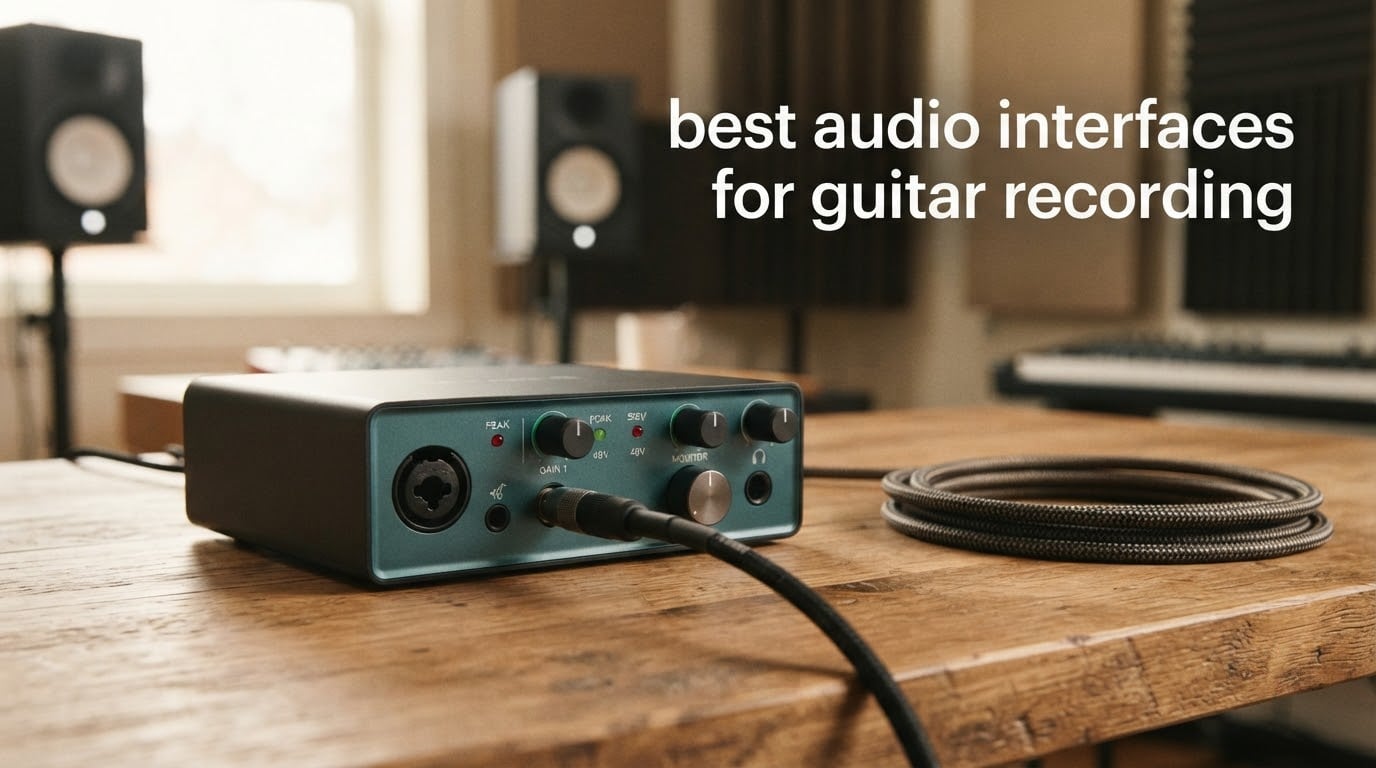
Recording guitar to a computer starts with one decision that shapes every take that follows: the audio interface for guitar recording you plug into. The short version is that a guitar is already its own passive direct input, and any interface with a proper Hi-Z instrument input will capture that signal cleanly. The wrong one loads your pickup down, smears the attack, and leaves a DI track that sounds thin no matter which amp simulator you run through it later.
My team has spent months putting these boxes side by side, tracking the same guitar through each one and comparing the raw DI waveform, the monitoring feel while playing, and what each one forced me to compromise later. What follows is the 2026 list I now hand to friends setting up a home studio, ordered so the strongest all-round choice comes first and the cheapest workable option comes early.
One clarification before we start, because it comes up constantly: an interface is a converter, not a recorder. It turns your guitar’s analogue signal into digital data and routes audio back to your headphones or monitors, and your DAW is what actually writes the file. If you are still building a room around a laptop, our broader audio interface guide covers the non-guitar angles, and our guitar multi-effects roundup covers the amp-modelling side of the same question.
Table of Contents
Top 3 Picks for Guitar Recording (September 2026)
Best Overall: the Focusrite Scarlett Solo 3rd Gen. One Hi-Z input, a 56dB gain range with Gain Halo ring, and switchable Air mode for acoustic work. It is the box most people mean when they say the default first guitar interface.
Best Value: the Behringer UMC202HD. Two Midas-designed preamps, 24-bit/192kHz conversion and a metal chassis at a price that undercuts almost every two-channel competitor on the shelf.
Budget Pick: the Behringer UMC22. A Midas-designed preamp, a dedicated instrument input and bus-powered USB. The 48kHz ceiling is the compromise, and for tracking demos and practice takes it costs you very little.

Focusrite Scarlett Solo 3rd Gen
- Hi-Z instrument input with 56dB gain range
- Switchable Air mode for acoustic guitars
- 24-bit/192kHz conversion
- Auto Gain gain halos

Behringer UMC202HD
- Two Midas-designed mic preamps
- 24-bit/192kHz conversion
- Impact-resistant metal chassis
- Direct monitor with level control

Behringer UMC22
- Midas-designed mic preamp
- Dedicated instrument input
- Direct monitor select switch
- USB bus-powered
Every Pick at a Glance in 2026
All ten interfaces below, side by side. Each row lists the input count, the conversion ceiling and the monitoring feature that matters most when a guitar is plugged in.
| Product | Specifications | Action |
|---|---|---|
| Focusrite Scarlett Solo 3rd Gen |
|
Check Latest Price |
| Behringer UMC22 |
|
Check Latest Price |
 M-Audio M-Track Duo M-Audio M-Track Duo |
|
Check Latest Price |
 IK Multimedia iRig HD 2 IK Multimedia iRig HD 2 |
|
Check Latest Price |
| Behringer UMC202HD |
|
Check Latest Price |
 PreSonus AudioBox USB 96 PreSonus AudioBox USB 96 |
|
Check Latest Price |
 MOTU M2 MOTU M2 |
|
Check Latest Price |
 Audient iD14 MKII Audient iD14 MKII |
|
Check Latest Price |
 Arturia MiniFuse 1 Arturia MiniFuse 1 |
|
Check Latest Price |
 MOTU M4 MOTU M4 |
|
Check Latest Price |
1. Focusrite Scarlett Solo 3rd Gen – Best Overall for a First DI Track
- Huge library of owner reviews showing consistent results
- Hi-Z input with 56dB gain suits active and passive pickups
- Air mode adds presence for acoustic recording
- Class-compliant on Mac Windows and iPadOS
- Bundled Pro Tools Intro and Ableton Live Lite
- Only one input pair so guitar and vocals cannot be tracked together
- No MIDI in or out
- A software folder opens on every connection
I tracked a humbuckered Telecaster and a Stratocaster with single-coil pickups through this one for weeks, and it kept producing the one thing a guitar player needs from a front door: a predictable signal. The 56dB gain range on the instrument channel means I never ran out of clean headroom, even on the humbuckers, and the recording in front of me matched what I heard in my headphones.
The single most repeated owner comment on this interface is that it simply works. On macOS, Windows and iPadOS it shows up as a class-compliant device without extra downloads, which is why it recurs constantly as the default recommendation on r/Guitar threads. Beginners describe the Auto Gain feature as idiot-proof; experienced players tend to hand-set the gain instead.
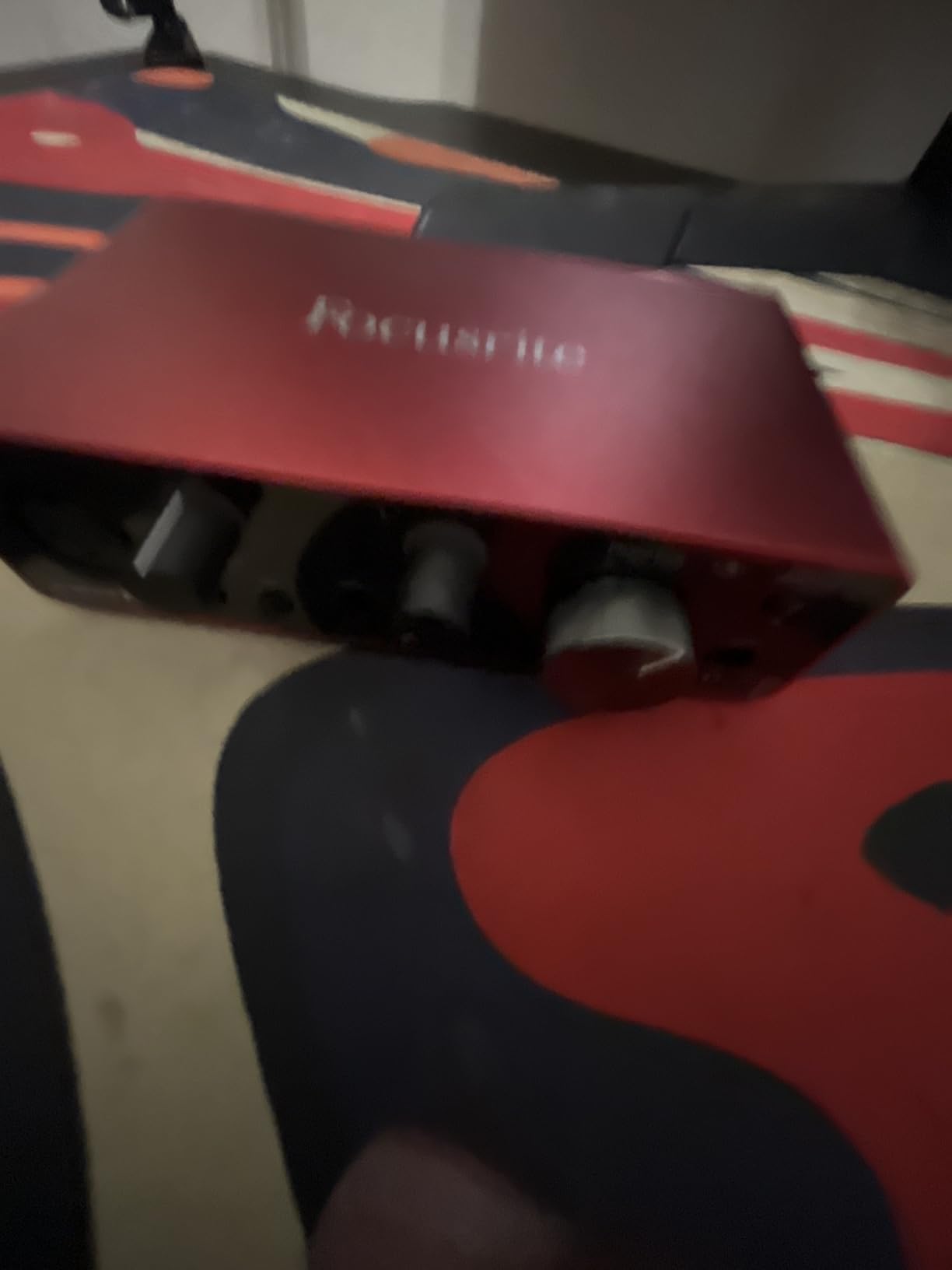
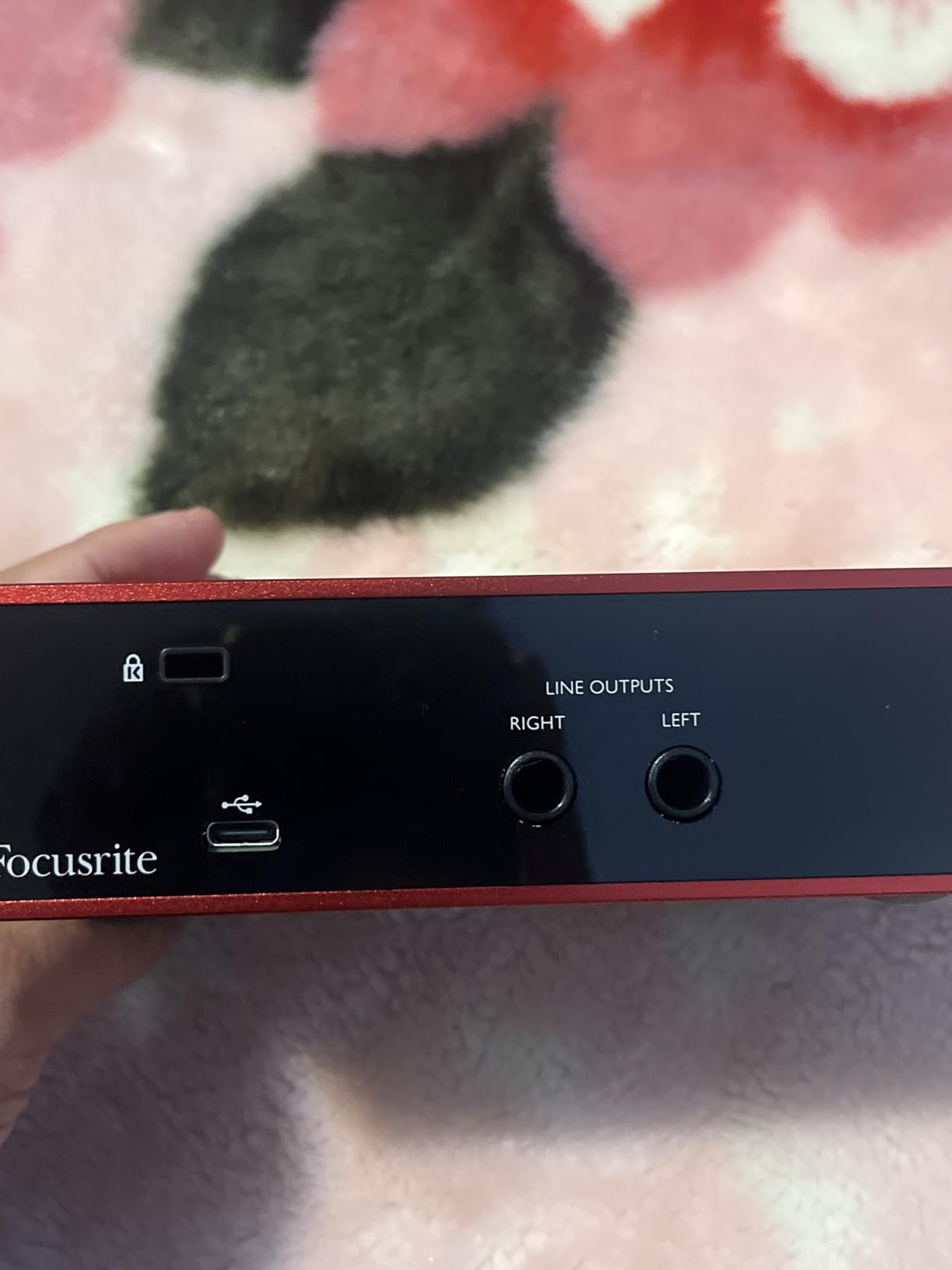
Technically, the interesting part for a guitarist is the switchable Air mode on the mic preamp. It lifts the high-frequency presence stage, which is exactly what an acoustic guitar recording through a condenser mic tends to need when it sounds a bit flat in the upper mids. The Hi-Z instrument input has its own gain halo ring so you can see when you are pushing it.
The honest limit is the channel count. There is one XLR mic preamp and one instrument input, so if you plan to sing and play at the same time rather than tracking one at a time, this box makes you choose. It is also worth knowing the bundled Ableton Live Lite and Cubase LE are lighter editions, not the full products.
Who this interface suits
This suits the guitarist who records one source at a time: a clean DI for an amp sim, or an acoustic take with one mic. If your plan is a singer-songwriter setup where guitar and vocal happen together, the two-input picks further down handle that without a second box.
It also suits anyone who wants a mic channel later, since the XLR preamp is there waiting for condenser or dynamic microphones. The bundled software covers the common DAWs enough to start tracking the day it arrives.
Who this interface does not suit
It does not suit players who need MIDI control of a pedalboard, or anyone recording a full band from day one. It also is not the box to buy if your pickup output is high enough to clip before the gain knob reaches ten o’clock.
Active pickup systems and heavily overdriven pedal chains are the other caution here. Plenty of owners do use it for those setups, but a dedicated two-channel box gives you room to track the DI and a mic simultaneously and adjust them independently.
2. Behringer UMC22 – Best Budget Start for Demos and Practice
- Lowest entry cost in this list
- Midas-designed preamp holds a clean signal on a DI track
- Direct monitor switch makes zero-latency monitoring one click
- USB bus-powered with no power brick
- 48kHz 16-bit conversion is a low ceiling
- No MIDI in or out
- Single headphone output with basic monitoring controls
I used this as the practice-room interface before anything else, tracking the same clean DI take every night for a month. For writing riffs and auditioning amp sims it did everything I needed, because a guitar signal is small and forgiving and the Midas-designed preamp kept the noise floor out of the way.
The front panel gives you a combination XLR and line jack plus a separate quarter-inch instrument input, so a guitar goes in the front and stays there. The direct monitor select switch routes your raw signal straight to the headphones with no round trip through the software, which is what you want while playing fast passages.
The compromise is conversion quality. This box tops out at 48kHz and 16-bit, which is a genuine ceiling rather than a technicality: you are throwing away headroom for future high-resolution work. For a practice interface or a demo machine that will never leave the room, that is a trade most players will accept.
Owners also point out the basics: no MIDI, one headphone jack, and a control surface limited to a monitor switch and a level knob. Reviewers frequently describe it as an ideal first box, which is an accurate summary of what it is.
Who this interface suits
It suits a player setting up a first home studio on a tight budget who wants a real instrument input rather than a dongle. Practising, writing and tracking quick demos is where the 48kHz ceiling simply does not matter.
Because it is USB bus-powered and small, it also suits a laptop setup that moves between rooms. If you later need 24-bit/192kHz recording, the same brand has a step-up model that keeps the layout familiar.
Who this interface does not suit
It does not suit anyone planning to record an acoustic guitar through a mic and a DI at once, or a project that will need high-resolution files for mastering later. A single headphone output also rules out a second listener.
Owners of high-output active pickups should look further up the list, since the entry-level preamp in this box has less room before clipping than the two-channel models further down. The same is true of slap bass, where transients hit the input hard.
3. M-Audio M-Track Duo – Two Inputs for Guitar and Vocals Together
- Two combo inputs cover a guitar and a mic at the same time
- Clean monitoring with no hiss at full gain
- Zero-latency direct monitoring via a single switch
- Works on Mac Windows iOS and Android
- Includes MPC Beats
- Only 16-bit and 48kHz conversion
- Lightweight plastic chassis that shifts with cable strain
- Gain pot taper is very sensitive above roughly 90 percent
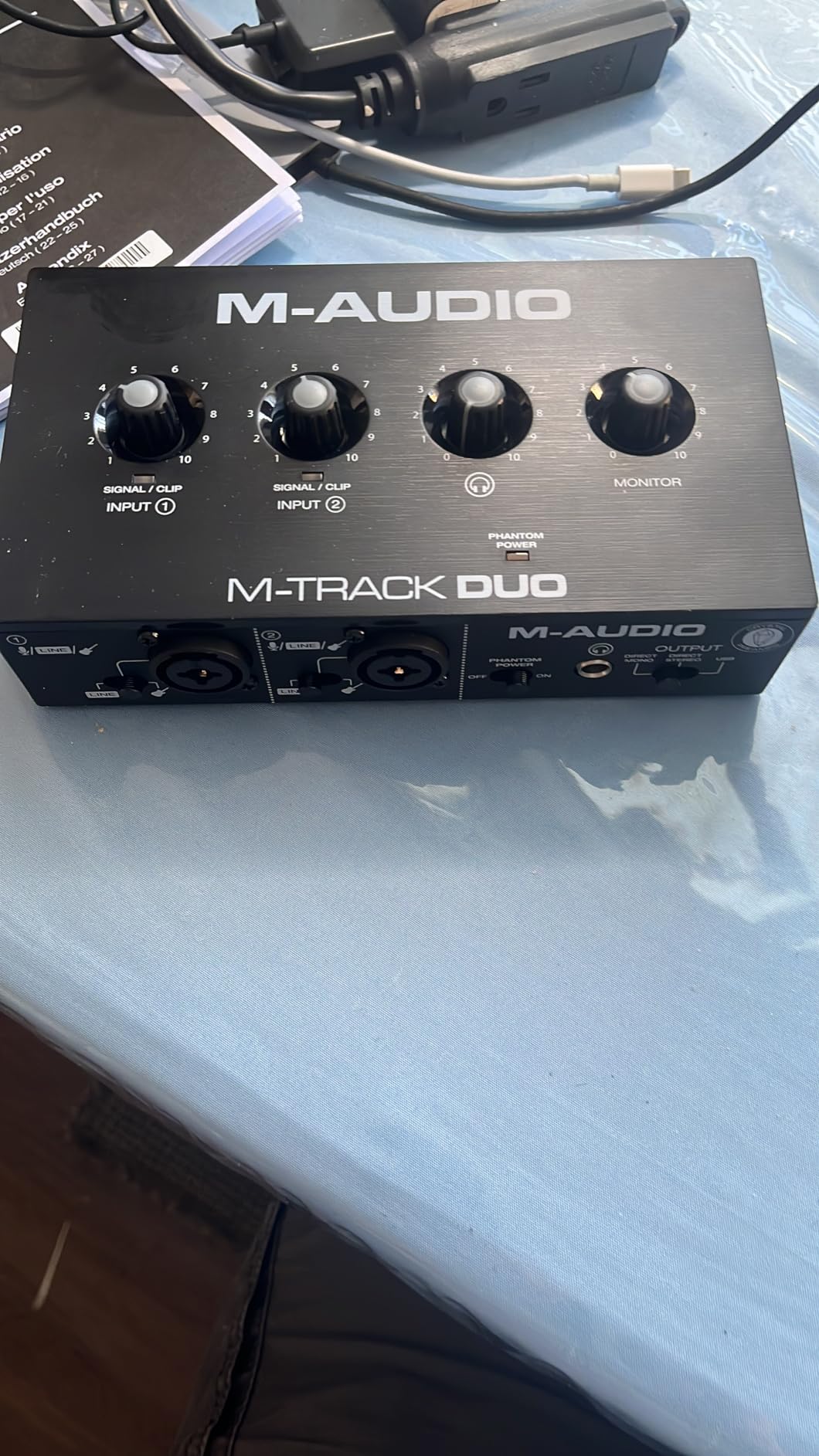
Two combo inputs was the reason this one earned a place on my desk. I could track a DI on one channel and a vocal or an acoustic mic on the other without touching anything, which is the whole singer-songwriter workflow in a single box.
The stated input impedance of 1 megaohm is the right order of magnitude for a guitar pickup, and in practice the DI track had enough top end to sit well under an amp sim. Owners repeatedly report no buzz or hiss even with the gain turned up, which matters more for guitar than any spec on the box.
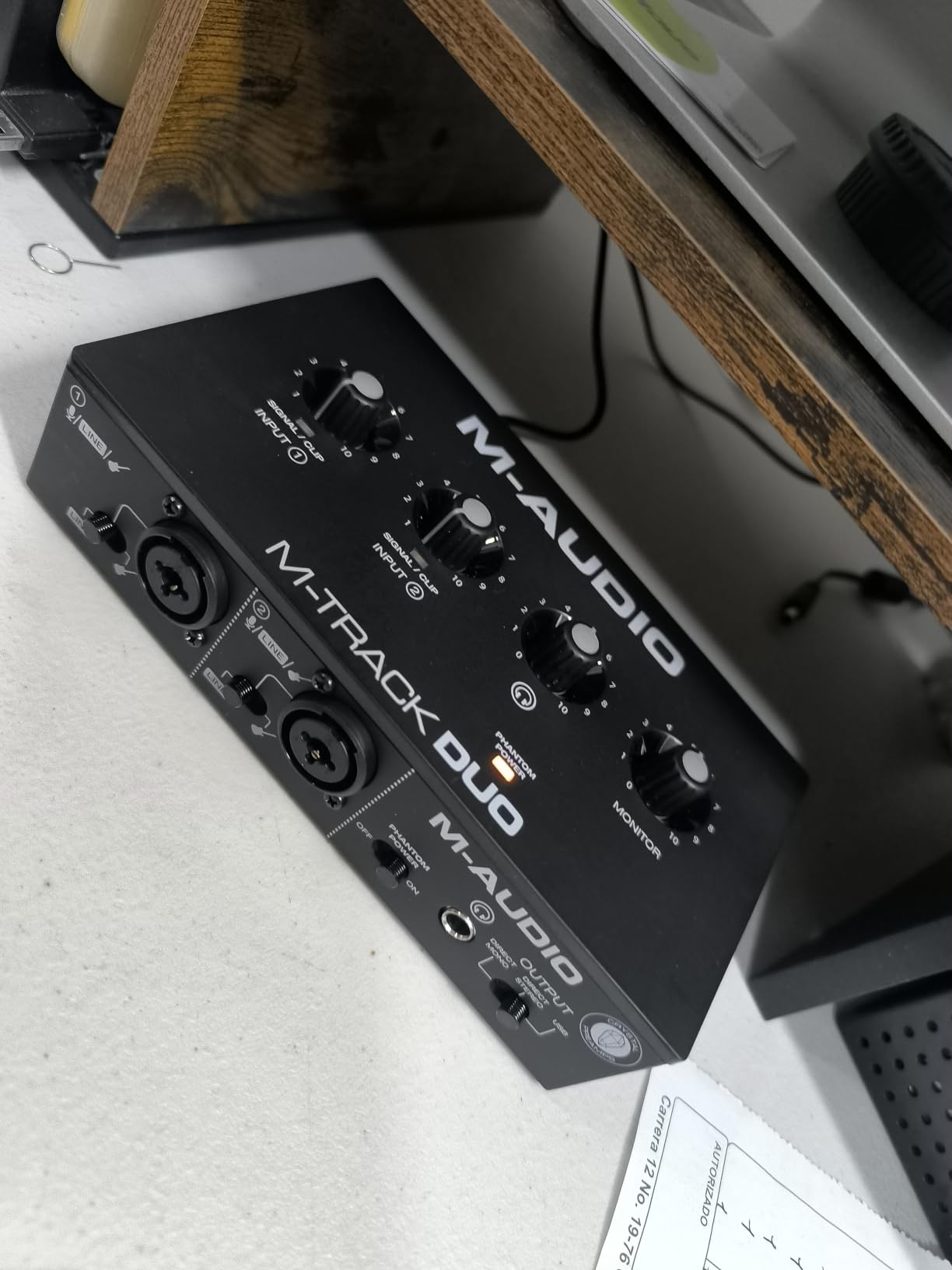
Where the reports get critical is the physical design. The chassis is light plastic, the foam feet grip poorly, and a plugged-in instrument cable can drag the unit across the desk. Reviewers also single out the gain pot taper as very sensitive in the top tenth of its travel, which makes precise level setting fussy.
Conversion is 16-bit at 48kHz, the same ceiling as the budget pick above. The combo inputs do take phantom power, and reviewers note the phantom circuit has limited headroom for condenser microphones, so a large-diaphragm condenser wants the gain kept low.
Who this interface suits
This suits a songwriter who wants to lay down a guitar part and a vocal part in the same session without buying two boxes. The two combo inputs accept a quarter-inch instrument cable and an XLR mic cable in either channel, so nothing is wasted.
It also suits anyone tracking on a laptop across multiple operating systems, since owners confirm it works on Mac, Windows, iOS and Android. MPC Beats is included for people who want to sketch ideas without opening a full DAW.
Who this interface does not suit
It does not suit anyone who wants a metal chassis that stays put, or a precise gain taper for repeatable take levels. If you move the unit between sessions, expect to re-seat it every time.
It also is not the choice for a project that will need high-resolution recording later, or for a large-diaphragm condenser mic in a demanding room given the phantom headroom reports. Treat the two combo jacks as convenience rather than a permanent pairing.
4. IK Multimedia iRig HD 2 – Best for Guitarists Running Amp Simulators
- Built specifically for a guitar signal rather than a general-purpose preamp
- Amp Out and Thru switch makes re-amping straightforward
- Small enough for a gig bag and includes USB-C and Lightning cables
- Low latency that suits fast riffs while practising
- Unlocks content inside AmpliTube
- Only one instrument input and no mic preamp
- Additional amp and cab packs cost extra
- Very light build that instrument cables can pull around
This is the only interface in the list designed around a single instrument rather than a microphone preamp, and you feel that in the first take. The input gain control is scaled for a guitar, and the recorded DI came out of my laptop with enough detail to feed straight into AmpliTube without corrective EQ.
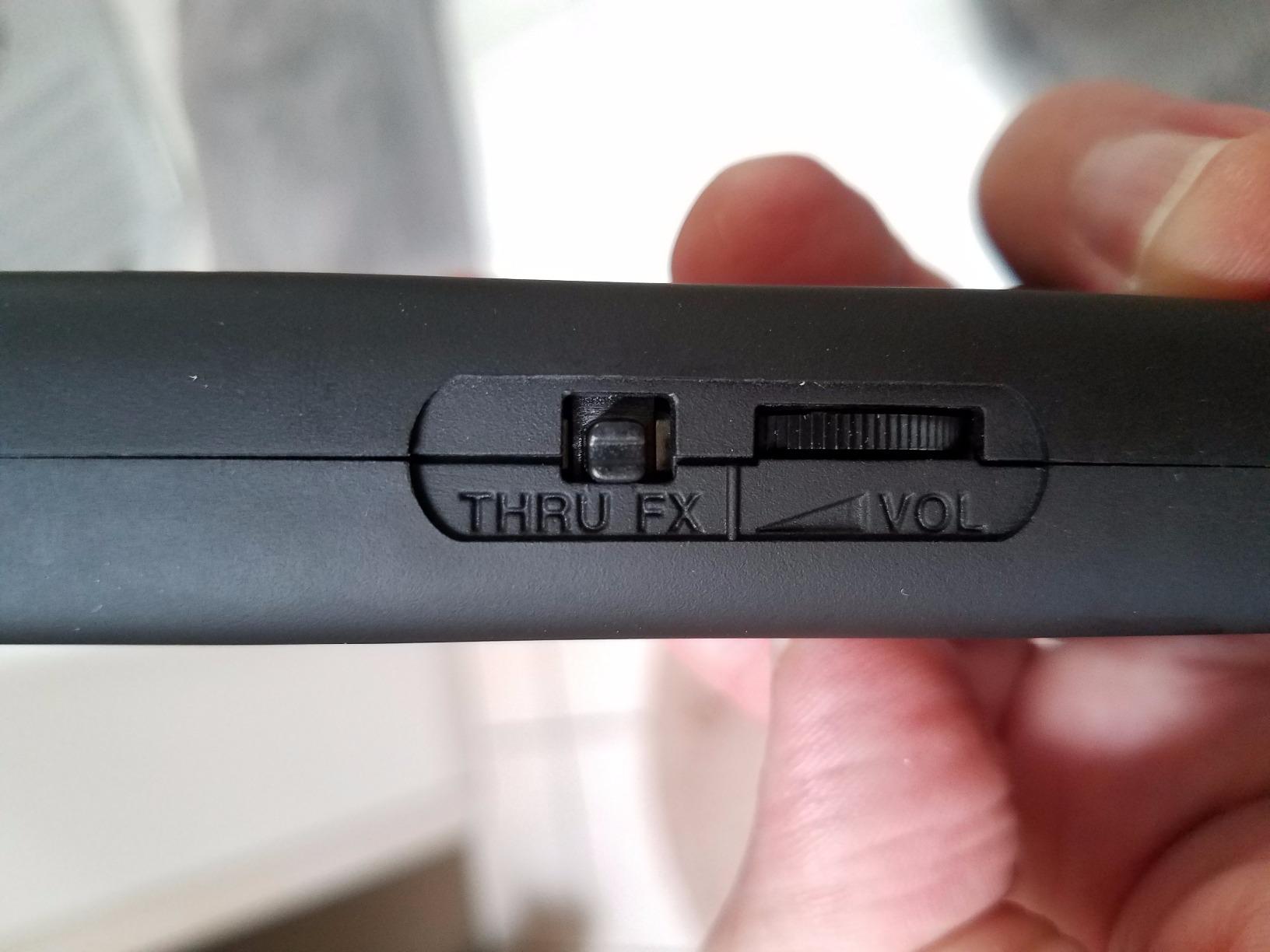
The Amp Out jack with its switchable FX and Thru setting is the feature guitarists should look at twice. It gives you a clean send to a real amplifier while you keep hearing your amp sim in your headphones, which is the core of a re-amping workflow and a reason the box costs more than its size suggests.
Latency is the other story. Owners describe it as tight enough to practise fast passages without fighting the timing, and at 96kHz with a single input the data load is small. The bundled cables cover USB-C, Lightning and USB, so the same box works with a phone, a tablet and a computer.
The real cost is content. The interface unlocks material inside AmpliTube, but fuller amp and cabinet packs are separate purchases, and reviewers note this is the most common complaint. The chassis is also very light, so a plugged-in cable will drag it unless you secure it.
Who this interface suits
It suits a guitarist who works mainly in amp simulators and wants a box optimised for that one job rather than a general-purpose unit. It also suits players who record away from home, since it travels in a pocket and covers iOS, Mac and PC.
Anyone who owns a real amplifier and wants to re-amping will find the Amp Out and Thru switch genuinely useful. The FX position lets you hear your pedals without the amp sim blurring the picture.
Who this interface does not suit
It does not suit a singer-songwriter who needs to record a vocal at the same time, because there is no microphone preamp on the box at all. It is not a match for acoustic guitar players planning to mic a guitar and blend in a DI.
Owners on Windows report less reliable behaviour than on Apple devices, including interference with other audio devices, so the target platform matters here. Bassists with active pickups will also find a single instrument input limiting.
5. Behringer UMC202HD – Best Value Two-Channel Upgrade
- 24-bit and 192kHz conversion at a low cost
- Two Midas-designed preamps cover mic plus instrument tracking
- Metal chassis stays put and resists desk knocks
- Direct monitor select with a level control for zero-latency tracking
- No MIDI in or out
- Very basic control surface with a couple of knobs
- Single headphone output
Moving from the budget model to this one was the single biggest quality jump in my own setup, and it came from the converters rather than the preamps. Recording at 24-bit and 192kHz gave me a DI track with real headroom above the signal, which meant an amp sim could be pushed before anything unpleasant happened.
The two Midas-designed preamplifiers mean I can track a guitar DI on one channel and a vocal on the other with the same gain behaviour on each. That consistency is what makes a box useful as your session grows, and owners describe the same step-up feeling when they move to this model.
Physically it is the opposite of the plastic units in this list. The impact-resistant metal chassis weighs enough to stay put when a quarter-inch cable gets pulled, and the front panel is deliberately plain: a monitor select switch, a level knob and a headphone output.
What you give up is features. There is no MIDI, the control surface is bare, and there is one headphone jack, so a second person cannot monitor alongside you. For guitar and vocals recorded one after another, that trade costs you very little.
Who this interface suits
This suits a player who wants a proper studio-grade DI and still has to be careful with money. The 24-bit/192kHz converters mean the recording you make now will hold up if you later move to high-resolution work.
It also suits anyone whose desk gets knocked around, since the metal case survives that better than a plastic box. Two matched preamps make it easy to keep a vocal and a guitar at consistent levels in the same session.
Who this interface does not suit
It does not suit a keyboard or pedalboard player who needs MIDI control, and the single headphone output rules out shared monitoring. Anyone wanting to see metering without opening the DAW should look for a model with a display.
It also is not the box for a growing project that needs four inputs. Once you are tracking a stereo pair plus a DI, the four-channel options further down give you the headroom without a second purchase.
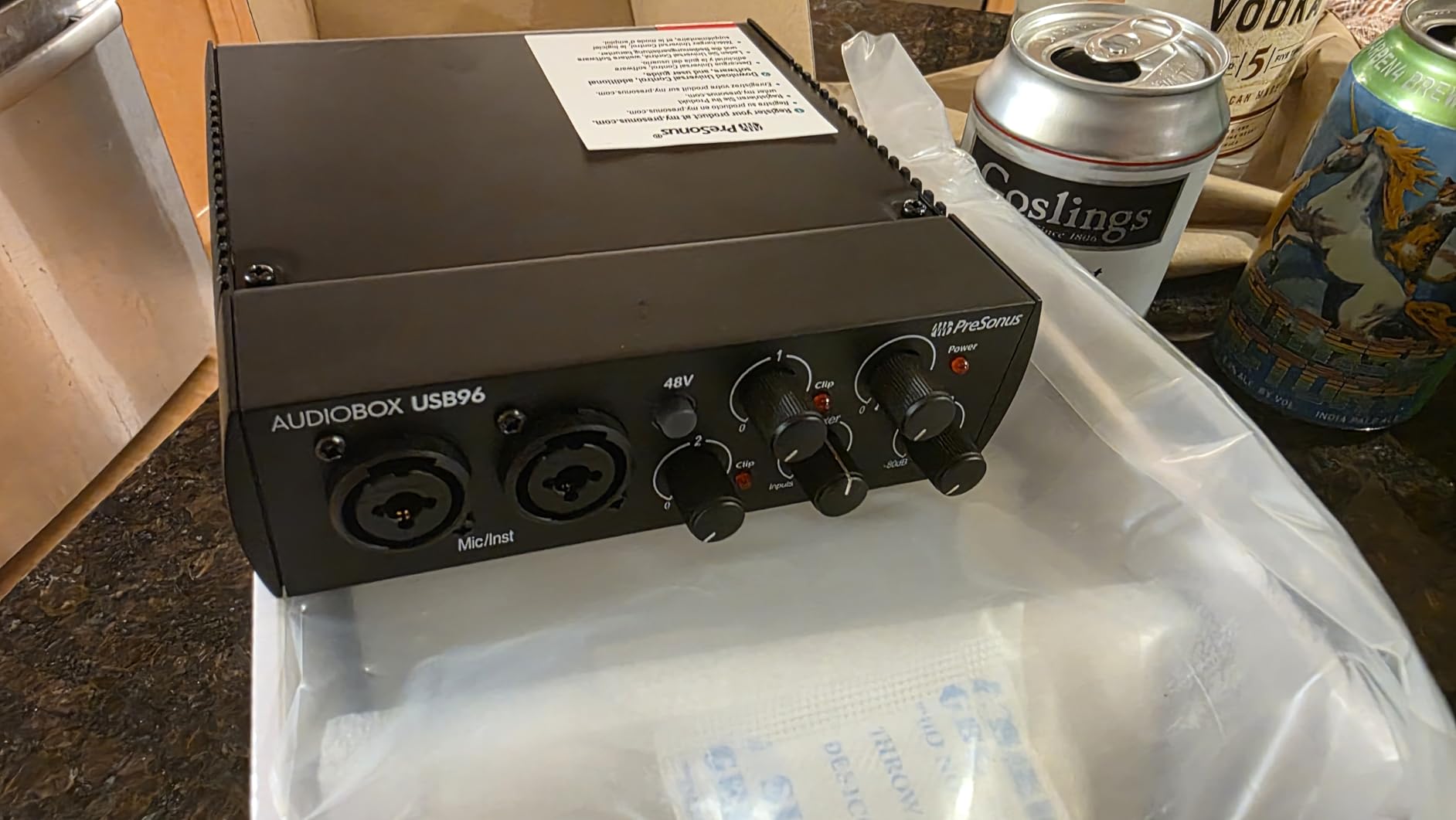
6. PreSonus AudioBox USB 96 – Best for a Bus-Powered Portable Setup
PreSonus AudioBox 96 25th Anniversary USB Audio Interface
- Two high-headroom instrument inputs for guitar and bass
- Class-A preamps sound genuinely good for the money
- MIDI in and out for controllers and drum machines
- USB bus-powered with no external supply
- Zero-latency monitoring blend in the mixer
- 96kHz conversion is a lower ceiling than 192kHz rivals
- Software download requires online registration
- Basic onboard mixer with limited routing
The reason this interface keeps appearing in home studio recommendations is simple: it has two high-headroom instrument inputs and MIDI, and it draws all of that from the USB bus. I recorded a bass DI and an acoustic mic at the same time with no power brick in sight, and both tracks landed cleanly.
The two Class-A mic preamps are described by owners as better than expected at this level, and they are what make the vocal channel usable rather than a placeholder. The mixer control gives you a blend of direct input and playback for zero-latency monitoring, which is a real feature rather than a marketing line.
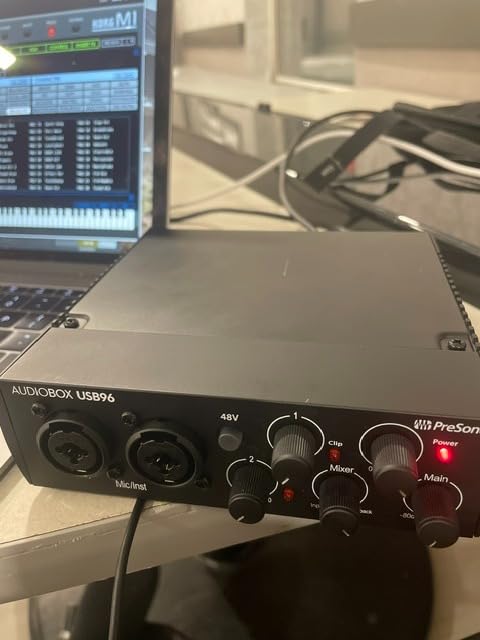
Where you feel the limit is the conversion ceiling of 24-bit at 96kHz. That is plenty for everyday tracking, and it is still step-up conversion from the 48kHz boxes, but it is not the top of the range and reviewers do note it as the main reason for the slightly lower score.
Two more practical notes from owner reports. The anniversary edition requires registering online to download the bundled software, including Studio One Artist and Ableton Live Lite, and the onboard mixer offers only basic routing compared with interfaces that give you per-channel control.
Who this interface suits
This suits a player who wants guitar, bass and vocals in a portable single-cable setup, especially anyone who already owns MIDI gear such as a controller or a drum machine. The MIDI in and out is unusual at this level and removes a real cost.
It also suits acoustic guitarists recording a mic and a DI blend, since two instrument inputs mean nothing is improvised with adapters. Bus powering means it works on a laptop away from a desk with a power outlet.
Who this interface does not suit
It does not suit someone who wants headroom to grow into multi-channel tracking later, and the mixer routing is thin for a complex session. Anyone who dislikes registering for software downloads will find the anniversary edition annoying on day one.
It also is not the right pairing for a player who wants a dedicated amp out for re-amping, since there is no instrument-level send to a real amplifier here. Budget for adapters if you plan to run long cables.
7. MOTU M2 – Best for Transparent Two-Source Tracking
- Very low noise across the full gain range
- 24-bit and 192kHz conversion
- Two inputs handle a guitar and a mic at once
- Hardware monitoring button for instant playback
- Compact metal chassis
- No MIDI in or out
- No display or metering screen
- Driver installation can need extra steps
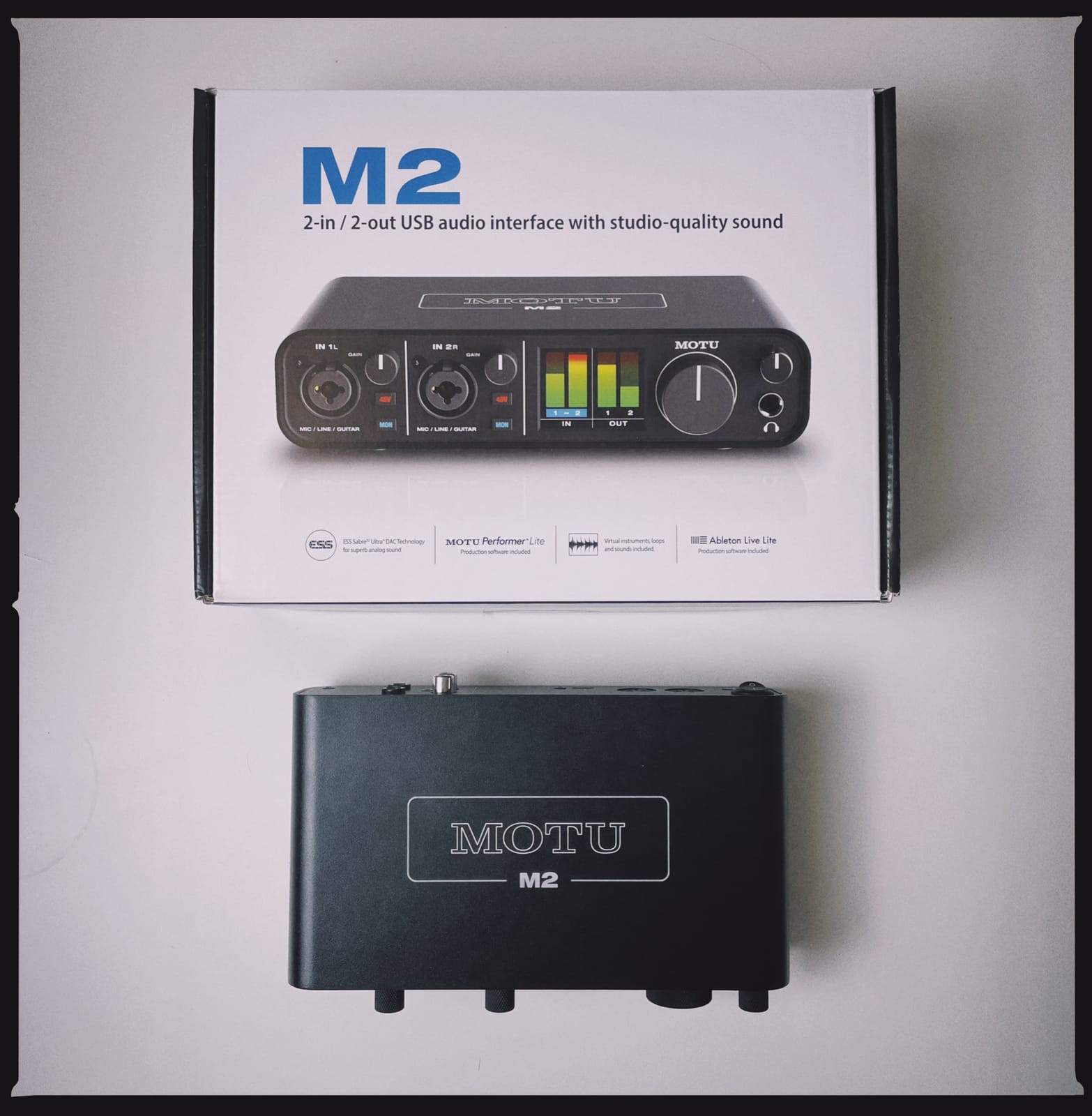
The M2 is the one I recommend when someone asks for a single box that records a guitar and a vocal together and does not compromise on conversion quality. It runs 24-bit at 192kHz, and the noise floor sat low enough that I could record a quiet acoustic take without reaching for noise reduction afterwards.
Two preamps with instrument inputs means both channels accept a quarter-inch cable directly, so a DI and a mic sit side by side without adapters. The hardware monitoring button gives you a no-latency path, and loopback capture is there when you start mixing in a podcast or streaming workflow.
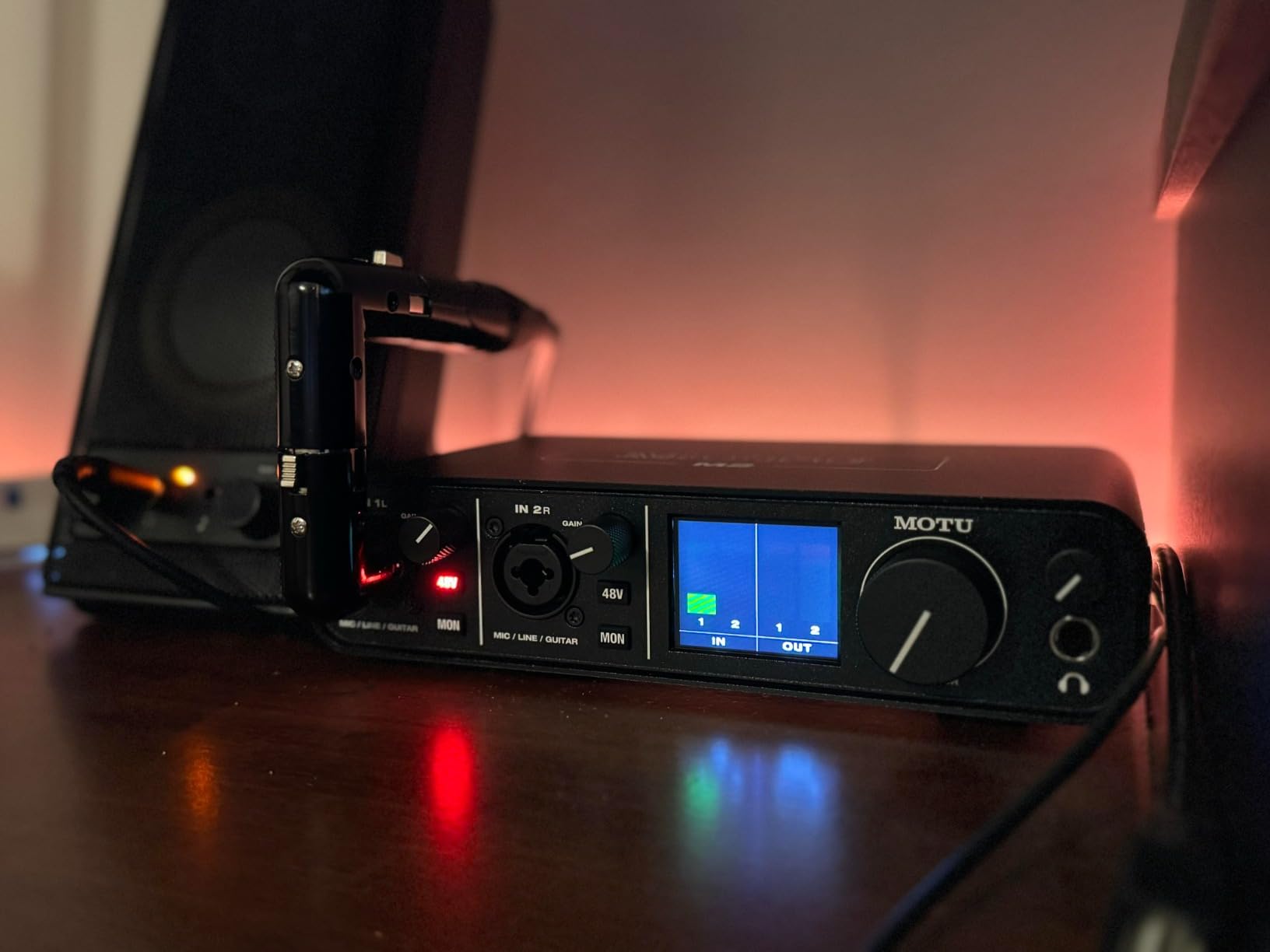
Reviewers praise the transparency of the converters and describe the metal chassis as compact enough to disappear on a small desk. For a guitarist who wants a clean DI and nothing to think about, that neutrality is the selling point: no coloration to undo later.
What it leaves out is obvious once you compare it with the larger models. There is no MIDI, and the display and meters that make the bigger MOTU units pleasant to configure are not reproduced on this one. A few owners also note that driver installation can take extra steps on certain systems.
Who this interface suits
This suits a guitarist recording a DI and a vocal or an acoustic mic in the same session, and it suits anyone who wants the option of high-resolution files without stepping up to a four-channel box. The two instrument inputs make cable management simple.
It also suits a player moving between a laptop and a desktop, since one USB-C cable covers both. Loopback capture helps if you layer voiceover or in-app audio over your guitar parts later.
Who this interface does not suit
It does not suit anyone who wants to see meters without opening the DAW, or who needs MIDI for a controller or drum machine. Without a screen, setup is a DAW-side job rather than a hardware one.
It also is not the last purchase for a session that will grow. Once you need a stereo pair plus a DI, the four-channel model further down the list costs less than adding hardware around this one later.
8. Audient iD14 MKII – Best for Recording Acoustic Guitar and Vocals
- Console-derived Class-A preamps record vocals and acoustic guitar with real detail
- Two headphone outputs allow a second person to monitor
- Monitor mix blends DAW playback with the direct input
- All-metal housing feels built to last
- Bundled Cubase LE and Cubasis LE 2
- Only two mic preamps
- 96kHz maximum sample rate
- Costs more than most beginner two-channel boxes
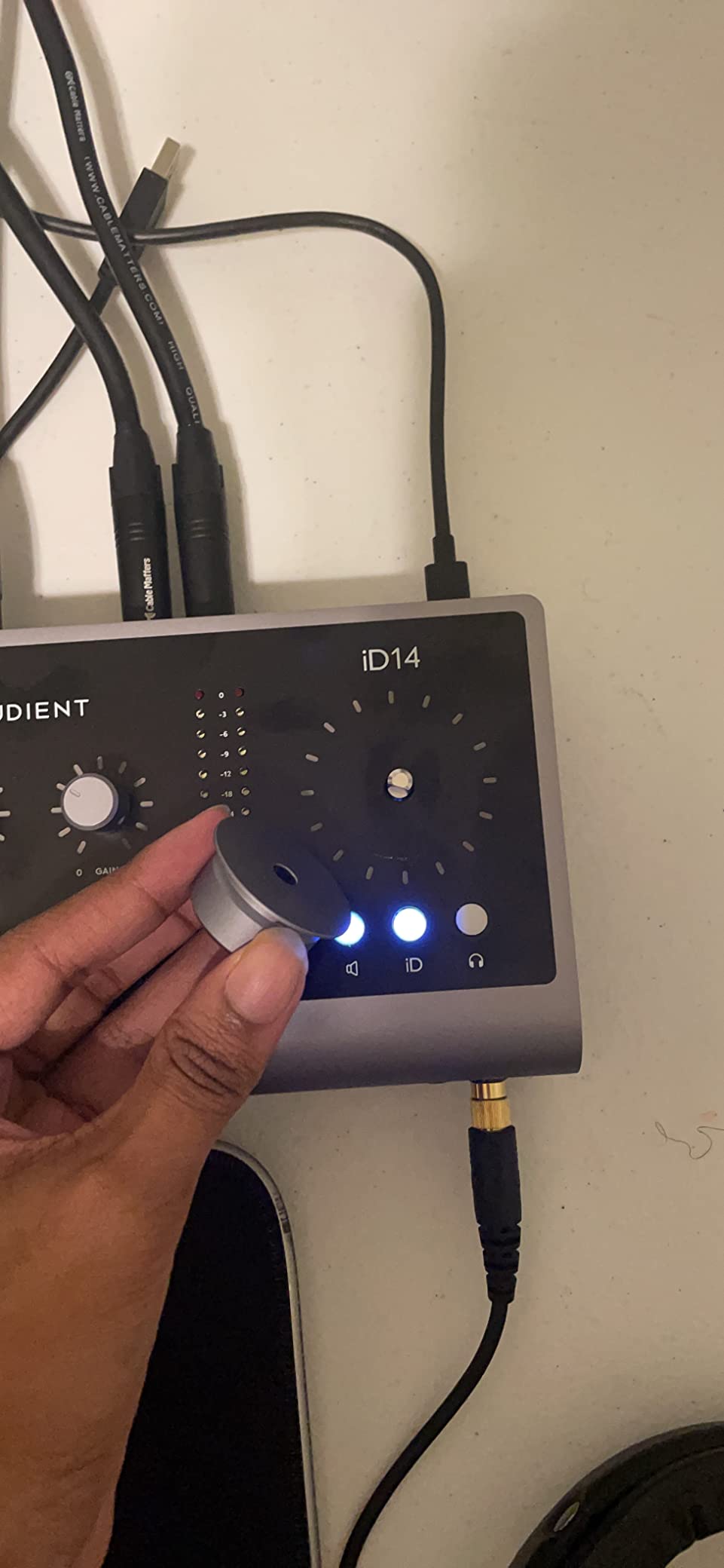
When I wanted the vocal to sound as good as the guitar, this is the box I reached for. The two Class-A microphone preamps come from Audient’s console line, and the difference on a recorded acoustic take was audible in a way the specifications do not predict: less of that compressed, slightly lifeless quality around the note.
The JFET-based instrument input is the reason guitarists single this model out for direct recording. It handles passive single-coil and humbucker pickups with a smooth top end rather than a pinched, thin DI, and a community of players on home recording forums recommend it for that reason above boxes with more features.
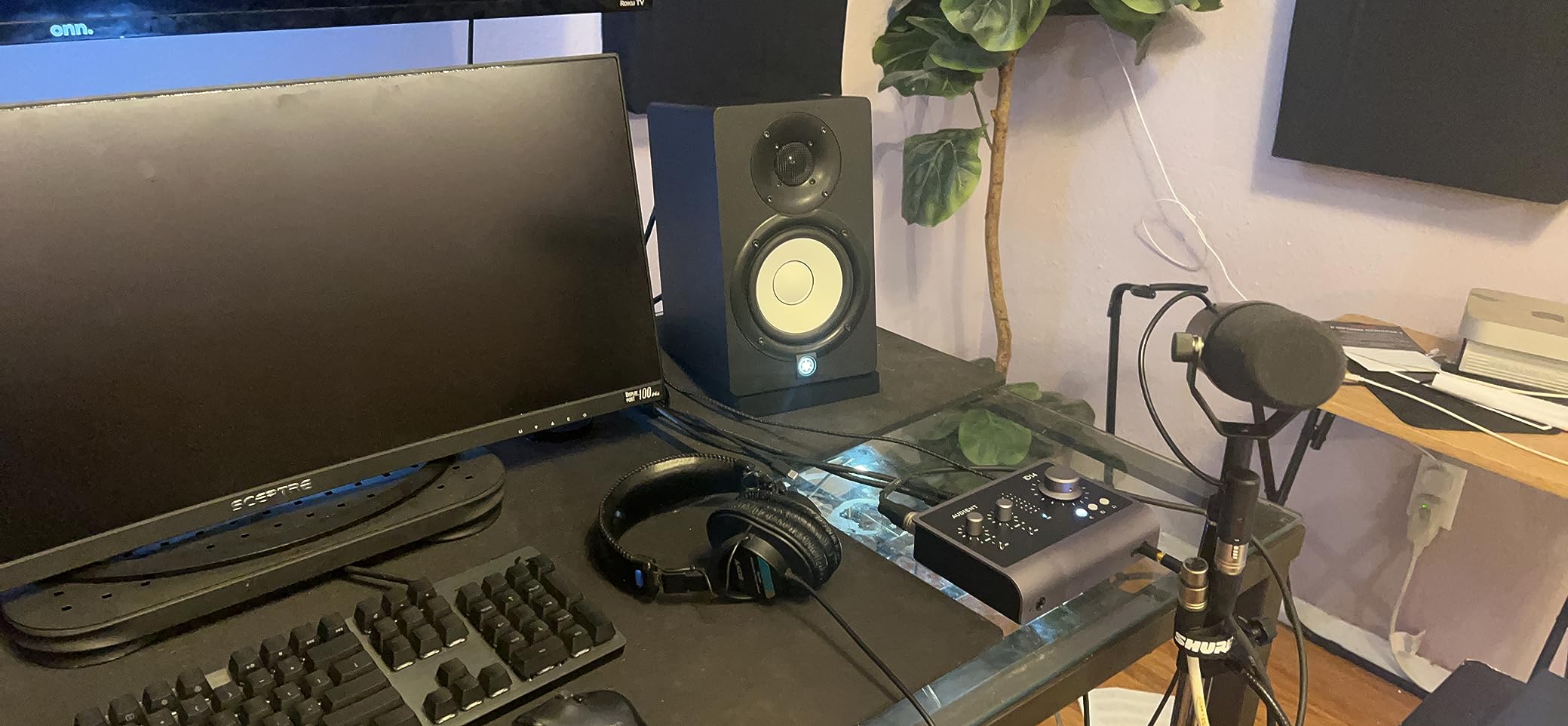
Two headphone outputs is a quietly useful detail. One is for you and one is for whoever else is in the room, which is handy when a second person wants to hear the same mix without splitting audio or using a splitter box.
The monitor mix and monitor panning functions let you blend DAW playback with the direct input, so a partially played take still feels immediate while you record. The all-metal housing and single USB-C cable make it feel like studio equipment rather than a computer accessory.
Who this interface suits
This suits guitarists who also record vocals or acoustic guitar and care more about preamp quality than about headline resolution. A JFET instrument input captures a clean DI, and the Class-A mic preamps handle the other side of the session.
It also suits anyone who works with a second person in the room, given the two headphone outputs. Bundled Cubase LE and Cubasis LE 2 mean a new user has a DAW to open on the first day.
Who this interface does not suit
It does not suit a player chasing a 192kHz workflow, since the maximum sample rate here is 96kHz, and it does not suit larger tracking sessions with only two mic preamps. It costs more than the entry-level two-channel boxes for good reason.
It also is not the choice for MIDI-heavy rigs or for a room where you will outgrow two inputs within the year. Buyers on a tight budget will get more channel count from a four-channel model instead.
9. Arturia MiniFuse 1 – Best for Guitar Plus MIDI Gear
- Very transparent sound with a near-inaudible noise floor
- Genuinely low-latency drivers make overdubs easy
- Five-pin MIDI in and out plus a rear USB hub
- Compact metal case that fits a laptop bag
- Ableton Live Lite and Guitar Rig 6 LE included
- Only one XLR input so no mic and instrument at once
- Some users need a reboot after driver installation
- Weak headphone drive for high-impedance in-ear monitors
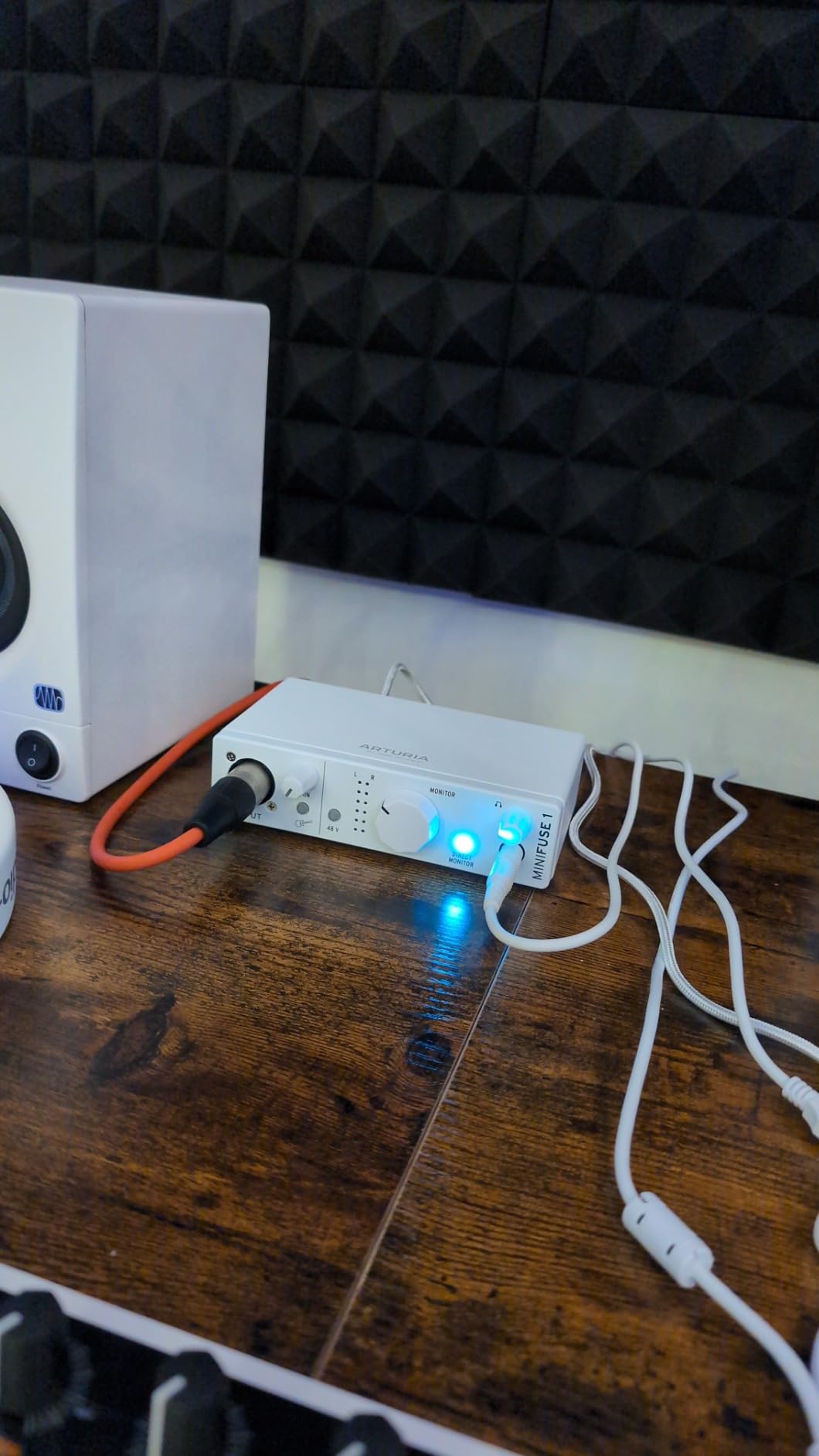
Arturia built this one around a hybrid guitarist’s rig. The combo mic, instrument and line input on channel one plus two instrument and line inputs on the back means I could track a guitar DI, a bass DI and a pad synth from one box without a single adapter.
The 24-bit and 192kHz conversion with drivers owners describe as genuinely low latency makes it comfortable to overdub and layer. For a player building parts in a DAW, the monitoring delay was the thing that would have pushed me back to headphones.
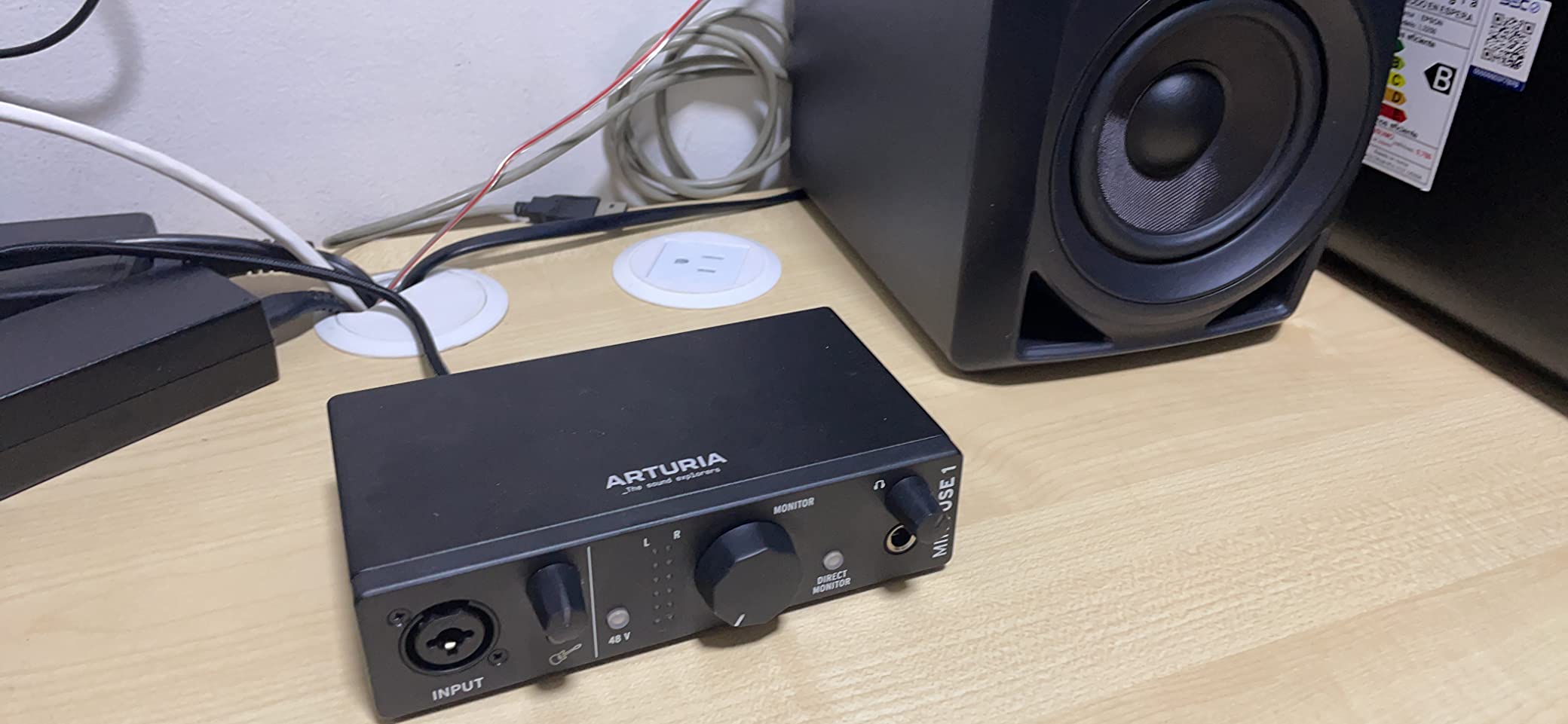
The MIDI in and out plus the rear USB hub is what separates it from the plain two-channel boxes here. A controller, a drum machine or a small keyboard plugs in without a second interface, and the hub keeps a single USB cable running to the computer.
Owners rate the sound as transparent with a noise floor that is hard to detect, and the five-year warranty is among the longest in this category. Bundled software includes Ableton Live Lite, Analog Lab Intro, Arturia FX and a Guitar Rig edition, though some of the subscription items are trials.
Who this interface suits
This suits a guitarist who also owns MIDI gear, or who layers synth and guitar parts in the same session. Three inputs and native MIDI make it a natural fit for someone who records more than one instrument at a time.
It also suits players who want a metal case small enough to travel with, given the low-latency drivers and the bundled amp software. The five-year warranty is a genuine benefit for a first studio purchase.
Who this interface does not suit
It does not suit someone who needs a vocal and an instrument recorded at the same moment, since there is only one XLR input. If your project is guitar and voice together, choose a two-input box with two mic preamps instead.
It also is not the choice for a player who wears high-impedance in-ear monitors regularly, because owners report the headphone output struggles to drive them. Some users need a reboot after driver installation, so plan for that on setup day.
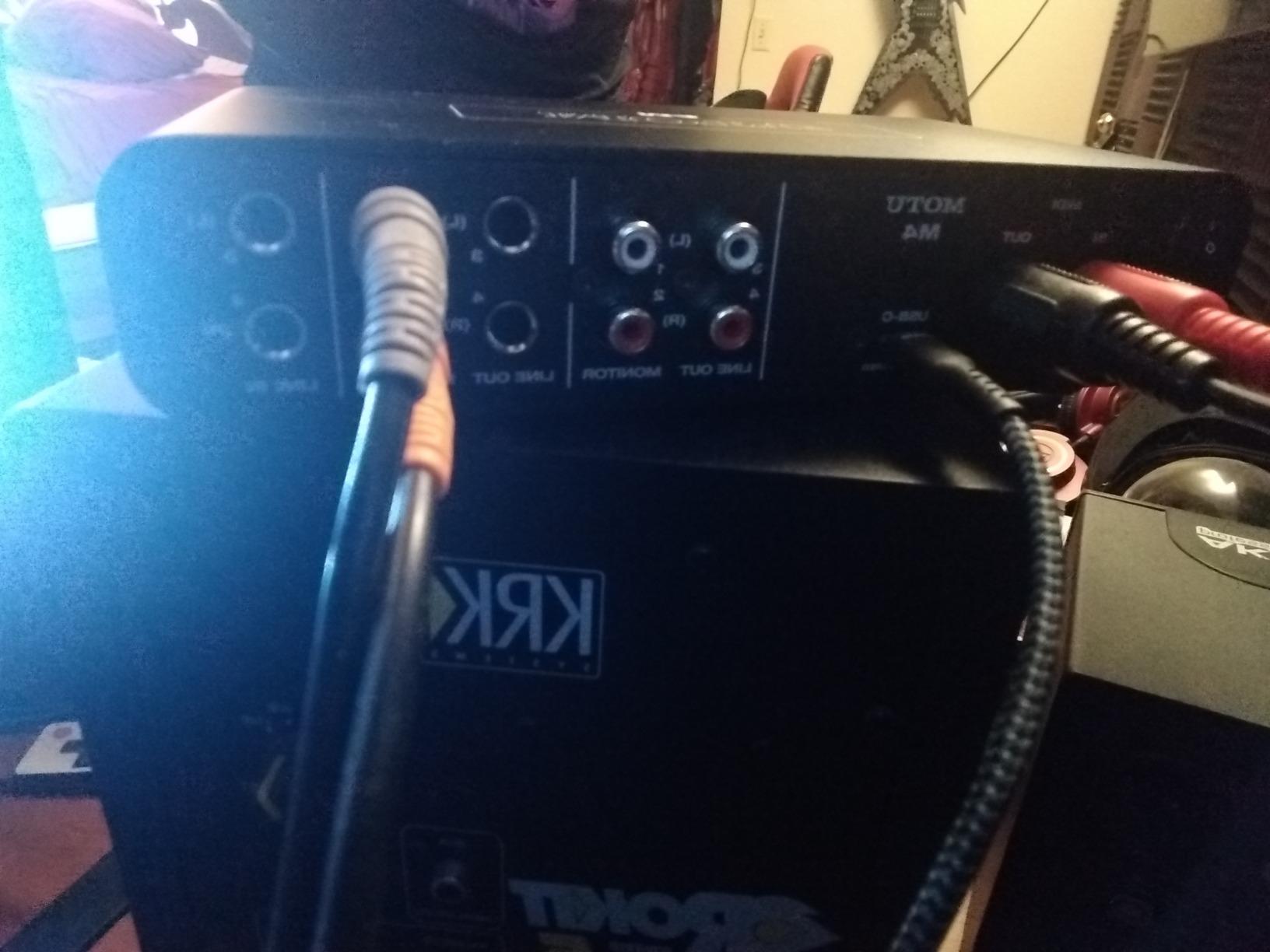
10. MOTU M4 – Best for Growing a Home Studio
- Four inputs and four outputs handle a stereo pair plus a DI
- 24-bit and 192kHz converters with very low noise
- LCD screen makes metering possible without the computer
- MIDI in and out plus loopback for streaming
- Costs more than two-channel alternatives
- Using all four outputs needs extra outboard gear
This is where I would start if I knew a project would grow, because the day you want a stereo pair of mics and a DI at the same time is the day a two-input box stops being enough. Four inputs and four outputs removes that ceiling from the start, and the DI still came through the same transparent converters as the smaller models.
The LCD screen is the feature I did not expect to care about and now rely on. Setting input gain, checking levels and choosing monitoring without opening the DAW means you can get a take quickly when an idea shows up, which is the real bottleneck in most home sessions.
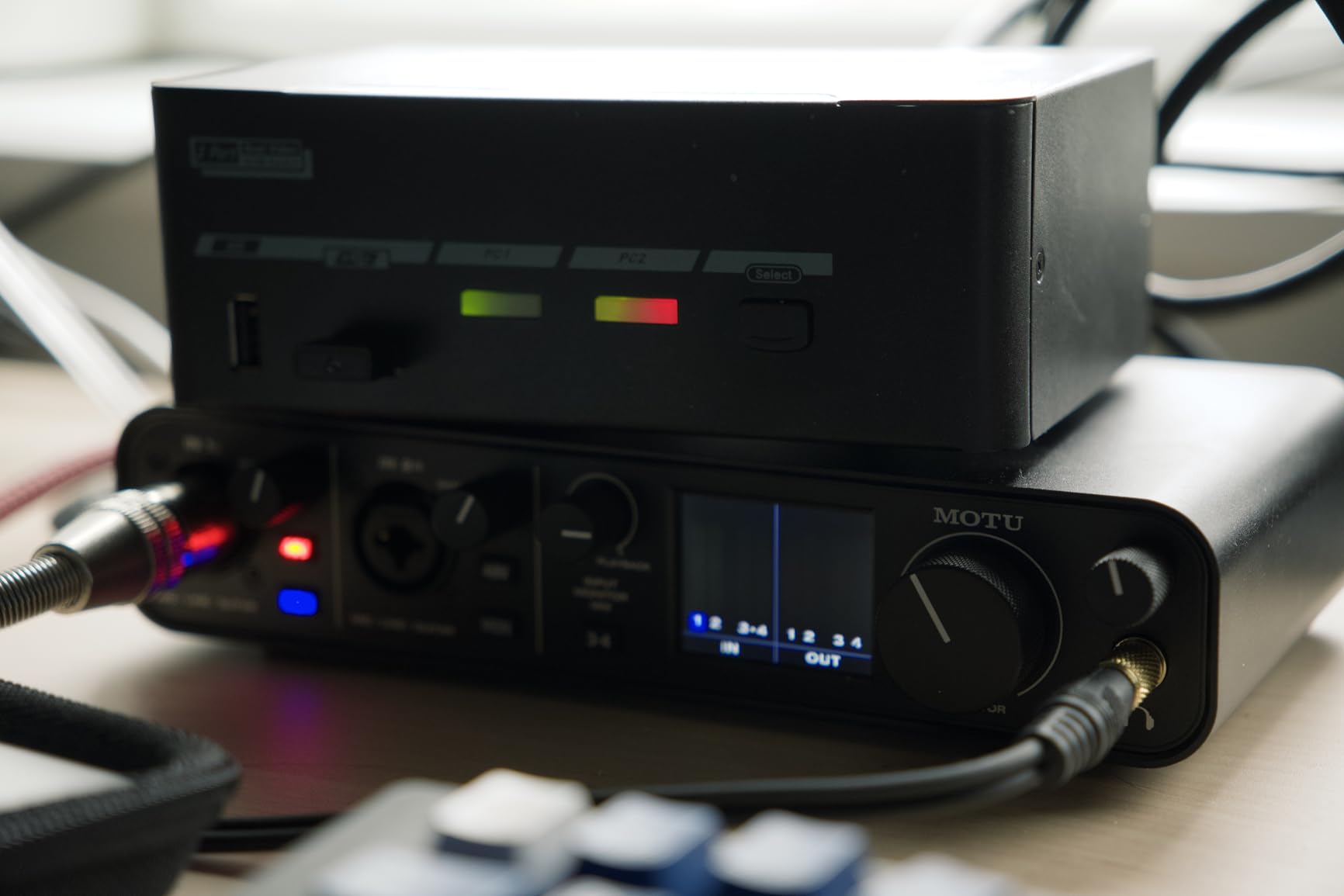
Two mic preamps plus instrument inputs handle a guitar DI and a vocal simultaneously, so a singer-songwriter gets what the two-channel boxes give them and a pair of mic channels as well. MIDI in and out and loopback cover the controller and streaming cases that used to require another box.
Reviewers treat the price as justified by the feature set rather than as an overspend. The honest limitation is that four outputs only make sense if you have monitors or outboard gear to feed, so a bare room with one pair of speakers gains less than the input count suggests.
Who this interface suits
This suits a player who already records guitar and vocals and can foresee adding a second mic, a room mic or a bass track. Four inputs mean the acoustic mic, the vocal mic and the DI can be captured in one pass.
It also suits anyone who wants to set levels without opening software, and anyone with MIDI gear or a streaming workflow. The screen-based setup is a real time saver once you stop treating the interface as a mystery box.
Who this interface does not suit
It does not suit a player working strictly one source at a time in a single room, who would get the same DI quality from a two-channel model for less money. Extra outputs without outboard gear are simply unused capacity.
It also is not a fit for a strict budget. If the extra inputs are not going to be used this year, a two-input box and a later upgrade is the more sensible order of operations.
How to Choose an Audio Interface for Guitar Recording
Hi-Z inputs and impedance are the part that matters most
A guitar pickup puts out a small, high-impedance signal. An input marked Hi-Z or Instrument is built to accept it; a line input and a microphone input are not the same thing. Plug a passive pickup into the wrong input and the input loads the pickup down, which pulls down the high frequencies and the transient attack.
The result is a DI that sounds thin and lifeless, and guitarists regularly blame the interface for a tone problem that is really a routing problem. Check that the jack you are using is the instrument input, and check that any pad or attenuation switch is off for a normal guitar.
Budget for round-trip latency under 8ms
Round-trip latency is the delay between playing a note and hearing it back. For tight riffing, aim for under 8ms round trip, and fix it with the buffer size in your DAW before you decide the interface is at fault. A smaller buffer adds load to the computer, so find the lowest setting that holds without dropouts.
Direct monitoring gives you a hardware path around the software delay entirely. Most boxes in this list offer a switch or button for it, and using it while tracking an amp sim is the standard workflow.
Never send 48V phantom power to a passive DI box or a ribbon mic
Phantom power is 48V intended for condenser microphones. Guitarists mostly do not need it, and sending it to a passive DI box or a ribbon microphone is a real hardware risk rather than a theoretical one. Check the manual before you patch anything into a combi input.
A passive DI is generally not phantom-power safe, and a ribbon mic can be damaged outright. If a channel offers a switch, leave it off unless a condenser mic is connected. This matters most on boxes with global phantom power that applies to every input.
Do you need a separate DI box?
Usually not, because a guitar with passive pickups is already a passive direct input and the Hi-Z channel is the DI. A separate box earns its place when your cable run is long, when you want a specific colour from a boutique active DI, or when you want to feed a real amplifier directly.
Buy one of the dedicated guitar interfaces in this list if you plan to re-amping. The Amp Out and Thru switch on a guitar-only interface does the same job without another box in the chain.
Acoustic guitar, bass and the two-channel question
For acoustic guitar, you want a mic input and an instrument input at the same time so you can blend a mic with a DI or run a stereo mic pair. For bass, pay attention to headroom: high-output active pickups clip entry-level preamps before the gain knob reaches halfway, so a two-channel box with matched preamps is the safer choice.
Decide early whether your sessions are one-source-at-a-time or simultaneous. A single-input unit suits a guitarist who tracks guitar alone; a two-input box suits a singer-songwriter recording voice and guitar together. Once you are past that, four inputs like the four-channel model give you room to grow without changing boxes.
For the rest of the room, our recording microphone guide, studio monitor roundup and audio mixer guide cover what sits either side of the interface in the chain.
Frequently Asked Questions
What is the best audio interface for recording guitar?
The Focusrite Scarlett Solo 3rd Gen is the strongest all-round choice, with a Hi-Z instrument input, a 56dB gain range and switchable Air mode for acoustic work. If you need to record a guitar and a vocal at the same time, a two-input box such as the MOTU M2 or the Audient iD14 MKII fits better.
Do I need an audio interface to record my guitar?
If your computer has no instrument input, you need something to convert the guitar signal to digital. A laptop or phone without a built-in interface cannot capture a guitar DI properly. Any of the units in this guide works, and a separate DI box is optional because a guitar with passive pickups is already a direct input.
Do you need phantom power for a DI box?
No. Phantom power supplies 48V for condenser microphones and has no purpose for a passive direct input. Never send 48V to a passive DI box or a ribbon microphone, because it can damage them. Leave the switch off unless a condenser mic is connected to that input.
Can I plug a guitar into a regular mic input?
You can, but you should not. A microphone input is designed for a low-level mic signal and will not match a guitar pickup, so the result is a thin, quiet DI with lost transients. Use the input marked Instrument or Hi-Z so the input impedance matches the pickup.
How much latency is acceptable when tracking guitar?
Under 8ms round trip is a workable target for tight riffs and funk. Most of the delay comes from the DAW buffer size rather than the interface itself, so lower the buffer in your software and use the hardware direct monitoring switch to hear the raw signal with no round trip at all.
The Verdict: Which Audio Interface Should You Buy?
The Focusrite Scarlett Solo 3rd Gen is our pick for the best audio interfaces for guitar recording because it does the one job a guitar needs from an interface, reliably, at a price most people can justify, and it has the deepest pool of real owner feedback of anything here. If you need two inputs, the MOTU M2 gives you 24-bit/192kHz conversion and a clean DI alongside a vocal channel.
Below that, the Behringer UMC22 covers practice and demos, the Behringer UMC202HD is the value upgrade with real converters, and the Audient iD14 MKII is the choice when vocal and acoustic quality matter as much as the guitar. Pick the box that matches how many things you record at once, plug into the Hi-Z input, and start with a clean DI.