
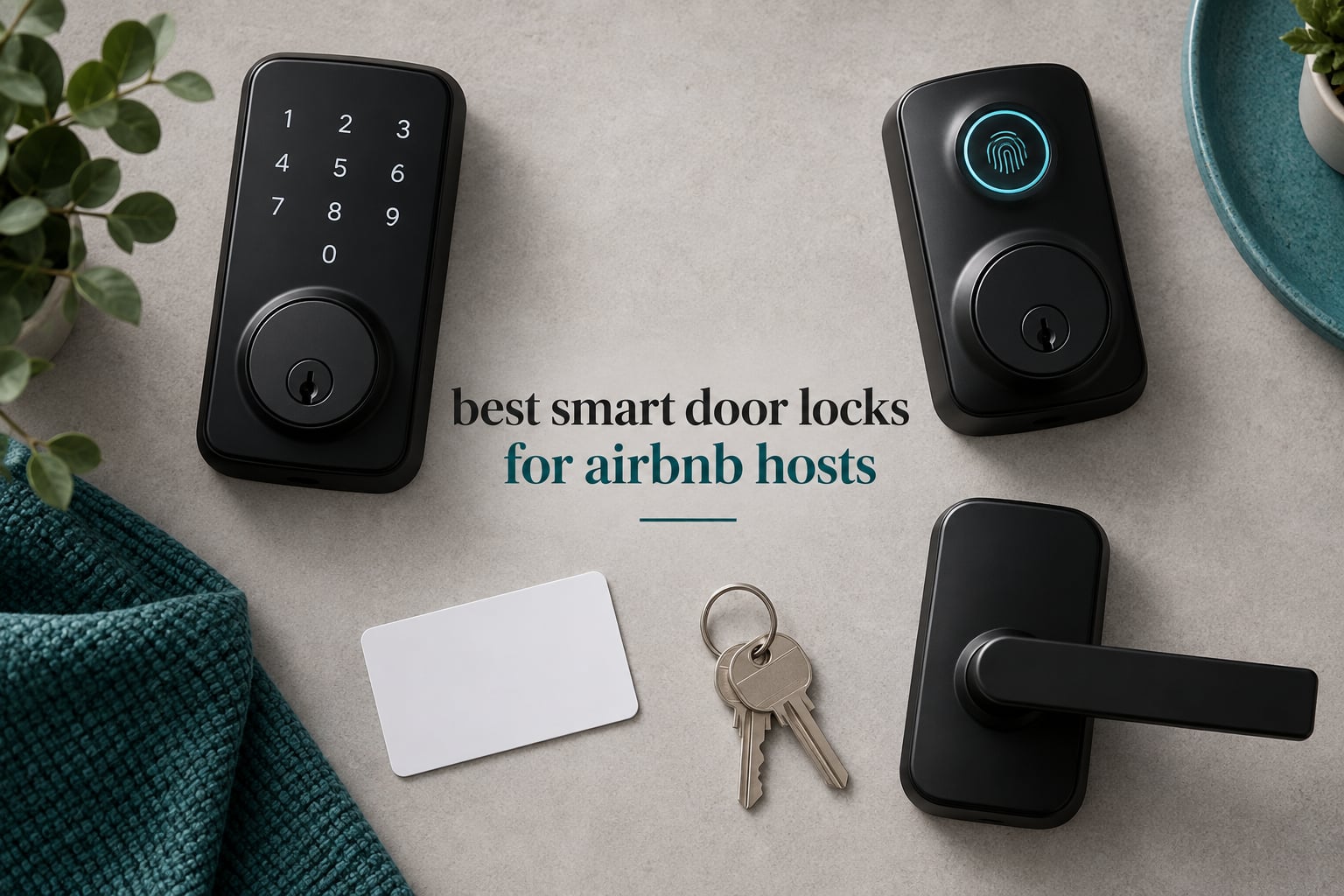
The short answer on what smart lock an Airbnb should use: it needs scheduled access codes, an activity log, and a physical key that still opens the door when the batteries die. Airbnb itself does not endorse a brand. What platforms like this one do is generate a time-limited PIN for each booking once the lock is connected to a channel manager, and revoke it after checkout. Everything below is judged on whether it does that job cleanly, not on how it looks on a shelf.
Hosting feedback is consistent on why this matters. Guests who can get in without a host present leave better reviews, and self check-in is one of the most searched filters in short-term rental booking sites. A lock that creates codes automatically removes the two worst failure modes in the business: a lockbox with a code that never changes, and a guest standing outside at 11pm because a key handoff fell apart.
Our team worked through spec sheets, install requirements, warranty terms and owner review patterns for eight locks that cover the full decision tree, from a connected deadbolt with native platform integration to fully offline keypad models. We did not install all eight in a live rental, so product facts come from manufacturer documentation and the review record, and we flag clearly where a claim is a spec-sheet number rather than an observation.
If you want the broader picture first, our guides to the best smart locks overall and the best keypad door locks cover residential and non-rental use. This one is built only for hosts.
Table of Contents
Top 3 Best Smart Door Locks for Airbnb Hosts (September 2026)

Schlage Encode Smart WiFi Deadbolt
- Native Airbnb code automation
- Built-in Wi-Fi with no hub
- Up to 100 access codes
- BHMA highest residential rating

ULTRALOQ Bolt SE WiFi
- Built-in 2.4 GHz Wi-Fi
- 50 codes and 50 fingerprints
- Matter over Thread
- 18 month Thread battery claim

TEEHO TE002 Fingerprint Keypad Deadbolt
- 20 passcodes plus 20 fingerprints
- Works with no app or Wi-Fi
- 365 day battery claim
- Vacation and silent modes
The Schlage Encode takes the top slot for one reason: it is the only lock here that a booking platform can drive directly. Guest codes are created ahead of check-in and removed after checkout without the host touching the app. The ULTRALOQ Bolt SE is the value pick for anyone who wants the same connected workflow on a smaller budget, and the TEEHO TE002 is the most highly rated lock in the group, though it works completely offline.
All 8 Locks at a Glance
| Product | Specifications | Action |
|---|---|---|
| Schlage Encode Smart WiFi Deadbolt |
|
Check Latest Price |
| TEEHO TE002 Fingerprint Keypad Deadbolt |
|
Check Latest Price |
| ULTRALOQ Bolt SE WiFi |
|
Check Latest Price |
 Sifely S Fingerprint Keypad Smart Lock Sifely S Fingerprint Keypad Smart Lock |
|
Check Latest Price |
 eufy Security Smart Lock C220 eufy Security Smart Lock C220 |
|
Check Latest Price |
 Aqara Smart Lock U100 Aqara Smart Lock U100 |
|
Check Latest Price |
 Veise KS02A Fingerprint Door Lock Veise KS02A Fingerprint Door Lock |
|
Check Latest Price |
 ULTRALOQ U-Bolt WiFi Smart Lock ULTRALOQ U-Bolt WiFi Smart Lock |
|
Check Latest Price |
Two patterns jump out. Only three of the eight manage codes remotely without another box to buy, and the two most capable connected locks (the Aqara and the Sifely) both hide remote management behind a separately sold hub. The other pattern is battery count: claims range from 365 days on the two offline models down to about six months on the Schlage, which is the honest cost of a radio that is awake all the time.
1. Schlage Encode Smart WiFi Deadbolt – Best Overall for Remote Hosts
Schlage Encode Smart WiFi Deadbolt Lock with Century Trim, Matte Black
- Direct Wi-Fi connection with no hub to install or power
- Native platform integration creates and removes guest codes automatically
- 100 access codes with scheduled and temporary windows
- Clear app history showing who opened the door and when
- Physical backup key and four AA batteries in the box
- Capacitive numbers hard to see in low light
- Not rekeyable so it needs its own keys
- Some owners report firmware or electronics failures after several months
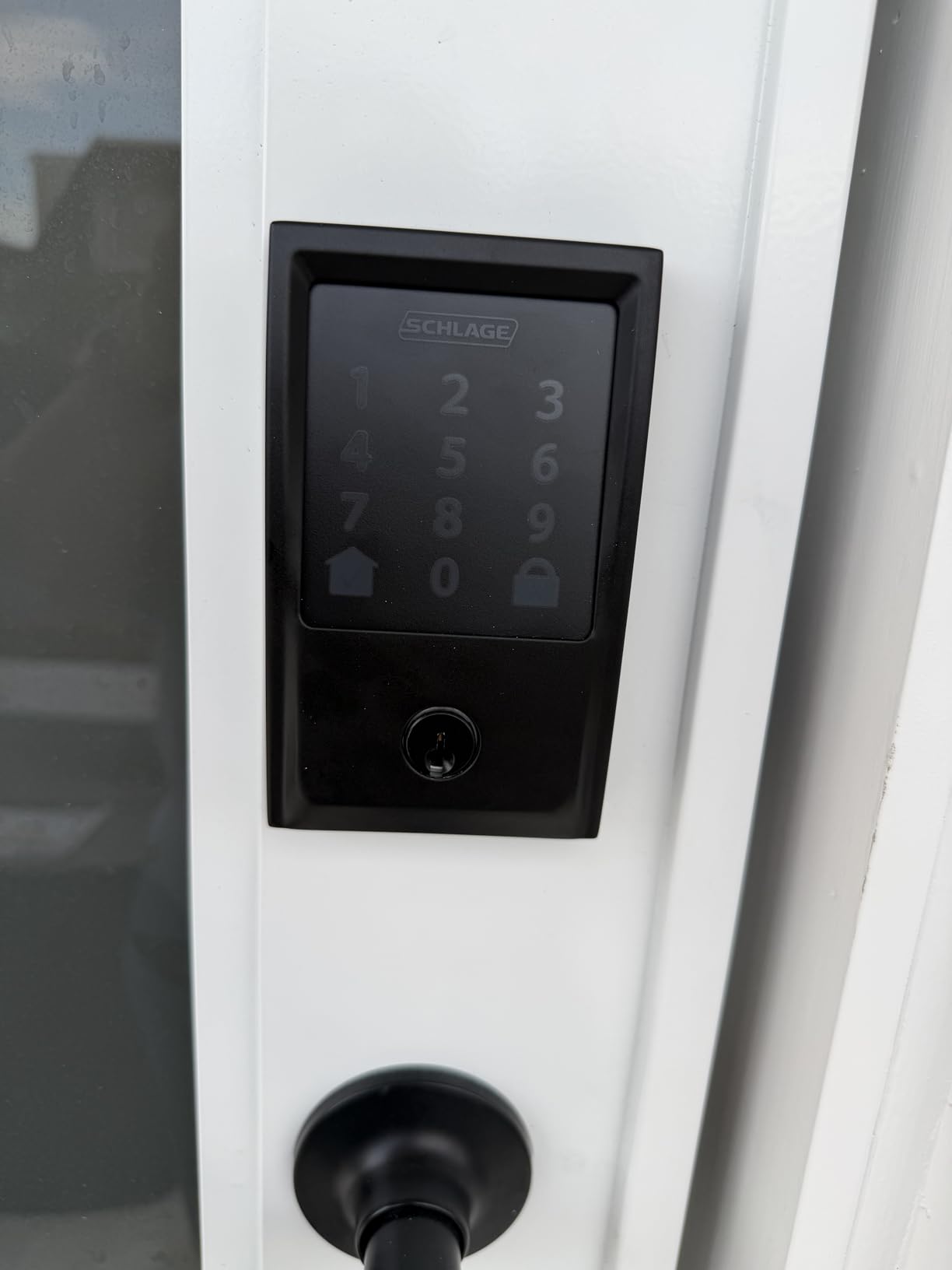
This is the lock we would put on a rental nobody is standing next to. It connects to the property network directly, so there is no bridge to mount, power or troubleshoot, and up to 100 access codes can run on their own schedules. The code capacity matters more than it first appears: one code per guest, one for the cleaner, one for the handyman, and you still have room to spare.
The reason it wins is operational rather than technical. Owners running short-term rentals single out the direct platform integration as the standout feature, reporting that guest codes appear before check-in and vanish after checkout with no manual work. Long-term owners describe it as a multi-year workhorse that keeps working while travelling.
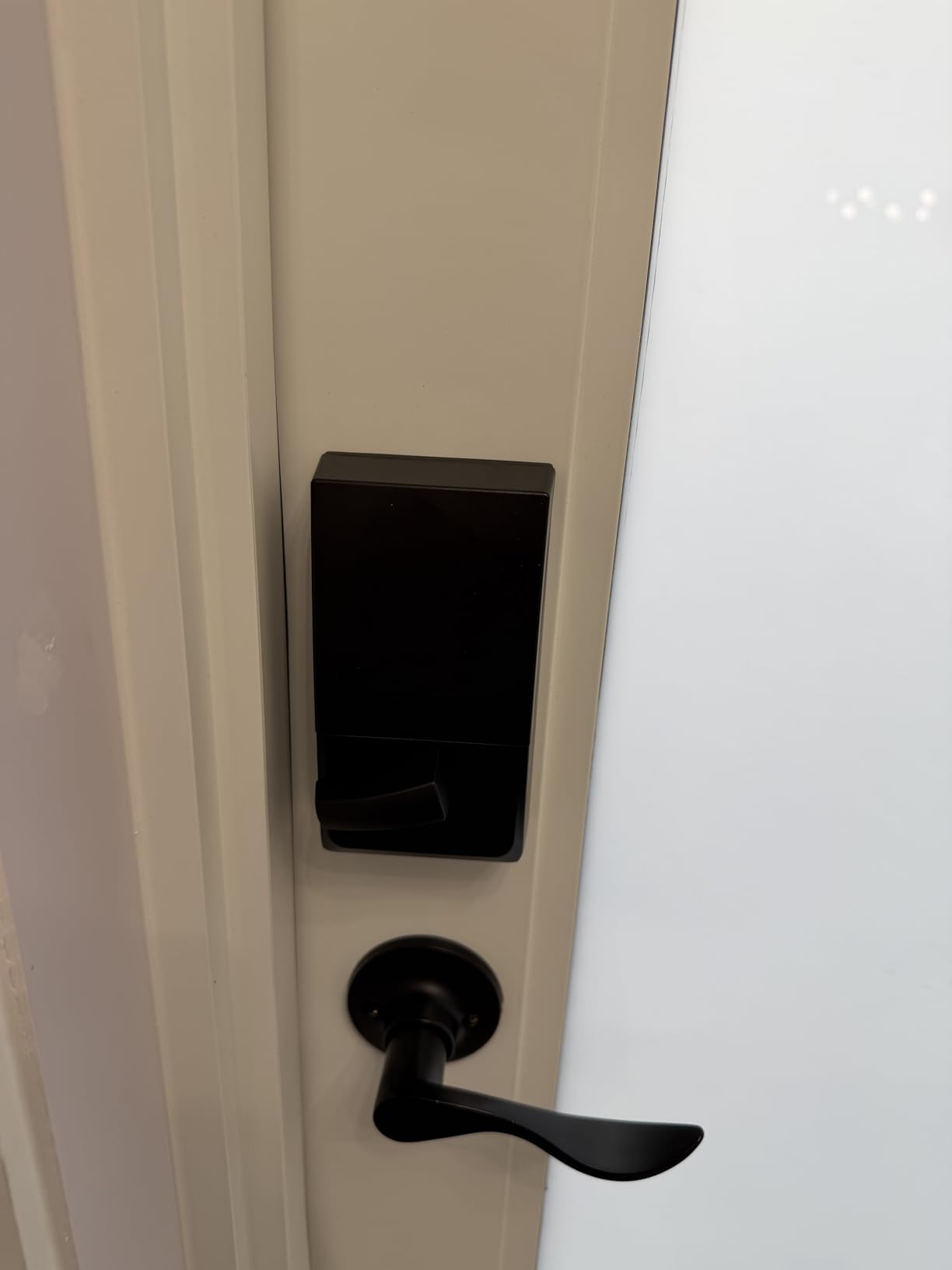
Install is a screwdriver job on doors 1-3/8 to 1-3/4 inch thick with a 2-3/8 or 2-3/4 inch backset, and the four AA batteries are included. The deadbolt is not rekeyable, so if you want the rental door and an interior door on the same key, plan for two separate key sets and store the spares in a coded lockbox rather than under a mat.
Two weaknesses are worth planning around. The capacitive keypad stays dim until you wake it, which is awkward for a guest arriving in the dark, and a smaller group of owners report electronics or firmware trouble after several months of daily use. Keep one physical key in the house and know how to reach a hardware store, because the key is your only path in when the app and the radio both go quiet.
When this lock earns its cost on a rental
It earns it the moment the property is more than about 15 minutes away from you. Remote code creation, remote unlocking during a callout, and automatic expiry after checkout are all things you cannot fake with a keypad. For a single unit you drive to, that value shrinks fast.
It also suits properties where a guest has an irregular arrival window, because a scheduled code does not need a host awake to activate it. The entry history also gives you an audit trail if a damage dispute comes up.
When to skip it
Skip it if the door hardware cannot legally or physically be changed, such as some historic buildings and rentals with a landlord or association rule against replacing the deadbolt. It is also the wrong call for a host who never leaves home and already has a working lockbox.
Budget for the fact that its stated battery life is about six months, not a year. In warm, humid climates hosts report shorter real intervals, and a Wi-Fi lock keeps talking to the router every time it senses movement.
2. TEEHO TE002 Fingerprint Keypad Deadbolt – Best Rated Offline Lock
- Highest rating average in this roundup at 4.4 stars
- One-second fingerprint unlock with 0.3 second recognition
- 20 passcodes plus one-time PINs for rotating guest access
- Screwdriver-only install on standard US doors
- Vacation mode revokes temporary access at a touch
- No app
- so codes cannot be changed while you are away
- Fits only a 2-1/8 inch door hole
- Batteries are not included
Counter to the common assumption that a rental lock has to be connected, this one runs entirely on its own keypad. Codes live in the lock, guests enter them, and nothing about the door depends on a router, a hub or a phone app. For a property with poor internet or no internet at all, that is a feature rather than a compromise.
Owners consistently praise the speed of the fingerprint reader, which recognises prints in 0.3 seconds and gets better as it learns, along with the 20-code capacity that suits a family or a steady rotation of short stays. The large body of reviews reflects a dependable offline keypad deadbolt that does one job well.
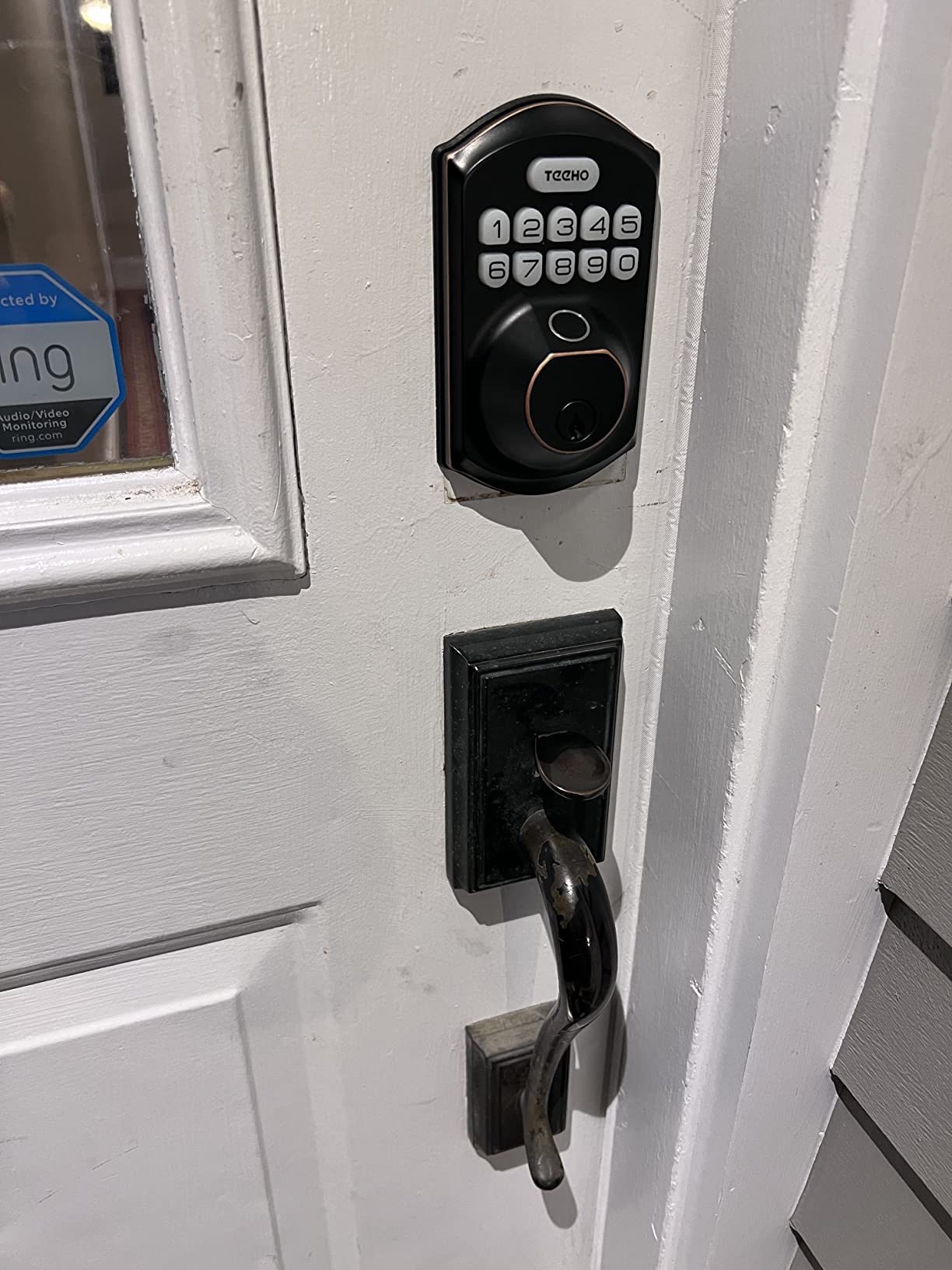
Construction is aluminium alloy with BHMA Grade 3 certification and an IP54 weather rating, which is adequate for a covered exterior door in most climates. Auto-lock is adjustable from 10 to 99 seconds, silent mode handles late arrivals, and vacation mode wipes temporary access when the unit turns over.
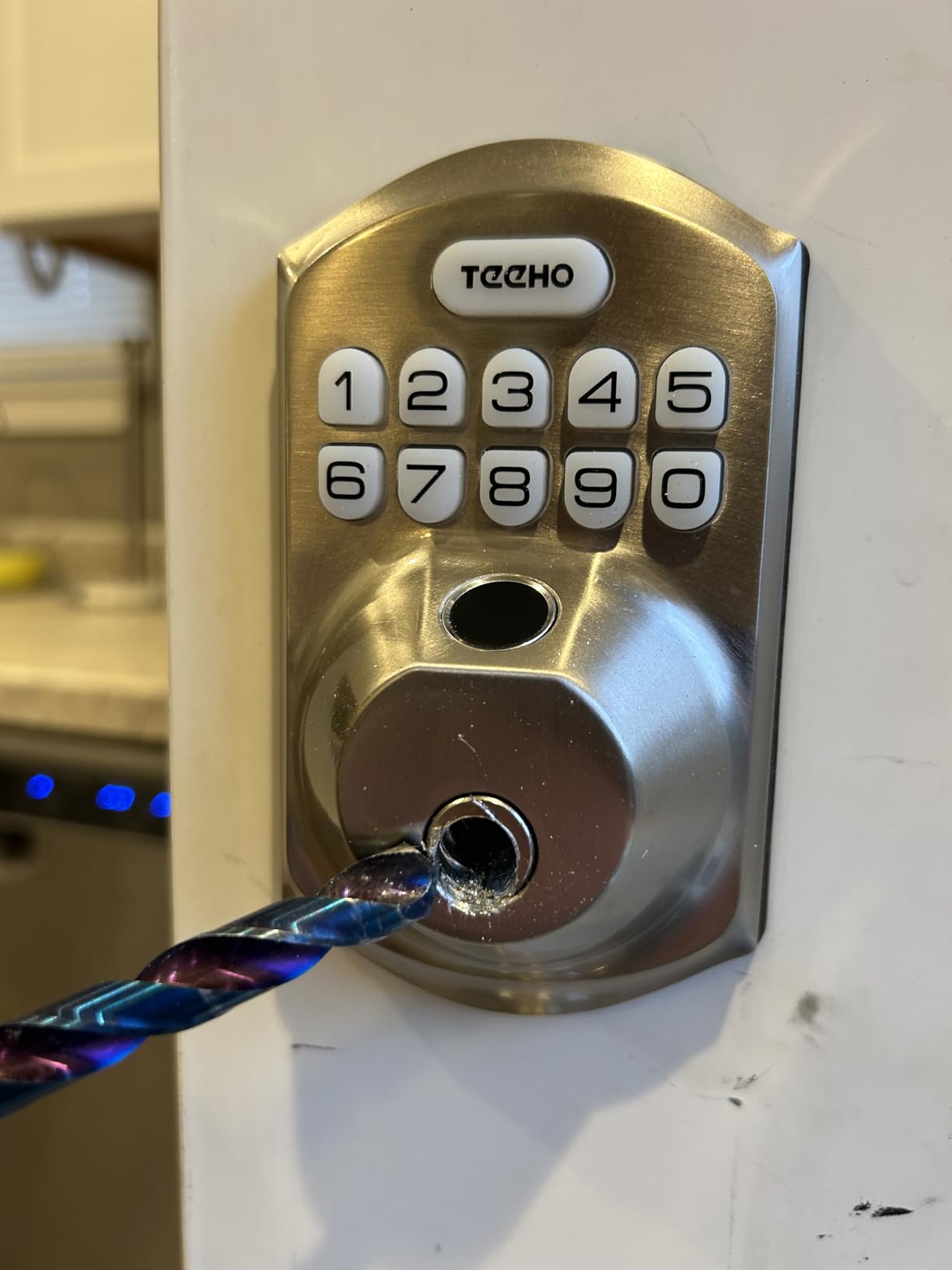
The limits are structural. It fits a 2-1/8 inch (54mm) door hole only, so measure before ordering, and the 4 AA batteries are not in the box. There is no way to add or revoke a code from away, which means you either hand-enter codes before you leave or you accept that a guest who loses the code needs a phone call.
Where an offline lock is the right answer
Choose it when the property has unreliable internet, when you visit the unit regularly enough to program codes in person, or when you want the simplest possible guest experience: four digits and the door opens. Children and older guests manage a PIN far better than an app.
It is also a good second lock. A lot of experienced hosts run a connected deadbolt on the main entry and an offline keypad or keybox as a failsafe, so a dead battery never becomes a locked-out guest.
When to skip it
Skip it if you manage properties from more than 30 minutes away and expect to add codes on demand. There is no app, so the whole point of remote hosting is missing.
Also check the bore size. Hosts who discover the 54mm-only fit after delivery usually end up returning it, and that is the single most avoidable disappointment with this model.
3. ULTRALOQ Bolt SE WiFi – Best Value Connected Lock
- Four unlock methods in one body
- 50 passcodes plus 50 fingerprints handles heavy turnover
- Built-in Wi-Fi means no bridge to buy or power
- Matter over Thread support fits Apple Home and other Matter apps
- Two mechanical keys and a lifetime mechanical warranty
- Fingerprint reader unreliable for some users
- No door-position sensor so auto-lock can fire on an ajar door
- Web portal updates have removed multi-user visibility
This is the pick for a host who wants the connected workflow of a premium deadbolt without the premium outlay. Built-in 2.4 GHz Wi-Fi handles remote lock and unlock directly, and the router should be within about 70 feet of the door. There is no hub, no bridge and no wiring.
Capacity is the quiet strength. Fifty fingerprints and fifty passcodes, plus app access, eKeys, web portal sharing and two physical keys, give you room for guests, a cleaning crew and a maintenance team at the same time. Temporary user schedules are built in, which is the feature that stops a past guest reusing a code.
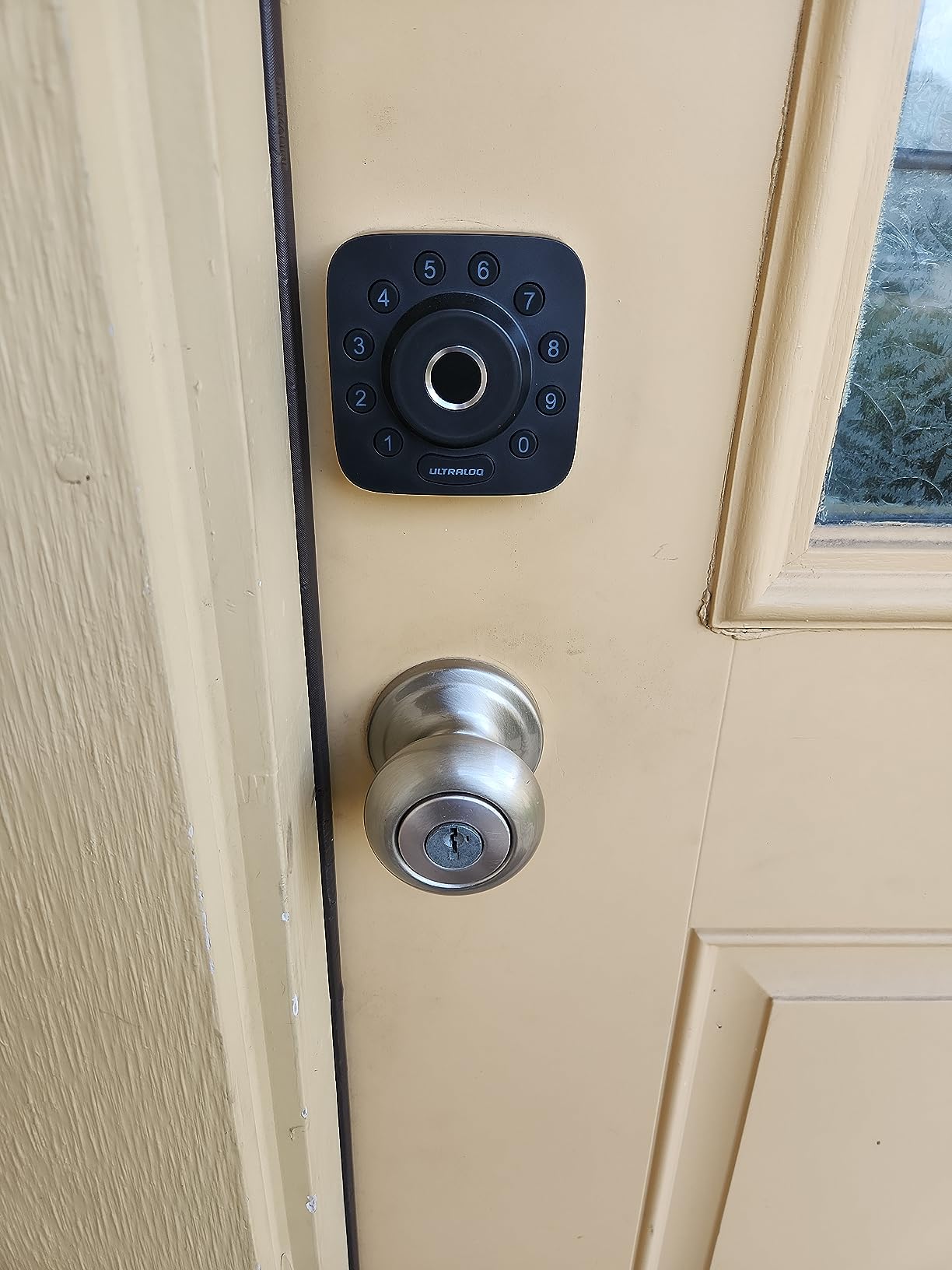
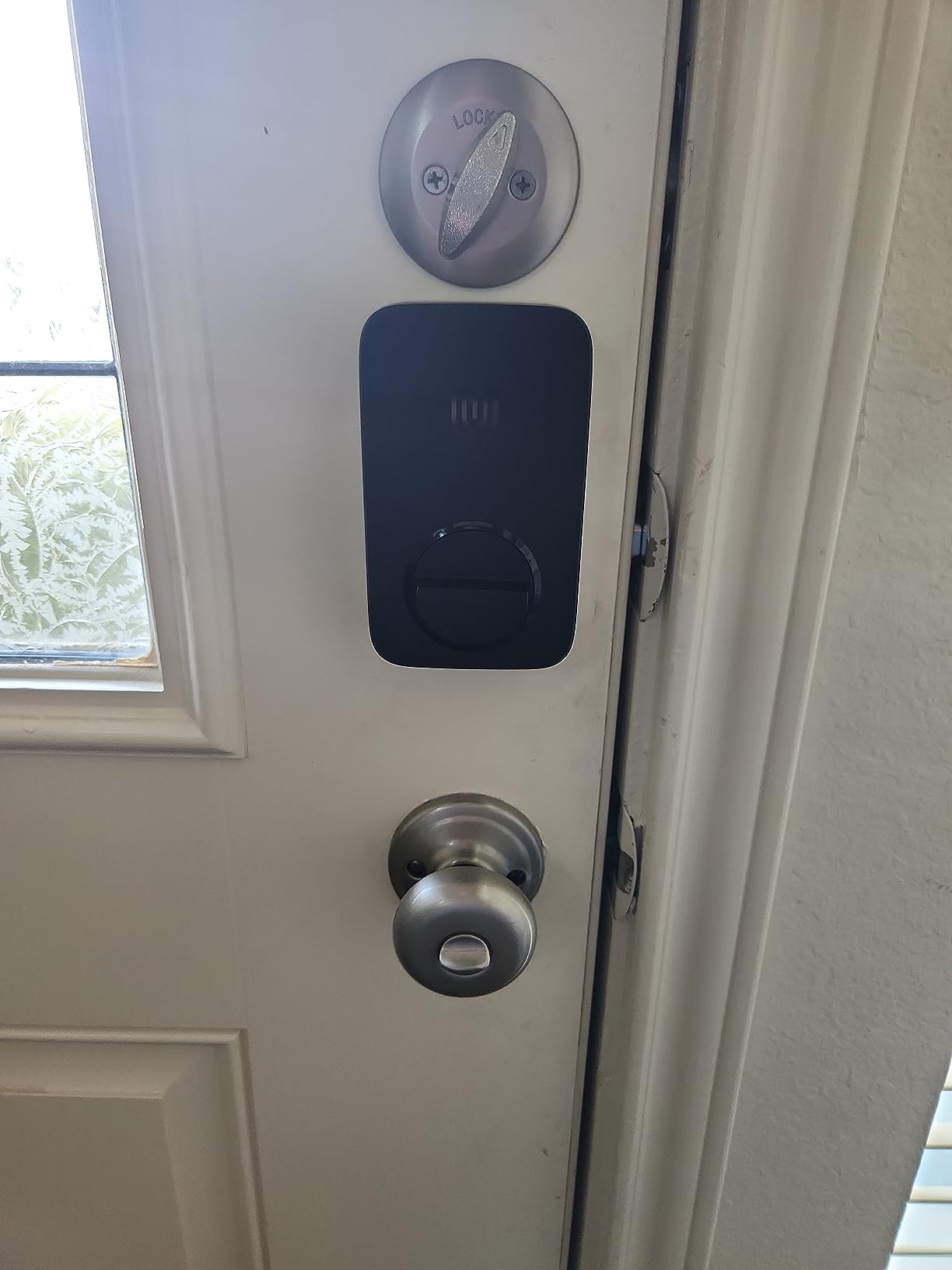
The IP65 body and ANSI/BHMA certification make it a reasonable exterior door choice, and the 10-minute install needs no hub and no locksmith. Matter over Thread support means it can also join a modern smart home setup if the rental ever becomes a long-term let.
Three cautions. The fingerprint reader is the most common complaint and some users end up entering a code most of the time. Without a door-position sensor, the auto-lock can fire while the door is still ajar and the app may report a jam. Property managers running several units through the web portal report that recent software updates stripped secondary admins of lock visibility, which is worth checking before you commit a portfolio to it.
When this is the smarter buy
It fits hosts with a handful of units who want scheduled codes and remote unlocking without a per-door cost that scales painfully. Fifty codes cover a small portfolio with room to spare, and the entry log records which method opened the door each time.
Matter support is the hedge. If you later move to Apple Home or another modern platform, the lock can come with you instead of being stranded in a closed ecosystem.
When to skip it
Skip it if fingerprint entry is your primary selling point to guests. Owners report the reader failing often enough that they fall back to the keypad, and a guest who cannot get in blames the property.
Skip it if you are a portfolio host who depends on multiple co-hosts or cleaners having their own logins. The web portal has reportedly removed secondary admin visibility after an update.
4. Sifely S Fingerprint Keypad Smart Lock – Best for First-Time Hosts
- Guest access codes generate instantly through the app or web portal
- Fits most standard doors with no drilling and a reversible handle
- Two physical keys and two key cards as a backup
- Auto-lock with adjustable delay and scheduling
- Replaces a door knob so you keep a pull handle
- Remote PIN creation and access history need the separately sold WiFi Gateway
- Touchscreen panel is often unresponsive and needs repeated taps
- Weather sealing can fail on exposed doors in rainy seasons
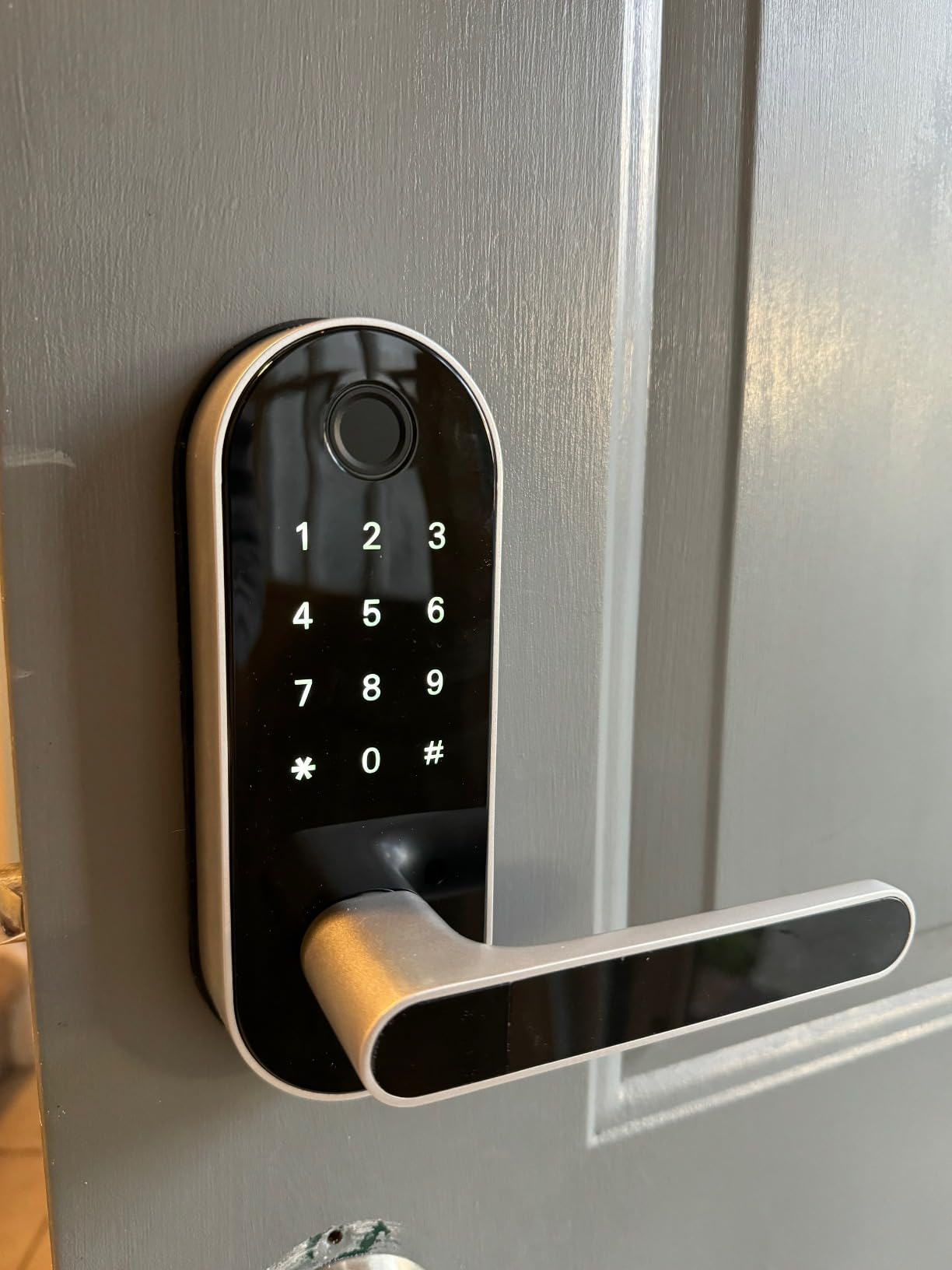
Most first locks are chosen badly because people buy the deadbolt when they actually need a door handle. The Sifely S replaces the interior knob, so a short-term rental keeps a working pull handle while gaining a keypad, and the reversible handle fits either door swing without modification.
Hosts running rentals frequently cite the instant temporary PIN generation as the reason for choosing it, and reviewers like the sheer number of entry methods: fingerprint, keypad, app, key fob, physical key and voice through the gateway. The two keys and two key cards give you a non-electronic backup that lives inside the lock rather than under a mat.
Install is described as a matter of minutes on most standard doors with no extra drilling, and auto-lock delay and scheduling take the anxiety out of a door that guests leave open. Warranty is one year, which is the shortest in this roundup, so keep the receipt somewhere you will find it.
The gateway is the real cost decision. Remote PIN creation and access history require the separately sold Sifely WiFi Gateway, and the app is Bluetooth-only nearby without it. That means the purchase price is not the whole number for a remotely managed property. Reviewers also report an unresponsive touchscreen that needs repeated taps, and weather sealing that can fail on exposed doors during a rainy season.
What makes it the beginner-friendly option
It is the only lock here that is a full replacement for a knob and handle rather than a deadbolt add-on, so you are not trying to source a matching exterior plate. The six entry methods mean a guest can almost always get in somehow, which is the real definition of beginner-friendly.
Two key cards is a nice touch. Hand one to a regular cleaner and it works with no phone, no app and no battery.
When to skip it
Skip it if you need remote code management and want a single item on the invoice. The gateway is an extra purchase, an extra power outlet inside the property, and another thing to troubleshoot.
Skip it for an uncovered door in a wet climate. Water getting into the front panel is the failure that actually locks a guest out, and no lock warranty will get a guest through the door at midnight.
5. eufy Security Smart Lock C220 – Best for Flexible Entry Methods
eufy Security Smart Lock C220, Fingerprint Keyless Entry Door Lock
- Fingerprint reads in under a second with large illuminated keypad buttons
- Built-in Wi-Fi removes the need for a bridge or hub
- Temporary and scheduled codes are easy to assign to cleaners and sitters
- App logs entries and alerts when the lock is used or fails to lock
- Physical key and eight AA batteries included in the box
- Auto-lock timer can fire while you are still unloading
- Can fail to latch when indoor and outdoor temperatures differ
- Eight AA batteries is a lot of cells to change
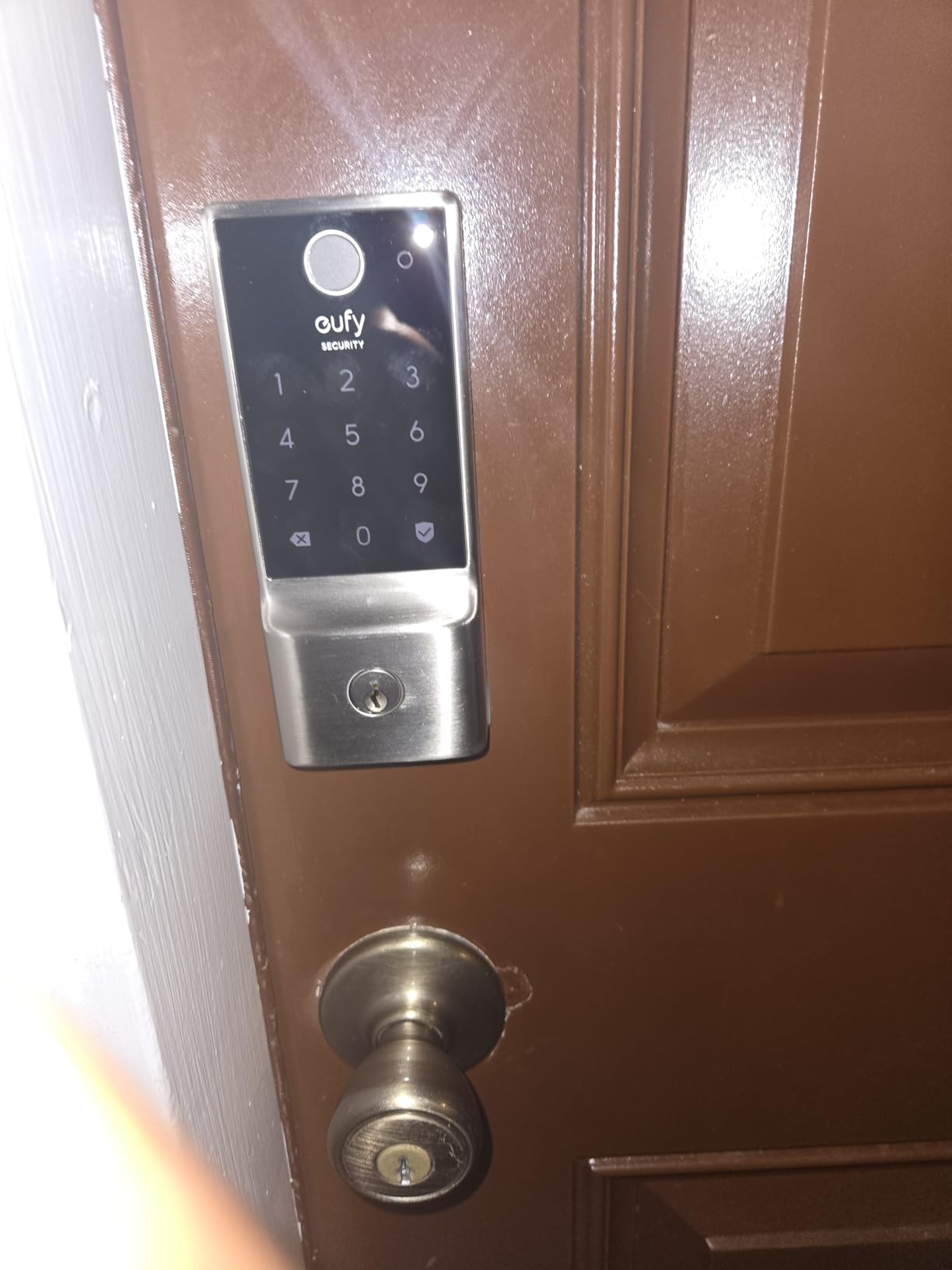
The eufy C220 answers a question hosts ask constantly: what if a guest cannot work the keypad or the phone. It offers six ways in, including fingerprint, app, keypad, physical key, Apple Watch and voice. That redundancy is the point of the product, and owners rate the fingerprint reader as fast and rarely failing.
It also has built-in Wi-Fi, so remote control runs through the eufy Security app with no bridge, and the box contains a physical key plus eight AA batteries. Hosts specifically mention assigning temporary codes to house cleaners and dog sitters, and using app alerts when the lock fails to latch.
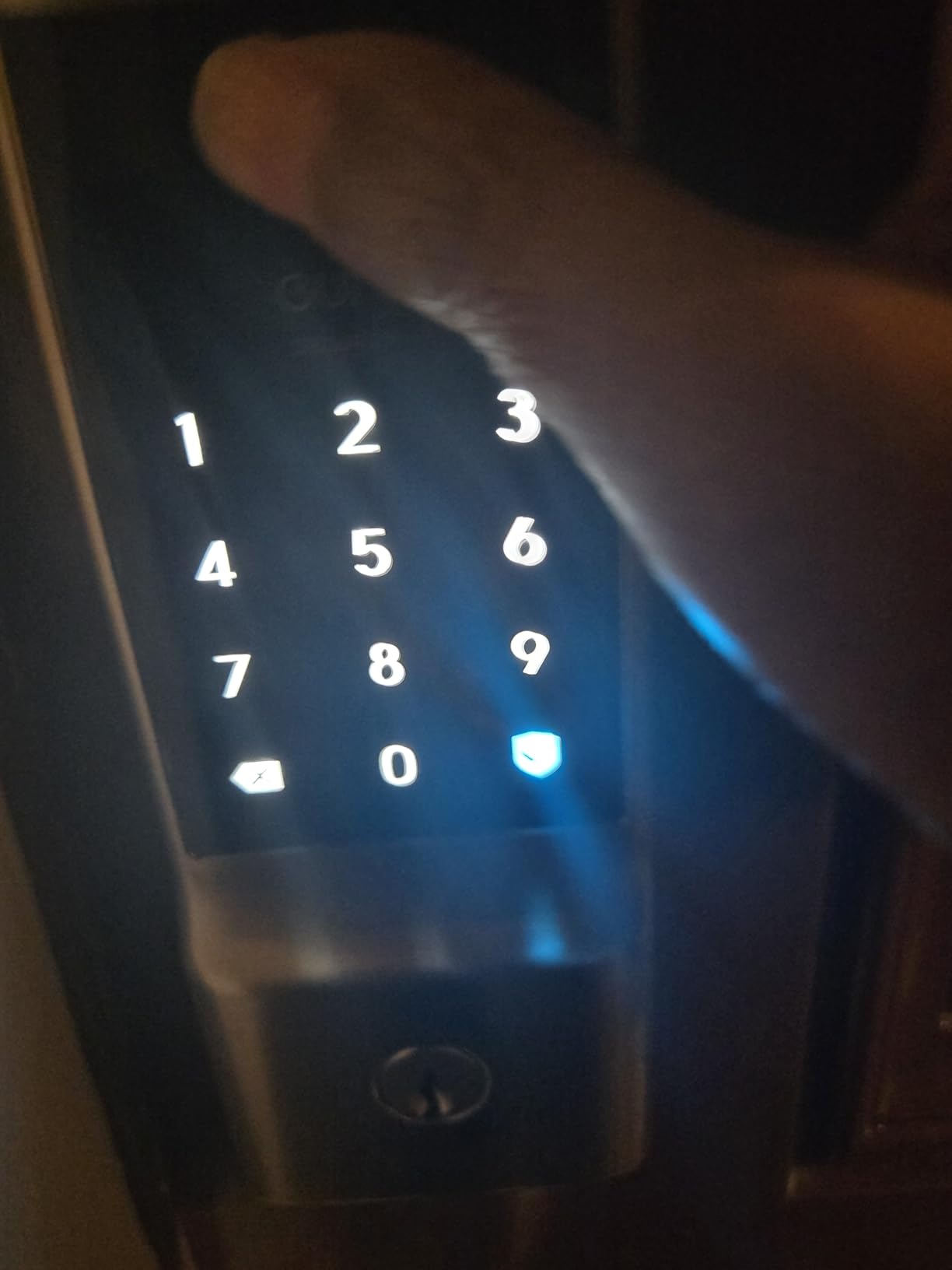
Installation is around 15 to 20 minutes on most standard deadbolts with no drilling, and it fits existing bores under 54mm once the spacer is removed. The self-learning fingerprint module improves with every touch, which is unusual at this tier and matters when a dozen different guests touch it per season.
Recurring criticisms cluster around timing rather than security. The auto-lock timer starts from the unlock moment, so it can lock while you are carrying bags back in. It can also fail to latch in cold weather when pressure inside and out differs, and eight AA cells is a lot of batteries to change, with no rechargeable pack option.
Where the six methods actually earn their place
They matter most in properties with a wide mix of guests: families with kids, older visitors who struggle with a small keypad, and guests who would rather tap an Apple Watch than pull out a phone. One of the six is always going to be the one that works at 11pm.
For hosts already running eufy doorbells or cameras, the lock joins the same app and routines, which simplifies the notification story considerably.
When to skip it
Skip it if you are in a cold climate with a door that is hard to throw. The latch complaints are frequent enough that a second entry method, such as a knob or a bolt, is worth planning for.
Also consider the auto-lock timer. If your turnover involves arriving with bags through the same door twice, set a longer delay or turn auto-lock off and rely on the app alert instead.
6. Aqara Smart Lock U100 – Best for Apple Households
Aqara Smart Lock U100, Apple Home Key, Fingerprint Deadbolt, Gray
- Apple Home Key works by tapping an iPhone or Apple Watch
- even with the device powered off
- Fingerprint reader is fast and accurate with room for 50 prints
- One of the few locks combining Home Key
- key
- optional NFC card and keypad
- Long-term owners report a rock-solid HomeKit connection
- Four AA batteries and a USB-C emergency port included
- Remote control and access logs need the separately sold Aqara Zigbee hub
- Not rekeyable and needs its own keys
- Some units showed locking loops
- beeping and premature low battery alerts
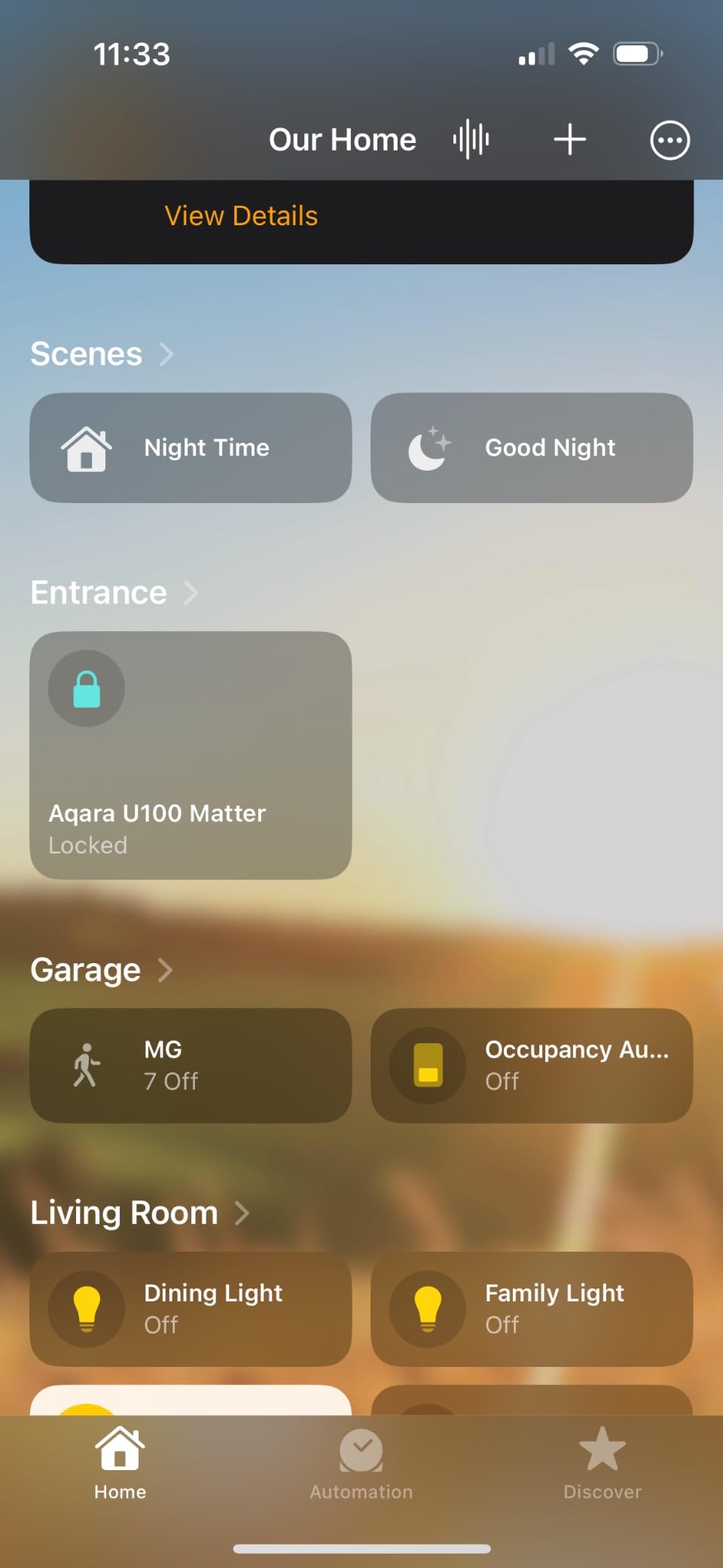
Apple Home Key is the feature that separates this lock, and it is more useful for hosting than it first appears. A guest with an iPhone or Apple Watch taps it against the door and walks in, with no code to copy wrong and nothing to remember. It also still works when the phone is out of power, which is the scenario a rental guest is most likely to create.
The fingerprint reader is fast and accurate with room for 50 prints, and long-term Apple-centric owners report a stable HomeKit connection with no drop-offs. The built-in gyroscope locks the door after it closes rather than on a timer, so a guest cannot be shut out by a lock that fires mid-groceries.
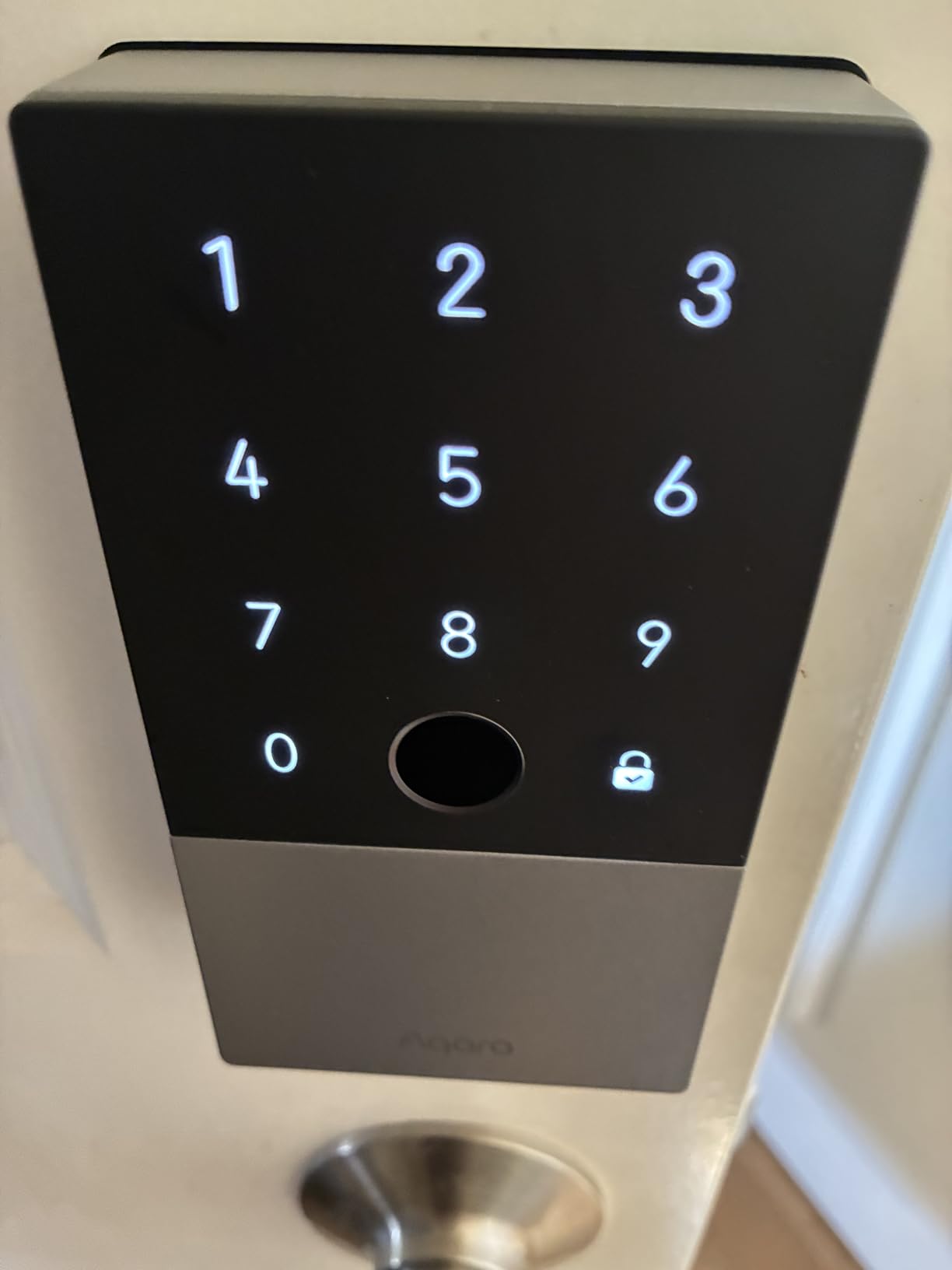
Installation runs about 30 minutes as a drop-in replacement for an existing deadbolt, and the box includes four AA batteries, two mechanical keys and a USB-C emergency charging port. Fingerprint data is stored locally with AES encryption, which is worth noting for guests who ask about privacy.
It is the lowest-rated lock in this roundup at 4.1 stars, and the reason is hardware reliability rather than design. Some units showed locking loops, random beeping, keypad lockouts and low battery alerts within weeks. Remote control and access logs require the separately sold Aqara Zigbee hub, the app instructions are weak, and setup order matters, since adding the lock to HomeKit first breaks recognition in the Aqara app.
Why the Apple path is worth the extra setup
Home Key removes the most common rental lock failure, which is a mistyped or forgotten code at the door. It also solves the non-technical guest problem better than any other method on this list, because there is nothing to learn.
Guest access can be shared digitally through Apple Home when an Apple Home hub is present, so a returning guest can be given permanent key access without a physical handover.
When to skip it
Skip it if your guest base is mostly Android or mixed. The headline feature does nothing for them, and you are left with a keypad and a fingerprint reader that cost more than simpler alternatives.
Skip it for a portfolio. You would need a hub per property, and the reliability reports on early units are enough that we would not put it on an unattended door without a physical key backup plan.
7. Veise KS02A Fingerprint Door Lock – Budget Pick with Vacation Mode
- Fingerprint recognition in about 0.2 seconds that self-improves with use
- 20 fingerprints plus 20 user passwords and one-time codes
- Anti-peeping codes disguise your real PIN with extra digits
- Vacation mode restricts access to the master password and keys
- All-zinc body with ANSI Grade 3 and BHMA certification
- Offline model
- so codes cannot be changed remotely
- Batteries not included and no door handle in the box
- Requires an exact 2-1/8 inch hole and 35-50mm door thickness
The Veise KS02A is the lowest cost in the set and one of the strongest offline options. The on-device AI chip reads a fingerprint in about 0.2 seconds at a stated 99.99% accuracy, with self-learning that improves with each use, and it holds 20 fingerprints and 20 user passwords plus two mechanical keys.
For rentals specifically, two features stand out. One-time passwords are built in for cleaners or dog walkers, and vacation mode restricts access to the master password and physical keys only, which is a clean way to close a property at the end of a season without re-keying anything.
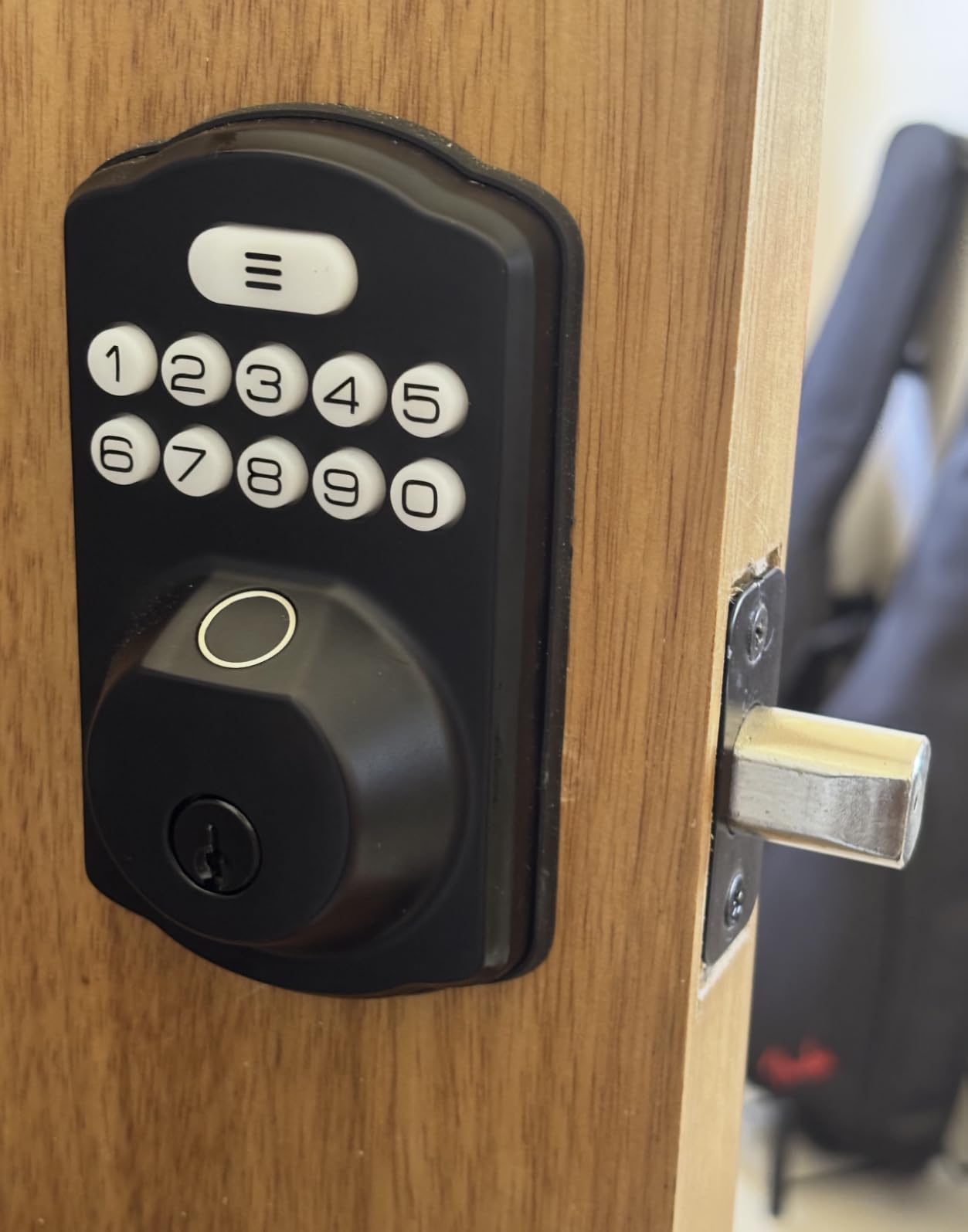
The body is all-zinc alloy with ANSI Grade 3 and BHMA certification and an IP54 weather rating, and it operates down to -31 degrees F, which matters for a cabin in winter. Installation is a screwdriver-only 15 minutes with no drilling and automatic detection of door handing.
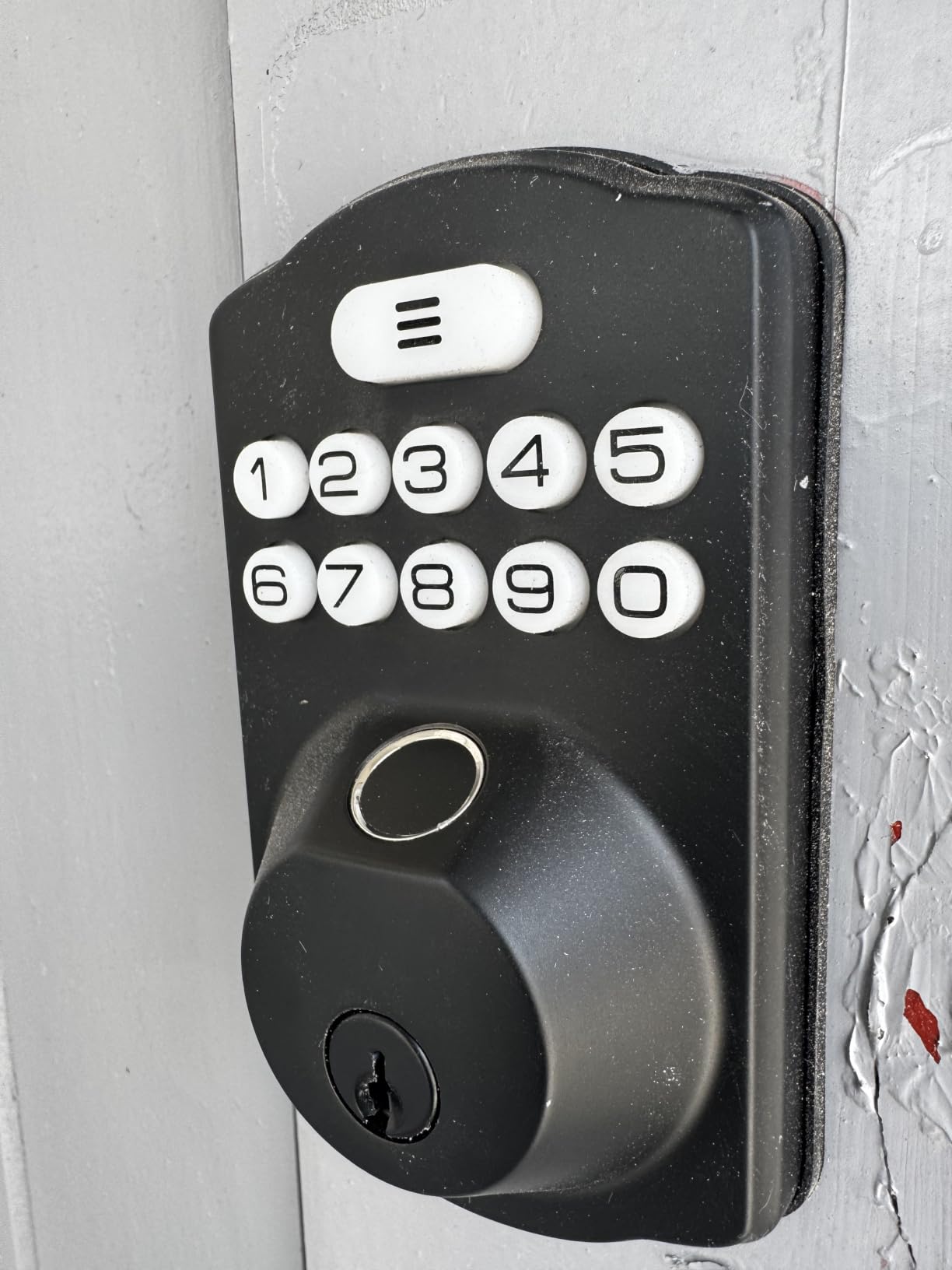
There are real constraints. It is an offline model with no app and no Wi-Fi, so you cannot create or revoke a code from away. Batteries are not included, the deadbolt ships without a door handle, and it needs an exact 2-1/8 inch hole on a door between 35 and 50mm thick. Front and back panels must be mounted perfectly vertical or the bolt binds.
Why hosts with one nearby unit like it
If you clean and inspect the property yourself, the price point and the feature set are hard to argue with. A 4.4 star average across nearly 4,900 reviews is one of the strongest in this roundup, and the all-metal body outlives plastic-cased competitors in coastal humidity.
The anti-peeping code feature is genuinely useful on a shared rental door: the lock adds digits around your real PIN, so a guest watching over your shoulder does not learn it.
When to skip it
Skip it if you are ever more than about 15 minutes from the property. The missing app is not a small gap; it is the difference between hosting and delegating.
Measure carefully before buying. The bore size and door thickness limits are narrow, and a misaligned install leaves you with a binding bolt rather than a working lock.
8. ULTRALOQ U-Bolt WiFi Smart Lock – Best Security Grade with a Door Sensor
ULTRALOQ U-Bolt WiFi Smart Lock with Door Sensor, App Remote Access
- Only ANSI/BHMA Grade 1 certified body in this roundup
- Door sensor reports whether the door is truly shut before relocking
- Built-in Wi-Fi with no bridge for remote unlock and entry logs
- Up to 50 passcodes with one-time and scheduled options
- Lockout Mode disables all electronic unlocking while you travel
- Wi-Fi drops and often fails to reconnect without a full re-pair
- Auto-lock and auto-unlock can be too aggressive in both directions
- Firmware updates fail randomly and need several attempts
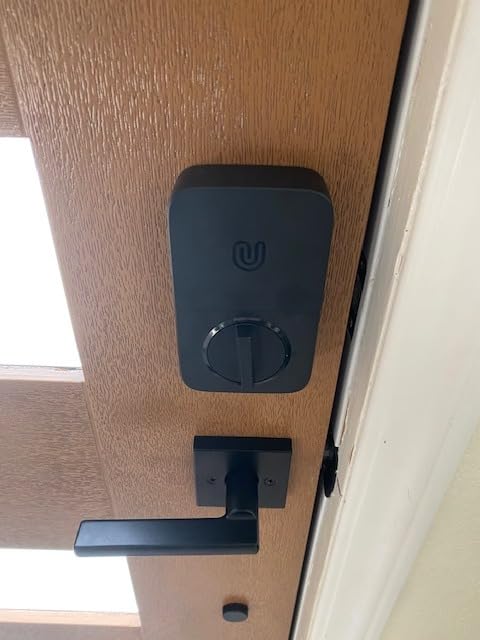
The U-Bolt WiFi is the one lock here with ANSI/BHMA Grade 1 certification, the highest residential security grade in this group, in a zinc alloy body with IP65 weather resistance. For a property with a detached garage door, a side entrance, or any door a guest uses alone at night, that rating is the differentiator.
Its bundled door sensor is the practical advantage over sensorless models. The lock only relocks once the door is fully closed, which removes the classic rental complaint of a bolt slamming shut on a guest who is still carrying a bag in. Owners running rentals value that feature above the app extras.
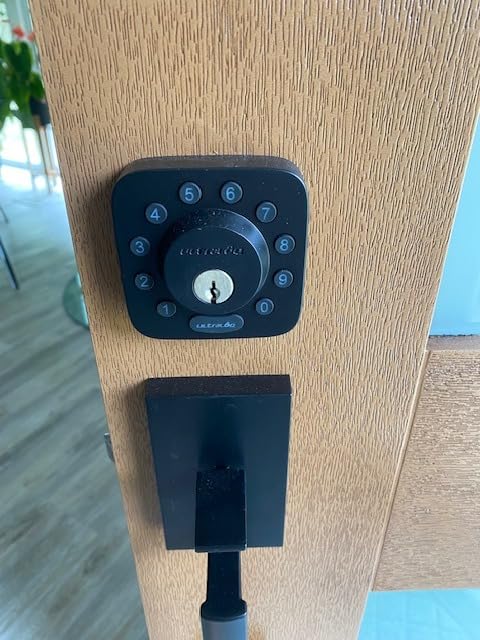
Connectivity is built-in 2.4 GHz Wi-Fi with no bridge, and the router is recommended within about 70 feet. Fifty custom passcodes with one-time or scheduled access cover guests and staff, two backup keys and four AA batteries are included, and the install is screwdriver-only on standard US doors 38-45mm thick.
Connectivity is also the dominant complaint. Owners report the lock dropping off Wi-Fi and failing to reconnect without a lengthy re-pairing routine, which matters most on unattended properties where nobody is standing next to the door to fix it. Auto-lock and auto-unlock can also be too aggressive, locking within seconds or unlocking without intent, and entry logs are slow to load.
Where the door sensor changes daily life
It pays off in any rental where guests come in with luggage, a dog, or a grocery run. Without a sensor, the lock decides based on a timer, and the timer does not know a person is still in the doorway. The sensor removes an entire category of guest complaint and damage claim.
Lockout Mode is worth knowing about too. While you are travelling you can disable all electronic unlocking remotely, so a code cannot be tested against your door from anywhere in the world.
When to skip it
Skip it if your property has flaky Wi-Fi and you are not on site often. A lock that needs a full re-pair after a drop is a liability on a door nobody is standing next to.
Also check the router distance. At more than about 70 feet through thick walls, remote features become unreliable, and you would be better off with a lock whose local operation does not depend on the radio.
How to Choose a Smart Door Lock for a Rental Property
Start with the host situation, not the hardware. Anyone not physically at the property at every guest arrival needs remote code management, and that single filter removes four of the eight locks on this list. A local host within about 15 minutes can run a purely offline keypad and save the complexity.
Second, decide how you will actually hand over access. The standard convention among experienced hosts is a code window that starts 15 minutes before check-in and ends 15 minutes after checkout. That convention only works if the lock can schedule a code to expire, and if you never reuse a code between stays. Reusing a code is the most common security failure we saw described in host forum threads, and no lock can save you from a host decision to skip this step.
Third, separate native platform integration from third-party automation. A native connection means the booking platform talks to the lock directly. A third-party route means a property management system or guest-journey tool relays the code, and that tool is an extra subscription plus a single point of failure. Host communities have reported a widely used guest-journey platform losing its connection to a major lock brand, which pushed code delivery back to manual messaging and produced a large jump in check-in questions for affected hosts. Check the current state of any integration before you rely on it.
Seven features a rental smart lock should have
Start with scheduled access windows that start and end on their own, so you never have to remember to delete a code. Add a physical key backup that lives inside the property, because it is the only path in when the radio and the batteries both fail. Low battery alerts should reach your phone, not just light up on the lock, since you are rarely there to see them.
An activity log gives you an audit trail for damage disputes and turnover verification. One-touch exterior locking matters because guests push the door closed and walk away. Anti-peeping or scramble codes stop a code being read over a shoulder at check-in. And a lockout mode lets you disable all electronic entry while you are travelling.
Two features matter more for rentals than for homes. Vacation or away mode, which strips every temporary credential in one action, is the cleanest way to close a property between seasons. And a door-position sensor prevents the relock that happens while a guest is still unloading the car.
How connectivity changes battery life and reliability
Built-in Wi-Fi gives you remote management anywhere, at the cost of roughly six months on four AA batteries. Bluetooth-only and offline keypad models claim 365 days because nothing is waking up to talk to a router, but they cannot be managed from away. A hub or bridge adds another device to install and power, and a Matter over Thread radio extends the claim to about 18 months while needing a Thread border router at the property.
The point most articles miss is what happens when the Wi-Fi drops. Codes are stored on the lock itself, so a guest with a programmed PIN still gets in. Only remote management dies. That single distinction removes most of the anxiety around connected locks and is the reason we would rather have a slightly slower battery and a local code list than a lock that refuses to open a door it cannot reach the internet from.
Codes for cleaners, sitters and maintenance
Give recurring staff a permanent code and guests a scheduled one-time code. It sounds backwards, but the staff code is easier to revoke when someone leaves, and the guest code expires on its own. Hosts report that assigning a temporary code to a cleaner is one of the most appreciated uses of the app, and it removes the need to hide a key on site. Our broader smart home guides cover the same scheduling logic for apartment doors and family homes, where the setup is usually permanent rather than per-booking.
Installation and First-Guest Setup Checklist
Measure before the box arrives. Most of the locks here need a 2-1/8 inch bore, and the Schlage and ULTRALOQ models need a door between 1-3/8 and 1-3/4 inch thick with a 2-3/8 or 2-3/4 inch backset. The TEEHO and Veise are narrower still, and a wrong bore size is the most common reason a lock gets returned.
Install is a screwdriver job on nearly all of these. Take photos of the existing strike plate and hinge positions before you start, and confirm the door swings and latches smoothly by hand. A door that does not throw properly causes the latch complaints that owners wrongly blame on the lock.
Before the first guest arrives, test three things: enter with the guest code, enter with the physical key, and enter with the backup key someone else is holding. Then open the app and confirm the entry log updated. Repeat the code test after changing the auto-lock delay, because a timer set too short will lock a guest out mid-unload.
Finally, store a spare physical key in a coded keybox inside the property and keep one offsite. That single habit has prevented more locked-out guests than any app feature, and it costs almost nothing compared with a late-night callout.
What to Do When a Lock Fails Mid-Stay
Have this written down before you need it. The first move is to stop trying the keypad repeatedly, because most locks lock out after several wrong attempts and you will just make the problem longer.
Step one, call the guest. Ask what the lock is showing, whether the numbers are visible, and whether they have a phone with the brand app. A visible dead battery indicator usually means a physical key or a USB emergency port solves it immediately. Step two, confirm you or a local person can reach the property, and use the physical key you stored inside.
Step three, if the code is the problem, check whether the code was scheduled for the wrong window or already expired, then create a fresh one from the app rather than editing the old code. Step four, if the app is unreachable, treat it as a hardware problem and replace the batteries before you troubleshoot anything else, since a lock that is low on power often also drops off Wi-Fi.
The honest lesson from hosts who have been through this is that recovery time is a host operation, not a lock feature. A property key you can reach in ten minutes turns a ruined review into a minor inconvenience. No lock on this list removes that risk, which is why the two offline models remain the most forgiving when the power fails.
Frequently Asked Questions
What smart lock does Airbnb recommend?
Airbnb does not endorse a specific lock brand. What the platform provides is code generation: once your lock is connected to a channel manager or guest-journey tool, a PIN is created for the booking window and revoked after checkout. Choose a lock with scheduled access windows, an activity log and a physical key backup, and check whether the integration is native or routed through third-party software.
What is the best smart lock for short-term rentals?
For a remotely managed rental, the best smart lock for short-term rentals is one with built-in Wi-Fi and no hub, at least 50 scheduled codes, and native booking-platform integration. The Schlage Encode Smart WiFi Deadbolt leads our list because guest codes are created and removed automatically. For a property with unreliable internet, an offline keypad deadbolt such as the TEEHO TE002 keeps working because codes live on the lock itself.
What is the best keypad door lock for Airbnbs?
The best keypad door lock for an Airbnb balances code capacity, battery life and a physical key fallback. The TEEHO TE002 holds 20 passcodes, 20 fingerprints and one-time PINs on 4 AA batteries with a stated 365 day life. The Veise KS02A adds vacation mode and anti-peeping codes at the lower end of the price range. Both are offline, so program codes before you leave home.
Why is my smart door lock battery dying so fast?
A connected lock wakes its radio on every sensor movement, so heavy guest traffic drains batteries far faster than a spec sheet suggests. Expect roughly six months on a Wi-Fi deadbolt, about eight months on eight AA cells, and much longer on an offline keypad. Low battery alerts in the app, a door-ajar alert, and lithium rather than alkaline cells are the practical fixes.
Which smart lock has the best battery life?
The offline keypad models in this roundup claim the longest battery life, around 365 days on four AA cells, because nothing is waking up to talk to a router. Among connected locks, the ULTRALOQ Bolt SE states up to 18 months over its Thread mesh network, while the Schlage Encode is realistically about six months. Real intervals in warm, humid climates run shorter.
What are the downsides of using a smart lock for a rental?
The main downsides are battery failure, connectivity drops and add-on costs. Some connected locks drop off Wi-Fi and need a full re-pair before they reconnect. Two locks here hide remote management behind a separately sold hub or gateway. Offline models remove remote control entirely. In every case the mitigation is the same: a physical key stored inside the property, plus low battery alerts sent to your phone.
How do I stop past Airbnb guests from reusing a door code?
Never reuse a code, and always set an expiry. Create a scheduled one-time code that starts 15 minutes before check-in and ends 15 minutes after checkout, then delete it as part of your turnover checklist. Vacation or away mode strips every temporary credential in one action. Hosts running older lockboxes with a permanent code are the most common source of repeat access problems.
What happens if the Wi-Fi goes out at my rental?
Guests can still get in. Codes are stored on the lock itself, so a programmed PIN keeps working during an outage. What you lose is remote management, which means you cannot create a new code, unlock from your phone, or see live entry logs until connectivity returns. That is why a physical key backup matters most on connected locks.
How many codes can a smart lock hold?
Capacity across this roundup ranges from 20 passcodes on the TEEHO TE002 and Veise KS02A to 100 on the Schlage Encode. The ULTRALOQ models hold 50, and the eufy C220 and Aqara U100 sit in between. For most single-unit hosts 20 is plenty; for a portfolio with guests, cleaners and maintenance, 50 or more lets everyone have a separate auditable code.
The Bottom Line for Hosts
If you only install one lock this year, make it the Schlage Encode Smart WiFi Deadbolt. It is the only pick here that a booking platform drives directly, it holds 100 codes with scheduled windows, and its 16600 reviews make it the most proven lock in the group. It suits any host who is not standing at the door when the guest arrives.
Buy the ULTRALOQ Bolt SE if you want the same connected workflow for less, and the ULTRALOQ U-Bolt WiFi if a Grade 1 body and a door sensor matter more to you than app polish. For a property you visit in person, the TEEHO TE002 or the Veise KS02A will run a year on four AA cells and never drop off a network.
Whatever you choose, store a physical key inside the property, never reuse a code, and test the whole flow before the first booking. Those three habits matter more to guest reviews than any specification on this list. See also our guides to the best smart garage door openers if your rental includes a detached garage.