

A finished basement is the easiest room in a house to flood and the hardest one to notice in time. Water finds the sump pit, the water heater supply line, a cracked foundation wall, or a washing machine hose, and it does most of its damage while you are asleep or three states away. The best smart water leak detectors for basements are the small sensors that bridge the gap between a slow drip and a soaked subfloor, and the right one depends almost entirely on your basement’s walls, your router’s location, and how much noise you need to hear at three in the morning.
Our team spent weeks comparing the ten sensors below, reading the specifications, the alert paths and the reviews that describe real leaks caught in real basements. What separates a good basement sensor from a mediocre one is rarely the detection probe. It is the radio, the battery chemistry, whether the alarm still sounds when the power is out, and whether the app tells you anything at all without a monthly bill attached.
Before we get into the picks, a short disclosure: the links in this guide are affiliate links, and we may earn a commission if you buy through them. That does not change what we recommend. Everything below is here because the specifications and the owner feedback held up under basement-specific scrutiny. We updated this guide for 2026, and the technical details reflect the current listings.
Table of Contents
Top 3 Picks for Basement Leak Detection
Three products cover nearly every basement situation. The YoLink starter kit wins on radio range and offline protection, the X-Sense kit wins on alarm volume and dual-side probing, and the larger YoLink six-pack wins outright on owner satisfaction because every sensor carries its own siren.

YoLink Water Leak Starter Kit
- LoRa range up to 1
- 320 ft
- Works without internet via Control-D2D
- Hub supports 300+ devices
- Five-year alkaline battery life

X-Sense SWS54 Water Leak Kit
- Dual 120 dB alarms
- Range up to 1
- 804 ft
- Six probes sense 0.4 mm
- IP66 housing

YoLink Sensor 4 6-Pack Kit
- 105 dB siren on every sensor
- LoRa up to a quarter mile
- Offline D2D triggering
- Hub plus six sensors
All 10 Best Smart Water Leak Detectors Compared (September 2026)
Every sensor below appears here with its own ASIN, so you can compare connection type, range, alarm volume and water resistance in one pass before reading the individual reviews.
| Product | Specifications | Action |
|---|---|---|
| YoLink Water Leak Starter Kit |
|
Check Latest Price |
 Aqara Water Leak Sensor 3 Pack Aqara Water Leak Sensor 3 Pack |
|
Check Latest Price |
| X-Sense SWS54 Water Leak Detector Kit |
|
Check Latest Price |
 GoveeLife Smart Water Leak Detector 2 4-Pack GoveeLife Smart Water Leak Detector 2 4-Pack |
|
Check Latest Price |
 SwitchBot WiFi Water Sensor SwitchBot WiFi Water Sensor |
|
Check Latest Price |
 Winees WiFi Water Leak Detector 3 Pack Winees WiFi Water Leak Detector 3 Pack |
|
Check Latest Price |
 Tapo Smart Water Leak Detector T300 Tapo Smart Water Leak Detector T300 |
|
Check Latest Price |
 TECKNET WiFi Water Leak Detector 2-Pack TECKNET WiFi Water Leak Detector 2-Pack |
|
Check Latest Price |
| YoLink Water Leak Sensor 4 6-Pack Kit |
|
Check Latest Price |
 Aeotec SmartThings Water Leak Sensor Aeotec SmartThings Water Leak Sensor |
|
Check Latest Price |
How We Picked
We ranked these on basement-specific criteria rather than on general smart home features. Range through concrete, whether the local alarm works with the router dead, whether phone and email alerts carry a subscription, water resistance, and battery chemistry all carried more weight than voice assistant support. We also weighted verified owner reports of intercepted leaks heavily, since a sump pump failure caught at 2 a.m. matters more than a tidy app interface.
1. YoLink Water Leak Starter Kit: Best Overall for Concrete Basements
- Quarter-mile LoRa range reaches where 2.4 GHz Wi-Fi cannot
- Sensors keep triggering locally through an internet outage
- One hub scales to 300+ devices for several properties
- Four sensors and a hub in one box
- App
- email and SMS alerts with sensors nameable by location
- Sensors are silent by design so on-site sound needs a separate hub or siren
- The hub is a required extra piece of hardware
- LoRa range is an open-air figure and drops through poured concrete
We chose this kit as our top pick because the problem it solves is the one that stops people buying basement sensors at all. Basements sit below the signal path of a router in the main floor, and a 2.4 GHz signal loses much of its strength crossing poured concrete and a rim joist. The LoRa radio here is quoted at up to 1,320 ft in open air, and in our reading of owner reports it holds a connection through basement walls that Wi-Fi sensors struggle with.
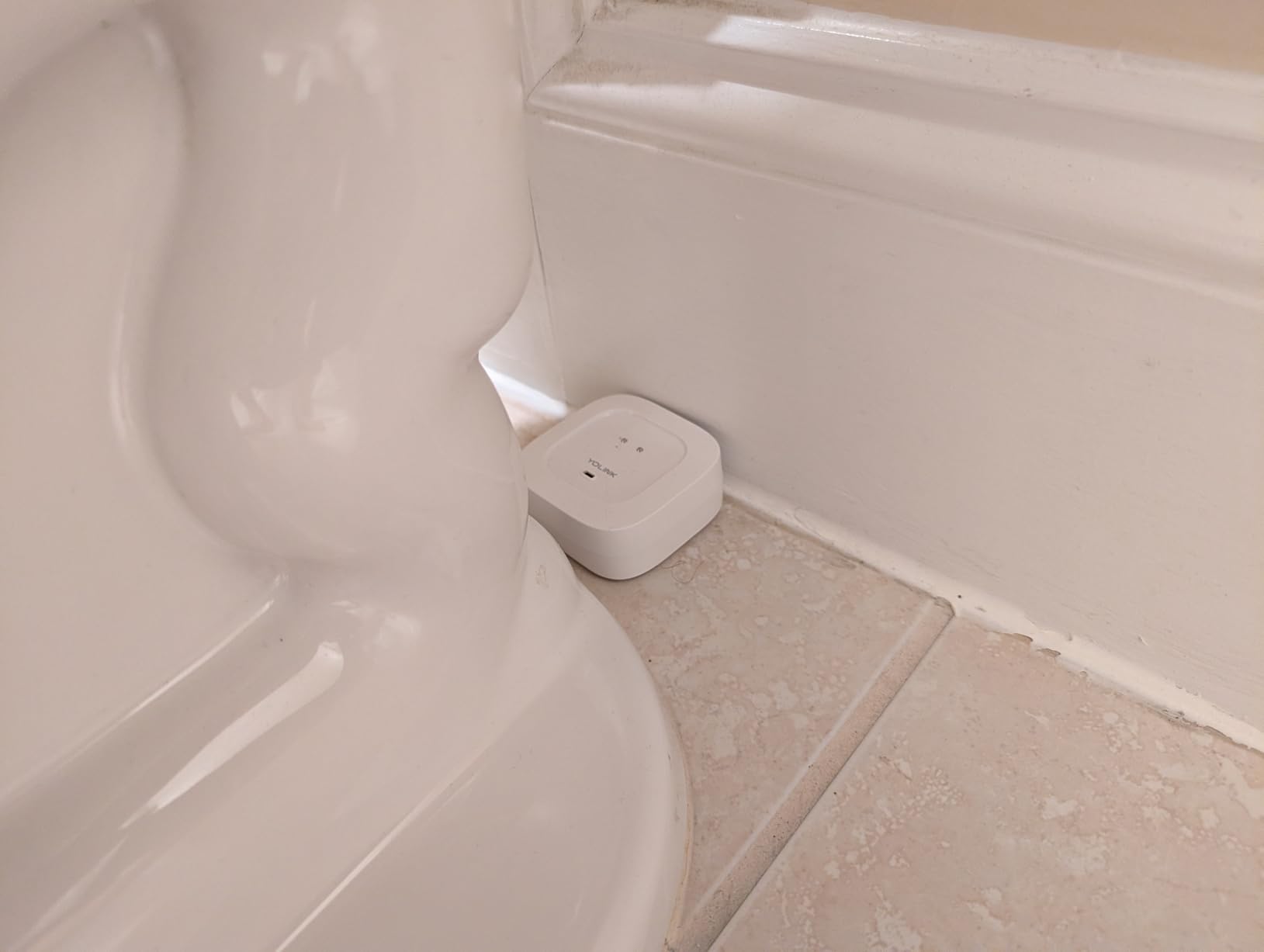
The kit pairs a plug-in hub with four Leak Sensor 1 pucks. Those pucks are silent by design, which is a genuine drawback if you are not standing next to them, but the same hub can drive a separate speaker or a shutoff valve. Sensors can be named by location, so a 3 a.m. push says sump pit rather than device 2.
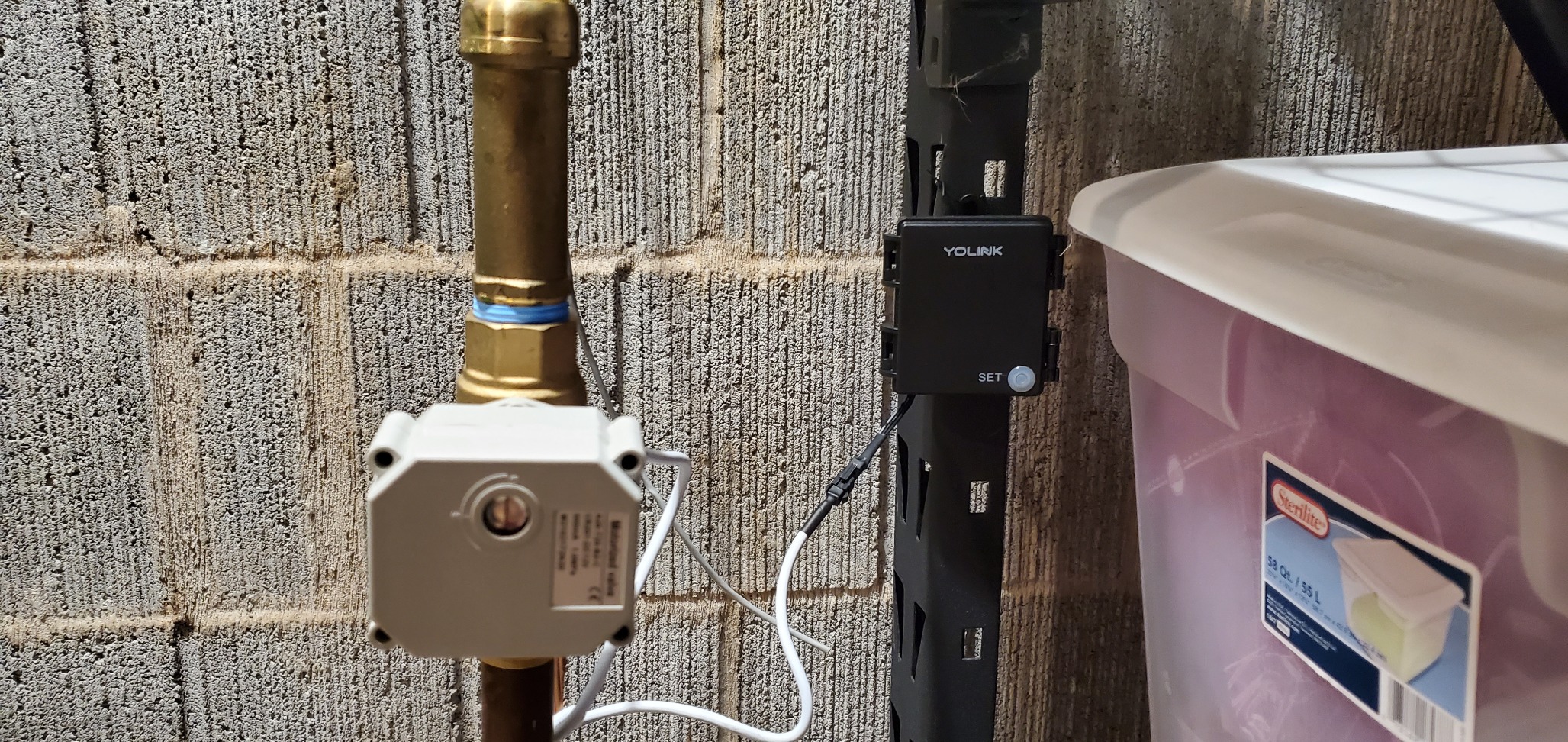
What we like most is Control-D2D. When the internet drops, the sensors can still trigger other YoLink sirens or valves locally, which matters because a sump pump failure and an internet outage very often happen during the same storm. The hub supports more than 300 devices, so a landlord monitoring several properties can run them all from one unit, and the two AAA cells per sensor are rated for about five years of normal use.
Owners on r/homeautomation repeatedly point to this ecosystem when describing a basement that stayed dry, and the 4.6 rating across more than six thousand reviews is the largest sample in this roundup. Our reservation is simple: with silent sensors, the audible warning has to come from somewhere else in the setup.
Whether the hub placement ruins the coverage
Run a cable or check signal strength before you commit. If the hub has to sit in the basement near a network jack or an ethernet run, this kit’s range advantage shrinks considerably and a hub-free Wi-Fi sensor may serve you better for less money.
For a finished basement with an unfinished storage area, a detached garage, or a second property, the difference is dramatic. One hub covering a main house, a shed and a rental unit is the configuration that makes this the most flexible pick here.
Where the quiet design bites
Silent pucks mean a leak in an unoccupied part of the basement produces a phone notification and nothing audible. That is fine if you are awake, and a gap at night if you are not. Adding a separate YoLink speaker costs more up front but restores the local alarm without changing the sensors.
The second issue is maintenance reach. Five-year batteries are excellent until one sensor sits behind a finished wall and you have to find it. Name sensors clearly in the app and note their locations before the wall goes back up.
2. Aqara Water Leak Sensor 3 Pack: Best for Apple and Google Homes
Aqara Water Leak Sensor 3 Pack, Zigbee Water Leak Detector for Alarm System
- Sensitive probe catches water as shallow as 0.5 mm
- IP67 waterproof housing suits humid basements
- Works with Apple HomeKit
- Google Home and Alexa through an Aqara hub
- Compact wireless puck needs no wiring or screws
- Requires an Aqara hub sold separately
- Only pairs with Aqara hubs and not third-party Zigbee dongles
- Must sit within about 10 meters of the hub
- The sensor has no siren of its own so alerts depend on the hub
This is the sensor to buy if your household already runs HomeKit or Google Home and you enjoy building automations. Once an Aqara hub is paired, the three pucks report into Apple Home, Google Home or Alexa, and a detected leak can trigger other Aqara devices, such as cutting power to a circuit or closing a compatible valve.
The detection side is strong. The probe design registers water as shallow as 0.5 mm, which is thinner than most basement puddles at the moment they matter, and the IP67 housing with a rust-proof coating is a sensible choice in a space that sees seasonal humidity swings.
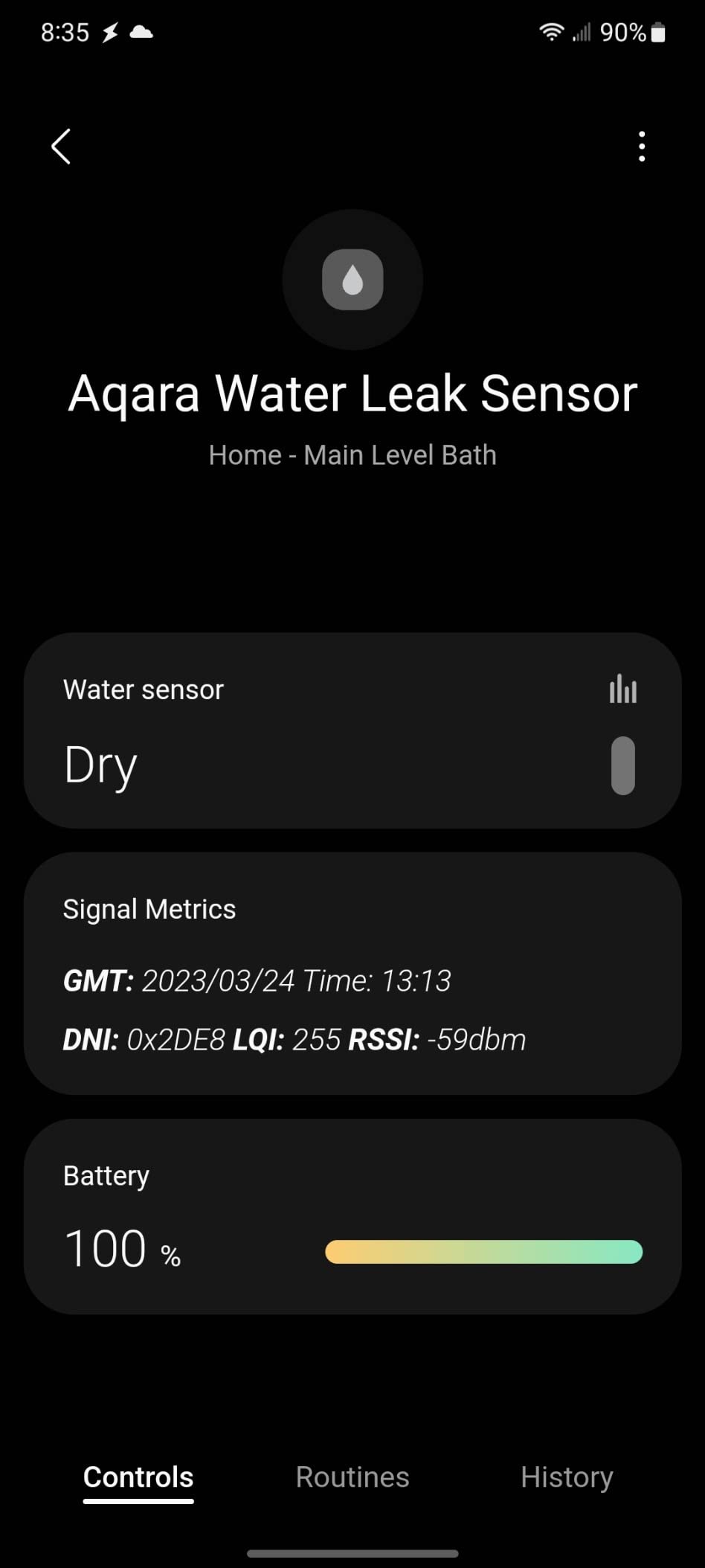
The limitation that keeps this at 4.2 rather than higher is range. Zigbee here is specified at about 10 meters from the hub, so a 900-square-foot basement needs the hub positioned carefully, ideally mounted high and central rather than next to whatever network port is available.
There is also brand lock-in. The listing is explicit that third-party Zigbee2MQTT USB dongles are not officially supported, so if you later move to Home Assistant, this sensor becomes decoration. That is fine for most people, less fine if your smart home strategy is deliberately vendor-neutral.
Where you can and cannot put these
Use them at the base of the water heater, beside the washing machine, along a wall where a foundation crack has dampened the concrete, and on the floor beside a floor drain. Because the puck is small and wireless, it can also sit behind an appliance where a larger unit will not fit.
Do not expect it to sit inside the sump pit, and do not place it on the discharge line. With a 10 meter ceiling on hub distance, the far end of a long basement is out of reach for anything but the closest hub position.
What you give up by choosing Zigbee
Zigbee mesh is the most efficient radio for battery sensors in a home, but its short range makes it a poor fit for a basement that is also a mechanical room with steel, ducting and thick poured walls between you and the hub.
If you already own a compatible hub, that trade disappears. If you do not, the hub cost plus the range ceiling makes a long-range system the better basement purchase.
3. X-Sense SWS54 Water Leak Detector Kit: Best for Loud Alarms
- Sensor and base station both alarm at 120 dB
- Six probes catch drips above and pooling below at 0.4 mm
- Claimed range of up to 1804 ft works across large homes and basements
- Base keeps alarming through a power failure
- App shares access with up to 12 users
- The alarm can only be volume-reduced in the app and not fully disabled
- 2.4 GHz Wi-Fi only so 5 GHz-only networks are unsupported
- Only one email address can register for email alerts
- No automatic shutoff pairing
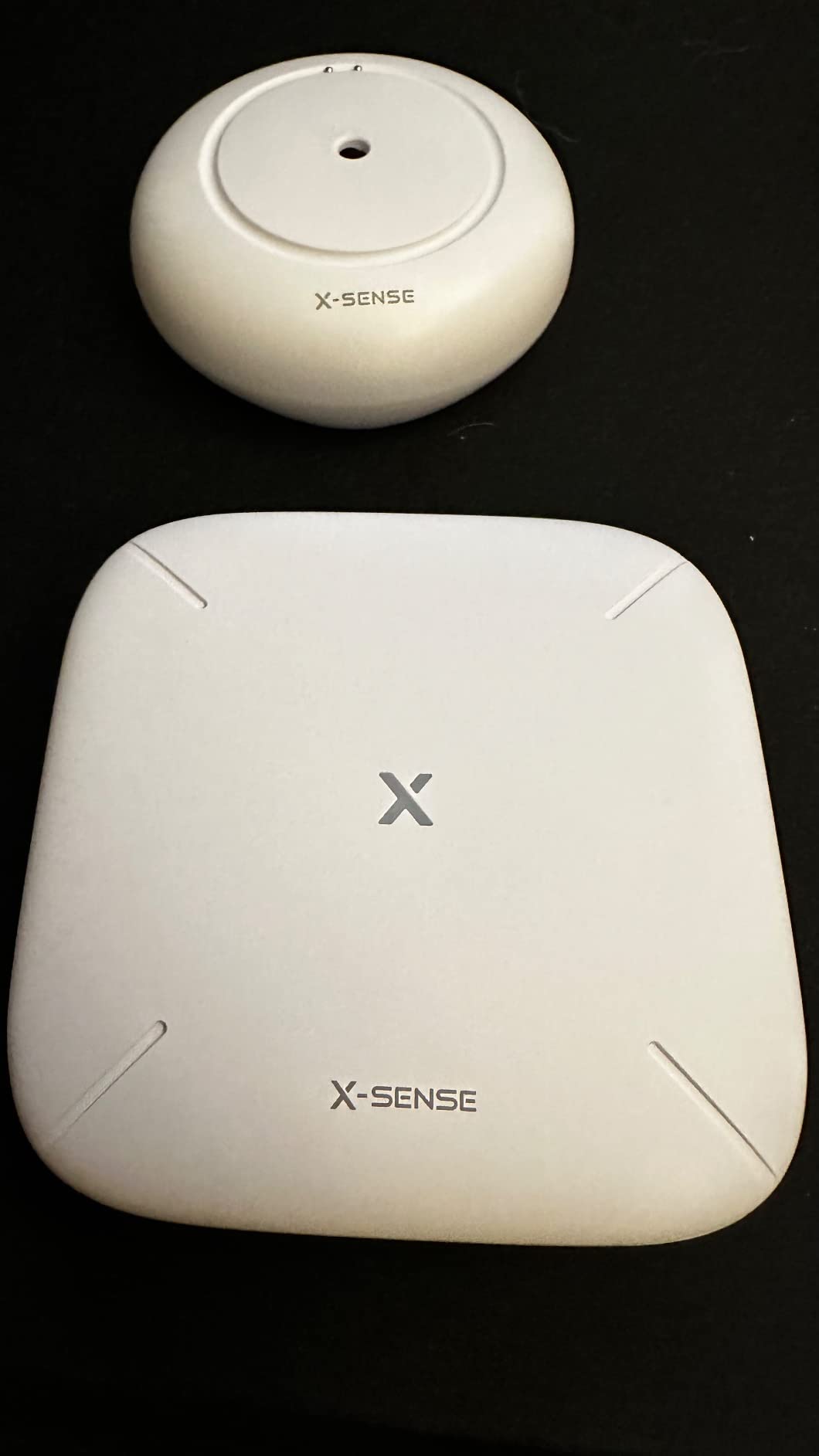
If the question is how much noise reaches you in a finished basement, this is the kit to beat in the group. Both the sensor and the base station sound at 120 dB, so a leak on the far side of a wall and the base unit in the utility corner both make themselves heard. A single silent puck in a finished room is useless; a 120 dB base with a wall between you and it is not.
Detection is handled by six probes, two on top for drips landing on the sensor and four underneath for pooling water as shallow as 0.4 mm. That split matters in a basement, where a slow supply line weep wets the top surface long before anything pools underneath.
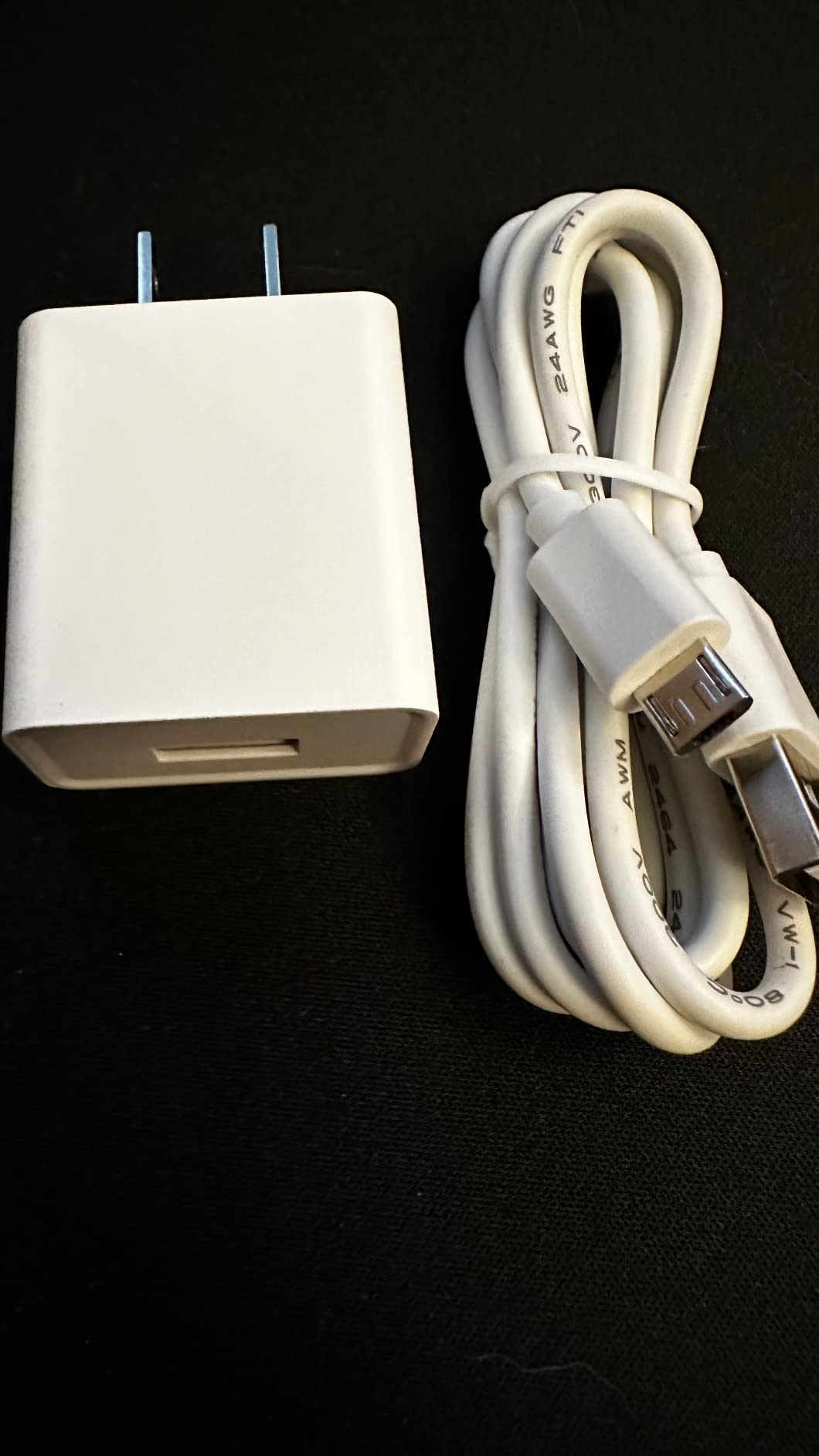
The quoted range of up to 1,804 ft in open areas is generous, and reviewers report success across large homes, garages and window wells. The base station keeps alarming on backup during a power failure, which matters in a storm, and the app supports up to 12 shared users with reminder timers at 10 minutes, 30 minutes, two hours, six hours or 12 hours.
Verified reviews describe intercepted sump pump failures, HVAC condensate lines and window-well intrusion, which are exactly the three basement failures worth catching. Our complaints are software annoyances rather than hardware ones: the alarm cannot be switched off from the app, and the system registers a single email address.
How it behaves during a power and internet outage
The sensor-to-base link is independent of your router, so the 120 dB alarm still fires if the internet drops. The base itself runs on backup power, so the loud part keeps working through a power cut. The phone notifications, naturally, need the internet and stop when it is gone.
This is the correct behaviour for a basement, where the power is often the first thing to fail during a storm. A sensor that only notifies your phone is useless at exactly the moment a sump pump is overwhelmed.
What the six probes will and will not catch
Water needs to touch metal. That means pooled water, a dripping supply line, and a soaked floor all register quickly, but a slow leak that wicks into carpet or seeps into a concrete crack without ever forming a puddle may go unnoticed for days.
Because the probes read at 0.4 mm, a puddle several millimetres deep is a large signal to this sensor. If your basement floor is bare concrete or tile, that is ideal. Under carpet, pair it with a probe-cable style sensor instead.
4. GoveeLife Smart Water Leak Detector 2 4-Pack: Longest Range in the Roundup
GoveeLife Smart Water Leak Detector 2 with 1968ft Ultra-Long Range, 4 Pack
- Longest quoted receiving range in this roundout at 1968 ft
- SMS
- app push and email alerts together
- Six probes for fast reaction
- IP66 housing and over five years of stated battery life
- Gateway also works with other Govee devices
- The plug-in gateway can block the neighbouring outlet on a duplex receptacle
- The app has no latching alarm so a dismissed phone alert may go unnoticed
- 2.4 GHz Wi-Fi only on the gateway
- Instructions are inconsistently worded
The headline figure here is range. The gateway and sensors use a LoRa link quoted at up to 1,968 ft of receiving distance, and up to 100 sensors can report through a single gateway. For a basement that also contains a utility room, a detached outbuilding or a rental unit, that reach is the reason to pick this over a Wi-Fi puck.
Alerting is the most complete in the group. SMS, app push and email arrive together, which means a failed push notification does not have to be the only thing standing between a leak and a phone call from a neighbour.
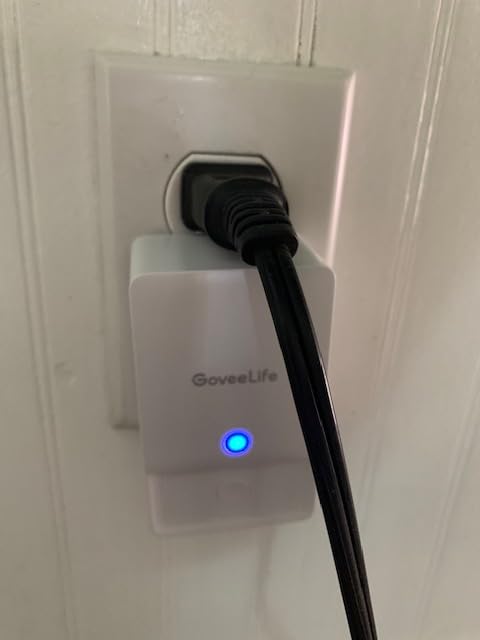
The sensors themselves carry a 100 dB alarm, two top probes and four bottom probes, an IP66 housing, and eight AAA batteries in the box for a stated life of over five years under normal use. Owners describe real detections including an HVAC humidifier drip and a washing machine supply hose, and several mention reusing the gateway for temperature and humidity sensors.
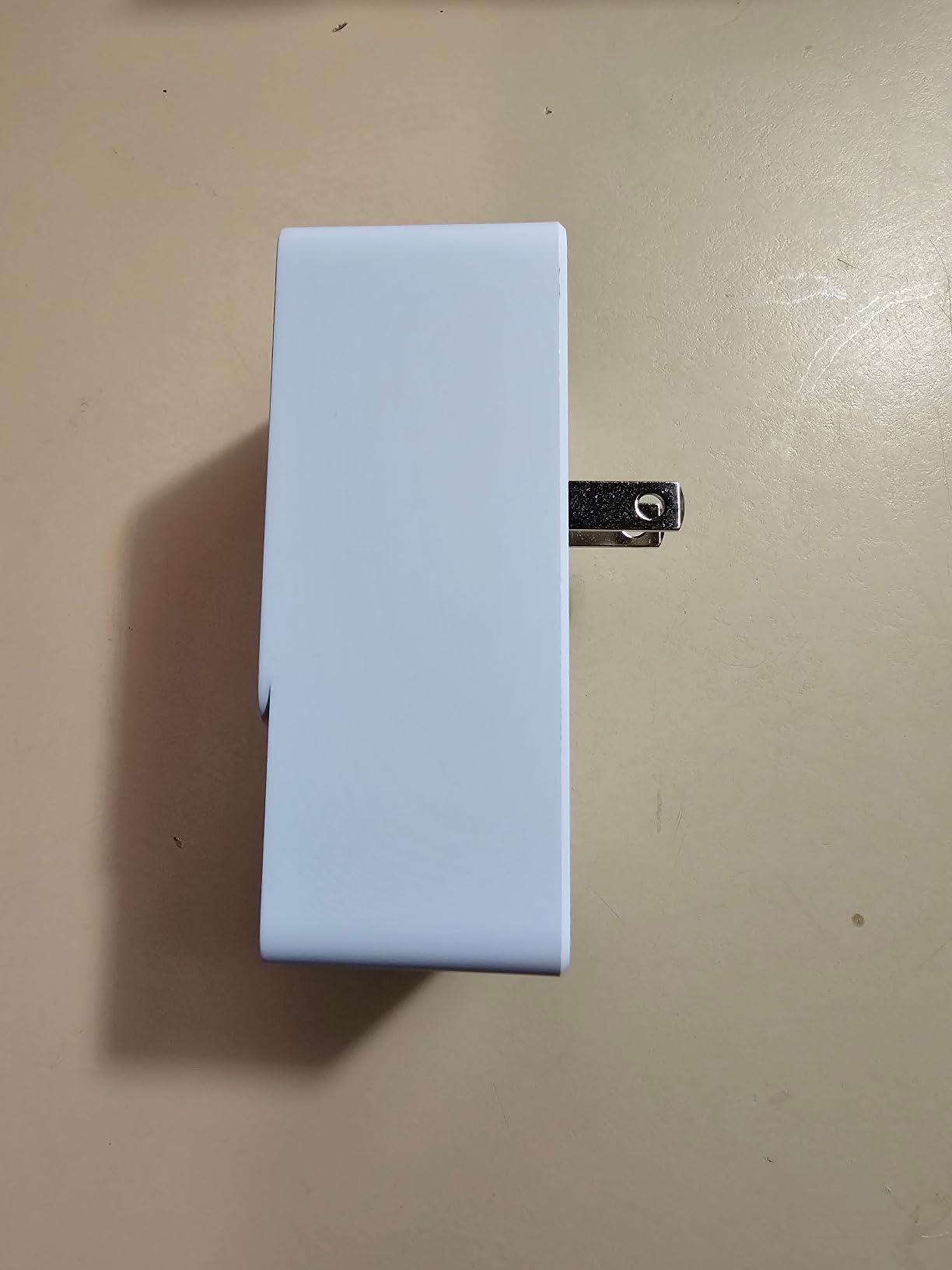
Two design details deserve attention before you buy. The gateway is a plug-in block that can occupy the adjacent socket on a standard duplex receptacle, which in an older basement with few outlets is a genuine annoyance. And the app has no latching alarm option, so a phone notification dismissed with a thumb swipe can be missed entirely.
Where a quarter-mile-plus radio actually helps
Long-range radios earn their keep when the sensor is further from the gateway than Wi-Fi is comfortable, not when the sensor is ten feet away. If your sump pit is directly beneath the router, both radios work and the Wi-Fi option is simpler.
Basements with a detached garage, a crawlspace, a well house, or a rental unit on the same property are where this setup pays. One gateway and up to 100 sensors also makes it the natural choice for a landlord.
Watch for the gateway outlet and the latching alarm
Count your receptacles before ordering. A gateway that covers the outlet you need for the dehumidifier is a problem you will discover in a wet basement at the wrong moment, and older homes often have exactly two sockets on a wall.
The latching alarm gap is more subtle. With no latch, a leak alert can vanish from your lock screen. If you plan to be away for extended periods, this is worth weighing against a sensor whose alarm repeats until acknowledged.
5. SwitchBot WiFi Water Sensor: Best No-Hub Starter Sensor
- No hub required so setup takes minutes rather than an evening
- Four probes detect micro-leaks at 0.5 mm
- 100 dB alarm with adjustable volume and app mute
- Bluetooth backup keeps it working if Wi-Fi drops
- Works with Alexa
- Siri
- IFTTT and SmartThings
- Sensors must be re-linked after a Wi-Fi connection drops
- Battery life of about two years is shorter than most rivals
- The included case-opening tool is stiff to use
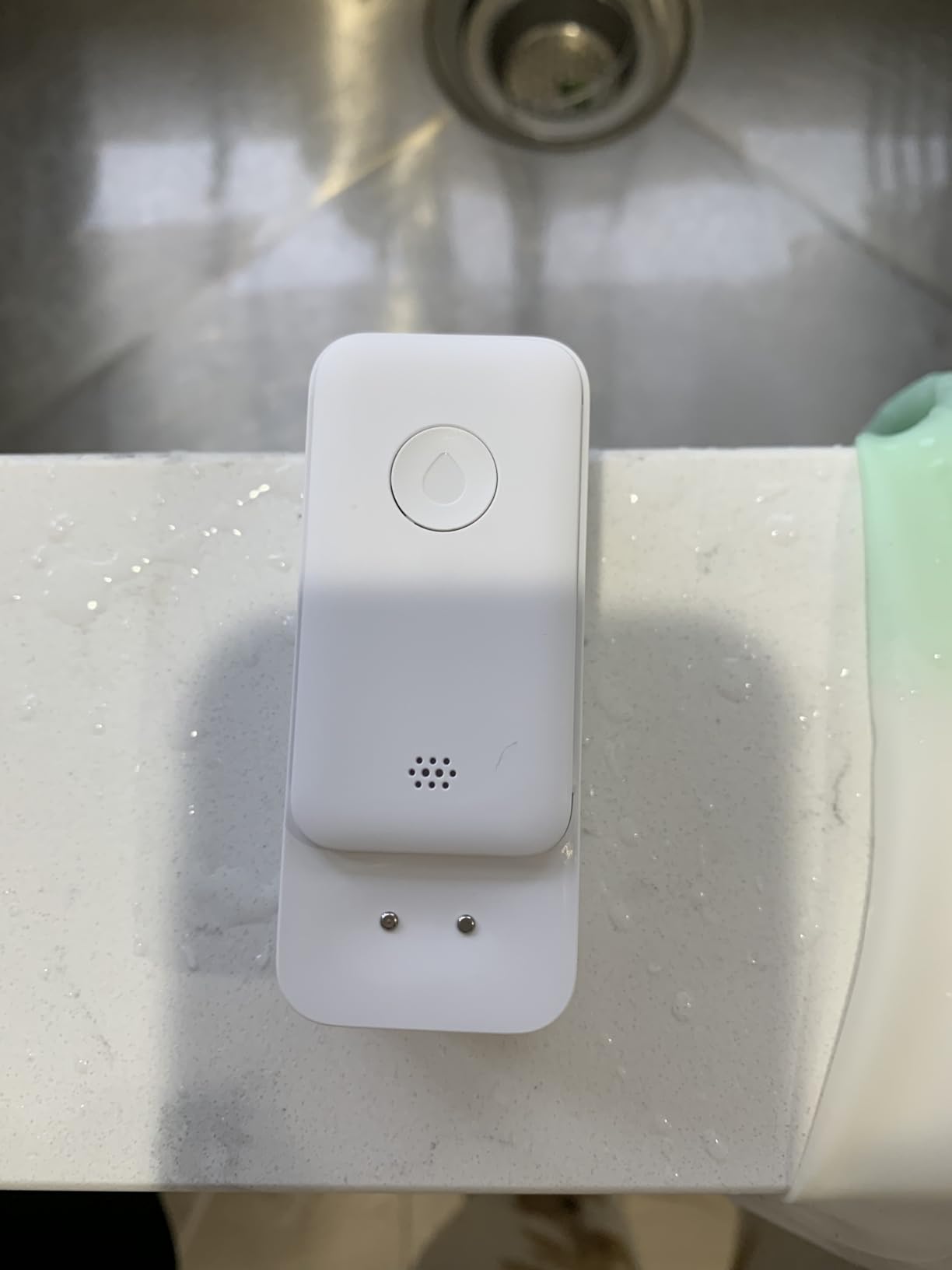
This is the sensor we recommend to anyone starting from zero. It talks directly to 2.4 GHz Wi-Fi, needs no hub, and sends app and email notifications the moment water touches the probes. For a first sensor under the water heater, that simplicity is worth more than any specification on this list.
Detection comes from four high-precision probes rated to 0.5 mm, and the built-in siren puts out 100 dB with adjustable volume and a manual mute from the app. The housing is fully sealed to IP67, which handles the condensation cycles in a finished basement far better than an open contact puck.
It also has a Bluetooth backup path, so the sensor keeps reporting if the Wi-Fi connection drops rather than going dark, and it plays well with Alexa, Google, Siri, IFTTT and SmartThings. Owners often pair it with a SwitchBot plug to cut power to a circuit automatically, which is a cheap form of damage control.
The trade-offs are honest ones. Battery life is around two years on two AAA cells, shorter than the five-year claims in this group, and the most common complaint is having to re-link a sensor to the network after a Wi-Fi outage. Two more years of battery changes are a fair price for zero hub cost.
How the no-hub setup behaves in a basement
The sensor needs 2.4 GHz Wi-Fi coverage at its location, not at the router. Test this first by opening the app on a phone in the basement, since many basements have a usable signal near the stairs and a useless one at the far wall.
If the signal holds, this is the simplest system here to install and maintain, and the Bluetooth fallback softens a short outage. If the signal is weak at the sump pit, buy a long-range kit instead of fighting the router.
What the two-year battery means for maintenance
Plan a check every year rather than every three. Low-battery notifications arrive in the app, but a basement sensor behind stored boxes is easy to forget, and this one runs on chemistry that dies sooner than the coin cells used by some competitors.
Swap both cells at the same time and re-test the alarm while you are there. The sealed housing is a real advantage here, because a battery change does not require handling a cover that has been sitting in a damp corner.
6. Winees WiFi Water Leak Detector 3 Pack: Best for Fast Setup
- Sensors ship pre-paired to the hub so there is almost no setup
- 200 metre hub-to-sensor distance suits basements
- App
- SMS and email alerts with adjustable volume and duration
- At 1.8 mm the pucks slide into hidden corners
- Recovers on its own after a power outage
- The hub sometimes drops its Wi-Fi connection and takes the sensors offline
- Probes sit about 2 mm above the base so water must pool rather than soak in
- Sensor names are generic and must be renamed carefully
- Some units reported as unreliable within days
Three pucks arrive already paired to their hub, which makes this the fastest system here to deploy. For a basement where you want six or eight monitoring points across a single weekend, removing the pairing step is a real time saving. The hub reaches sensors up to 200 metres away, which covers most basements without a second hub.
Alerting covers app, SMS and email, and the hub alarm has three volume levels plus duration settings that range from always ringing down to 30 seconds. An instant mute works from the hub or the app, which is useful when the sump pump kicks on during heavy rain.
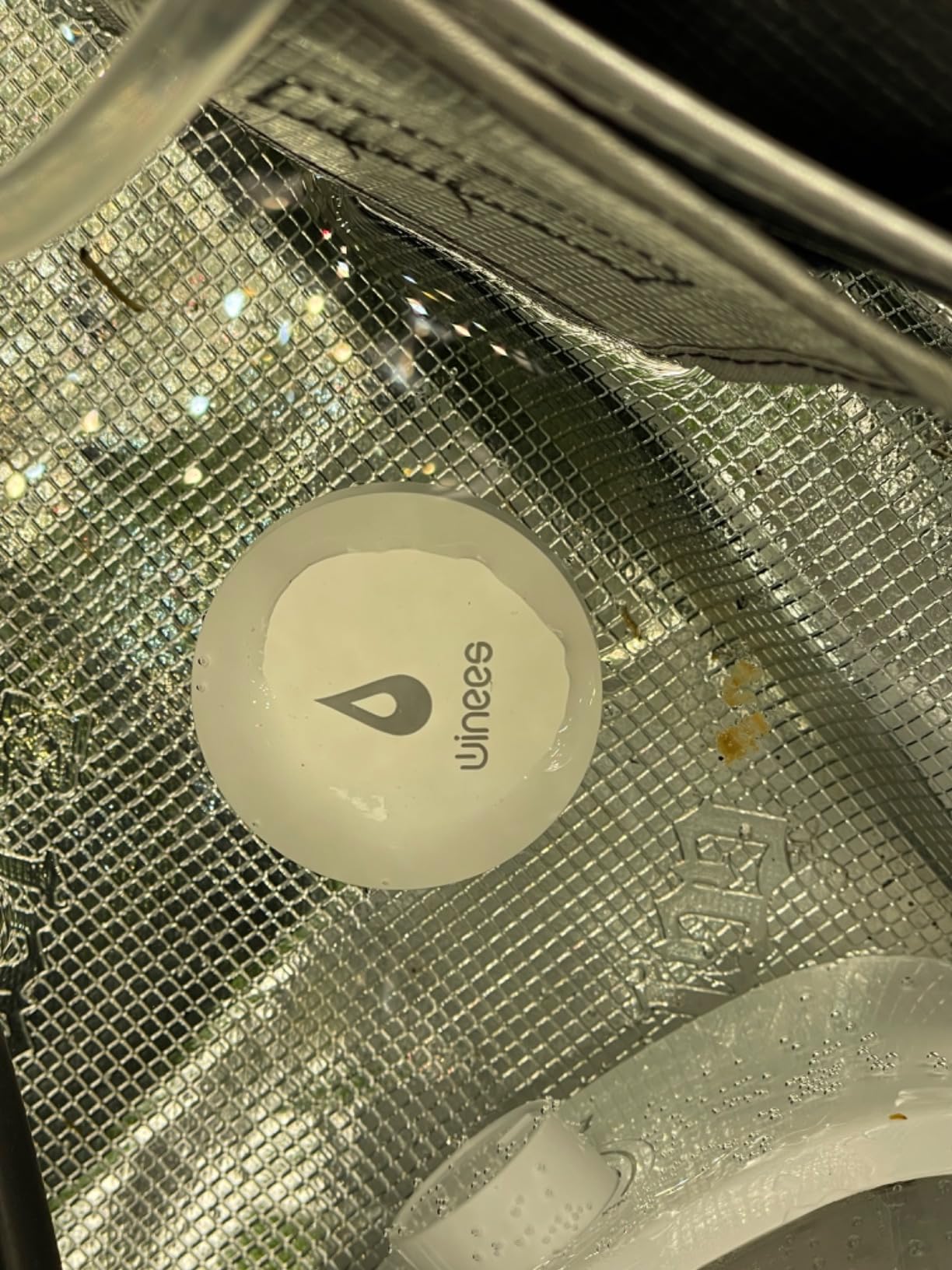
The pucks are 1.8 mm thick, thin enough to slide beneath a cabinet, behind a washer or under a shelving unit that nothing else fits under, and they run on three CR2450 lithium cells rather than alkalines. Reviewers credit this system with catching window-well intrusion and a sewage overflow before real damage spread.
Two constraints are worth planning around. The probes sit roughly 2 mm above the base, so the sensor needs standing water to trigger and will not respond to moisture soaked into carpet or between floorboards. And the hub occasionally drops its Wi-Fi connection, taking every sensor offline with it until the link recovers.
What pooled water means for your floor covering
Bare concrete and tile basements are the ideal environment for this puck. Carpeted or finished floors change the physics, because a slow leak wets the material rather than pooling on top of it, and this sensor reads metal contacts that need liquid to bridge them.
If your basement is carpeted, place these sensors where water would collect, such as at the base of a wall, near a floor drain or in front of a water heater, and add a probe or rope sensor for anything under the flooring.
Renaming sensors before you forget
The pucks ship with generic labels, and it is very easy to mix up which one is at the sump pit and which is under the laundry tub in the middle of a leak event. Rename each sensor the day you install it and keep the names tied to a simple floor plan.
The lithium cells also mean fewer battery worries than an alkaline system, although a 4.2 rating across 887 reviews reflects the hub reliability complaints more than anything about detection.
7. Tapo Smart Water Leak Detector T300: Fastest-Sensing Sensor
- Sirens in as little as about one second
- Top and bottom probes catch drips and pooled water
- Two AAA cells rated for up to three years by the manufacturer
- IP67 housing handles humidity and dust
- The Tapo platform is stable and rarely disconnects
- Requires a separate Tapo hub
- Taller profile will not slide under very tight appliances
- The app can log you out and suppress alerts until you log back in
- US-purchased units use different radio frequencies than other regions
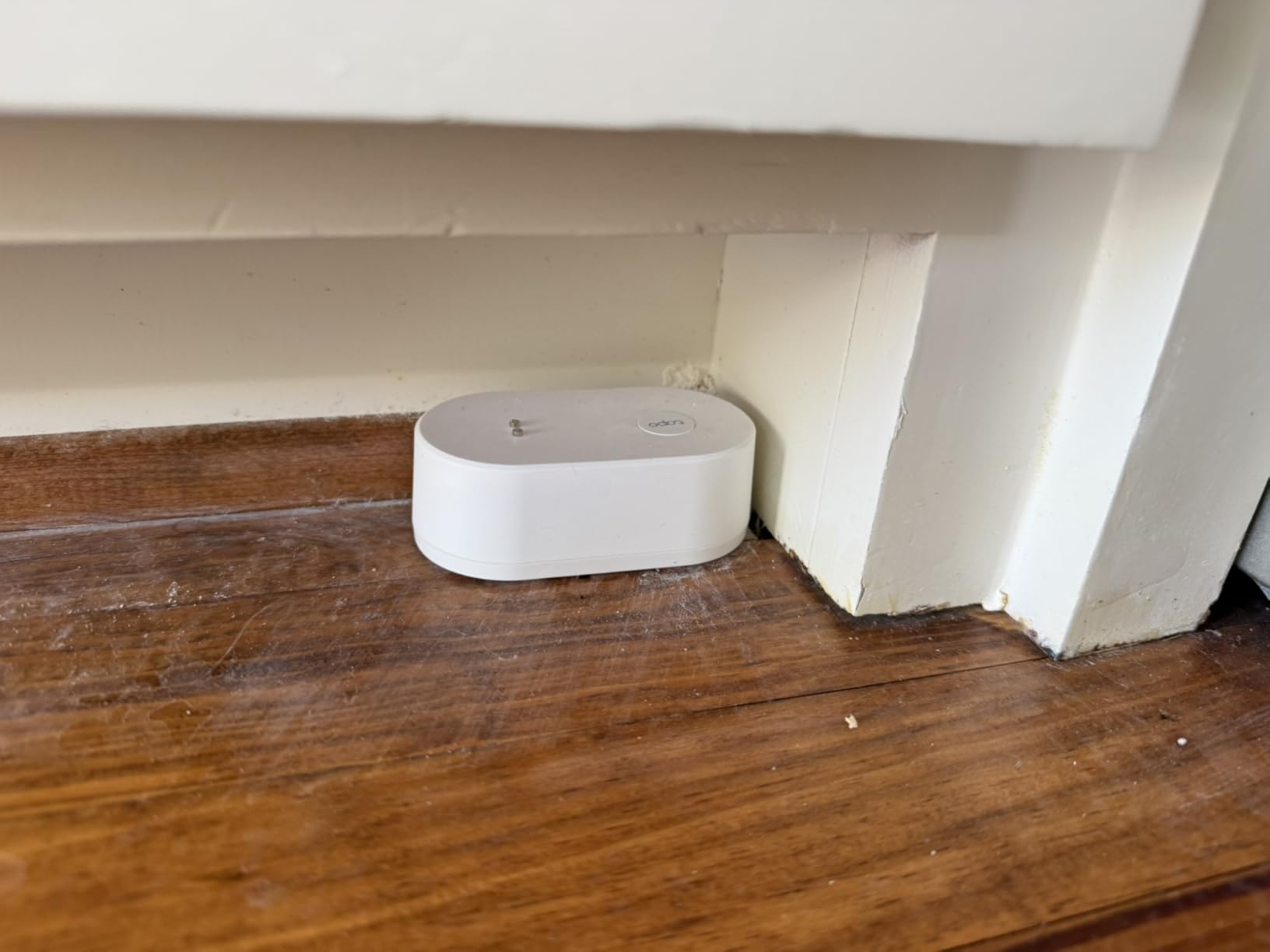
Speed is the entire pitch here. TP-Link states the T300 can trigger its siren in as little as about one second, using six probes split between the top and bottom faces. In a leak event the difference between one second and ten is the difference between a wet shoe and a wet floor, and this is the fastest sensor we reviewed.
The alarm is 90 dB and adjustable, with a single press to silence it, and it can also trigger the Tapo hub alarm for wider coverage in the house. Low-battery and leak notifications arrive in the app even when you are away, and automations can route alerts through Alexa or Google Home.
Users moving off Moen or Phyn sensors report a smoother setup and better connection stability, and multiple reviews describe the T300 catching air-conditioner drain lines, water heater leaks and basement seepage. The IP67 rating and two replaceable AAA cells rated at up to three years keep maintenance modest.
Our cautions are practical. The hub is a separate purchase, which pushes the system cost above the sticker price of the sensor. The body is taller than a puck-style competitor, so it will not slide under a tight appliance gap. And users report occasional app logouts that suppress phone alerts until you sign back in.
Where speed actually changes the outcome
Response time matters most where a small volume of water does disproportionate damage, such as a water heater relief valve weeping into an electrical panel, or a washing machine supply line at the top of the stairs. One second versus thirty seconds is the difference between dry and wet.
It matters less in a sump pit, where a pump failure releases far more water in the first minute than any sensor can slow down. For a sump pit, the real protection is an automatic shutoff valve or a secondary pump, not a faster notification.
The hub dependency and regional radios
The T300 needs a Tapo hub, so budget for that hardware and for the hub’s placement. A hub high on a main-floor wall with a clear line toward the basement will serve you better than one tucked behind a television.
One more detail matters if you travel or buy for a relative abroad: the listed radio frequencies differ by region, so a unit purchased in one country will not pair with a hub from another. Check the region before ordering.
8. TECKNET WiFi Water Leak Detector 2-Pack: Loudest Siren Without a Hub
TECKNET WiFi Water Leak Detector, Smart Leak Sensor with App Alerts
- 120 dB built-in siren that carries to another room
- Connects directly to 2.4 GHz Wi-Fi with no hub
- IP67 housing rated for humid basements and laundry rooms
- Not trigger-happy on condensation or small splashes
- Batteries and a change tool are included
- SMS and voice-call alerts require a paid third-party subscription
- Tuya Smart app setup and Bluetooth pairing can be confusing
- Sensors are slightly bulky for very tight gaps
- Notification wording in the app is awkward
This pair wins on one specific number: 120 dB, the highest alarm output in the roundup, and it reaches that without requiring a hub. The sensor connects straight to 2.4 GHz Wi-Fi, so a two-pack gives you two loud, independent listening posts in a basement for very little complexity.
Detection uses two top and four bottom probes for multi-direction sensing, and the housing is IP67 rated for the wettest rooms in a house. Each sensor runs on two AAA cells for up to about two years, with low-battery reminders in the app, and the box includes four cells plus a change tool.
Reviewers highlight something the specifications do not: it is not trigger-happy. Condensation on a cold pipe and small splashes do not set this one off, which matters in a finished basement where a temperamental sensor gets ignored. Build quality and included batteries also draw consistent praise, and a 36-month warranty is included when registered.
The hidden cost is the reason this sits mid-pack. SMS and voice-call alerts are routed through a third-party messaging subscription that reviewers say adds an annual charge on top of the device, and the Tuya Smart app pairing process frustrates some first-time users. The notification wording in the app is also genuinely awkward to read.
What you pay for the extra decibels
The gap between this sensor and a 100 dB model is the difference between hearing a sensor two rooms away and hearing it in the next room. In a finished basement with carpet, closed doors and a running dehumidifier, that difference decides whether a leak is caught in minutes or hours.
Since the alarm volume is adjustable, you can set it lower during the day and higher overnight if the app allows, or mute it from the hub and rely on phone alerts while you are at work.
Reading the SMS cost before you buy
App push notifications and email work without any extra service, so the core protection is covered. It is the text message and automated voice call options that sit behind a paid third-party subscription, and those are the ones people expect to be free.
Check the messaging terms in the app before you rely on SMS for a rental property or a second home, where you may not always have Wi-Fi to fall back on.
9. YoLink Water Leak Sensor 4 6-Pack Kit: Highest Rated and Audible on Every Sensor
- Highest owner rating in this roundup with 89 percent five-star reviews
- Every sensor carries a built-in 105 dB alarm so no extra hardware is needed
- LoRa reach covers basements
- outbuildings and dead zones
- Control-D2D keeps protecting the home during internet outages
- Hub plus six sensors cover a whole home or two properties
- The highest total outlay of the kits here because of the six-sensor pack
- Changing batteries on sensors in awkward locations takes effort
This is the kit we recommend when a leak needs to make noise in the room where it happens, not just on a phone. Every Leak Sensor 4 has a built-in 105 dB siren, so each of the six sensors is an independent alarm. No separate speaker, no dependence on the hub being in earshot, and no silence in a room nobody visits.
The radio is LoRa with a quarter-mile open-air range, and Control-D2D lets a sensor trigger other YoLink sirens or shutoff valves even with the internet down. App, email and SMS alerts all work, sensors can be named by location, and the hub scales past 300 devices.
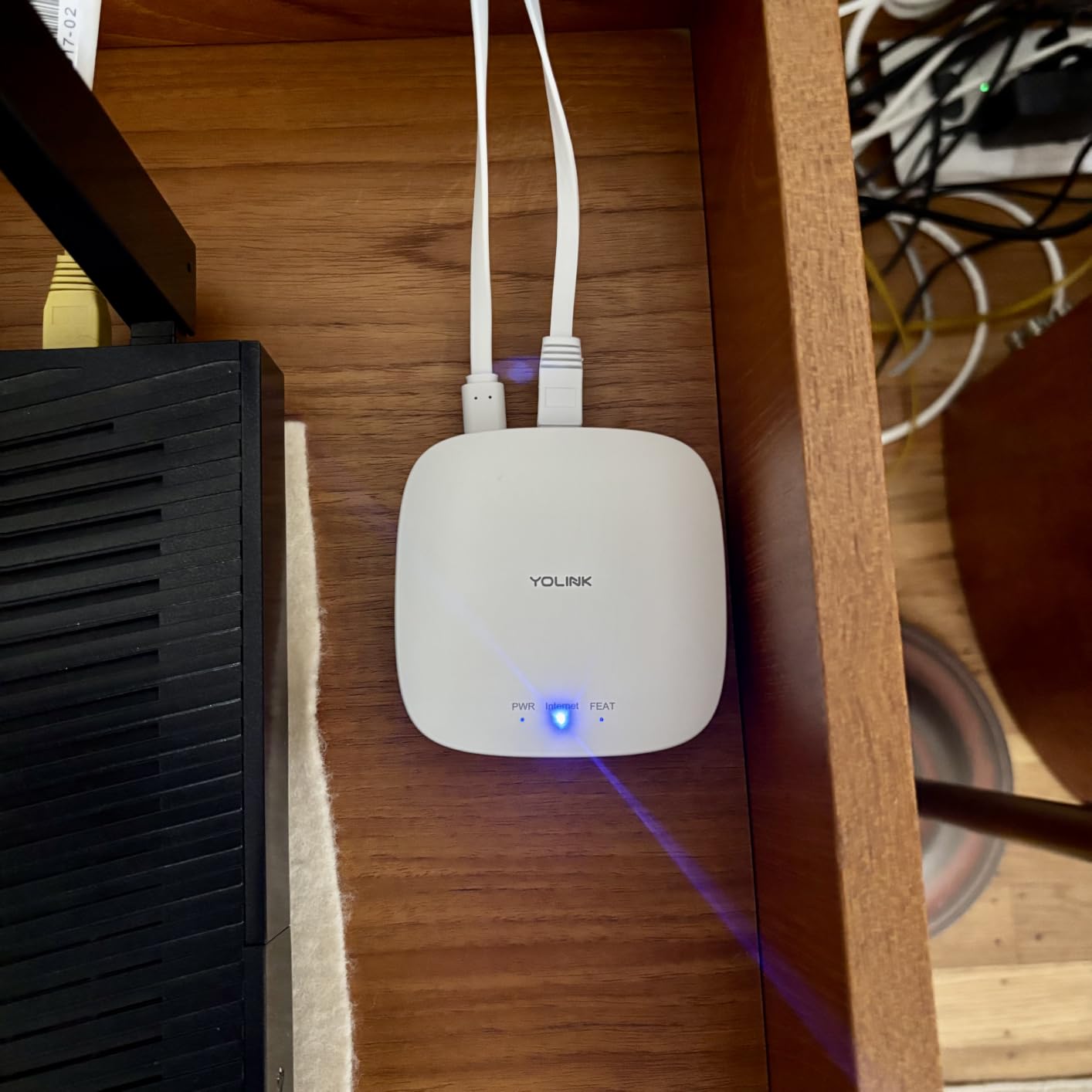
At 4.8 stars across 1,685 reviews with 89 percent five-star ratings, this has the strongest owner satisfaction in the group, and the reason is consistent: audible sensing at each point plus long reach. Power is two AAA cells per sensor for a typical five years, twelve cells are included, and the housing is IP67 rated.
Our reservation is cost, not function. Six sensors and a hub represent the largest outlay among the kits we looked at, and if you only need three monitoring points, the smaller starter kit covers the same ground. Battery changes on a sensor wedged behind a finished wall are also more work than a coin cell under a laundry tub.
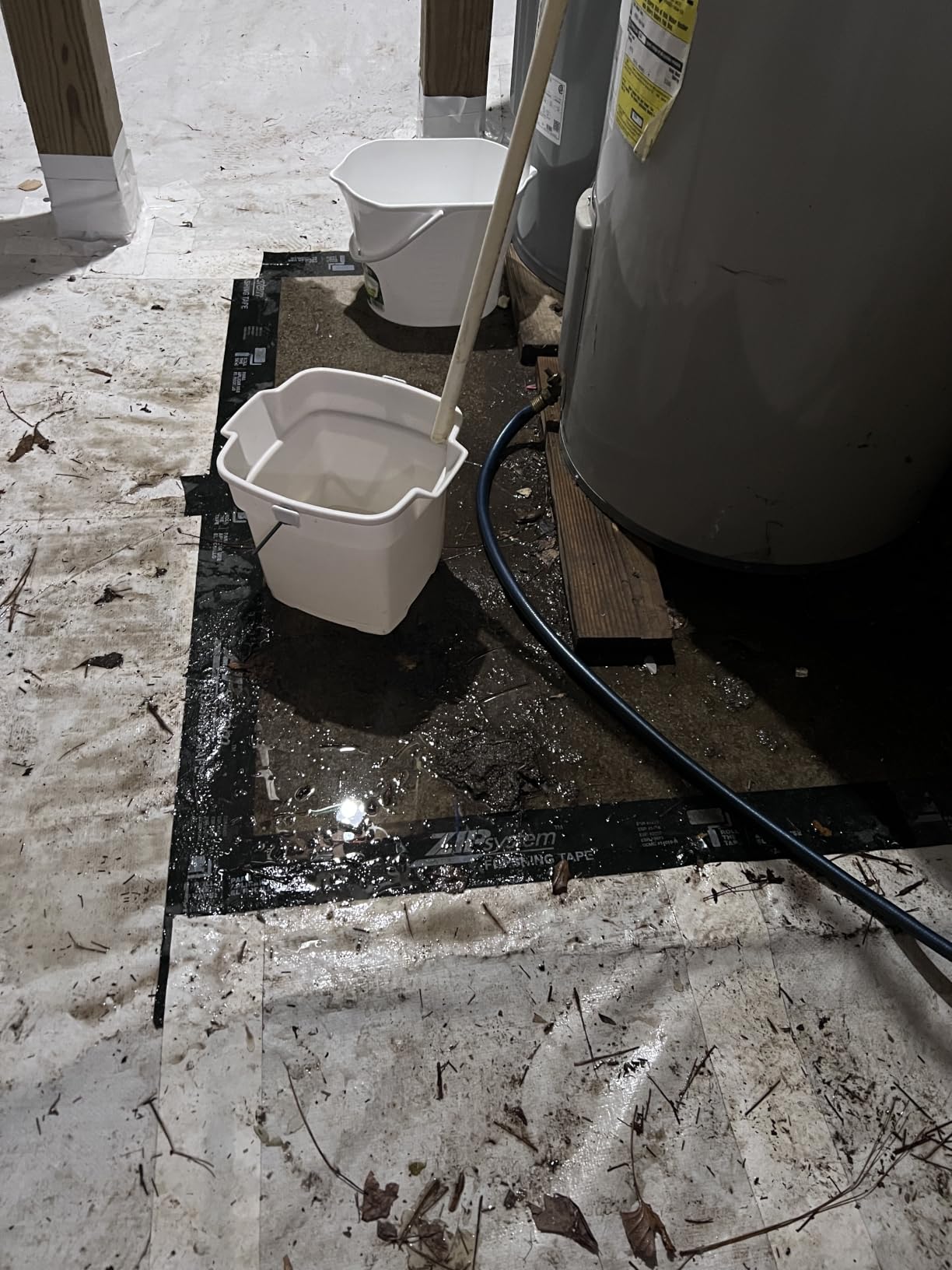
How many sensors six buys you
Six sensors cover a typical basement properly: sump pit, sump discharge, water heater, washing machine, main shutoff area and a floor drain. That is the same list we recommend in the placement section below, and this pack happens to match it exactly.
Because each sensor alarms on its own, a leak at the far end of the basement is audible even if nobody hears the hub. That single feature is what justifies the larger pack for anyone with a finished basement and sleeping occupants upstairs.
Where this beats our top pick
Our editor’s choice starter kit uses silent sensors and a lower total outlay, which makes sense when the hub is central and you already have an audible alarm elsewhere in the house. This kit wins when the basement is large, finished, and the leak could happen far from the hub.
Both share the same LoRa advantage and the same offline D2D protection. Choose on audible sensing and sensor count rather than on range, because the ranges are close enough in practice that wall layout matters more.
10. Aeotec SmartThings Water Leak Sensor: Best for Existing SmartThings Homes
Aeotec SmartThings SmartThings Water Leak Sensor, ZigBee, Battery Powered, Smart Home Hub Compatible
- Very small footprint fits under sinks and behind appliances
- Monitors temperature alongside leaks in one unit
- Works with the SmartThings hub and other compatible Zigbee hubs
- Can be programmed to shut off water flow or electronics
- Choose light-up or siren alert modes
- Requires a compatible smart home hub
- Zigbee range of only 50-130 ft limits large basements
- Rated for indoor use only
- No siren of its own
If a SmartThings hub is already running your home, this sensor drops into the ecosystem you have and reports to the app you already open. It detects excess water or moisture and sends immediate phone alerts through SmartThings, and it adds temperature monitoring with a 32 to 104 degree operating range in the same unit.
The body is the smallest here at 0.91 by 0.65 by 0.79 inches, which means it disappears under a sink, behind a washing machine or in the back of a utility closet where a larger puck will not sit flat. A one-year limited warranty is included.
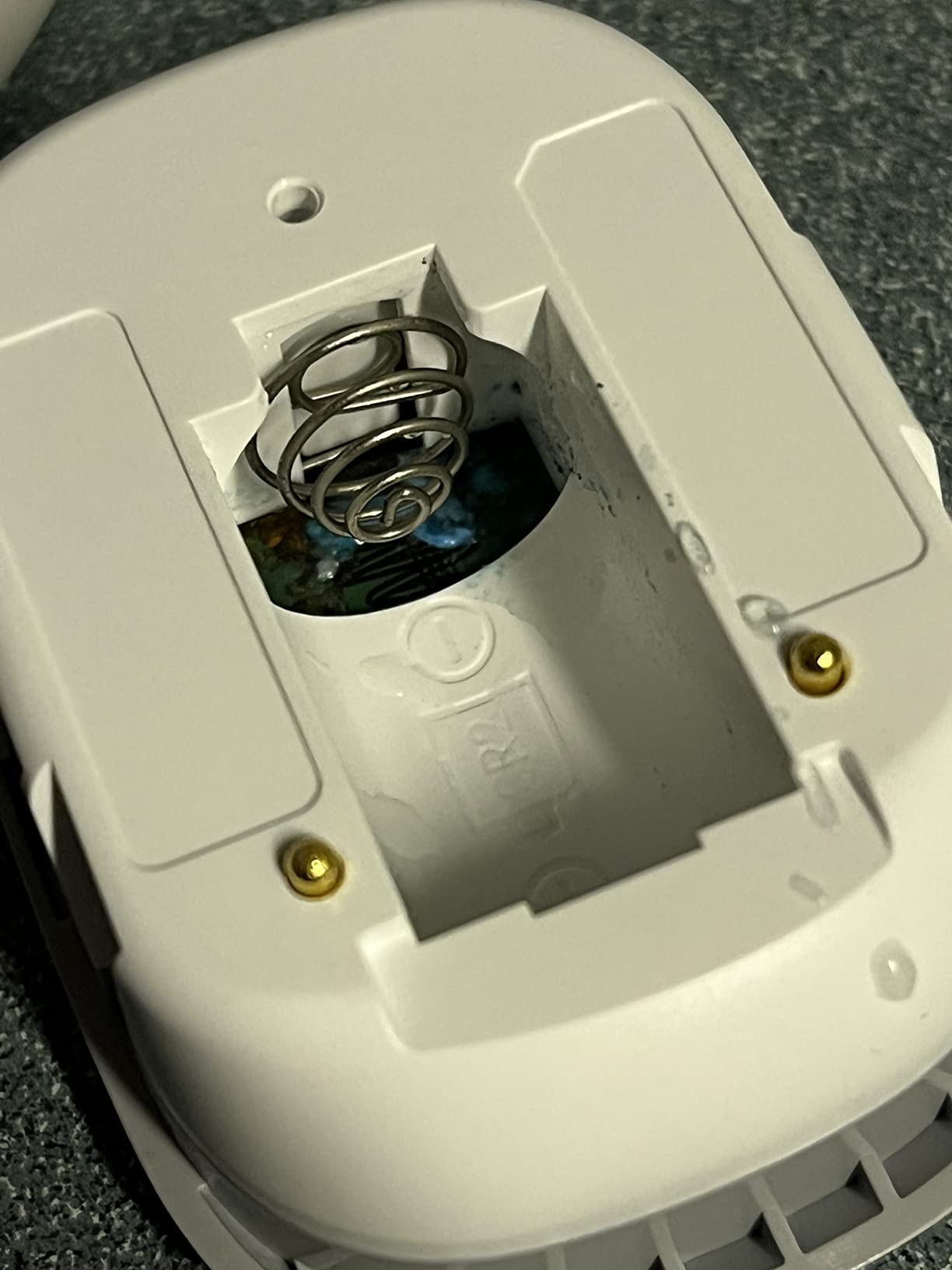
Its most useful feature is automation. Because it reports into SmartThings, you can program it to shut off water flow or shut down electronics automatically when moisture appears, which turns a notification into an intervention without any additional hardware beyond the valve you choose.
The constraint is Zigbee range, specified at 50 to 130 feet depending on home construction, plus an indoor-use-only rating. In a basement spread across 900 square feet with poured concrete between you and the hub, that is a meaningful ceiling, and it is why this is the last recommendation rather than a leading one.
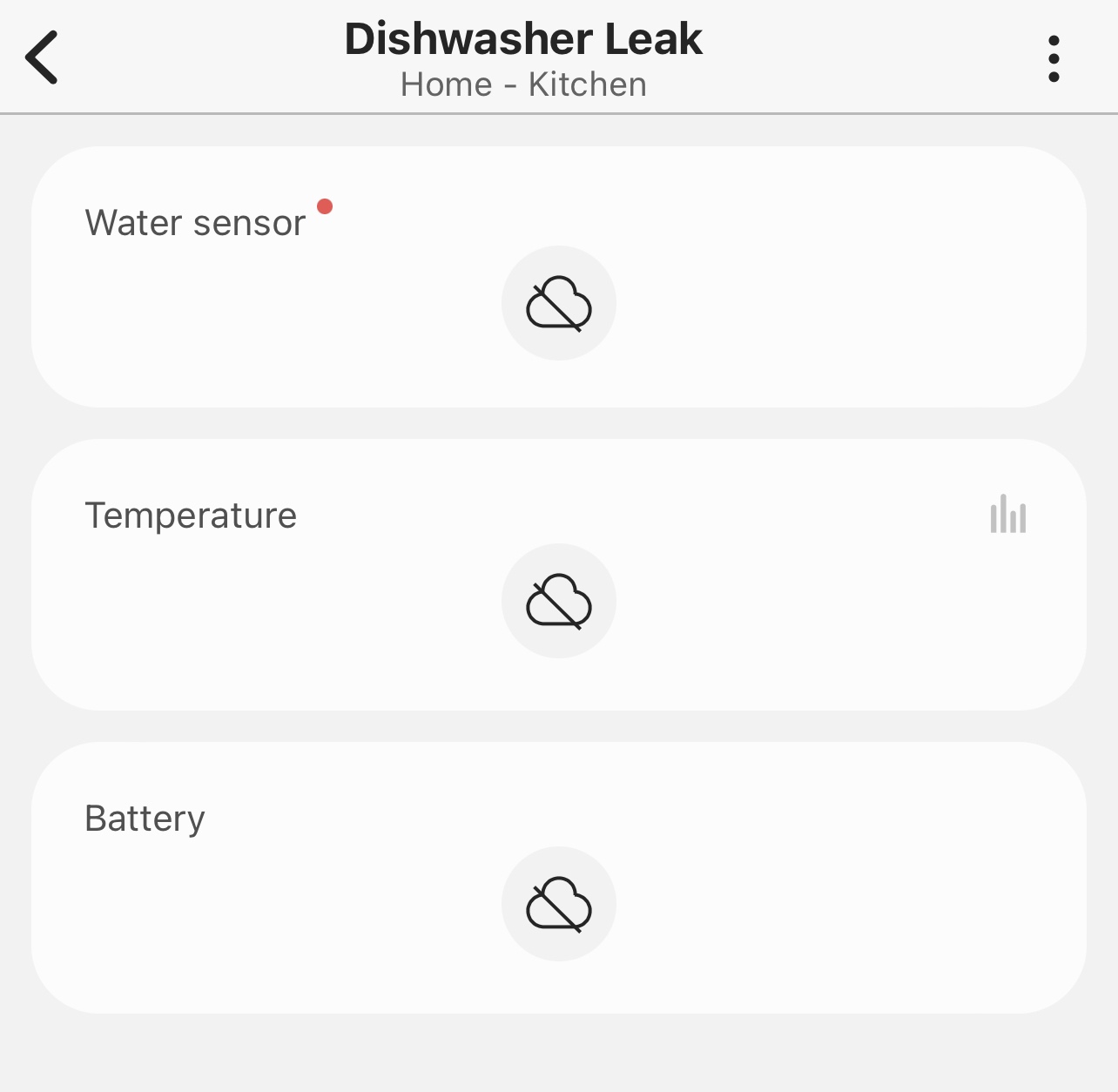
When leak plus temperature in one sensor pays off
Temperature monitoring is not a gimmick in a basement. A water heater that has stopped delivering hot water, a supply line that has frozen, or a room that has dropped near freezing all show up in the same app as a leak, and a single device covers both risks.
It also means fewer batteries and fewer devices to check during a maintenance round, which matters more in a basement where climbing a ladder is unpleasant.
Setting the shutoff automation carefully
Automating a whole-property water shutoff from one sensor is powerful and unforgiving. A sensor in a splash zone could cut water to the whole house over a false alarm, so test the trigger point and start by shutting off a single branch rather than the main.
Our broader guide to smart water shutoff valves covers the valve options that pair with sensors like this one, and the general water leak detector roundup is useful if your basement is not your only concern.
Where to Place Water Leak Sensors in a Basement
Placement determines how much of a leak your sensors will ever see. Water detection needs liquid to touch metal contacts or a probe, so a sensor two feet from the failure point is as useless as no sensor at all. Work through these nine locations in order and you will have complete coverage of a typical basement. A basement mechanical room often carries a second, unrelated failure mode as well, so our guide to refrigerant leak detectors is worth a look if an air handler shares the space.
In the sump pit. Place the puck on the pit floor or on the lower step, above the normal waterline, so it alarms on rising water rather than on the level the pump maintains.
Along the sump discharge line. Set it where the discharge pipe enters the floor or leaves the wall, not next to the pump, because that is where a failed check valve and a cracked pipe actually release water.
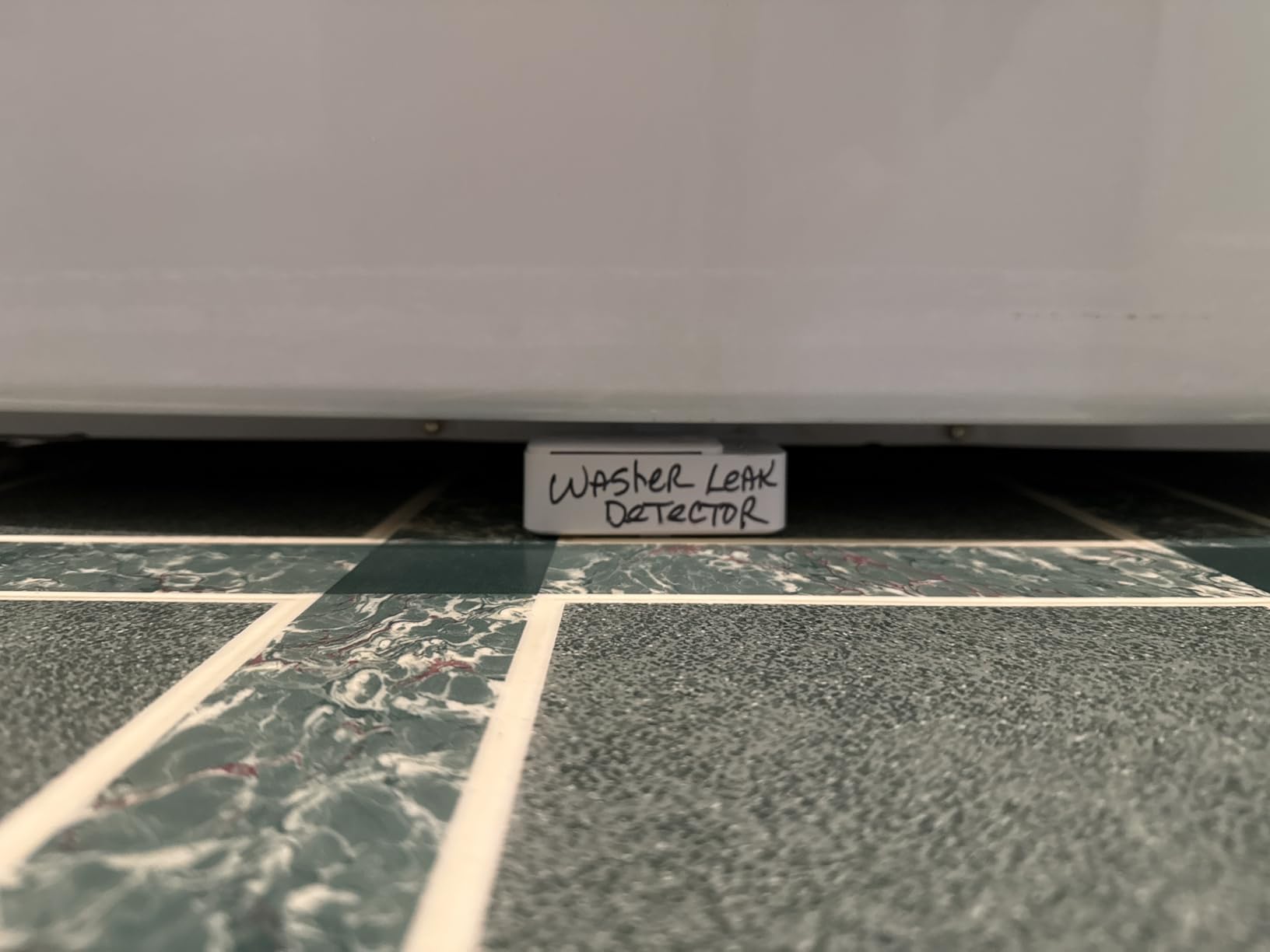
Under and beside the water heater. A 1.8 mm sensor such as the Winees puck or a thin SwitchBot unit fits beneath the tank where a taller body will not sit flat.
At the main water shutoff valve. This is where you want to be standing when an alert arrives, and a sensor here also catches weeping supply lines upstream.
Beside each floor drain. A blocked floor drain is one of the quietest basement failures there is, and a sensor near it catches the overflow early.
Along foundation cracks and cold wall sections. Use the smallest sensor you can find and place it at the base of the wall where seepage collects, not up the wall where dampness is invisible.
Under the washing machine and laundry tub supply lines. These hoses fail slowly and are frequently hidden behind the machine, so a sensor that fits in 1.8 mm of clearance is worth the effort.
At the water softener discharge. Set it on the far side of the splash zone, not directly below the brine line, so routine backwash does not trip it.
Near the dehumidifier and HVAC condensate drain. An overflowing condensate pan can put water on a basement floor in a weekend, and both devices are often sitting in the same corner.
How Many Water Leak Sensors Does a Basement Need?
Most basements need three to five sensors, and six is thorough coverage rather than overspending. Two is enough for a small unfinished space with just a sump pit and a water heater, three covers a standard 900-square-foot basement with a laundry area, and four to five is right for a finished basement with a floor drain, a softener and a mechanical room. Buy in a pack from one brand so your alerts land in a single app. If the basement is only part of a wider monitoring job, our roundup of smart smoke detectors covers the rest of the house.
What to Look for When Buying a Basement Leak Detector
The differences that matter in a basement are rarely on the packaging. Here is what we checked on every sensor above, in the order we would weigh them.
Hub, gateway or hub-free
A hub is a central box that your sensors report to, usually plugged into the network. Hub-free sensors connect straight to 2.4 GHz Wi-Fi, which is simpler and cheaper but limits range and depends entirely on router coverage in the basement.
Buyers of Zigbee sensors such as the Aqara and Aeotec units are choosing a mesh ecosystem that also runs lights, locks and thermostats. If you have none of that, a hub-free model or a long-range gateway is a smaller commitment.
Radio range and poured-concrete walls
This is the defining basement constraint. A 2.4 GHz Wi-Fi signal loses strength crossing poured concrete, rim joists and steel, and most routers sit upstairs or at one end of the house.
LoRa systems quoted at roughly a quarter mile in open air, such as the YoLink kits and the GoveeLife pack, are built for exactly this problem. Zigbee options quoted at 33 feet or 50 to 130 feet need the hub positioned carefully and sometimes do not cover a full basement at all. Open-air range figures are laboratory numbers, so treat them as an upper bound and test the real placement.
What still alarms when power and internet are out
A basement floods during a storm, and a storm is also when power and internet are most likely to fail. Two different things depend on the electricity: the local siren and the phone notification.
A local siren needs only the sensor’s own battery, so a 100 dB or 120 dB alarm keeps working with the router dead. Cloud notifications need internet, so they stop when the connection does. Systems with device-to-device triggering, such as the YoLink Control-D2D kits, go further and let a sensor switch a shutoff valve or a siren without any internet at all.
Alert methods and hidden SMS fees
App push notifications are free almost everywhere in this roundup. Text and voice alerts are where costs hide, because several Tuya-based sensors route messages through a paid third-party messaging plan. Check the terms inside the app before you depend on SMS for a property you are not standing in.
The best combination for most people is app push plus email plus SMS, so that one failed channel is not the only thing between a leak and your awareness. GoveeLife and the YoLink kits deliver all three as standard.
Spot sensor, probe cable or rope sensor
A spot sensor is the flat puck most of these products are, and it needs water to touch its contacts. A probe or rope sensor extends a cable or a length of absorbent rope you can lay along a wall, under a sink cabinet or across a floor drain cover, which is the only practical way to detect moisture soaking into carpet or drywall.
In a finished basement with carpet, use rope sensors for the floor and pucks for appliances. On bare concrete, pucks alone are enough, and every product reviewed here uses multi-directional probes for that reason.
Humidity, IP ratings and battery chemistry
IP67 means dust-tight and protected against temporary immersion, and IP66 means protected against powerful water jets. Both suit a basement, and neither rating is critical as long as your sensor sits on a floor rather than under a stream of water.
Battery chemistry matters more than people expect. Alkaline cells lose performance in cold conditions, and a crawlspace or unheated basement can see them, so lithium cells are a safer long-term choice where a CR2450 or lithium pack is offered. Ratings here range from about two years on AAA to a stated five years, and a low-battery alert in the app is worth as much as the headline figure.
Pairing a sensor with an automatic shutoff valve
A notification asks you to act. An automatic shutoff valve acts while you are driving home. If your basement has a finished floor, a water heater, or anything you would have to replace rather than dry, pairing a sensor with a shutoff valve is the upgrade that changes the outcome.
Both YoLink kits support triggering a compatible valve through Control-D2D even without internet, and the Aeotec sensor can be programmed inside SmartThings to shut off water flow. Our guide to smart water shutoff valves breaks down the valve side of the pairing.
How to Stop False Alarms from Sump Discharge and Water Softener Backwash
The two most common false alarms in a basement have nothing to do with faulty sensors. One is sump discharge splash, where the discharge pipe throws water across the floor on every cycle, and the other is water softener backwash, which sends a deliberate slug of water across the slab. Users on r/SmartThings describe shielding and repositioning sensors specifically for this problem.
Move the sensor 18 inches or more away from the discharge exit point rather than directly beneath it, and keep sump and softener sensors on separate alert names so you can tell an intentional cycle from a failure. If you cannot move the sensor, shield it with a small rigid cover or a short section of conduit that leaves a side gap, so a puddle can form without splashing the probes.
Cold pipe condensation in a finished basement causes the third type of nuisance alert. A few degrees of temperature difference between the sensor body and the concrete sets up a light film of water, so keep pucks off bare cold floor and give them a minute of temperature acclimation after installation.
Your Six-Month Testing and Battery Checklist
Every six months, put a cup of water on each sensor’s probes and confirm the alarm sounds and the phone notification arrives. Do it in the same season each time, because a sensor that works in July can behave differently in January when the basement is colder.
At the same visit, check battery levels in the app, confirm every sensor still shows a recent heartbeat, and re-check the placement list above. A sensor nudged out of position by stored boxes is the most common reason a working system stops reporting, and the cheapest devices here need attention roughly yearly because of their two-year batteries.
Frequently Asked Questions
How many water leak sensors do I need in a basement?
Most basements need three to five sensors, and six is thorough coverage. Two cover a small unfinished space with a sump pit and a water heater, three suit a standard basement with a laundry area, and four to five cover a finished basement with a floor drain, softener and mechanical room. Place one in the sump pit, one at the sump discharge, one at the water heater, one at the main shutoff and one by a floor drain.
Where should water leak sensors be placed in a basement?
Place them where water would actually collect: in the sump pit, along the sump discharge line where it enters the floor, under the water heater, at the main water shutoff valve, beside each floor drain, at the base of foundation cracks, under washing machine supply lines, offset from the water softener discharge and near the dehumidifier or HVAC condensate pan. Keep sensors away from routine discharge splash to avoid false alarms.
Do smart water leak sensors still work if the power or internet goes out?
A built-in siren works without internet, because it only needs the sensor’s own battery, and sensors rated at 100 to 120 dB are audible across a finished basement. Phone, SMS and email notifications stop when the internet is down. Systems with device-to-device triggering, such as the YoLink Control-D2D kits, go further and let a sensor switch a siren or shutoff valve with no internet connection at all.
Which is better, YoLink or GoveeLife?
Both use long-range LoRa radios and pair with a hub, so the choice comes down to the sensors. The YoLink Sensor 4 carries a built-in 105 dB alarm on every unit, which makes it better for finished basements where a leak needs to be heard in the room where it starts. GoveeLife sensors alarm at 100 dB, send SMS, app and email alerts, and its gateway supports up to 100 sensors, which suits larger setups.
Are water leak detector SMS alerts free or do they need a subscription?
App push and email notifications are free on nearly every sensor reviewed. Text and automated voice alerts are different: Tuya-based sensors such as the TECKNET route SMS and voice calls through a paid third-party messaging plan. GoveeLife and the YoLink kits include SMS in the box with the hub, so check the app’s messaging terms before relying on texts for a property you are not standing in.
Can you put a leak sensor on a sump pump?
Put it in the sump pit and along the discharge line rather than on the pump housing itself. A puck on the pit floor, set above the pump’s normal operating level, catches rising water when the pump fails. Place a second sensor where the discharge pipe enters the floor, since a failed check valve sprays water there. Keep both at least 18 inches from the discharge exit to avoid false alarms on every cycle.
Final Verdict for Basement Leak Detection in 2026
The best smart water leak detectors for basements are the ones that reach your basement, still make noise when the storm knocks out your router, and get checked twice a year. Our YoLink starter kit covers the widest range of basement layouts and keeps triggering offline; the X-Sense SWS54 pair wins if the alarm has to be heard through a finished wall; and the six-sensor YoLink kit is the right answer when each point needs to stand on its own.
Start with three or four sensors in the locations above, confirm Wi-Fi or hub coverage where they will actually sit, and check in twice a year. That afternoon of work is the cheapest flood protection available for a finished basement in 2026.