
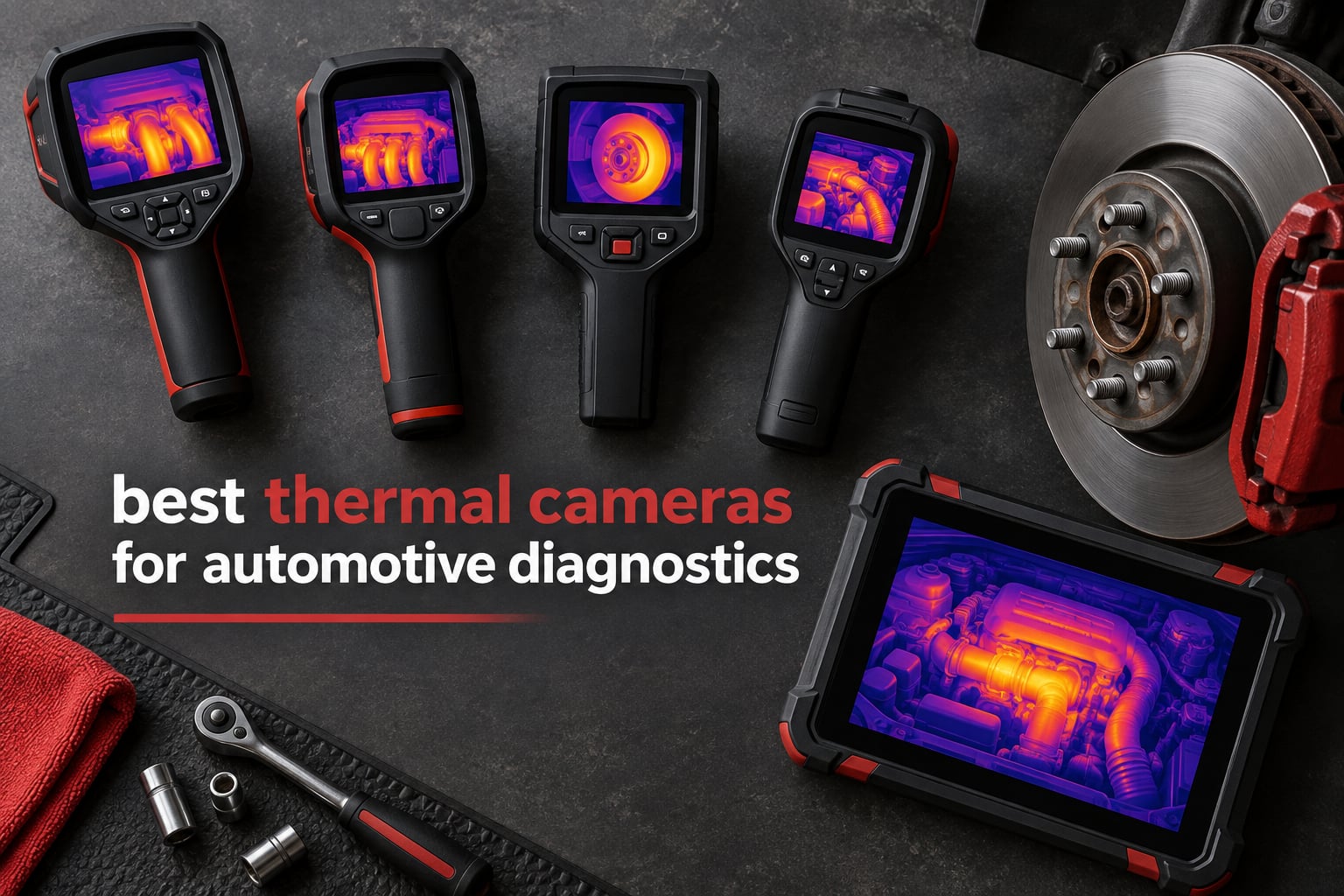
A hot brake rotor tells you a caliper is dragging. A faint warm stripe across a subframe tells you a wheel bearing is about to let go. A single warm wire inside a loom tells you exactly which circuit to pull. None of that is visible to you with a flashlight, and all of it takes minutes to see with the right thermal camera for automotive diagnostics.
That is why these cameras moved out of the building-maintenance closet and into the service bay. The job used to mean tearing a dash apart, or swapping parts until the fault stopped. Now you look at heat, and heat lies less than parts suppliers do. The catch is that most imagers on the market are sold with a resolution number that describes the upscaled output rather than the sensor underneath it, so two cameras claiming 240×240 can behave like very different tools.
We spent several weeks putting ten of them through the same routine: thermal sweeps of an engine bay, brake rotor temperature comparison between corners, an under-vehicle exhaust check, and a hunt for resistive heating in a wiring harness. The picks below cover everything from a phone-tethered plug-in to a standalone unit that logs to cloud reporting software. If you want the wider field first, our honest reviews of the best thermal imaging cameras covers the non-automotive options too.
Table of Contents
Top 3 Picks for Best Thermal Cameras for Automotive Diagnostics (October 2026)
These three cover the most common shop situations. The TC004 Mini is the one we would hand to most technicians, the FLIR One is the cheapest way in if your phone is already the hub of your workflow, and the FLIR C5 is the pick for shops that bill for diagnostic time and need printable reports.


All 10 Thermal Cameras Compared in 2026
The table below lists every camera in the ranking with the specs that actually change your diagnostic results. Read the native resolution column carefully: where a number is produced by super-resolution processing rather than the detector, we have said so.
| Product | Specifications | Action |
|---|---|---|
| TOPDON TC004 Mini |
|
Check Latest Price |
 FLIR One for Android USB-C FLIR One for Android USB-C |
|
Check Latest Price |
| FLIR C5 Compact |
|
Check Latest Price |
 Klein Tools TI250 Klein Tools TI250 |
|
Check Latest Price |
 FLIR TG165-X FLIR TG165-X |
|
Check Latest Price |
 GOYOJO GW192A GOYOJO GW192A |
|
Check Latest Price |
 MiLESEEY TR10 MiLESEEY TR10 |
|
Check Latest Price |
 HSFTOOLS HF96V HSFTOOLS HF96V |
|
Check Latest Price |
 TOPDON TC005 TOPDON TC005 |
|
Check Latest Price |
 Flagfront YXI96 Flagfront YXI96 |
|
Check Latest Price |
1. TOPDON TC004 Mini – The Best All-Round Imager for the Bay
- Pocket-friendly body is easy to hold through a long inspection
- Automatic on-screen alert captures the photo when a limit is exceeded
- 15 hour rated battery cuts mid-day charging
- Two meter drop resistance and IP54 suit a rough bay
- Five color palettes adapt to different fault types
- Charging cable included without a charging head
- Paper manual not supplied so the electronic one must be downloaded
- 842F temperature ceiling is lower than 550C-capable rivals
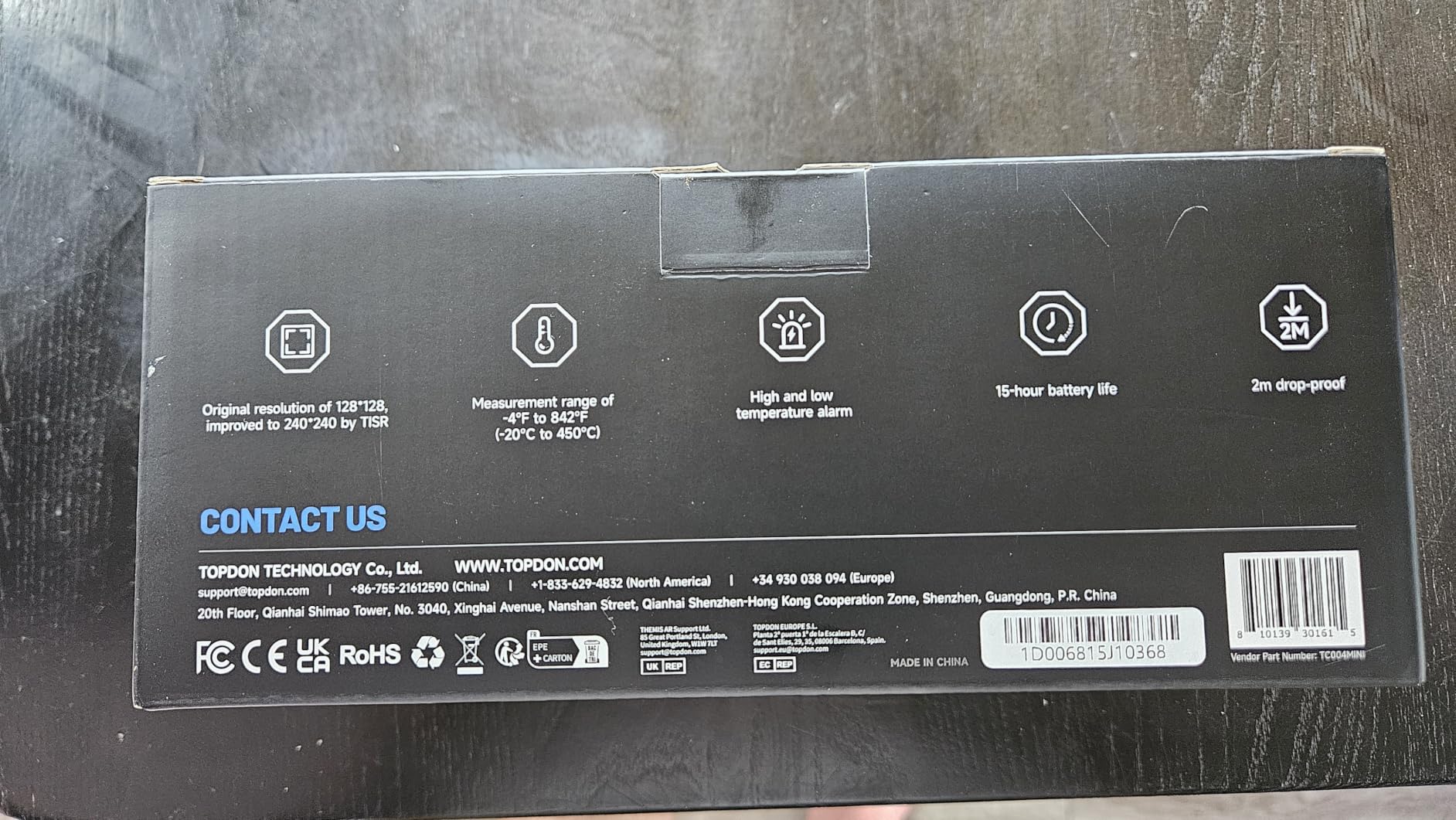
This is the camera I keep reaching for first. The TC004 Mini is genuinely pocketable at just over a pound, so it ends up in the diagnostic drawer rather than on a shelf, and the 25Hz refresh keeps moving parts such as belts, fans and idlers readable instead of smeared.
The automatic alert feature is the part I did not expect to care about and now rely on daily. You set a threshold, walk the engine bay or underbody, and the unit warns you and captures the frame the moment something crosses your limit, which means the finding is documented even when your hands are full of a torch and a breaker bar.
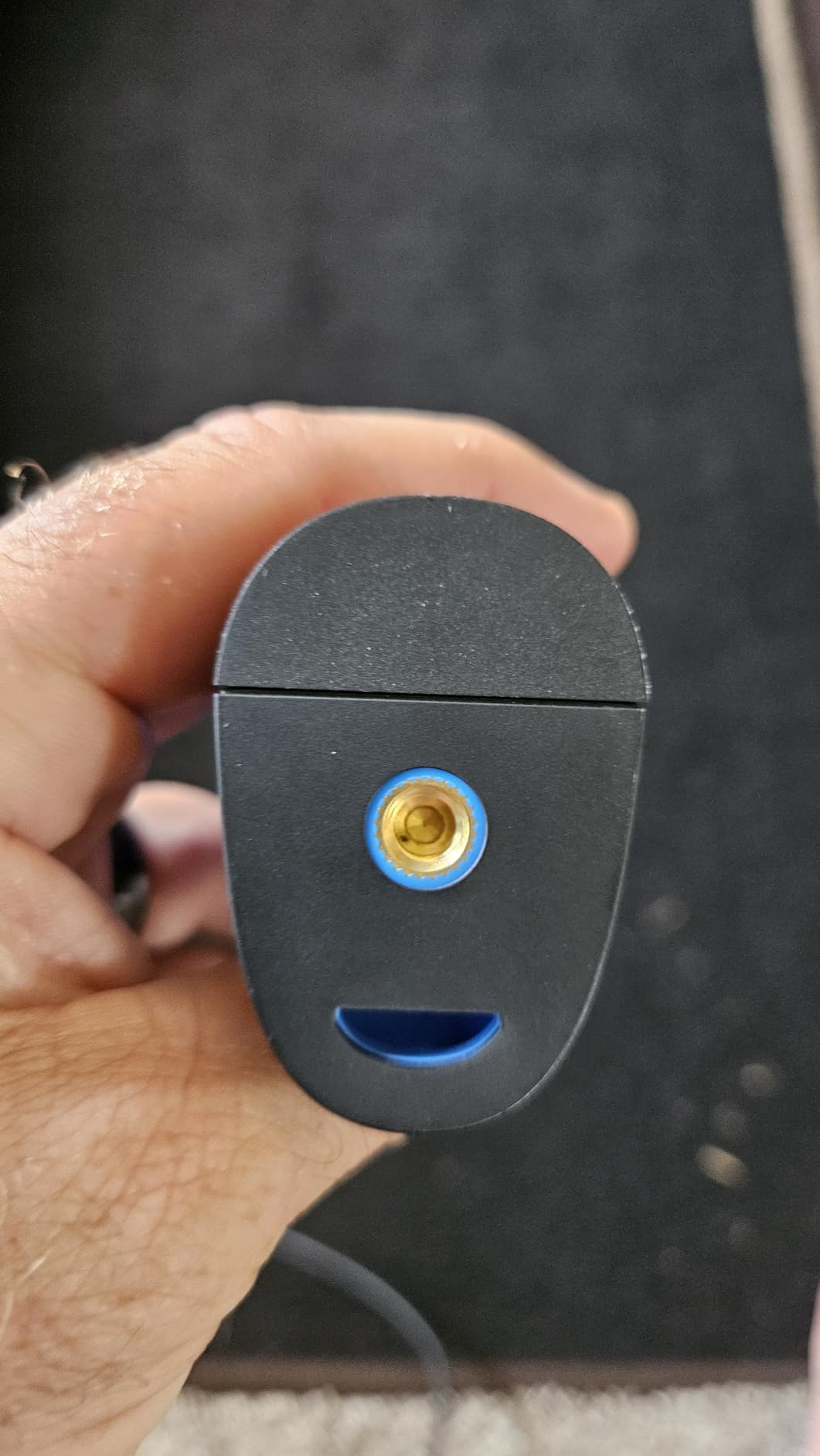
For brake work, the two-meter drop rating and IP54 sealing are more useful than they sound. Rotors, calipers and exhaust manifolds are hot, greasy and awkwardly placed, and the units that survive that are the ones that end up on the bench long term.
Two limits worth knowing. The temperature ceiling is 842F, so it will not measure an exhaust manifold during a hard overrun, and the charging cable arrives without a wall plug head, so bring your own.
Is the TC004 Mini right for brake, exhaust and electrical jobs?
Yes for brake and electrical work, with a caveat on exhaust. The 128×128 native sensor paired with TISR processing gives you clean enough images to see a dragging caliper or a warm connector, and the smart alerts are genuinely useful when you are doing a sweep rather than aiming at a known component. Rotor-to-rotor comparison across the four corners, which is the single most common thermal task in a shop, is easy with this unit.
For a full-throttle exhaust check you will run out of range before the manifold does. We used it for leak location along the system and for post-repair verification, both of which sit well inside its envelope, but a hard-revving engine test is where you would want a higher-rated unit instead.
Where the TC004 Mini falls short
Fixed-to-the-job workflow is the weak point. It stores images internally and shares through an app rather than a full desktop reporting suite, so if your shop sends formal diagnosis reports with annotated stills, you are doing more manual work than you would with a WiFi unit that pushes straight to cloud software.
The other gap is documentation and accessories. No printed manual means a new technician is guessing at the emissivity settings on day one, and the missing charging head is a small friction that shows up every time the unit dies mid-job. None of that undermines the core reason to pick it, which is that it is the most balanced tool in this group for general bay work.
2. FLIR One for Android USB-C – The Lowest Friction Way Into Thermal Work
- Plugs into a USB-C Android phone with no separate battery
- MSX blends visual detail onto the thermal image
- Step-by-step inspection guides inside the app
- 34 g body is easy to carry around a car
- Low 80x60 native resolution limits fine component detail
- Only works with USB-C Android devices so iPhone users need another variant
- Not water resistant
Everything happens on the phone screen. There is no separate device to charge, no memory card workflow and no pairing step, which makes this the fastest way to start using a thermal camera for car repair without changing how your day is organised.
MSX is the reason this unit stays useful despite the modest sensor. FLIR embeds visual detail into the thermal frame, so instead of an anonymous blob of orange you see where the heat is sitting on the component, which makes a loose terminal far easier to confirm rather than guess at.
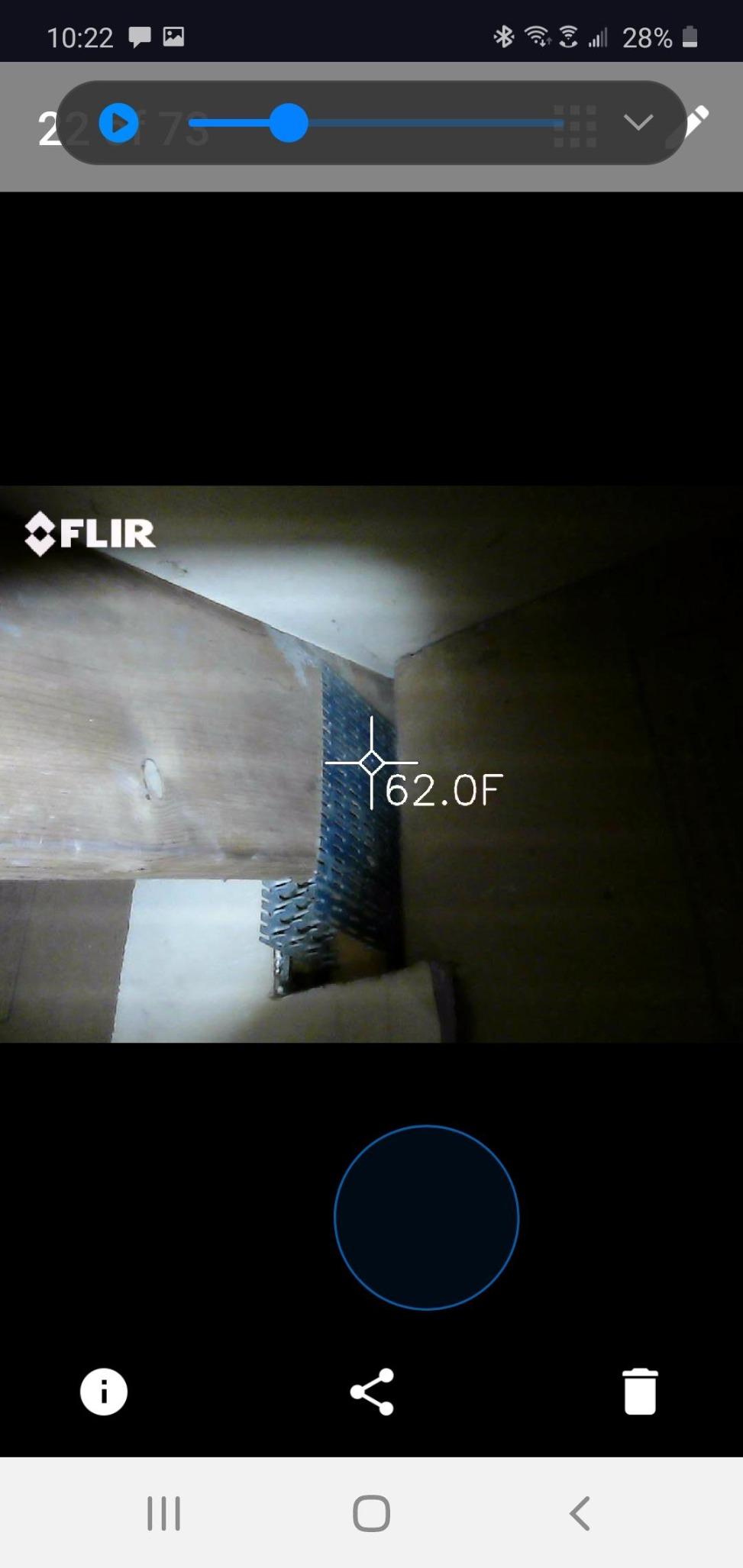
One owner described using the built-in inspection guides to walk a beginner through a typical fault, and that guided structure is genuinely useful when a new technician is learning to read thermal images rather than already knowing what to look for. Accuracy is rated at plus or minus 3C or plus or minus 5 percent within a specific ambient window, so treat it as a comparison instrument rather than a reference thermometer.
In practice the biggest constraint is the platform lock. It needs a USB-C Android phone, so iPhone users and anyone carrying a work phone with a case on it needs a different route to the same job.
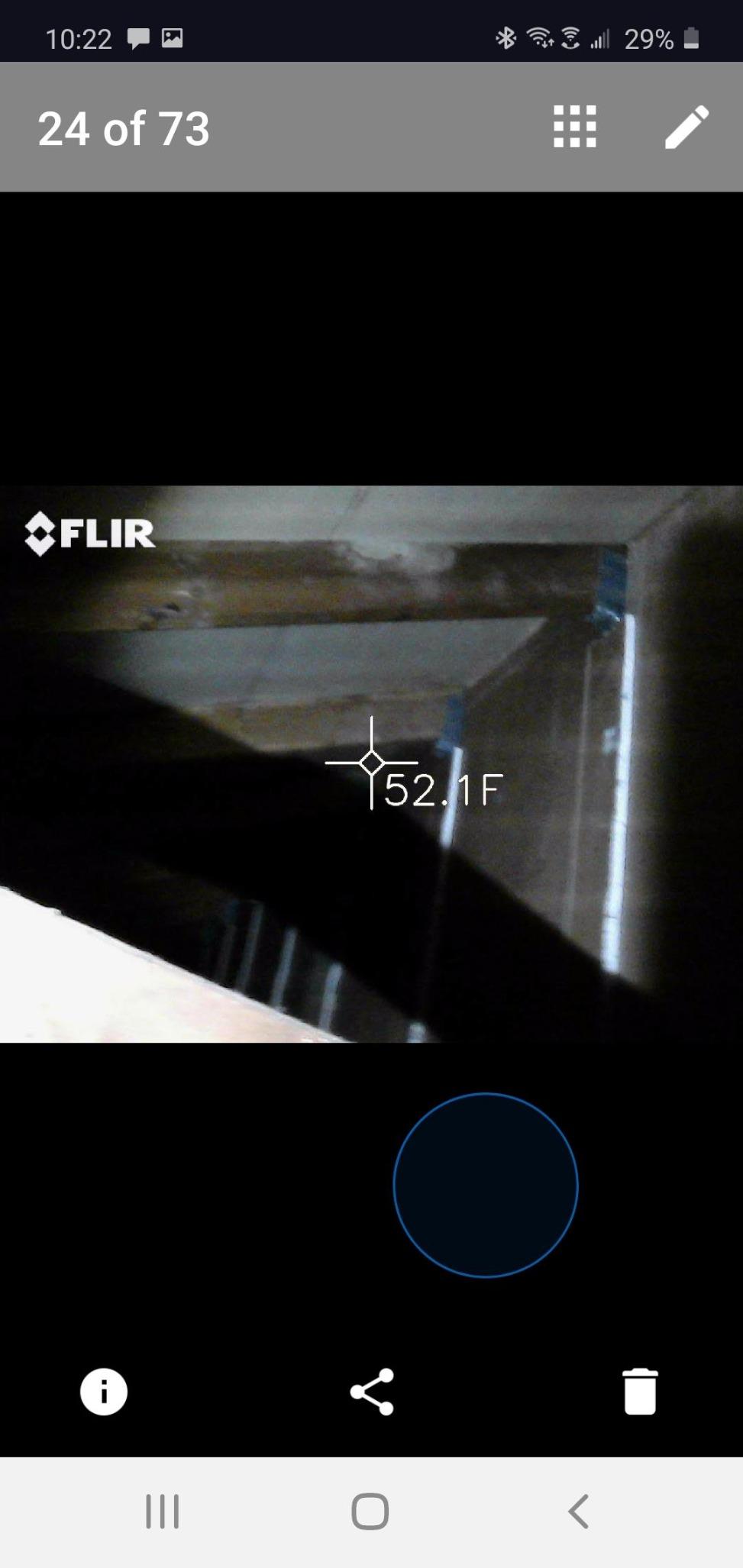
Will the FLIR One handle real diagnostic work?
It handles gross thermal contrast well, which covers most of the high-value tasks: a dragging brake, a blocked exhaust section, a hot bearing, a failed alternator diode, a warm cable in a loom. What it cannot do is resolve individual pins or hairline breaks in a harness, and the listing is candid that the 240×180 figure is an upscale of an 80×60 sensor.
For a technician who wants to hand a customer a screenshot showing a hot alternator or a hot wheel bearing, this does the job at a fraction of the cost of a standalone. For someone who needs to trace a specific conductor inside a taped loom, a higher native resolution pays for itself quickly.
Where the FLIR One falls short
It is a phone accessory, so its life is tied to your phone. If your shop standardises on a tablet-based scan tool, the imager sits outside that ecosystem and you are switching apps in the middle of a diagnostic, which is exactly the friction that erodes diagnostic time.
Reviewers also note recurring complaints about limited native resolution, and the rating distribution here is the weakest of the group with around 11 percent one-star feedback. If reliability of the tool matters more than its price, the standalone units further down this list are the safer bet.
3. FLIR C5 – Standalone Power With Cloud Reporting
- Standalone body means no phone in the bay
- Ignite cloud turns captures into client reports
- Waterproof build rated to survive shop conditions
- Picture-in-picture confirms what a hot spot is
- 3.5 inch screen is small for reviewing detailed scenes
- 160x120 native resolution is dated beside newer sensors
- Fixed focus limits very close-range work
The C5 is the first camera in this ranking that is a tool rather than an accessory. It runs on its own battery, stores to its own memory, connects over WiFi, and uploads through FLIR Ignite, so a completed diagnostic becomes a shareable report without anyone touching a phone with greasy hands.
For shops that bill by the hour, that reporting workflow is the real feature. You capture the fault, upload it, and hand the customer a document showing the hot bearing or the blocked exhaust section. A camera that lives in your pocket cannot do that as cleanly.
The warranty is the strongest here: two years on parts and labour plus ten years on the detector, and spare part availability listed at ten years. That matters more than it sounds when you are deciding whether a tool belongs in a business that will still be running in five years.
Build quality is genuinely shop-rated. It is waterproof rather than merely splash resistant, and at under 200 grams it disappears into a jacket pocket until you need it.
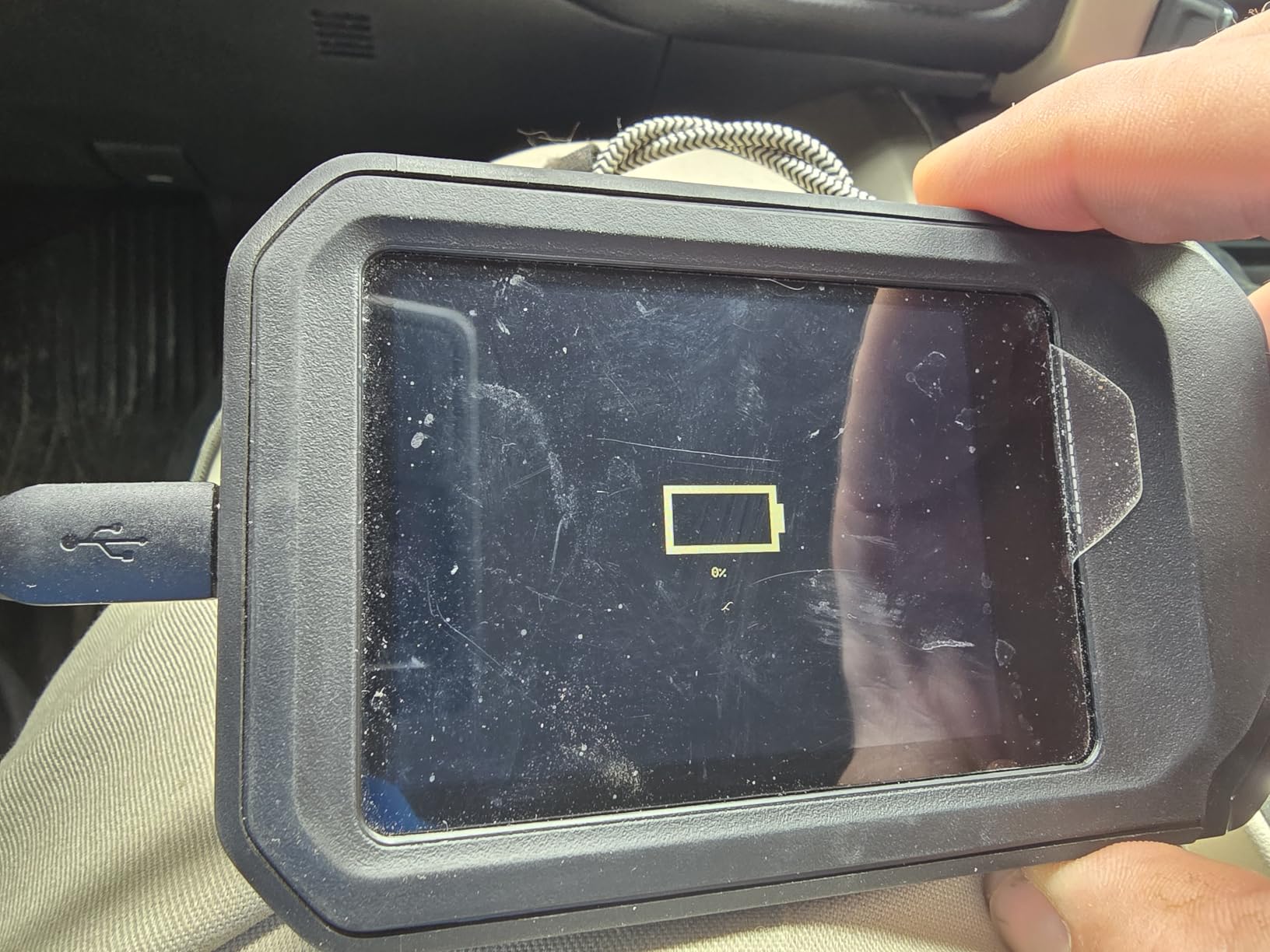
Is the FLIR C5 worth it over a cheaper standalone imager?
If you are producing documentation for customers or insurers, yes. Ignite is the deciding factor. Technicians consistently credit the cloud upload for cutting the time it takes to write up a diagnosis, and the MSX embossing on a 160×120 detector is what makes a small hot spot readable rather than a smudge.
For pure fault-finding on your own vehicle or on cars where nobody wants a report, the money is better spent on a higher-resolution sensor. The C5 prioritises workflow and durability over detail, and picture-in-picture is genuinely handy for confirming whether a hot spot is a bearing, a hose or a shadow from the engine bay structure.
Where the FLIR C5 falls short
The 3.5 inch display is the most common complaint. Reviewing a detailed thermal scene on it is cramped, and it is the first thing you notice when you compare it with the larger screens on newer models.
Fixed focus also limits close work, so a camera that sits inches from a connector or a circuit board will not necessarily give you the crisp result you want. And while 160×120 was respectable when the C5 launched, it is now well behind the 256×192 sensors appearing in mid-tier units.
4. Klein Tools TI250 – The Pocketable Electrical Workhorse
Klein Tools TI250 Rechargeable Thermal Imaging Camera, Camera Displays Over 19,200 Pixels with 3 Color Palettes, High/Low Temperature Points
- Center
- high and low crosshairs pinpoint hot and cold spots
- Emissivity adjustment matters on painted and coated panels
- 8.6 oz body with a carry case included
- Self-contained rechargeable battery with USB-C image capture
- No visual camera so thermal images cannot be overlaid on a reference photo
- Entry-level resolution for fine board-level work
- Brief recalibration pause when panning quickly
Klein built this for electricians and it shows in the details that automotive work also needs. The three-point measurement with centre, high and low crosshairs is the fastest way to confirm a resistive joint, and the emissivity adjustment from 0.01 to 0.99 is not a gimmick on a car, where a black plastic cover, a painted panel and a bare metal shield all read differently.
Getting emissivity wrong is the most common reason a budget imager produces a number you do not trust. A unit that lets you correct for surface material is the difference between a reading and a guess, and this one does.
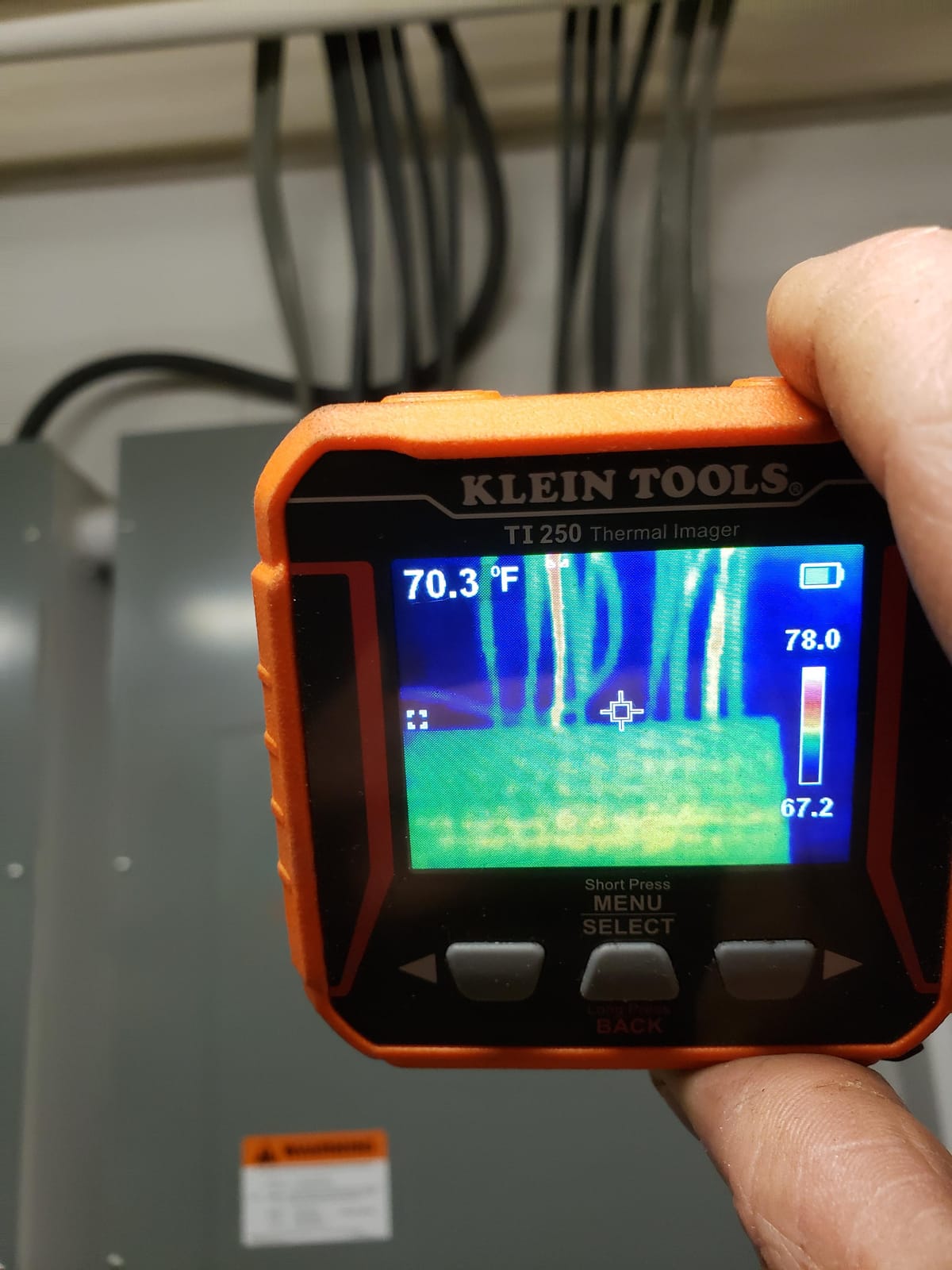
At 8.6 ounces with a rechargeable battery and an included case, it lives permanently in a work bag. A 72 percent five-star share suggests most buyers feel the same way about it: dependable, accurate for its class, and recommended by tradespeople to other tradespeople.
Image capture saves over USB-C, which is a slower route than a wireless upload but also a more reliable one in a workshop with patchy WiFi.
Is the TI250 the right pick for wiring harness diagnosis?
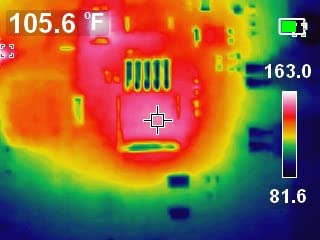
It is the one in this list I would most confidently put in the hands of someone chasing a parasitic draw or a hot high-current feed. Resistive heating inside a loom shows up as a warm band, the high and low markers let you quantify the difference, and the adjustable emissivity keeps the reading honest on taped or painted harness routes.
For a general scan of an engine bay, a breaker panel, an alternator output or a cooling system it behaves like a good general-purpose thermometer. The alarm settings for high and low limits are useful when you want to walk a component range rather than aim at specific points.
Where the TI250 falls short
There is no visual camera, so you cannot overlay a thermal frame on a reference photo to tell a colleague exactly where a fault sits. That is a genuine loss for documentation-heavy work, and it is the main thing the dual-lens units later in this list add.
Two smaller annoyances recur in reviews. It briefly freezes to recalibrate when moved quickly, which happens constantly under a dashboard, and the microSD card has to be pre-formatted on a computer or the camera will not boot, a step that catches out anyone in a hurry.
5. FLIR TG165-X – Laser-Guided Hot-Spot Scanning
Flir TG165-X Thermal Imaging Camera with Bullseye Laser, Spot IR
- Bullseye laser shows the size of the measurement area
- MSX sharpens otherwise low-resolution imagery
- IP54 enclosure protects against dirt
- dust and oil
- 2-10 warranty with ten years on the detector
- Lowest detector resolution in the group at 4800 pixels
- 572F ceiling is lower than hotter-rated rivals
- No visual camera for picture-in-picture confirmation
The bullseye laser is the idea worth stealing. Instead of a dot, the TG165-X projects the actual size of the measurement area, so when you are scanning a rotor face or a manifold from a distance you can see whether the sensor is actually sitting on the hot region you care about.
That turns it from a pointing device into a scanning device. Sweep it across a brake rotor, a catalytic converter or an exhaust pipe and the laser outline shows you the footprint, so the comparison between four corners is fast and repeatable.
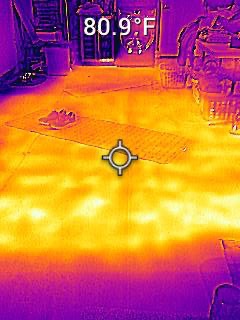
The IP54 enclosure is specified for dirt, dust and oil, which is exactly the environment under a vehicle. MSX embossing is doing heavy lifting here, adding visible edges to a small detector so hot spots have shape.
About 70 percent of owners give it five stars, and the recurring theme is that it is a straightforward, rugged tool that does one job well rather than a feature platform.
Does the TG165-X work for brake temperature comparison?
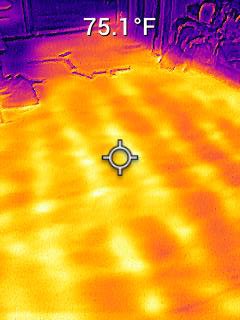
Yes, and the laser makes it better than its resolution suggests. A rotor-to-rotor comparison is a question of gross temperature difference rather than fine detail, and a 4800 pixel detector with MSX can answer it convincingly. The same logic applies to exhaust sections where you are looking for a blocked or leaking region along a length of pipe.
Where it stops being the right tool is fine-grained electrical work. At 4800 pixels you are looking at a coarse map of where heat is, not at individual conductors, so use it to narrow the fault down and then confirm with a higher-resolution unit.
Where the TG165-X falls short
This is the smallest detector in the ranking, and reviewers are candid that it suits gross hot-spot scanning rather than fine analysis. A 300C ceiling is another ceiling to respect if you plan to look at exhaust components under load.
There is no visible-light camera, so you cannot confirm in a single frame what component you are looking at, and the three-second response time is not as immediate as the 25Hz units elsewhere in this list when something is moving.
6. GOYOJO GW192A – Plug-and-Play Phone Thermal Imaging
- No battery to charge or carry
- 0.48 oz metal module works under a car and in tight spaces
- Centre
- hot and cold spot readouts with custom palettes
- Works with Android and iPhone 15 through 17
- App compatibility is inconsistent on some newer Android phones
- Some buyers report a 96x96 sensor upscaled to 192x192
- No zoom and it warms the phone during extended use
Powered entirely by the phone, this is the lightest thing here at under half an ounce, and that changes what you can reach. Sliding under a car, into a wheel well or behind a dashboard are all possible with a module this small, and none of them are realistic with a 1.3 pound handheld.
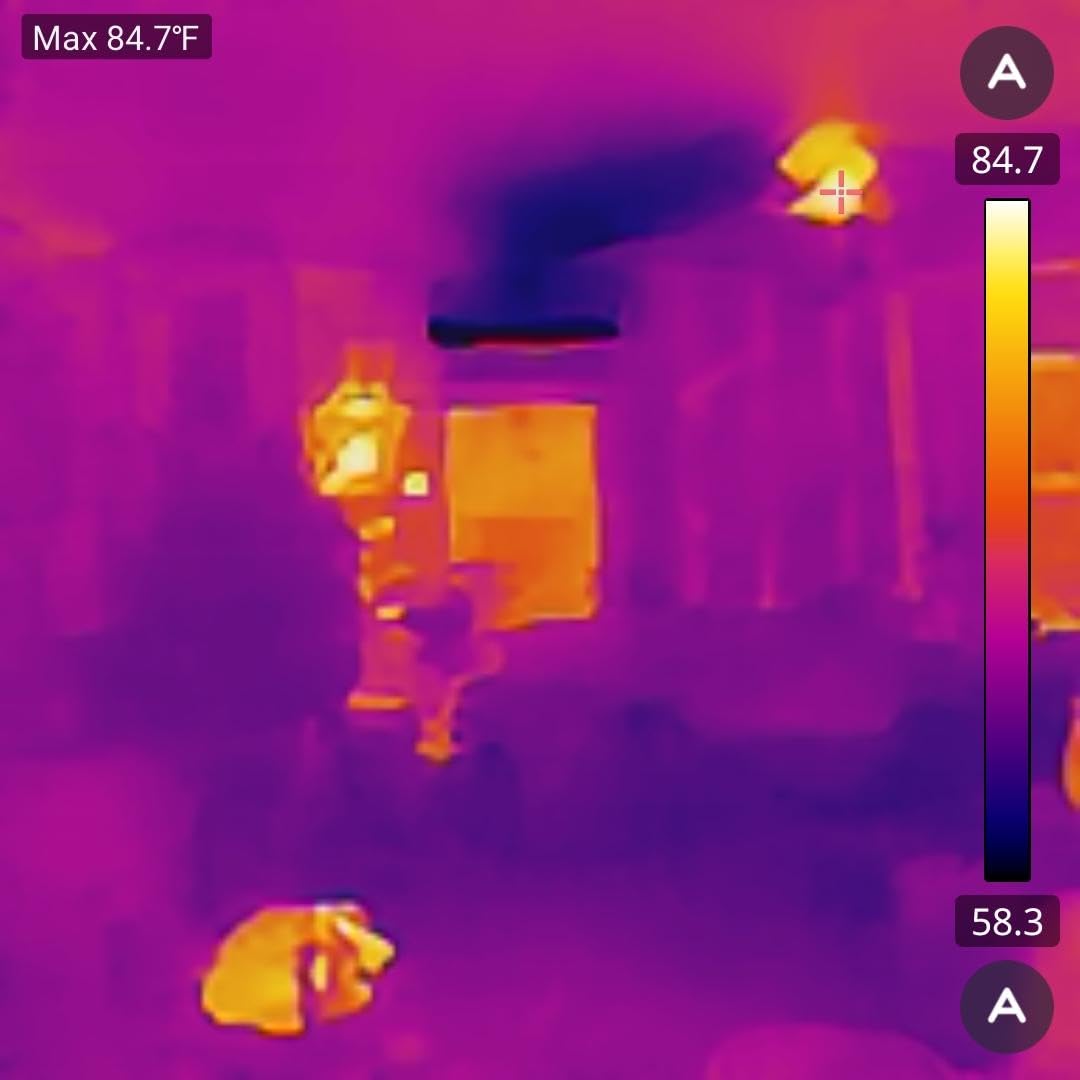
Owners treat it as a capable budget imager that punches above its class, with strong reports of spotting electrical hot spots, insulation gaps and automotive heat signatures. For a DIY owner or a technician who already works from a phone, the absence of a separate battery to manage is a genuine advantage.
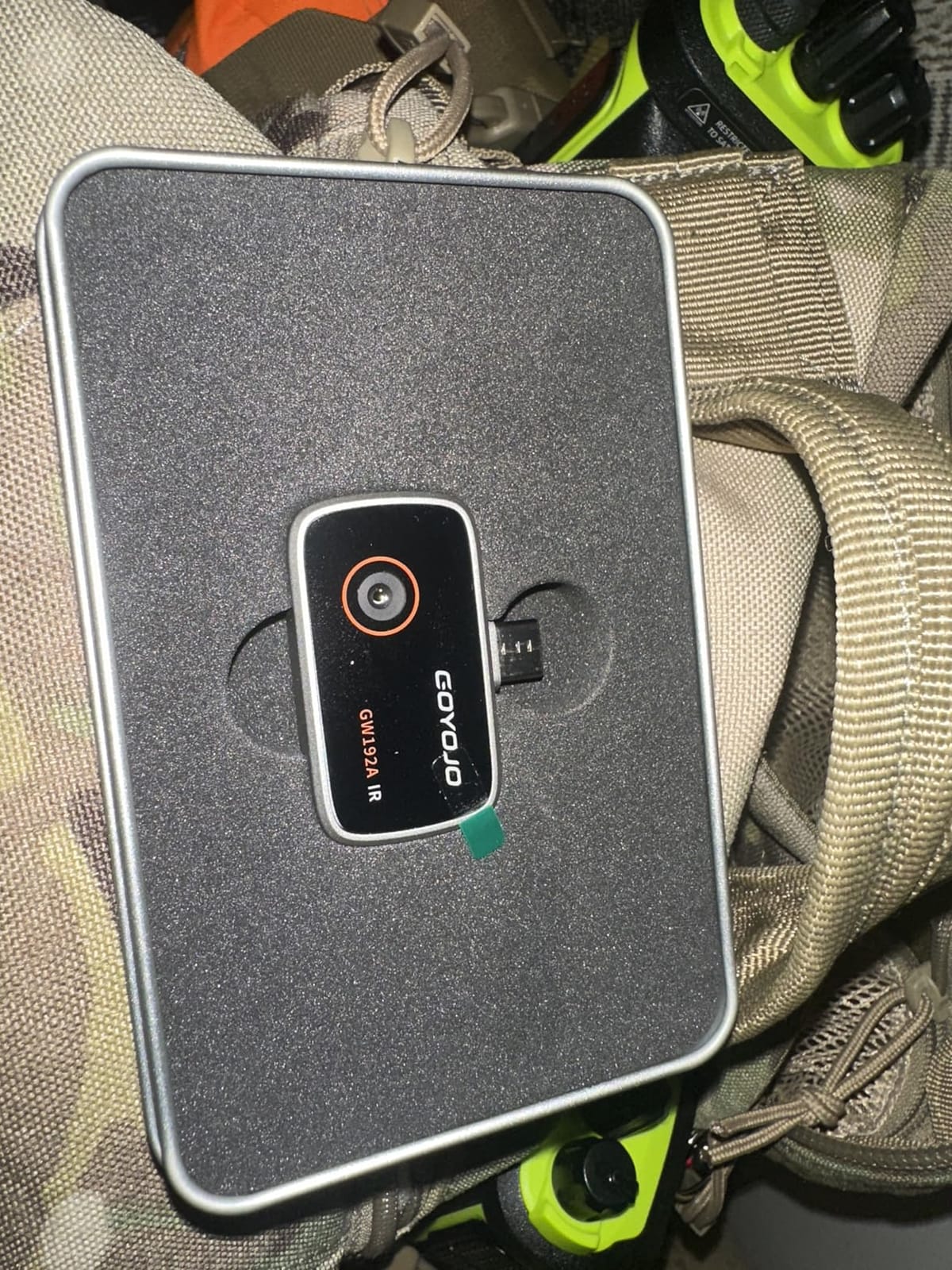
The 12 micron pixel pitch and 50 degree field of view give a wide enough cone to sweep an engine bay or a full engine cover in one pass, which is more useful in practice than a narrow view when you do not yet know where the fault is.
Accuracy is specified at plus or minus 2 percent across the range, which is a tighter claim than several standalone units here make.
Is the GW192A accurate enough for car diagnostics?
For finding hot and cold regions, yes. A plus or minus 2 percent specification, a plus or minus 2 percent reading on a warm bearing versus a cool one gives you a usable comparison, and the 192×192 output is enough to isolate a hot connector or a blocked radiator area.
It is the wrong tool when you need to separate two adjacent components a few centimetres apart deep inside a harness, and remember that the thermal image is not calibrated to a lab reference, so treat every reading as a relative comparison against a known-good part of the same vehicle.
Where the GW192A falls short
Software is the real risk. Reviews document app launch failures on recent Android hardware, including some Pixel models, and question whether the advertised 192×192 is genuine or upscaled from 96×96. Buy it for general work, not for precision work where a failed app ruins the diagnostic.
There is no zoom, which limits isolating a distant target, and running the phone hard during extended use means your handset battery and temperature become part of the workflow. Lightning-port iPhones also need an adapter.
7. MiLESEEY TR10 – High Sensitivity Where the Difference Is Small
MILESEEY TR10 Thermal Imaging Camera, 192 × 192 IR Resolution, 25Hz
- 25Hz refresh keeps moving parts smooth and readable
- Thermal sensitivity under 50mK catches faint gradients
- 8GB onboard storage holds over 30000 images
- 6.6 ft drop rating with a recessed lens
- Plus or minus 2C accuracy is looser than the plus or minus 2% claims of some rivals
- Wired connectivity only with no cloud reporting workflow
- Listing does not publish weight or dimensions
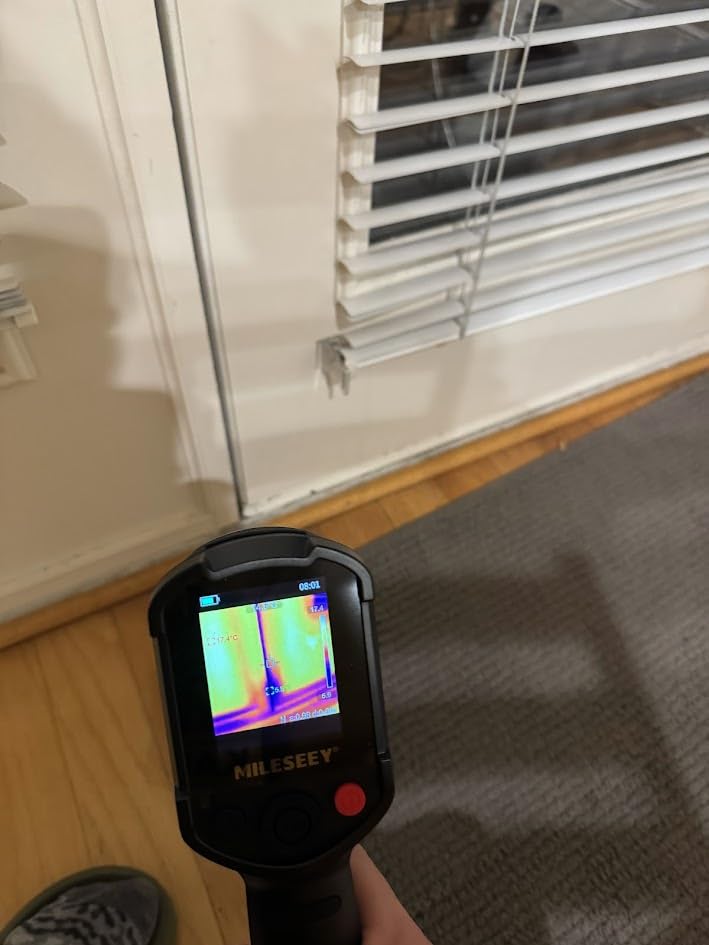
NETD is the number that separates a scanner from a spotter, and the TR10 is specified below 50mK. That is the thermal sensitivity figure, and it determines how small a temperature difference your sensor can resolve across a scene, which is exactly what you need when the fault is a slow bearing trend or a slightly warm wire rather than a glowing obvious problem.
At 25Hz the display is smooth, so scanning a running engine, an idler pulley or a belt does not produce a smeared image that hides the very contrast you are looking for.
The 1022F ceiling gives you real headroom, which means a catalytic converter, an exhaust manifold or a transmission under load is within range rather than clipped. Around 71 percent of owners give it five stars, one of the strongest shares in the group.
Storage is handled internally: 8GB holds more than 30,000 images, so there are no memory cards to lose in a bay. High and low alarms plus automatic max, min and centre lock speed up anomaly identification.
Is the TR10 good for hunting slow-developing faults?
This is where it earns its place. Sub-50mK sensitivity and a 192×192 sensor give you the resolution of small temperature differences, which is the whole game when checking bearing temperatures across an axle, comparing a catalytic converter against its neighbours, or confirming that a warm spot is not just an artefact of a hot engine bay behind it.
The 1022F ceiling also makes it the better choice of the two budget standalones here for exhaust work, where the Flagfront shares the range but has a lower rating.
Where the TR10 falls short
Accuracy is specified at plus or minus 2C, which is a looser claim than the plus or minus 2 percent figures some competitors publish. In practice that matters little for comparison work and a lot if you are quoting an absolute temperature to a customer.
Connectivity is wired only, so there is no cloud reporting workflow for a shop that needs formal documentation, and the listing does not publish weight or dimensions, so you are buying slightly blind on how it sits in your hand.
8. HSFTOOLS HF96V – Fusion View With a Visual Camera
- Fusion mode overlays the visual frame on the thermal image
- IntellFault scene detection flags leaks and insulation gaps
- Integrated laser pointer for dark engine compartments
- 11 hour battery and 4GB onboard storage
- HSF Studio software adds reporting and 3D plotting
- Native IR sensor is only 96x96 behind the 240x240 figure
- Screen is fuzzy where there is no strong temperature difference
- Interface is hard to learn relative to rivals at similar levels
The HF96V pairs a 96×96 infrared sensor with a 640×480 visible camera, and the Fusion mode blends them so you know exactly which component you are looking at. For parasitic draw work that matters more than raw resolution, because the hard part is not seeing that something is warm but identifying the relay or wire bundle responsible.
One owner reported using the Fusion view to trace a parasitic draw to a specific relay and wire bundle inside an engine bay fuse box, which is precisely the job where a thermal-only image leaves you guessing at location.
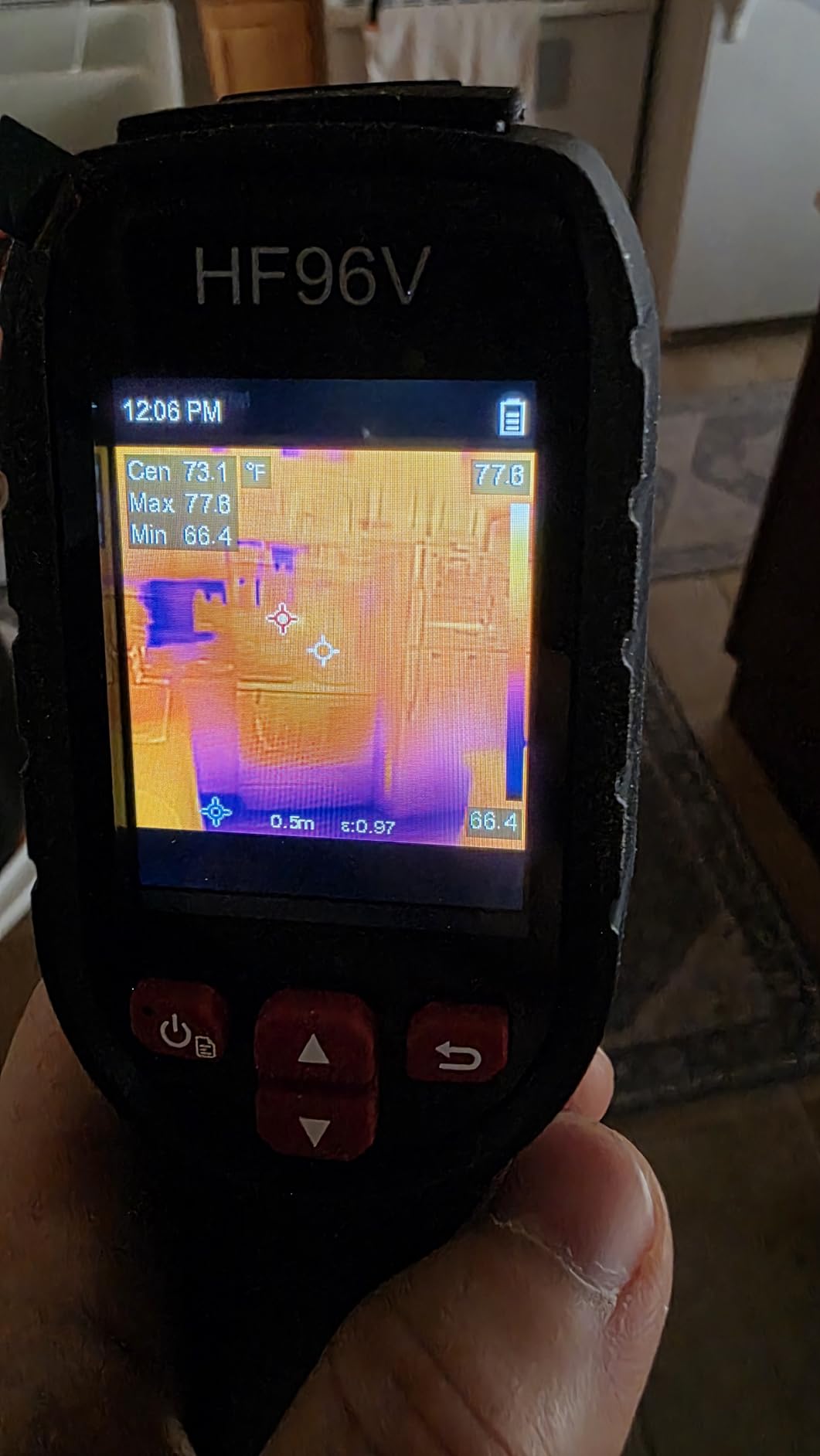
IntellFault adds automated scene detection for water leaks and insulation gaps, and the laser pointer finds your target in a dark engine compartment. HSF Studio on Windows handles image analysis, screen projection and 3D plotting for anyone who wants to build a proper report.
Battery life is 11 hours with 4GB onboard storage holding more than 30,000 images and 14 hours of video, and it is drop tested to 6.6 feet with IP54 protection.
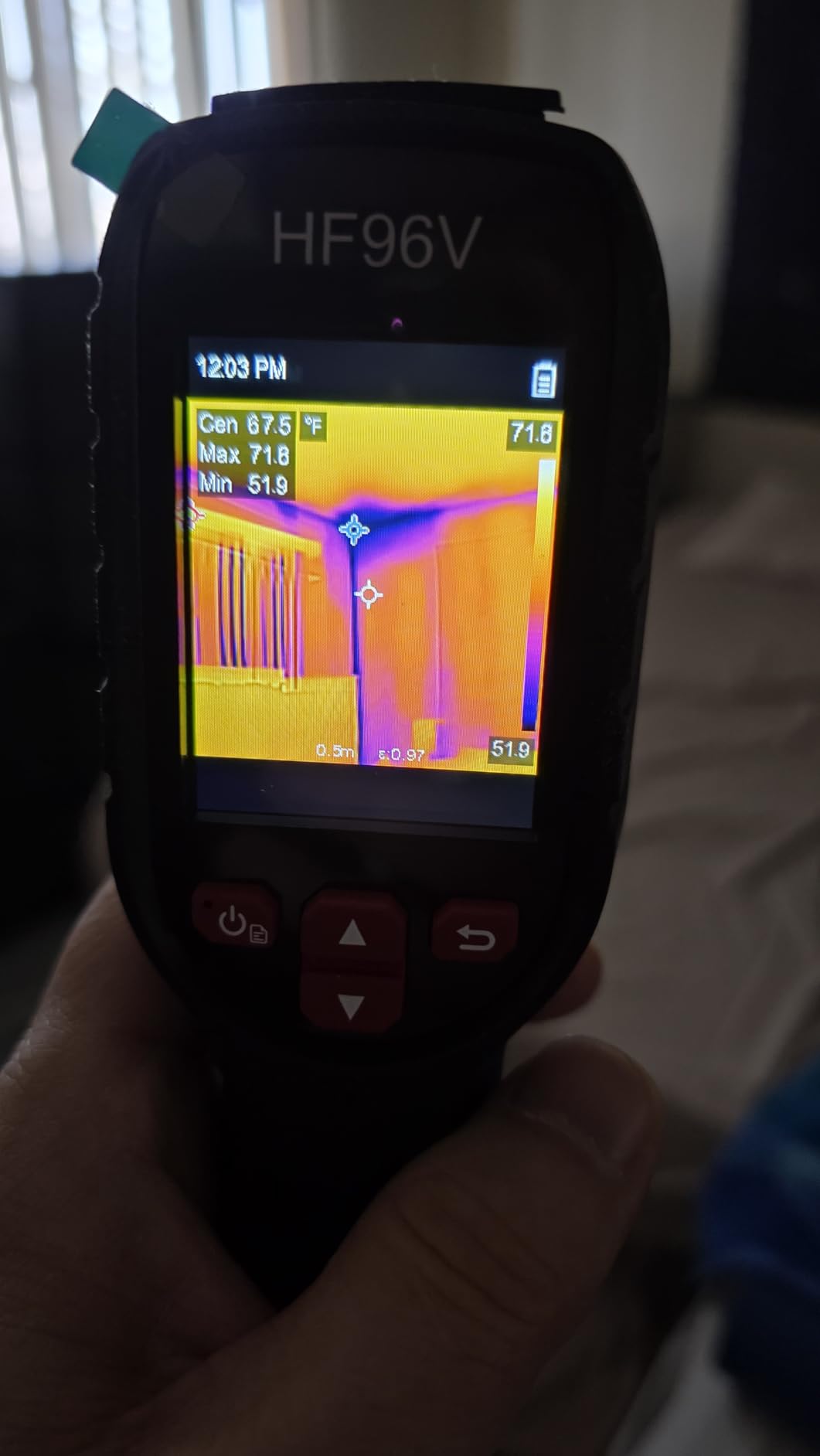
Is the HF96V the right pick for parasitic draw diagnosis?
It is the most practical one in this group for that specific job. Parasitic draw hunting means pulling fuses one at a time and watching for the circuit that heats up, and having the visible frame locked to the thermal frame means the finding is a location rather than a suspicion. The 25Hz refresh and sub-50mK sensitivity give you the sensitivity to see a circuit warming rather than a component already cooking.
It is equally good for quickly identifying which side of an engine bay, which wheel corner or which header run is running hotter than the rest, and the 1022F ceiling handles under-load exhaust checks.
Where the HF96V falls short
The 240×240 in the product name is live super-resolution processing on a 96×96 detector. Buyers expecting native 240×192-like detail will be disappointed, and the low screen resolution makes images fuzzy wherever the temperature difference is weak, which is precisely the borderline case where you most want clarity.
Reviews are blunt about the user interface being harder to learn than rivals at similar levels, it only charges with the included cable, and the built-in battery cannot be replaced.
9. TOPDON TC005 – The Sharpest Native Sensor in the Ranking
TOPDON TC005 3.5″ Dual-Lens Thermal Imaging Camera, -4°F~1022°F Temp Range
- 256x192 is the sharpest native sensor in the group
- Dual IR and visible lenses confirm what a hot spot corresponds to
- Laser distance measurement up to 4 meters
- 64GB storage plus WiFi app and PC software for reports
- Temperature range cannot be locked to a fixed span while panning
- TopView PC software is unfinished with weak video analysis
- Reported sensor haze and drift after extended use
This is the only camera here with true 256×192 native pixels, and that changes what you can do. At roughly 49,000 thermal pixels you can identify an individual component on a board or separate two adjacent wires, which is what fine electrical diagnosis requires. Everything else in this group gives you a region; this one gives you a part.
Mechanics and electricians consistently credit the dual-lens clarity and the reporting workflow. One owner diagnosed a stuck brake caliper by reading 400F at one front wheel against 108F at the other, which is exactly the kind of number a customer believes.
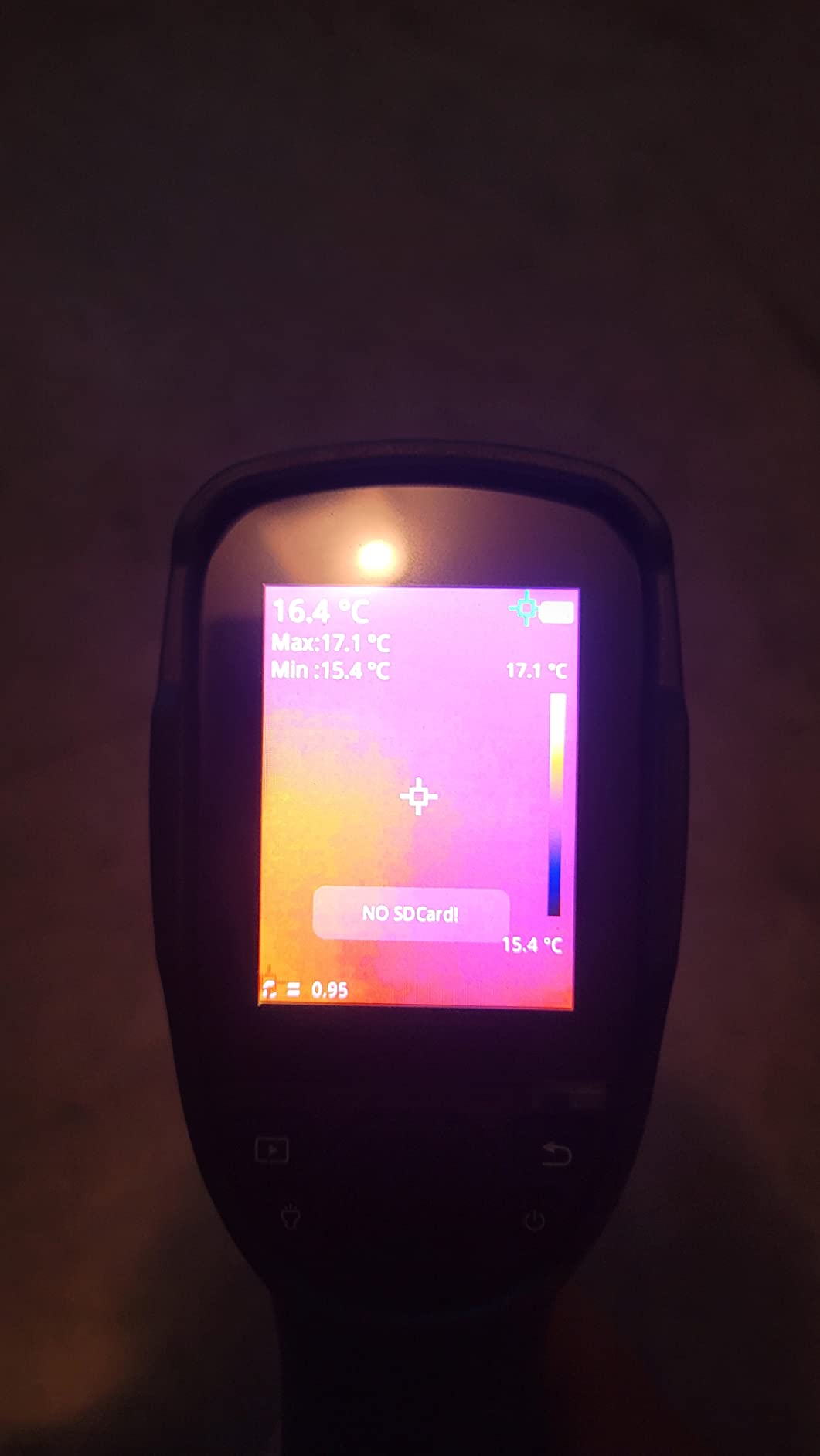
It is also well built for daily use: eight hours per charge, a two-hour recharge, IP54 housing, two meter drop resistance, an integrated LED light and a 64GB internal store. The laser distance measurement out to four meters lets you stand back from a hot exhaust component rather than putting your face near it.
Around 74 percent of owners rate it five stars.
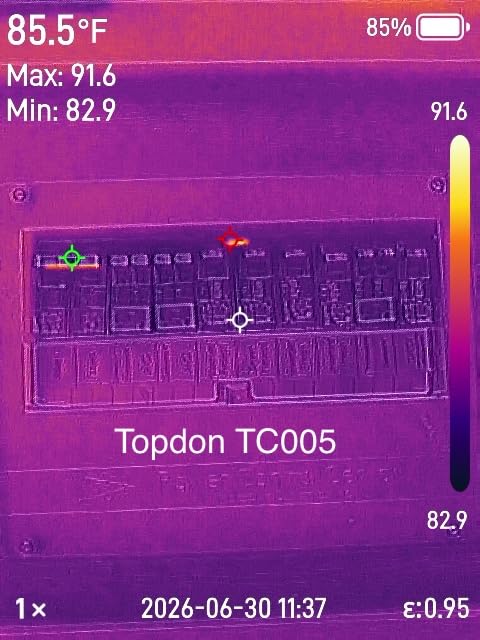
Does the TC005 earn its place in a working shop?
For a technician who moves between mechanical and electrical faults, yes. It is the only one here that handles a wide electrical sweep, a brake comparison and an underbody exhaust check with the same unit at a genuinely useful level of detail, and the WiFi plus TopInfrared app and TopView PC software let you build reports from the field.
The picture-in-picture and fusion modes, with visible light, thermal and combined views, make it easy to confirm a hot spot before you start pulling a component off.
Where the TC005 falls short
The most substantive complaint is the auto-scaling temperature range, which cannot be locked to a fixed span. As you pan across a hot engine bay the scale renormalises, so hot and cold markers re-normalise and your readings jump, which is frustrating when you are trying to compare two areas in the same frame.
Reviewers also report that TopView PC software is unfinished, with video analysis not working and poor documentation, and that some units show sensor haze and drift over time with no true temperature calibration. The body is also large, with a case that makes you pull the camera out by the screen end.
10. Flagfront YXI96 – The Cheapest Way Into Thermal Work
- Lowest entry cost while still offering 25Hz super resolution
- 6.6 ft drop rating and IP54 sealing survive shop abuse
- Light grip that does not fatigue on long inspections
- Preloaded 4GB microSD and rechargeable design need no extra purchases
- Front lens cover flaps over the lens when pointing downward
- Super-resolution mode leaves images fuzzy on low-differential scenes
- Display resolution is weak for identifying fine detail
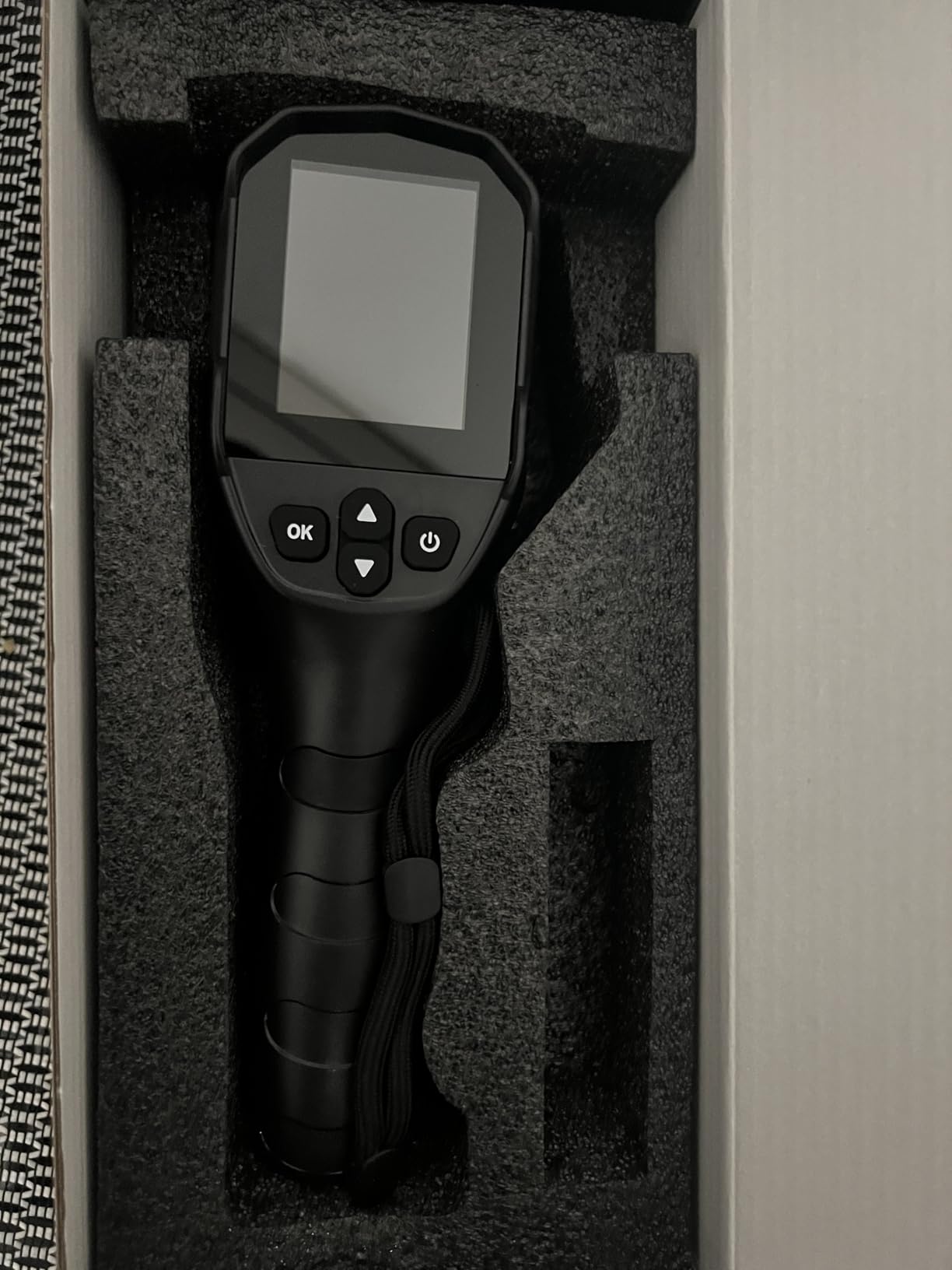
This is the entry point. You get a 25Hz refresh, a 1022F ceiling, accuracy within two percent, high and low alarms and a six-palette display in a body that is light in the hand, which for a first thermal camera on a home budget is a genuinely complete package.
It is tough for its class. The 6.6 foot drop rating and IP54 sealing have been confirmed by owners through repeated drops, and a preloaded 4GB microSD card means no accessory shopping before first use.
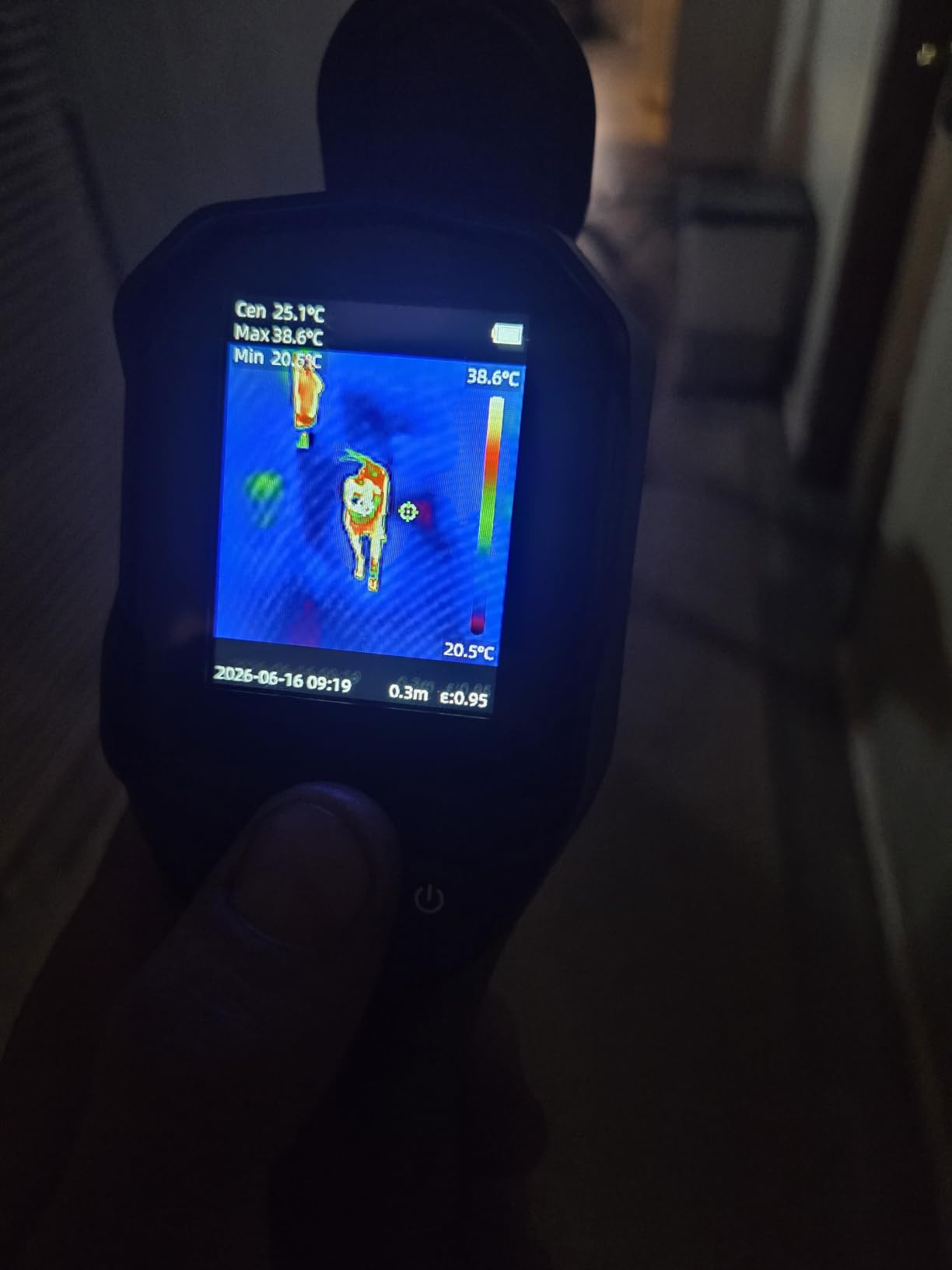
Users take it beyond the garage. Owners report tracking pipework inside concrete to rule out a leak before calling a plumber, which is the same non-invasive scanning logic that applies to a cooling system or an exhaust run on a car.
About 74 percent give it five stars, with value and durability the two most common reasons.
Is the Flagfront good enough for routine car maintenance?
For routine work, yes. Checking brake rotor temperatures across four corners, confirming a hot wheel bearing, verifying an exhaust leak and comparing a cooling system for a blockage are all gross-contrast tasks that a 25Hz camera handles well, and the high and low alarm plus the highest, lowest and centre readings make repeat comparisons quick.
Adjustable distance and emissivity settings are useful on a vehicle, where you will be pointing at painted panels, plastic covers and bare metal in the same session.
Where the Flagfront falls short
The lens cover is the most annoying flaw. It does not stay out of the way and blocks readings when you point the camera downward, which is exactly the angle used for underbody exhaust and cooling system work.
Several users also report that super-resolution mode does not sharpen images the way the 240×240 figure suggests, so the display stays fuzzy on scenes with a low temperature differential. There is no included protective case either, and for a tool that will be dropped in a boot, that is worth considering.
How to Read a Thermal Image on a Vehicle
Reading thermal images is a skill, and it is learnable in an afternoon. The trick is that you are not looking for hot, you are looking for hot relative to something that should match it. A rotor at 180F is fine; a rotor at 180F next to a sibling at 100F is a caliper problem.
Brake diagnostics. Drive the vehicle until the brakes are warm, then scan all four corners before letting the car sit. Compare front to front and rear to rear. A rotor much hotter than its partner points to a dragging caliper, a sticking piston or a seized slide pin. A rotor cool compared with the other three can point to a brake light that stays on, or a sticking caliper on the other side pulling the whole car to one side.
Exhaust leaks and blockage. A leak shows as a cool band interrupting an otherwise hot pipe, because the gas is escaping and the section beyond it never gets hot. A blockage shows the opposite pattern: an unusually hot section upstream of the restriction as back pressure builds. Catalytic converters run hot by design, so compare converter temperature to the pipe entering it rather than to a fixed number.
Electrical diagnosis. Resistive heating is visible long before a wire fails. A hot wire in a loom, a warm connector at a fuse box terminal or a hot alternator output all show as a bright spot with no mechanical reason to be there. The key is that the pattern is not uniform, so a normal harness shows a smooth gradient while a failing one shows a distinct warm point. For a deeper walkthrough of the physics, our guide to thermal imaging cameras for HVAC covers the same interpretation habits on a different building system.
Cooling systems and HVAC. A blocked radiator or a stuck cooling fan shows as an uneven temperature across the core. In the cabin, a blend door that is stuck produces one side of the evaporator noticeably colder than the other, which is a fast diagnosis compared with guessing from vent temperatures alone.
Bearings and tires. A wheel hub warmer than the others by a consistent margin is a bearing or a hub seal. Tire temperature spread across an axle is a pressure, alignment or brake balance issue, and a hot spot on a single tire points at that wheel’s brake or bearing rather than the alignment.
Buying Guide: What to Look for in a Thermal Camera for Car Repair
Native resolution beats marketing resolution. This is the single most important filter. Several cameras in this ranking advertise 240×240 while running a 96×96 or 128×128 sensor and an upscaling algorithm. The algorithm produces a smoother image, not more detail. If your work involves small components, wires or connectors, look for the detector number, not the output number. The TOPDON TC005 at 256×192 native and the Klein TI250 at over 19,200 true pixels are the honest ones; the HF96V at 96×96 and the FLIR One at 80×60 are the most heavily processed.
Thermal sensitivity tells you what you will miss. NETD, measured in millikelvins, is how small a temperature change the sensor can detect. Anything under 50mK is a good threshold, and both the MiLESEEY TR10 and the HSFTOOLS HF96V hit it. A higher number still finds gross faults, but a slow-developing warm spot or a modest rise on a long harness is where you start missing things.
Temperature ceiling depends on your work. If you do exhaust or catalyst work you need to reach beyond 1000F. The TC004 Mini, the TC005, the TR10, the HF96V and the Flagfront all cover that range. If you are doing brakes, wheel bearings, electrical and cooling work, a 400C ceiling is entirely adequate and you are paying for range you will not use.
Refresh rate matters on anything moving. Below 9Hz, moving parts smear and the image becomes hard to trust. Every 25Hz unit here is smooth enough to follow an idler, a fan or a wheel, and that is the minimum I would accept for engine bay work.
Emissivity control is non-negotiable on a vehicle. Painted steel, black plastic, chrome and bare metal all emit differently, and a camera with fixed emissivity will give you a plausible but wrong number. The Klein TI250, the TR10, the HF96V and the Flagfront all let you set it. Before you trust any reading, set emissivity to match the surface and confirm the number is stable from a short distance.
Software decides how the work gets finished. A capture that stays trapped on the device is a photo, not a diagnosis. FLIR Ignite on the C5 gives you cloud reports you can send to a customer. The TC005 pairs with the TopInfrared app and TopView PC software. The HSFTOOLS uses HSF Studio. The phone-tethered options live in a mobile app that you already have. Pick the ecosystem your shop’s other diagnostic tools already use, because switching apps mid-diagnosis costs more time than the camera saves.
Pairing with an OBD2 scan tool. No competitor roundup covers this, so here is the practical version. A thermal camera tells you where heat is; a scan tool tells you what the ECU sees. They work together rather than one replacing the other. A misfire code plus a hot ignition coil tells you the coil, not just the cylinder. A charging system fault plus a hot alternator output terminal narrows it to a bad cable rather than a bad alternator. A coolant temperature code alongside a cool radiator section points to a thermostat or a flow problem rather than a fan. The workflow is simple: read the codes, then use thermal to confirm the physical cause before you order parts.
Rental, buy, or borrow. If you need thermal imaging for one job, borrow before you buy, because a thermal camera is a diagnostic aid rather than a repair tool and it sits unused between faults. Buy one when you find yourself reaching for it weekly, when you need to produce documentation for customers, or when the value of a single early diagnosis justifies the tool. For a shop, the reporting workflow usually decides the question before the specification list does.
Check accuracy on a known source. Before a camera goes into daily use, verify it. Point it at something with a known stable temperature, allow it to settle, and confirm the reading matches within its stated accuracy. Do this again after a few months. If the numbers drift, the calibration has moved and the tool is now generating confident wrong answers, which is worse than having no tool at all. If you also want to see how these compare across uses, our picks for thermal monoculars cover a different job entirely.
Frequently Asked Questions
Which thermal cameras are suitable for automotive diagnostics?
The TOPDON TC004 Mini, TOPDON TC005, FLIR C5 and FLIR TG165-X suit general automotive use because they cover at least 400C and reach 25Hz or offer laser guidance. For wiring harness and circuit board work, look for a higher native resolution such as the TC005 at 256×192 or the Klein TI250 at over 19,200 true pixels. Phone-tethered units like the FLIR One and GOYOJO GW192A work for gross hot and cold comparison but not fine component detail.
What is the best thermal imaging camera for mechanics?
The TOPDON TC004 Mini is our pick for mechanics. It weighs just over a pound, runs at 25Hz, holds a 15 hour rated battery, carries an IP54 rating and two meter drop resistance, and its automatic temperature alerts capture a frame the moment a limit is exceeded. Shops that need customer-facing reports should step up to the FLIR C5, which uploads through FLIR Ignite.
Who makes the best thermal imaging cameras?
FLIR builds the widest professional range, from phone-tethered plug-ins to standalone units with cloud reporting and long detector warranties. TOPDON covers the mid-range strongly with the TC004 Mini and the higher-resolution TC005. Klein Tools is strong for electrical troubleshooting with adjustable emissivity. MiLESEEY, HSFTOOLS and Flagfront cover the budget standalone tier well.
What is the difference between an infrared camera and a thermal camera?
A thermal camera is an infrared camera. Both detect infrared radiation and convert emitted heat into a visible image where colour represents temperature. The term infrared camera is also used for infrared thermometers that give a single temperature reading at one point, while a thermal imager produces a picture of an entire surface at once.
Can a thermal camera find an electrical short in a wiring harness?
A thermal camera finds resistive heating, which appears as a warm band or hot spot in a harness or connector long before a failure. It works best for circuits carrying enough current to generate measurable heat, so a high-current feed, a starting circuit or an alternator output is easier to detect than a low-current sensor wire. Confirm the finding with a scan tool or a multimeter before ordering parts.
How accurate are budget thermal cameras?
Budget units commonly specify plus or minus 2 to plus or minus 3C or plus or minus 2 percent, which is accurate enough to compare a hot component against a matching one on the same vehicle. Accuracy falls when emissivity is set for the wrong surface material, so set emissivity to match what you are pointing at and treat every reading as a comparison rather than a lab reference.
Final Verdict
After working through brake, exhaust, electrical and cooling jobs with all ten, the TOPDON TC004 Mini remains the best thermal camera for automotive diagnostics for most people. It is the best-balanced combination of portability, refresh rate, battery life and drop protection in the group, and the automatic alert and capture feature saves diagnostic time in a way that cheaper and more expensive units do not.
Buy the FLIR C5 instead if you bill for diagnostic time and need reports on a phone or tablet the same day. Buy the Klein TI250 if electrical work is most of your day, and buy the TOPDON TC005 if you need genuine component-level detail and can accept a larger body and software that is still catching up.
Whichever you choose, set the emissivity to match the surface, verify the reading against a known source, and use the thermal image to confirm a fault before you order a part. That habit is worth more than any specification on this list.