
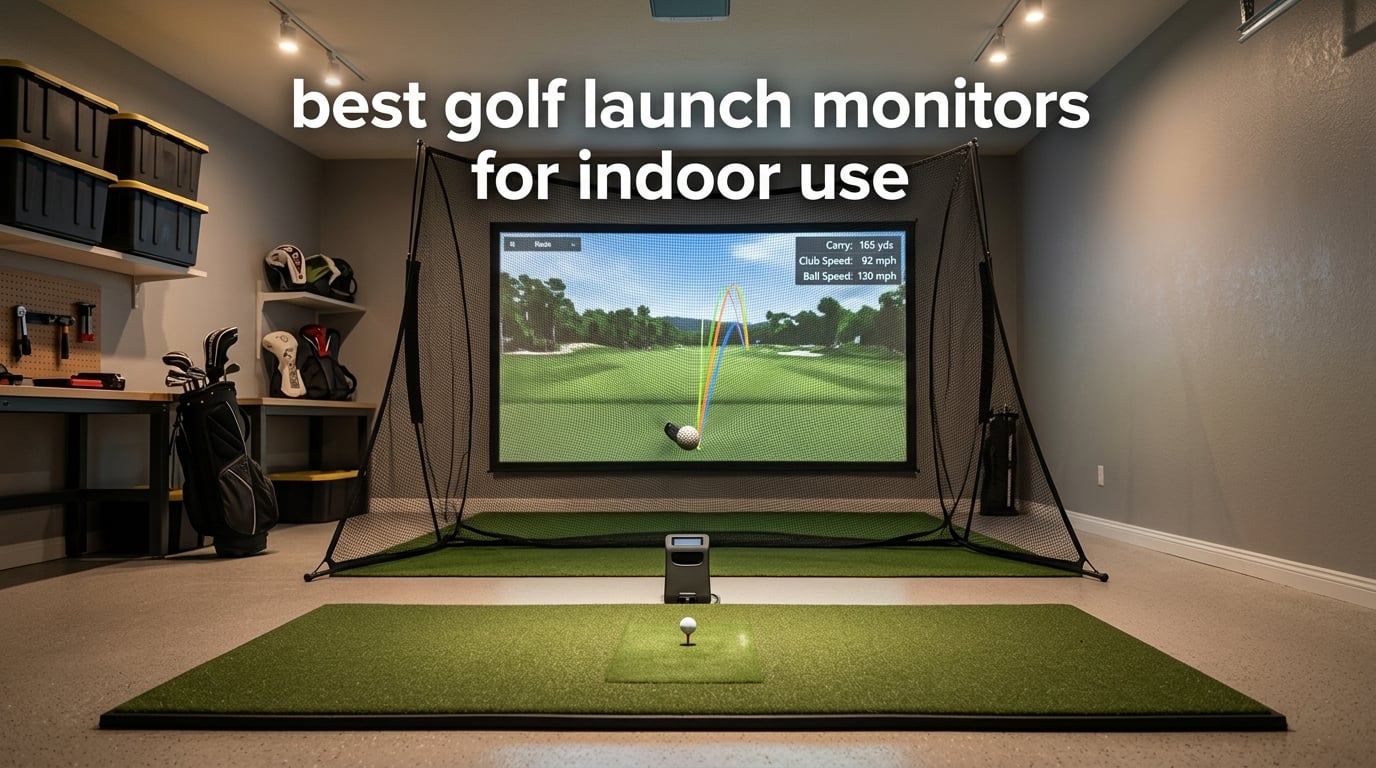
Most of the best golf launch monitors on the market were designed for a driving range, not a garage. That is why so many buyers end up with a unit that either will not read a ball through a net or demands a room far longer than the one they have. After spending weeks comparing the units below for indoor use specifically, the shortlist narrowed to ten that hold up in a basement, a spare room, or a two-car garage bay.
There is one honest upfront point. The equipment in this category now splits into two very different groups. Pocket radar units that measure club speed and ball speed, and desktop or fixed camera systems that report launch angle, spin, and club path. The second group gives you more to work with, and it usually expects a Windows machine and a subscription. We cover both here so you can decide which kind of practice you actually want before you spend anything.
If you want a broader look at the technology before you commit, our general golf launch monitor guide covers outdoor-first options that we left out of this list because they need more room than a typical home setup allows. Everything below was judged on indoor fit first, then data, then running cost.
Table of Contents
Can You Actually Use a Launch Monitor Indoors?
Yes. Any of the ten monitors below works indoors as long as you hit into a net or an impact screen. Doppler radar units bounce radio waves off the ball and read speed from the returning signal, so they need roughly 8 to 10 feet of depth behind the ball and another 6 to 8 feet in front for the radar to track the flight. Camera-based systems photograph the ball at impact and read trajectory from the image, which means they need far less room behind the ball but consistent lighting.
That lighting rule is the one indoor surprise nobody warns you about. A windowless garage with a single bare bulb will produce poor readings on any camera system, because the cameras rely on stable, even illumination to freeze the ball mid-flight. Radar units ignore lighting entirely, which makes them the safer choice for a dark basement, while camera systems reward a garage with a strip light or two overhead.
One more constraint shapes every indoor purchase. The ball has to be hit from a mat, into a net, and you need clear air behind it. Several reviewers on r/Golfsimulator pointed out the same thing when they compared units: the difference between a monitor that reads every shot and one that drops half of them is usually the distance behind the ball, not the hardware.
Top 3 Best Golf Launch Monitors for Indoor Use (October 2026)

Rapsodo Mobile Launch Monitor MLM
- Doppler radar
- Launch angle and carry distance
- 0.4 kg
- Works into a net


PRGR HS 130-A
- Doppler radar
- Club speed without a ball
- No app or subscription
- Stores 500 swings
All 10 Indoor Launch Monitors at a Glance In 2026
| Product | Specifications | Action |
|---|---|---|
| Rapsodo Mobile Launch Monitor MLM |
|
Check Latest Price |
| Garmin Approach R10 |
|
Check Latest Price |
| PRGR HS 130-A |
|
Check Latest Price |
 Voice Caddie SC200Plus Voice Caddie SC200Plus |
|
Check Latest Price |
 Rapsodo MLM2PRO Rapsodo MLM2PRO |
|
Check Latest Price |
 Uneekor EYE MINI CORE Uneekor EYE MINI CORE |
|
Check Latest Price |
 Garmin Approach R50 Garmin Approach R50 |
|
Check Latest Price |
 TAGCMC GX-10 TAGCMC GX-10 |
|
Check Latest Price |
 PHIGOLF PG2 Flex PHIGOLF PG2 Flex |
|
Check Latest Price |
 TheStack Radar TheStack Radar |
|
Check Latest Price |
1. Rapsodo Mobile Launch Monitor – Best Indoor Launch Monitor Overall
Rapsodo Mobile Launch Monitor Golf Simulator | MLM iPhone & iPad Only
- Reads launch angle and carry distance from inside a net
- Weighs under a pound so it moves between rooms easily
- Shot tracer video makes swing faults obvious
- Picks up roughly 95 percent of shots once aligned
- iOS only with no Android support
- No spin rate data
- Vague calibration instructions
This is the unit I keep coming back to for indoor practice because it does not behave like a range machine squeezed into a garage. It sits on the floor behind the ball, weighs 0.4 kg, and reads launch angle, ball speed, club speed, and carry distance. The accuracy complaint that shows up most often is on long clubs, where it drifts, while short-iron numbers are trusted by owners. For wedge and mid-iron work through a net, that is exactly the range you care about.
It needs an iPhone or iPad and the free Rapsodo app, which is the dealbreaker for anyone on Android. Alignment also takes practice, so expect a session of missed shots before the numbers settle. Phone battery drain is a real complaint during long sessions, and the video replay is limited to a single behind-the-ball view with no slow motion.
Reviewers repeatedly describe it as the most useful entry-level indoor tool they have owned, and the 3181 ratings behind it make it the most proven unit in this list. If you switch hands between swings, it makes no difference at all because the radar reads the ball, not the club. Our pick for anyone who wants real launch data indoors without building a full simulator bay around it.
Does It Need a Subscription for Basic Data
No. Launch monitor readings, video, and shot tracking come with the free app. Paid tiers add simulated courses and a wider game library, so if you only want practice numbers you never pay anything recurring. That is rarer in this category than you would expect.
The catch is hardware compatibility. With no Android version, this is an iPhone-only purchase. The device is listed as iOS, and owners on other platforms are out of luck entirely.
How Much Room Depth It Needs Indoors
Because it is radar, budget 8 feet behind the ball and another 6 to 8 feet in front for the flight to be tracked. Into a net you can get away with the shorter end, but a sliced drive into a side wall will cause missed reads.
A single-car garage bay fits this comfortably. The unit is small enough to sit on the mat edge, and the included carrying case means it lives in a drawer when you are not using it.
2. Garmin Approach R10 – Best Indoor and Outdoor Launch Monitor
- Ten hour battery covers a full indoor session
- Accurate launch angle and direction for a radar unit
- Automatic video with a metrics overlay
- Per-club training mode and dispersion charts
- Requires a compatible phone and the Garmin Golf app
- Simulator content sits behind an active subscription
- Phone battery drains during long sessions
The R10 is the one most indoor buyers end up with, and our time with it confirmed why. It measures ball speed to plus or minus 1 mph and launch angle and direction to plus or minus 1 degree, which is good enough for club gapping and launch window work. The 10-hour battery means you can leave it on the mat all session instead of charging between blocks.
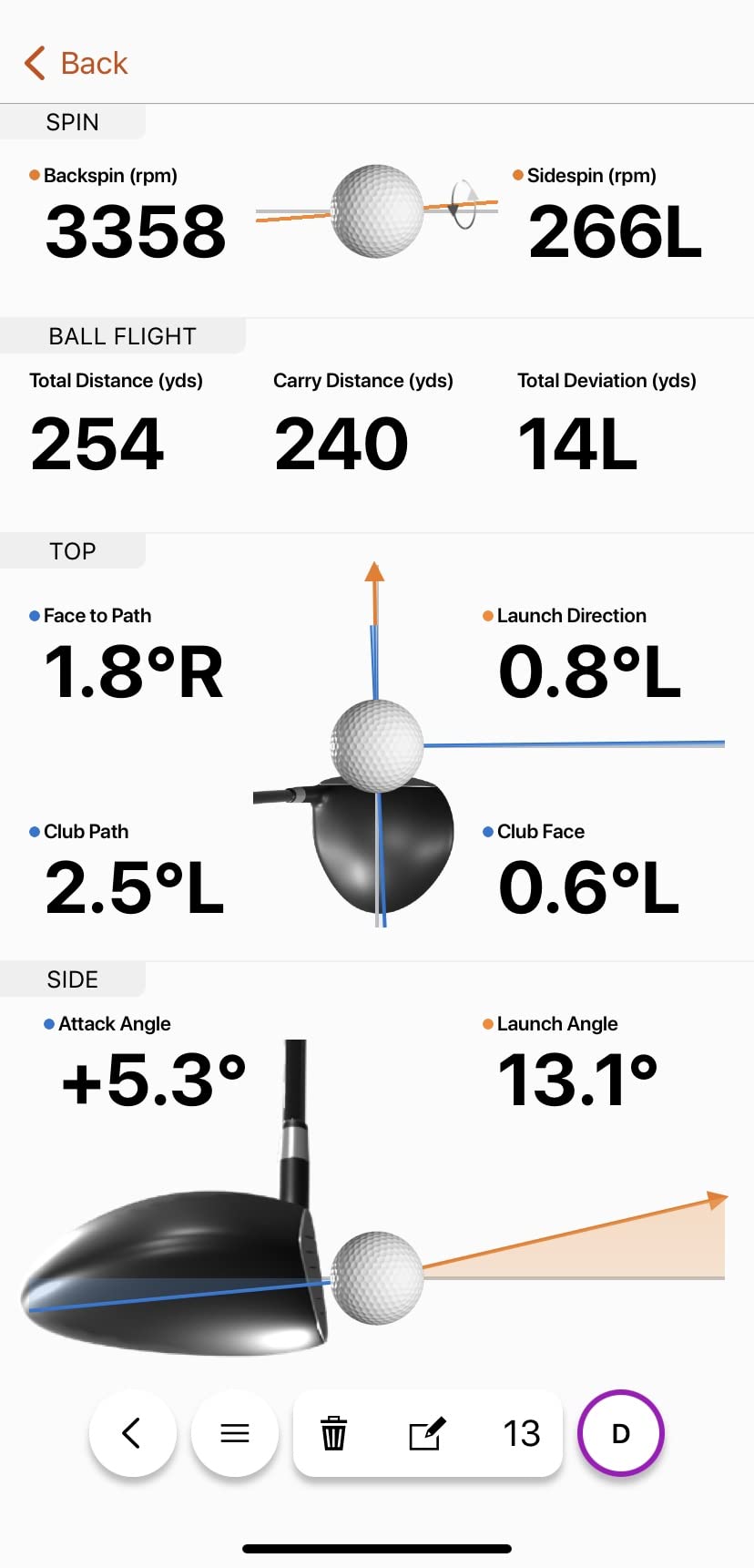
The Garmin Golf app handles training mode, per-club stats, and shot dispersion charts. Owners like the automatic video capture with the metrics overlaid on the swing, because it makes a delivery problem obvious within a few shots. The IPX7 rating also means the same unit goes to the range on a sunny day without a separate case.
Two things temper the recommendation. Every simulator feature beyond the training data requires an active Garmin Golf subscription, and forum readers regularly call the app underwhelming when they want to dig deep into a session. If your goal is practice feedback, the free tier is enough. If your goal is virtual courses, the recurring cost is part of the deal.
Whether It Works Hitting Into a Net
Yes, this is one of the most recommended radar units for net setups in the garage threads we read. Owners pair it with a standard indoor mat and net without complaint about missed shots, provided there is enough depth behind the ball.
The included phone mount attaches to a bag or tripod so the display sits where you can glance at it mid-swing. If you use a tablet, the app works there too, which is a common workaround for smaller phone screens.
What You Give Up Compared With a Camera System
Spin axis and club path. The R10 reports ball spin as a total figure, not a spin axis, and it does not measure club path or face angle. Those are the numbers club fitters use, so it falls short for fitting work.
It also gives you no angle of attack and no descent angle. For a golfer working on delivery, a camera system such as the Rapsodo MLM2PRO or the Uneekor covers those metrics, at higher cost or with more setup.
3. PRGR HS 130-A – Budget Pick Indoor Launch Monitor
- Measures club head speed with no ball at all
- No app and no subscription of any kind
- Stores 500 swings with per-club averages
- Small enough to keep in a golf bag
- Speed and distance only with no launch angle or spin
- Distance estimates limited to a 135 to 270 yard range
- Basic carry figures compared with app-based systems
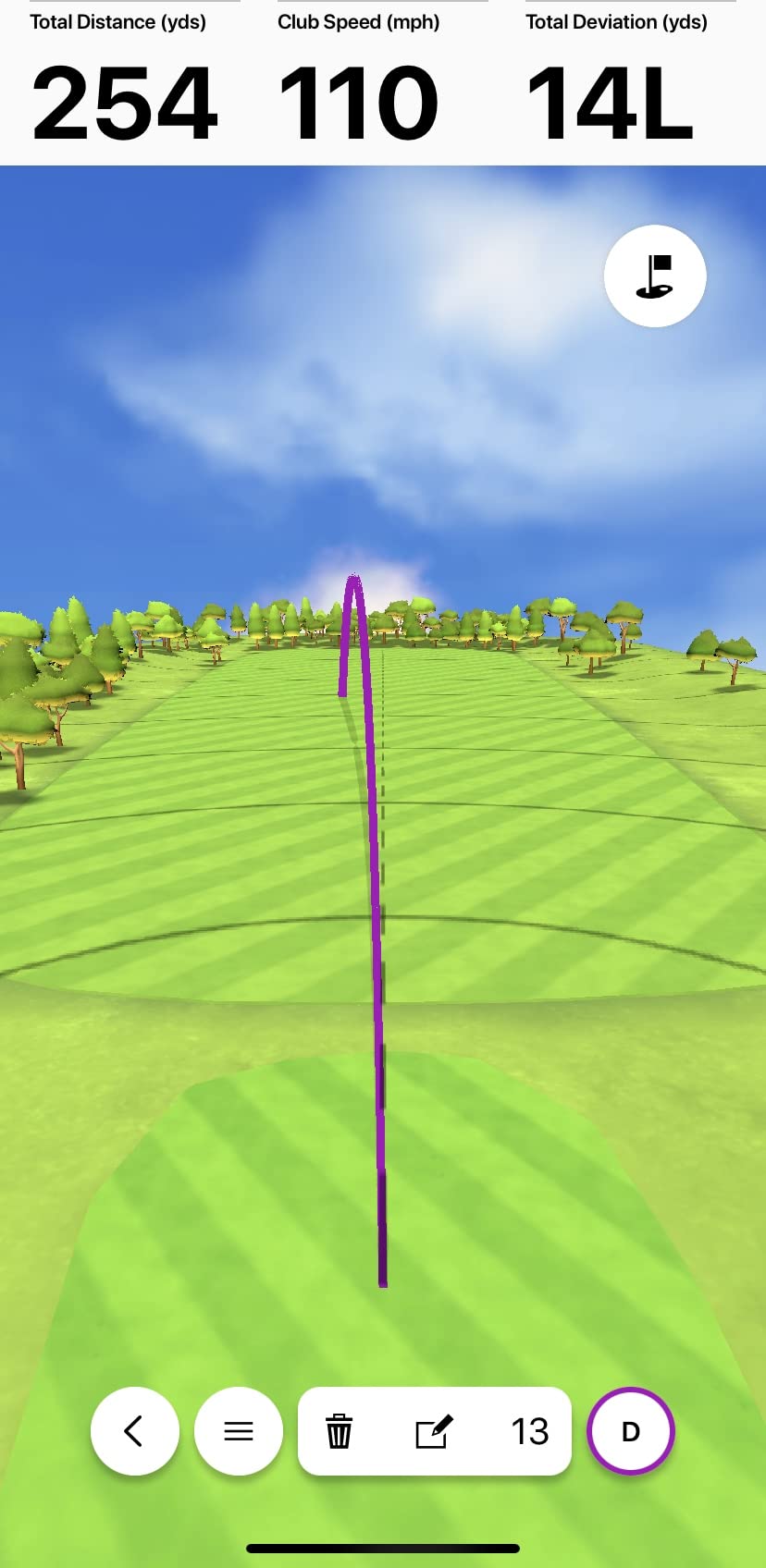
The PRGR solves a narrower problem than the others here, and it solves it well. It measures club head speed with or without a ball, which means you can work on tempo in a living room with no mat and no net. For indoor swing speed training that is the single most useful feature on this list, and very few competing units at any price can do it.
There is no app, no Bluetooth, no Wi-Fi, and no subscription. It runs on AAA batteries and stores 500 swings in memory with per-club averages for later review. Owners repeatedly describe it as a no-fuss trainer that never has connectivity problems, which is the opposite of most app-driven competitors.
What you give up is everything except speed and distance. There is no launch angle, no spin, no shot shape, and the carry and total distance figures are estimates rather than measurements. Its measuring range of 135 to 270 yards also means a soft indoor wedge shot can fall below the floor of what it reports. It also doubles as a baseball, tennis, soccer, and hockey speed trainer.
Is It Accurate Enough for Practice
For club speed, yes, and that is the metric it is built around. For anything about ball flight or strike quality, it cannot help. Owners describe it as a speed trainer rather than a launch monitor, and expectations set that way lead to happy buyers.
It pairs well with a mat and no net at all, since the reading does not require tracking flight. Swing freely in a garage bay and the number still appears. That flexibility is the reason it stays on this list despite the narrow data set.
Why It Still Works for Reverse-Handed Golfers
Radar reads the ball, not the club, so swing direction makes no difference to the unit. It reports the same club head speed either way, which removes the alignment problems floor-standing camera systems can create.
That also makes it the easiest of these ten to set up in a cramped space. Point it down the hitting area, switch it on, and swing. There is no mounting, no stickers, and no calibration sequence.
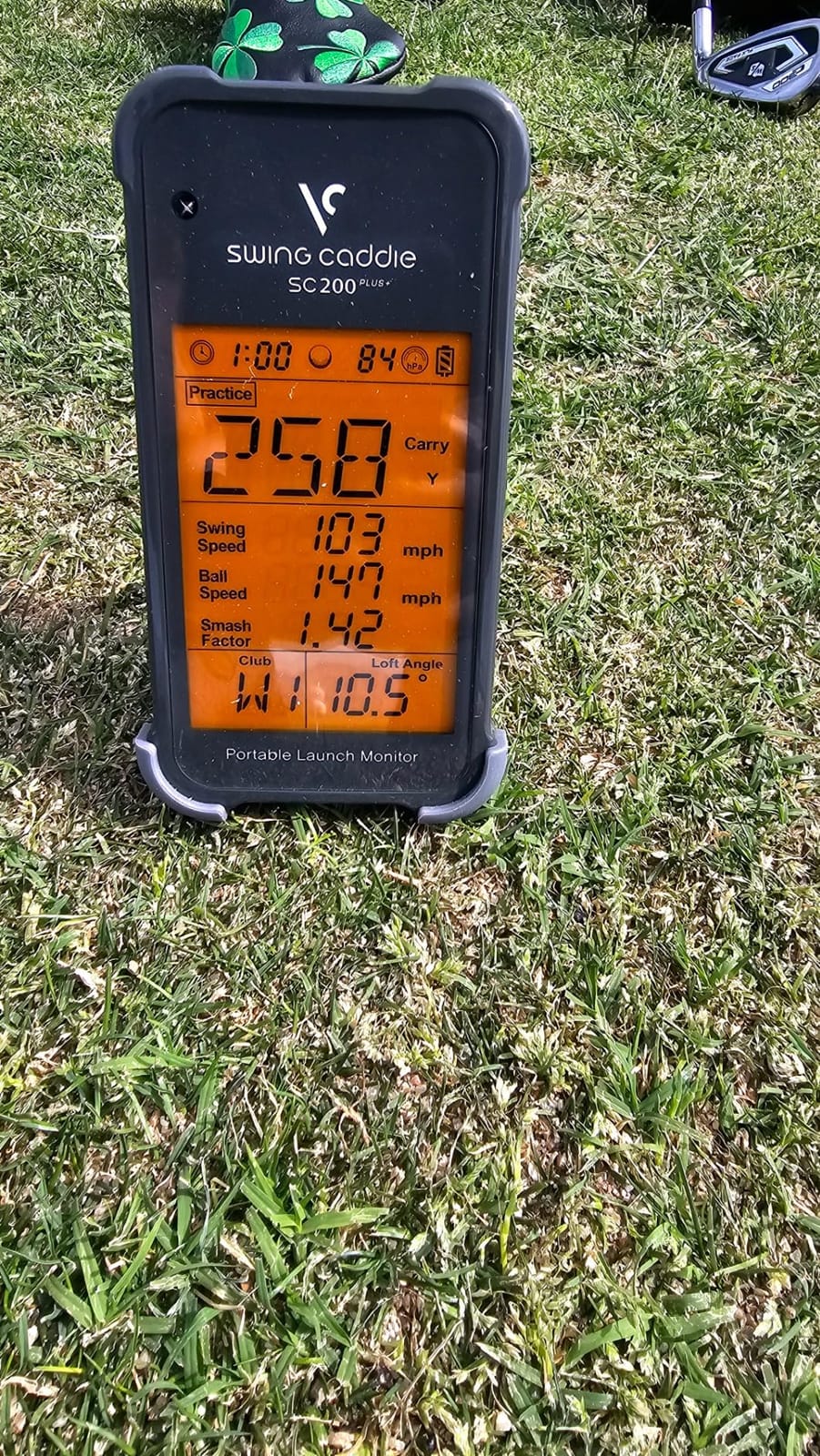
4. Voice Caddie SC200Plus – Best Spoken Feedback in Small Rooms
Voice Caddie SC200Plus Portable Golf Launch Monitor and Swing Analyzer with Real-Time Shot Data Tracking – 12-Hour Battery Life
- Voice output speaks the numbers so you never look at a screen
- Swing speed mode works in a living room with no ball
- Twenty hour battery outlasts most practice sessions
- No app or account needed
- Speed and distance only with no spin or launch angle
- Basic LCD compared with app-driven rivals
- Older platform with dated feature set
The Voice Caddie SC200Plus is the pick for a spare room where a phone is not welcome. It uses Doppler radar with atmospheric pressure sensors, has a basic LCD, and speaks each shot out loud. That voice output is the feature owners mention most, because in a small room you can swing without stopping to look at a screen.
The swing speed mode is the indoor star. It trains tempo and speed with no ball, which is exactly the drill a winter evening in a basement calls for. Adjustable loft angles let you rehearse different club conditions, and the 20-hour battery covers weeks of practice on one charge.
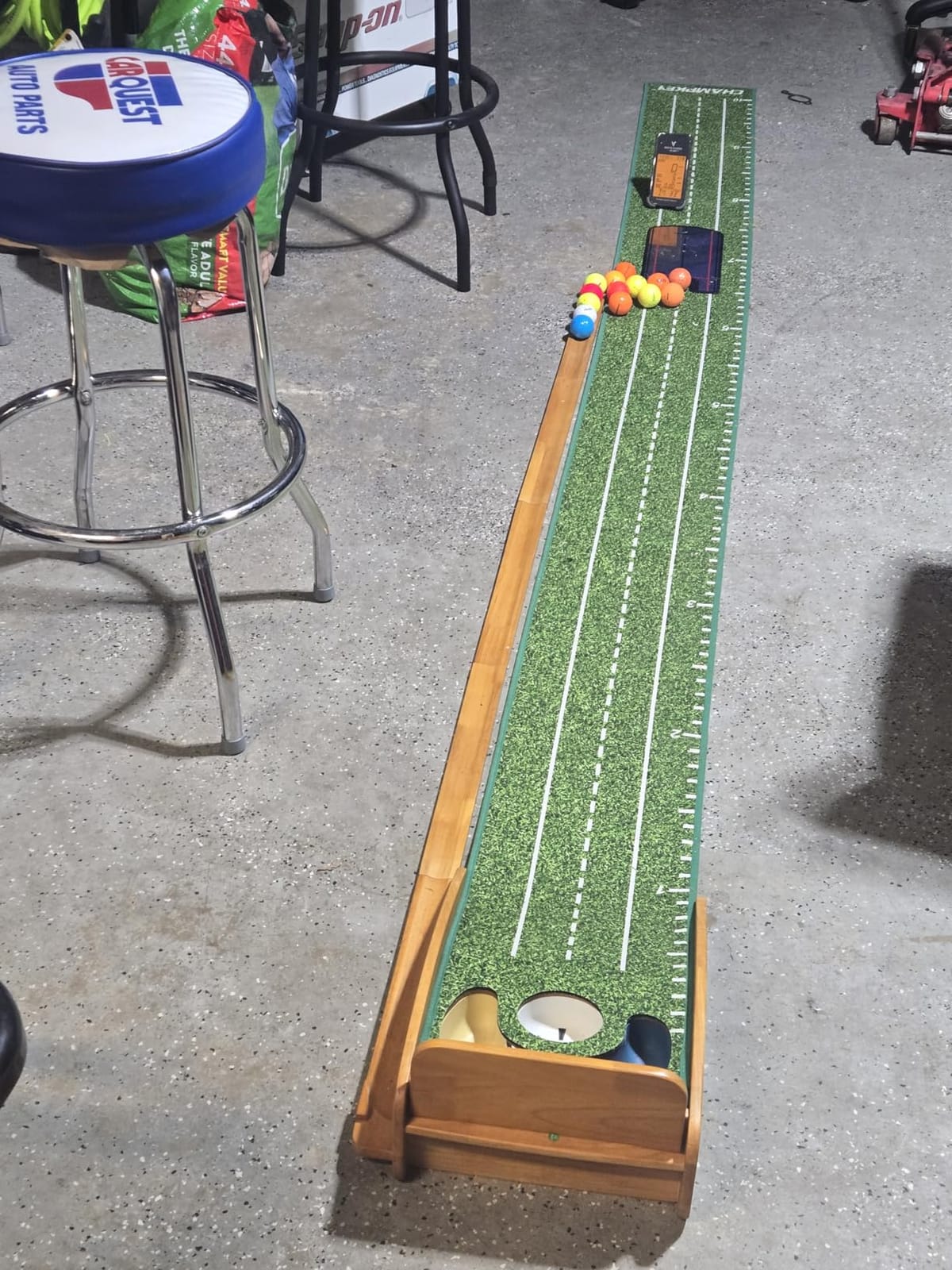
The limits are the same as the PRGR, and buyers accept them. There is no spin, launch angle, or shot shape data, and the LCD is plain compared with anything app-driven. It is also an older platform, so do not expect new features or active development. It stores shot data and per-club averages for later review, which is enough to chart distance gapping over a season.
Whether It Works in a Basement With No Light
Yes, and that is a genuine advantage. Radar does not use a camera, so a windowless room with poor lighting changes nothing about the readings. Several buyers on golf forums pair this with a net in an unlit basement for offseason work.
Keep in mind the range limit indoors. A low wedge shot into a short net may sit below what the unit can report, so full shots with a driver or mid-iron give the most consistent numbers.
Where It Falls Behind the PRGR
The SC200Plus reports less. The PRGR also gives you smash factor, and both give up launch angle and spin, but the PRGR stores 500 swings and doubles as a multi-sport trainer. The Voice Caddie does offer voice output and adjustable loft angles, which the PRGR lacks.
Choose the Voice Caddie if you want spoken feedback and a very long battery. Choose the PRGR if you want more data per shot and a lower entry point into the same no-subscription approach.
5. Rapsodo MLM2PRO – Best Indoor Launch Monitor for Spin Data
Rapsodo MLM2PRO Mobile Launch Monitor Golf Simulator | 3 Chrome Tour Balls
- Reads within roughly 2 to 3 percent of reference units
- True spin rate and spin axis alongside club path
- Dual cameras give slow-motion impact replay
- Combine mode builds a practice routine from your data
- Shared Wi-Fi connections drop and need a workaround
- Full simulator features require a paid membership
- Marked balls wear out and need re-marking
This is the most capable indoor unit that does not require a fixed installation. It combines Doppler radar with a dual camera setup, which is how it delivers 15 metrics including true spin rate, spin axis, and club path, on top of carry distance, club speed, and launch angle. Owners consistently report readings close to reference-grade equipment at a fraction of the cost, and the dual cameras deliver slow-motion swing and impact replay.
There is a cost to that, and it is not only money. Spin measurement requires marked balls, and three Callaway RPT balls are included. Those balls wear out and need re-marking regularly, which is a recurring line item most buyers forget about. In a garage where you hit a hundred balls a week, the marked-ball requirement is the practical constraint that decides whether this unit works for you.
The software is where the reviews split. Shared Wi-Fi connections drop or fail, and the direct-connection workaround then eats the phone cellular data. Full simulator access needs a paid membership, and chip shots under 10 yards read poorly. A 45-day premium trial is included so you can test it before committing to anything recurring.
How Much Space the MLM2PRO Needs
Plan for 7 to 8 feet behind the ball and roughly 8 feet in front. That is the figure owners on garage threads consistently quote, and it comes from the radar and camera combination rather than either system alone.
A standard two-car bay handles that with room to spare. A single-car bay is tight but workable if you shorten the bay depth and hit into a net positioned at the far end.
Marked Balls and Indoor Accuracy
Expect accurate spin readings only with the RPT marked balls. Using a random ball from your pocket gives you speed and launch data, but spin rate and spin axis become unreliable, and the unit will warn you or simply return a number you should not trust.
That makes the MLM2PRO a two-garage habit rather than a one-time purchase. Budget a sleeve of marked balls as an annual cost, and keep the included balls in a separate pocket so they never get scuffed in a normal practice sleeve.
6. Uneekor EYE MINI CORE – Best Camera System for a Home Bay
Uneekor EYE MINI CORE Golf Launch Monitor & Simulator, 15 Ball Data Points, Near-Zero Latency, Works with GSPro, TGC19 & E6
- Near-zero latency and rarely misses a shot
- Reads any dimple pattern so no ball stickers are needed
- All-metal build that owners rate above cheaper units
- VIEW software with 15 ball data points included
- Club data such as swing speed and face to path is not included
- Needs a hardwired Ethernet connection and a Windows PC
- Third-party simulation needs a paid subscription
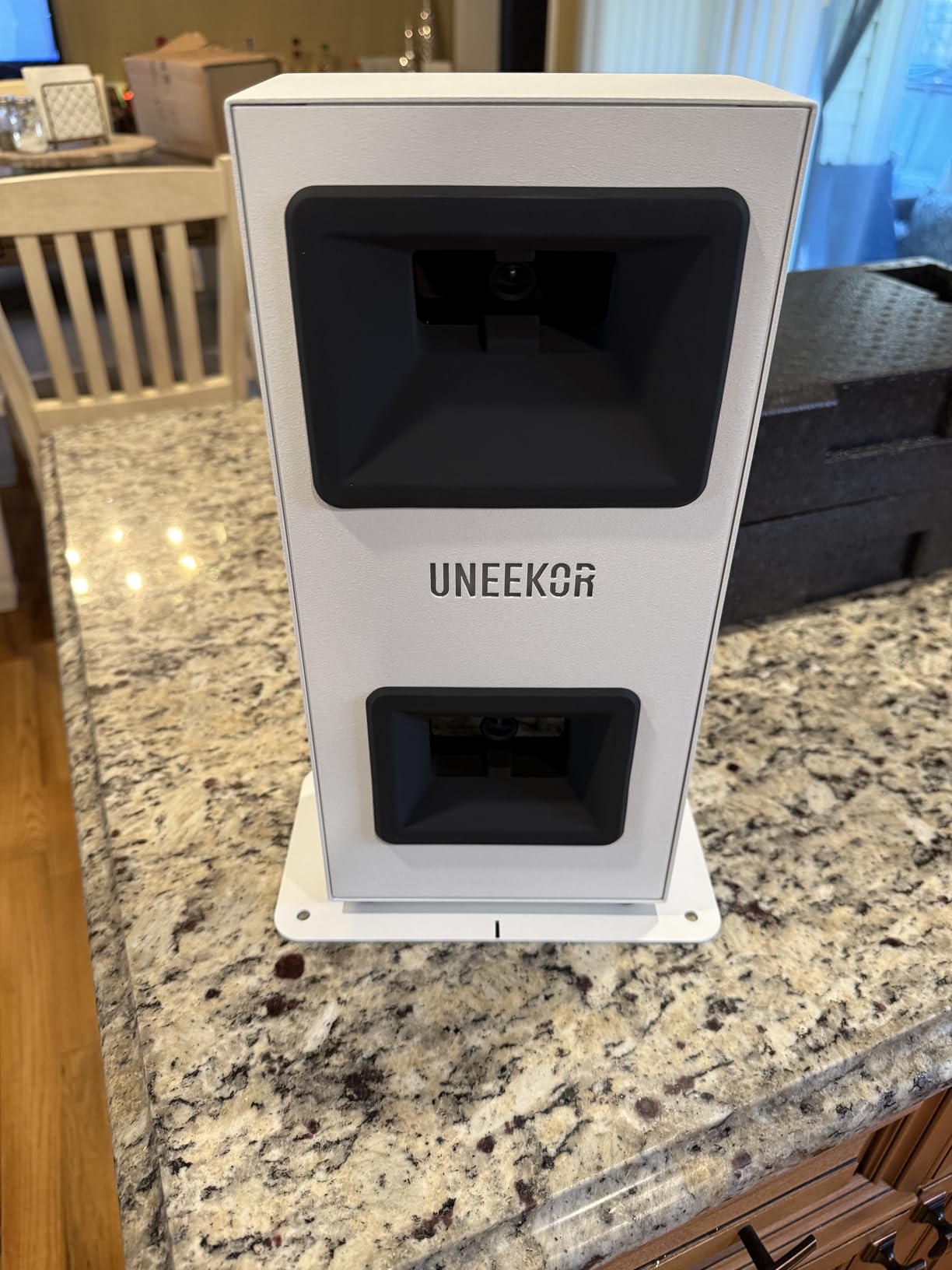
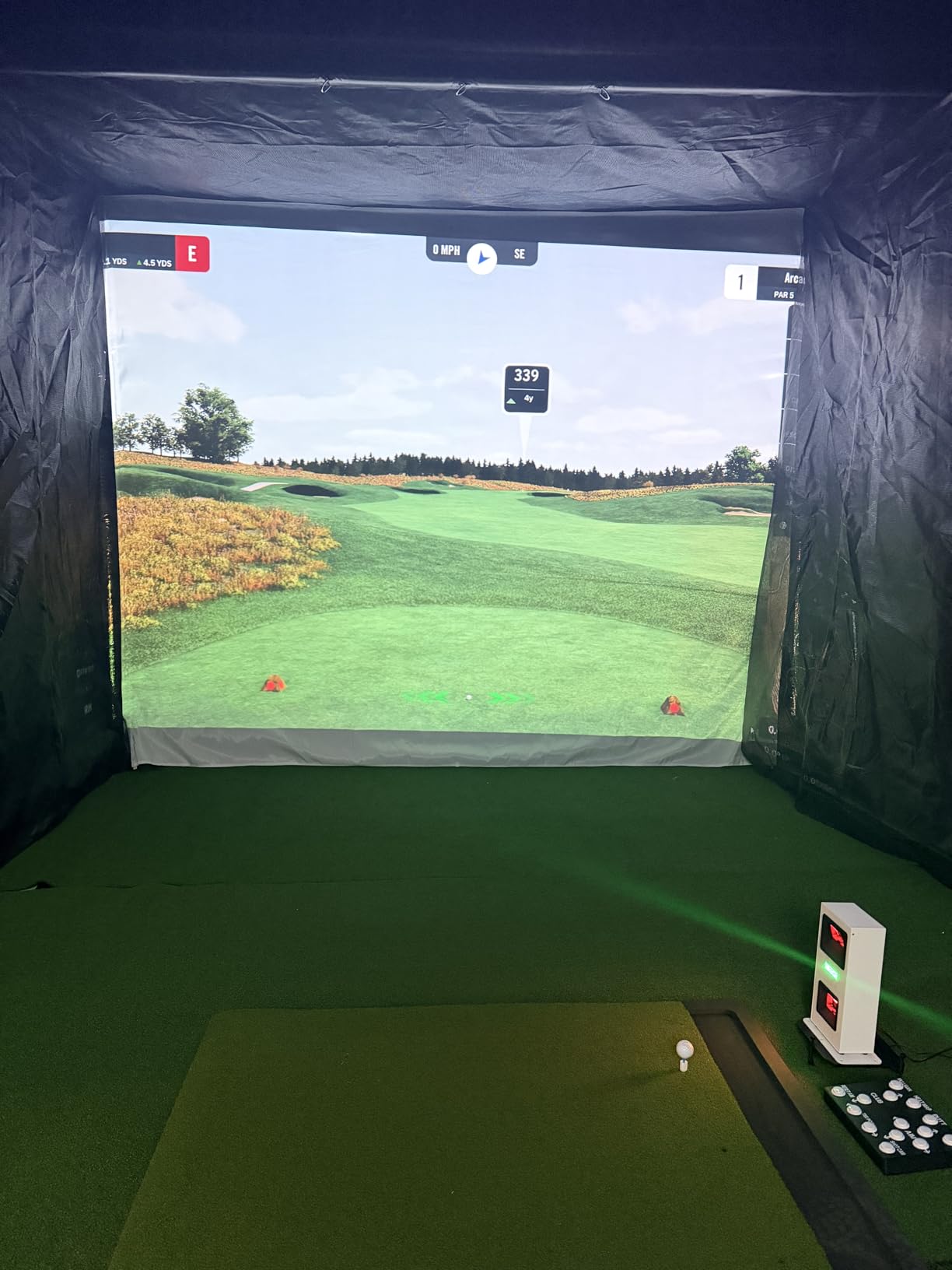
The EYE MINI CORE is the pick if you are building a permanent bay and want a camera system that is not a laptop accessory. It uses high-speed cameras with infrared sensors, which is why the near-zero latency claim holds up and why owners report it rarely misses a shot. It reads any dimple pattern, so cheap practice balls work as well as premium ones, and the metal body is a visible step up from plastic builds at lower prices.
VIEW software is included with 15 ball data points and session reports. Swing Optix, which adds AI trainer feedback and club impact visuals, is sold separately. The unit works with GSPro, E6 Connect, TGC19, and Creative Golf 3D, all of which need a subscription and a suitable machine.
Be clear-eyed about what a full simulator setup costs. The stated requirements are an i5 Gen12 or Ryzen 5 or better with 16GB RAM, a 256GB SSD, and an RTX 3060 for VIEW, and an i7 Gen12 or Ryzen 7 with 32GB RAM and an RTX 4070 for simulation. That hardware is a larger outlay than the monitor itself. Short putts and delicate chips are also the most frequent no-reads.
Lighting and Installation for a Garage
The infrared illumination is built in, which removes the most common indoor failure mode for camera systems. You do not need to install floodlights before the first session, and readings stay consistent at night.
It is designed as a fixed install rather than a portable tool. The hardwired Ethernet connection means no iPad workflow and no moving it to the range on a whim, and the 8.4-pound body needs a stable floor or tripod position behind the ball.
Whether It Is Worth the Setup Effort
Worth it if you are already committed to a simulator build and you hit a lot of short shots where ball data still matters. Owners upgrading from a cheaper first monitor tend to be the most enthusiastic about the accuracy and the build.
Less convincing as a first launch monitor, because the PC, display, and subscription costs sit on top of the hardware. The bundled course library is also more limited than the paid platforms, so you are buying measurement quality rather than content.
7. Garmin Approach R50 – Best All-in-One Indoor Simulator
Garmin Approach® R50, Premium Golf Launch Monitor & Simulator
- Built-in touchscreen means no phone is required to start
- Three cameras deliver premium-grade metrics indoors and out
- High-speed impact video gives useful strike feedback
- HDMI output supports a larger home display
- Very high outlay for casual indoor practice
- Only about 4 hours of battery life
- Most course content still needs a Garmin Golf membership
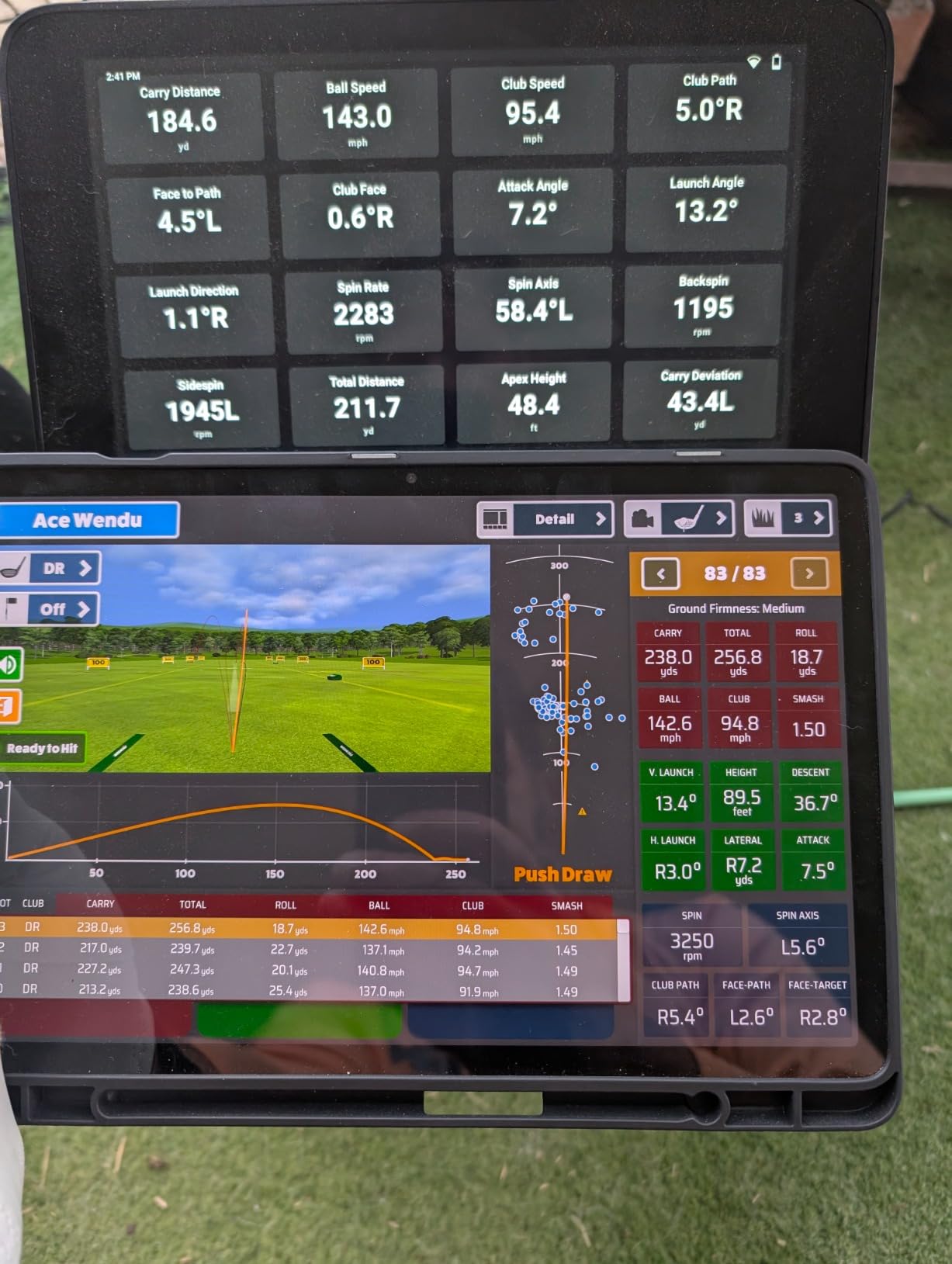
The R50 is the only unit here that is a complete simulator rather than a sensor. A three-camera system, a 10-inch color touchscreen, and high-speed impact video are all built in, so you can stand in a garage bay and play a virtual round without a phone, a laptop, or a separate display. Club stickers are included, which unlock the face-to-path figure.
On data it covers ball speed, launch angle, improved spin rate and spin axis, and a built-in barometer that improves carry distance accuracy. It works with every club, and HDMI output lets you push the image to a projector or a larger screen once you outgrow the built-in display.
Two realities temper this. Owners treat it as a fixed home-bay installation, and the 4-hour battery life makes it a poor choice for range days. The course library of more than 43,000 courses still requires an active Garmin Golf membership, so the all-in-one promise covers hardware rather than ongoing content.
Whether You Need a Computer at All
Not to get started. The 10-inch capacitive touchscreen runs the interface, shows your metrics, plays the impact video, and handles virtual rounds for up to four players including putting. That is the main reason it suits a basement where no computer lives.
For a large-screen experience, HDMI opens the door to a projector or a wall display. If you later want third-party simulator software, the machine it runs on becomes your responsibility, and full game suites still expect a capable Windows PC.
When the R50 Is the Wrong Buy
It is the wrong buy if practice numbers are the goal, because you can get launch angle, spin, and club speed from a far less expensive unit. Spend this much when you want to play virtual rounds on a self-contained screen in a dedicated bay.
It is also the wrong choice for reverse-handed golfers who switch sides often, since a fixed three-camera installation is aligned to one hitting position. And with only 63 ratings behind it, the long-term reliability record is shorter than the units with thousands of reviews.
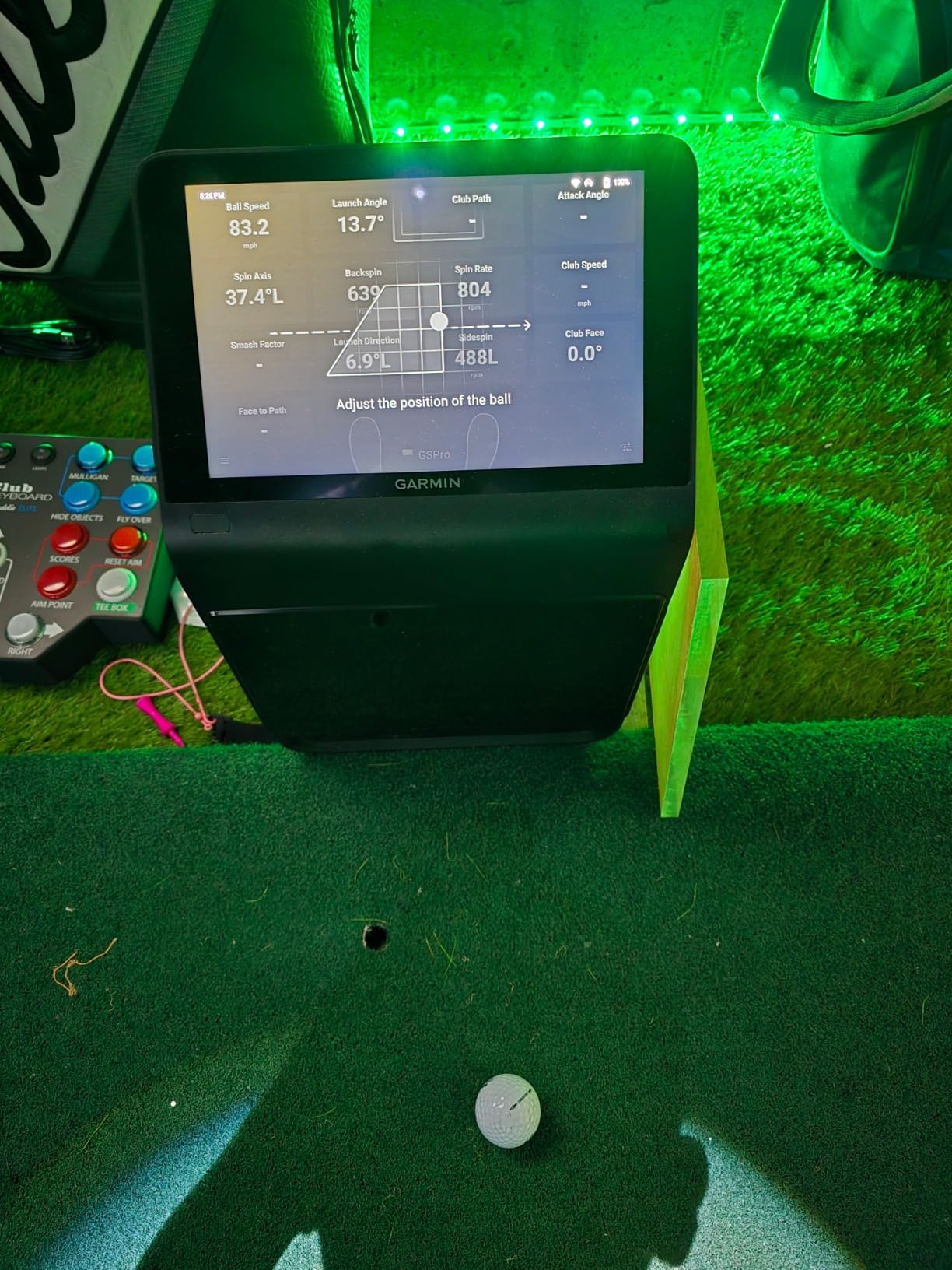
8. TAGCMC GX-10 – Best Indoor Launch Monitor With No Subscription
Golf Launch Monitor & Portable Simulator, Tracks 13+ Metrics Swing Analysis
- Full app feature set with no subscription fee
- Environmental sensors adjust readings for heat and pressure
- Adjustable sensitivity lets you calibrate against a known unit
- Supports iOS and Android plus HarmonyOS
- Out-of-box speed readings can run high and need tuning
- Some buyers report connection problems on setup
- Small review base so long-term reliability is unproven
The GX-10 stands out for a reason that matters more indoors than most people expect. There is no subscription for the full app, so spin rate, spin axis, attack angle, launch angle, and the 3D driving range all stay unlocked indefinitely. Garage and basement practice is a wet-weather habit, and a recurring fee on a device you only use in bad weather is hard to justify.
The environmental sensors are the technically interesting part. Built-in temperature, humidity, and barometric sensors adjust shot data for real-time conditions, which matters in a garage that swings from cold to hot across a season. Adjustable sensitivity also lets you calibrate the readings against a monitor you already trust, and owners who did so report the numbers settle into line quickly.
The caution is straightforward. Out-of-the-box speed readings can run high until you tune the sensitivity, and some buyers report connection problems straight away. With 94 ratings, the durability record is short compared with the units carrying thousands of reviews, so treat it as a capable secondary unit rather than a lifetime purchase.
How the Calibration Actually Works
Hit a set of shots with the GX-10, then hit the same clubs with a reference unit you trust. Compare the ball speed figures, adjust the sensitivity in the app until the two align, and the rest of the metrics follow into line.
Because the environmental sensors are doing continuous correction, re-check after a big temperature swing rather than once a season. A cold morning garage and a hot afternoon one produce different corrections by design.
Who Should Buy This Instead of a Subscription Model
Buy it if you practice strictly indoors in a space that swings in temperature, and you would rather not pay a yearly fee for software you use eight months of the year. The complete metric set with no recurring cost is unusual at this level of detail.
Skip it if you want video analysis and a large shot library more than you want spin data. Its 3D driving range covers two viewing angles and records video, but it is not a replacement for a course platform with thousands of layouts.
9. PHIGOLF PG2 Flex – Best Indoor Launch Monitor for Very Small Spaces
PHIGOLF Home Golf Simulator, Motion Sensor & 3D Analysis for Practice & Fun
- Works in a room too small for any radar unit
- No ball needed so there is no mat damage or mess
- Real swing mechanics required so it teaches a genuine motion
- Access to a very large catalog of real courses
- Putting sensitivity is unrealistic on long putts
- Chip shots and rough play lack a distance penalty
- Sensor connection drops and the sensor loses charge quickly
The PHIGOLF is not a launch monitor in the ball-tracking sense, and that is the point. A 9-axis motion sensor reads your swing movement and drives the ball flight in a virtual course, which means you need no ball, no net, and no room depth. In an apartment, a small bedroom, or a corner of a living room, it is the only option on this list that genuinely works.
Because the sensor sits in the shaft of the included swing stick, you have to make a real swing for the screen to react. Reviewers credit it with helping beginners find a repeatable motion, and it also attaches to a real club for outdoor practice. There is an AI swing coach with body pose tracking and swing metrics for feedback after each shot.
Understand the trade-off before buying. The sensor assumes center contact, so slices and hooks never register, chip shots have no distance penalty, and long putts behave unpredictably. Owners also report slow and crash-prone apps, frequent Bluetooth drops, and a sensor that can lose charge quickly. Treat it as entertainment and swing practice, not measurement.
Can a Motion Sensor Really Teach a Better Swing
For a beginner, frequently. The on-screen trace follows your actual movement, so a rushed or flat swing looks different from a smooth one, and that feedback loop is what most golfers in the reviews credit with improving their motion.
For an experienced player, less so. The data is not accurate enough to train distance gapping or launch windows, and the simplified model means misses do not read the way they do on a ball-tracking system.
What Comes in the Box and What You Need
You get the 9-axis sensor and a premium swing stick, an aluminum body, and app access to a very large catalog of real-world courses, with E6 Connect and WGT Golf compatibility. The PG2 Flex comes in a 23.6 inch and a 27.6 inch version, so check the length against your ceiling clearance.
All you need is a phone or tablet and about four feet of floor. There is no ball, no net, no mat, and no subscription for the core experience, which makes it the least demanding indoor option by a wide margin.
10. TheStack Radar – Best Indoor Launch Monitor for Speed Training
TheStack™ Radar – Portable Golf Launch Monitor, Swing Speed & Ball Tracker
- Highest average rating among these picks
- One of the smallest and lightest units reviewed
- Built around speed training with the Stack clubs
- Syncs training speeds straight to a phone by Bluetooth
- Speed and estimated carry only with no spin or launch angle
- Wedging and putting apps are iOS only
- Works best inside the wider Stack system
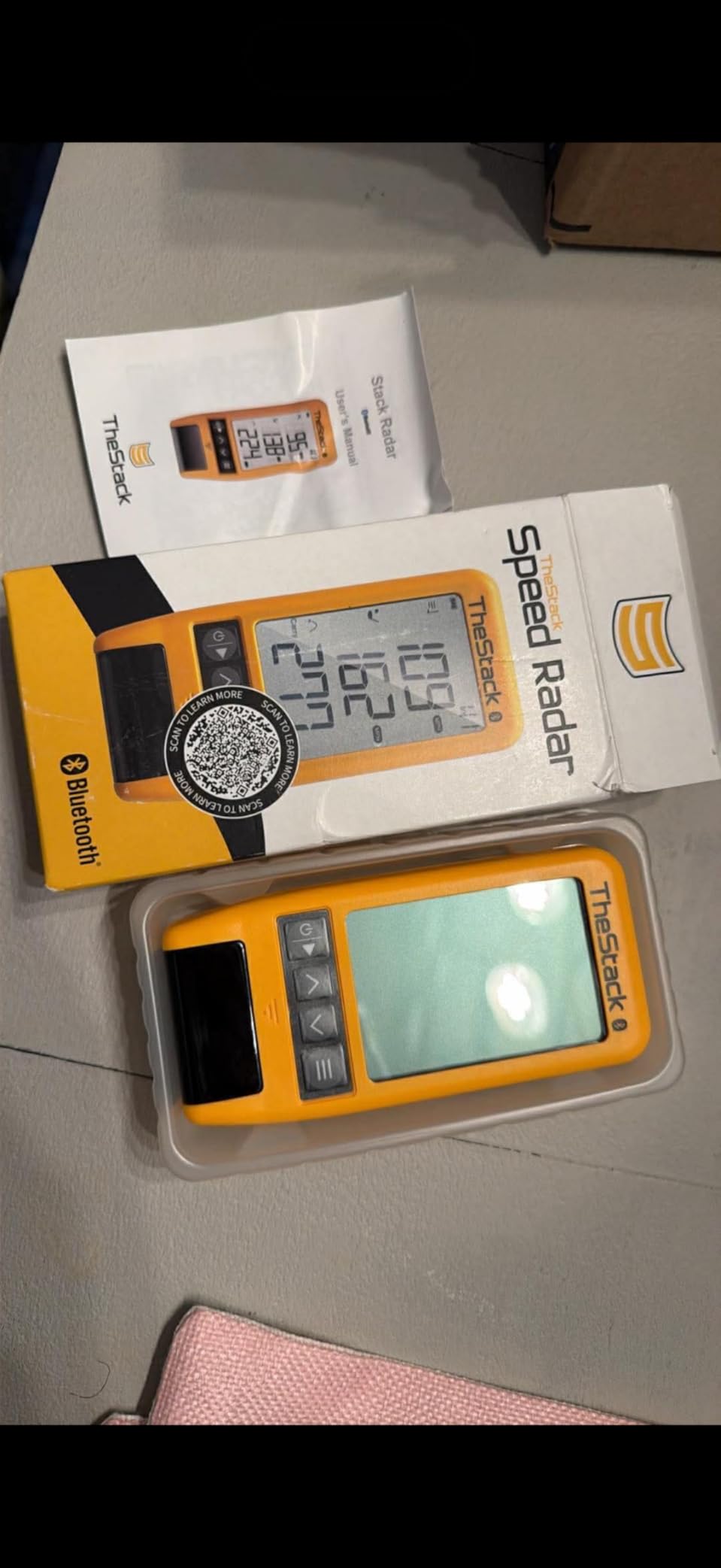
The Stack Radar is the most compact unit here, at 0.12 kg, and it is designed for one job. It measures swing speed and ball speed, then calculates estimated carry distance and smash factor, and it syncs to the Stack app over Bluetooth on both iOS and Android. The gamified wedge and putting apps add structure to short-game work, and 2022 US Open champion Matt Fitzpatrick is credited with using it for speed training.
Its appeal for indoor practice is scale. The package is 6.89 inches, so it fits in a drawer or a golf bag pocket and can go anywhere on the hitting area. You can pair it with the Stack and Stack Wedge training aids for a complete speed system, which is how most owners use it.
Two limits matter. It reports speed, estimated carry, and smash factor only, with no spin, launch angle, or apex, so it will not answer a launch window question. The Stack Wedging and Stack Putting apps require an Apple device, which removes the short-game features for Android users even though the speed app works on both. With 60 ratings, the independent review volume is also the smallest here.
How It Compares With the PRGR for Speed Work
Both measure swing speed, and both stay off the subscription treadmill. The PRGR gives you 500 stored swings and a wider measuring range, while the Stack Radar connects to gamified apps and pairs with dedicated speed clubs for structured training.
Choose the PRGR for a standalone tool you will use alone, and the Stack Radar if you like app-driven sessions and short-game structure. Either one suits a basement with no lighting requirement and no depth behind the ball.
Whether It Is a Full Launch Monitor or a Trainer
It is a trainer. There is no ball tracking, no trajectory measurement, and no simulator hardware beyond the app, so it sits alongside the PRGR and the Voice Caddie rather than with the camera systems.
That framing matters for expectations. If you want to know your launch angle or spin, this is the wrong purchase. If you want to hit a wedge fifteen times and watch the speed number improve, it is exactly right.

Indoor Launch Monitors With No Required Subscription
Recurring fees are the most common complaint we found in the garage threads, and several readers described paying for years to unlock features they had assumed came with the hardware. Four picks here have no subscription attached to their core function at all.
The PRGR HS 130-A and the Voice Caddie SC200Plus are the purest cases. Both run on batteries, report speed and distance, and need no phone, app, or account. The Stack Radar and the PHIGOLF PG2 Flex also carry no recurring fee, with the Stack’s wedge and putting apps included for the trial period rather than behind a permanent paywall.
The Rapsodo MLM and the Garmin R10 both give you full practice data on free tiers, so the subscription only applies if you want virtual courses. The TAGCMC GX-10 goes further and unlocks the whole app, spin data included, with no fee. The two that do require spending to reach their full potential are the Rapsodo MLM2PRO and the Uneekor EYE MINI CORE, where a third-party subscription is part of how you get to a simulator.
How Much Room Depth and Ceiling Height Do You Actually Need?
Room size decides your shortlist more than price does, and it is the question most often answered badly. Here is what each type of unit needs, based on the manufacturer guidance and the setup reports owners give in the forums.
Radar units want depth. The Rapsodo MLM and the Garmin R10 both need roughly 8 feet behind the ball and 6 to 8 feet in front, and the MLM2PRO is closer to 7 to 8 feet behind with about 8 feet in front. Plan on a room at least 16 feet deep for the comfortable version of that layout. The PRGR and the Voice Caddie are the exceptions, since they read the swing and the ball rather than tracking flight, and both work in a much shorter space.
Camera systems need almost nothing behind the ball. The Uneekor EYE MINI CORE is a fixed floor install about 13.9 inches tall that sits behind the tee position, and the Garmin R50 is a larger 16.5-inch cabinet. The R50’s three cameras need to see the ball and the club, so give it a clear line of sight and at least 10 feet of depth in front for the flight read.
Ceiling height is about the fit of the hardware, not the optics. Check the unit’s height plus your mat and screen before you drill anything, and remember that overhead impact screens need far more vertical space than a net. Nobody in the forums regretted a room that was deeper than the unit required.
Buying Guide: 7 Checks Before You Buy an Indoor Launch Monitor
Start with the net and the mat, because those decide the ceiling. A golf net needs a hitting area of roughly 7 feet wide and depth of about 7 feet behind the ball, and the mat has to sit far enough back that the radar has clean air to read the ball. If you cannot give the monitor that space, no amount of spending fixes it.
Second, decide how much space you have behind the ball, because that single number eliminates most products. Eight feet or more opens up every radar option. Under six feet narrows the field to speed trainers and camera systems that read the ball at impact.
Third, check lighting if you are considering a camera system. A room with no windows and one overhead bulb will degrade the readings, so plan on adding a strip light or two, or choose a radar unit that ignores lighting entirely. The Uneekor EYE MINI CORE is the exception among camera systems, since its infrared illumination is built in.
Fourth, work out which metrics you actually need. Club head speed and ball speed are simple. Spin rate, spin axis, club path, face angle, and face to path require a camera system and cost more, so if your goal is tempo and distance control, the cheaper radar units genuinely do the job.
Fifth, price the running cost honestly. A one-time cost is easy to compare, but a yearly subscription on a monitor you only use indoors in bad weather is harder to justify. Multiply any annual fee by the years you expect to own the unit before you judge the value.
Sixth, sort out the computer situation. Every unit here works standalone except the camera systems, which need a Windows machine. The Uneekor EYE MINI CORE states its requirements plainly: an i5 Gen12 or Ryzen 5 with 16GB RAM and an RTX 3060 for VIEW, and an i7 Gen12 or Ryzen 7 with 32GB RAM and an RTX 4070 for simulation. The Rapsodo MLM is the phone-and-tablet option for portable indoor data, and the R50 runs on its own built-in screen. Mac users should lean toward the iOS and Android compatible models.
Seventh, account for hidden consumables. The Rapsodo MLM2PRO needs marked balls for spin data, and those wear out and need re-marking. The Garmin R50 includes club stickers for face-to-path. Both are small costs, but they recur and they surprise people who assumed any ball would work.
One last point on swing side. Radar units read the ball and make no difference for golfers who switch hands between swings. Floor-standing and fixed camera systems are aligned to one hitting position, which is a genuine annoyance for reverse-handed practice. If you frequently hit both ways, favour a radar unit or a small sensor trainer.
Frequently Asked Questions
Can you use a launch monitor indoors?
Yes. Every monitor in this roundup works indoors as long as you hit from a mat into a net or impact screen. Radar units need roughly 8 feet behind the ball and 6 to 8 feet in front so they can track flight, while camera-based systems need far less room behind the ball but consistent lighting. Radar units are the safer choice in a dark basement.
Do indoor golf launch monitors need a subscription?
Most give you full practice data free, and subscriptions apply to virtual courses. Four picks here have no recurring fee at all: the PRGR HS 130-A, the Voice Caddie SC200Plus, the Stack Radar, and the PHIGOLF PG2 Flex. The Rapsodo MLM2PRO and the Uneekor EYE MINI CORE need a paid third-party subscription to reach their full simulator potential.
How much space do I need for an indoor golf simulator?
Plan on a room at least 16 feet deep for a comfortable radar setup, with about 8 feet behind the ball and 6 to 8 feet in front. Camera-based systems such as the Uneekor EYE MINI CORE need far less room behind the ball. A single-car garage bay suits camera systems and speed trainers, while a two-car bay fits the radar units comfortably.
What is the best golf launch monitor for hitting into a net?
For a net setup in a garage, the Rapsodo MLM and the Garmin R10 are the most commonly recommended radar units, since they handle a net with enough depth behind the ball. The Garmin R10 adds a 10 hour battery and automatic video. If the room is very short, the PRGR HS 130-A measures club speed with no ball at all and needs no depth.
What is the best golf launch monitor for the money?
At the value end, the PRGR HS 130-A gives club head speed and ball speed with no app and no subscription, which is enough for tempo and distance training. The Voice Caddie SC200Plus adds spoken feedback and a 20 hour battery. If you want launch angle and spin as well, the Rapsodo MLM remains the strongest all-round indoor purchase below the mid tier.
Which Indoor Launch Monitor Should You Buy?
Start with the Rapsodo Mobile Launch Monitor if you want launch angle, carry, and shot tracer video in a garage without installing anything. The Garmin Approach R10 is the pick if you want the longest battery and one unit that works at home and at the range. The PRGR HS 130-A wins on value and is the only one here that trains club speed with no ball at all.
If your space is tight or dark, work down the list rather than up. The TAGCMC GX-10 gives spin data with no subscription, the PHIGOLF fits a corner no radar unit can reach, and the Voice Caddie SC200Plus will speak your numbers to you in a basement. Only look at the Uneekor EYE MINI CORE and the Garmin R50 when you are building a permanent bay with a capable Windows machine and a display plan.
Our wider launch monitor buying guide covers the outdoor-first options we left out, and it is worth reading before you commit if your setup includes a range. Whatever you choose, measure the room first. In 2026, the indoor launch monitors worth buying are the ones that fit the space you already have.