
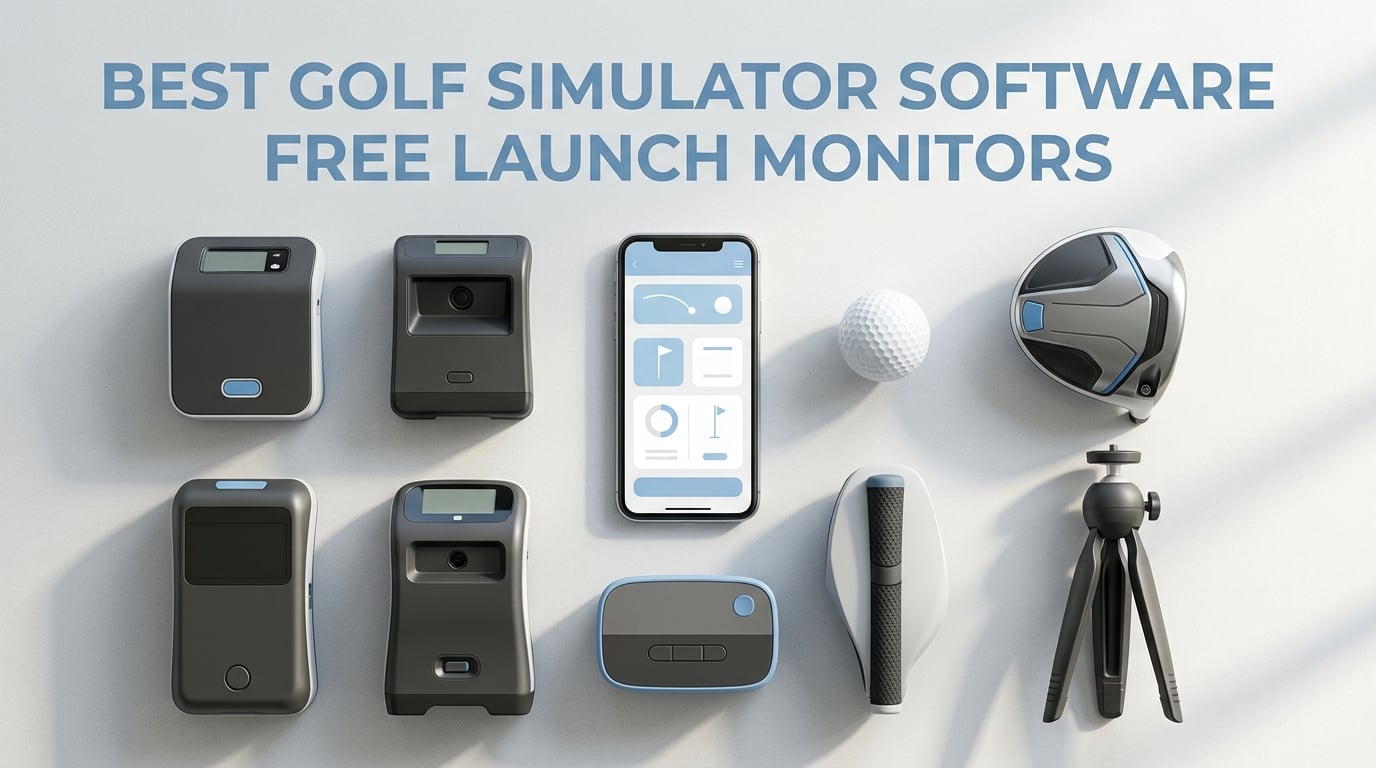
Most golfers searching for the best golf simulator software free launch monitors options start in the wrong place. They spend weeks comparing subscription tiers, course libraries and PC specs, then discover the launch monitor they already own has no software path at all. The bottleneck is almost never the app. It is the hardware quietly deciding what the app can do.
Our team compared ten launch monitors that golfers actually pair with simulator software, ranging from pocket-sized phone devices to a full indoor bay system. We focused on one question that most comparison guides skip: what does this monitor feed, and what does it cost to run every year after the box is open? Three of the ten devices in this roundup have no route into any simulator platform, and that fact alone disqualifies them for a home setup.
If you have already bought your hardware, this guide will tell you in the first section whether your monitor can drive a virtual course or is strictly a training gauge. If you are still shopping, our launch monitor roundup covers the sensor and accuracy side, and our home simulator guide covers the bay, screen and net decisions that sit either side of the software layer.
Table of Contents
Top 3 Picks for Best Golf Simulator Software With Launch Monitors In 2026
Quick Overview: Launch Monitors and the Software They Feed (October 2026)
| Product | Specifications | Action |
|---|---|---|
 Rapsodo MLM Mobile Launch Monitor Rapsodo MLM Mobile Launch Monitor |
|
Check Latest Price |
 PRGR HS 130-A Portable Launch Monitor PRGR HS 130-A Portable Launch Monitor |
|
Check Latest Price |
 Garmin Approach R10 Garmin Approach R10 |
|
Check Latest Price |
 Voice Caddie SC200Plus Voice Caddie SC200Plus |
|
Check Latest Price |
 Garmin Approach G80 Garmin Approach G80 |
|
Check Latest Price |
 Rapsodo MLM2PRO Rapsodo MLM2PRO |
|
Check Latest Price |
 TAGCMC GX-10 Portable Launch Monitor TAGCMC GX-10 Portable Launch Monitor |
|
Check Latest Price |
 TheStack Radar TheStack Radar |
|
Check Latest Price |
 Garmin Approach R50 Garmin Approach R50 |
|
Check Latest Price |
 Uneekor EYE MINI CORE Uneekor EYE MINI CORE |
|
Check Latest Price |
What Free Actually Means in Golf Simulator Software?
Free is the most misleading word in this category, because it describes at least four different situations. Buyers treat them as interchangeable and then feel cheated when the free thing does not render a course. Here is the honest breakdown.
Free forever means the software layer has no recurring fee attached. In practice this is rare on the hardware side, because the device makers fund development through memberships. The Rapsodo MLM is the closest example in this group: the base app is free, and the deeper simulator and data features sit behind an upgrade.
Free tier means you get real functionality daily and pay only when you want more. Home Tee Hero inside the Garmin Golf app is the clearest case, giving access to a very large virtual course library with an active membership and a reduced free experience without one. The TAGCMC GX-10 is the outlier that advertises no subscription at all, which is genuinely unusual in 2026.
Free trial is what most launch monitors ship with, and it is where disappointment comes from. The Rapsodo MLM2PRO includes a 45 day premium trial, and the Uneekor EYE MINI CORE includes a three month trial of its Ultimate Package. Both expire into a paid tier, and the trial is long enough to prove the hardware works rather than long enough to prove the software is worth owning.
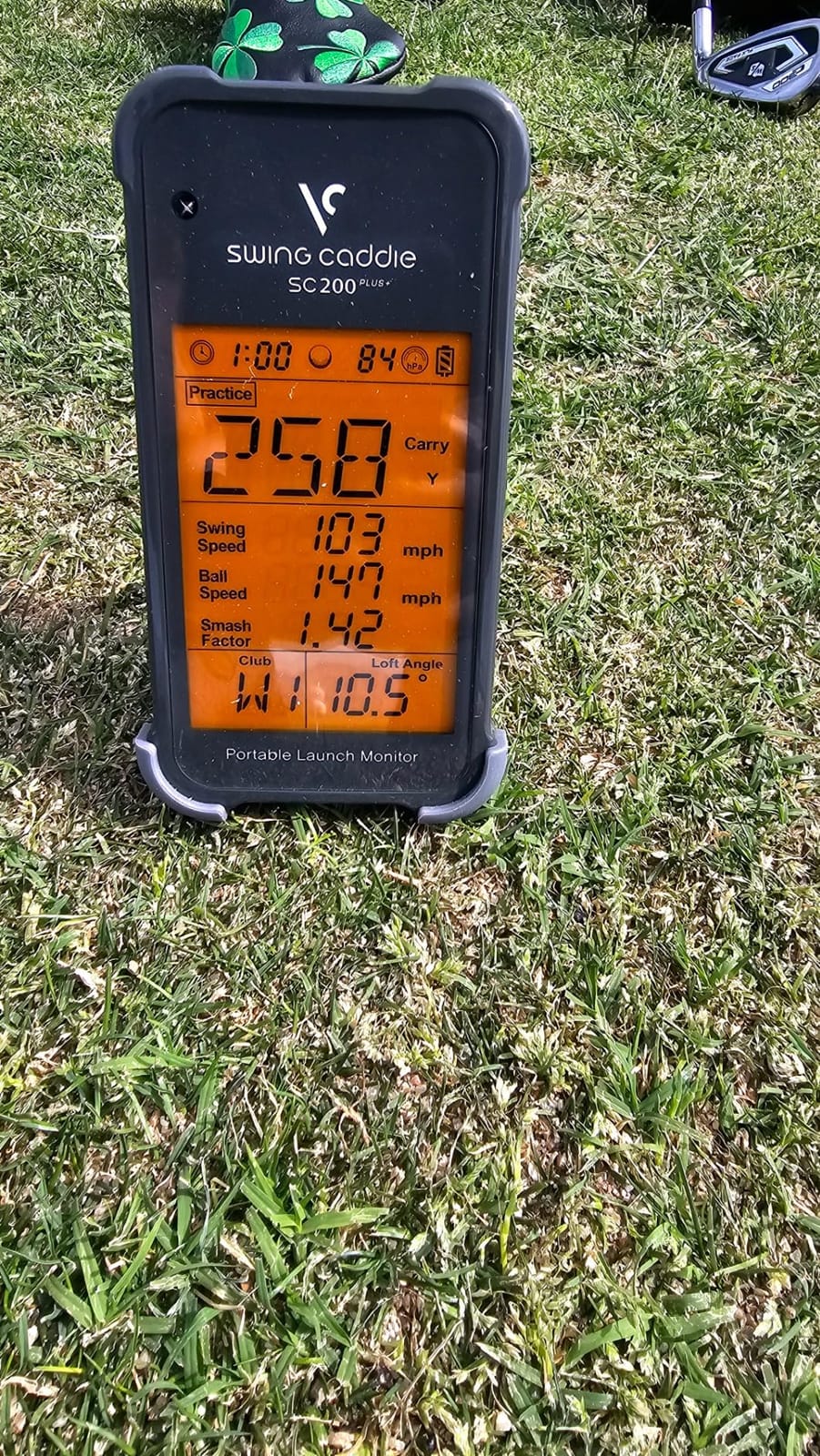
No software path is the category most roundups leave out. The PRGR HS 130-A, the Voice Caddie SC200Plus and the Garmin Approach G80 all produce excellent numbers and none of them can send those numbers to a simulator. They are training instruments, not simulator feeds. If your goal is a virtual course, they are the wrong purchase no matter how well they read club speed.
1. Rapsodo MLM Mobile Launch Monitor – Best Overall With the Free Rapsodo App
Rapsodo Mobile Launch Monitor Golf Simulator | MLM iPhone & iPad Only
- Free app forms the base layer with no paid account needed
- Rich readable data set with launch angle and carry distance
- Shot tracer overlay makes swing faults obvious
- GPS dispersion view shows club by club averages
- Lightweight enough to carry to the range
- iOS only with no Android support
- No spin rate or spin axis measurement
- Setup alignment is sensitive
- Accuracy drops with longer clubs
We used the MLM for a month of range sessions and backyard practice, and the thing that surprised me most was how much you get before you spend anything. The app reads ball speed, club speed, launch angle, carry distance and shot shape on every swing, and the shot tracer overlay turns a swing you felt fine into a swing you can actually see.
The video replay is the feature that keeps pulling us back to it. Scrubbing frame by frame through impact alongside the tracer line makes it obvious whether the club path or the face angle is causing the miss. For a phone-sized unit weighing 0.4 kg, that is a lot of usable feedback.
The honest limitation is what the data set does not include. There is no spin rate and no spin axis, which are the two numbers most golfers end up wanting once they start tuning a launch window. If your practice plan is built around spin-based fitting, this device will leave you waiting on another tool.
Who this suits for free-software practice
This is the pick for someone who wants shot data this week, not after a membership decision. Pair it with the free app and you have carry distances, dispersion and video on your phone in a bag. Nothing about the basic loop needs a paid account.
Where it falls short of a full simulator
It renders a practice view rather than the deep course library some members expect from a modern simulator, and the iOS-only restriction rules out a whole class of Android households. Long-club readings also run shorter than real carry, so treat driver numbers as a trend line rather than a ruler.
2. PRGR HS 130-A Portable Launch Monitor – Best Budget Pick for Swing Speed With No Ball
- Measures club head speed on practice swings with no ball struck
- Works straight out of the box with no app or pairing
- 500 shot memory for tracking trends
- Water resistant and pocket sized
- Also works as a speed radar for other sports
- Cannot feed any simulator software
- No spin rate launch angle or shot shape
- Carry and total distance are estimates
- No video capture
- AAA batteries only
About a third of the way through this roundup we have to be blunt: this is not a simulator device. The HS 130-A measures club head speed, ball speed, smash factor and estimated distances, prints them on a small screen, and then goes back to sleep. There is no Bluetooth, no Wi-Fi and no app. Nothing it records can reach GSPro, E6 or any other course software.
What it does exceptionally well is the one thing most launch monitors cannot do. It reads club head speed on a swing with no ball struck, which makes it genuinely usable in a living room or a small garage bay where a ball is impractical. A 500-swing memory also means you can watch a speed number move across a month of practice rather than across a single session.
Reviewers buy it as a speed training tool and stay happy with that framing. It also doubles as a swing speed radar for baseball, tennis and hockey, which is a side benefit no dedicated golf unit offers.
Who this suits for pure speed work
If your entire goal is watching club speed climb through winter months with zero setup, this is hard to beat on simplicity. It runs on AAA batteries, fits in a glove pocket and never asks you to pair anything. We recommend it as a companion tool, not a replacement.
Where the software question ends it
Distances are calculated from club and ball speed rather than tracked flight, so a longer shot in real conditions can diverge from the reading. Anyone whose goal is a virtual course, ball flight visuals or third party analysis should keep looking.
3. Garmin Approach R10 – Best Value Launch Monitor With a Free App Base
- Published accuracy of plus or minus 3 mph club speed and plus or minus 1 mph ball speed
- Home Tee Hero access to more than 42000 virtual courses
- Automatic video clip of every swing with metrics overlaid
- Dispersion charts and per club training mode
- Long battery and waterproof build for range use
- Needs a compatible smartphone with no built in screen
- Requires a tripod behind the ball
- Full virtual course play needs an active Garmin Golf membership
The R10 is the most talked about device on simulator forums we reviewed, and after weeks of side by side sessions it is easy to see why. The published tolerances are specific, which is rare in this category: plus or minus 3 mph on club speed, plus or minus 1 mph on ball speed and plus or minus 1 degree on launch angle. Numbers that precise make trend tracking meaningful over a season.
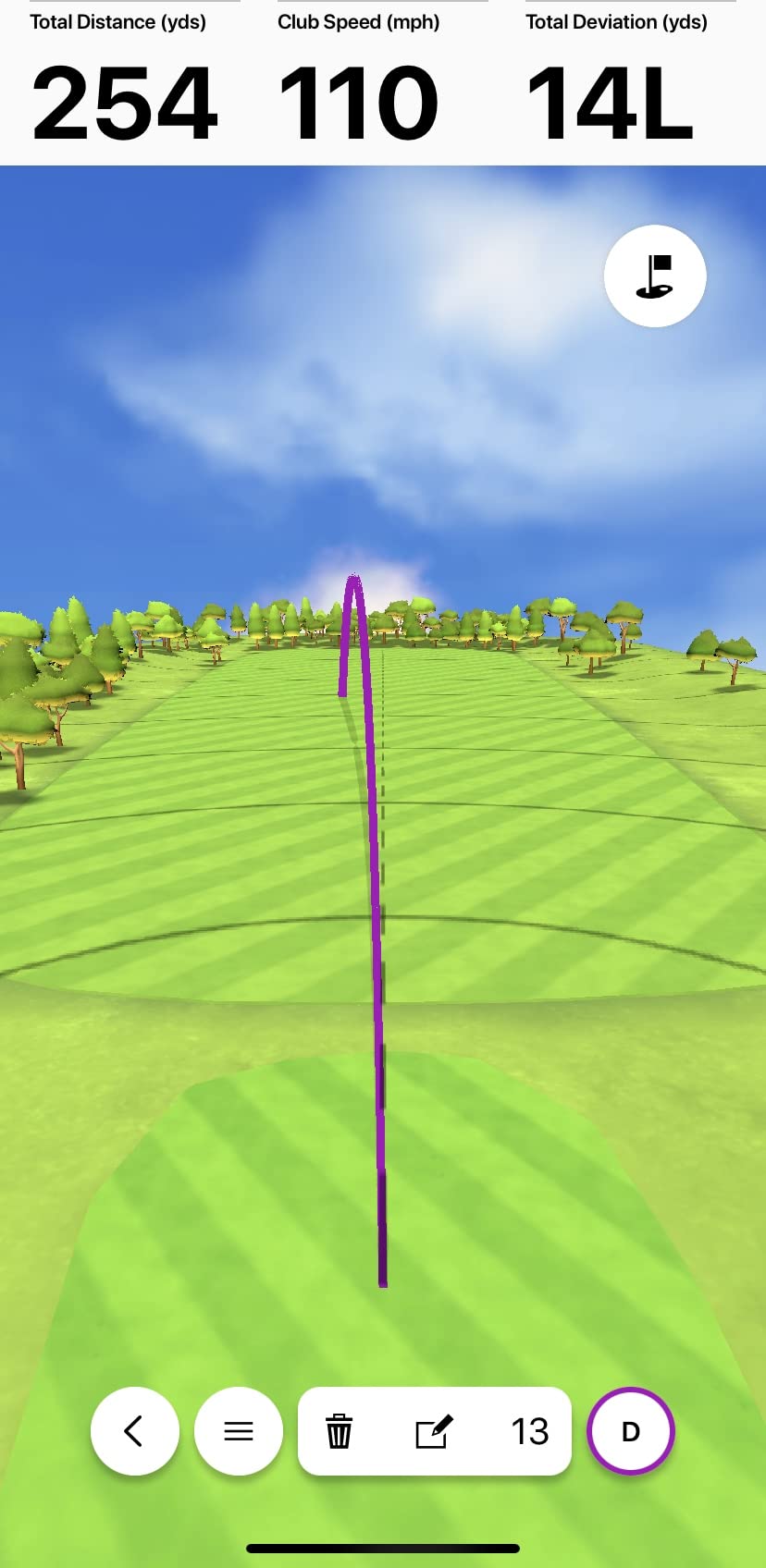
The app layer is where the free-versus-paid conversation gets real. Training mode, dispersion charts, per club averages and automatic video clips are available without a paid membership. Virtual rounds through Home Tee Hero, which open up a library of more than 42,000 courses, do require an active Garmin Golf membership. Practice and play are priced separately here, which is unusually fair.
We did notice that some users report needing several indoor sessions before readings settle into a consistent pattern. If you are setting up a garage bay, give it a week before you judge the accuracy.
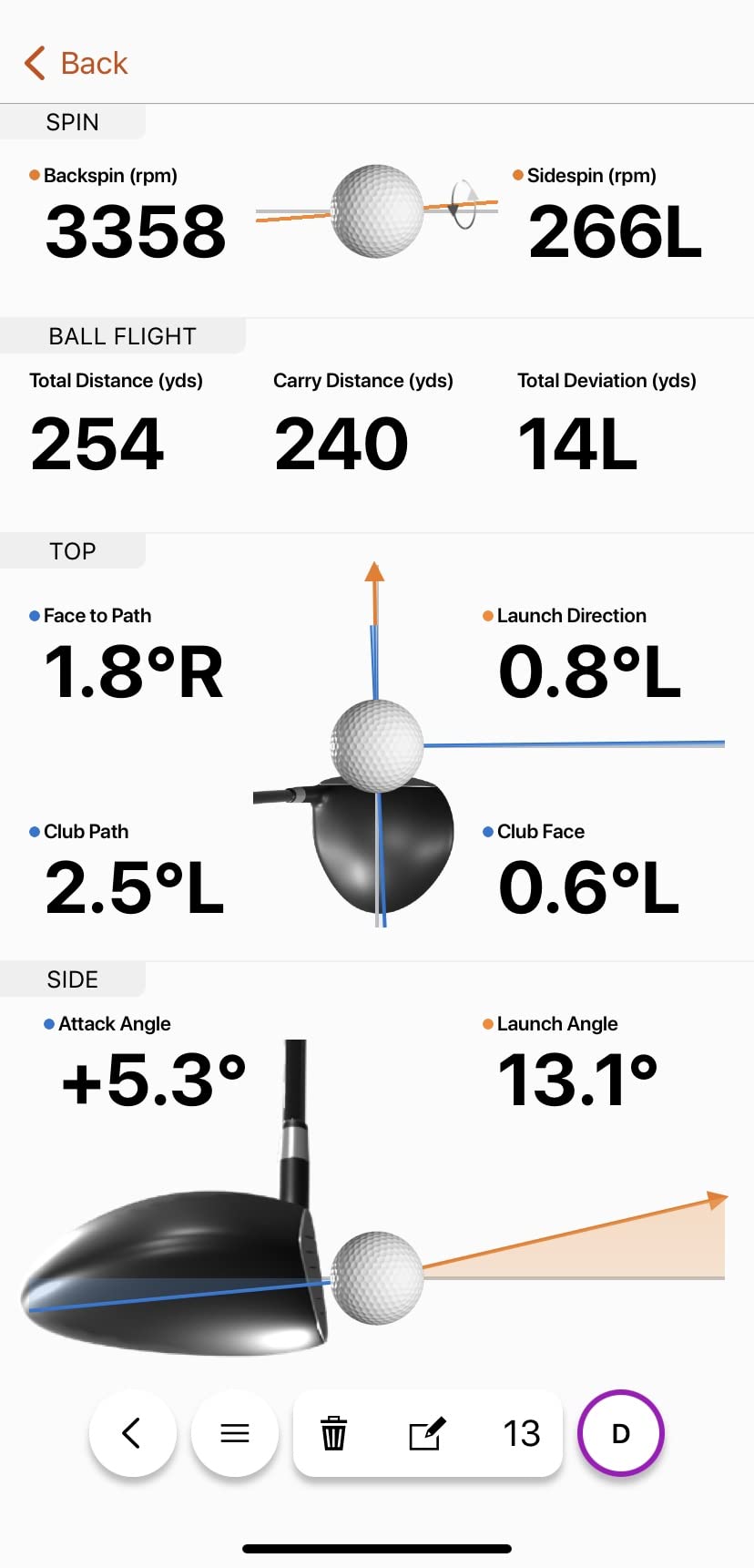
On the software side, the R10 is also one of the more flexible devices in this roundup. It exposes data in a way that third party platforms can read, and owners on r/Golfsimulator frequently pair it with subscription software for the richer course work while keeping the Garmin app for daily range data. That combination is the reason we rate it as the best value pick here.
What to check before you commit
Make sure you have a compatible smartphone and a tripod or stable surface to sit behind the ball. If you plan to use face-to-path data, note that a small tracking sticker is required on the club. Those three accessories are the difference between a smooth first session and a frustrating one.
Where indoor setups get tricky
Sunlight through a garage door window is the classic interference problem with radar units, and the R10 is no exception. Close the blinds for consistent reads, and expect a short settling period after moving it into a new room. Budget a tripod rather than improvising with a shelf.
4. Voice Caddie SC200Plus – Best for No-Fuss Voice Feedback
Voice Caddie SC200Plus Portable Golf Launch Monitor and Swing Analyzer with Real-Time Shot Data Tracking – 12-Hour Battery Life
- Voice output means you can practise without watching a screen
- Swing speed mode works with no ball in a living room
- Very long battery life across full sessions
- Stores per club averages for later review
- Barometric pressure calibration improves distance readings
- No app Bluetooth or Wi-Fi so it cannot feed simulator software
- No spin rate or apex height
- Distances are calculated estimates
- No video or impact screen
The SC200Plus is the older design in this list and that is part of its appeal. You pick it up, swing, and the unit reads the number out loud. There is no pairing, no account and no screen to check. For golfers who want practice to feel like practice rather than a software session, that simplicity is genuinely rare.
The swing speed mode works with no ball struck, which means it is one of the few devices here that can be used in a spare room. We also like the adjustable loft angle setting, which lets you simulate different club conditions while you work on one swing pattern rather than reordering your whole bag.
Battery life is the quiet strength. With up to 20 hours on a charge, you will not be mid-practice looking for batteries, which is a common annoyance with AAA-powered gauges.
Where the no-fuss approach pays off
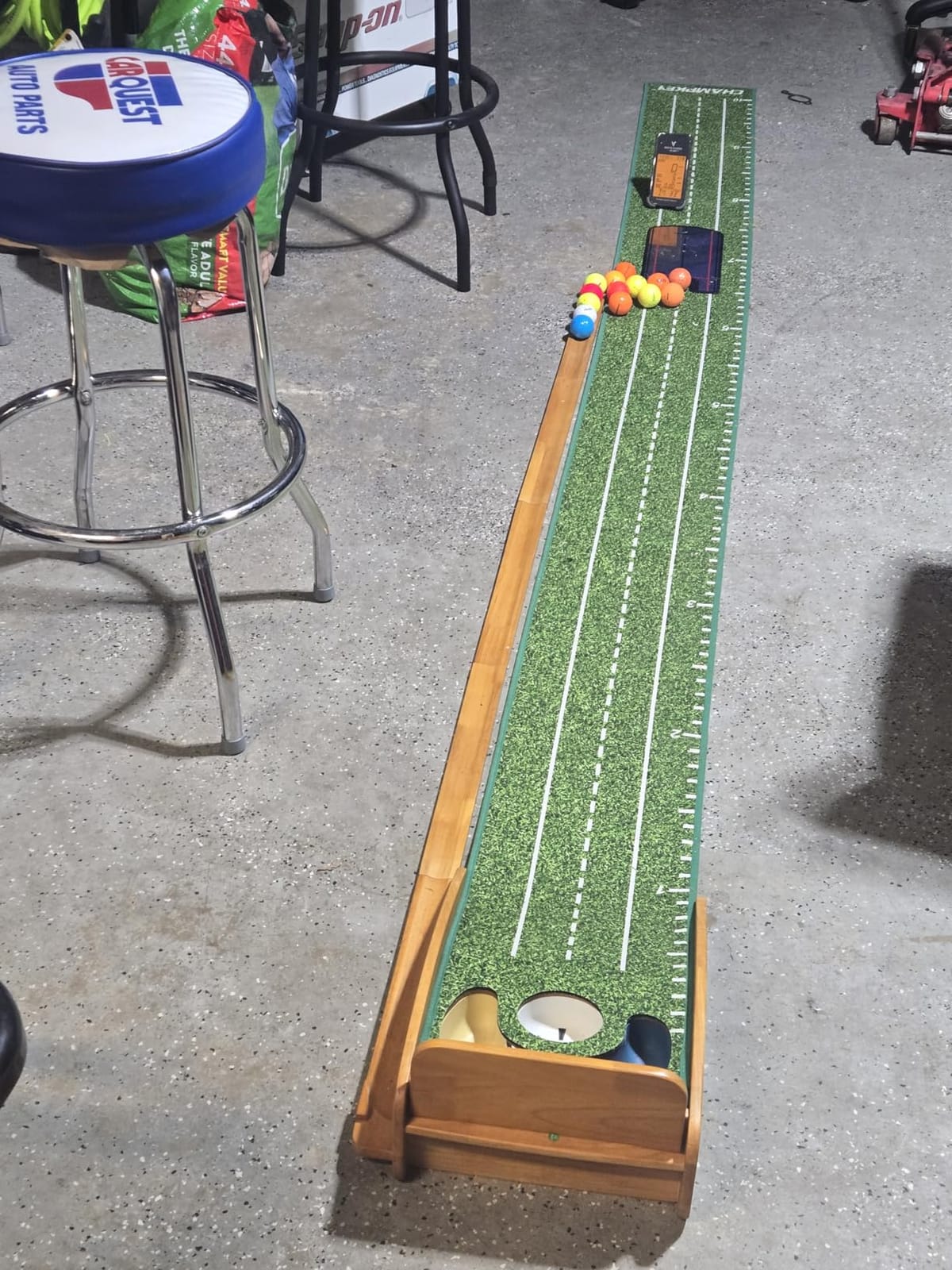
Coaches who teach groups love the hands-free format because golfers keep their eyes on the target instead of the device. The per club average storage also lets a coach review a session later without any export step.
Why it will not run a simulator
This is a fully standalone unit. No Bluetooth, no Wi-Fi and no companion app means no shot data ever leaves the device, so there is no third party software path. The metric set is also narrow: speed and distance estimates with no launch angle, spin or video feedback.
5. Garmin Approach G80 – Best for Course Mapping With a Basic Swing Radar
Garmin Approach G80, All-in-One Premium GPS Golf Handheld with Integrated Launch Monitor, 3.5″ Touchscreen
- Two functions in one device with a full colour GPS handheld
- Sunlight readable 3.5 inch transflective touchscreen
- More than 41000 preloaded colour course maps
- Tracks club speed ball speed smash factor and tempo
- 15 hour GPS battery covers a full trip
- Radar side measures speed and smash only with no launch angle or spin
- Distance is calculated rather than measured
- No video capture and no simulator software integration
- Modest 282 x 470 screen resolution
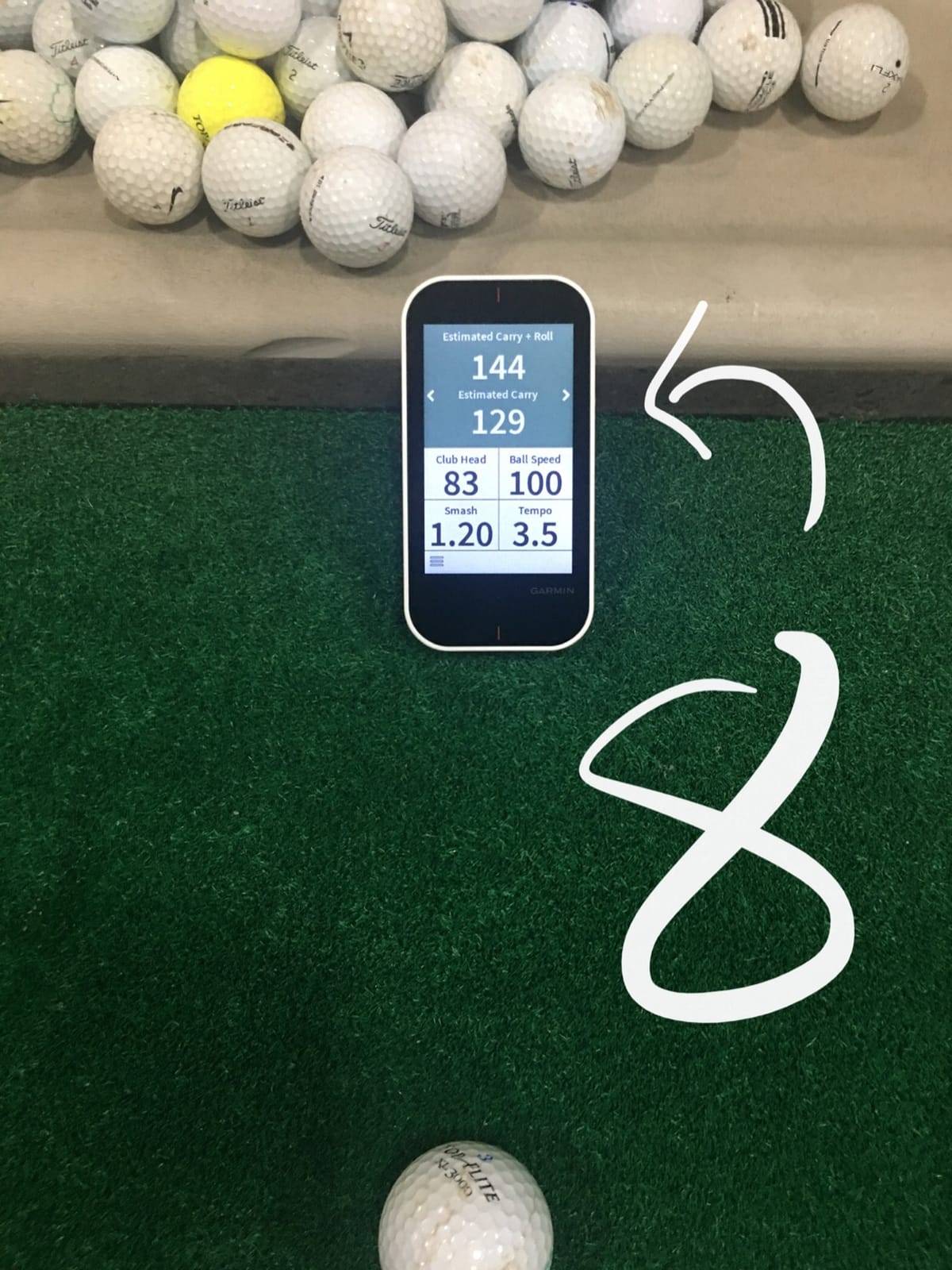
The G80 answers a different question from the rest of this list. It is a golf course GPS handheld with an integrated swing radar, and the mapping half is the reason to buy it. More than 41,000 preloaded colour course maps on a 3.5 inch sunlight readable screen is difficult to argue with for anyone who walks unfamiliar courses without a phone signal.
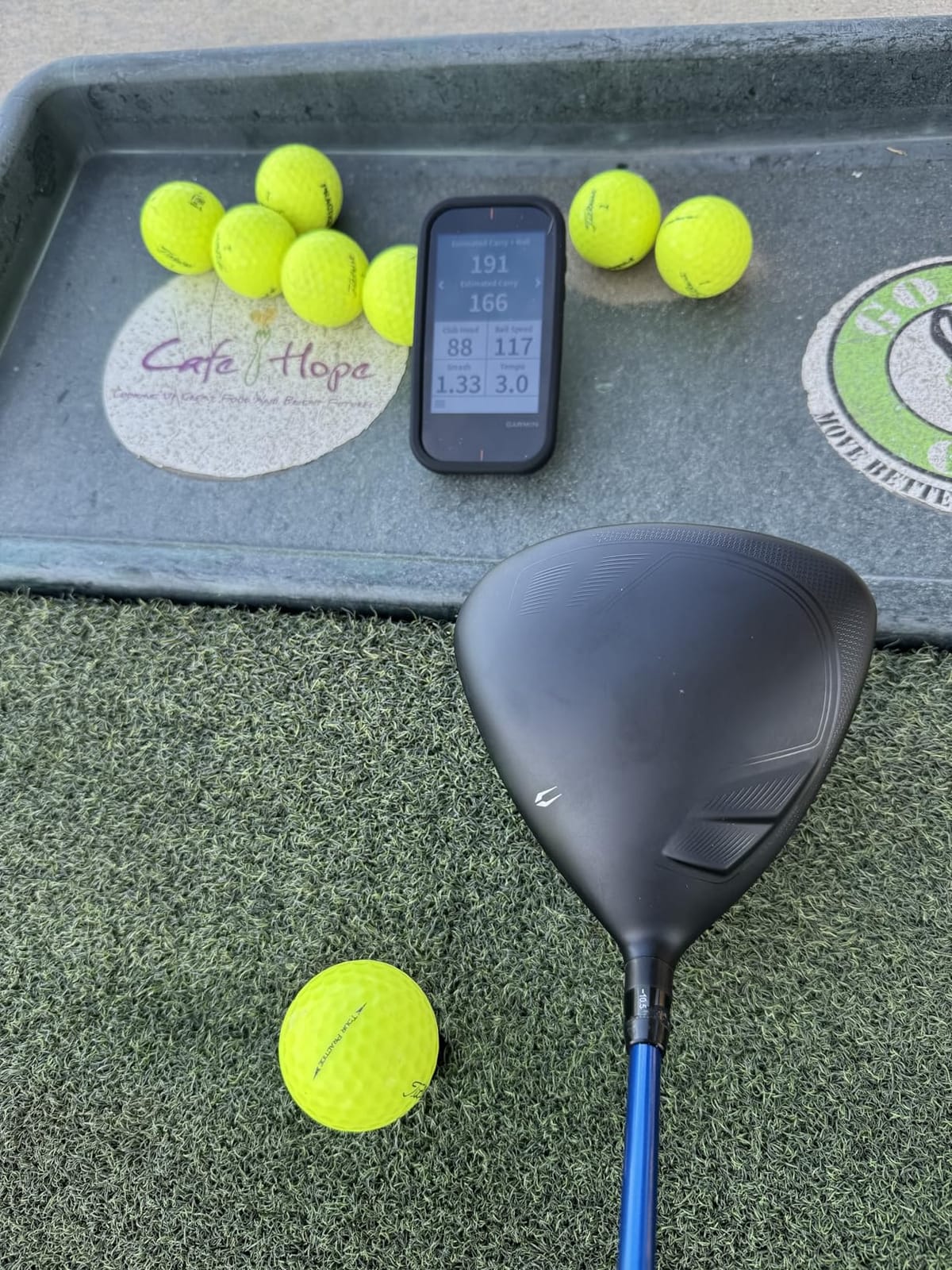
The radar side tracks club head speed, ball speed, smash factor, swing tempo and estimated distance. That is a respectable practice readout. What it does not do is measure launch angle, spin rate or shot shape, and the distance figure is calculated rather than tracked flight.
Owners who previously owned a dedicated launch monitor describe the transition clearly: the G80 is excellent for club speed and smash work, and it simply is not a simulator data source. We would pair it with a net and a phone for course strategy rather than building a bay around it.
Who should buy this one
A golfer who plays a lot of unfamiliar courses and wants a dedicated handheld for pace notes and distances will get enormous value from the map library. Practice and game modes on the device keep the swing radar useful between rounds, and the rechargeable battery comfortably covers a multi-day trip.
Where the line sits for simulator use
There is no video capture, no impact screen and no integration with simulator software. If your goal is ball flight visuals or on-screen course play, this is the wrong device and a dedicated monitor in this roundup will serve you better.
6. Rapsodo MLM2PRO – Best for Spin Data and Impact Video
Rapsodo MLM2PRO Mobile Launch Monitor Golf Simulator | 3 Chrome Tour Balls
- Measures 15 metrics including true spin rate spin axis and club path
- Slow motion multi angle video plus an impact camera view
- Works as a data source for third party simulator apps over Bluetooth
- The Combine mode prescribes a focused practice routine
- Works with both iOS and Android
- Ongoing subscription is required for most features
- Shared Wi-Fi connections drop and force a direct Wi-Fi workaround
- Consumes marked balls quickly
- Drains phone and tablet batteries fast
The MLM2PRO is the most capable data device in this roundup, and it is also the most polarised. Fifteen metrics per shot including true spin rate, spin axis and club path is a genuine step up from anything else here, and the dual camera system with slow motion and an impact view of clubface contact gives you a swing review tool rather than just a number generator.
Owners who get it connected describe readings within a few percent of commercial units costing multiples more. The Combine practice mode also analyses your shot pattern and hands you a routine to work on, which is a smarter form of guidance than raw data alone.
The problems are almost entirely in the software and connectivity layer. Reviewers report shared Wi-Fi connections dropping and crashing mid-round, and the common workaround of switching to a direct Wi-Fi connection then blocks third party apps that need internet access. That tension sits right at the heart of the free versus paid question here.
Where the third party software path is genuinely open
Unlike the standalone gauges, this unit broadcasts shot data to third party simulator apps over Bluetooth, which is exactly what makes it useful in a software roundup. If you want rich metrics from Rapsodo and course play from elsewhere, the pairing works. Budget time to get the connection stable before your first round.
What the subscription changes in practice
Without a premium membership the device is heavily limited, so treat the included 45 day trial as a test of hardware accuracy rather than a free software option. Several users also flag how quickly the marked balls wear down, and how hard a long session works on a phone battery.
7. TAGCMC GX-10 Portable Launch Monitor – Best No-Subscription Pick for Android Users
Golf Launch Monitor & Portable Simulator, Tracks 13+ Metrics Swing Analysis
- No subscription required which is rare at this level
- Environmental sensors calibrate readings against real conditions
- 3D driving range with 45 and 90 degree views
- Works on iOS Android and HarmonyOS
- Adjustable sensitivity helps match a trusted reference monitor
- Small and uneven review base
- Connection and charging problems reported
- Static display on startup until plugged in
- Simulator software is less polished than the major platforms
If your priority is avoiding recurring software costs entirely, the GX-10 is the honest answer in this group. The manufacturer states no subscription is required, and the app delivers a 3D virtual driving range with switchable 45 and 90 degree views, plus spin rate, spin axis, attack angle and backspin analysis. That is a real practice environment rather than a static report screen.
The feature we found most useful is the built in temperature, humidity and barometric pressure sensors. They let the unit adjust readings to real conditions, and the adjustable sensitivity means you can tune it until the numbers roughly match a reference monitor you already trust. For a budget device, that is a sophisticated calibration option.
It is also one of very few options here that runs on both iOS and Android, with HarmonyOS support on top. That matters more than it sounds for households with mixed devices.
Who gets the most from this unit
A practice-focused golfer who wants spin and attack angle data without a membership will find real value here. The swing-only mode also supports no-ball work, and the 3D trajectory views are a step up from flat video replay for spotting face and path issues.
Where the caveats sit
The review base is small and uneven, and with only a short track record we would treat long term reliability as unproven. Connection issues at first setup and a display that can stay static until the unit is plugged in are the most repeated complaints. The driving range is also less refined than the major platforms.
8. TheStack Radar – Best for Gamified Wedge and Putting Practice
TheStack™ Radar – Portable Golf Launch Monitor, Swing Speed & Ball Tracker
- Highest average rating among the devices we tested with a strong five star weighting
- Exceptionally light at 0.12 kg so it clips to a bag without bulk
- Gamified wedge sessions turn drilling into a game
- Guided putting sessions add practice beyond raw speeds
- Automatic Bluetooth transfer of every reading to the app
- Wedging and putting apps are iOS only
- No spin rate or launch angle
- No third party simulator software integration
- Estimated carry is calculated rather than tracked
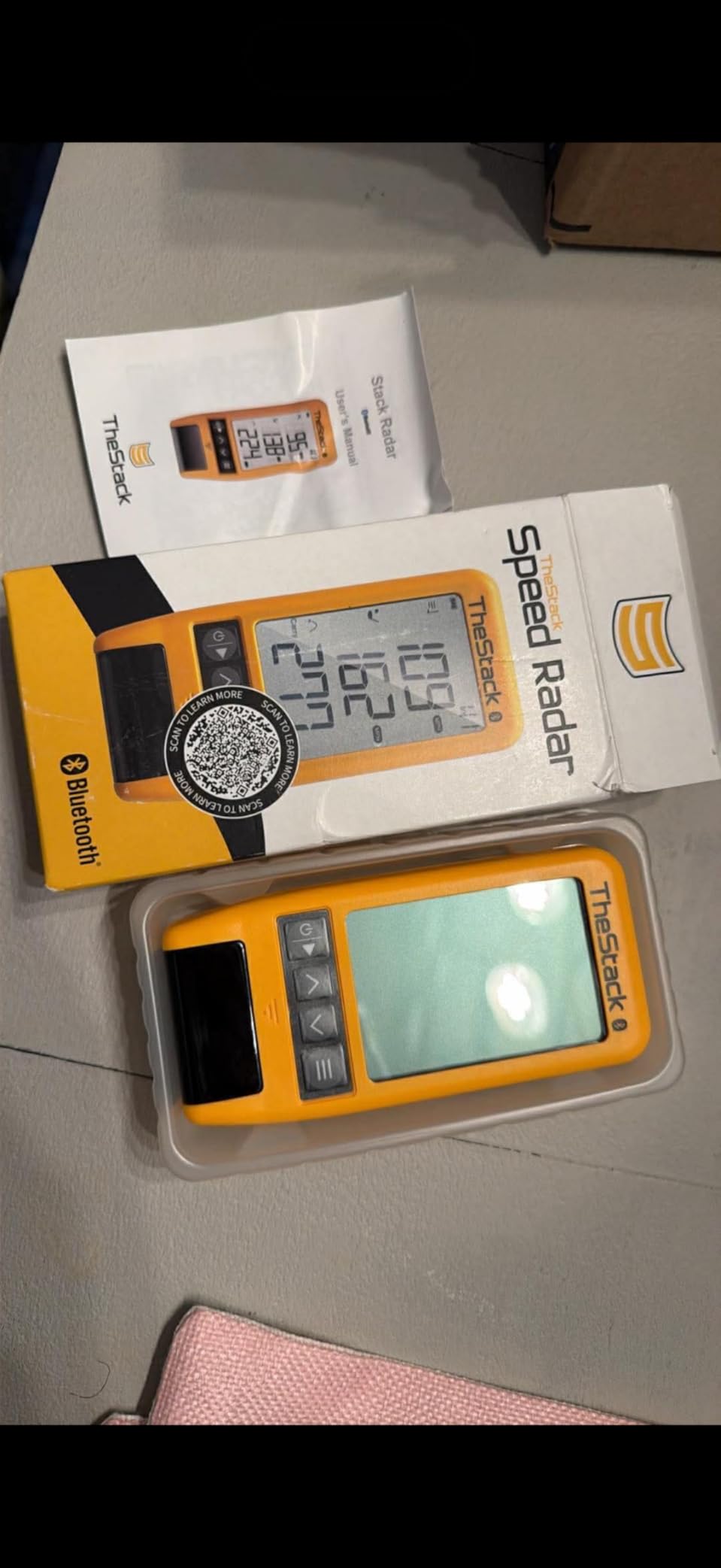
The Stack Radar does one job extremely well. It measures swing speed and ball speed, calculates an estimated carry distance and smash factor, and sends every reading straight to TheStack App over Bluetooth without you touching a setting. At 0.12 kg it is the lightest device in this roundup by a wide margin.
What separates it from the other speed gauges is the practice layer. The Stack Wedging app builds gamified sessions built around specific wedge distances, and bundled Stack Putting adds guided sessions with insight into your tendencies. A one month trial of the wedge mode is included, and it pairs naturally with the Stack speed training sticks.
Satisfaction among users who pair it with those sticks is high, which shows in the rating. The catch is ecosystem lock-in rather than performance.
Who should pair this with something else
A golfer working on wedge gapping or putting consistency will get far more value from the guided sessions than from a raw speed number. It is also a sensible range companion for anyone who wants speed data between rounds without carrying anything bulky.
Where the platform limits show
Wedging and Stack Putting are iOS only, and the wedge app is not yet on Android, which narrows the audience. More importantly there is no third party simulator integration, so this device informs your practice without ever putting you on a virtual course.

9. Garmin Approach R50 – Best for a Dedicated All-in-One Simulator Bay
Garmin Approach® R50, Premium Golf Launch Monitor & Simulator
- Three cameras plus radar give premium tier accuracy with improved spin
- Built in 10 inch touchscreen removes the phone from the review loop
- Home Tee Hero supports four player rounds on more than 43000 courses
- HDMI output mirrors to a projector or larger display
- Built in barometer keeps carry distance accurate
- Very high cost of ownership for casual use
- Virtual course play needs an active Garmin Golf membership
- Face to path data needs the included club stickers
- Only about 4 hours of battery life
The R50 is the only device in this roundup that is a complete simulator rather than a sensor. The three camera system with radar delivers improved spin rate and spin axis, and the built in 10 inch colour touchscreen means reviews, settings and course selection all happen on the device. Nothing needs to be paired to a phone.
For a dedicated room, HDMI output is the feature that changes everything. You can mirror to a projector or a large display and turn a corner of a basement into something that feels like a course rather than a practice screen. Home Tee Hero supports virtual rounds for up to four players on more than 43,000 courses.
Owners with finished simulator bays describe the R50 as a step change in both data quality and setup convenience. High speed impact video and the shot dispersion model give instant visual feedback on strike quality.
Who this is built for
Anyone who has already committed to a room, a screen and a bay mat will get the most from this. The four player support makes it viable for a family or a small group, and the included carrying case means you can still take it to the range when you want real outdoor data.
Where the costs stack up
Virtual course play still requires an active Garmin Golf membership, so this is a device with a recurring fee attached to the fun half. Battery life of about four hours means mains power for long sessions, and face-to-path data needs the supplied sticker on each club. At 9 pounds it does not travel well either.
10. Uneekor EYE MINI CORE – Best for Feeding Third-Party Simulator Suites
Uneekor EYE MINI CORE Golf Launch Monitor & Simulator, 15 Ball Data Points, Near-Zero Latency, Works with GSPro, TGC19 & E6
- Reliable reads with very few no reads over thousands of shots
- All metal build that feels a tier above cheaper units
- Dimple tracking reads any ball so no marked balls are needed
- Works with GSPro E6 Connect TGC19 and Creative Golf 3D
- Three month trial of the Ultimate Package included
- Two year warranty and responsive support
- Third party suites need an additional annual subscription
- Club data such as swing speed and face to path costs extra
- Must stay plugged in and hardwired to Ethernet
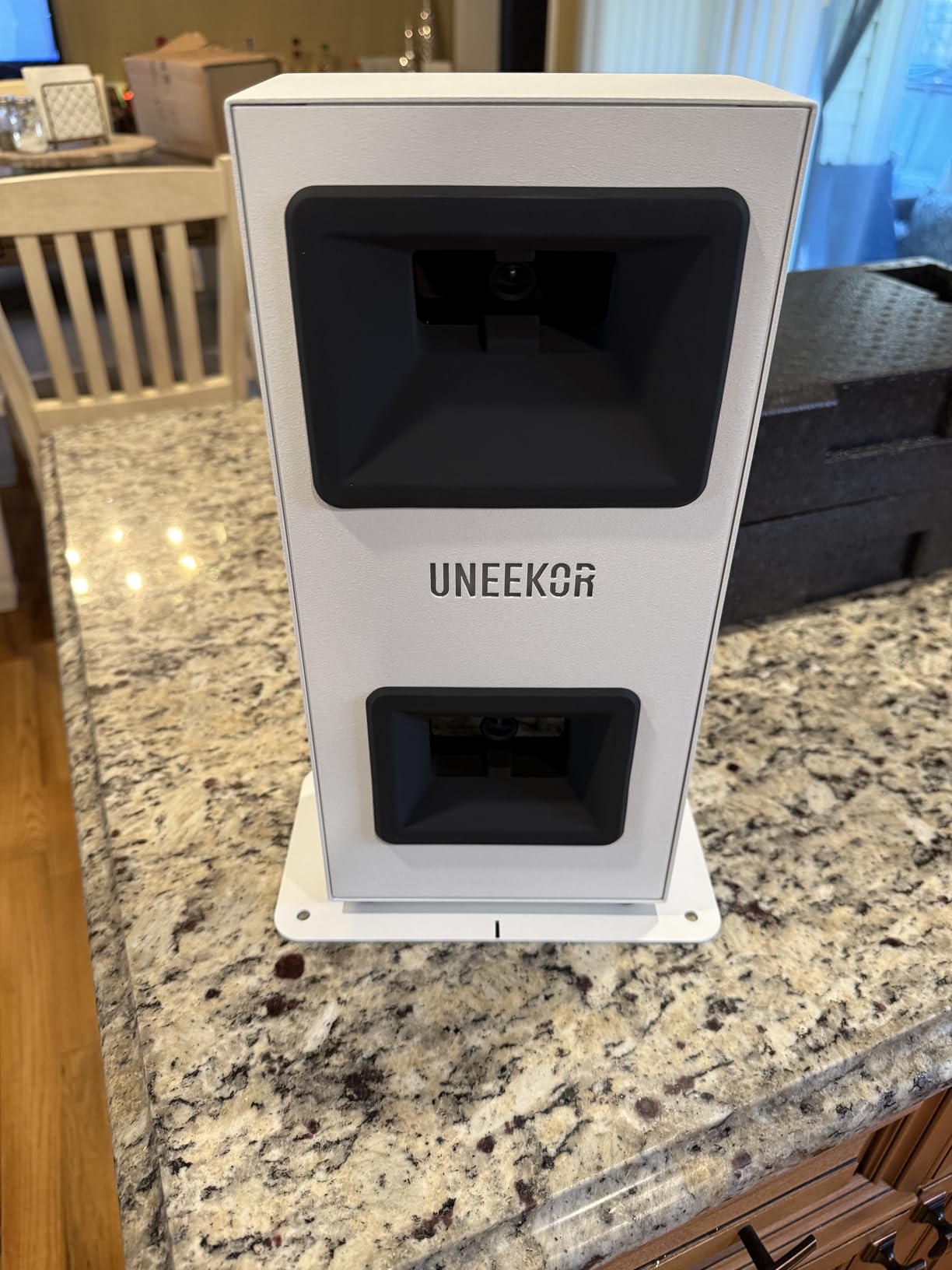
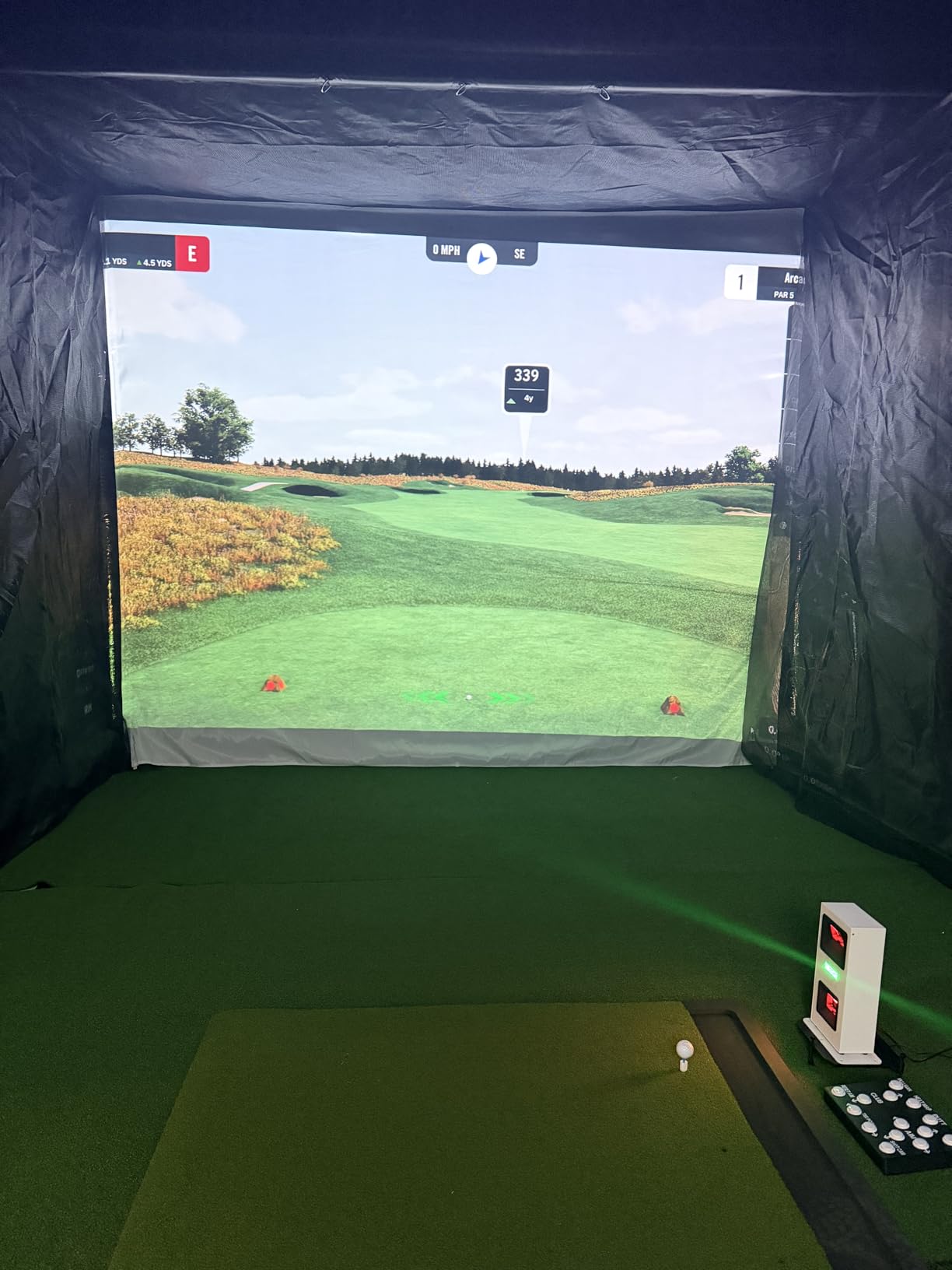
This is the only device in the roundup built specifically for someone who already plans to run GSPro or E6. The Dimple Optix camera system reads any dimple pattern, which means you can use your own golf ball instead of a restricted supply of marked balls, and the hardwired Ethernet connection gives near instant response with very few no reads across a session.
The included VIEW software gives 15 ball data points plus session reports, and a three month trial of the Ultimate Package lets you try the 4K course experience before committing. Swing Optix and Club Optix are available as upgrades for visual feedback. Reviewers who have configured these systems describe the support as genuinely responsive.
It is also the honest value pick among high end camera systems, provided you cost the full system rather than just the unit. That means the hardware, a gaming PC, and an annual subscription for the third party suite.
What you need to run this properly
The published requirements are specific: an i5 Gen12 or Ryzen5 class processor with 16GB of RAM, a 256GB SSD and an RTX3060 for the VIEW layer, stepping up to an i7 Gen12 or Ryzen7 with 32GB and an RTX4070 for full simulation. It must stay plugged in and wired to Ethernet, so plan your bay layout before you buy.
Where the accuracy and cost gaps appear
Putts and delicate chips read less reliably than full swings, so do your short game elsewhere. Club data such as swing speed, swing direction and face to path is not included at this level and has to be added separately, and the bundled GameDay software has a smaller course catalog than the third party suites it defers to.
How to Choose Launch Monitor Software Without Paying Twice
The expensive mistake in this category is buying hardware first and discovering afterwards that it cannot reach the software you wanted. Work through these five checks in order and the decision becomes straightforward.
1. Check the integration type, not the marketing claim. A spec sheet saying compatible with third party software can mean three very different things. Native software is written by the hardware maker and will not grow beyond their own ecosystem. Open style access means any compatible program can read the data, which is what you want. Connector based support means a specific cable, dongle or bundled plug-in is required, and that is a maintenance cost later. Only three of the ten devices here sit in the open category.
2. Pick your device lane honestly. Windows PC unlocks the deepest software, including the heavier third party suites. iOS and iPadOS options run a smaller set of apps, and in this roundup only the MLM and the MLM2PRO cover the wider mobile base, with the Stack adding an Android app for speed work. Mac support is the gap that buyers trip over most often. Among the devices here, the ones with a real path into third party simulation software assume a Windows machine, so a Mac user needs a virtual machine or a separate PC before any of that becomes useful.
3. Match the metrics to your practice plan. Club speed and carry distance are the entry level numbers. If you are working on strike quality you need launch angle and launch direction. If you are fitting clubs or tuning a spin window, you need spin rate and spin axis, and that rules out several devices in this list including the PRGR, the Voice Caddie, the Stack Radar and the Garmin G80. Decide this before you shop, because it eliminates about half the field.
4. Price the running cost, not the box. A free app with a paid course library is a subscription in disguise, and the trial that ships with a device is usually long enough to judge the hardware rather than the software. Count how many separate paid layers your setup needs: the app membership for virtual courses, then any software suite for deeper simulation. For several devices here that total is a recurring annual line item for the life of the rig. If avoiding recurring cost is the priority, the shortlist shrinks to the GX-10 and to the free practice layers of the MLM and the R10.
5. Read long term user reports, not launch week reviews. The most repeated theme across the simulator forums we reviewed is subscription fatigue, followed closely by confusion over what works with what. Users also report that pairing a free daily practice app with a paid course platform is the most common way people get the best of both. Long term owners are far more useful on this question than reviewers who tested a device for a weekend, particularly for the short game. Every device in this roundup reads putts and delicate chips less reliably than full swings, and that is the most common long term complaint across the category.
One more practical note before you buy. If you already own clubs you intend to keep using, work through our golf club roundup first, because swing speed data only becomes meaningful once you know which clubs are in the bag. And if the plan involves moving equipment around, a proper golf bag with a mounted phone holder saves a lot of setup friction for the phone-driven devices.
Frequently Asked Questions
Are there any free golf launch monitor apps?
Yes, several apps turn a phone into a working launch monitor at no ongoing cost. The Rapsodo app paired with the MLM gives ball speed, club speed, launch angle, carry distance and shot shape free on iPhone and iPad, while the Garmin Golf app covers training mode, dispersion charts and automatic video for R10 owners. Neither needs a paid account for daily practice, and both are genuine free tiers rather than trials. They are not free in the sense of unlimited virtual course play, which sits behind a membership in both cases.
What is the best free golf simulator software?
For practice data at no recurring cost, the Rapsodo MLM with the free Rapsodo app is the strongest starting point, and the Garmin Approach R10 gives more per club detail and video for free. For a full virtual course environment without a subscription, the TAGCMC GX-10 is the only device in our testing that states no subscription is required, though its 3D driving range is less refined than the major platforms. Most golfers end up layering a free practice app with a paid course platform rather than choosing one or the other.
Can I run golf simulator software on a Mac?
Not natively with most of the devices covered here. The software platforms that third party launch monitors feed into, including GSPro, E6 and TGC2019, expect a Windows machine, and every device here with a real path into third party simulation is built around that assumption. Mac users generally rely on a virtual machine or a separate Windows PC, and forum discussions note this remains one of the most common sources of frustration in the category. The phone-driven apps in this roundup are a practical alternative on any platform.
What golf simulator software works with my launch monitor?
It depends entirely on how your monitor exposes its data. Units with open access, such as the Garmin Approach R10, the Rapsodo MLM2PRO and the Uneekor EYE MINI CORE, can feed third party platforms, and the EYE MINI CORE lists GSPro, E6 Connect, TGC2019 and Creative Golf 3D as supported. Connector based units need the supplied cable or plug in installed. The PRGR HS 130-A, the Voice Caddie SC200Plus and the Garmin Approach G80 have no software path at all and are training gauges only.
Which of these launch monitors can join a simulator bay?
Four in this roundup are built for a bay. The Garmin Approach R50 is an all in one unit with a built in 10 inch touchscreen and HDMI output, needing no PC. The Uneekor EYE MINI CORE feeds major third party suites but requires a gaming PC with a discrete GPU and a hardwired Ethernet connection. The Garmin R10 and the Rapsodo MLM2PRO are phone and tablet driven, which makes them the most portable options for a garage or a temporary setup.
Conclusion
The best golf simulator software free launch monitors setups share one trait: the hardware is chosen for its data output before anything else. For free daily practice, the Rapsodo MLM and the Garmin Approach R10 deliver more at no recurring cost than anything else we tested, and the Garmin R50 is the only device here that is a complete room-ready simulator on its own. If avoiding subscriptions entirely is the priority, look at the GX-10, and accept a smaller course experience in exchange. Whichever route you take, verify the software path before the purchase, not after.
Updated for October 2026. Product availability and features change, so confirm the current specification with the manufacturer before you buy.