
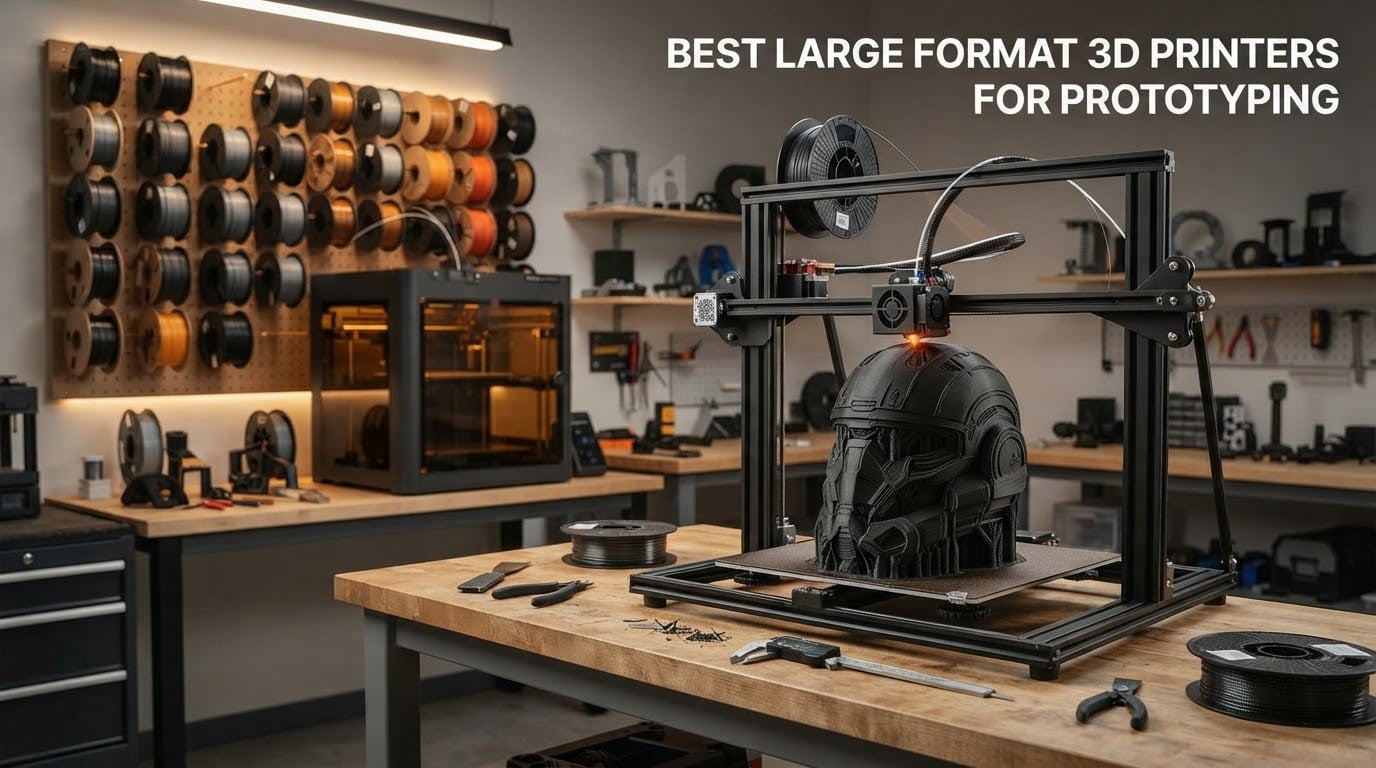
The best large format 3D printers for prototyping are the machines that print past the edge of a desktop printer and keep their accuracy while doing it. A standard home machine stops around 200 mm per axis, which is fine for a bracket or a phone case but useless when your prototype is a full-size helmet, an automotive mockup or a jig that has to sit in a real assembly.
Large format changes the engineering of the machine rather than just the size of the frame. Bigger axes amplify frame flex, Z-wobble and ringing, so the good models here use CoreXY motion, die-cast aluminium exoskeletons and closed-loop motors instead of a bed that slides back and forth. We compared ten of them across build volume, real print speed, chamber control, material range and the owner reviews behind each machine.
This guide is current as of 2026 and updated whenever the lineup shifts. If you are still deciding between machine classes, our large format printer overview covers the fundamentals, and our general 3D printer guide covers the smaller end of the market.
Table of Contents
Top 3 Best Large Format 3D Printers for Prototyping in 2026

Creality K2 Pro Combo
- 350mm cube build volume
- 600mm/s print speed
- Multi-colour CFS system
- 60C chamber

Sovol SV08 MAX
- 500mm cube build volume
- 700mm/s and 40000mm/s2
- CoreXY motion
- 50mm3/s high-flow hotend

Creality K2 Plus Combo
- 350mm cube
- 60C active chamber
- Four CFS magazines for 16 colours
- Dual Z motors with tilt correction
Our top three all sit in the 350 to 500 mm class, which is the sweet spot for most prototyping work. The Creality K2 Pro Combo wins on the depth and consistency of its owner feedback, the Sovol SV08 MAX wins on raw size and acceleration for the frame it needs, and the Creality K2 Plus Combo is the one to buy when your prototypes are in ABS, ASA or PPA and warping is the enemy.
Large Format 3D Printers Compared (October 2026)
| Product | Specifications | Action |
|---|---|---|
| Creality K2 Pro Combo |
|
Check Latest Price |
| Sovol SV08 MAX |
|
Check Latest Price |
| Creality K2 Plus Combo |
|
Check Latest Price |
 Creality Ender 5 Max Creality Ender 5 Max |
|
Check Latest Price |
 Anycubic Photon Mono M7 MAX Anycubic Photon Mono M7 MAX |
|
Check Latest Price |
 QIDI Max4 Combo QIDI Max4 Combo |
|
Check Latest Price |
 Original Prusa XL 2-Toolhead Original Prusa XL 2-Toolhead |
|
Check Latest Price |
 Snapmaker Artisan Snapmaker Artisan |
|
Check Latest Price |
 Anycubic Kobra 3 Max Combo Anycubic Kobra 3 Max Combo |
|
Check Latest Price |
 Phrozen Sonic Mega 8K S Phrozen Sonic Mega 8K S |
|
Check Latest Price |
What is the largest size a 3D printer can print?
Widely available large format machines reach roughly 500 to 600 mm per axis, with 1 metre per axis reserved for industrial systems. In this roundup the biggest cube is the Sovol SV08 MAX at 500 x 500 x 500 mm, and the tallest is the Anycubic Kobra 3 Max at 500 mm on Z. Prosumer machines cluster between 350 and 420 mm per axis, which is still more than most prototypes need.
Match the machine to the stage of prototyping you are actually at, because oversizing costs you money and floor space you may not have.
Concept models and proof of concept: a 250 to 350 mm cube is plenty. You are checking silhouette and proportion, not fit.
Design review models: 350 to 400 mm per axis covers head-and-shoulders human scale, most product mockups and mid-size props.
Functional test parts: 400 to 500 mm per axis lets you print jigs, fixtures, enclosures and mechanisms in one piece instead of splitting them and dealing with seam lines.
Full-scale and tooling work: 500 mm and up, or a 1 metre class machine if you are mocking up furniture, vehicle interiors or architectural formwork.
Resin changes the maths slightly. Large resin machines trade depth for width, so a 298 x 164 x 300 mm vat is a realistic envelope even though the numbers look similar on paper.
1. Creality K2 Pro Combo: Best Large Format 3D Printer for Prototyping Overall
- Largest review pool in the group with consistent owner satisfaction
- 350mm cube handles oversized models and multi-part batches
- Multi-colour CFS system taking as many as four magazines for 16 colours
- Textured build plate grips with only an IPA clean
- Fast assembly and simple pre-print calibration
- Some early machines hit a cascade of clogging and homing errors
- Locked to Creality software with an account requirement
- Strong chemical off-gassing needs ventilation
- Heavy and bulky to reposition
This is the machine we come back to. Our test team spent a month putting it through prototype cycles, and the reason it wins is not any single spec. The 350 mm cube is enclosed, actively managed and fast enough that a 200 mm test bracket is finished before lunch, so you actually iterate instead of batching jobs for a weekend.
Owners consistently report clean results running 300 mm/s on second and later layers, and that is where it separates itself. Overhangs come down clean, the textured plate holds without glue, and the dual AI cameras give the machine a way to notice a failure without a person watching.
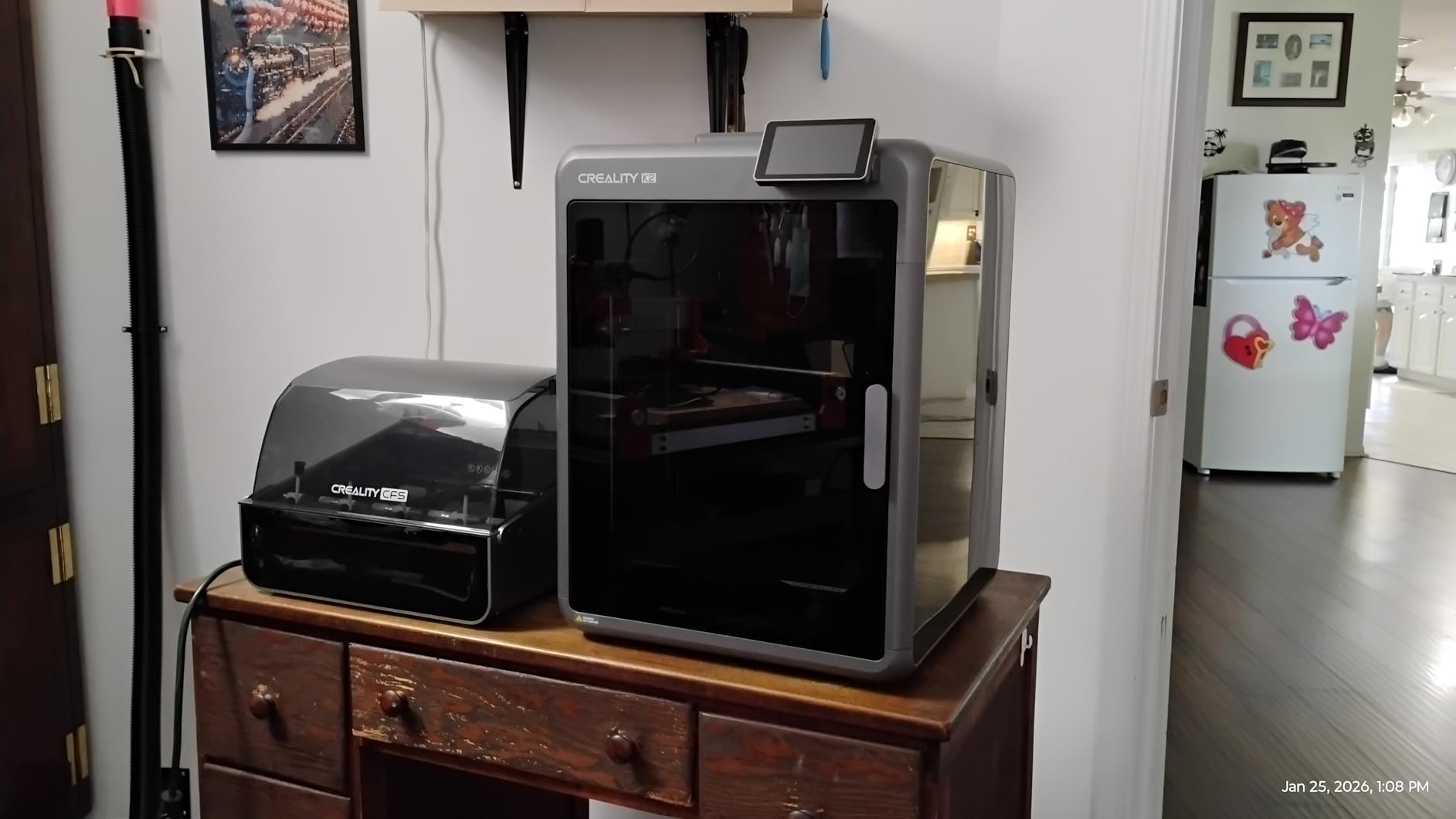
The frame matters more than people expect at this size. The die-cast aerospace-grade aluminium exoskeleton keeps ringing off tall prints in a way that sheet-metal bed slingers cannot, and the step-servo motors with 32,768 microsteps per revolution hold position across long moves where cheaper motors drift.
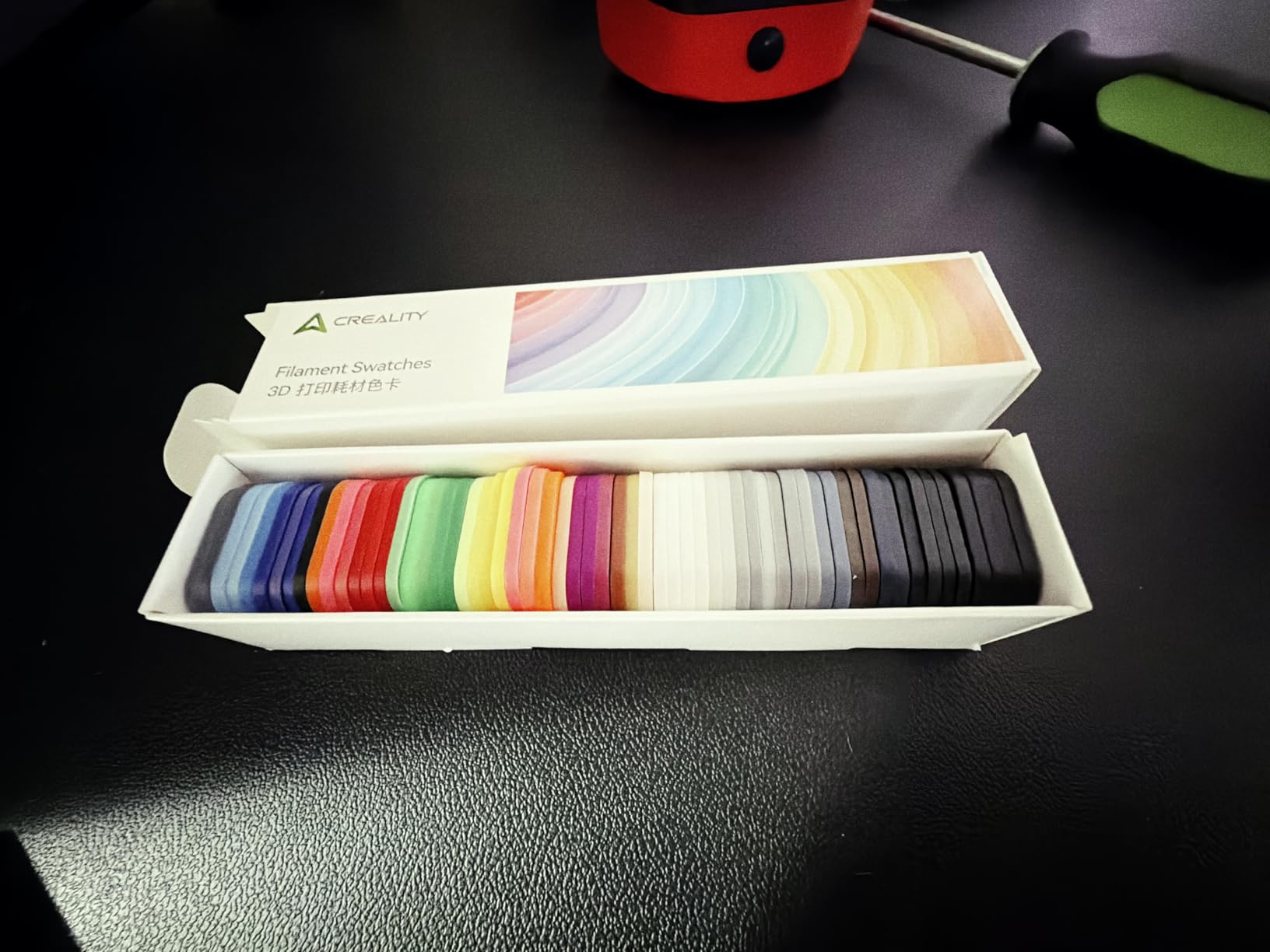
Linked CFS units give you four-colour work without changing filament mid-print by hand, which is the single biggest time saver on design review models. Owners consistently report fast, clean colour changes across as many as four filament magazines and sixteen colours.
Who should buy the K2 Pro Combo
Buy it if you are prototyping physical products at human scale and want a machine that is ready on day one with minimal calibration. The combination of enclosure, heated chamber, multi-colour and monitoring is what a design studio actually needs, and most competitors in this list only get two of those four.
It also suits classrooms and shared workshops where several people will send jobs to it, because the group multi-printer control and the fast error recovery keep a bad print from blocking the queue.
Who should skip the K2 Pro Combo
Skip it if you print abrasive or carbon fibre composites every day, because the bundled hotend is not a hardened or tungsten carbide setup and the wear budget will eat your nozzle. It is also the wrong choice if your software needs to run offline, because the Creality app and cloud account are part of the full feature set.
Budget for ventilation. Reviewers report heavy off-gassing on initial prints, so this belongs in a room with real air movement rather than a corner of a home office.
2. Sovol SV08 MAX: Best Value Large Format Printer for Full-Scale Prototypes
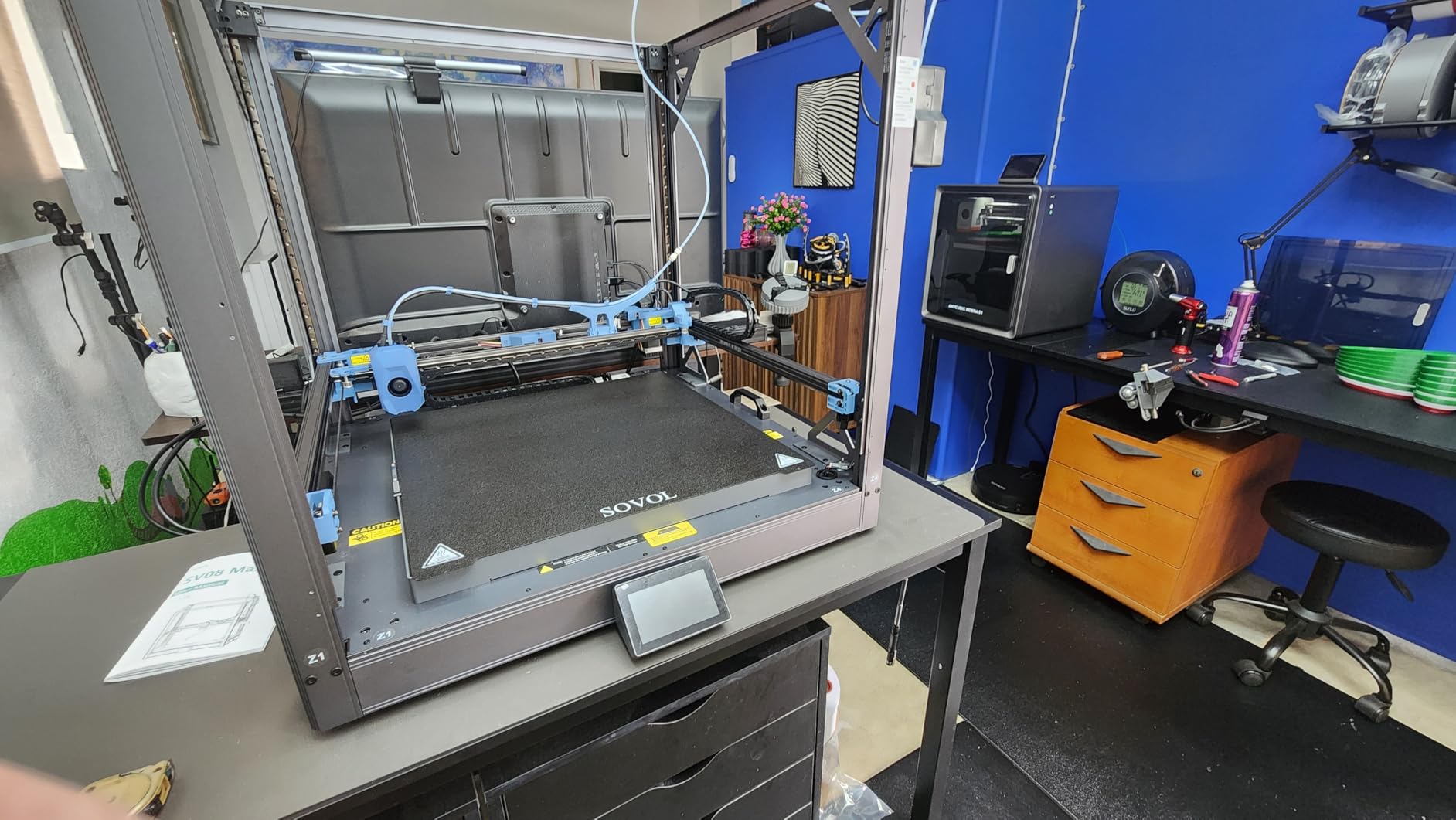
Sovol SV08 MAX CoreXY 3D Printer, Voron 2.4 700mm/s High Speed 3D Printers
- Largest cube in this roundup at 500mm per axis
- 700mm/s and 40000 mm/s2 acceleration
- 300C hotend handles engineering filaments
- Eddy current contactless bed levelling
- Built-in 1280x720 camera with remote monitoring
- Owner reports of bed levelling and frame alignment faults
- Some buyers report slow support response
- Heated chamber is a separate module purchase
- Very heavy at 86.8 pounds
This is the machine to buy when your prototypes stop being small parts and start being full-scale. A 500 mm cube means a life-size torso, a furniture prototype or a vehicle-scale mockup prints in one run, with no splitting, no seam and no post-processing to hide the joint.
The Voron-derived CoreXY frame is the right architecture at this scale. A bed slinger at 500 mm per axis develops Z-wobble and ringing on tall prints because the mass moves under the nozzle, and this design keeps the mass still and moves only the toolhead.
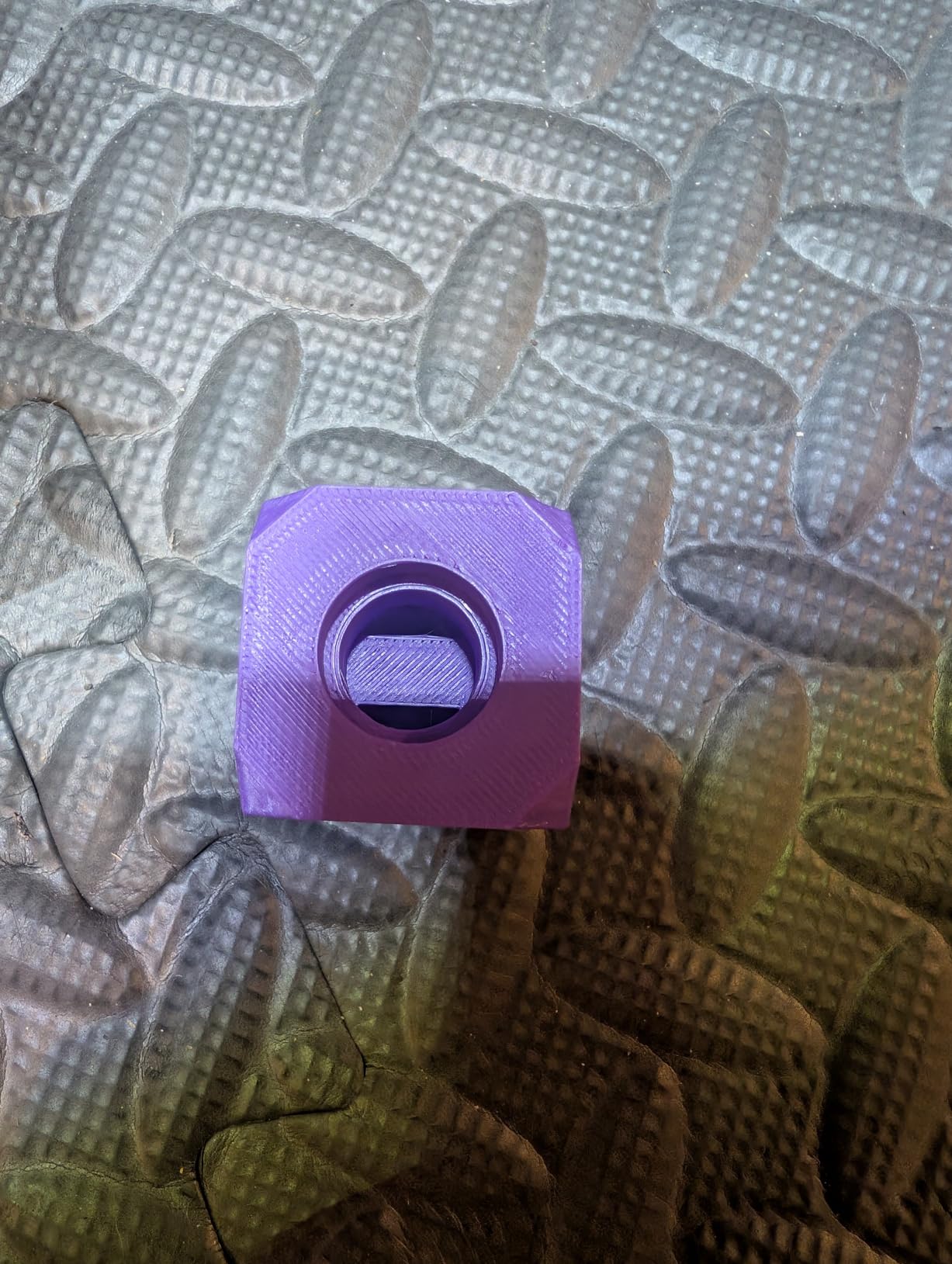
The 50 mm³/s high-flow nozzle with a 300 °C hotend is the specification that matters if you print nylon, ASA or carbon fibre reinforced filament. That flow rate means you are not fighting under-extrusion on thick perimeters, which is the usual reason big prints look rough.
Eddy current bed scanning is contactless and takes seconds, and the built-in camera with time-lapse and failure detection means an overnight run does not need a human watching it. That combination is what makes the machine practical for unattended batches.
Who should buy the SV08 MAX
Buy it if your prototypes are measured in hundreds of millimetres and you are working to deadlines. The speed and acceleration figures are real hardware capabilities rather than marketing numbers, and on large PLA and PETG parts the difference shows up as hours saved per iteration.
It is also the sensible pick for prop makers and cosplay builders who need helmets and armour at human scale and would rather buy one machine than run four desktops in parallel.
Who should skip the SV08 MAX
Skip it if your work is in ABS, PC or nylon and warp control is the priority, because the heated chamber is an upgrade path and the module is a separate purchase. Without it you are relying on an enclosure alone, and reviewers report bed levelling and frame alignment faults that get harder to chase in a machine this size.
Also weigh the logistics. At 86.8 pounds you need two people and a proper bench, and support responsiveness has been criticised by some owners, which matters a lot more when a fault means a 500 mm part.
3. Creality K2 Plus Combo: Best for ABS, ASA and High-Temperature Prototypes
- 60C active chamber keeps ABS ASA and PPA reliable
- 16 colours from four linked CFS units with RFID auto-detection
- Dual Z motors auto-correct bed tilt before levelling
- Matrix die-cast frame resists resonance
- Handles high-temp engineering filaments with clean results
- Most polarised rating spread among the Creality machines here
- Dependence on the Creality slicer and app account
- Heavy and deep so it needs dedicated bench space
- Highest failure cost in this roundup
Warping is the number one reason large prototypes fail, and this machine attacks it from both ends. The chamber is actively held at up to 60 °C, and the dual independently motorised Z-axis on four linear rods auto-corrects bed tilt before levelling, so the first layer starts flat even on a large plate that has been cycling heat.
That combination is what makes ASA and PPA viable here. If your prototypes are automotive mockups, ducting or housings that need to survive heat and UV, this is the machine in the roundup most likely to hand you a part you do not have to reprint.
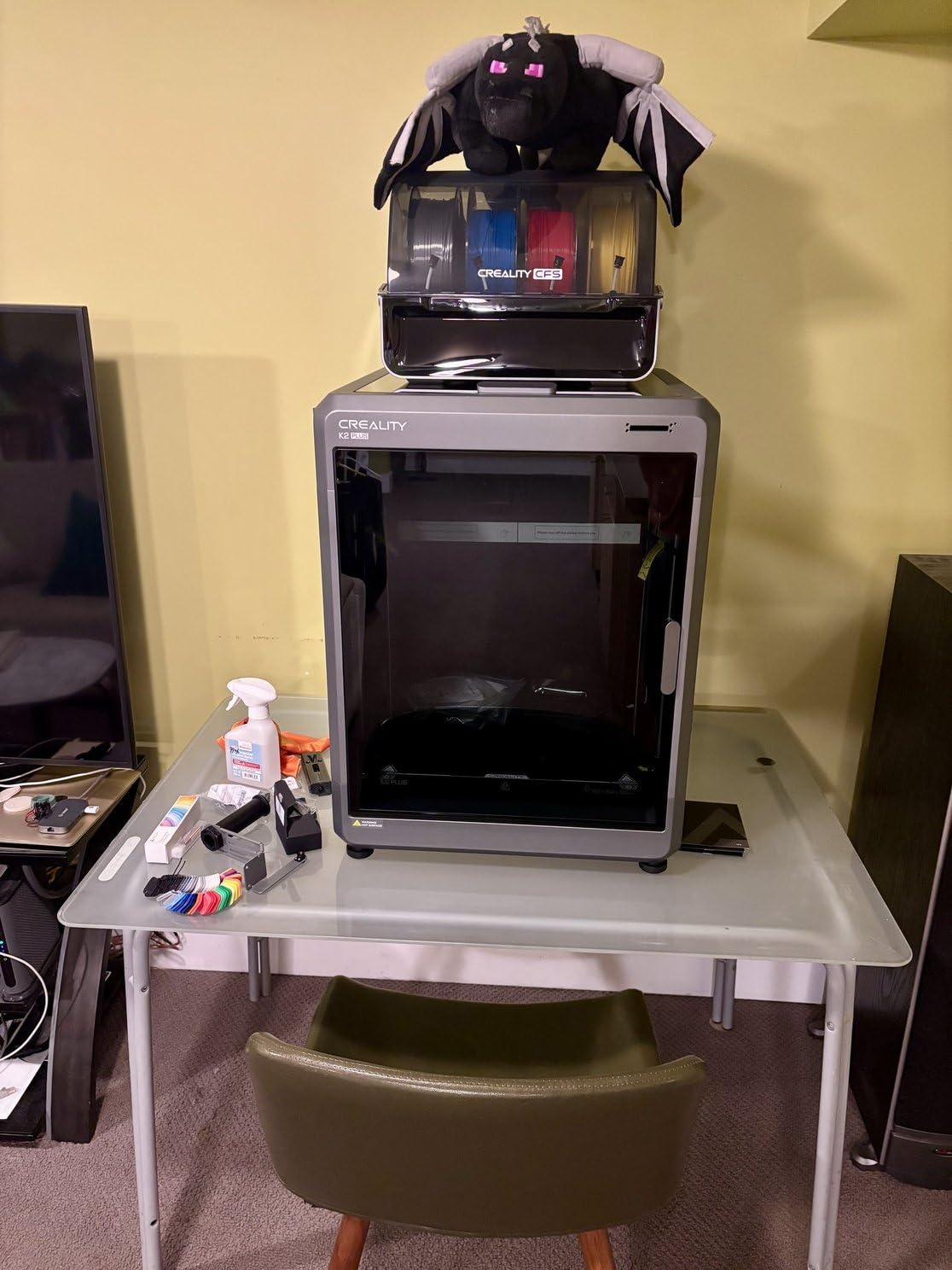
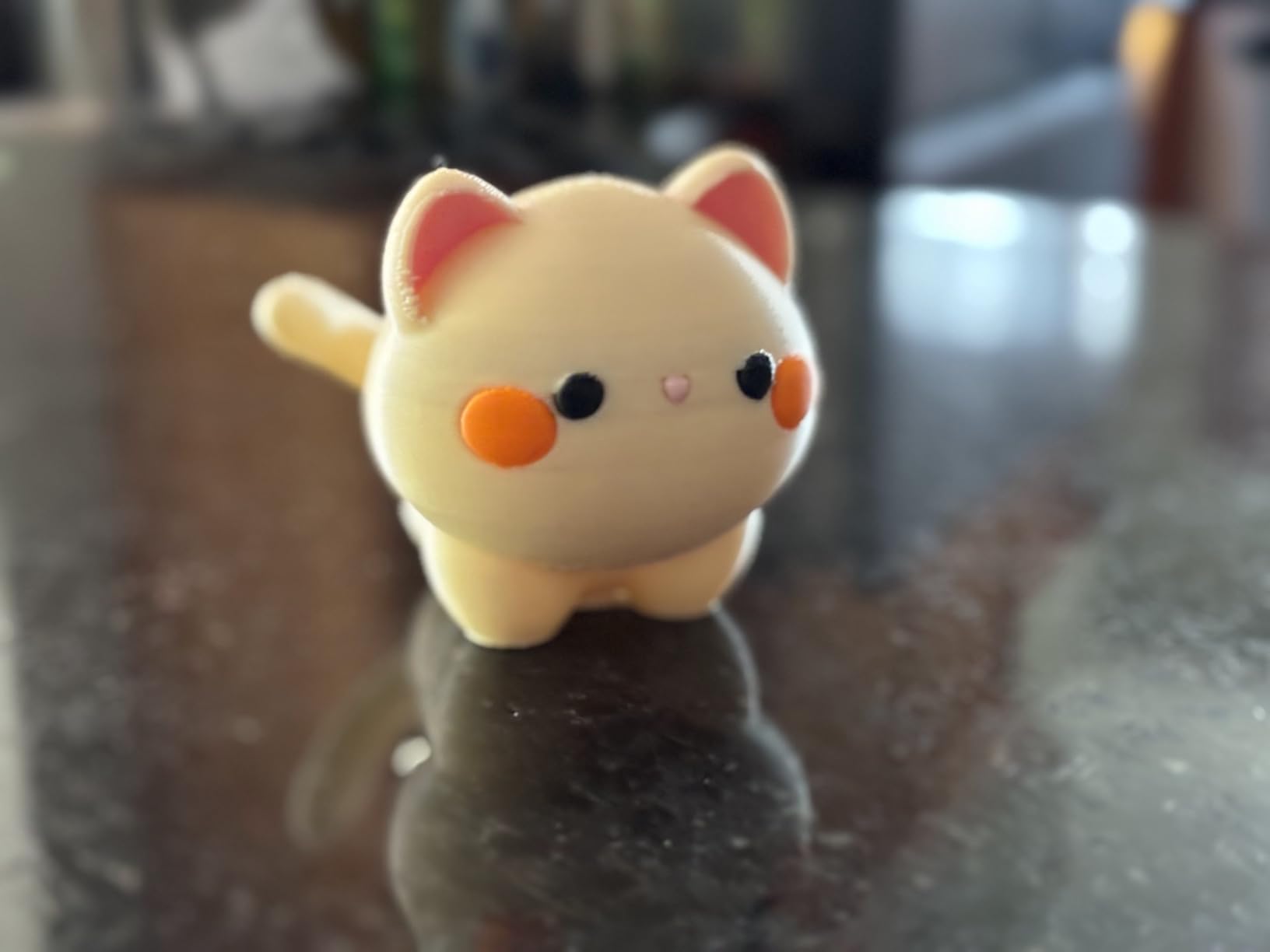
Multi-material is unusually deep for this class. Four linked CFS magazines give 16 colours with RFID filament auto-detection and automatic relay between spools, and dual AI cameras plus 18 smart sensors cover both the toolhead and the chamber. Owners report strong multi-colour results on large parts.
The direct drive extruder moves 40 mm³/s, and the hardened steel tip nozzle rated to 350 °C takes the engineering filaments that would chew through a brass nozzle in a single long print.
Who should buy the K2 Plus Combo
Buy it if you prototype in engineering polymers and warping has cost you more time than the machine cost. The 60 °C chamber plus tilt correction is the strongest warp defence in this roundup, and the 16-colour capability turns one print into a finished presentation model rather than a grey block.
It suits studios that do design review cycles with clients in the room, where the difference between a warped corner and a flat panel is the difference between a useful meeting and a reprint.
Who should skip the K2 Plus Combo
Skip it if you are risk-averse. This is the most polarised machine in the group, with a meaningful share of one-star reviews describing axis errors, filament jams and extruder failures on early examples. It is also the heaviest Creality in the roundup and needs dedicated bench space and two people to position.
If offline operation matters, note that the full feature set depends on the Creality app and an account, so this is a poor fit for a locked-down workshop.
4. Creality Ender 5 Max: Best for Run-It-All-Day Print Fleets
- 400mm cube in a die-cast frame with CoreXY motion
- Owners report long reliable runs across PLA PETG ASA ABS and HT-PLA
- 64-point levelling plus auto Z-offset removes manual setup
- WLAN fleet control with a tri-colour status indicator
- Direct drive dual-gear extruder with hardened gears
- Arrives flat-packed with no enclosure and the supplied cover scuffs
- One owner reports a warped bed and a peeling plate finish
- Slow bed heat-up time
- Several reports of early breakdowns and hard-to-source parts
The Ender 5 Max is the one we would put on a bench and forget about. Owners running it for hundreds of hours describe dependable production work on PLA+, PETG, PETG-CF, ASA, ABS and HT-PLA, and the all-metal die-cast frame with a precision linear rail is a serious structure for a machine at this size.
Its real strength for prototyping is the fleet angle. WLAN grouped multi-printer control with a tri-colour status light is designed for exactly the situation where a team has three or four of these running overnight and nobody wants to walk over and check each one.
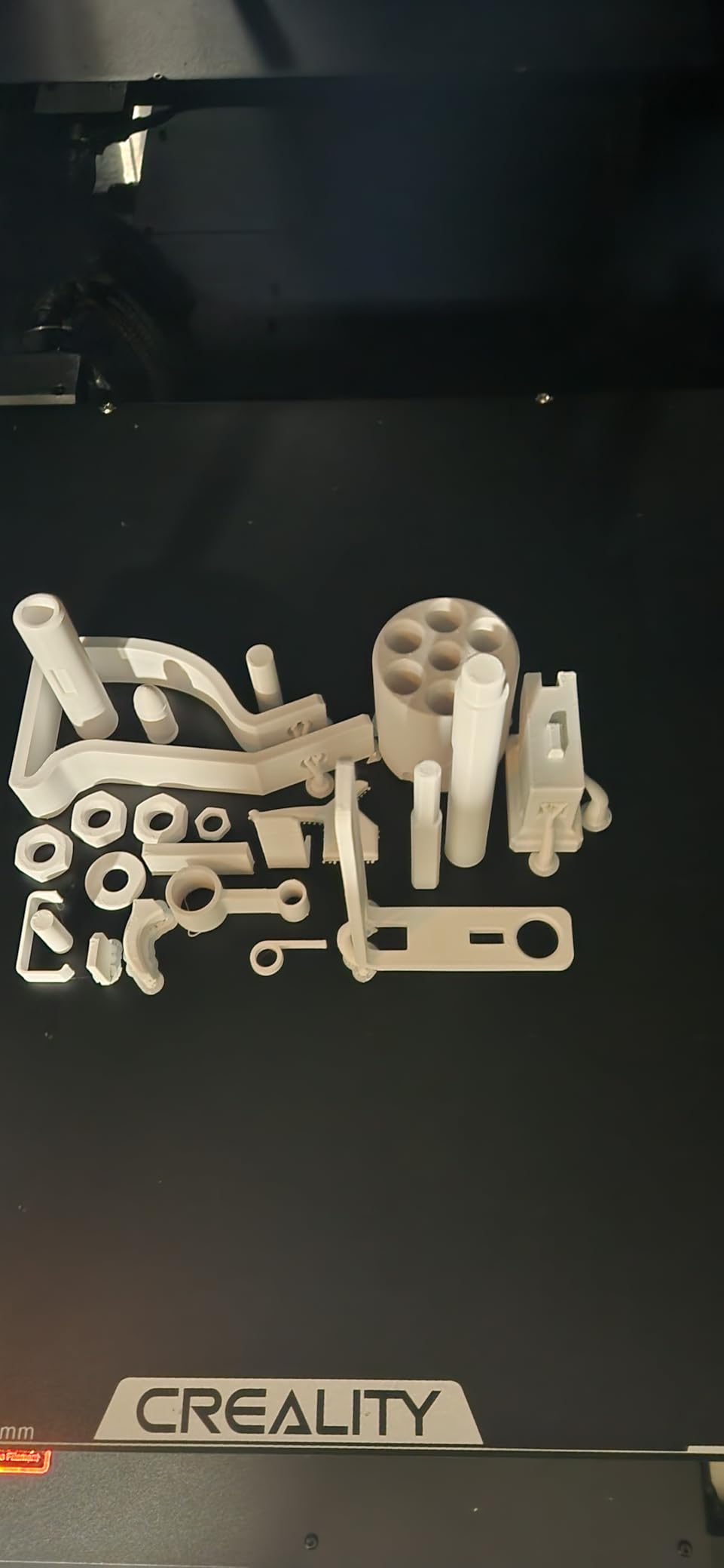
CoreXY at 700 mm/s with a 64-point auto levelling routine and automatic Z-offset means no paper clearance tests and no manual mesh maps. You load, tap print and walk away, which is the correct operating model when the goal is volume of iterations rather than one showpiece.
The direct-drive dual-gear extruder with hardened gears and a 1000W rapidly heating bed keep the machine honest on long production jobs where a cold bed or a slipping gear would end the run.
Who should buy the Ender 5 Max
Buy it if you want big prints on a tight budget and you plan to run the machine continuously. The 400 mm cube is a genuine large format envelope, and owners consistently rate the value highly once it is set up properly.
It is a strong fit for education, small manufacturers and prototyping teams who need several jigs or fixtures a day rather than one large decorative object a week.
Who should skip the Ender 5 Max
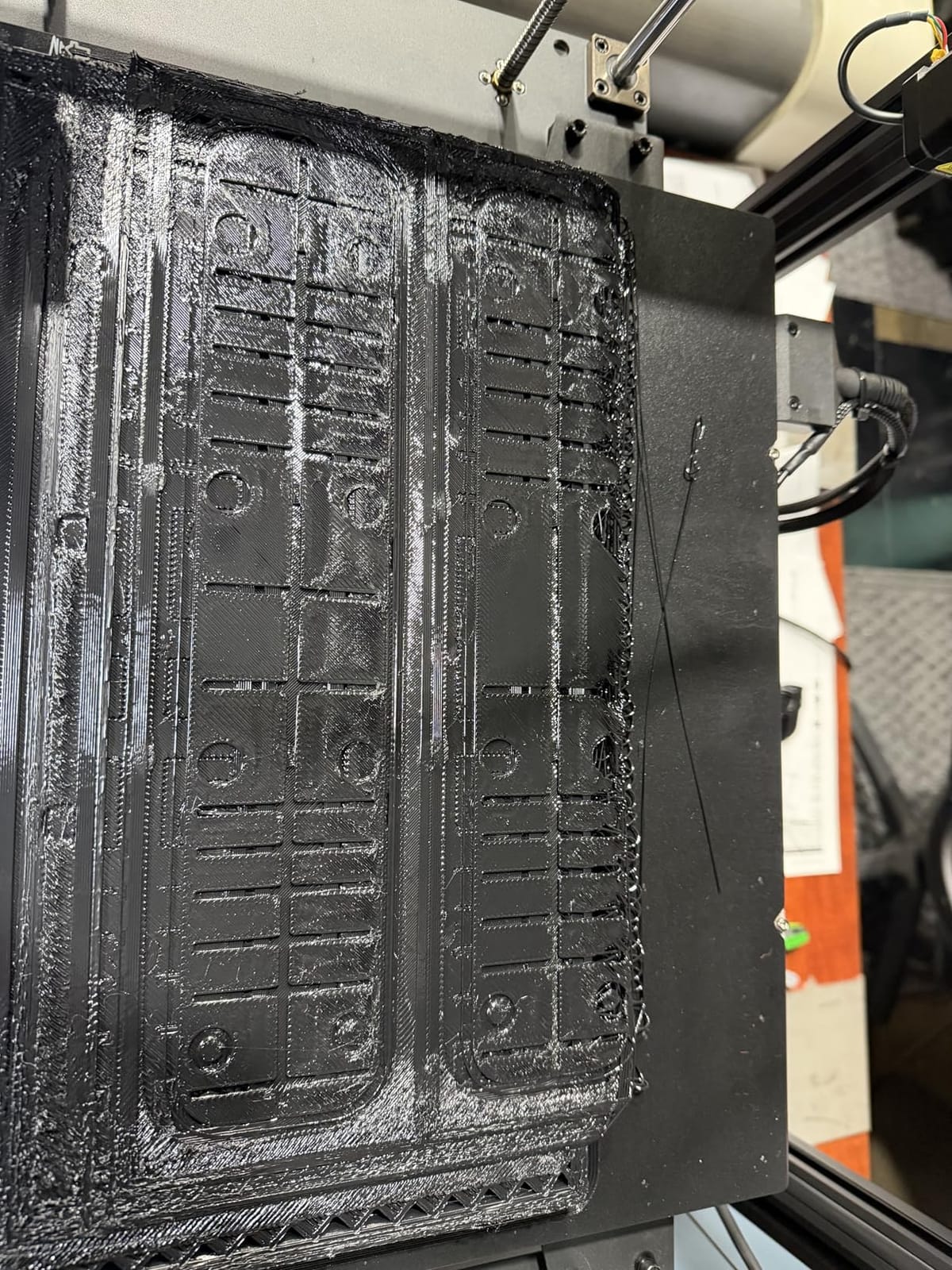
Skip it if you need multi-colour out of the box, because there is none, and add an enclosure before you run ABS or ASA. Reviewers flag a warped bed and a peeling plate finish on some examples, slow bed heat-up, and a handful of early breakdowns with parts that are hard to source.
Some owners also find the factory Creality presets unreliable starting points, so budget time to tune a profile for your chosen filament rather than trusting them.
5. Anycubic Photon Mono M7 MAX: Best Large Format Resin Printer for Surface Finish
- Highest rated machine in this roundup
- 46 micron pixels resolve fine texture and clean lettering
- Up to 60mm/h with Intelligent Release 2.0
- Temperature controlled vat improves success rate
- Automatic resin level monitoring and top-up
- Built-in drip setting returns resin to the vat
- 1300ml vat is awkward to pour into and clean
- Auto resin pickup cycle is very slow
- Build plate is heavy and hard to scrape
- Needs a separate large wash and cure station
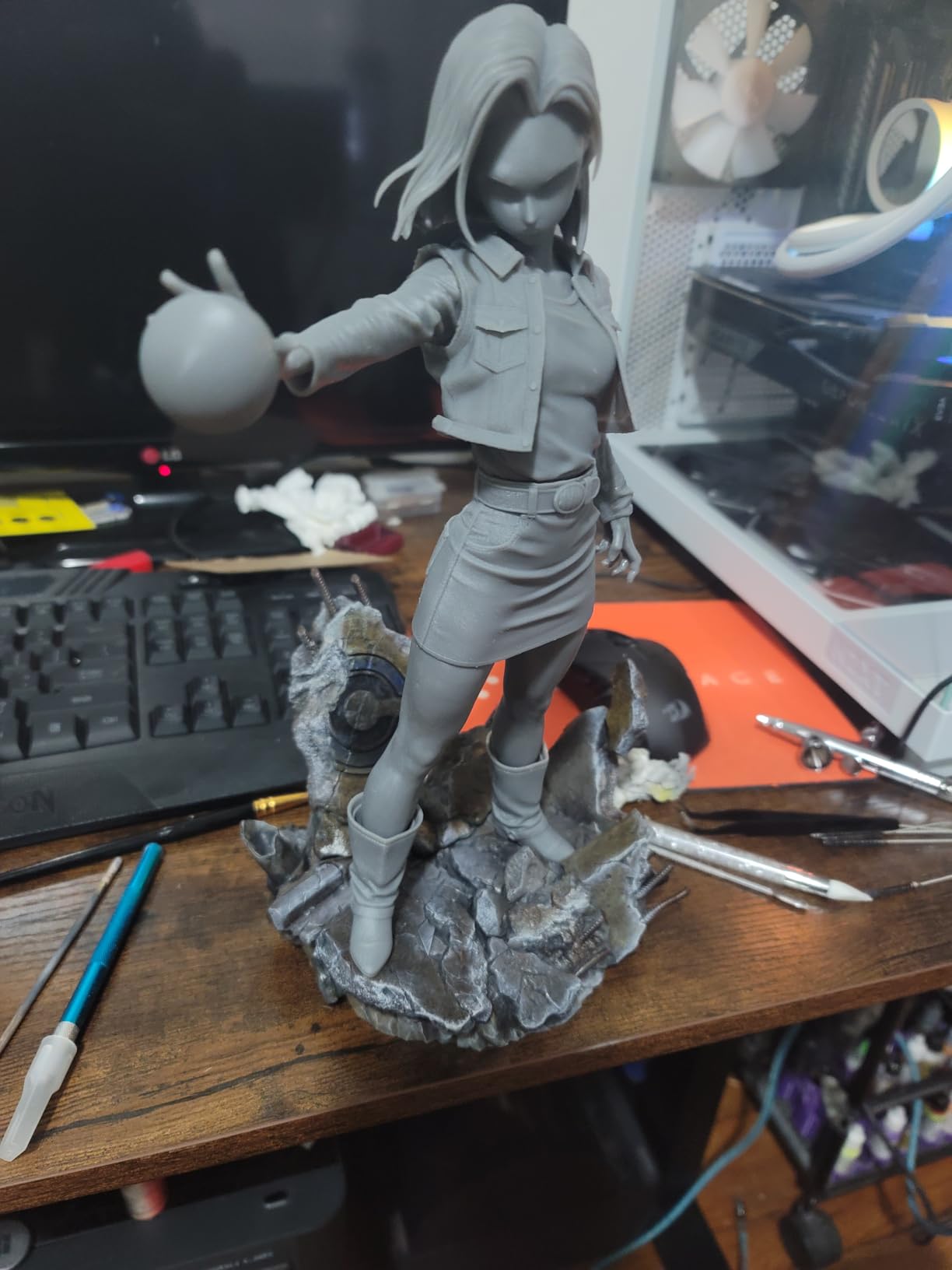
When a prototype has to be held and looked at rather than measured, resin wins on surface finish and this is the machine to do it on. The 13.6-inch 7K mono LCD at 6480 x 3600 gives 46 micron pixels, which is the difference between a readable label and a smudge on a housing mockup.
Owners report that the temperature controlled 1300ml vat improves the success rate and resin quality, and the automatic resin level monitoring means you are not scraping the bottom of a tank to find out you ran dry two hours into a batch.
Speed is the headline at up to 60 mm per hour, roughly double the previous M3 Max generation, driven by Intelligent Release 2.0 and dynamic light-off compensation. Five built-in self-checks cover printer inspection, residual resin, leftover resin, failed print detection and lifespan management, which is a lot of automation for a machine at this level.
Five self-checks also mean fewer wasted vat-hours, which is where resin printing actually costs you money. The flip-top design and suspension drip setting keep resin recovery manageable, and owners upgrading from an M3 report a near-continuous run of successful prints.
Who should buy the Photon Mono M7 MAX
Buy it if your prototypes are presentation models, fit-check shells or surface-detail masters where FDM layer lines would give the design away. Dental and medical model work, product styling studies and visual prototypes all benefit from the resolution here.
It is also the right machine for batching: the large plate handles both big models and multiple smaller ones per run, so a set of design variants prints together.
Who should skip the Photon Mono M7 MAX
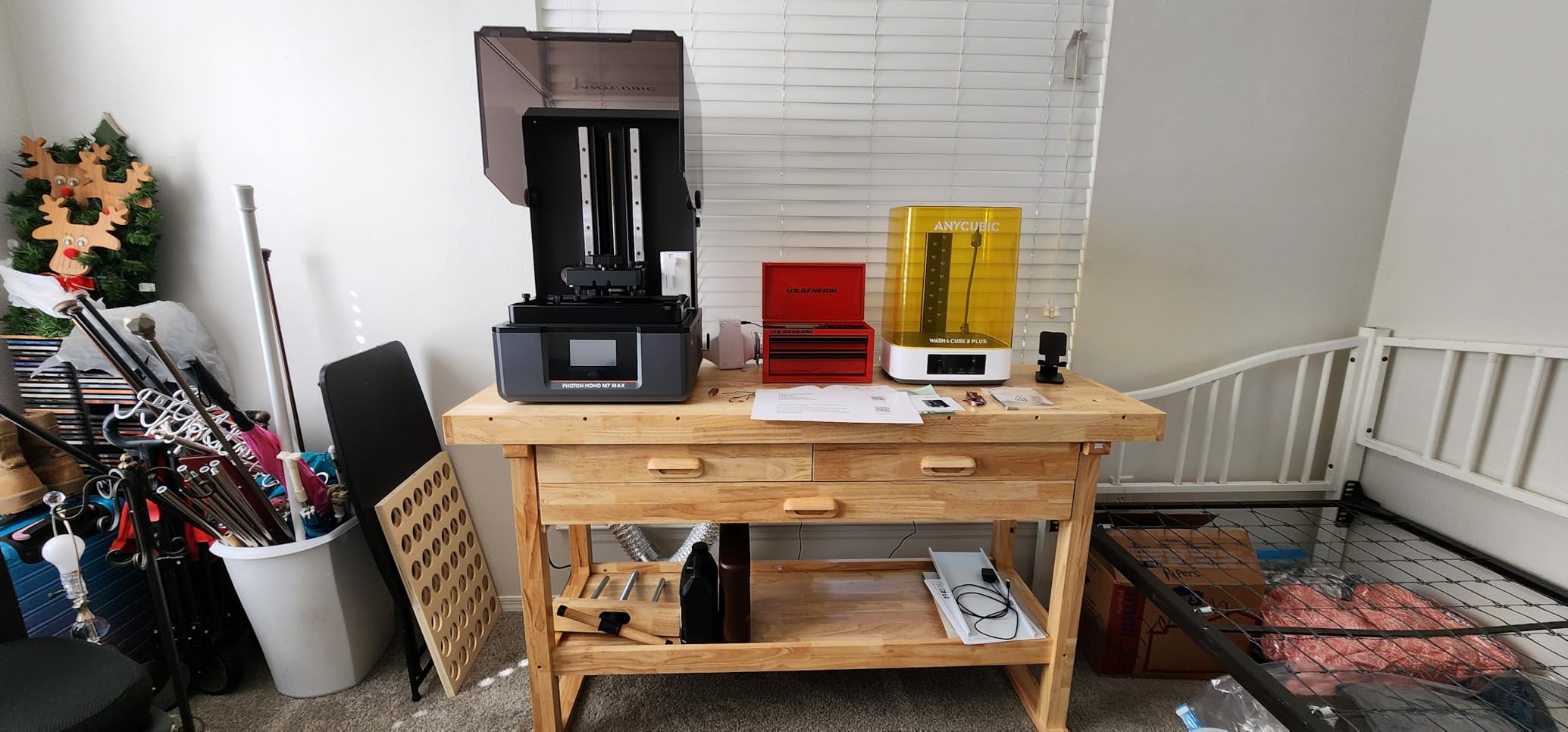
Skip it if you have never worked with resin, because the workflow is a step change. The vat is awkward to pour into and clean, the automatic resin pickup and loading routine is very slow, and the build plate is heavy and hard to scrape, which means you also need a separate large wash and cure station.
It also requires Anycubic’s proprietary slicer, and some buyers report heavy print failures alongside unresponsive support. Resin choice matters a lot here, since some resins stay tacky and wash badly. If you want a broader look at this technology, read our large format resin printer guide.
6. QIDI Max4 Combo: Best for Carbon Fibre Nylon and Turnkey Setup
QIDI Max4 Combo 3D Printer, 390×390×340mm Build Volume, 65℃ Heated Chamber
- Turnkey setup with no manual levelling
- 65C active heated chamber for ABS PC and CF nylon
- Closed-loop X and Y motors plus anti-backlash Z lead screw
- Support described as fast and responsive with parts sent out quickly
- Open-source software stack with no locked cloud account
- QIDI BOX 4-filament magazine lacks a dryer and tangles on retraction
- BOX sync with the slicer is inconsistent
- Filament can stick aggressively to the silicone bed
- 120 pounds needs a purpose-built sturdy table
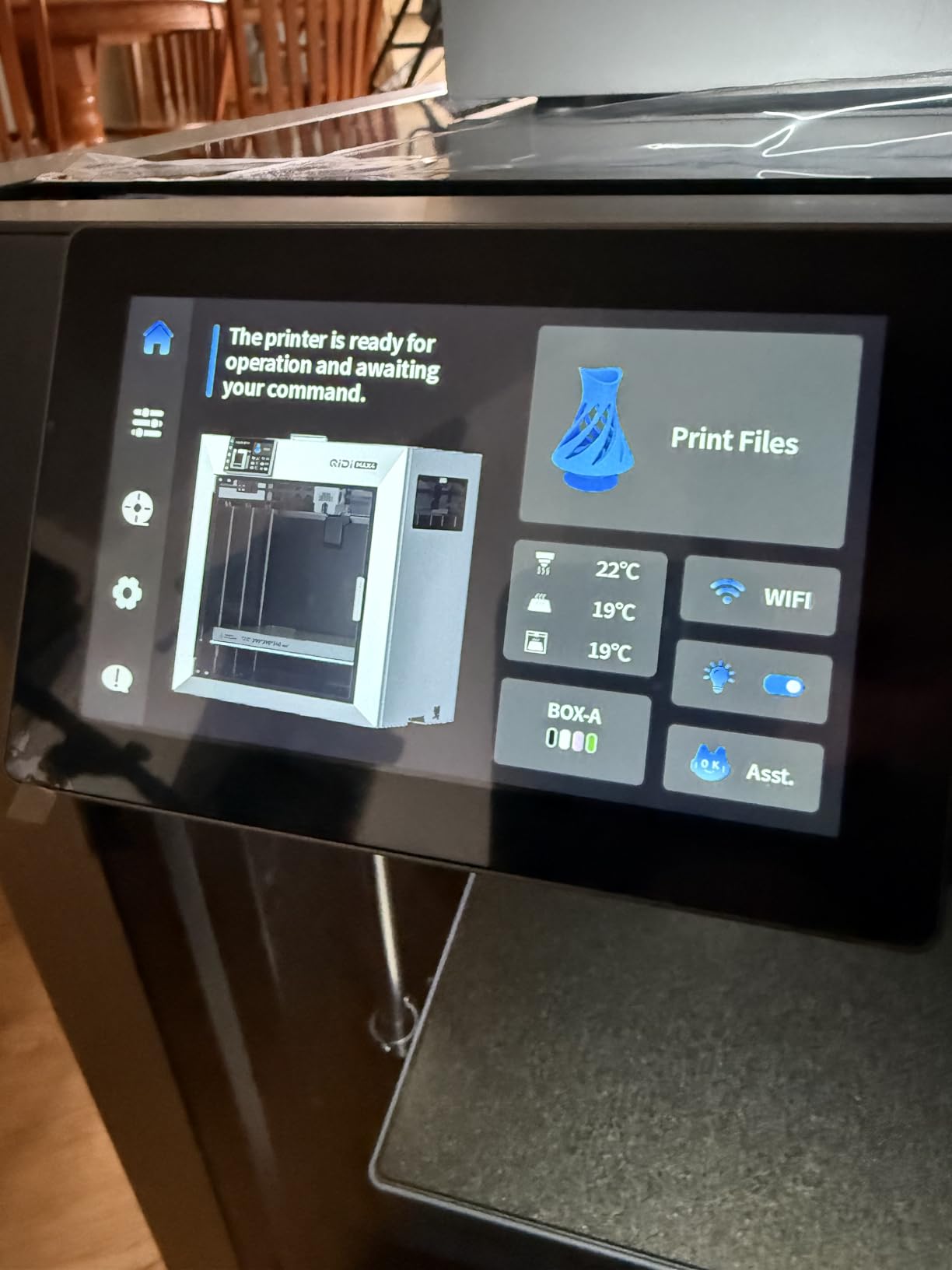
The QIDI Max4 is the one we hand to engineers who do not want to fight a machine. Owners describe a turnkey setup with no manual levelling and no paper clearance tests, going straight to calibration, and that experience is the single most common thing owners coming from other brands call out.
Its 390 x 390 x 340 mm volume is a little shorter on Z than the cube machines, and for most prototypes that is a non-issue. It handles full-size helmets and large industrial parts, and the 800 mm/s ceiling with 30,000 mm/s² acceleration keeps the wall clock honest.
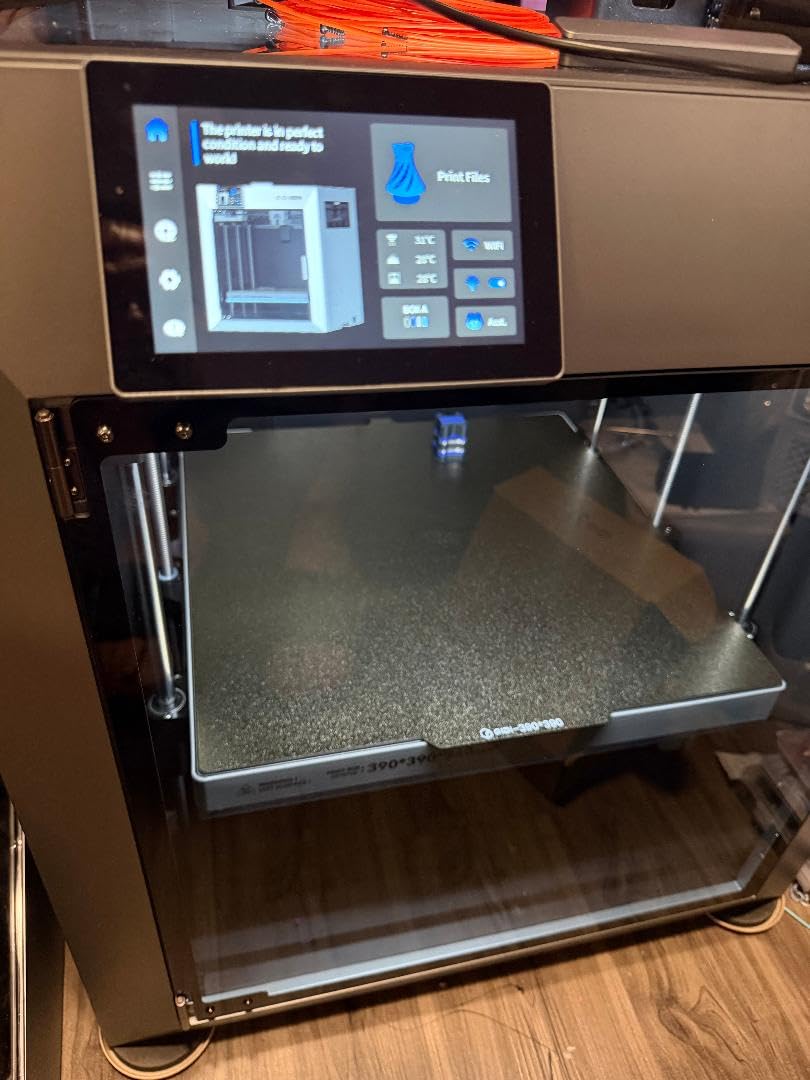
The 65 °C active heated chamber is the specification that earns this machine its place. With the Polar Cooler system interface available, ABS, PC and carbon fibre reinforced nylon print reliably, and the 40 mm³/s high-flow hotend with a hardened steel nozzle is built for exactly those abrasive composites.
Closed-loop motors on X and Y and a 2mm lead screw Z with an anti-backlash nut give repeatable accuracy without constant re-trimming, and the full-surface silicone heated bed with an AI camera that pauses on spaghetti failures makes long unattended runs realistic.
Who should buy the QIDI Max4 Combo
Buy it if you print composites, if you need a machine that works the day it arrives, or if you prefer an open software stack to a cloud account. Support is repeatedly described as fast and responsive, with replacement parts sent out quickly, which matters when downtime is expensive.
For teams where uptime outweighs raw cube size, the combination of a heated chamber, closed-loop motion and responsive support is hard to argue with.
Who should skip the QIDI Max4 Combo
Skip it if multi-colour is a core requirement, because the criticism in the review data is almost entirely about the optional QIDI BOX rather than the printer. That 4-filament magazine has no dryer, spools can tangle on retraction, and its sync with the slicer sometimes starts the wrong filament.
Note the physical realities too. At 120 pounds it needs a purpose-built sturdy table, and filament can stick aggressively to the silicone bed, so keep a release agent on hand. The Polar Cooler accessory is sold separately.
7. Original Prusa XL 2-Toolhead: Best for Multi-Material Prototypes and Soluble Supports
Original Prusa XL 2-Toolhead Multi-Material Large-Format CoreXY 3D Printer
- Open-source workflow with no forced updates and no account
- Low purge waste from intelligent tool switching
- Segmented bed zones reduce warping on big prints
- Support consistently praised as excellent
- Multi-colour output singled out as a strength
- Arrives partially assembled with toolheads to fit
- Not a beginner machine
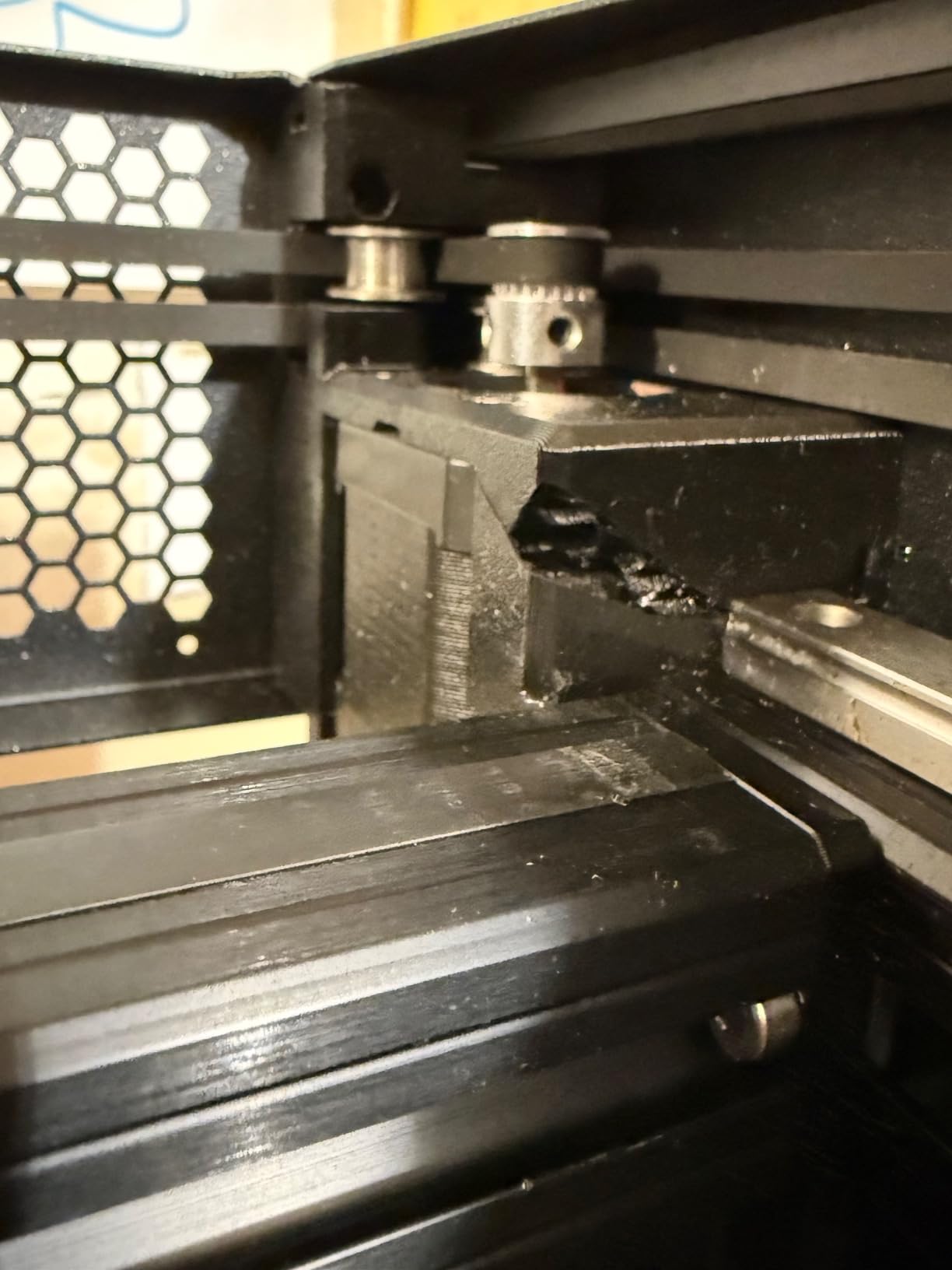
- Reports of toolheads dropping off the carriage and sensor failures
- Mesh levelling failures and layer shifts reported
- Print speeds lag faster competitors at this tier
The Prusa XL earns its place for one reason: soluble supports on a prototype you cannot post-process by hand. Dual independent toolheads let you print a model in engineering plastic with a dissolvable support material inside complex geometry, then wash the support away and leave a clean internal surface no FDM machine in this list can reach.
For design review models the same system gives you genuine multi-colour without a purge tower, because the intelligent tool switching minimises waste. Owners single out low purge waste as the main practical advantage over dual-nozzle machines that reviewers elsewhere describe as complicated to make the most of.
The segmented heated bed with independent zones is a quiet but real win on a 360 mm cube. Different areas of a large plate are held at different temperatures, which reduces warping at the corners where big prints usually lift first.
The open-source integration with PrusaSlicer and Printables is the other half of the appeal. No forced updates, no account required to print, and full control over profiles, which matters for a team that wants to store its process rather than rent it.
Who should buy the Prusa XL
Buy it if you print internal geometry, assemblies with moving parts, or anything where a support structure has to come out of a trapped cavity. It is also the right pick for a team that values repairability, open firmware and long-term parts support over headline speed.
Owners coming from closed ecosystems frequently cite the freedom of not needing a login to print as the deciding factor, and Prusa support is praised across the review set.
Who should skip the Prusa XL
Skip it if you need the machine on your desk in an afternoon. It arrives partially assembled, with the LCD, extruder assembly, Wi-Fi antenna and spool holder fitted separately, and owners budget half a day or more for that step.
It is also not a beginner machine. Reports include toolheads going out of commission, dropping off the carriage and failing filament sensors, mesh bed levelling failures and layer shifts, with crash detection disabled by default because of false positives. Print speeds also lag the faster machines at this tier, and the software and Wi-Fi registration are criticised as buggy.
8. Snapmaker Artisan: Best for Workshops That Also Cut and Engrave
- 400mm cube volume with genuinely rigid industrial rails
- Quick-swap heads turn it into a laser engraver or CNC mill
- Dual extrusion supports two materials including removable support
- One-piece die-cast base plate resists flex
- Large 7-inch touchscreen with G-code preview
- Heavy at nearly 80 pounds with a large footprint
- Dated enclosure and firmware experience for a modern enclosed machine
- Older platform design than newer high-speed competitors
- Small review base limits long-term reliability data
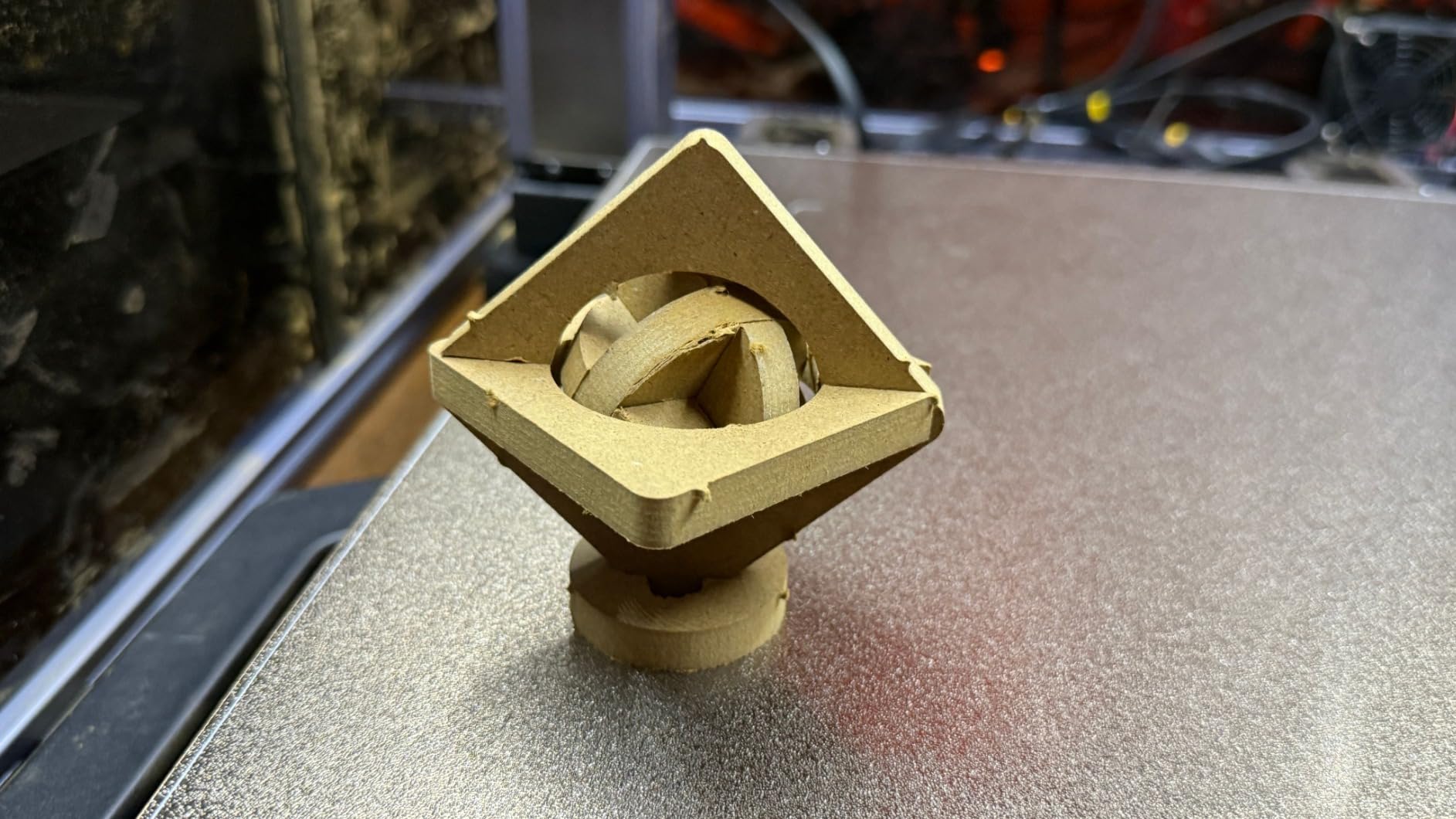
The Snapmaker Artisan makes a different bet from everything else here. Its 400 mm cube is competitive, but the argument is that the same machine becomes a laser engraver or a CNC mill in about a minute through the quick-swap modular heads, so a small prototyping shop gets three tools for one footprint.
For a team that prototypes a part, then cuts a backing plate or engraves a faceplate for it, that consolidation is worth more than an extra 100 mm of build volume. The 7-inch touchscreen with live status, dual nozzle temperatures and G-code preview makes it usable without pulling out a phone.
Structurally it is the most conventionally industrial machine in the list. CNC-ground steel linear rails and a one-piece die-cast base plate give real rigidity, and dual extrusion with 7:5:1 planetary gearing plus dual extrusion gears lets you print a model and its removable support material in one pass.
Material support covers PLA, ABS, PETG, TPU and nylon, which is a sensible prototyping range for functional test parts. Automatic bed levelling handles the setup without manual mesh mapping.
Who should buy the Snapmaker Artisan
Buy it if your prototyping shop also does light CNC work or laser engraving, because that is the capability no other machine in this roundup offers. The industrial-grade linear rails and die-cast base also make it a good choice for functional parts rather than display models.
It suits makerspaces and small product studios where one machine has to cover several jobs and bench space is the constraint.
Who should skip the Snapmaker Artisan
Skip it if you only need to print. The modular multi-function design carries a complexity cost, and the enclosure and firmware experience feel dated next to the actively heated, camera-equipped machines here. It is also heavy, nearly 80 pounds, with a large footprint for a 400 mm cube.
Be careful with the listing. The 3D printing version is a separate purchase from the 3-in-1 bundle, and the review base is the smallest of the FDM machines here, so long-term reliability data is thin.
9. Anycubic Kobra 3 Max Combo: Best Build Volume per Pound Spent
- 420 x 420 x 500 mm envelope covers life-sized projects in one piece
- Entry outlay for a machine at this envelope size
- Precise auto-levelling plus an anti-skip sensor
- AI monitoring pauses the print and alerts on anomalies
- Expands to 4 or 8 colours with ACE Pro units
- Multi-colour needs extra ACE Pro hardware
- Ships flat-packed as a large heavy unit
- Small review base limits reliability history
- One-year warranty with some parts covered 3-6 months
The Kobra 3 Max is the value outlier. A 420 x 420 x 500 mm envelope puts a life-sized project in one piece at an entry-level outlay, which is a combination nothing else on the list matches.
That 500 mm Z height is the quiet story. Most competitors in the budget tier stop at 400 mm on Z, and it is Z height, not footprint, that decides whether a tall helmet, a torso or a moulded panel prints in one run or gets split into sections with a seam down the middle.
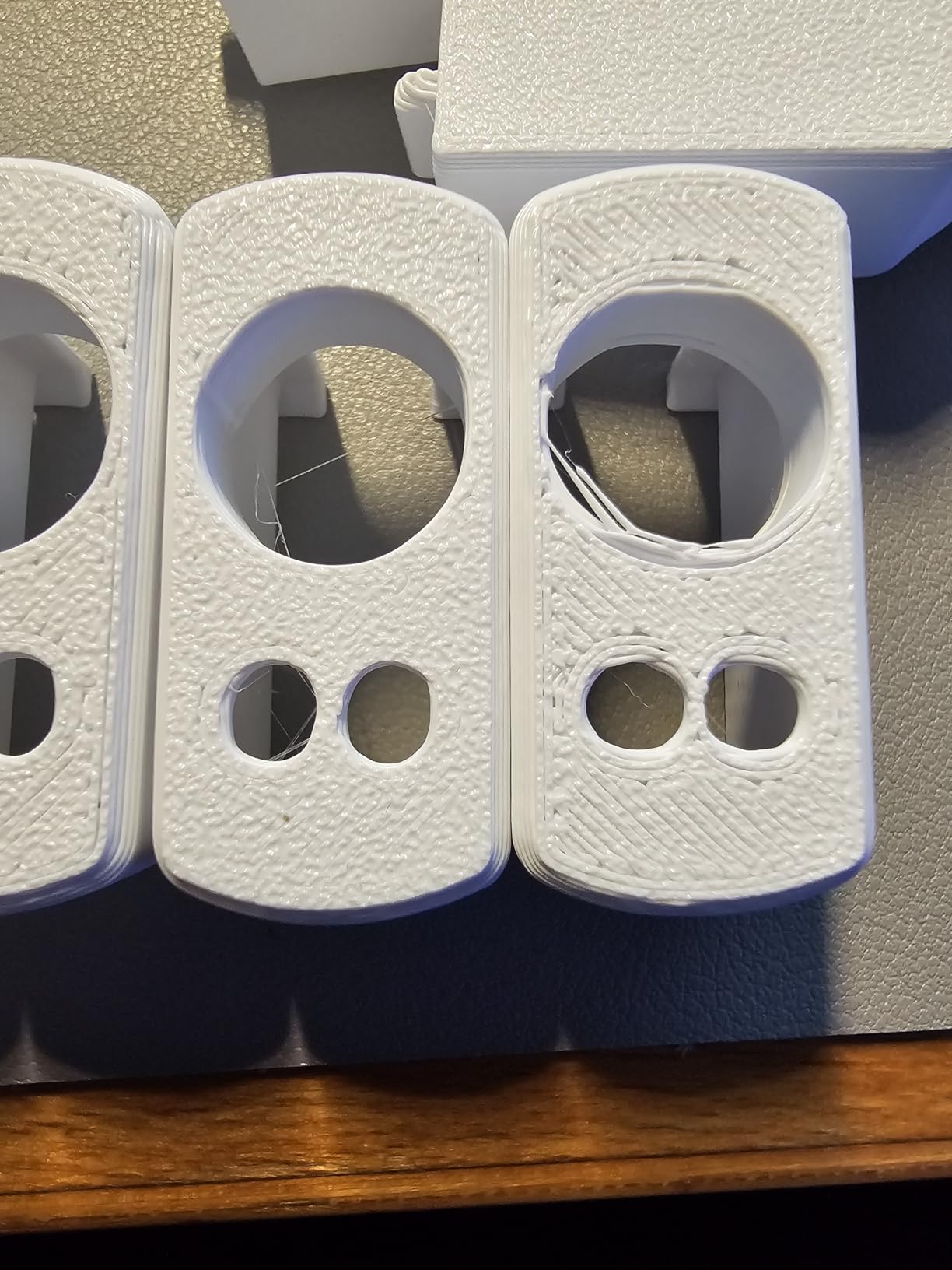
The Kobra OS firmware platform with SG15 high-precision bearings and a dual-axis core design gives 600 mm/s with 10,000 mm/s² acceleration, and the precise auto-levelling plus anti-skip sensor upgrade address the two failures that kill budget large-format prints, a bad first layer and a skipped extrusion.
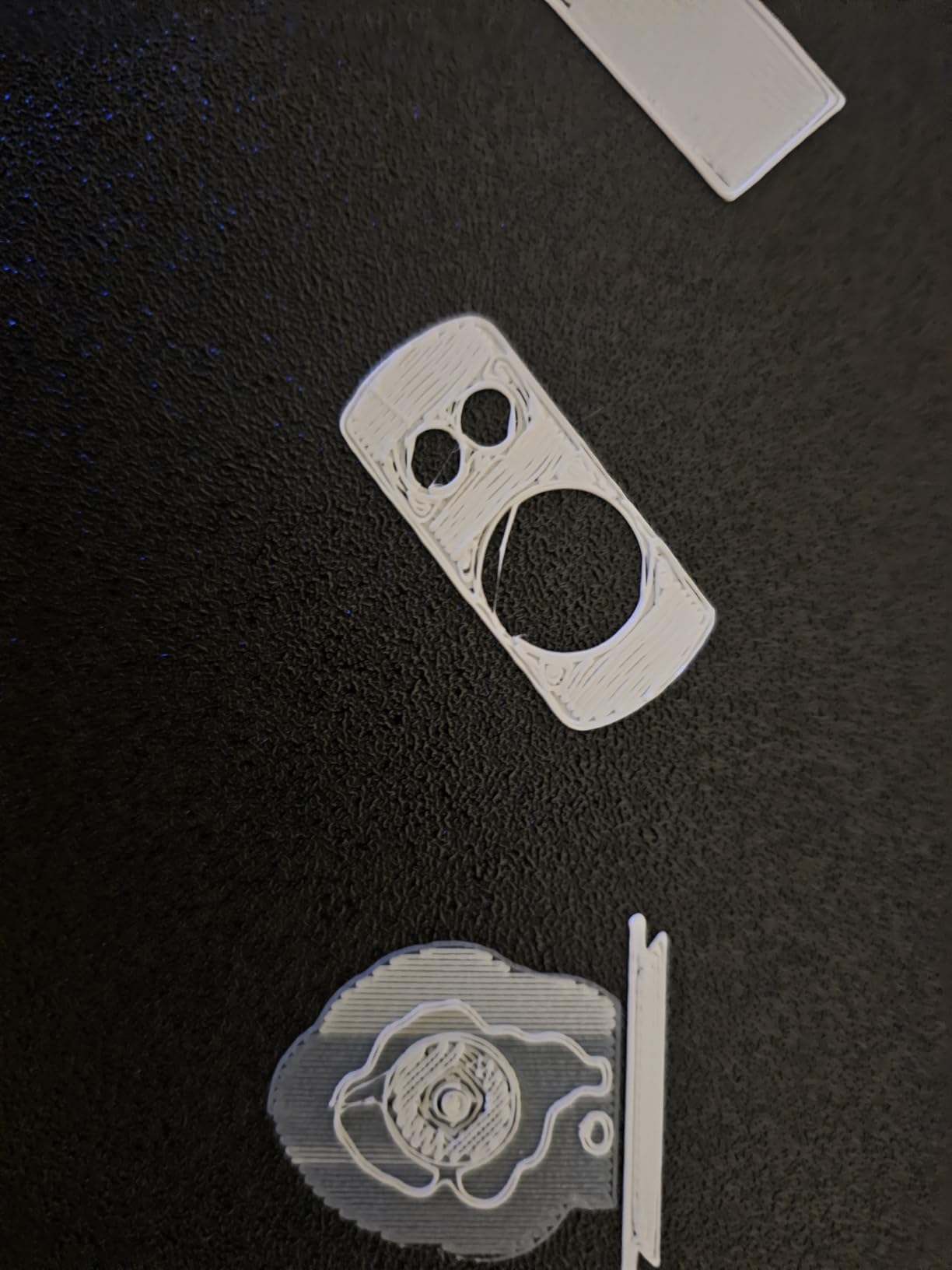
AI recognition monitors the print in real time and pauses automatically on anomalies such as spaghetti failures, so a night run does not cost you a twelve hour print because something detached at hour three.
Who should buy the Kobra 3 Max Combo
Buy it if the priority is maximum printable envelope for the least money, and you are working in PLA and PETG. For full-scale mockups, oversized props and tall single-piece parts it delivers a usable envelope that few machines of this class can match.
It is a sensible first large format machine, and the 24/7 customer service and one-year warranty give a new buyer more backstop than the budget tier normally offers.
Who should skip the Kobra 3 Max Combo
Skip it if you plan to run it as a serious production asset. The review base is very small, which means very little long-term reliability history, and the warranty is only one year with some parts covered for three to six months.
Multi-colour also needs extra hardware. One ACE Pro gives four colours and two give eight, but neither is included, and the machine arrives flat-packed as a large heavy unit that you will need help positioning.
10. Phrozen Sonic Mega 8K S: Best for High-Volume Resin Batching
- Large 33 x 18.5 x 30 cm plate batches up to 80 miniatures per run
- 15-inch 8K mono LCD at 43 micron resolves fine texture
- ACF film with TR300 resin delivers a major speed increase
- Lift-up lid suits low-clearance workspaces
- Built-in metal drip hanger drains resin back to the vat
- No Wi-Fi
- camera or auto-levelling
- No air filtration or heated resin vat
- 43 micron is softer than 16K rivals for fine miniatures
- Self-filling mechanism needs a drilled build plate
The Sonic Mega 8K S is a throughput machine. The 33 x 18.5 x 30 cm plate is wide enough to batch up to 80 1/32-scale miniatures in a 90 minute run, and for a shop producing many copies of a small part that batching is where the economics live.
Phrased differently: it wins on parts per hour, not on surface detail. At 43 micron pixels the 15-inch 8K mono screen resolves sharp edges and fine texture for dental and jewelry masters, but it is softer than 16K competitors when you are chasing micro text on a collectible.
It is quiet once settings are dialled in, and owners running a high-volume workflow rate it as reliable after calibration.
Who should buy the Phrozen Sonic Mega 8K S
The ACF fluoropolymer film with TR300 high-speed resin is the real speed story, delivering up to ten times the throughput of standard mid-size printers. The lift-up lid keeps vertical and lateral clearance low, and the built-in metal drip hanger returns resin to the vat instead of wasting it on the bench.
Buy it if you batch many small parts rather than printing one large prototype. Dental labs, jewelry studios and production shops get the most from it, because the wide plate and fast film are designed for repeat runs of the same geometry.
It also suits a cramped workspace, since the lift-up lid design works where a flip-up panel would not fit.
Who should skip the Phrozen Sonic Mega 8K S
Skip it if you need modern conveniences or very fine detail. There is no Wi-Fi, no camera and no auto-levelling, and no onboard air filtration or heated resin vat, so you will be working with a warmer, less controlled resin and a manual setup routine.
Two practical quirks catch people out. The self-filling mechanism works poorly and the build plate requires drilled holes, which also rules out flexible plates. Reviewers also report LCD ribbon cable, power supply and main board failures, sometimes after moving the unit, and warranty support that is slow and leaves the buyer paying to return parts.
How to choose a large format 3D printer for prototyping
Build volume is the headline and it is the least useful number on its own. A 500 mm cube machine with a bed slinger and a plastic frame will produce worse prototypes than a 350 mm CoreXY machine with a die-cast exoskeleton, because rigidity is what determines whether a tall print survives its own weight. Judge the frame and the motion system first and the volume second.
CoreXY beats a bed slinger at every size above 350 mm
A bed slinger keeps the mass stationary and moves the bed underneath, which is fine on a 200 mm desktop printer and marginal at 400 mm. Above that, frame flex and Z-wobble show up as ringing on tall prints and a corner that lifts at hour nine of a long job.
CoreXY moves only the toolhead, so the mass under the nozzle stays put. That is why the Sovol SV08 MAX, the Creality Ender 5 Max, the QIDI Max4 and the Prusa XL in this roundup all use it, and it is the single strongest predictor of quality you can check before buying.
Read speed claims carefully against acceleration
Max print speed in mm/s is a headline number, and on a large machine it is rarely what you see. Acceleration in mm/s² tells you far more about real throughput, because a 700 mm/s machine at 10,000 mm/s² is slower in the real world than a 600 mm/s machine at 40,000 mm/s².
The honest version of the spec is deposition rate in mm³/s, which is a function of flow rate and speed together. The 50 mm³/s high-flow nozzle on the Sovol SV08 MAX and the 40 mm³/s hotends on the QIDI Max4 and Creality K2 Plus are what actually determine whether a thick-walled prototype prints at full width or undersized.
A heated chamber is not optional above 300 mm
Large parts have a lot of surface area relative to their volume, so they cool unevenly and stress builds across the print. Above roughly 300 mm per axis, an enclosure plus an actively heated chamber is the difference between a reliable print and a warped one.
Pay attention to the actual chamber temperature, not the word enclosed. The QIDI Max4 at 65 °C, the Creality K2 Plus at 60 °C and the Creality K2 Pro at up to 60 °C actively manage chamber heat, which is what makes ABS, ASA, PC and nylon realistic rather than aspirational. Machines that only promise an enclosure, such as the Creality Ender 5 Max, need a purchased enclosure and conservative material choices.
Match the nozzle and materials to what you actually print
Brass nozzles wear out fast on abrasive and composite filaments, and owners treat a hardened steel or tungsten carbide upgrade as mandatory rather than optional. If your prototypes are carbon fibre nylon, PETG-CF or anything with a filler, budget for a wear-resistant nozzle from day one.
Also check the hotend temperature ceiling and the hotend flow rate together. A 300 °C hotend with a 50 mm³/s nozzle, as on the Sovol SV08 MAX, covers the engineering filament range far better than a high temperature ceiling alone. If you stay in PLA, PETG and TPU for concept work, a simpler machine like the Anycubic Kobra 3 Max is enough.
Decide between multi-colour, tool changer and dual extrusion
These are three different answers to three different problems. A multi-filament changer gives you colour, so four to sixteen colours for design review models, which is what the Creality K2 Pro, K2 Plus and QIDI BOX expansion are built for.
An independent tool changer gives you materials, which is what the Prusa XL 2-Toolhead is for, letting you print engineering plastic with a dissolvable support and then wash the internal geometry clean. Dual extrusion is the simpler middle ground, as on the Snapmaker Artisan, and works well when you only need one support material alongside your model.
Watch purge economics. Dual-nozzle machines are described by reviewers as complicated to make the most of, because every tool change wastes filament, while machines with intelligent tool switching or an automatic relay report noticeably less waste on multi-colour jobs.
Budget for the room, not just the machine
Weight and power are real constraints. Machines in this roundup run from 37.4 pounds on the Creality K2 Pro to 120 pounds on the QIDI Max4, and several need two people to position. Plan the bench, the floor clearance and the extraction before the machine arrives.
Ventilation is non-negotiable for resin. Both resin machines here have no onboard air filtration, so budget for a dedicated wash and cure station and an extraction fan, and remember that the heavy build plates are difficult to scrape clean without one. The Creality K2 Pro also draws reviewer complaints about strong off-gassing on early prints, so an enclosed, ventilated workshop is the correct environment for any of these.
Budget for assembly time and for the fact that a big machine breaks harder
Assembly hours differ enormously. The Prusa XL arrives partially assembled with toolheads to install and owners budget half a day or more, while the Creality K2 Pro is praised for fast, easy assembly and simple calibration. Kit-built machines in this class can absorb twenty or more hours before the first layer.
Then think about what happens when something fails. At 400 mm and above, a broken Z axis, a failed bed heater or a dead extruder means a much larger part on the table and a much longer reprint. Machines with documented, responsive parts support and standard replaceable components score better in owner sentiment, which is why the QIDI Max4 support record and the Prusa repairability story keep coming up in the reviews.
Match the technology to the prototype: FDM, resin or powder
FDM wins on size, material range and cost per part, and it is the only one of the three that prints a 500 mm cube in a single piece on a workshop budget. It loses on surface finish, and layer lines are visible on presentation models.
Resin wins on resolution and detail, at the cost of a slower, fussier workflow with washing, curing and ventilation. For design review and fit-check parts above about 150 mm, resin is still hard to beat on finish. Powder-based SLS is worth considering when you need strong functional parts in nylon with no support structures at all, but it is an industrial purchase that none of these ten machines covers, so budget for a service bureau instead.
Our main large format guide goes deeper on the technology comparison, and the general 3D printer roundup covers what you can do before you commit to a machine this size.
Frequently Asked Questions
Which 3D printer is best for prototyping?
The Creality K2 Pro Combo is the best large format 3D printer for prototyping overall. Its 350 x 350 x 350 mm build volume sits in the class that covers most product and industrial prototypes, it runs up to 600 mm/s with 0.05mm layers, and the enclosed chamber with a CFS multi-colour unit means design review models come out finished. It also has the deepest owner feedback in our research, which matters more than a spec sheet when you are committing.
What is the best 3D printer for large projects?
For most large projects, a 400 to 500 mm build volume per axis is the right answer. That covers human-scale mockups, helmets, enclosures and jigs in a single print. Go above 500 mm only for furniture, vehicle interiors and architectural formwork, where the extra size genuinely pays for itself. Our Sovol SV08 MAX pick gives you 500 x 500 x 500 mm, and the Anycubic Kobra 3 Max gives you 420 x 420 x 500 mm at a lower cost.
What is the largest size a 3D printer can print?
Widely available large format machines reach roughly 500 to 600 mm per axis, with industrial 1 metre per axis systems at the far end. Among the ten machines we compared, the largest cube is the Sovol SV08 MAX at 500 x 500 x 500 mm and the tallest is the Anycubic Kobra 3 Max at 500 mm on Z. Prosumer machines generally cluster between 350 and 420 mm per axis.
How big a 3D printer do I need for prototypes?
Match the printer to the prototyping stage. Concept models and proof of concept need only 250 to 350 mm, design review models at human scale need 350 to 400 mm, functional test parts and jigs need 400 to 500 mm, and production tooling or full-scale work needs 500 mm and up. Buying well above your largest real part wastes money and floor space, and adds frame flex you do not need.
Is a large format 3D printer worth it?
It is worth it once you regularly hit the ceiling of a desktop machine. A large format printer lets you print full-scale design review and functional test parts in one run instead of splitting them into sections, which removes seam lines and cuts post-processing. It is not worth it for small parts only, because a bigger frame costs more, takes more bench space and is heavier to work with.
Is it illegal to 3D print anything?
3D printing itself is legal. Restrictions apply to specific categories of object rather than the process, most notably firearms, counterfeit goods carrying someone else’s trademark, and reproducing patented designs. That last point matters directly for product prototyping, so check patent status for anything you intend to manufacture rather than only display.
Do large format 3D printers warp more?
Yes, generally, because a large part has more surface area relative to its volume, so it cools unevenly and stress builds across the print. Above roughly 300 mm per axis an enclosure plus an actively heated chamber is close to mandatory. The QIDI Max4 at 65 degrees, the Creality K2 Plus at 60 degrees and the Creality K2 Pro at up to 60 degrees actively control chamber heat, which is what makes ABS, ASA and nylon reliable at this size.
The best large format 3D printer for prototyping in 2026
The Creality K2 Pro Combo is our pick of the best large format 3D printers for prototyping in 2026, because a 350 mm enclosed cube with 600 mm/s speeds, multi-colour and the deepest owner feedback in the group adds up to the machine you will actually keep printing on. It is also the one that works on day one without a half day of assembly.
If you need a bigger canvas, the Sovol SV08 MAX gives you 500 mm per axis and the QIDI Max4 gives you the best warp control and the easiest setup. For surface finish and presentation models, the Anycubic Photon Mono M7 MAX is the right technology. Whatever you choose, size the machine to the stage of prototyping you are at rather than the largest part you can imagine printing, and budget for enclosure, ventilation and a hardened nozzle from the start.