
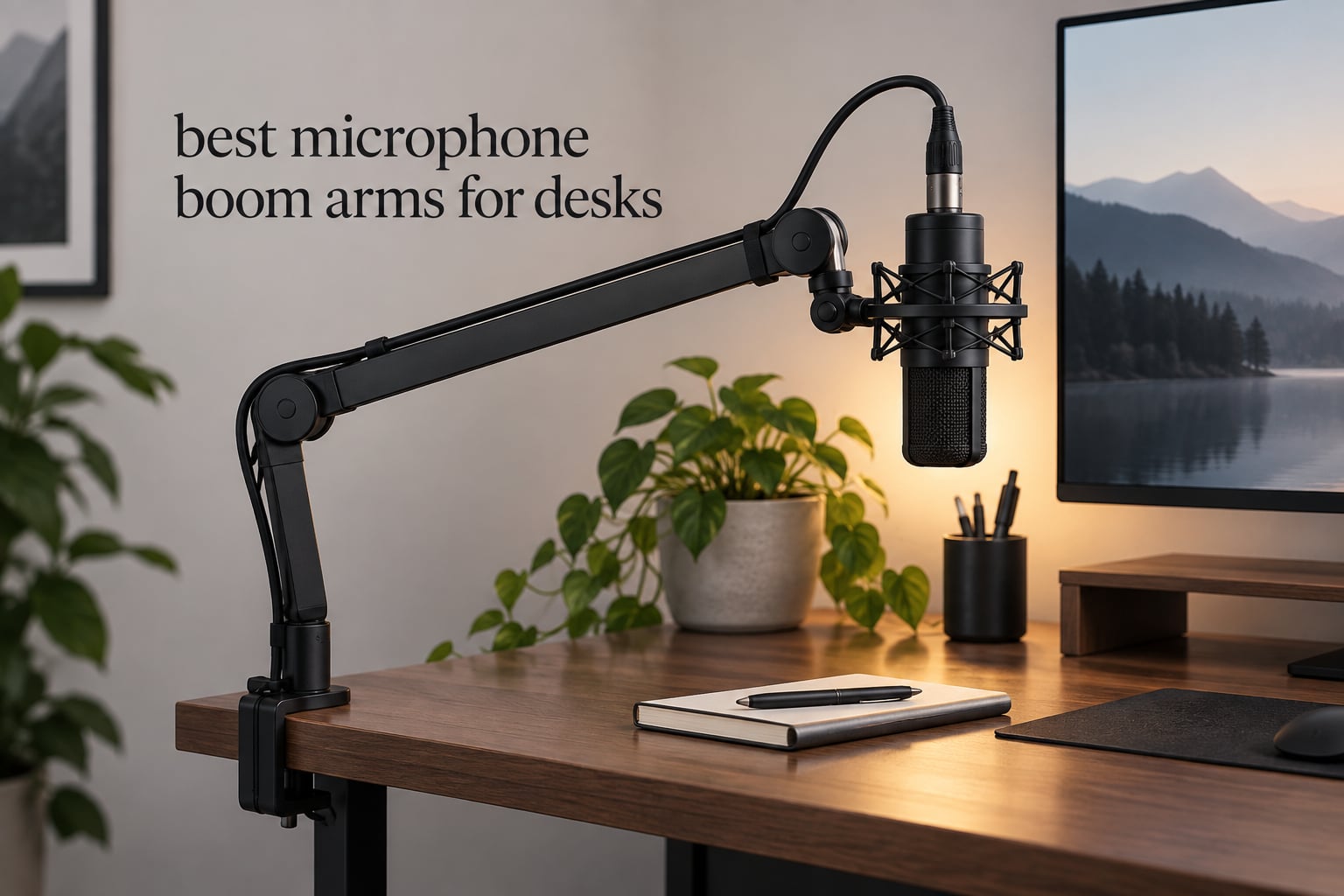
If your microphone currently lives on a little round desk stand, you are probably reaching over your keyboard to adjust it, tilting it out of aim every time you nudge it, and picking up every desk thump straight into the recording. A microphone boom arm fixes all three problems at once: the mic comes off the desk surface, moves closer to your mouth, and hangs in mid-air where keyboard and mouse noise cannot reach it.
We compared twelve of the highest-rated microphone boom arms side by side for desks in 2026. Our list covers every style you will meet in this category: cheap spring scissor arms, low-profile arms that run underneath your monitor, long-reach arms with a riser, and the broadcast-standard arms used in professional podcast rooms. For each one we publish the real numbers – maximum load, reach, thread sizes, and exactly how thick a desktop the clamp will grip – rather than the vague “heavy duty” language most roundups settle for.
We also spend a lot of time on the problem that forum users hit more than any other: the clamp that will not fit. An r/microphone poster with a 1 inch wide rail running around the underside of their desk could not find a single off-the-shelf arm that cleared it. That single issue is worth a whole section further down, because the answer is usually a grommet, an overhead mount, or a specific arm with a wider throat.
Table of Contents
Are Microphone Boom Arms Worth It?
Yes, for almost anyone who records regularly. A boom arm gets the microphone off the desk, closer to your mouth, and away from the vibrations of typing and mouse clicking – it is the cheapest recording upgrade you can make after the microphone itself. The arm does not change the sound quality of the mic; it changes the distance, the isolation, and how much desk noise reaches the capsule.
The real return is consistency. On a desk stand the mic sits wherever you left it, so every episode or stream starts with re-aiming and re-checking gain. On a properly tensioned arm you set the position once and the arm holds it for months. If you record weekly, that saved setup time alone pays for the arm.
Our Top 3 Best Microphone Boom Arms for Desks (September 2026)
These three cover the widest range of desks and budgets. The TONOR T20 is the all-round pick because it ships as a complete kit, the InnoGear MU01 is the value pick with the longest review history in the group, and the Elgato Wave Mic Arm LP is the premium low-profile option for on-camera work.


Elgato Wave Mic Arm LP
- Low-profile all-metal build
- Magnetic cable channels
- 29.1 inch reach
The 12 Best Microphone Boom Arms for Desks in 2026
Every arm below appears with its own load rating, reach, and mount style. Use this list to shortlist by geometry first – scissor, low-profile, or overhead – and only then worry about price.
| Product | Specifications | Action |
|---|---|---|
| TONOR T20 |
|
Check Latest Price |
 InnoGear MU01 InnoGear MU01 |
|
Check Latest Price |
 InnoGear MU028 InnoGear MU028 |
|
Check Latest Price |
 FIFINE BM88 FIFINE BM88 |
|
Check Latest Price |
| Elgato Wave Mic Arm LP |
|
Check Latest Price |
 SUNMON QuadCast Boom Arm SUNMON QuadCast Boom Arm |
|
Check Latest Price |
 Rode PSA1+ Rode PSA1+ |
|
Check Latest Price |
 FIFINE CS1 FIFINE CS1 |
|
Check Latest Price |
 Aokeo AK-58i Aokeo AK-58i |
|
Check Latest Price |
 Sensic SA-30 Sensic SA-30 |
|
Check Latest Price |
 AA AUDIO ACCESSORY Low Profile AA AUDIO ACCESSORY Low Profile |
|
Check Latest Price |
 NEEWER MS002 NEEWER MS002 |
|
Check Latest Price |
1. TONOR T20 – Best All-Round Boom Arm for Desks
- All-in-one kit with pop filter
- foam cover and cable ties
- 4 lb steel load rating
- Oversized clamp with 4x larger contact area
- Integrated headphone hanger in the clamp
- Limited forward extension on deep desks
- Plastic adjustment knobs on a metal arm
The T20 is the kit we hand to people who do not want to buy accessories separately. Boom arm, desk clamp, mic clip, a 3/8 to 5/8 inch adapter, a pop filter, a foam cover, four cable ties and a manual all arrive in the box.
Build is steel, rated to 4 lb, which beats both InnoGear arms in this list and leaves room for a USB condenser plus a shock mount and pop filter. The clamp has a 4x larger contact area than typical and grips desktops up to 2.4 inch thick, one of the wider openings we measured.
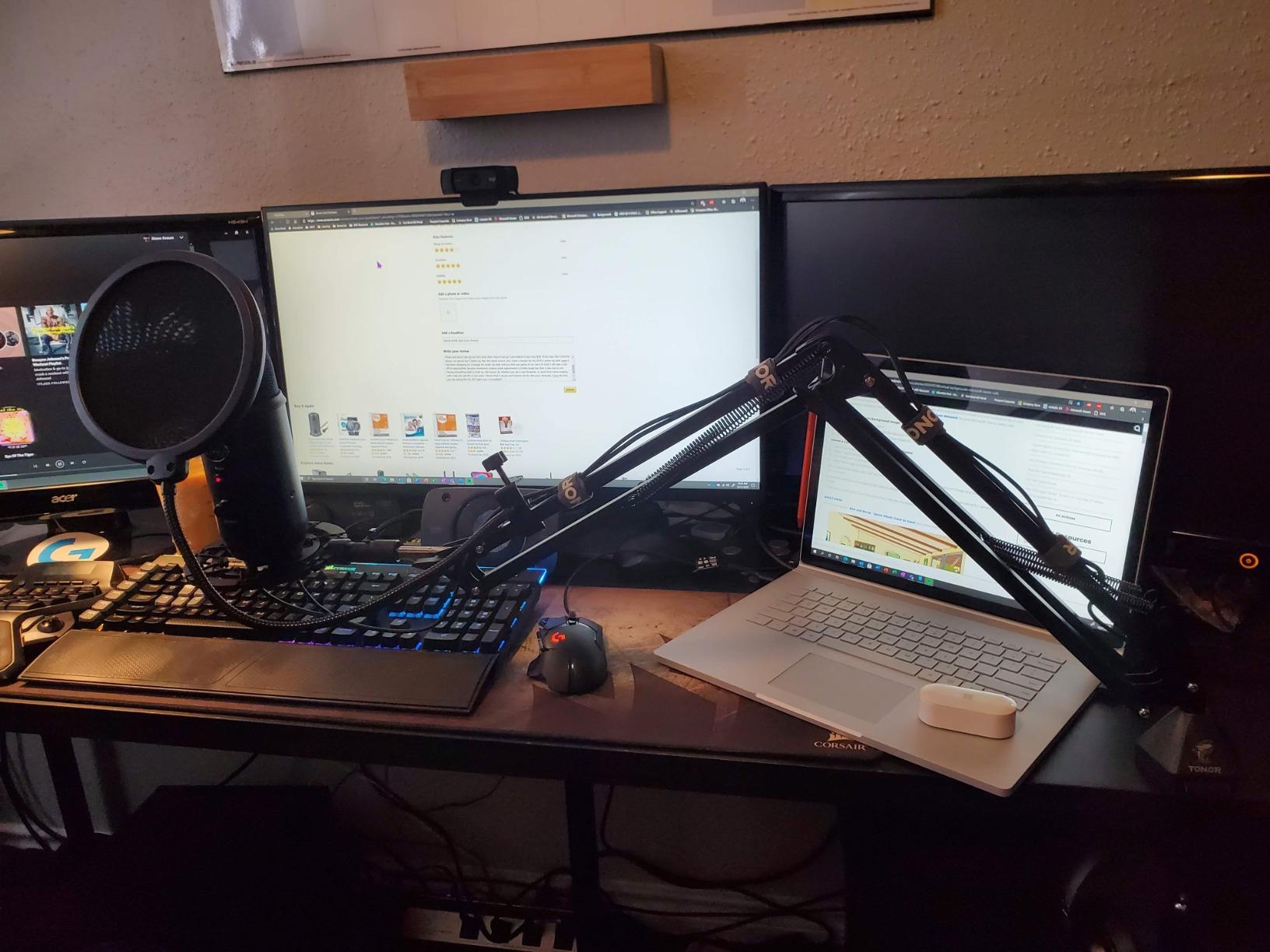
Reach is 700 mm of horizontal and vertical travel with 360 degree rotation, so it swings easily around a monitor on a standard desk. Multiple long-term owners report years of daily use without failure, and reviewers commonly treat it as the value alternative to the Rode PSA1.
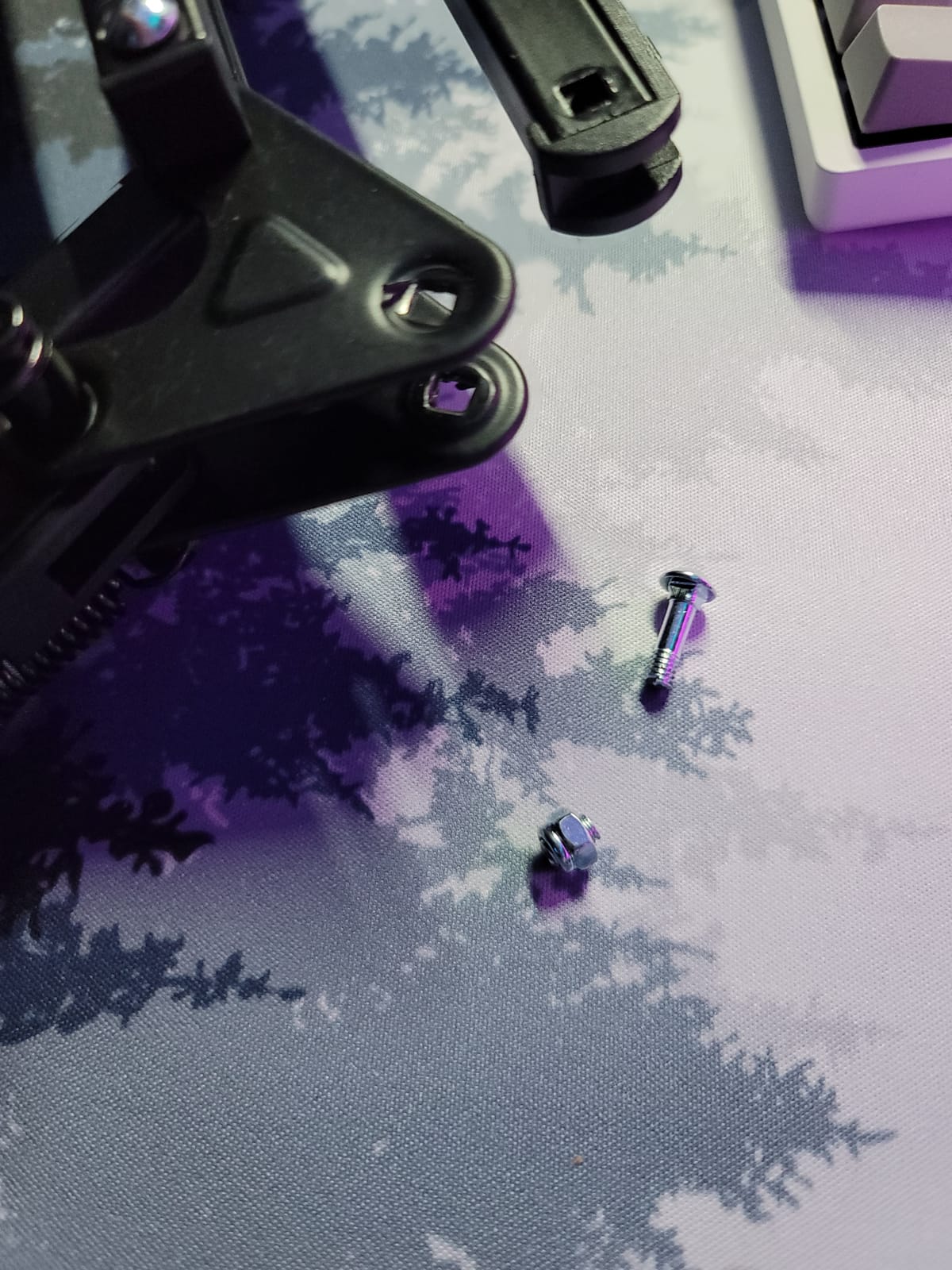
The honest trade-off is extension and hardware. Forward reach is short, which makes it awkward on a deep desk or conference table, and the two-joint scissor design takes a little more patience to dial in fine positions. The turn knobs are plastic while everything else is metal, and the arm can creak slightly when repositioned off-axis, which a sensitive microphone may pick up.
Who the TONOR T20 suits
It suits first-time podcasters and streamers who want a working setup in one box. The included pop filter, foam cover and velcro cable straps remove the three most common first purchases, and the headphone hanger on the clamp saves a hook on the desk edge.
Who should skip it
Skip it if your desk is deep enough that a short-reach arm leaves the mic hovering over your notes. It is also a poor match for a heavy broadcast condenser, since the 4 lb ceiling is comfortable but not generous. If you need more extension, the Sensic SA-30 in this list carries a riser for exactly that reason.
2. InnoGear MU01 – Best Value Spring Arm for First-Time Buyers
- Heaviest internal spring rating in its class
- 360 degree base rotation with 180 degree vertical swing
- Silent creak-free positioning
- Includes 5/8 to 3/8 inch adapter and mic clip
- Folds flat to clear the desk
- Wobbles when typing at close range
- Mic-end ball joint cannot be locked
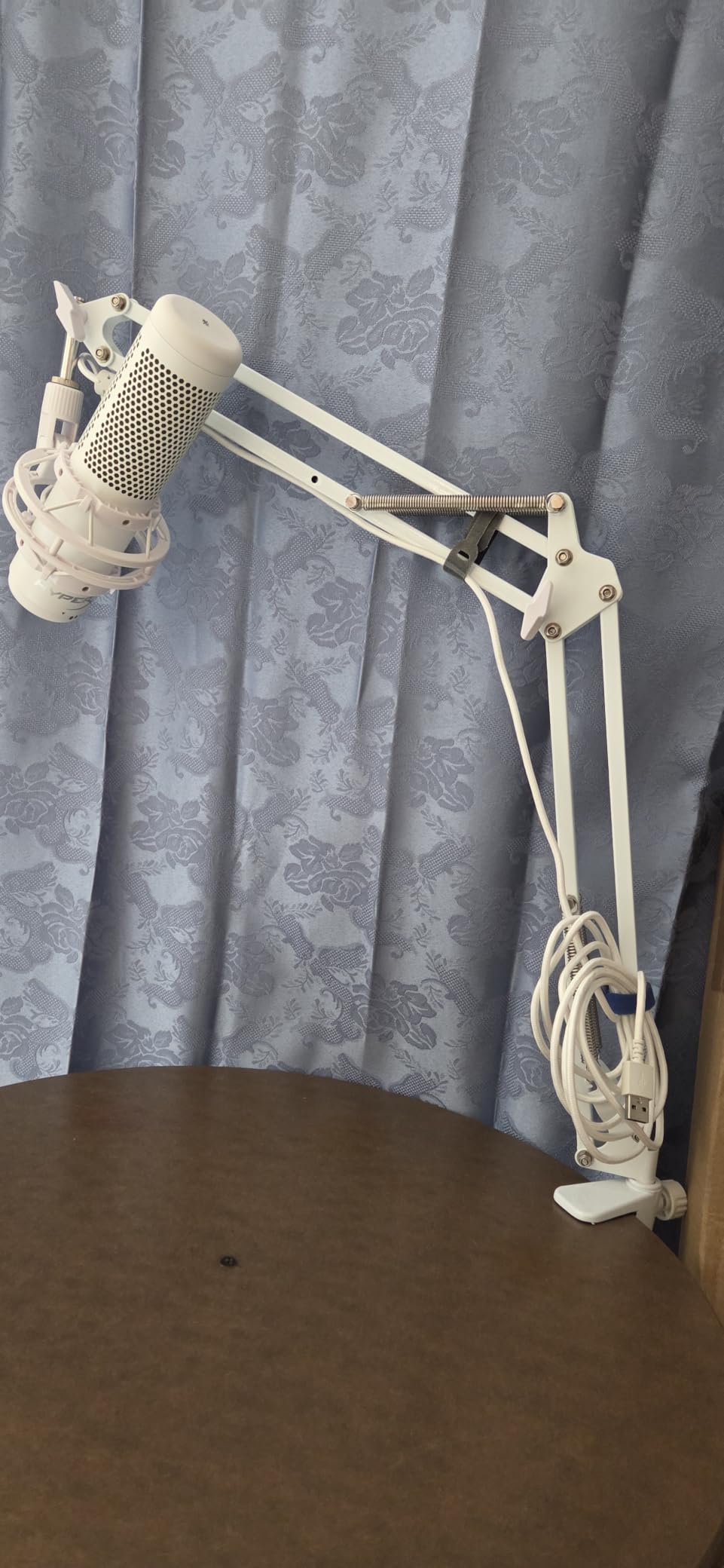
With roughly 24,000 reviews, the MU01 has by far the largest review base of any arm in this roundup. It is a classic scissor design with 360 degree base rotation, 135 degree back-and-forth extension and 180 degree vertical articulation on the arm shaft, which is more articulation than most arms at this level offer.
The standout spec is the spring. The listing rates the internal steel springs for 3.3 lb, noticeably stronger than the 2.2 lb typical of budget arms, and those springs live inside the arm rather than exposed outside it. That is why owners report silent, creak-free positioning – the single biggest complaint we saw about other scissor arms.
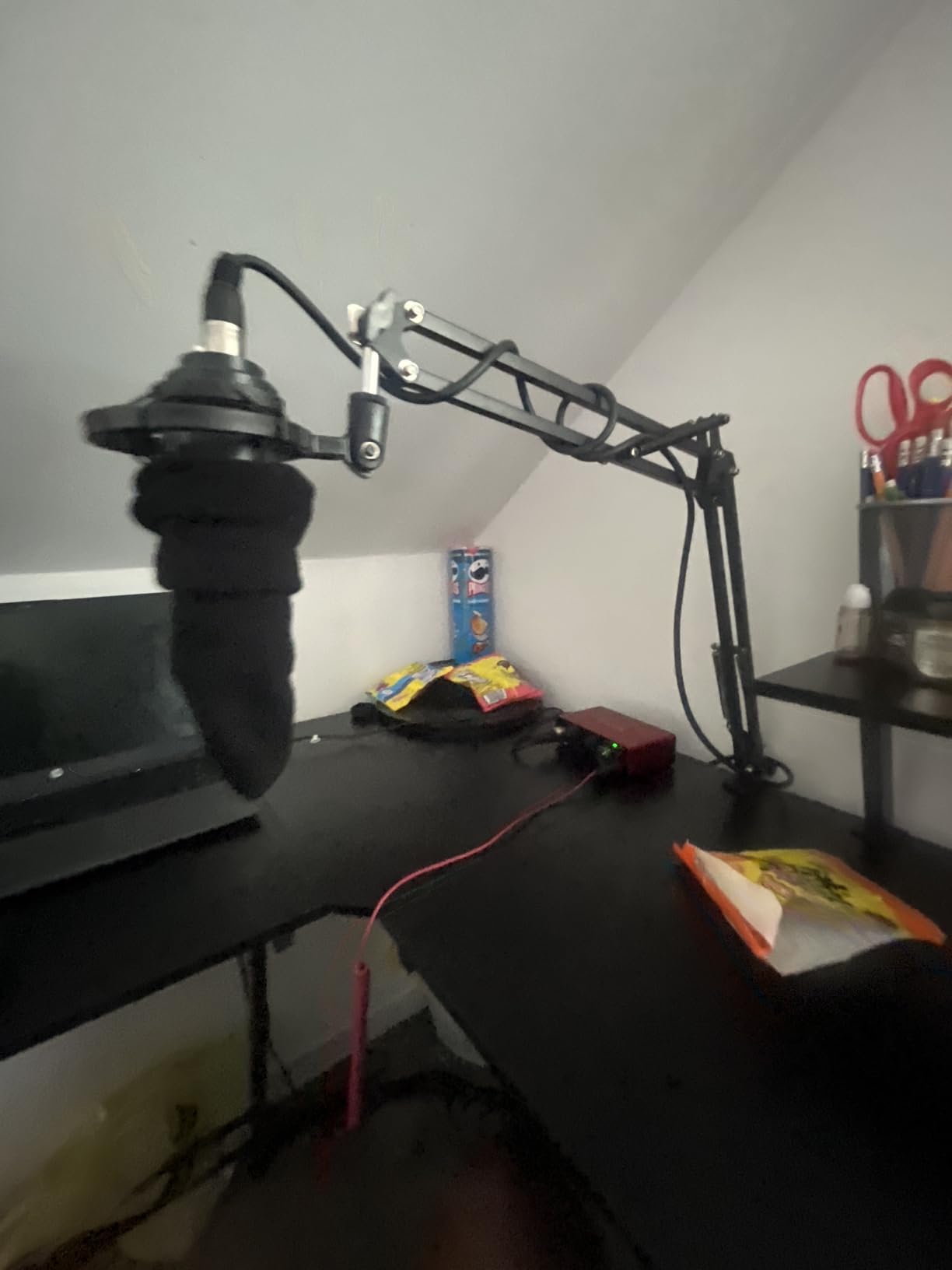
It folds largely pre-assembled, so setup is quick, and it packs flat to free desk space when you are not recording. A 5/8 to 3/8 inch adapter, mic clip and cable ties are included, which covers Blue Yeti, Snowball, HyperX QuadCast and SoloCast, Shure SM7B and MV7, and Fifine AM8 out of the box.
The weak points are mechanical rather than structural. The arm wobbles noticeably when you type at close range, the ball joint at the mic end rotates in only one direction and cannot be locked, and the end joint can rub against the arm lock screw and scratch the desk surface. The clamp grips squared edges up to 2 inch thick, so it will not take a slanted or curved edge.
Where the MU01 wins
It wins on silent internal springs and on a review base large enough to trust. If you are moving a USB microphone off its factory desk stand for the first time, the included adapter and the 3.3 lb rating mean you can add a shock mount later without changing arms.
Where it struggles
It struggles if you move the mic constantly. Because the mic-end joint does not lock, you will re-aim more often than on a ball-head or gear-lock design. It is also a poor choice for a desk with a rounded or bevelled edge, or a thin glass top.
3. InnoGear MU028 – Best for Silent Movement and Long Reach
InnoGear Mic Arm Desk Mount Microphone Stand Boom Arm for Blue Yeti
- Highest load rating in the InnoGear line
- Sound-dampened internal springs
- 28 inch horizontal and 27 inch vertical reach
- Built-in cable channel with velcro ties
- Sponge-padded clamp
- Stiffness cannot be adjusted
- 5/8 inch swivel pin has no lock
The MU028 is the bigger sibling of the MU01. Tube thickness went up from 0.39 to 0.53 inch and the load rating to 3.5 lb, which is the highest figure in the InnoGear line and enough for a Shure MV7 or SM7B with a shock mount.
Like the MU01, its springs sit inside the arm and are sound-dampened, so the arm moves without the spring creak that cheap exposed-spring designs produce. Reviewers consistently cite silent movement and stiffness as the two things that separate it from cheaper NEEWER-style arms.
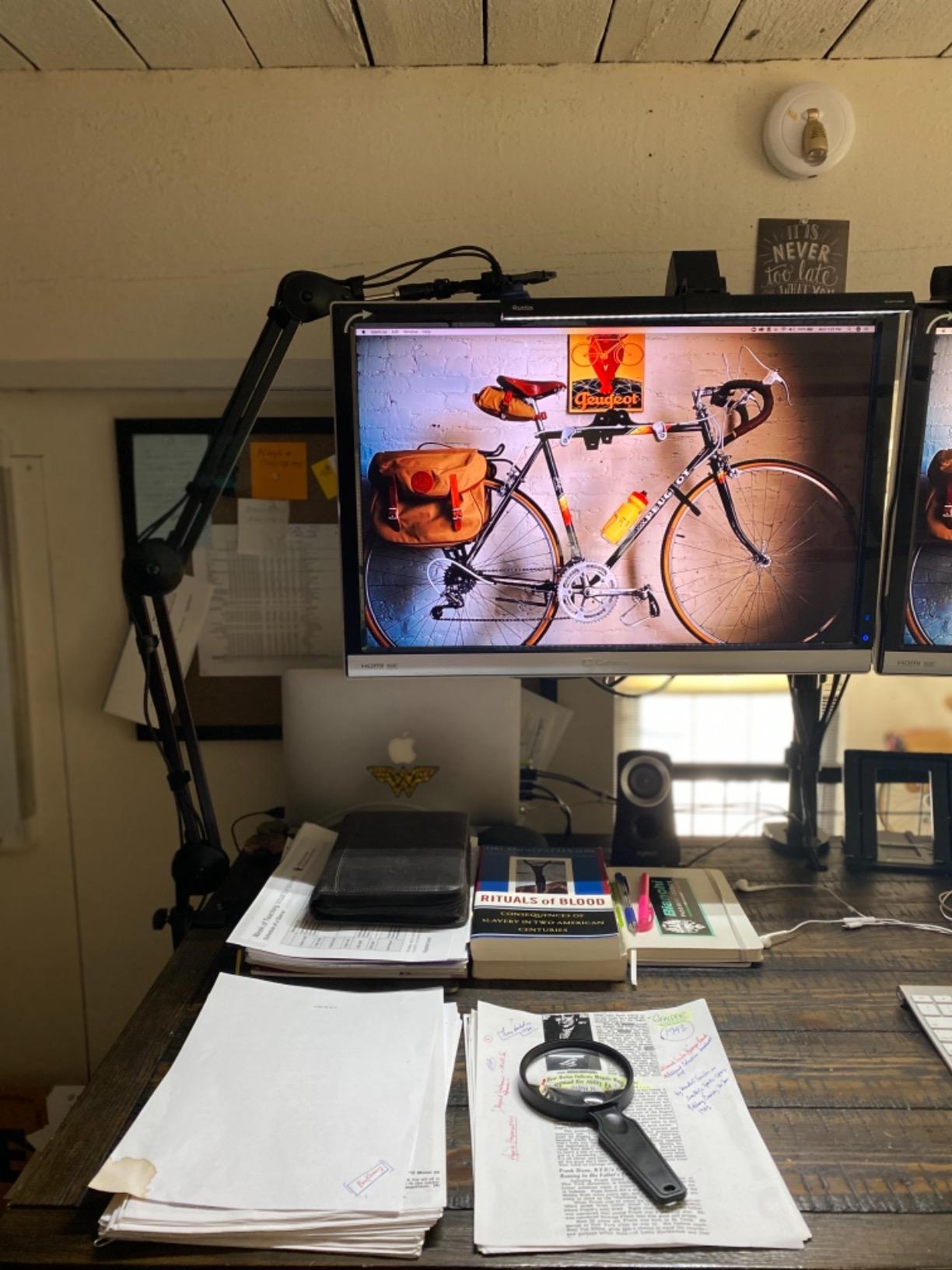
Reach is 28 inch horizontal and 27 inch vertical, which clears a monitor and a deep desk more confidently than most scissor arms at this load class. A built-in cable channel and included velcro ties keep an XLR run tidy, and the sponge-padded clamp protects a wooden or lacquered top while gripping squared edges up to 2 inch.
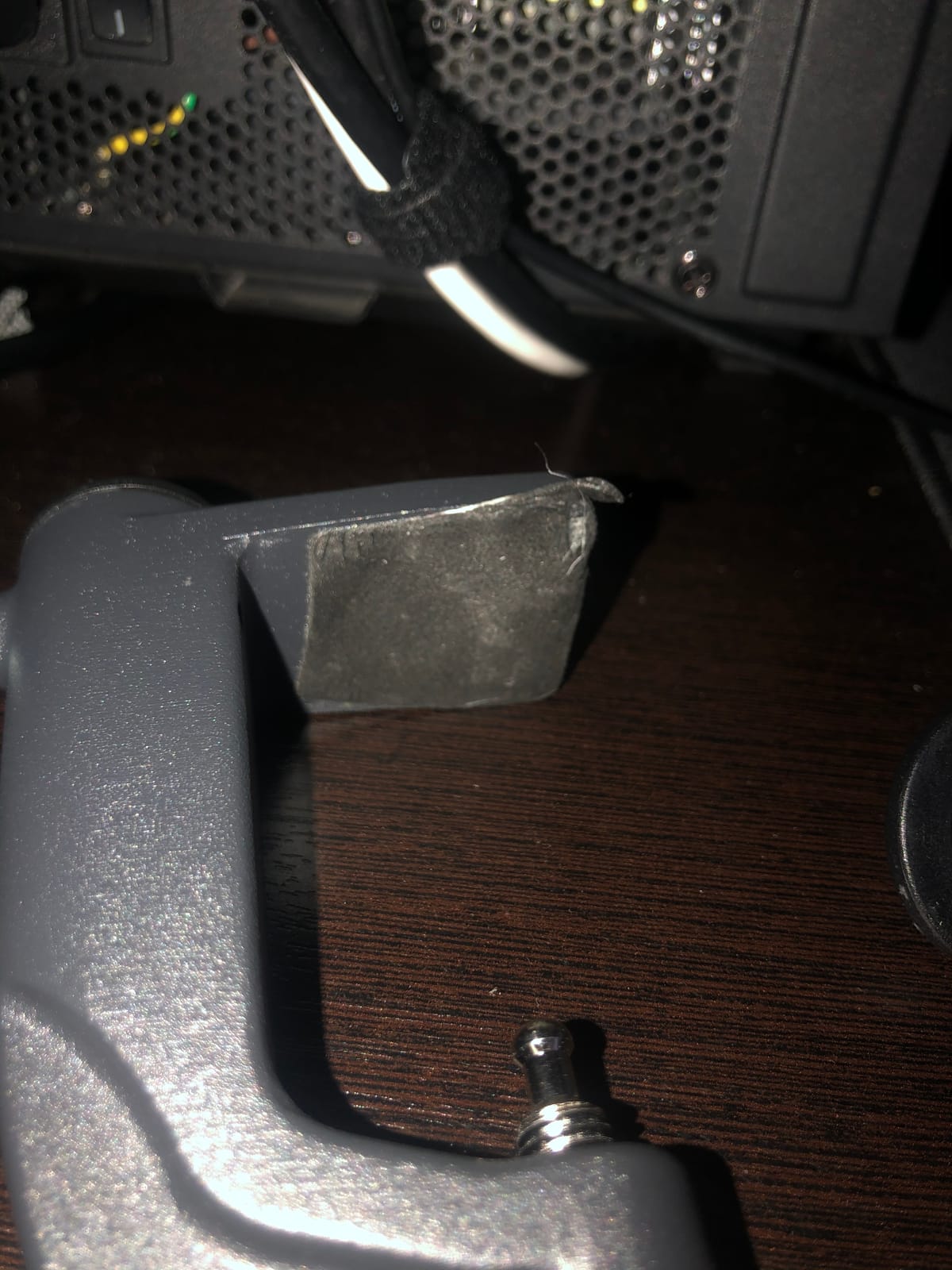
The stiffness is a feature and a limitation at once. There is no tension adjustment, so a lighter microphone can sag while a heavier one sits perfectly, and you may need to re-balance carefully rather than dial it in. The 5/8 inch swivel pin at the mic end has no lock, so the mic must mount straight up or straight down, and the clamp socket can loosen and scratch the desk paint when you pull the arm out.
Best fit for this arm
Best for a desk with a monitor directly behind the mic position, because 28 inch of horizontal reach is where this design earns its keep. It is also a strong podcast pick for two-person shows where each host has a heavier microphone and needs the arm to stay silent during a take.
Consider instead
Consider the FIFINE BM88 if the arm will be on camera, because a tall scissor arm blocks a camera frame. Consider the AA AUDIO ACCESSORY arm if you move the mic many times a day and the non-adjustable stiffness frustrates you. And check your mic’s thread – this arm’s 5/8 inch pin with no lock is the reason to read that spec first.
4. FIFINE BM88 – Best Low-Profile Arm for Streaming Desks
FIFINE BM88 Low Profile Microphone Boom Arm Stand for Gaming Streaming
- All-metal construction
- Low-profile arm extends under the monitor
- Fully concealed cable channels
- 29 inch reach with 360 degree rotation
- Includes 1/4
- 3/8 and 5/8 inch adapters
- Reach falls short on wide desks
- Awkward clamp screw against a wall
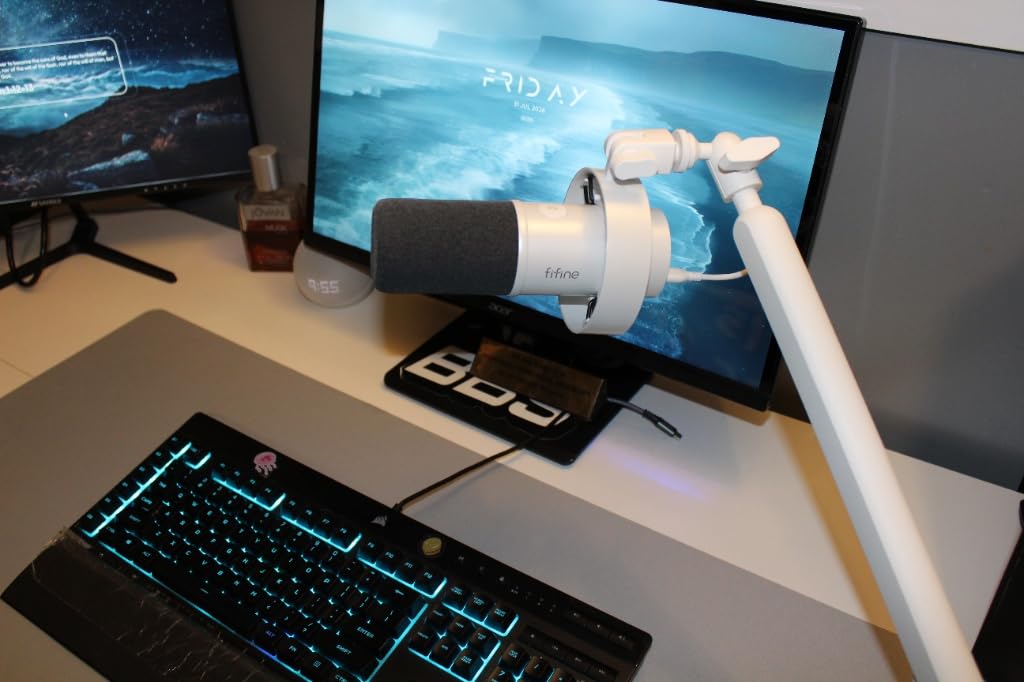
The BM88 solves the problem scissor arms create on a streaming desk: the arm rises above the desk and into the camera’s sightline. This one extends from beneath the monitor instead, leaving your screen, keyboard and camera view clear.
It is all metal, with a non-slip C-clamp that reviewers say does not scratch the desktop or wobble when extended. Cable channels run inside the arm, so a USB-C or XLR run is fully hidden rather than strapped along the outside.
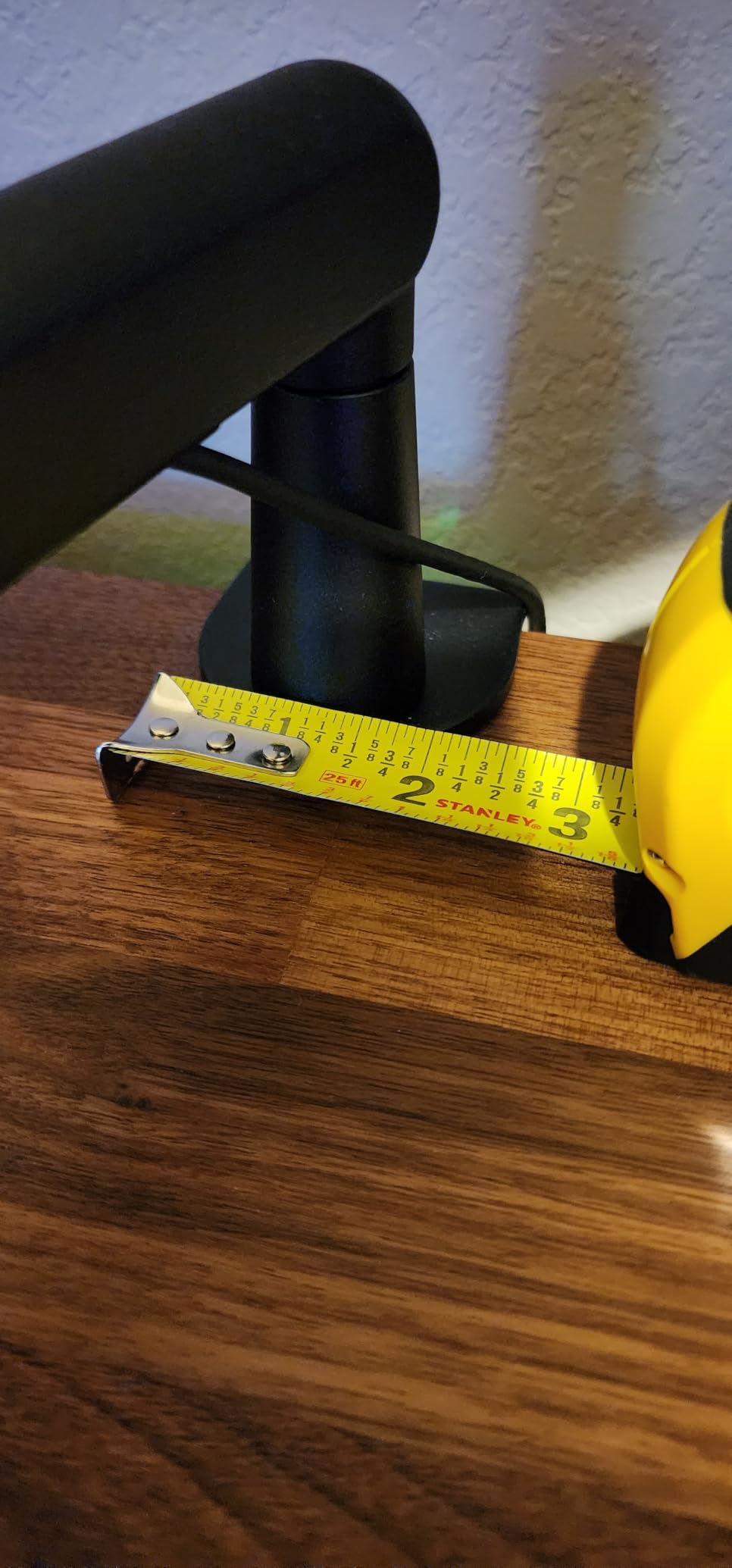
Adjustment covers 29 inch of reach with 360 degree horizontal and 220 degree vertical articulation, though the section nearest the clamp does not pivot vertically. A rotatable ball head plus pre-fitted 1/4, 3/8 and 5/8 inch adapters mean most microphones work without a separate adapter, and the after-sales support is unusually good – a broken hand screw was replaced free of charge for one owner.
Two caveats dominate owner feedback. Reach can fall short on a wide desk, and some users add a 6 inch extender to compensate. The allen screw that opens the clamp socket is also positioned awkwardly when the clamp is at the back of a desk sitting against a wall, and the ball joint tightens in a jerky motion that can scuff the powder coat.
Why streamers pick this one
The clean on-camera look is the whole point. A low-profile arm that runs along the bottom of the monitor reads as deliberate studio gear on a stream, and reviewers repeatedly recommend it as an affordable alternative to low-profile arms that cost considerably more.
Where it falls down
It falls down on very wide desks and on clamps mounted hard against a wall. If your desk is wider than the arm’s 29 inch reach, measure before you buy. Its after-sales strength is worth noting, but the 4.5 rating across more than 5,000 reviews reflects a solid arm rather than a flawless one.
5. Elgato Wave Mic Arm LP – Most Versatile for Clean On-Camera Setups
- All-metal anti-torsion construction
- Sits below the shoulder line on camera
- Magnetic cable channel covers
- 740 mm horizontal reach
- Padded clamp with machine screw
- Tightens in a jerky motion
- Heavier mics can creep slowly
The Wave Mic Arm LP is the step up from a budget arm in feel as much as in price. It weighs 1692 g, uses an all-metal anti-torsion build, and carries a two-year manufacturer warranty – the only arm in this list with a two-year warranty alongside the Rode.
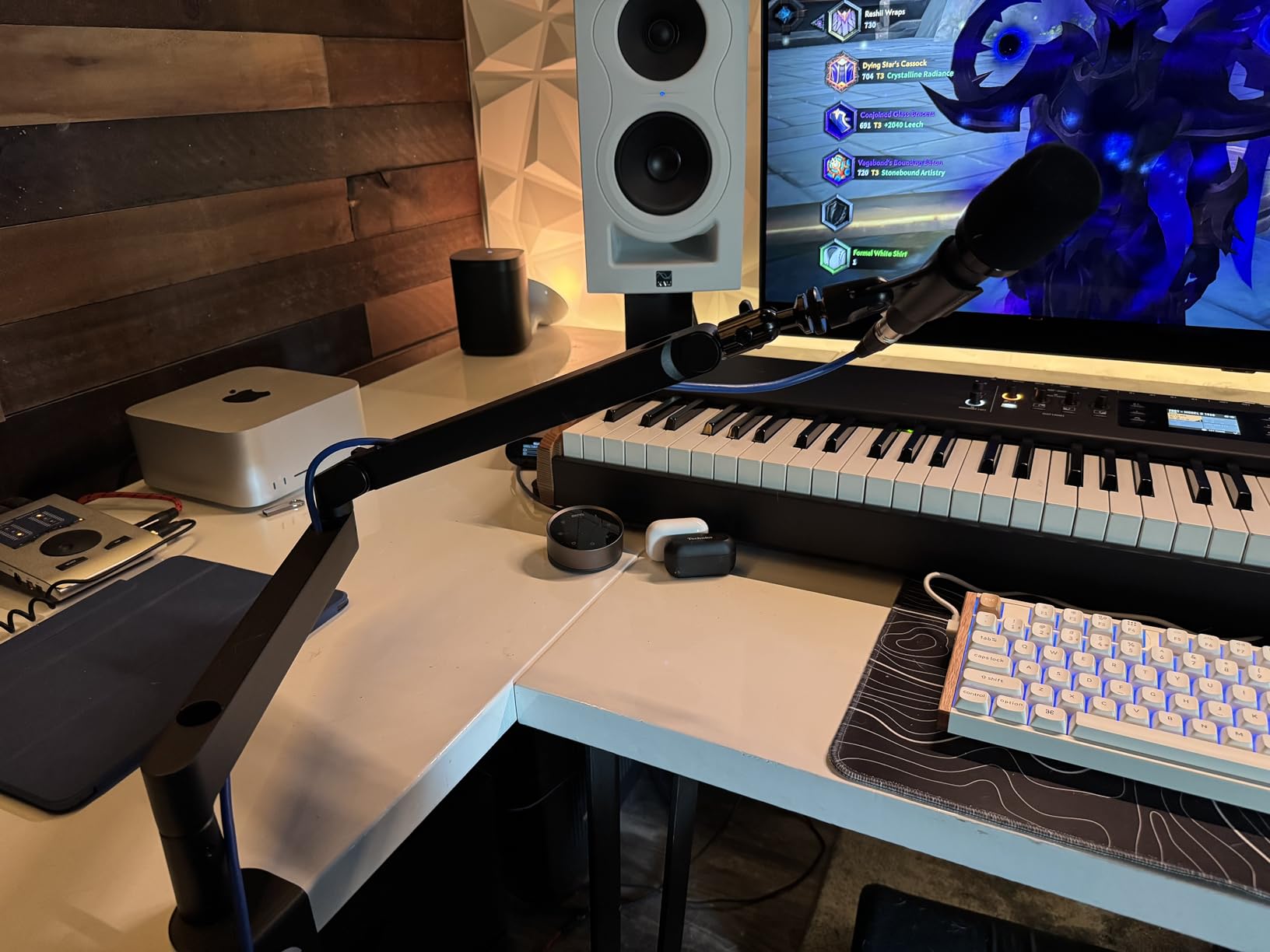
Its geometry is the selling point. The arm sits below the shoulder line, so monitors, keyboard and camera framing stay unobstructed, and 360 degree horizontal plus 90 degree upper vertical rotation covers most desk shapes. The 740 mm reach handles large desks without a riser.
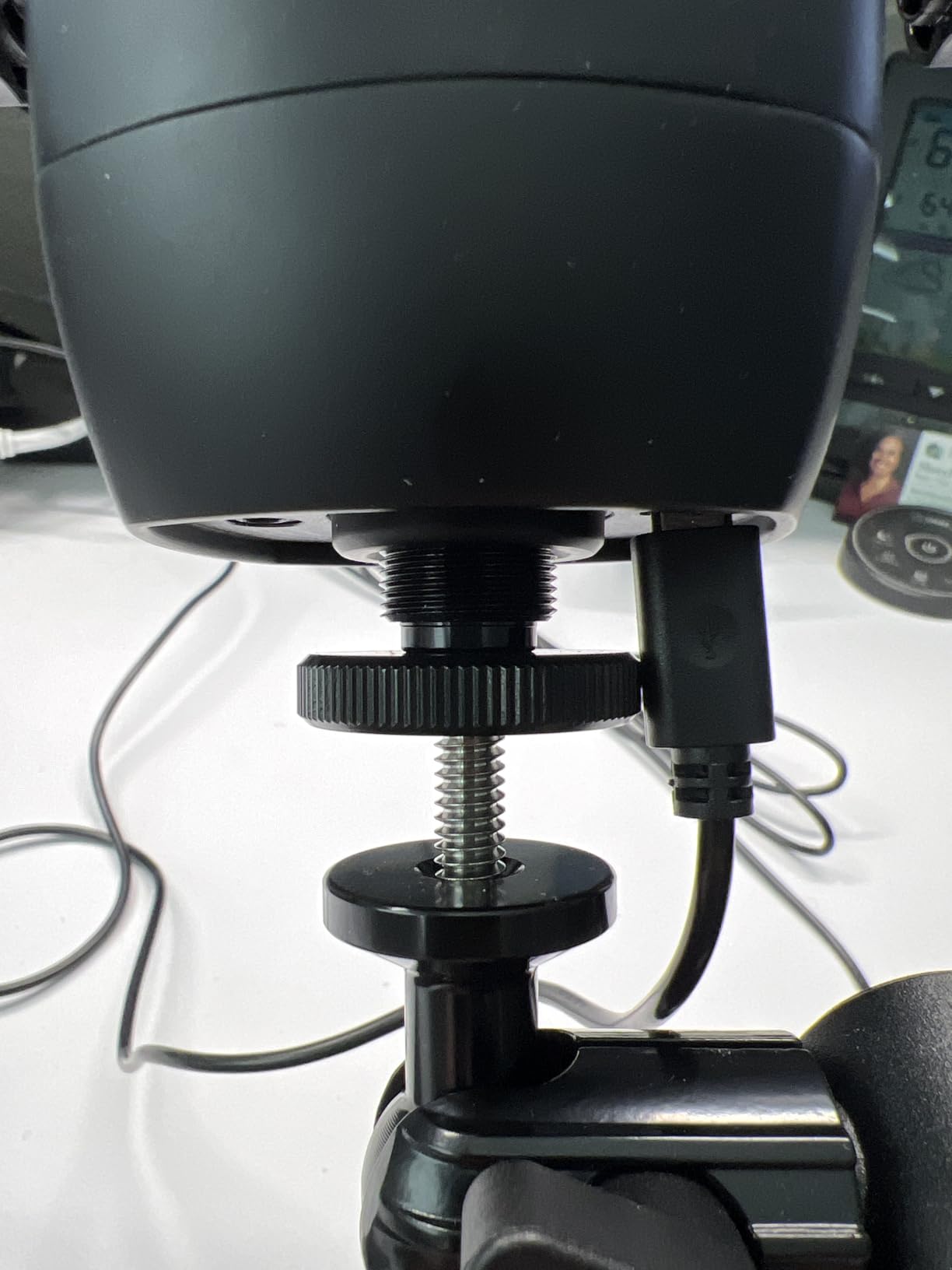
Magnetic cable channel covers snap on and off easily, which gives a genuinely clean look compared with velcro straps or open springs. The wide padded table clamp uses a high-quality machine screw and an ergonomic ratchet rather than a thin plastic knob, and movement is smooth and quiet.
The reservations are specific. Upper arm and ball head clamps tighten in a jerky motion as pressure increases, a stiff XLR cable can pop out of the magnetic channels, and microphones around 500 to 600 g can cause gradual clamping-pad movement and slow creep. Some users report needing to re-tighten once or twice a month, and no mid-desktop mounting plate is included.
Who should pay more for this arm
Anyone whose desk setup is visible on camera, and anyone tired of velcro straps and dangling cables. If you are moving to a large desk later, the 29.1 inch reach and the two-year warranty make it the safer long-term buy.
Where the budget options are smarter
Budget arms are smarter when the mic is light and the desk is small. This arm is rated to 2 kg, which is fine, but the creep reported with heavier microphones is exactly the failure the gear-lock design on pick 11 was designed to solve. If you record daily with a heavy condenser and never want to re-tighten, look at the gear-lock arm on pick 11 instead.
6. SUNMON QuadCast Boom Arm – Budget Pick for a First Upgrade
- 3/8 to 5/8 inch adapter pre-installed at the factory
- Dual suspension springs on each section
- Sponge-padded clamp to 1.89 inch desktops
- Broad microphone compatibility
- 1.4 kg load is below most competitors
- Exposed springs pick up handling noise
This is a simple, low-cost way to get a Blue Yeti or HyperX QuadCast off its desk stand. The 3/8 to 5/8 inch adapter is pre-installed at the factory, so there is nothing to screw together before the microphone goes on.
Dual suspension springs sit on each arm section with reinforced knobs to resist shaking and sinking, which is more spring hardware than most arms in this category. The sponge-padded table clamp protects the desktop when the side screw is turned and fits edges up to 1.89 inch thick.
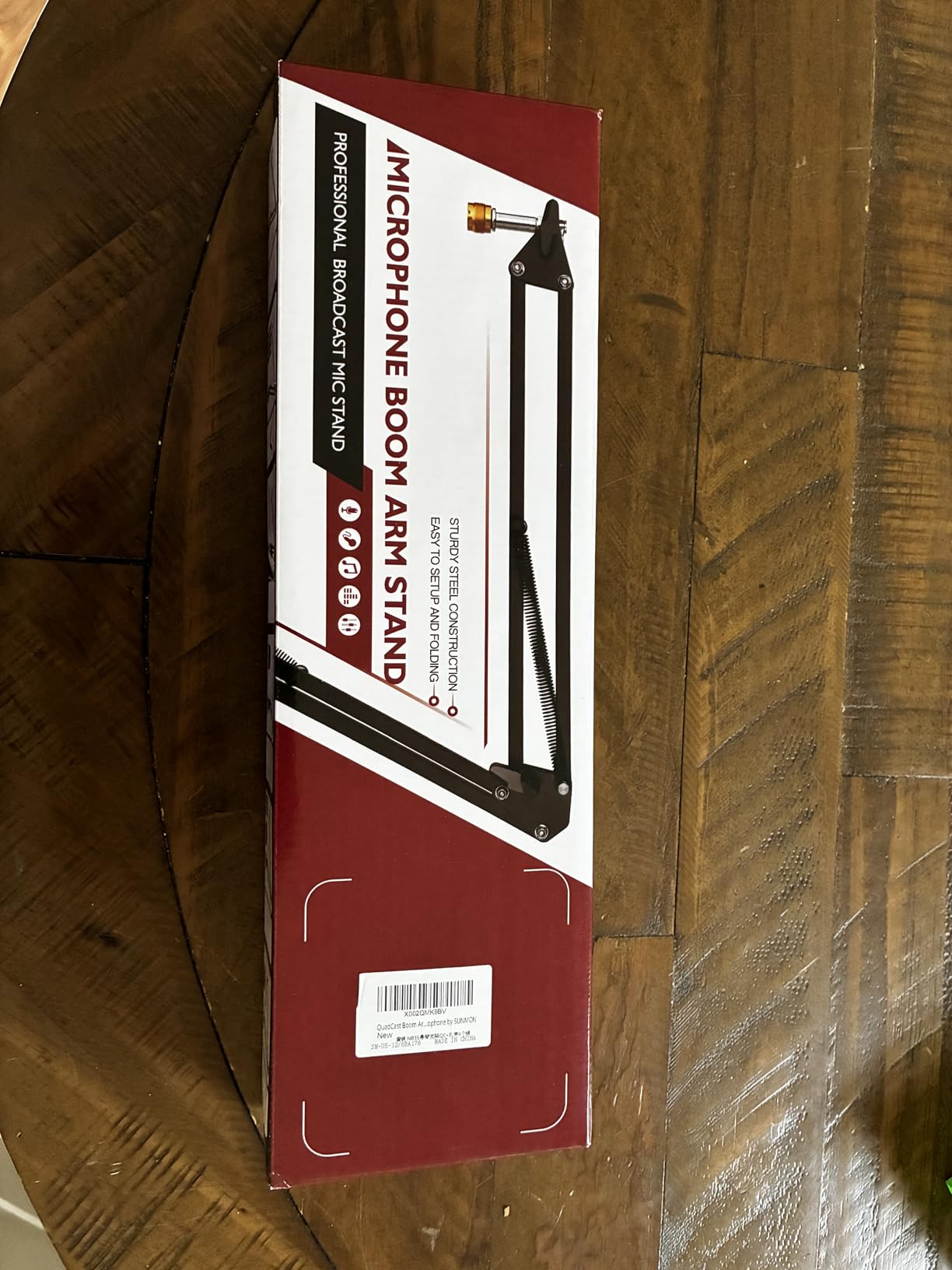
Compatibility covers Blue Yeti, Snowball, HyperX QuadCast and SoloCast, Shure MV7 and SM7B, Fifine K688 and AM8, RODE and Razer Seiren Mini. For a first streaming or call setup that needs to sound less like a laptop microphone, that is genuinely enough.
At 0.53 kg it is the lightest arm we tested, and its 1.4 kg maximum load leaves the least room for a shock mount and pop filter of any spring arm here. The exposed spring design is more likely to pick up creak and handling noise than an internal-spring arm, and the tightening knobs may need frequent re-adjustment as the mic is repositioned.
Where this arm makes sense
It makes sense in a spare room, a dorm, or any setup where the microphone is a USB condenser under 2 lb and the desk is a standard flat edge. If you are not moving the mic often, this is a simple path off the desk.
Where to spend a little more
Spend more if you add a shock mount and pop filter later, because that pushes your total load toward the ceiling of this arm. A 4.5 star average across more than 5,000 reviews confirms it works, but a 4.4 rating reflects the compromises. Review data for this arm is thinner than for the InnoGear models, so weigh that too.
7. Rode PSA1+ – Best for Podcast and Broadcast-Style Desks
RØDE PSA1+ Professional Studio Boom Arm with Spring Damping, Black
- Handles 0.25 to 1.2 kg including shock mounts
- Silent internal spring damping mid-recording
- Integrated cable management inside the arm
- Full 360 degree rotation
- Two year manufacturer warranty
- 1.2 kg ceiling limits heavier broadcast mics
- Arching arm sits higher on camera
The PSA1+ carries a 4.7 average across roughly 2,700 reviews, matching the highest rating in this roundup. In r/podcasting it is repeatedly treated as the default reference arm, and that reputation is well earned.
Its internal spring damping moves the arm mid-recording without creaks or handling noise, which is the single most requested feature in podcast forums. The clamp grips desks up to 70 mm thick and holds microphones from 0.25 kg to 1.2 kg including shock mounts, and the integrated cable management hides XLR runs inside the arm.
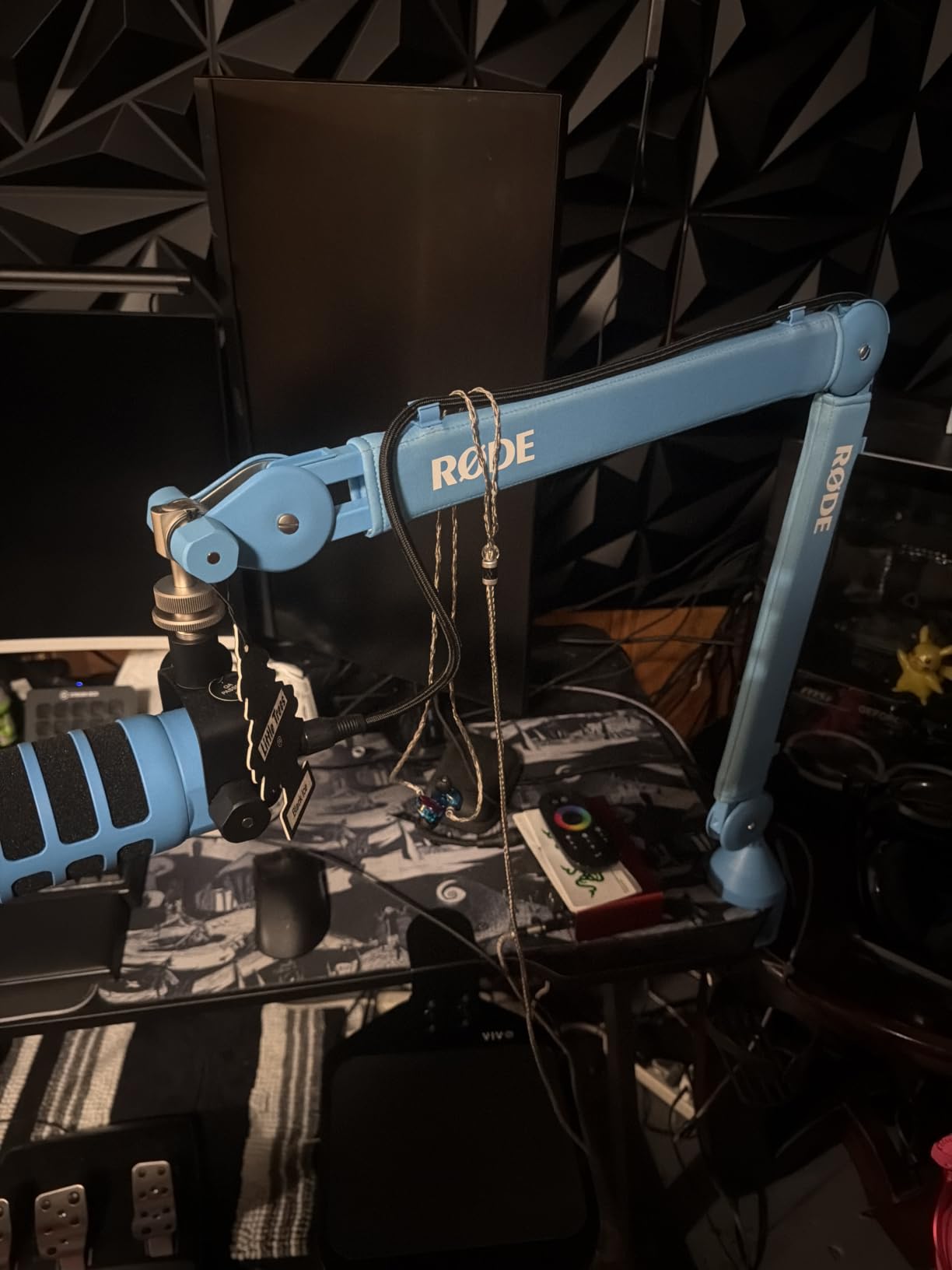
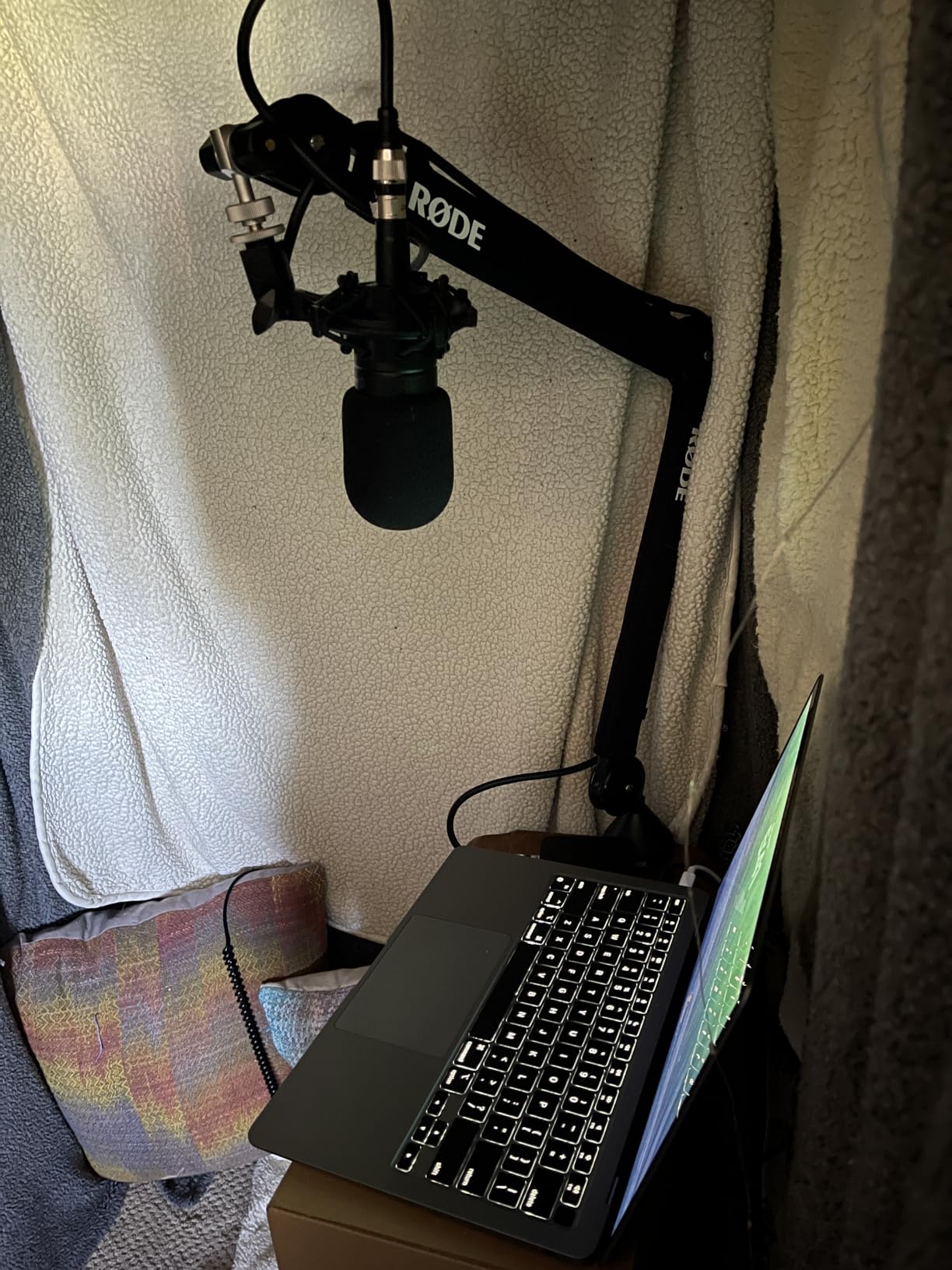
Full 360 degree rotation with extended reach means the mic can be pulled right over a monitor or a stack of books for narration distance. Thread adapters for both 3/8 inch and 5/8 inch mounts are in the box, and the two-year warranty is the joint longest in this roundup.
What it will not do is carry a microphone heavier than 1.2 kg, so a large broadcast condenser with a heavy shock mount is out of range. The arching arm sits higher than low-profile models and can intrude on a camera view or your monitor sightline, and the 70 mm clamp limit is a real constraint on a chunky wooden desktop.
Why podcasters choose it
Because silence matters more than anything else in a two-person conversation. A creak mid-sentence is unusable, and the internal damping on this arm is the direct answer to that. It is also the arm most beginners are pointed toward, so support and spare parts are easy to find.
When a low-profile arm is better
When you are on camera. If the arch of this arm would cross your monitor or your face in frame, the Elgato Wave Mic Arm LP or the FIFINE BM88 keeps the same clean cable routing at a lower profile. Podcasters who want overhead positioning ask constantly for a vertical extension option – the Sensic SA-30 riser is the closest thing in this list.
8. FIFINE CS1 – Best Foldable Scissor Arm for Small Desks
FIFINE CS1 Scissor Microphone Boom Arm Stand for Gaming Recording
- Rigid metal construction with real weight
- 2 inch wide clamp mouth with anti-scratch pad
- Locks its angle when raised and lowered
- Folds flat for storage
- Short reach of roughly 26 inches
- Noisy springs until break-in
The CS1 weighs 500 g and feels like a real piece of metal rather than folded plate. It is a classic spring scissor design, and owners describe it as feeling and looking more expensive than the price suggests.
The fixed clamp knob stops the swing arm drifting once locked, which is unusual at this level, and the arm holds its chosen angle even when you raise and lower it – useful for vocals and for acoustic instrument recording where the mic points down.
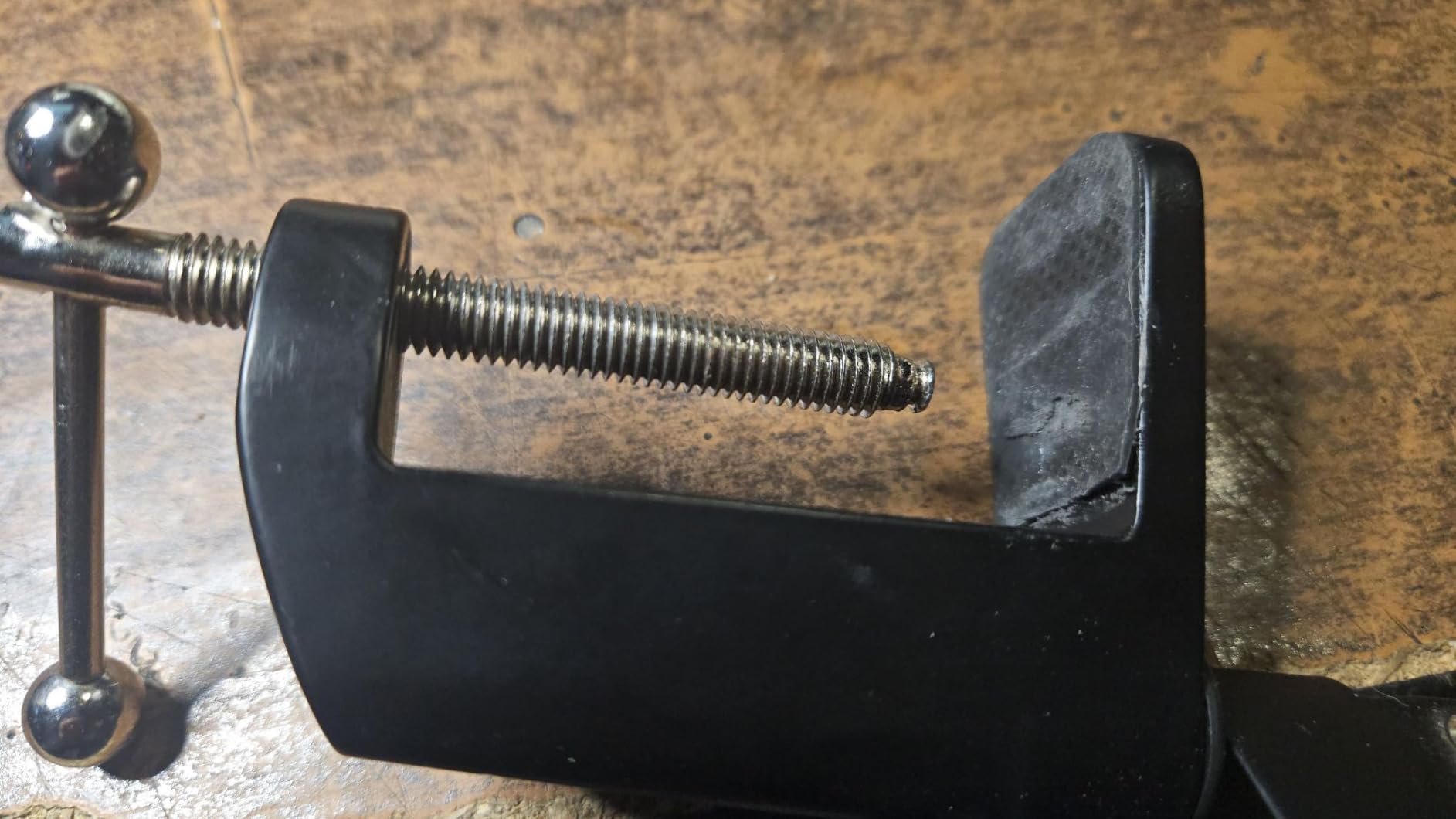
The upgraded metal desk clamp has an anti-scratch pad and a 2 inch wide mouth that fits most desktops, and 180 degree up-and-down rotation gets the mic close. It folds up for compact storage and can be carried between recording locations, which matters if you record away from home.
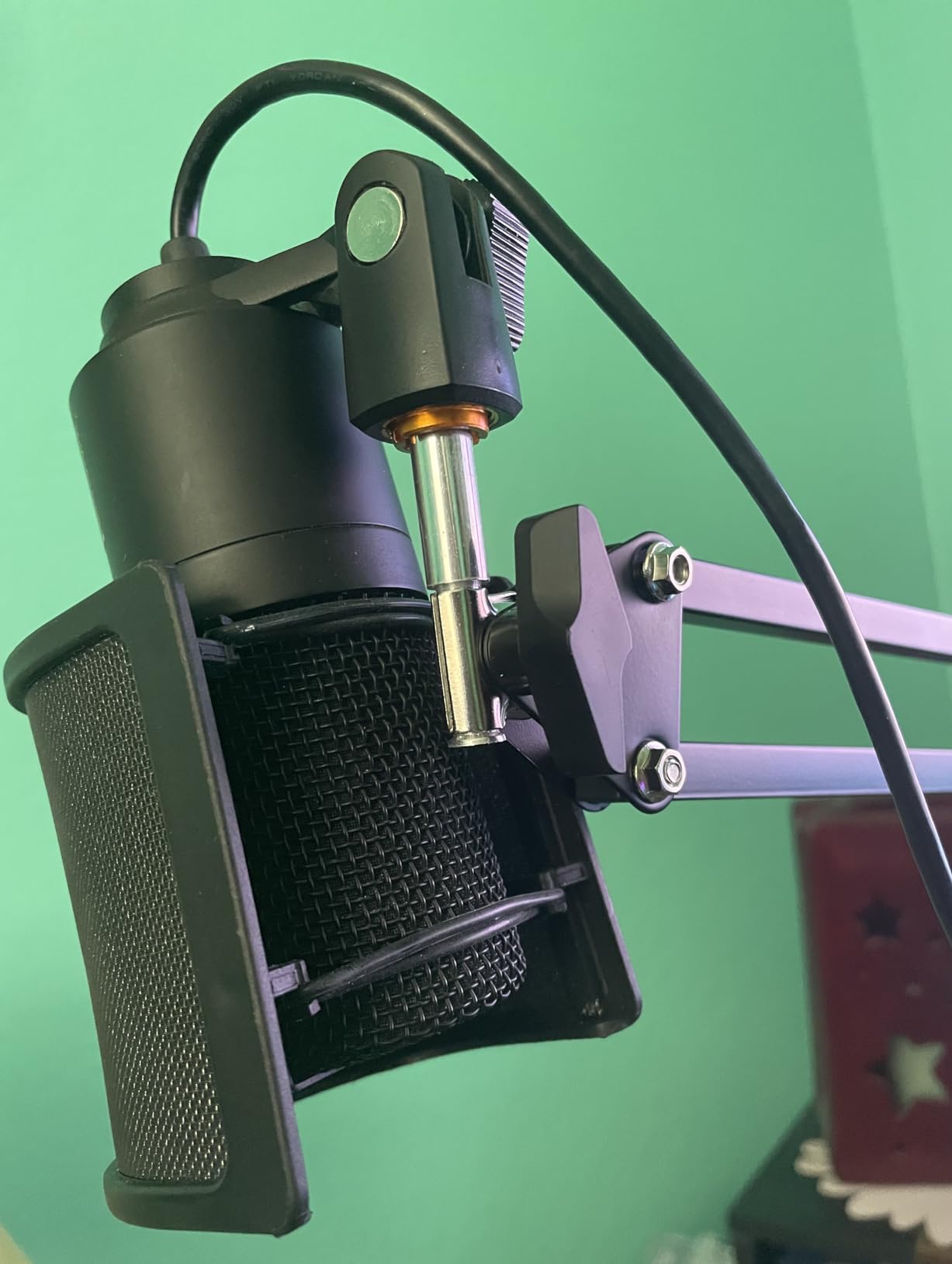
Total reach is roughly 26 inch, which barely reaches from behind monitors on a deep desk – the main reason we ranked it below the larger InnoGear arms. The springs are noisy and creaky out of the box and settle only after a break-in period, adjustment knobs need frequent re-tightening, and the adhesive holding the textured clamp grip can peel loose over time.
Best use for the CS1
A small desk, a home office, or a portable setup you move between rooms. The fold-flat design and the included 5/8 to 3/8 inch adapter make it a safe first arm for Fifine K669B, K670, K683A, K658, K688, AmpliGame and AM8 microphones.
What to avoid
Avoid pairing a heavy microphone with a heavy shock mount or a reflection filter, because hollow metal tubing resonates and transmits desk movement, and a heavy mic can bend the arm shaft in the clamp. On a deep desk, the short reach will frustrate you.
9. Aokeo AK-58i – Best Low-Profile Arm Under a Single Monitor
Microphone Arm,Aokeo AK-58i Desk Low Profile Mic Boom Arm Stand,Suitable For Blue Yeti,Snowball iCE,HyperX QuadCast,SoloCast,Elgato Wave,Etc
- 2 kg load capacity
- Low centre of gravity resists shaking
- Both arms rotate 360 degrees
- Underside doubles as a cable hide
- Steel forging construction
- Fits tables under 7 cm thick only
- Smallest review base in the roundup
The AK-58i carries a 4.7 average across roughly 727 ratings. The reason is geometry: the low-profile design lowers the centre of gravity so the microphone stays fixed without shaking or shifting during handling.
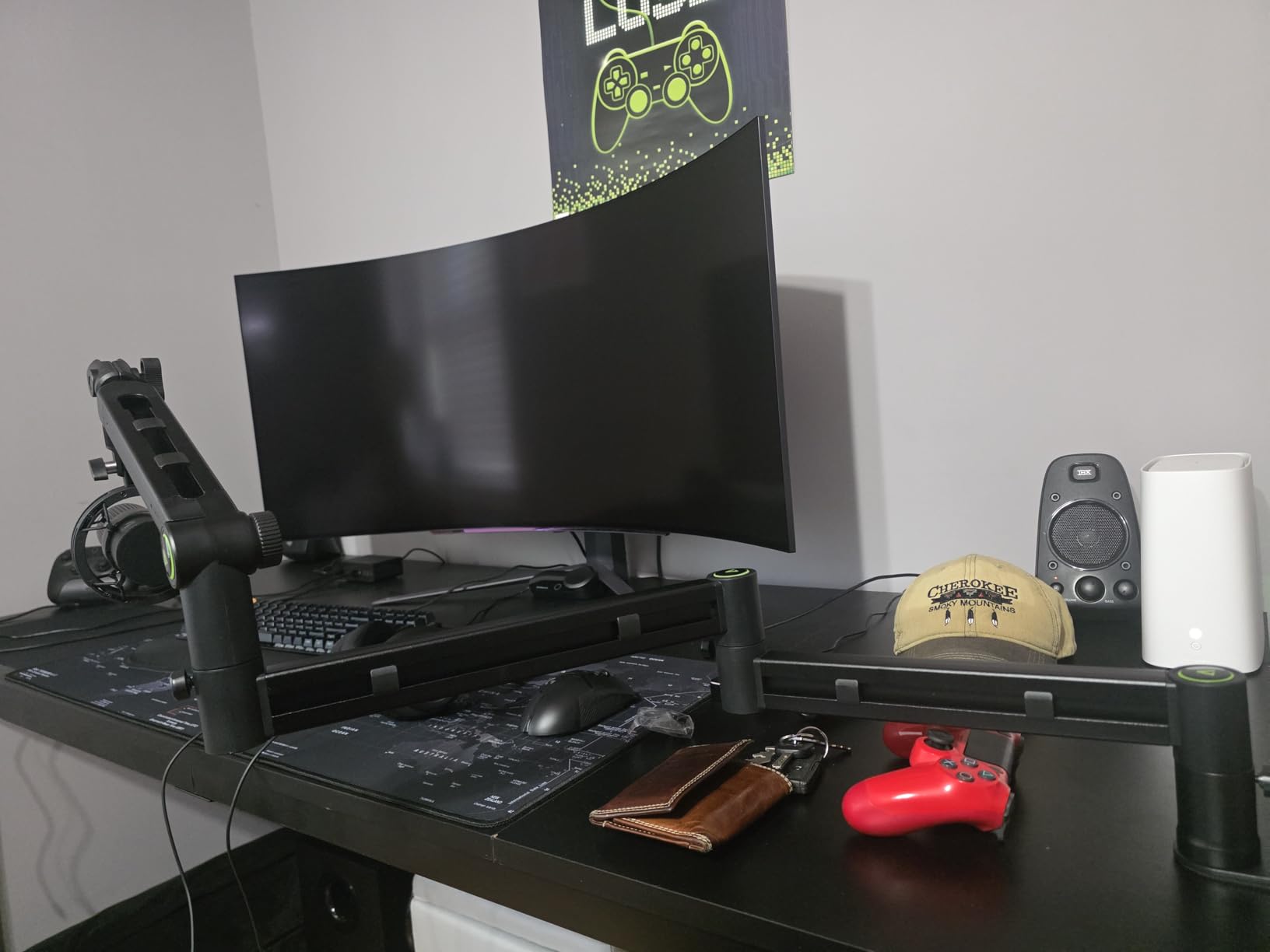
Both arms rotate 360 degrees and the mic arm swings 180 degrees up and down, and the arm runs across the bottom of the screen to cut visual obstruction and screen distraction. The underside of the arm doubles as a cable hide and clip, which removes the need for separate straps.
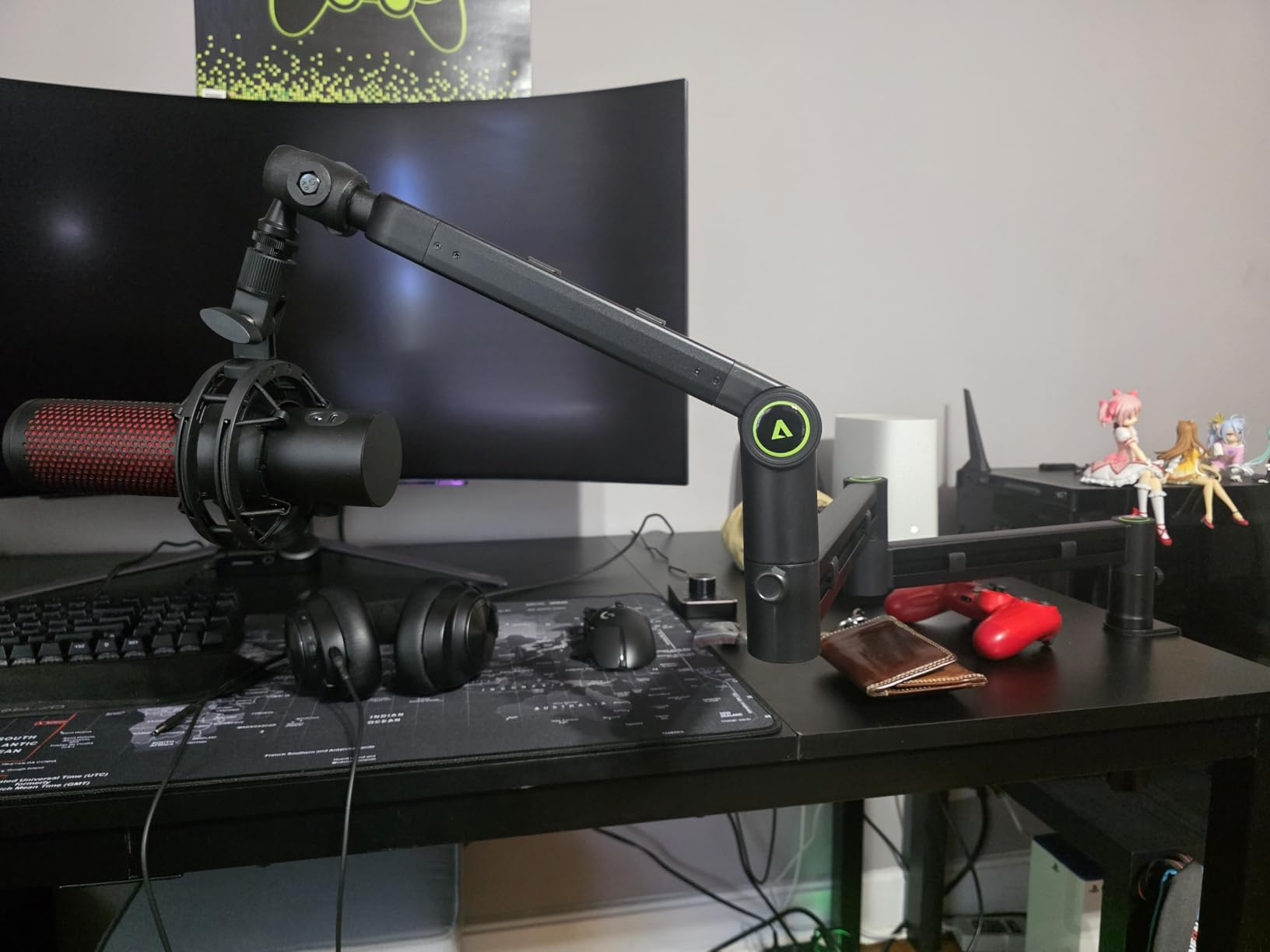
Steel forging construction is used specifically to resist deformation over long-term use, and 3/8 to 1/4 inch and 3/8 to 5/8 inch adapters are included alongside a 2 kg load capacity. That capacity covers a Shure MV7 or SM7B with a shock mount, which is more than most low-profile arms offer.
Two limits stand out. Desk compatibility is restricted to tables under 7 cm thick, so a chunky solid wood top is out, and the review base at roughly 727 ratings is the smallest here – a newer product with a smaller track record. The microphone is not included.
Where this arm shines
On a single-monitor desk where you want the microphone out of the camera frame and the cable run invisible. Gamers and streamers who value a clean, low centre of gravity setup consistently rate it as one of the more stable arms they have owned.
Where it falls short
It falls short on thick desks and on anyone who wants to lean on a long review history. If you are furnishing a studio room with a solid wood desk, check the 7 cm limit before ordering. If you want the strongest guarantee, the Elgato arm carries a two-year warranty.
10. Sensic SA-30 – Best Overhead Reach with a Riser and Grommet Mount
- Very long arm with true 360 degree rotation
- Includes a 6 inch riser to hang the mic over a monitor
- Table clamp plus a grommet mount in the box
- 1.97 kg build stays rigid under a heavier mic
- Cable channel along the top of the arm
- Tension needs adjusting after setup
- Bulky base is awkward in tight spaces
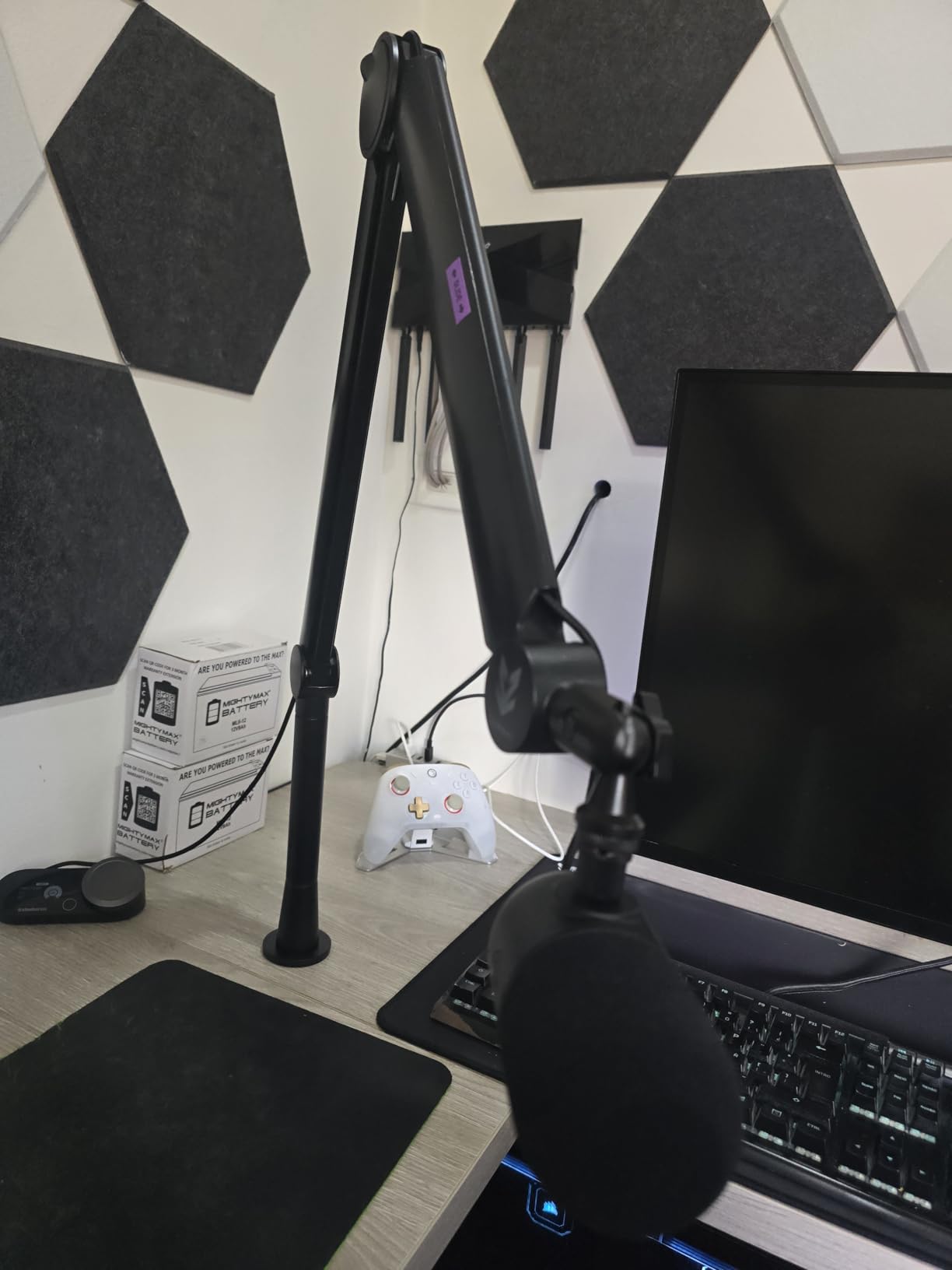
The SA-30 answers the request forum users make most often: an arm that comes from overhead. It includes a 6 inch riser, so with the extension fitted the microphone can hang over a monitor instead of reaching in from the side.
Reach is the headline. True 360 degree rotation on a very long arm lets the mic be pulled right across the desk and over a 24 inch monitor, and a 1/4 inch DSLR screw, 3/8 to 5/8 inch adapter, mic clip, table clamp and a grommet mount are all included – the only arm in this list with both mounting styles in the box.
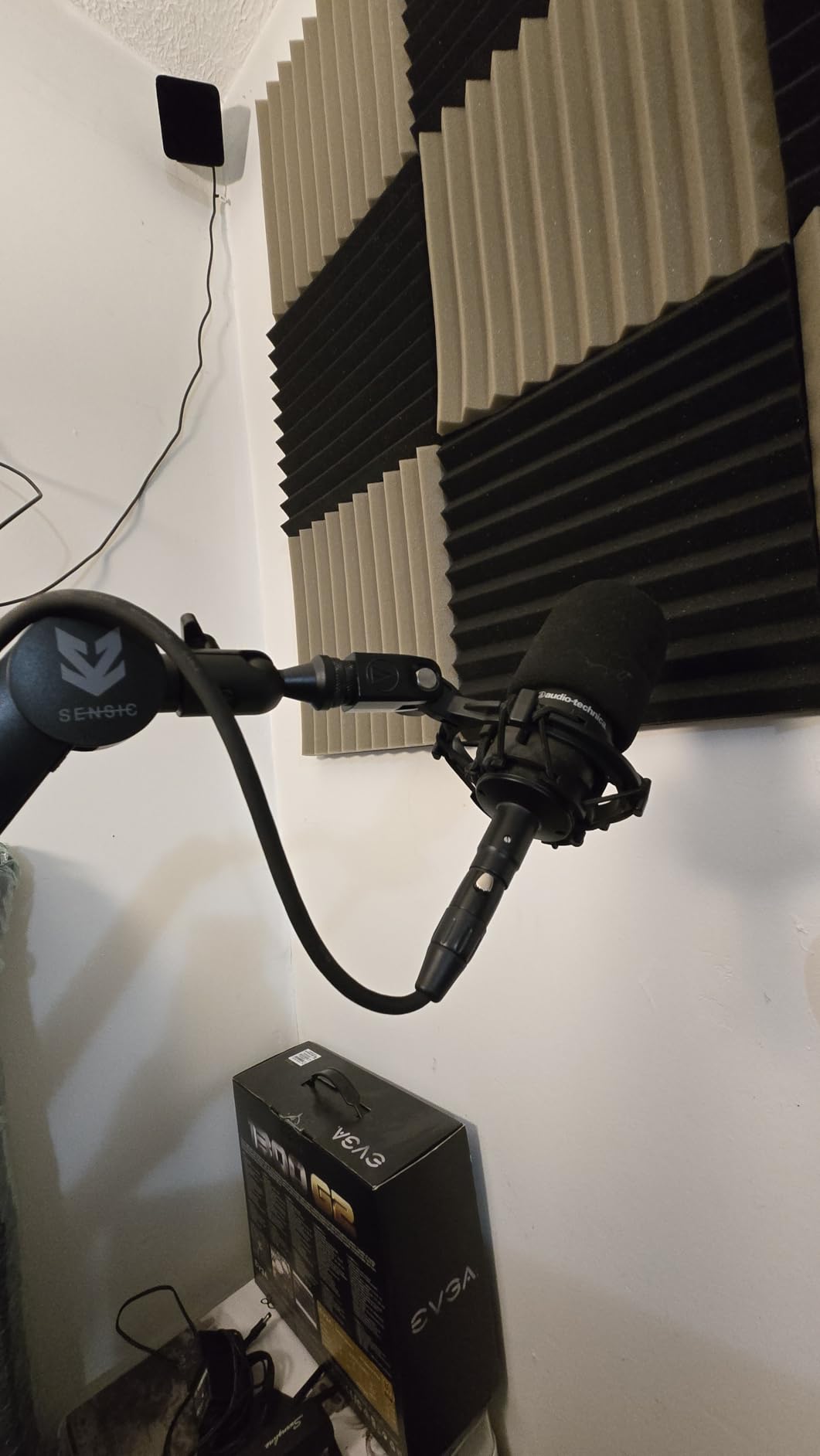
At 1.97 kg the build is heavy in a good way. Owners report it staying rigid under a heavier microphone such as the Rode NT-1, and repositioning is smooth and noticeably quiet compared with spring arms. Machining tolerances are tight, so the riser and arm sections fit accurately, and a cable channel along the top of the arm holds an XLR run while still allowing slack.
Tension usually needs adjusting after setup because the arm returns toward its default height, and the section that slides into the base is a reported failure point that can crack. The base connection is bulky, which makes installation awkward in tight desk spaces, and with 24 inch or larger monitors mounted behind, the arm limits how far the mic can be pulled forward. The 1000 g recommended load is modest for large condensers.
Who should use the riser
Voiceover artists and narrators reading scripts, and anyone whose monitor blocks a side-mounted arm. The riser plus 360 degree rotation is the closest thing in this roundup to the overhead arms that podcasters ask for by name.
Why the grommet mount matters
Because it is the answer for desks where no clamp will work. If your desk has an existing cable port, a grommet mount is permanent, vibration-isolated and takes up zero edge space. It is also the mount to choose if your desk has a rail or crossbar under the edge that defeats every clamp.
11. AA AUDIO ACCESSORY Low Profile Arm – Best Gear-Lock Option for Heavy Mics
- Highest stated load capacity tested at 6.6 lb
- Gear-lock instead of springs so it does not creep
- 780 mm reach
- Deep cable channels for multiple cables
- Includes 3/8 to 5/8 and 3/8 to 1/4 inch adapters
- Mic-end joint has a limited tilt arc
- Acoustic shields will not sit upright
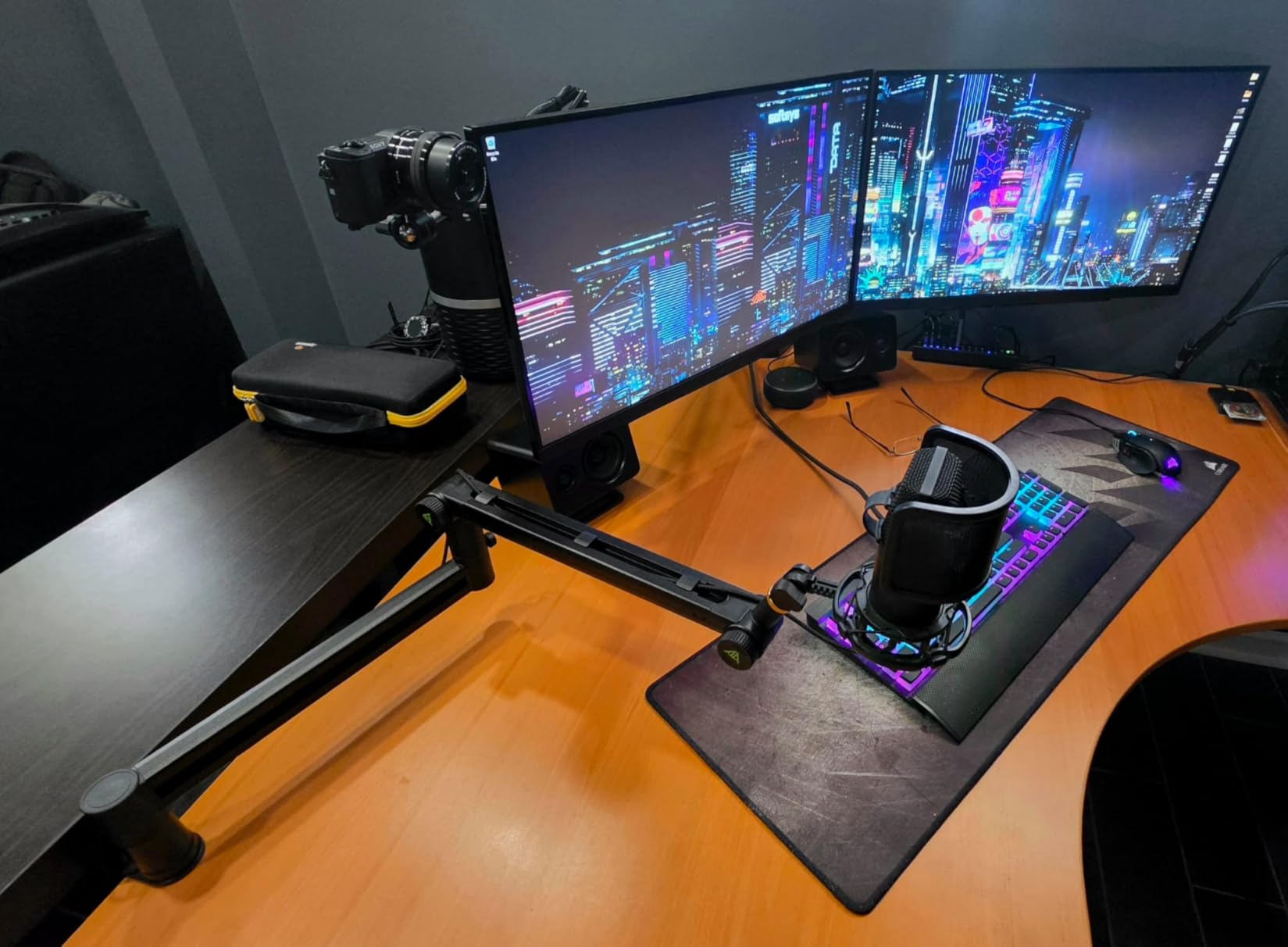
This arm was designed around a specific problem: heavy microphones make spring arms creep. Instead of springs, it uses a gear-lock mechanism, so the arm stays rigid without slowly sinking – the single most common complaint we read about spring-loaded arms.
The load rating is 6.6 lb, the highest stated capacity of anything we tested, built specifically for broadcast-weight microphones. Construction is aluminum alloy and glass-fiber nylon composite with 40 x 25 mm ultra-thick reinforced arm sections, and rotation covers 360 degree horizontal with 120 degree vertical.
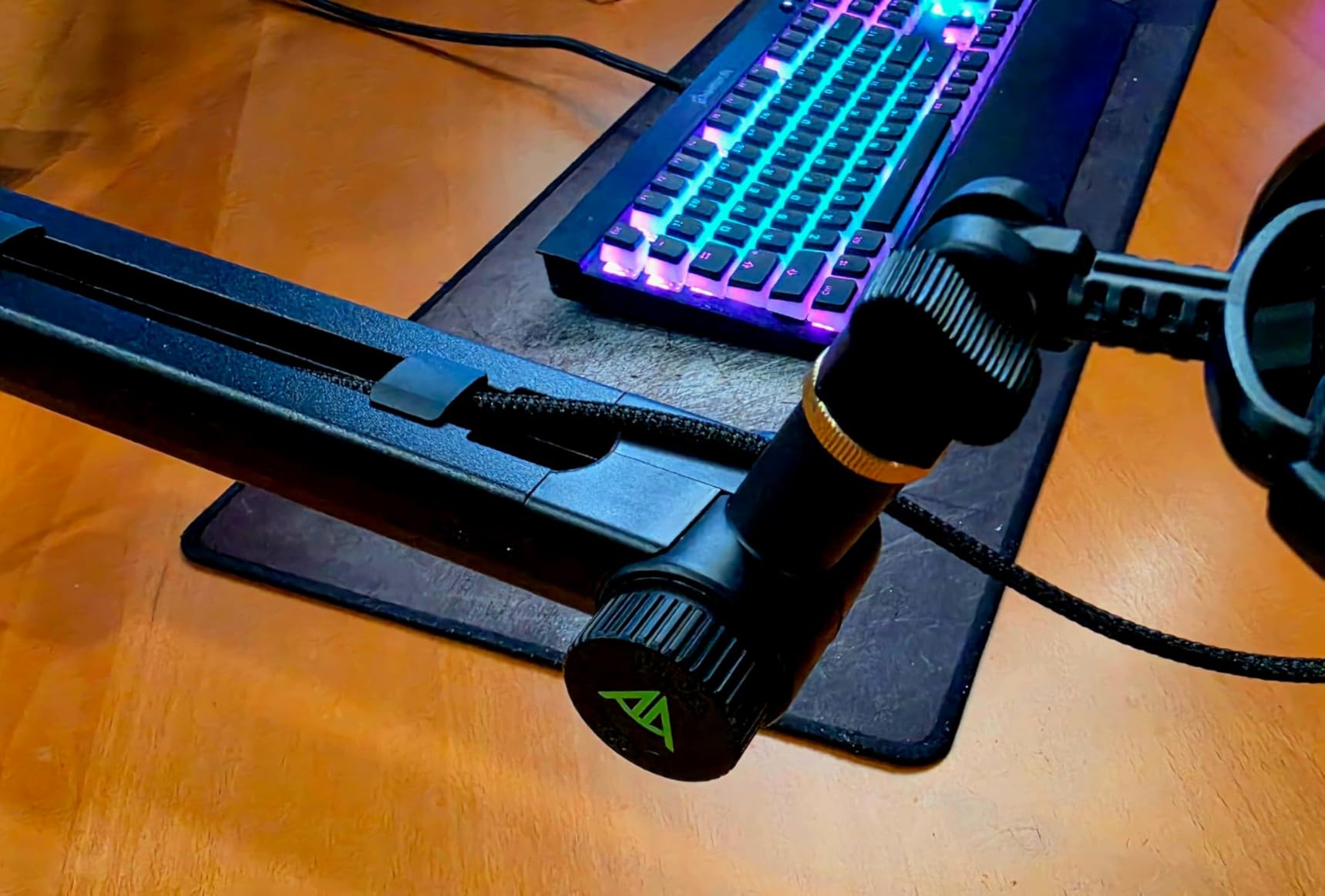
Reach is 780 mm, 40 mm longer than a standard arm, and deep cable channels route multiple cables along the top and underside. Tool-free knob adjustments make repositioning quick. It is listed as working with Shure SM7B, SM7dB, MV7, MV7+ and MV7X, Rode PodMic, AT2020 and AT2035, Fifine AM8 and K669B, HyperX QuadCast and SoloCast, Snowball iCE, Elgato Wave and Blue Yeti.
The trade-off is the mic-end joint. Its arc is limited, so it cannot tilt fully upright or invert, and that restricted tilt means an acoustic shield or reflection filter will not sit upright on the arm. Some users report sagging under a microphone that is within the stated weight limit, the adjustment knobs are plastic rather than metal, and there are no printed instructions in the box.
Why gear-lock beats springs here
A spring arm balances against a narrow band of weights, and every adjustment you make changes the balance. A gear-lock arm clamps at a fixed angle and stays there, which is why this one holds heavy microphones such as the Shure SM7B and MV7+ without creeping. For a studio where the mic is never moved after setup, that is the better mechanism.
When to choose a spring arm instead
When you reposition constantly – for example reaching around a keyboard between a gaming session and a call. Spring arms move with one hand; a gear-lock arm needs two. If you also use a reflection filter, skip this one entirely and look at the Elgato or FIFINE options.
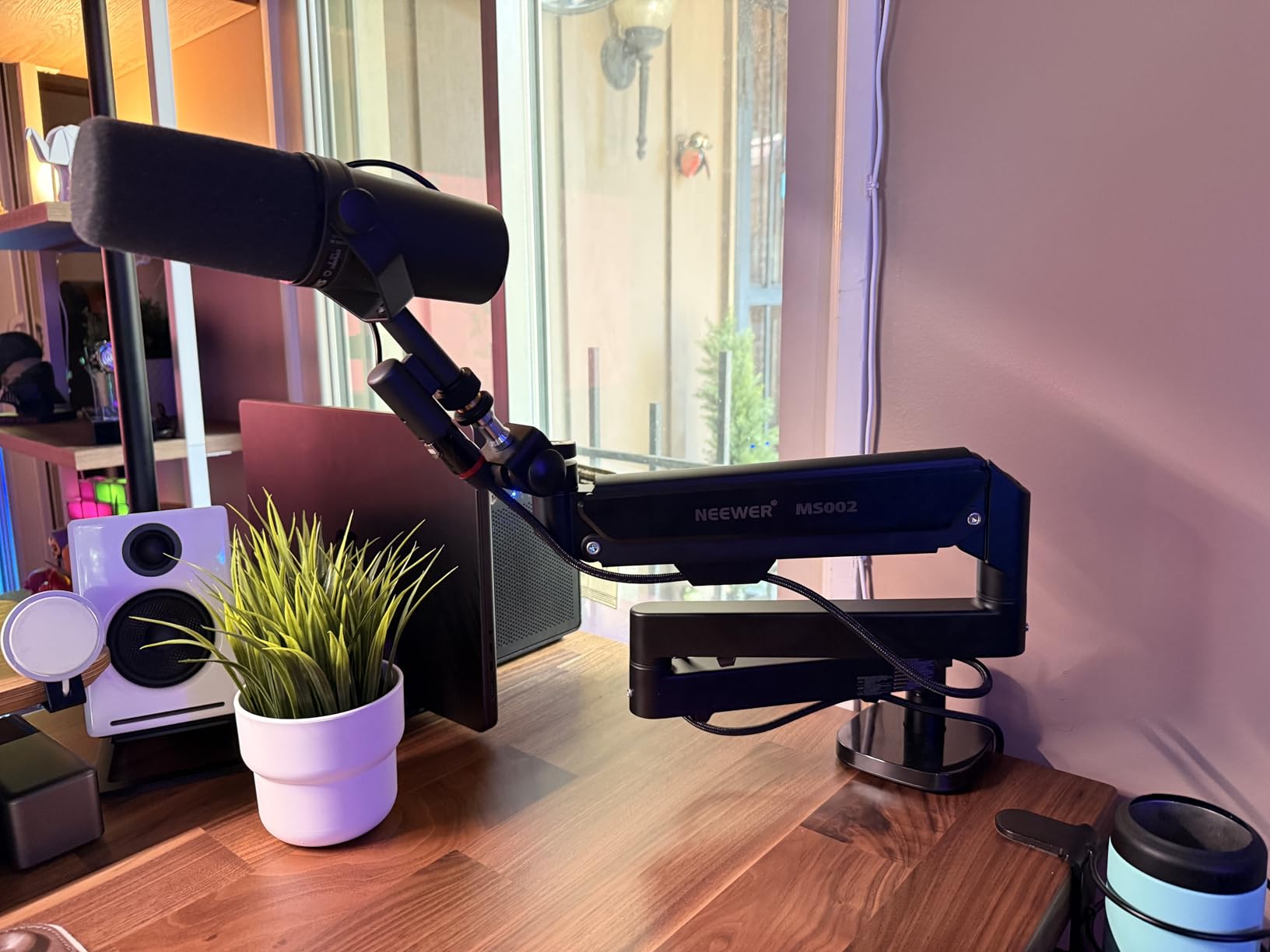
12. NEEWER MS002 – Best Reach and Thickest Clamp Range
NEEWER Low Profile Mic Arm Desk Mount, with Pneumatic Damping, 360°, MS002
- Pneumatic damping balances mics up to 5.5 lb
- 30.2 inch horizontal reach
- CNC aluminum and stainless steel construction
- Enlarged C-clamp grips 0.4 to 3.1 inch desks
- Multiple hidden cable channels
- Heaviest arm tested at 7.1 lb
- Joint tension cannot be fully locked
The MS002 uses an adjustable pneumatic piston rather than a coil spring, which is why it balances a 5.5 lb microphone smoothly where a spring arm would only manage the middle of its range. Piston damping also means the arm does not oscillate when you touch it.
It is the most capable arm geometrically. Reach extends 30.2 inch horizontally and 11.9 inch vertically, the longest published reach of the arms here, and the enlarged desktop C-clamp with non-slip pads grips desks from 0.4 to 3.1 inch thick – by far the widest range in this roundup and the answer to thick-top frustration.
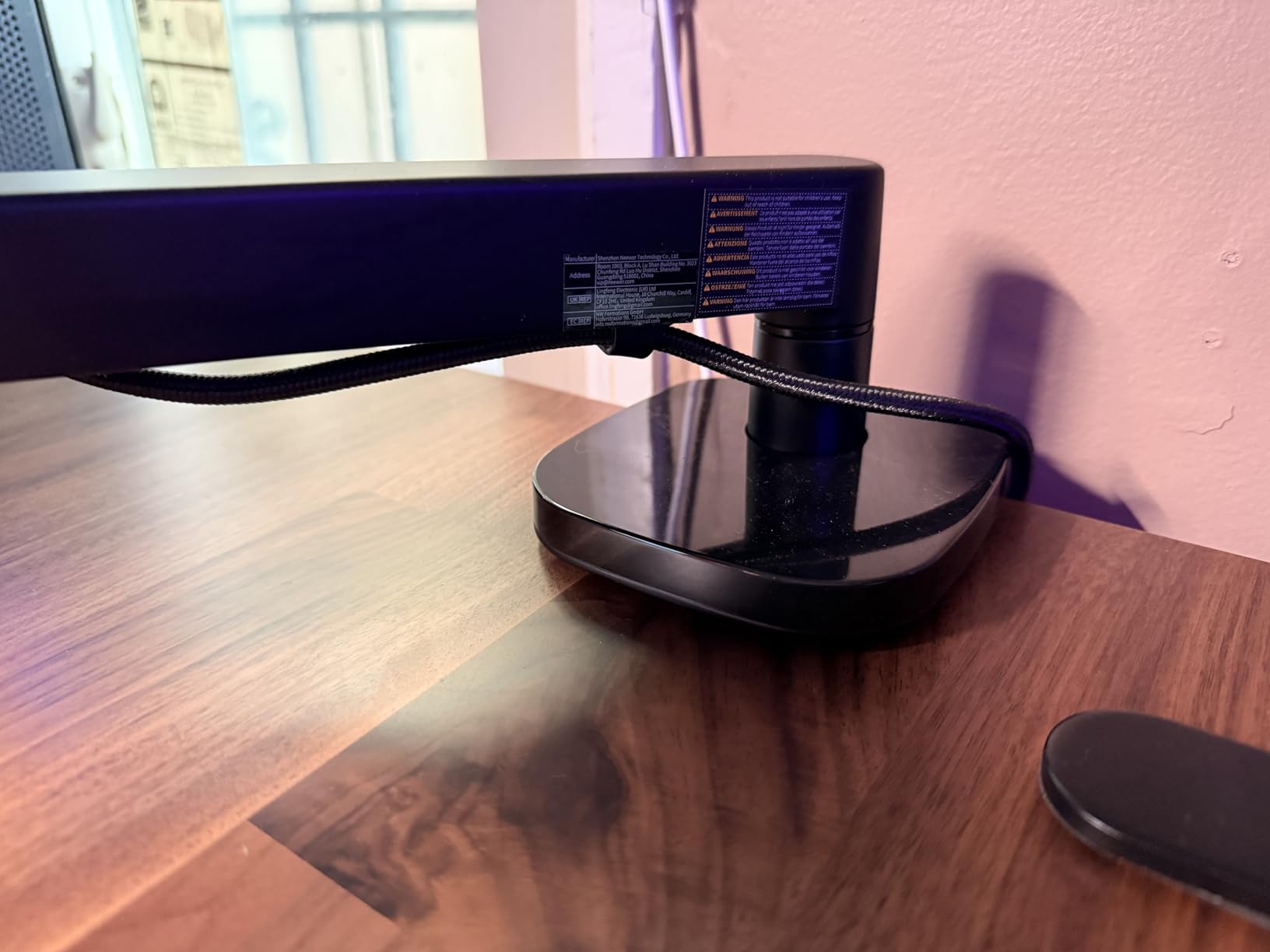
Build is CNC-machined aluminum and stainless steel, which resists rust and adds stability. The bottom bracket pans 360 degrees, the mic mount swivels 360 degrees with 160 degrees of tilt, and multiple cable channels conceal wiring. The top 1/4 inch screw also accepts cameras, monitors, LED video lights and phone holders, so one clamp can carry a camera when the mic is not in use.
At 7.1 lb it is the heaviest arm in the roundup, which is a real strain to reposition. Joint tension cannot be fully locked, so fine positioning means repeated hex key adjustment, and the manufacturer warns that the pneumatic arm can bounce back sharply – do not face it while adjusting.
Where pneumatic damping wins
With a heavy condenser, and on a thick desk. The 5.5 lb ceiling and the piston damping handle a Shure SM7B, SM7dB or MV7 with a shock mount without the creep that lighter arms show, and the 0.4 to 3.1 inch clamp range swallows thick wooden tops and thin laminate alike.
Where it becomes a burden
If you move the arm more than once a day. At 7.1 lb this is a two-handed lift, and the low profile height of 3.7 to 15.6 inch can interfere with typing on very low monitor stands. The 4.5 rating across roughly 410 reviews is solid but rests on a smaller review base than the budget arms above.
How to Choose a Microphone Boom Arm
1. Work out your total payload, then add 25 percent headroom
Most people compare the wrong number. Weight capacity is not the weight of your microphone – it is the combined weight of the microphone, the shock mount, the pop filter, the adapter and the cable. Add those together, then add a quarter more as headroom.
A USB condenser at roughly 2 lb plus a shock mount and pop filter can reach 3 lb of total load. If the arm is rated 3.3 lb, you are running at 90 percent of capacity, and a slow sag is the expected result rather than a defect. This is the mechanism behind most “it sagged after a month” reports we read in forums.
2. Check reach and payload together, not separately
Rotational force rises with distance. A 1.5 lb microphone sitting close to the clamp may sit perfectly, while the same microphone at full extension can droop even though the arm is within its stated capacity. Long-reach arms therefore need proportionally stiffer springs, thicker tubing or a gear-lock mechanism.
This is the trade-off behind every pick on this list. The InnoGear MU01 uses internal springs rated above its class to compensate for a scissor geometry that puts the mic far from the clamp. The AA AUDIO arm sidesteps the maths entirely with a gear lock. The NEEWER MS002 uses a piston because a coil spring cannot cover a 5.5 lb range smoothly.
3. Choose clamp, grommet or overhead by desk shape
A desk clamp is the default and needs only a flat, squared edge. A grommet mount passes an arm through an existing cable port in the desktop, which is permanent, takes up no edge space and adds no clamp weight to the edge. An overhead arm hangs from above, usually with a riser, and is the answer when the mic must clear a large monitor.
Sensic is the only arm here that includes both a table clamp and a grommet mount, which makes it the flexible choice if you may move desks. Sit-stand users should note that a clamp on a moving frame needs re-checking every few months, since the frame geometry changes with the desk height.
4. Pick scissor or low-profile by camera framing
Traditional scissor arms arch upward and sit between you and the monitor. They reach further and are better for narration, but they intrude on a camera frame and can collide with an ultrawide monitor. Low-profile arms run along the front edge of the desk and underneath the monitor, staying out of frame and out of the way of your typing.
If your setup is visible on camera, low-profile is the correct choice: the FIFINE BM88, Elgato Wave Mic Arm LP, Aokeo AK-58i, AA AUDIO arm and NEEWER MS002 all keep the microphone below the shoulder line. If you narrate, read scripts or record acoustic instruments, the scissor arms and the Sensic riser give you the distance you need.
5. Confirm thread sizes before you buy
Microphones mount on one of three thread sizes: 1/4 inch for DSLR-style gear and many USB microphones, 3/8 inch for most shock mounts, and 5/8 inch for broadcast microphones. Nearly every USB microphone ships with a desk stand that you must unscrew before an arm will accept it, and adapters are frequently the missing piece in an otherwise complete kit.
Check which adapters are in the box rather than assuming. The FIFINE BM88 includes 1/4, 3/8 and 5/8 inch adapters pre-fitted, the NEEWER MS002 includes 1/4 to 3/8 and 1/4 to 5/8 inch adapters plus three hex keys, and the Sensic SA-30 includes a 1/4 inch DSLR screw. The InnoGear MU01 includes a 5/8 to 3/8 inch adapter and a mic clip, which covers the common USB condenser case.
6. Treat cable management as a buying feature
An arm that carries its own cable solves two problems at once: cables stop hanging into frame, and they stop tapping against the arm and adding vibration noise to the recording. Internal channels – as on the Rode PSA1+, InnoGear MU028, FIFINE BM88 and NEEWER MS002 – hide the run completely. Magnetic covers, as on the Elgato arm, hide it and let you open a section without unthreading velcro.
Budget arms often bundle velcro straps instead, as the TONOR T20 does. That is a reasonable compromise, but budget for the fact that straps need re-wrapping when you move the arm. If you route an XLR cable, check the channel opening size – a stiff cable can pop out of a shallow channel.
7. Look for double pivots and a lockable mic head
An r/desksetup owner bought a NEEWER arm specifically because the double pivot kept the microphone in the same orientation when height changed, and TONOR was named as a value alternative with the same benefit. Single-pivot arms let the mic tilt every time you adjust, which means re-aiming it constantly.
Check whether the mic-end joint can be locked at a fixed angle. Arms with an unlocked ball joint or swivel pin – including the InnoGear MU01 and MU028 – need re-aiming. A rotatable ball head, as on the FIFINE BM88, or a gear-lock joint, as on the AA AUDIO arm, holds orientation once set.
8. Consider joint longevity before accessories
The most useful question we can ask about any arm is whether it still holds position after months of daily repositioning. Springs lose tension over multi-year use, as some InnoGear MU028 owners report, and plastic knobs crack where metal survives. Arms with all-metal construction and a machine-screw clamp – the Elgato, Rode and Sensic options here – tend to age more predictably.
If your desk surface is soft or finished wood, a sponge-padded or anti-scratch clamp jaw matters as much as the load rating. Pads appear on the InnoGear MU028, SUNMON, NEEWER MS002 and Elgato arms. If you work at a sit-stand desk, a non-slip pad also stops the clamp creeping as the frame moves.
If the Clamp Will Not Fit Your Desk
This is the problem forum users hit most often, and it is worth solving before you buy anything. The failure is almost never about desk thickness. It is about what sits underneath the edge.
An r/microphone poster with a 1 inch wide rail running around the underside of their desk found that the bracing screw on an off-the-shelf clamp could not reach the underside, and after considering 3D-printed solutions they could not find one that worked. That single thread is the reason this section exists.
Measure your throat clearance before ordering. Slide a ruler up against the underside of your desktop and note the gap between the underside surface and any obstruction, then compare it against the clamp opening in the table above. Every arm in this roundup lists its maximum desktop thickness: the SUNMON takes 1.89 inch, the InnoGear pair and Rode take 2 inch and 70 mm, the FIFINE BM88 starts at 0.8 inch and reaches 2.4 inch, the TONOR T20 reaches 2.4 inch, and the NEEWER MS002 spans 0.4 to 3.1 inch.
Four desk shapes break ordinary clamps. Underside rails and crossbars reduce clearance along the whole edge. Power bars and cable trays mounted under the back edge occupy the exact zone a clamp needs. Curved, beveled and glass-topped desks have no squared edge to grip, and pads can slip on a bevelled surface. Sit-stand frames move, so any clamp needs re-checking as the frame articulates.
Where a clamp will not work, you have three routes. A grommet mount passes an arm through an existing cable port and is the cleanest permanent fix – the Sensic SA-30 ships with one. An overhead or wall-mounted arm removes the desk edge from the equation entirely, which is the right answer for a floating glass desk in a small room. For a portable setup, r/podcast users pair a tripod extender with a SuperClamp when desk clamp space is unavailable, which works on any surface with room for a tripod footprint.
If your desk has none of those problems, stop over-thinking it. Clamp to the thickest, flattest part of the edge, away from the rail, and tighten until the jaw is firm but the pad is not compressed flat.
Where to Mount Your Boom Arm on Your Desk
Placement decides whether an arm feels good, more than the arm itself. Five steps, in this order, and you will not have to redo any of them.
Clamp to the thickest, flattest section of the desk edge, clear of any rail, crossbar or power bar under the underside.
Test the swing with no microphone attached. Move the arm through the full range you plan to use and check that it does not hit a monitor, a lamp or the back wall.
Fit the correct thread adapter, then attach the microphone and any shock mount or pop filter before you touch tension.
Route the cable along the arm or through its channel with a small amount of slack at the mic end, so the cable never pulls the arm down.
Balance tension last. Set the arm at your working position and adjust the spring or knob until it holds with no drift in either direction.
If you are still deciding on the wider setup, our guide to the best monitor arms covers how to free desk space for an arm, and our microphone stand comparison is useful if you record away from a desk entirely.
Frequently Asked Questions
Are boom arms worth it?
For almost anyone who records regularly, yes. A microphone boom arm moves the mic off the desk surface, closer to your mouth, and away from keyboard and mouse vibration. The arm does not change the sound of the microphone itself – it changes distance, isolation and desk noise. The practical return is consistency: the mic stays where you put it instead of needing re-aiming every session.
Does a boom arm make your mic sound better?
Indirectly, yes. The arm cannot change the tone of the microphone, but getting the mic closer to your mouth at the correct angle improves the signal-to-noise ratio, and taking it off the desk removes the thump of typing and mouse clicks from the recording. A shock mount plus a boom arm is the combination that produces the biggest audible difference.
Where to put mic boom arm on desk?
Clamp to the thickest, flattest section of the desk edge, clear of any rail, crossbar or power bar underneath. Then test the full swing with no microphone attached, checking that the arm does not hit a monitor or wall. Add the microphone and accessories, route the cable with slight slack, and adjust the spring tension last so the arm holds at your working position.
What boom arm do most streamers use?
Low-profile arms dominate streaming setups, because a scissor-style arm arches into the camera frame. In this roundup the FIFINE BM88, Elgato Wave Mic Arm LP and Aokeo AK-58i are the most common shapes of that style: all sit below the shoulder line and route cables internally. The RODE PSA1+ remains the most recognisable name in podcast circles, where the microphone is usually off camera.
What mic boom arm does Joe Rogan use?
A RODE PSA1 or its newer PSA1+ is the arm most commonly cited for broadcast-style podcast studios, largely because RODE makes both the arm and the SM7B-class microphones used alongside it. We did not confirm a specific setup, so treat this as the commonly used answer rather than a verified fact. The important point is that the arm does not change microphone quality – it changes position and isolation.
What is the holy grail of microphones?
There is no single holy grail, but the most widely regarded top tier is the broadcast condenser class – the Shure SM7B, SM7dB and Rode K2, alongside the Neumann and Austrian Audio large-diaphragm condensers. Our advice for this category is different: get the arm right first, because a badly positioned entry-level microphone will always lose to a well-positioned cheaper one.
Our Verdict on the Best Microphone Boom Arms for Desks
The TONOR T20 is our pick for the best microphone boom arms for desks because it removes every reason to buy a second accessory. A 4 lb steel load rating, a clamp that grips desktops up to 2.4 inch thick, and a box that already contains a pop filter, foam cover, mic clip, adapters and cable ties make it the shortest path from a desk-stand microphone to a working setup.
Pick a different one when your desk dictates it. On camera, take the Elgato Wave Mic Arm LP for its magnetic cable channels and two-year warranty, or the FIFINE BM88 for a lower-cost metal version of the same geometry. For a heavy broadcast microphone, the AA AUDIO ACCESSORY arm’s gear-lock mechanism and 6.6 lb rating beat every spring arm on the list. For thick desktops, the NEEWER MS002 clamps from 0.4 to 3.1 inch. For overhead reach, the Sensic SA-30 includes a riser and a grommet mount.
Before you order anything, measure the clearance under your desk edge and total your load including the shock mount and pop filter, then add a quarter. Those two numbers decide more than the badge on the box. If you also need a place to put the microphone when you are not recording, our guide to the best boom poles covers the free-standing options.