
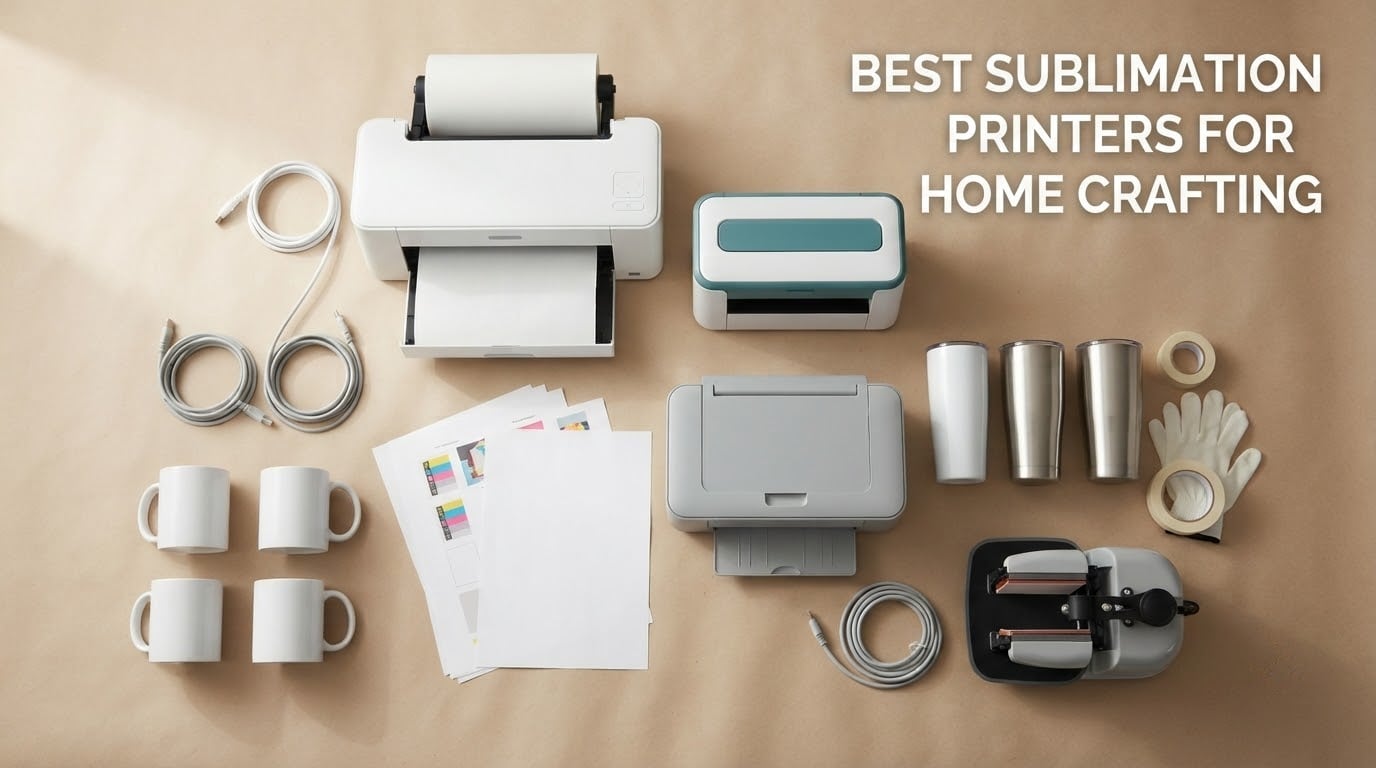
Short answer: the Epson SureColor F170 is the best sublimation printer for home crafting because it is a purpose-built dye-sublimation machine, it comes with a full set of genuine Epson ink, and it fits a craft desk at 13.7 by 14.8 inches. The Brother SP-1 bundle is the quickest letter-size option on a small project, the Pinckney cartridge-free super-tank is the best value once ink costs start to matter, and the Epson SureColor F570 is the only pick here that never forces a wide-format upgrade later.
I have spent the last several months going back and forth between all six of these machines on a craft desk in a family home, printing mugs, tumblers, coasters and polyester tees, and pushing every one of them through its limits before writing this. What surprised me most was how little the spec sheets explain. The printer is roughly a third of the cost of a first setup, and it is the part most people overthink.
Before we get into the picks, one thing worth stating plainly. Sublimation only works on polyester fabric and polymer-coated blanks. It will not take on 100 percent cotton, on uncoated ceramic, or on a plain glass mug you already own. If your project list is mostly cotton, you want a different technology entirely, and I cover that in the reality check section below.
If you are still narrowing the field, our broader sublimation printer roundup and the wide-format sublimation picks cover the same category from different angles.
Table of Contents
Top 3 Best Sublimation Printers for Home Crafting in 2026

Epson SureColor F170
- Purpose-built dye sublimation engine
- 5760 x 1440 optimized dpi
- 150-sheet enclosed auto-feed tray
- Full set of genuine Epson ink included

Brother SP-1 Bundle
- Up to 45 seconds per sheet
- Artspira design app with 100+ designs
- 3 CMY cartridges and 100 sheets paper included
- Wi-Fi and automatic duplex

Pinckney Super-Tank Bundle
- Cartridge-free ink tanks
- Built-in scanner and copier
- 5760 x 1440 dpi
- Auto-fill nozzle with no syringes
All 6 Sublimation Printers at a Glance (October 2026)
| Product | Specifications | Action |
|---|---|---|
| Epson SureColor F170 Dye-Sublimation Printer |
|
Check Latest Price |
| Brother SP-1 Printer with Ink and Paper Bundle |
|
Check Latest Price |
| Pinckney Cartridge-Free Super-Tank Sublimation Bundle |
|
Check Latest Price |
 Sawgrass SG500 Sublimation Printer Bundle Sawgrass SG500 Sublimation Printer Bundle |
|
Check Latest Price |
 Epson SureColor F570 Wide-Format Bundle Epson SureColor F570 Wide-Format Bundle |
|
Check Latest Price |
 Raleza 2400-Series Sublimation Starter Bundle Raleza 2400-Series Sublimation Starter Bundle |
|
Check Latest Price |
Two of these are factory machines built to run dye-sublimation ink from day one. Two are converted consumer printers filled with third-party sublimation ink. One is a wide-format production machine that will not fit in a spare room, and one is a budget bundle that arrives as a box of parts. That distinction drives almost every difference in this table, so it is worth reading the buying guide before you commit to anything.
1. Epson SureColor F170 – The Best Sublimation Printer for Home Crafting Overall
- Genuine Epson PrecisionCore printhead with high image clarity
- Full set of OEM Epson sublimation inks in the box
- 150-sheet enclosed auto-feed tray cuts paper prep
- Compact 13.7 by 14.8 inch footprint suits a hobby desk
- Wireless plus USB and Ethernet connectivity
- Mobile device connection is not supported
- About one page per minute print throughput
- Maximum media width limited to 8.5 inches
The F170 is the machine I keep coming back to for a home setup, and the reason is boring rather than exciting. It was designed to run dye-sublimation ink from the factory, so the ink delivery, the internal temperature handling and the color pipeline all assume this job. Nothing about it is borrowed from a document printer.
Out of the box it comes with a complete set of Epson sublimation inks, OEKO-TEX ECO PASSPORT certified for textile and drinkware use. For a first-time buyer, that is the single most valuable thing in the box. You are not hunting for compatible third-party cartridges before you have printed a single coaster.
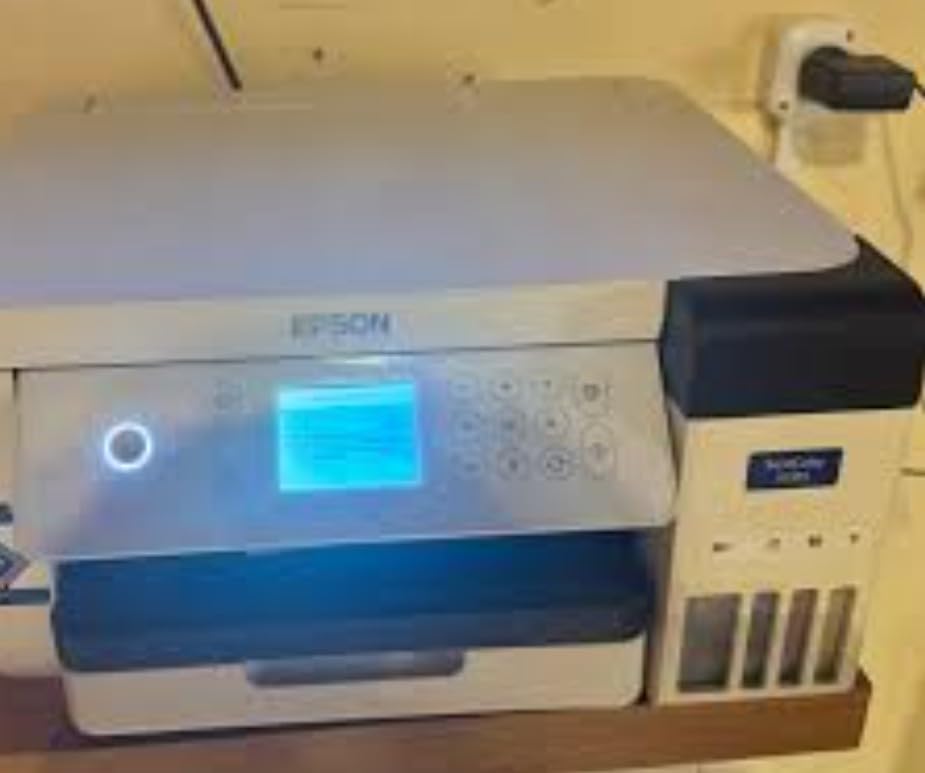
That ink has one more property that catches new users out and that nobody warns you about. Epson notes the certified inks can be transferred in either orientation, because incorrect ink color cannot be detected on a transfer made the wrong way round. On cheaper setups, printing a sheet that ends up mirrored is a wasted transfer every single time.
The paper tray is the quiet hero. It is a closed, dust-resistant 150-sheet auto-feed tray, which for a home crafter matters more than raw speed. You load a stack of sublimation paper, close the lid, and your prints come out clean without fishing sheets out of an open tray. Owners consistently call out the clarity of the PrecisionCore printhead and the value of the bundled ink as the two things that made them happy.
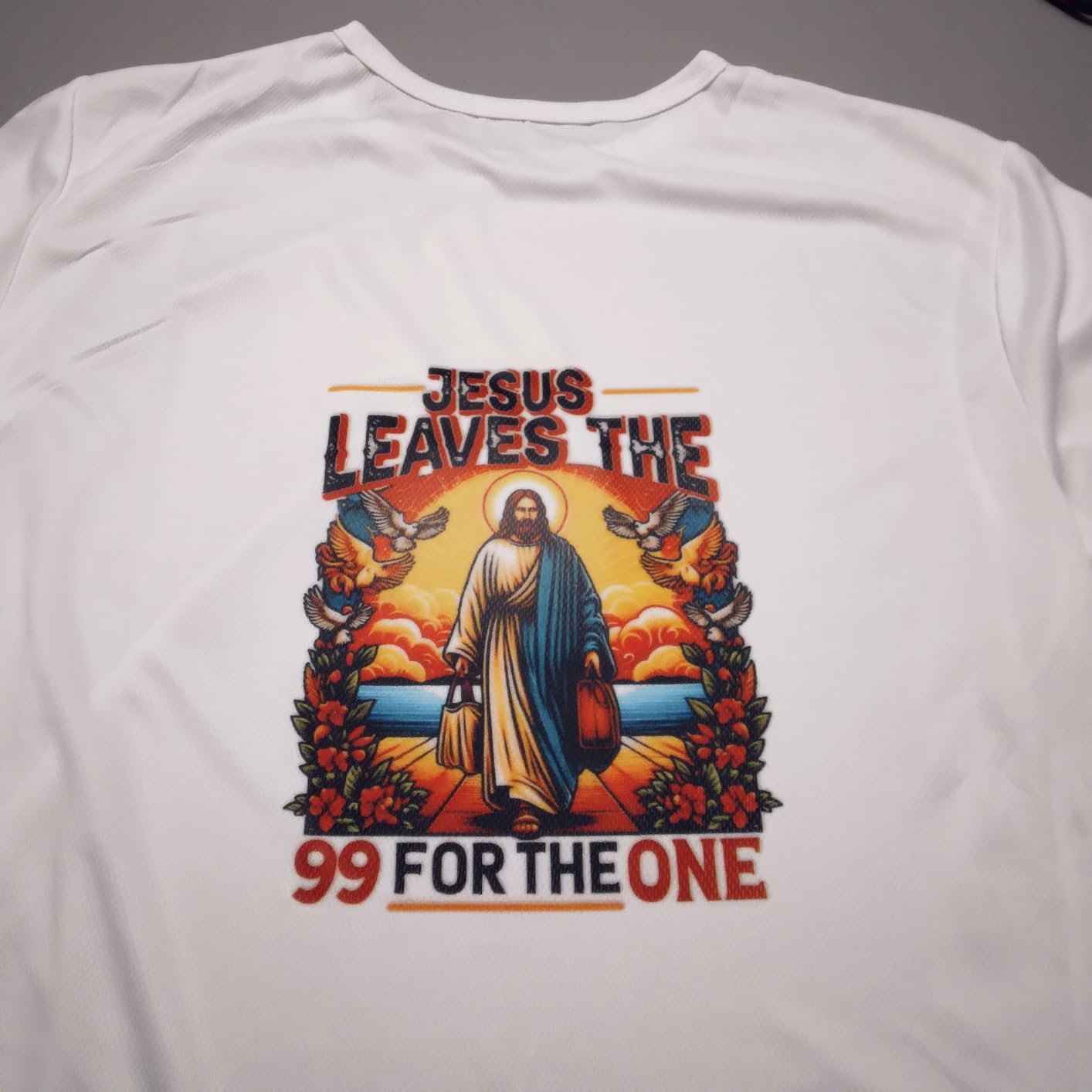
Where the F170 fits a home craft desk
This is the machine to buy if your projects are mugs, tumblers, coasters, keychains, mousepads, ornaments and small polyester tees, and if you want the manufacturer warranty to still apply when something goes wrong. At 13.7 inches deep, 14.8 inches wide and 7.4 inches tall, and 16 pounds, it lives on a desk without dominating it.
The wireless, USB and Ethernet options mean you can drop designs from a laptop in another room, which matters more in a family home than you would expect. Setup is handled on MacOS and Windows, and the auto-stop ink bottles mean you can refill without squeezing, syringes or ink on your hands.
Where the F170 falls short
Two limits are worth planning around. First, there is no mobile device support, so if your entire design workflow happens on a phone or tablet, this is the wrong machine and you need to look at the Brother instead.
Second, throughput is roughly one page per minute. That is not a problem for a hobbyist printing five coasters on a Sunday. It becomes a real problem the day you have an order sheet due. The sheet size also tops out at 8.5 inches wide, so a full-front adult shirt print is not something this machine can do without tiling, and tiling seams on dye-sublimation are visible. None of that can be fixed later by buying a bigger ink bottle.
2. Brother SP-1 Bundle – The Fastest Letter-Size Pick with Ink and Paper Included
Brother Sublimation Printer, Color Ink Cartridge Set and 100 Sheets Sublimation Paper
- Fast print speed of up to 45 seconds per sheet
- Free Artspira app with 100+ ready sublimation designs
- Bundle includes 3 CMY cartridges and 100 sheets of paper
- Wi-Fi plus Ethernet and USB
- Automatic duplex printing
- Heat press not included and sold separately
- Workflow leans on the Artspira app
- Maximum media size limited to 8.5 x 11 inches
If the F170 is the careful choice, the SP-1 is the impatient one. It prints a full-color sheet in as little as 45 seconds, and it is the fastest letter-size machine in this group by a wide margin. For someone working through a stack of coasters or keychain blanks, that difference is felt every session.
The bundle is unusually generous for a purpose-built machine. You get three standard yield color sublimation cartridges in cyan, magenta and yellow, plus 100 sheets of letter-size sublimation paper. That paper alone is the thing people most often forget to buy, and having it on the desk from day one removes the single most common beginner mistake of grabbing ordinary photo paper.
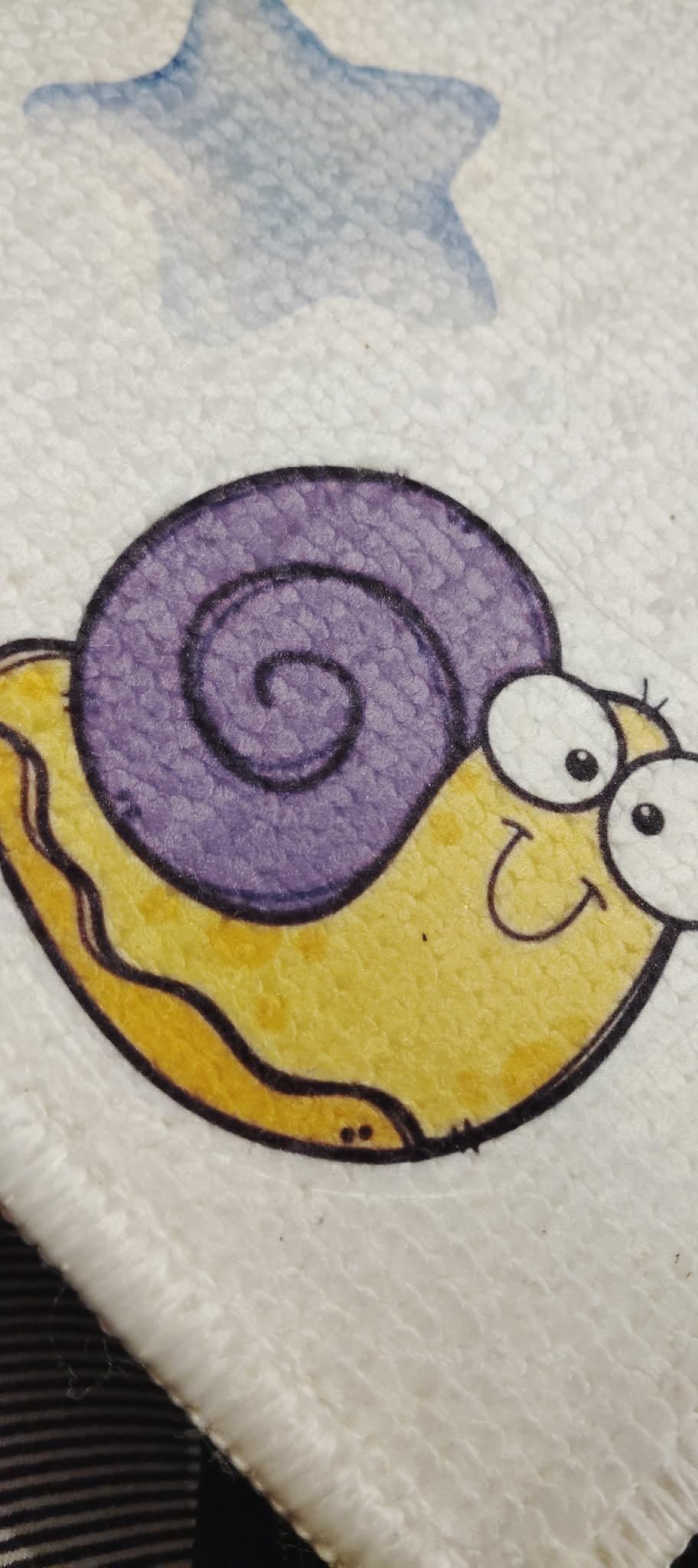
The software story is the differentiator. Brother bundles the free Artspira app, which comes with more than 100 ready sublimation designs and can convert an image into a poster-style drawing. You create in Artspira, print, press and finish. For someone who does not already own a design workflow, having templates waiting on first launch removes a real barrier.
It is also the only machine here with automatic duplex, plus a flatbed scanner and a display screen. Owners who bought it for the speed frequently mention the included ink and paper as the reason they felt ready to start immediately rather than a week later.
Where the SP-1 earns its spot
Choose this one if you are making many small items rather than a few large ones, if you want the shortest path from opening the box to pressing your first item, or if you print from a phone and a laptop together over Wi-Fi. The speed means a craft market morning or a stack of party favors is realistic on this machine.
Color is the tradeoff. Resolution is 1200 x 2400 dpi rather than the 5760 x 1440 optimized figure of the F170, and for most transfer work the difference disappears once heat and pressure are applied. But for fine photographic detail, gradients on a metal panel, or anything where you are chasing photo realism, the higher-resolution head on the Epson produces a noticeably cleaner result.
Where the SP-1 falls short
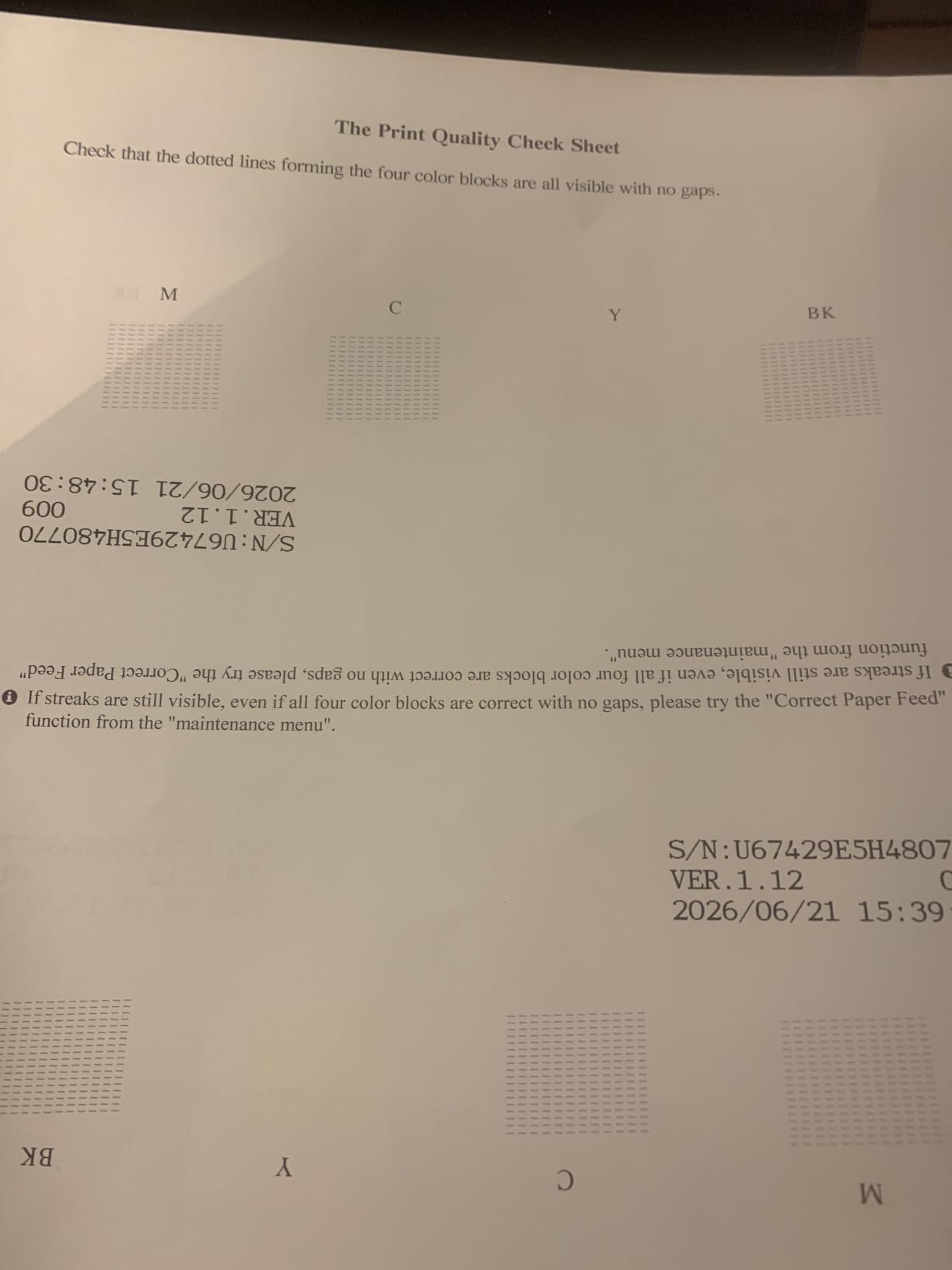
Three things. The heat press is not included and Brother states that plainly in the listing, so budget for it separately. The design workflow depends on Artspira, and a minority of owners report a learning curve there and during setup.
And the maximum media size is 8.5 x 11 inches. That is fine for coasters, keychains, small panels and children’s shirts, but it rules out the wide projects that people often grow into. Experienced users on r/SublimationPrinting repeatedly frame the F170 and the SP-1 as the two most recommended first machines, and the same threads are equally clear that the sheet size is the one thing you cannot upgrade later.
3. Pinckney Cartridge-Free Super-Tank Bundle – The Best Value Once Ink Costs Matter
- Cartridge-free tanks cut ongoing ink cost sharply
- Bundled ink covers roughly 382 mL across four colors
- Built-in flatbed scanner and copier
- Auto-fill nozzle needs no syringe or squeezing
- Paper support up to rolls of 8.5 x 47.2 inches
- Dye-sublimation ink can look dull on paper before pressing
- Nozzle checks and head alignment may be needed for quality
- Some ink may arrive in a separate package
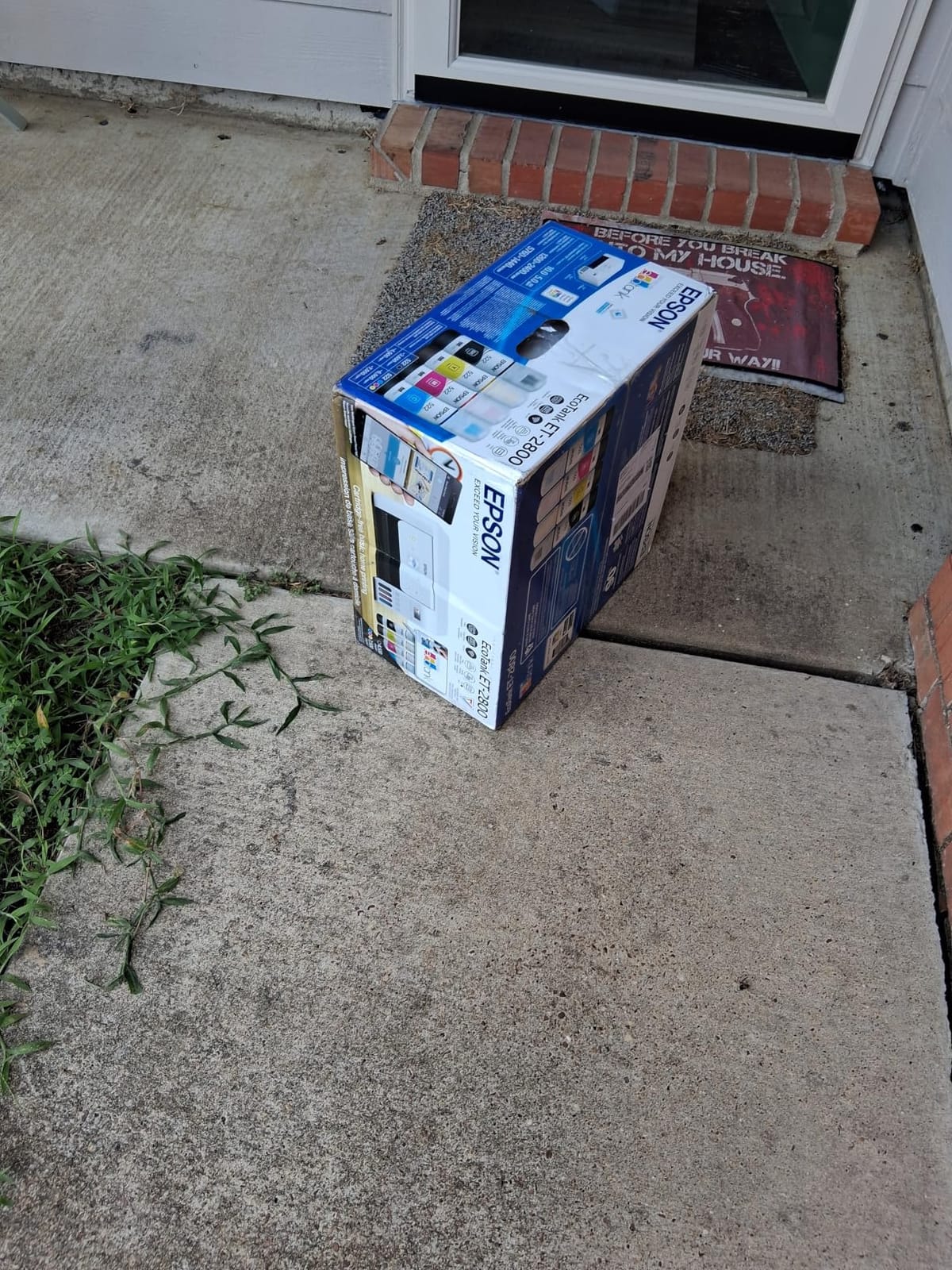
This is the converted-printer route, and it is worth being blunt about what that means. Under the cover it is an EcoTank ET-2800 or ET-2803 all-in-one that has been set up to run sublimation ink. You get that platform’s refillable tanks and a bundled set of Pinckney sublimation ink, and in exchange you give up the factory warranty claim that came with a purpose-built machine.
What you gain is ink economics. Cartridge-based sublimation printing is expensive per transfer, and at any real volume the cartridges dominate your cost per item. The bundled set here is black 127 mL plus 85 mL each of magenta, cyan and yellow, which is a meaningful amount of ink to start with, and the tanks refill from bottles instead of sealed cartridges for the rest of the machine’s life.
It is also the only all-in-one in this roundup with a flatbed scanner and copier, which is genuinely useful for a home crafter. You scan a drawing, a child’s artwork or a photo print, and push it straight into your design software. Very few hobby sublimation machines let you do that, and it quietly expands what you can make from a spare room.
Resolution is 5760 x 1440 dpi, matching the F170 on paper, and it supports a wide spread of paper sizes including rolls up to 8.5 by 47.2 inches. The auto-fill nozzle fits the tank inlet directly, so refilling needs no syringe and no squeezing, which removes the mess that usually makes people nervous about tank printers.
Where the super-tank build pays off
Buy this if you have decided to make more than occasional gifts, if you are watching cost per finished item, or if the scanner function matters to you. A 4.1 star average across hundreds of reviews is not the highest in this list, but the reason owners give for it is predictable: the tank system and the included ink are a real saving against cartridge pricing.
On the forums, converted-EcoTank owners who print weekly tend to report years of trouble-free service, while the regret cases cluster among people who print once a month and let the machine sit. That pattern is worth respecting. If you will genuinely use it most weeks, this is a strong pick. If you will make four gifts a year, the ink will sit in the head and you are better off with a factory machine.
Where the super-tank build costs you
First, color. Owners regularly report that the prints look dull on the paper before pressing, and this trips up beginners who assume something is broken. Experienced users on r/SublimationPrinting are consistent about this: the muted look before heat is expected, and the color most often shifts because of press time or a missing color profile, not because of the printer.
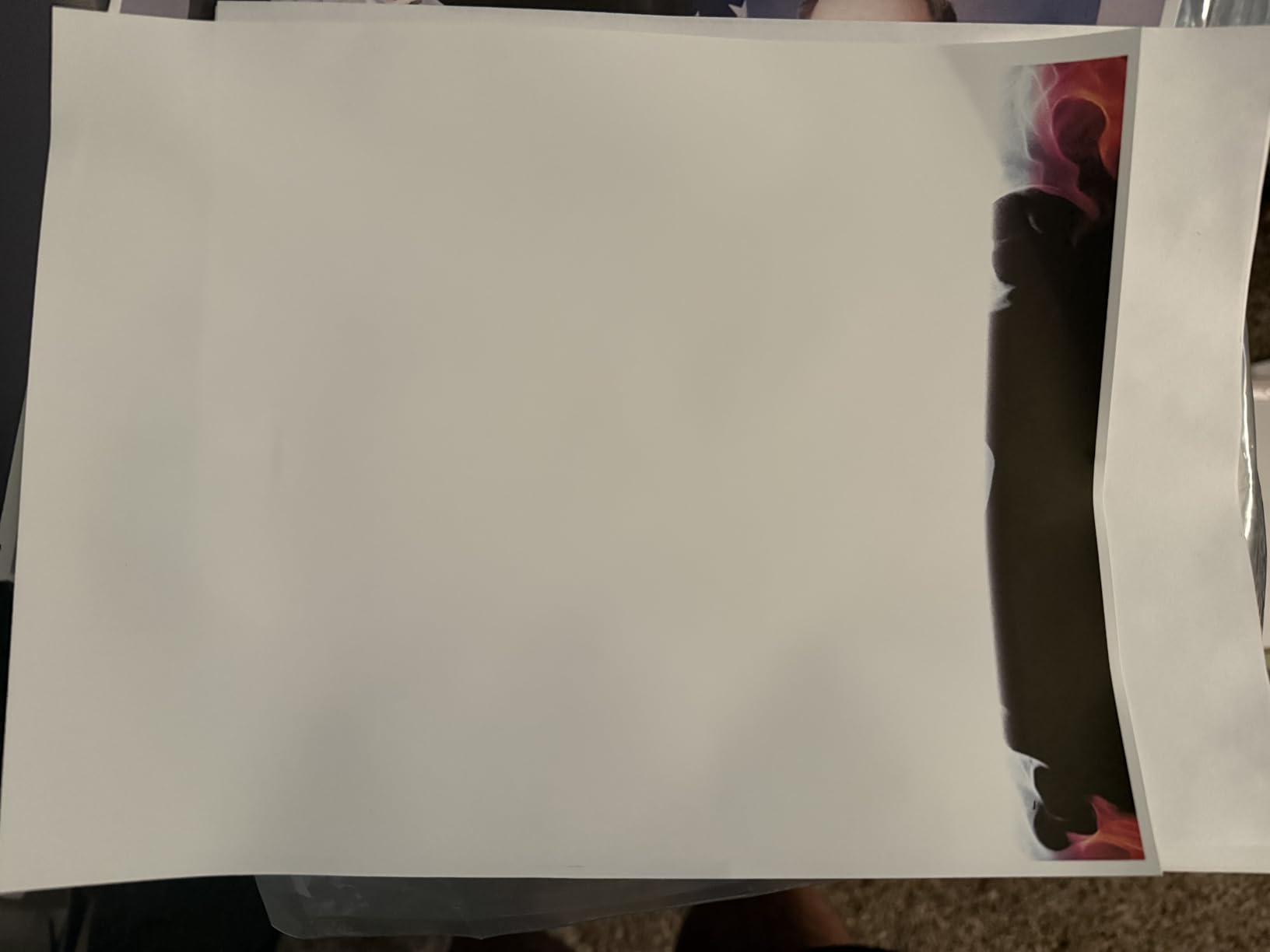
Second, maintenance. A segment of owners report occasional nozzle clogging and needing a nozzle check or head alignment, and converted designs generally demand more upkeep than an OEM unit. Third, the bundle note that ink may ship separately is a real detail to plan for. And fourth, this is a limited one-year warranty on a converted machine, so the coverage you have is thinner than the reason you bought a factory model in the first place.
4. Sawgrass SG500 Bundle – The Best Choice When Color Accuracy Is the Priority
- Owners report visibly better color than converted eco-tank printers
- Purpose-built engine rather than a converted consumer unit
- MySawgrass platform and Sawgrass Print Utility give real color control
- Bypass tray handles media up to 8.5 x 51 inches
- 2-year manufacturer warranty
- SubliJet UHD ink is costly and closed to third-party refills
- 31 mL bundled cartridges run out quickly
- Setup and software configuration are demanding with minimal documentation
The SG500 is the one machine here that is unambiguously a dye-sublimation product, and owners who run it regularly are consistent about why: the color comes out noticeably better than a converted eco-tank produces. It is a 1200 x 1200 dpi CMYK engine built around a full set of SubliJet UHD inks, and the software gives you genuine control rather than a toggle.
Two sheet sizes matter here. Standard media runs to 8.5 x 14 inches, which is larger than anything else letter-adjacent in this roundup, and a bypass tray extends handling to media up to 8.5 x 51 inches for banners and long panels. That makes it the most flexible choice on this list for a home crafter who makes signage as well as gifts.
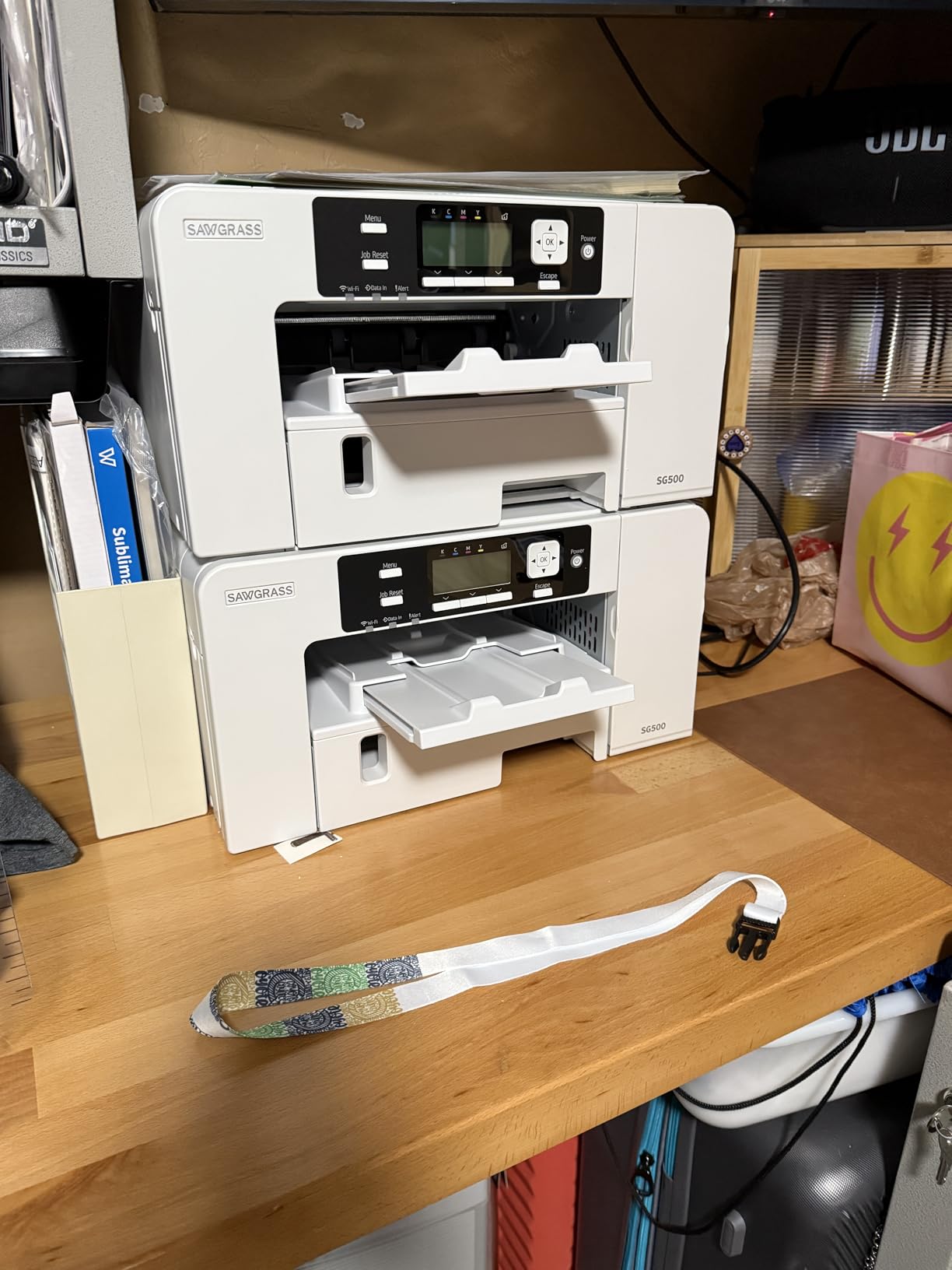
There is also a 2-year manufacturer warranty, which is the longest coverage here, and print head auto-maintenance for long-term use. Reviewers who own it mention vivid shirts, mugs, lanyards and bags, and Sawgrass customer service is frequently singled out for resolving a faulty unit with a fast replacement.
Wi-Fi is built in, and the MySawgrass online design tool ships with templates so you are not starting from a blank page. Sawgrass also rates this one for home-based entrepreneurs specifically, which is a useful signal that the manufacturer sees the hobbyist as the target user rather than an afterthought.
Who buys a purpose-built Sawgrass
Buy the SG500 if color consistency is the thing you care about most, if you are selling finished items where a washed-out print is a refund, or if you want the widest warranty and the least maintenance anxiety. If you make products that depend on accurate color across a run, this is the machine the color difference is worth paying for.
It also suits anyone who wants the software side handled for them. Sawgrass Print Utility provides smart presets and color accuracy controls rather than asking you to build a profile yourself, which for many home crafters is the difference between a repeatable result and a frustrating afternoon.
Where the SG500 frustrates people
The ink is the problem, and it is not a small one. SubliJet UHD cartridges are expensive, and the system is closed, meaning only Sawgrass-branded ink works. Buyers also note the bundled 31 mL cartridges are consumed quickly at regular use, so the ongoing cost per transfer is the highest of anything in this roundup by a wide margin.
Setup is also the most demanding. Owners report the software configuration is difficult and the documentation is minimal, with some driver compatibility issues on certain laptops and a reported difficulty setting it up on a Mac. It also needs to stay powered on to remain ready for use, which matters in a home where you switch things off at night. My honest read: this is a machine for someone who has already decided sublimation is the craft, not the first one you are trying.
5. Epson SureColor F570 Wide Format – The Pick When 24 Inch Media Is Non-Negotiable
- 24-inch media handles signage
- banners and large panels
- 50-sheet auto-feed tray plus a built-in cutter
- Epson Edge Print Pro with job nesting and pattern repeats
- Nozzle Verification Technology supports long unattended runs
- Free remote installation and technical support included
- Weighs 151 pounds and needs a sturdy surface
- Footprint is far too large for a small home craft desk
- About one page per minute throughput
- T49M ink sets add a significant ongoing cost
The F570 is included here for a specific reason, and it is not because it belongs in a home craft room. It is the only machine in this roundup that accepts rolls and sheets up to 24 inches wide, with media up to 100 feet long. If you make signage, banners or oversized panels, this is the only one of these six that does the job without tiling.
Everything about it is production-oriented. A 50-sheet auto-feed tray and a built-in cutter remove the manual handling from long runs. Epson Edge Print Pro brings Adobe PostScript 3 and the Adobe PDF Print Engine, with job layout, nesting, pattern repeats and advanced color controls. Nozzle Verification Technology is designed to support long unattended runs, which is a small-business feature, not a hobby one.
Buyers report strong color clarity and dependable output when producing larger signage and polyester items, and the free remote installation with technical support is a genuine advantage if you have never set up a wide-format machine. The bundle includes a full set of genuine T49M ink, engineered to work with the SureColor line and compatible with polyester fabrics and coated ceramics.
Projects that force the wide-format upgrade
There are only a few. Full-front and full-back adult garment prints without seams. Retail and yard signage. Banners and long rolls for events. Large photo panels for wall art. Museum-style or classroom display boards. Photography backdrops. If your list contains any of those, a letter-size machine forces you into tiled prints, and tile seams on sublimation are visible along every join.
It is also the answer if you are producing shirts for a group and want to gang-print designs onto one sheet to cut the ink cost per item. The nesting and pattern repeat features in Edge Print Pro exist for exactly that, and the wide media width is the whole point.
Where the F570 does not belong at home
It weighs 151 pounds and measures 32 by 38 by 10 inches. That is not a desk item and, in many homes, not a spare-room item either. You need a surface rated for that weight and clear floor space around it for the roll feed and the cutter.
Throughput is about one page per minute, the same as the F170, so a wide sheet takes real time. The T49M ink sets add a significant ongoing cost, and this bundle also requires a valid Epson ink purchase number to obtain the product, which is an unusual condition worth knowing about before you order, and the free remote installation is only useful once the machine is physically in the room. Owners consistently place this machine in small business rather than hobbyist workspaces, and they are right. If you are a home crafter, this is a machine to grow into once the hobby is a business.
6. Raleza 2400-Series Starter Bundle – The Cheapest Way to Test the Craft
Generic Sublimation Heat Transfer Image Printing for T-shirts Ceramic Mugs Bags Heat Press Printer Bundle
- Lowest entry point in this roundup
- Simple guided setup directly on the printer start-up screen
- Bundle includes 100 sheets of paper
- cleaning kit and transfer tape
- Handles light-colored polyester and coated items
- Included ink quality is reported as weak and often replaced
- Printers may arrive in third-party retail packaging
- Sublimation software is not preconfigured and must be downloaded
- Only works on light polyester and low-cotton items
This is the option for someone who is not sure yet. It is a converted platform built around an EcoTank 2400-series style body, sold as a starter kit with 100 sheets of sublimation paper, a printhead cleaning kit and heat transfer tape. Setup is guided directly on the printer’s own start-up screen, which makes it the least intimidating box to open.
What arrives in it is worth stating exactly, because listings for bundles like this are often vague. The package includes the printer, 100 sheets of sublimation paper, the cleaning kit and the transfer tape. The listing does not include OEM inks, and owners report that the included ink is the weakest part of the package and is frequently replaced with a better brand soon after.
Where this budget bundle makes sense
Pick it if you are testing whether sublimation is something you want to do, if your projects are light-colored polyester shirts, mousepads, phone cases and coated items, and if you would rather spend a small amount now than a large amount on a hobby that does not stick. At 15 pounds and 350 degrees Fahrenheit upper temperature rating, it is a modest machine that does a specific job.
It is also a reasonable teaching tool. The cleaning kit and transfer tape that come with it are exactly the consumables you need to learn the maintenance routine that converted printers demand, and learning that on a lower-stakes machine is arguably a better path than discovering it later on a printer you are invested in.
Where the budget bundle bites
The reviews are direct about it. Owners report the bundle being overpriced against buying the components separately, the included ink being poor quality, and the printer arriving in third-party retail packaging rather than a proper factory box. Software is not preconfigured and has to be downloaded, so there is nothing to click on at first launch.
There is also a compatibility ceiling: it is for light-colored polyester fabric and polyester-coated items with 30 percent cotton content or less. Anything darker or with more cotton will come out washed out no matter what you do. And at 3.9 stars with 48 reviews, it is the lowest-rated machine in this roundup. If you have already decided sublimation is for you, the Pinckney super-tank at number three is the smarter version of the same idea.
How to Choose a Sublimation Printer for Home Use in 2026
Most buying mistakes in this category come from choosing on the printer’s price and ignoring everything around it. These are the six decisions that actually determine whether you enjoy the craft or abandon it in four months.
Letter size or 13 x 19: which projects force the upgrade
Most home craft projects never leave letter size. Mugs, tumblers, coasters, keychains, ornaments, mousepads and children’s shirts all fit comfortably on 8.5 by 11 inches, and four of the six machines here handle exactly that.
Three project types force you wider. A full-front adult shirt print, because a letter sheet cannot hold the design without tiling and tile seams show on fabric. Photo panels above 11 inches, which a lot of people want for wall art. And signage or banners, which need roll feed. The Sawgrass SG500 stretches to 8.5 by 14 inches with a bypass tray up to 8.5 by 51, which covers more than any other machine here, and the F570 covers everything at 24 inches wide. Decide this before you buy, because no printer in this roundup can be upgraded later.
Factory dye-sublimation vs a converted EcoTank
A factory machine, like the F170, the SP-1 or the SG500, is engineered for dye-sublimation ink. The ink delivery and the color pipeline assume this job, the manufacturer warranty explicitly covers it, and the color profiles are supplied. A converted machine, like the Pinckney or the Raleza bundle, is a consumer inkjet that has been filled with third-party sublimation ink.
The converted route costs less to run because tank ink is cheaper than cartridges, and that is a real advantage at volume. What you give up is warranty coverage, since the conversion is not what the manufacturer sold the machine for, and you take on more maintenance. The deal breaker to avoid entirely is pouring third-party ink into a factory sublimation printer, which voids the very warranty you paid for.
One more distinction worth knowing: only piezo print heads can be converted. That is why Epson EcoTank models dominate the converted market and why HP and Canon machines mostly cannot be, since their inkjets use thermal heads. If you have already read a guide recommending a Canon for conversion, that is the reason it does not work.
Ink system and what a transfer really costs you
Cost per transfer is the number that decides whether a hobby becomes a business, and it is the number most comparison pages skip. Cartridge sublimation systems cost the most per finished item, tank-based systems cost the least, and closed systems like SubliJet UHD sit at the top on price per cartridge even though the machine itself is high quality.
Paper is the other half. Sublimation paper is consumable and it is not interchangeable with photo paper, which is a mistake first-timers make constantly. Budget for ink, paper, blanks and a heat press together, not the printer alone. If you are comparing methods rather than machines, our DTF printer picks are worth a look if your garments are not mostly polyester.
Resolution, color and the ICC profile question
Resolution matters less than most spec sheets imply, because a pressed transfer softens detail anyway. The F170 and the Pinckney print at 5760 x 1440 dpi, the SP-1 at 1200 x 2400, the SG500 at 1200 x 1200. For photographic panels and metal, the higher-resolution heads produce a cleaner result. For coasters and shirts, the difference is minor.
Color accuracy is where the real complaints live. The most repeated issue on r/SublimationPrinting is that colors look different after pressing than they do on screen, and experienced users there consistently attribute it to press time and color profile rather than the printer. The practical fix is to install the manufacturer profile if one is supplied, and if it is not, print a test chart onto a real blank, press it, and compare it to your screen. Expect the ink to look muted on the paper before pressing, because that is normal and not a defect.
Connectivity, footprint and living with the machine
For a home, connectivity is about who sends the file. Wi-Fi plus an app, as on the SG500 and the Pinckney, means a family member can start a print from a tablet. The F170 has wireless, USB and Ethernet but no mobile device support. The SP-1 has Wi-Fi, Ethernet and USB, which is the most flexible combination on the list.
Footprint deserves real attention. The F170 at 13.7 by 14.8 inches is a desk machine. The SG500 at 15.75 by 17.25 inches needs a proper shelf. The Pinckney at 22.8 by 14.8 by 10 inches is an all-in-one, so it is taller and deeper because of the scanner. The F570 at 32 by 38 inches and 151 pounds is a floor-standing machine with no place in a craft desk setup.
Six buying mistakes that cost home crafters money
First, forgetting the heat press. No printer here includes one, and it is roughly half the cost of a first setup. Second, buying a letter-size machine when you intend to print adult shirts. Third, pouring third-party ink into a factory machine and voiding the warranty. Fourth, buying a converted tank printer and printing once a month, which is the leading cause of clogged heads. Fifth, stocking photo paper instead of sublimation paper. Sixth, choosing on machine price while ignoring the ongoing cost per transfer, which is the figure that determines whether you keep going.
The Home Crafting Reality Check
Sublimation is a warm, chemical process. It bonds to polyester fabric and to polymer-coated surfaces. That is the whole list. Dark cotton will not take it, plain ceramic will not take it, and a glass mug you already own will not take it. White or light-colored polyester tees, dyed polyester blends, and mugs, tumblers and ornaments made or coated for sublimation all work.
The second reality is print frequency. Dye-sublimation ink is prone to drying at the print head nozzles, and a machine that sits untouched for weeks is a clog waiting to happen. Experienced converted-EcoTank owners who report years of reliable service are printing weekly. The people who regret the purchase are printing once a month. Pick a machine you will actually use often enough, and run a test print every few days if you are between projects.
The third is space and noise. These are not silent machines, and a 151-pound wide-format unit is a piece of furniture. If you plan to run one in a shared living space, the letter-size machines are the realistic choice. Keep the room ventilated, keep paper and finished items away from direct sunlight and humidity, and expect a learning curve on your first few transfers.
That learning curve is shorter than people fear. Coasters and simple mug wraps are the easy first projects. Tumblers, keychains and full photo panels come next. Shirts come last because fabric handling and press temperature are a separate skill from printing. The most common first-transfer failures are pressing too long or too short, and using the wrong paper, and both are solved by following the blank maker’s stated temperature and time rather than guessing.
Finally, a first setup is more than a printer. You need a heat press, sublimation paper, low-tack tape, blanks, and somewhere to let prints cool before you peel. The printer is the part everyone researches and the part that is least of the total. If you want to think about the print volume before you commit, the label printer guide covers the other end of the home printing spectrum, and the UV printer picks suit a different set of blanks entirely.
Frequently Asked Questions
Which sublimation printer is best for home use?
The Epson SureColor F170 is the best sublimation printer for home use. It is a purpose-built dye-sublimation machine at 13.7 by 14.8 inches and 16 pounds, it includes a full set of genuine Epson ink, and it has a 150-sheet enclosed auto-feed tray. It holds a 4.5 star average across 545 reviews.
What is the best sublimation printer for beginners at home?
The Epson SureColor F170 is the safest first machine because the ink is in the box and the color pipeline is designed for this job. The Brother SP-1 is the faster alternative, printing up to 45 seconds per sheet and shipping with 100 sheets of sublimation paper plus a free Artspira design app. Either gets you to a first mug on the same weekend.
What is the best sublimation printer for beginners with a budget?
The Pinckney cartridge-free super-tank bundle is the best budget path for anyone who expects to print regularly. Refillable tanks cut the ongoing cost per transfer well below cartridge systems, it includes roughly 382 mL of sublimation ink, and it adds a built-in scanner. The trade-off is a one-year warranty and more maintenance than a factory machine.
Which printer is best for full sublimation?
For full-front and full-back adult shirt prints and large panels, sheet size decides it. The Epson SureColor F570 handles media up to 24 inches wide and 100 feet long with a built-in cutter, which is the only option in this roundup that avoids tiling. If signage and banners matter more than garments, the Sawgrass SG500 reaches 8.5 by 51 inches through its bypass tray.
Is a Cricut or sublimation printer better?
They do different jobs. A Cricut cuts vinyl, which sits on top of fabric and is durable but has a raised hand-feel. A sublimation printer produces permanent photo-quality images inside polyester and coated blanks that will not crack or peel. If your garments are 100 percent cotton, neither dye-sublimation nor vinyl transfer is a great fit, and a heat transfer vinyl setup is the simpler route.
Why are my sublimation prints dull or the wrong color?
Check four things in order. First, press time: under-pressing gives a washed-out result and over-pressing can shift color, so follow the blank maker’s stated temperature and time. Second, your color profile: install the manufacturer profile or build an ICC profile, since most reported color problems on r/SublimationPrinting trace back to this rather than the printer. Third, the substrate: dark cotton and uncoated ceramic will never take dye. Fourth, expect the ink to look muted on the paper before pressing, which is normal.
Which Sublimation Printer Should You Buy First?
After all of this, the Epson SureColor F170 is still where I would start, and it is the best sublimation printer for home crafting for one simple reason. It is a factory dye-sublimation machine that arrives with genuine ink, sits on a normal desk, holds a 150-sheet tray, and keeps its warranty. It is not the fastest and it is not the cheapest to run, but it has the fewest ways to disappoint you in month two.
Pick the Brother SP-1 instead if you want speed and the shortest possible path to a finished item, with paper and a design app already in the box. Pick the Pinckney super-tank if you expect to print every week and cost per transfer matters to you. Pick the Sawgrass SG500 if color consistency is the thing you are not willing to compromise on, and accept the closed ink system that comes with it.
The F570 and the Raleza bundle are the two edges of this list, and they are useful precisely because they are different. One is the wide-format machine you grow into when the hobby becomes work. The other is a cheap way to find out whether you want to grow at all.
Whichever you choose, buy the heat press and the sublimation paper in the same order. That is the difference between pressing your first transfer this weekend and reading about it instead.