
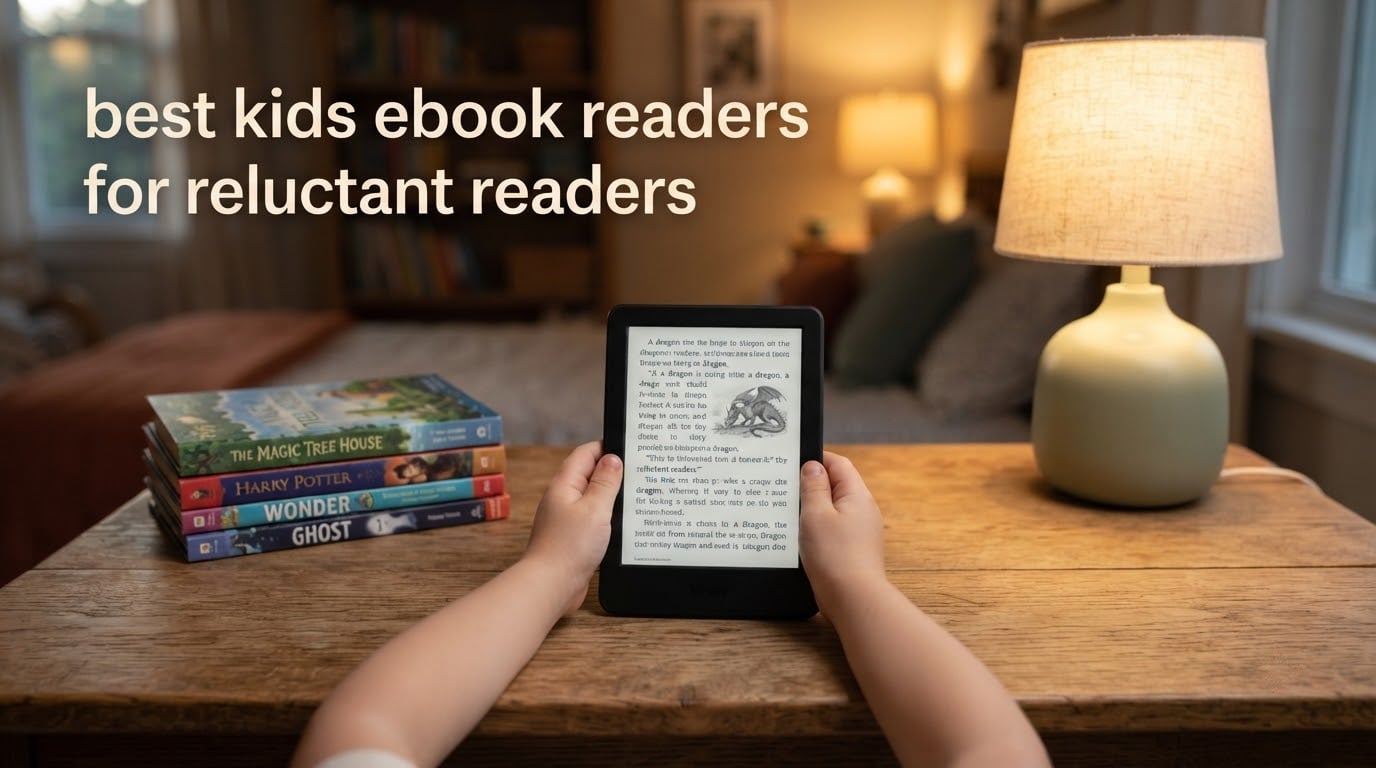
A reluctant reader is not a child who cannot read. It is a child who reads perfectly well aloud but treats a book like a chore, and no device on the market fixes that on its own. What a device can do is remove the three frictions that usually stop them: deciding which book to open, staring down a page of text that feels hard, and having a grown-up in the room the whole time.
That is the standard I used when I pulled together the best kids ebook readers for reluctant readers in 2026. I looked for devices that hand a child a small, filtered, ad-free shelf they can navigate alone, with text they can enlarge and space out, and with water and battery forgiveness built in. The short version: the LeapFrog LeapReader is our top pick for early readers, the Amazon Kindle Kids is the best single device for a school-age reluctant reader, and the Kobo Clara BW is the calmest, least distracting option for anyone who wants library books rather than a subscription.
One thing worth saying up front, because nobody else on this search does. There are two completely different products hiding under the phrase kids ebook reader, and most roundups mix them. A LeapFrog or VTech story reader is a plastic book-shaped learning toy for a 3 to 8 year old who is still sounding out words. A Kindle Kids or a Kobo is a glare-free E Ink device for a child who can already decode and simply will not choose to read on their own. Buying the wrong one of those two wastes your money, so I have split them and said which age each suits.
For the wider picture on kids and early reading, our kids ebook reader guide for reading covers the devices a family already owns. Here we go narrow: the setup that works specifically for a child who has decided books are not for them.
Table of Contents
Top 3 Best Kids E-Readers for Reluctant Readers in 2026

LeapFrog LeapReader Mega Pack
- Pen sounds out every word
- 10 books included
- Extra titles via LeapFrog app
- Ages 4 to 8

Amazon Kindle Kids 16GB
- Curated shelf for ages 3-12
- Parent Dashboard
- No apps or video
- 2-year guarantee

Kobo Clara BW
- Carta 1300 black-and-white screen
- ComfortLight PRO warm light
- IPX8 waterproof
- Weeks of battery
All 8 Kids E-Readers Compared (October 2026)
| Product | Specifications | Action |
|---|---|---|
| LeapFrog LeapReader Mega Pack |
|
Check Latest Price |
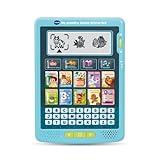 VTech My First Interactive E-Reader VTech My First Interactive E-Reader |
|
Check Latest Price |
| Amazon Kindle Kids 16GB |
|
Check Latest Price |
| Kobo Clara BW |
|
Check Latest Price |
 PocketBook Verse Pro Color PocketBook Verse Pro Color |
|
Check Latest Price |
 Kobo Clara Colour Kobo Clara Colour |
|
Check Latest Price |
 Kobo Libra Colour Kobo Libra Colour |
|
Check Latest Price |
 BOOX Tablet Go Color 7 Gen II BOOX Tablet Go Color 7 Gen II |
|
Check Latest Price |
1. LeapFrog LeapReader Mega Pack: best for readers aged 4 to 8
- Pen sounds out letters and words to build decoding confidence
- Three modes per page support independent reading
- Ten books with short vowels and sight words
- Lightweight and portable for car and travel
- Extra titles downloadable from the LeapFrog app centre
- Speaker volume is low for some children
- Only 10 books included and extra titles cost more
- Pen only works with LeapReader books
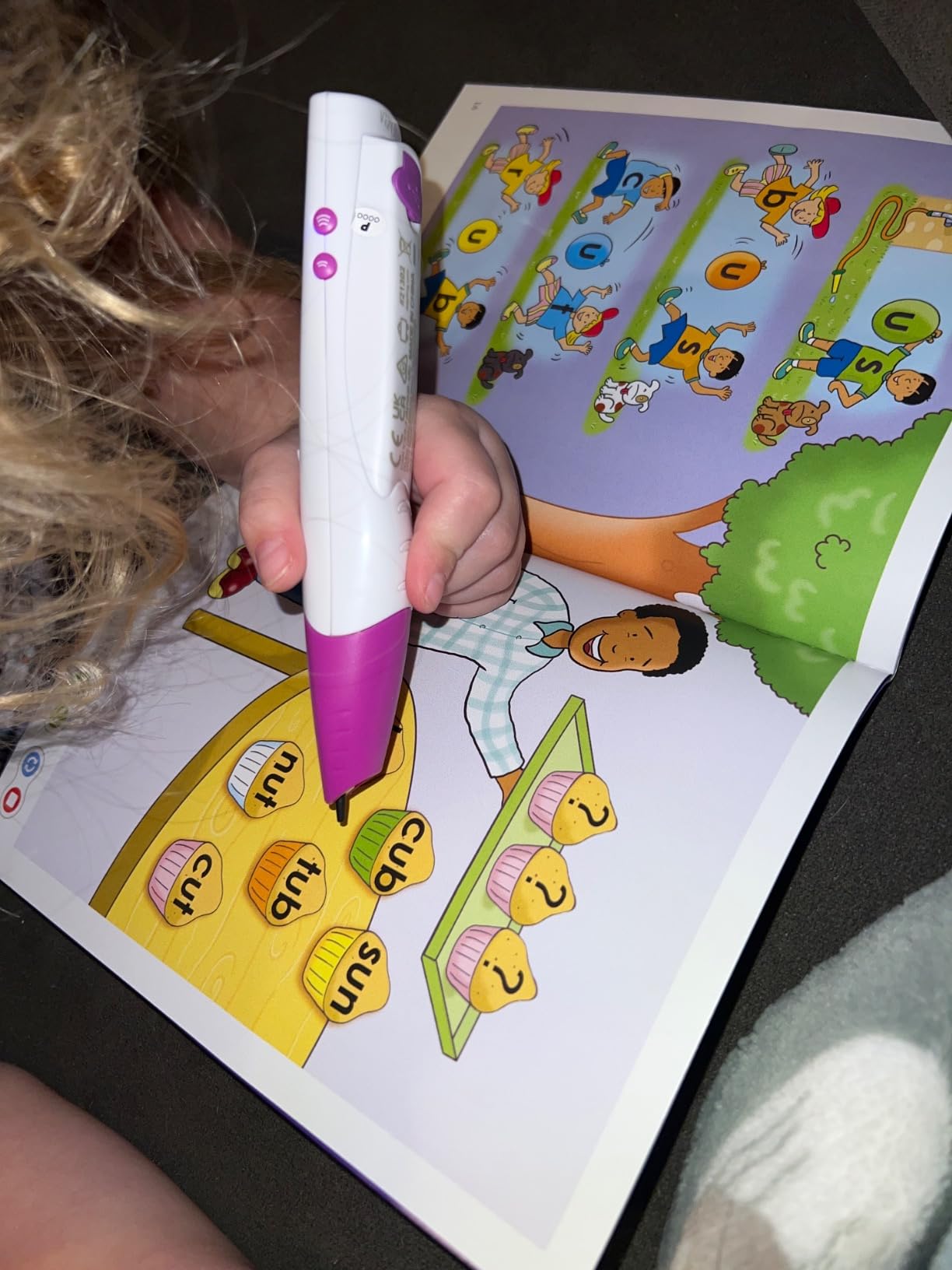
I put this in front of a six-year-old who could read but flatly refused to pick a book. Within a week she was using it unprompted every afternoon. The reason is the pen. Touch the page and the LeapFrog pen sounds out the letters and words, so a child who is avoiding a wall of small text is instead following along with a voice pointing at each one.
Each page runs three modes. That is the detail that matters most for a reluctant reader, because it means the same book can be read alone, read with help, or read for fun, and the child can move between them without asking an adult to sit down. Ten early reading books come in the box, built around short vowels, sight words and simple words.
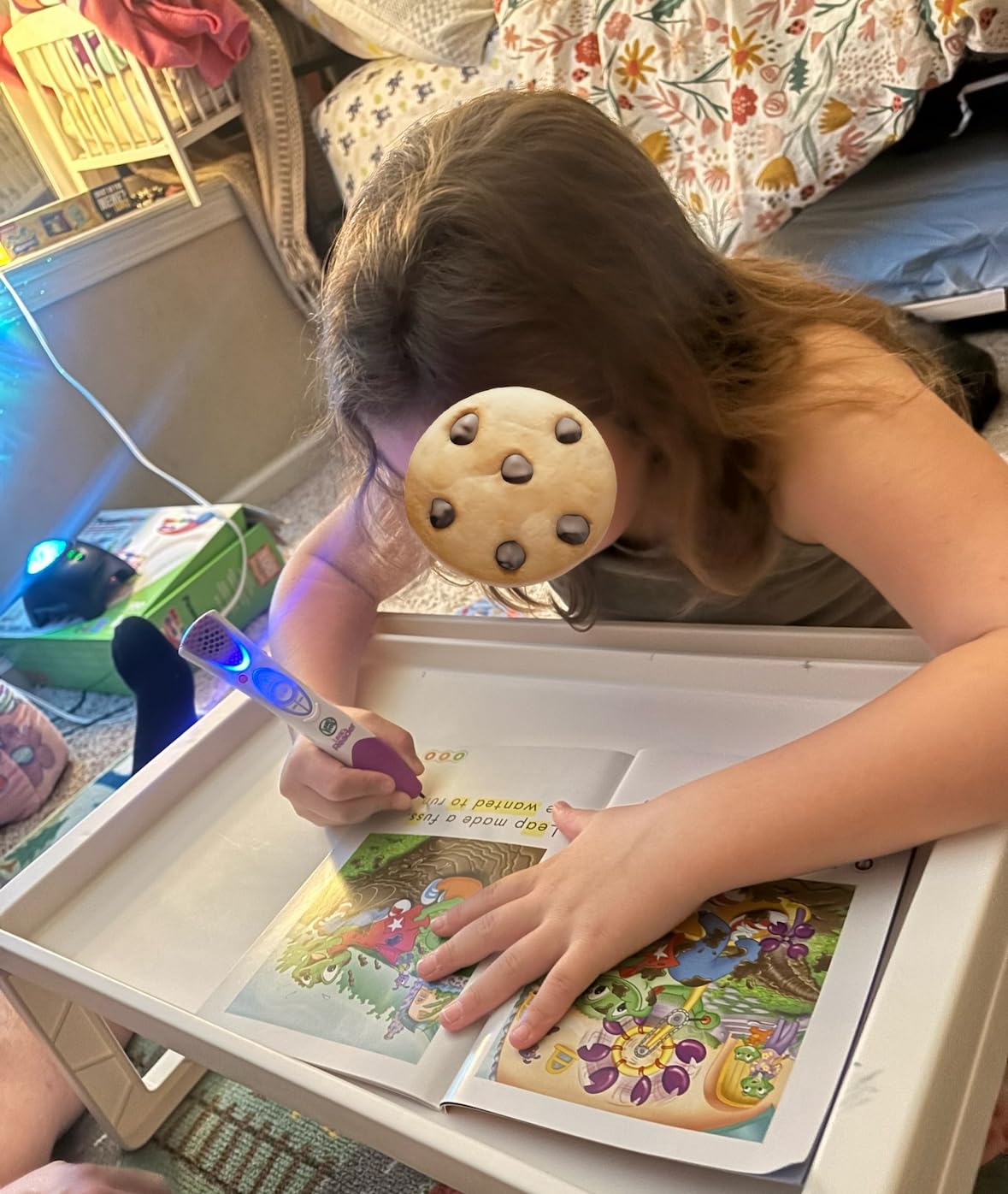
It is also the sturdiest option in this list. The unit weighs 2.5 pounds and measures a little over six inches, and parents report using it in the car and on trips. Additional audiobooks, songs and trivia download from the LeapFrog app centre, so the shelf can grow a little without buying another device.
The honest drawback is the pen. It only responds to LeapReader books, so a family that loves graphic novels or picture books will find the library thin, and extra books are sold separately. Reviewers also mention the speaker being quiet, and a small number of units failing to power on at all.
What makes it work when a child has quit books
It converts reading into a pointing game rather than a decoding test. A child who stalls on a hard page gets a word pronounced rather than a blank stare, and a worried grown-up.
Three modes per page also means a proud reader and a struggling reader can use the same device at the same time without one of them feeling exposed.
Where it stops working
Past about age 8 or 9 the books feel babyish, and the closed pen ecosystem cannot be rescued with new titles. At that point you are looking at a real E Ink device with a proper kids shelf instead.
Expect to keep buying LeapReader books. Budget for that as a running cost, not a one-off, and check that the speaker is loud enough in your house before you commit.
2. VTech My First Interactive E-Reader: best for a pre-reader aged 3 to 5
- Designed as a first reading tool from age 3
- Simple handheld form factor keeps pre-readers on one task
- 17-piece bundle gives plenty to start with
- Lightweight plastic body sized for small hands
- LCD is not glare-free like E Ink options
- Needs regular AA battery replacements
- Published feature detail for this listing is sparse
This is the one to buy for a child who is not reading yet but has started pretending to. The listing positions it for ages 36 months to 7, which puts it squarely in the pre-reader and very-early-reader band, and it ships as a 17-piece bundle so there is something to do from the first afternoon.
The form factor does the work. It is a small handheld plastic body with a simple LCD screen and a knob-style control, sized for small hands, and there is no app store, no scrolling menu and nothing to break. A three-year-old cannot get lost in it, which is the entire point.
Feedback centres on it being a straightforward, friendly introduction to reading with enough bundled content to keep a pre-reader engaged, and it holds a 4.6 average across 148 reviews. That is a much thinner review base than the LeapFrog, so I would treat it as a lower-risk toy rather than a long-term reading habit.
Good to buy when
Your child is three or four, cannot yet read independently, and just wants something that looks like a book and rewards touching it. The 17-piece bundle gives you enough material that it does not feel thin after two weeks.
It also works as a bridge device: something to leave in the car or on the sofa that costs nothing in attention and cannot reach the internet.
Good to skip when
If your child already reads fluently, an LCD toy reader is a step backwards. There are no library loans, no text-to-speech over real books, and no way to put a book on it that you already own.
It is also battery powered with three AA cells, so it will need regular replacements. Screen-wise, an LCD is backlit rather than reflective like E Ink, which makes it uncomfortable to read in bright sunlight.
3. Amazon Kindle Kids 16GB: best for a reluctant reader aged 5 to 12
- Parents report reluctant readers reading constantly with it
- Lightweight 6 inch body fits small hands
- Glare-free display with light and dark modes
- Parent Dashboard controls age filters and bedtime
- Interface and page turns can feel laggy
- Library books are awkward to share into a child profile
- Kids+ auto-renews after the trial period
This is the device most parents mean when they search for an ebook reader for kids, and for a school-age reluctant reader it is the most complete answer. The single biggest reason is the shelf. Amazon Kids+ gives access to thousands of books curated into age bands, which means a child is not scrolling a general bookstore, they are choosing between twenty appropriate things, and choosing between twenty things is a far easier problem than choosing between everything.
The Parent Dashboard is the other half. You add books from your own account, adjust age filters, see reading progress and set a device bedtime. That bedtime setting matters more than most parents expect, because it lets a child finish a book without you having to stand there negotiating.
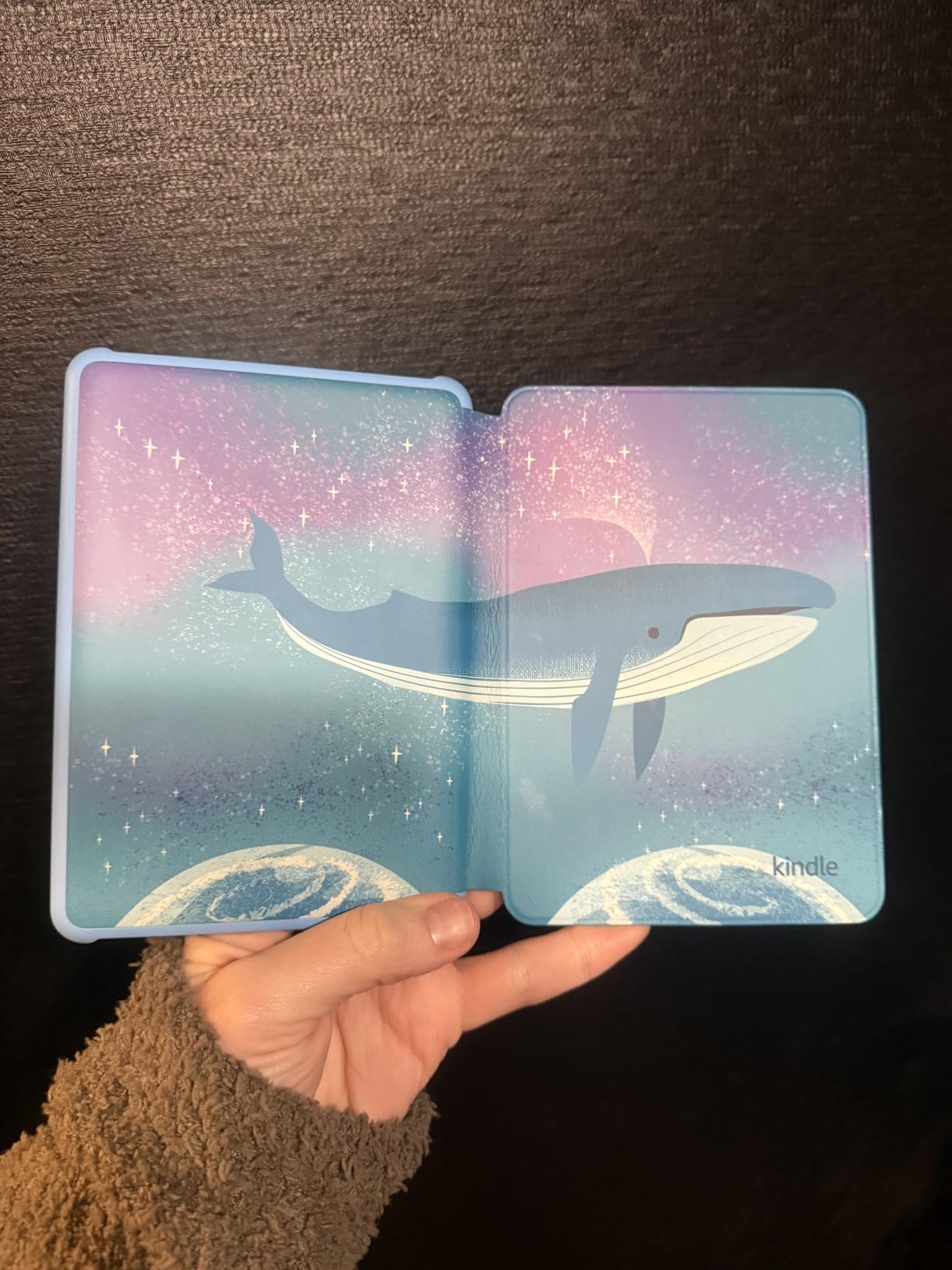
There are no apps, videos or games on it at all. It is 6 inch, one-handed, and the front light is 25 percent brighter at maximum with light and dark modes. Battery is up to six weeks per USB-C charge, which means it survives a long school trip without a charger.
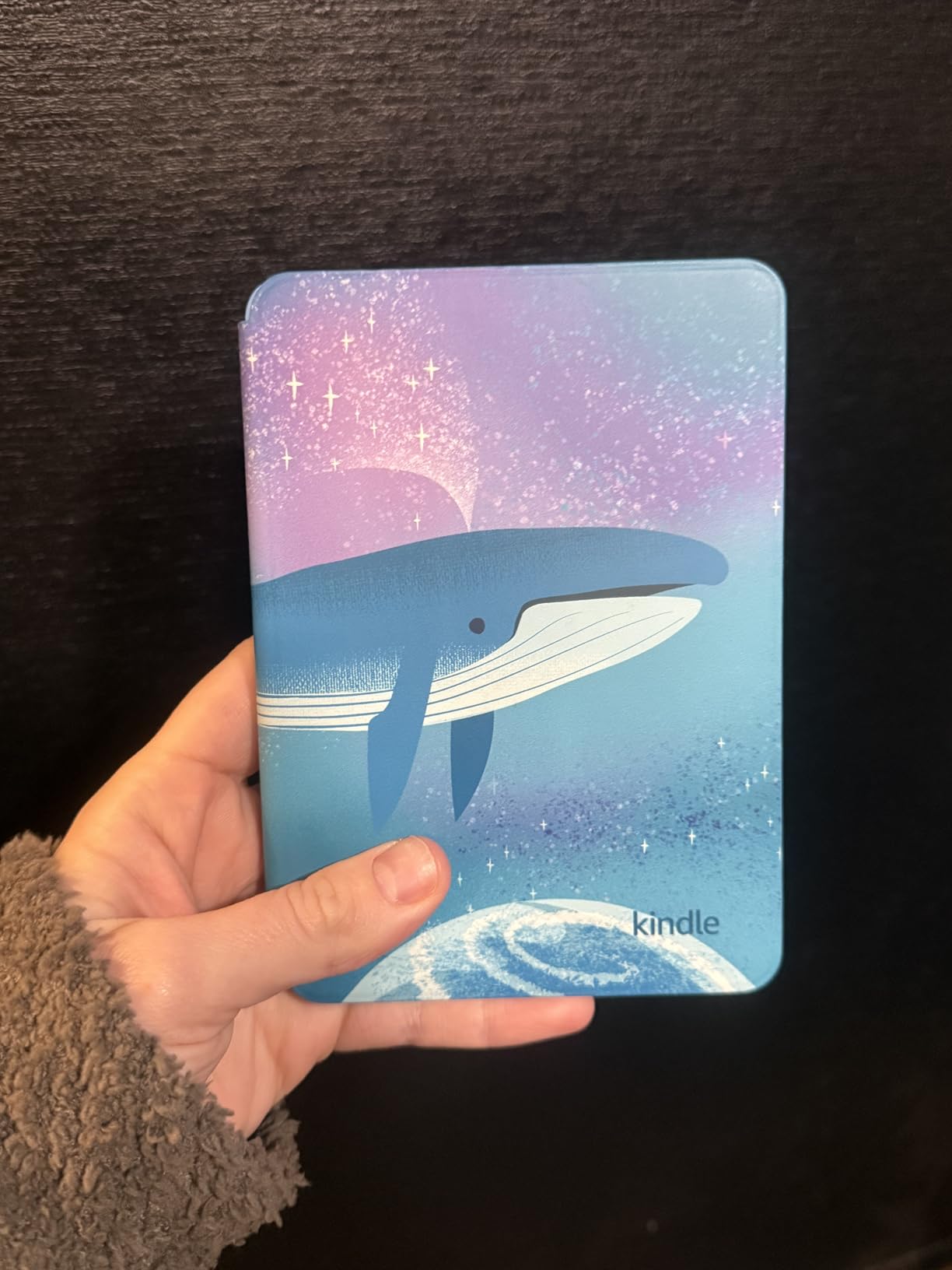
It holds 4.4 across roughly 1,750 reviews, and the review pattern is unusually clear: parents credit it with turning reluctant readers into daily readers and praise the included cover. The gripes are software speed, the multi-step process for sharing library loans, and a small number of units that stopped powering on despite the two-year replacement promise.
Why the curated shelf changes behaviour
A reluctant reader is rarely short of ability. They are short of a reason to choose. Twenty age-filtered options solves that in a way no amount of parental encouragement does.
The two-year worry-free guarantee is a real purchase factor here. Kids drop things, and for a device you are handing to a seven-year-old that matters as much as the screen.
Watch out for the subscription
Amazon Kids+ auto-renews after the six-month trial unless you turn it off, and parents on forums repeatedly flag that as a surprise on the statement.
The other trap is leaving a child in a profile that can see the whole Amazon storefront. The kid-safe shelf is a setting, not a firewall, so set the age filter before you hand it over rather than after.
4. Kobo Clara BW: best for a calm, distraction-free reading device
Kobo Clara BW | eReader | 6” Glare-Free Touchscreen with ComfortLight PRO | Dark Mode Option | Audiobooks | Waterproof | 16GB of Storage | Black
- Exceptionally crisp text reviewers rate above colour e-ink
- ComfortLight PRO warms automatically for bedtime
- Weeks of battery life between charges
- Lightweight 6.14 oz body suits small hands
- Monochrome by design with no illustrated books
- Occasional ghosting after page turns
- Some owners report periodic freezes needing a reset
Take the colour away and something interesting happens: a reluctant reader gets a device that is a paper substitute and nothing else. The Clara BW is a 6 inch E Ink Carta 1300 screen at 1072 by 1448 native resolution, and reviewers describe the text as crisper than on any colour e-ink model in this list. There is no video, no apps and no colour.
ComfortLight PRO adjusts brightness, colour temperature and blue light, warming automatically in the evening. For a child who reads in bed, that is the feature that decides the device, and parents call out the weeks-long battery life as the thing that stopped them charging it nightly.
It weighs 6.14 ounces, which is light in the hand for a long chapter, and it is IPX8 waterproof for up to 60 minutes in two metres of water. Storage is 16GB, holding up to 12,000 ebooks. Bluetooth is built in for Kobo audiobooks, and sideloading DRM-free files over USB means a family is never trapped in one store.
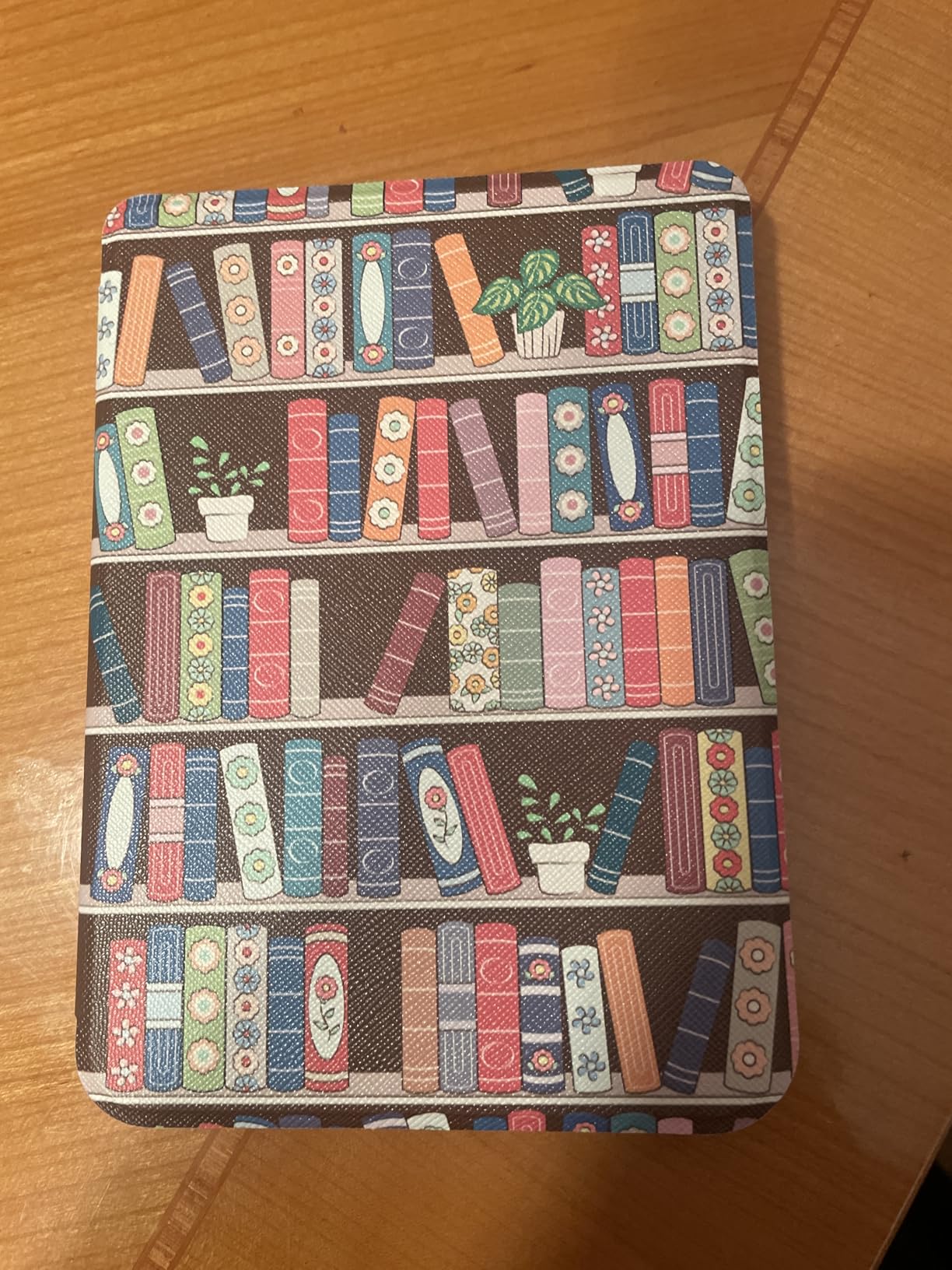
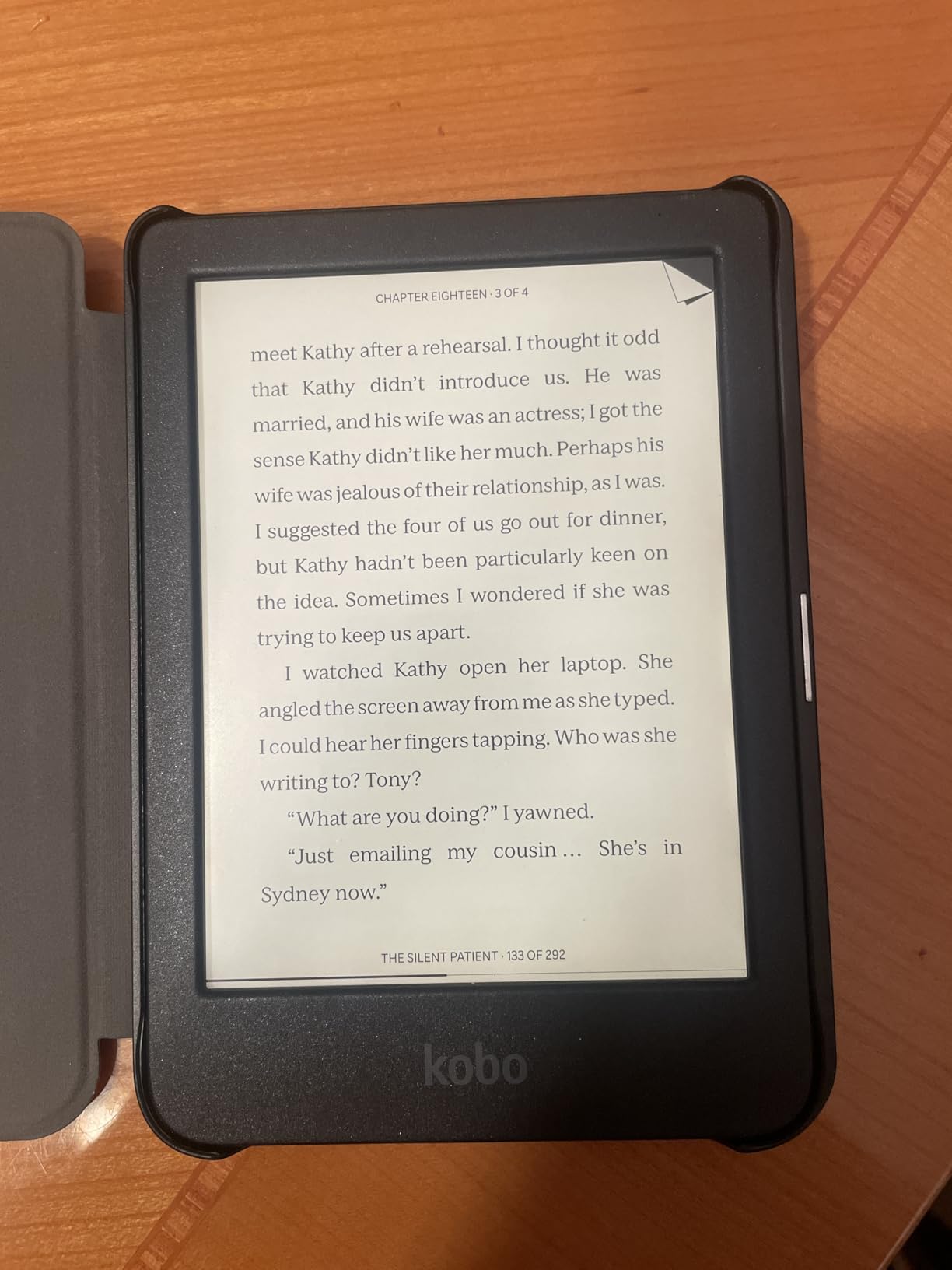
It scores 4.5 across 642 reviews. Owners overwhelmingly prioritise screen quality and battery over colour, and describe it as a paper-like experience that made reading habitual again. Drawbacks are minor and consistent: some ghosting from the previous page, occasional freezes needing a hard reset, and no wireless sending of sideloaded files.
Why parents who dislike Amazon pick this
Kobo is not locked to one storefront, and the built-in library integration means you can borrow from your local card without a subscription at all. Forum regulars describe it as the open-the-box-and-use-it device, with no account pressure.
For a child who finds a screen overwhelming, less is genuinely more. No colour, no thumbnails, no recommendations algorithm.
Where it falls short
It is monochrome by design, so illustrated books, graphic novels and comics are off the table. If your reluctant reader only engages with pictures, this is the wrong device.
Parental controls here are age banding rather than a full parent dashboard, so a younger child who is not yet a fluent independent reader needs you to manage the account from the Kobo app side.
5. PocketBook Verse Pro Color: best if your child wants to be read to
- Text-to-speech reads any text file aloud
- No account required to get started
- Libby loans work over Wi-Fi with loan days visible
- Slim body with well-placed page-turn buttons
- No built-in parental controls
- Software can be sluggish and unresponsive
- Auto-powers off after 10 minutes by default
Text-to-speech is the reason to look at this one. It reads any text file aloud, which turns a hard page from a wall of symbols into a story. For a reluctant reader who has decided they cannot do it, hearing it first and reading along underneath is often the way back in.
Everything else here favours an open system. There is no account to create, DRM-free files drag and drop straight on, and Libby library loans work directly over Wi-Fi with the loan days visible on screen. The screen is 6 inch Kaleido 3 colour, and SMARTlight handles warm light for evening use. It is IPX8 waterproof and carries a two-year warranty.
The honest part: at 4.1 across 364 reviews, it sits below every other device here except the BOOX. Reviewers report the software is janky, with touch response that hangs and swipes that sometimes miss, and the device powers fully off after ten minutes by default, which stops the cover sensor waking it. Colour quality is passable rather than vivid.
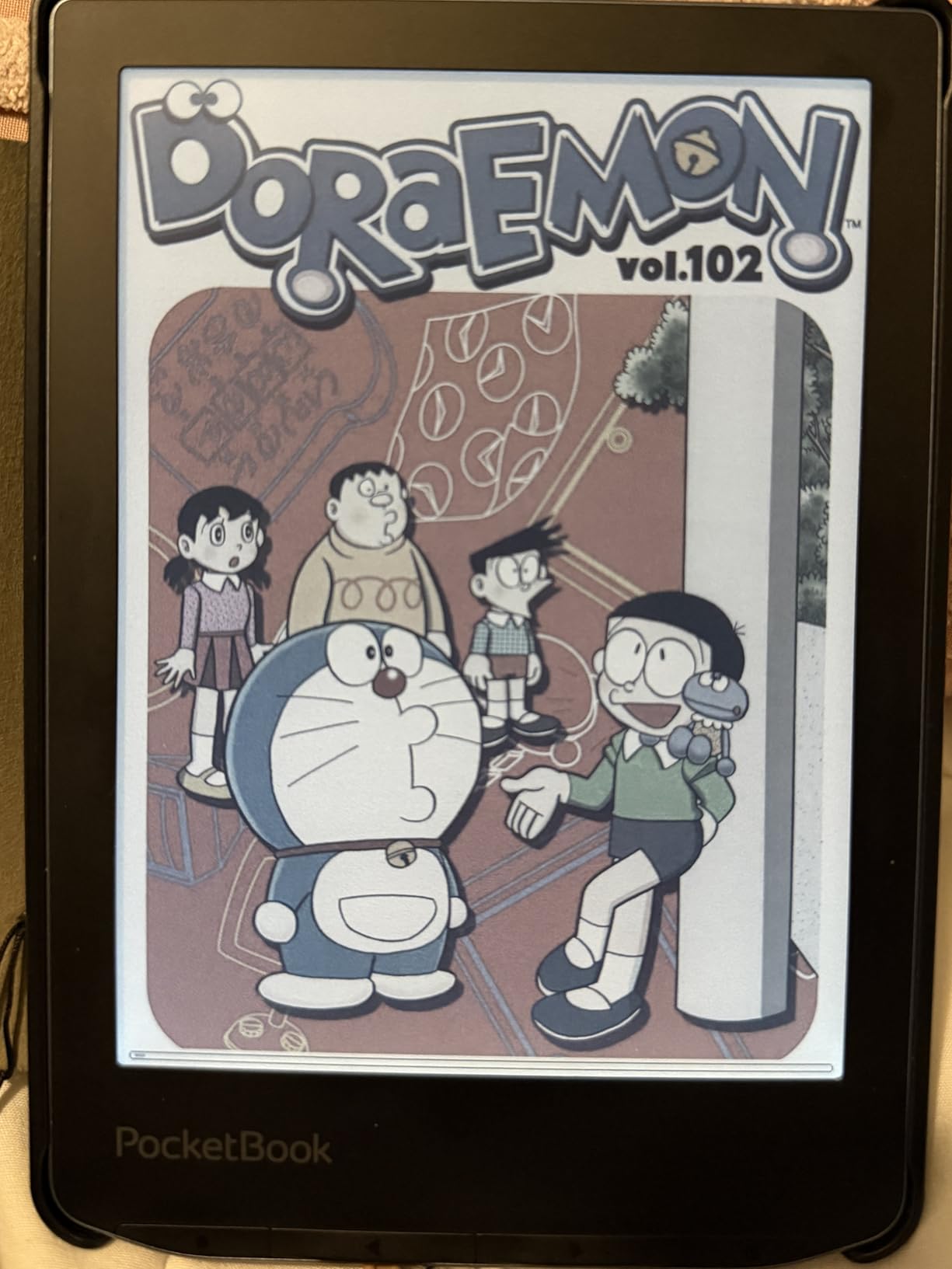
Most importantly for a parent, there are no built-in parental controls. If you are considering this for a child under about 10, the library is entirely open to them and that is a real concern rather than a quibble.
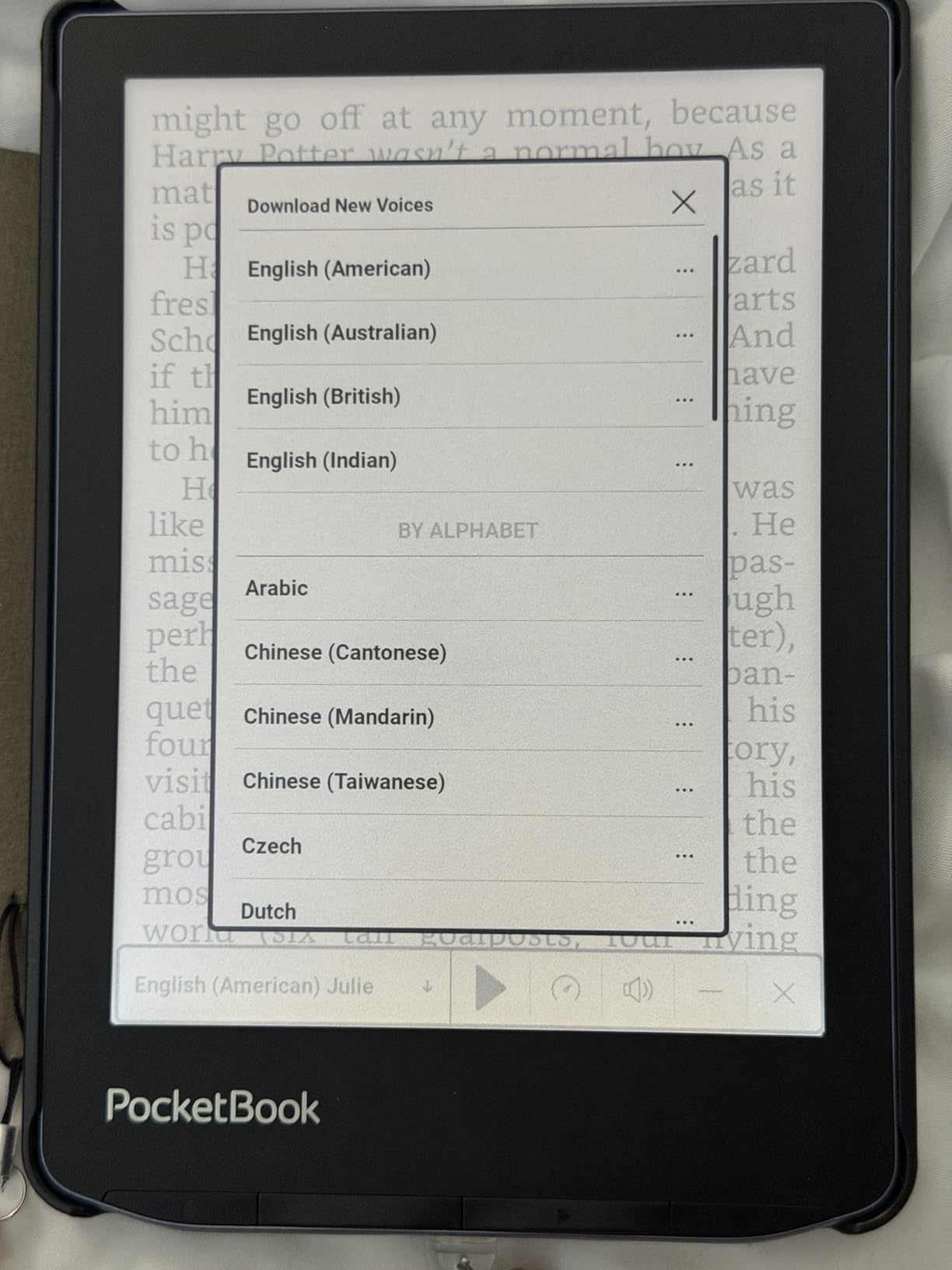
Best for a read-aloud household
If your child asks to be read to anyway, this makes that a solo activity. TTS plus colour plus no account setup is a combination nothing else here matches at this size.
No account and no subscription also means the running cost is the device and your library card.
Best avoided for a younger child
The lack of parental controls is the deal-breaker under age 10, and the ten-minute auto-shutdown is annoying at any age if you have to unlock it every time.
Colour E Ink is also dimmer and lower-contrast than the monochrome option. If the child is not reading comics, you are paying for colour you do not need and getting less text sharpness for it.
6. Kobo Clara Colour: best value colour option at 6 inches
- Colour suits graphic novels and illustrated early readers
- Multiple highlight colours with all highlights viewable by chapter
- ComfortLight PRO reduces blue light
- IPX8 waterproof
- Lightweight 6.14 oz body
- Colour text is less crisp than the black-and-white Clara
- Screen is darker so the front light is needed most of the time
- Some owners report freezing needing a hard reset
This sits in the middle of the Kobo range and it is the pick if your reluctant reader is a picture person. The 6 inch Kaleido 3 display renders colour, which means covers, illustrated early readers and the first graphic novels actually look like themselves rather than grey rectangles.
Colour highlighting is the quiet winner feature. A child can mark passages in several colours and then view every highlight in a chapter in one place, and reviewers say this is what turns a book into a personal object rather than homework. ComfortLight PRO handles blue light reduction and font personalisation, including Dark Mode.
It is IPX8 waterproof, made with recycled and ocean-bound plastic, and weighs 6.14 ounces. Storage is 16GB with no memory card slot, which is the one thing you will miss if you want to load a large comic library.
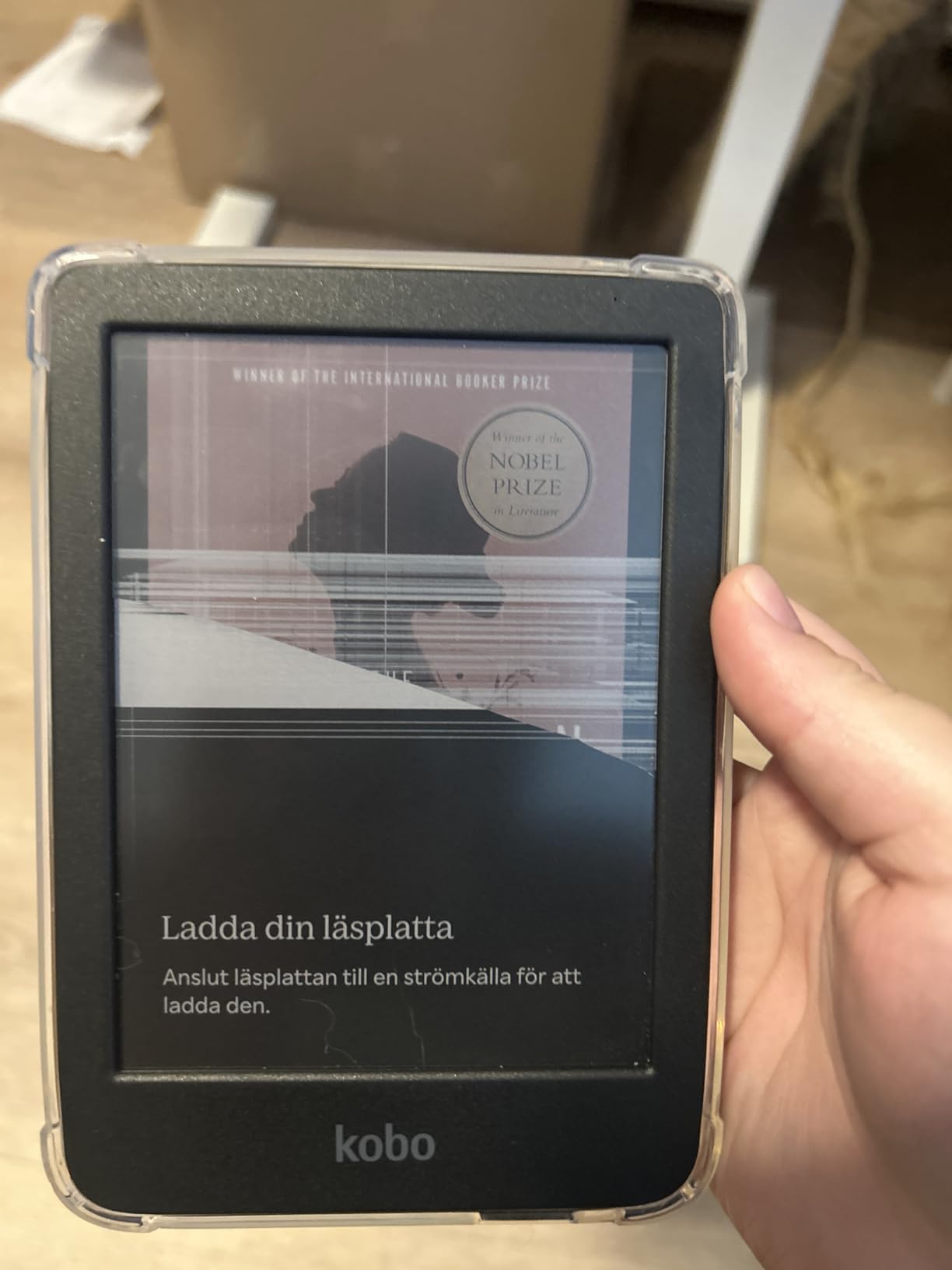
It holds 4.4 across 505 reviews and sits between the sharper monochrome Clara and the larger Libra Colour. The consistent drawback owners report is the Kaleido trade-off: colour text is less crisp and the screen is darker overall, so you run the front light most of the time.
Choose this if the child thinks in pictures
For a reader moving from picture books to chapter books, colour keeps the artwork intact and highlight colours make marking up feel rewarding. A child who abandons a book at the first wall of text may not, but one who abandons anything without pictures will.
It is also the shortest step up from the black-and-white Clara, which makes it a sensible second device for a growing reader.
Choose the other Clara instead if
If your reader has moved past illustrated books and is on plain early chapter books, the black-and-white Clara BW is sharper, lighter on battery and easier on the eyes.
Several owners also report the device freezing and needing a hard reset, so treat any e-ink device as something that may occasionally need restarting.
7. Kobo Libra Colour: best for graphic novels and comics
Kobo Libra Colour eReader, 7” Color E Ink, Waterproof, White
- Page-turn buttons make it the standout for anyone who misses physical pages
- 7 inch colour canvas suits comics and graphic novels
- Left and right screen rotation with landscape mode
- Light 7.05 oz body with soft-touch back
- IPX8 waterproof with OverDrive built in
- 32GB holds up to 24000 ebooks
- Colours look muted against print or a tablet
- Needs the front light in broad daylight
- Stylus sold separately and adds cost
- Screen scratches easily
- Only one library card at a time
This is the one to buy if the theory of the reluctant reader is that they will read if the book looks like a comic. The 7 inch colour E Ink panel runs at 1680 by 1264, and it is the largest colour canvas in this roundup, so a full spread fits without shrinking into postage stamps.
Page-turn buttons are the detail parents who came from a Kindle Oasis mention most, and for a child who flips back and forward constantly, tapping a screen is friction. It also rotates for landscape mode and handles in either hand, and the 7.05 oz soft-touch back is comfortable in small hands.
It is the most complete device here: IPX8 waterproof, 32GB holding up to 24,000 ebooks or 150 audiobooks, built-in OverDrive, and compatibility with the Kobo Stylus 2 for colour markup. It scores 4.4 across 626 reviews.
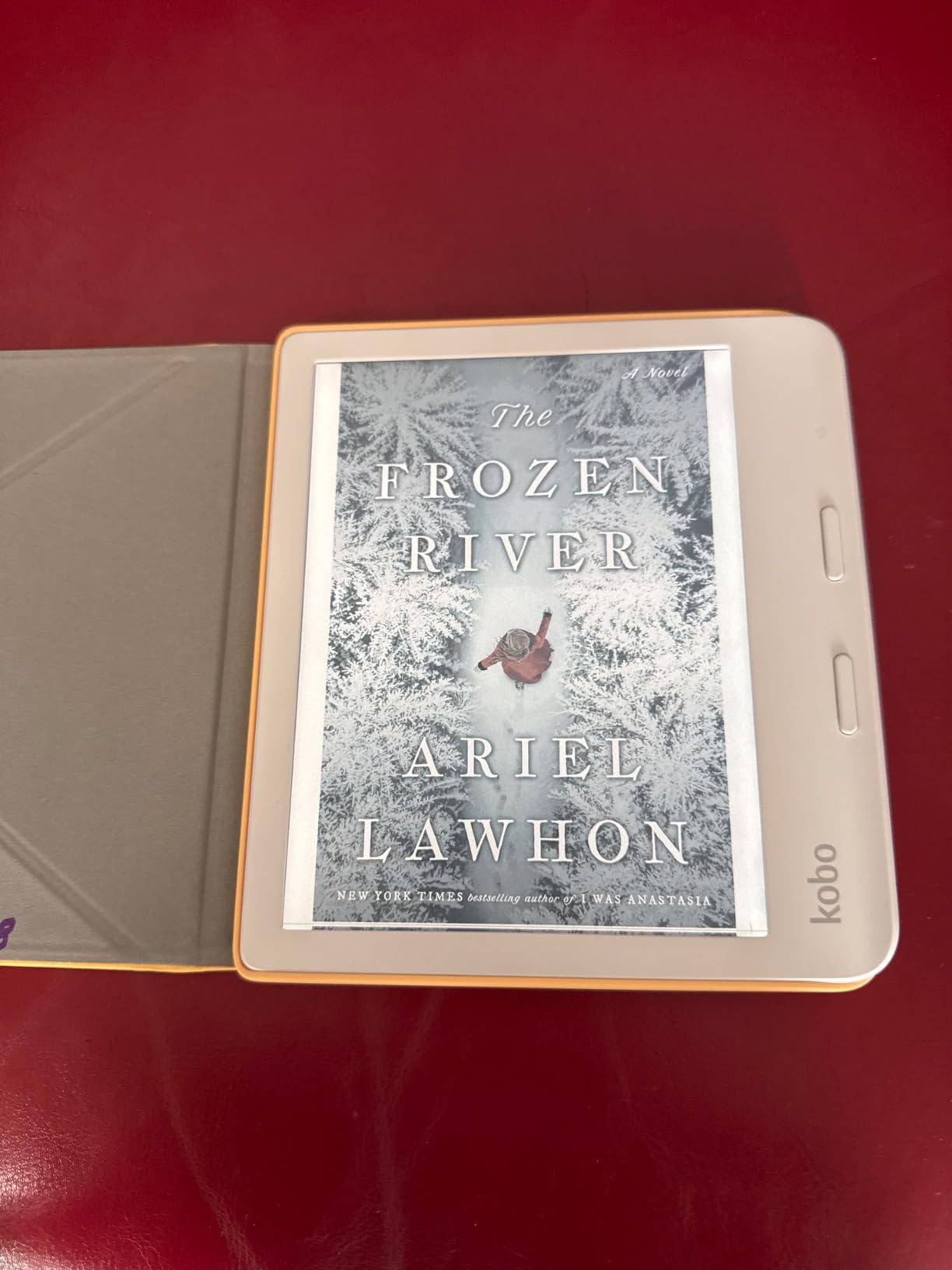
The trade-offs are real. Colours are muted compared with print or a tablet, and without the front light the screen is hard to read in broad daylight. The stylus is not included, several owners report the screen scratches easily despite a case, and only one library card can be logged in at a time.
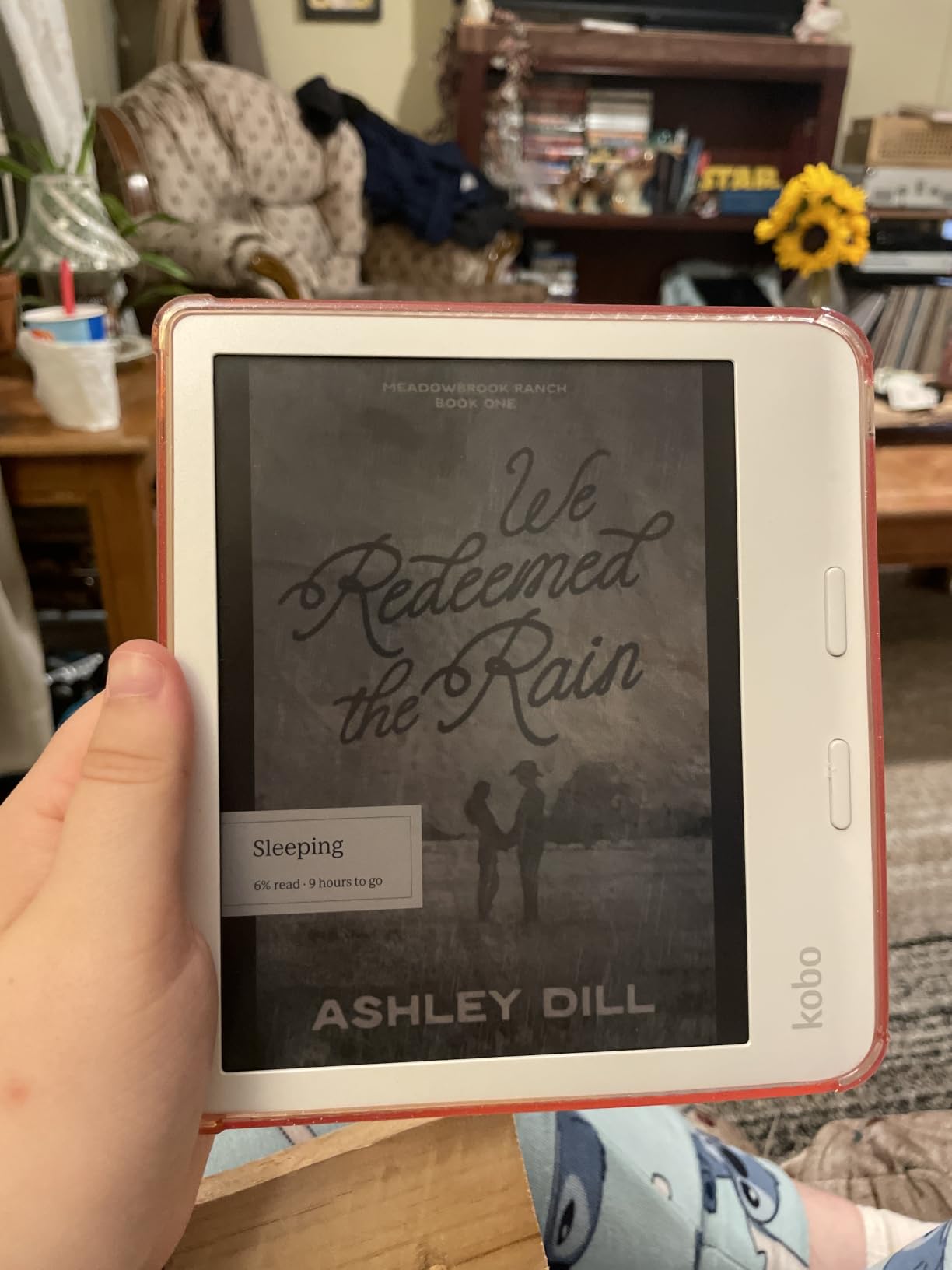
Why buttons change a hesitant reader’s behaviour
Physical page turns feel like reading. A child who has been clicking through a tablet will find that the button and the sound of the page are the closest thing to a paper book, and that matters for the habit you are trying to build.
Rotation means a comic can be held in landscape the whole way through without the software trying to guess.
Where to look elsewhere
If your child reads mostly prose, spend that money on a sharper monochrome screen instead. Muted colour on a large panel does not help a paragraph of text.
Watch the stylus and storage maths. The Stylus 2 is an extra cost, and single-library-card limits matter if two children share.
8. BOOX Tablet Go Color 7 Gen II: best for annotation and open apps
BOOX Tablet Go Color 7 Gen II E Ink Tablet Support Active Stylus InkSense (Black)
- Full Android 13 with third-party app support
- Colour E Ink at 300 ppi mono and 150 ppi colour
- Active stylus drawing with 4096 pressure levels
- microSD slot expands the 64GB storage
- Very thin at 6.4mm and light at 195g
- Regal Mode reduces ghosting on colour content
- Colour E Ink looks dark and low-contrast out of the box
- Stylus is not included and only active styluses work
- Lowest average rating here at 3.9
- Owners mistake the inherent E Ink limits for a fault
This is the only device here that runs a full Android 13 with 4GB of RAM and third-party app support, which changes the ecosystem argument completely. Libby, Kindle, Hoopla and any other reading app can be installed, so a family is not locked into one store and not limited by what the manufacturer chose to allow.
It is also the only one built for marking things up. The 7 inch Kaleido 3 glass screen supports an active InkSense stylus with 4096 levels of pressure sensitivity, and a microSD slot expands the 64GB of internal storage for large comic or textbook libraries. At 6.4mm thin and 195g, it is thinner and lighter than the Kobo Libra.
It accepts a wide range of formats including PDF, CBZ, CBR, EPUB, AZW3 and MOBI, has page-turn buttons, a front light with warm and cold settings, a built-in speaker and a 2,300mAh battery. It scores 3.9 across 365 reviews, the lowest in this roundup, and it is the most polarised device here.
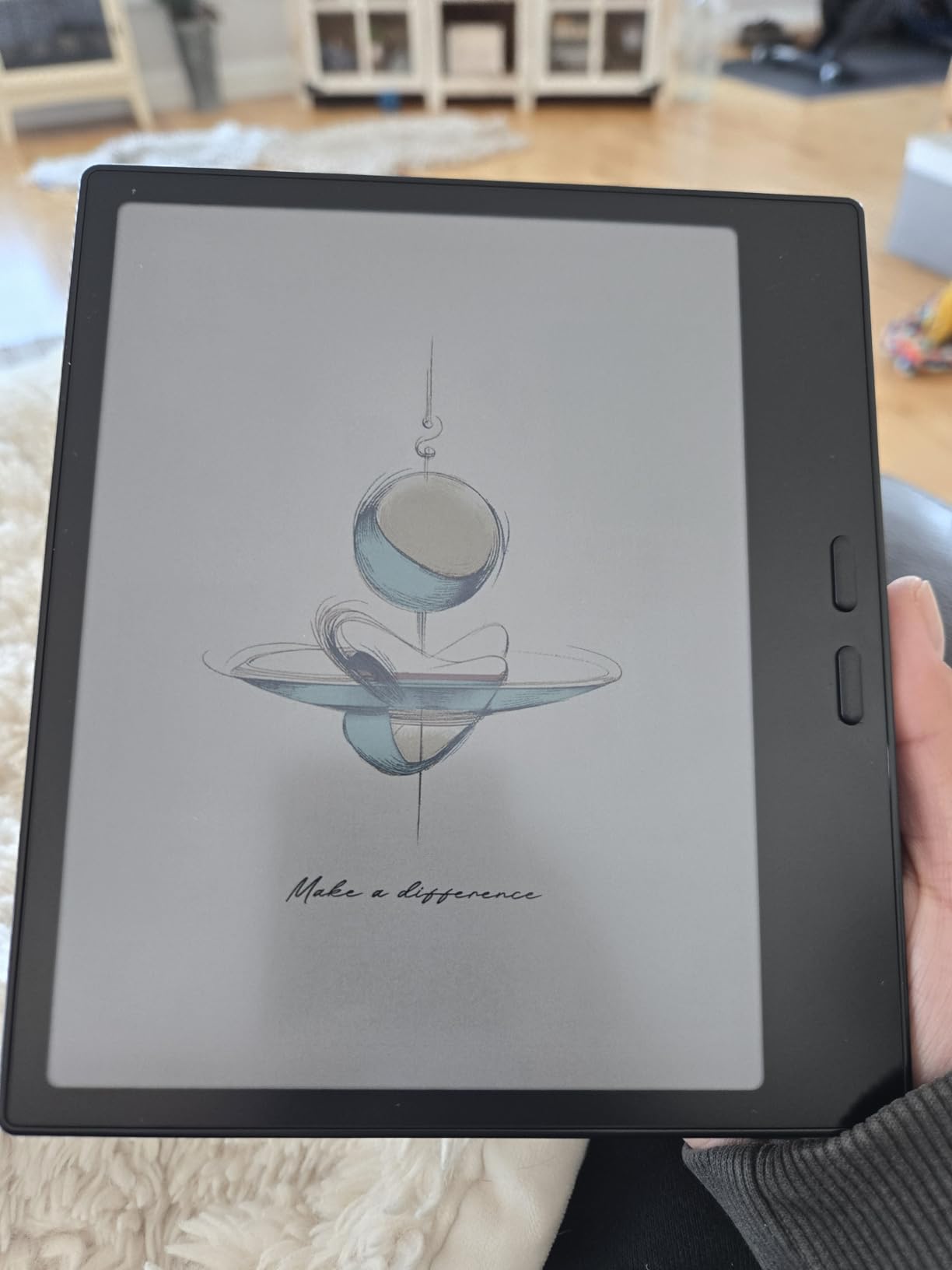
What earns the praise: the Android platform, stylus support, storage expansion and thinness. What draws the one-star reviews: colour E Ink looks dark and washed out next to an LCD tablet, and owners treat that as a fault when it is an inherent limit of the technology. The stylus is an extra cost, and only active styluses work.
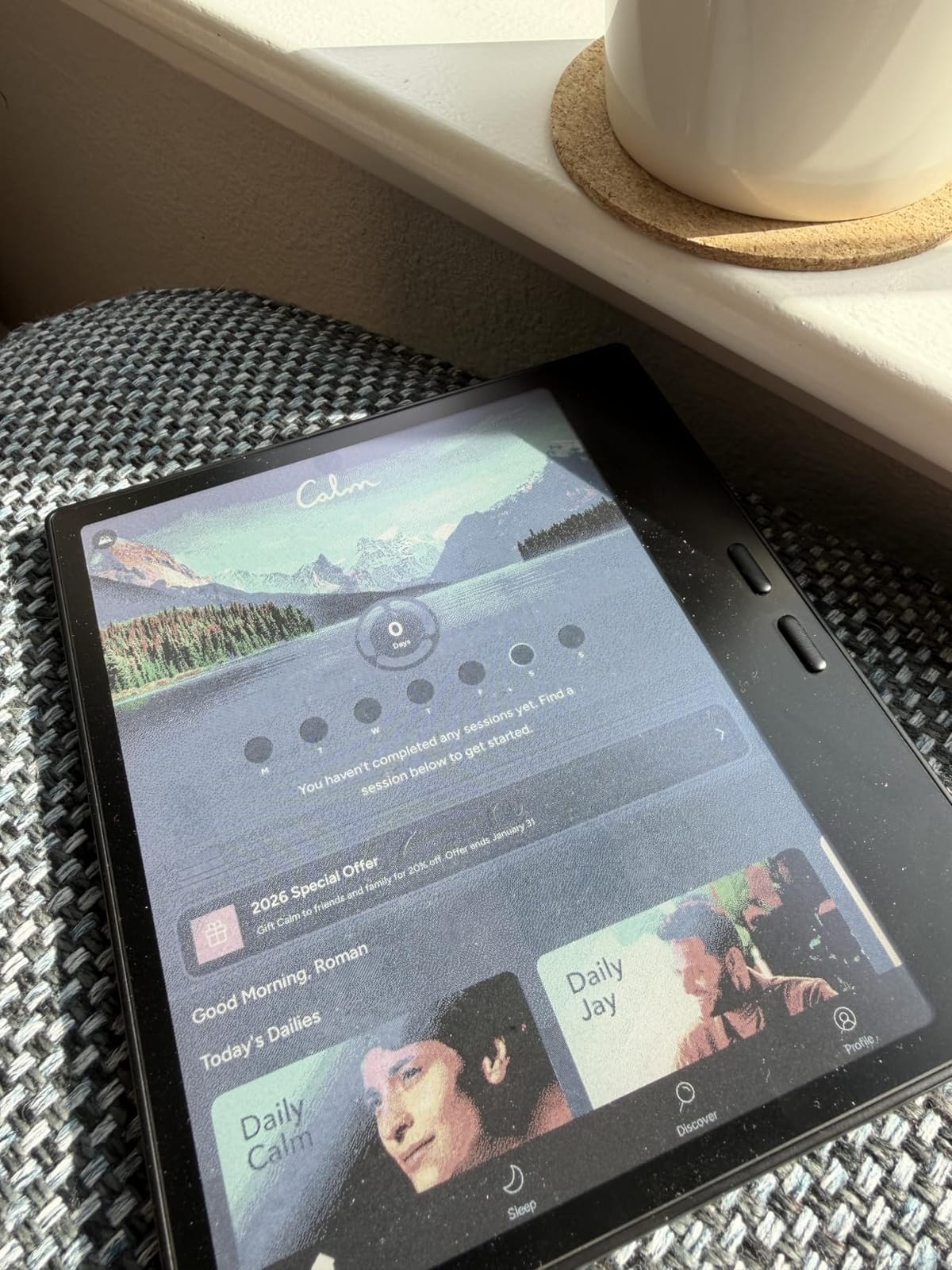
Best for a tween who treats a device like a computer
At nine or ten, a child will find an Android device intuitive in a way they find a locked e-reader strange. Open app support means this one grows with them rather than running out of shelf at 12.
Annotation and the stylus turn it into a study tool for a child who highlights and draws in books rather than just reading them.
Best avoided for a younger reader
With no parental controls anywhere in the software, this is not a device to hand to a seven-year-old. Add the stylus cost and the darker colour screen, and the value case is hard to argue for that age group.
It is also the hardest to set up. Expect a first session configuring accounts, reading modes and storage before a child gets to it alone.
Do Kids E-Readers Count as Screen Time?
No, not in the way parents usually mean it. An E Ink e-reader emits no blue light from a backlit display, plays no video, runs no games and shows no notifications, and it works in sunlight without glare. It is a reflective screen that needs a front light, closer to paper than to a television.
The device is not the problem. The problem is what a child usually reaches for instead, which is a tablet with autoplay video and an infinite feed. A dedicated e-reader removes that competition rather than adding to it.
It is also worth separating a reluctant reader from a struggling reader here. If your child can decode confidently and simply will not choose books, the blocker is motivation and a shelf of twenty appropriate options is the intervention. If your child is still struggling to decode, the blocker is skill and no screen will fix it.
Screen-free parenting communities describe e-ink as a lower-stimulation device than a tablet, and that framing is the one that tends to make these acceptable in a house that avoids screens. If you want the full argument on setting limits, our guide to the best e-readers overall covers the hardware side in more depth.
Our position on the roundup: no device maker or retailer paid for any product to appear here. We list what each device does well and what parents report going wrong with it, and we have left the entries in that condition.
How to Choose a Kids E-Reader for a Reluctant Reader
Choose by age band, not by gadget
Between about three and eight, your child is still building decoding and wants to be read to, so an interactive story reader beats any E Ink device. From roughly five to twelve, a dedicated kids e-reader with a filtered shelf is the strongest single option. From nine to twelve, colour starts to matter as graphic novels come into the mix. At thirteen and up, give them a normal e-reader with adult controls and stop treating them as a child device.
For parents comparing against what they already own, our kids e-reader reviews break down the models in more detail.
Where the books come from matters more than the hardware
Every option here sources books differently. Amazon Kids+ gives a curated shelf for ages 3 to 12 and auto-renews after the trial unless cancelled. Kobo devices borrow through OverDrive integration and are not tied to a single subscription. PocketBook runs no account at all and works directly with Libby. All of them can take DRM-free files by USB, which is the free route if you have a computer nearby.
Free library loans through Libby or your local OverDrive app cost nothing and are the answer to the subscription objection. The catch on Amazon is that sharing a library loan into a child profile is a fiddly multi-step process, which is the single most common complaint parents report about that device.
Colour or black and white
Black and white E Ink is sharper, lighter on the battery and easier on the eyes for long prose, and it is the right call for a child on early chapter books. Colour E Ink earns its place for graphic novels, comics and illustrated early readers, at the cost of lower contrast and a dimmer screen. Colour is a reading-aids decision, not a nicer-to-have.
Accessibility settings for a dyslexic reader
No device treats dyslexia, and any that claims to is overselling. What these devices do offer is real support: font size and weight controls, line spacing, margin and justification settings, dark mode, warm front light, and text-to-speech that reads a page aloud. Kobo’s font and spacing controls are the most adjustable in this roundup, which is why dyslexia-focused readers tend to land there. The caveat is that layout controls do nothing on scanned fixed-layout pages, only on reflowable text.
A try-before-buy checklist
Hand the device to your child and watch, without helping, for fifteen minutes. Can they find a book they already know and open it? Can they get back out of it? Can they adjust the text size themselves? Do they try to leave the reading app? If they cannot get back to a book once, that is the deal-breaker, not the screen size.
Second pass, in the return window: check the library app works with your card, check the age filter is locked before you hand it over, and check the device survives being dropped on a hard floor.
What to skip
Skip generic no-name Android e-readers with single-digit review counts and ratings near one star, which show up constantly on marketplace listings. They ship with the same E Ink panels but no firmware updates, no parental controls and no support. If a listing has five reviews, you are the quality assurance team.
Also skip a tablet as a first device. It will do more than an e-reader, and that is the problem, because a reluctant reader will find video within four seconds. Save the tablet for when reading is no longer the battle.
On timing, forum regulars on eReadersForum note that new list prices rarely move much outside major sale weekends, and that like-new and refurbished units are where the real discounts sit if you are patient. Prices on every device here change often, so use the buttons below to see the current figure.
Frequently Asked Questions
Do e-readers count as screen time?
Not in the way most parents mean it. An E Ink e-reader is reflective, has no backlight, plays no video, runs no games and shows no notifications, and it reads fine in sunlight. The screen-time worry parents actually have is about tablets and phones, and a dedicated e-reader removes that competition rather than adding to it.
Is Kindle or Kobo better for kids?
The Amazon Kindle Kids wins for ages 3 to 12 because Amazon Kids+ is a shelf already filtered by age and the Parent Dashboard handles age limits and bedtime without you. The Kobo Clara models win if you would rather not add an Amazon subscription, want to borrow from a library card for free, and prefer sharper text and warmer screen control. If a child only reads graphics, Kobo’s colour models are the stronger pick.
What is the best e-reader for kids that supports Libby?
The Kobo Clara BW is the simplest option, with OverDrive built in and a barcode you can scan from the library app to start a loan. The PocketBook Verse Pro Color is the most open, since it needs no account and syncs Libby loans directly over Wi-Fi, but it has no parental controls. The Kindle Kids can do it too, though sharing a loan into a child profile is a multi-step process parents frequently complain about.
Which e-reader is best for dyslexic readers?
The Kobo Clara BW and Kobo Libra Colour are the usual answer because they give the widest control over font choice, font size, line spacing, margins and justification, and they support OpenDyslexic alongside warm front light and dark mode. No device treats dyslexia and none should claim to. Layout controls also only work on reflowable text, so scanned fixed-layout pages will not change with the settings.
Should a 10 year old have a Kindle?
Yes, if the Kindle Kids is set up as a child’s device first: filtered by age, no browser or store access in the profile, a bedtime set in the Parent Dashboard, and a clear rule about when the device gets used. A ten-year-old can also manage a normal adult e-reader in a separate profile, which is a reasonable step up once reading has stopped being the problem.
Final Verdict on Kids E-Readers for Reluctant Readers in 2026
The best kids ebook readers for reluctant readers in 2026 depend less on the hardware than most buyers assume. Under nine, a LeapFrog LeapReader wins because the pen removes the decoding anxiety. Between five and twelve, the Amazon Kindle Kids is the strongest single device, because a filtered age-banded shelf solves the real problem, which is choosing a book. And if you would rather not add a subscription, the Kobo Clara BW is the calmest, sharpest, lightest reader here.
Where the books come from will decide whether any of it works. Set up the library app and the age filter before you hand the device over, keep the shelf small on day one, and let the child add to it. Use the try-before-buy checklist inside the return window, and pick the device that survived being dropped.