
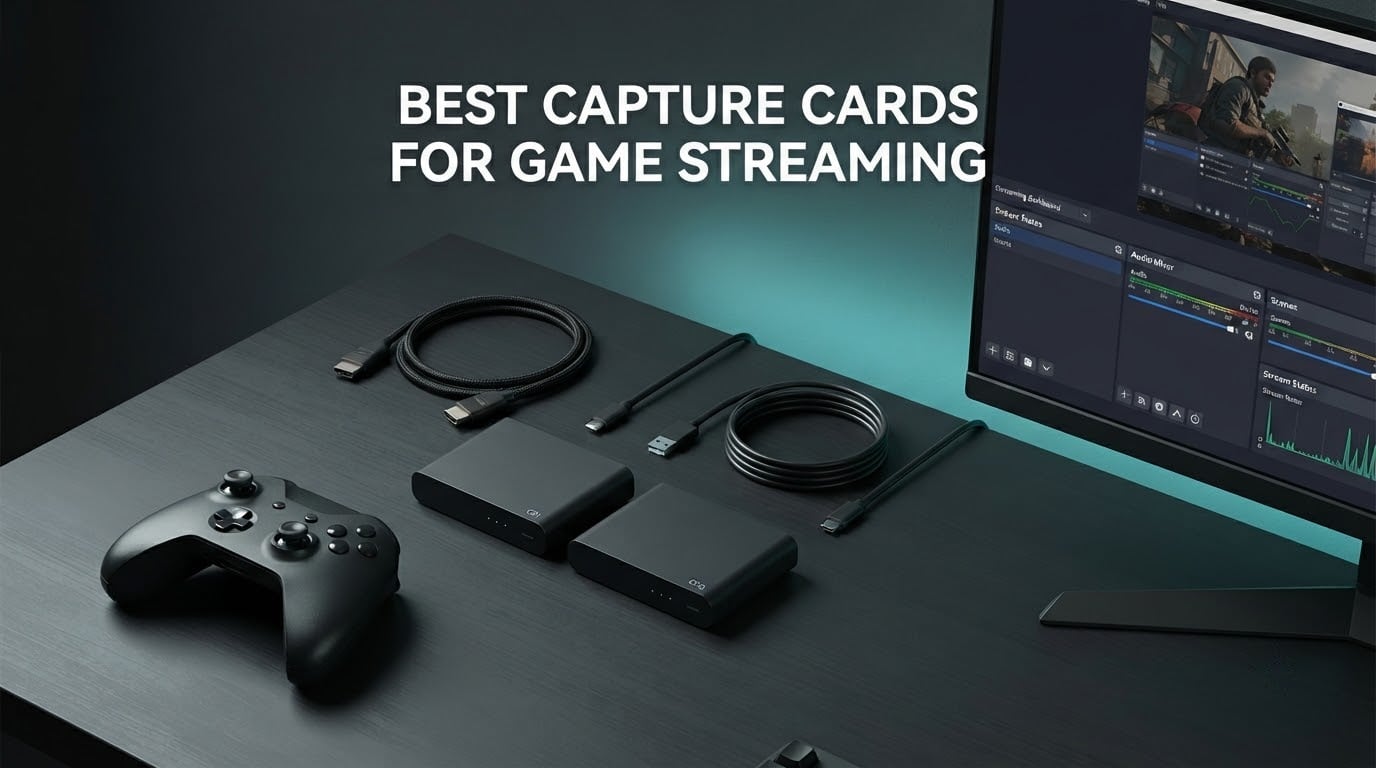
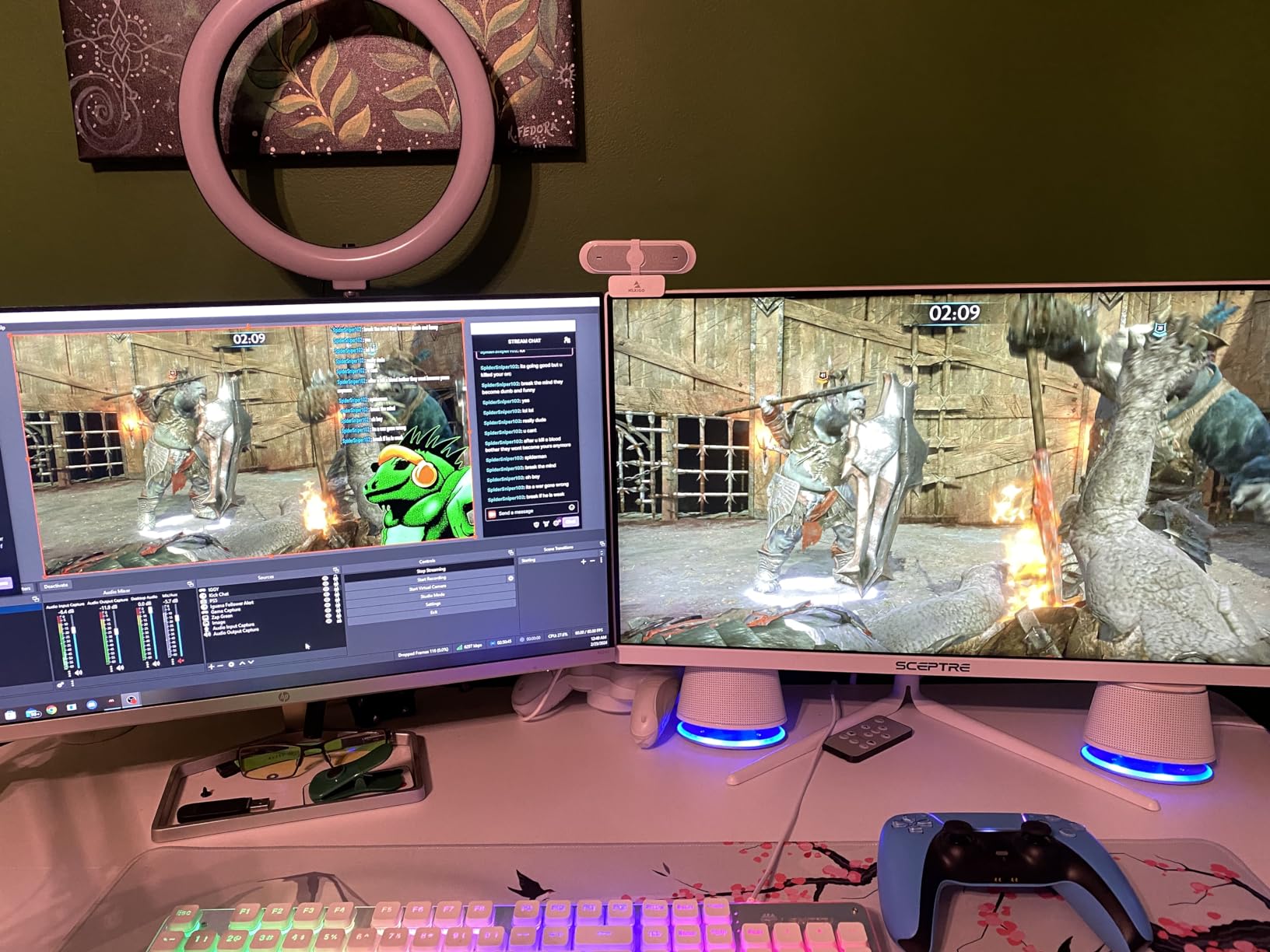
A capture card is a small box that sits between your console or gaming PC and your display. It copies the HDMI video and audio signal and hands that copy to a second PC over USB, where OBS Studio picks it up, encodes it and pushes it to Twitch, YouTube or a local recording.
That one sentence explains why people buy one. The passthrough copy keeps your own screen untouched at full refresh rate, while the captured copy becomes a camera source you can layer overlays, alerts, face cameras and game chat onto. None of the current editorial roundups I read for this piece covered more than five cards, and most were still recommending hardware from a generation that no longer exists.
For the best capture cards for game streaming in 2026, I ran ten devices through the same routine: plug each one in, capture from a console and from a PC, watch the passthrough image on a second display, and record locally in OBS at 1080p60. What follows is what survived, ordered by how much confidence I would put behind a recommendation. If you are still working out the rest of the rig, start with our streaming device picks and our game camera roundup, then come back here.
One decision comes before any of it: check whether you need a card at all. If you game on PC and stream straight out of OBS with a game capture source, you do not. If you play on a console, want overlays, or want a clean high-bitrate recording for editing, you do.
Table of Contents
Top 3 Best Capture Cards for Game Streaming (October 2026)

Elgato HD60 S
- 1080p60 capture
- True zero-lag passthrough
- Instant Gameview
- Flashback recording

AVerMedia Live Gamer Mini
- 1080p60 capture
- Zero-latency passthrough
- H.264 hardware encoder
- 3-year warranty

UGREEN HDMI Capture Card
- 2K30 and 1080p60 output
- 5 Gbps USB 3.0
- USB-A and USB-C
- 24-month warranty
The HD60 S wins because the combination of rating, review volume and a decade of OBS compatibility is not reproducible with anything else on this list. The AVerMedia Live Gamer Mini is the pick if you want a recognised brand name, a hardware encoder and a three-year warranty in a small box. The UGREEN is the pick if you want a clean 1080p60 feed at a budget-friendly price point and you already know how to configure a capture source in OBS.
Best Capture Cards for Game Streaming in 2026 at a Glance
| Product | Specifications | Action |
|---|---|---|
| Elgato HD60 S |
|
Check Latest Price |
 Elgato Game Capture 4K S Elgato Game Capture 4K S |
|
Check Latest Price |
 AVerMedia Live Gamer 4K GC573 AVerMedia Live Gamer 4K GC573 |
|
Check Latest Price |
| AVerMedia Live Gamer Mini GC311 |
|
Check Latest Price |
| UGREEN 15389 Capture Card |
|
Check Latest Price |
 VIXLW 1080p Cam Link Card VIXLW 1080p Cam Link Card |
|
Check Latest Price |
 VIXLW V316B-FR Capture Card VIXLW V316B-FR Capture Card |
|
Check Latest Price |
 XIIXMASK USB 3.0 Capture Card XIIXMASK USB 3.0 Capture Card |
|
Check Latest Price |
 Guermok 4K USB 3.0 Card Guermok 4K USB 3.0 Card |
|
Check Latest Price |
 VIXLW K801-C PCIe Card VIXLW K801-C PCIe Card |
|
Check Latest Price |
Two columns decide most of this table before you read a single review. Capture resolution is what your audience sees, and passthrough is what you see on your own display. A card can be excellent at one and poor at the other, which is why several entries below look contradictory until you read the full section.
1. Elgato HD60 S: the most proven 1080p60 capture card – Best Overall
- 1080p60 capture quality for streaming and recording
- True zero-lag passthrough keeps gameplay responsive
- Instant Gameview ultra-low-latency workflow
- Unlimited direct-to-disk recording
- Flashback Recording for retroactive clips
- 1080p ceiling with no 4K or HDR10 capture
- Flashback Recording is not supported on macOS
- One year limited warranty
I have put more hours through the HD60 S than any other capture device in this roundup, and it is the one I hand to friends who ask a single question: which one will not waste my weekend. It enumerates as a standard video capture device, OBS sees it immediately, and the passthrough image is genuinely free of lag, so play and broadcast stay in sync.
At 12.7 ounces and 2.95 by 4.41 by 0.75 inches, it is the smallest footprint here that still has a full metal body, and the box includes an HDMI cable, a USB 3.0 cable and a quick start guide. Nothing else needs buying before the first capture.
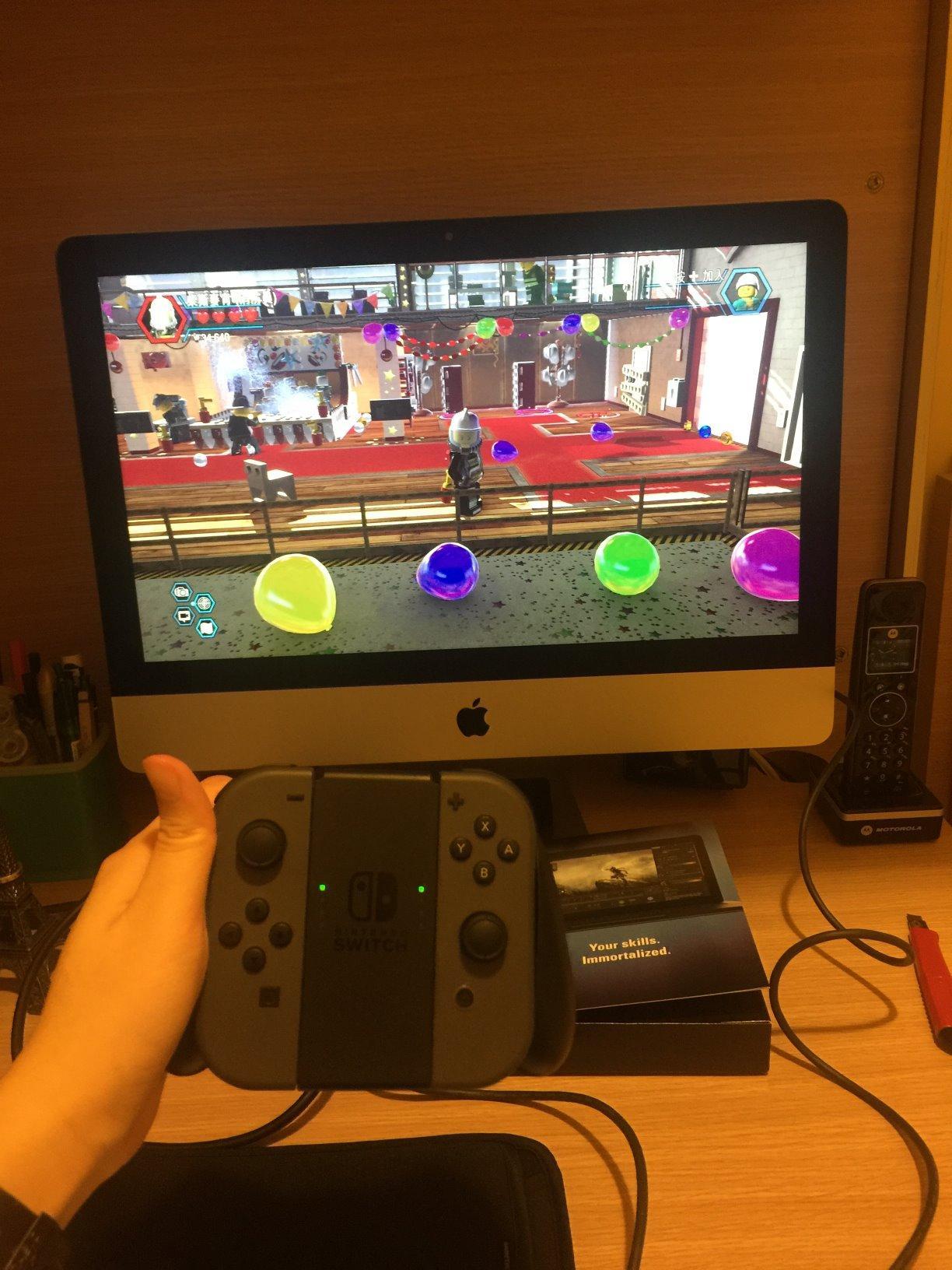
Where it stops is resolution. Capture is 1080p and passthrough is 1080p60, so a console set to 4K will hand you a 1080p feed and a 1080p image on your TV. That is a real limitation for a YouTube gaming channel, and it is also the entire reason this card still earns the top slot: for Twitch, 1080p60 is the target most services transcode to anyway.
The Flashback Recording buffer is the feature I use more than any other. Keeping a rolling buffer means I can slide back and save a moment I missed while focused, which has saved more footage for me than any bitrate increase. Note it does not work on macOS.
What you should know before buying
Minimum system requirements are Windows 10 64-bit with a 4th generation quad-core Intel Core i5 and 4 GB of RAM, with Intel HD graphics or a GeForce GTX 600 series or better. That is a low bar for any PC made in the last decade.
The card carries a 1 year limited warranty, which is the shortest of any named-brand unit in this roundup. Over 25,000 ratings averaging 4.6 give me more confidence in the hardware than that warranty does, but it is worth knowing if you keep a rig for years.
Who should skip it
Skip this card if you record for a YouTube gaming channel and want 4K masters to crop and grade later. 1080p60 capture leaves you re-encoding from a 1080p source no matter how fast the encoder is.
Also skip it if you run a 1440p 144Hz or 1080p240 display and play competitively. A 1080p60 passthrough will cap your monitor and remove variable refresh rate entirely.
2. Elgato Game Capture 4K S: 4K60 capture with high refresh passthrough
- 4K60 capture with crisp detail and vivid colour
- 1440p120 and 1080p240 high frame rate capture
- HDR10 capture with tone mapping
- Near-zero latency gameview
- 3.5mm analog audio input
- Needs an 8th-gen Core i5 or Apple M1 class rig
- USB-C only so older desktops need an adapter
- HDR10 tone mapping is Windows-only
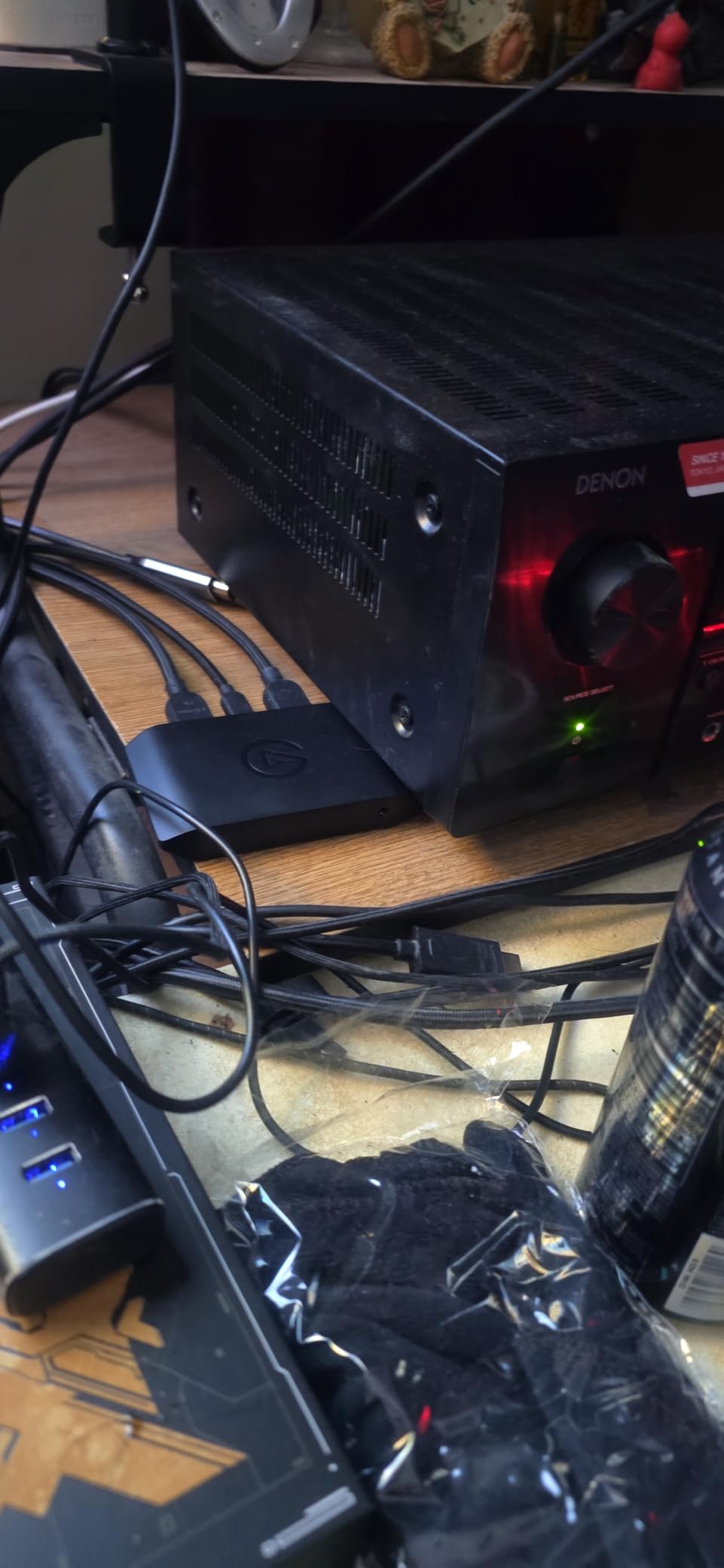
This is the card I would buy if I were starting fresh in 2026 with a modern PC and a console. It captures 4K60 and pushes 1440p120 or 1080p240 to the display, so a high-refresh monitor keeps its refresh rate while the recording stays at 4K.
Everything about the physical design is aimed at current hardware. It is USB-C only, measures 0.67 by 4.41 by 2.83 inches and weighs 0.09 kg, so one cable handles a PS5, a Switch 2 dock or a laptop.
The 3.5mm analog audio input is more useful than it sounds. In-game chat and voice comms that never travel over HDMI can be mixed in here, which is the standard fix for console party audio.
The system requirements are the honest catch. Elgato lists an 8th generation Intel Core i5, an Apple M1 or better CPU, and a GeForce RTX 10xx-class GPU or equivalent, on Windows 11 64-bit, macOS 13 or later, or iPadOS with USB-C. Older streaming PCs will struggle.
What you should know before buying
HDR10 tone mapping runs on Windows only. If you build on a Mac and want HDR recordings, you get the capture but not the tone mapping step that makes it watchable on an SDR timeline.
A two year manufacturer warranty is included, which is more reassuring than the HD60 S arrangement, though still shorter than the AVerMedia cards on this list.
Who should skip it
Skip it if your streaming PC is more than four years old or runs on integrated graphics. The 4K60 pipeline needs real headroom, and an underpowered encoder machine is the most common reason people blame the card.
Skip it if you need HDMI 2.1 features the card cannot see. Native 4K120 from a console is not in the passthrough list here, so high-frame-rate console modes still need a display that can take 1440p120.
3. AVerMedia Live Gamer 4K GC573: the internal PCIe option for dual-PC rigs
- Unlimited 4K60 HDR10 capture with zero-lag passthrough
- Capture up to 240fps at 1080p
- PCIe x4 avoids adding USB bandwidth pressure
- Automatic surround to stereo downmix
- Three year manufacturer warranty
- Needs a free PCIe x4 slot and a Windows PC
- RECentral software is dated
- Cannot detect HDMI 2.1 sources such as 4K120
Internal cards are the quiet answer to the USB bandwidth argument, and the GC573 is the best documented one. It sits on a PCI Express x4 slot inside your streaming PC, which means the capture feed never competes for a USB port shared with a webcam, a microphone interface or a second card.
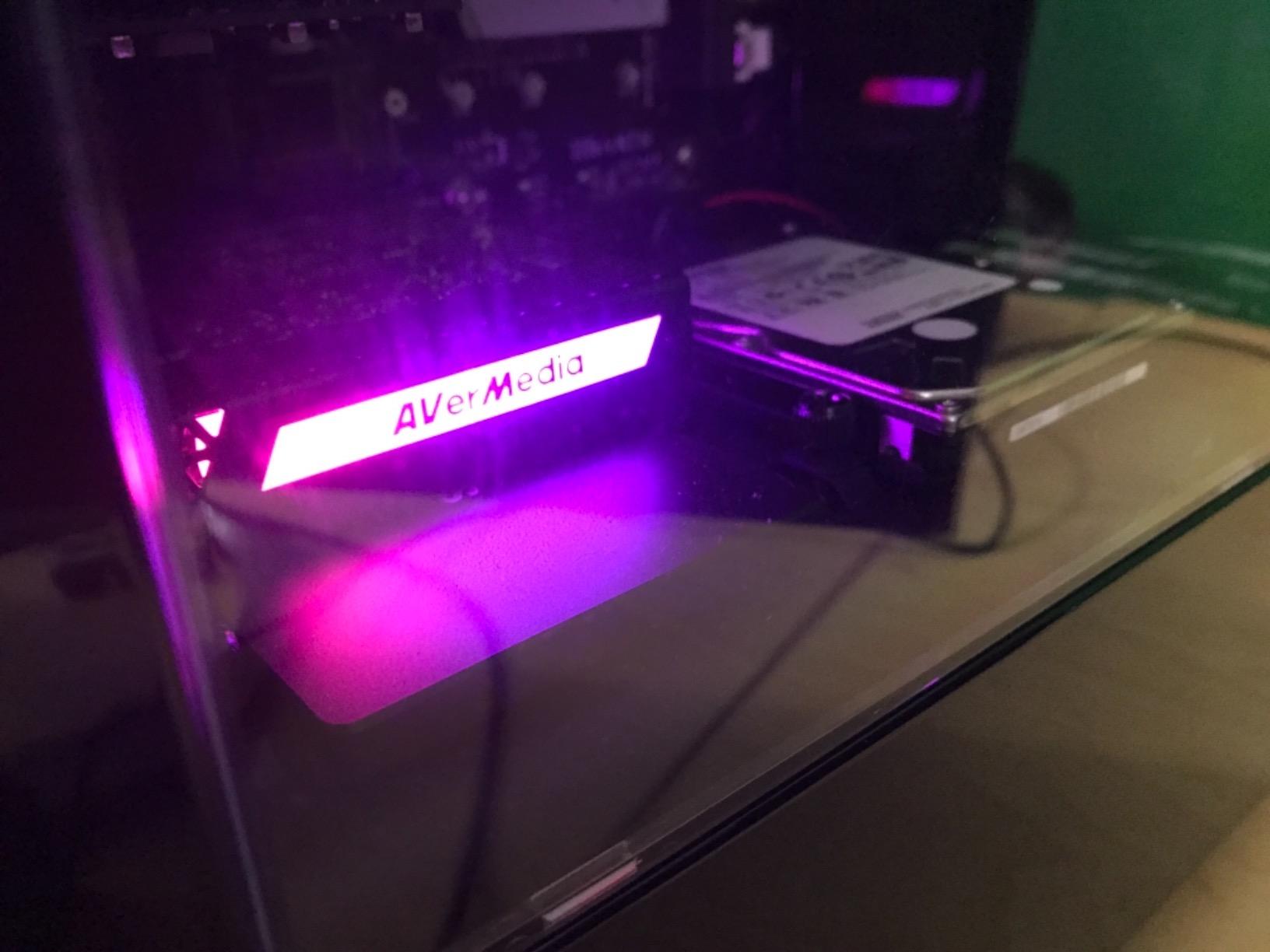
Capture runs at 4K60 HDR10 with unlimited recording and high frame rate capture up to 240fps at 1080p. The card downmixes surround audio to stereo on its own, and the RGB lighting has three preset modes if you want your rig to look like it belongs in a 2026 setup video.
Retro and downscaling users get a bonus here. Owners pair it with OSSC and RetroTink devices to capture older consoles and then downscale to 240p signals, which is a workflow external cards tend to handle less gracefully.
The hard limit is the interface version. This is an HDMI 2.0 class card, so a console running a 4K120 mode will not be detected at all, and you will see no signal rather than a degraded image. Budget for a free PCIe x4 Gen 2 slot, with Gen 3 recommended.
What you should know before buying
AVerMedia RECentral is the weak point. Reviewers report it is dated and that HDMI audio often needs it running before the card outputs sound, so treat the software as part of the product rather than an afterthought.
A firmware update has put a few units into a state where Windows stops seeing them until the card is reseated. Download the driver before first use rather than after something fails.
Who should skip it
Skip it if you want HDMI 2.1 passthrough. There is no 4K120 here, and the community answer for high-refresh internal capture is still generational rather than current.
Skip it on a laptop or a compact case. This is a full-length card at 5.9 by 4.9 by 0.8 inches and 7.36 ounces, and it needs a desktop with a free slot.
4. AVerMedia Live Gamer Mini GC311: a named brand at a sensible tier
- Zero-latency 1080p60 HDMI pass-through
- On-board H.264 hardware encoder
- UVC plug and play with no drivers
- Compact 2.63-ounce footprint
- Three year manufacturer warranty
- 1080p60 ceiling with no 4K support
- Some units stop being detected after a cable knock
- RECentral software needs frequent updates
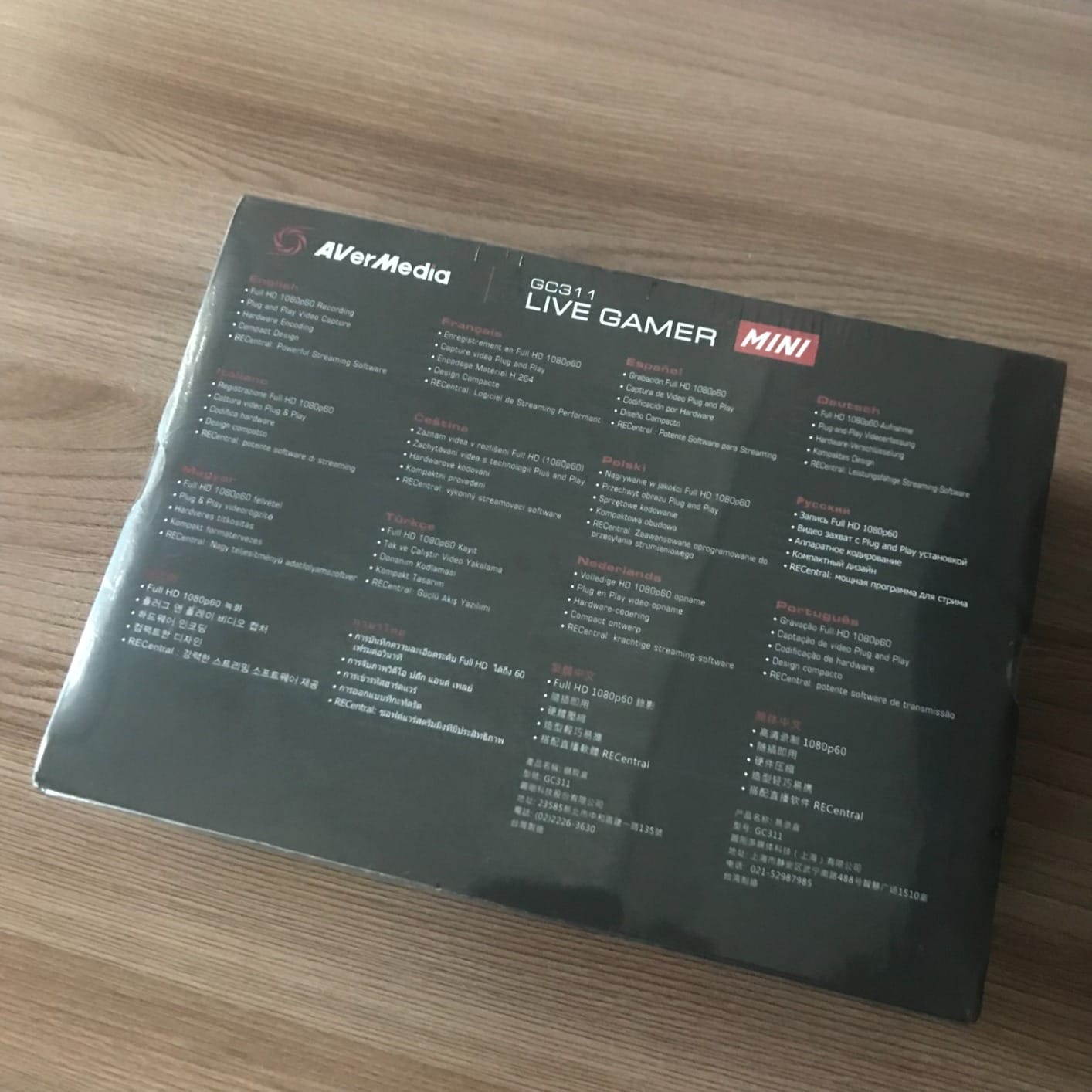
The GC311 is the middle path between a no-name dongle and a flagship card. It is a real AVerMedia product with a three year manufacturer warranty, and it is the one I would put in a first streaming rig that is not going to be rebuilt next year.
It is 3.93 by 2.24 by 0.74 inches and 2.63 ounces, and the box carries the card, a quick guide and a USB Micro to Type-A cable. The on-board H.264 hardware encoder takes encoding work off the streaming PC, which matters more on older machines than people expect.
Passthrough is 100 percent zero-latency at 1080p60, and it works over USB 2.0 or USB 3.0 as a UVC device with no driver install. It is listed for Switch, PS4 and PS5, Xbox One and Series X|S, and pairs with OBS Studio, Streamlabs OBS and RECentral 4.
The reliability pattern in reviews is the thing to plan around. Some owners report the card dropping out of the PC after the micro-USB cable is dislodged, and bitrate dips during fast in-game camera movement. Secure the cable and keep the software updated.
What you should know before buying
Minimum requirements are Windows 10 64-bit, Windows 11 or macOS 12, with a USB 2.0 port. The hardware encoder is the reason the card can run on modest hardware despite the USB 2.0 interface.
If your workflow includes a second PC, the encoder frees the streaming machine to do nothing but encode, which is the cleanest dual-PC arrangement available at this tier.
Who should skip it
Skip it if you want 4K. There is no 4K support at all, on input or capture, so this is strictly a 1080p60 device.
Skip it if you are sensitive to software churn. RECentral is required for some functions and asks for updates often, which is friction that a driverless UVC dongle simply does not have.
5. UGREEN 15389: the best-rated budget card in the roundup
UGREEN 2K@30Hz 1080P 60FPS Video Capture Card 4K Input HDMI to USB 3.0
- Highest average rating among the budget cards at 4.5
- 2K30 output with backward-compatible 1080p60
- 5 Gbps USB 3.0 throughput
- Both USB-A and USB-C ports
- 24-month warranty with aluminum housing
- Output limited to 2K30 and 1080p60
- Unidirectional HDMI in to USB out
- HDCP must be disabled on the console
Among the low-cost cards I tested, the UGREEN is the one I keep reaching for. It holds a 4.5 average across 861 ratings with 79 percent five-star feedback, which is the best rating-to-quality ratio in the budget group.
Output runs at 2K30 with backward-compatible 1080p60, and input accepts 4K30. The 5 Gbps USB 3.0 link and the aluminum housing with an internal 26AWG tinned copper cable explain why the card is rated so much higher than its neighbours.
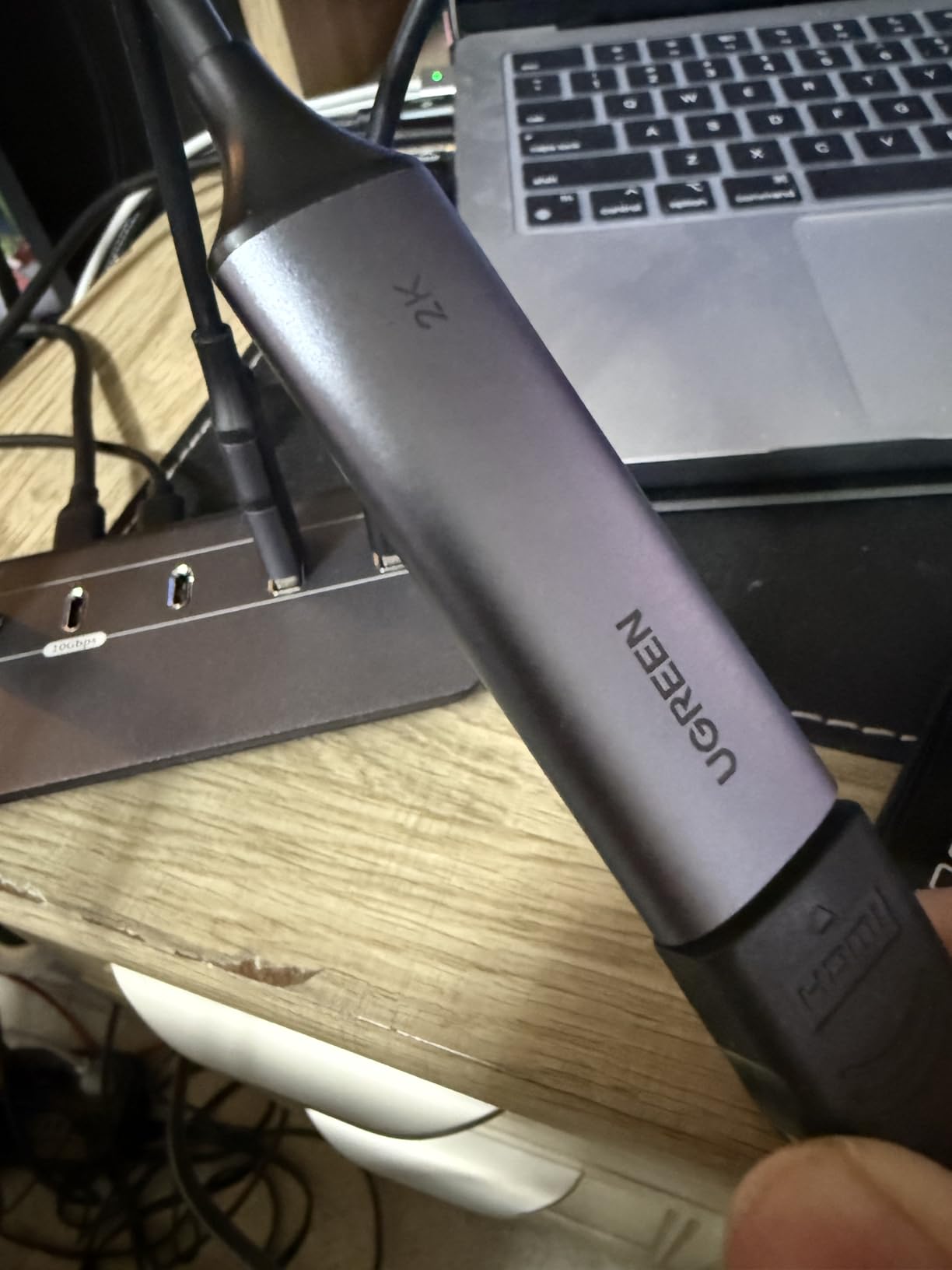
Having both USB-A and USB-C ports means no adapter on modern hardware, and it works on Windows, macOS and Linux alongside OBS, XSplit, QuickTime and PotPlayer. Console and handheld support covers Switch and Switch 2, PS4, PS5, Xbox Series X and Meta Quest 3.
Two things to set expectations on. The 2K30 output is the real ceiling, so this is not a card for a 4K gaming channel, and it is one-way, so you need a splitter or a second connection to keep playing on a TV.
What you should know before buying
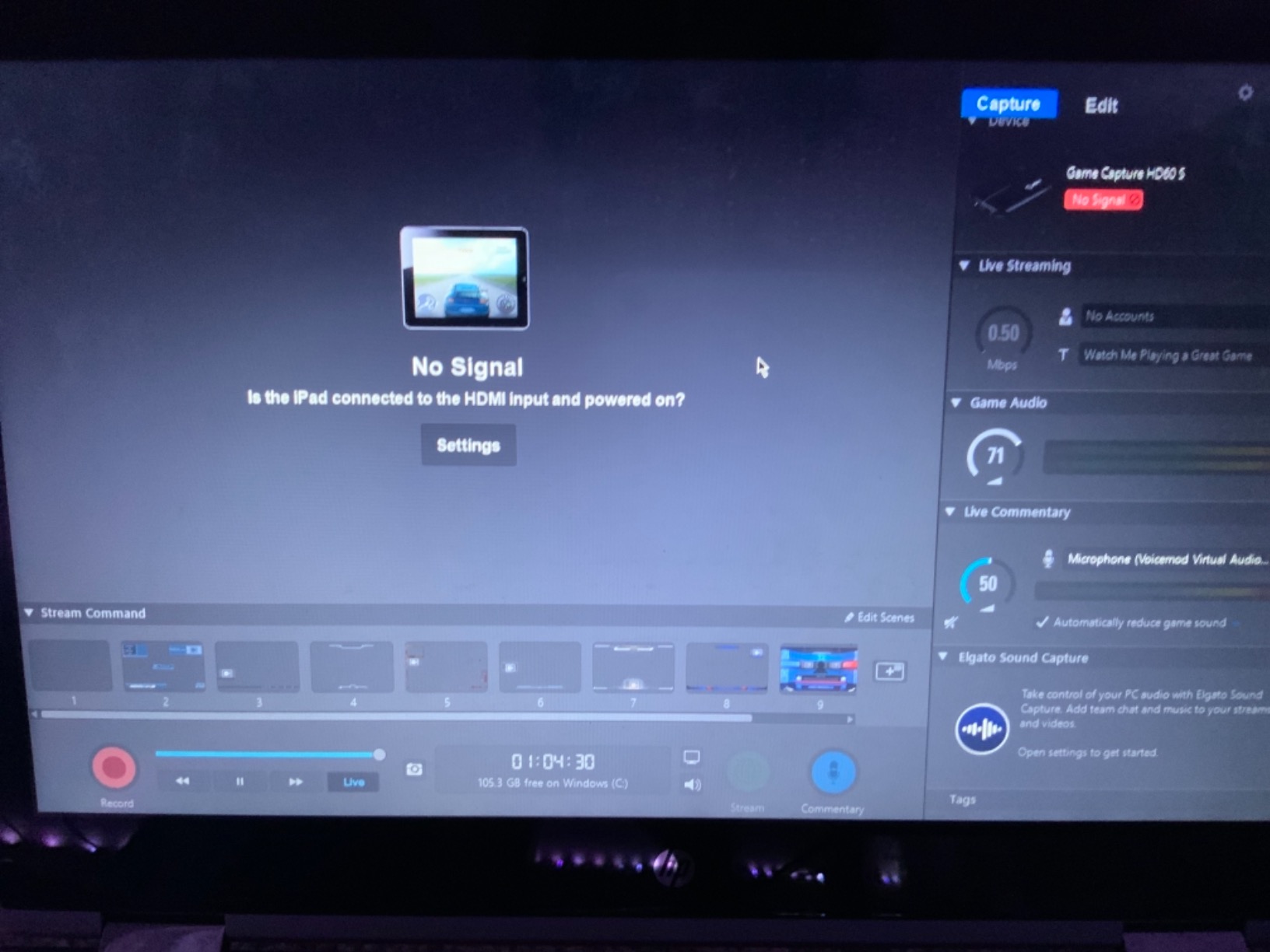
HDCP has to be switched off on PS4, PS5, Switch or Xbox before the card will see a signal. That is a console setting, not a card fault, and it is the number one cause of a black screen on any capture device.
The warranty is 24 months of UGREEN warranty service, the second longest in this roundup, which is unusually generous for a card at this level.
Who should skip it
Skip it if you need to play on a TV through the card while capturing. The signal flow is HDMI in to USB out only, so there is no loop-out to feed a display.
Skip it if you want 4K masters. Input accepts 4K30 but the captured signal never exceeds 2K30, so a 4K console is downconverted twice.
6. VIXLW 1080p Cam Link card: the simplest webcam-style option
- True plug-and-play webcam-style connection
- No driver install or external power
- HDMI loop-out for delay-free play
- 3.5mm mic-in for commentary
- 4.4 rating with a low 5% one-star share
- Capture output capped at 1080p
- Mic-in accepts only standard TRS headsets
- Freezes if the capture format is misconfigured
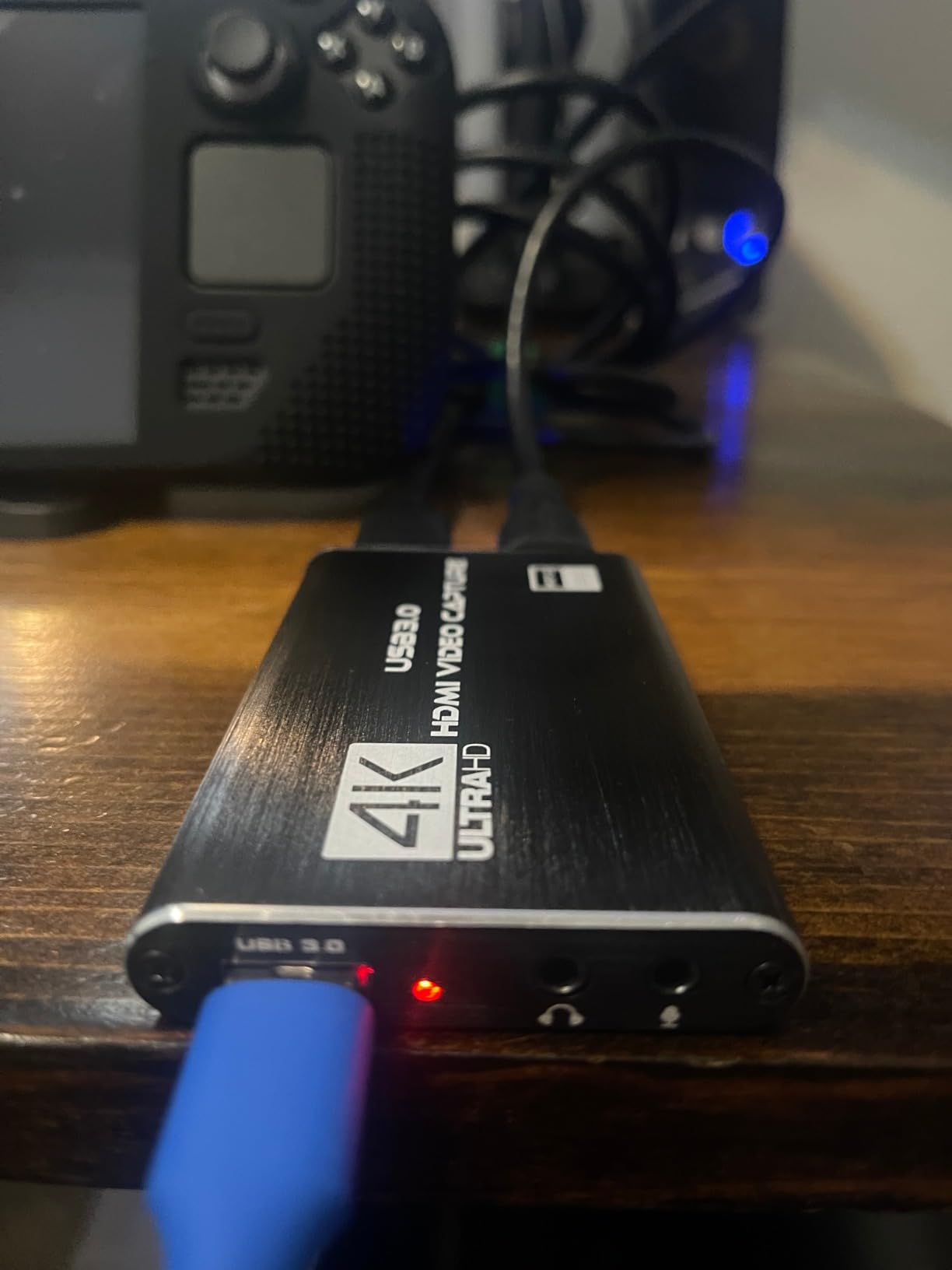
This is the card I hand to someone who has never opened OBS. It enumerates as a webcam the moment you plug it in, with no driver and no companion application, so the setup is a source selection in OBS rather than a troubleshooting session.
It works on Windows, Mac and Linux, and streams to Twitch, YouTube, Facebook, OBS, PotPlayer and VLC. The HDMI loop-out lets you keep playing on a TV or second monitor with no added delay, which is why it suits a first console capture rig.
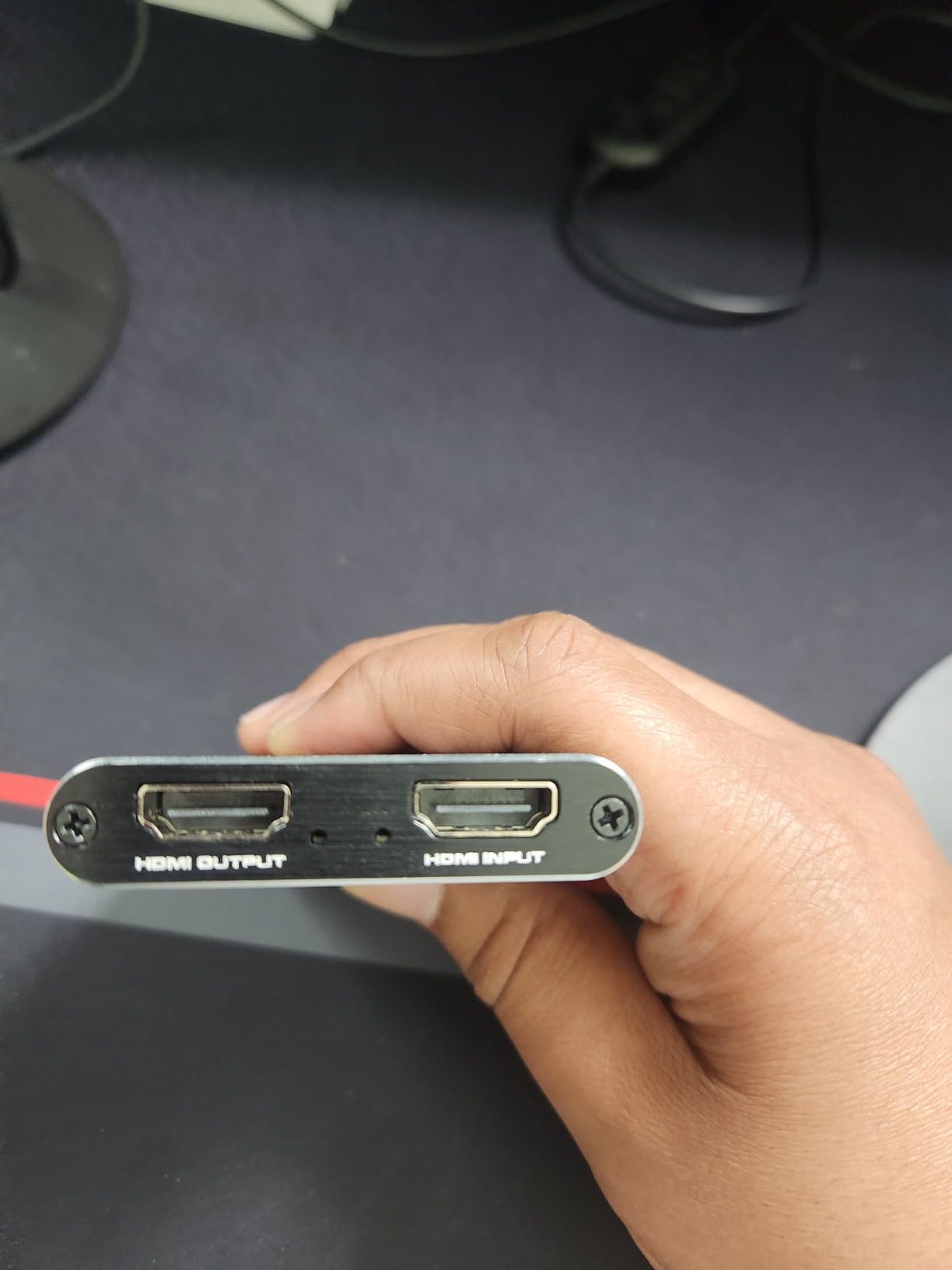
The 3.5mm mic-in is genuinely useful for commentary and is something most cards this size skip. The catch is that it takes standard 3.5mm TRS headsets, so a bare condenser microphone with a desktop arm will not connect without an interface.
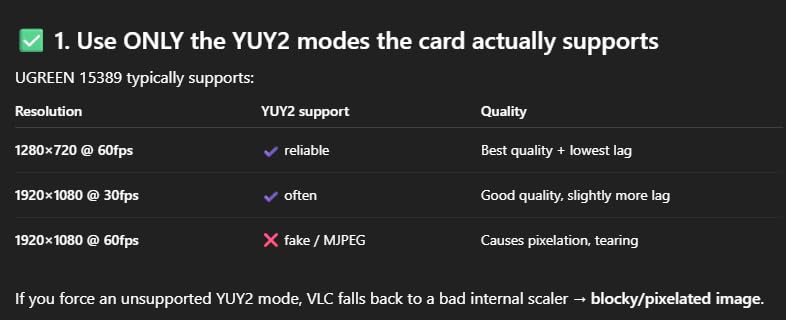
My one real complaint is that OBS will freeze on this card if the capture format is not set correctly. Pick 1080p60 with an MJPEG or YUY2 format rather than leaving it on a default, and the problem disappears.
What you should know before buying
The weight is 0.3 kg and the box includes the card and an installation guide, so the HDMI cable is the one accessory you may need to add. It is listed for Switch and Windows platforms with Linux and Mac OS support.
A 4.4 average across 1,680 ratings with a 5 percent one-star share puts it ahead of most dongles on build consistency, which is the usual failure point in this class.
Who should skip it
Skip it if you record in 4K or need HDR. The capture path is 1080p only, with no 4K or HDR10 handling anywhere in the chain.
Skip it if you use a bare microphone. The 3.5mm jack is wired for headsets, and a proper mic means adding a small interface to the chain.
7. VIXLW V316B-FR: accepts high-refresh input the budget cards usually drop
- Accepts 4K60 and 1080p120/144Hz input
- Enumerates as a webcam with no driver install
- HDMI loop-out with no added delay
- 3.5mm mic-in for commentary
- Low CPU load while capturing
- USB capture output limited to 2K30
- No support for 4K120 or 144Hz input
- Sixty day warranty
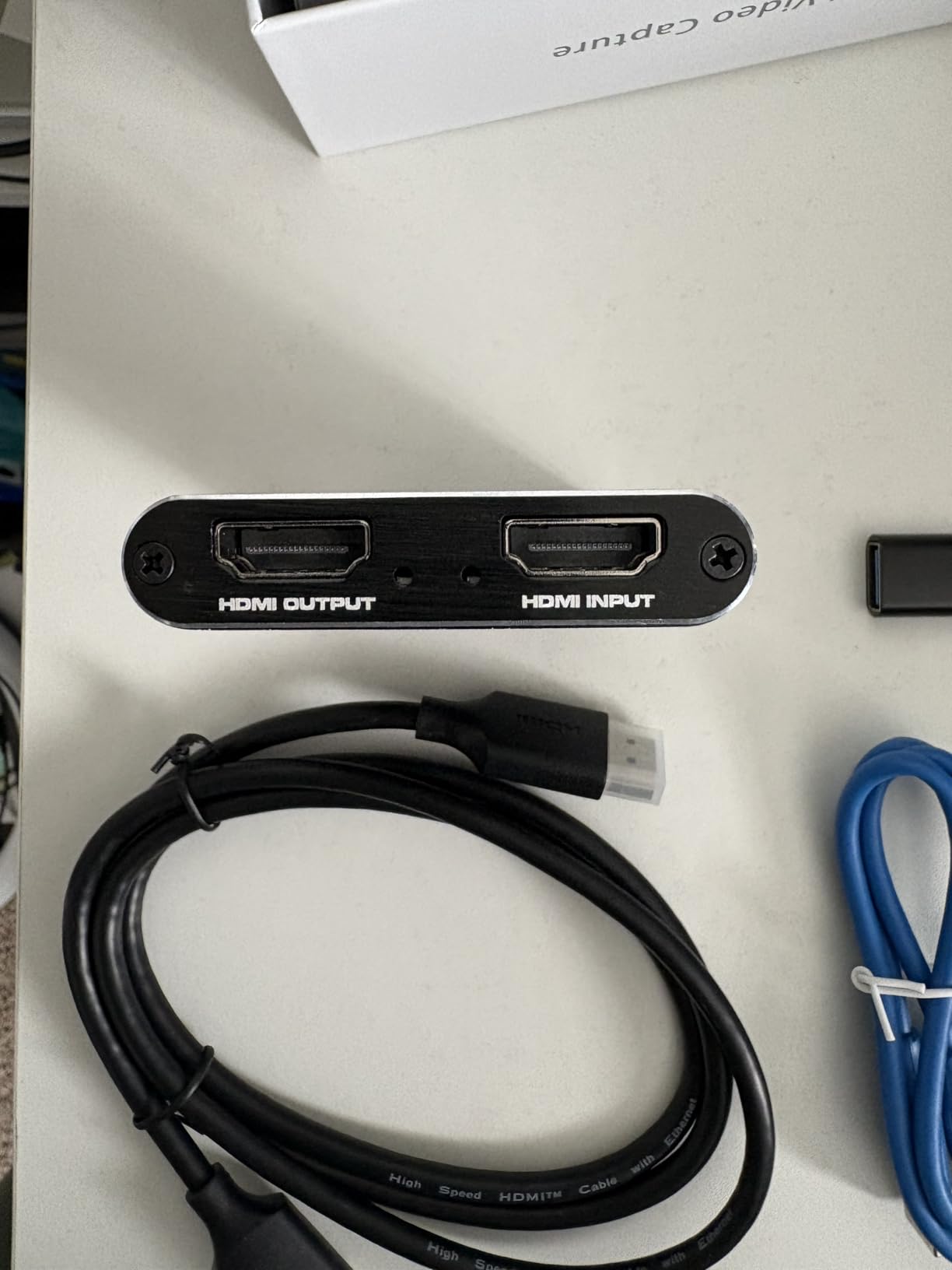
The V316B-FR is unusual in the budget group because of what it accepts rather than what it captures. Input handles 4K at 30 and 60Hz along with 1080p at 120 and 144Hz, which means a high-refresh PC signal does not get rejected at the door.
It is 3 by 2 by 1 inches, weighs 0.18 kg, and needs no driver or external power. The card ships alone in the box, and the minimum system is a Windows PC with a USB 3.0 port.
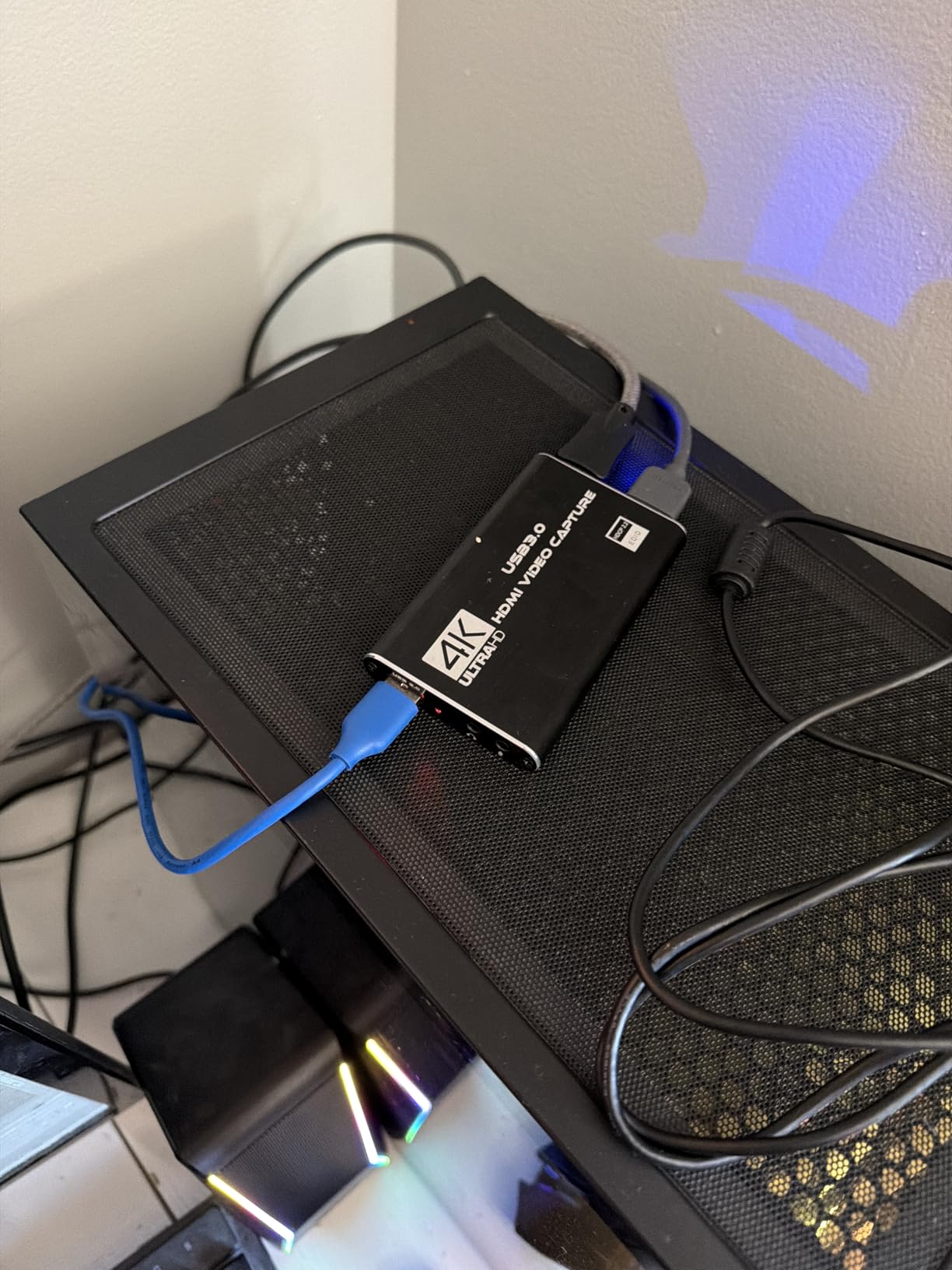
The HDMI loop-out has no added delay, so this is one of the few budget cards where you can play and stream from the same pass-through image without a second device. CPU load during capture is low, which is helpful on a shared streaming PC.
The gap between input and output is the thing to read carefully. The listing headline advertises 4K up to 60Hz, but the USB capture output tops out at 2K30, so the resolution you record at is well below what the card can read.
What you should know before buying
The warranty is 60 days. That is the shortest in this roundup by a wide margin, so keep the box and confirm the return window before you build a permanent rig around it.
Mac support is listed in the marketing but is far less clearly documented than the Windows path. If you stream from a Mac, test it early rather than after assembling the whole chain.
Who should skip it
Skip it if you need real 4K capture. A 2K30 ceiling means a 4K console signal is downsampled before it ever reaches your encoder.
Skip it if you run a 240Hz or 4K120 setup. There is no 4K120 or 144Hz input support here, so the very modes this card is used to test stop short of the top of the ladder.
8. XIIXMASK USB 3.0 card: 4K60 loop-out with a dual-port layout
XIIXMASK USB 3.0 HDMI Capture Card, 1080P 60FPS Capture, 4K Pass-Through
- 4K60 input and loop-out at 1080p60 capture
- Aluminum shell with revised cable layout
- Dual USB-A and USB-C ports
- 3.5mm headset mic-in for commentary
- Works across Windows
- macOS
- Linux and Android
- Capture output far below 4K60 passthrough
- Party chat audio is not captured
- Highest one-star share in this group at 10 percent
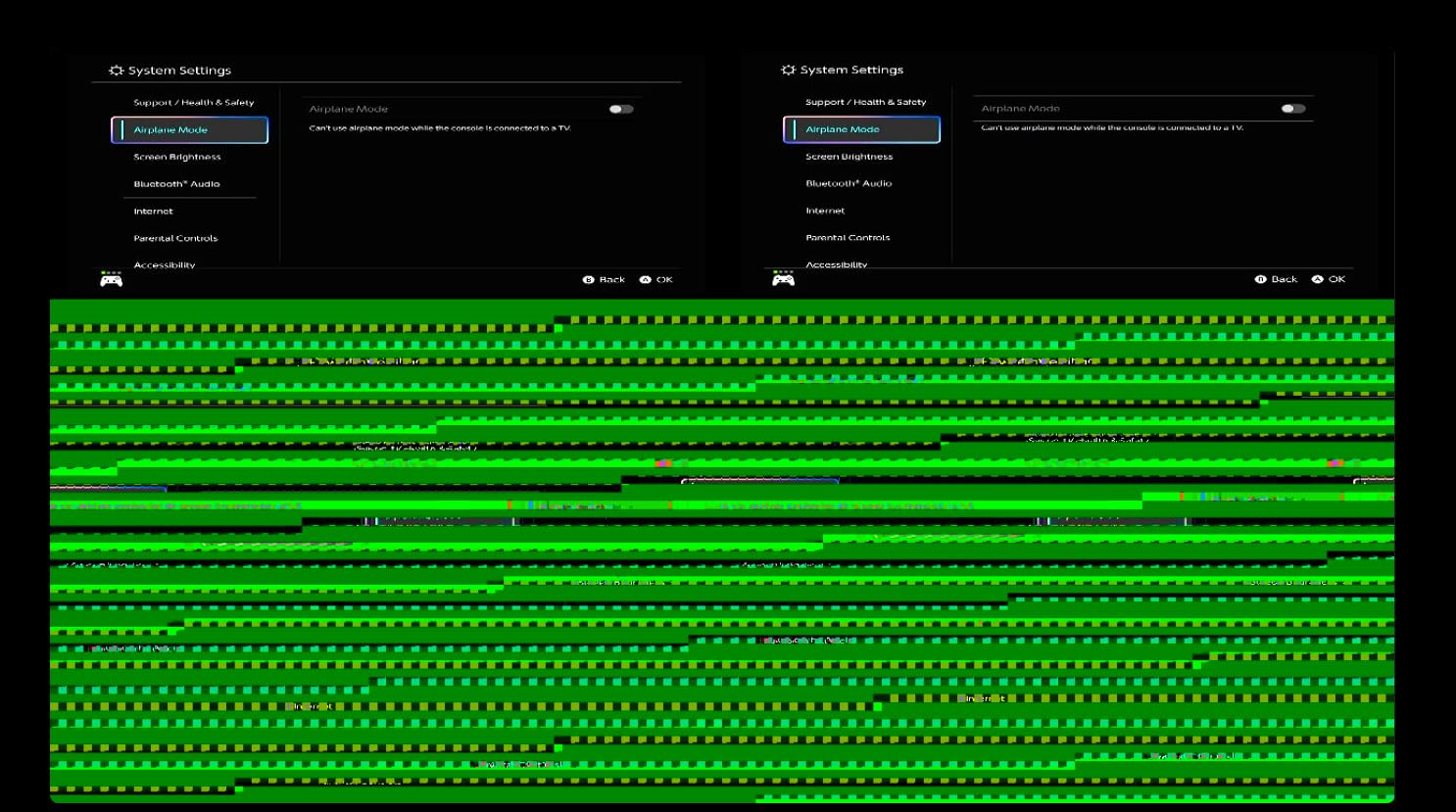
The XIIXMASK takes 4K60 in and passes 4K60 out to your display while capturing at 1080p60 or 2K30 over USB 3.0 in YUY2. For a console streamer whose TV stays at 4K, that loop-out is the reason to consider it at all.
The revised cable layout on the aluminum shell addresses a genuine problem in this category. Cards that bundle a stiff cable at a sharp angle generate heat, and heat is what produces the blue screens buyers report on cheaper dongles.
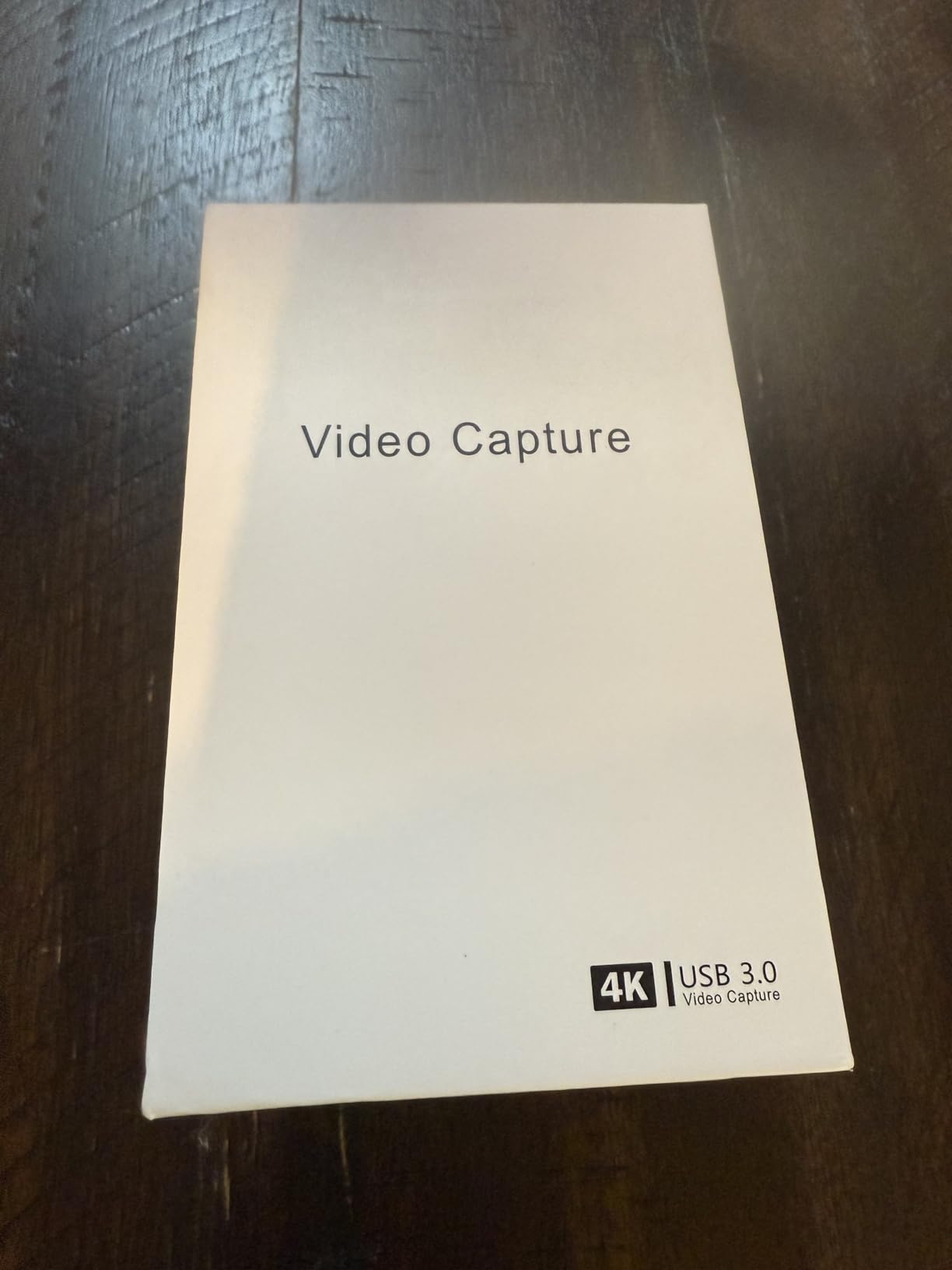
Both a USB-A and a USB-C port are on the body, and the box includes a USB 3.0 to USB-A/USB-C cable plus an English manual. Operating systems listed include Windows 7 through 10, MacOS, Linux, Android and iPadOS 17 or later.
The rating split deserves a mention. It holds a 4.3 across 1,834 ratings, but the one-star share is 10 percent, the highest in this roundup, and build consistency is the complaint underneath that number.
What you should know before buying
It does not capture party chat. That is a limit of every card here, but this listing is explicit about it, and you will need a separate audio mixer if console voice chat matters to your stream.
OBS needs a restart after audio configuration or the card produces no sound. Annoying, predictable, and a one-line fix once you know about it.
Who should skip it
Skip it if you want to record 4K. Capturing at 2K30 while your display shows 4K60 can look mismatched in a multi-scene layout, and the recording will not match what you see.
Skip it if reliability under daily use matters more than the port layout. The one-star share suggests build variance across units in a way the better-rated budget cards do not.
9. Guermok 4K USB 3.0 card: the lightest portable option
Guermok Video Capture Card, 4K USB3.0 HDMI to USB C, 1080P 60FPS & 2K 30FPS
- Affordable 1080p60 USB 3.0 capture path
- Aluminum alloy body dissipates heat
- No drivers or external power needed
- Works with Quest 3 and Switch 2
- Small and light for portable rigs
- Output tops out at 1080p60 or 2K30
- One-way HDMI to USB flow with no display feed
- OBS needs a restart after audio setup
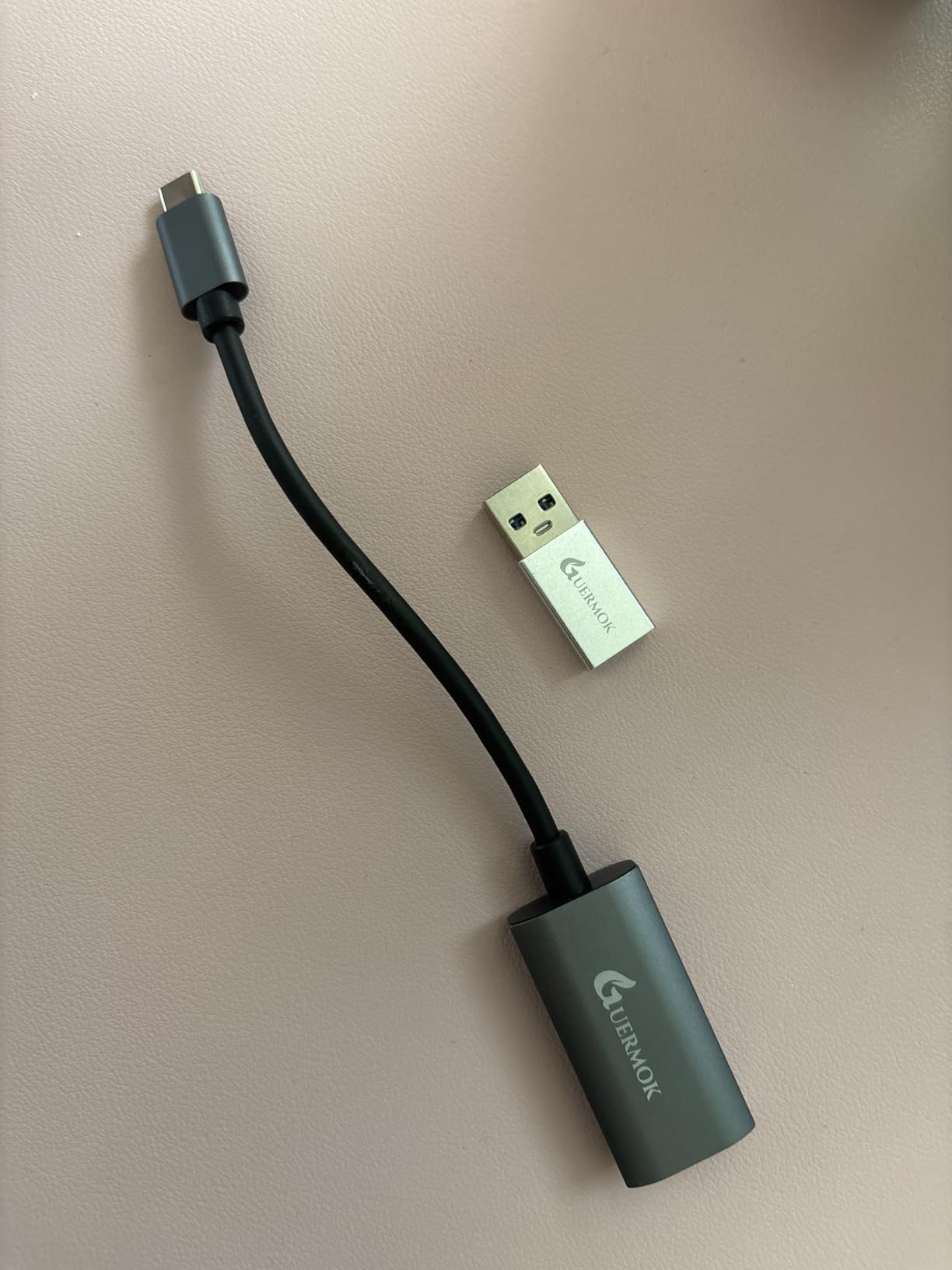
At 30 grams and 7.48 by 0.98 by 0.39 inches, the Guermok is the smallest card here and the one I would put in a bag for handheld streaming. It captures 1080p60 over USB 3.0 with 4K30 input and 2K30 output.
It needs no drivers and no external power, and it works on Mac OS, Windows 10 and 11. The listed platform support runs from PlayStation 4 and 5 through Xbox, Switch and Switch 2, Steam Deck, Meta Quest 3, iPhone, iPad and Android, which is the widest source list in the roundup.
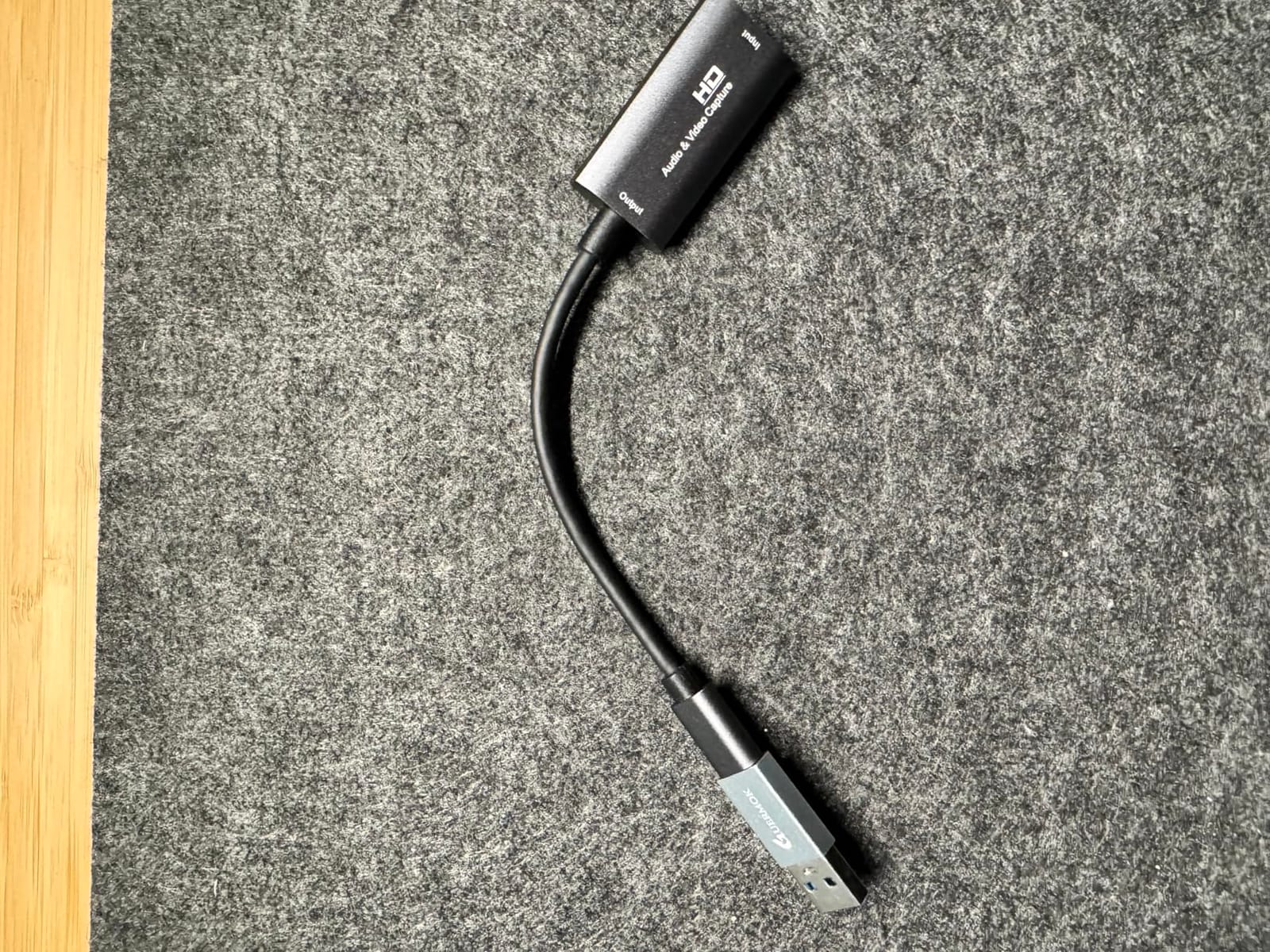
The box includes an installation guide, a USB-C to USB-A adapter and the card. That adapter is the weak link, because it can enumerate as USB 2.0 and cap the capture path, so plugging straight into a blue USB 3.0 port is the better habit.
It sits at the number one position in external TV tuners, so the volume of owners is high. The recurring complaints are the audio quirk requiring an OBS restart and occasional signal dropouts when the device is disconnected or falls back to USB 2.0.
What you should know before buying
Minimum requirements are Windows 10 or 11 64-bit, macOS 10.15 or later, and a genuine USB 3.0 port. The card accepts HDMI, USB 2.0, USB 3.0 Type A and USB 3.0 Type C on its hardware interface list.
Capture output is MPEG-4 or MOV, and there is no loop-out. Plan on a splitter or a separate connection if you need the game on a television.
Who should skip it
Skip it if you want a display feed from the card itself. Single-direction HDMI-to-USB-C transmission means the card cannot sit in a normal console-to-TV chain.
Skip it if you want 4K capture. The 2K30 and 1080p60 ceilings are the whole product, not a limitation of a particular unit.
10. VIXLW K801-C: an internal PCIe card built for 4K60 dual-PC setups
- 4K60 passthrough with matching 4K60 capture
- 240fps recording at 1080p
- Near-zero latency gameview
- Works with OBS
- Zoom and Teams
- Lifetime warranty support
- Windows-only internal card needing a free PCIe slot
- Drivers do not always install automatically
- Many reviews describe VHS and analog capture use
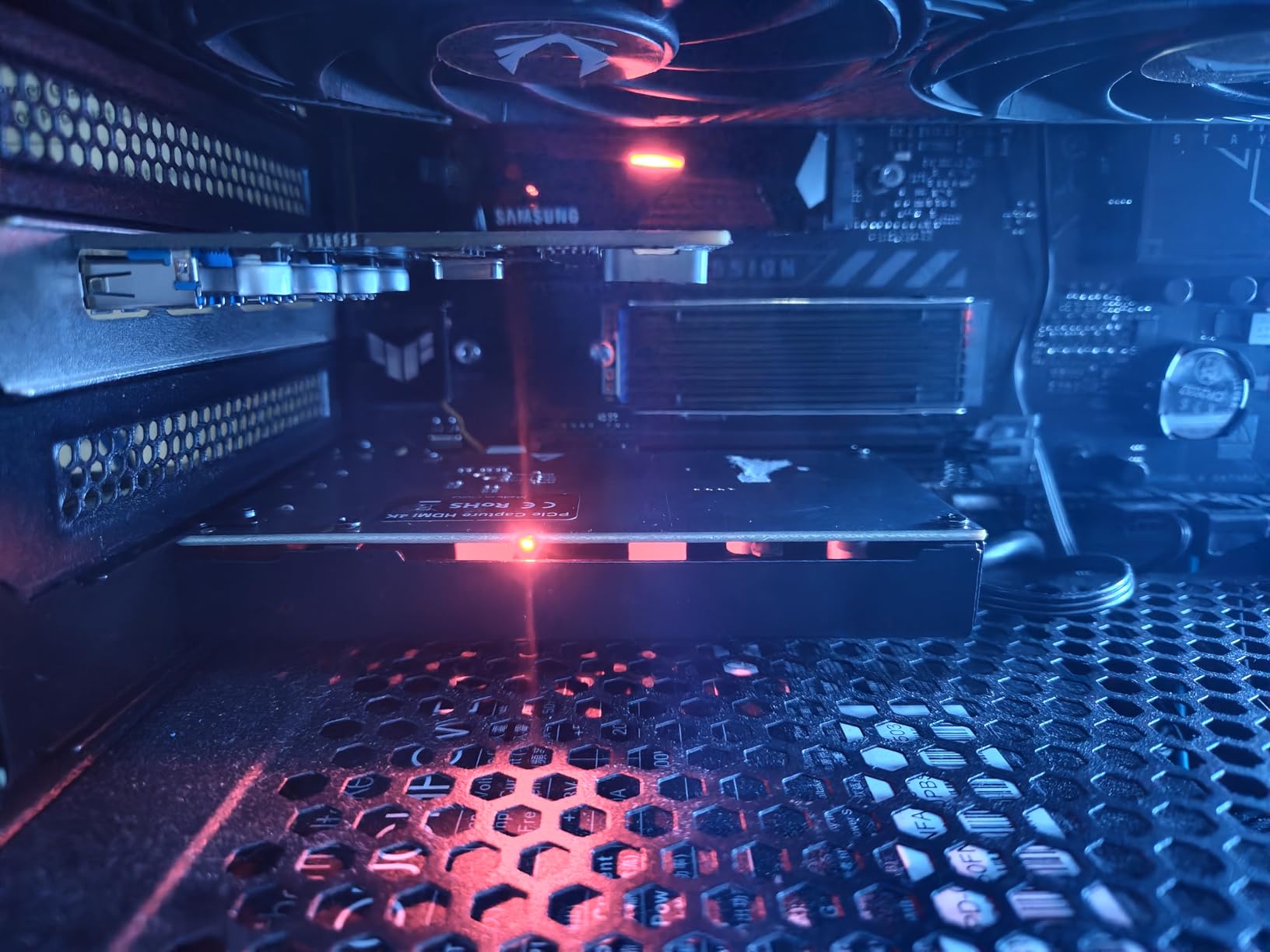
The K801-C is the second internal card here, and the difference is that it matches 4K60 passthrough with 4K60 capture. For a dual-PC build where the gaming PC drives the display and the streaming PC only encodes, that symmetry is the whole point.
It also records at 240fps at 1080p for high-motion gameplay, and the near-zero latency gameview keeps your broadcast delay and your own monitor in step. It works with OBS, Zoom and Teams out of the box.
The listing carries lifetime warranty support with 24-hour customer service, which is the longest warranty claim in the roundup. That matters more for an internal card, because a failure means opening the case.
One honest caveat. The review block for this listing is dominated by buyers digitising VHS tapes and camcorder footage rather than consoles, and several of those owners note that drivers are not installed automatically. Gaming-specific owner feedback here is thin, which is exactly why I am placing it last.
What you should know before buying
This is a Windows-only internal card. It needs a free PCIe slot and a desktop, and the operating system list is Windows only, so it is not an option for a Mac or a laptop streaming rig.
Output quality is capped by the source device. That is true of every capture device, but it bites hardest on analog inputs, where the source sets the ceiling no matter what the card advertises.
Who should skip it
Skip it if you want verified gaming traction. The AVerMedia GC573 has far more owner history with console capture, which is a meaningful difference when both cards sit in the same slot on the same day.
Skip it if you want a simple weekend build. Internal cards ask you to install drivers, confirm the card is seated and troubleshoot device manager before the first capture.
How to Choose a Capture Card Without Regretting It
Start by separating the two resolutions. Capture resolution is what your viewers receive. Passthrough resolution is what you see on your own screen. Buying for passthrough and assuming you get 4K masters is the most expensive mistake in this category, and it is why the VIXLW, XIIXMASK and Guermok cards all advertise high input numbers while recording at 2K30 or 1080p60.
A useful rule follows from that. If you stream to Twitch, capture at 1080p60 and spend nothing on a 4K card. If you build a YouTube gaming channel and edit, the Elgato Game Capture 4K S or the AVerMedia GC573 earn their cost immediately. One of the two picks will suit you, and it is rarely both.
Next, check your port. A 4K60 capture path needs a genuine USB 3.0 port on a streaming PC that is not also handling a webcam and an interface. Plugging a bandwidth-hungry card into a USB 2.0 port produces stutter, and the included adapters on budget cards are often the reason. If you are running out of ports, the fix is an internal PCIe card rather than a faster external one. Our graphics card roundup is worth a look if your encoder machine is the bottleneck rather than the card.
Then ask whether your monitor keeps its refresh rate. A 4K60 passthrough card sitting between a console and a 1440p 144Hz display will cap that display, and if it also strips variable refresh rate you get judder you paid to remove. For high-refresh play you want 1440p120 or 1080p240 passthrough, and only a small number of cards on this list offer it.
Before you buy anything, confirm you need one. Both current consoles can broadcast on their own. A card is worth it when you want OBS scenes, overlays, a face camera, any audio source you like, and a clean high-bitrate file to edit. It is not worth it when you are happy with a native broadcast and no overlays. The same applies to PC gaming, where a game capture source in OBS does the same job with less hardware.
Finally, plan the two settings that catch everybody. HDCP is copy protection, and it blanks the captured signal until you disable it in the console menu, which is the single most common first failure. Party chat never travels over HDMI at all, on any card, so console voice comms need a separate capture path such as the 3.5mm analog input on the 4K S or a small audio mixer in the chain.
Frequently Asked Questions
Which capture card is best for streaming?
The Elgato HD60 S is the safest all-round answer, holding a 4.6 average across more than 25,000 ratings with zero-lag 1080p60 passthrough and a pre-record buffer. If you record 4K for YouTube, the Elgato Game Capture 4K S captures 4K60 with HDR10. If you want a recognised brand name and a hardware encoder on a smaller budget, the AVerMedia Live Gamer Mini GC311 is the pick.
Are capture cards good for streaming?
Yes, when your source is a console or a second PC. A capture card gives you OBS scenes, overlays, alerts, any camera you like, a clean high-bitrate local recording, and a passthrough image at your display’s full refresh rate. If you game on PC and stream straight from OBS, you do not need one, because a game capture source does the same job with no extra hardware.
Is OBS or Elgato better?
They are not alternatives. OBS Studio is streaming software that runs on your PC and handles scenes, encoding and recording. Elgato makes capture hardware that feeds a video signal to OBS. You use both together: the console sends HDMI to the card, the card sends the captured copy over USB to your streaming PC, and OBS encodes and broadcasts it.
What’s better, AVerMedia or Elgato?
Elgato generally wins on software polish and on compact USB-C design, which is why the Game Capture 4K S is the current all-rounder. AVerMedia wins on internal PCIe options and on warranty length, with three year manufacturer warranties on both the Live Gamer Mini and the Live Gamer 4K GC573, plus an on-board H.264 encoder on the Mini. Both brands are well reviewed and reliable at 1080p60.
Why does my capture card show a black screen?
In almost every case it is HDCP, the copy protection that blocks capture of protected video. On PlayStation, open Settings then Screen and Video then HDMI Video Output and set Enable HDCP to Off. On Xbox, take the similar HDCP option in TV and display options. On Switch, set HDCP in the television output settings to off. The trade-off is that streaming services will refuse to play through the card with HDCP disabled.
Do capture cards add input lag?
A good capture card adds no perceptible delay to the passthrough image you play on, because the copy sent to your monitor passes straight through. A low-latency preview window will always lag slightly, since it is a software view of the captured signal, and the cards listed as having zero-latency or near-zero-latency passthrough keep the display side clean.
Do I need a capture card to stream console games?
Not to broadcast. Both current consoles stream on their own without extra hardware. You need a card when you want OBS scenes, overlays, alerts, a face camera, mixed audio from more than one source, or a high-bitrate file for editing. Console party chat never travels over HDMI, so a card plus a 3.5mm analog input or a small audio mixer is the standard way to capture it.
Final Verdict: Which Capture Card Should You Buy in 2026
The Elgato HD60 S is the pick I would defend, with 1080p60 capture, genuinely lag-free passthrough and a review history long enough that failure modes are known rather than mysterious. Buy the Elgato Game Capture 4K S instead if you record 4K for a YouTube gaming channel, and the AVerMedia Live Gamer Mini GC311 if you want a hardware encoder and a three year warranty without chasing the newest spec.
The disqualifying condition is simple. If you game on PC and are content with a game capture source in OBS, every card on this list is money you do not need to spend. Once you are streaming from a console, pick from the table above based on whether your audience needs 1080p60 or 4K, and then turn HDCP off before you blame the hardware for a black screen.