
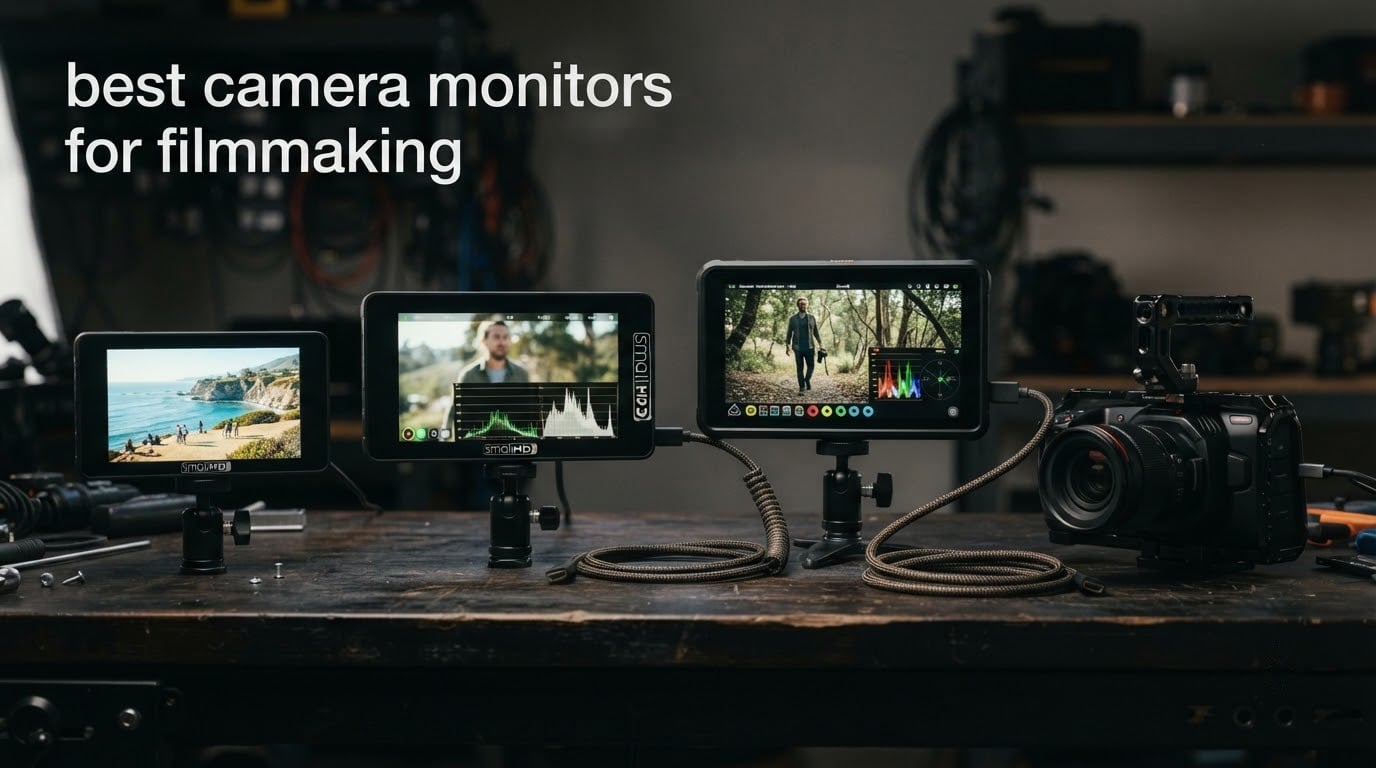
The worst part of shooting a scene outdoors is not the cold or the cable management. It is the moment you tilt the camera down, glance at the tiny flip-out screen, and cannot tell whether the sky is clipping or the shadows are open. That five seconds of uncertainty is where takes get wasted, and it is the whole reason an external on-camera monitor exists.
An external monitor solves a specific problem: your camera’s built-in screen is small, dim, and often shows a different colour rendition from the finished grade. Mount a brighter screen and you can judge focus, framing and exposure while you shoot, with waveform, histogram, false colour, zebra stripes and LUT preview laid over the image. If you shoot LOG, work on a gimbal, or need a safety recording of every take, the right camera monitor for filmmaking changes your workflow rather than just your screen size.
We compared 12 on-camera monitors across brightness, scope accuracy, controls, LUT handling, weight and what actually ships in the box. Our picks cover the full range: a sub-500-nit panel for studio interiors, a 1000-nit 5.5-inch workhorse, and a 2800-nit 7-inch screen for open sun. Our number one is the FEELWORLD FW759 PRO, and below we explain why the most-reviewed monitor in this list still wins in 2026.
Which brands do filmmakers actually use? The names that come up constantly in production forums are Atomos and Blackmagic Design for monitor-recorders with ProRes and ProRes RAW, SmallHD and Lilliput for large broadcast and director monitors, and Hollyland, Accsoon and Portkeys for wireless and compact rigs. The budget tier is dominated by FEELWORLD, Viltrox, NEEWER, osee and ANDYCINE, and that is where most of this roundup lives, because that is where most independent filmmakers actually shop.
One more framing note before the picks. A camera monitor does not replace good exposure discipline, and a brighter screen does not mean a better colour image. Brightness and accuracy are separate qualities, and the monitors below score differently on each. Where the product data supported it, we called that difference out rather than repeating the headline nit figure.
Table of Contents
Top 3 Camera Monitor Picks for 2026

FEELWORLD FW759 PRO 7-Inch
- 1280x800 IPS touchscreen
- 400nit with included sunshade
- Histogram zebra focus assist and false color
- 300g body

NEEWER F700 7-Inch 2000nit
- 1920x1080 IPS at 2000nits
- 4K HDMI loop in and out
- 3D LUT upload and 15 preloaded LUTs
- Two NP-F750 batteries

VILTROX DC-A1 7-Inch 2800nit
- 2800nit peak brightness
- 4K 60Hz HDMI 2.0 input and pass-through
- 20 preloaded 3D LUTs
- F1 to F4 shortcut buttons
The FEELWORLD FW759 PRO takes the top slot because it is the only monitor here with a large panel, a full set of exposure tools and a thousand-plus owners reporting back. The NEEWER F700 is the strongest value if you shoot outdoors, bringing 2000-nit brightness to a full HD 7-inch panel. The VILTROX DC-A1 is the pick when extreme brightness in open sun is the deciding factor.
All 12 Best Camera Monitors for Filmmaking (October 2026)
Every monitor below is listed with the specifications that actually change a purchasing decision: panel size, brightness, whether it records, and how it is powered and mounted. Sizes and nits are copied from manufacturer data, not from showroom impressions.
| Product | Specifications | Action |
|---|---|---|
| FEELWORLD FW759 PRO 7-Inch |
|
Check Latest Price |
| NEEWER F700 7-Inch 2000nit |
|
Check Latest Price |
 Portkeys PT6 5.2-Inch Portkeys PT6 5.2-Inch |
|
Check Latest Price |
 FEELWORLD F5 Prox 5.5-Inch FEELWORLD F5 Prox 5.5-Inch |
|
Check Latest Price |
 VILTROX DC-550 Pro II 5.5-Inch VILTROX DC-550 Pro II 5.5-Inch |
|
Check Latest Price |
 Portkeys PT5 II 5-Inch Portkeys PT5 II 5-Inch |
|
Check Latest Price |
 FEELWORLD S55 V3 6-Inch FEELWORLD S55 V3 6-Inch |
|
Check Latest Price |
 osee T5+ 5.5-Inch osee T5+ 5.5-Inch |
|
Check Latest Price |
| VILTROX DC-A1 7-Inch 2800nit |
|
Check Latest Price |
 LILLIPUT A11 10.1-Inch LILLIPUT A11 10.1-Inch |
|
Check Latest Price |
 Atomos Ninja 5.2-Inch Atomos Ninja 5.2-Inch |
|
Check Latest Price |
 ANDYCINE A6 V2 6-Inch ANDYCINE A6 V2 6-Inch |
|
Check Latest Price |
Brightness and price track each other only loosely. The osee T5+ delivers 1000 nits while the FEELWORLD FW759 PRO sits at 400 nits, so panel quality and marketing are separate variables here. Also, only the Atomos Ninja records your footage, and that single fact changes what most of them are for.
1. FEELWORLD FW759 PRO 7-Inch – the Best All-Rounder
FEELWORLD FW759 PRO 7 Inch 400nit Touchscreen Field DSLR Camera Monitor
- Large 7-inch panel in a 300g body
- Full exposure toolkit with histogram
- zebra
- focus assist and false color
- Handles 1080p and 4K HDMI input
- Includes batteries
- sunshade and multiple HDMI cables
- 1280x800 native resolution is low for a 7-inch panel
- No battery charge indicator on the monitor
- Some HDMI handshake issues with certain camera bodies
With 1328 reviews behind it, the FW759 PRO has the largest owner base of anything in this roundup, and that matters more than any spec line. When a unit has been run by a thousand people, the firmware quirks are known, the failure modes are documented, and the accessory ecosystem has already grown around it.
In practice it behaves like a normal 7-inch field monitor that you can hand to an assistant without a briefing. The 400-nit panel is not a sunlight screen, but the included folding sunshade buys you a lot in open shade and overcast light, and the histogram, zebra pattern, focus assist and false colour are all one tap away on the touchscreen.
What surprised me most was how little weight it adds. At 300g it is one of the lighter 7-inch options, which makes it viable on a small gimbal where most 7-inch panels are not. Power is flexible too: NP-F batteries, DC input or Type-C from a power bank.
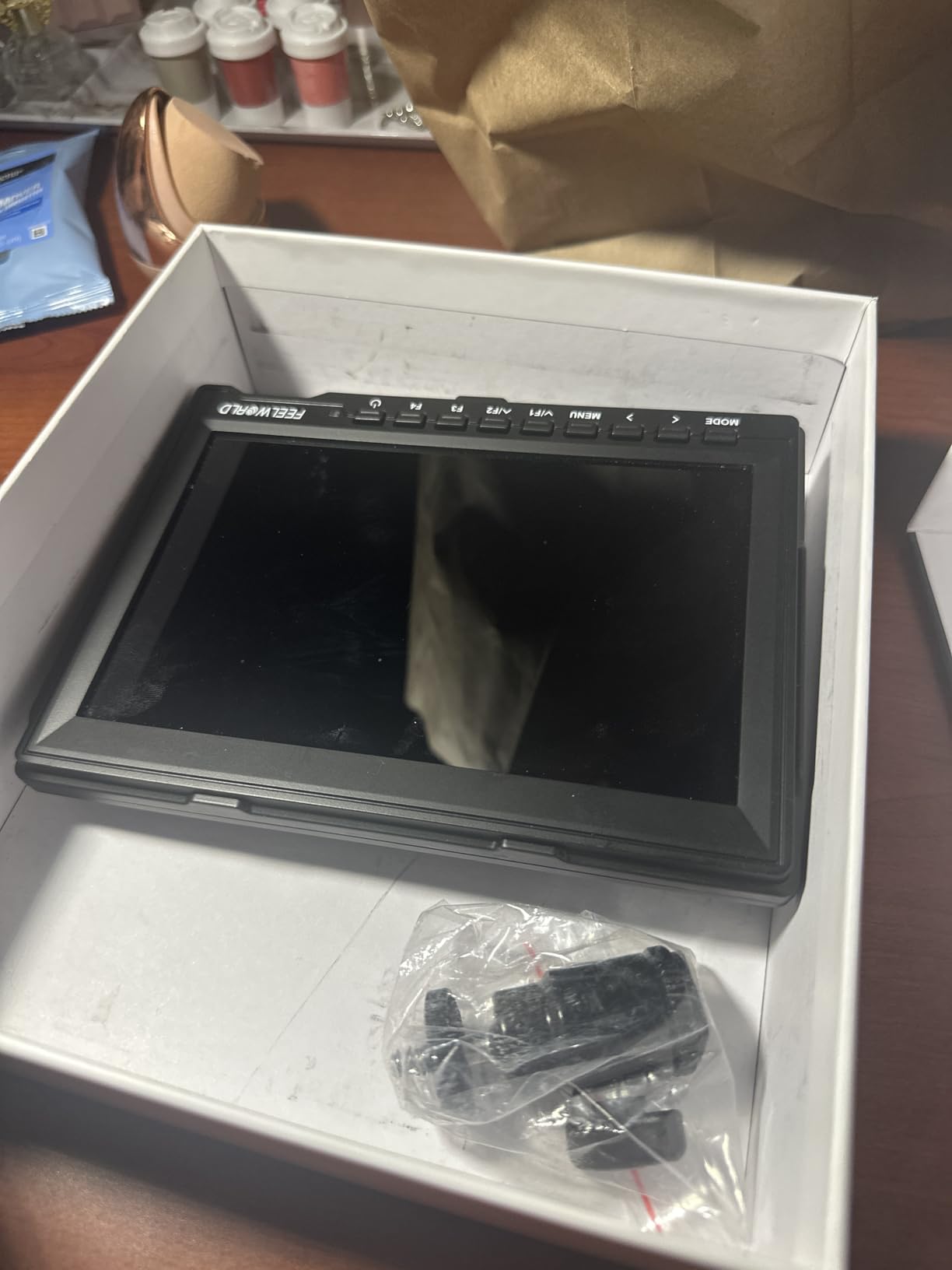
The included kit is unusually generous for a monitor at this level. You get two F550 batteries, the sunshade, HDMI, Mini HDMI and Micro HDMI cables, a mini hot shoe mount and a USB-A to USB-C adapter, which means it will reach most camera bodies out of the box.
The honest weakness is resolution. A 1280×800 panel stretched across seven inches is visibly softer than the 1920×1080 panels most competitors now ship, and if you are grading on set or checking fine focus detail, you will notice. For framing, focus and exposure judgement at normal viewing distance, it holds up fine.
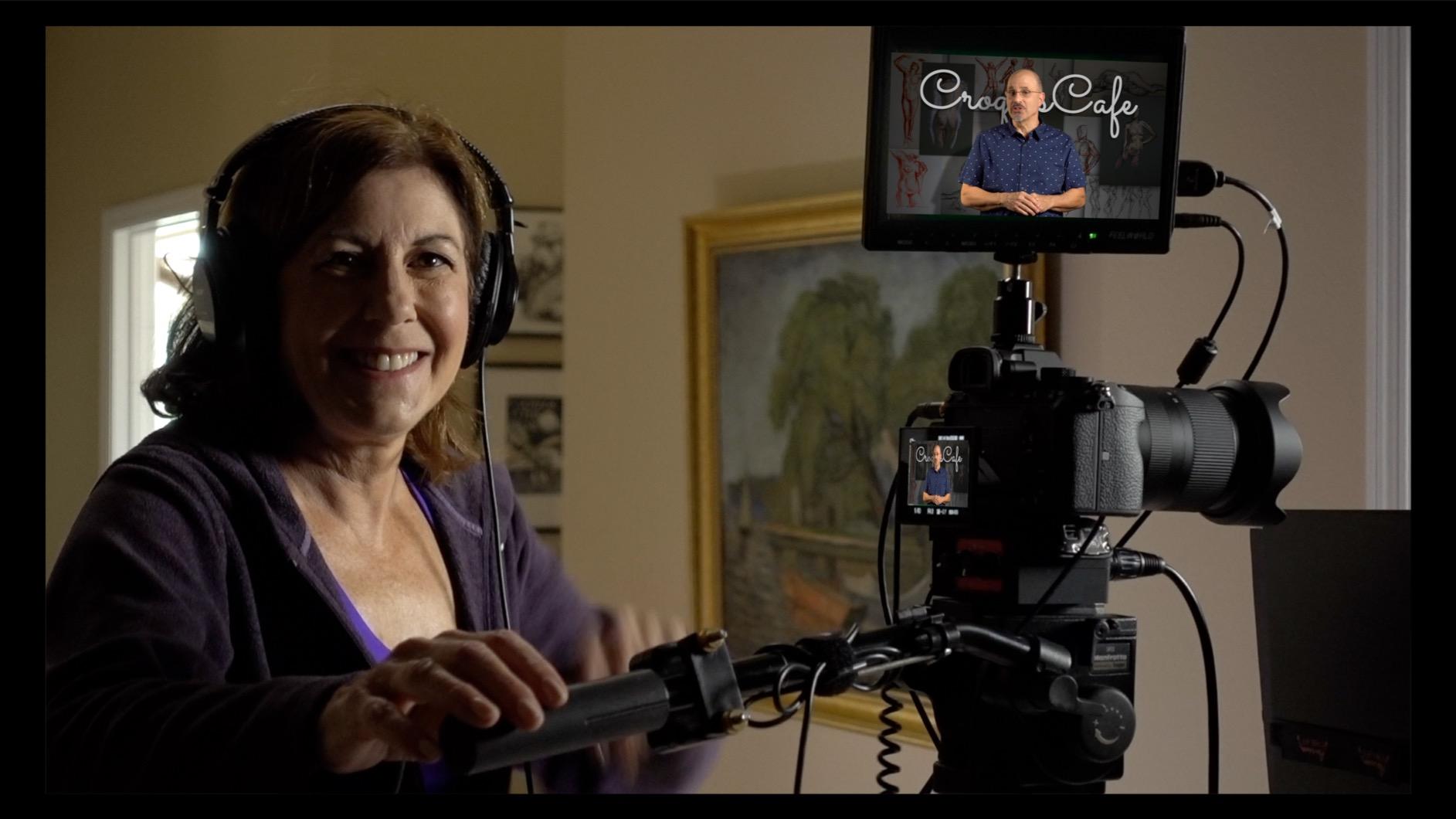
Why this is the best camera monitor for most filmmakers
Because it is the rare budget monitor where the compromises are cosmetic rather than functional. Screen softness is the one you can live with; missing scopes, a missing battery indicator or a missing sunshade are the ones that ruin a shoot.
It also suits beginners better than a dense professional interface. Menus are shallow, the tools are where you expect them, and a second operator can pick it up without training.
Where it falls short
Not for open sun. A 400-nit panel is a shade and overcast screen, and no bundled sunshade changes that physics. If you shoot exteriors in bright daylight, the NEEWER F700 or the VILTROX DC-A1 are the correct answers.
It also cannot act as a safety recorder, which rules it out if your main goal is a ProRes backup of every take. And owners report that the CAMERA MODE setting can reset on power cycles, so expect a menu visit each morning.
2. NEEWER F700 7-Inch 2000nit – Best Value in Direct Sun
- 2000nit panel stays readable in direct sunlight
- Full 1920x1080 panel with accurate colour
- Complete scope set including waveform and vectorscope
- 15 preloaded 3D LUTs plus 60 custom uploads
- Two NP-F750 batteries give roughly 4.8 hours
- Heaviest option here at 857g with both batteries fitted
- Colour accuracy drifts from the camera on some bodies
- Focus peaking can be overly aggressive
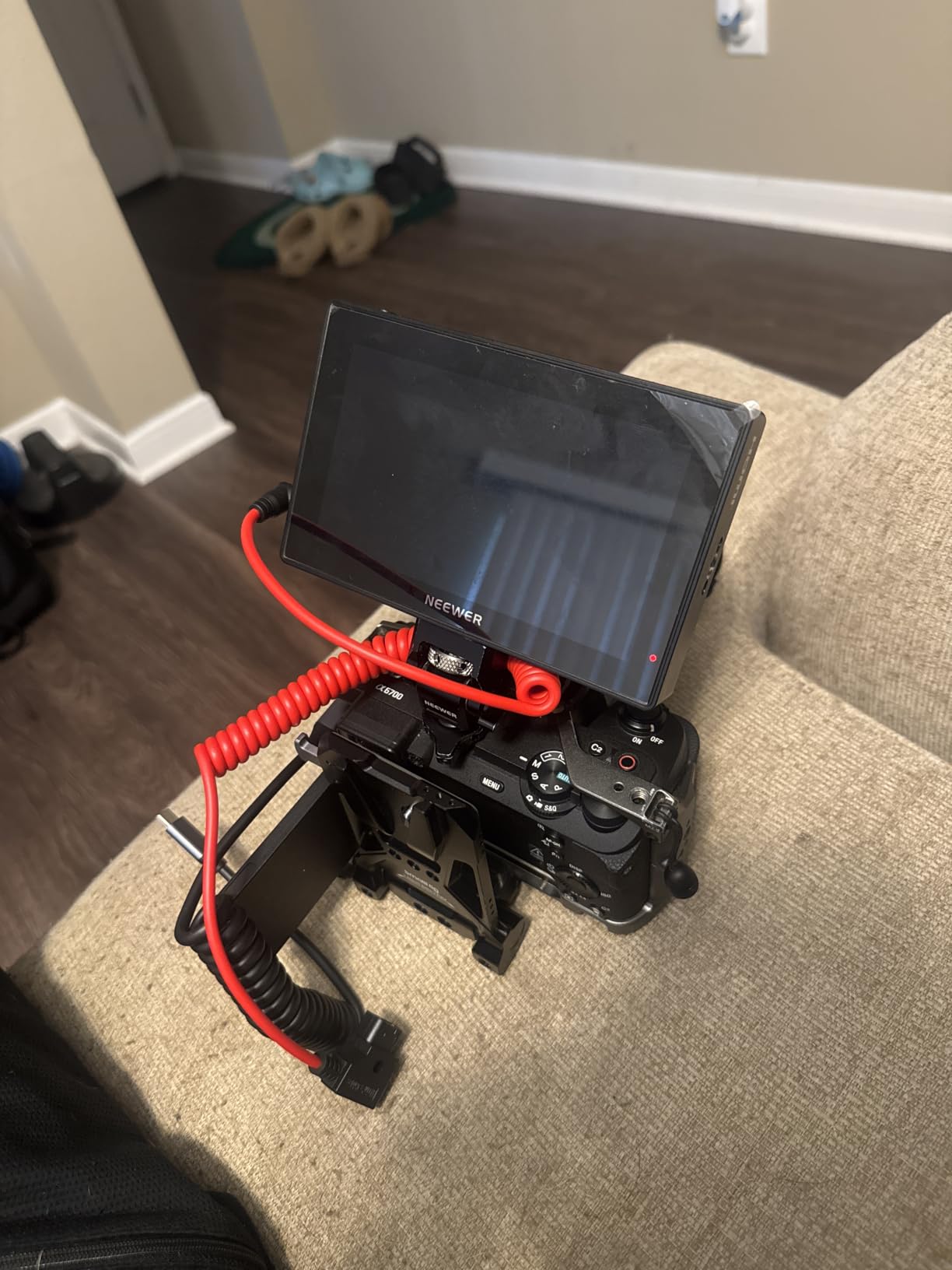
Brightness is the headline and it is real. At 2000 nits on a full 1920×1080 panel, the F700 is the first monitor in this list that I would happily use in full sun without a hood, and it is the strongest argument for spending more on a field monitor rather than less.
The scope suite is unusually complete for the money: false colour, zebras, histogram, oscillogram, full waveform, vectorscope, HDR, single colour, peak focus and an audio bar. Three shortcut buttons labelled F1, F2 and F3 sit under the screen, so the most-used toggles are reachable without entering the menu.
LUT handling is the part that impressed me most in a 7-inch at this level. Fifteen 3D LUTs are preloaded and you can upload up to sixty of your own from an SD card, which is more LUT capacity than several pricier monitors offer.
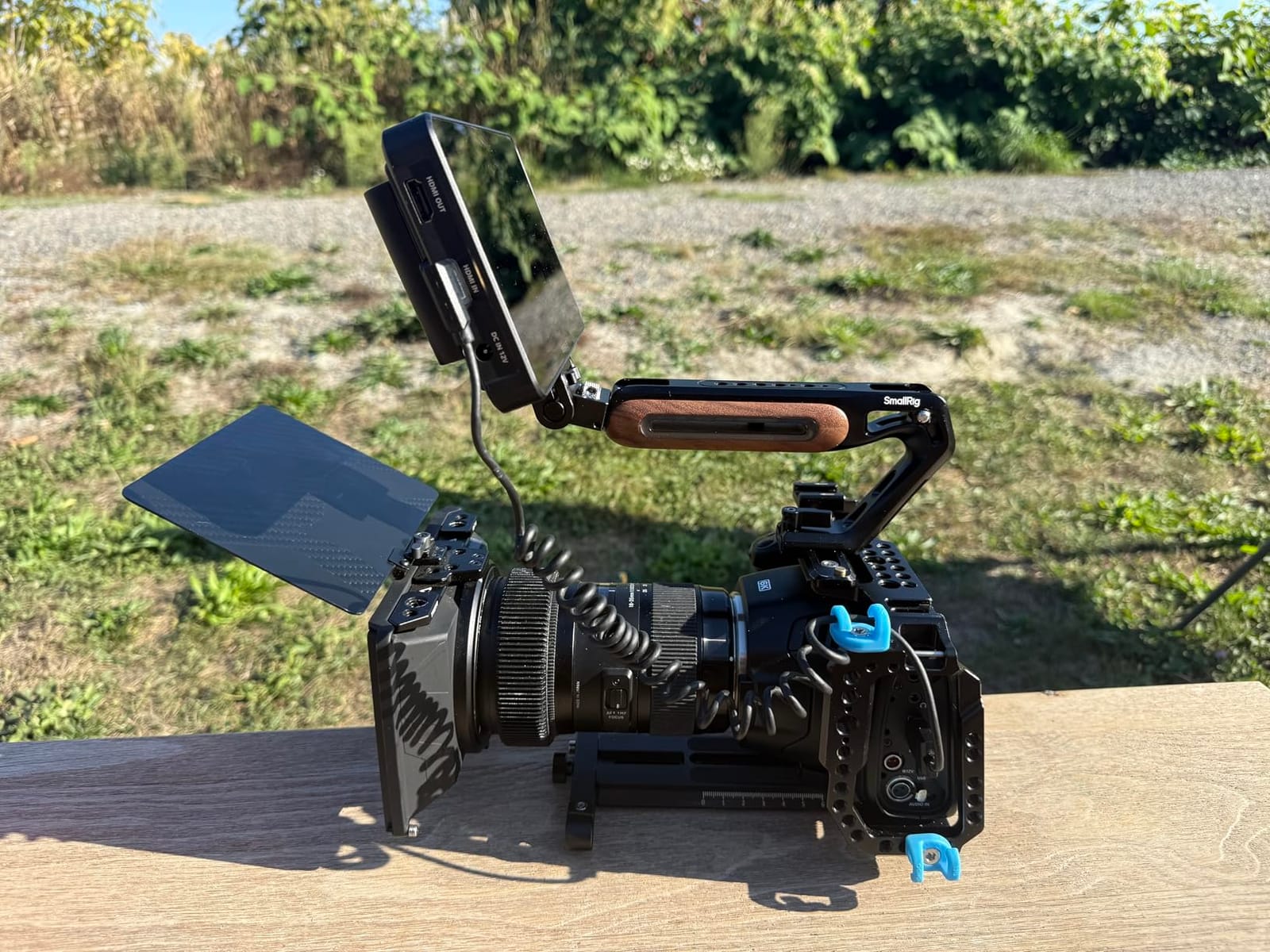
Battery life is the quiet win. A single 4400mAh NP-F750 gives about 2.4 hours, and the two included batteries roughly double that to 4.8 hours, which covers a full shooting day with a spare in the bag.
Backlight is adjustable manually or automatically from 1 to 100 using either the keys or touch, and there is a 3.5mm headphone jack for simultaneous audio monitoring. Built-in fans keep the panel cool under a glossy 2000-nit screen, and the 180-degree cold shoe mount lets you angle the display without fighting the bracket.
Who should buy the F700
Documentary and run-and-gun shooters working outdoors with a mirrorless body, a small cage and no assistant. The 2000-nit screen removes the sunshade from the equation and the full HD panel gives you a genuinely sharp image for checking focus on a wide lens.
It also suits anyone who shoots LOG and wants LUT preview on set, since the custom LUT upload means your S-Log3 or C-Log3 transform is one menu away.
Where it falls short
Weight. At 857g with both NP-F750 batteries fitted it is the heaviest monitor here, and that is a real problem on a gimbal or a drone rig where every gram sits above your motors. Owners also report that focus peaking can be too aggressive, flagging high-contrast edges that are not actually in focus.
Two more honest notes: some users find the colour does not match their camera closely enough to correct manually, and the bundled S-Log3 LUT is not accurate, so upload your own rather than trusting the supplied one.
3. Portkeys PT6 5.2-Inch – Best 5-Inch for Gimbal Work
Portkeys PT6 Camera Field Monitor 5.2″ 600nit Touchscreen Camera Monitor Vertical Shooting Stretch 3D LUT Output Wide Color Gamut New Peaking RGB Waveform for DSLR
- At 0.37 lb it is among the lightest monitors here
- Fully fanless and silent with no beeps
- Luma and RGB waveforms are fast and smooth
- Auto-flip display when mounted upside down
- 600nit brightness is overwhelmed by direct sun
- Firmware quirks including blue screen on signal loss
- Supplied swivel arm bracket feels loose
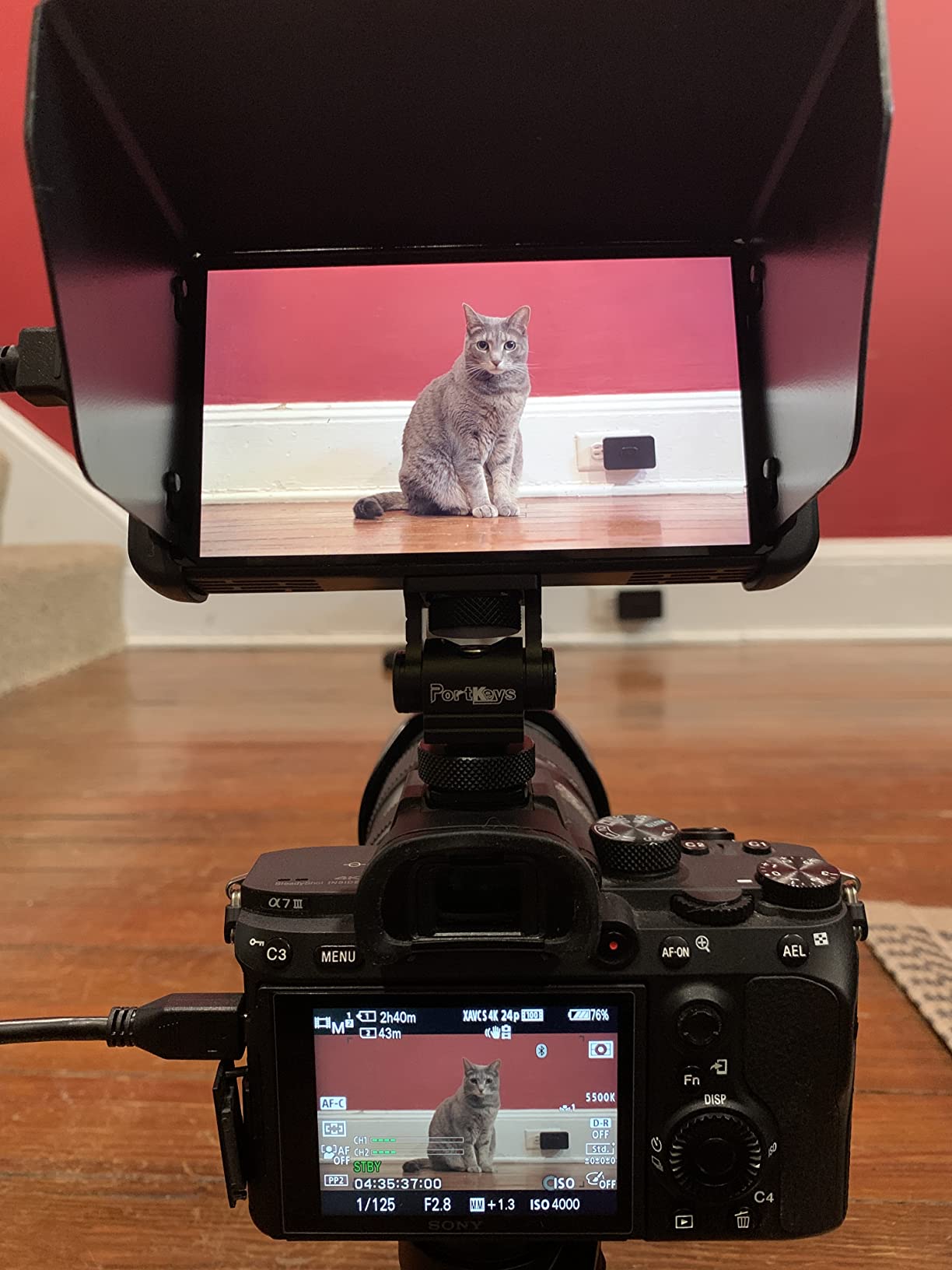
At 0.37 lb the PT6 is the monitor you can put on a gimbal without rebalancing the whole head. It weighs less than most camera bodies, which is the entire reason a 5-inch monitor category exists in the first place.
Despite the small panel, it runs a full 1920×1080 at 400 PPI in an OCR full-fit screen, so text and edges are sharp. Viewing angles are listed at 178 degrees, meaning you can check framing from the side without the image washing out.
The scopes are the surprise. Luma waveform, RGB waveform and a luma histogram all with adjustable position and transparency, plus 3D LUT output, anamorphic de-squeeze, new peaking, custom RGB, false colour, audio meters and image flip. On a monitor this small, that feature list is aggressive.
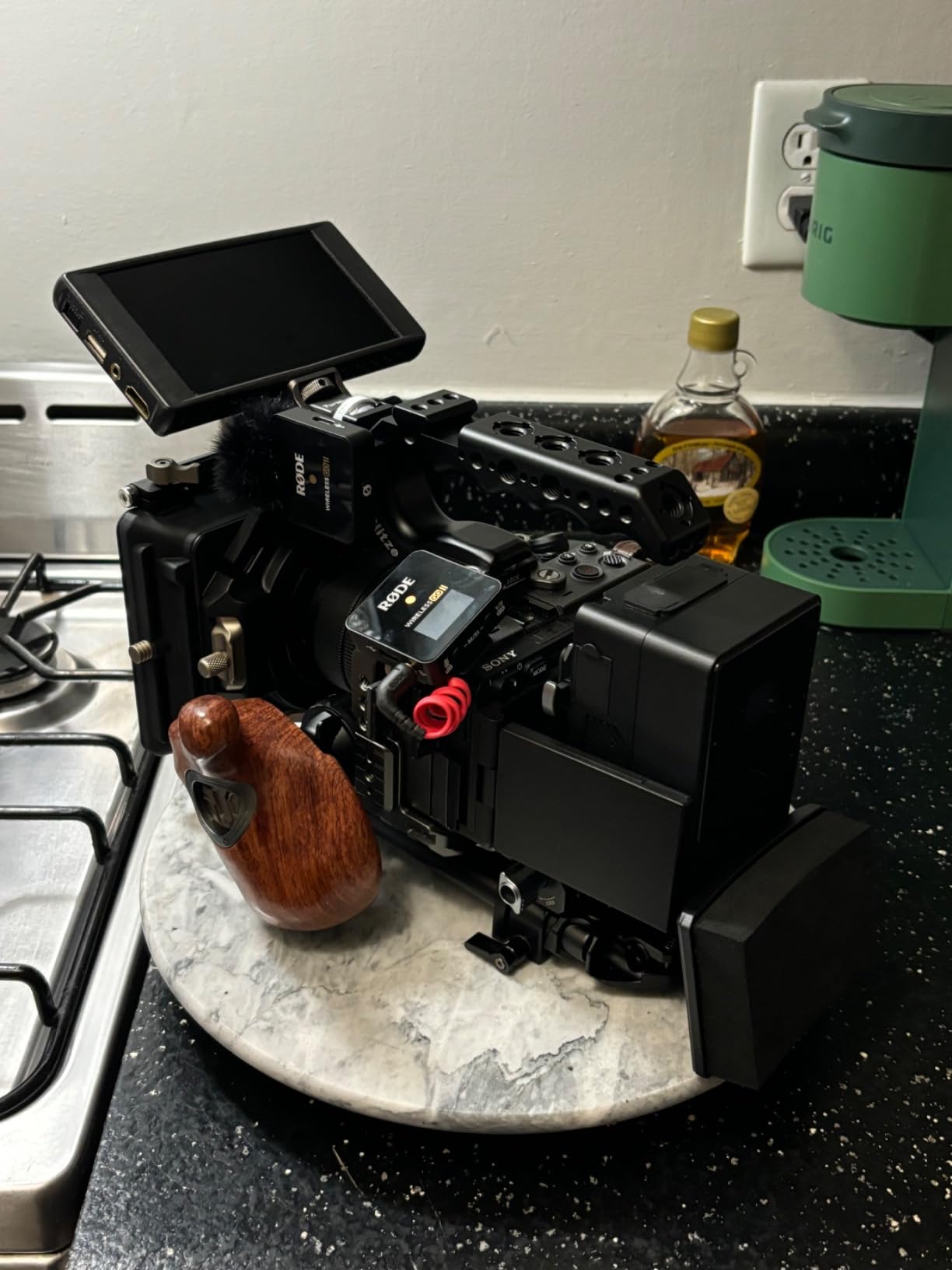
Power accepts Sony NP-F cells, Canon LP-E6 or DC input, so it fits neatly into a rig that already uses either battery family. An accelerometer-driven auto screen flip means you can mount it upside down on a bar and the image still lands the right way up.
There is no fan, so it is completely silent, which matters if you are recording wild sound and a fan whine would have shown up on the take.
Where the PT6 earns its place on a rig
On a gimbal, a slider, a drone ground station or a handheld run-and-gun rig where every gram is being argued about. The vertical shooting support and image flip options make it a natural partner for fast vertical delivery work too.
It is also a good second monitor: a small confidence screen on a follow focus rig while a bigger panel sits on the camera.
Where it falls short
Brightness. At 600 nits this is an interior and overcast monitor, and even with the sunshade it loses the fight in direct sun. If your work is mostly outdoors in daylight, a 5.5-inch 1600-nit panel is the same weight class and a completely different experience.
The firmware is not fully polished. Owners report a blue screen on signal loss, false colour switching off an active LUT, peaking outlines appearing over the OSD itself, and a boot time of around seven seconds before video appears. The bundled swivel arm also feels loose and its pin is reported to break.
4. FEELWORLD F5 Prox 5.5-Inch – Best Mid-Size for Log Workflows
FEELWORLD F5 Prox 5.5″ 1600nit Touch Field DSLR Camera Monitor
- 1600nit screen is clearly visible in direct sunlight
- Sharp panel with accurate colour
- Responsive touchscreen with clear menus
- Focus peaking and histogram feel high-end for the price
- Runs for days off a power bank
- Included mounting bracket only tilts to 45 degrees
- Touchscreen handles monitor functions only
- not camera control
- Some units arrive with missing accessories
The F5 Prox sits in the gap where most filmmakers actually end up: bright enough for daylight, small enough for a run-and-gun rig, and cheap enough that you are not protecting it with your life. At 245 g without a battery it is one of the lightest daylight-capable monitors on the market.
1600 nits is a genuinely useful number. It is not the 2800 nits of the VILTROX DC-A1, but in combination with the included sunshade it handles bright exteriors without the guesswork that a 600-nit panel forces on you.
For LOG shooters, the LUT preview is the reason to pick it. Combined with focus peaking, waveform, histogram and false colour, it gives you the standard exposure toolkit on a panel that fits on a small rig.
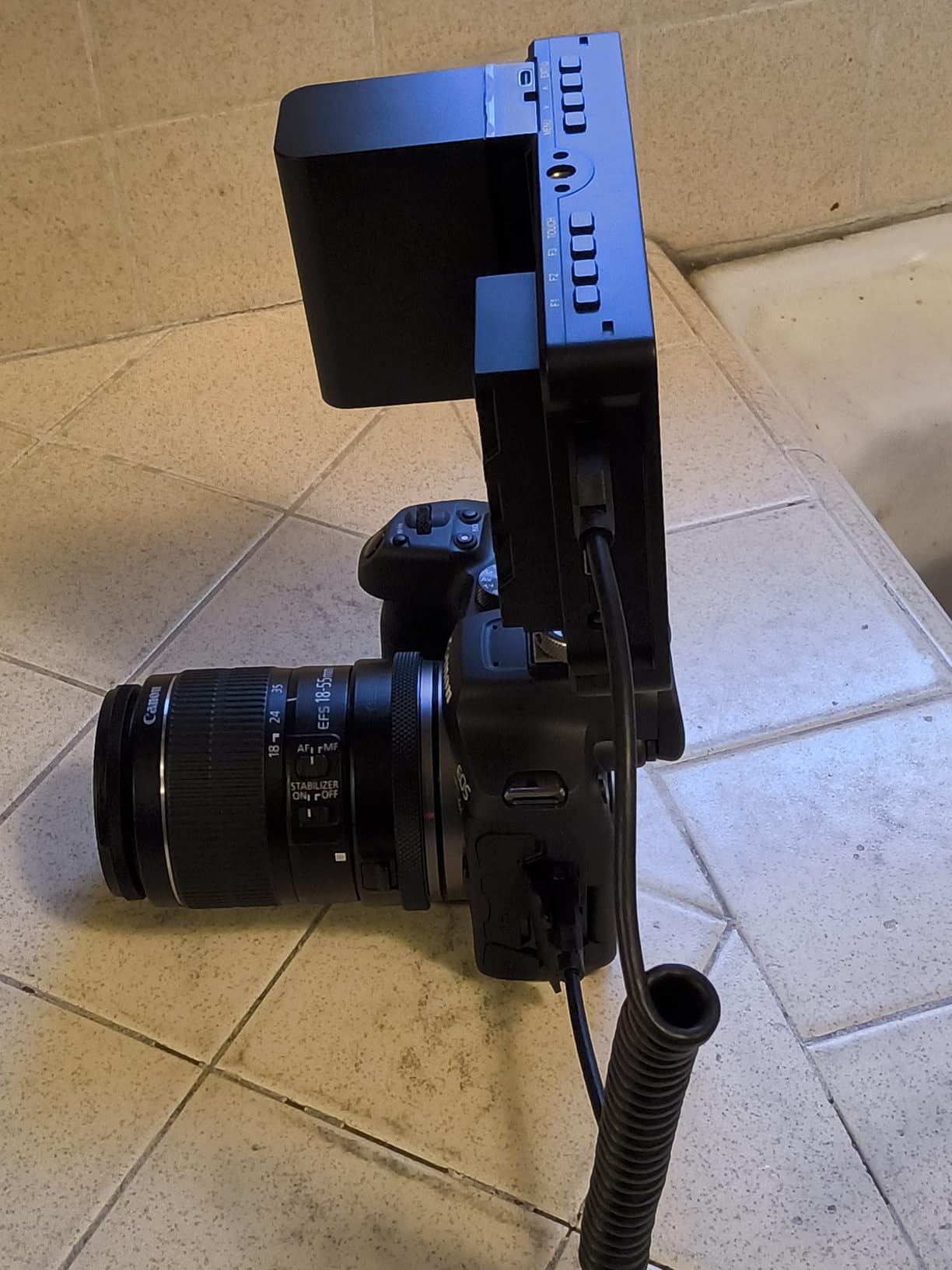
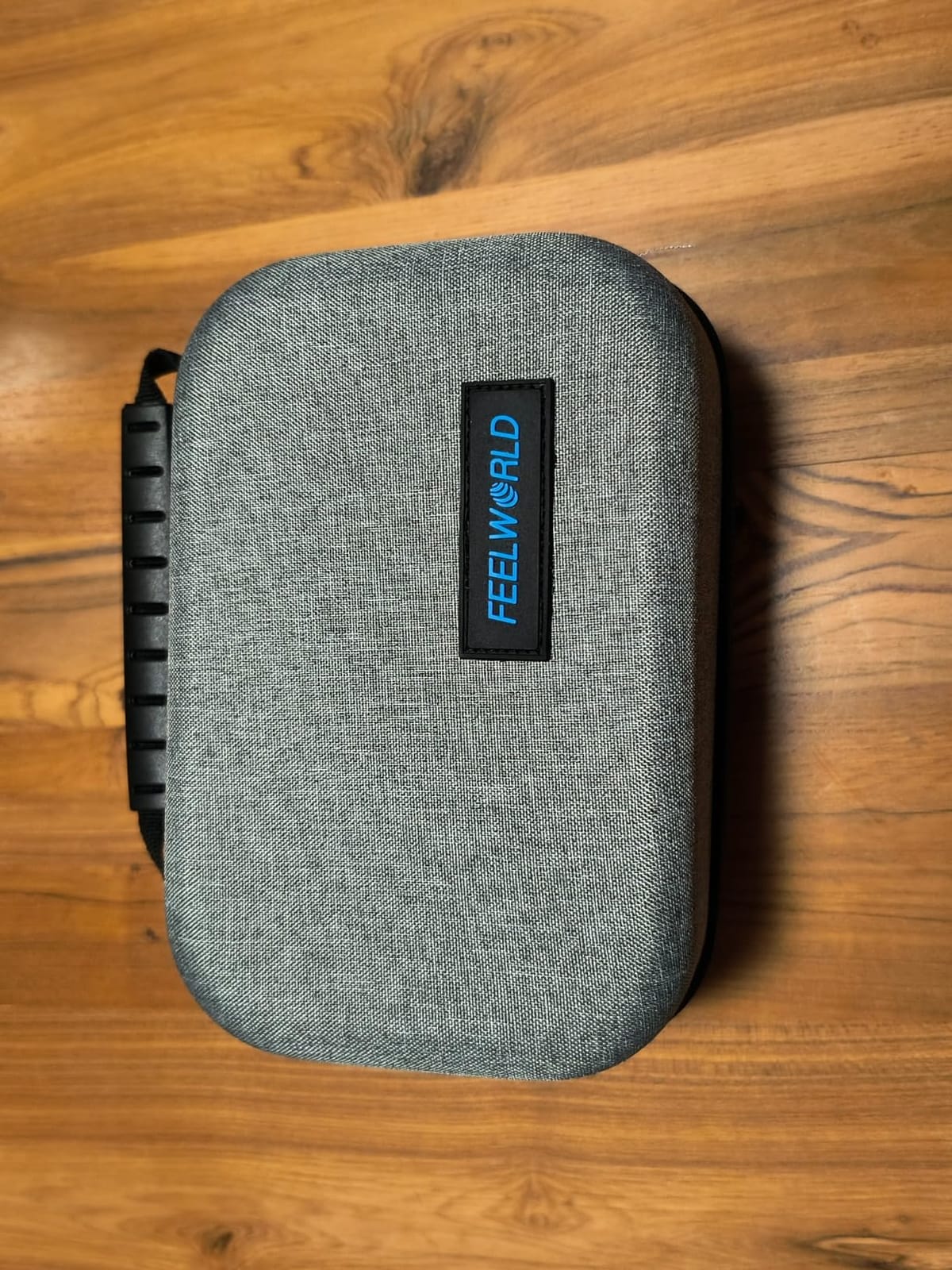
The kit list is generous: an NP-F970 battery, a carrying case, a sunshade and an HDMI cable. That means the monitor arrives ready to shoot rather than needing a battery purchase first, which is where a lot of the budget category quietly costs you more.
It mounts to rigs, cages, gimbals and tripods through standard 1/4 points, and offers HDMI in and out plus a headphone jack and three customisable shortcut buttons. Users report running it for days straight from a power bank.
Why this is the pick for narrative and commercial work
Because 1600 nits plus a 5.5-inch footprint plus LUT preview is the combination that disappears into a rig. A 7-inch monitor changes your balance; a 5.5-inch at this brightness does not. For a single operator shooting narrative with a cage-mounted body, that is the right trade.
It also suits anyone pairing a Canon RF or Sony APS-C body that outputs HDMI but has no usable rear screen in glare.
Where it falls short
The included mounting bracket only holds a 45-degree tilt, so you cannot get a low or overhead viewing angle without buying a better arm. The touchscreen controls the monitor, not the camera, so no camera menu control or remote focus from the screen.
Quality control is the other soft spot, with a small number of buyers reporting missing accessories, a broken sunshade pivot or a monitor that arrived dead. Check the box before you leave the house.
5. VILTROX DC-550 Pro II 5.5-Inch – Best Accurate 5.5-Inch
- 1200nit brightness makes the panel genuinely daylight viewable
- Sharp 1920x1080 with REC-709 calibration
- Full toolset with parade waveform and vector scope
- 4K HDMI input and output for director monitoring
- Generous package with battery
- sunshade and carry case
- 1200 nits is short of the 1600 and 2000-nit options here
- Menu system takes time to learn
- Not a recorder
- so no ProRes safety copy
At 4.4 stars from 271 owners, the DC-550 Pro II matches the highest average rating among the monitors here with 250 or more reviews. The reason is straightforward: 1200 nits at a sharp 1920×1080 with REC-709 colour calibration is a well-balanced specification rather than a headline-grab one.
REC-709 calibration matters more than most buyers realise. If you shoot a Rec.709 profile rather than LOG, a calibrated panel means the image you judge on set is the image you deliver, and fewer grades get corrected in post because the monitor lied to you on the day.
The toolset is complete: parade waveform, vector scope, brightness histogram, focus assist, an audio column, image flip and false colour, plus 3D LUT import from an SD card for Log workflows and creative looks.
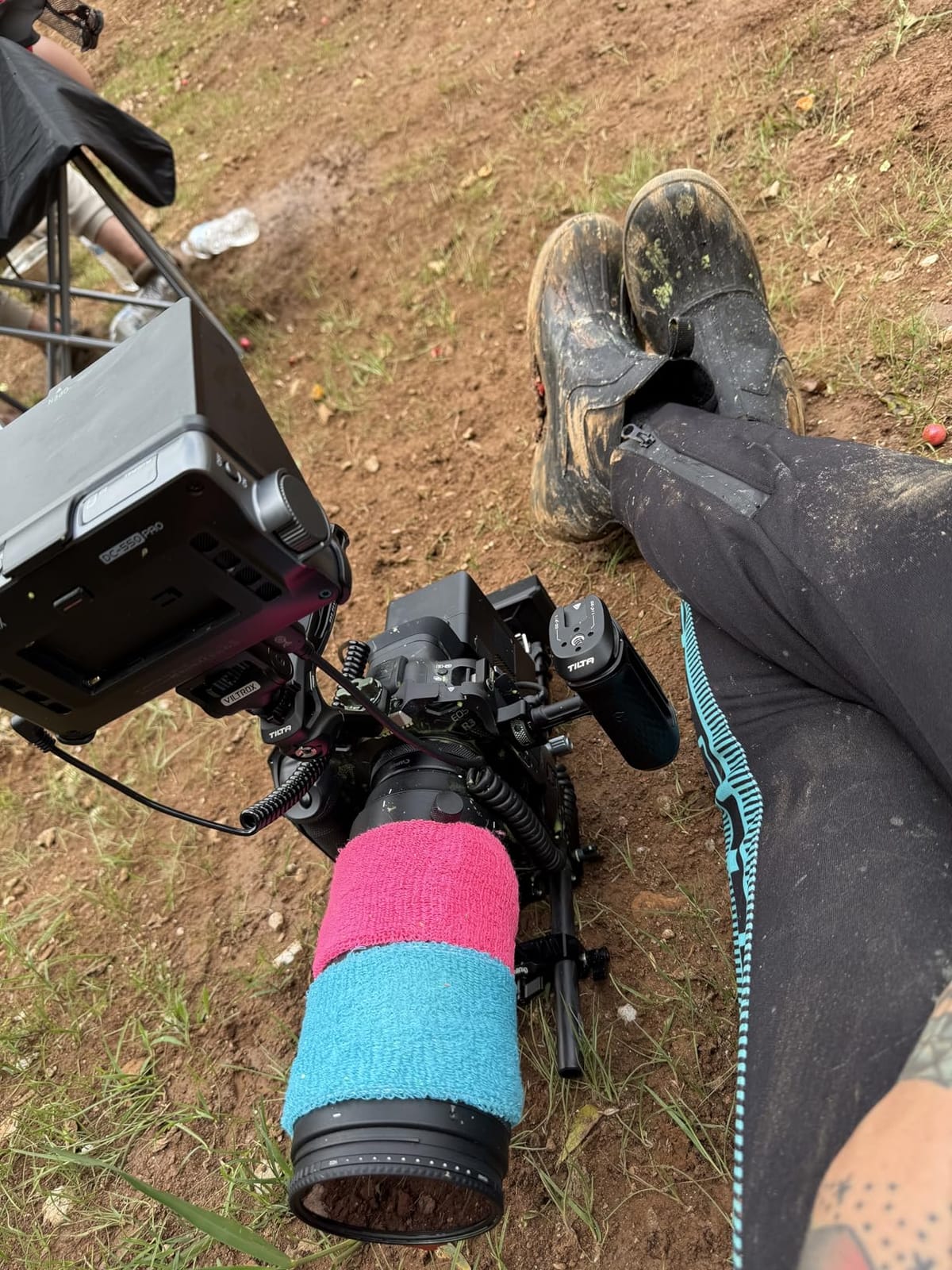
Connectivity is good for a 5.5-inch. HDMI input and output support 4K 30Hz, 3840x2160p and 4096x2160p signals, so a director can watch from a different angle on a second screen, which is more useful on a small documentary crew than it first appears.
Power is triple: Sony NP-F series with an NP-F550 included, DC input from 12 to 18V, and Type-C 5V 3A for power bank work. Viewing angles are 178 degrees on an anti-glare finish, which helps in a car interior or under a canopy.
Who should choose the DC-550 Pro II
Shooters who deliver Rec.709 straight out of the camera and need the monitor to match it. Also a strong pick for interview and corporate work where you want a director to sit next to you and see the same image, thanks to the 4K loop output.
The anti-glare finish and 178-degree angles make it a better choice than a glossy panel for indoor and shaded work, which is where most of the gear lives.
Where it falls short
1200 nits is short of the 1600 and 2000-nit options in this list, so open-sun work needs a hood, and the 178-degree anti-glare panel is a better choice for shaded work than a glossy alternative.
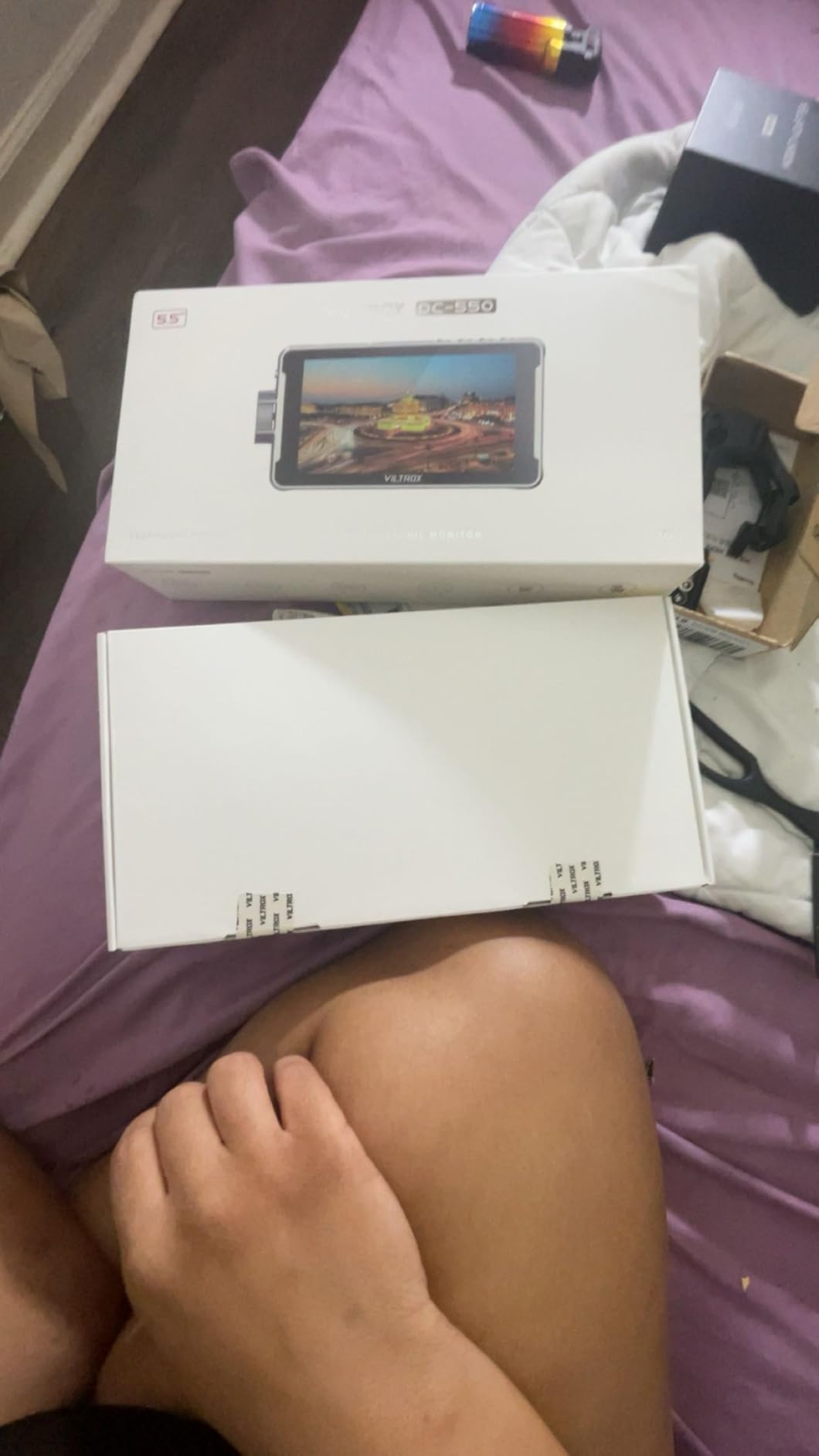
It is a monitor, not a recorder, and the menu system takes a few hours to feel natural. The battery, sunshade, cold shoe adapter and carry case in the box remove most of the extra spend.
6. Portkeys PT5 II 5-Inch – Smallest Rig, Fewest Compromises
- Only 0.28 lb
- the smallest and lightest panel in this roundup
- Sharp full HD panel with wide colour gamut and 178-degree angles
- 4K30P HDMI input and output
- One-year warranty with responsive brand support
- 5-inch screen is smaller than most 6- and 7-inch competitors
- Single HDMI port limits loop-through setups
- Battery not included and must be sourced separately
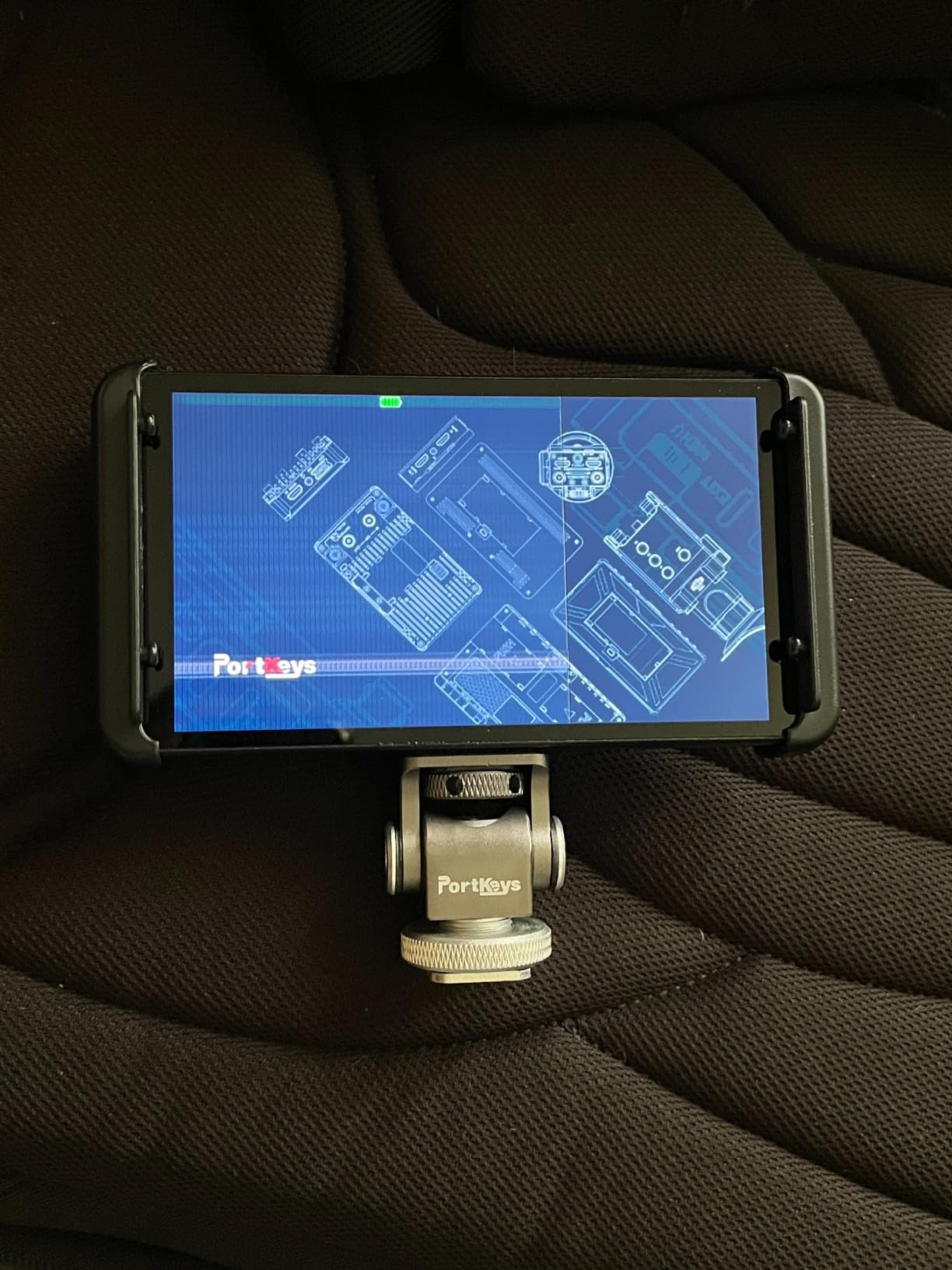
It is also the most compact 5-inch option here: at 0.28 lb it is the smallest and lightest panel in the roundup, and it is the one to pick when the rig is already at its weight limit. A gimbal that balances with the body alone will not balance with a 7-inch panel bolted on top.
It runs a 5-inch OCR full-fit screen at 1920×1080 and 400 PPI with a wide colour gamut and 178-degree viewing angles, so the image stays sharp and holds colour even when you view it from an angle. The contrast ratio is listed at 2000:1.
Scope features match the larger Portkeys: luma waveform, RGB waveform and luma histogram with adjustable position and transparency, plus 3D LUT, anamorphic, new peaking, zebra, false colour, custom RGB, crosshair, grids and audio meters.
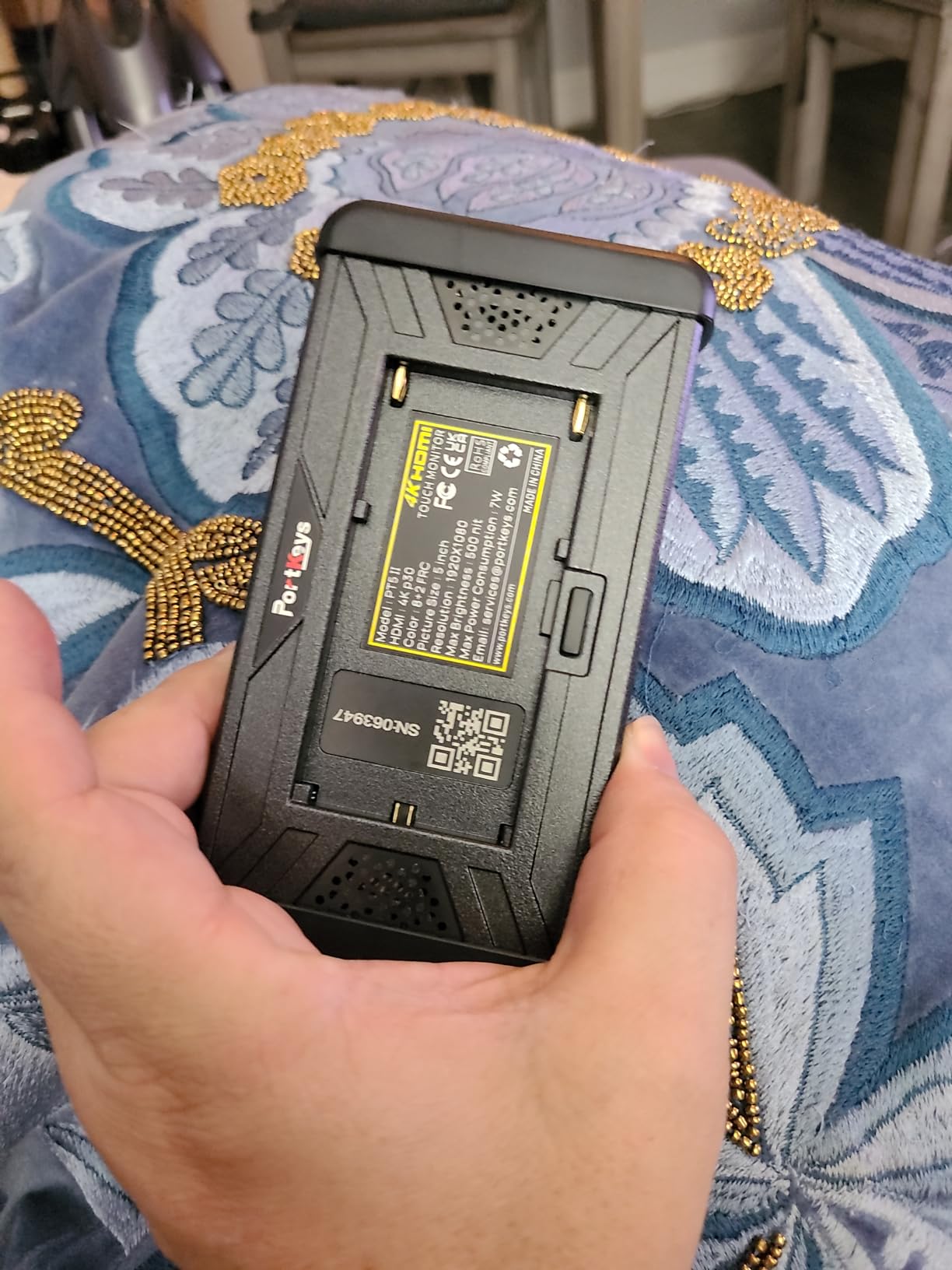
4K30P HDMI input and output is a real addition over single-port budget monitors, because it means you can send a clean feed to a larger screen for a director while still monitoring on the rig.
Power runs from Sony NP-F970, F960, F750 or F550, or Canon LP-E6. There is a one-year manufacturer warranty and brand support described as responsive, which matters more for a lesser-known brand than you would expect.
When the PT5 II is the right answer
Lightweight documentary work, drone ground station viewing, a gimbal that will not take another gram, or a second screen on a follow focus while a director monitors the main feed. At 400 PPI the 5-inch panel holds more detail than you would expect.
It is also a sensible first monitor for someone who is not sure whether they will use one, because the weight cost of trying it is so low.
Where it falls short
Only one HDMI port, so loop-through setups are limited. And the battery is not included, which is an easy mistake to make and adds a real cost on day one.
Like the PT6, it is a 600-nit-class panel in practice for a 5-inch, which means it belongs indoors or in shade rather than in full sun. The 5-inch size is also genuinely small for checking critical focus on a long lens.
7. FEELWORLD S55 V3 6-Inch – Best for Studio and Interiors
FEELWORLD S55 V3 6″ 500nit 1920×1080 IPS Screen Field DSLR Camera Monitor
- Full complement of scopes including RGB histogram and vectorscope
- 3D LUT support for previewing Log footage
- 4K HDMI input and output up to 4K at 30Hz
- Wide choice of power options including LP-E6 batteries
- Includes a battery
- micro HDMI cable and sun hood
- 450 to 500nit brightness is not enough for bright exteriors
- Light build that may feel less solid on a rig
- Inconsistent model naming between S55 V2 and V3 listings
Not every shoot happens outside. For interviews in a house, studio work, corporate production and indoor documentary, a 6-inch 1920×1080 IPS panel covers the job, and the S55 V3 is a straightforward way to get one with a full scope suite.
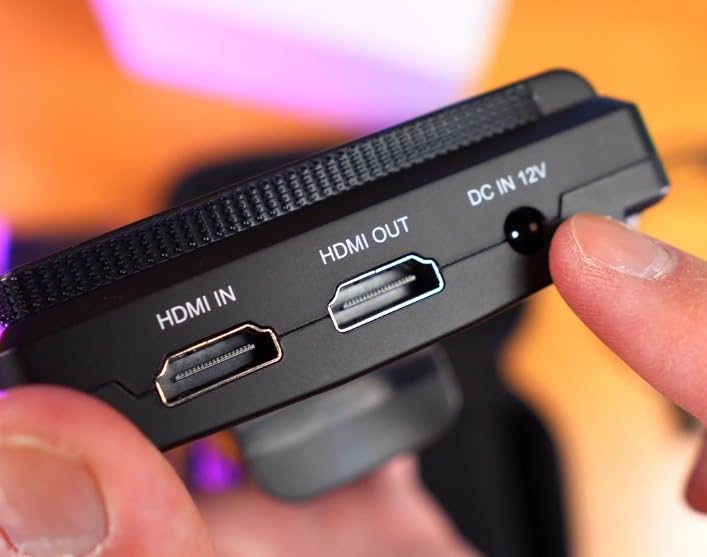
It carries the tools you would expect from a much larger monitor: waveform, vectorscope, RGB histogram, focus assist, false colour and 3D LUT support for previewing Log footage on set. At 4K input and output up to 4K at 30Hz, the loop output lets a second person watch from a different seat.
Power options are unusually broad: Type-C, DC, NP-F and LP-E6. If your camera uses Canon batteries, an LP-E6 plate means the monitor and the camera share cells, which is one less charging brick in the bag.
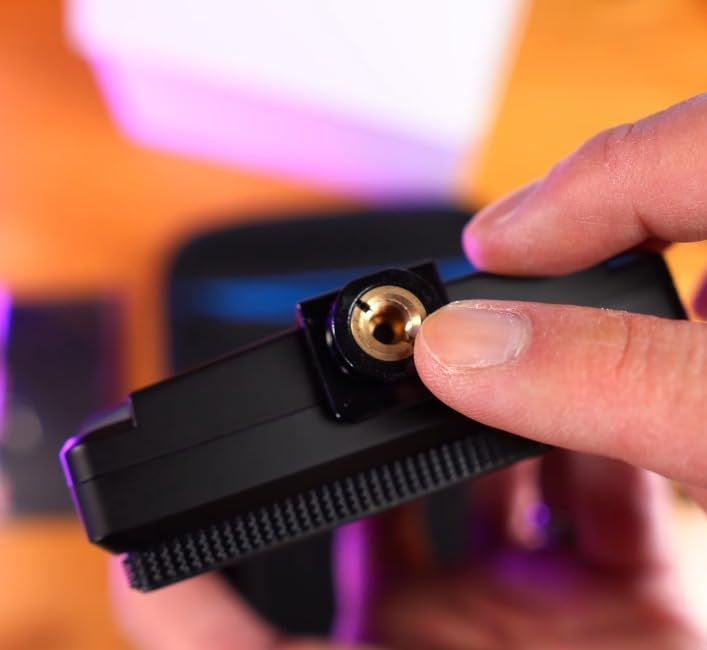
Mounting is via a 1/4-inch thread or a hot shoe tilt arm. The sun hood is in the box along with a battery and a micro HDMI cable, so it covers most mirrorless rigs out of the box.
Brightness is rated between 450 and 500 nits, which is the number that defines where this monitor should and should not be used. Indoors and under heavy shade it is perfectly serviceable. In daylight it is not.
Best for controlled lighting and small crews
Interview setups, studio multi-cam, livestream and webcam hybrid shooting, and any rig where the shoot happens under a roof. The four power options make it the easiest to keep powered on a long day.
It is also the monitor to buy if you are outfitting a kit bag for a second operator and need a spare screen that does everything.
Where it falls short
The 450 to 500-nit ceiling. Any exterior work in bright light pushes you back to a hood, and even then you are squinting. If you shoot more than a quarter of your work outdoors, put the money into a high-nit panel instead.
Its light build is the trade-off, and on a cage it can feel less solid than the metal-housed options in this list. Some listings are also inconsistent about whether the S55 V2 or V3 is being shipped, so check the model number carefully before you commit.
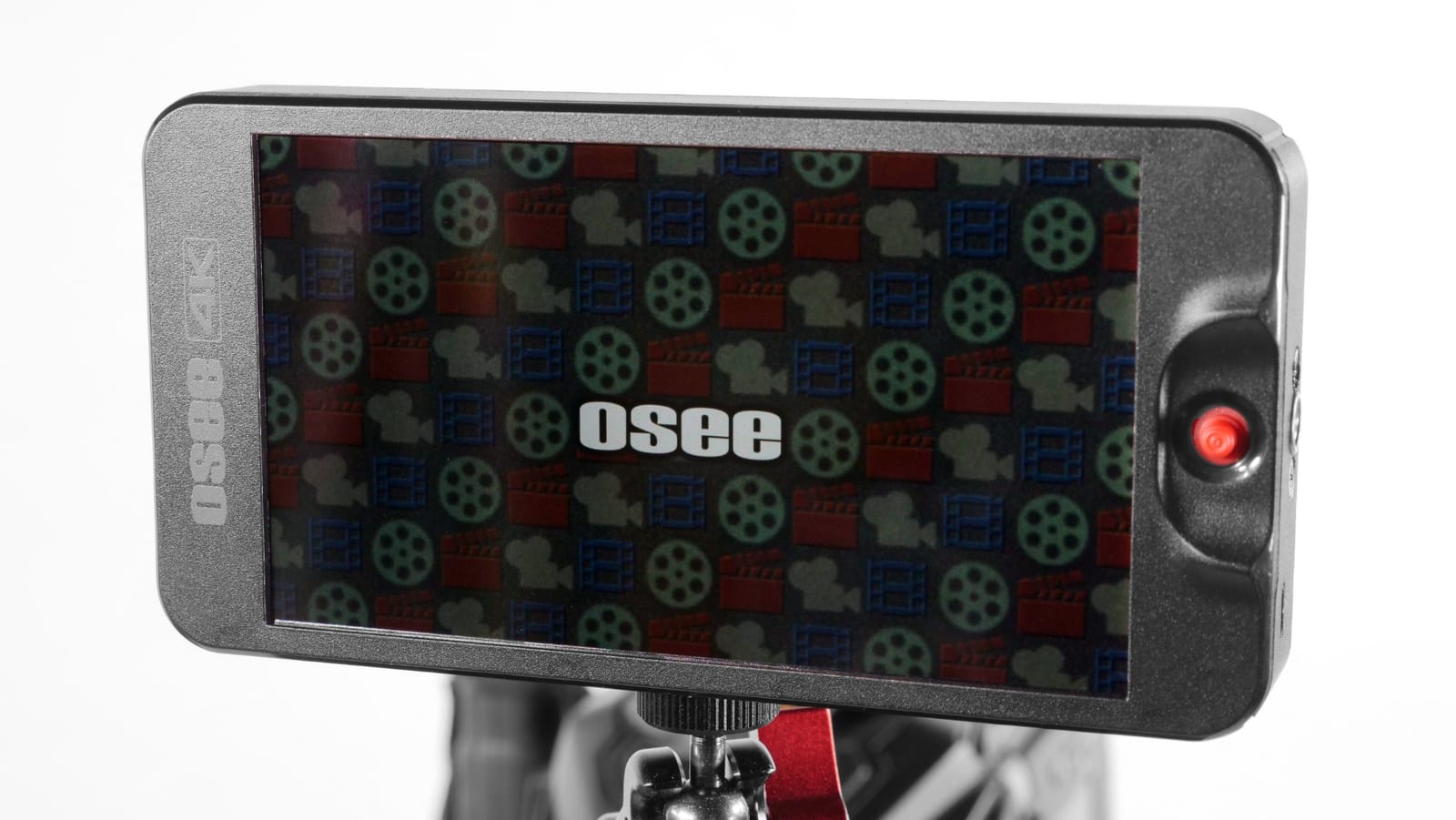
8. osee T5+ 5.5-Inch – Best for False Colour Setups
- 1000nit brightness is unusually high for a 5.5-inch budget monitor
- Customizable false colour presets per camera model
- 8 MySets store full monitoring setups recalled by one joystick
- Joystick navigation keeps the screen fingerprint-free
- Strong customer support
- Plastic build feels less robust than metal housings
- Non-standard recessed 4mm DC out makes dummy battery setups awkward
- Included HDMI cables are very short
Distrust of false colour is the loudest complaint in filmmaking forums, and the T5+ answers it more directly than anything else here. False colour is not just a generic rainbow scale here: it carries presets keyed to mainstream camera models, plus separate black clip, white clip, tone 1 and tone 2 min and max settings you can calibrate yourself.
The MON OS runs on a joystick rather than a touchscreen, and that is a deliberate design choice rather than a saving. Physical navigation means you can change settings with gloves on, in rain, one-handed on a gimbal, without leaving fingerprints across the screen.
Eight MySets store complete monitoring configurations, each recalled with a single joystick toggle. For a shooter who works daylight, interior and night setups on the same production, that is genuinely faster than rebuilding overlays one by one.
LOG and HDR live preview with de-log support and custom user LUT upload from an SD card means a Sony, Canon or Blackmagic Log profile can be previewed on set. Waveform, histogram, vectorscope, zebra and peaking all sit on a single page rather than being scattered across menus.
At 1000 nits with 1.06B colours and 1000:1 contrast, the panel is bright enough for shade and overcast work. Canon RF shooters have specifically recommended the T5+ on camera forums as a pairing for Canon bodies, which is worth weighing if that is your camera.
Where physical controls genuinely win
Any location shoot where your hands are cold, wet or gloved, and any rig where the monitor is at arm’s length from your body. A joystick and dedicated buttons are faster and more reliable than a touchscreen, and a monitor that does not get smudged stays readable.
It is also the pick for anyone who wants to build a repeatable exposure setup. Setting a false colour scale once and saving it as a MySet is the closest thing to a repeatable process this tier offers.
Where it falls short
Construction is mostly plastic, and it does not feel like the metal-housed competitors. The 4mm DC out is non-standard and tightly recessed, which makes powering a dummy battery for long shoots genuinely awkward. The included tilt arm is not perfectly square, so the monitor can sit slightly off level, and the bundled HDMI cables are very short and low quality.
Screen flip is in the menu rather than on a dedicated control, and some users see colour banding in smooth gradients. The battery is not included.
9. VILTROX DC-A1 7-Inch 2800nit – Brightest Screen Here
- Longest warranty in this category at 3 plus 1 years
- 2800nit peak brightness is daylight viewable without a hood
- 4K 60Hz HDMI 2.0 input with pass-through
- 20 preloaded 3D LUTs plus custom upload via USB-A
- Four top-mounted shortcut buttons for fast toggling
- Glossy screen finish shows fingerprints and reflections
- Built-in LUTs are less accurate than some buyers expect
- Shortest ownership history in this roundup at 151 reviews
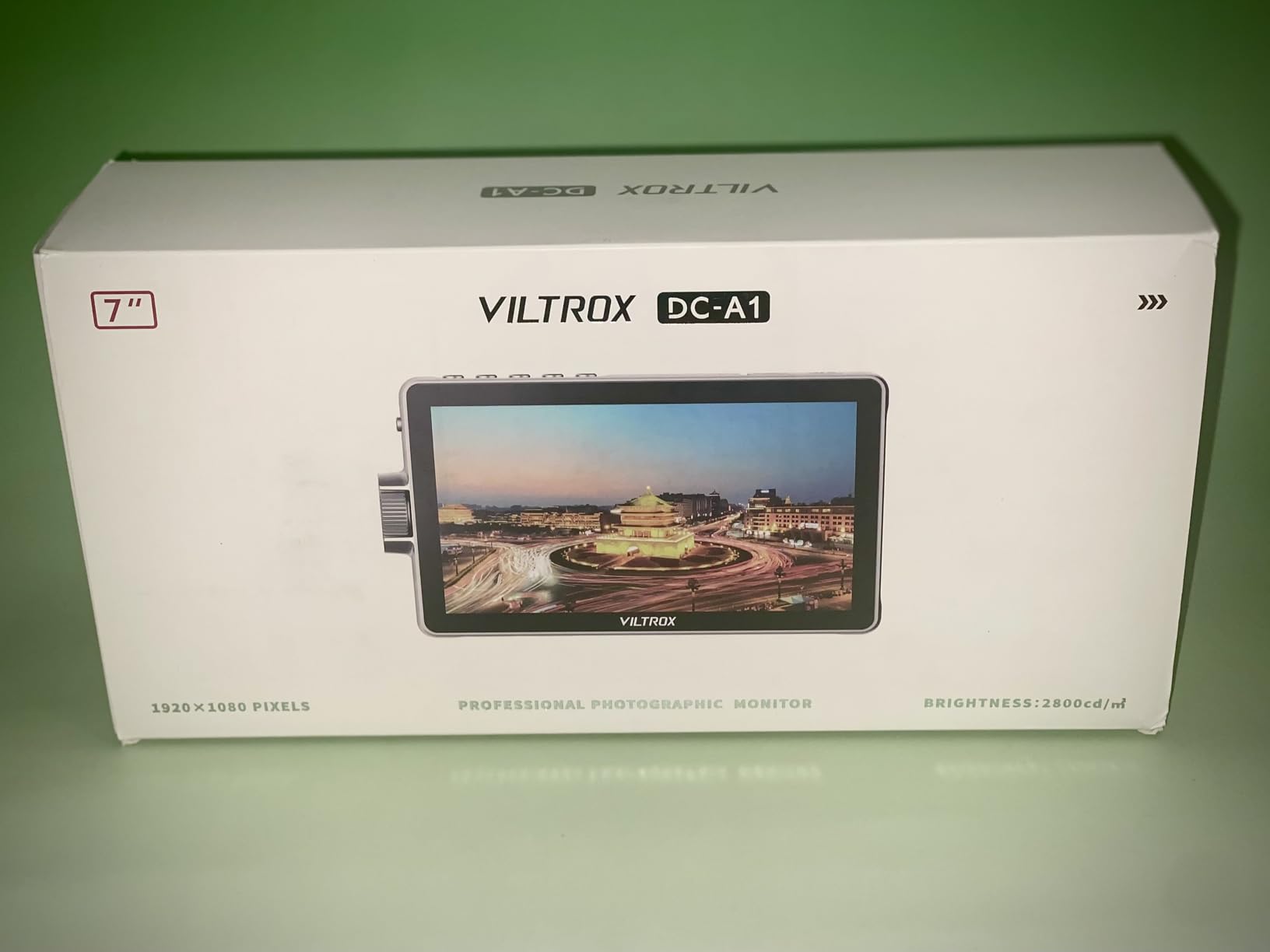
At 2800 nits peak, the DC-A1 is the brightest of the twelve, and it is the one that most directly answers the “I need to see it in open sun” problem.
At 4K 60Hz HDMI 2.0, high-frame-rate signals are handled cleanly, and the lag-free pass-through output lets you send the same feed onward to a client or a second operator without a converter in the way.
Controls are a mix of the best of both worlds. Four physical shortcut buttons labelled F1 through F4 sit on the top edge for instant toggles, while the 1920×1080 IPS touchscreen handles everything else through an upgraded interface that owners describe as intuitive.
The LUT library is the deepest here: 20 preloaded 3D LUTs plus custom user LUTs loaded via USB-A for real-time grading. Full waveform, vectorscope, histogram and false colour cover the exposure side, and a 3.5mm headphone jack gives you real-time audio monitoring.
Power is triple again, with an NP-F550 included, DC input from 10 to 18V, and Type-C for power banks. The kit includes a 180-degree tilting cold shoe mount, a sun hood, a screen protector and a hard-shell carry case, and the warranty runs 3+1 years, the longest in this group.
Who needs 2800 nits
Shooters working in open sun with no shade cover available: wildlife, motor sport, outdoor sport, beach and desert production, and any summer exteriors where a 1200-nit panel still leaves you guessing. A hood becomes optional rather than essential.
The 4K 60Hz input also makes sense if you shoot 4K 50 or 60 for slow motion work, since not every monitor in this roundup handles that signal cleanly.
Where it falls short
You are paying mainly for the panel brightness and the 4K 60Hz pipeline. Some buyers report the built-in LUTs are less accurate than they expected, which is a common complaint across this whole category and one reason to upload your own.
The glossy finish shows fingerprints and catches reflections, which is a small but annoying trade against raw brightness. At 151 reviews it has one of the thinnest ownership histories in the roundup, so there is less long-term data on reliability.
10. LILLIPUT A11 10.1-Inch – Best for Teleprompting and Studio Use
LILLIPUT A11 10.1″ 4K Camera Monitor with 4K HDMI and 3G-SDI Input & Loop Output 1920×1200 Full HD Resolution
- A 10.1-inch panel is a genuine upgrade over 6- and 7-inch field monitors
- Light at 1.21 lb for a screen this large
- Image flip works well with beam-splitting teleprompter mirrors
- Low power draw and does not run excessively hot
- Mounts via 1/4-inch hardware
- VESA 75mm and gimbal brackets
- Feature set is basic compared with modern field monitors
- 320 cd per sq m is limited for daylight
- Some units run noticeably warm
The LILLIPUT A11 answers a question the other eleven do not. If you need a big screen on a tripod where several people can watch, or you need a teleprompter monitor, then 10.1 inches of laminated glass changes the job entirely.
The panel is 1920×1200 native on a 10.1-inch 8-bit LCD, which is unusual resolution and unusually sharp for the size. Full lamination means the cover glass is bonded to the panel, so contrast holds up under studio lighting and the image does not wash out from ambient reflection the way an unlaminated panel does.
It has the highest average rating of the twelve at 4.5 stars. Owners consistently point to the size, the sharpness of the laminated screen and how well the image flip behaves with beam-splitting teleprompter mirrors.
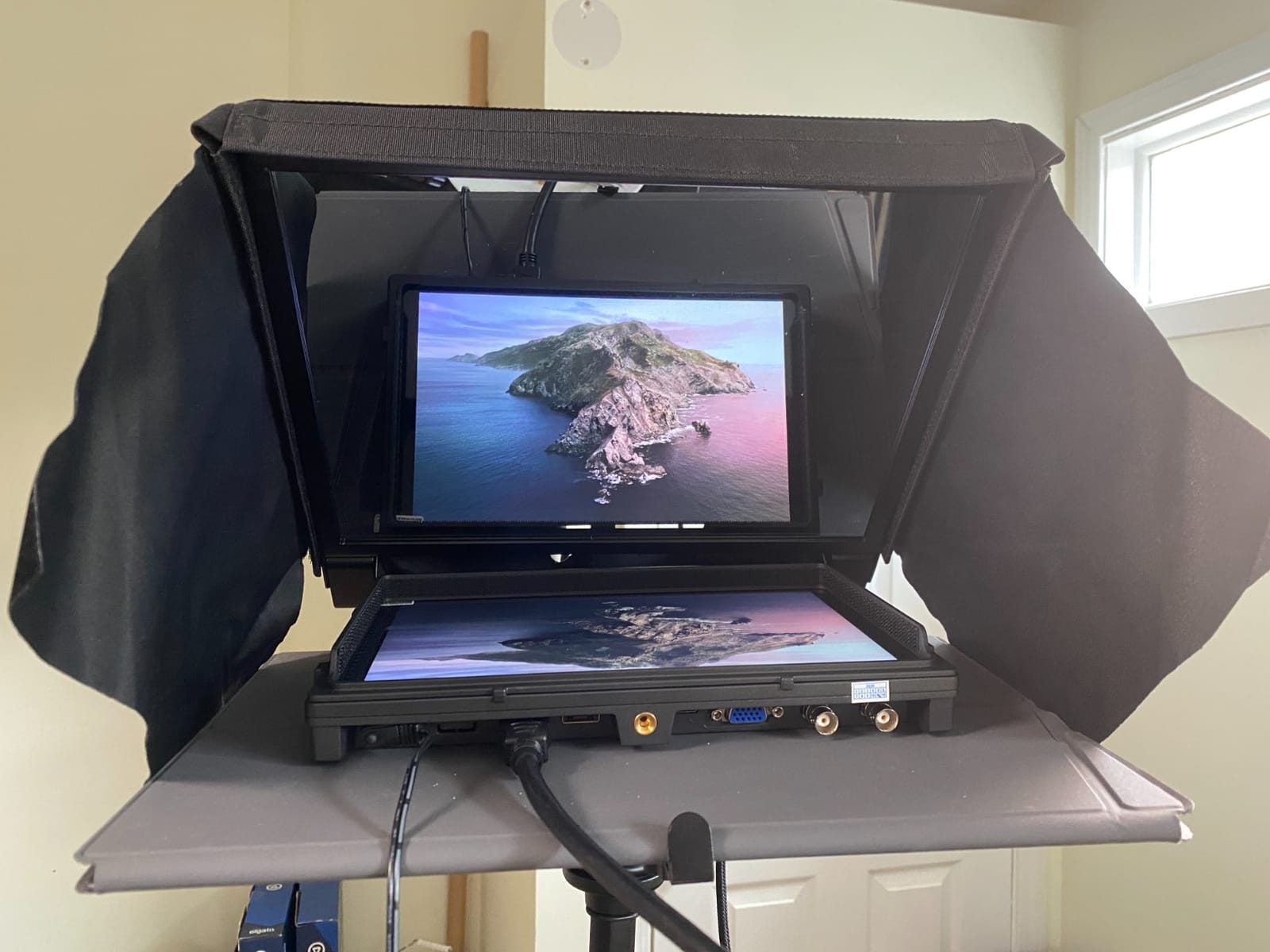
Input flexibility is better than most field monitors here. HDMI 1.4b accepts 4K at 30Hz, and the SDI input handles 3G-SDI, HD-SDI and SD-SDI, with loop output for both HDMI and SDI. A VGA port covers lecture and AV setups.
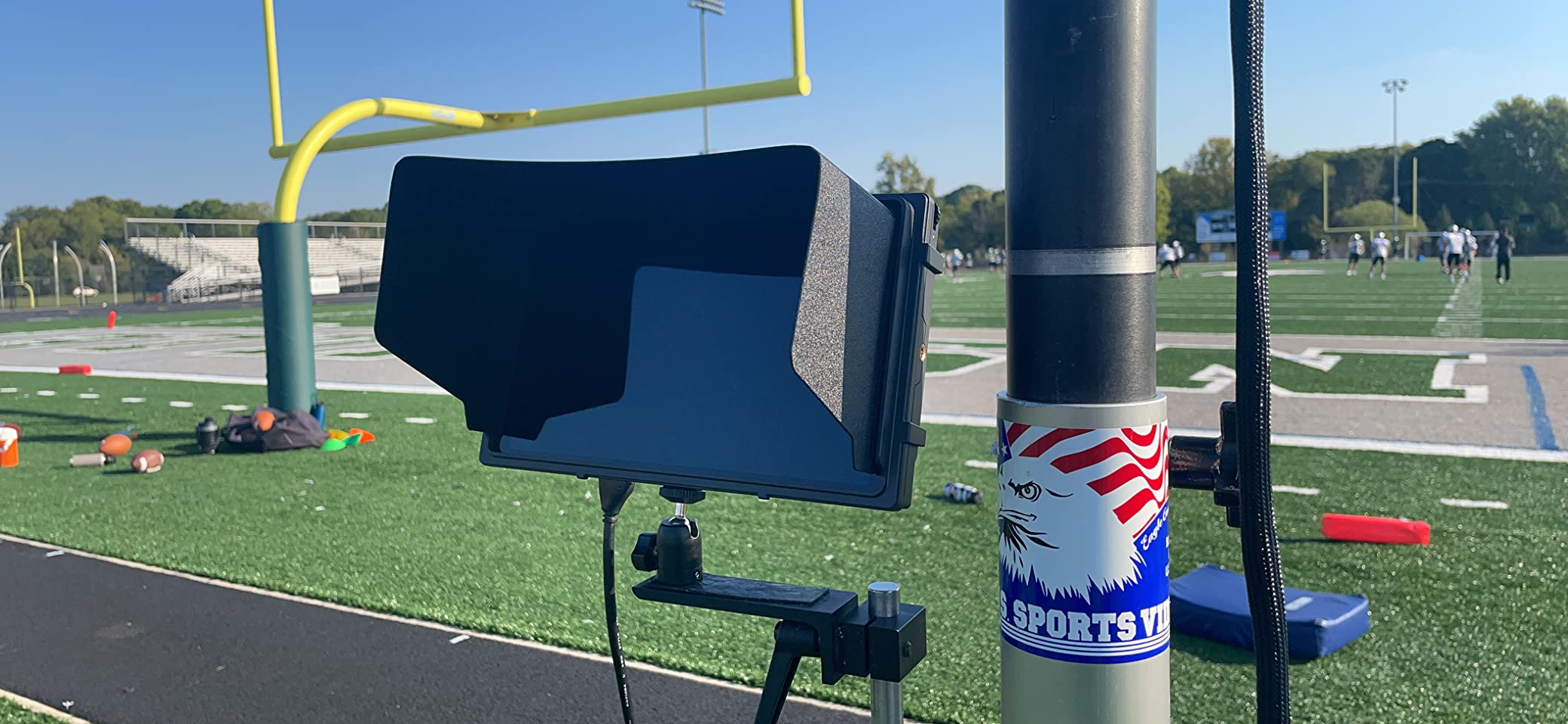
Mounting is genuinely flexible: multi-angle 1/4-inch screw holes, VESA 75mm and gimbal brackets. It weighs 1.21 lb, which is light for a ten-inch screen, and the low power draw means it does not run excessively hot on the supplied supply.
Where a big screen changes the work
Teleprompting is the clearest use. A 10.1-inch laminated panel behind beam-splitter glass gives a presenter or narrator a proper reading distance, and the image flip is what makes it work with a standard prompter kit.
It is also the right choice as a program view monitor on a tripod in a studio, a director’s monitor in a multi-camera setup using the 3G-SDI input, or a large reference screen in an edit-adjacent review space.
Where it falls short
The feature set is basic by modern field monitor standards. At 320 cd per square meter it is an indoor screen, and while that is fine for a studio, it rules the A11 out of any daylight exterior work.
It is also a monitor, not a recorder, so it cannot give you a ProRes backup. And while the low power draw keeps it cool, a small number of owners report the chassis running noticeably warm on battery power during long sessions.
11. Atomos Ninja 5.2-Inch – Best for ProRes Recording
- Records ProRes
- DNxHD and H.265 at 4Kp60 direct to SSD
- ProRes RAW up to 6Kp30 for cameras that cannot record it
- Compact 210 g body that works on small rigs
- 1000-nit class brightness with a matte finish
- RemoteView shares the screen wirelessly to Atomos Connect devices
- Runs hot after roughly 30 minutes of continuous use
- Consumes batteries quickly
- Steep learning curve with email-only manufacturer support
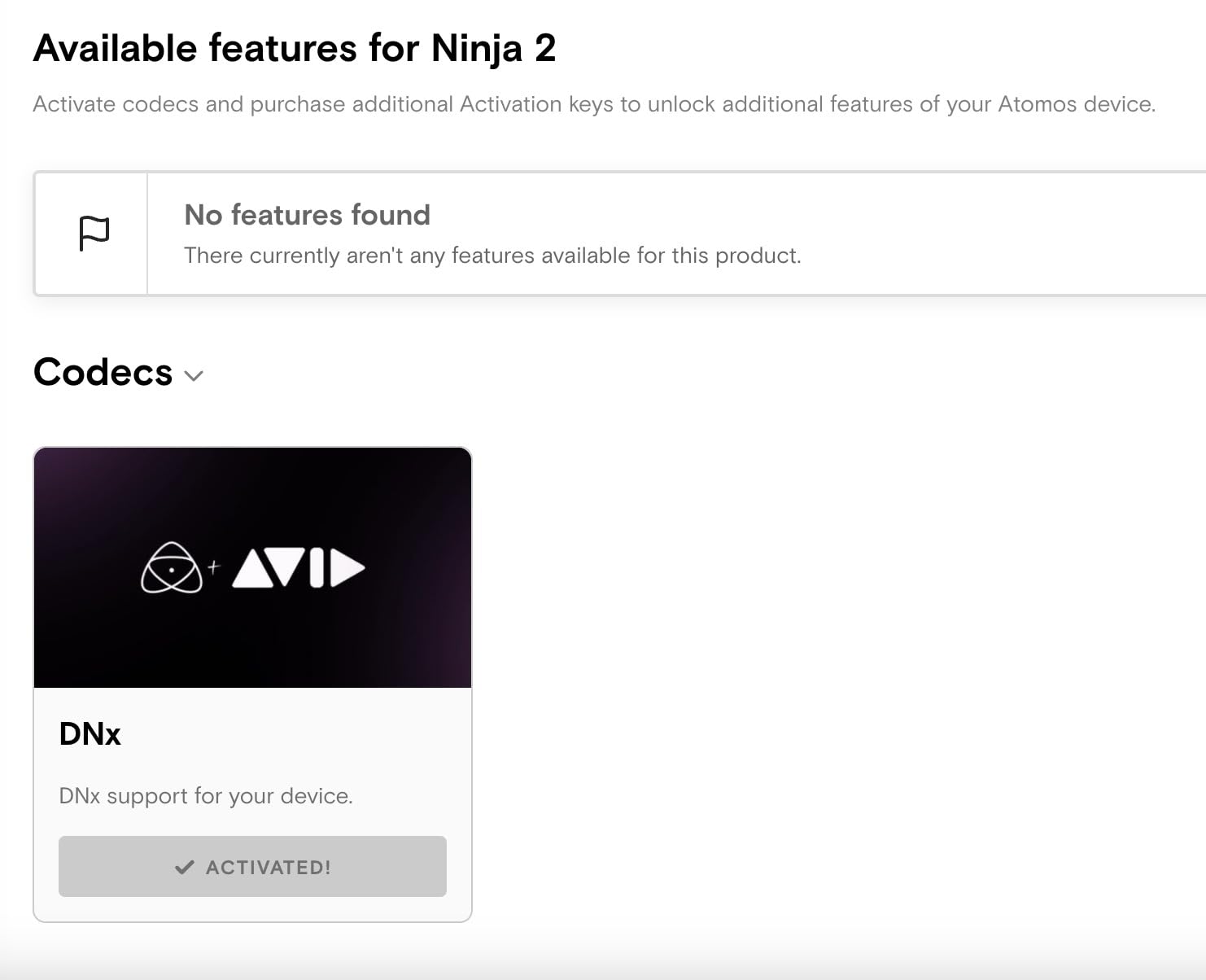
The Ninja is the only monitor in this roundup that records, and that single capability places it in a different category. It records up to 4Kp60 in Apple ProRes, Avid DNxHD and H.265, and up to 6Kp30 in ProRes RAW, straight to SSD.
That matters because it adds to your camera rather than duplicating it. A camera that internally records to a compressed codec can be fed clean 10-bit 4:2:2 video over HDMI and captured in ProRes RAW externally, which gives you grading latitude and a separate safety copy of every take.
AtomOS 11 brings improved memory management and responsiveness, along with RecordAssist and PlayBackAssist tools for arranging recording and playback. RemoteView shares what is on the Atomos screen with other Atomos Connect users, Shogun Connect devices, iPads, Macs and Apple TVs.
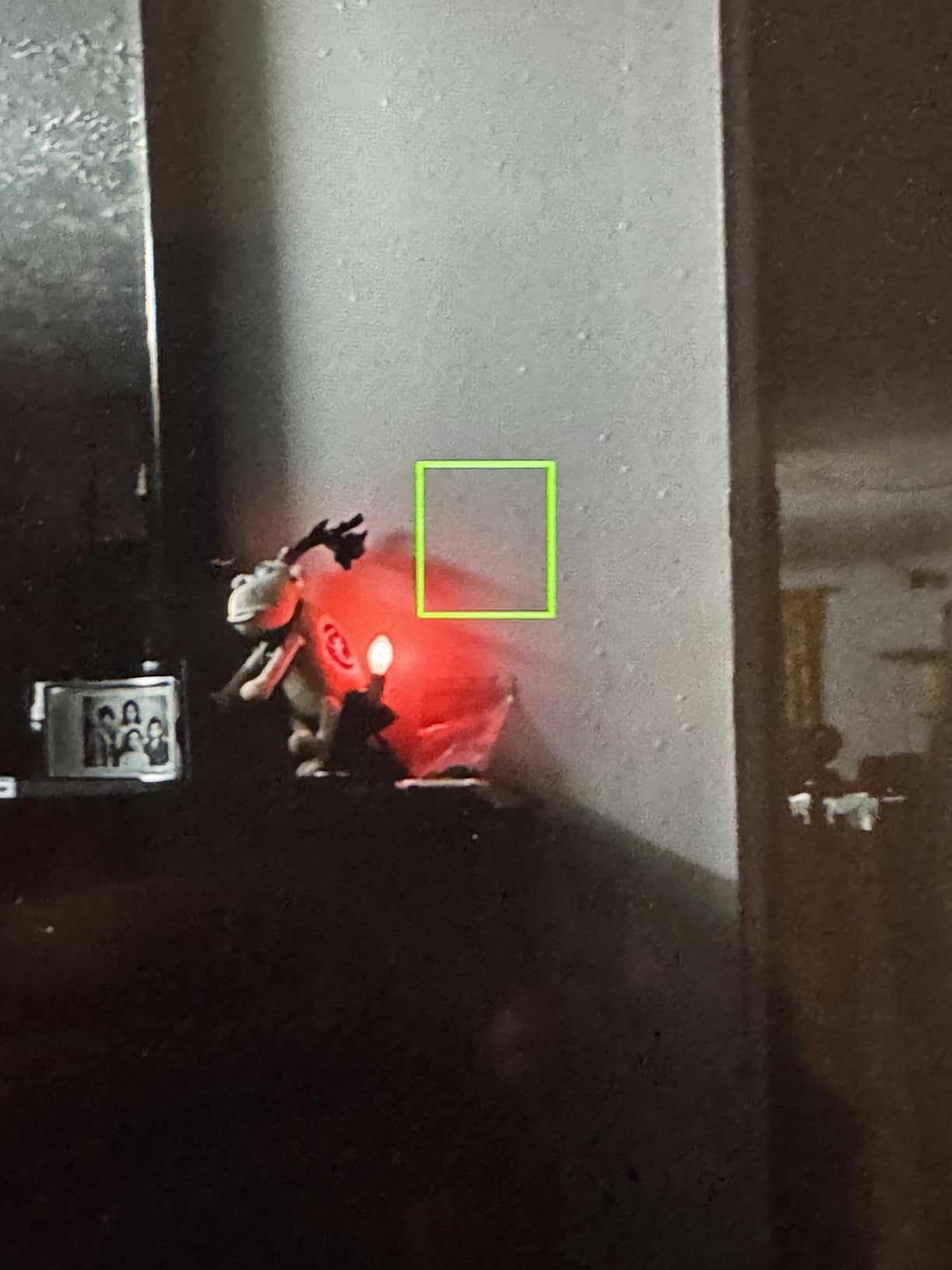
Physically it is one of the nicest objects here: 210 g, 5.2 inches, a matte screen finish that avoids the glossy reflections that plague brighter panels outdoors. It works across a wide range of HDMI-output cameras and doubles as a computer monitor.
At 1000 candela per square meter with a 1000:1 contrast ratio and a wide colour gamut, it is a genuinely bright screen for its size. Reviewers describe the Atomos line as very reliable in day-to-day use, with brightness at this level the recurring trade.
When recording is worth the extra cost
When your camera cannot give you ProRes RAW internally, when you shoot high frame rates, or when your production requires a continuous backup of every take. Mirrorless hybrid bodies with compressed internal recording are the classic case, and the codec list is why external recorders exist at all.
The 5.2-inch size also keeps it viable on a gimbal rig, where a 7-inch recorder would upset your balance.
Where it falls short
Thermals. Owners consistently report it runs hot after around 30 minutes of continuous use, and battery consumption is high, so budget for spare cells or external power on a long day.
Some users report blown-out highlights with less detail than the camera’s own display, which is a high-contrast rendering choice rather than a defect. There is also a real learning curve and thin documentation, since manufacturer support is effectively email-only, and a small number of buyers hit codec activation problems on registration.
12. ANDYCINE A6 V2 6-Inch – Best Budget Starter Monitor
- Professional tools including focus peaking
- false colour and 3D LUT at a budget price
- Sharp 1080p IPS panel readable outdoors with the included sunshade
- Only 200 g so it suits gimbals and small rigs
- 8V DC output allows a compact single-cable rig
- Long-term owners report units still working after six years
- Menu system and top-mounted buttons are clunky
- Tilt arm can loosen under rotation and obscure the buttons
- Included micro-HDMI cables are low quality
The A6 V2 has been in the budget monitor conversation for years and it is not going anywhere. Owners describe it as the budget alternative to the professional monitors, and long-term reports of units still working after six years of use are common in its reviews.
For the feature set, the list is longer than expected at this tier: waveform, zebra, histogram, focus peaking, ratio markers, false colour, anamorphic and loadable 3D LUTs. That is genuinely the toolkit of a much larger monitor, and firmware updates have added 4K support for aspect ratio, ratio markers and audio meters.
The 8V DC power output is the underrated feature. It lets the monitor power your Sony, Nikon or Canon camera, so a small rig can run from a single NP-F battery instead of carrying a separate power source for the camera.
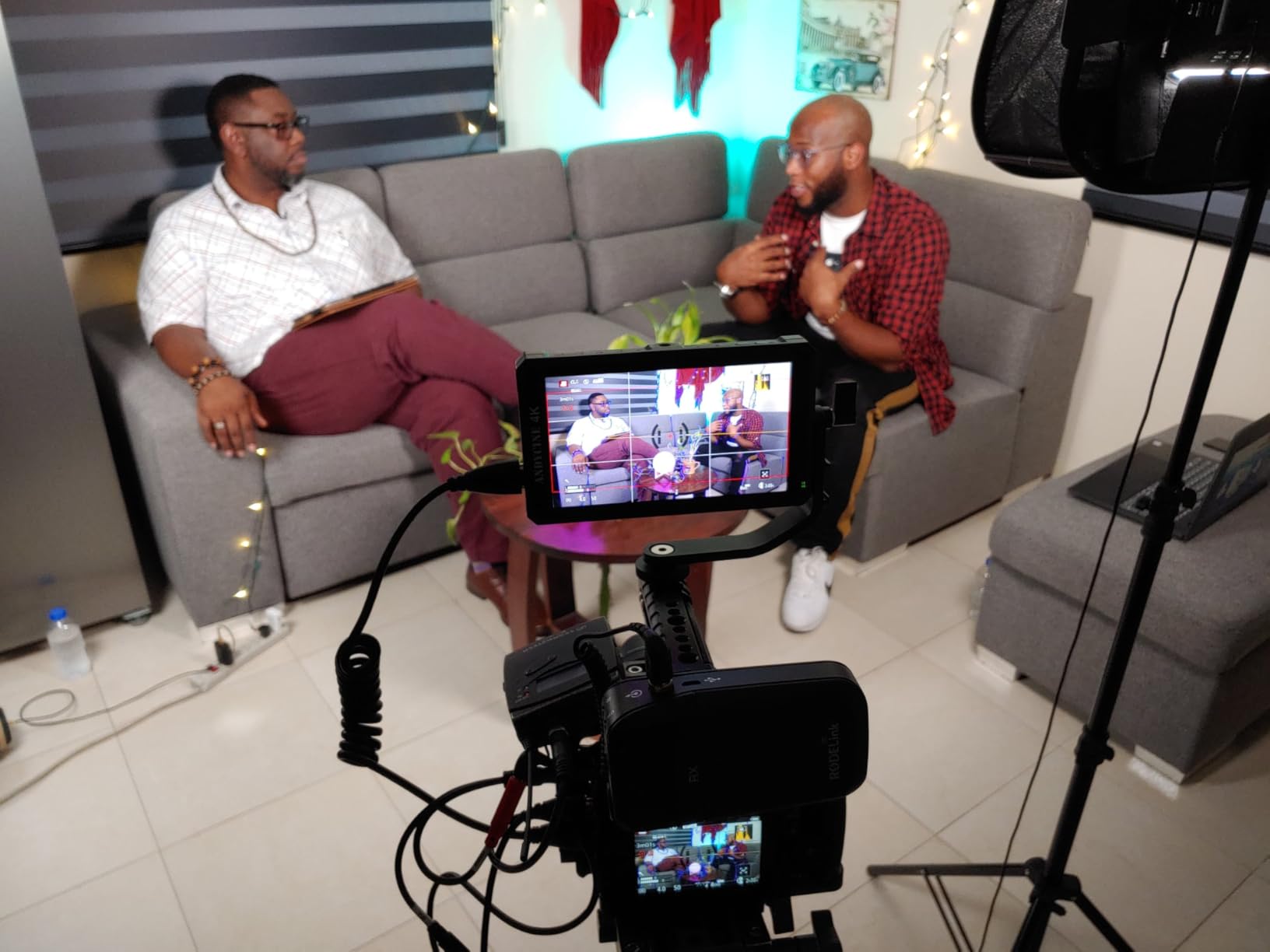
HDMI input accepts 4K up to 30fps with loop out, so a second screen or a large reference display can be driven from the same feed. Power comes from NP-F batteries with an F550C included running around 150 minutes, DC input, or USB-C at 5V 2A from a power bank.
Mounting points sit on the side and bottom as 1/4-20 threads, and the bundle includes a micro HDMI cable, battery, charge cable, carry case, sunshade, tilt arm and manual. At 200 g it is light enough for a small cage or a gimbal.
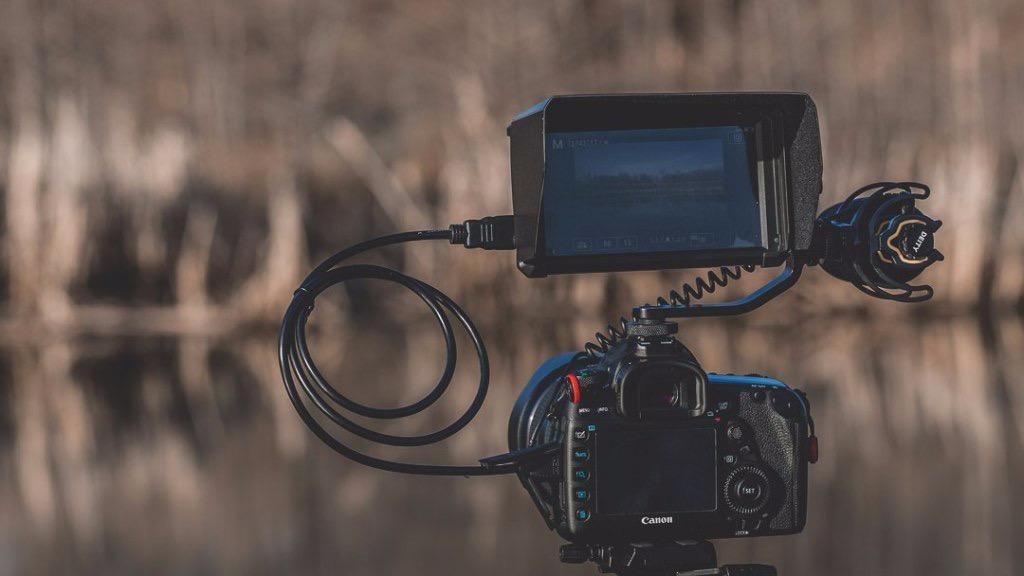
Why the A6 V2 still makes sense
It is a complete first monitor. If you are moving from a flip-out screen to external monitoring and you want scopes, LUT preview and loop output on a modest budget, this is the shortest path there.
The single-cable 8V power arrangement makes it particularly good on small documentary rigs and mirrorless set-ups where space and cable count matter. The included sunshade also makes the 460 cd per square meter panel usable outdoors in shade and overcast conditions.
Where it falls short
Ergonomics rather than electronics. The menu system and top-mounted button layout are clunky and take time to learn, the tilt arm can loosen under rotation and obscure the buttons when flipped, and the battery compartment pinches fingers when you release a pack.
The bundled micro-HDMI cables are widely reported as low quality, and most variants have no touchscreen, with updates over mini-USB rather than USB-C. Plan on buying a proper high-speed cable.
How to Choose a Camera Monitor for Filmmaking
The right camera monitor depends on three questions in order: where you shoot, whether you need to record, and how much weight your rig can take. Answer those and the rest of the specification sheet largely narrows itself. This is the order we would shop in, and it is close to the order filmmakers describe in production forums when they ask for a recommendation.
How many nits do you actually need?
Nits are a brightness measurement, and the useful question is not “how bright is this panel” but “how bright is my environment”. Brightness ratings from brands are measured in a lab, so treat them as a comparison between monitors rather than a prediction about your shoot.
Indoors, studio, controlled artificial light: 400 to 600 nits is enough. A 1000-nit panel is comfortable, not necessary.
Overcast daylight, open shade, interiors with windows: 800 to 1200 nits is the sweet spot, especially with a sunshade.
Open sun, unshaded exteriors, summer work: 1500 nits and up. At 2000 nits a hood becomes optional. At 2800 nits you rarely need one.
That tiering explains most of the price spread in this roundup. The jump from a 400-nit to a 1200-nit panel changes your working day; the jump from 2000 to 2800 nits changes your accessory list.
Do you need a monitor-recorder or just a monitor?
This is the single most useful question, and most buyers answer it wrong by shopping on screen size. A monitor-only unit receives HDMI, shows you the image with scopes and LUTs, and passes video through. A monitor-recorder also encodes that feed to SD, SSD or a network drive.
Choose a recorder if your camera cannot record ProRes or ProRes RAW internally, if you shoot high frame rates, or if your production requires a separate backup of every take. Choose monitor-only for everything else. Recorders cost more, run hotter, drain batteries faster and need media management, and for a lot of shoots none of that matters.
The Atomos Ninja in this list is the only recorder here. If external recording is your priority, that is the pick, and it should be chosen for codec support rather than for its screen.
Screen size versus rig weight
Screen size is a balance problem before it is a viewing problem. The monitors here run from 0.28 lb at 5 inches to 0.86 kg with batteries at 7 inches, which is a wide enough range to change how a gimbal behaves.
A 5-inch under 300g is for gimbals, drones and travel rigs where the monitor sits above the motors. A 5.5 or 6-inch between 200 and 250g is the run-and-gun compromise that suits most independent narrative work. A 7-inch is for rigged cameras on a tripod, a shoulder rig or a car mount, and a 10-inch is a director or teleprompter screen, not a camera accessory at all.
How to test a monitor’s scopes and false colour before you commit
This is the most-asked question in cinematography forums and almost no roundup addresses it, so here is a short procedure. Distrust of cheap false colour is legitimate, because a monitor with incorrect IRE scaling will happily tell you that a correctly exposed shot is clipping.
Point the monitor at a mid-grey 18 percent card in daylight and check the waveform. It should sit at a consistent IRE level and stay there when you move the camera. Then point it at a white card and a black card and check that the waveform rises and falls predictably with no offsets.
Next, test false colour against a known exposure. Shoot a frame of your own skin, then a highlight and a shadow, and see whether the false colour scale maps consistently to the same stops each time. Then check the LUT path: load a known transform, and see whether it changes the image at all. A monitor that silently drops your LUT between power cycles tells you nothing reliable about exposure.
Finally, test the scope under real movement. A luma waveform that updates smoothly is usable for pulling a shot; one that lags or stutters is decoration. The Portkeys PT6 and PT5 II are noted for smooth, fast waveform updates, and the osee T5+ lets you store a calibrated setup in a MySet and recall it with one press.
Physical buttons or touchscreen only?
Touchscreens are faster for browsing, but they fail in gloves, rain, and one-handed gimbal operation, which is precisely when you need to toggle scopes quickly. The most common request in the top cinematography thread we studied was for buttons that jump straight to IRE, false colour and scopes.
Look for a monitor with a joystick or dedicated shortcut keys as well as touch. The osee T5+ is joystick-driven, and the VILTROX DC-A1 and NEEWER F700 both add F1 to F4 shortcut buttons that you can map to the overlays you actually use.
Power, cables and the accessories you will actually buy
Budget for the real cost of ownership rather than the sticker. Most monitors here take NP-F or LP-E6 cells, and a second set of batteries plus a sunshade plus a spare high-speed cable can add meaningfully to what you paid for the monitor. Several units here include batteries, a sunshade and a carry case, and that is a real difference at checkout.
On cables, this is where new owners lose hours. Camera outputs vary: full HDMI, Mini HDMI and Micro HDMI all need their own cable, and the cable must be a genuine high-speed certified one to carry 4K 60. Zilr high-speed HDMI-to-Micro-HDMI cables come up by name in camera forums as a necessary companion purchase, and owners of the budget monitors here consistently report the bundled cables as the weak link.
For all-day shooting, check whether the monitor accepts Type-C power bank input, whether it can run a dummy battery, and whether it has a DC output you can use to power the camera from the same cells. The ANDYCINE A6 V2’s 8V output is the clearest example of that thinking.
When you do not need an external monitor
Worth saying plainly, because a lot of money gets spent unnecessarily. If your camera has a bright humpback or loupe EVF, the flip-out screen is bright enough for your environment, and you are not shooting LOG, an external monitor is a luxury rather than a necessity.
It also stops making sense when you already own a wireless transmitter and receiver system, since the receiver can serve as your monitoring screen, or when your camera has a genuinely usable articulating screen and you work indoors. The trigger that actually prompts people to buy one is workflow speed and display quality, not a missing feature on a spec sheet.
A final note on pairing. The FEELWORLD, Portkeys, osee and ANDYCINE units all take standard HDMI, so any mirrorless body with a clean HDMI output will pair without drama. Sony FX-series and Canon RF shooters frequently ask for a specific recommendation in camera forums, and the common answer is a 1000-nit 5.5-inch for Canon bodies and a small, reliable 5-inch for Sony bodies where rig weight is the deciding factor. Check your camera’s HDMI output type before buying a cable.
One last note on where these screens are used. Almost every monitor here is a camera monitor, but the same word covers home monitoring too, where the goal is a fixed camera feed rather than a rigged one. If that is the use case, our guides to the best baby monitors with camera and audio and the best baby camera monitors without WiFi cover that side instead, and the brightness tiering above still applies.
Frequently Asked Questions
What monitors do filmmakers use?
Most professional crews use Atomos for monitor-recording, Blackmagic Design for ProRes and multi-input switching, SmallHD and Lilliput for large director and broadcast monitors, and Hollyland, Accsoon or Portkeys for compact and wireless rigs. Independent filmmakers at the budget end usually choose FEELWORLD, Viltrox, NEEWER, osee or ANDYCINE monitors.
What is the best on-camera monitor?
It depends on your environment and rig. The FEELWORLD FW759 PRO is the best all-round 7-inch at the budget end, the NEEWER F700 is the strongest 7-inch for direct sun at 2000 nits, the VILTROX DC-A1 is the brightest at 2800 nits, and the Portkeys PT6 or PT5 II are the lightest options for gimbal and drone work. Add the Atomos Ninja if you need ProRes recording.
What are the best monitors for recording studio use?
For studio and interior work, 400 to 1200 nits is enough brightness and screen size matters more. The LILLIPUT A11 at 10.1 inches is the standout for teleprompting and program viewing with SDI input, the VILTROX DC-550 Pro II offers accurate REC-709 colour with 4K loop output for a director, and the FEELWORLD S55 V3 is the lowest-cost option with a full scope suite.
How bright should a field monitor be for daylight filming?
Roughly 400 to 600 nits is enough indoors, 800 to 1200 nits handles overcast daylight and open shade, and 1500 nits or more is needed for open sun. A sunshade helps at every level, but it cannot make a 400-nit panel readable in direct sun. Most owners in forums describe 1000 nits as the practical compromise for mixed indoor and outdoor work.
How do I check if a monitor’s scopes are accurate?
Shoot a known 18 percent grey card in daylight and confirm the waveform sits at a stable IRE level. Then check a white card and a black card to see that the waveform rises and falls predictably, test false colour against exposures you already know, and confirm your LUTs survive a power cycle. Finally, check the scope updates smoothly while the camera moves rather than lagging.
What is the difference between a field monitor and a director monitor?
A field monitor is a compact screen mounted directly on the camera, powered by batteries and used by the operator for exposure and focus. A director monitor is larger, mounted on a tripod or handheld rig, often has SDI inputs and loop output, and exists so several people can watch the shot comfortably. Many monitors here can do both jobs.
The Best Camera Monitors for Filmmaking in 2026: Our Final Verdict
Our best camera monitor for filmmaking overall is the FEELWORLD FW759 PRO, because a 7-inch panel, a complete exposure toolkit, a 300g body and a full accessory kit in the box is the combination most independent shooters can carry every day. Shoot in open sun and move up to the NEEWER F700 at 2000 nits, or the VILTROX DC-A1 at 2800 nits if you never want to reach for a hood.
If weight rules your rig, take the Portkeys PT6 or PT5 II. If you shoot Rec.709 and want a monitor that matches your camera honestly, take the VILTROX DC-550 Pro II. If you need a ProRes safety copy of every take, the Atomos Ninja is the only one here that does that job. And if you shoot indoors, do not overpay for brightness you will never use.
Whatever you choose, test the scopes and false colour before you rely on them, budget for batteries and a real high-speed cable, and check that your camera’s HDMI output type matches the lead you have. That is the whole decision in 2026.