
The best OBD2 scanners for DIY mechanics fall into three clear groups. The ANCEL AD310 is the best overall for reading and clearing check engine codes, the FOXWELL NT301 is the best value once you want live data graphing, and the BlueDriver LSB2 is the best full-system pick because it reaches ABS, SRS, TPMS and transmission modules with no subscription. Everything below is built around those three anchors.
Here is the thing nobody tells you when you start shopping: an OBD2 scanner narrows a fault down, it does not fix it. The modules under your hood log a fault as a five-character code and store the sensor values at the moment it happened. Your scanner reads that code, translates it into plain language, and lets you watch the live data so you can confirm or rule out a part before you spend money on it.
That distinction matters because a diagnostic fee at a shop is often the single largest line item on a small repair. I have spent years watching people replace parts they never needed because nobody bothered to pull the code first. We built this roundup around the tools that give a weekend mechanic real information, and we left out the clone dongles that pair with your phone and then show nothing useful. If you want a broader look at the category, our guide to the best OBD2 scanners covers the hardware side in more depth.
Table of Contents
Top 3 Best OBD2 Scanners for DIY Mechanics in 2026

ANCEL AD310
- Reads and clears emission codes
- Freeze frame and I/M readiness
- Powered from the OBDII port


BlueDriver LSB2
- ABS SRS TPMS and transmission reads
- Verified repair reports
- No subscription
All 10 OBD2 Scanners Compared (October 2026)
Every tool below reads and clears standard engine codes. The columns that actually separate them are coverage, active testing and what happens after a year of ownership, so read the table with those three questions in mind.
| Product | Specifications | Action |
|---|---|---|
| ANCEL AD310 |
|
Check Latest Price |
| FOXWELL NT301 |
|
Check Latest Price |
 Autel AL319 Autel AL319 |
|
Check Latest Price |
 Veepeak OBDCheck BLE Veepeak OBDCheck BLE |
|
Check Latest Price |
| BlueDriver LSB2 |
|
Check Latest Price |
 OBDLink MX+ OBDLink MX+ |
|
Check Latest Price |
 FOXWELL NT604 Elite FOXWELL NT604 Elite |
|
Check Latest Price |
 Innova 5210 Innova 5210 |
|
Check Latest Price |
 XTOOL A30M XTOOL A30M |
|
Check Latest Price |
 BLCKTEC 460T BLCKTEC 460T |
|
Check Latest Price |
Which OBD2 Scanner Tier Do You Actually Need?
Most arguments about OBD2 scanners are really arguments about tiers. A reader shows you codes. A scanner reads modules, clears them and hands you live data. A scan tool goes one step further and commands components electronically so you can watch them work.
Tier 1: Basic code reader
A basic code reader plugs into the 16-pin port, reads stored and pending engine codes, shows freeze frame data and clears them. It covers the powertrain module only, which is fine if you own a car with no other warning lights. Expect no graphing, no resets and no ABS coverage at this level.
Tier 2: Full-system scanner
A full-system scanner queries the engine, transmission, ABS, SRS, TPMS and body modules, so an airbag light or a TPMS failure is visible instead of invisible. Most of these add graphing, I/M readiness shortcuts and a built-in code library. This is the tier most weekend mechanics end up buying.
Tier 3: Bidirectional scan tool
A bidirectional scan tool can send commands to a module, not just read from it. That means commanding a cooling fan, cycling a purge valve or bleeding the ABS while you watch the live data change. It is the difference between proving a component works and assuming it does.
1. ANCEL AD310 Review: The Engine-Only Reader Most People Need First
- Low-cost entry point
- Reads and clears codes fast
- No battery or charger needed
- Powers from the OBDII port
- Compact at 12 oz
- No ABS SRS or transmission coverage
- Monochrome 128x64 screen with no graphing
- No Bluetooth connection
The AD310 is the tool I hand to friends who own one older car and just want to know why the check engine light came on. It supports KWP2000, J1850 VPW, ISO9141, J1850 PWM and CAN, so it covers 1996 US-based, 2000 EU-based and Asian cars along with light trucks and SUVs. Plug it in, turn the key, and codes appear in seconds.
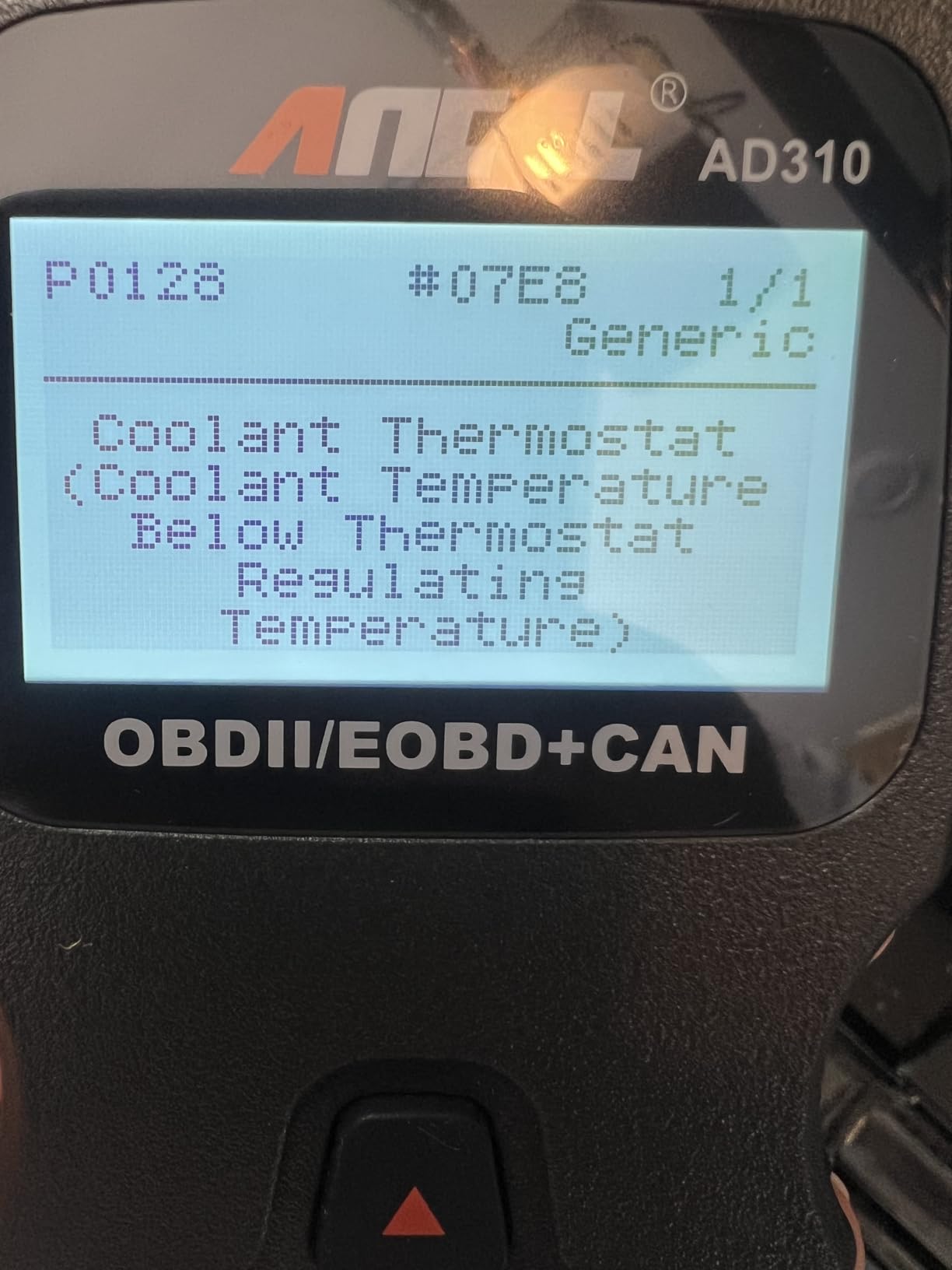
It reads and clears emission-related codes, live data, hard memory data, freeze frame and I/M monitor readiness. That is the whole engine story and nothing beyond it. For a vacuum leak hunt or a bad oxygen sensor, that is enough information to start.
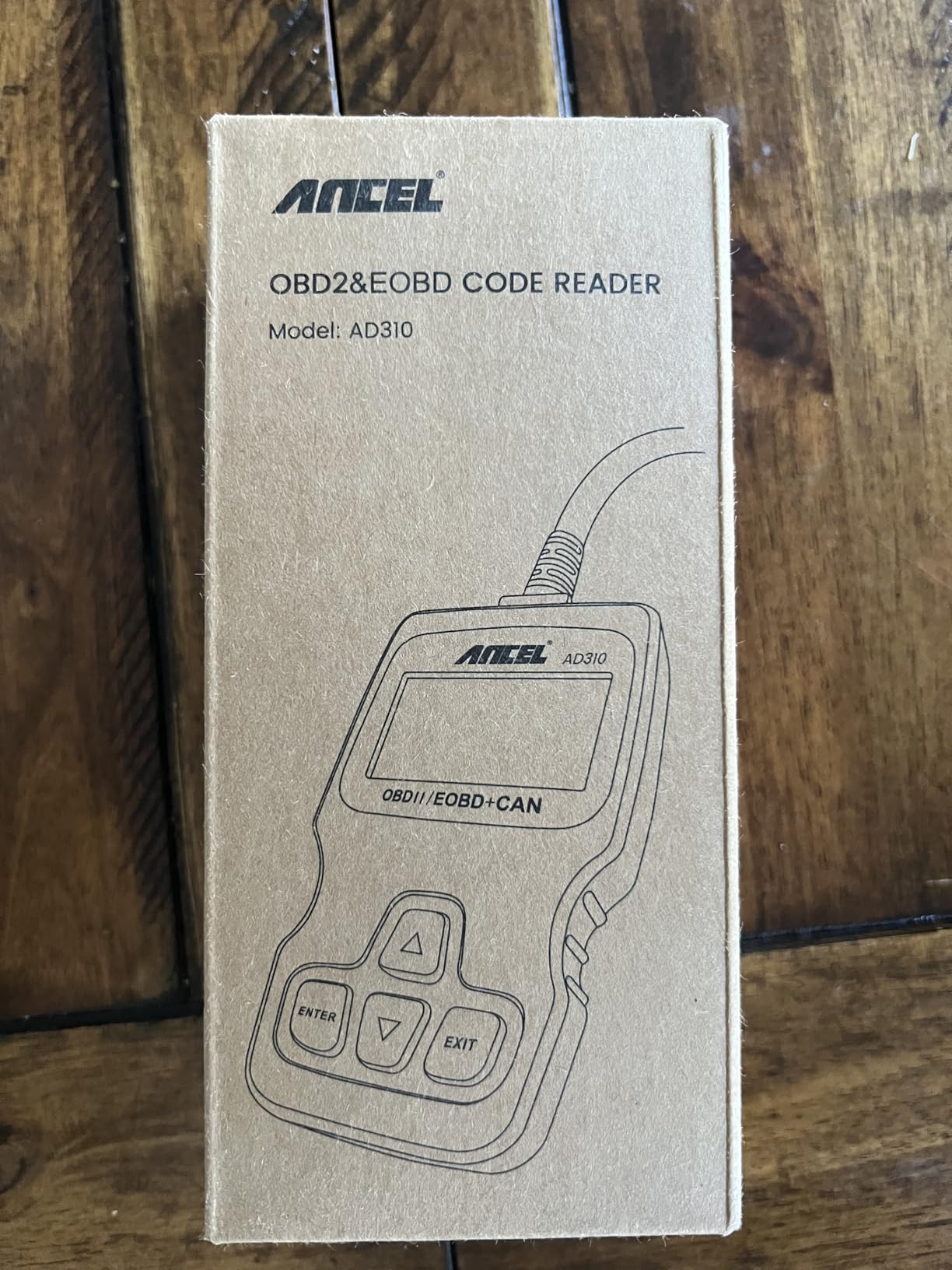
At 12 ounces and 8.9 by 6.9 by 1.4 inches, it lives in a backpack or on the dash without becoming cargo. The 2.5 foot thick flexible cable reaches the port without dragging a laptop along, and the clearly labelled buttons mean you are not guessing at one in the dark.
The screen is a 2.4 inch monochrome panel at 128×64. It is readable in daylight and useless for graphing, which is the trade you make to keep this thing simple and cheap. No batteries, no charger, no phone, no account.
Who this suits
This suits the weekend warrior with a 2000s sedan who wants a check engine light decoded without calling a shop. If your only warning light is the check engine and you are comfortable with basic hand tools, it does the job cleanly and it never needs charging in a cold garage.
Where it stops
It stops at the engine. No ABS, no SRS, no transmission, and OBDI-only vehicles are unsupported entirely. If an ABS light or an airbag light ever comes on, you will need a different tool, and the graphic-free screen means you cannot watch fuel trims while you drive.
2. FOXWELL NT301 Review: Best Value for Live Data Graphing
- Graphs live sensor data
- One-click I/M readiness with LED indicator
- EVAP system check and O2 sensor test
- Bright 2.8 inch color screen
- Lifetime free updates with no subscription
- No ABS SRS or transmission coverage
- Updates need a Windows PC
- Bundled documentation is a quick reference only
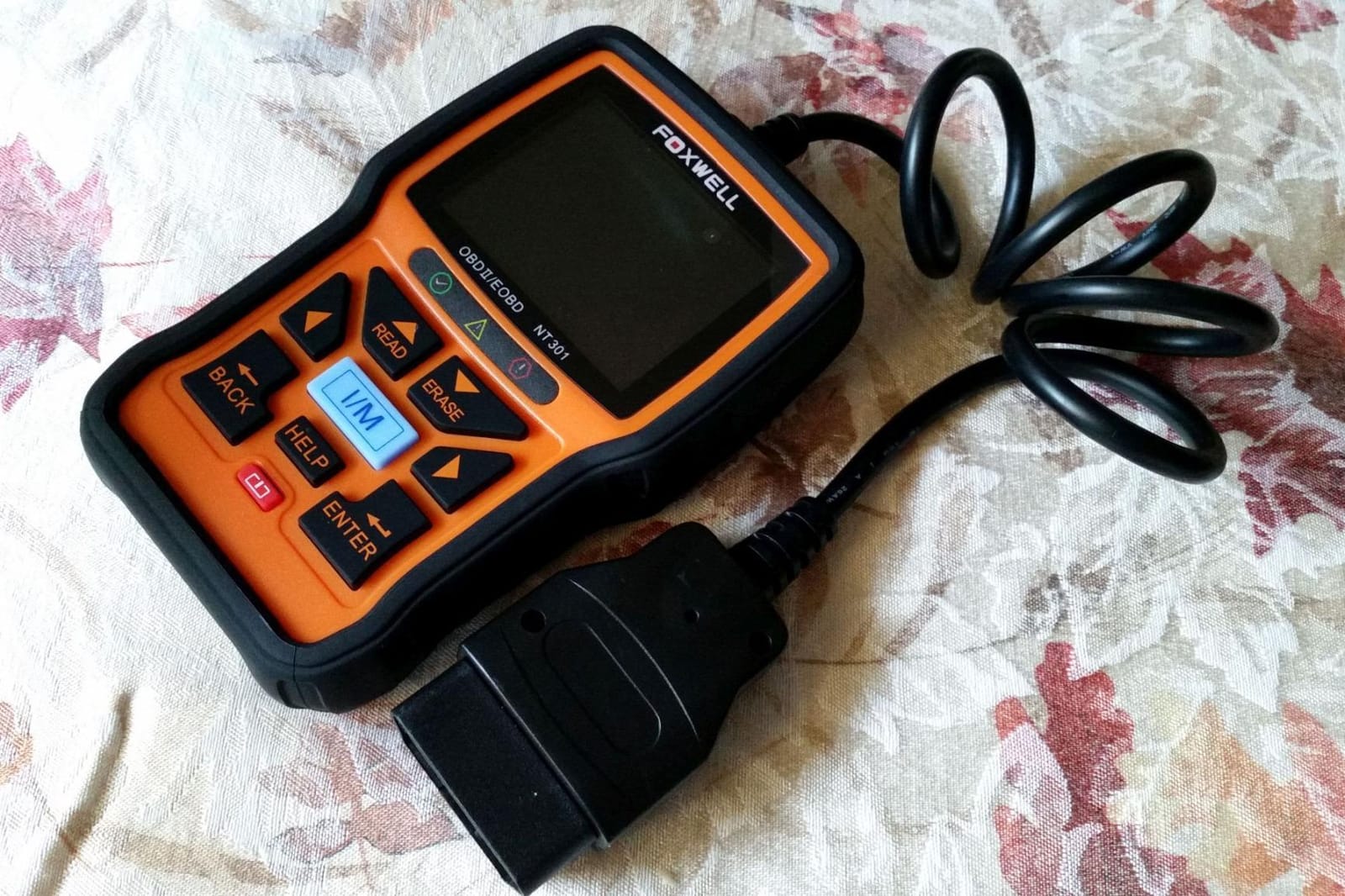
The NT301 is the first step up that changes how you work rather than just what you see. It supports all OBDII protocols, works on most 1996+ gasoline cars and light trucks in the US plus many 2000+ European and Asian models, and also handles 12V diesel vehicles with an OBD2 port.
The graphing matters more than people expect. Watching short-term fuel trims move while you unplug a vacuum hose tells you something a code alone never will. The one-click I/M readiness hotkeys with a red-yellow-green LED indicator and a built-in speaker are genuinely useful before an emissions test.
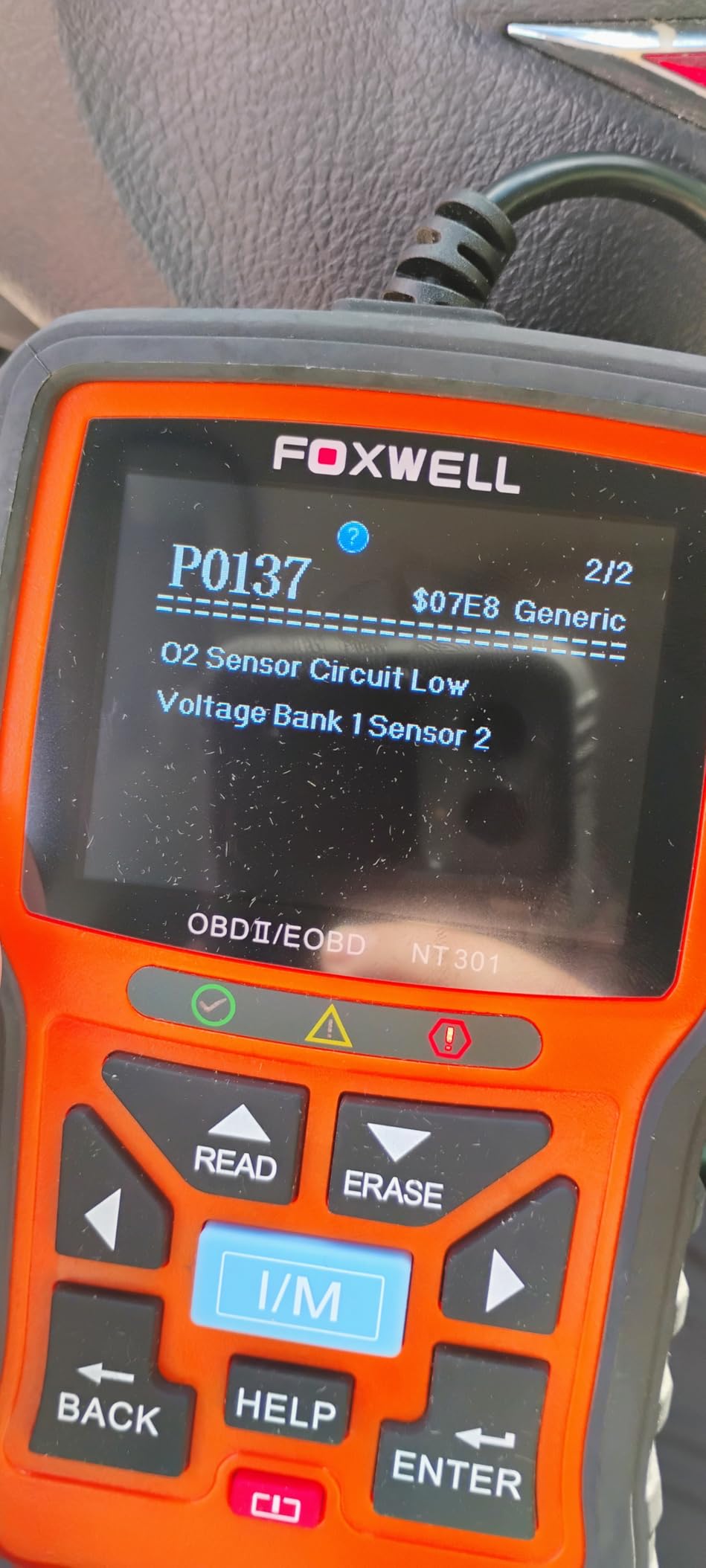
It also runs an EVAP system check and an O2 sensor test, which is real diagnostic work rather than code translation. The 2.8 inch color screen at 320×240 is readable in daylight, and the hard-button layout means gloves are not a problem.
Owners anchor on the lifetime free software updates and the absence of any subscription. The one structural annoyance is that updates run on Windows only, so Mac and iOS users cannot refresh the firmware themselves.
Who this suits
This suits someone who has outgrown the basic reader and wants to watch data move rather than just read a code list. It also suits anyone preparing a car for an emissions test, because the readiness light removes the guesswork from whether your monitors have repopulated.
Where it stops
It is still emissions-only. No ABS, no SRS, no transmission module, and the documentation in the box is a quick reference guide rather than a manual. It also pulls power from the OBD2 port, so it is useless as a battery or alternator tester.
3. Autel AL319 Review: A Compact Reader With a Color Screen
Autel AL319 Professional OBD2 Scanner, Enhanced Check Engine Code Reader
- Multilingual interface with 7 languages
- Color TFT display with built-in speaker
- One-click I/M readiness
- Very light at 177 g
- Lifetime free updates and 12 month warranty
- Emission codes only
- Small 2.4 inch screen
- No live data graphing
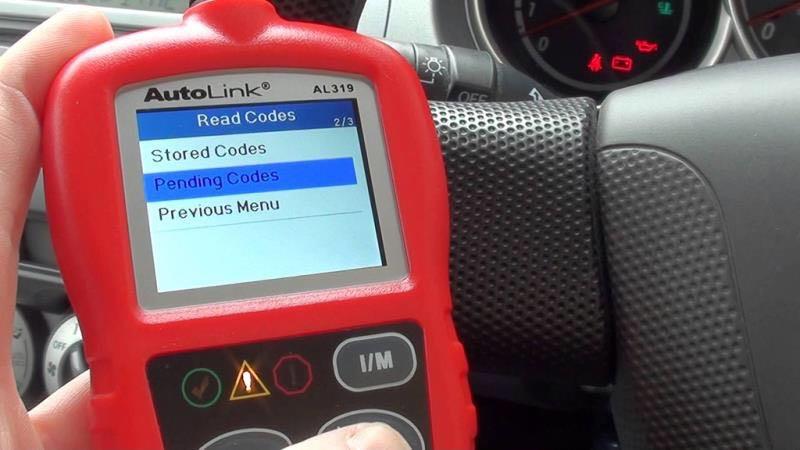
The AL319 is a familiar Autel shape: a small handheld code reader with a color screen and a one-click readiness function. It works on all post-1996 OBDII protocol vehicles worldwide, which the manufacturer lists by name as Toyota, Nissan, Honda and Ford.
It reads and clears codes, includes a DTC lookup, and displays live data, freeze frame, I/M readiness and vehicle information. Seven languages cover English, French, Spanish and more, which is unusual at this size and useful if you share a garage with someone who reads Spanish.
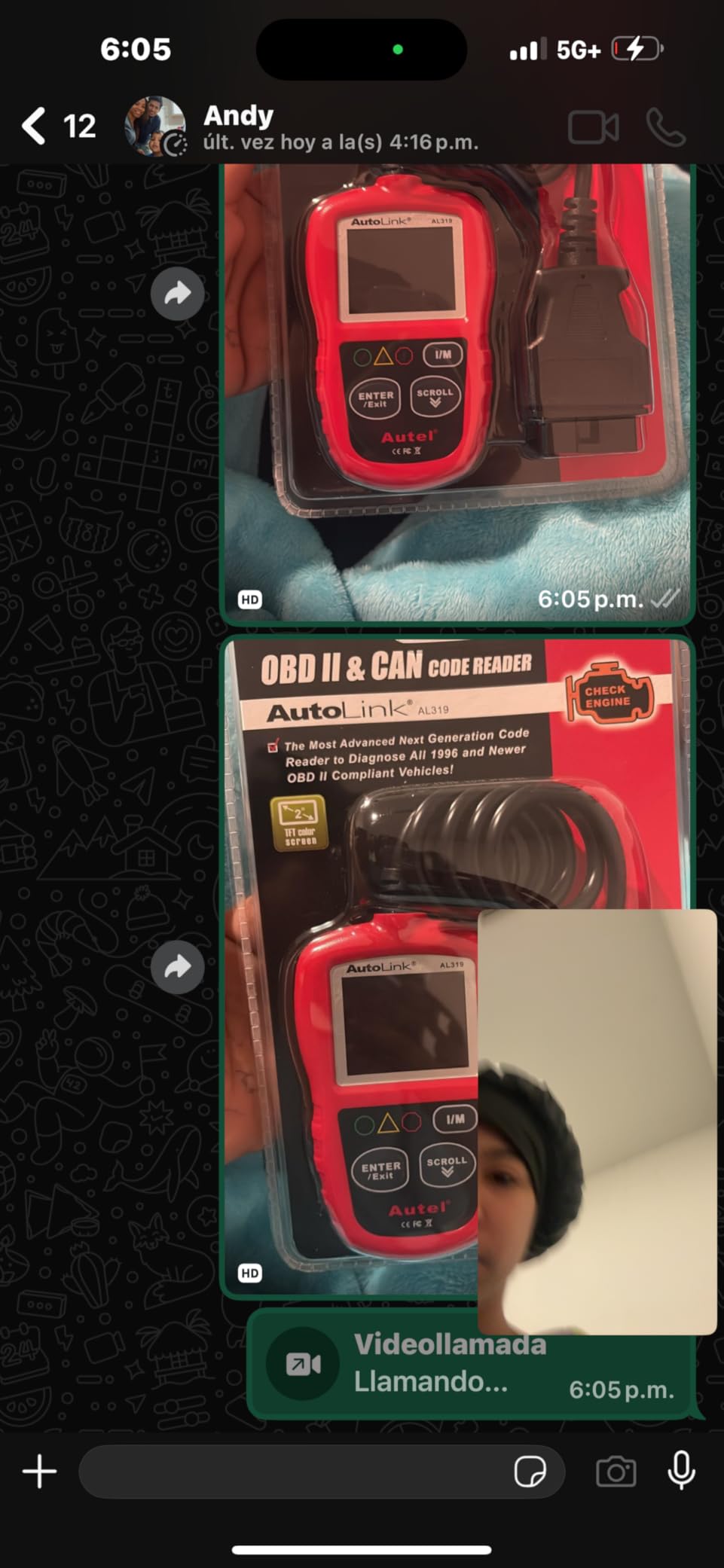
The TFT color display, built-in speaker and LED indicator make it feel more finished than a monochrome reader, and the speaker means you can confirm a clear without looking at the screen. At 177 g and 4.61 by 2.83 by 0.71 inches it disappears into a tool bag.
The manufacturer lists a 12 month warranty with lifetime free updates and technical support, so the ownership story is clean. It runs on Linux and draws power from the OBDII port in use.
Who this suits
This suits a multilingual garage or a household where one person reads English and another reads Spanish or French. It also suits anyone who wants a color screen and audible confirmation on a tool small enough to carry everywhere, without moving up to a graphing model.
Where it stops
The 2.4 inch screen limits how many parameters you can view at once, and there is no graphing. Scope is emission codes only, so an ABS or transmission light still sends you to a different tool entirely.
4. Veepeak OBDCheck BLE Review: The Gateway to Third-Party Apps
Veepeak OBDCheck BLE Bluetooth OBD II Scanner for iOS & Android, Car Wireless Check Engine Light Code Reader Diagnostic Tool
- Compact dongle leaves the phone free
- Works with Torque BimmerCode and OBD JScan
- Covers most 1996+ US cars
- One year manufacturer warranty
- Mini carrying case included
- Requires a separate third-party app
- Not compatible with Carly MHD xHP or bootmod3
- Generic OBDII only with no service resets
- Pairing must happen inside the app
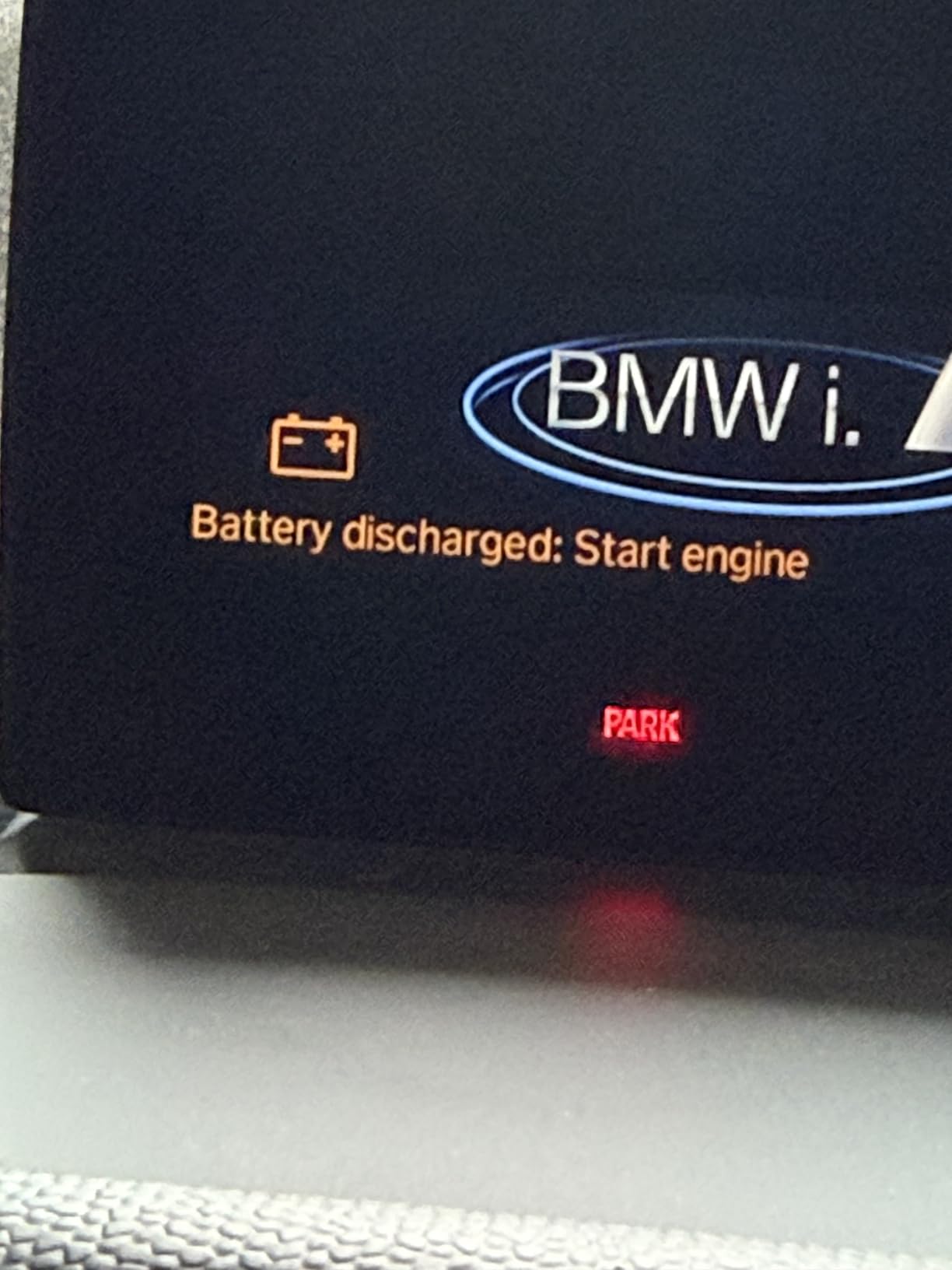
The OBDCheck BLE is a dongle and nothing else. It uses Bluetooth Low Energy rather than classic Bluetooth, which is why it pairs with both iOS and Android, and it must be connected from inside the app rather than from the phone Bluetooth menu. That last detail trips up more iPhone users than anything else about it.
Out of the hardware it does standard generic OBD-II work: read and clear check engine codes, freeze frame, I/M readiness and live sensor data on most 1996+ US cars and light trucks. What makes it interesting is the app list. It works with Torque, OBD Fusion, BimmerCode, BimmerLink, OBD JScan, Car Scanner ELM OBD2 and Dr. Prius.
It does not work with Carly, MHD, xHP, ProTool or bootmod3, and app limits are real: pre-2008 models are unsupported in BimmerCode and BimmerLink, G and U series are not supported in BimmerCode, and MS-CAN is unsupported in FORScan and AlfaOBD. EV and hybrid support depends on the app you choose.
At 1.61 by 1.97 by 0.87 inches it is tiny, comes with a mini carrying case, and carries a one year manufacturer replacement warranty. You still need the phone, the app and possibly a paid app subscription on top.
Who this suits
This suits an Android owner who wants gauges, custom layouts and dash displays through Torque, and a BMW owner who wants BimmerCode or BimmerLink. It also suits anyone running several cars from one phone, since the dongle moves between vehicles easily.
Where it stops
It is generic OBD-II only, so there is no ABS or SRS coverage, no oil light service and no service reset functions. Some of the best apps cost money on top, and Android head units may not be supported at all.
5. BlueDriver LSB2 Review: Best Full-System Scan Without a Subscription
BlueDriver OBD2 Scanner Bluetooth, No Subscription, ABS SRS TPMS
- One-time purchase with no subscription
- Reads ABS SRS airbag TPMS and transmission
- Technician-verified reports matched to VIN
- Freeze frame and Mode 6 analysis
- 24/7 technician support
- Requires a compatible phone and the app
- North America only coverage
- Less capable than bidirectional tools for active tests
The BlueDriver is the answer for anyone whose warning lights are not all on the dash. It reads and clears codes from the engine plus ABS, SRS, airbag, TPMS and transmission modules, which is the exact coverage gap that makes engine-only readers feel useless once a brake light or airbag light appears.
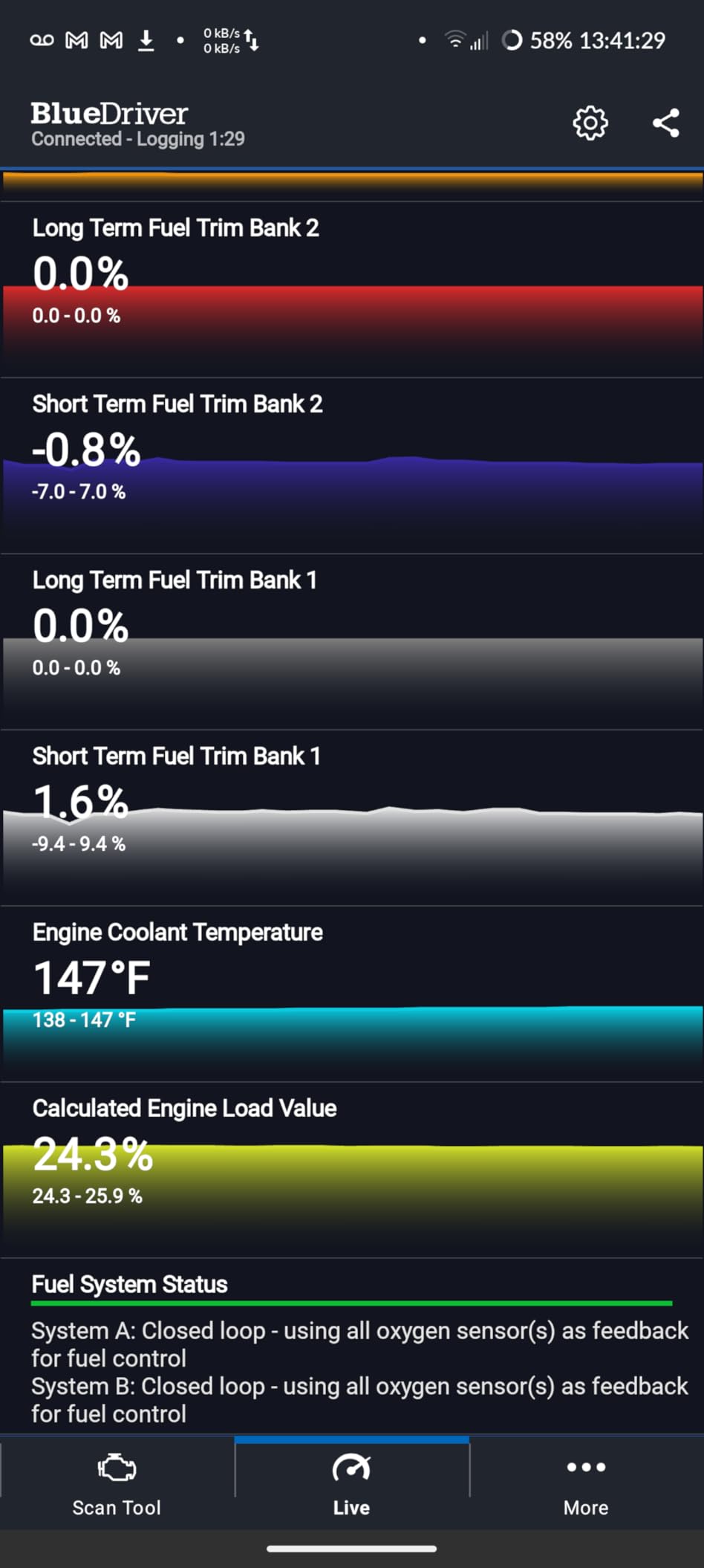
What makes it different is the reports. It delivers unlimited technician-verified repair reports matched to your VIN, with definitions, causes and confirmed fixes rather than a bare code and a shrug. Live vehicle data monitoring, freeze frames, smog readiness and Mode 6 test analysis are all included.
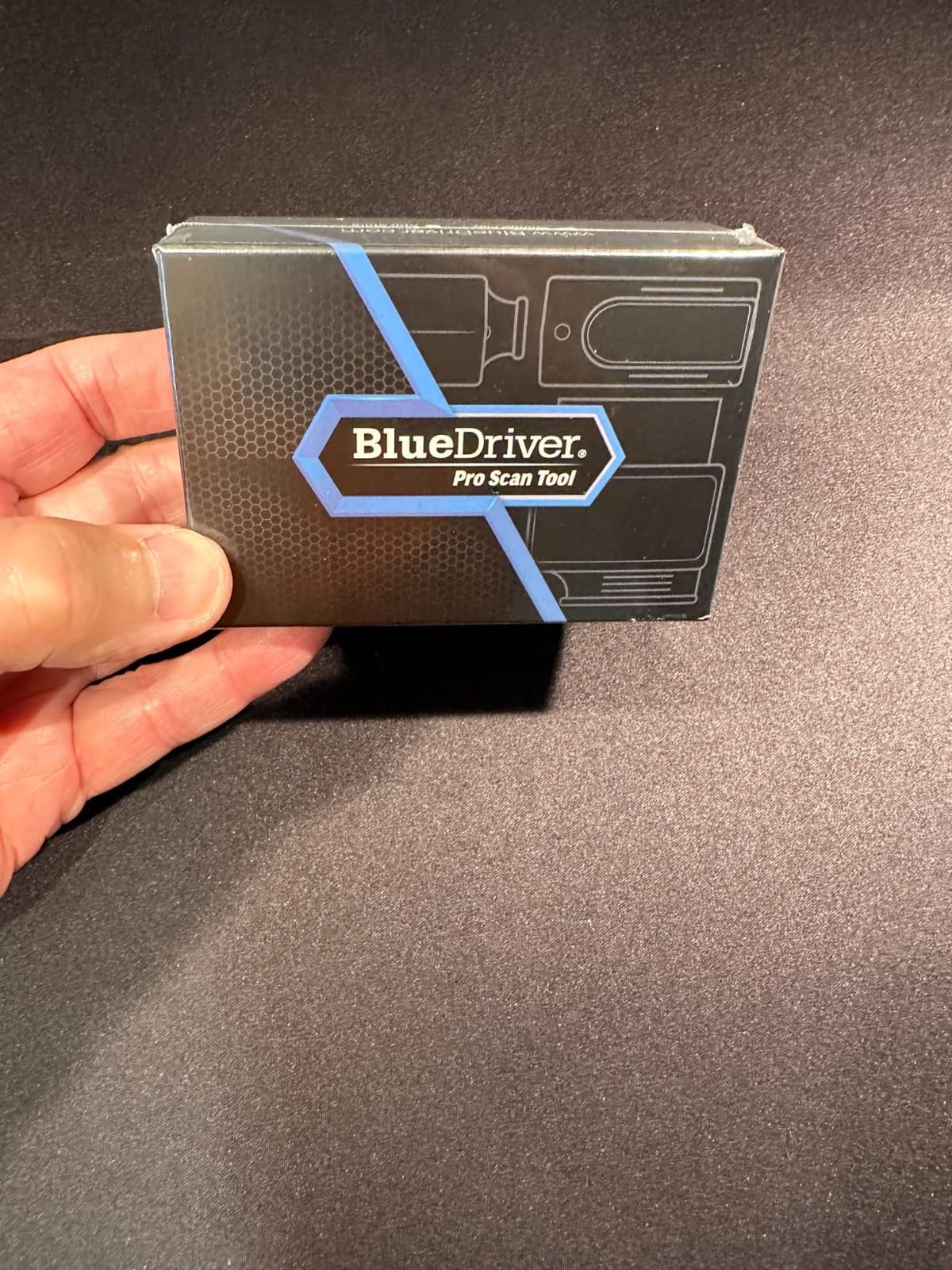
The purchase is one-time with no subscription, no add-ons and no account required, and app updates are free. That is the single most common reason mechanics recommend it: a tool that keeps working in five years is worth more than a cheaper one that asks for a code.
Coverage is the tradeoff. It works with gas-powered 1996+ vehicles sold in the US, Canada and Mexico, with strong support for GM, Ford, Stellantis, Toyota, Honda, Nissan, Mazda, Subaru, Hyundai, Mercedes-Benz, BMW and VW. Support runs 24/7 from North American technicians, with a 180 day money back guarantee.
Who this suits
This suits a North American DIYer who wants one tool for every module, and especially someone shopping a used car who wants the ABS and SRS history before the sale. It also suits people who refuse to pay a subscription for code reading.
Where it stops
It needs a compatible phone or tablet plus the app, and the coverage limit is real for anyone outside the US, Canada or Mexico. It also cannot command components, so distinguishing a failed part from a wiring fault is still a judgment call.
6. OBDLink MX+ Review: The Adapter Enthusiast Apps Are Built Around
OBDLink MX+ OBD2 Bluetooth Scanner for iPhone, Android, and Windows
- Recommended adapter for FORScan Torque and BimmerCode
- Enhanced OEM support for eight major brands
- Delivers more live parameters than cheaper adapters
- Over-voltage and battery drain protection
- Zipper case included
- Adapter only with no screen of its own
- Firmware updates less seamless than app-based dongles
- Costs more than generic Bluetooth adapters
The MX+ is an adapter, not a scanner with a screen. You plug it in, open an app on your iPhone, Android phone or Windows PC, and it turns that device into the display. The manufacturer recommends it as the go-to adapter for FORScan, Torque, BimmerCode, Dashcommand, AlfaOBD and Carista.
Its edge is data depth. It provides enhanced OEM support for Ford, GM, Mazda, Nissan and Infiniti, Toyota, Lexus and Scion, Honda, Hyundai and Kia, and it delivers more live parameters including ABS, SRS and TPMS data than competing adapters. On European and Asian cars that difference shows up immediately.
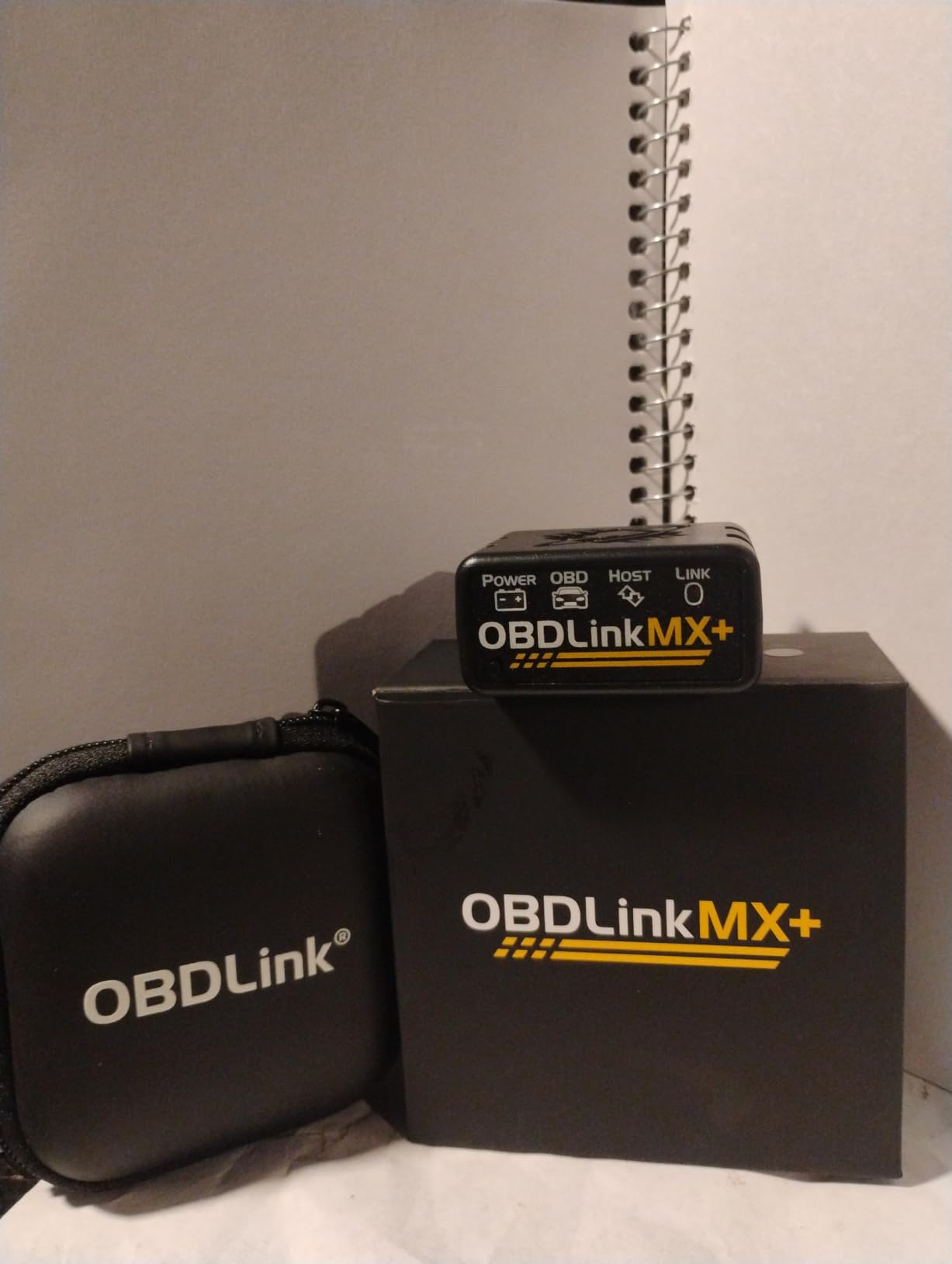
Over-voltage and battery drain protection matter more than they sound when the tool stays plugged into a car in a driveway overnight. Reviewers consistently report a stable Bluetooth connection with no dropped sessions, which is what you want during a long live data session.
At 28 g and 2.01 by 0.91 by 1.81 inches, it is pocketable, and a zipper case is included. Firmware updates are bundled, though they are less seamless than the in-app updates on cheaper dongles.
Who this suits
This suits Ford, GM, Mazda, Nissan, Toyota, Honda, Hyundai and Kia owners running FORScan or BimmerCode, and it is our pick for anyone whose main reason to scan is deep OEM data rather than a check engine light. A troubleshooting guide is included to confirm vehicle compatibility before you commit.
Where it stops
There is no screen, no menu and no code database of its own, so a beginner with no app installed gets nothing. It costs more than a generic Bluetooth adapter, and without a phone, tablet or PC it is a dongle-shaped paperweight.
7. FOXWELL NT604 Elite Review: A Self-Contained All-System Handheld
FOXWELL Car Scanner NT604 Elite OBD2 Scanner ABS SRS Transmission
- All-system coverage in a handheld with no phone
- 2026 software pre-loaded and ready to go
- 4.3 inch screen with hard buttons
- Built-in DTC library with playback and print
- Sturdy protective case included
- No service functions or resets
- Crash and SRS collision data cannot be cleared
- AUTOVIN fails on some older vehicles
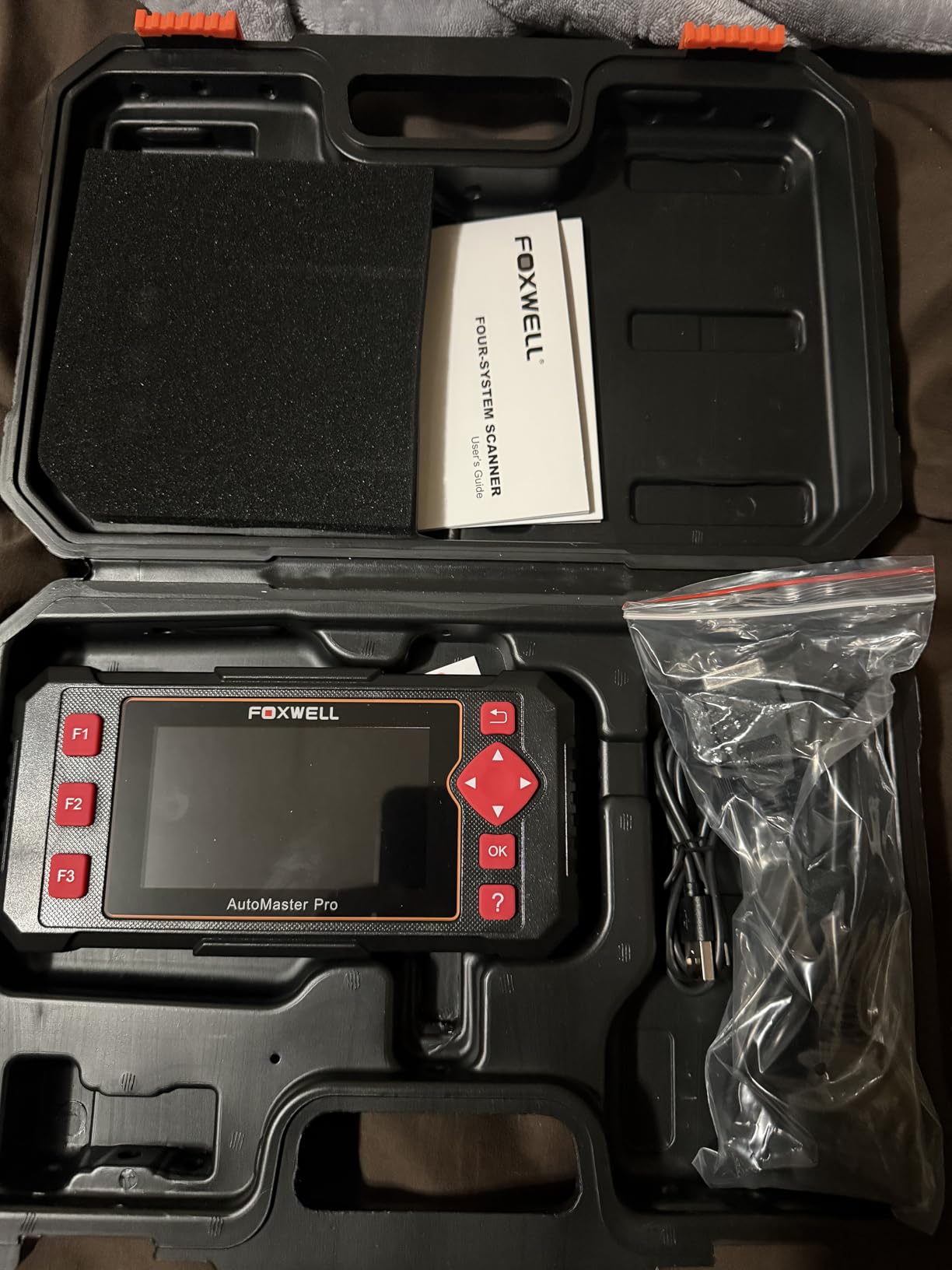
The NT604 Elite is the anti-phone answer. It runs on Linux, has a 4.3 inch screen at 480×272, and handles navigation with hard buttons, so there is no app to install, no pairing ritual and nothing to go stale when a phone update breaks things.
It covers the engine, ABS, SRS and transmission control modules across 60+ car brands from America, Asia and Europe. The 2026 version ships with the latest software pre-loaded, so you can plug it in and scan without downloading anything first.
Beyond scanning there is an I/M readiness menu, live data stream, a built-in DTC library, data playback and printing, plus an AUTOVIN menu for fast VIN and vehicle info retrieval with no extra software fee. The included sturdy protective box is a real case, not a plastic bag.
Software updates are free for life. The one thing missing is service work, and reviewers are clear about that: no oil reset, no throttle relearn, no ABS bleeding and no EPB reset.
Who this suits
This suits anyone who wants ABS, SRS and transmission coverage without being dependent on a phone, an app or a subscription. It also suits a shared garage, because a hard-button handheld with a big screen is easier to hand to a neighbor than a tablet.
Where it stops
It performs no resets, which means brake jobs and battery replacements will not be finished with this tool alone. Crash and collision data in the SRS module cannot be cleared, and AUTOVIN fails on some older vehicles, so manual VIN entry is sometimes required.
8. Innova 5210 Review: Code Reader With a Battery Tester Built In
Innova 5210 OBD2 Scanner & Engine Code Reader, Battery Tester, Live Data, Oil Reset, Car Diagnostic Tool for Most Vehicles, Bluetooth Compatible with America’s Top Car Repair App
- Only handheld here that also tests battery and alternator
- Built-in oil light reset
- Free app with verified fixes and cost estimates
- Live data with RPM temperature trims and O2
- Drive cycle readiness for smog tests
- ABS coverage varies by vehicle
- Needs a phone for repair guidance
- No SRS or transmission coverage
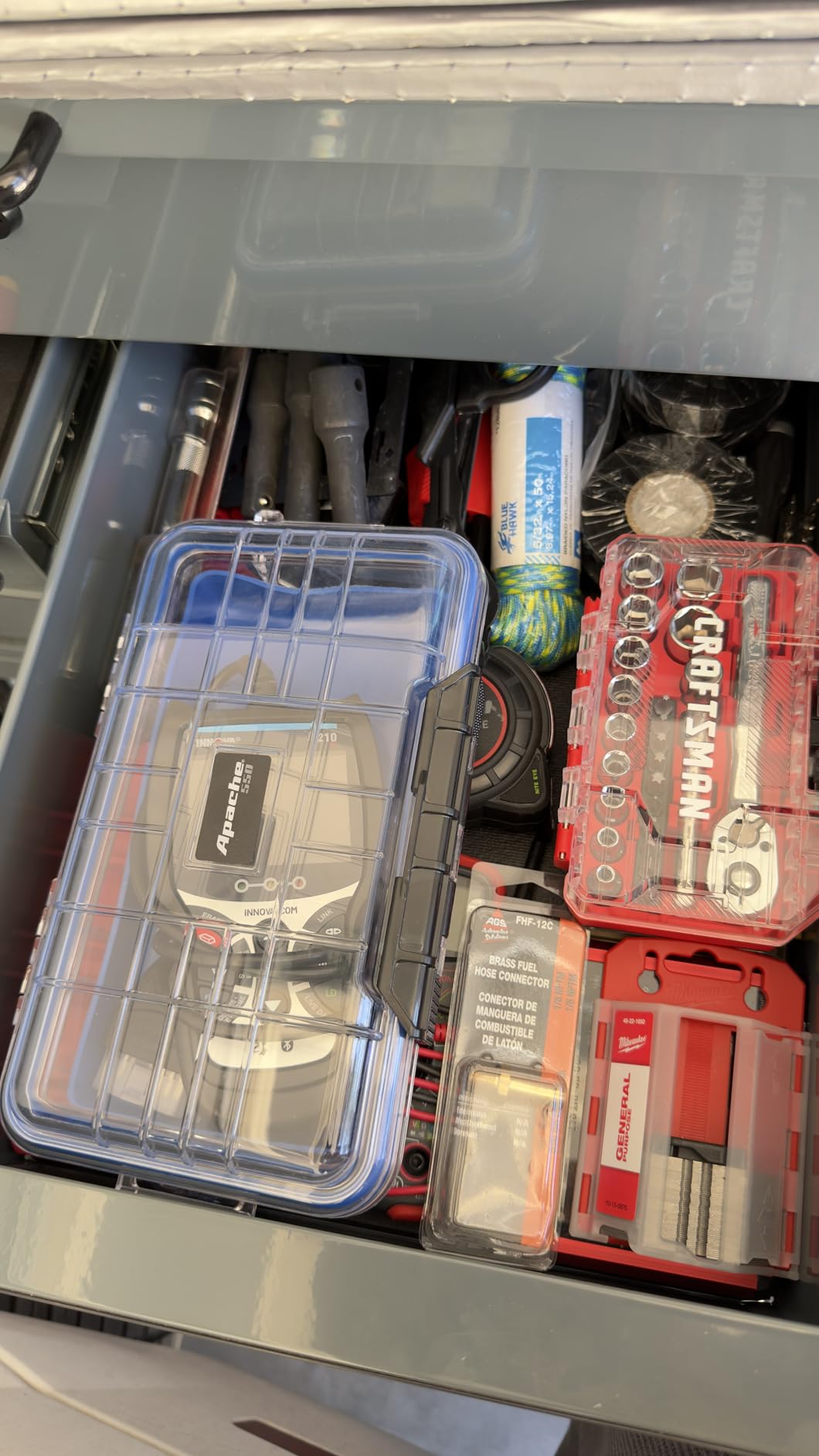
The Innova 5210 answers a question most readers never ask: is the battery the reason the car is misbehaving? It combines an OBD2 scanner and code reader with a battery and alternator tester, so a no-start that is really a weak battery gets identified in the same session.
It reads and clears check engine and ABS codes, with the manufacturer noting that ABS coverage varies by vehicle, so run the coverage checker on the Innova site for your make before buying. Live data includes RPM, engine temperature, fuel trims and oxygen sensor readings, plus a drive cycle readiness feature for smog testing.
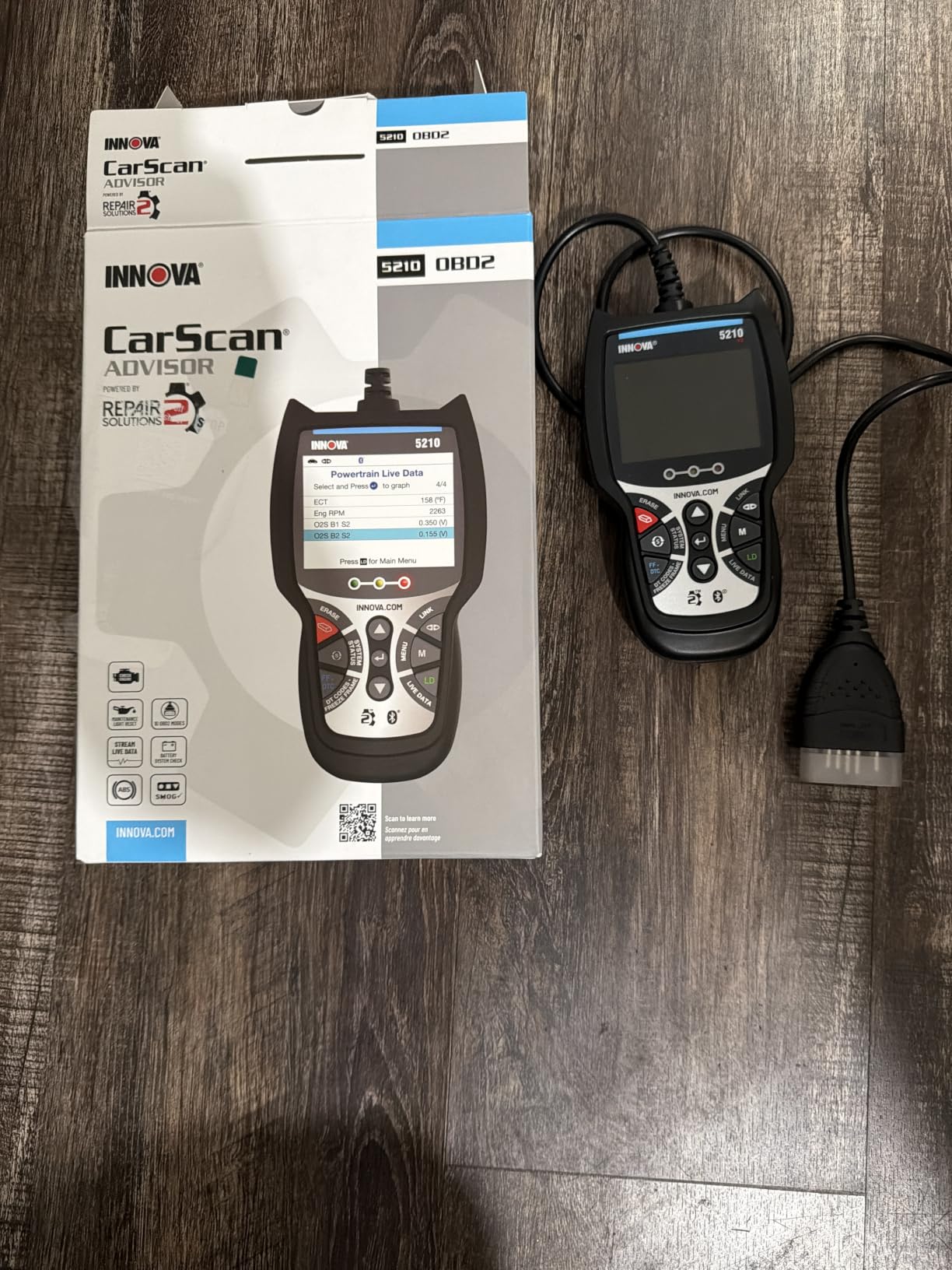
The built-in oil light reset is the quiet hero. After your own oil change you can reset the service light without a dealer visit, and the pairing with the free RepairSolutions2 app on iPhone and Android adds verified fixes with cost estimates and no subscription.
It covers most US, Asian and European vehicles from 1996 onward. The screen is 2.8 inches and the unit is vehicle powered with an attached OBD2 cable, and the quick start guide is the only documentation included.
Who this suits
This suits someone whose cars age past seven years and who would rather test the battery than guess at a no-start. It also suits DIYers who do their own oil changes and want the service light cleared on the driveway.
Where it stops
ABS coverage is uneven across makes, which is the first thing to verify before purchase. There is no SRS or transmission module coverage, and the repair guidance lives in the app, so the hardware alone is a narrower tool than it first appears.
9. XTOOL A30M Review: Active Tests and 26 Resets in a Dongle
XTOOL A30M V2.0 OBD2 Scanner Diagnostic Tool, 26 Resets, All System
- True bidirectional control for active tests
- 26 reset and relearn functions
- Lifetime free updates with no subscription
- Eight simultaneous graphed data streams
- Built-in flashlight for under-dash ports
- App menus are clunky
- Works better on a tablet than a phone
- Function availability varies by vehicle
- FCA AutoAuth needs separate registration
The A30M is the most capable tool in this roundup for anyone chasing electrical faults. Full bidirectional control means you can command fuel pumps, injectors, A/C clutches, windows and sunroofs and watch what happens, which is how you separate a dead component from a broken wire to it.
It carries 26 reset and relearn functions including oil, EPB, SAS, ABS bleeding, throttle body, injector coding, crank sensor, and headlight and tire size resets. That is the list most home mechanics actually need and cannot get from an engine-only reader.
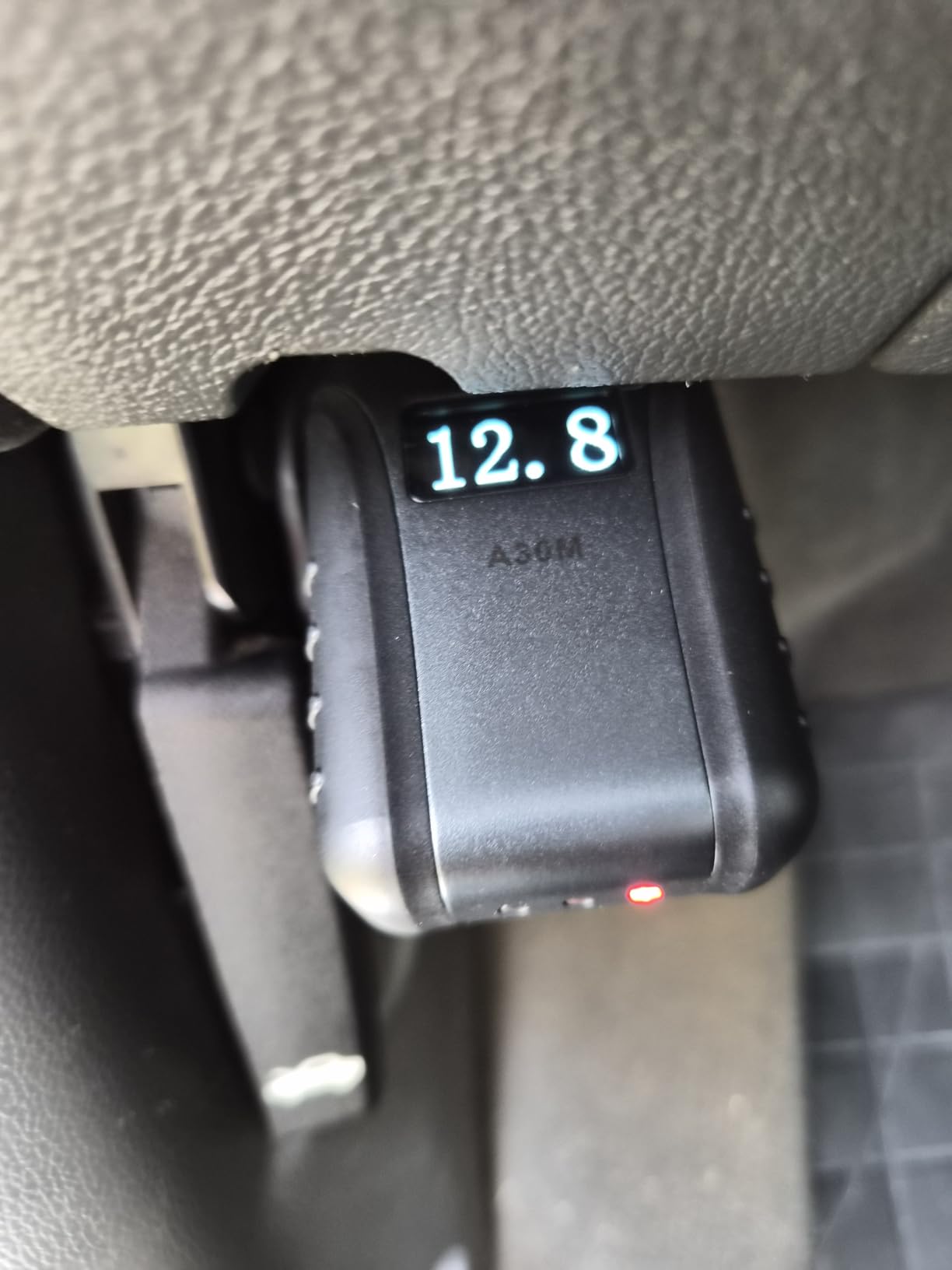
Coverage runs to 85+ brands from the US, Europe and Asia, with CAN FD support for GM 2020 and newer and FCA AutoAuth access for Chrysler, Jeep, Dodge and Fiat 2018 and newer. Bluetooth 4.0 reaches up to 33 feet, and up to eight live data streams graph simultaneously.
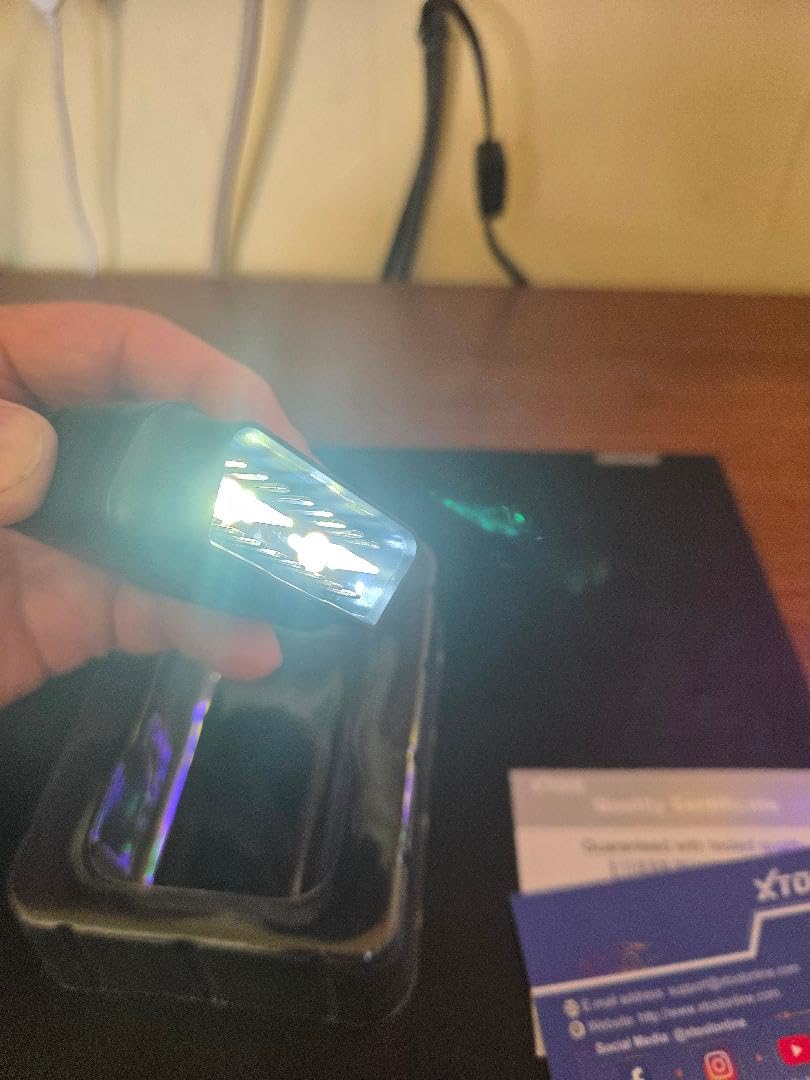
Updates are free for life with no subscription, and a two year manufacturer warranty is listed. A built-in flashlight helps when the OBD port sits under the dash, and 22 languages are supported by contacting support with the serial number.
Who this suits
This suits the part-time rebuilder and the flippers, and anyone doing brake work that needs an ABS bleed or a battery replacement that needs registration. It also suits owners of 2018 and newer Chrysler, Jeep, Dodge or Fiat vehicles who need AutoAuth access.
Where it stops
The app is the weak point. Menus are clunky, cheaper phones struggle with it, and reviewers report the experience is noticeably better on a tablet. Function availability is vehicle specific, and FCA AutoAuth requires a separate paid registration that is not included.
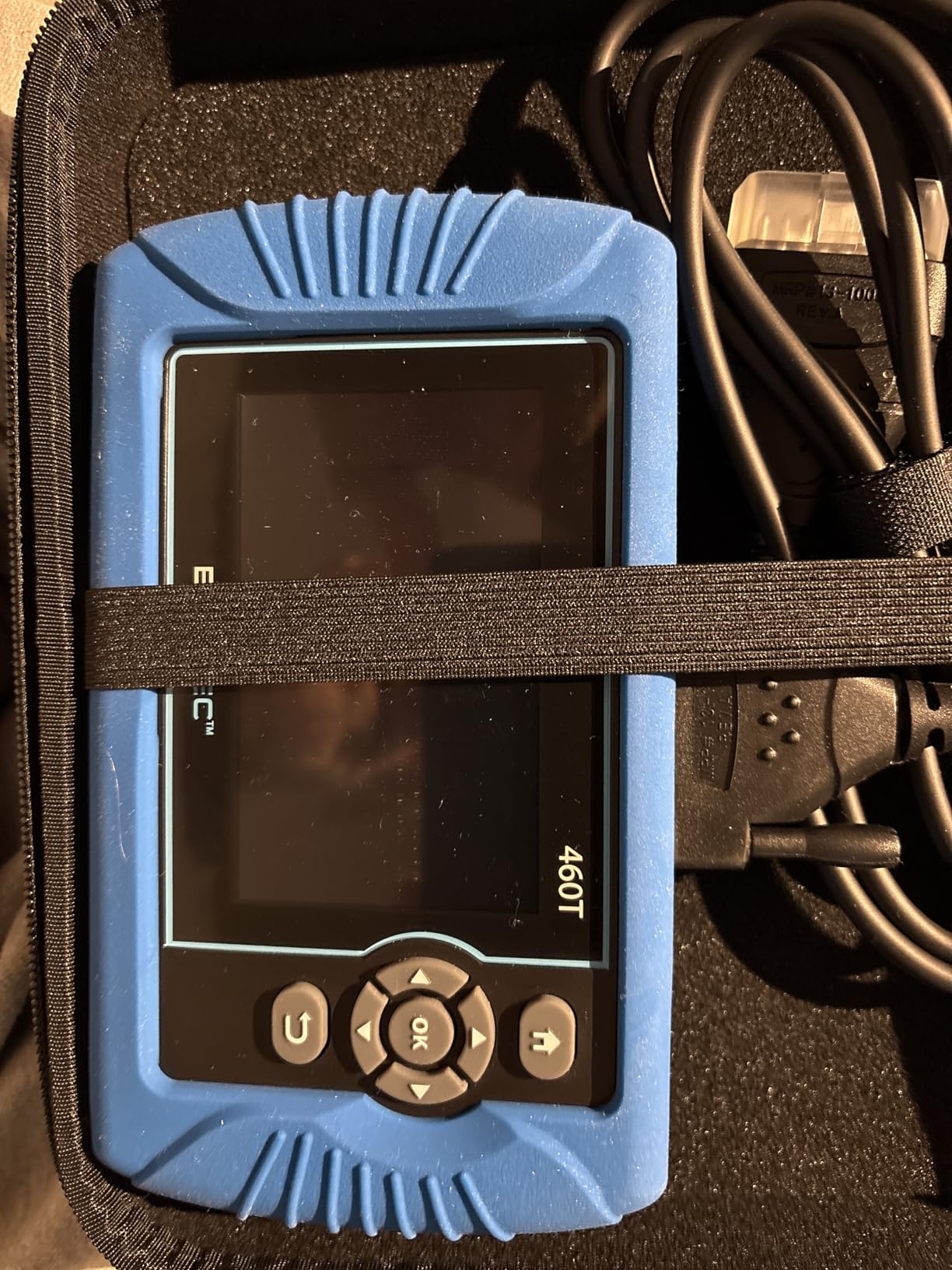
10. BLCKTEC 460T Review: Automated Full-Vehicle Scans and 12 Service Resets
BLCKTEC 460T OBD2 Scanner Car Code Reader Engine ABS SRS Transmission Diagnostic Tool, 12 Reset Services, Oil/TPMS/EPB/BMS/SAS/DPF/Throttle Reset, ABS Bleeding, Battery Test, Auto VIN, Free Update
- All 10 modes with engine transmission ABS and SRS
- 12 plus dealer-level reset functions
- AutoScan and AutoReLink automate a full scan
- Free app with verified fixes TSBs and recalls
- Lifetime updates and 2 year warranty
- USA and Canada support only
- Function availability varies by year and model
- Firmware updates need a computer and can be slow
The 460T is the newest tool here and the most automated. AutoVIN, AutoScan and AutoReLink scan all vehicle ECUs with no button presses and re-gather diagnostic trouble codes and I/M readiness data every 30 seconds, which is a big help when you want a full picture without a menu tree.
It supports all 10 OBD2 modes with engine, transmission, ABS and SRS reading and clearing, and it carries 12 plus dealer-level reset functions: oil maintenance, ABS bleeding, EPB, SAS recalibration, DPF reset, throttle body relearn, battery reset, TPMS relearn, transmission reset and fluid change.
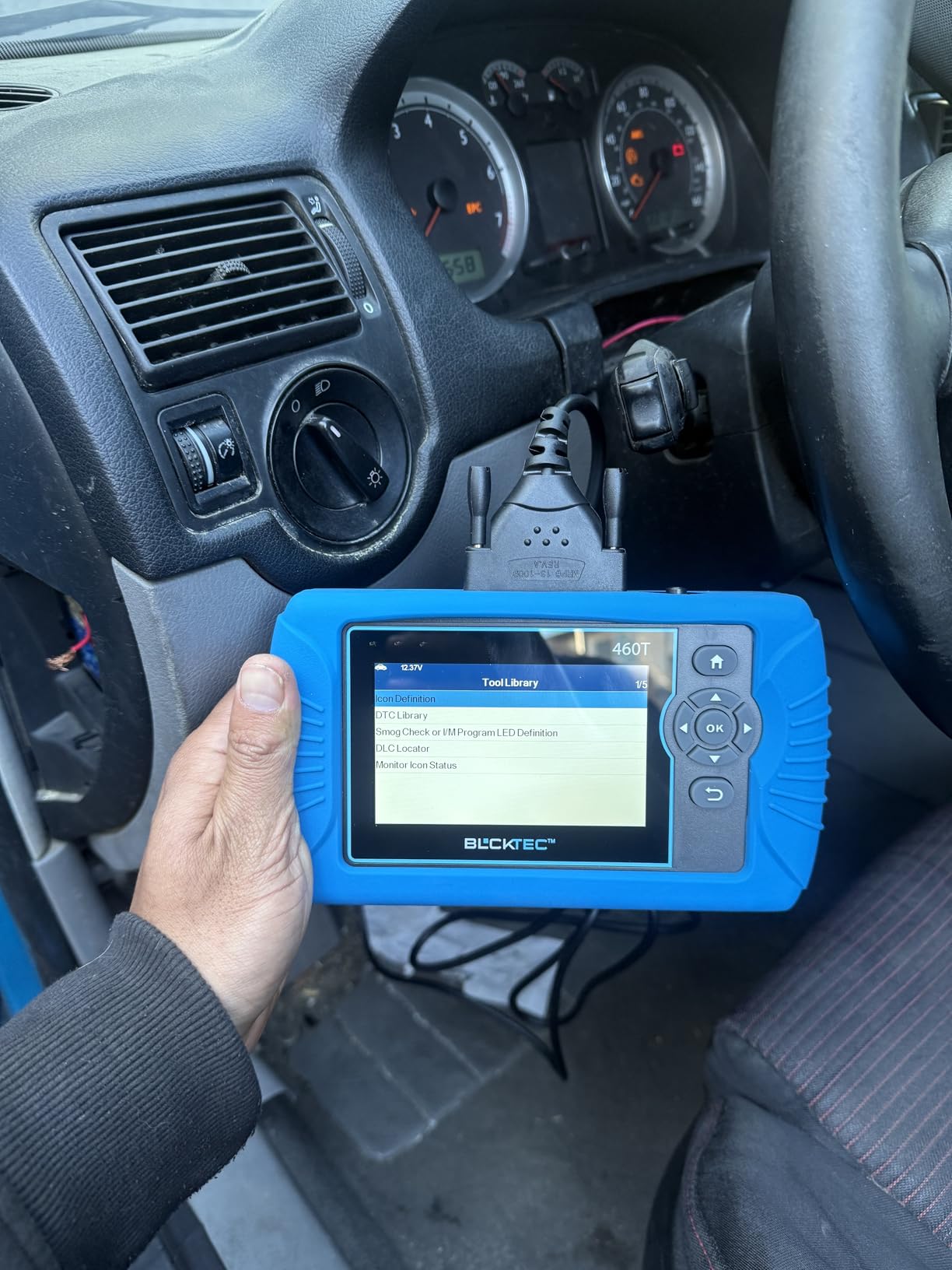
The free RepairSolutions2 app adds a verified fix database, OEM warranty information, maintenance schedules, TSBs and recall data with no subscription. It also overlays up to four live data streams in a single graph and reads ECU freeze frame data.
Updates are free for life and the manufacturer lists a two year limited warranty, English and Spanish support, and a storage case in the box. The compatibility checker lets you confirm a specific year, make and model before buying.
Who this suits
This suits a North American DIYer who wants module coverage and real service functions in one handheld, and it is the strongest pick for scanning a used car quickly before you commit. The recall and TSB data is a genuine bonus when you are buying someone else’s car.
Where it stops
Support and the app are limited to the USA and Canada, so it is the wrong choice elsewhere. Functions vary by year, make and model, firmware updates need a computer and can take a while, and one owner reported an EPB release failure on a 2019 Silverado 1500.
How to Choose an OBD2 Scanner Without Wasting Money
Buy the tier that matches the faults you actually chase. Nearly every disappointing purchase we hear about is a tier mismatch, either a full-system need served by an engine-only reader, or a lot of screen and graphing bought for a car that has never thrown anything but a check engine light.
Engine-only or full-system coverage
Check what modules the tool queries, not what the listing claims. Engine-only readers cover the powertrain module. Full-system tools add transmission, ABS, SRS, TPMS and body modules, and that is the difference between diagnosing a problem and ignoring it. A useful question for a seller is which modules the tool lists by name, and for an app-based tool which manufacturer is named in the coverage list.
The ELM327 clone reality check
The loudest complaint in mechanic forums is the cheap ELM327 dongle that pairs successfully and then returns nothing. Clone firmware advertises protocols it does not have, hangs on connecting, or streams garbage PIDs at refresh rates the hardware cannot physically deliver. The tell is a listing with no brand, a protocol list pasted from Wikipedia, and a price that has no relationship to the electronics inside. Every Bluetooth adapter in this roundup is a named product from a company with a warranty, which is not a coincidence.
Smartphone and app workflow on iOS and Android
Torque Pro is Android only, and there is no official iOS equivalent, which leaves iPhone users with vendor apps. The OBDCheck BLE uses Bluetooth Low Energy so it pairs with both, but the connection has to be made from inside the app, not from the phone Bluetooth menu, and it will not work with Carly, MHD, xHP, ProTool or bootmod3. The OBDLink MX+ crosses platforms to iOS, Android and Windows and is the safer choice if you move between devices. Whatever you pick, check the app cost before buying the hardware, because a dongle plus a paid app can exceed a standalone scanner in price.
Service functions, resets and update policy
Decide whether you need resets. Oil service, EPB, SAS, throttle body, crankcase relearn and battery registration exist on the more capable tools and are absent from most readers. On update policy, the distinction that matters is whether software updates are free for the life of the tool, free for a fixed window, or tied to a paid annual activation. Tools described as having lifetime free updates with no subscription are the safest long-term buy, and a tool with an unclear update policy should be treated as one with a short life.
Used-car scan checklist
Plug in before you pay, not after. Ask the seller to let you scan with your own tool, then work through this order: confirm no SRS or airbag crash data, which means the car has not been in a serious accident. Check for ABS codes, which point at worn brakes or a damaged wheel speed sensor. Look for transmission codes and pending codes, since a pending code is a fault that has not yet lit the dash. Review the I/M readiness monitors, because a car with incomplete monitors has either had a battery disconnected or is not ready for an emissions test. Confirm the check engine light is off and the key does not show stored codes from previous repairs, and treat stored codes that reappear within a week as an unresolved fault rather than a resolved one.
What a scanner cannot tell you
A scanner narrows the fault, it does not replace wiring, ground and service information checks. A code for a sensor circuit means the circuit, not necessarily the sensor, and a code for a misfire can come from a plug, a coil, fuel or compression. Corroded connectors, damaged harnesses and weak grounds all produce codes that a tool can report but cannot fix. Use the scanner to decide what to test next, then test it with a multimeter, a wiring diagram and your hands.
One more practical note before you buy: a scanner narrows the fault, and a shop narrows the fault with the wiring diagrams, the service information and the measurements you cannot do from the driver’s seat. If you are leaning toward a tool, also check that you have somewhere sensible to keep it. A rolling creeper and a decent floor setup make the same afternoon far more productive.
How to Actually Use Your Scanner: Read First, Clear Later
The order of operations is what separates a useful scan from a wasted one. Clearing a code before you have recorded the conditions destroys the evidence, because the freeze frame and pending codes go with it.
First, scan every module, not just the engine. Step one is a full-vehicle scan so the ABS, SRS, TPMS and transmission modules report in. Step two is to save the freeze frame data and photograph the code list before touching anything. Step three is to write down the pending codes, because those describe faults that have not matured into a lit light yet.
Step four is the road test. Drive long enough to complete a full drive cycle, which means a cold start, a warm idle, a sustained highway run and a slow deceleration back to key-off. Step five is the rescan. Any code that comes back has not been fixed, and a code that does not come back is only gone because the monitor reset.
Step six is the readiness check. Look at the I/M monitors and confirm they are set before you book an emissions test. If a monitor shows incomplete, the car will fail for a reason that has nothing to do with a gross failure, and the drive cycle in step four is what repopulates it.
Frequently Asked Questions
What is the best OBD2 scanner for a DIY mechanic?
The best OBD2 scanner for a DIY mechanic depends on coverage. The ANCEL AD310 is the best overall for engine codes alone, the FOXWELL NT301 adds live data graphing and readiness checks, and the BlueDriver LSB2 is the best full-system pick because it reads ABS, SRS, TPMS and transmission modules with no subscription. For active testing and service resets, the XTOOL A30M goes further than anything else here.
What is the difference between an OBD2 reader and an OBD2 scanner?
A reader retrieves stored and pending engine codes, freeze frame data and I/M readiness from the powertrain module and clears them. A scanner queries additional modules such as transmission, ABS, SRS and TPMS, adds live data streaming and graphing, and often includes service reset functions. The practical difference shows up the moment a warning light other than the check engine comes on.
What is the difference between a cheap and an expensive OBD2 scanner?
A cheap reader gives you codes, a small screen and freeze frame data for the engine only. A more expensive unit adds full-system module coverage, live data graphing, service resets, bidirectional control and larger screens, and it may carry lifetime free updates instead of a paid annual activation. The gap is meaningful only if you plan to diagnose modules beyond the engine or perform resets after your own repairs.
Is Autel better than Snap-on?
Autel hardware typically delivers a broader feature set per dollar for home use, and models like the AL319 show that the brand competes well below the professional price band. Snap-on tools are built for technicians who need brand-specific service information, coverage documentation and dealership-level functions. For a weekend mechanic, an Autel or a comparable all-system handheld usually covers the same practical needs at a fraction of the cost.
Are Harbor Freight OBD2 scanners any good?
Harbor Freight’s Icon T8 sits at the very top of the price range, which surprises people who assume the brand only sells budget tools. Hardware quality and update policy matter more than the store you buy from, so check the update commitment, the module coverage and whether the listing names specific protocols rather than claiming to work on everything. Verify the coverage for your exact year, make and model before buying.
What OBD2 scanner works with the Torque app?
Both the Veepeak OBDCheck BLE and the OBDLink MX+ are recommended for Torque. The MX+ adds enhanced OEM support for Ford, GM, Mazda, Nissan, Toyota, Honda, Hyundai and Kia and is a stable choice for long sessions, while the OBDCheck BLE is cheaper and uses Bluetooth Low Energy for easy iOS and Android pairing. Torque Pro itself is Android only, so iPhone users need vendor apps instead.
What is a good alternative to Torque Pro?
The most common alternatives listed for the OBDCheck BLE and the OBDLink MX+ are Car Scanner ELM OBD2, OBD Fusion, BimmerCode, BimmerLink, OBD JScan, Dashcommand, AlfaOBD and Dr. Prius. For BMW owners, BimmerCode and BimmerLink add module-specific depth. For Ford and GM, FORScan is the better fit. Check the app for free and paid tiers before settling.
Is there a free version of Torque?
Free Torque apps exist and several are compatible with these adapters, including Car Scanner ELM OBD2 and Dr. Prius on the hardware covered here. Free apps usually limit data logging, graphing or the number of PIDs shown at once, and premium apps typically cost a one-time fee. There is no official iOS version of Torque Pro, so iPhone owners should assume a vendor app from their scanner brand instead.
Do I need a bidirectional scanner for DIY work?
You need one when you must prove whether a component works. Bidirectional control lets you command a cooling fan, cycle a purge valve or bleed the ABS and watch the live data respond, which separates a failed part from a wiring or ground fault. For basic code reading and clearing, a reader is enough. For brake jobs, battery registration and intermittent electrical faults, the capability earns its place.
How often should I clear codes with an OBD2 scanner?
Clear codes after a repair is verified, not before. Clearing first erases the freeze frame and pending codes that show the conditions at the fault, which makes intermittent problems harder to catch. After clearing, complete a full drive cycle and check the I/M readiness monitors, because clearing resets them and an incomplete monitor will fail an emissions test.
Final Verdict on the Best OBD2 Scanners for DIY Mechanics
Start with the ANCEL AD310 if the check engine light is your only problem. Move to the FOXWELL NT301 when you want to watch live data and run an emissions test with confidence. Step up to the BlueDriver LSB2 when ABS, SRS, TPMS or transmission lights are in play and you refuse a subscription, and go to the XTOOL A30M or BLCKTEC 460T when you need active tests and real service functions.
Whichever tier you pick, read the codes before you clear them, save the freeze frame, and finish with a drive cycle and a readiness check. That habit, not the hardware, is what turns a scanner into a real diagnostic tool in 2026.