
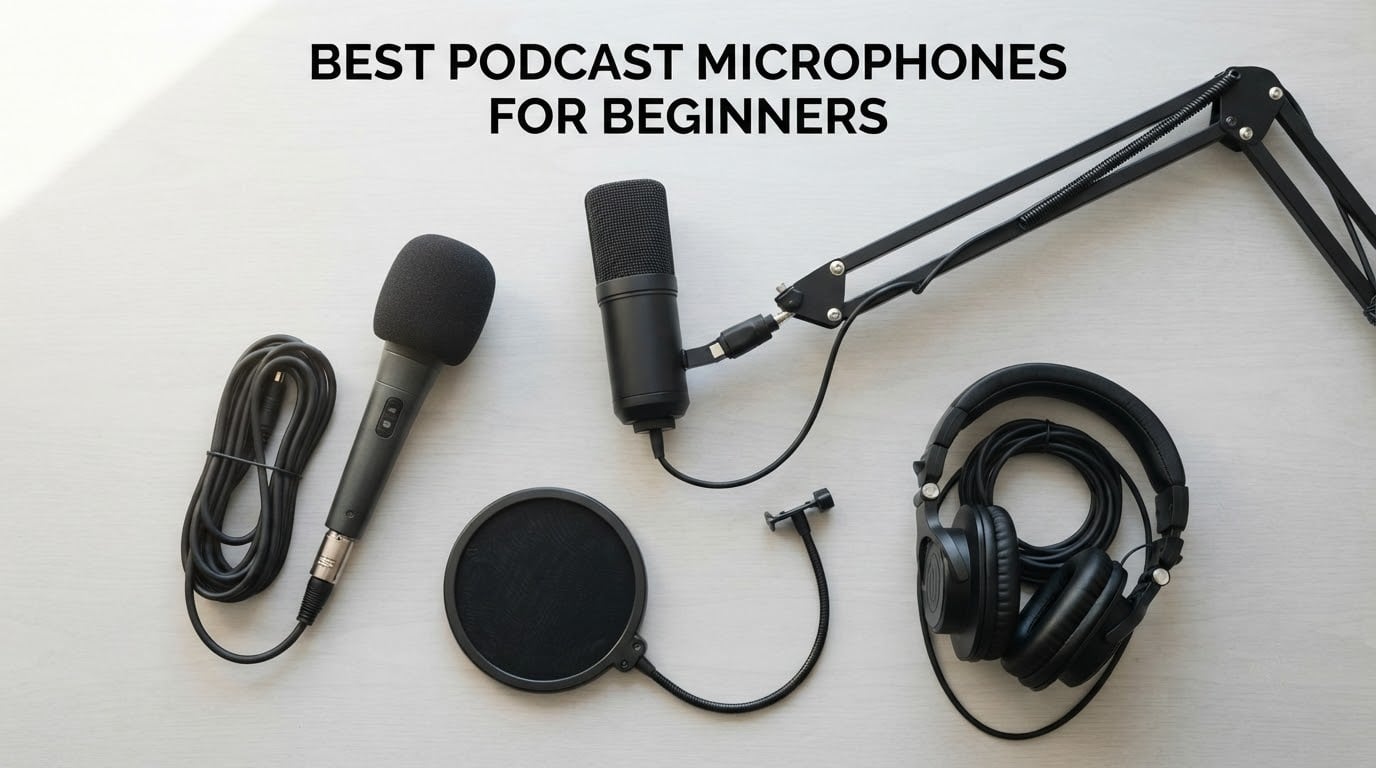
The fastest way to make a new podcast sound bad is to buy the wrong microphone first. Plenty of beginners open their first recording and hear room echo, a laptop fan, keyboard clatter and a voice that sits far back in the mix, then assume they need to spend four times as much on gear. What they actually needed was a mic that suits their room, a pop filter, and thirty seconds of placement work.
That is what this guide is for. After weeks of comparing specs, reading owner reviews and testing these microphones side by side, we narrowed the field to the ten best podcast microphones for beginners available right now, and we judged each one on three things a beginner can actually control: how forgiving it is in an untreated room, how much extra equipment it demands before the first recording, and how long it takes to set up.
Most of what you will read about podcast microphones assumes you already have an audio interface, a boom arm and a treated room. If you have none of those, the right starting point is a USB microphone that ships with a stand and a pop filter. Our USB microphone guide covers that category in more detail, and our dynamic microphone guide goes deeper on the models that handle noisy rooms best.
Table of Contents
Top 3 Best Podcast Microphones for Beginners in 2026
If you want a shortlist instead of a full read, these three cover almost every beginner situation. The first is the one we keep coming back to, the second is the cheapest way to start, and the third is the strongest balance of hardware and accessories at the money.

Logitech Blue Yeti
- Four switchable pickup patterns
- Onboard gain and mute controls
- No-latency headphone monitoring
- Metal body with desktop stand

TONOR TC-777
- Cardioid USB condenser
- Bundled pop filter and shock mount
- One-touch mute
- No drivers required

FIFINE T669
- USB condenser with gain knob
- All-steel scissor boom arm
- Studio shock mount and double pop filter
- 8.2ft detachable cable
Podcast Microphones at a Glance (September 2026)
Every microphone below is listed with the accessories it actually includes, because the biggest cost surprise in podcasting is buying a bare mic and then paying again for the stand, the cable and the pop filter. Read the Key Features column before you commit.
| Product | Specifications | Action |
|---|---|---|
| Logitech Blue Yeti |
|
Check Latest Price |
| TONOR TC-777 |
|
Check Latest Price |
| FIFINE T669 |
|
Check Latest Price |
 MAONO A04 MAONO A04 |
|
Check Latest Price |
 FIFINE AM8 FIFINE AM8 |
|
Check Latest Price |
 SUDOTACK ST-800 SUDOTACK ST-800 |
|
Check Latest Price |
 ZealSound K66 ZealSound K66 |
|
Check Latest Price |
 Samson Q2U Samson Q2U |
|
Check Latest Price |
 FIFINE K688 FIFINE K688 |
|
Check Latest Price |
 Rode PodMic Rode PodMic |
|
Check Latest Price |
How We Picked the Best Podcast Microphones for Beginners
We scored every microphone on five criteria, and we weighted them the way a first-time podcaster experiences them. A microphone that sounds wonderful in a treated studio but needs three extra purchases and a gain tutorial is a worse first microphone than a slightly less refined one that works out of the box.
Room forgiveness. How much background noise, echo and plosive energy does the capsule pick up when you speak from four to six inches away in a normal bedroom or home office?
Total cost to record. What else do you have to buy before the first take: an interface, an XLR cable, a boom arm, a pop filter, a shock mount?
Setup time. Minutes from opening the box to a usable recording, including driver installation and gain setting.
Headroom and control. Does it have gain control, a mute button, a headphone jack for zero-latency monitoring, or are you relying entirely on software?
Build and support. Metal or plastic, warranty length, and how owner reports describe durability after months of daily use.
This guide is written for people recording a solo show or a two-host show at home, with no audio engineering background, on a first or second purchase. If you already own an interface and a boom arm, or you record in a treated studio, the buying guide further down will send you somewhere more appropriate.
1. Logitech Blue Yeti: the most proven USB microphone
- Instant plug-and-play USB setup with no interface required
- Four pickup patterns cover solo
- interview and instrument recording
- Onboard gain
- mute
- headphone volume and pattern controls
- Large review base means almost any fault is already documented
- Durable metal build
- Condenser sensitivity picks up room noise
- breathing and plosives in untreated spaces
- Bulky body can block the speaker on camera
- USB and headphone ports sit on the bottom
- No shock mount included
This is the microphone we recommend most often, and the reason is not exotic sound quality. It is the size of the evidence base. With more than 57k reviews behind it, every common beginner complaint about the Blue Yeti is already documented, every known quirk has a workaround, and the number of people who have published troubleshooting advice for it is enormous. When a beginner messages us with a problem, it is almost always a placement or room problem, not a hardware failure.
Setup took us under two minutes in testing. You plug in the USB cable, choose your input in the recording app, turn the gain knob until your loudest sentence sits comfortably below red, and you are recording. There is no driver, no sample rate negotiation and no gain staging exercise. The onboard headphone volume, mute and pattern buttons are all physical, which means you can check levels without opening any software.
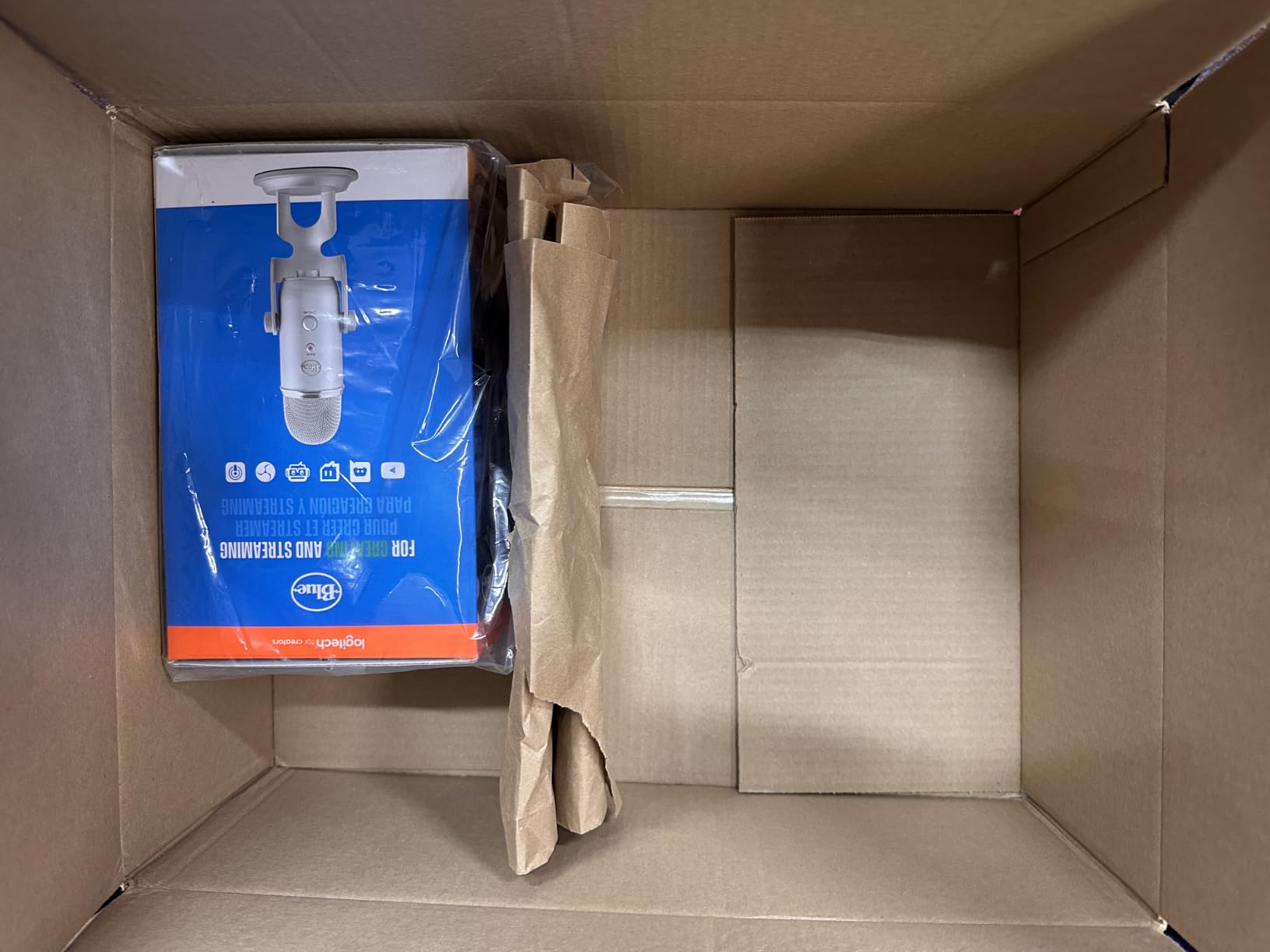
Sound quality is genuinely good for spoken word. The three-capsule array produces a clear, forward voice that sits well in a mix, and the four pickup patterns mean you can move from cardioid for solo narration to stereo for a two-host show at the same desk without buying anything. Blue VO!CE software is bundled if you want broadcast-style processing on the way in, though most beginners record flat and add processing afterward, which gives you more control.
The honest weakness is that it is a condenser, and a condenser hears the whole room. In a quiet, small space with soft furnishings, the Blue Yeti sounds excellent. In a room with hard walls, a ceiling fan or a busy street outside, it will faithfully record all of it. That is a property of the design, not a defect, but it is why we pair it with our condenser microphone guide before recommending it for a difficult room.
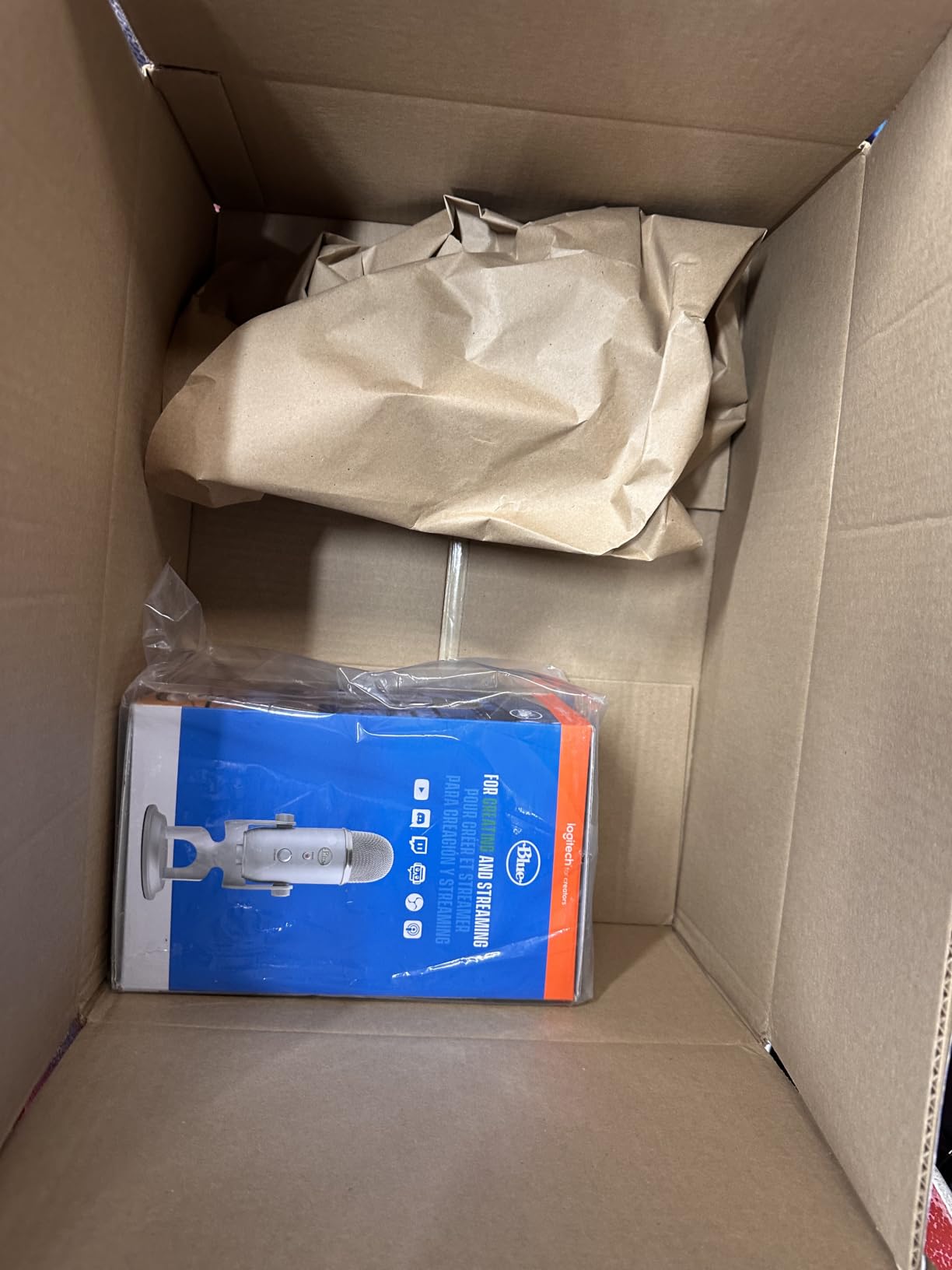
What about gain and monitoring for a first-time recorder
The onboard gain knob is a physical control on the body, so you set levels while hearing yourself through the headphone jack with no latency. That single feature removes the most common beginner confusion, which is whether a quiet recording means the mic is broken or the gain is too low.
Mute is a physical button too, not a software toggle, so you cannot record yourself explaining that you muted by accident. For a solo show with a host intro and outro on the same track, that is worth more than any spec on the sheet.
When to skip the Blue Yeti
Skip it if your room is untreated and noisy, because condenser sensitivity will capture a fan, a washing machine or traffic, and no amount of gain reduction will remove those sounds cleanly afterwards.
Skip it if you plan to shoot video, because the body is large and tall enough to sit between you and the camera. The USB and headphone ports are also on the underside, which makes boom arm mounting awkward and is why owner reviews frequently mention that a compatible shock mount is expensive to source.
2. TONOR TC-777: the least expensive complete podcast kit
TONOR Podcast Microphone, USB Computer Mic, Cardioid Condenser PC Microfono
- Lowest entry cost of any complete kit here
- Bundled stand
- shock mount
- pop filter and cable
- One-click mute and volume control on the body
- Recognised immediately by Zoom
- Skype and Discord
- Compact footprint for small desks
- 4.3 average rating is the lowest in this roundup
- 80 dB signal to noise ratio is modest
- Lightweight plastic construction
- Limited gain and monitoring options
- Not compatible with Xbox
The TC-777 is the honest answer to what happens when someone asks what a complete podcast microphone costs. The box contains the microphone, a foldable tripod, a mini shock mount, a pop filter and a 1.9 metre cable. That is everything a first episode requires, and there is no second shopping trip.
For testing calls, Discord sessions and a first short episode, it does its job without fuss. The cardioid pattern focuses on the speaker in front and suppresses the room behind, and the one-click mute on the body means you can cut yourself off mid-sentence. Compatibility is genuinely broad, covering Windows, Mac, PS4 and PS5, and the microphone is recognised without installing anything.
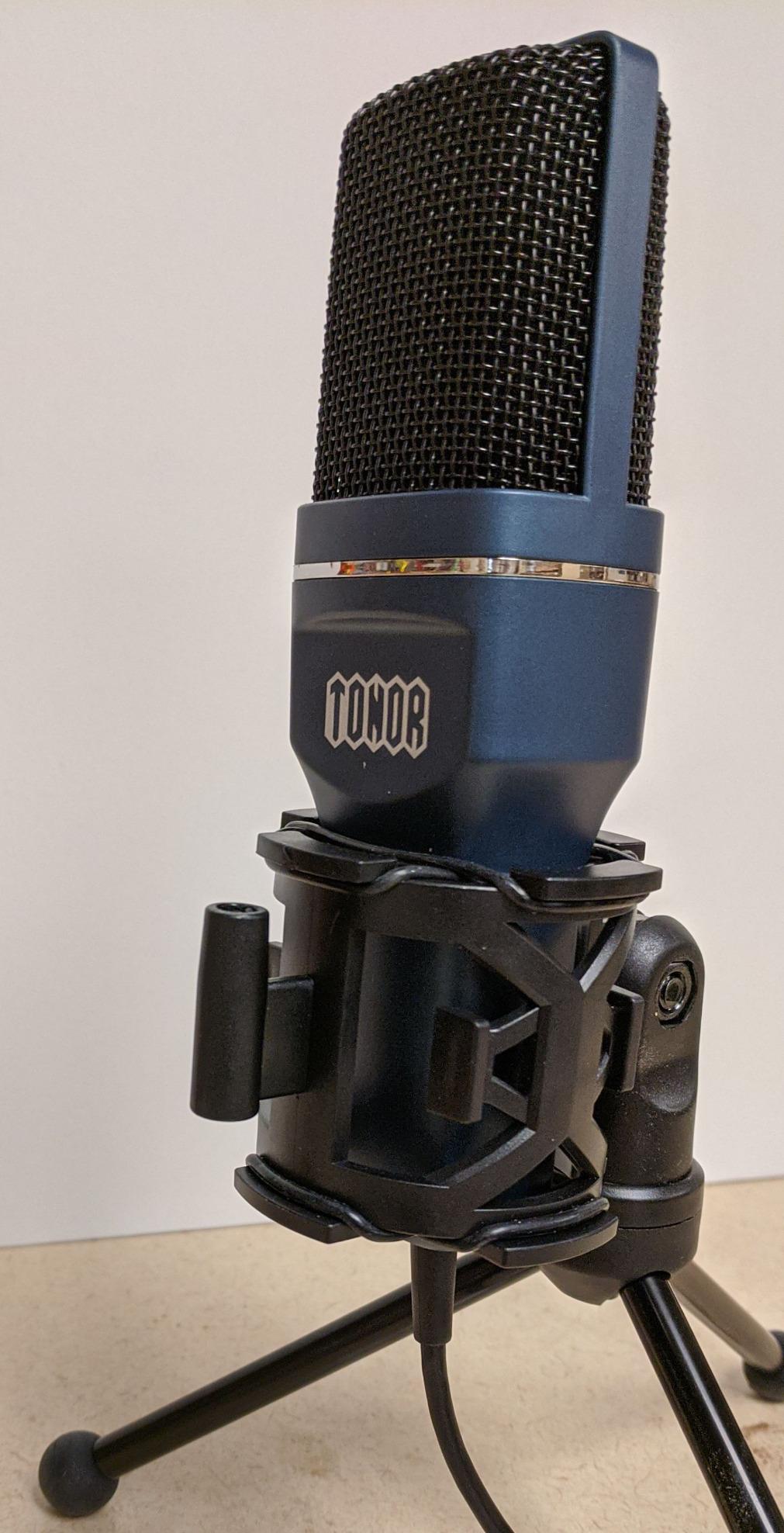
Where it shows its budget is in the specification sheet rather than in the experience. A signal to noise ratio of 80 dB is respectable but not generous, which means the quiet hiss floor becomes more noticeable when you record in a quiet room and turn the gain up. The capsule is basic and unidirectional, with no gain knob and no headphone jack, so levels are set in software rather than on the hardware.
Owners also describe the lightweight plastic body as less satisfying to handle than a metal kit, and a few report shorter-term durability than they expected. That is a fair trade for the outlay, but it is a trade, not a free win. We think of this mic as a first season purchase rather than a five-year one.
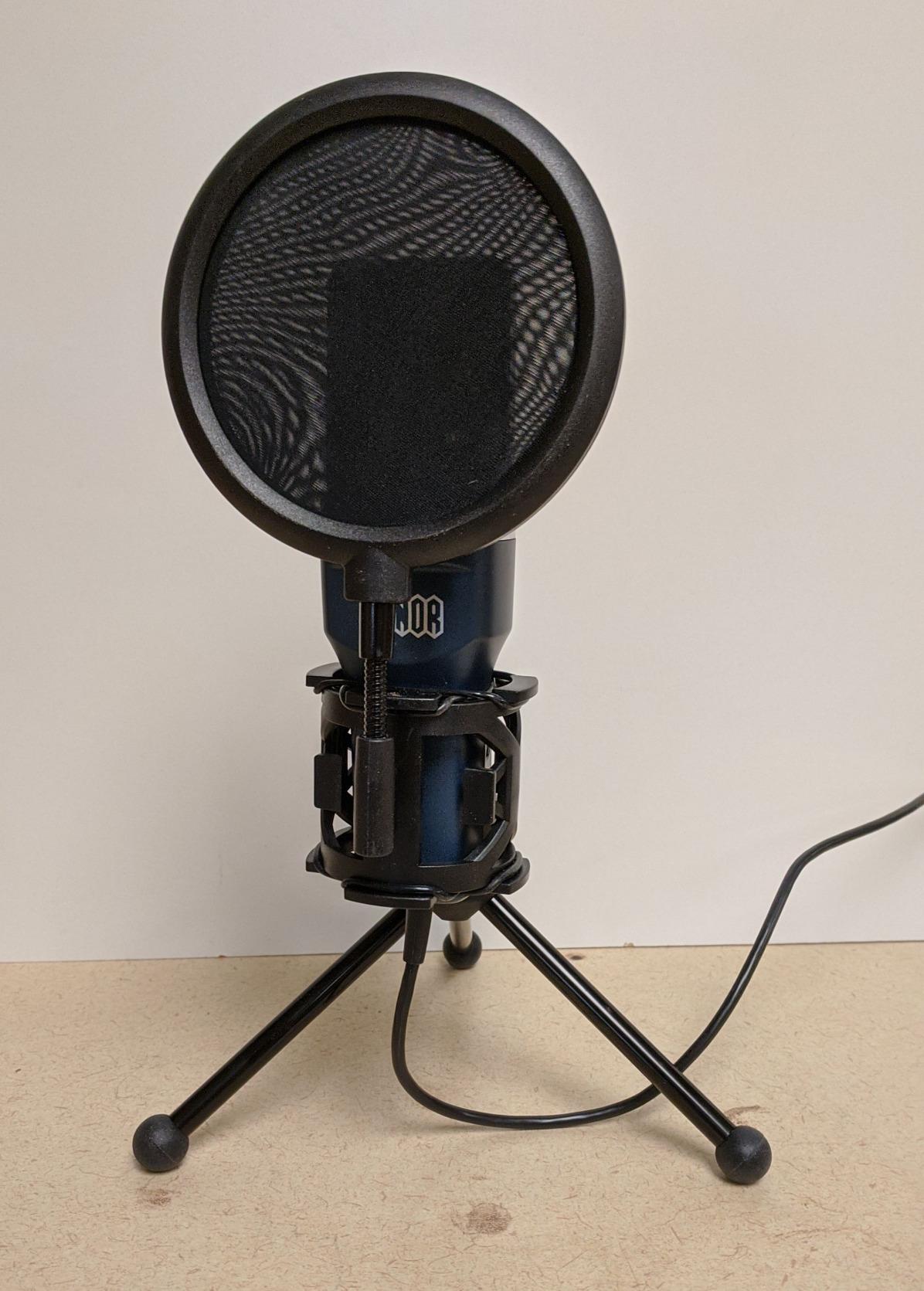
Does it work for two people at one desk
It will, but the cardioid pattern is single-addressed, so both speakers need to sit in front of it or one will be quiet and the other will pick up room reflections. A single unidirectional capsule in a two-host show is workable only if you place it centrally and both voices sit at a similar distance.
For a two-host show with the speakers at opposite ends of a desk, one of the dual-output microphones lower down this list is a better fit because you can give each person their own mic.
When to skip the TC-777
Skip it if you already have a stand, a shock mount and a pop filter, because the accessory bundle is the main argument for it and you would be paying twice. Skip it if you plan to stream or co-host, because there is no headphone monitoring and no hardware gain control to balance against.
Skip it if you are recording anything you intend to keep. Nothing about the TC-777 prevents good audio, but its lower average rating and lighter build make it the choice we would replace first once budget allows.
3. FIFINE T669: the best all-round value bundle
- Warm
- clear voice that beats laptop and headset microphones
- Complete kit with arm
- clamp
- shock mount and double pop filter
- True plug-and-play with no drivers
- Solid metal microphone body
- Cardioid pattern plus bundled filters reduce room noise
- Bundled scissor boom arm is flimsy and sags over time
- Desk clamp is designed for square-edged tables
- Glued rubber padding and pop filter arms detach
- Condenser design picks up room noise
- Occasional USB dropouts reported
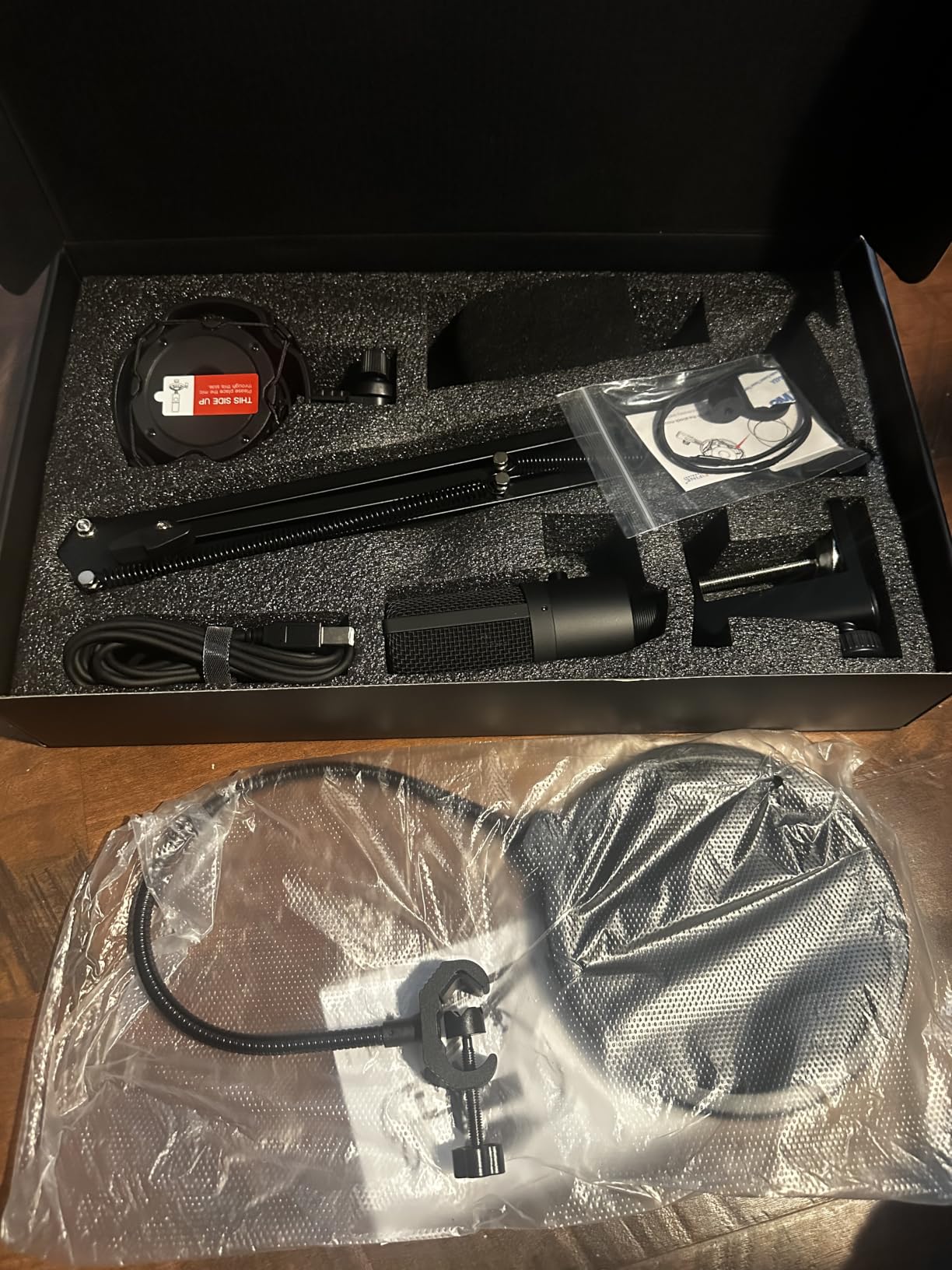
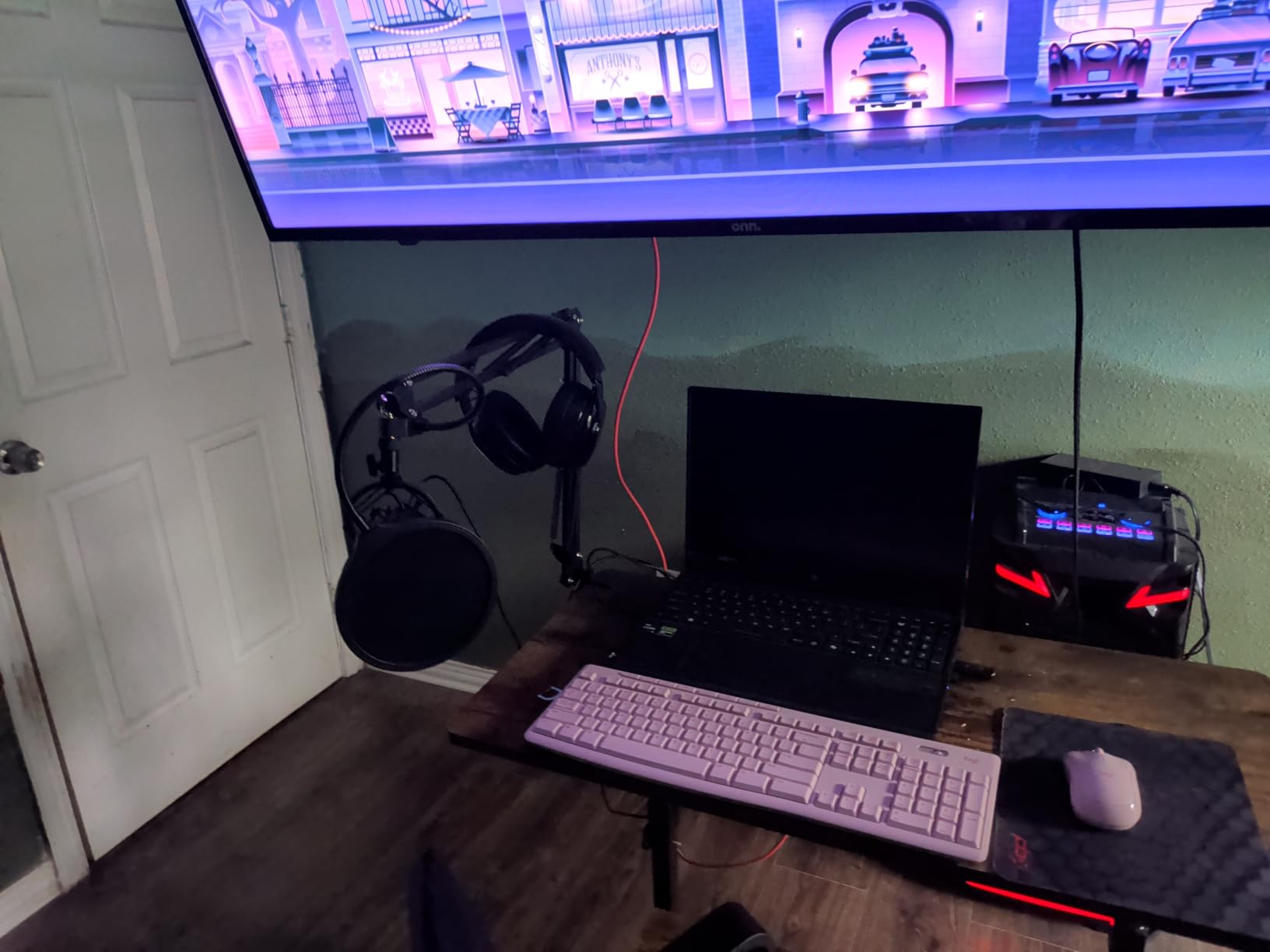
The T669 is the pick we recommend to people who read the accessory list before the spec sheet. A scissor boom arm, a C-clamp, a desktop mount, a studio shock mount, a double pop filter and an 8.2 foot cable are all in the box, and the microphone itself has a real gain knob on the body. For a first setup, that is an unusually complete package.
The sound is warm and clear for spoken word, with a cardioid condenser capsule that keeps the room behind you down. In our testing it was recognised immediately in OBS, Audacity and Resolve with no driver step, which matters more for a beginner than it sounds, because a driver failure at 11pm on a recording night is a fast way to lose momentum.
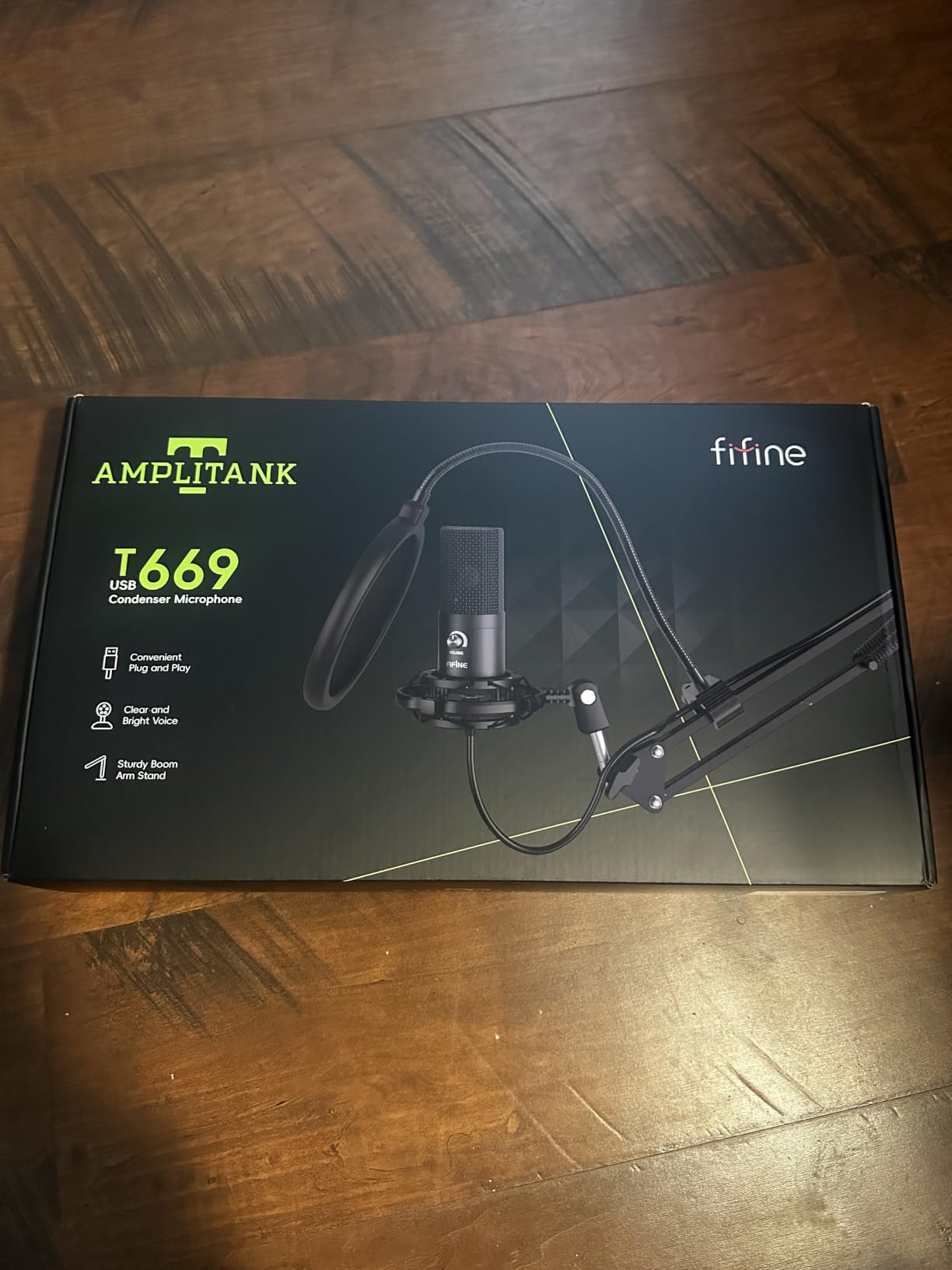
Almost every complaint in owner reviews points at the accessories rather than the microphone. The scissor arm is described as the weak link, wobbling and sagging after months of use, and the clamp padding and pop filter arms are reported to detach after a few adjustments because of weak glue. The clamp is also shaped for square-edged desks and slips on a round table. None of that affects recording quality, but plan to replace the arm eventually.
A smaller number of owners report intermittent USB disconnections or a gain knob that stops responding, and FIFINE’s customer service is praised for replacing units quickly when that happens. Our advice is the same we would give for any USB mic: save the original cable, and if dropouts appear, rule out the cable before you blame the microphone.
How the gain knob changes your workflow
A physical gain knob means you set input level while speaking, watching the meter in your recording app, rather than hunting through menus. It is a small thing that removes a whole category of first-episode frustration for people who have never touched an audio interface.
It also means you are less dependent on post-processing to fix a level that was wrong from the start, which is the difference between a clean recording and one you have to repair with noise reduction.
When to skip the T669
Skip it if you record in a noisy or reflective room, because it is a condenser and will capture the room along with your voice. The bundled pop filter and shock mount help with plosives and desk vibration, but they do nothing for echo.
Skip it if you have a decent boom arm already, since the bundled arm is the part owners complain about most. In that case the microphone alone, paired with a stand you trust, is the better version of the same purchase.
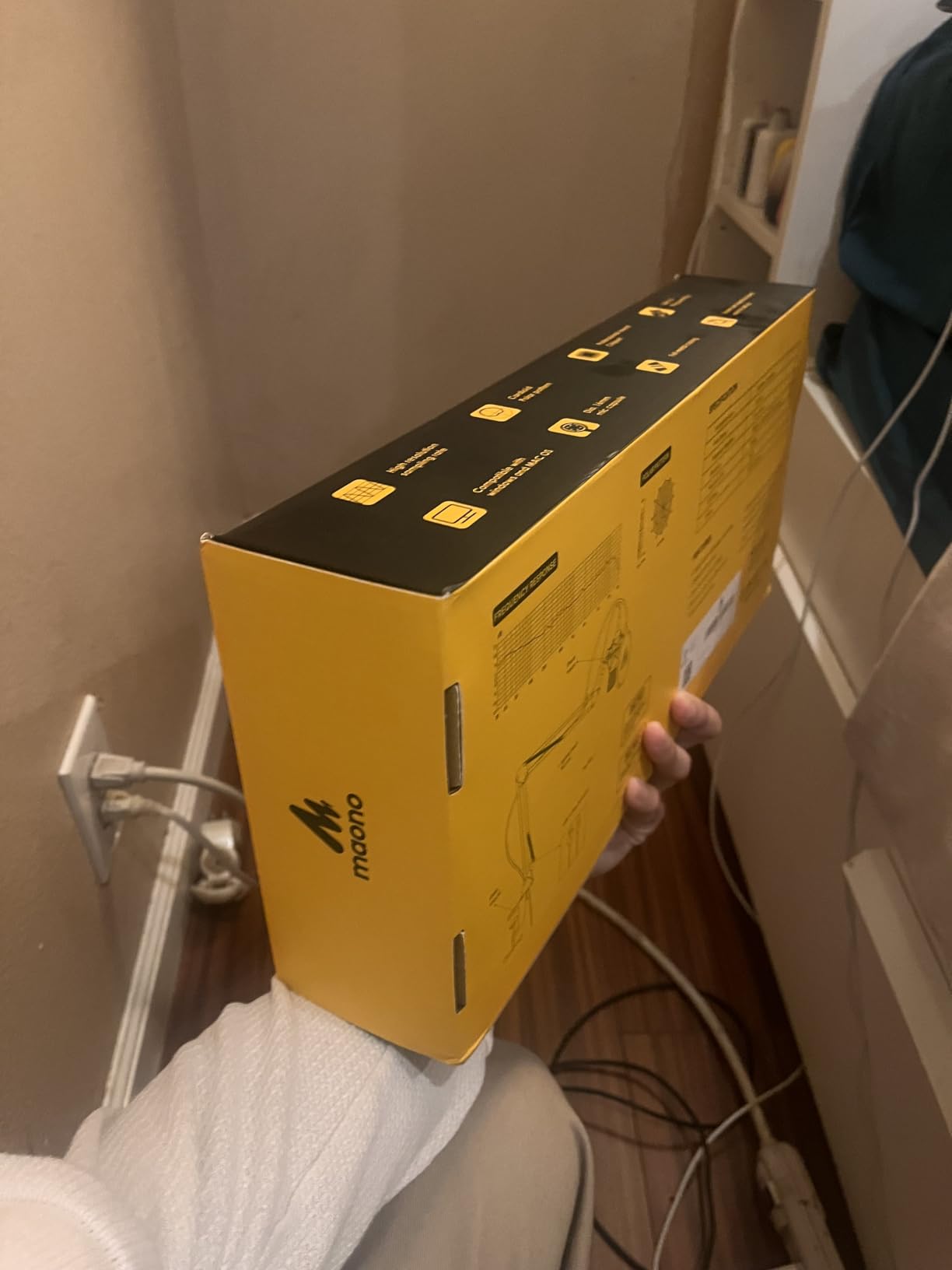
4. MAONO A04: the best all-metal build for the money
MAONO A04 USB Microphone, 192kHz/24Bit Condenser Mic Kit for PC Podcast
- Detailed
- warm condenser sound from the 192kHz/24bit chipset
- All-metal construction feels premium
- Complete kit with scissor arm
- shock mount
- pop filter and foam windscreen
- Five-minute setup with no drivers
- Cardioid pattern pushes background noise behind the voice
- Boom arm base bends and sags after a few months
- Foam windscreen and mounting hardware feel flimsy
- No headphone monitoring port and no mute button
- 70 dB signal to noise ratio is low
- Logo must face the speaker
The A04 is the one we suggest when someone tells us their last microphone felt cheap. The body is metal rather than plastic, it weighs in at 1.35 kg, and the capsule is a 16mm electret condenser running a 192kHz/24bit chipset. For a first microphone, the solidity of the object in your hand is a real difference in daily use.
The recommended working distance is two to six inches, which matches standard podcast technique and keeps the voice warm. Owners frequently describe it as a deliberate step down from a much more expensive USB condenser that still produced professional-sounding speech, which is exactly the outcome we want from a first purchase.
The recurring criticism is again about the bundle rather than the capsule. The boom arm base bends under the microphone’s own weight and sags within a few months, and the foam windscreen gooseneck and mounting hardware feel flimsy in the hand. If the arm matters to you, budget for a replacement arm rather than returning the whole kit.
Two other limits are worth planning around. There is no headphone jack and no mute button, so you are monitoring through your computer or not at all. And a 70 dB signal to noise ratio is the lowest here, which means the mic can pick up distant room sounds more readily than the other condensers in this roundup. In a quiet room that is irrelevant; in a live space it matters.
How close should you speak to it
The manufacturer recommends two to six inches, and that range is where this mic performs best. Closer than two inches and you invite plosives, even with the bundled pop filter. Further than eight inches and the low signal to noise ratio starts to let room noise in between your sentences.
One practical quirk: the directional orientation is not intuitive, because the MAONO logo has to face the speaker. Owners who set it up the other way record a quiet, off-axis version of their own voice, and the fix is simply to turn the body around.
When to skip the A04
Skip it if you need to monitor your own voice while recording, because there is no headphone output and no mute control. That is a hard stop for live streaming and for anyone who wants to check levels without stopping the take.
Skip it if you are on a console. Like most USB condenser kits in this price range, it is not compatible with Xbox, so check your platform before you commit.
5. FIFINE AM8: the best for a streaming or gaming desk
FIFINE AmpliGame AM8 USB/XLR Dynamic Microphone for Gaming Streaming
- Dynamic capsule rejects keyboard
- mouse and room noise well
- Dual USB and XLR output allows a later interface upgrade
- Tap-to-mute works independently of software
- Headphone monitoring jack and gain knob
- Solid desktop stand included
- RGB and function buttons are inactive in XLR mode
- RGB lighting is dim and can cut out if the cable is jostled
- Mute is a capacitive touch control
- Stand base rubber attracts dust
- Body is largely plastic
The AM8 is the first microphone here that is a dynamic capsule rather than a condenser, and that single design decision changes how it behaves in a real room. It ignores keyboard, mouse and background chatter, which is exactly the set of sounds that ruin a recording made next to a computer. For a podcaster whose desk is also a gaming desk, that is not a small advantage.
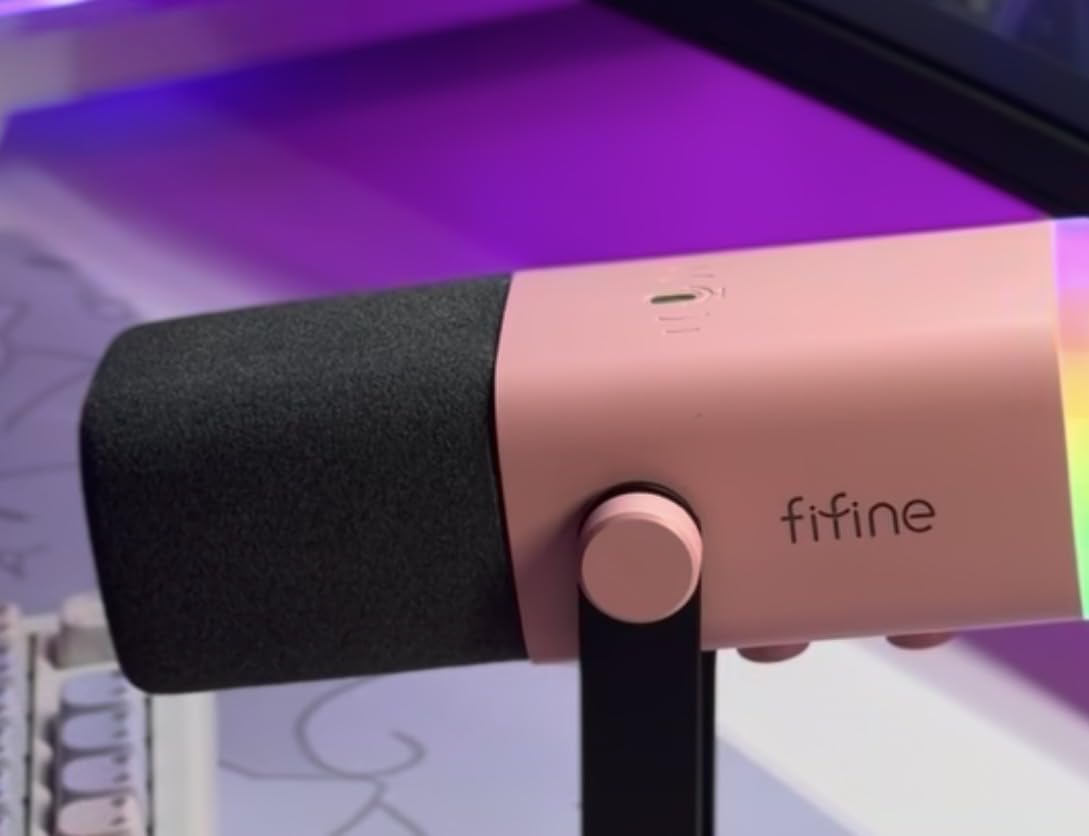
The dual connection is the standout feature. In USB mode it is a plug-and-play microphone for the computer, and later you can move the same body to an audio interface over XLR when you outgrow it. Several owners bought a second unit to match, and reviewers report that the difference between the two connection types is minimal in practice, so the XLR promise is genuine rather than marketing.
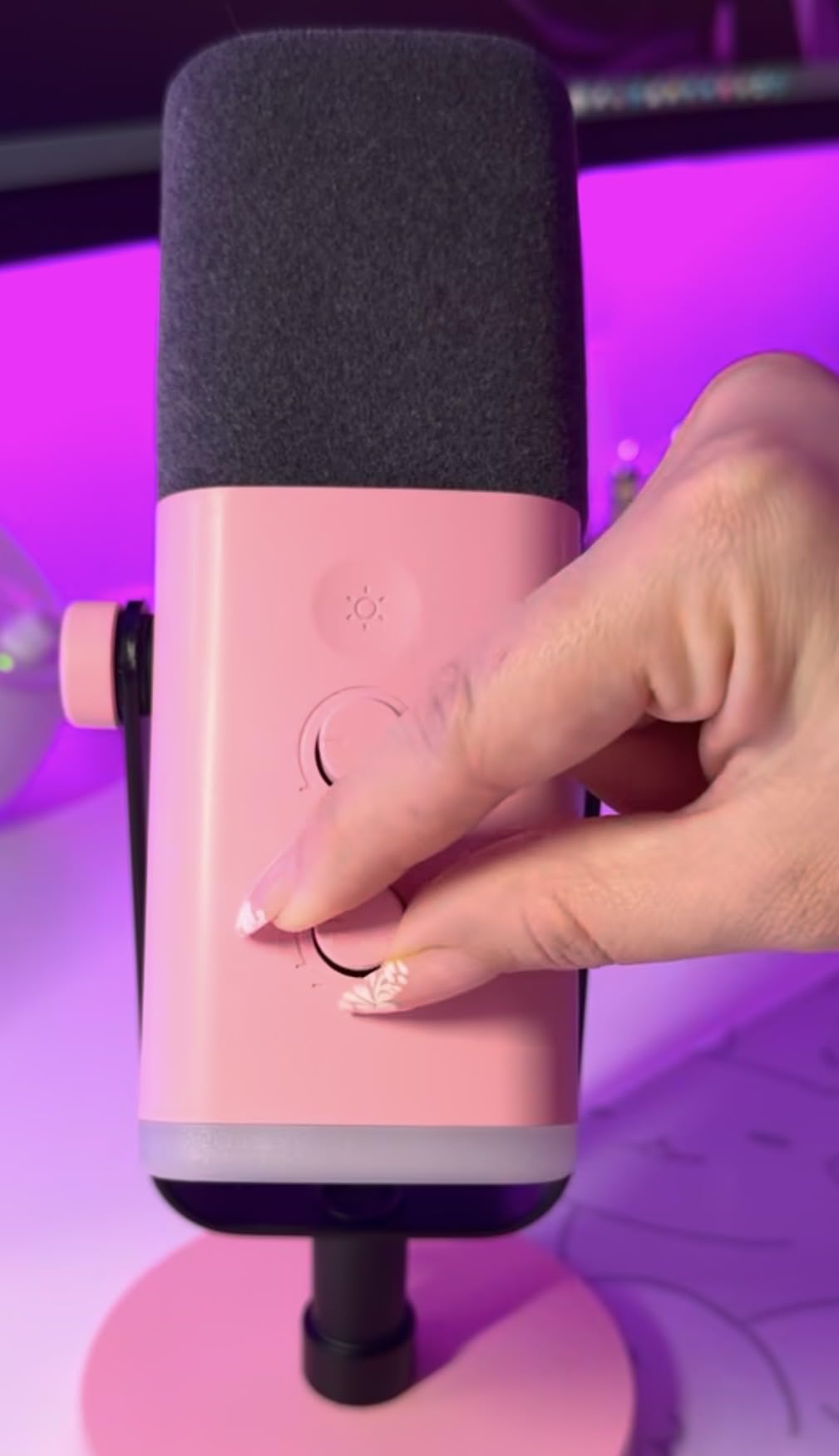
USB mode gives you a tap-to-mute with an LED reminder that works independently of your recording software, which solves a genuine problem: forgetting you are muted. You also get a headphone jack, a monitoring volume control and a gain knob, and a 3/8 inch and 5/8 inch thread so the body fits most boom arms. A noise-cancelling windscreen is included.
What you give up in XLR mode is the controls. The RGB ring and the function keys are simply inactive when you switch to XLR, and the XLR cable is not included either. If you plan to run through an interface from day one, this is not the right body to build around, and the metal K688 lower down is a closer fit for that plan.
Does it sound good on camera and on a stream
For streaming, the combination of a monitoring jack, a hardware mute that does not depend on software and a dynamic capsule that ignores fan noise is close to ideal at this level. You can hear yourself without delay, your fans do not reach the recording, and a chat outburst does not require you to find a mute shortcut.
For video, the compact 3.35 by 4.96 by 9.65 inch body is small enough to stay out of the way of a camera, unlike the larger desktop condensers in this roundup. The suggested working range is two to six inches, and the dynamic design is more forgiving if you drift further away mid-sentence.
When to skip the AM8
Skip it if you are buying specifically for an XLR setup, because the controls and the lighting all switch off in that mode and the cable is not supplied. Skip it if you record in a large, live room, since the dynamic still picks up reflections if you push it back.
Skip it if the RGB ring is a deciding factor on appearance, because owners describe the lighting as dim and report that it can cut out when the cable is jostled. It is a nice touch, but it is not a feature to buy the microphone for.
6. SUDOTACK ST-800: a complete starter kit with a folding arm
SUDOTACK ST-800 Podcast Microphone Kit, 192kHz/24bit USB Condenser PC Mic
- Crisp high-resolution capture from the 192kHz/24bit chipset
- Cardioid pattern suppresses off-axis noise
- Full accessory set with shock mount
- clamp
- foam cap and pop filter
- Metal construction with a foldable scissor arm
- No drivers needed on Mac or Windows
- Much smaller review base and sales rank than the leading kits
- Lightweight 350 g body
- 78 dB signal to noise ratio is modest
- No on-mic mute
- gain knob or headphone output
- Desk-clamp arm only
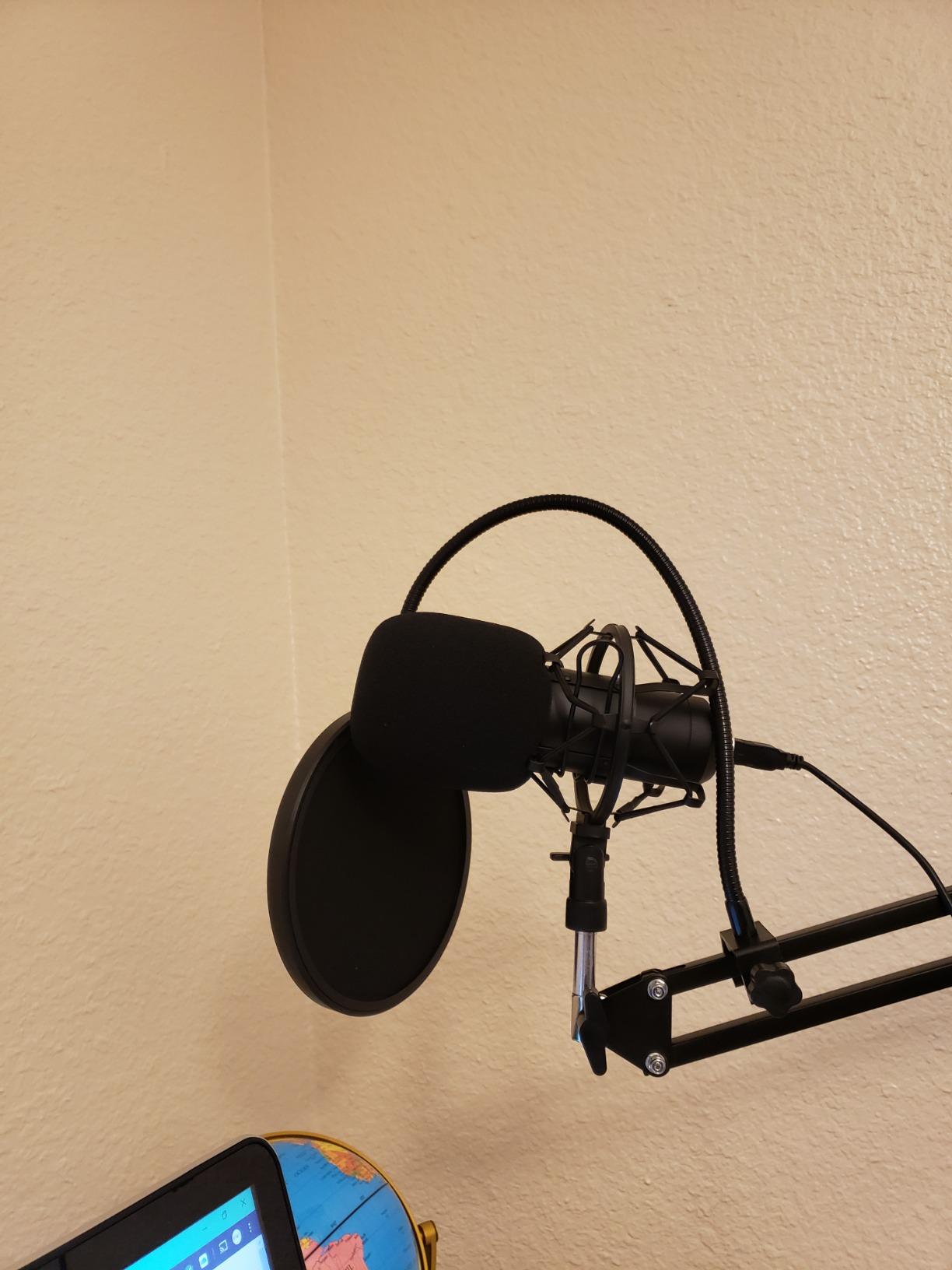
The ST-800 is a straightforward complete USB condenser bundle aimed squarely at podcasting and streaming. It records at up to 24bit/192kHz across a 30Hz to 16kHz range, uses a cardioid pattern for off-axis rejection, and works on Mac and Windows without installing anything. It is recognised in Discord, Zoom and Skype straight out of the box.
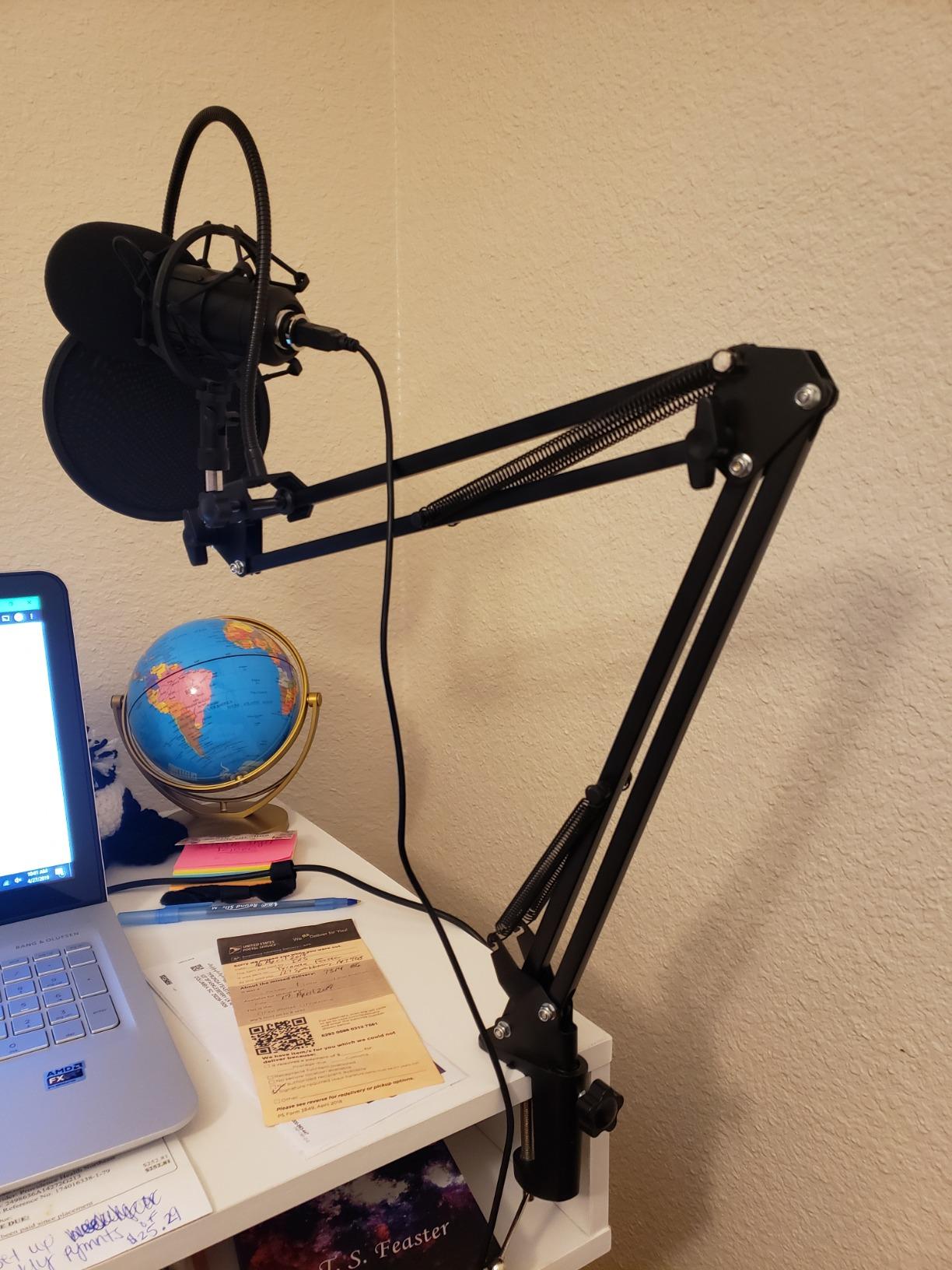
The accessory list is the reason to consider it: shock mount, table clamp, anti-wind foam cap and pop filter are all included, along with a scissor boom arm that extends and folds. For a beginner who wants a microphone mounted at mouth height on day one rather than perched on a desktop stand, that saves an entire purchase.
The trade-off is that it sits further down the market than the kits above it. The review base is considerably smaller, which usually means the long-term failure data is thinner, and the sales rank is far lower than the leading kits in this roundup. That matters if you value being able to find troubleshooting advice or a replacement easily.
The 350 g body is noticeably lighter than the metal condensers here, and there is no mute button, no gain knob and no headphone jack, so levels and monitoring live entirely in software. A 78 dB signal to noise ratio is modest for a condenser. None of that is a dealbreaker for a first microphone; it does mean you are choosing accessories over polish.
How it compares with the other complete kits
Against the T669, the ST-800 offers a similar accessory package with a comparable chipset class, but it lacks the physical gain knob and the interchangeable C-clamp and desktop mount combination. If you want to set level on the hardware, the T669 is the better version of this purchase.
Against the TONOR, the ST-800 is the more substantial object, with a metal body and a boom arm rather than a plastic tripod. Both include a pop filter and a shock mount, so if your budget is the deciding factor the TONOR wins, and if build quality is, this one does.
When to skip the ST-800
Skip it if you want to monitor while you talk, because there is no headphone output. Monitoring through the computer speakers reintroduces room sound into the recording in a way that monitoring through headphones does not.
Skip it if you have a specific mounting plan that the desk clamp cannot serve, since the arm attaches to a table clamp only. And skip it if you want a future-proof body, because a USB-only condenser with no physical controls has nowhere to grow.
7. ZealSound K66: the best for phone and tablet recording
- Very clear
- crisp voice capture for the outlay
- Zero-latency headphone monitoring is unusual at this level
- Physical gain
- monitoring volume and echo knobs
- One-touch mute with a clear LED indicator
- Noise reduction mode cuts keyboard and fan noise
- Works with phones and tablets via included adapters
- Robotic cross-talk when two people speak at once
- Sibilance can be sharp until adjusted in software
- Noise reduction mode can cut the voice audibly
- Picks up mains hum and street noise in untreated rooms
- Short USB-C connector will not clear a thick case
The K66 is the pick for anyone recording on a phone or tablet rather than a laptop, and it is unusual in including both USB-C and Lightning adapters alongside a 70.87 inch cable. That combination makes it genuinely portable, and the included foam windscreen travels with it.
It also brings three physical controls that most microphones at this level do not have: separate knobs for microphone volume, monitoring volume and echo, plus a 3.5mm headphone jack for zero-latency real-time monitoring. For someone learning to speak into a microphone for the first time, hearing yourself with no delay makes the learning curve noticeably shorter.
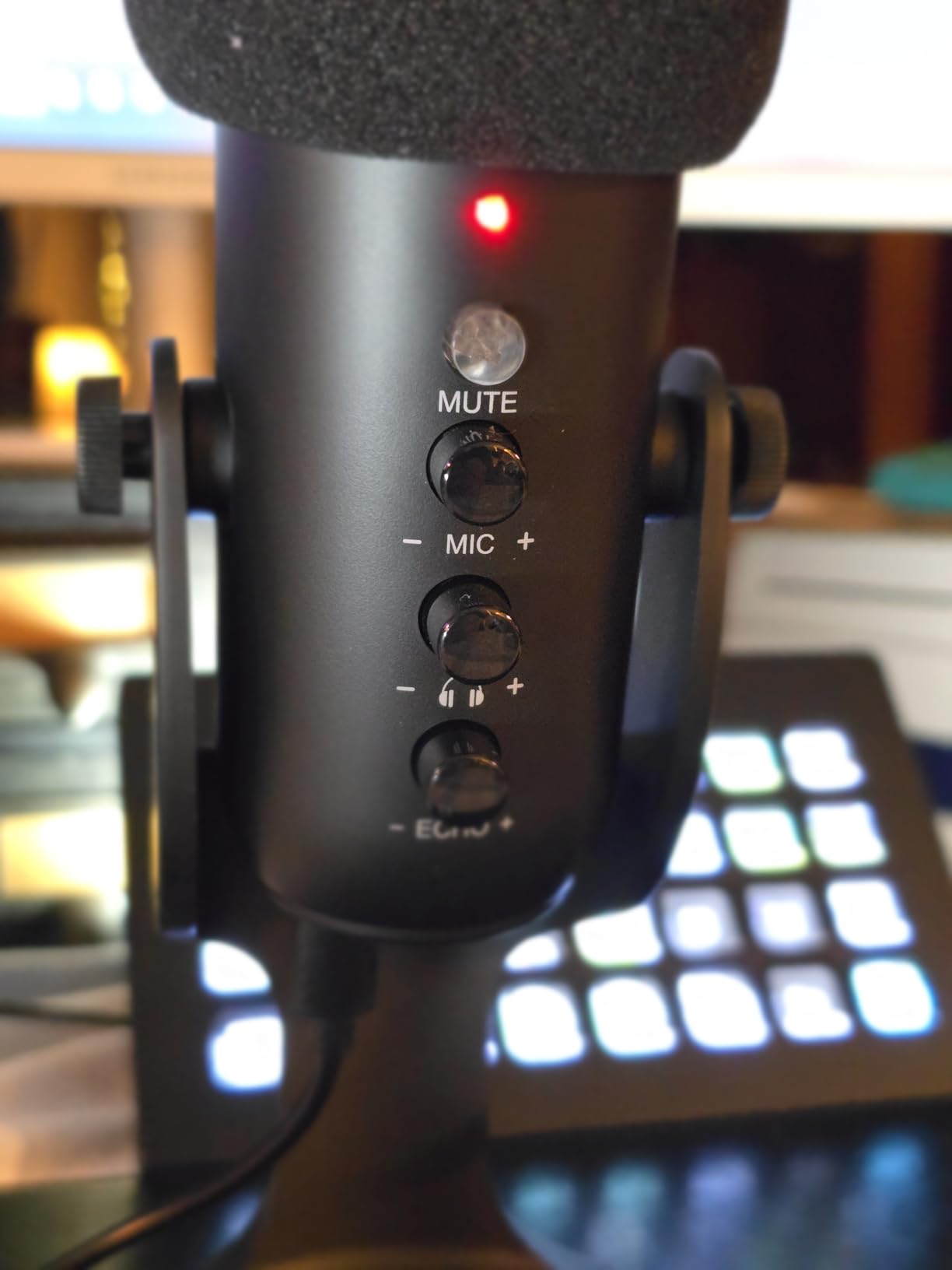
The noise reduction mode, activated by press and holding the mute button, is the feature owners mention most. It measurably reduces keyboard clicks, PC fan noise and background chatter, which are precisely the sounds that plague a home recording desk. Some users who enabled it found that it chopped their own voice, so treat it as a first experiment rather than a permanent setting.
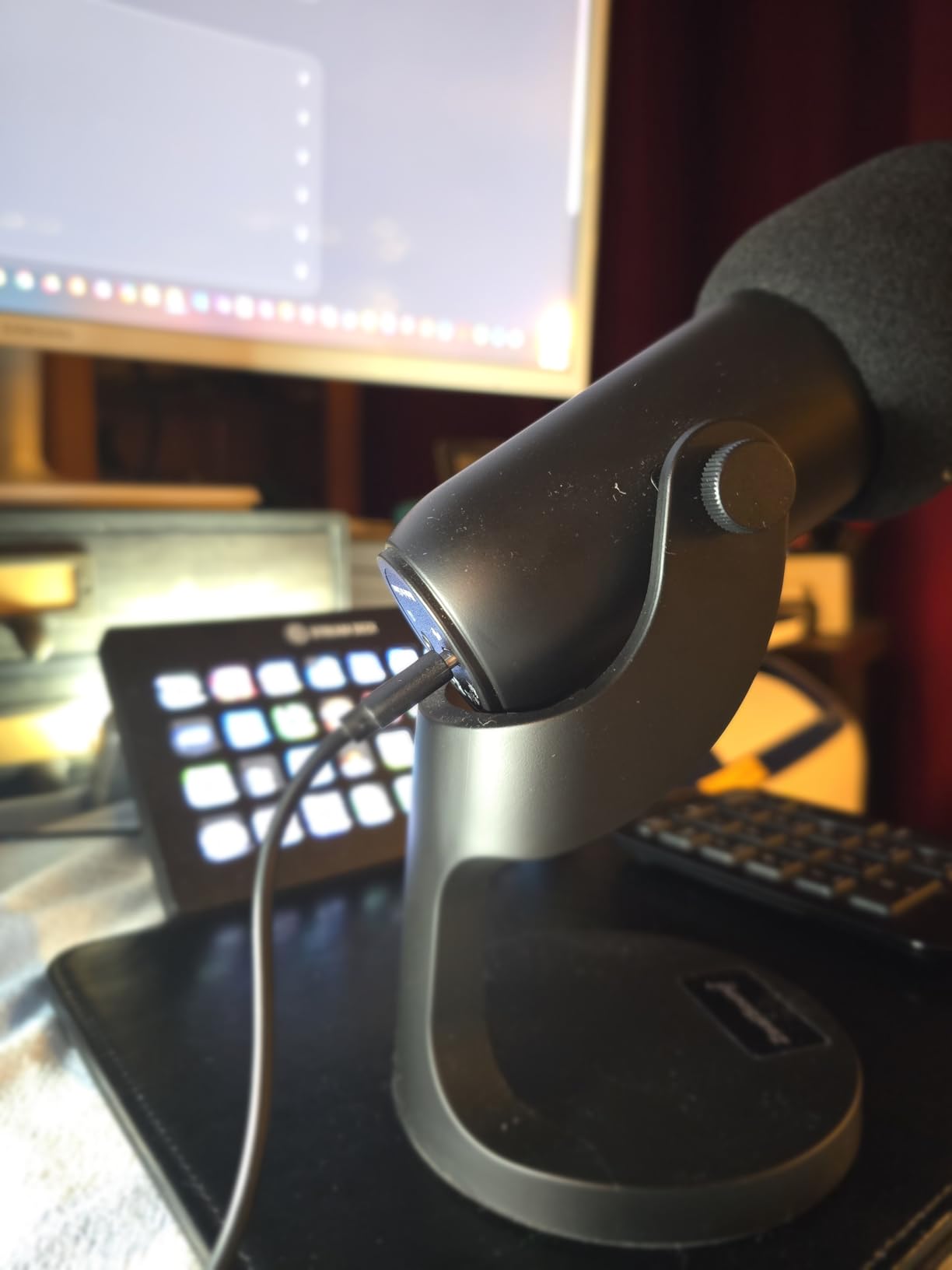
The design is top-addressed on a weighted metal base that rotates 360 degrees, so you can tilt it toward your mouth on a desk or a table. The capsule covers 40Hz to 18kHz, and the microphone works on Windows, Mac, PS4, PS5 and tablets with no drivers or software.
What the noise reduction mode really does
It is a processing mode, not a physical change to the microphone. It targets steady low-level sounds like fans and hum more effectively than it targets speech, so it works best for suppressing constant hum and worst when you want it to handle unpredictable background chatter.
Because it is a fixed processing choice rather than an adjustable parameter, the honest advice is to record a short test with it on and a short test with it off, and keep whichever sounds more like your voice. That is a habit worth building in your first month anyway.
When to skip the K66
Skip it for a two-person conversation recorded at one desk. Owners report robotic cross-talk that drops both voices when two people speak at once, which is a limitation of the single-addressed cardioid pattern rather than a fault you can adjust away.
Skip it if sibilance is a problem for your voice, because sharp s sounds tend to need software correction. And skip it if you use a thick phone case, since the short USB-C connector may not clear it.
8. Samson Q2U: the classic handheld for two-host shows
Samson Q2U USB/XLR Dynamic Microphone Recording and Podcasting Pack
- Dual XLR and USB-C output in a single microphone
- Dynamic capsule handles loud rooms better than a condenser
- Lightweight handheld body is easy to position
- Complete pack with stand
- extension
- clip
- windscreen and both cables
- Metal construction with a two-year warranty
- No on-mic gain control
- mute button or headphone monitoring
- Modest 70 dB signal to noise ratio
- Basic desktop tripod stand rather than a boom arm
- Frequency response tops out at 15 kHz
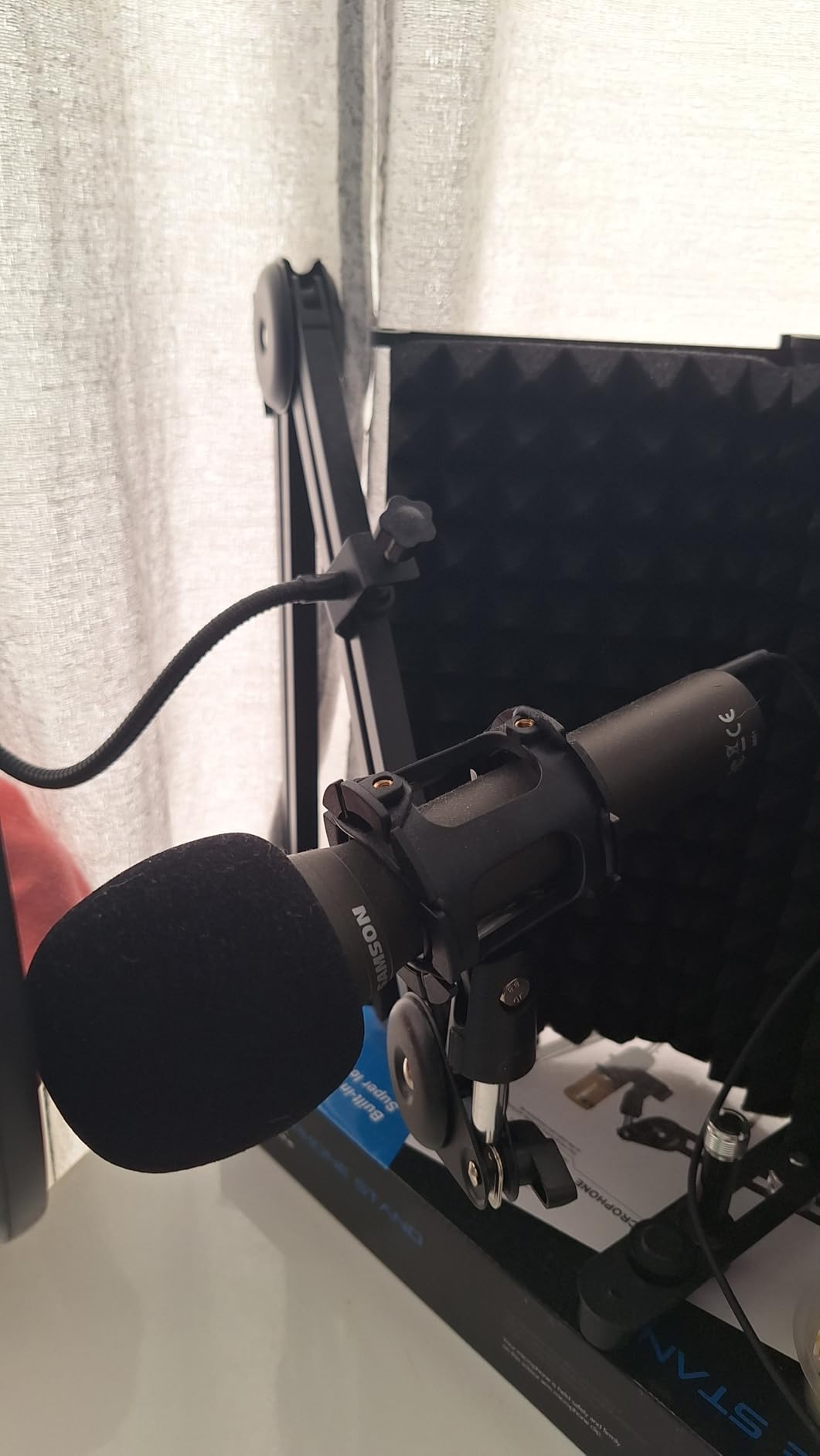
The Q2U is the microphone that keeps appearing in beginner recommendations on podcasting forums, and the reason is simple: it is a genuine broadcast handheld that also connects to a computer. That combination is rare, and for a co-hosted show it solves a problem that desktop microphones create.
When two hosts sit across a desk from each other, a single unidirectional desktop microphone forces a compromise. The Samson is a handheld, so each person can hold or stand one near their own mouth. Dynamic capsules handle untreated rooms well for this price, and the 11.2 ounce body is light enough to reposition between takes without thinking about it.
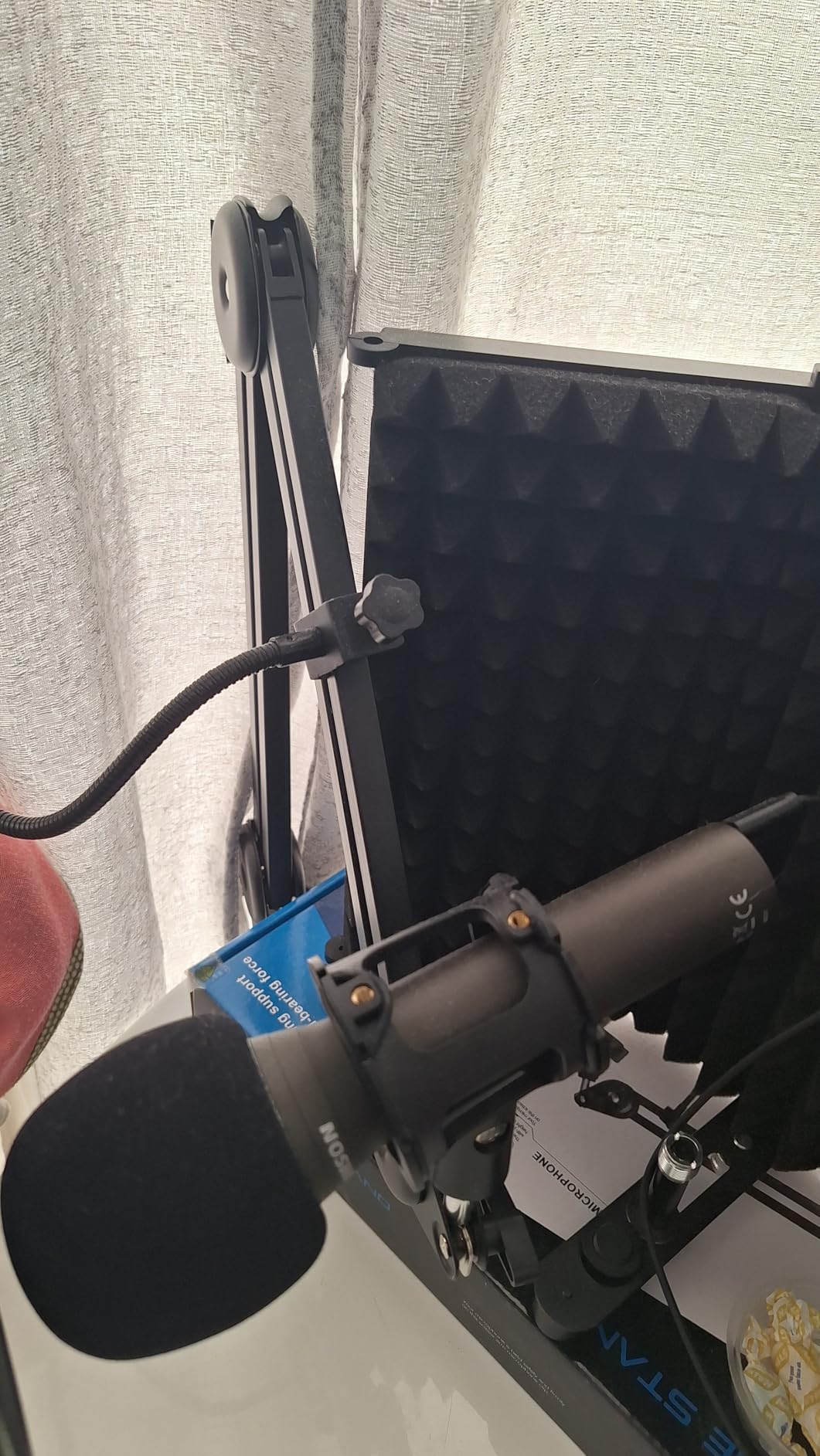
The pack is complete for starting out: a tripod desktop stand, a tripod extension, a mic clip, a windscreen, a USB-C cable and an XLR cable. You can start in USB-C mode today with no interface at all, and when you later buy one, the same microphone moves across with the cable already in the box. That is the rare beginner path that does not waste money.
What it does not offer is any on-mic control. There is no gain knob, no mute button and no headphone jack, so monitoring and level control happen in software. A 70 dB signal to noise ratio is modest, and the frequency response tops out at 15 kHz, which is a slightly duller top end than the best-sounding microphone in this roundup.
What to buy alongside it if you go XLR
You need an audio interface with an XLR input and a real gain structure. That is the one purchase most beginners get wrong, because a computer port is not an XLR input and an underpowered preamp produces a quiet, noisy recording that gets blamed on the microphone.
Because the XLR cable is already included, an XLR upgrade does not require a second cable purchase. Add a boom arm or a proper desk stand if the bundled tripod feels unstable for your voice, and a pop filter, which the handheld form factor makes more necessary rather than less.
When to skip the Q2U
Skip it if you are recording solo and want a hands-free setup with monitoring, because there is no headphone output and the bundled tripod is basic. A desktop condenser with an integrated gain knob and monitoring will serve a solo show better.
Skip it if you want the most refined broadcast tone, since the response rolls off above 15 kHz and gives a slightly darker result than the models designed specifically for spoken-word capture. It is a solid, honest microphone rather than a reference one.
9. FIFINE K688: the metal dynamic that can grow with you
FIFINE AmpliTank K688 Dynamic Microphone, XLR/USB Podcast Recording PC Mic
- Crisp voice with strong rejection of PC fan and room noise
- Metal build feels more substantial than the plastic-bodied AM8
- Both USB and XLR so an interface upgrade is possible later
- Bundled shock mount improves background rejection
- Headphone monitoring jack and gain knob in USB mode
- Compact profile for small desks
- XLR cable
- boom arm and mic stand are not included
- All function keys and mute are disabled in XLR mode
- Mini tripod stand is flimsy
- Needs the gain knob kept low in reflective rooms
- Occasional reports of units recording noise but no voice
The K688 is the version of a budget dynamic for people who plan to keep their microphone for years. It is metal rather than plastic, it handles up to 130 dB SPL without distorting, and it carries both USB and XLR outputs so the same body can sit on a laptop today and on an interface later.
Owners frequently describe it as the budget dynamic upgrade from a desktop condenser, noting less nasal, tinny recordings and noticeably less background noise in an untreated room. The cardioid pattern is credited with rejecting hard drive and computer fan noise, which is the same advantage that makes the AM8 good on a gaming desk.
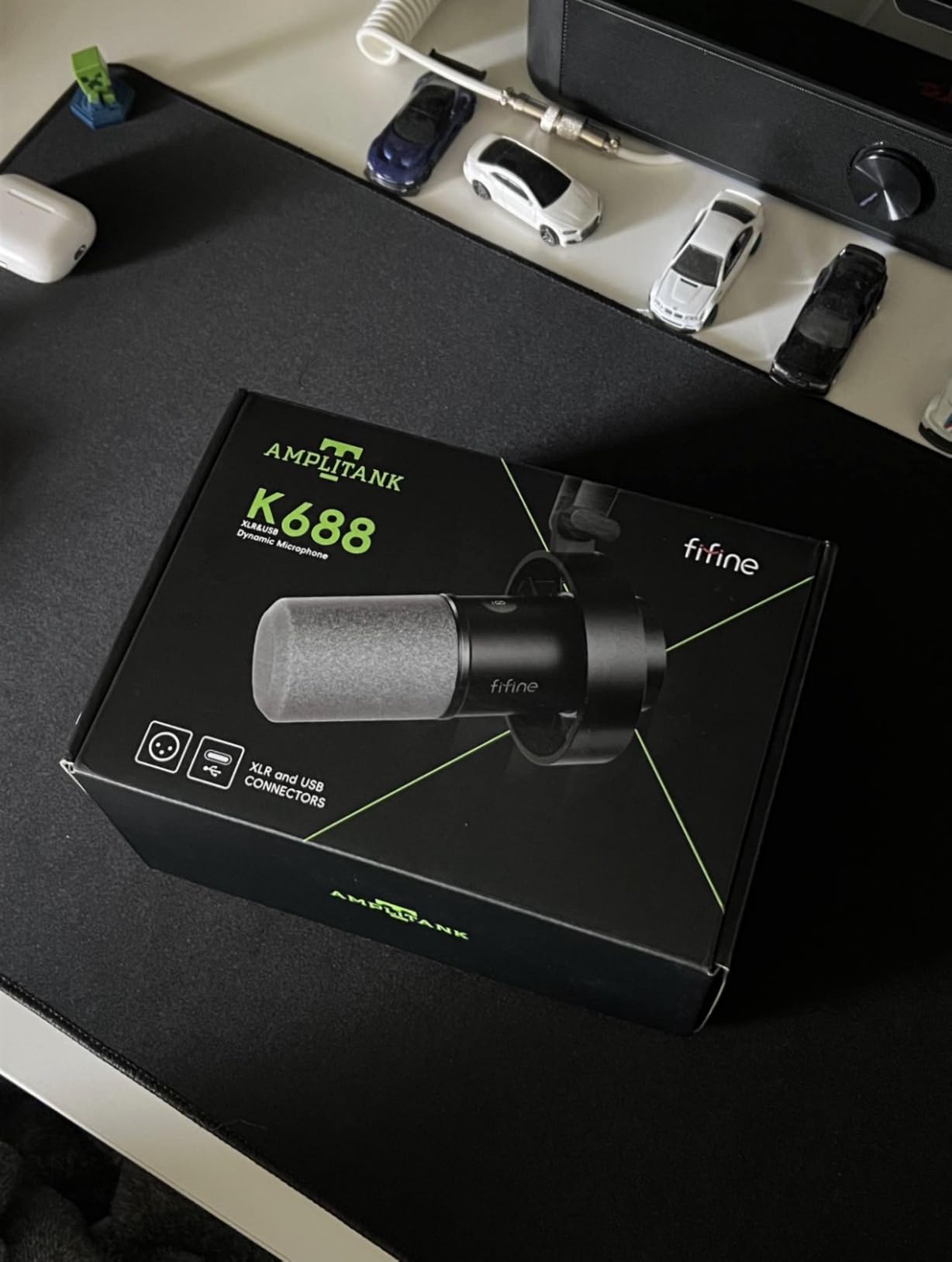
The bundled shock mount is worth noting, because a dynamic microphone in a shock mount measurably improves its rejection of desk vibration and structure-borne noise. Reviewers single it out as better than what the plastic-bodied model includes. A windscreen is included as well, which helps with plosives on a handheld-style setup.
The accessory omissions are the main thing to plan for. The XLR cable, the boom arm and the mic stand are not included, and the bundled mini tripod is described as flimsy and short-lived. The function keys, gain knob and mute all switch off in XLR mode, so treat the controls as a USB-only convenience rather than a permanent feature.
How gain setting changes the result in a reflective room
Reviewers consistently advise keeping the gain knob low. A dynamic capsule with high gain in a reflective room picks up the room along with the voice, and no amount of post-processing will separate them cleanly afterwards. Lower gain and a closer mic position is the reliable fix.
In USB mode you also get a 3.5mm headphone jack with monitoring volume control, so you can set level and hear yourself at the same time. That combination is what makes a dynamic microphone comfortable for someone who has never monitored before.
When to skip the K688
Skip it if you want everything in one box, because the missing stand and XLR cable mean two more purchases before the first recording. If you already own a boom arm and cables, this is a strong pick; if you own nothing, the T669 is the better-shaped purchase.
Skip it if you want a very bright, detailed vocal character, because a dynamic capsule rolls off the top end by design. That is the correct trade for a noisy room, but in a treated space a condenser will sound more open.
10. Rode PodMic: the best-sounding mic that needs an interface
- Highest average rating in this roundup at 4.8
- Warm
- rich broadcast tone that flatters deep voices
- Dynamic capsule rejects fans
- traffic and room noise
- All-metal body built to sit on air for years
- Internal pop filter and shock mount remove the need for accessories
- XLR only
- so an audio interface or mixer is required
- Low output level needs considerable preamp gain
- No headphone jack
- so monitoring depends on the interface
- XLR cable
- boom arm and interface are not included
- No on-mic gain or mute controls
The PodMic has the highest average rating of any microphone in this guide, and the reviews explain why. Owners describe a warm, broadcast-style voice that sounds professional with minimal processing, and the dynamic design is credited with rejecting fans, traffic and room noise in untreated spaces. The all-metal body is described as built to sit on air for years.
The internal pop filter and internal shock mounting are the quiet heroes. Most microphones in this roundup need a separate pop filter and a separate shock mount to do their job properly, and the PodMic handles both inside the body. That removes two accessories from the shopping list and removes two opportunities to place something wrong.
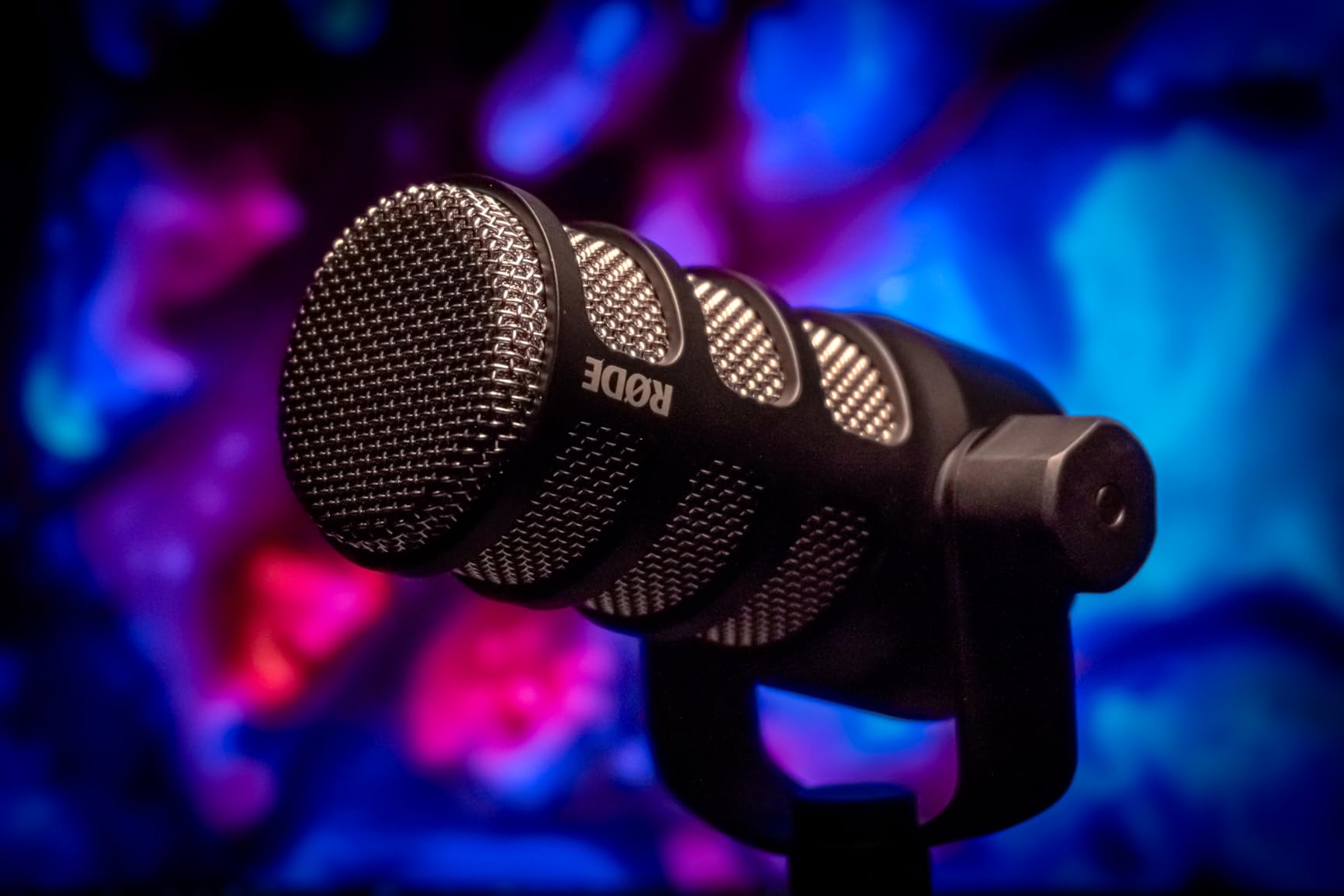
Here is the honest part. This is an XLR-only microphone, which means it will not connect to a computer directly. You need an audio interface or a mixer with an XLR input, and the cable, the boom arm and the interface are all separate purchases. For a beginner with nothing, that is three items of cost before the first take.
The output level is also low by design, so it needs considerable preamp gain, and some interfaces cannot fully drive it. Reviewers in that situation commonly add an inline booster such as a Cloudlifter. With no headphone jack on the microphone, monitoring depends entirely on the interface or on software, and the 937 g weight means the mount needs to be solid rather than light.
What the interface has to do for this mic
An interface with a clean preamp and real gain headroom is not optional here. A computer port is not an XLR input, and an underpowered preamp gives you a quiet recording with a raised noise floor, which is the exact problem beginners misattribute to the microphone.
Check the interface gain range before you buy, and expect to keep the gain knob fairly high. If the interface cannot reach the level this microphone wants cleanly, an inline booster solves it, and adding one later is easier than replacing the interface.
When to skip the PodMic
Skip it if you are starting from nothing, because the hidden cost of the interface and its accessories is larger than the gap between this microphone and a good USB condenser. The sound advantage is real, but it is smaller than the cost advantage of starting with USB.
Skip it if you want to record on a laptop with no extra hardware, or if you need hardware monitoring. This microphone is a second-stage choice, and it is the right one when you already have a desk, an arm and a capable interface. Our vocal microphone guide is the right next step if you are at that stage.
Beginner Buying Guide: USB vs XLR and Dynamic vs Condenser
Almost every microphone decision reduces to four questions: what type of capsule is it, how does it connect, what does your room sound like, and what will you be recording with. Answer those and the choice makes itself. Here is how each one changes the outcome.
Dynamic versus condenser. A dynamic microphone picks up less room noise and tolerates a rough space. A condenser microphone picks up more detail, more breath and more echo, and sounds excellent in a room with soft furnishings. Forum consensus among working podcasters is consistent on this: dynamics are forgiving in untreated rooms, condensers need a controlled space. Every USB condenser in this roundup, from the TONOR to the Blue Yeti, follows that rule.
USB versus XLR. A USB microphone contains its own preamp and converter and plugs into a computer. An XLR microphone outputs a balanced signal that needs an audio interface. USB is simpler, cheaper and lower risk for a first purchase. XLR gives better gain control, better headroom and a path into a studio setup, and it costs more once the interface is counted.
The polar pattern question. Cardioid, the pattern on most microphones here, picks up the speaker in front and rejects the room behind. Omni picks up everything equally, which is useful for a round-table conversation and terrible in a noisy room. A unidirectional pattern is a cardioid pattern under a different name, and you will see both terms on retailer listings. Hypercardioid narrows the rear rejection further and appears on broadcast-style dynamics, and it also picks up more of the room directly behind the speaker.
Gain and what an interface actually does. Gain is simply how much the signal is amplified before it reaches your recorder. Too little and the recording is quiet with audible hiss. Too much and the voice distorts. The preamp is the circuit that applies that gain, and the audio interface contains the preamp, the converter that turns the analogue signal into digital data, and usually a headphone output so you can monitor without delay. A microphone that needs a lot of gain needs an interface that can supply it.
Phantom power. Condenser microphones need a small electrical charge to operate, supplied by the interface or by a USB microphone’s internal electronics. You do not need to think about it with the USB condensers in this guide, because the power is handled inside the body. It becomes relevant only when you connect a condenser microphone to an interface, and most interfaces supply phantom power by default.
Room type and budget together. Here is the short version of the decision. In a quiet room with soft furnishings and a solo show, a USB condenser with a gain knob is the best fit. In a noisy or echoey room, a USB and XLR dynamic gives you room forgiveness and a future upgrade path. On a shared desk for two hosts, two handheld dynamics like the Samson Q2U solve the placement problem that one desktop microphone creates. With an existing interface and arm, the Rode PodMic is the sound you want.
Accessories you will need. A pop filter costs very little and prevents plosives that no microphone can undo. A shock mount or boom arm keeps desk vibration out of the recording, and several microphones here include one. Headphones with a 3.5mm plug let you monitor without room echo creeping back in. A long USB cable or an XLR cable of the right length removes the cable-in-the-frame problem. Several bundles above already include most of this list, which is a large part of why they are the better value picks.
One more thing that surprises beginners: buying a better microphone is rarely the correct next step. Fixing the room usually is. A heavy blanket behind your chair, a curtain across a bare window, a rug on a hard floor and a cupboard full of clothes will reduce reflections more than any difference between two good microphones. If you are still not sure which category to shop, our podcasting microphone guide goes deeper on the same ground.
Mic Placement and Cheap Room Treatment
Placement is free, takes thirty seconds, and changes the recording more than any other variable a beginner can control. Four to eight inches from your mouth is the working range for nearly every microphone in this guide, and the manufacturers who specify a distance all land in the same place, from two inches at the close end to six inches as the outer limit.
Distance. Get within four to eight inches. Further away picks up more room and less of the warm part of your voice.
Angle. Speak slightly past the front of a cardioid microphone rather than straight into it. A few degrees off-axis tames plosives without dulling the voice.
Pop filter. Place it between your mouth and the microphone, roughly an inch or two from the capsule. It prevents the burst of air on p, b and t that no post-processing removes cleanly.
Shock mount. If the microphone has one, use it. Desk bumps, keyboard clatter and a nudged boom arm all travel through the body and into the recording.
Gain check. Say your loudest sentence and watch the meter. Aim to sit comfortably below red, not touching it.
On room treatment, the rule of thumb podcasters use is three to one: for every one hard reflective surface in a room, you want three soft absorbing surfaces. A hard room has bare walls, a window with no curtain, a tiled floor and a bare ceiling. Adding a curtain, a rug, a fabric wall hanging and a wardrobe full of clothes moves you much closer to that ratio without spending anything meaningful.
The most effective single change is usually a heavy blanket hung behind your chair, because the surface directly behind you is the one the microphone hears reflected back. Recording inside a wardrobe full of clothes works for the same reason, and plenty of first podcasters discover it produces the most surprising improvement of any change they make. If you can only do one thing, do that one.
Three Beginner Podcasting Mistakes to Avoid
Mistake one: buying an XLR microphone before you own an interface. This is the most common expensive error, and it is the one the industry standard narrative encourages. Forum consensus treats the Shure SM7B as the broadcast standard associated with Joe Rogan and the classic NPR sound, and plenty of beginners follow that advice straight into an interface-less setup. The consensus describes what professionals use, not what a beginner should buy first. If you have no interface, buy a USB microphone; the sound difference will not decide whether anyone keeps listening.
Mistake two: blaming the microphone for the room. A thin, echoey recording with hum under it is usually a room, not a capsule. Buy a microphone that matches your space, and spend the money you saved on soft surfaces instead. Moving closer to the microphone is the other half of the fix, because distance gives a condenser more time to collect the room behind you.
Mistake three: chasing marginal differences instead of recording. The gap between a good 4.5-rated microphone and a 4.8-rated microphone is far smaller than the gap between either one and an untreated room. Record ten episodes before you change anything, and fix what you hear in the file rather than what you imagine is wrong. Beginners who record consistently with a mid-priced microphone produce better shows than beginners who spend six weeks comparing.
One more piece of advice that costs nothing: record a short test with each setting before the real take, and listen back on headphones. Two minutes of testing will teach you more than an hour of reading specifications, and the things you notice in playback are the things worth fixing.
Frequently Asked Questions
What is the best equipment for a beginner to start podcasting?
A USB microphone with a gain control, a pop filter, a stand and headphones is enough to publish a first episode. A mic that bundles a shock mount and pop filter saves two purchases. Add an audio interface only when you outgrow USB, not before. Fix the room before upgrading the microphone.
Which microphone is best for podcasts?
The Logitech Blue Yeti is the most proven choice for a beginner because it plugs straight into a computer, has four switchable pickup patterns and physical gain, mute and headphone controls. In a noisy room, choose a dynamic model such as the FIFINE AM8 or Samson Q2U instead, since dynamics reject room noise better.
What mic does Joe Rogan use for his podcast?
Podcasters widely associate Joe Rogan with the Shure SM7B, a broadcast dynamic also known for the classic NPR sound. That is a professional choice driven by a treated room, a powerful interface and long-term reliability. Beginners should read it as a destination rather than a starting point, and buy USB first.
What is the 3 to 1 rule for microphones?
The 3 to 1 rule is a room treatment guideline, not a microphone setting. For every one hard reflective surface in a room, aim for three soft absorbing surfaces. A curtain, a rug, a heavy blanket and a wardrobe full of clothes will reduce echo more than a more expensive microphone will.
Do I need an audio interface to record a podcast?
Not if you use a USB microphone, because the preamp and converter are built into the body. You do need an interface for an XLR microphone such as the Rode PodMic, and for condensers you should pick one with enough gain headroom for a low-output dynamic.
The Best Podcast Microphone for Beginners in 2026
After all of this, the default recommendation is the Logitech Blue Yeti. It is the most proven USB microphone for beginners for a specific reason: with tens of thousands of owner reports behind it, every common problem has a known fix, the setup takes under two minutes, and the physical gain, mute and headphone controls remove the mistakes that trip up first-time recorders. Buy it if your room is reasonably quiet and you want the shortest path to a finished episode.
If your room is not quiet, buy the FIFINE AM8 instead and treat the dynamic capsule as the reason. If you want one box that contains everything, buy the FIFINE T669. If you are starting with almost no money, the TONOR TC-777 gets you recording today, and if you are recording with a co-host, the Samson Q2U solves the placement problem. Save the Rode PodMic for when you already own an interface and want the best-sounding microphone on this list.
Whichever you choose, do the free work first: get within four to eight inches of it, add a pop filter, put something soft behind you, and record ten episodes before you change anything. Those four habits will improve your show more than any upgrade on this page. For the wider picture once your setup is working, browse our condenser microphone roundup and our dynamic microphone roundup to see how your microphone compares to the next tier.