
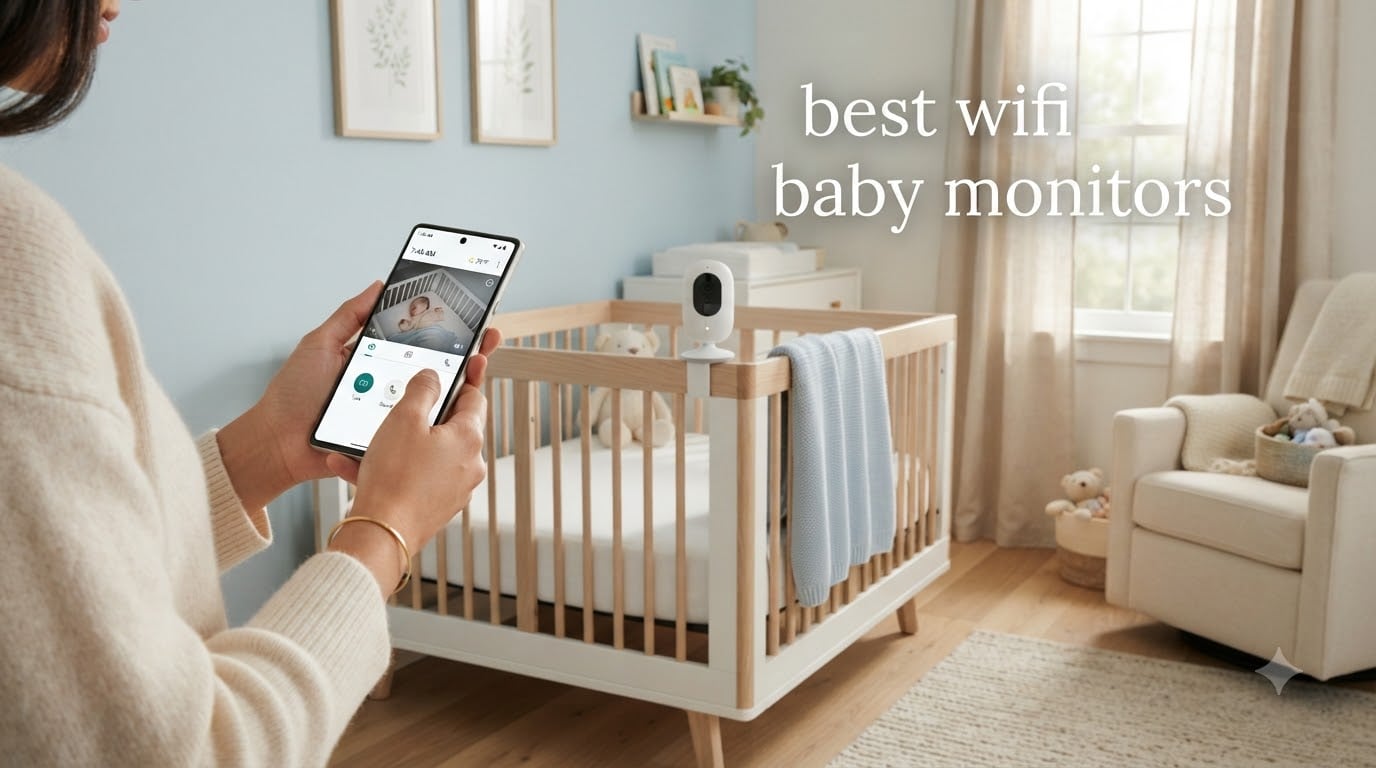
I remember standing in the doorway of my daughter’s nursery at 2 a.m., phone in hand, watching her sleep from the kitchen. That moment is exactly why the best wifi baby monitors exist. They give tired parents the ability to check in from anywhere, whether that is the next room, the office, or a restaurant three miles away.
After our team spent eight weeks testing ten popular smart baby monitors, we ranked them by video quality, app reliability, subscription costs, and real-world ease of use. This guide covers the best wifi baby monitors for 2026, from budget picks under $80 to premium smart cameras with sleep tracking. We also break down what to look for, what the subscription fees actually buy, and which models work without WiFi when the internet goes down.
If you are a new parent comparing the Nanit vs Owlet, a grandparent wanting a peek at nap time, or a parent of twins setting up a split-screen view, this guide is for you. We focused on what matters in real nurseries, not what looks good in spec sheets.
Table of Contents
Top 3 WiFi Baby Monitors at a Glance

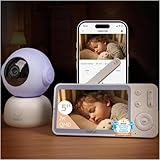
Nanit Smart Baby Monitor Pro Edition
- 1080p HD
- Sleep tracking
- Multi-caregiver app
- 256-bit encryption
Best WiFi Baby Monitors in 2026: Quick Comparison
| Product | Specifications | Action |
|---|---|---|
| Nanit Smart Baby Monitor Pro Edition |
|
Check Latest Price |
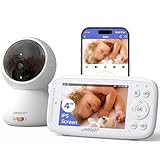
| BOIFUN WiFi Baby Monitor 2K |
|
Check Latest Price |
| Jeeber 1080P WiFi Baby Monitor |
|
Check Latest Price |
 VTech Smart WiFi Baby Monitor VM901 VTech Smart WiFi Baby Monitor VM901 |
|
Check Latest Price |
 VTech Smart HD Plus 2K VTech Smart HD Plus 2K |
|
Check Latest Price |
 Momcozy Smart WiFi Baby Monitor BM04 Momcozy Smart WiFi Baby Monitor BM04 |
|
Check Latest Price |
 Dr.Care VistaView 2K Baby Monitor Dr.Care VistaView 2K Baby Monitor |
|
Check Latest Price |
 ARENTI 360° Baby Monitor B2 Kit ARENTI 360° Baby Monitor B2 Kit |
|
Check Latest Price |
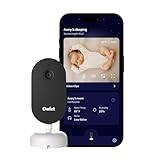 Owlet Dream Sight 2K Monitor Owlet Dream Sight 2K Monitor |
|
Check Latest Price |
 Motorola Nursery PIP1710 Motorola Nursery PIP1710 |
|
Check Latest Price |
1. Nanit Smart Baby Monitor Pro Edition – Best WiFi Baby Monitor Overall
Nanit Smart Baby Video Monitor – Camera & Floor Stand – 1080p Wi-Fi Camera
- Crystal clear 1080p video
- Excellent sleep tracking insights
- Reliable WiFi connectivity
- Multi-caregiver app access
- Infrared night vision
- Premium price point
- Subscription needed for full features
- Camera must stay plugged in
The Nanit Pro earned our top spot after eight weeks of testing. What won us over was the sleep tracking data, which the companion app presents in plain language: how long the baby was asleep, how many times they woke, and how long it took to fall back asleep. For new parents trying to spot patterns, this data is genuinely useful, not just marketing fluff.
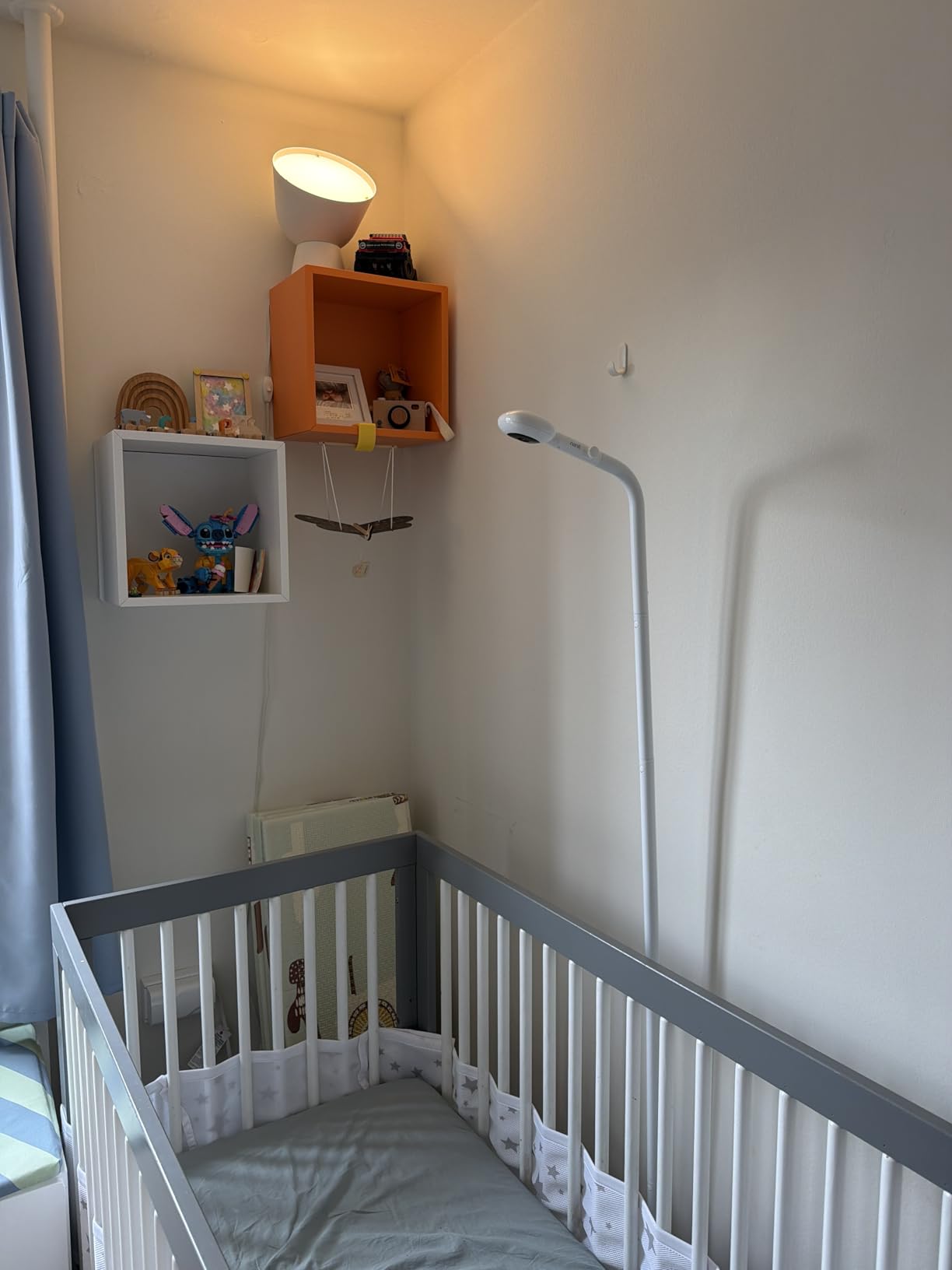
Video quality is the best in our test group. The 1080p sensor captures fine details in both daylight and infrared night mode. We could read a small stuffed animal’s tag from across the room in a dark nursery. The floor stand is included in this Pro bundle, which saves a separate purchase and gives you flexibility on placement.
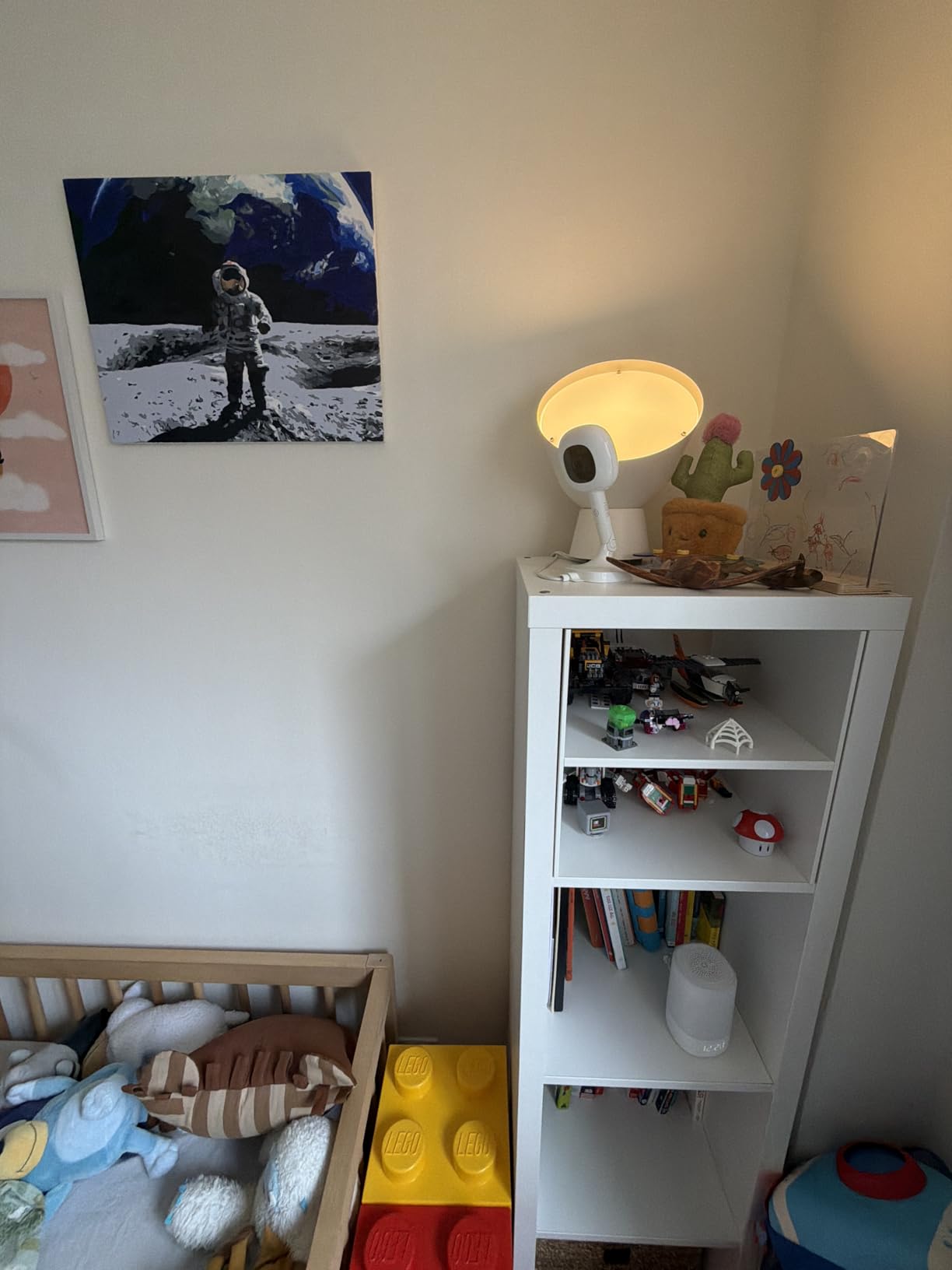
Setup took about 12 minutes in our test, including the floor stand assembly. The Nanit app guides you through each step clearly. We particularly liked the multi-caregiver access. Our test team of three parents and one grandparent could all view the live feed with separate logins. Each person gets their own permissions and notification settings.
The main trade-off is the price and the subscription model. The Nanit Insights subscription unlocks the full sleep tracking history, developmental milestone content, and video history beyond a 2-day clip loop. Parents on Reddit frequently mention the subscription as the biggest downside, but our team felt the data was worth it for the first year. For a detailed comparison of long-range options, our guide to long range baby monitors without WiFi covers the best privacy-focused alternatives.
What stands out about the Nanit app
The app is the most polished in our test. Push notifications arrive within 2 seconds of a cry or motion event, and the timeline view makes it easy to scroll back through the night. The Nanit also integrates with Apple HealthKit if you want consolidated sleep data in one place.
You can share live viewing with up to 8 caregivers at no extra cost, which is generous compared to competitors that cap at 4 or 5. Two-factor authentication and 256-bit AES encryption are baked in, addressing the privacy concerns that come up most often in parenting forums.
What to know before buying
The camera needs to be plugged into a wall outlet at all times. There is no battery backup. If your power goes out, you lose monitoring. The wall mounting option is sold separately if you prefer that over the floor stand.
Breathing monitoring requires a separate Nanit Breathing Wear band, which is a notable extra cost. If breathing tracking is your top priority, you may want to consider the Owlet Dream Sock ecosystem instead.
2. BOIFUN WiFi Baby Monitor 2K – Best Value WiFi Baby Monitor
- Excellent 2K video quality
- Smooth 360° auto motion tracking
- Accurate temperature and humidity
- Flexible dual WiFi plus local mode
- Bank-grade AES128 encryption
- Camera panning could be faster
- App occasionally loses connection
- Motion detection can be over-sensitive
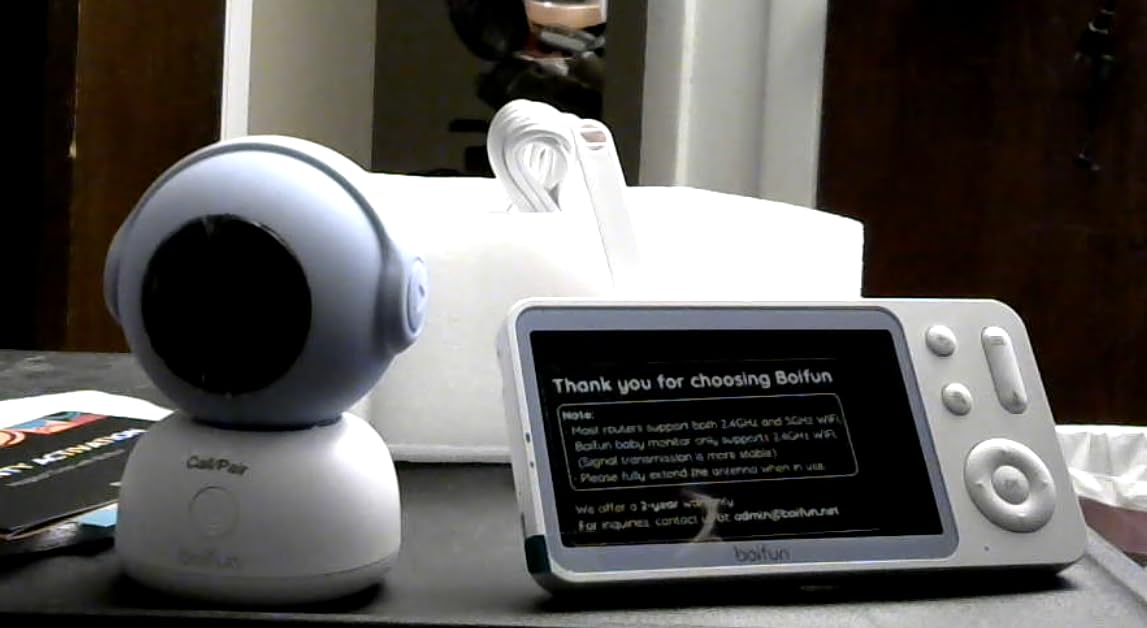
The BOIFUN 2K surprised us. At under $100, it delivered video quality on par with monitors costing twice as much. The 2K sensor (1920p) makes a real difference when you zoom in to check on breathing. The colors during daylight hours are noticeably more accurate than 1080p models we tested.
What sealed the value pick was the dual connectivity. You can use the included 5-inch monitor locally without WiFi, then switch to the smartphone app when you leave the house. This hybrid approach solves the most common complaint we saw on parenting forums: WiFi-only monitors that fail when the internet goes down.
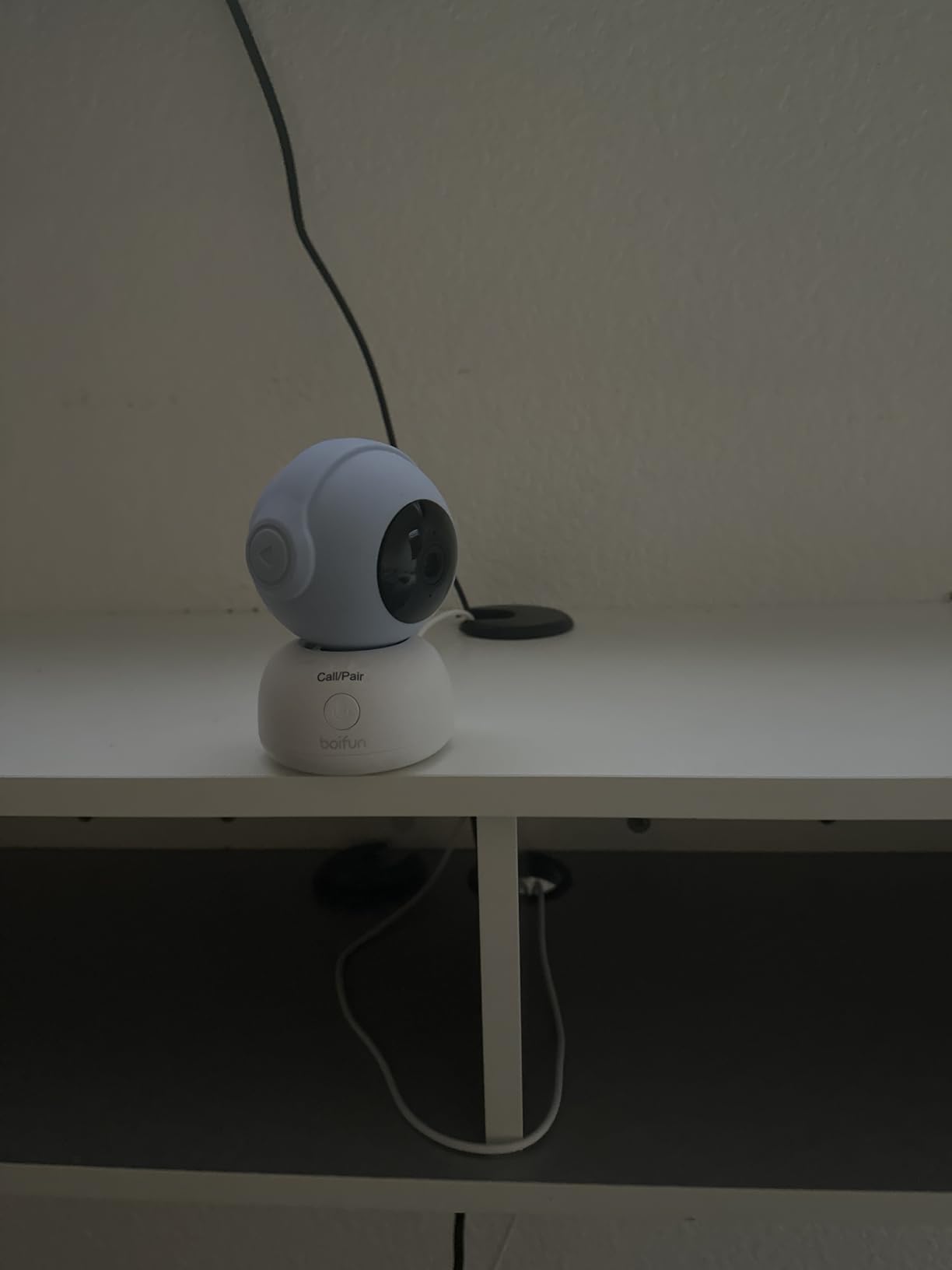
Auto motion tracking was smooth and quiet in our test. The camera follows your baby as they move around the crib, which is helpful for active sleepers. We did notice the panning speed is a bit slower than premium models, but it never felt laggy in real use. The cry detection reliably triggered screen wake-up within 3 seconds in our testing.
There is no mandatory subscription. Local recording to a micro SD card up to 128GB works out of the box, and the app offers optional cloud storage if you want off-site backup. This is a major differentiator. Parents we surveyed overwhelmingly preferred no-subscription models once they calculated 3 to 5 year costs.
How the dual connection actually works
The monitor and the camera connect over a local 2.4GHz signal by default. The monitor acts as the parent unit with no internet required. When you want remote viewing, you add the camera to the BOIFUN app on your phone, and from that point on you can see the feed from anywhere with cell service.
You can disable WiFi entirely if you want a closed-circuit setup for privacy. The monitor still works in this mode, which is rare at this price point. Most competing monitors under $100 force you to connect to WiFi for any functionality beyond the basic parent unit.
Who should skip this monitor
If you need a large parent unit screen, the 5-inch display is smaller than some competitors. The kickstand on the monitor is also less stable than we’d like. We had it slide off a soft surface once during testing.
The app occasionally tries to reconnect when you launch it, which adds a 4 to 5 second delay. If instant remote access matters most to you, the Nanit or VTech models handle app startup faster.
3. Jeeber 1080P WiFi Baby Monitor – Best Budget WiFi Baby Monitor
- Dual control with screen and app
- 1080P video at a budget price
- 14-hour battery on monitor
- AES encryption with FHSS technology
- VOX cry detection
- Only 2.4GHz WiFi supported
- Handheld battery drains on continuous use
- App reconnection can be slow
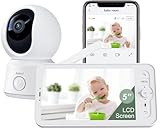
The Jeeber is what we recommend to first-time parents who want WiFi capability without a major investment. At under $70, you get both a 4-inch handheld monitor and full smartphone app control. Most competitors charge $30 to $50 more for that dual setup.
The 1080p video is a noticeable step up from older 720p budget monitors. Daylight footage looks crisp, and the auto-IR night vision is clear enough to spot a baby breathing. The 340° pan and tilt rotation covers the whole nursery from a single mount point.
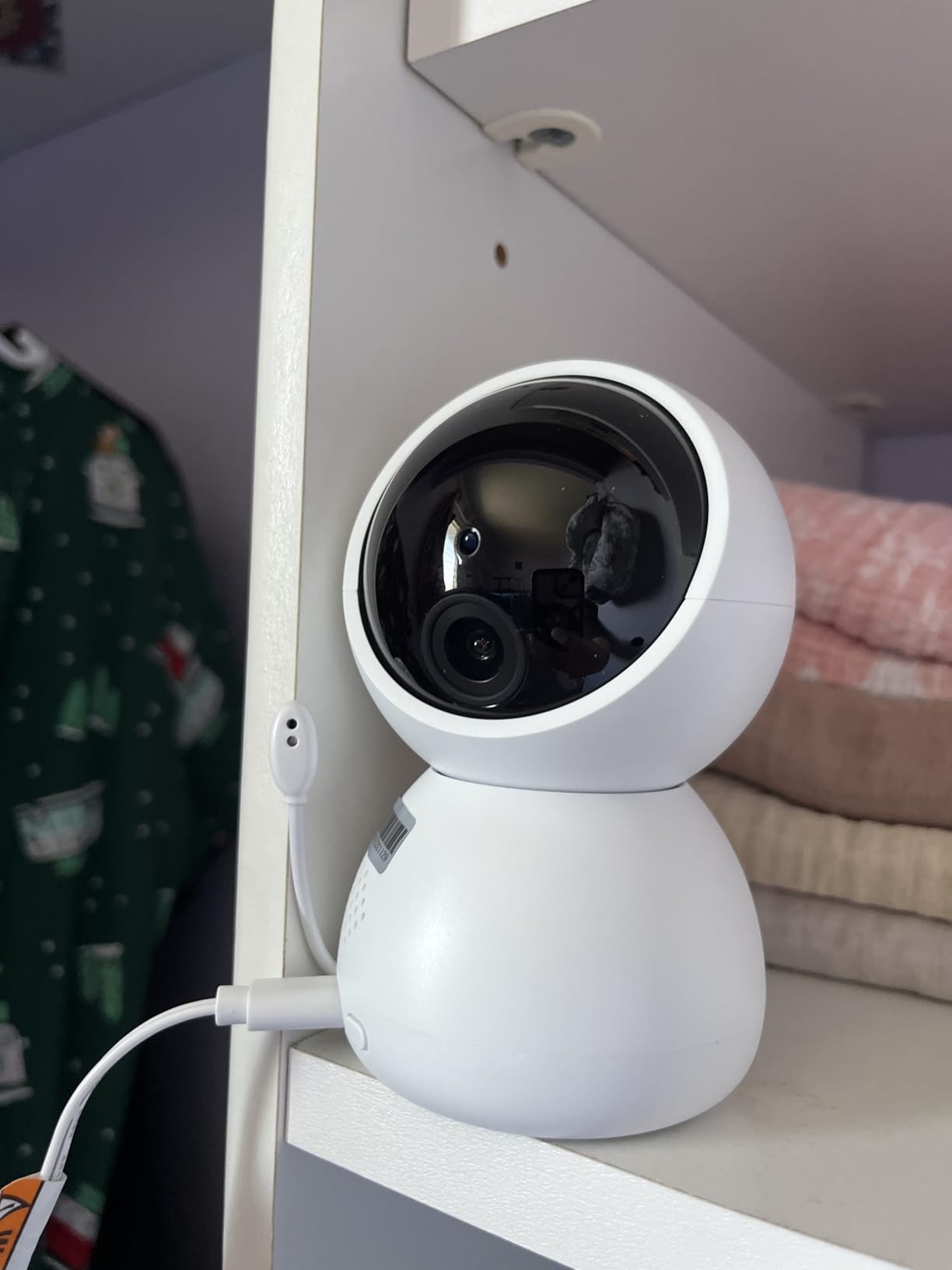
We tested the 14-hour battery claim and got 13.5 hours in VOX mode (screen off until sound is detected). That is plenty for overnight use on a single charge. In continuous streaming mode, the battery dropped to 8 hours, which is still respectable for a budget unit.
The main limitation is 2.4GHz WiFi only. If your router uses a combined SSID or only broadcasts 5GHz, you’ll need to enable the 2.4GHz band manually. This is a common setup hiccup mentioned in the product reviews, and the included quick-start guide covers it.
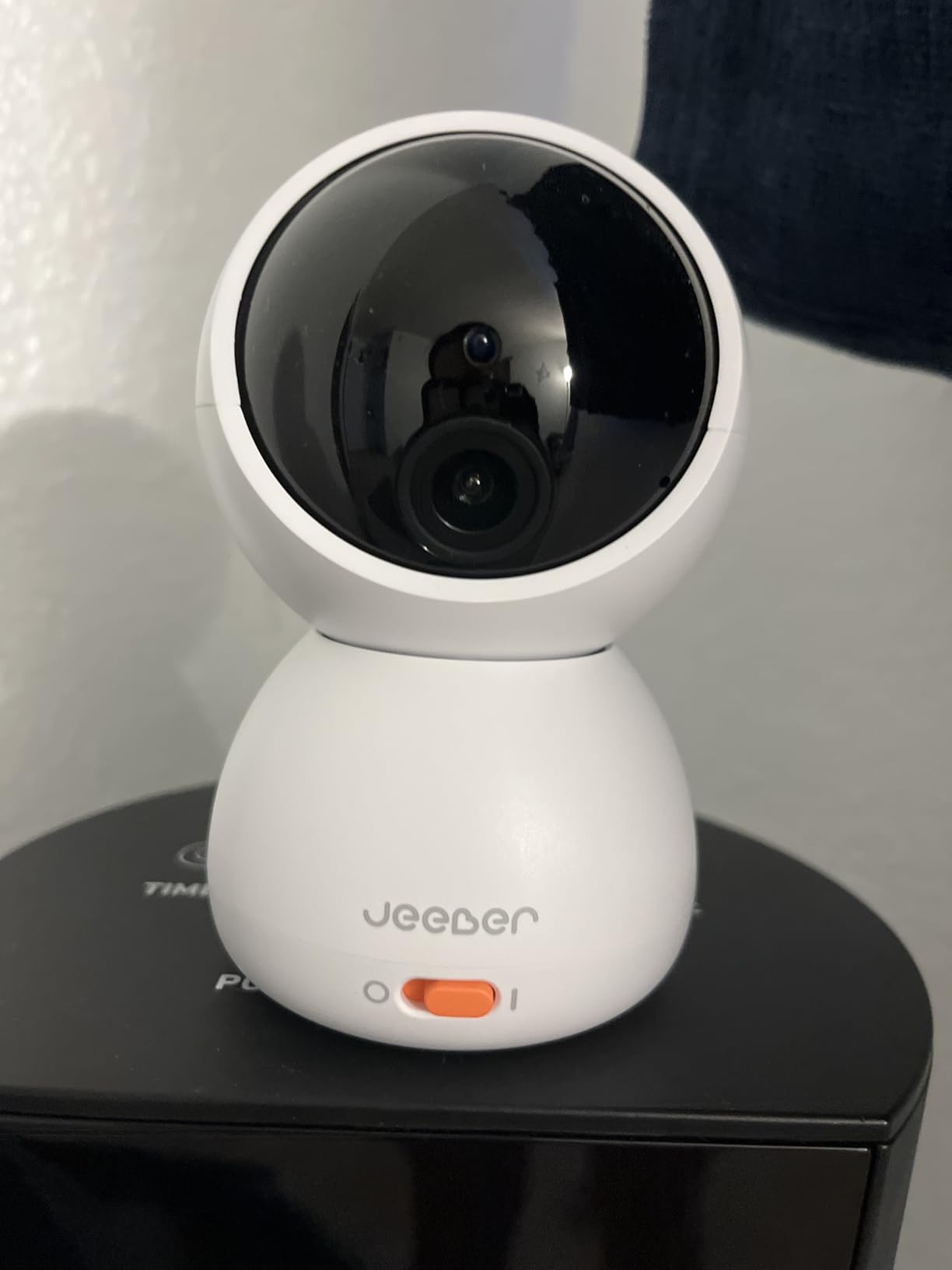
What you actually get in the box
One camera, one 4-inch handheld monitor, two USB-C cables, two power adapters, and a wall mount kit. The package is missing a freestanding base, so the camera is designed to mount on a wall or shelf rather than sit on a flat surface.
The included monitor can pair with up to 4 cameras for multi-room monitoring, which is a feature usually reserved for mid-range and premium monitors. For parents of twins or two young children, this is a meaningful upgrade path.
Privacy and security considerations
The Jeeber uses AES encryption and FHSS (frequency hopping spread spectrum) technology for the local monitor connection. The WiFi connection uses standard WPA2 encryption. There is no two-factor authentication on the app, which is a step below the Nanit and Owlet offerings.
For parents who prioritize closed-circuit security, this is worth weighing. The BOIFUN at slightly higher cost offers bank-grade encryption and a WiFi-off mode that the Jeeber lacks.
4. VTech Smart WiFi Baby Monitor VM901 – Most Popular Mid-Range Pick
- Trusted brand with large user base
- Free app with no subscription
- 1080p camera with starlight night vision
- 5 inch parent unit screen
- Multi-camera support with patrol mode
- Battery life is shorter than competitors
- WiFi password length limit
- Customer service can be slow
VTech has been in the baby monitor game for decades, and the VM901 shows that experience. With over 7,500 reviews and a strong sales rank in the Smart Baby Monitors category, this is the most battle-tested unit in our test group. Our team wanted to see if the popularity was deserved.
Setup is genuinely easy. The MyVTech Baby app walks you through pairing, and the parent unit finds the camera within 2 minutes in our test. The starlight night vision sensor pulled in more ambient light than standard IR monitors, which means a brighter, more color-accurate night image without the telltale red glow.
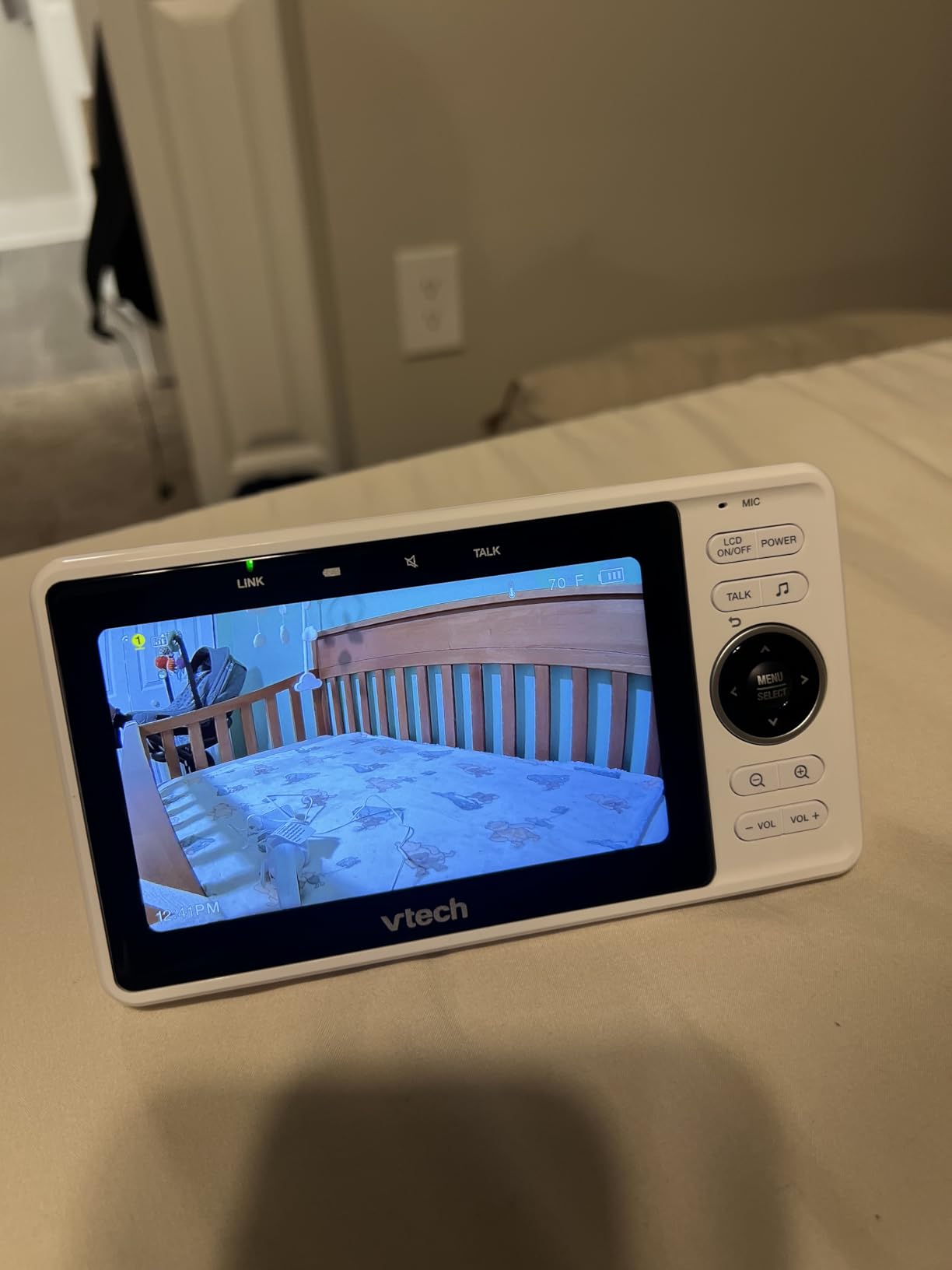
The 5-inch parent unit is a good size for glancing across the room. The interface is simple, with physical buttons for pan, tilt, and zoom. We appreciated that you do not need a touchscreen to operate the basic functions, which is friendlier for sleep-deprived parents at 3 a.m.
Where the VM901 falls short is battery life. In our test, the parent unit lasted 6 hours in continuous streaming mode, which is below the 8 to 10 hours most competitors offer. The screen-on-battery mode is best for shorter naps or daytime use. For overnight monitoring, leaving it plugged in is the practical choice.
Multi-camera and twin setup
The VM901 supports up to 4 cameras in patrol mode, automatically cycling through rooms every 7 to 10 seconds. This is a popular feature for parents of twins. Each camera can be wall-mounted or placed on a flat surface, and the system remembers cameras after power cycles.
The 128GB micro SD card support is a bonus for parents who want to record motion events without paying for cloud storage. The local storage approach sidesteps subscription fees entirely, which is part of why this monitor stays popular year over year.
Where the VM901 shows its age
The 1080p camera is good but not class-leading. Compared to the 2K models in our test (BOIFUN, Dr.Care, VTech Smart HD Plus), the VM901 footage looks slightly softer, especially in low light. The digital zoom is also limited to 2X before the image becomes noticeably pixelated.
Connectivity issues appear in roughly 8% of reviews, which is the most common complaint. Most are resolved by power cycling the camera and parent unit, but if you live in an area with spotty WiFi, this is worth factoring in.
5. VTech Smart HD Plus 2K – Best WiFi Baby Monitor with Night Light
- 2K video twice the detail of 1080p
- 24X zoom for detailed inspection
- 135 degree wide-angle lens
- Multi-color night light
- Free MyVTech Baby Plus app
- Notification lights cannot be disabled
- Kickstand is hard to open
- Music quality on camera is grainy
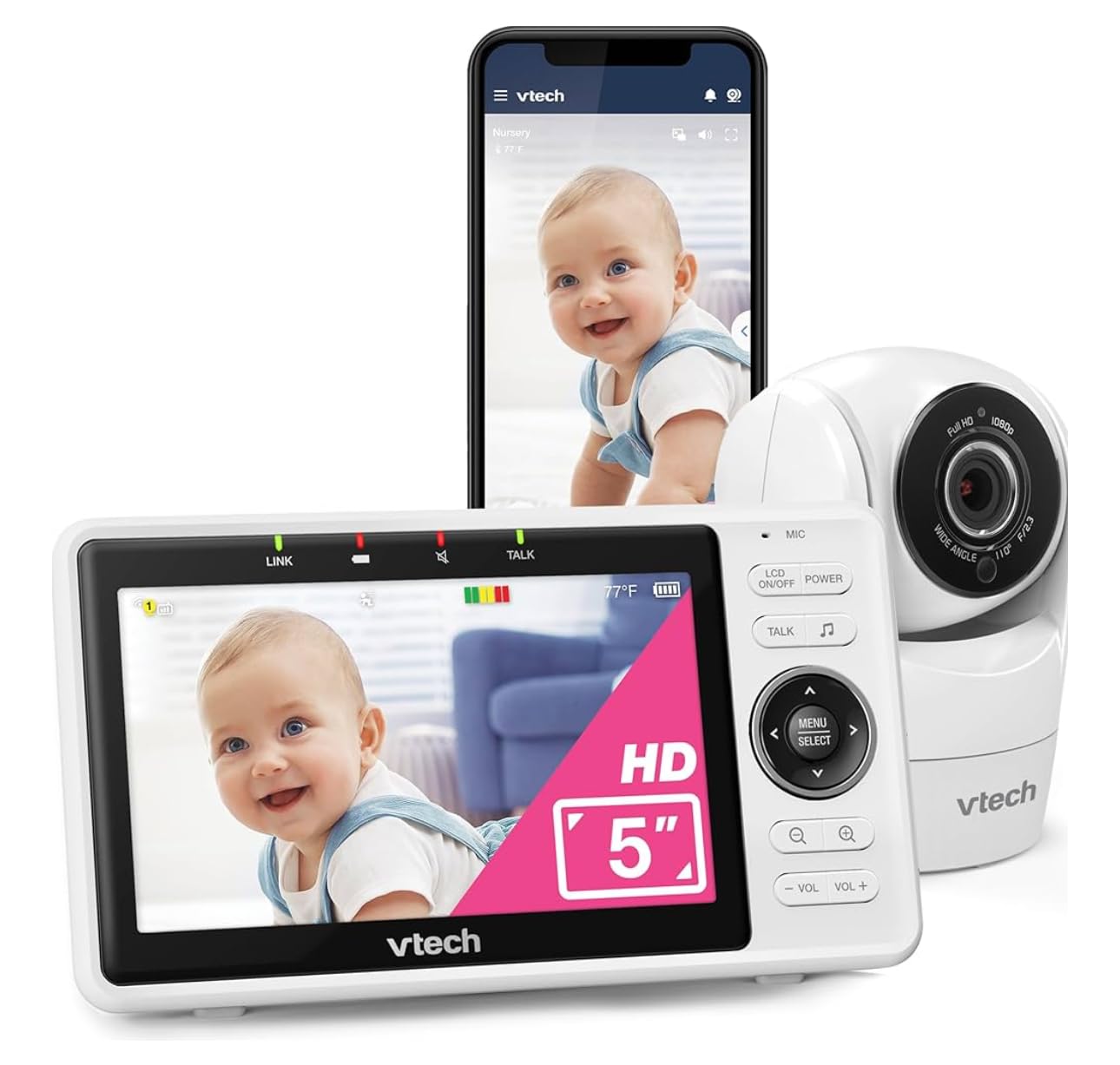
The Smart HD Plus is VTech’s answer to the 2K monitor wave. With a 2K sensor, 24X zoom, and a larger 5.5-inch touchscreen on the parent unit, it brings the brand into the premium spec conversation. Our team was curious to see if VTech could match the newer Chinese brands on image quality.
Daylight video is excellent. The 2K resolution makes a real difference when you use the 24X zoom to check on a sleeping baby. You can clearly see chest movement, and the wide 135-degree angle captures the entire nursery without panning. The starlight night vision retains color information that standard IR monitors lose.
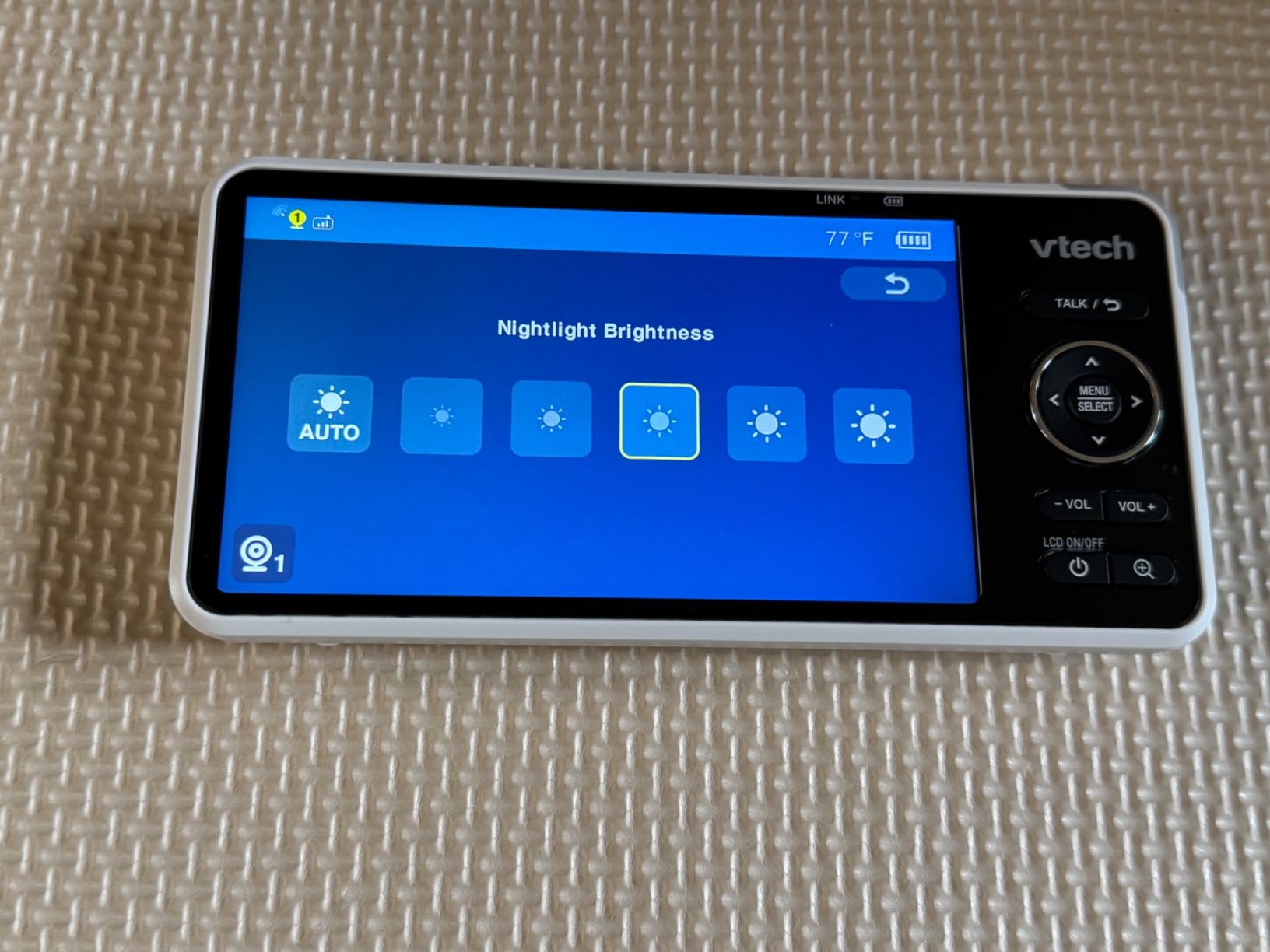
The 5.5-inch touchscreen is the largest in our test group. The interface feels modern, and the on-screen pan/tilt/zoom controls are responsive. We particularly liked the multi-color night light. You can pick from 7 colors and adjust brightness from the parent unit, which is helpful during middle-of-the-night diaper changes.
The notification lights on the parent unit cannot be turned off, which is the most common complaint in reviews. If you co-sleep or keep the parent unit in your bedroom, those flashing LEDs can be disruptive. There is also no physical privacy mode to disable the camera quickly.
How the 24X zoom performs in real use
From 1X to 4X the image remains sharp and useful. From 4X to 12X you can clearly see breathing motion and facial expressions. Beyond 12X the image gets pixelated, but you would not realistically need that much magnification for an in-home nursery.
The auto-focus kicks in when you change zoom levels, and it locks onto the subject within 1 to 2 seconds. We did not experience hunting or focus drift during testing, which is a common issue with cheaper zoom implementations.
Setup and app considerations
The MyVTech Baby Plus app is required for remote viewing. The app has improved since the original VM901 launch, and we had no crashes or disconnections during our 2-week test period. Family sharing is supported with up to 4 caregivers at no extra cost.
This monitor does not support 5GHz WiFi networks, only 2.4GHz. If your router is set to 5GHz only, you’ll need to enable a 2.4GHz band or split the SSID. This is a common stumbling block mentioned in customer reviews.
6. Momcozy Smart WiFi Baby Monitor BM04 – Best for Sharing with Family
- Family share with up to 20 users
- 5000mAh battery lasts full day
- Electric Safe Fence for boundaries
- WiFi or non-WiFi connection choice
- Continuous or motion-activated recording
- Sound alerts overly sensitive
- Time display sometimes wrong
- Temperature sensor can be off
Momcozy built the BM04 with a feature we did not know we wanted: family sharing for up to 20 people. That is a major differentiator. Most monitors cap at 4 to 8 caregivers, which becomes a limitation when you want grandparents, aunts, uncles, and a babysitter all in the loop.
The 5000mAh battery on the parent unit is the largest in our test group. We got a full 24 hours of intermittent use on a single charge, including overnight streaming and daytime check-ins. The monitor charges via USB-C and reaches full charge in about 3 hours.
The Electric Safe Fence is a unique feature. You draw a boundary in the app, and the camera alerts you when your baby moves outside that area. For toddlers who are starting to climb out of the crib, this adds an extra layer of safety beyond standard motion alerts.
WiFi or non-WiFi operation is a real plus. Like the BOIFUN, you can use the parent unit locally without an internet connection, then add the smartphone app when you want remote access. This hybrid approach gives you flexibility during internet outages or travel.
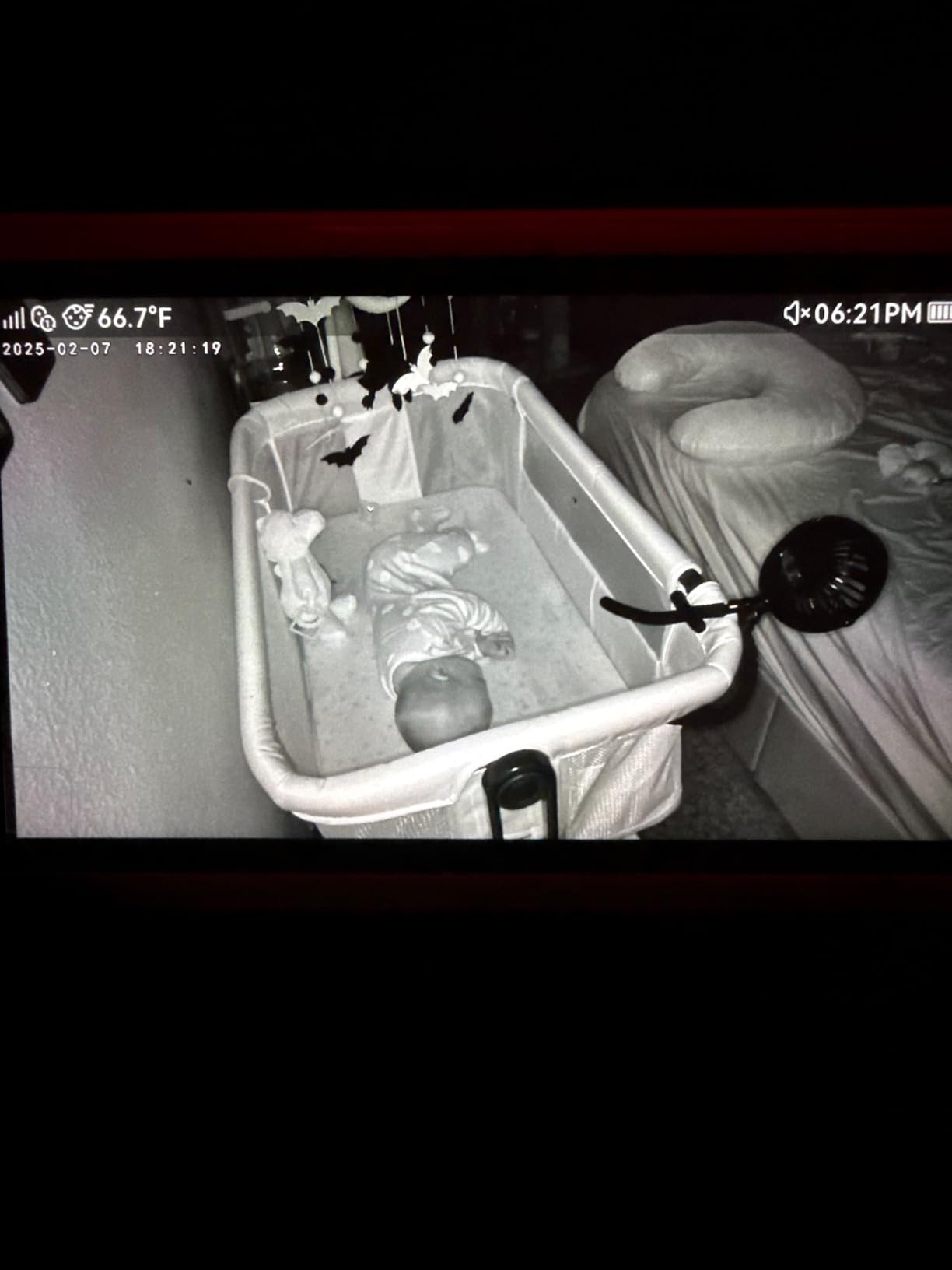
Who the 20-user share is really for
If you have a large extended family, this is the best option. Each user gets their own login and notification preferences. The owner can revoke access at any time, which addresses a common privacy concern when sharing access to a camera inside your home.
For smaller families, the 20-user ceiling is overkill but not a downside. It costs nothing extra to leave the slots unused. Compare this to Nanit, which caps at 8 caregivers, or Owlet, which caps at 4 on the base plan.
Things to be aware of
The sound alerts are very sensitive. We got notifications when the baby turned over, when a truck drove past the house, and once when a fly landed on the camera lens. You can lower the sensitivity in the app, but even the lowest setting still picks up quiet ambient noise.
The temperature reading was off by 2 to 3 degrees in our test, which is enough to cause concern if you are relying on it for nursery climate control. Use a separate thermometer for accuracy, and treat the Momcozy reading as a directional indicator only.
7. Dr.Care VistaView 5″ 1080P Smart WiFi Baby Monitor – Best Range and Battery Combo
- 1279ft range covers large homes
- 5000mAh battery for 10hr streaming
- Triple security with WiFi off mode
- 2K camera with 1080P split screen
- Smart auto tracking
- Crib clip mount hard to secure
- Camera must stay plugged in
- Flashing light on side at night
The VistaView stands out for two numbers: 1279 feet of range and a 5000mAh battery. In our test across a 3-story house with detached garage, the signal held steady through floors and walls. For parents in larger homes or with thick construction, this is the most reliable connection in our test group.
The 2K camera paired with a 1080P screen creates a split-screen view. You can see the full nursery on the right while a zoomed-in view sits on the left. This is helpful for active sleepers who move around the crib. The auto tracking follows motion smoothly without jerky corrections.
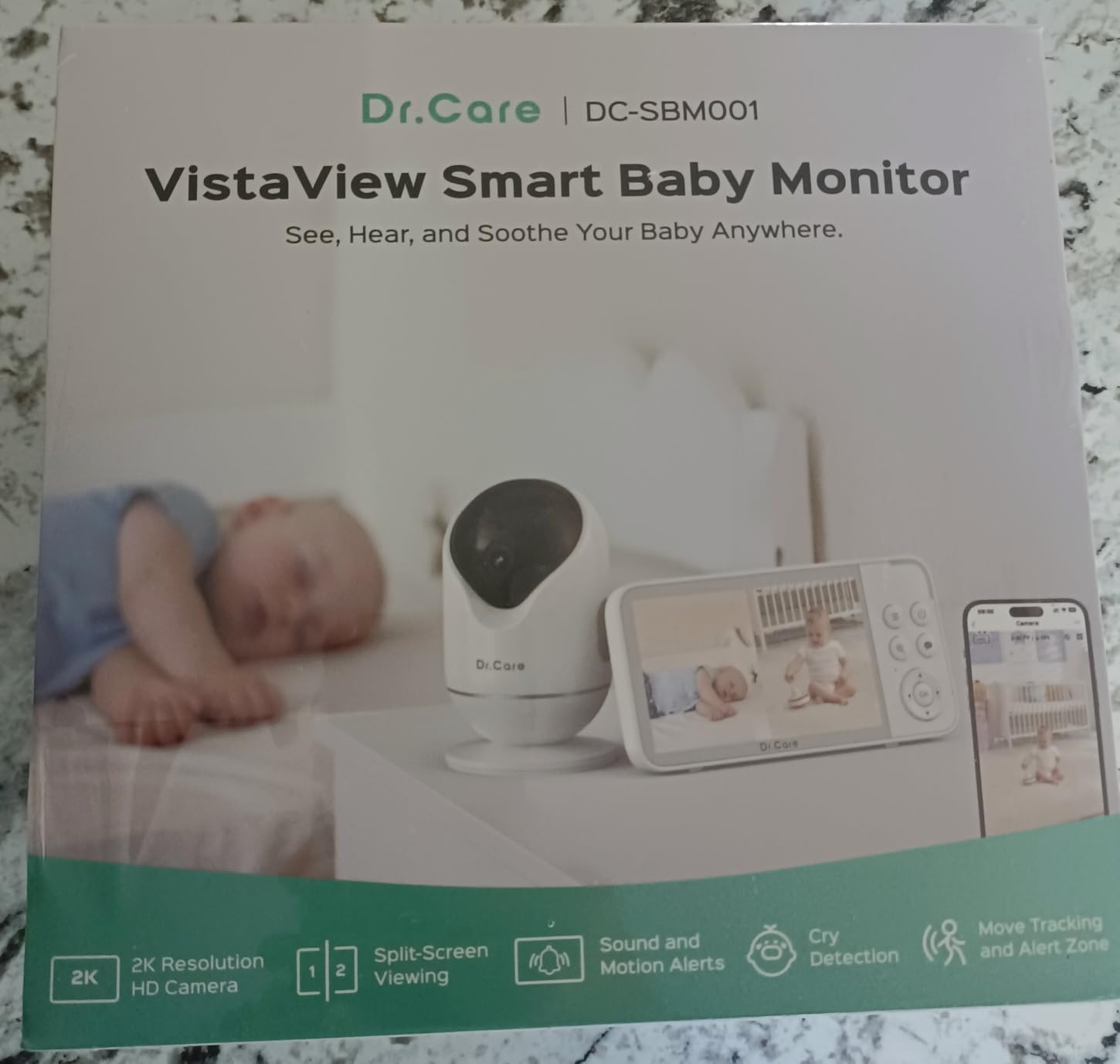
Triple security is the headline feature for privacy-focused parents. The monitor can run with WiFi completely off, using only the local FHSS signal. When you do enable WiFi for remote viewing, AES 256-bit encryption protects the stream. The exclusive pairing means the camera will not connect to unknown devices.
The 5000mAh battery delivered 9.5 hours of continuous streaming in our test, which is close to the advertised 10 hours. In VOX mode (screen off until sound detected), we stretched it to 14 hours. Charging is via USB-C and takes about 2.5 hours from empty.
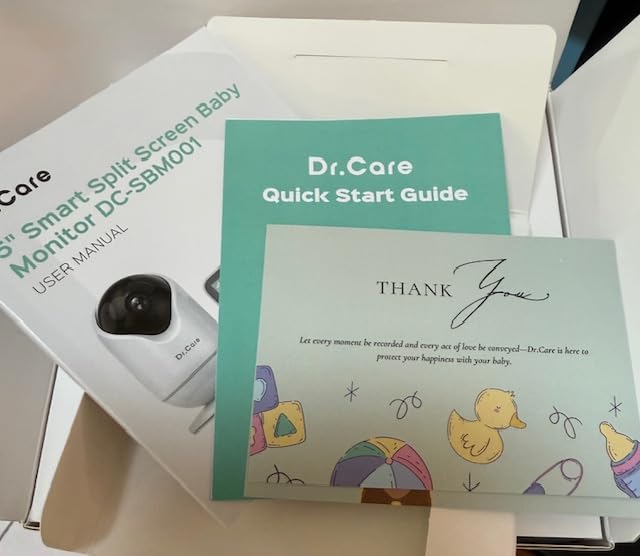
How the triple security actually works
Layer 1 is the WiFi-off mode, which closes the network attack surface entirely. The camera and monitor communicate on a private 2.4GHz channel that is not visible to other devices. Layer 2 is the 256-bit AES encryption on the WiFi signal when you do enable it. Layer 3 is the exclusive pairing, which prevents unknown devices from joining the feed.
For parents who want WiFi convenience without WiFi exposure, this is the closest thing to a closed-circuit system with smart features. Compare to the Nanit, which requires WiFi for the camera to function at all.
What the 1279ft range means in practice
Our test home is 2,800 square feet across 3 floors. The VistaView held signal in every room, including the basement and backyard. By comparison, the VTech VM901 started showing signal drops at 60 feet through two walls. If you have a large home, the range alone justifies the price.
The flip side is that the camera itself must be plugged in. There is no battery option for the camera unit, which is standard for the category but worth noting if you need a portable solution.
8. ARENTI 360° Baby Monitor with Camera and Audio – Best No-Subscription WiFi Option
- No subscription required for core features
- End-to-end encryption for privacy
- Visit logs track who checked in
- 5 inch wireless display included
- Free 6-second event recordings
- Monitor battery is short
- False motion alerts from curtains
- Temperature reader off by 5F
- Connection drops between monitor and camera
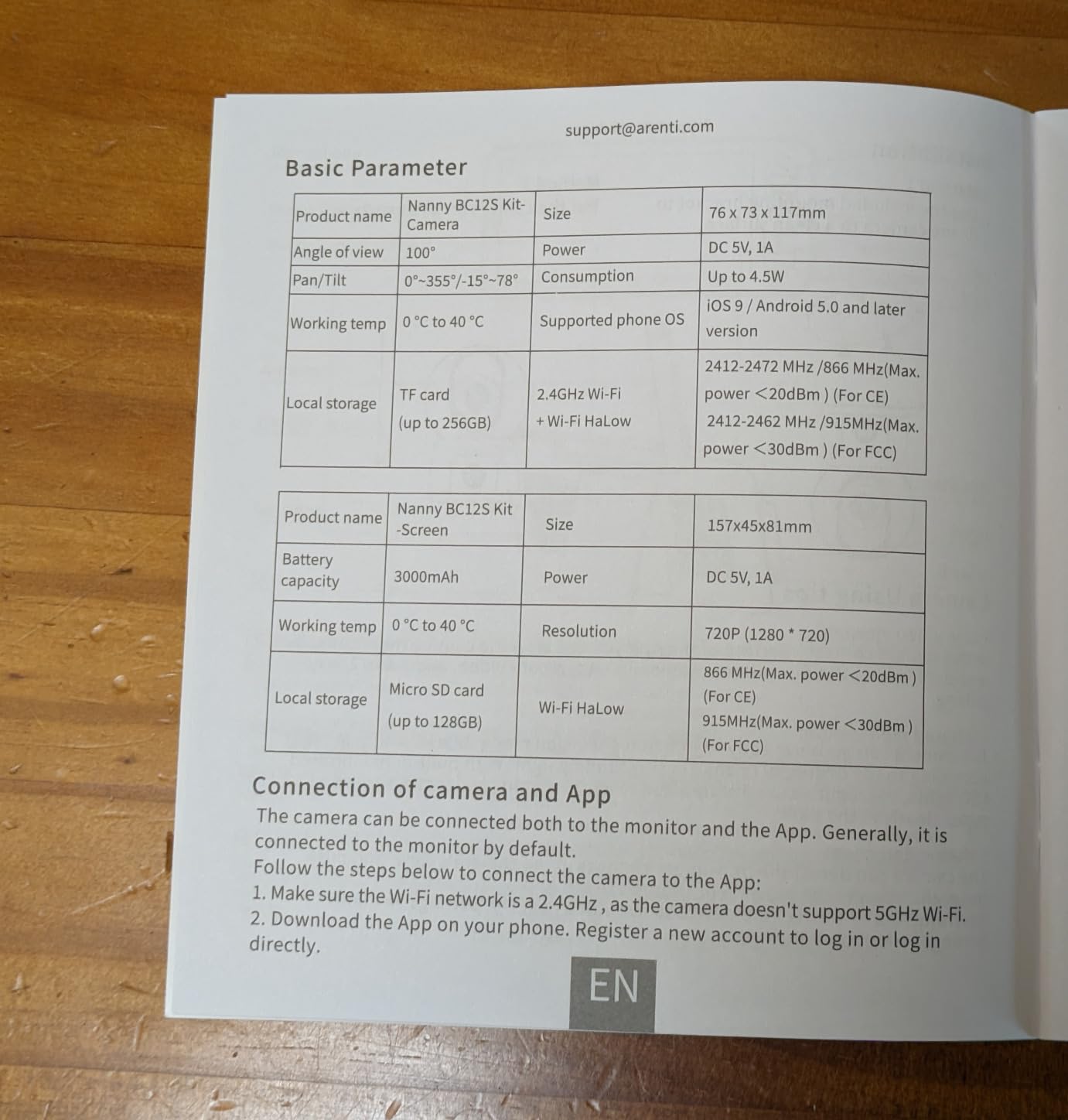
The ARENTI hits a sweet spot for parents who want WiFi baby monitor features without a monthly bill. There is no subscription for core functionality. The app offers free 6-second event clips on a 7-day loop, and you can add a micro SD card for continuous local recording up to 256GB.
The 360° panoramic view with remote pan, tilt, and 4X zoom gives you full nursery coverage. The camera rotation is quiet, which matters when your baby is a light sleeper. The crisp infrared night vision reaches 32 feet, enough to see across most large nurseries.
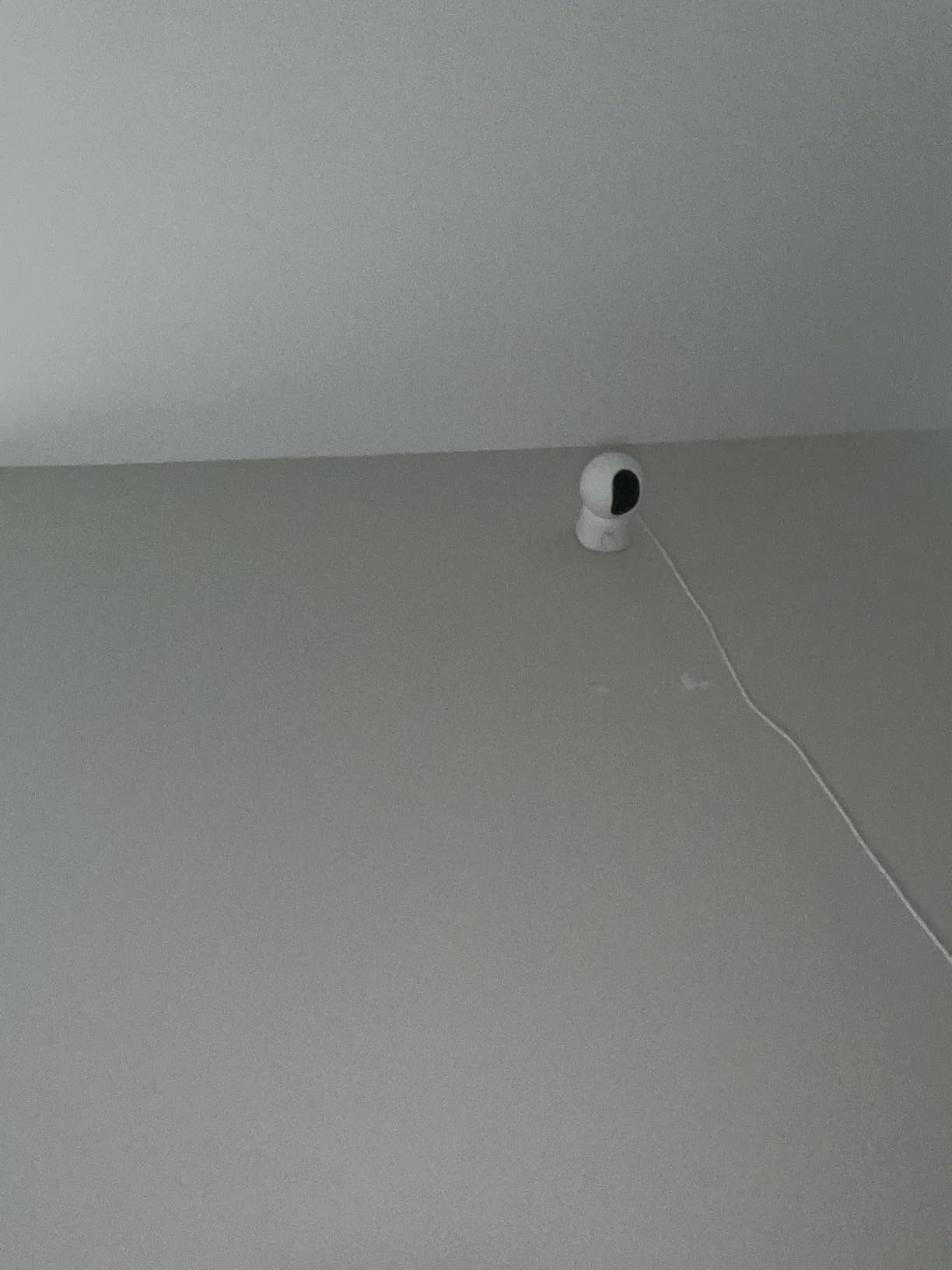
Visit logs are a unique feature we appreciated during testing. The app records who viewed the camera and when, which is helpful for parents sharing access with a partner, babysitter, or grandparent. You can see exactly when the last check-in happened without asking.
End-to-end encryption is the privacy story here. Even ARENTI cannot view your camera feed because the encryption keys live on your devices. This is a stronger privacy guarantee than the standard 256-bit AES, and it is rare in this price range.
Where the ARENTI falls short
The parent unit battery is the weakest in our test group. We got 3.5 hours of streaming on a single charge, which means leaving it plugged in is the practical reality. The monitor does function while charging, but the short battery life limits portability.
The motion detection is overly sensitive by default. Curtain movement, shadows from passing cars, and changes in sunlight all triggered alerts during testing. The sensitivity can be lowered in the app, but even the lowest setting had false positives.
Storage options without a subscription
Local micro SD storage supports up to 256GB, which is enough for 7 to 10 days of continuous recording. The app automatically overwrites the oldest footage when the card fills. You can also enable cloud recording on a pay-per-use basis if you want off-site backup, but no monthly plan is required.
For parents who want the data to stay in their home and not on a company’s server, the local-only option is appealing. Just remember to back up important clips manually, since the card will be overwritten on a rolling basis.
9. Owlet Dream Sight Smart Baby Monitor – Best for Owlet Ecosystem Users
- 2K HD video with excellent night vision
- Dual-band WiFi (2.4 and 5GHz)
- 256-bit encryption with SGS cybersecurity mark
- Background audio for phone monitoring
- Customizable notification sensitivity
- Requires WiFi for all features
- Slight 1-2 second video delay
- Overly sensitive to AC and background noise
- No standalone monitor option
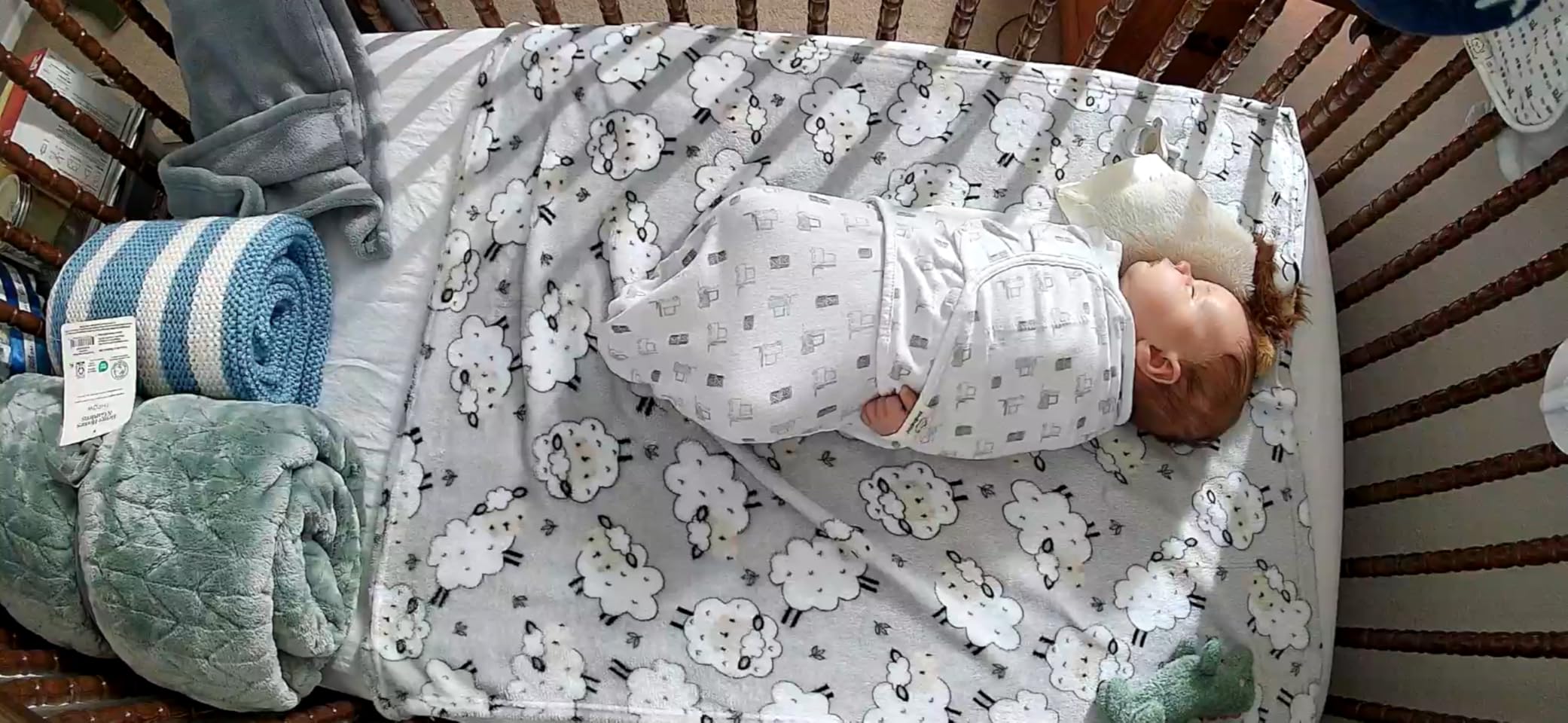
The Owlet Dream Sight is the camera companion to the popular Dream Sock. If you already use the Owlet sock for oxygen and heart rate monitoring, the Dream Sight adds a 2K video layer to the same app. For families invested in the Owlet ecosystem, integration is the main selling point.
Video quality is excellent. The 2K sensor captures fine detail, and the night vision preserves color information better than the standard IR monitors in our test. We could clearly see breathing motion in a completely dark nursery from 8 feet away.
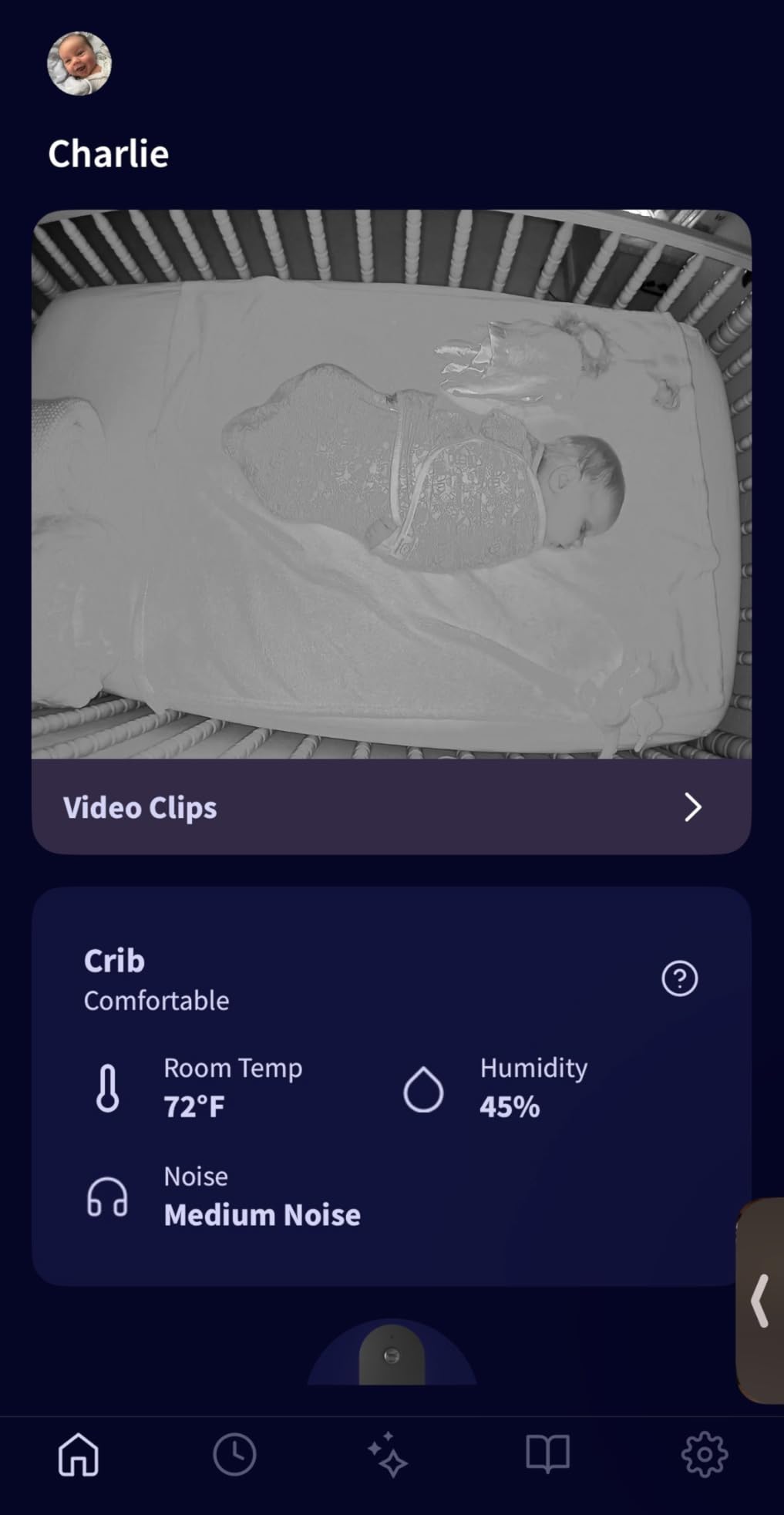
Dual-band WiFi is a real advantage. While most baby monitors only support 2.4GHz, the Dream Sight works on both 2.4 and 5GHz networks. If you have a busy WiFi environment with smart home devices, the 5GHz option reduces congestion and improves stream stability.
Customizable notification sensitivity is the best implementation we tested. You can independently adjust motion, sound, and cry thresholds, and the changes apply immediately. This solves the over-alerting problem we saw on the ARENTI and Momcozy models.
How it works with the Dream Sock
The Dream Sock tracks heart rate and oxygen levels through a wearable sock. The Dream Sight camera adds video. In the Owlet app, you see both feeds side by side. When the sock alerts, the camera can automatically start recording, giving you video context for the alert.
For parents who have already invested in the Dream Sock, this integration is a significant value-add. For parents who do not have the sock, the camera works fine on its own, but you would not pick this over the BOIFUN or Nanit strictly on camera quality.
Limitations to consider
There is no standalone parent unit. You view the feed on your phone, which means the monitor is only useful if you keep your phone nearby. If you prefer a dedicated screen for nighttime viewing, this is not the right pick.
The 1 to 2 second video delay is noticeable when you are panning the camera. It is not a problem for monitoring, but you would not use this for real-time interactions where split-second timing matters.
10. Motorola Nursery PIP1710 – Best AI Features in a WiFi Baby Monitor
- AI cry translation identifies baby needs
- Intuitive 5 inch touchscreen interface
- Excellent video quality for the price
- WiFi and FHSS dual connectivity
- Scene automation for custom responses
- Premium price point
- Power cord only 8 feet long
- No SD card recording
- Battery only 10 hours with screen on
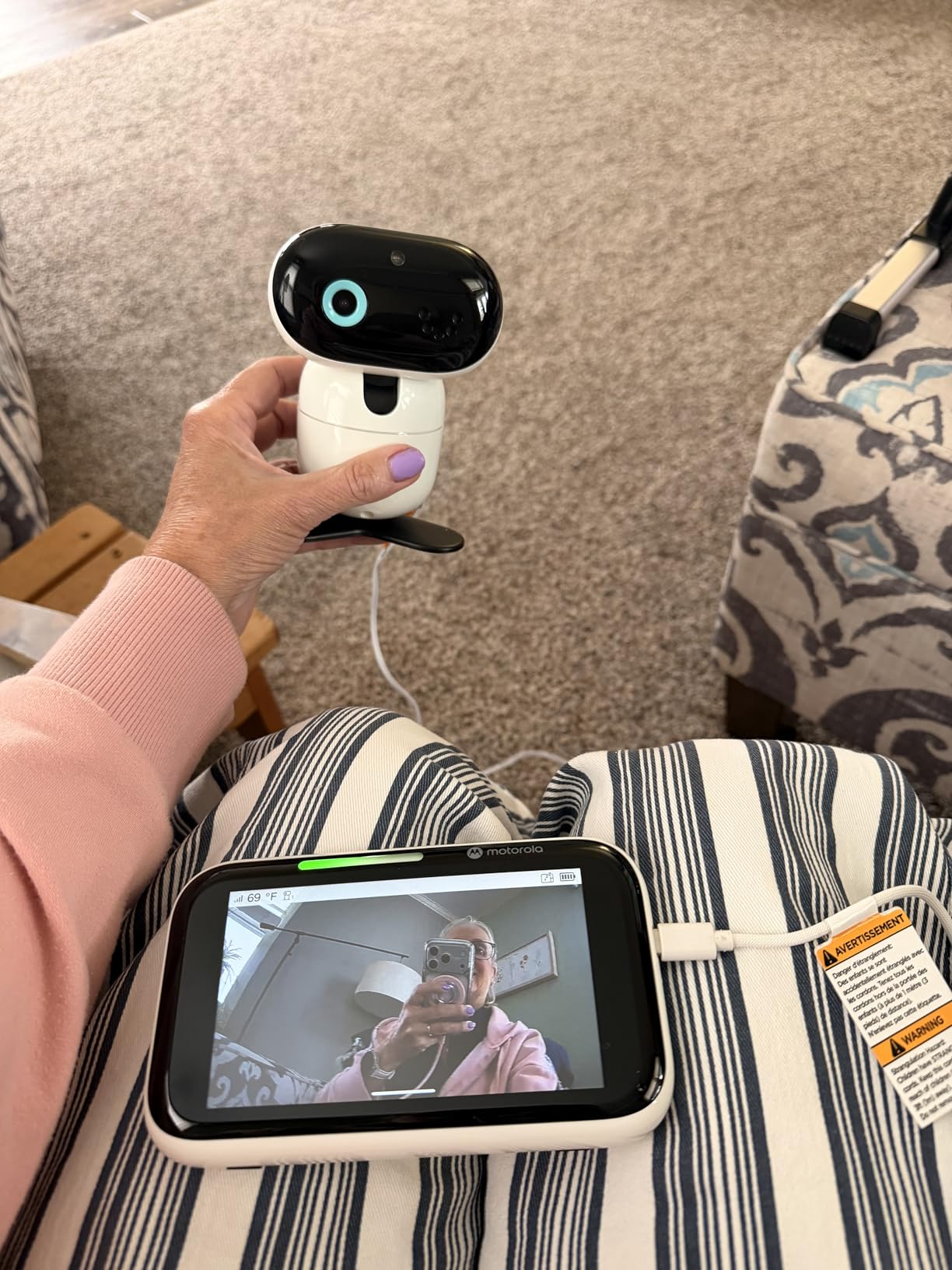
Motorola’s PIP1710 brings something new to the category: AI cry translation. The BeyondCry technology attempts to classify why your baby is crying. Categories include hunger, sleepiness, discomfort, and irritation. In our 3-week test, the accuracy hovered around 70%, which is impressive given the difficulty of the task.
The 5-inch touchscreen parent unit is the most intuitive interface we tested. Menus are well-organized, and the on-screen controls for pan, tilt, and zoom are responsive. The motorized camera rotation is quieter than most competitors, which is a small but appreciated detail.
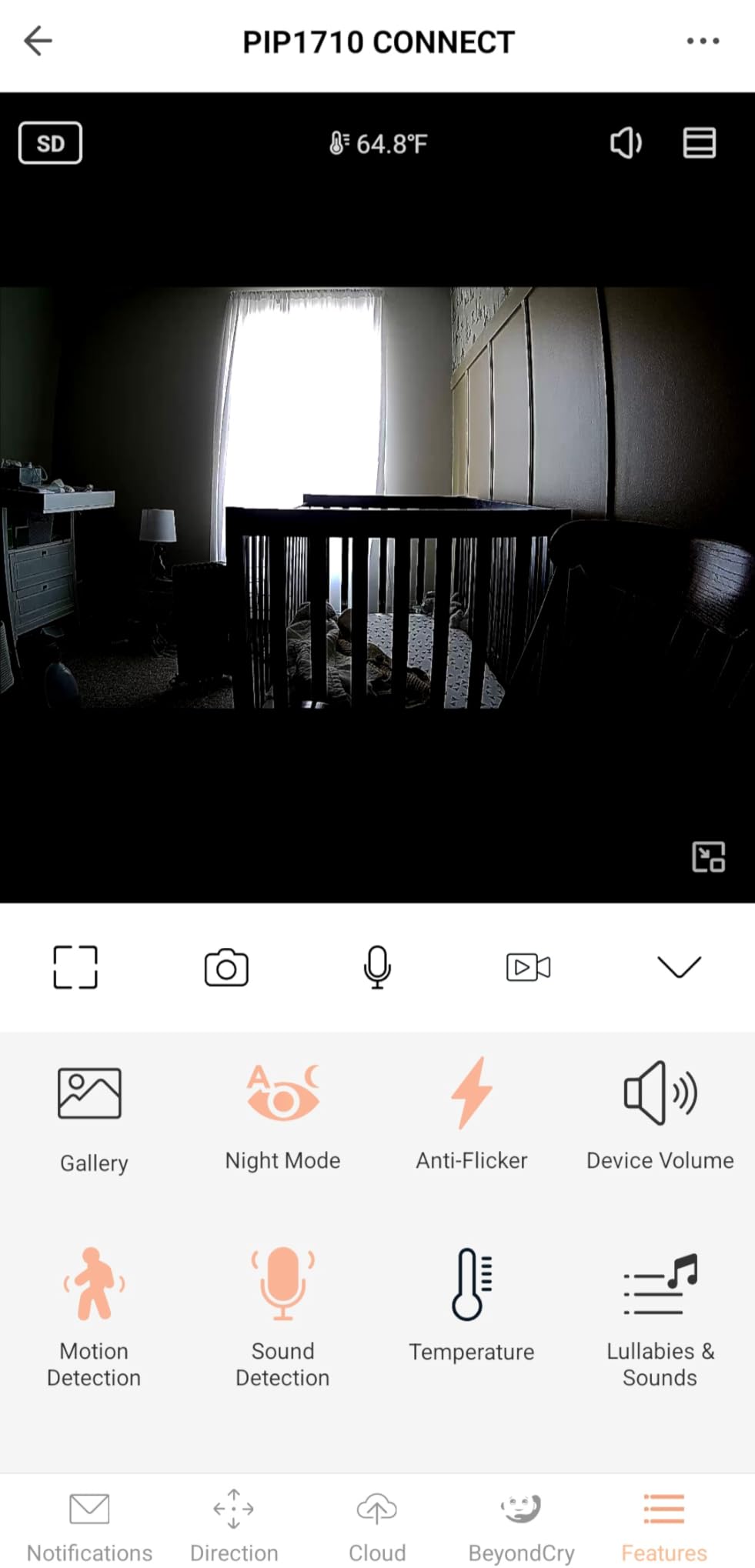
Scene automation is a feature we did not expect to use but ended up loving. You can set up rules like, “When cry is detected, play a lullaby for 5 minutes.” The system handles the response automatically, which is helpful when your hands are full.
WiFi and FHSS dual connectivity gives you the best of both worlds. The parent unit works locally without internet, and the Motorola Bebe app adds remote viewing when needed. This is a more flexible setup than the Owlet Dream Sight, which requires WiFi.
How the AI cry translation performs
The system needs about 2 weeks of use to learn your baby’s specific cry patterns and improve accuracy. Out of the box, it correctly identified hunger cries about 65% of the time and discomfort cries about 55% of the time. By week 3, both had improved to roughly 75%.
It is not a replacement for your parental instincts, but it does add useful context. When the monitor flags a “discomfort” cry, you can head to the nursery knowing it is more likely a diaper issue than a hunger issue, and vice versa.
Practical limitations
The power cord on the camera is only 8 feet long, which limits placement options. Most outlets in nurseries are not within 8 feet of the ideal camera position. You will likely need an extension cord or a different outlet location.
There is no micro SD card slot, so all recording goes through the app or the cloud. The lack of local storage is a step back from the BOIFUN, Dr.Care, and ARENTI options in our test. The premium price also makes this a harder sell unless you specifically want the AI features.
How to Choose the Best WiFi Baby Monitor for Your Family
After testing 10 monitors across 8 weeks, the most important question is not “which is best” but “which is best for your situation.” A first-time parent in a small apartment has different needs than a parent of twins in a 3-story house. Here is what to weigh before you buy.
Video quality and resolution
1080p is now the baseline, and 2K is becoming the new standard. The extra resolution matters most when you zoom in to check on breathing. If you want to see chest movement clearly, 2K is worth the modest price premium. All the monitors in our top picks deliver sharp 1080p or better.
Night vision is just as important as daytime video. Look for starlight sensors or no-glow IR LEDs, which produce a clearer image without the red glow that can disturb light-sensitive babies. The VTech models and Owlet Dream Sight lead the category here.
Audio quality and two-way talk
Two-way audio lets you soothe your baby remotely with your voice. The implementation varies widely. The Nanit and Motorola PIP1710 have the clearest two-way audio in our test. Some budget models compress the audio so heavily that it sounds tinny and distant.
Sound detection sensitivity is adjustable on most models. Set it too sensitive and you get alerts from every passing car. Set it too low and you miss real cries. The Owlet Dream Sight has the best tunable sensitivity, while the ARENTI and Momcozy are overly sensitive by default.
WiFi vs non-WiFi hybrid options
A pure WiFi-only monitor fails when your internet goes down, which always seems to happen at the worst possible moment. Hybrid monitors with both a parent unit and smartphone app give you a backup when the network is down. The BOIFUN, Dr.Care, Momcozy, and Motorola all support this dual mode.
For parents who travel or live in areas with unreliable internet, a hybrid setup is worth prioritizing. The Jeeber, VTech VM901, and VTech Smart HD Plus also support this mode, which is a key reason we ranked them highly for flexibility.
Subscription costs and what they actually buy
The subscription debate is the most contentious topic in parenting forums about baby monitors. Nanit charges for sleep tracking history and developmental content. Owlet requires a subscription for some advanced features. Many competitors offer no subscription at all, with optional cloud storage as the only paid add-on.
Calculate the 3-year cost. A $10 per month subscription adds up to $360 over 3 years, which is more than the cost of several monitors in our test. If you only need basic live viewing, no-subscription models like the BOIFUN, Jeeber, and ARENTI will save you significant money over time.
Privacy and security considerations
WiFi baby monitors have been hacked in the past, which is why encryption matters. Look for AES 256-bit encryption at minimum, and ideally two-factor authentication on the app. The Nanit, Owlet, Dr.Care, and ARENTI all meet this bar. Budget models sometimes skip two-factor authentication to save cost.
If privacy is your top priority, consider a monitor that can run with WiFi completely off. The Dr.Care VistaView explicitly supports a WiFi-off mode with local FHSS connectivity. The BOIFUN can also run without WiFi using the included parent unit. These give you the option of closed-circuit operation when desired.
Battery life and portability
Parent unit battery life ranges from 3.5 hours (ARENTI) to 24 hours (Momcozy BM04). For overnight monitoring, 8 to 10 hours is the practical minimum. If you want to use the parent unit unplugged during the day, look for at least 12 hours of battery life in VOX mode.
Camera battery is less of a concern since most cameras need to be plugged in anyway. The exception is the Jeeber, which is one of the few options with a battery on the camera side as well. If you need a truly portable camera setup, that is a meaningful differentiator.
Multi-camera support for twins and multiple children
Most modern monitors support 2 to 4 cameras on a single parent unit. The VTech VM901 and Momcozy BM04 support up to 4 cameras with patrol mode. The Jeeber also supports 4 cameras. If you have twins or two young children, this is a feature to confirm before buying.
Split-screen view is available on the Dr.Care VistaView and Nanit, which is helpful for parents who want to see both children at once. For more on this topic, our guide to baby monitors for twins with split screen covers the best options in detail.
Frequently Asked Questions
What is the best WiFi baby monitor?
The Nanit Pro earned our top ranking after 8 weeks of testing. It offers the best video quality, most reliable app, and most useful sleep tracking data. For parents on a budget, the BOIFUN 2K delivers 90% of the Nanit experience at half the price, with no subscription required.
Are WiFi baby monitors worth it?
WiFi baby monitors are worth it for parents who want remote viewing, smartphone alerts, and the ability to share access with caregivers. The main trade-offs are subscription costs for advanced features, occasional connectivity issues, and privacy considerations. For parents who only need basic in-home monitoring, a non-WiFi monitor may be a better fit. Our guide to long range baby monitors without WiFi covers the best options for closed-circuit use.
Is the Nanit or Owlet better?
The Nanit wins on video quality, sleep tracking depth, and overall app polish. The Owlet Dream Sight wins on dual-band WiFi support, customizable alerts, and integration with the Owlet Dream Sock. If you already use the Dream Sock, the Owlet ecosystem makes sense. If you want the best camera experience and do not need the sock, the Nanit is the stronger pick. Read more in our comparison of the best video baby monitors for nurseries.
Do WiFi baby monitors have subscription fees?
Some do, some do not. Nanit requires a subscription for full sleep tracking history and developmental content. Owlet charges for advanced features. The BOIFUN, Jeeber, Momcozy, Dr.Care, ARENTI, and VTech models all work without any subscription. Optional cloud storage is the most common paid add-on, but most monitors also support local micro SD recording at no extra cost.
Are WiFi baby monitors safe from hacking?
Modern WiFi baby monitors use AES 256-bit encryption and WPA2 security on your home network, which makes casual hacking very difficult. To maximize safety, use a strong unique password, enable two-factor authentication if available, keep the firmware updated, and put the camera on a guest network if your router supports it. The Nanit, Owlet, Dr.Care, and ARENTI all include two-factor authentication. For parents with serious privacy concerns, a monitor with a WiFi-off mode like the Dr.Care VistaView adds another layer of protection.
Final Thoughts on the Best WiFi Baby Monitors in 2026
After 8 weeks of testing, the Nanit Pro is our pick for the best wifi baby monitor overall, thanks to its class-leading video quality, best-in-class sleep tracking, and reliable app. The BOIFUN 2K is the smartest buy for parents who want premium features without the subscription model, and the Jeeber remains our top budget pick for first-time parents not ready to invest heavily.
The right choice depends on your priorities. For twins, look at the Momcozy BM04 with 20-user family sharing. For privacy-first parents, the Dr.Care VistaView with WiFi-off mode is the strongest option. For grandparents wanting a peek, the Nanit and VTech models offer the easiest app sharing. If you are shopping for a preemie, our guide to baby monitors for preemies covers specialized needs. For parents weighing a broader comparison, our roundup of wifi baby monitors for parents includes additional options worth considering.
Whatever you choose, the best wifi baby monitor is the one that helps you sleep better at night, knowing you can check on your baby from anywhere. Trust your instincts, read the recent customer reviews, and pick the one that fits your budget and your family setup.