

Of the ten gaming laptops we compared for this list, the ASUS ROG Strix G16 2024 is the one to watch most closely during Prime Big Deal Days: it runs an RTX 4060 at the full 140W power limit, and more than a thousand owners have already rated it, which tells you far more than any single deal badge does. Two machines suit different needs better. The ASUS ROG Strix G16 2025 pairs an RTX 5070 Ti with a 2.5K 240Hz panel for anyone who plays at high refresh, and the Acer Nitro V 15 8GB is a straightforward way into dedicated graphics that still leaves room to upgrade.
Prime Big Deal Days runs October 6-7, 2026, and most offers need a Prime membership. Nothing here is a confirmed deal and offers shift through both days: treat the list as the ten gaming laptops worth having on your radar, check the listing yourself before you commit, and use the button on each card to see where the machine sits right now.
Table of Contents
Our Top 3 Picks for Best Amazon Prime Big Deal Days Gaming Laptop Deals in 2026

ROG Strix G16 2024
- RTX 4060 at 140W max TGP
- 16GB DDR5-4800
- 1TB PCIe Gen4 SSD
- 16in FHD 165Hz 100% sRGB

ROG Strix G16 2025
- RTX 5070 Ti Blackwell
- 32GB DDR5-5600
- 1TB PCIe Gen4 SSD
- 16in 2.5K 240Hz 3ms

Acer Nitro V 15 8GB
- RTX 4050 with DLSS 3
- 8GB DDR5 upgradeable to 32GB
- 512GB SSD with two M.2 slots
- 15.6in FHD 144Hz
These three cover the range most buyers actually care about. The 2024 Strix G16 is the safe middle of the road with the biggest owner base behind it, the 2025 Strix G16 is the performance and screen upgrade, and the Nitro V 15 is where the floor sits for a dedicated GPU.
Best Amazon Prime Big Deal Days Gaming Laptop Deals Compared
| Product | Specifications | Action |
|---|---|---|
| ROG Strix G16 2024 |
|
Check Deal Price |
| ROG Strix G16 2025 |
|
Check Deal Price |
| Acer Nitro V 15 8GB |
|
Check Deal Price |
 Acer Nitro V 16S AI Acer Nitro V 16S AI |
|
Check Deal Price |
 Alienware 16 Aurora Alienware 16 Aurora |
|
Check Deal Price |
 MSI Katana 15 MSI Katana 15 |
|
Check Deal Price |
 MSI Katana 15 HX MSI Katana 15 HX |
|
Check Deal Price |
| Acer Nitro V 15 16GB |
|
Check Deal Price |
 MSI Thin MSI Thin |
|
Check Deal Price |
 HP Victus 15 HP Victus 15 |
|
Check Deal Price |
Two things stand out when the ten are placed next to each other. Only two machines here carry 32GB of memory from the factory, and only three have a graphics card from the current RTX 50 series, so the middle of this list is still built on RTX 40-series silicon.
How We Chose
We compared the specifications that decide how a gaming laptop feels in daily use: the graphics chip and its power limit, memory and storage, panel resolution and refresh rate, cooling hardware, chassis weight and battery, and the ports you can actually reach. Alongside those specs we read owner ratings and recurring review themes on Amazon, and we checked all listings again on October 2026.
1. ASUS ROG Strix G16 2024: Editor’s Choice
- RTX 4060 runs at a 140W max TGP so it holds frame rates
- Conductonaut Extreme liquid metal plus a third intake fan for long sessions
- FHD 165Hz 100% sRGB matte panel with Pantone Validation
- Over 1000 owner ratings with 78% at five stars
- 90-day Xbox Game Pass trial included
- 16GB of memory is tight for very large modded titles
- 2024 platform with a 140W graphics power cap
- About 4 hours of stated battery life
The pick most people should just buy. The i7-13650HX has 14 cores and boosts to 5 GHz, and the RTX 4060 is allowed to run at 140W rather than being throttled to a low wattage, which is where most laptops this size lose their performance advantage.
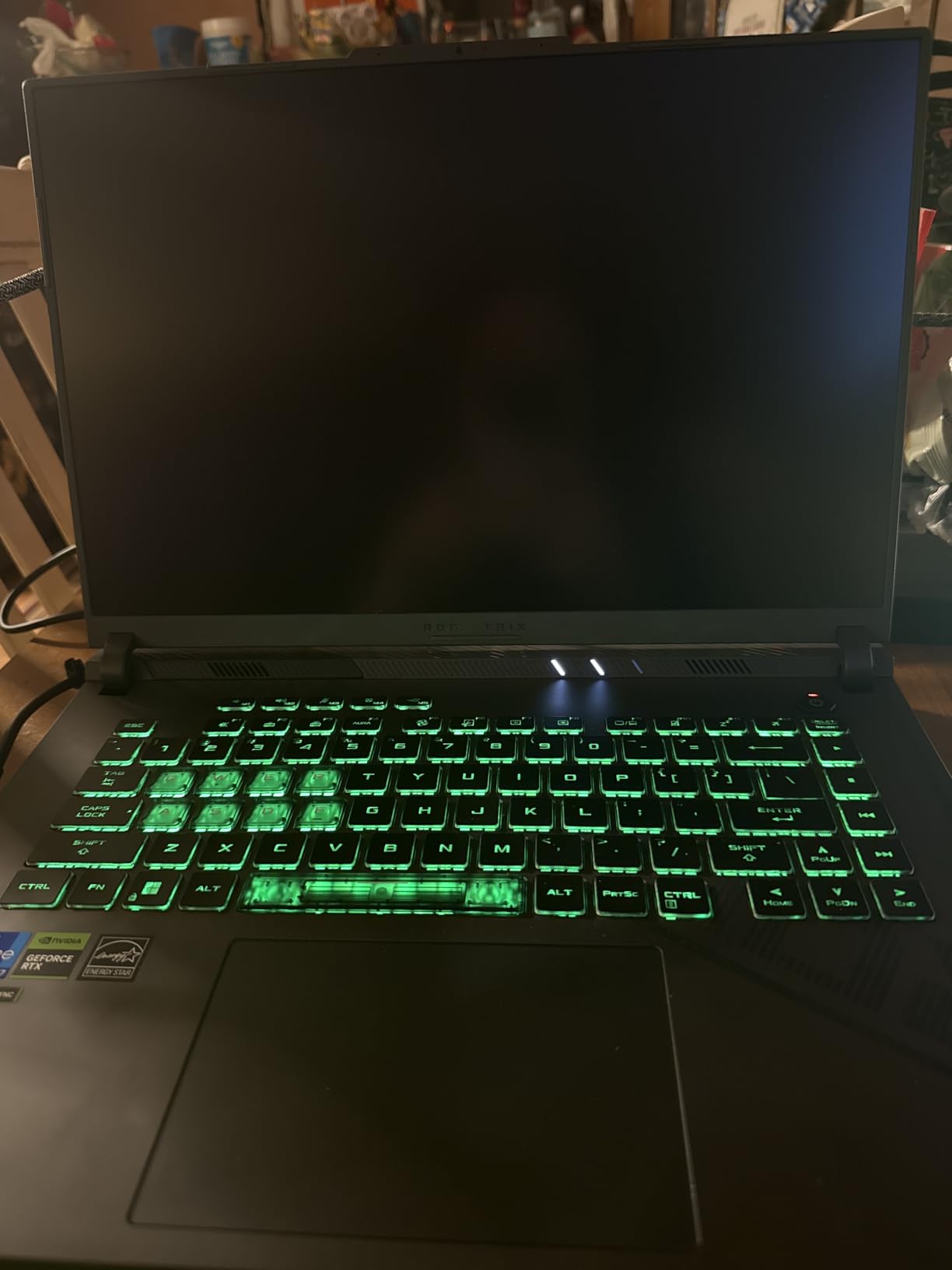
What stands out in the owner feedback is consistency rather than excitement. Across more than a thousand ratings, 78% sit at five stars and 7% at one star, and the complaints that do appear are almost always about the same thing: 16GB of RAM. For a machine that also ships with a 1TB PCIe Gen4 SSD and Wi-Fi 6E, that is a fair trade for most people, and the memory can be replaced.
Compared with the MSI Thin, which also carries an RTX 4060, this one is the better-balanced buy: a higher power limit, liquid metal on the CPU, a full 100% sRGB panel and a much larger owner base to draw confidence from. The MSI Thin wins on thickness alone.
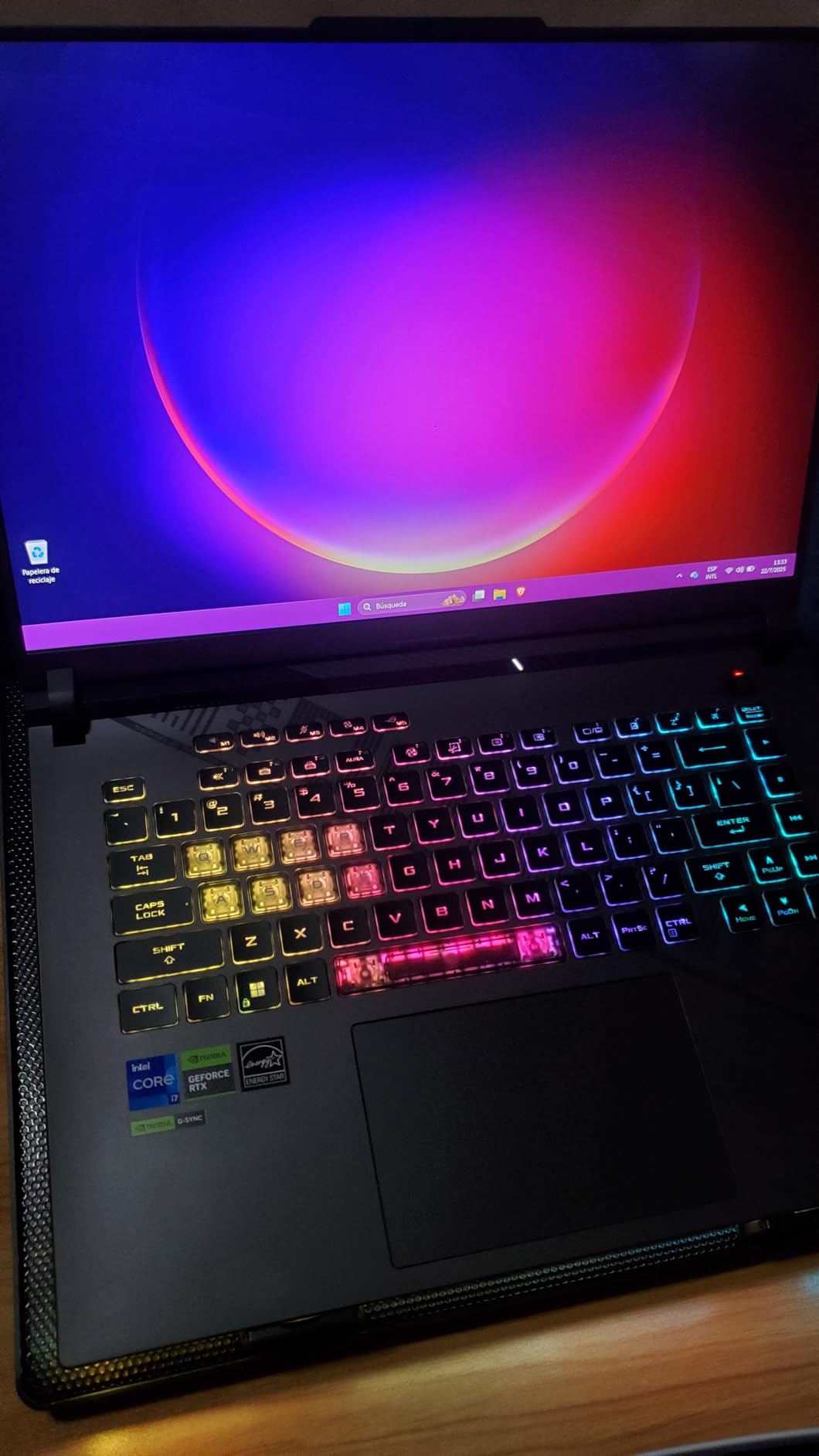
Good to know: the display is 1080p, not 2.5K. If you sit close to a high-resolution screen at a desk, the 2560×1600 panel on the Alienware 16 Aurora will look sharper even though its graphics chip is one generation newer. A 90 watt-hour battery and roughly four hours of stated runtime means this is a desk-first machine with a wall nearby.
2. ASUS ROG Strix G16 2025: Best for 2.5K 240Hz Gaming
- RTX 5070 Ti on Blackwell brings DLSS 4 and Max-Q
- Ultra 9 275HX with 24 cores and 5.4 GHz boost
- 2.5K 240Hz 3ms ROG Nebula panel at 500 nits
- 32GB DDR5-5600 with 32GB of graphics memory
- End-to-end vapor chamber with tri-fan cooling
- Heaviest machine here at 5.8 pounds
- Only one USB port listed in the spec block
- Its premium-tier positioning narrows the value case
If your monitor history is mostly fast 1080p or 1440p screens, this one is a genuine step up rather than a lateral move. The RTX 5070 Ti runs on Blackwell with DLSS 4 frame generation, and the 16:10 2560×1600 panel refreshes at 240Hz with a 3ms response time, so competitive titles finally have a screen that can keep up with the frame rate the GPU produces.
Owners rate the display and the graphics highly, and 71% of the 230 reviews are five stars. The one-star minority, at 8%, is mostly about value rather than quality, which is a fair criticism of any machine at this level. Thirty-two gigabytes of DDR5-5600 memory removes the RAM worry that dogs the first pick in this list.
Against the MSI Katana 15 HX, which also offers an RTX 5070, the difference is the screen. The Katana HX is a 2560×1440 165Hz matte panel; this is 2.5K at 240Hz in a 16:10 frame with an anti-glare film and 500 nits of brightness. Against the MSI Katana 15, the older Ada-based RTX 4070 is still the more interesting chip for pure ray tracing value, but it sits on a 165Hz QHD panel too.
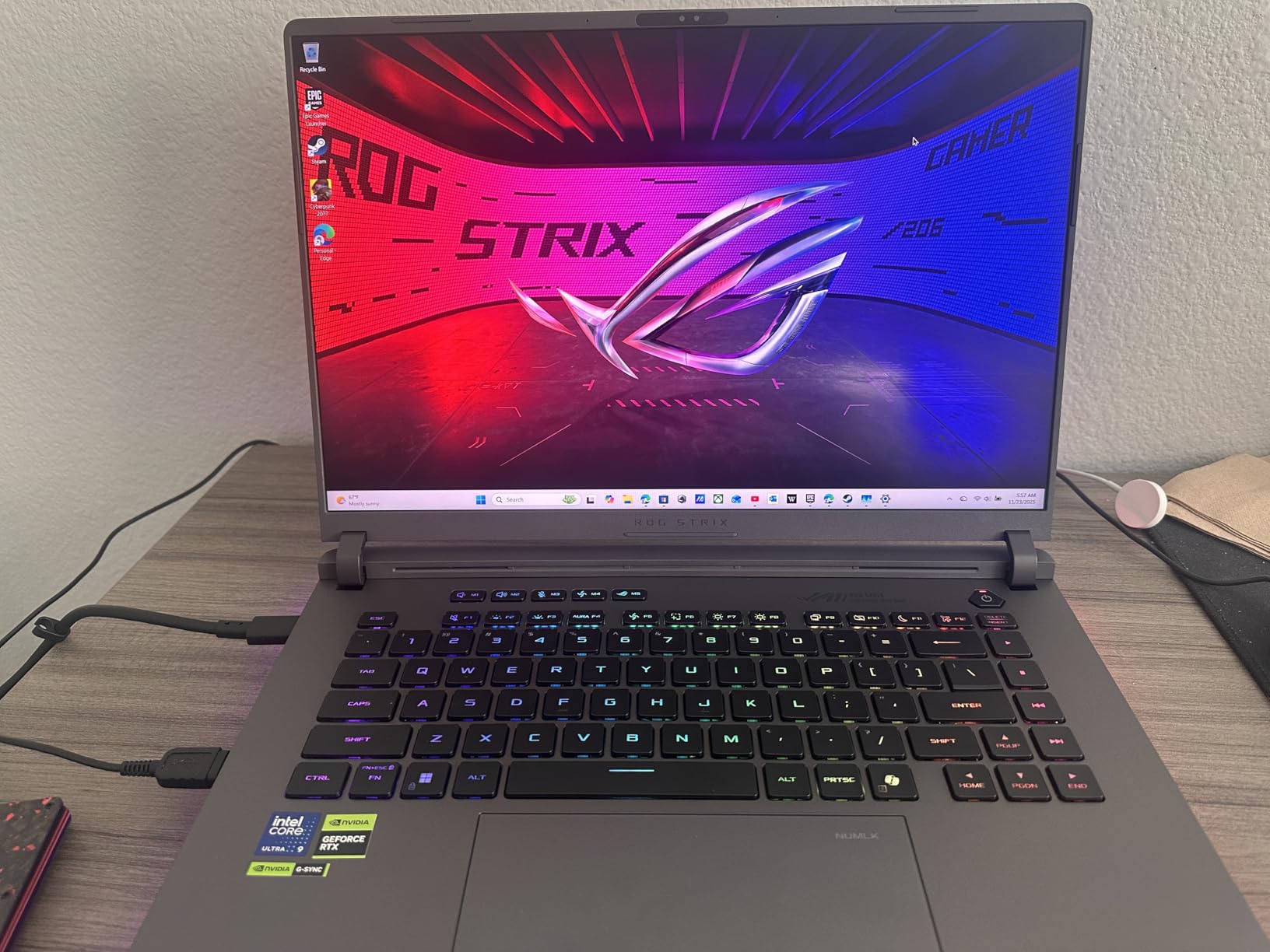
Skip this one if you travel with your laptop. At 5.8 pounds it is the heaviest machine on the list, and the spec block lists only a single USB port, so plan a hub for anything beyond a mouse and a charger. The full-surround RGB lightbar syncs with the keyboard and other ROG gear, and Stealth Mode switches the lighting off when you do not want it glowing.
3. Acer Nitro V 15 8GB: Best Value
- Dedicated RTX 4050 graphics with DLSS 3 as the entry point
- Two memory slots and two M.2 bays make upgrades simple
- 15.6in FHD IPS at 144Hz with an 82.64% screen ratio
- Light 4.7-pound chassis with a backlit keyboard and numpad
- Thunderbolt 4 plus HDMI 2.1 and Gigabit Ethernet
- 8GB of memory is light for modern titles
- RTX 4050 with 6GB of VRAM is entry-level
- About 3 hours of stated battery life
Buy this one to learn on. An RTX 4050 with 6GB of GDDR6 and DLSS 3 handles competitive shooters and older catalogue titles comfortably, and the 15.6-inch FHD IPS panel at 144Hz is the right pairing for 1080p play. Add a stick of memory and a second drive and the machine has a few years in it.
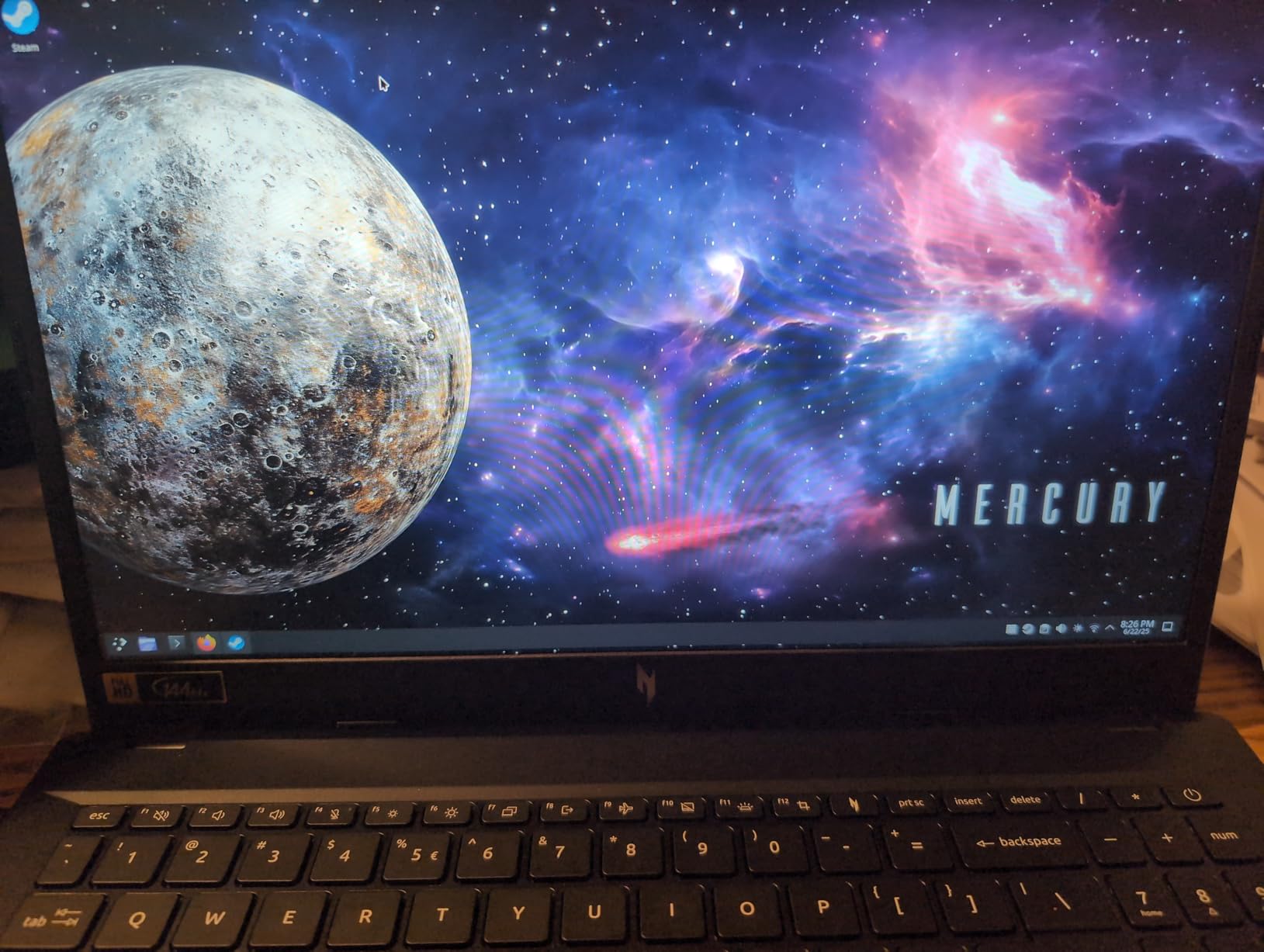
Owner sentiment is warm: 71% of 809 ratings are five stars, 10% are one star. The pattern in the reviews is that buyers accept the base configuration once they know a memory upgrade is part of the plan, and several mention returning to it after adding RAM and storage. NitroSense handles fan speed and performance profiles, so the 144Hz panel is not throttled out of the box.
The Acer Nitro V 15 16GB sits alongside it, and the difference between the two is almost only the memory: same chassis idea, same 15.6-inch 144Hz screen, same RTX 4050. If your budget stretches to the 16GB sibling, take it. The HP Victus 15 is the cheaper floor again, but you arrive here with a newer CPU generation, a faster memory standard and two M.2 bays.
The 57 watt-hour battery and roughly three hours of stated runtime rule out long sessions away from a socket, and the barrel-style charger with its large power brick is bulky. If you plan to game on campus or in cafés, a power bank sized for laptops is worth adding to the same cart.
4. Acer Nitro V 16S AI: Best for 32GB and 180Hz
- RTX 5060 Blackwell with 572 AI TOPS and DLSS 4
- 32GB DDR5-5600 plus a 1TB Gen4 SSD
- 180Hz 100% sRGB 16in WUXGA panel
- Light 4.6-pound chassis that is only 0.79 inches thick
- Protective sleeve included in the box
- Memory already at its 32GB maximum across two slots
- No wired Ethernet port in the spec block
- Only one of the two M.2 bays is free
This is the most modern specification sheet in the list. The Ryzen 7 260 is an eight-core chip boosting to 5.1 GHz, and the RTX 5060 carries Blackwell RT and Tensor cores with DLSS 4 multi-frame generation, so ray-traced settings that would choke the RTX 4050 in the two Nitro V 15 machines are realistic here.
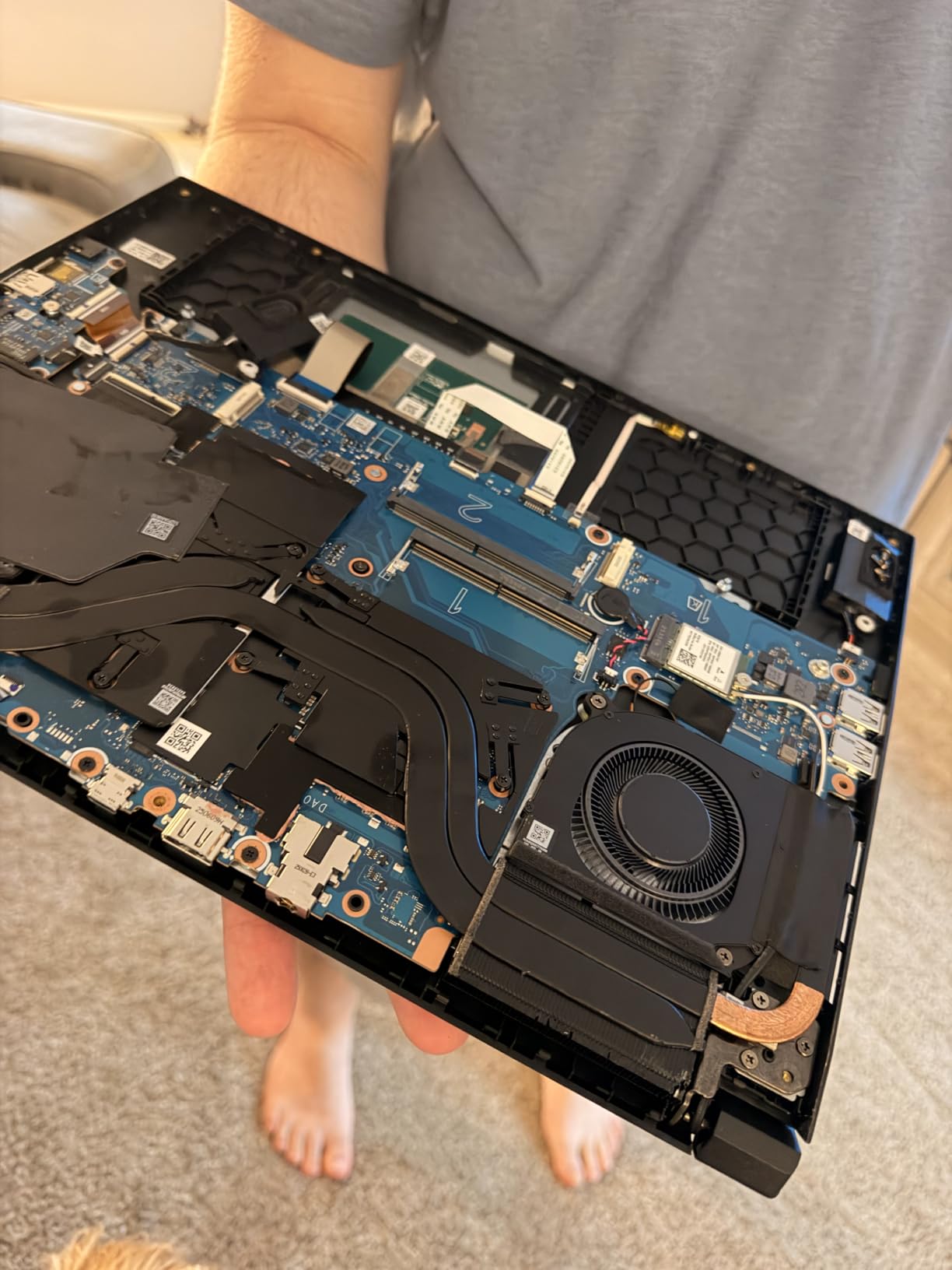
Owners keep coming back to the same two numbers: 32GB of memory and a 1TB drive, both standard rather than add-on. Seventy-three percent of 337 reviews are five stars, and the 180Hz 100% sRGB WUXGA panel is unusual at this price, giving competitive titles noticeably smoother motion than the 144Hz screens lower down the list.
The closest comparison is the Alienware 16 Aurora, which uses the same RTX 5060. The Alienware wins on resolution with a 2560×1600 16:10 panel and adds a year of onsite service; the Nitro V 16S wins on memory at 32GB, on the faster 180Hz refresh, and on weight at 4.6 pounds. If your work and play sit on the same screen, the Alienware’s taller panel is the better tool. If the laptop travels, the Acer is the one to carry.
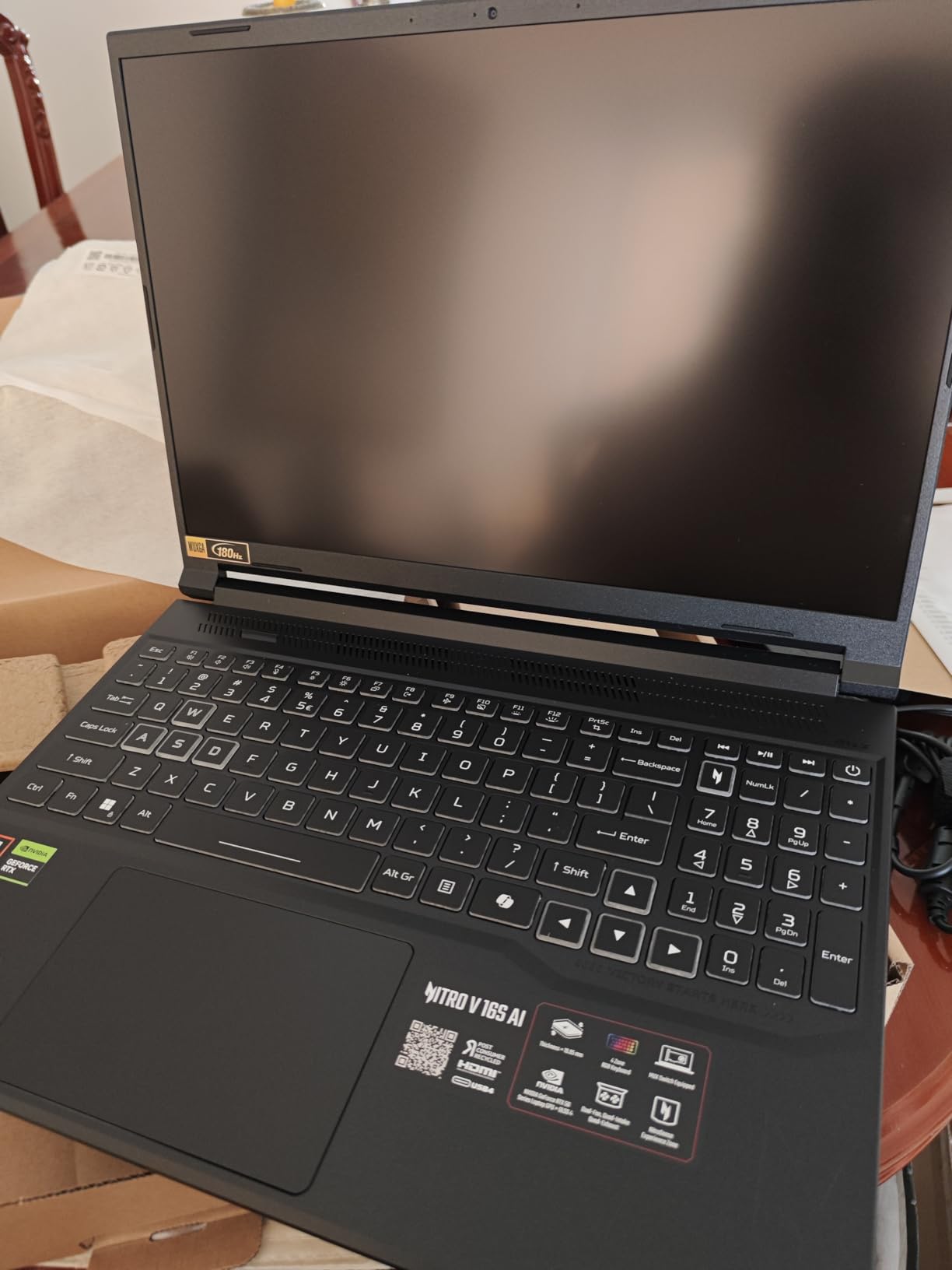
Two upgrade routes close early here: the 32GB of memory fills both slots, and only one of the two M.2 bays is free. Storage can still grow, memory cannot. At 0.79 inches this is also the slimmest 16-inch gaming laptop in the group, and the included sleeve makes it easier to justify as a machine you actually take places.
5. Alienware 16 Aurora: Best for a 16:10 Display
- 16:10 WQXGA 2560x1600 panel gives real vertical space
- RTX 5060 Blackwell with ray tracing and AI upscaling
- Cryo-Chamber cooling focuses airflow on CPU and GPU
- No bulky rear thermal shelf on the chassis
- Dell 1-year onsite service instead of mail-in
- No fingerprint reader despite the premium positioning
- 16GB is the entry memory configuration
- 300 nits is modest beside high-end panels
The reason to choose this laptop is the shape of the screen. A 16:10 2560×1600 panel gives you roughly 18% more vertical space than a 16:9 display of the same width, which matters when a chat window, a map and a health bar all need to be visible at once. It matches the highest pixel count here alongside the MSI Katana 15, and only the 2.5K ROG Strix G16 2025 goes further.
Underneath, the Core 7 240H is a ten-core chip boosting to 5.2 GHz, paired with the same Blackwell RTX 5060 as the Nitro V 16S AI, and 16GB of DDR5-5600 across two slots that can grow to 32GB. Dell’s Cryo-Chamber cooling routes air toward the processors, and the chassis design drops the rear thermal shelf that adds bulk to thicker gaming laptops.
Seventy-six percent of 151 reviews are five stars. The recurring notes are positive on the display resolution and on the cleaner cooling design, with a smaller group mentioning fan noise and heat during long sessions. Onsite service is the practical differentiator: a year of in-home support rather than a mail-in process.
Compared with the Nitro V 16S AI, this is the same graphics chip in a sharper, squarer shell. Choose the Alienware if you edit, stream or read on the laptop. Choose the Acer if you want 32GB of memory out of the box and 180Hz instead of a higher resolution.
Good to know: at 5.5 pounds this is one of the heavier 16-inch machines here, and 300 nits of brightness is fine indoors but thin for a sunny desk. There is no fingerprint reader, so a password is your only everyday option.
6. MSI Katana 15: Best for QHD Ray Tracing
- RTX 4070 with full Ada ray tracing at this price
- 2560x1600 QHD 165Hz matte panel
- Memory grows to 64GB and a second M.2 bay is free
- Can route the GPU directly to an external display
- Cooler Boost 5 thermal system
- Factory power limits cause heat and throttling until BIOS changes
- Some units needed fresh thermal compound on the CPU
- About 1.5 hours of gaming battery life
On paper this is the most interesting chip-per-pound machine in the list. An RTX 4070 with 8GB of GDDR6 and full Ada ray tracing normally appears in more expensive machines, and reviewers report frame rates including 165 fps in Warzone on this 2560×1600 165Hz matte panel. Memory can grow to 64GB across two slots, which is the most headroom anyone here.
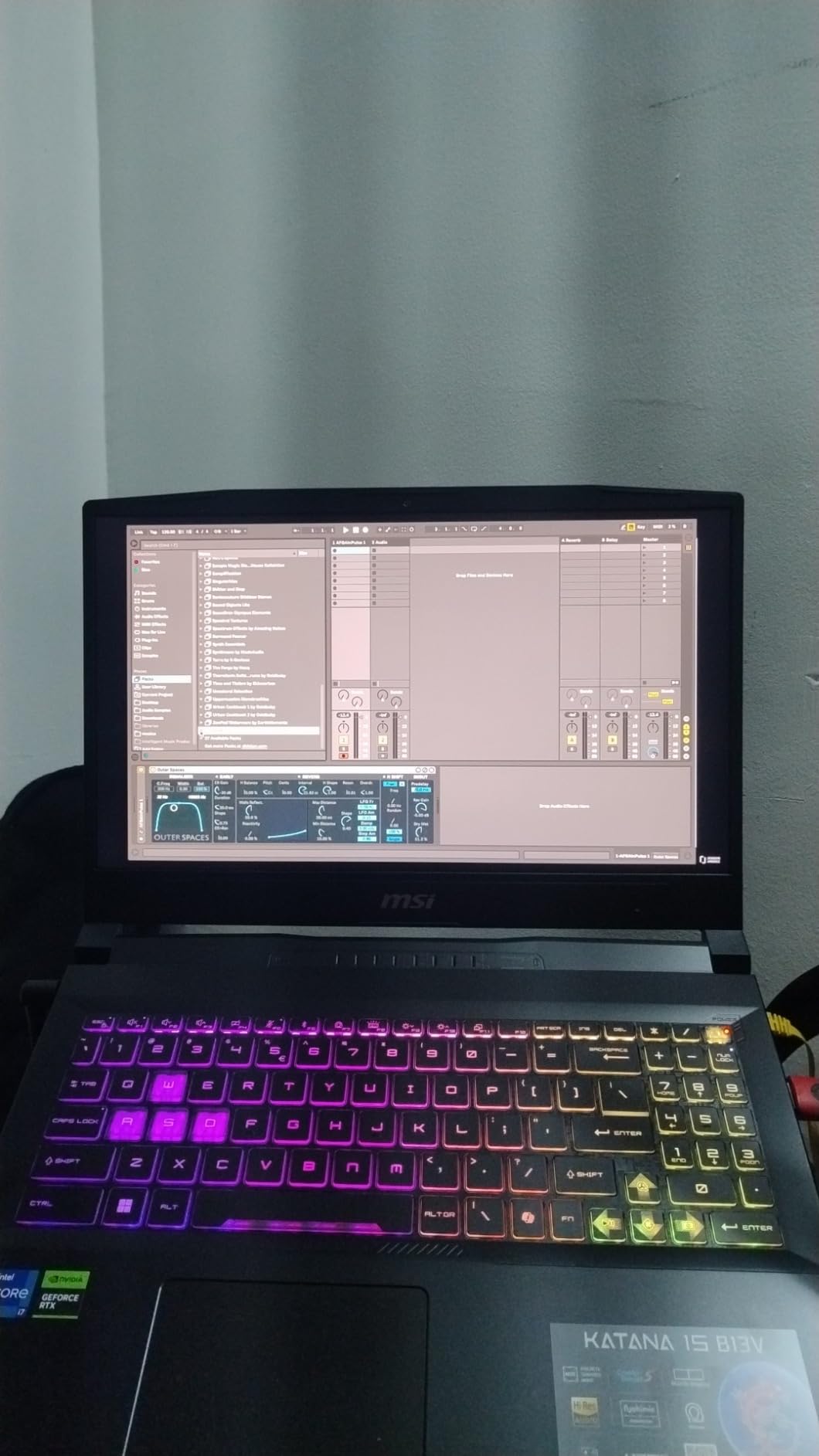
There is a catch, and owners describe it clearly. Factory power limits arrive conservative with overclocking disabled, so the machine runs hot and throttles until the BIOS settings are changed. A second group of reviews reports that certain units shipped without thermal compound covering part of the CPU die, which caused overheating and crashes until the cooler was re-pasted. Buyers comfortable opening a laptop get a lot out of this machine; buyers who never will, should read those reviews first.
The one-star share here is 14%, the highest of the ten, and it clusters around exactly those two issues rather than around the display or the graphics. Seventy-two percent are five stars. Compared with the first pick, the ASUS ROG Strix G16 2024, the Katana wins on chip and screen and loses on thermals and on how much peace of mind the 1048-review base offers.
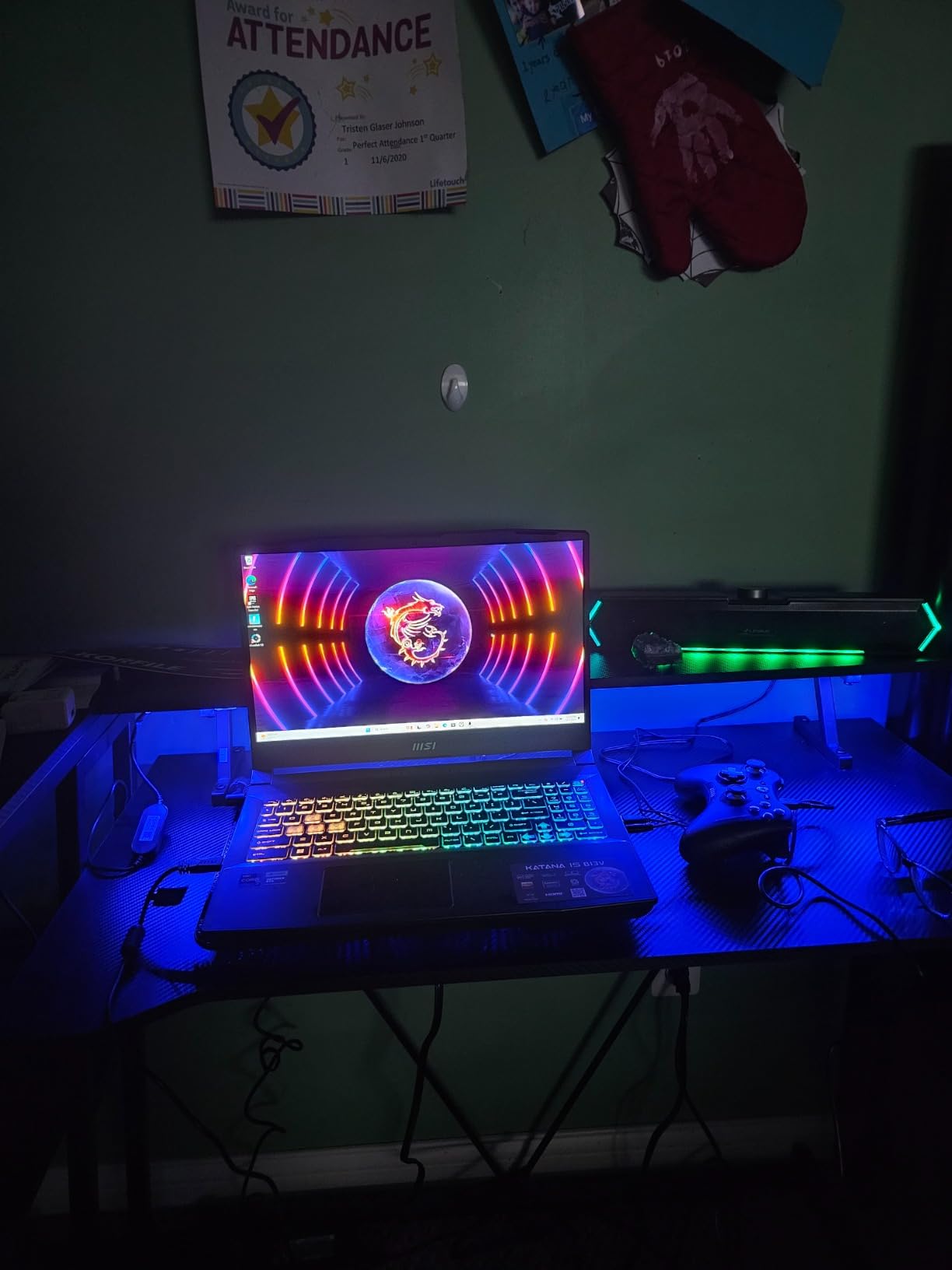
A few owners also mention tinny speakers and a plastic-feeling body, and the 52 watt-hour battery gives roughly an hour and a half of gaming. The MUX switch that sends the GPU straight to an external display is genuinely useful with a 2560×1600 monitor, where hybrid graphics would otherwise add overhead.
7. MSI Katana 15 HX: Best for RTX 5070 Graphics
- RTX 5070 Blackwell delivers 100+ fps in AAA titles
- 14th Gen i9-14900HX with 24 cores
- 32GB DDR5-5600 upgradeable to 64GB
- 2560x1440 165Hz 100% DCI-P3 matte display
- USB-C Gen 2 plus HDMI 8K and RJ45 Ethernet
- Lowest average rating here at 4.0 with 15% one-star
- About 2 hours of gaming battery life
- Some units reported display flicker and shutdowns
If the only question is which chip plays current AAA titles hardest, this is the machine. Owners put the RTX 5070 with an i9-14900HX at more than 100 fps on demanding titles at high to ultra settings, and the 24-core processor handles a game, a stream and a dozen browser tabs without stalling. The 2560×1440 165Hz panel covers 100% DCI-P3 with a matte finish, which matters for both colour work and fast motion.
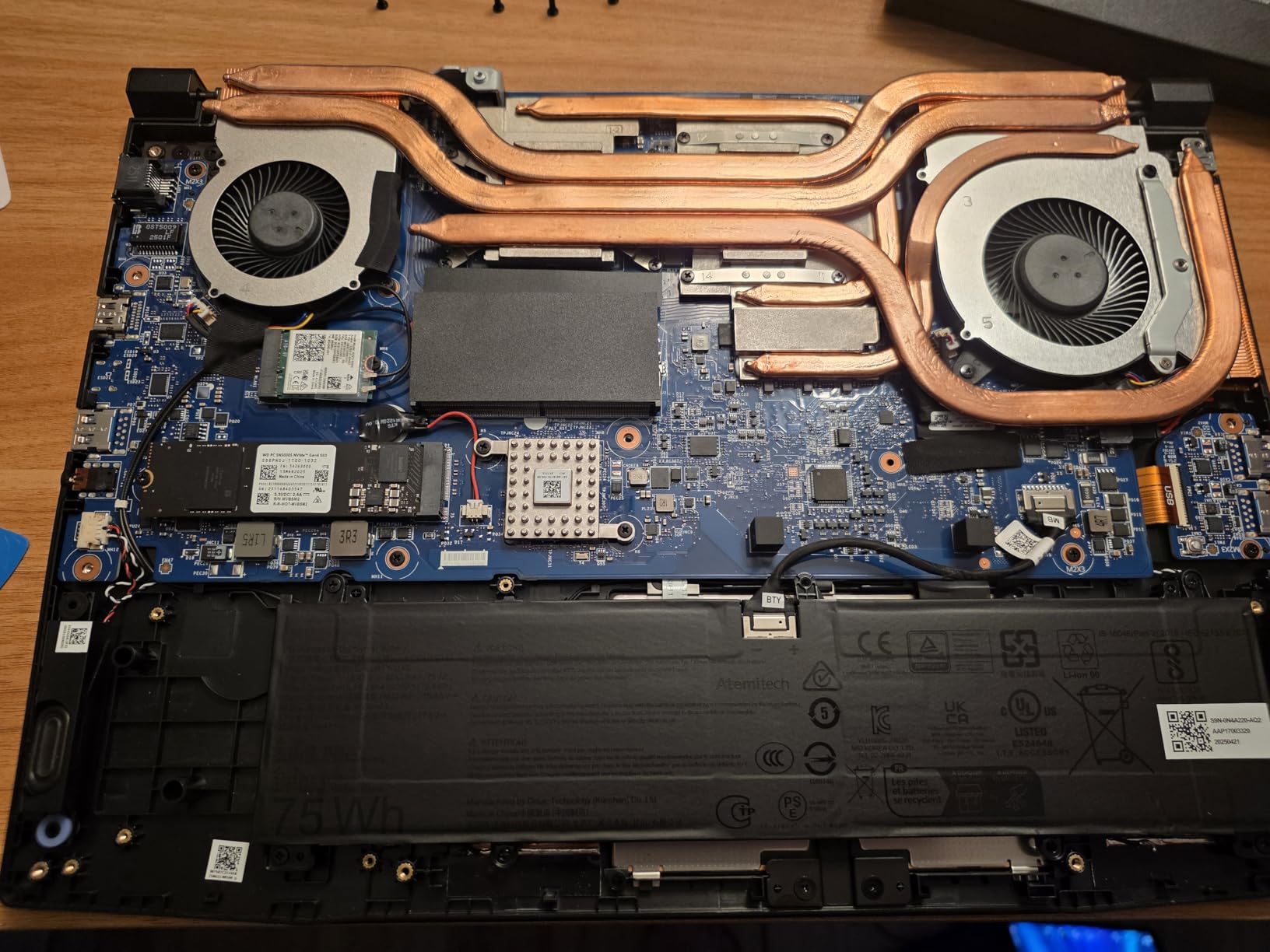
It is also the least settled machine in this list. The 4.0 average rating is the lowest of the ten, with 66% of 347 reviews at five stars and 15% at one star. The negative reviews cluster on reliability inside the first six months, including reports of display flicker, lag and shutdowns, and on Fan Boost mode being extremely loud. A handful of owners also hit the uninstall list straight away for MSI’s preinstalled apps.
Compared with the ASUS ROG Strix G16 2025, both run Blackwell silicon at the top of this list, but the ROG pairs its RTX 5070 Ti with a 2.5K 240Hz panel, a vapour chamber with tri-fan cooling and liquid metal on the chipset. The Katana HX is the cheaper route to a 5070 and a wider range of ports, including RJ45 Ethernet.

Plan around the smaller details too. The 75 watt-hour pack runs about two hours under load and can warm up, four USB ports fill quickly if you use a mouse, a headset and an external drive, and the built-in webcam is not Windows Hello compatible. None of that ruins the machine, but all of it is worth knowing before checkout.
8. Acer Nitro V 15 16GB: Best for Easy Upgrades
- 16GB of memory from the factory with two slots to 32GB
- Two M.2 SSD bays for storage growth
- Owners report over 120 fps in Fortnite with DLSS on
- 4.7-pound chassis with a backlit keyboard and numpad
- Thunderbolt 4 plus HDMI 2.1 and Gigabit Ethernet
- RTX 4050 with 6GB of VRAM is entry-level for 2026 titles
- Real battery life runs about 2 to 4 hours
- Fans are loud at the maximum NitroSense setting
Take the 16GB version over the 8GB one every time. Both Nitro V 15 machines share the same chassis idea and the same 144Hz FHD IPS panel, but this one starts with 16GB of DDR5 across two slots, and owners report the machine still feels fast long after they added memory and a second drive. That is the whole argument: the cheaper model is cheap because of the 8GB, not because of the rest of the parts.
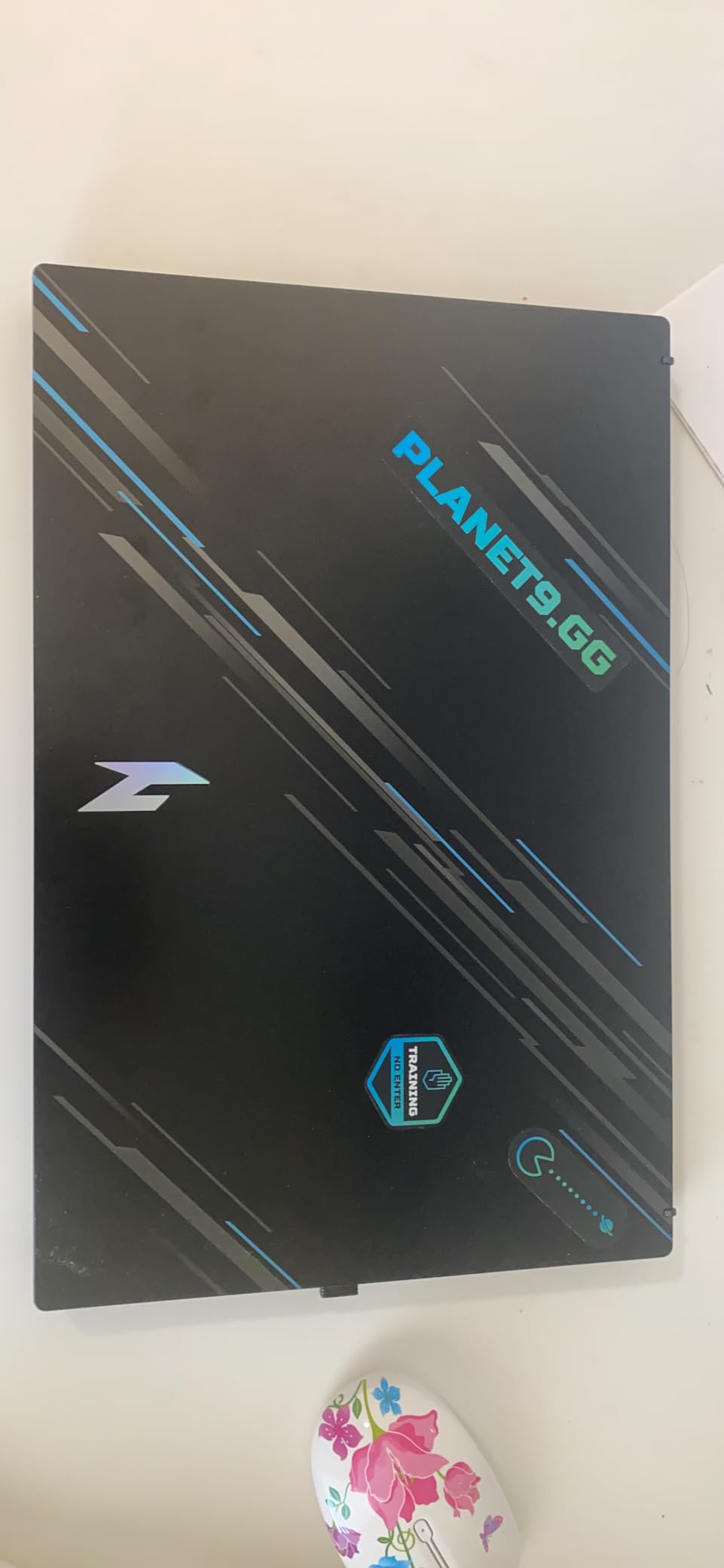
Seventy percent of 793 ratings are five stars and 10% are one star. The practical feedback is consistent: an i7-13620H with the RTX 4050 and DLSS 3 runs AAA titles at high settings, and the NitroSense app lets you tune fan curves and performance profiles rather than living with the factory noise curve.
Compared with the MSI Thin, which also carries an RTX 4060, the trade is straightforward. The Nitro V 15 16GB is the cheaper machine with expandable memory, storage and better connectivity including Gigabit Ethernet and Thunderbolt 4; the MSI Thin is 0.67 inches thick, holds an RTX 4060 with 8GB and earns the highest average rating in the group, off a much smaller review base of 48.
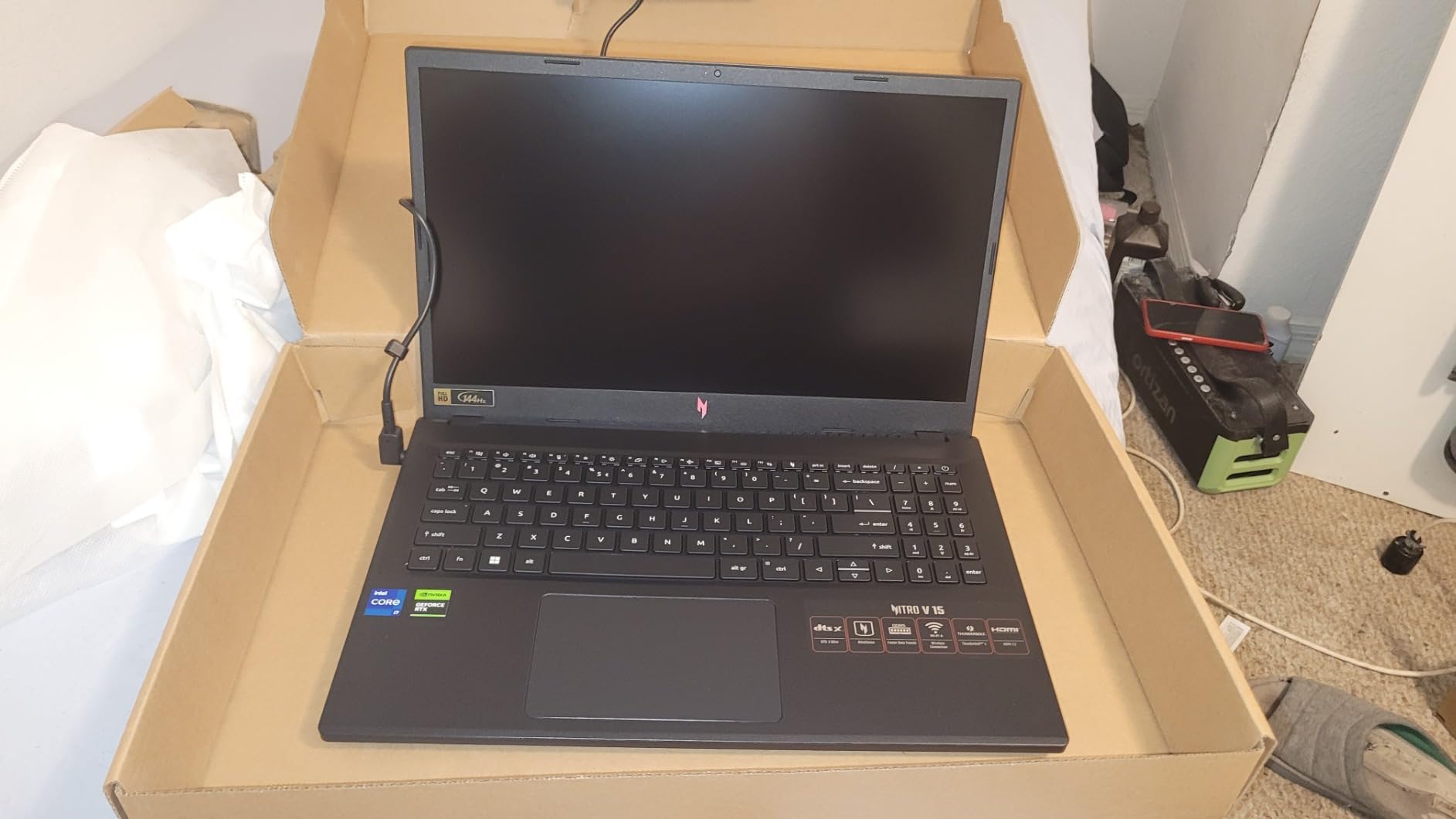
The charging setup is the fiddly part. It uses a barrel-style cable with a large power brick, and owners note the USB-A ports cannot power an unpowered external SSD, so a drive needs the USB-C port. A small number of units have also reported charging failures after the warranty period ends, so keep the receipt.
9. MSI Thin: Best for a Thin Chassis
- 0.67-inch chassis is the slimmest gaming laptop here
- RTX 4060 with 8GB of graphics memory
- 15.6in FHD IPS at 144Hz in a thin-bezel frame
- Handles schoolwork and light content work alongside gaming
- Owners report it stays cool while playing Steam titles
- DDR4 memory is slower than the DDR5 rivals
- No numeric keypad on the keyboard
- Fans get loud under sustained load
Most of the other machines here sit close to an inch thick. This one is 0.67 inches and still carries a GeForce RTX 4060 with 8GB, so it disappears into a bag in a way a 5-pound chunky chassis does not. It is also the highest-rated product in the group at 4.6, though that rating comes from 48 reviews rather than the hundreds some rivals carry, so treat it as encouraging rather than settled.
Seventy-nine percent of those reviews are five stars, and owners regularly mention the balance between thinness and the RTX 4060’s performance, plus the 144Hz IPS panel. For schoolwork, browsing and light content creation alongside games, 16GB of memory and a 512GB drive are adequate, and the panel is a good size-and-speed compromise.
Skip it if you plan to run ray tracing or large modded libraries, or if memory speed matters to you: it uses DDR4 while every other pick here runs DDR5. Against the first pick, the ASUS ROG Strix G16 2024, you give up a 165Hz 100% sRGB panel, liquid metal cooling and a 140W power limit, and you get a much thinner chassis.
Good to know: this listing is internally inconsistent. The description and feature bullets describe an RTX 4060, while one spec field lists an RTX 4070, so confirm which card is in the exact configuration you are buying before you commit. A small number of owners also received units without a factory warranty sticker or with non-standard memory and storage.
10. HP Victus 15: Budget Pick
- Dedicated RTX 3050 with 8GB of graphics memory
- Fingerprint reader that most rivals at this level omit
- Full-size backlit keyboard with a numeric keypad
- FHD IPS panel with 178-degree viewing angles
- One year of hardware warranty and technical support
- 8GB of DDR4 with 8GB listed as the maximum
- RTX 3050 is the oldest and slowest card here
- Glossy screen finish picks up reflections
This is the floor of the list: an RTX 3050 with 8GB of GDDR4, a 12th Gen i5-12500H, a 512GB SSD and Windows 11, and it is the least costly machine in this group. It is a 2022 platform, so think esports titles, indie games and older catalogue releases rather than new releases at high settings.
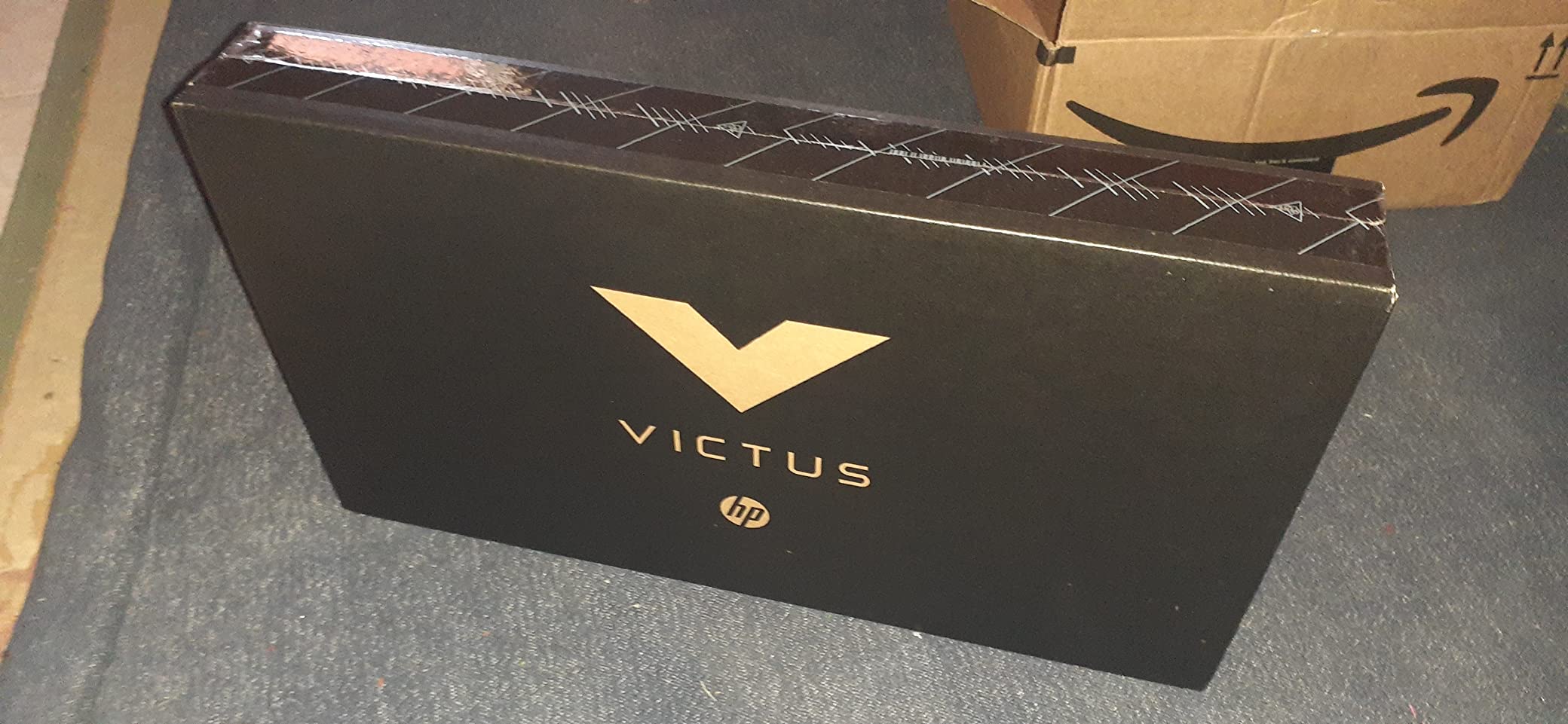
The ratings tell an interesting story. Only 67% are five stars, but 19% are four stars, the highest four-star share of any pick here, which suggests most buyers wanted a low-cost dedicated-GPU machine rather than a frame-rate machine and feel satisfied. The most common complaint is memory, and it is a real limitation: 8GB of DDR4 with 8GB listed as the maximum.
The upgrade path is where this one runs out. The Acer Nitro V 15 8GB costs more and returns an RTX 4050 with 6GB on a 144Hz panel with two memory slots, while the Victus caps memory at 8GB. What the Victus gives back is a fingerprint reader, a full-size backlit keyboard with a numeric keypad and a 70 watt-hour battery.
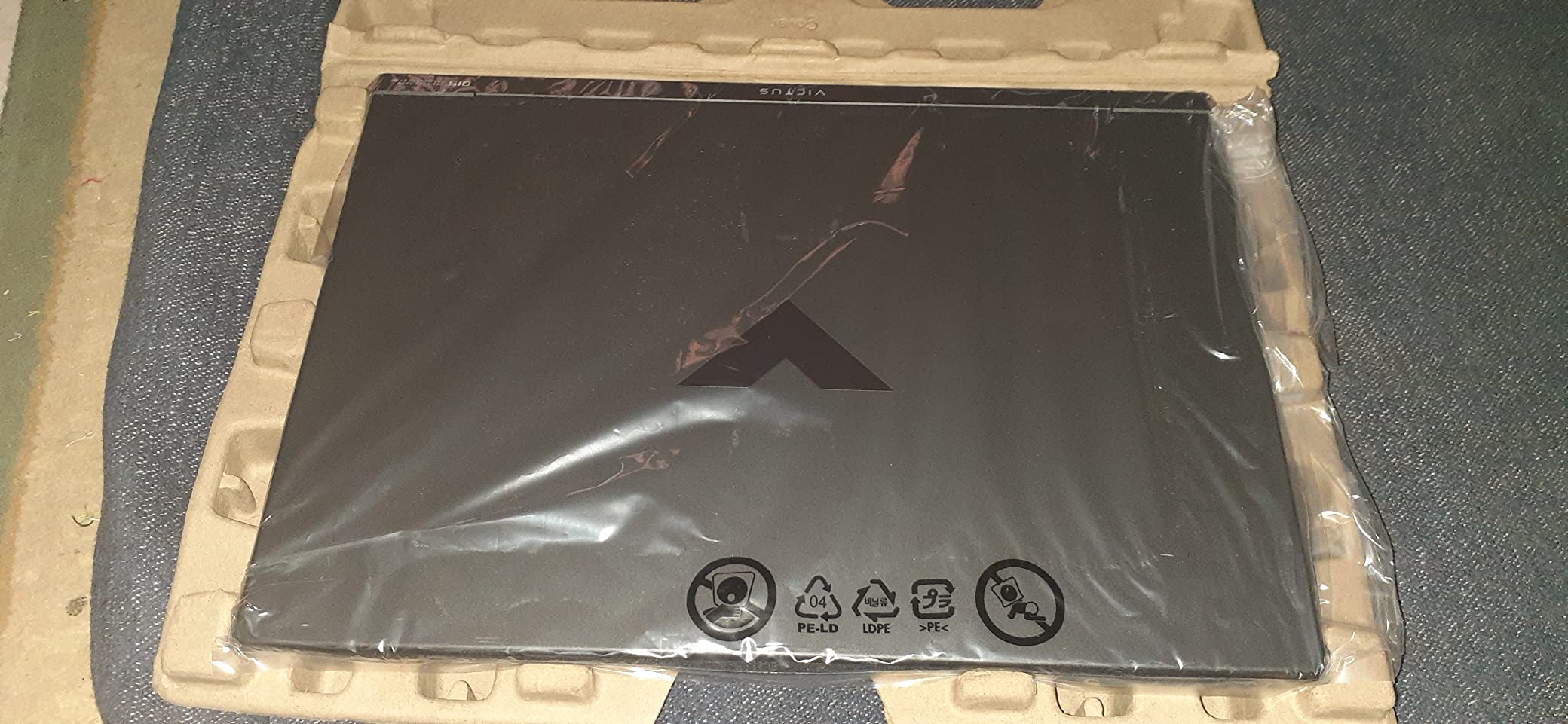
Good to know: the glossy panel mirrors whatever is in front of it, and Wi-Fi 5 is the oldest standard here. If gaming away from home is part of the plan, plan for power: a 70 watt-hour pack is not a long gaming session, and a power bank for laptops is a more sensible companion here than on the machines with larger cells.
How to Choose Gaming Laptop Deals During Prime Big Deal Days
Match the graphics card to your resolution, not to the badge
The graphics chip decides frame rate, and resolution decides how hard it works. An RTX 4050 with 6GB is a 1080p card, which suits competitive shooters and older titles on high settings. An RTX 4060 or RTX 5060 with 8GB is the sensible 1440p step, with DLSS 3 or DLSS 4 doing the heavy lifting. RTX 5070 and 5070 Ti cards belong on 2.5K and 4K panels where they can use the extra headroom.
Watch the wattage too. The first pick in this list runs its RTX 4060 at a 140W maximum, and cards in thin chassis often sit well below their full power, which can cost you a third of the performance. Two machines can share a GPU name and behave very differently.
Pay attention to memory and storage in 2026
Treat 16GB as the realistic floor and 32GB as comfortable, particularly if you play large modded titles or keep a game and a video call running together. Storage of 1TB is worth having; modern installs are large, and a full drive is a common reason owners replace a machine early. Check whether the memory slots and M.2 bays are free, because several picks here, such as the Acer Nitro V 15 16GB, are designed to be opened.
Check the refresh rate and panel type
A 144Hz panel is the practical minimum for competitive play, 165Hz to 180Hz is a comfortable upgrade, and 240Hz only makes sense on a 2.5K or higher resolution where the graphics card can feed it. Matte finishes reduce glare in bright rooms; glossy ones, such as the HP Victus 15, mirror whatever is opposite. Colour coverage of 100% sRGB is the useful number for most buyers.
Thermals decide whether the specs hold
Any laptop will hit its power limits eventually, and the question is how gracefully. Look for two fans, multiple heat pipes, vapour chambers or liquid metal on the CPU, and a tuning app. Owners of the MSI Katana 15 report throttling and overheating until the BIOS power limits are adjusted, which is a reminder to read the review themes for the exact model rather than the family.
Portability, battery and charging away from a wall
Most gaming laptops weigh 4.6 to 5.8 pounds, and that is the number you feel on a train. Battery claims in this class are optimistic: stated runtimes across these machines run from about three to six hours for light work and closer to two hours for gaming. If you intend to play away from a socket, budget for charging kit as well, and a guide to power banks for laptops is worth reading before the sale rather than after.
How to shop gaming laptop deals during the sale
On each listing, check the model number at the end of the title, because one machine name appears in many memory, storage and graphics variants and only one of them is the offer. Confirm whether the machine is new or renewed, read who the seller and shipper are, and check the warranty and what is included in the box, since bundles differ between configurations. Most offers in the October 6-7 event need a Prime membership, and a free trial counts, so check your membership before you decide not to be eligible.
- Match the GPU to your target resolution before anything else.
- Rule out 8GB of memory unless the machine is a temporary stopgap.
- Confirm the exact model number and configuration of the offer, not the family name.
- Read the one-star reviews for the specific model to catch thermal and reliability themes.
- Check the seller, the warranty and what is included in the box before paying.
- Confirm your Prime status, since most event offers depend on it.
Frequently Asked Questions
When do Amazon Prime Big Deal Days gaming laptop deals start this year?
Prime Big Deal Days runs October 6-7, 2026, with offers opening shortly before midnight and changing through both days. Gaming laptops are usually among the categories with the widest selection of models. If you find something you want early, check the listing that morning rather than waiting for the final evening.
Do I need a Prime membership to get these laptop deals?
Most offers during the event are limited to Prime members, and an active or free trial membership generally counts. A few deals run for everyone, so membership is not an absolute requirement, but you will see more of the event from inside a membership. Check your status before the offers open rather than after you have found something.
Is Prime Big Deal Days worth it for a gaming laptop?
It is worth checking, because laptop and memory costs have pushed baseline prices up and the October event is one of the few points in the year when effective prices move down. It is not worth buying a machine you would not otherwise want, or one whose specification is stretched to make a number look better. Compare the specification first, then the offer.
How do I tell whether a gaming laptop deal is actually a good deal?
Compare the configuration on offer with the same machine sold outside the event, and check the seller and the warranty while you are there. Read the one-star reviews for the exact model to see whether owners report thermal or reliability problems. If the memory is 8GB or the graphics card is several generations old, treat the saving as smaller than it appears.
What specifications should I prioritize when buying a gaming laptop?
Start with the graphics card, because it sets frame rate, then give at least 16GB of memory and 1TB of storage, followed by a panel at 144Hz or better with full sRGB coverage. Weight and battery matter more if you travel. Check the graphics power limit and the cooling design, since those decide whether the specification holds under load.
Should I wait for Black Friday instead of buying a gaming laptop in October?
Both events reward patience, and prices move in both directions between them. Gaming laptops often get their deepest cuts during the October event, while Black Friday favours accessories and a broader range of retailers. If you find a machine you want with the specification you need during the October event, the rest of the year rarely improves on it by much.
Final Verdict: Best Amazon Prime Big Deal Days Gaming Laptop Deals
Buy the ASUS ROG Strix G16 2024 if you want the most dependable all-round choice, since the RTX 4060 runs at full power and over a thousand owners have already rated the machine. Buy the Acer Nitro V 15 16GB if you want to spend less and plan to upgrade the memory, and buy the HP Victus 15 if the lowest outlay matters more than frame rate.
For high-refresh play, the ASUS ROG Strix G16 2025 pairs an RTX 5070 Ti with a 2.5K 240Hz panel, while the Acer Nitro V 16S AI gives you 32GB, a 180Hz screen and a slim chassis. The Alienware 16 Aurora is the pick for a sharp 16:10 workspace, the MSI Katana 15 is the one to read the one-star reviews for before buying, and the MSI Katana 15 HX delivers the hardest frame rates here if you can live with its rating and fan noise. The MSI Thin is the one to pack.
Check the listing for the exact configuration, confirm the seller and your Prime status, and use the button on each section to see where that machine stands today.