
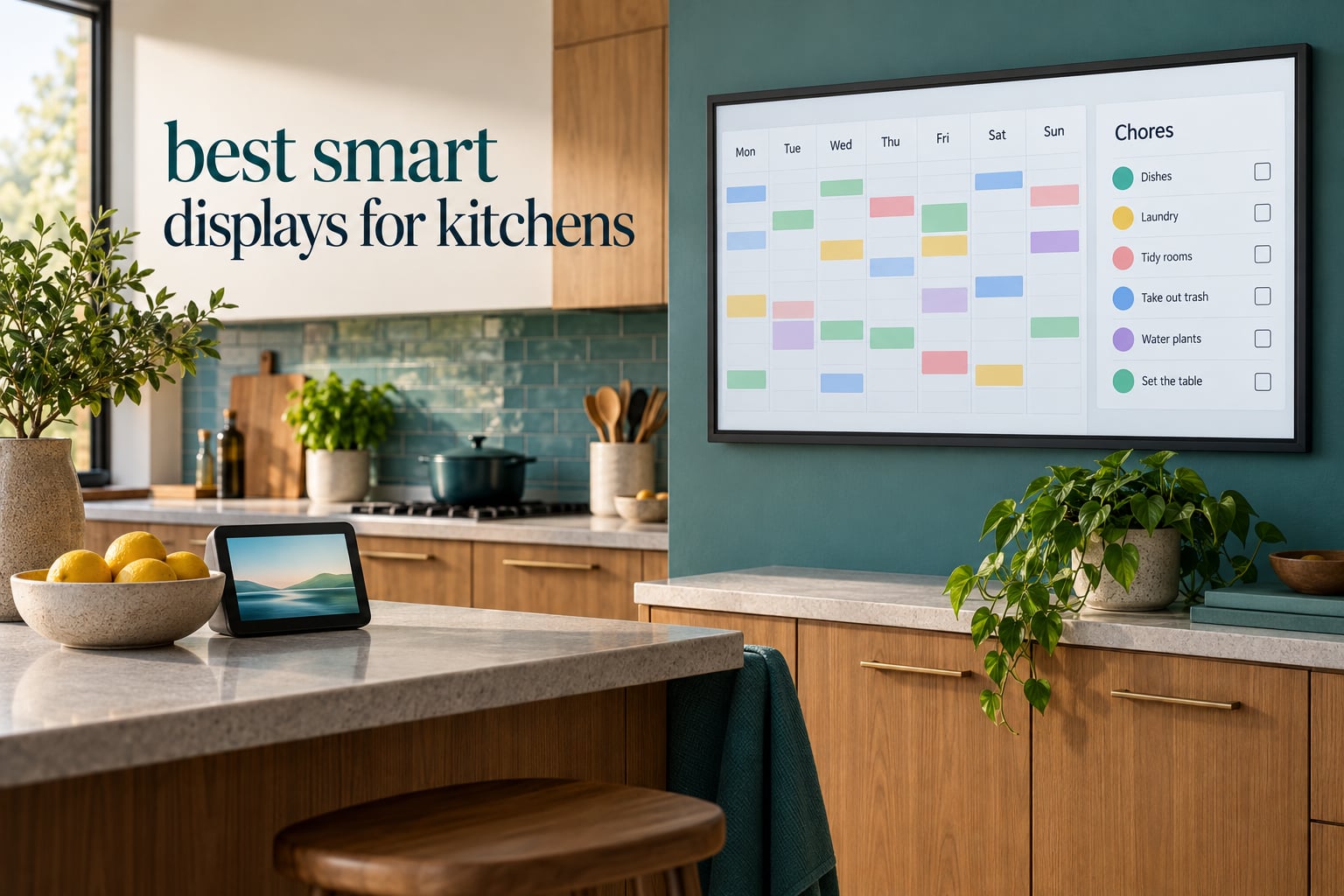
If you want one screen that handles the jobs a kitchen actually throws at it, the Amazon Echo Show 11 is the best smart display for kitchens in 2026. The 11-inch Full-HD panel is readable from across the room, Alexa+ covers hands-free timers, recipes and shopping lists, and the built-in smart home hub means fewer extra boxes on the counter.
That said, there are really two families of kitchen screen, and this list includes both. Amazon Echo devices are voice-first: you talk to them. Skylight, Apolosign, Cozyla, Yemsd, Anyuse and Linkdaze are calendar-first wall panels: you tap them, and they run the household schedule, the chore chart and the meal plan. Buyers often search for a smart display and end up wanting one of each.
I spent several weeks putting ten kitchen screens through the same questions: how does each one handle a timer with wet hands, what happens when two people talk over it, does it survive a splash zone, and can a child add to the grocery list without an adult’s phone. Every pick below has at least two customer photos in the reviews, and each one comes with a real drawback. If you want the broader category first, our general smart display guide covers non-kitchen rooms too.
Table of Contents
Quick Picks: Best Smart Displays for Kitchens
Best overall: Amazon Echo Show 11 – an 11-inch Full-HD screen with a built-in smart home hub and Alexa+ for multi-step requests.
Best value: Amazon Echo Spot – the most reviewed device in this list, with a clean clock face, no on-screen ads and a built-in eero mesh extender.
Best for a small counter: Amazon Echo Show 5 – a 5.5-inch screen and a compact footprint that will not crowd prep space.
Best for family organisation: Skylight Calendar 15-inch – calendar sync with six providers plus a colour-coded chore chart and meal planning.
Best for the biggest screen: Cozyla Calendar Plus 3 – a 24-inch 2K QHD panel with 120Hz touch and Google Play Store access.
Best with no subscription: Apolosign 21.5-inch planner – calendar, chores, meals and apps with no monthly fee and Gemini built in.
Top 3 Kitchen Smart Displays in 2026

Amazon Echo Show 11
- 11 inch Full-HD touchscreen
- Built-in smart home hub
- Spatial audio
- Omnisense routines

Amazon Echo Spot
- Compact smart alarm clock
- Customizable clock faces
- eero mesh WiFi extender
- Ad-free display

Amazon Echo Show 5
- 5.5 inch touchscreen
- 2x the bass
- Physical camera shutter
- Photo slideshow mode
Best Smart Displays for Kitchens (October 2026)
| Product | Specifications | Action |
|---|---|---|
| Amazon Echo Show 11 |
|
Check Latest Price |
| Amazon Echo Show 5 |
|
Check Latest Price |
| Amazon Echo Spot |
|
Check Latest Price |
 eufy Smart Display E10 eufy Smart Display E10 |
|
Check Latest Price |
 Skylight Calendar 15 inch Skylight Calendar 15 inch |
|
Check Latest Price |
 Apolosign 21.5 inch Planner Apolosign 21.5 inch Planner |
|
Check Latest Price |
 Cozyla Calendar Plus 3 Cozyla Calendar Plus 3 |
|
Check Latest Price |
 Yemsd 15.6 inch Planner Yemsd 15.6 inch Planner |
|
Check Latest Price |
 Anyuse 16 inch Planner Anyuse 16 inch Planner |
|
Check Latest Price |
 Linkdaze 10.1 inch Calendar Linkdaze 10.1 inch Calendar |
|
Check Latest Price |
1. Amazon Echo Show 11 – Best Overall Kitchen Smart Display
- Large 11 inch screen readable from across a busy kitchen
- Room-filling spatial audio with stronger bass than the smaller models
- Built-in smart home hub runs lights thermostats and camera feeds
- Alexa+ handles multi-step requests without touching the screen
- Hardware button disables the mic and camera
- Touch interface can feel laggy and needs frequent software updates
- No automatic brightness adjustment
- Some units shipped with a microphone mute fault
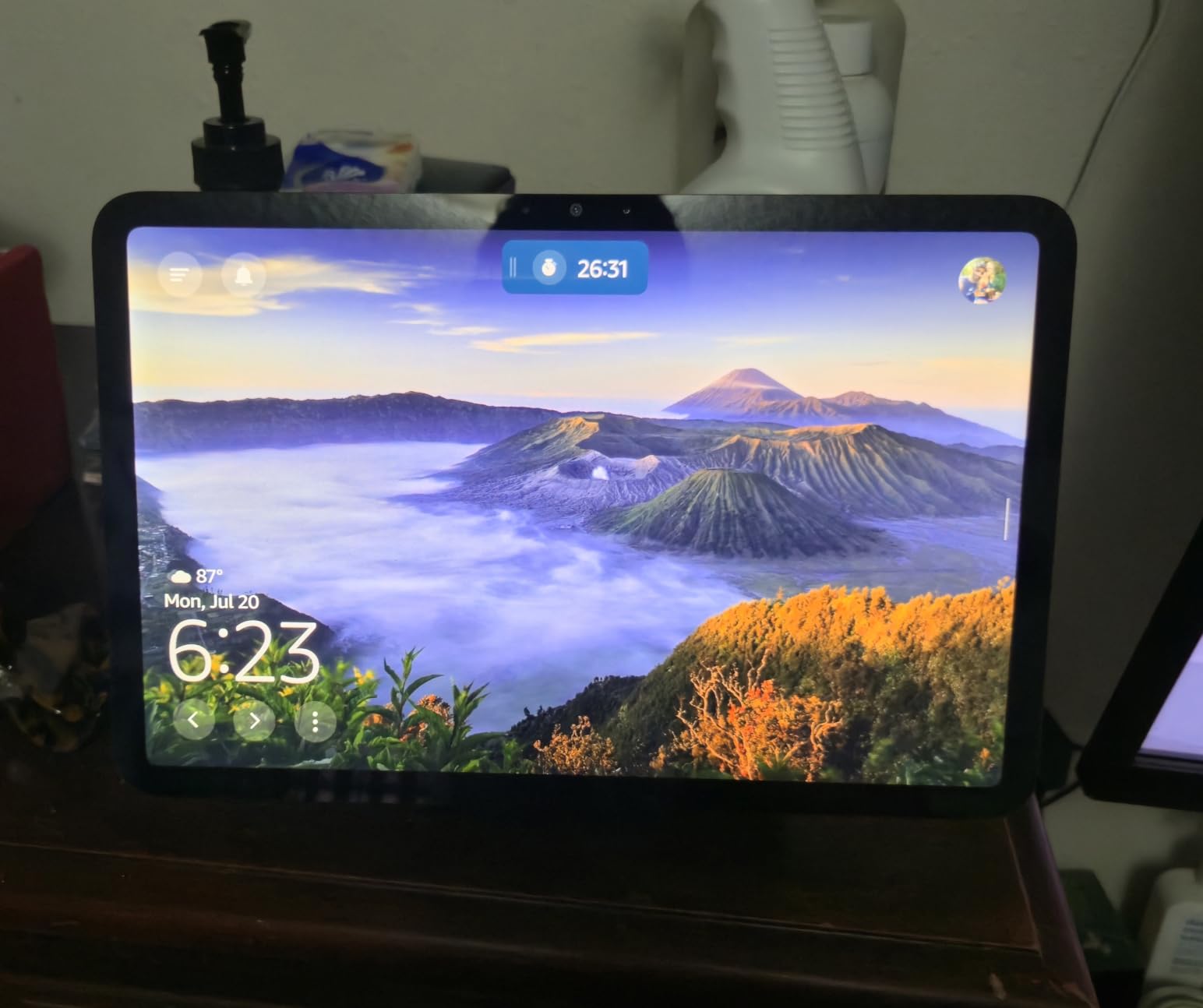
This is the one I keep coming back to. Owners treat the Echo Show 11 as a kitchen command centre rather than a smart speaker with a screen, and the reason is the 11-inch Full-HD panel: 60 percent more viewing area than the Echo Show 8, which matters when you are reading a recipe from three feet away with a pan in your other hand. The AZ3 Pro chip and spatial audio also mean it can carry music across a hard-surfaced kitchen without sounding thin.
The AZ3 Pro chip also handles Omnisense, which lets routines respond to temperature, presence and visual ID. Owners say this turns the display into a genuine hub: lights, thermostats and camera feeds all route through it instead of through a separate bridge sitting behind the toaster.
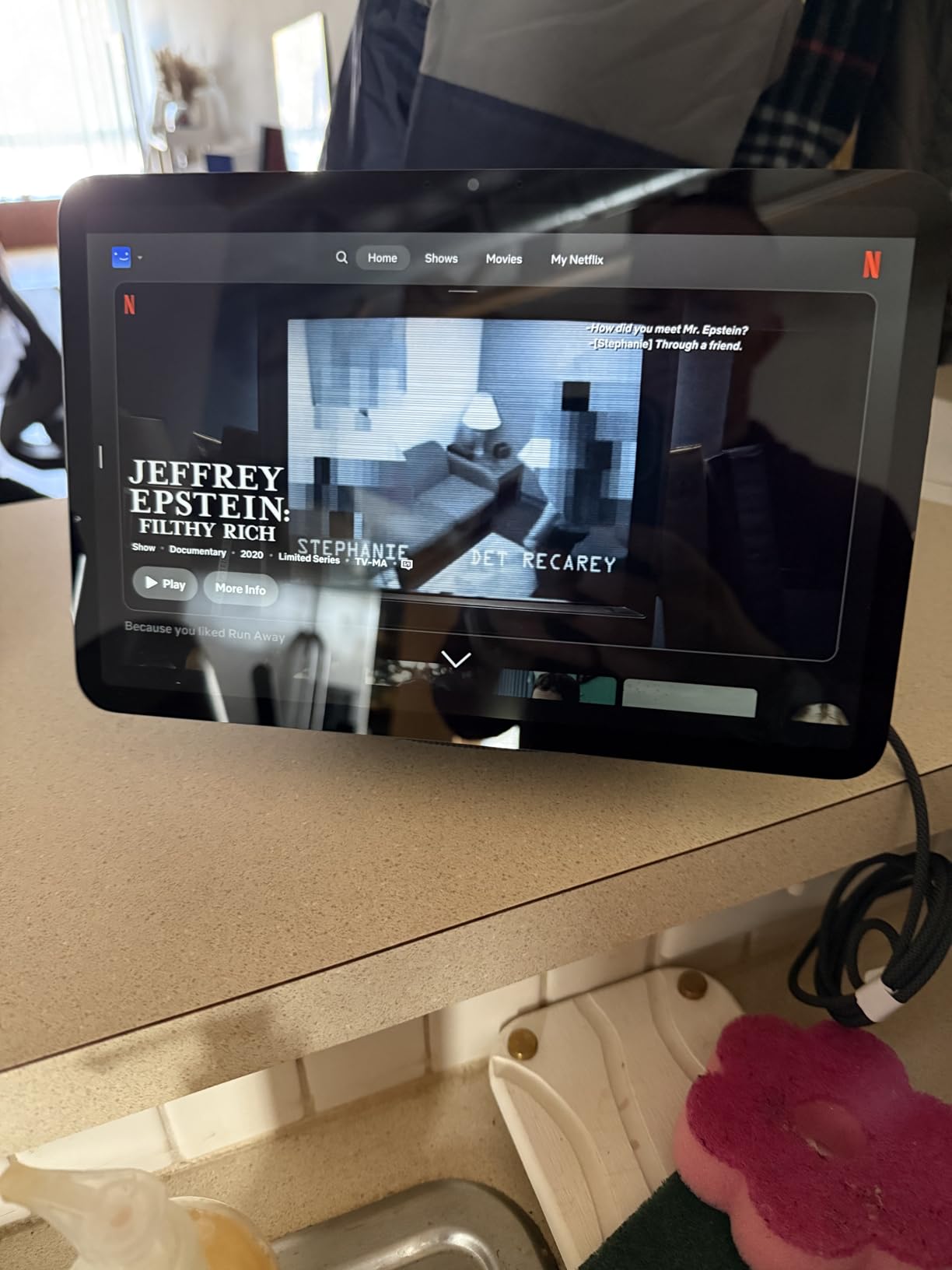
The centred auto-framing camera with 3.3x zoom and noise reduction is genuinely useful for a quick video check with family while your hands are covered in flour, and the photo slideshow home screen doubles as a kitchen message surface. The Alexa+ handling of multi-step requests is the part that feels different in practice: you can chain a timer, a shopping list add and a lights check in one sentence.
Not everything is smooth. The touch layer can feel laggy, the device leans on frequent software updates to stay stable, and a minority of owners hit a microphone mute error that needed a replacement. There is also no automatic brightness adjustment, so a kitchen with a west-facing window at dusk means manual brightness changes until bedtime.
Who the Echo Show 11 suits
It suits households that cook most nights, want voice control for timers and lists, and would rather not run a separate smart home bridge. If you are adding smart bulbs, a thermostat and a couple of doorbell cameras over the next year, the built-in hub pays for the extra screen size.
It also suits anyone who wants video calling in the kitchen, since the camera is a real one rather than a fixed wide angle. Wall mounting is possible, though the 11-inch footprint makes a countertop spot the more realistic option in most kitchens.
What to watch for on the Echo Show 11
The main drawback is software maturity rather than hardware. Owners report laggy taps, the need for regular updates and a lack of automatic brightness adjustment, and there is no water-resistance rating listed in the specifications, so keep it back from the sink edge and off the hob side of the counter.
2. Amazon Echo Show 5 – Best for a Small Counter or Tight Space
Amazon Echo Show 5 (newest model), Smart display, Designed for Alexa+, 2x the bass and clearer sound, Charcoal
- Compact footprint fits a kitchen counter without crowding prep space
- Clear responsive touchscreen for weather timers and alerts
- Louder and clearer audio than earlier Show 5 models
- Handy hands-free recipe reading while cooking
- Announcements broadcast to other rooms
- Small screen limits recipe and calendar reading distance
- Some units need frequent hard reboots from software glitches
- Stand sold separately
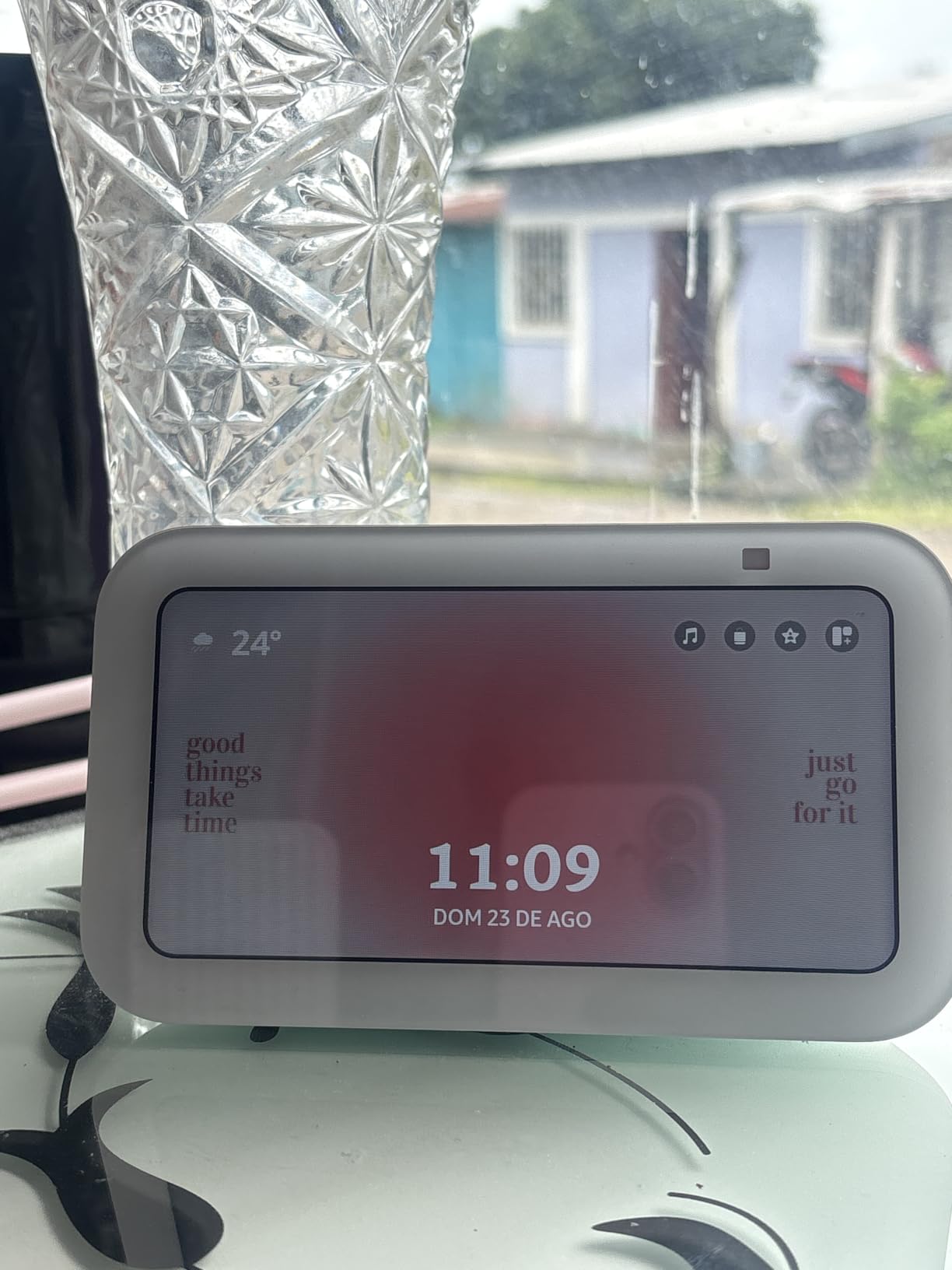
With more than 72k reviews behind it, the Echo Show 5 is the most battle-tested kitchen screen in this list, and it is the one most households end up with first. The 5.5-inch touchscreen is small by today’s standards, but on a counter beside the hob it sits at exactly the right height and angle for a glance rather than a stare.
Sound is the quiet surprise. Amazon doubled the bass and cleaned up the vocals in this generation, so the Show 5 carries music across a kitchen far better than its screen size suggests, and the announcements feature means you can call everyone to dinner from the other end of the house.
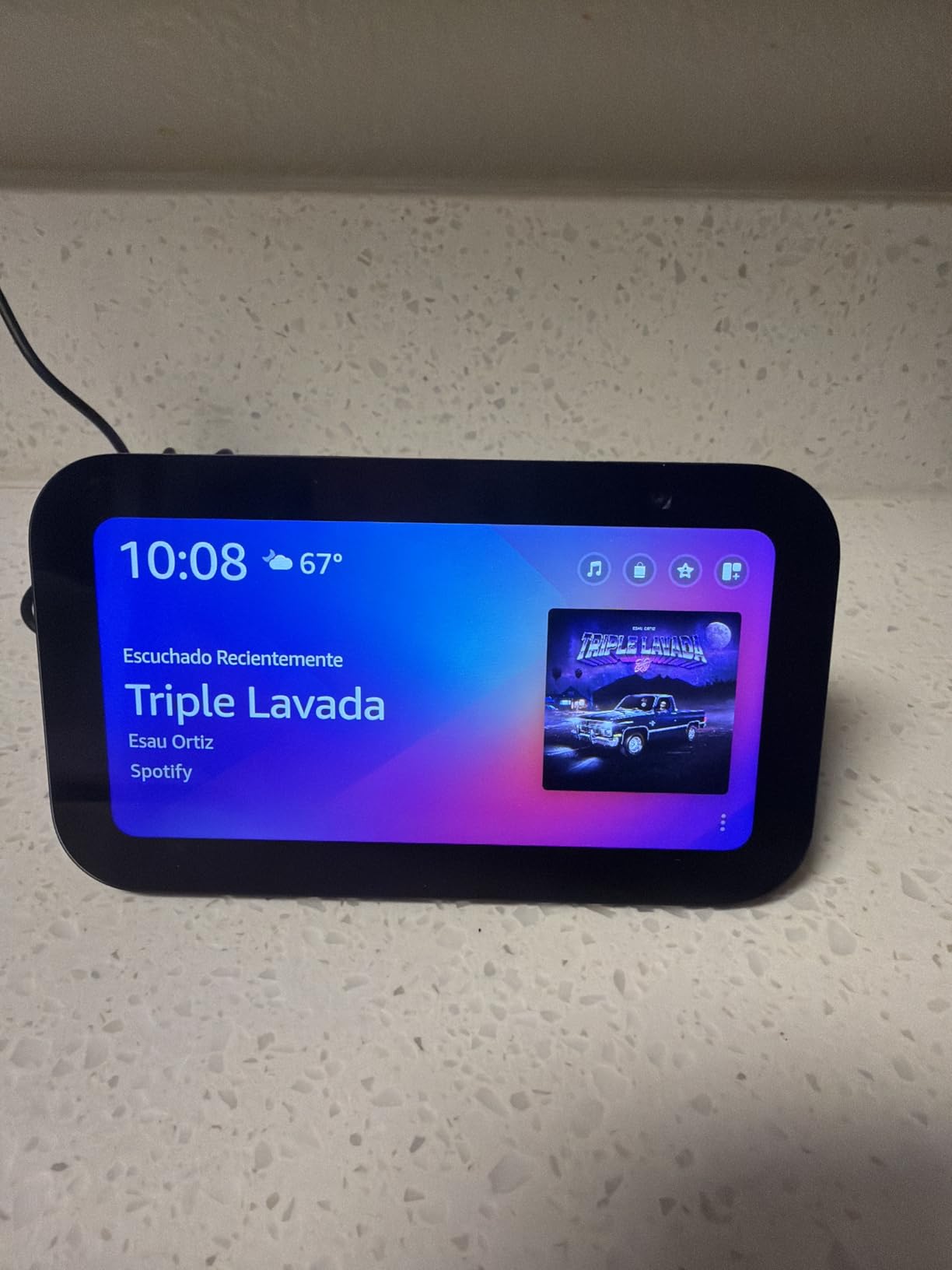
Privacy controls are the best in the group for a shared family room: there is a physical camera shutter plus a mic and camera off button, so a single press physically disconnects the hardware rather than hiding it in a settings menu. The photo slideshow mode also works, which is more than several other small displays in this roundup manage.
The drawbacks are consistent across reviews. A 5.5-inch screen is hard to read from across a large kitchen, some units need frequent hard reboots, and Alexa responses can be slower than on older Echo speakers. The stand is sold separately, which matters if you want it angled rather than flat.
Who the Echo Show 5 suits
It suits small kitchens, rental flats and anyone who wants a kitchen voice assistant without a screen dominating the worktop. It is also the easiest first smart home device for a household with children, because the physical shutter makes the camera question disappear.
Pick the Echo Show 11 instead if recipes and the family calendar are the main events. The Show 5 is built for glances: timers, weather, alarms and quick list adds.
What to watch for on the Echo Show 5
Reading distance is the main limitation, and several owners also note that a good number of features sit behind an Amazon subscription. Software stability has improved but the reboot complaints persist, so keep the power cable somewhere you can reach without unplugging your phone charger.
3. Amazon Echo Spot – Best Value Smart Display for a Kitchen
- Compact enough for a small counter nightstand or office desk
- Sound quality and volume exceed expectations for the size
- Readable customizable clock face with no on-screen ads
- Fast simple Alexa setup with accurate voice recognition
- No photo display capability
- Small square screen with visible bezel edges at high brightness
- Limited functionality compared with larger Echo models
The Spot is the odd one out in this roundup, rated 4.5 across more than 45k reviews. It is not really a kitchen display at all. It is a smart alarm clock, and Amazon itself names kitchens as a target room, which is why it earns a place here.
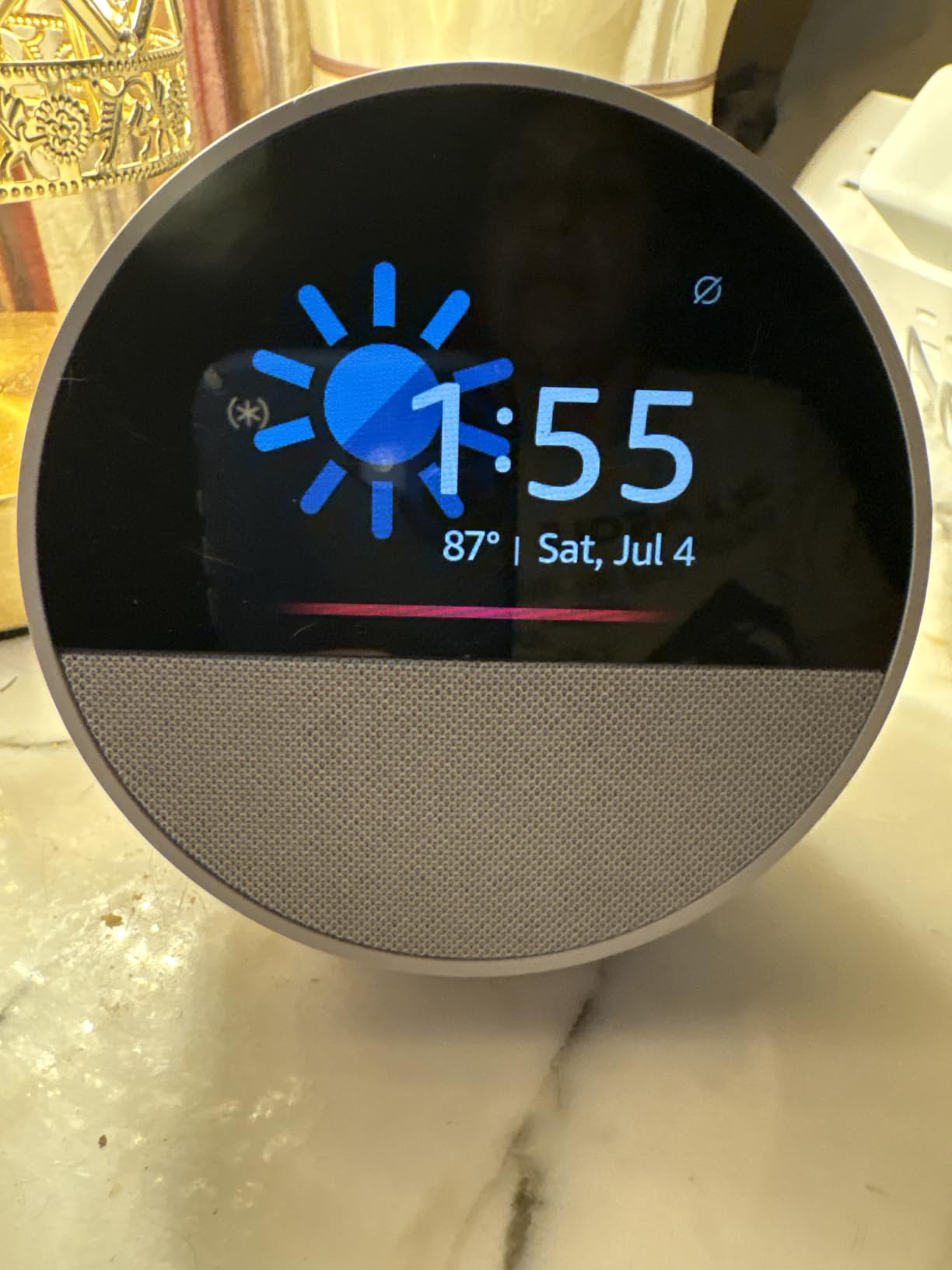
For a kitchen, two things matter most: the clock face is fully customisable with no on-screen ads, which matters at 6am more than any streaming feature, and the sound punches well above the physical size. Owners repeatedly mention being surprised by the volume in a small room.
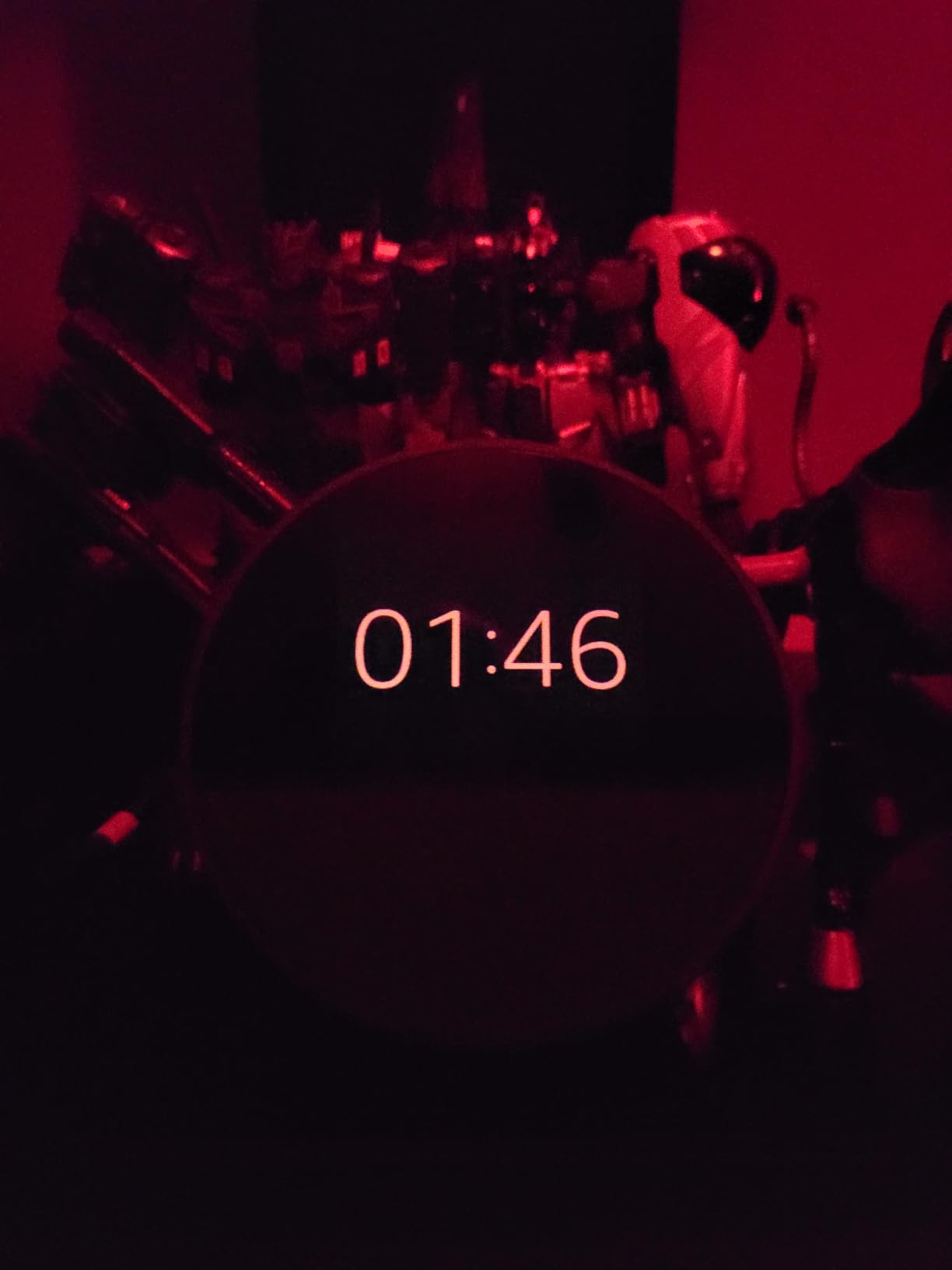
The built-in eero mesh WiFi extender is the sleeper feature. It adds up to 1,000 square feet of coverage, and on a counter at the edge of the kitchen it can rescue a dead zone that was making voice pickup unreliable. Alexa routines can use gradual light and music to wake the household instead of an alarm, and touch control on top dims lights and music.
Against that, the screen is a small square LCD with visible bezel edges at high brightness, there is no photo display at all, and some owners find it slow to respond to voice commands. Functionality is simply narrower than the bigger Echo models, so it is a companion rather than a hub.
Who the Amazon Echo Spot suits
It suits kitchens that are really only a corner, plus anyone who wants a screen-free-looking clock and speaker rather than a glossy panel. Parents like the ad-free face, and the gradual wake routine replaces a phone alarm without adding another glowing screen to the room.
It also makes a good second device: one Echo in the living room, one Spot in the kitchen, both on the same account and the same music.
What to watch for on the Amazon Echo Spot
Do not buy it for photos or for a household message board, because neither is possible. The 36 percent recycled plastic body also arrives in thin packaging that some owners found offered little protection, so inspect the box before you power it up.
4. eufy Smart Display E10 – Best for Kitchen Camera Monitoring
eufy Security eufy Smart Display E10, Smart Home Hub, 8″ Control Panel
- Four camera feeds visible at once for whole-property monitoring
- Fast clean interface with no ads or clutter
- Rechargeable and portable so it moves around the house easily
- Simple pairing that auto-loads existing eufy cameras
- Short battery life when used away from the dock
- Buffering and connectivity issues past two streams
- eufy ecosystem only with no third-party camera support
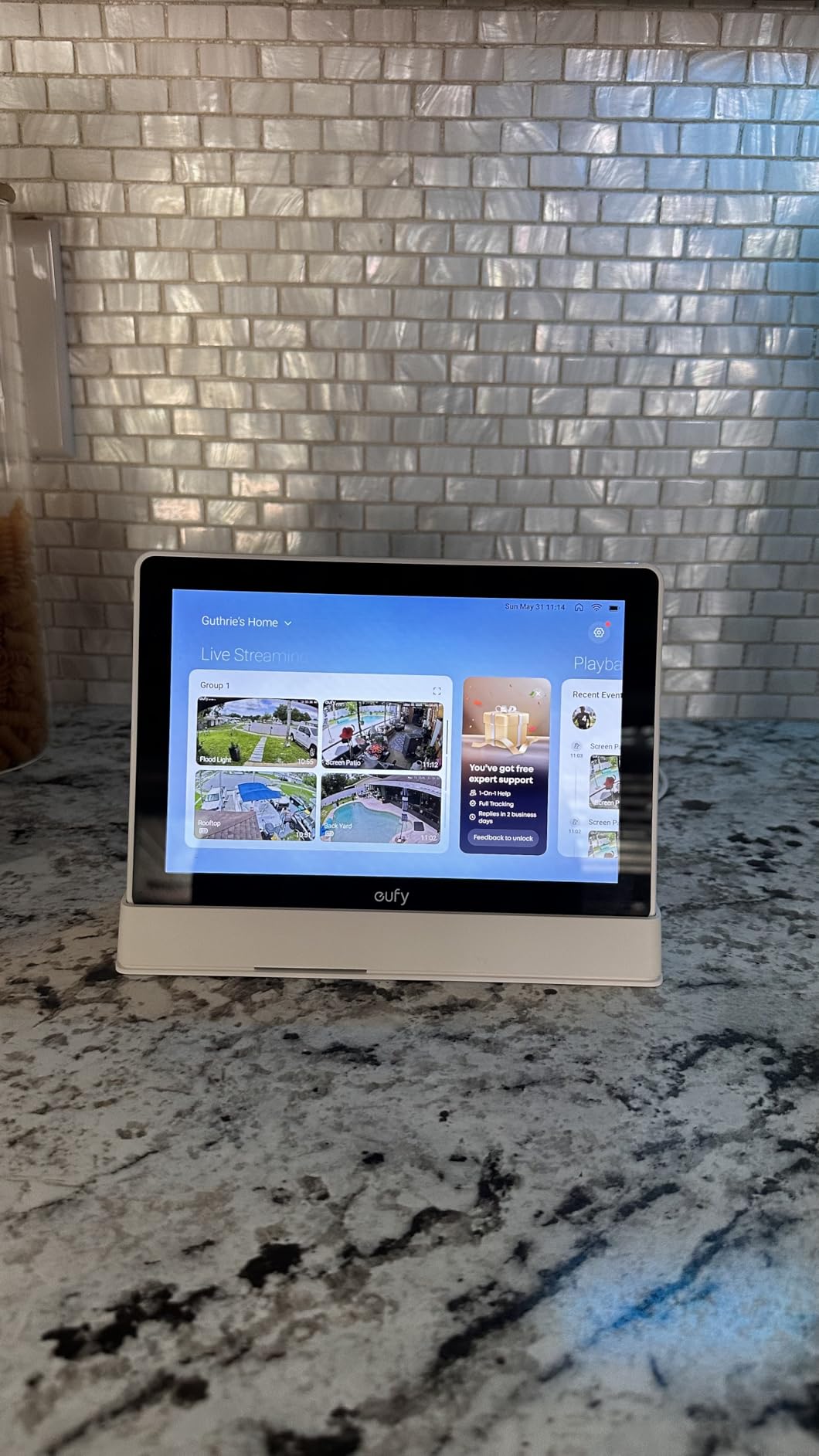
This one is a different animal. The eufy E10 is an 8-inch control panel that shows four camera feeds at once, swiping between camera groups, and it pairs quickly with cameras you already own. Owners like that it loads the live view faster than pulling up the phone app mid-meal.
Hands-free doorbell and motion alerts with live view mean you can see the front door from the kitchen without picking anything up, which pairs well with a cooking timer you are watching. The box includes a 5V adapter, a charging cable, a charging station and a wall mount, so you can start on the counter and move it later.
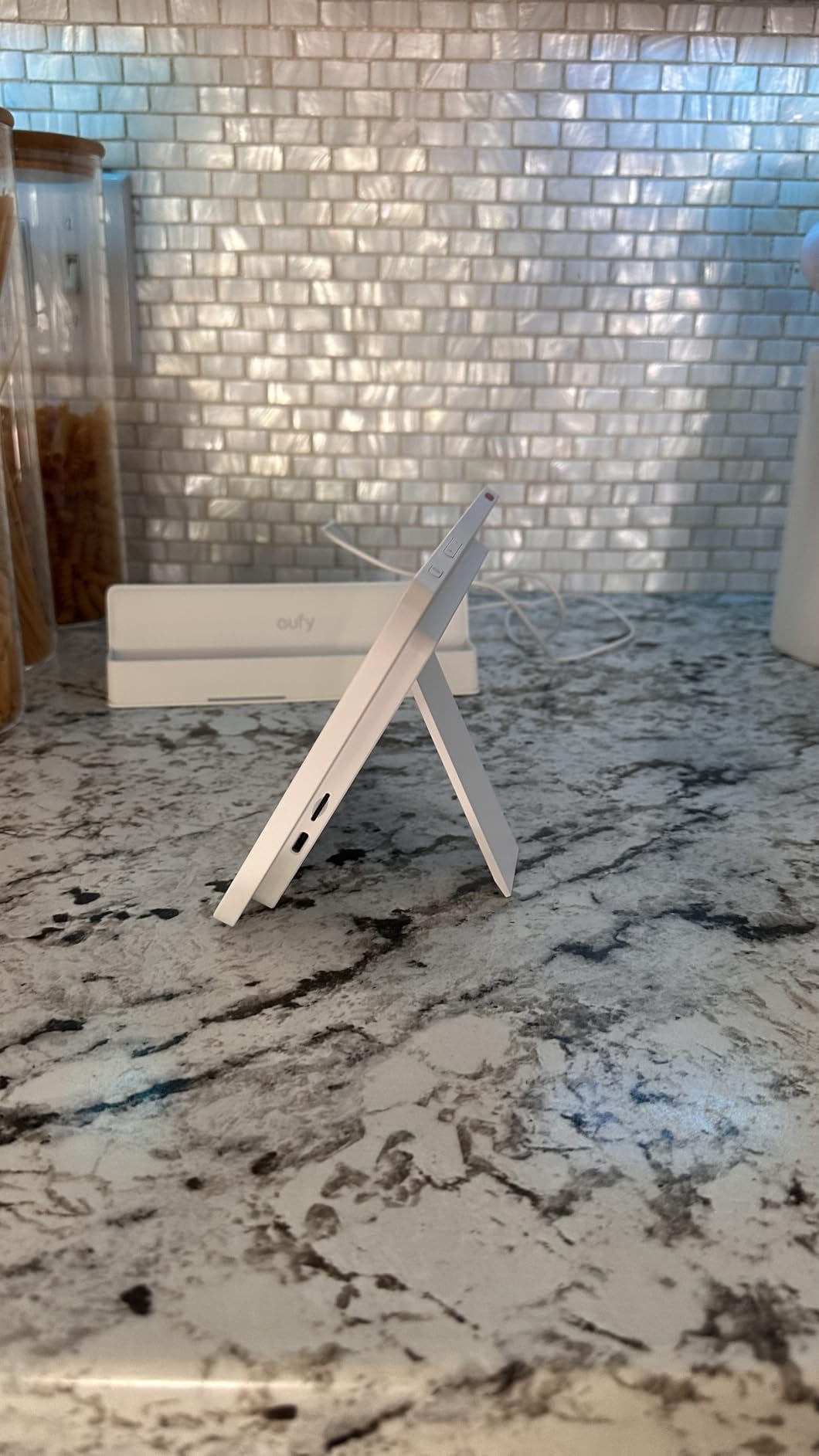
The rechargeability is the detail that changes placement. Once the battery is charged you can carry the E10 from kitchen to hallway to back door, and because it ships with a wall mount you can put it permanently where the feeds matter rather than where the socket is.
On the other side, this is the lowest rated device here at 4.1 and one of the newest. Reviewers report short battery life away from the dock, buffering once more than two cameras stream, a sluggish interface with occasional crashes, and settings that are thinner in the panel than in the app. It is also strictly eufy: no third-party camera support at all.
Who the eufy E10 suits
It suits households that have already committed to eufy cameras and want a permanent wall screen instead of a phone. Front door, driveway and back garden in a single view from the kitchen is the whole pitch, and it is a good pitch if the cameras are already there.
It does not suit you if you run mixed brands. There is no path to bring in a non-eufy camera, so the display is an interface for one ecosystem rather than a general smart home panel.
What to watch for on the eufy E10
Treat it as a camera monitor, not a smart home hub. A smart display is an interface, not necessarily a protocol hub for every Matter, Thread or Zigbee device, and the E10 does not add lighting or thermostat control the way the Echo Show 11 does. Budget for a small charging station footprint if you plan to run more than two streams.
5. Skylight Calendar 15-inch – Best for Family Organisation
Skylight Calendar – 15″ Touchscreen Digital Calendar & Chore Chart, White
- 15.4 inch Full HD display readable across the kitchen
- Reliable two-way calendar sync with major providers
- Chore chart and meal planning keep the whole household on one screen
- Wall mount and countertop stand both included
- Useful features sit behind the optional Plus Plan
- Cannot show tasks and calendar views on the same page
- Less customization than Android-based planners
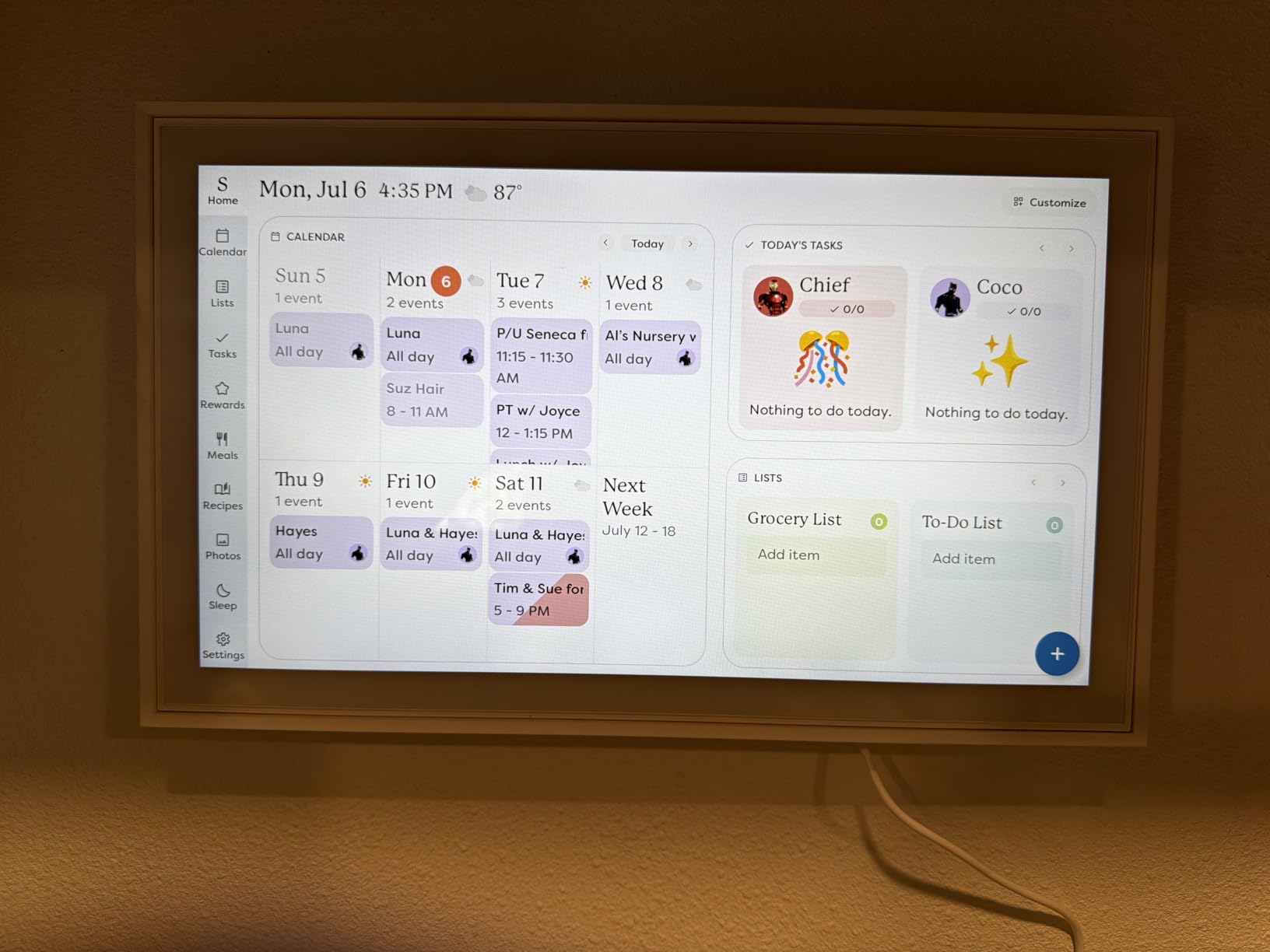
This is the pick that replaces the whiteboard. The Skylight Calendar is a 15.4-inch Full HD touchscreen that syncs two ways with Google, iCloud, Outlook, Cozi and Yahoo, and it ranks as the number one product in Digital Calendars, so the install base is large enough that support and accessories are easy to find.
For a busy kitchen, the colour-coded chore chart is the feature parents mention most. Assign a task, tap it, watch the points accumulate. Weekly meal planning sits on the same device, which turns the screen from an appointment reminder into the place you answer the question nobody wants to ask out loud.
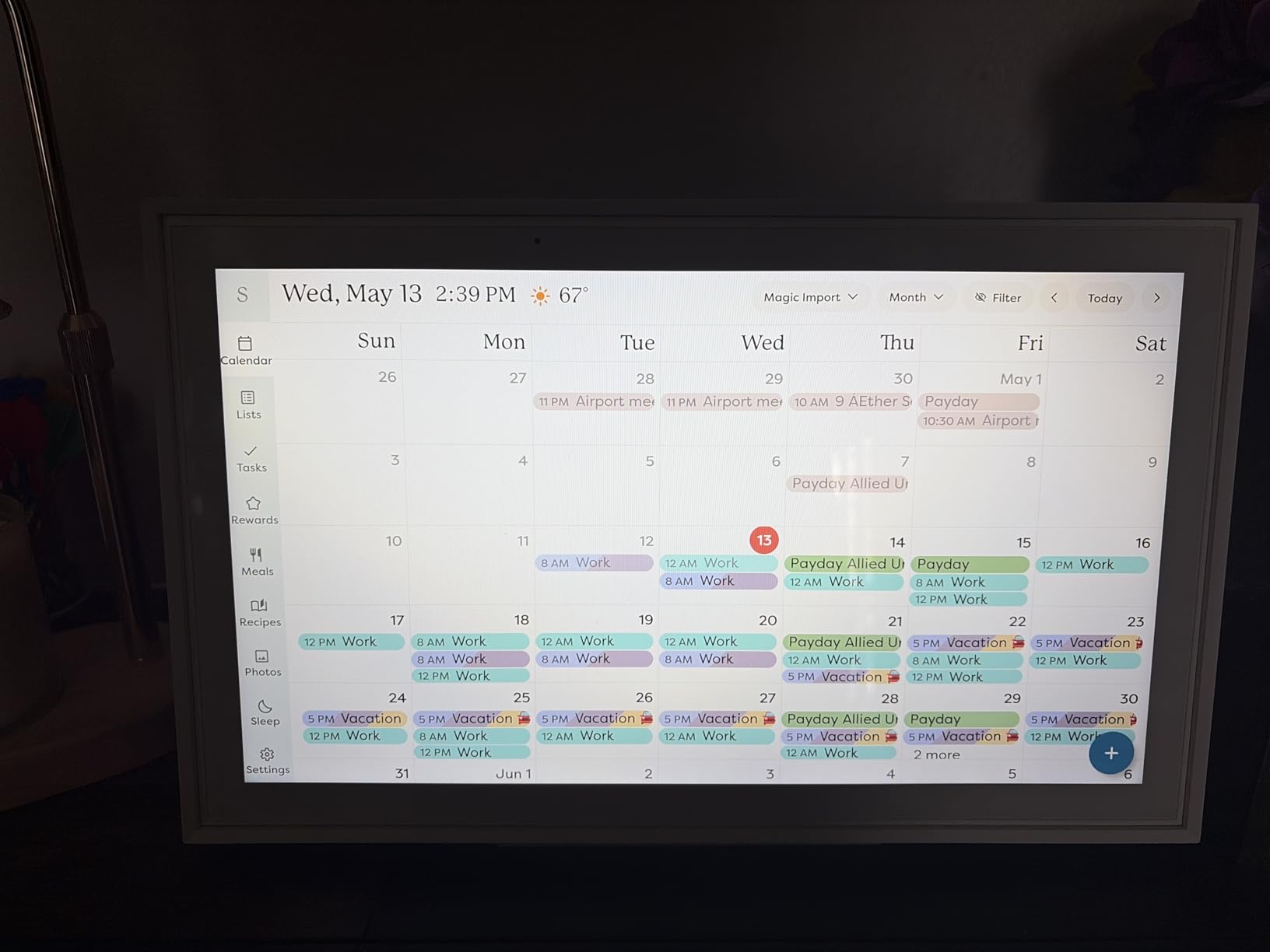
Both mounting options are in the box, a wall mount and a countertop stand, so you can try the counter position first and move it when you know where everyone looks. The metal body and white finish also disappear into a kitchen far better than a black glass slab, which is not a trivial thing when a device lives permanently in view.
The recurring reservation is the Plus Plan subscription, which unlocks Magic Import, the photo screensaver and Disney Mode. You can run the core calendar, chore and meal features without paying, but the extras people want most are the paid ones. Owners also note that tasks and calendar views cannot share one page, and customization is thinner than on Android-based planners.
Who the Skylight Calendar suits
It suits families with two or more calendars to reconcile, children old enough to take a chore, and a wall with free space. If your current system is a magnetic whiteboard and a shared shopping list in somebody’s phone, this consolidates both without asking anyone to learn a new app.
Skip it if you mainly want voice control while cooking. It is a touch device for planning, not a listening device, so it pairs well with an Echo rather than replacing one.
What to watch for on the Skylight Calendar
Check the subscription tiers before you commit, and plan your layout around a single calendar view. The screen is 9.9 inches wide, so wall space matters more than you would expect for a 15-inch class panel.
6. Apolosign 21.5-inch Digital Calendar – Best Large Screen With No Subscription
- Large 21.5 inch screen visible across a kitchen or living room
- No subscription for calendar chores meals and apps
- Dual mode doubles it as an Android tablet dashboard
- Built-in Gemini voice assistant for schedules and reminders
- Anti-glare screen with auto-brightness and sleep mode
- Meal planning module is cumbersome and lacks built-in recipes
- Setup and configuration can be involved for less technical users
- No photo shuffle option for the photo widget
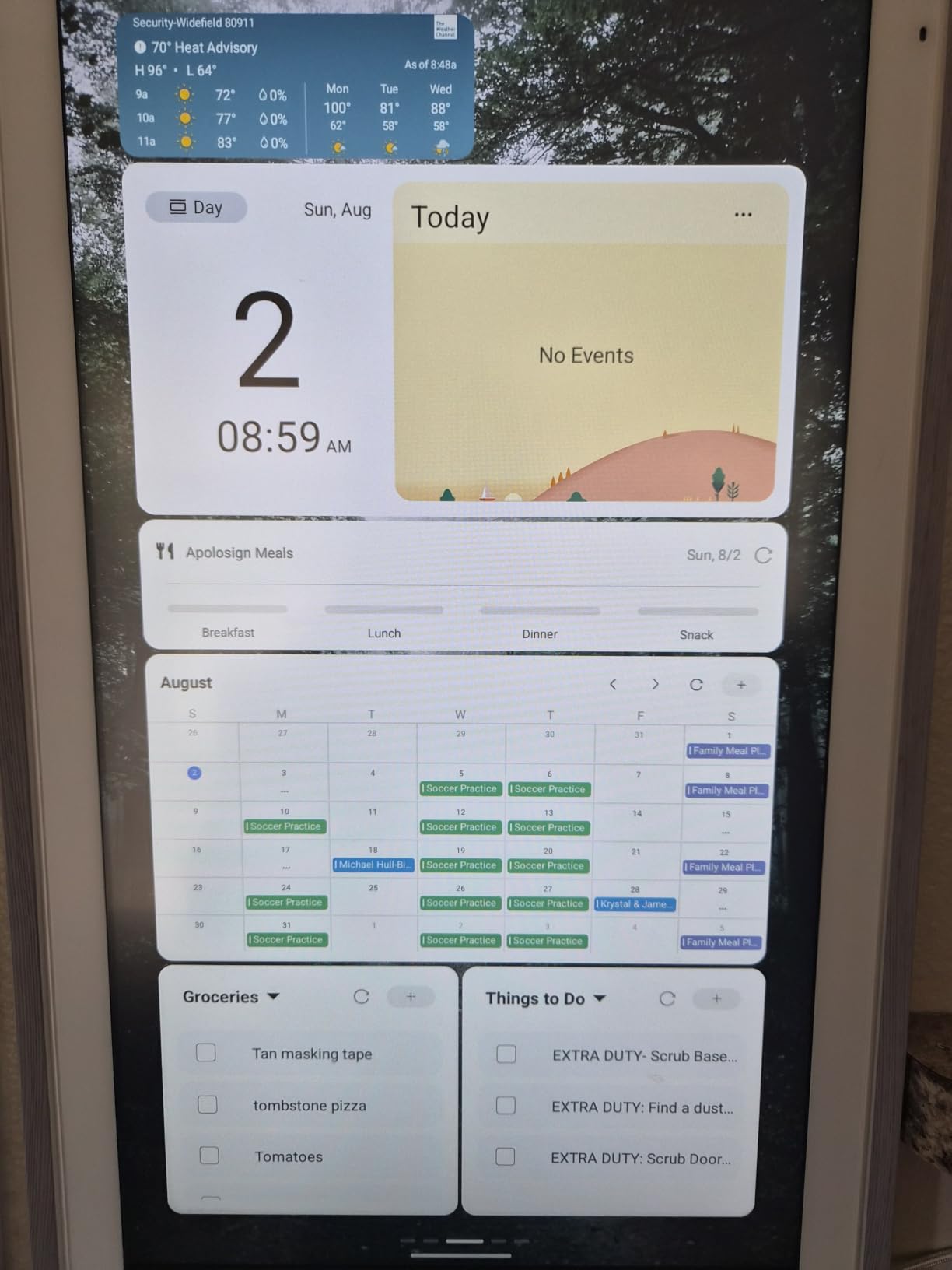
The Apolosign is the pick for anyone who wants the full feature set with no monthly fee attached. Calendar sync with Google, iCloud and Outlook works without a subscription, and the chore chart, meal planning and app dashboard are all included at purchase rather than metered.
Dual mode is what makes it more than a calendar. In Calendar Mode it behaves like a wall planner; switch it into full Android mode with Google Play and the same screen becomes a general dashboard, which is closer to the kind of flexibility Home Assistant users build by hand on a Raspberry Pi touchscreen.
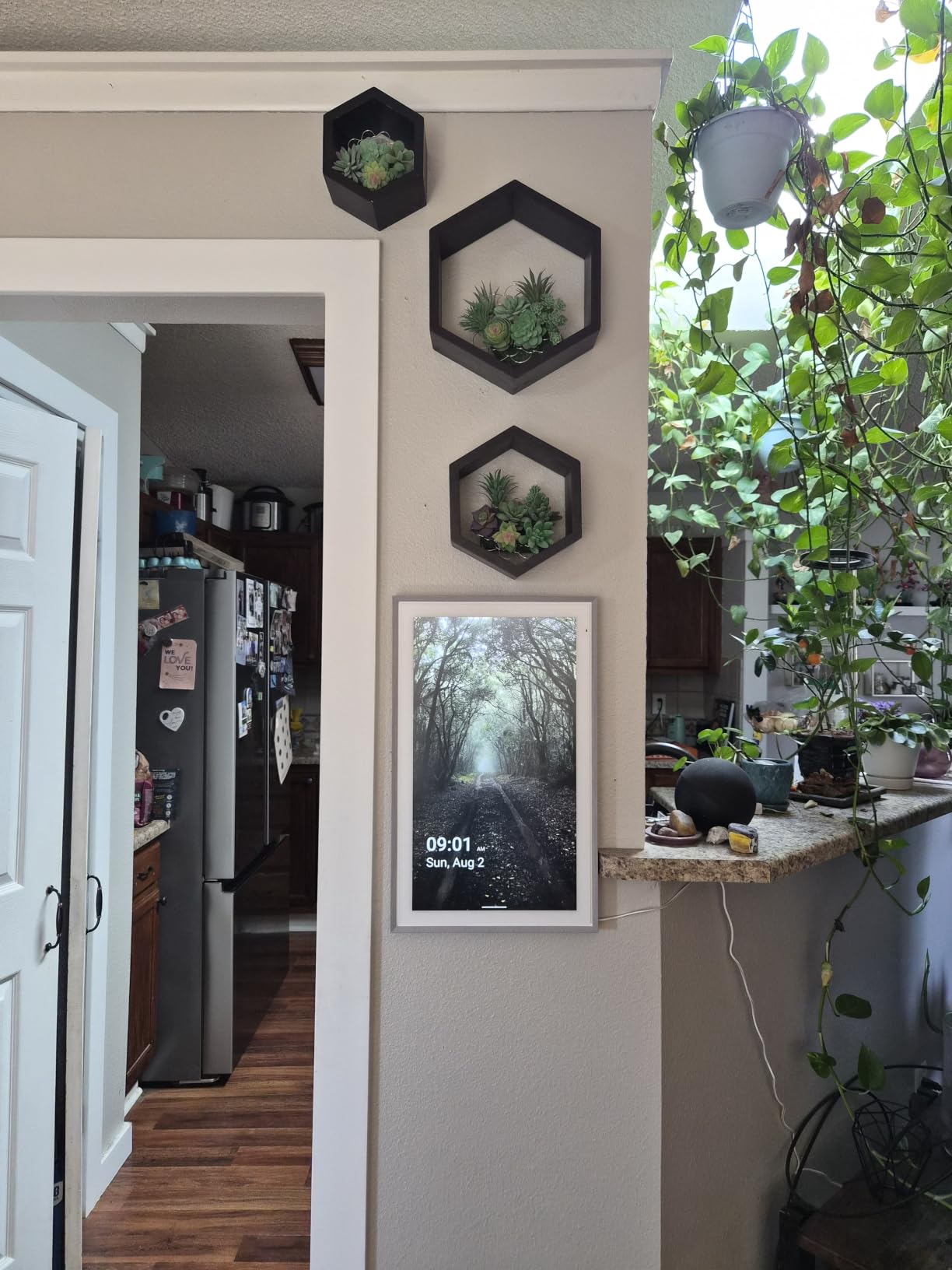
Gemini is built in for schedules, reminders and smart home control, which means voice entry is available even though the device is primarily touch-driven. The anti-glare HD panel with automatic brightness and a sleep mode is exactly the combination a kitchen needs when a window throws light across the screen all afternoon.
Complaints are specific rather than fatal. The meal planning module is somewhat cumbersome and has no built-in recipe library, there is no shuffle option for the photo widget, and configuration is more involved than the manual suggests for anyone who is not comfortable with apps. At 21.5 inches it also costs more than the smaller planners.
Who the Apolosign planner suits
It suits households that have outgrown a paper calendar and refuse to pay a subscription. Families report that it visibly reduces kitchen chaos and the daily what-is-for-dinner question, and the chore rewards keep children engaged without a parent having to chase it.
It suits anyone who wants a large wall screen that can also show photos, and who will spend a little longer during setup in exchange for owning the features outright.
What to watch for on the Apolosign 21.5-inch planner
The 21.56-inch height means it needs real wall or large-surface space and a clear sightline, and it is not a small counter device. Pair it with an Echo Show if you also want hands-free timers, because the Gemini assistant here is convenient rather than kitchen-tuned.
7. Cozyla Calendar Plus 3 – Best for the Biggest Screen
Cozyla Calendar Plus 3: 24″2K Smart Digital Calendar with Google Play Store
- Sharp 24 inch 2K screen with smooth 120Hz touch
- No mandatory subscription for calendar chores meals and to-dos
- Google Play flexibility turns it into a general smart display
- Chore rewards genuinely cut daily nagging
- Quick calendar sync often under a minute
- No ambient light sensor so the screen stays very bright at night
- Thick chassis and supplied mount limit third-party mounting
- Parental control PIN is shown on screen instead of masked
The Cozyla Calendar Plus 3 holds the highest rating in this roundup at 4.6, and the panel explains why. A 24-inch 2K QHD display with 120Hz touch is the sharpest, most responsive screen here, and at 4.3 kg you are not going to accidentally nudge it off a shelf.
It is also a general smart display. Google Play Store access with drag-and-drop dashboard widgets means the 24-inch panel can show a calendar, a weather widget and a photo slideshow at once, which is the arrangement a lot of families end up wanting once they see it on a wall.
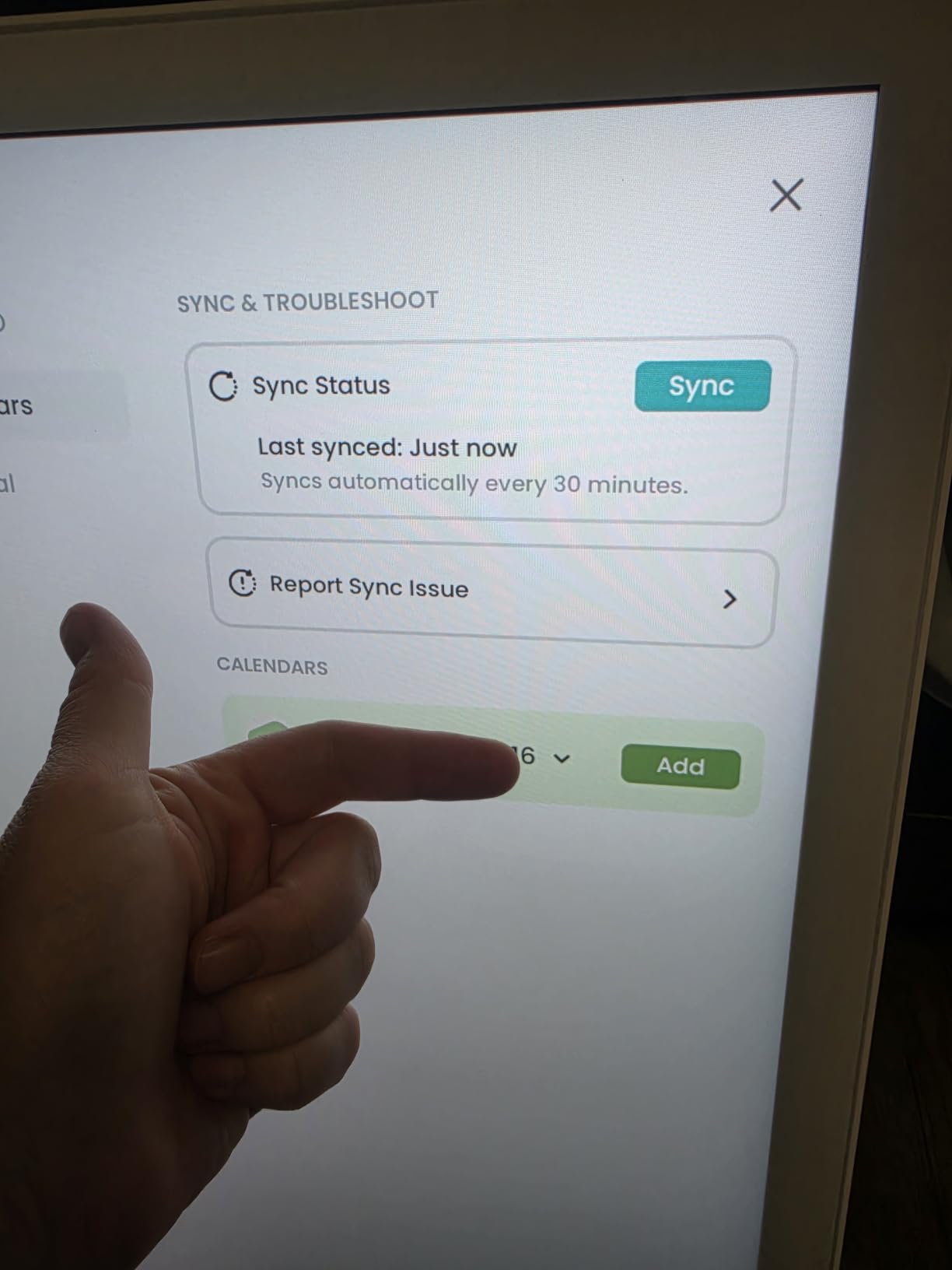
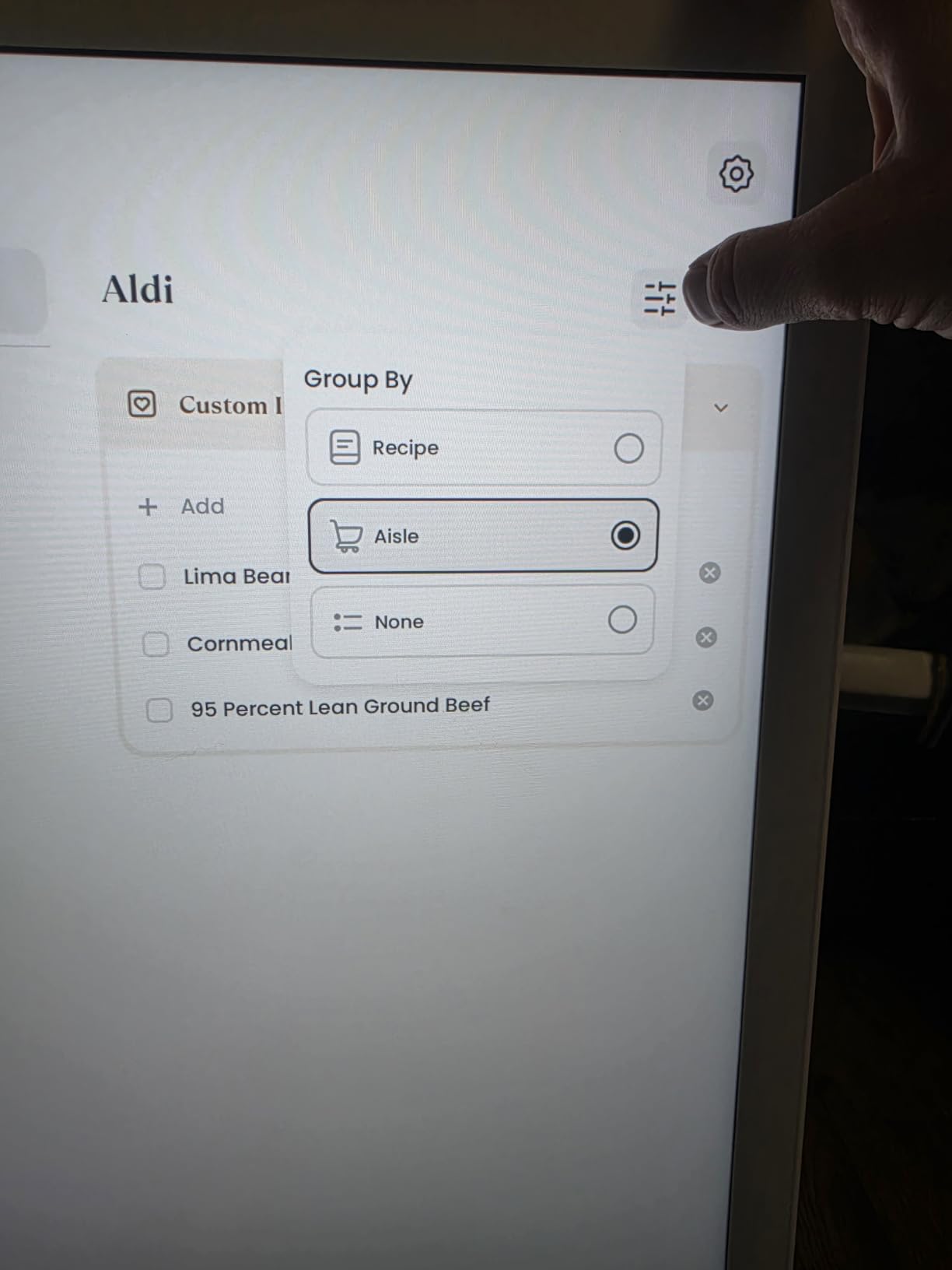
Smart meal planning with video tutorials and grocery lists is the kitchen-specific feature, and the Cozyla Voice Agent allows hands-free schedule and recipe entry. Owners say the chore reward system genuinely changes household behaviour rather than being a gimmick, and a one-year warranty with 24/7 support is unusual at this screen size.
Reviewers also list honest software gaps. There is no ambient light sensor, so the screen stays very bright at night, which is the single most common complaint about a wall-mounted display. The thick chassis and protruding supplied mount limit third-party mounting options, the parental control PIN is displayed on screen instead of masked, and Google calendar syncs only one calendar per user.
Who the Cozyla Calendar Plus 3 suits
It suits large open-plan kitchens where the screen has to be readable from a dining table, and households that want one device to be a calendar, a planner and a general dashboard. The 2K panel also handles a photo slideshow well because of the sheer pixel count.
It is the most expensive item in this guide, so it suits a household that will use it daily as a wall fixture rather than an occasional check-in device.
What to watch for on the Cozyla Calendar Plus 3
Do not install it in a dark room without checking the brightness behaviour, and if you need a flush or recessed mount, measure the body first. It also ships as a wall mount unit, so a countertop placement needs a suitable stand.
8. Yemsd 15.6-inch Digital Calendar – Best for Photo Frame Mode
15.6″ Digital Calendar Wall Touch Screen, Chore Chart, Photo Frame, Bases
- Large 15.6 inch glare-free touchscreen at a mid-range price point
- No subscription fees for calendar meals and chore features
- Real-time multi-calendar sync for the whole household
- Doubles as a digital photo frame with 32GB of storage
- Wall mount and desk base included
- Batteries not included
- Less flexible customization than Android-based planners
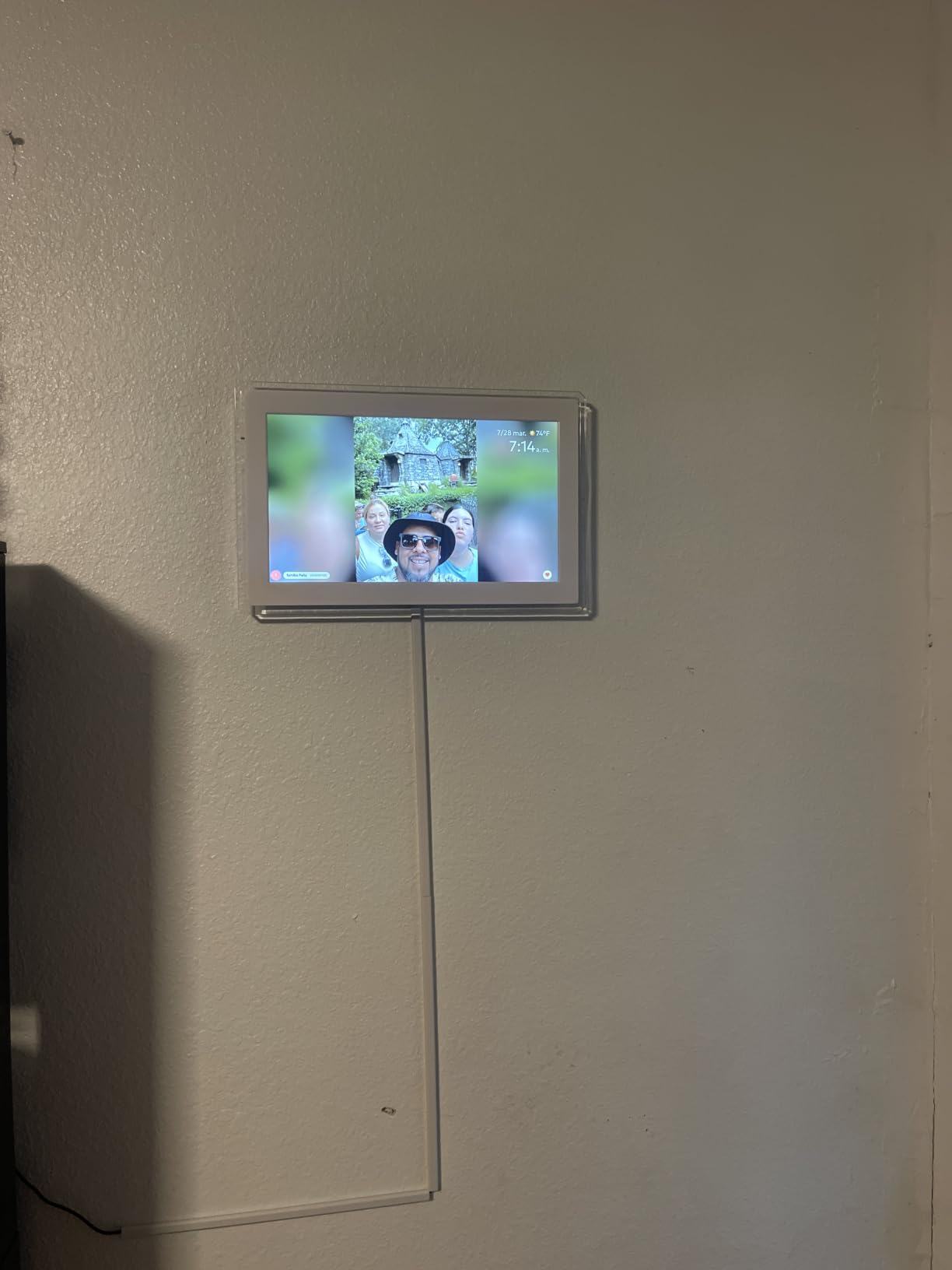
The Yemsd is the value route into the calendar-panel category. You get a 15.6-inch glare-free touchscreen with real-time sync to Google, Outlook and iCloud, an interactive chore chart with reward points, and no subscription anywhere in the package.
The part that earns it a place in a kitchen is the 32GB of expandable storage and the photo frame screensaver. When the screen is idle it becomes a family photo display, which means the device stops looking like office equipment and starts looking like something that belongs there.
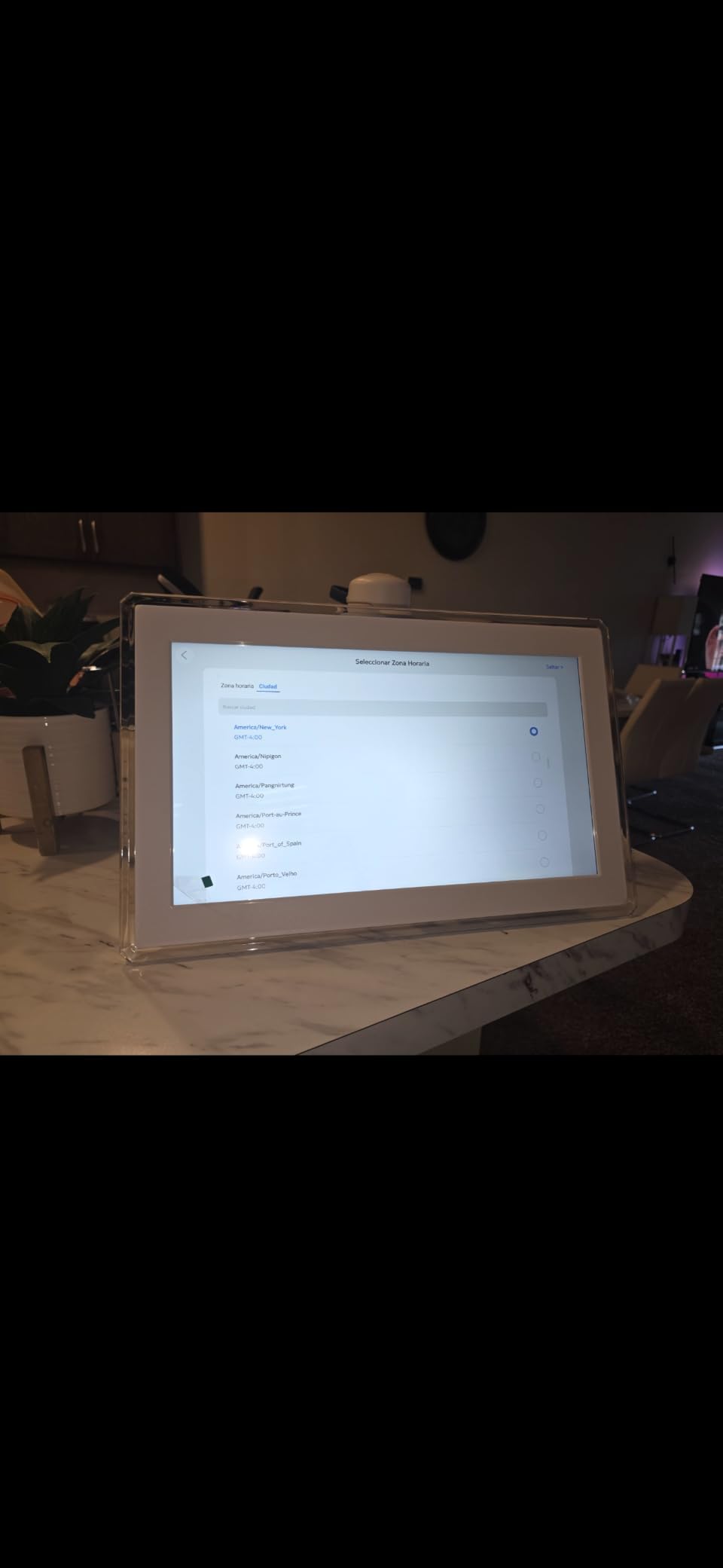
Both a wall mount and a desk base are included, and the reviews also mention 24/7 support and a two-year warranty, which is a reassuring combination at this size. The screen is described as glare-free, which matters more in a kitchen with overhead spotlights than any specification on the box.
Two complaints come up repeatedly. Batteries are not included, which is worth knowing if the base is the way you plan to run it, and screen customization is less flexible than on Android-based planners, so you get the standard layouts rather than a dashboard you design yourself.
Who the Yemsd planner suits
It suits families that want a shared calendar and chore chart without paying a monthly fee, and households that want the kitchen screen to double as a photo frame. Real-time sync for the whole household is the practical draw when several people need to see the same week.
It also works as a stepping stone. If you are not sure a large wall planner is right for your kitchen, this size is easier to place and easier to move.
What to watch for on the Yemsd 15.6-inch planner
Buy the correct power supply if the base is your chosen mount, and expect the default layouts rather than a custom dashboard. It is a planner, so voice control for cooking still needs a separate smart speaker or display.
9. Anyuse 16-inch Smart Digital Calendar – Best for Multi-Generational Homes
Anyuse16″ Smart Digital Calendar Wall Desk Mount Planner
- Large 16 inch screen with adjustable font sizes and brightness for all ages
- Four placement options including wall desk horizontal and vertical
- Two-way calendar sync across six providers without a subscription
- Chore stars and reward redemption keep kids motivated
- Built-in recipe library and weekly meal planning
- Sleep mode and brightness controls are basic compared with premium models
- Frame-style body is less suited to being a pure touchscreen command center
The Anyuse is the accessibility pick. Four-level font size adjustment and brightness control across a 16-inch HD touchscreen is the feature that decides it for a house with a teenager, a parent and a grandparent all trying to read the same week from different angles.
Four placement modes means you can set it on a wall, on a desk, horizontally or vertically, which solves the awkward question of a kitchen where a portrait mount would be too tall. Two-way sync runs across Google, iCloud, Outlook, Cozi, Yahoo and TeamSnap with no subscription.
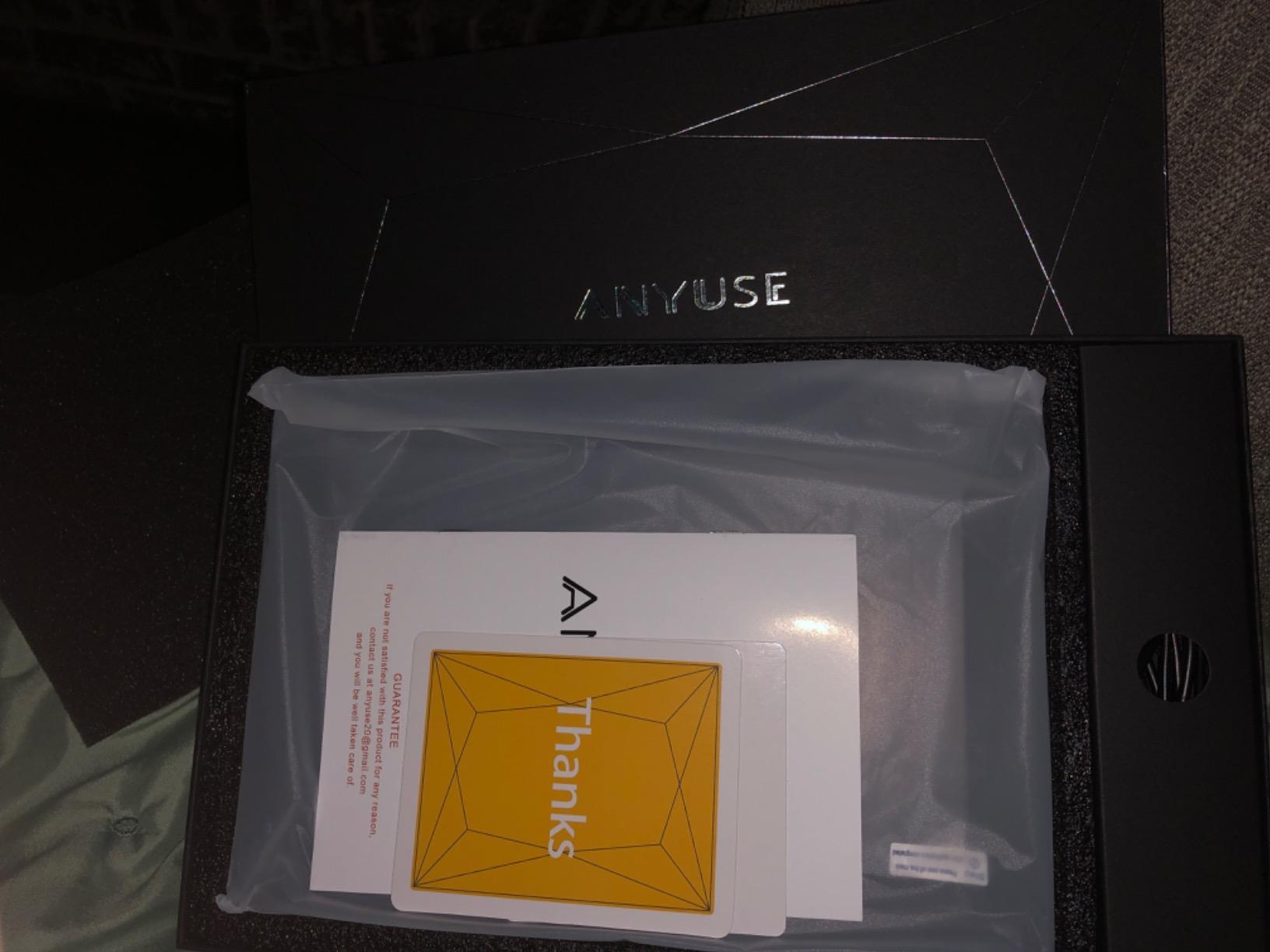
For cooking specifically it includes a built-in recipe library and weekly meal planning, and a photo and video slideshow screensaver with up to 60 seconds of video and 50 photos through the Whale Framely app. Family member accounts use pairing codes and child-safe profiles, so a young child can be given chores without full access.
The two recurring criticisms are that sleep mode and brightness controls are basic compared with premium models, and that the frame-style body looks more like a framed photograph than a pure touchscreen command center. Reviewers also like the setup: straightforward enough that no instruction booklet is needed.
Who the Anyuse planner suits
It suits multi-generational homes where readability beats customisation, and families with children old enough to earn chore stars and young enough to need a safe profile. The recipe library also makes it a genuine cooking aid rather than just a schedule display.
It suits anyone without a subscription policy, since two-way sync and the planner features are all included.
What to watch for on the Anyuse 16-inch planner
Expect a frame-style look rather than a seamless black panel, and do not expect the brightness automation you would get on a premium device. Check the vertical and horizontal mounts against your available wall space before you settle on a position.
10. Linkdaze 10.1-inch Digital Calendar – Best for a Small Counter
- Compact lightweight 10.1 inch format that fits small counters and shelves
- Budget-friendly entry into digital wall calendars
- Combines calendar photo frame chore chart and to-do list in one device
- Two-way Google and Outlook sync plus meal planning and shopping lists
- Needs a manual firmware update right after first power-on
- 1280x800 resolution is lower than premium 2K planners
- Smaller screen is less readable from across a large kitchen
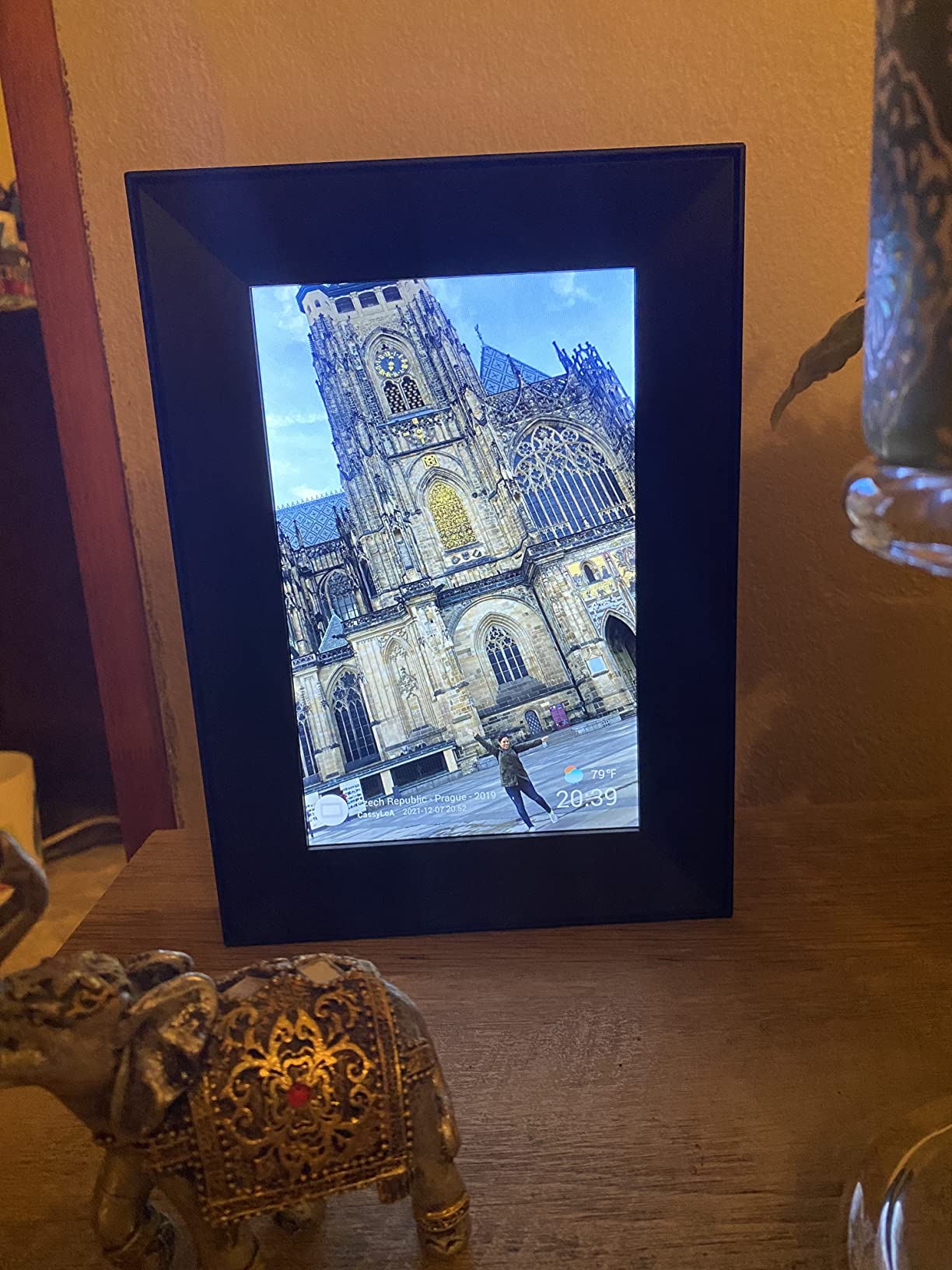
The Linkdaze is the compact end of the calendar range, and at 10.1 inches and 1.2 pounds it is the easiest to move between rooms. Owners like that it packs four things into one device: a calendar, a photo frame, a chore chart and a to-do list.
Sync is two-way with Google and Outlook, and iCloud, Cozi and Yahoo connect through a URL link. The AiMOR app handles remote management and schedule import, and the 32GB of built-in memory holds the photo library without a separate card.
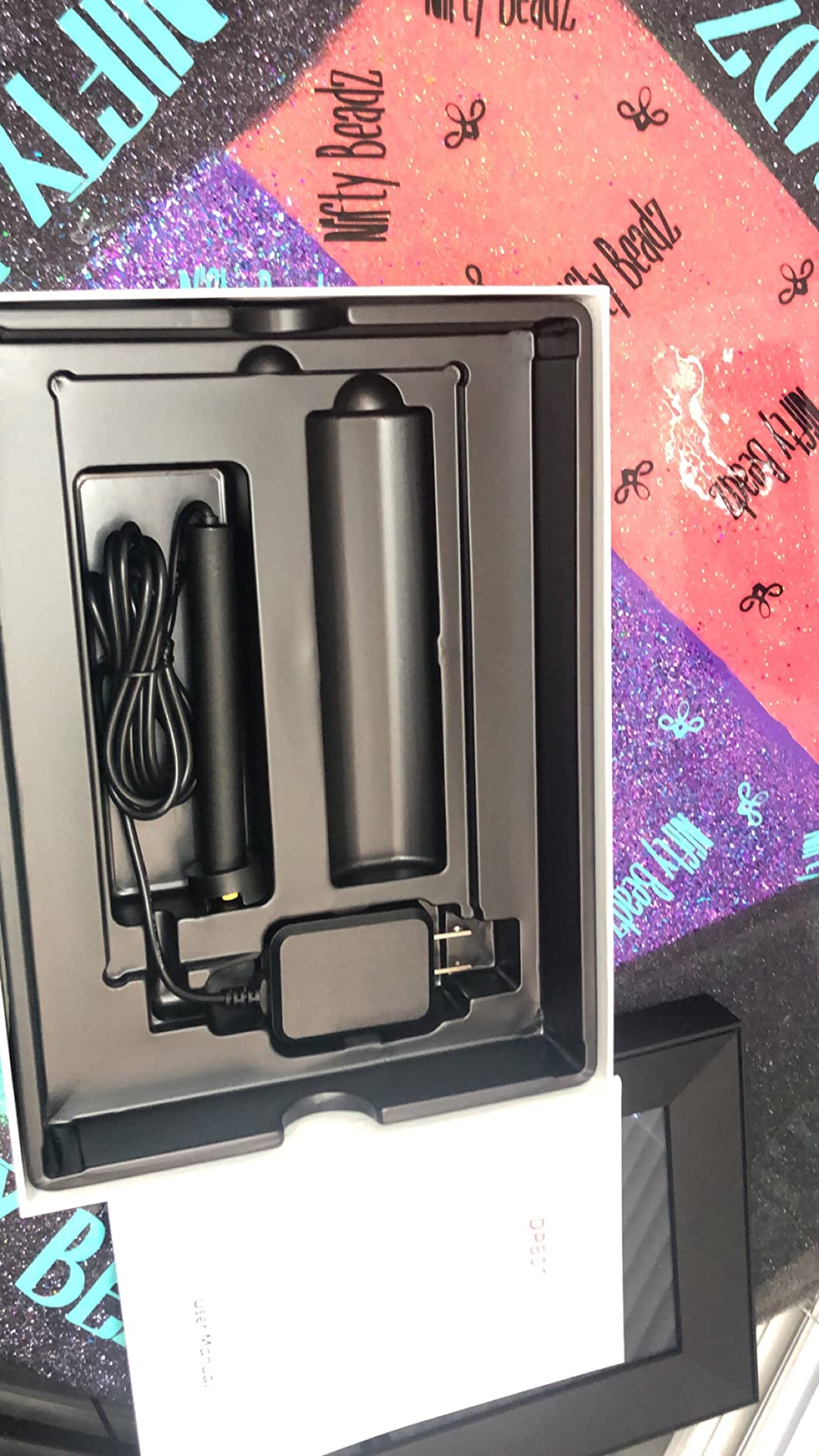
It is also the most honest cheap option in this guide. The manufacturer itself recommends updating the firmware to calendar version 4.0.0 on first power-on so that syncing behaves properly, and the reviews repeat that instruction, which saves you an afternoon of wondering why a calendar will not populate.
Against that, 1280×800 on a 10.1-inch IPS panel is a lower resolution than the 2K planners above, and the screen is less readable from across a large kitchen. Set it on a shelf near the main work area rather than across the room.
Who the Linkdaze calendar suits
It suits small kitchens, home offices and anyone who wants a family organiser without a wall installation. The low weight and compact format make it easy to move between the kitchen and a desk, and the meal planning and shopping list modules cover the essentials.
It is also a sensible first digital calendar for a household testing whether this category is worth committing to at all.
What to watch for on the Linkdaze 10.1-inch calendar
Do the firmware update immediately, and keep expectations realistic about screen size. If your kitchen is more than about 10 feet deep in usable sightlines, the 15-inch and larger panels will serve you better.
How to Choose a Smart Display for a Kitchen
1. Start with the job, not the screen
Decide whether you are buying a voice assistant, a family organiser or a camera monitor. Each of the three needs a different device, and picking the wrong job is the most common reason a kitchen display ends up in a drawer after a month. Voice and timers point to the Echo line. A shared calendar, chores and meal plans point to the wall panels.
The most common and most satisfying setup in real kitchens is one of each: a small voice display on the worktop and a large calendar on the wall. They cost less together than a premium television, and they do different jobs properly.
2. Match screen size to viewing distance
Screen size is a distance question. A 5.5-inch or 10.1-inch screen is a glance device for a counter you stand at, while anything from 15 inches upward is a read-across-the-room device. A useful rule: under 8 inches for arm reach, 15 inches for a worktop you walk past, and 21 to 24 inches for open-plan kitchens and dining areas.
Check whether the screen dims automatically at night. It is a small thing that determines whether the device stays switched on or ends up unplugged.
3. Think about voice assistant ecosystem lock-in
A smart display is an interface first. It is not automatically a protocol hub for every Matter, Thread or Zigbee device, and only some models add radios for those. Check which smart home devices you already own before you pick the assistant, because switching assistants later means re-pairing lights, locks and sensors.
Also consider subscriptions. Several picks in this list include a paid plan for extras such as photo screensavers or import tools, while others deliberately charge nothing. Decide which features you would actually use before paying for anything.
4. Camera and privacy controls in a shared room
A display in the kitchen is one of the most exposed devices in the house, so physical controls matter more than software promises. Look for a hardware button that disconnects the microphone and camera, and a physical camera shutter. On the software side, check that the microphone can be muted at the device and that raw audio recordings can be deleted.
If you are buying for a family home, a device with a physical shutter removes the argument entirely. If you want no camera at all, check that the model does not include one before you read the reviews.
5. Kitchen durability, cleaning and power
None of the specifications we reviewed for these ten devices include a water-resistance rating, so treat a splash zone as a splash zone. Place the unit back from the sink edge and away from the hob side, and expect fingerprints: fabric and plastic bodies wipe clean more easily than glass, and a microfibre cloth should be part of the routine.
Finally, check outlet reach before you commit to a wall mount. Large panels draw power from a nearby socket, and a 21-inch or 24-inch screen that has to sit several feet from a wall outlet is the most common installation regret in kitchen reviews.
Where to Put It: Countertop, Wall or Shelf
Countertop suits small and mid-size screens, keeps the device at hand and avoids any drilling. It also means you can move the whole setup when you rearrange. The cost is prep space and a permanent fingerprint zone next to the hob.
Wall mount suits anything from 15 inches upward and looks considerably better, because the screen sits at eye level and out of the way of splashes. Plan the socket position first, and check whether the supplied mount leaves room for a thicker third-party bracket.
Under cabinet or shelf suits mid-size displays where visibility is less critical and the screen mainly needs to be seen from one position. Check the viewing angle before committing, because a display mounted at the wrong height becomes something you stop reading.
Whichever you choose, run a one-week test. Put the display where you think it belongs, cook as normal, and note the times you actually glance at it. More than one of these picks is a glance device, and a glance device on the wrong wall is wasted money.
Alexa or Google Assistant in a Kitchen
In a kitchen, the two ecosystems differ mainly in what they are good at. Alexa is the more reliable option for the spoken cooking workflow: multiple simultaneous timers, spoken shopping list adds while your hands are full, and step-by-step recipe reading aloud with the screen following along. Owners consistently rate Alexa as predictable for those specific tasks.
Google Assistant is the stronger option for calendars and phone-based ecosystems, because calendar sync is where it feels native. The catch is that Google’s own smart display line is older, and owners on r/googlehome and r/smarthome report uncertainty about the long-term support path for that hardware. Amazon has continued to refresh the Echo line with new chips and new assistant features.
Are you technical? Home Assistant communities often treat consumer smart displays as insufficient for a real dashboard and build Raspberry Pi touchscreen kitchen panels instead, which gives you total control and none of the convenience. If you already run Home Assistant, that route is worth knowing about before you buy a consumer panel that will not integrate with it.
Either way, a kitchen display is a family-shared device, and multi-user voice recognition is the most common real-world failure mode. Test each family member’s voice before you commit, because triggering someone else’s music or routine is the complaint that shows up most in forum threads.
Frequently Asked Questions
What is the best smart display for a kitchen?
The Amazon Echo Show 11 is the best smart display for kitchens in 2026. Its 11-inch Full-HD screen is readable from across a room, Alexa+ handles hands-free timers, recipes and shopping lists, and the built-in smart home hub controls lights, thermostats and camera feeds without extra hardware.
What is the best Echo Show for the kitchen?
For most households the Echo Show 11 is the best Echo Show for a kitchen because the 11-inch panel carries more of a recipe or calendar than the smaller models. If counter space is tight, the Echo Show 5 gives you the same voice assistant in a 5.5-inch footprint with a physical camera shutter.
What is the best Alexa for a kitchen?
The Echo Show 11 is the best Alexa device for a kitchen. It combines a far-field microphone array with a screen large enough for step-by-step recipes, a built-in smart home hub so you do not need a separate bridge, and spatial audio that carries across hard kitchen surfaces.
Which is better, Nest Hub or Echo Show?
For kitchen tasks such as multiple timers, spoken shopping list adds and step-by-step recipe reading, the Echo Show line is the more reliable choice. For households already living in Google calendars, the calendar-first planners in this guide sync two ways with Google, iCloud, Outlook and more.
What has replaced Google Nest Hub?
There is no direct like-for-like replacement in this roundup, and owners on r/googlehome and r/smarthome report real uncertainty about the long-term support path for Google older smart displays. In practice households usually fill the gap two ways: an Amazon Echo Show for voice and cooking tasks, or a calendar-first wall panel such as Skylight, Apolosign or Cozyla for planning.
Do smart displays work in a kitchen with steam and wet hands?
They work, but plan the placement. None of the specifications for the ten devices in this guide list a water-resistance rating, so keep the unit back from the sink edge and the hob side, and expect to wipe fingerprints and grease from the screen regularly. Voice control is the practical answer to wet hands, which is why the larger Echo models are the popular kitchen choice.
Conclusion
The best smart displays for kitchens in 2026 split cleanly by job. Buy the Amazon Echo Show 11 if you want one screen to run timers, recipes, shopping lists and smart home control with your hands busy. It is our overall pick for that reason, and the built-in hub is what separates it from a plain smart speaker with a screen.
Buy a calendar panel instead if the problem you are solving is the whiteboard and the what-is-for-dinner question. The Skylight Calendar handles families that will use a subscription, the Apolosign and Yemsd planners handle families that will not, and the Cozyla Calendar Plus 3 is there if a 24-inch 2K wall screen is exactly the thing your kitchen is missing.
Whichever you pick, set it up where you cook rather than where the socket is, test every family member voice once, and expect to wipe the screen every few days. If you are still weighing options, start with the general smart display guide for other rooms, and browse our digital signage display picks if you are thinking of a larger always-on wall screen.