
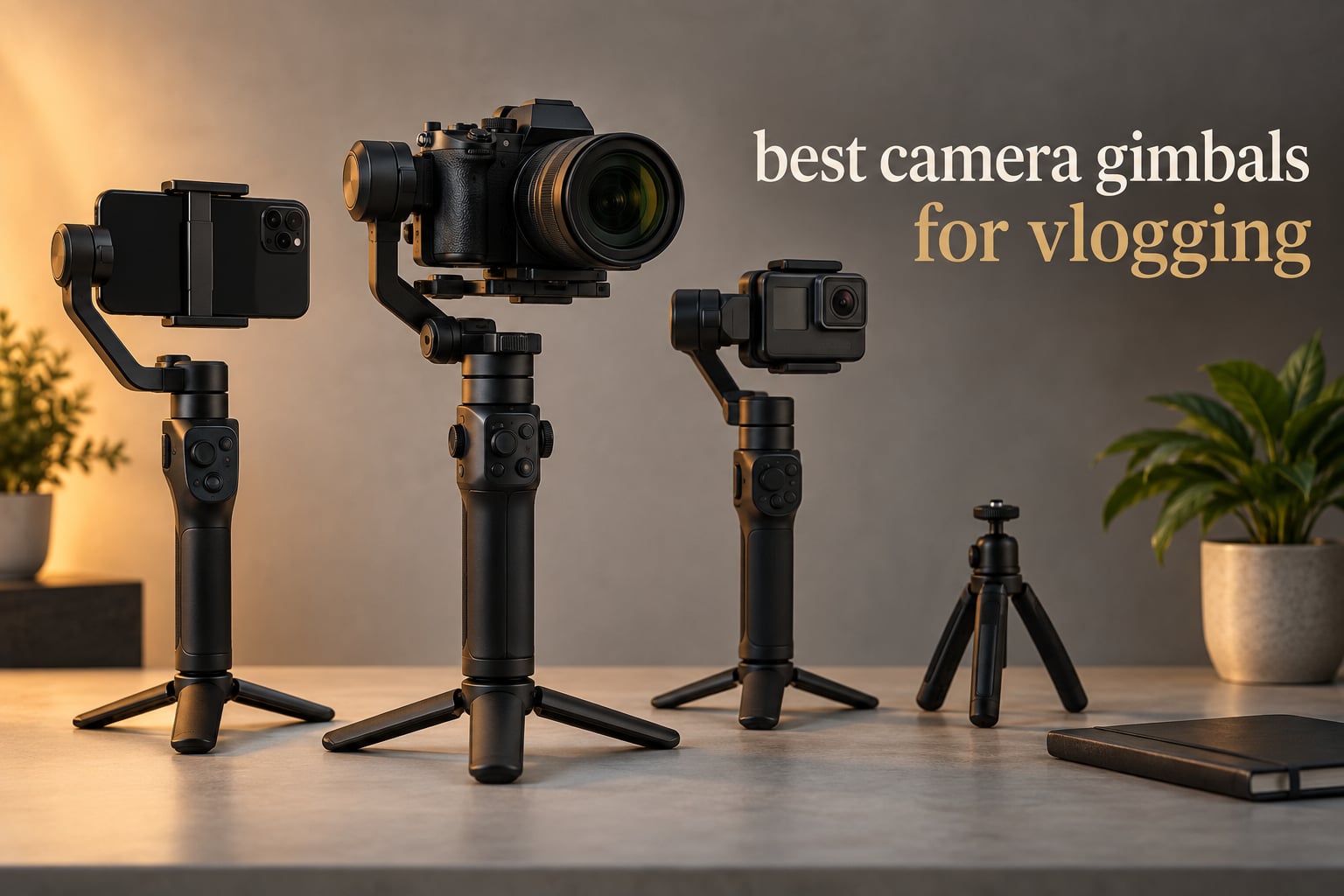
Shaky handheld footage is the fastest way to lose a viewer in the opening three seconds, and no amount of editing rescues a jog on pavement. If you shoot while walking and talking, a motorised stabiliser is the single piece of kit that changes how your videos look. After handling the current generation of camera gimbals and reading several thousand owner reviews, here is our short version: the best camera gimbals for vlogging come down to which device you actually shoot on, not to a single brand winner.
That is the part most roundups get wrong. A gimbal rated for a 2 kg payload feels completely different in the hand than one built for a phone, and the tracking features that matter on a smartphone are useless on a mirrorless body. So we matched each pick to a device class: phones, compact cameras, APS-C and full-size mirrorless. If you want the wider fundamentals first, our guide to the best gimbals available covers the hardware categories in more detail.
Our method was simple. We weighed each body, logged the stated payload, noted the axis hardware and follow modes, checked the runtime claims against what owners report in real shooting, and paid close attention to the complaint threads, because the same three problems show up again and again: micro-jitter, motor noise and balancing. Updated for 2026, every pick below reflects current-generation hardware only.
One quick note before the list. If you are starting from scratch and have not bought a camera yet, the path is often a gimbal-integrated body rather than a separate stabiliser, and it is worth weighing that against a mirrorless kit. Our beginner vlogging camera picks and family-friendly vlogging camera guide both start from that decision.
Table of Contents
Top 3 Best Camera Gimbals for Vlogging in 2026

DJI Osmo Mobile 8
- 370 g body
- 10-hour battery
- 360-degree pan
- AI tracking with audio and fill light


hohem iSteady X3 SE
- 0.79 lb foldable body
- 11-hour battery
- LCD detachable remote
- 300 g payload
The Osmo Mobile 8 leads because it does more per gram than anything else here: tracking, a fill light and a wireless audio receiver sit inside a 370 g body that folds to pocket size. The RS 3 Mini is the pick if you already own a mirrorless body, because 795 g and a 2 kg payload covers most APS-C kits with a prime attached. The hohem is the value answer for phone shooters who want a screen-equipped remote and a full-day battery.
All 8 Camera Gimbals Side by Side (October 2026)
| Product | Specifications | Action |
|---|---|---|
| DJI Osmo Mobile 8 |
|
Check Latest Price |
| DJI RS 3 Mini |
|
Check Latest Price |
| hohem iSteady X3 SE |
|
Check Latest Price |
 AOCHUAN Smart XE AOCHUAN Smart XE |
|
Check Latest Price |
 ZHIYUN Weebill 3E ZHIYUN Weebill 3E |
|
Check Latest Price |
 FeiyuTech SCORP Mini-3-Pro FeiyuTech SCORP Mini-3-Pro |
|
Check Latest Price |
 DJI RS 3 Combo DJI RS 3 Combo |
|
Check Latest Price |
 FeiyuTech SCORP 2 FeiyuTech SCORP 2 |
|
Check Latest Price |
1. DJI Osmo Mobile 8 – Best Phone Gimbal for Vlogging
- Very smooth three-axis stabilization while walking
- AI tracking that runs inside your own apps
- built-in extension rod and tripod
- long real-world runtime
- folds small enough for a jacket pocket
- No lanyard or hard case in the box
- manual calibration with no quick-recal gesture
- stiff extension rod
If you film on a phone, this is the gimbal to beat. The Osmo Mobile 8 packs three-axis motors, an extension rod, a tripod, a fill light and a wireless audio receiver into 370 g, and the tracking works natively inside Instagram and TikTok rather than forcing you into a single companion app. That last point matters more than any spec on the box, because you keep the camera roll and the edit flow you already use.
In walking tests it holds a level horizon far better than phone-only electronic stabilisation, which crops your frame and softens detail. The 360-degree pan rotation means you can swing the front-facing camera around to yourself for a segment without re-arming the follow mode, and the built-in extension rod gives you a genuine overhead and low-angle option from one piece of kit.
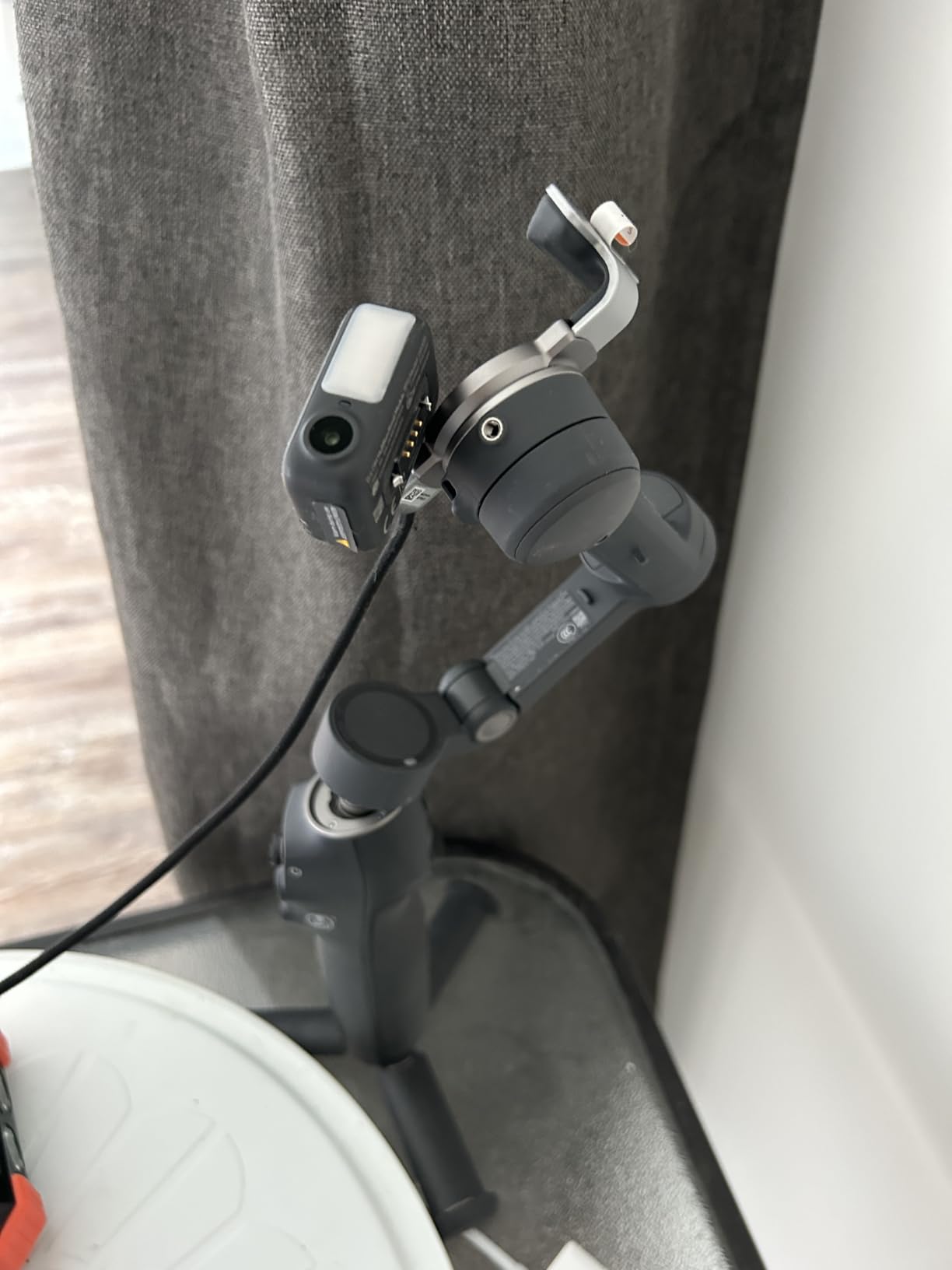
Battery life is the sleeper feature. The stated figure is 10 hours, and owners regularly report eight to ten hours of real shooting, plus the ability to top up the phone while the gimbal is running. For a creator filming a full day in short bursts, that removes the charger anxiety that comes with most phone accessories.
The trade-offs are all in the accessories rather than the stabiliser. There is no lanyard and no hard protective case in the box, which matters if you are the type to set gear down on pavement. Calibration is manual with no one-touch recalibration gesture, so you will be re-running the balance step whenever you change phones or cases. The extension rod also feels stiff to extend and collapse, and very large phones in bulky cases can upset the balance enough to slow the motors.
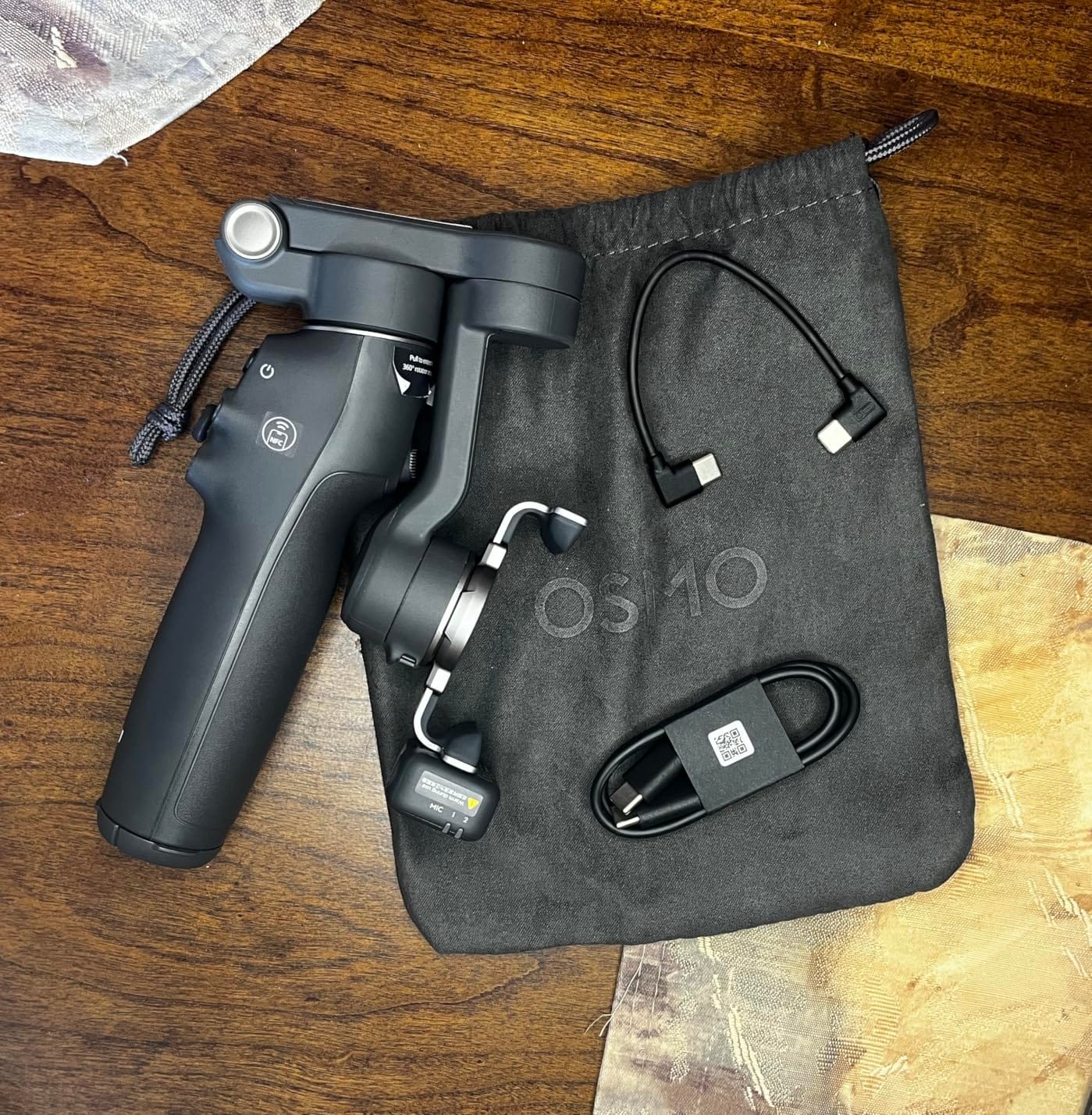
What you get when you carry it all day
At 370 g it disappears into a bag, and the folded footprint of 7.5 by 3.7 by 1.8 inches means you can launch it in a queue without unpacking. Owners frequently mention that the auto-on function can trigger inside a pocket when the arm shifts, so keep it clear of your coat when you are not filming.
You cannot switch cameras mid-recording, which is a real limit for anyone running a vlog where a wide shot needs to become a front-camera clip without a cut. Plan those transitions as edits rather than live moves.
When to skip it
Skip this one if your indoor videos rely on a shotgun microphone mounted close to the phone, because any motorised gimbal adds some handling and motor noise to a quiet room. It is also the wrong tool if you need a real camera body for low-light work or a long lens.
And if you already own a mirrorless camera, do not buy a phone gimbal to avoid learning a camera gimbal. Our camera slider picks cover the other half of that support rig decision.
2. DJI RS 3 Mini – Best Mirrorless Gimbal for Vlogging
- Very light for its payload class
- strong high-torque motors
- compact folding design
- quick native vertical shooting
- Bluetooth shutter removes cable clutter
- Cramped 1.4-inch touchscreen for menu work
- app-based activation and firmware
- RS-series handling quirks in the app
The RS 3 Mini is the balance point in the whole category. At 795 g it carries a 2 kg tested payload, which covers a Sony ZV-E10, a Canon M50 or most APS-C bodies with a compact prime, and it is roughly half the weight of a pro mirrorless gimbal. For walking-and-talking vlogs that is the difference between a comfortable day and a sore arm.
Native vertical shooting is genuinely fast. You slide the camera down the plate, lock it in the other orientation, and the gimbal rebalances without an accessory arm. Combined with Bluetooth shutter control, you can start and stop a take without a cable running down the arm and into the camera.
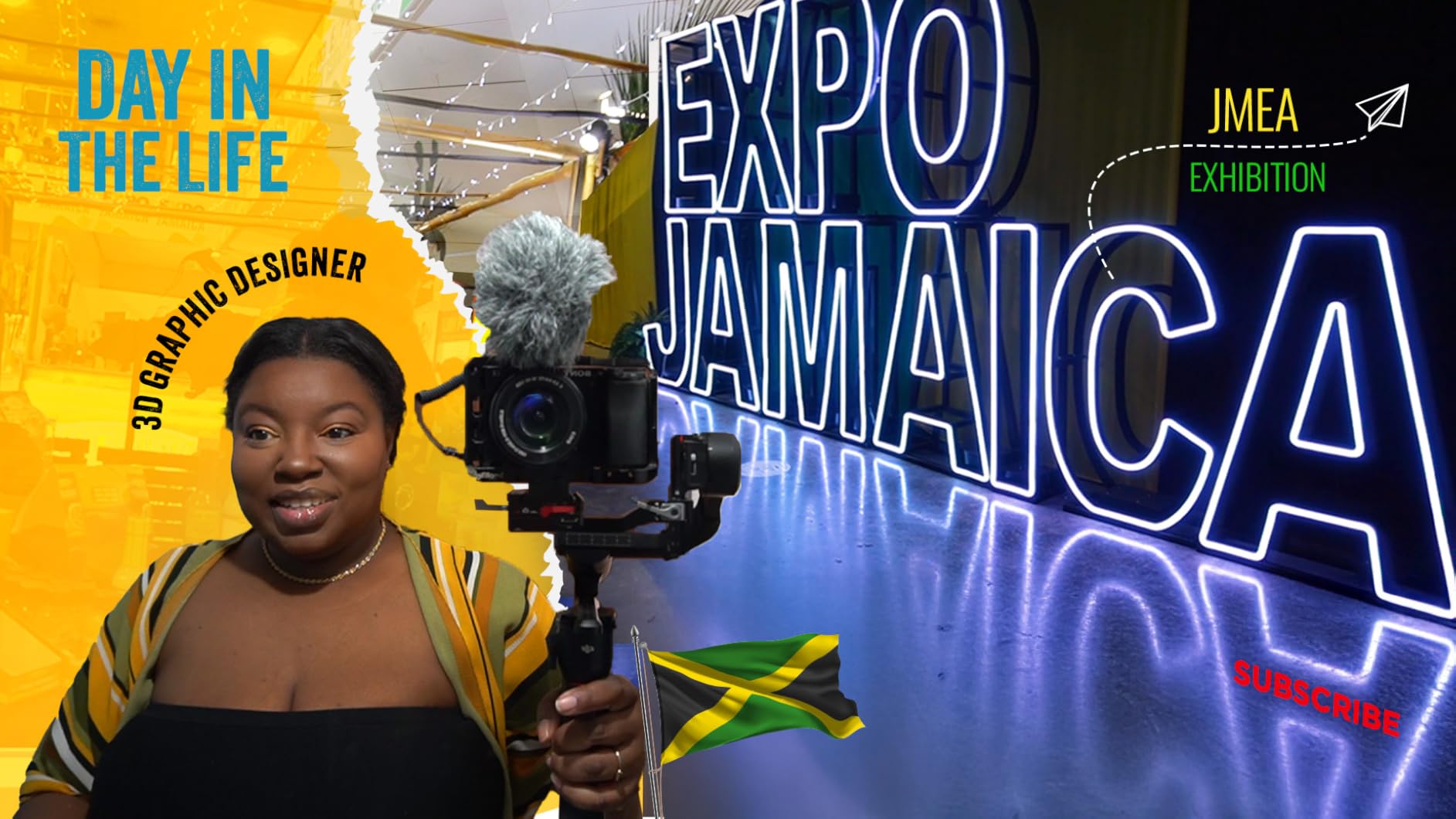
The third-generation RS stabilisation algorithm is tuned for handheld movement rather than the slow pans of a tripod head, which is exactly what vlogging needs. It also shoots in PF, PTF and FPV modes, so you can lock the yaw axis for a static talking head and unlock it the moment you start walking.
Where it frustrates people is the screen and the software. The 1.4-inch full-colour touchscreen is fine for a quick glance but cramped for any real menu work, and the gimbal requires the DJI Ronin app for activation and firmware, which is no longer listed in the Play Store and has to come from DJI directly. Anyone who prefers to never open a companion app should look at the FeiyuTech options further down.
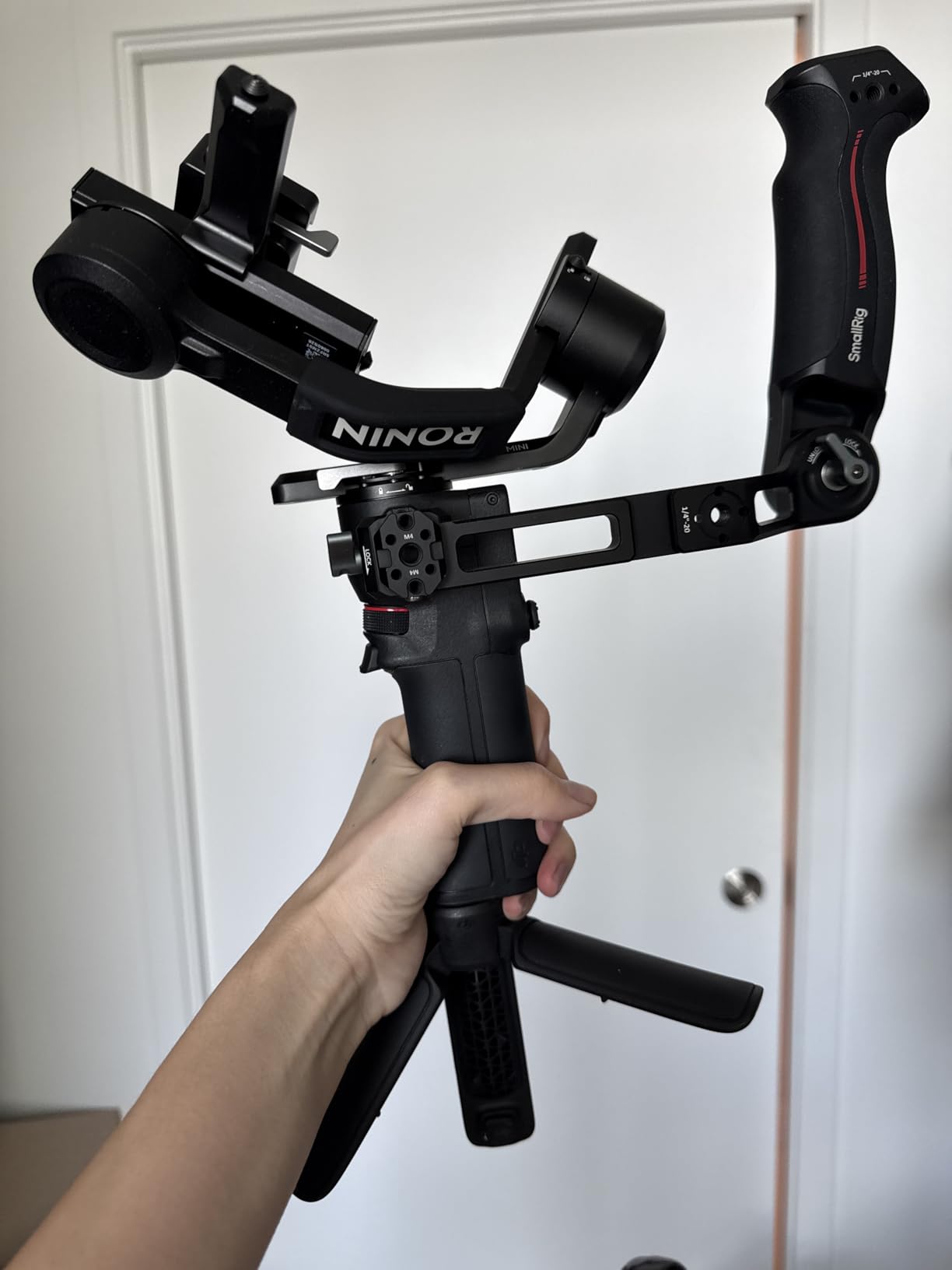
Matching it to your camera body
Add your camera and lens together and compare with the 2 kg figure, not the camera alone. A ZV-E10 with a 16-50 kit lens sits comfortably inside it. A full-frame body with a zoom lens is a different story, and there is a reason we recommend stepping up rather than bending the limit.
Do the balance once and mark the arm position with tape or a sticky note. Owners who skip this step and rebalance from scratch each session are the ones who report the gimbal feeling inconsistent.
Where it falls short
It is not a full-frame rig, and it is not a comfort rig either. Once you are past 2 kg, the motors start working harder and the behaviour you get is not the one the weight figure promises.
For indoor voiceover with a shotgun mic close to the camera, keep an eye on motor noise. The small motors here are not silent under load. If your indoor audio is critical, test the specific mic and gimbal pairing before you commit.
3. hohem iSteady X3 SE – Best Budget Phone Gimbal for Vlogging
- Screen-equipped detachable remote is unusual at this level
- 11-hour battery for all-day shooting
- folds small and light
- tracking works on human subjects
- quick horizontal and vertical switching
- Record and tracking only work inside the Hohem app
- attached USB cables upset balance and trigger error beeping
- arm can sag with very large phones
The hohem iSteady X3 SE wins on one feature that almost nothing else in this list has: the remote detaches from the grip and carries a small LCD and touch controls. You pull it off, prop the gimbal on its tripod and frame yourself without touching the phone. For a solo creator filming alone, that is worth more than another axis on the spec sheet.
It is also light, at 0.79 lb, and folds down to under four inches so it lives in a jacket rather than a camera bag. The stated 11-hour battery is backed by owners who report full-day use on roughly a two-hour charge, and the 300 g payload covers any current mainstream phone.
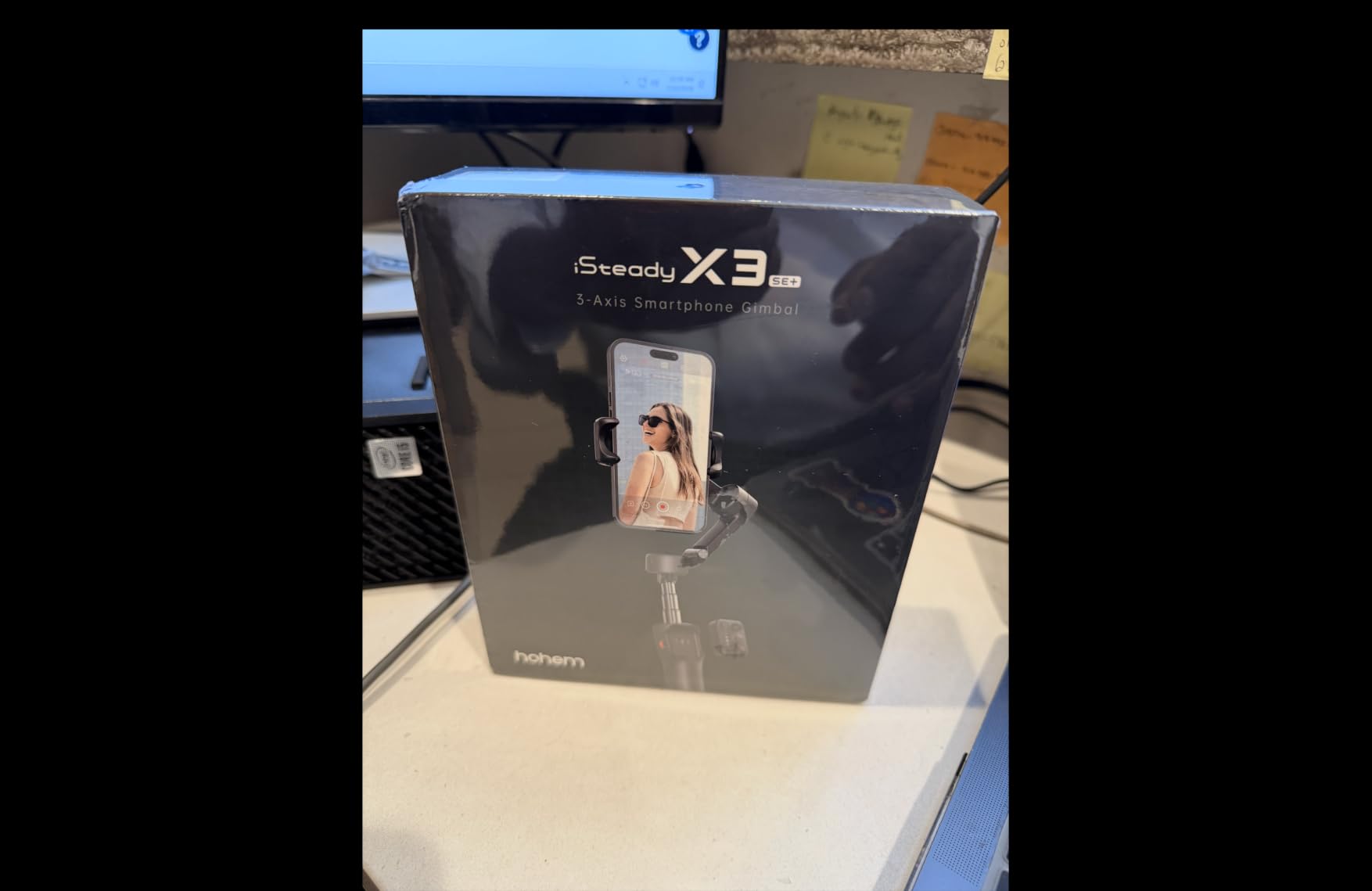
Tracking handles human subjects reliably, and setup is straightforward with responsive physical buttons. For someone who wants face tracking and a long runtime without a flagship spend, the feature set here is unusually complete.
The limitation to know before you buy is that recording and tracking are locked to the Hohem app. That means your footage workflow routes through one piece of software, and quick edits depend on it. Owners also report that leaving a USB cable attached upsets the balance enough to set the gimbal beeping an error, and that very large phones can make the holder arm sag backward. Balance with the case and cables you actually shoot with.
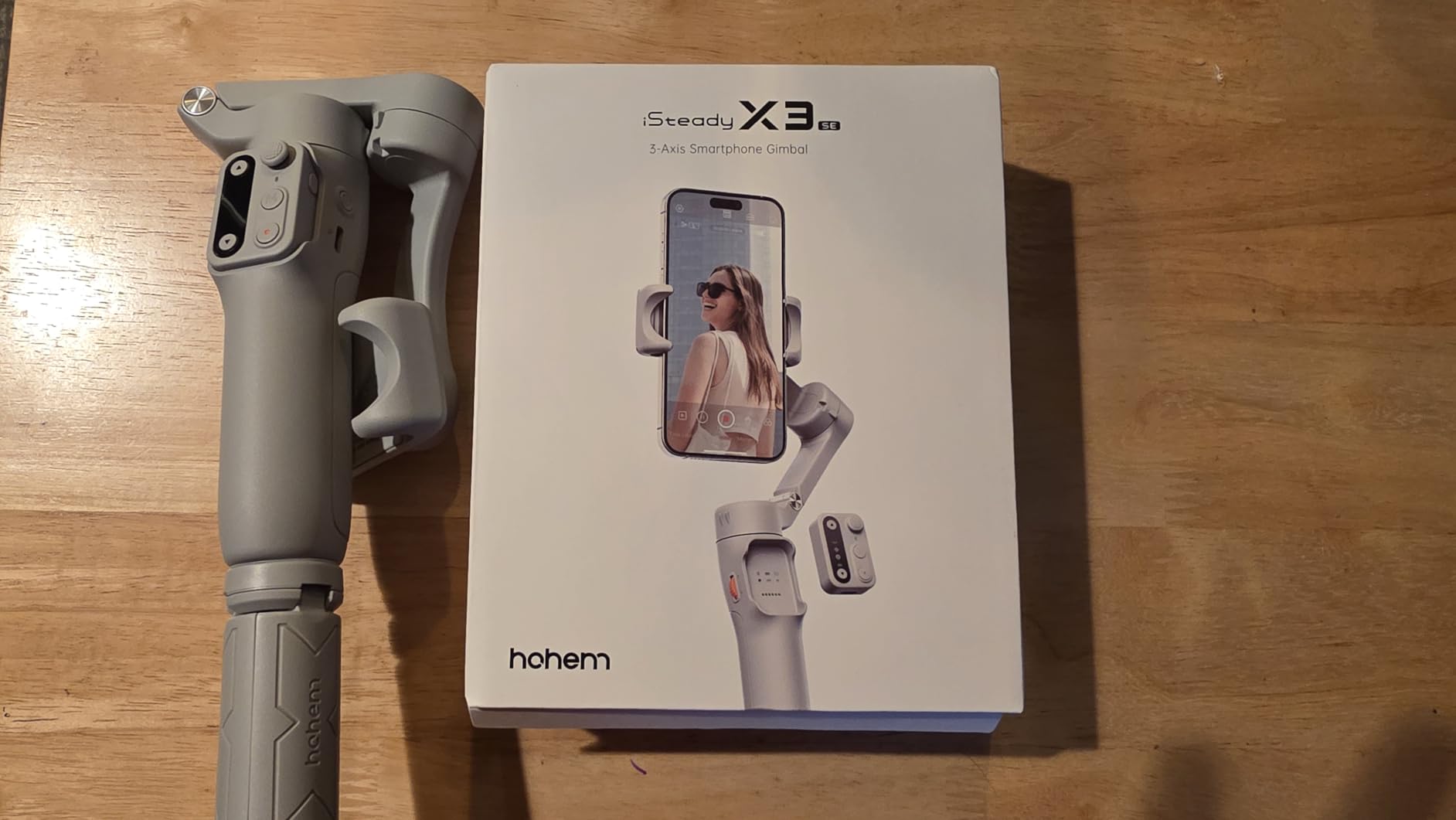
Why solo shooters like it
One-handed framing and remote start is the whole pitch. Most vloggers are alone on set, and a gimbal that removes the need to walk back and start recording saves more takes than a small stabilisation gain does.
The horizontal to vertical switch is also quick, which matters if you post the same shoot to a landscape channel and vertical short-form platforms.
What to watch out for
If you rely on your phone microphone and shoot anything in a quiet room, expect some motor noise, as with any three-motor gimbal at this size. Owners also report a spread of experiences with warranty service, so factor that into any long-term purchase thinking.
It is a phone gimbal, full stop. There is no way to put a compact or mirrorless camera on it, so treat it as a companion to your phone rather than a path into serious camera gear.
4. AOCHUAN Smart XE – Best Phone Gimbal for Creative Filters
AOCHUAN Smart XE 3-Axis Gimbal Stabilizer for iPhone&Android,Foldable
- Build quality feels well above the tier
- folds to palm size with an included mini tripod
- object and face tracking via a simple on-screen box
- focus wheel and zoom slider are rare features
- long battery for full-day shooting
- Only two axes do the stabilisation work
- tracking and recording locked to the AOCHUAN app
- walking shots with a moving subject are not smooth
The AOCHUAN Smart XE stands out for the controls. A focus wheel and a zoom slider on the handle are unusual on a phone gimbal at this level, and they let you pull focus or reframe without touching the screen, which keeps you out of the app mid-take. The build also feels more solid than the tier usually suggests, and it folds to palm size with a mini tripod in the box.
Battery life is another strength. A 2600 mAh cell is rated for up to ten hours of continuous shooting, and owners confirm full-day use. Payload is 280 g maximum, so a current phone with a case is well inside that.
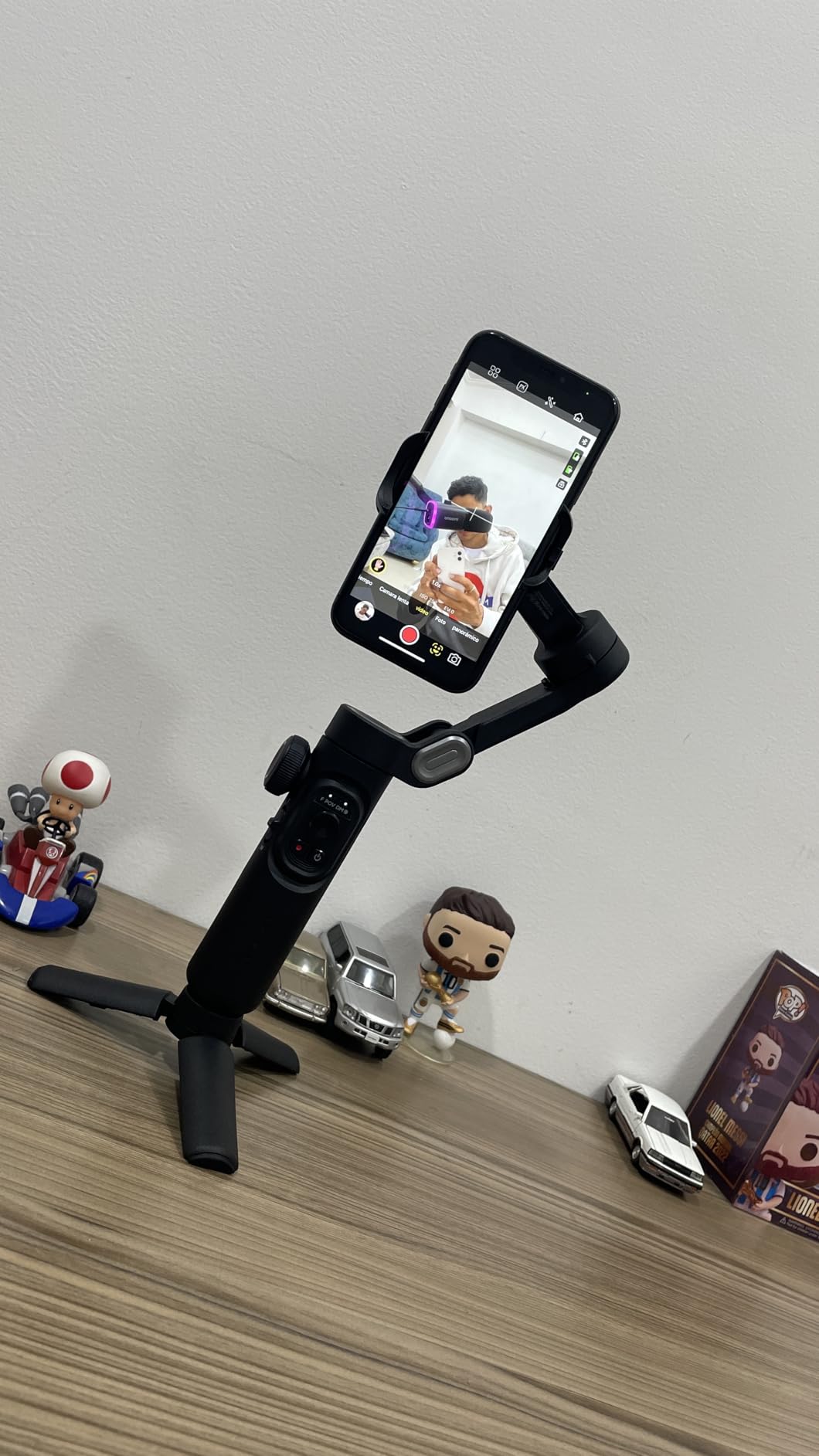
Where you need to set expectations is the stabilisation. Despite the three-axis marketing, only two axes do the actual work while the third handles orientation, and owners describe it as steady for stationary setups and less convincing when you walk with a moving subject. If your vlog style is static or tripod-based, that limitation barely appears. If you walk and talk constantly, it will.
Tracking and recording are also locked to the AOCHUAN app, and on some Samsung flagships tracking is unavailable at 4K or at 1080p 60 fps. Check your exact phone and frame rate before you commit. Large phones can jam the rotating arm and stop it completing a full rotation.
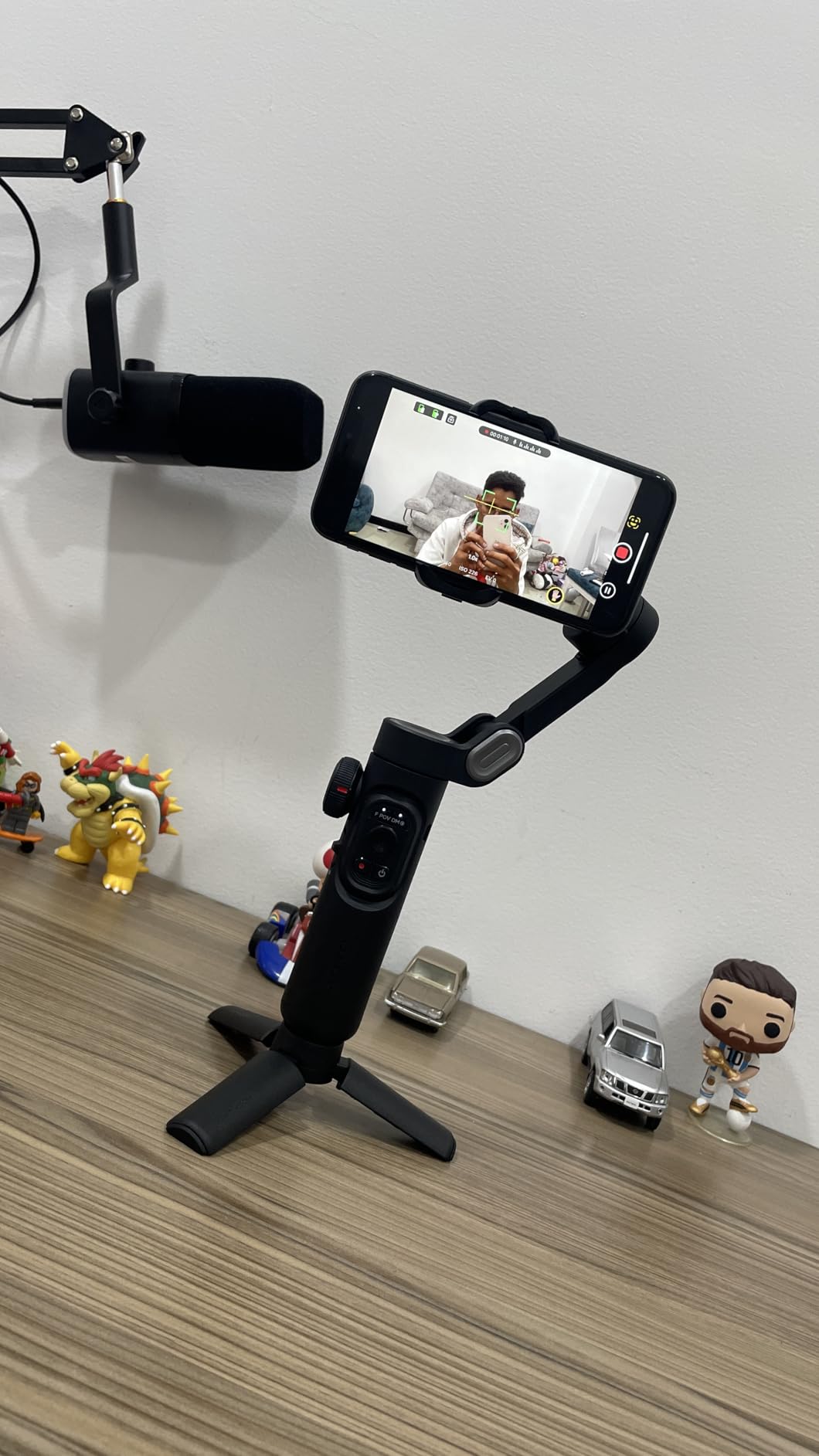
Best used as a static or tripod rig
Set it on the included tripod, lock the axes and use the focus wheel and zoom slider for product-style shots, unboxing segments and voiceover cutaways. The effect presets in the app give you a quick starting look without hunting through menus.
Because the motors are not fighting a walking motion, the noise floor is lower in these setups too, which is friendlier for indoor audio.
Not ideal for walk-and-talk
If your format is a host walking through a space while talking to camera, this is the wrong tool. The two-axis reality shows up exactly there, and you will end up doing an editing pass that a three-motor design would have handled.
For that format, either the Osmo Mobile 8 or the hohem is a safer bet at a similar weight class.
5. ZHIYUN Weebill 3E – Best Gimbal for Long Shoot Days
- 3 kg payload from a body about the size of a sheet of paper
- up to 16 hours of runtime
- native vertical needs no extra arm
- comfortable grip for long sessions
- Bluetooth shutter pairs automatically
- Only a Panasonic control cable is included
- sling grip and wrist rest are separate purchases
- no built-in screen
The Weebill 3E solves the problem that quietly ends a lot of vlogging days: battery anxiety. The stated figure is up to 16 hours, and that claim is the headline reason it earns a place here. You charge it in the morning and it is still going at the end of a long travel day, which removes a whole category of mid-shoot panic.
The payload figure is the other reason. At 990 g it handles 3 kg, which is a real step up from the 2 kg class and covers a full-frame body with a light lens or a larger zoom. Owners also praise how stable that combination feels, which is where cheaper gimbals start to labour.
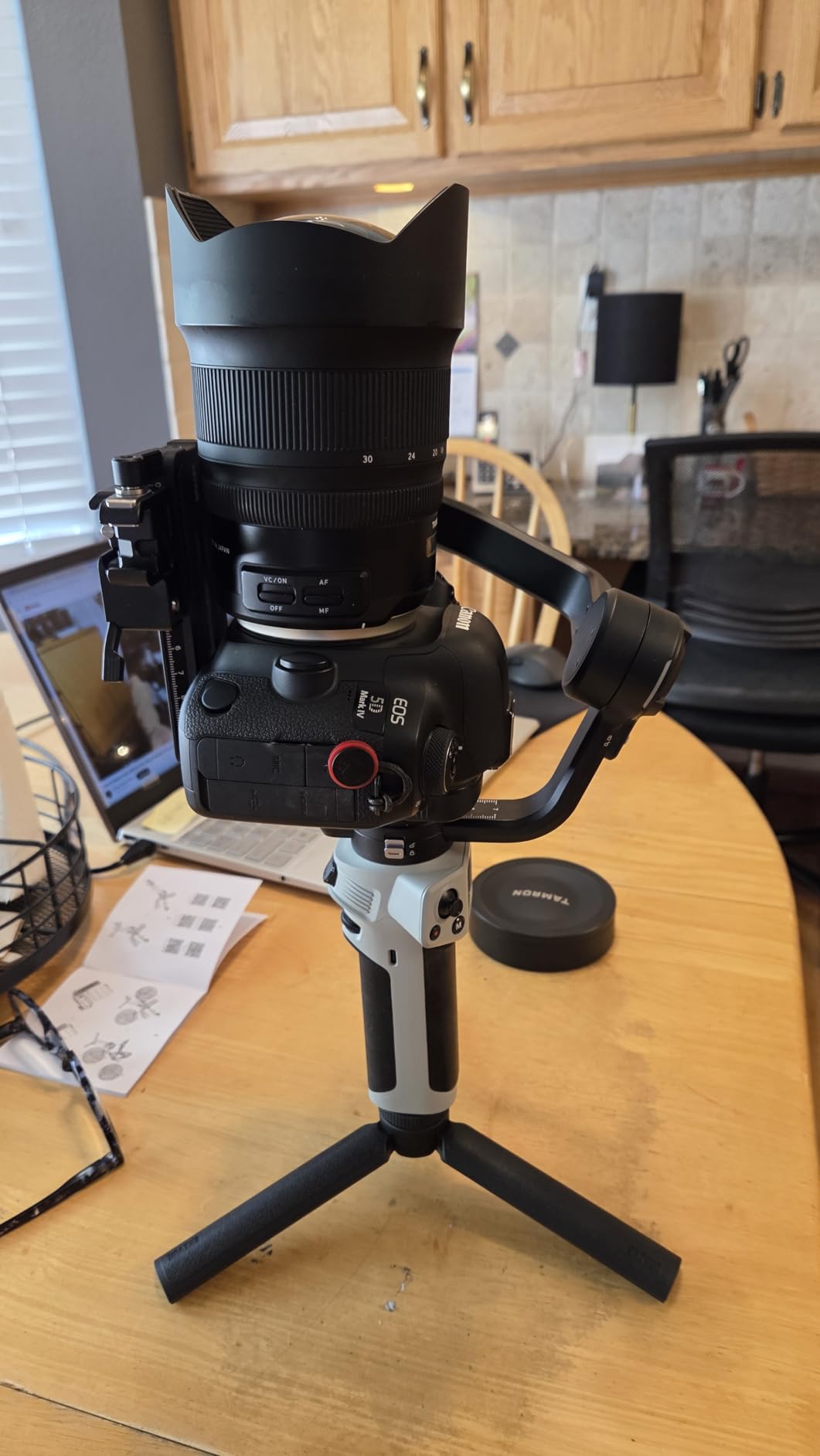
Native vertical shooting works the same quick way as the DJI mini: slide the camera into the other orientation on the plate and go. The wide-axis arm takes different body sizes without a lot of readjustment, so switching between two cameras is less of a chore than on some competing arms.
There is no built-in screen, so settings live in the joystick, the app and physical buttons. That suits people who set their configuration once and then stop fiddling. The wide-axis arm is also confirmed working with common fast zooms in the 24-70 and 24-105 class, which is useful reference if you shoot in low light.
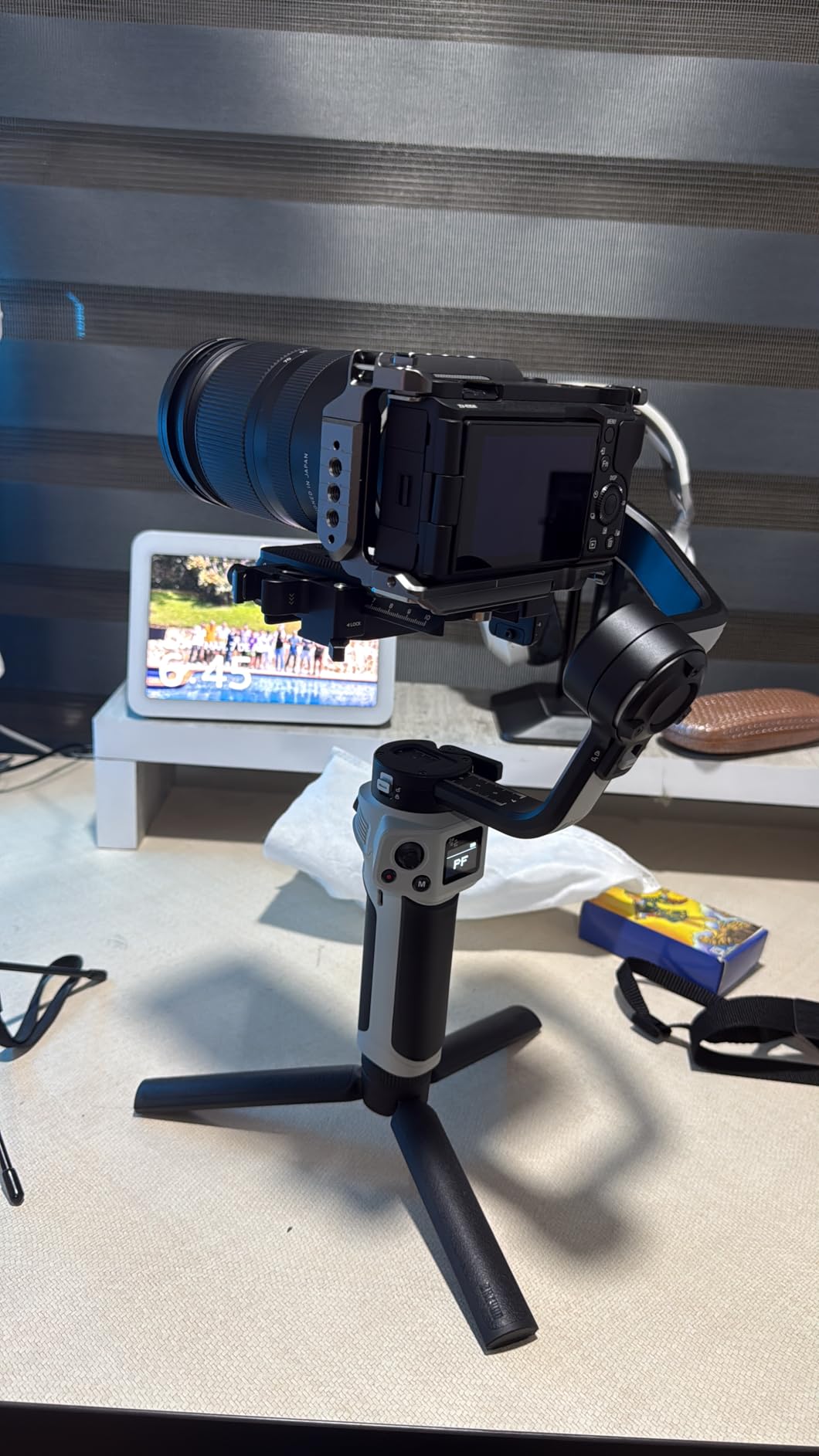
Where the 16-hour claim earns its keep
It matters on documentary and travel days where you are shooting in fragments all day rather than in one long block. Fast charging is 14W PD, taking roughly two hours and three quarters from flat, so an overnight top-up covers a full day of fragments.
It also matters for creators who leave the gimbal in a car or a bag in summer. Extra runtime means less troubleshooting at the start of a shoot.
The accessories you will want to add
Only a Panasonic control cable is included. If you shoot Canon, Sony or Nikon, budget for the brand-specific cable or you are back to a physical shutter on the camera body. The sling grip and wrist rest that make Sling Mode 2.5 useful are also sold separately, and that mode is a real advantage for low-angle follow shots.
Buyers of the pro end of this category often pair the gimbal with a support rig rather than holding it all day. Our camera jib picks cover that wider support setup.
6. FeiyuTech SCORP Mini-3-Pro – Best Gimbal for AI Tracking
- Very long 18 m AI tracking range with fast response
- grip detaches into a remote for solo shots and long-reach angles
- handles mirrorless compact phone and action cameras on one body
- 2 kg payload on a 1 kg frame
- modular plate speeds up orientation changes
- Smaller base of owner feedback than the established models
- app-dependent features add a learning curve
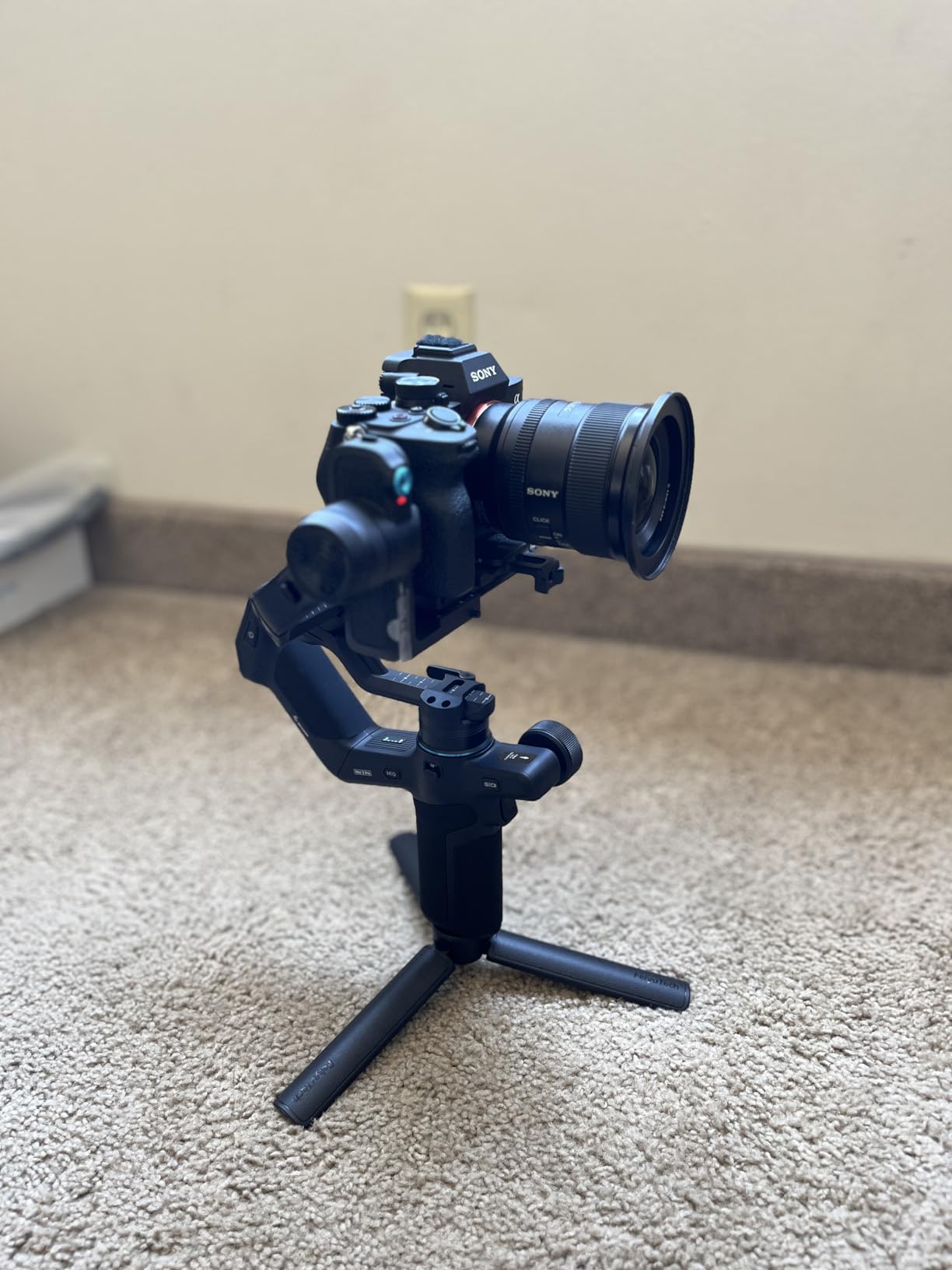
Tracking is the headline here. The stated AI tracking range runs to 18 m with a response time of 0.003 s and 360-degree infinite tracking, which means you can start a shot, walk away and let the gimbal hold the frame. For a creator who moves around their subject, that is a genuine change to how a shoot runs rather than a spec-sheet nicety.
The detachable handle is the second feature that changes the workflow. Pull it off and it becomes a remote, which gives you long-reach angles, low shots and self-framing without a second operator. Buyers consistently single out both of these as the standouts.
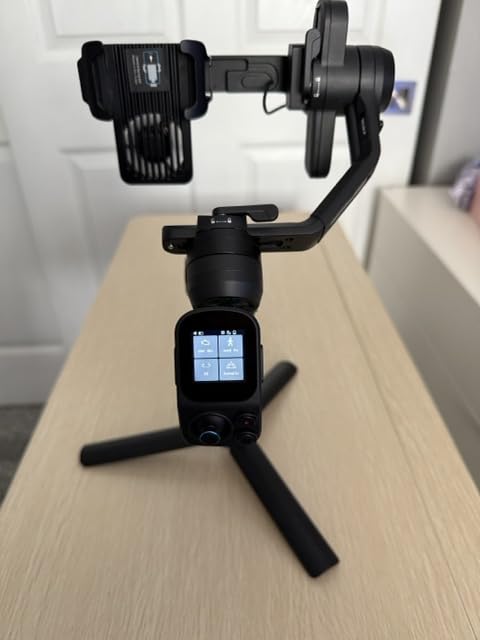
The four-in-one compatibility is unusual and practical. It handles mirrorless, compact, smartphone and action cameras, so a creator can move between rigs without owning a second gimbal. The 2 kg payload sits on a frame of about 1 kg, and the modular quick-release plate makes horizontal to vertical switching a short move.
Stabilization 10.0 runs a current-generation quaternion algorithm, and the box includes a GoPro adapter, a phone holder, a lens holder, a tripod and a dust cover. That accessory bundle is generous for anyone starting out and moving between device classes.
When tracking earns its keep
It shines in dance-style tutorial filming, outdoor segments where you set the camera down and step back, and any wide shot where the subject moves more than you do. At that distance you would otherwise be adjusting the pan motor by hand.
For a solo creator, the detachable remote also covers the common request to film yourself from an arm-length or low angle without walking back to the camera.
Trade-offs to weigh
The owner feedback base is smaller than the long-running DJI, hohem and ZHIYUN models, which means less long-term evidence about reliability over years. A higher rating on a smaller sample tells you people like it, not that it has been proven over time.
The deeper settings live in the companion app, so budget a short learning session. Tracking also depends on the subject having a clear, well-lit face, so it will not rescue a backlit shot.
7. DJI RS 3 Combo – Best Gimbal for Full-Size Mirrorless Bodies
- Screen and motorised controls make on-gimbal operation practical
- automated axis locks speed up transitions and packing
- 3 kg payload covers most mirrorless and light DSLR kits
- briefcase handle and BG21 grip add real carry options
- Bluetooth shutter removes the cable
- Heavier and larger than the mini class
- premium tier for a pro mirrorless workflow
- a lot of weight to hold for long handheld vlogging blocks
The RS 3 Combo is the pro end of the DJI line, and its selling point is that you can do everything without a phone in your hand. A 1.8-inch OLED touchscreen with a new interface, motorised controls and a joystick cover balance, follow mode and motor tuning on the device itself. For someone who shoots all day across different setups, that removes a lot of screen time.
Automated axis locks are toggled from the power button, so going from a locked talking-head setup to a moving shot does not mean a menu dive. They also make packing faster because the arms fold with the motors already secured.
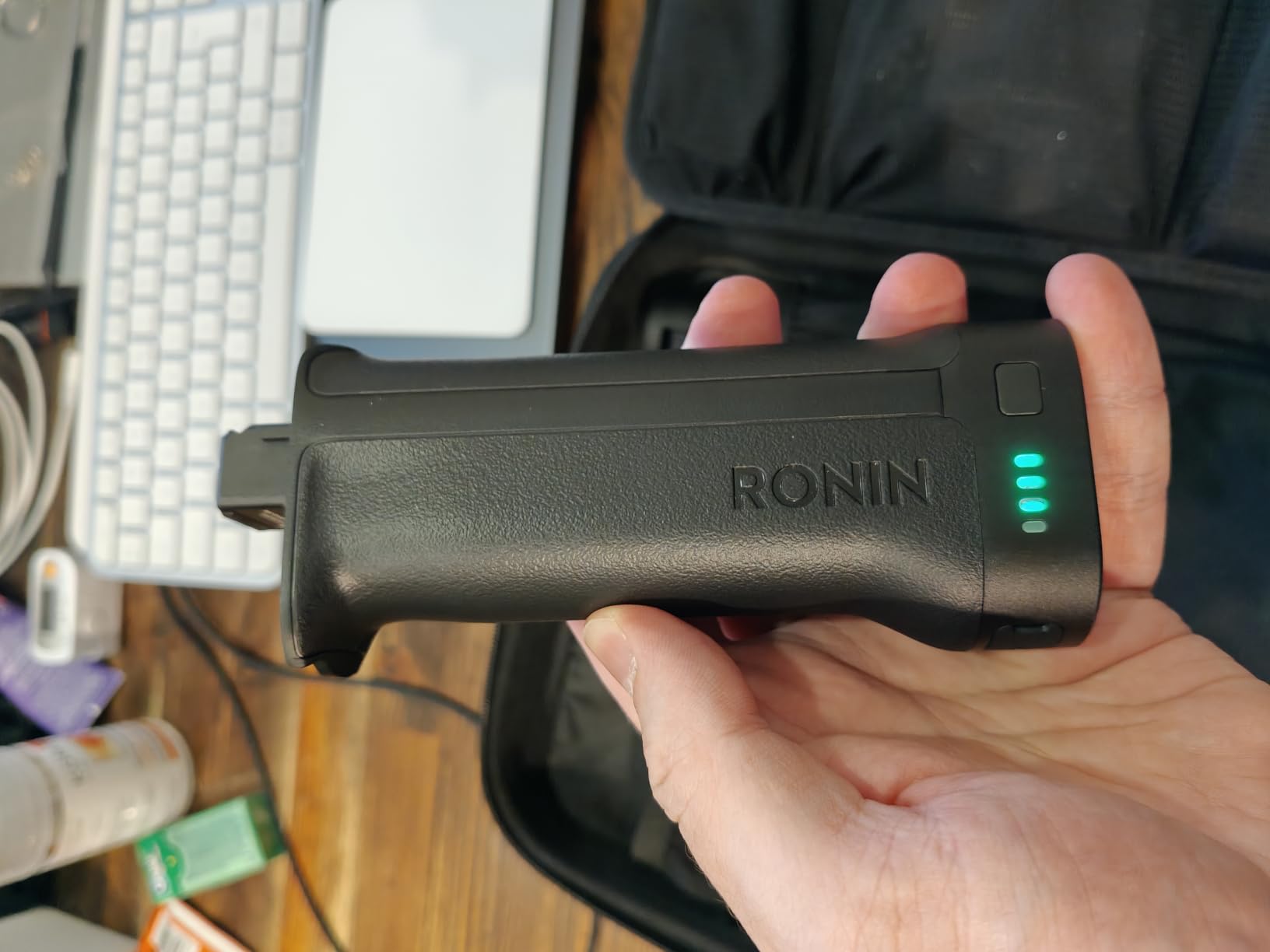
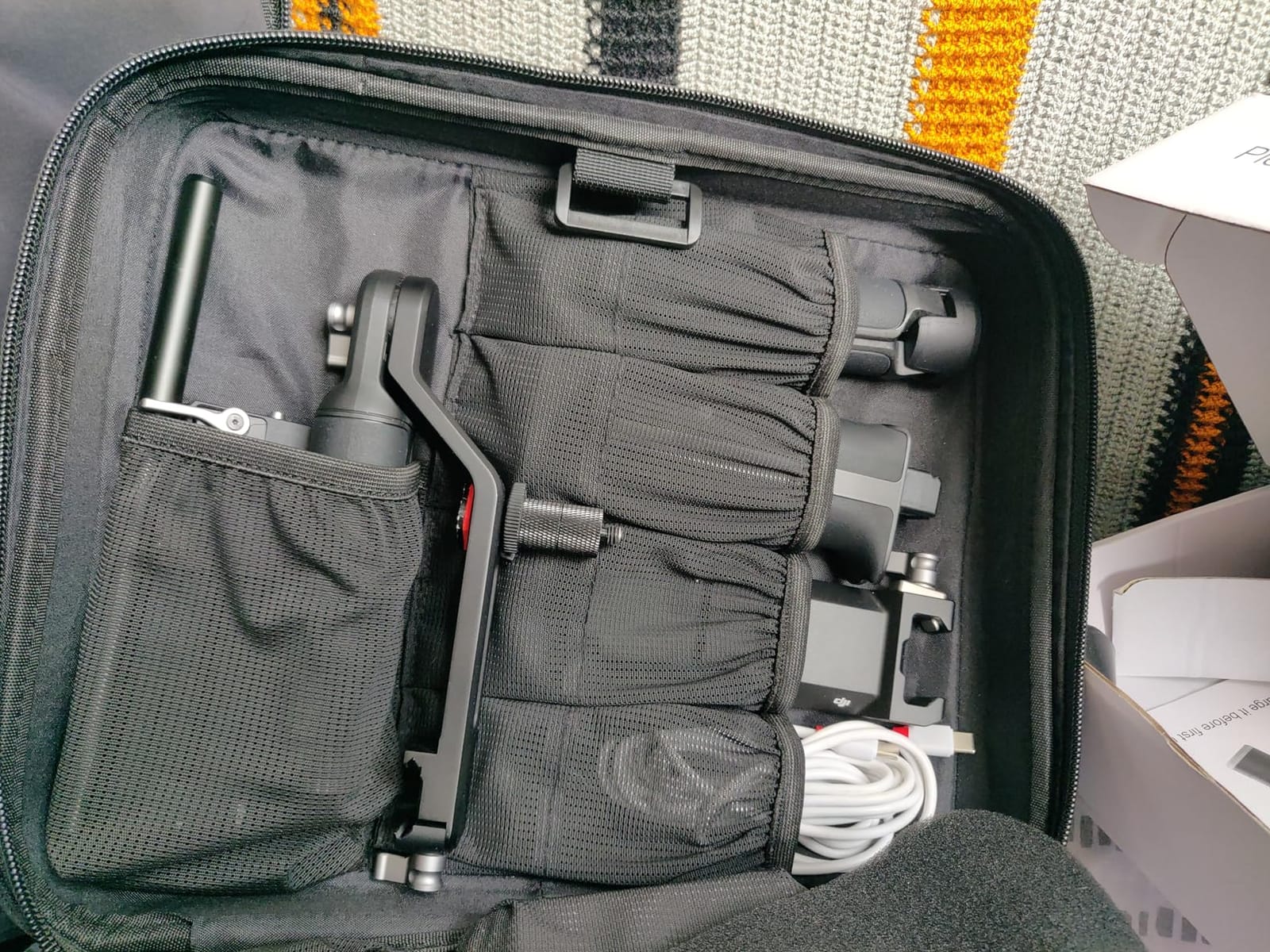
The 3 kg tested payload covers most mirrorless and lighter DSLR combinations, and the 3rd-generation RS algorithm is quoted at 20 percent better anti-shake performance than the previous generation. The combo kit adds the BG21 grip, a briefcase handle and a carrying case, so the extra pieces people normally buy separately are in the box.
The honest drawback is mass. The kit as shipped weighs 1.94 kg, and the 1.3 kg body with the battery handle is a lot to hold for a long handheld vlogging block. Buyers note this directly, and it is why we rank it as the choice for full-size bodies rather than a daily carry.
When the extra weight is worth it
It makes sense when you are carrying a full-frame body, a zoom lens and a monitor, and the stabiliser has to absorb real weight. A 3 kg payload on a lighter gimbal is where handling degrades, and this is the class where that stops being a concern.
The briefcase handle and BG21 grip give you a two-handed carry and an underslung option for low angles, which is what a heavier rig wants anyway.
When it is not
For a compact vlogging kit or a travel-first setup, this is dead weight. The mini class covers a smaller body for a fraction of the mass, and buyers who regret full-frame gimbals almost always regret the weight, not the features.
For indoor voiceover close to a shotgun mic, test noise carefully. A bigger rig is easier to steady, but the motors are working harder and the noise floor rises with load.
8. FeiyuTech SCORP 2 – Best Gimbal for a First Mirrorless Camera
- AI tracking module built into the body with no extra sensor
- 2.5 kg payload in a light body
- slider vertical mount is fast and resists slipping
- screen plus multifunction knob cover most adjustments
- seven control cables included
- App connection needed for the deeper settings and remote control
- 1.3-inch screen is small next to a 1.8-inch OLED
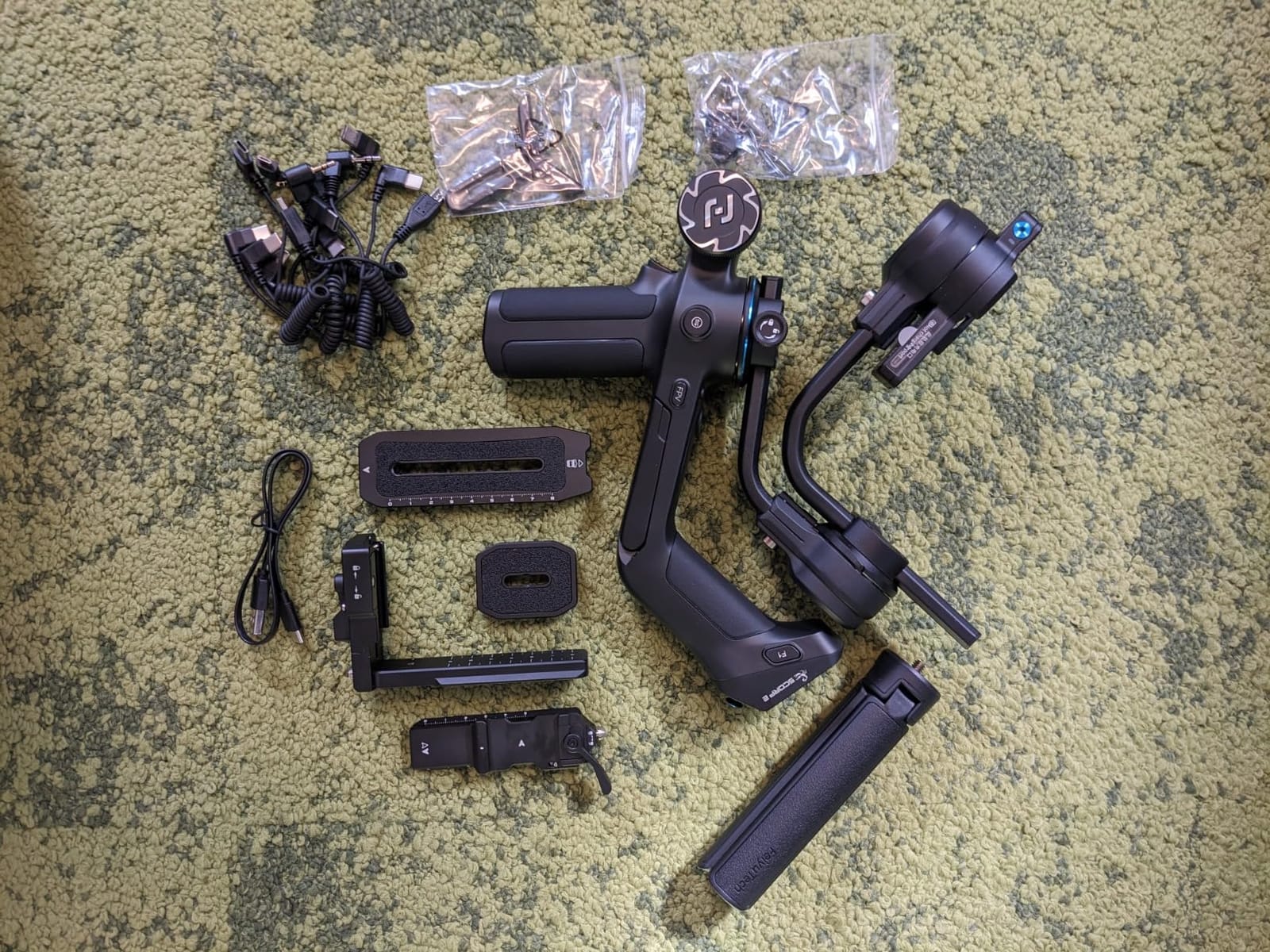
The SCORP 2 is the one to consider if your first mirrorless is on the way and you want tracking without a second accessory. The AI tracking module is integrated into the body rather than clipped on top, so there is no sensor to mount, no cable to route and nothing extra to lose. An OK gesture starts subject tracking, with other gesture controls alongside it.
At 1070 g it carries 2.5 kg, which is a comfortable margin over a typical APS-C kit with a kit zoom. That headroom is worth more to a beginner than maximum payload, because it means the motors are not straining on every handheld take.
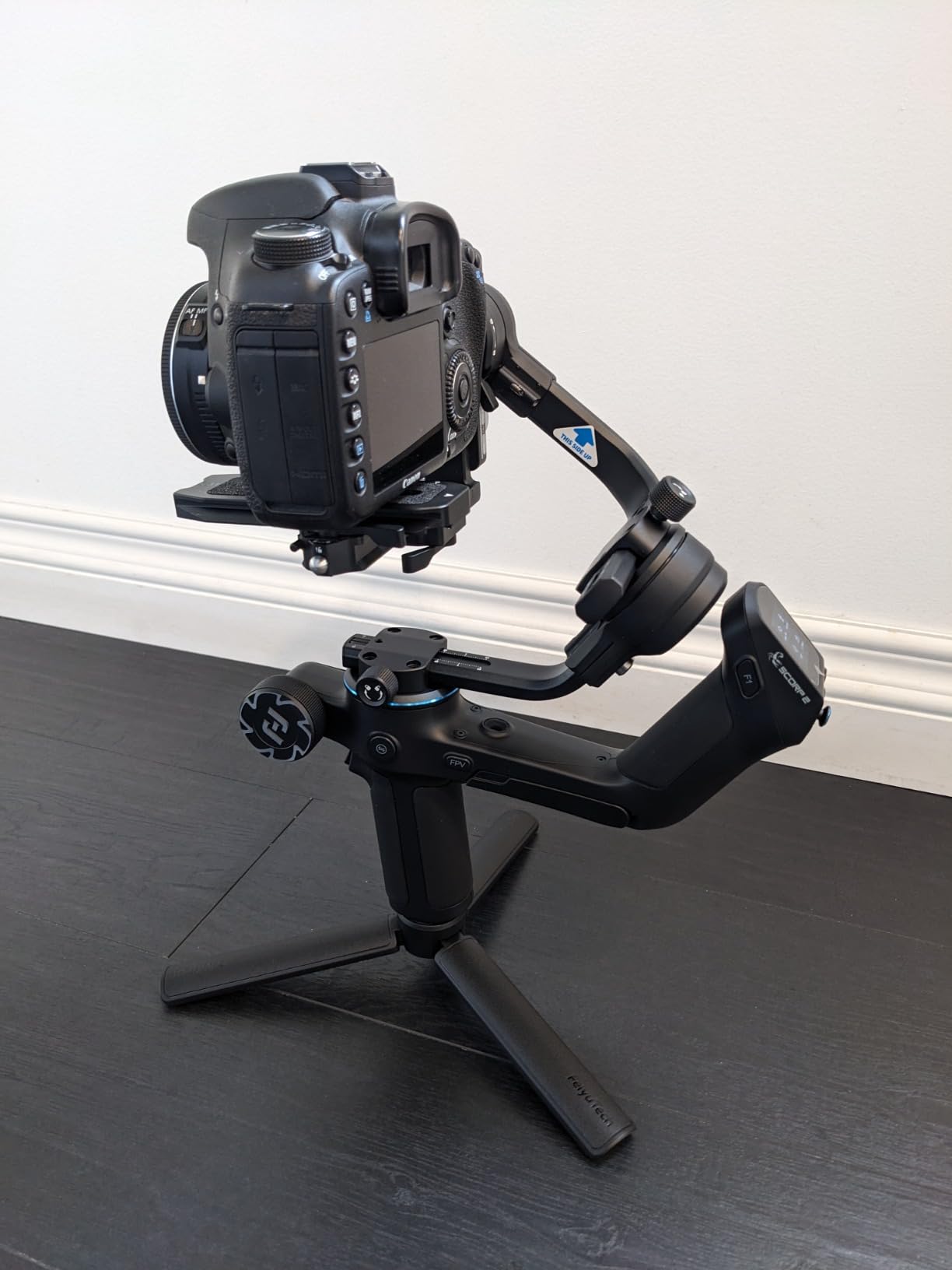
The new-generation L-shaped plates use an anti-off quick-release slider, so vertical shooting is a short move and the camera does not slip out when you change orientation. A 1.3-inch touchscreen plus a multifunction control knob handles axis control and electronic zoom without leaving the handle.
Seven camera control cables are included, which removes the accessory purchase that trips up people on the ZHIYUN. The app handles parameter adjustment and offers a gravity-sensor somatosensory remote, and the deeper settings do need that app connection.
Why the 2.5 kg payload matters here
Payload headroom translates directly into smoother behaviour. When your camera and lens sit comfortably inside the rating, the motors have room to correct rather than sitting at their limit. That is where the micro-shake complaints tend to disappear.
It also means you can change lenses later without buying another gimbal, which is the most common upgrade path for a first mirrorless owner.
What to keep in mind
The 1.3-inch screen is small next to the 1.8-inch OLED on the DJI pro class, so plan on adjusting the finer settings in the app rather than on the handle. That is a fair trade for the integrated tracking module.
As with every gimbal on this list, balance the exact body and lens you will mount. And if your indoor audio is a shotgun mic close to the camera, check motor noise in a quiet room before you commit.
How to Balance a Camera Gimbal
Balancing is the step beginners skip, and it is the single largest source of gimbal complaints in owner discussions. Get it right once and the stabiliser behaves predictably. Six steps, in order, before every first shoot of a new camera-and-lens combination.
Power on and centre the camera. Turn the gimbal on, level the camera to its centre position and tighten the yaw axis so the arm cannot swing while you work.
Slide the camera forward or back. Hold the camera with two fingers under the tray and slide it along the rail until it stays put at a slight downward angle when you let go. If it droops, move it back.
Slide side to side. Adjust the horizontal position on the plate until the camera does not swing to one side. This is the step most people skip and the one that causes constant correction later.
Set the roll. Use the roll arm knob until the camera sits level, confirmed with the gimbal on-screen indicator rather than by eye.
Run auto-tune or auto-balance. Most current gimbals calibrate motor strength and stiffness for the exact payload. This takes a minute and makes a large difference in how gentle the correction feels.
Test with the axis locks engaged, then unlocked. Switch each lock on and off and confirm the camera stays where you put it. If it drifts with a lock off, go back to steps two and three.
Do I have to balance it every time? Only when something changes. Swapping a lens, adding a cage, a battery grip or a different camera body alters the centre of gravity, so repeat the steps for each new combination. The same camera and lens on the same rig is a one-time job, and marking the arm position with tape means you can restore it in seconds rather than starting over.
Fixing Jitter, Wobble and Motor Noise
Micro-jitter is the most discussed problem in video communities, and the honest answer is that a small amount is inherent to three-axis gimbals rather than a fault in any one unit. Owners report the same behaviour across DJI, Zhiyun and smaller brands, which points to how the hardware class works. You can reduce it substantially with this sequence.
Rebalance, then recalibrate. Drift in a single axis almost always means the balance is off, not the motor. Redo the balance steps and then run auto-tune again.
Lower the tilt motor stiffness. Owners of current DJI models fix new-unit shaking by dropping tilt motor stiffness to around 20 in the app rather than returning the hardware. Too much stiffness makes the motors fight small corrections.
Widen the deadband slightly. Deadband is the range of movement the gimbal ignores before it reacts. A small amount of extra deadband stops constant micro-corrections, at the cost of a slower response to a genuine move.
Check for cable tension. A taut camera cable pulling on the arm will cause small oscillations that no setting fixes. Leave a soft loop or remove the cable and use Bluetooth shutter control.
Use the right follow mode. Pan-follow lets the yaw axis move and locks tilt and roll, which suits walking shots. All-follow suits a moving subject. Lock mode suits a static talking head. Using the wrong one is a common cause of what looks like instability.
Rule out full-tilt vibration. If the shake only appears when the camera is pointed fully up or down, it is a known behaviour of some tilt motors. Staying within a moderate tilt range avoids it entirely.
What does deadband mean on a gimbal? It is the dead zone the operator controls, expressed as a sensitivity value in the app. A higher value means the gimbal ignores more small hand movement, which smooths out jitter but makes the start of a pan less precise. A lower value is more responsive but corrects more often. The fix for shaking and the fix for sluggish panning pull in opposite directions, so change one setting at a time.
On motor noise, the practical rule is distance. Noise is far less of a problem outdoors or in a room with any ambient sound, and far more of one in a treated indoor voiceover booth with a shotgun mic mounted close. If your indoor audio is the priority, keep the mic on a boom away from the arm and check the pairing in a quiet room before you rely on it.
Which Gimbal Matches Your Camera
Match the gimbal to the device, not the other way round. Weight is the first filter, and it is the camera plus lens plus cage, not the camera body on its own.
Phone. Look for a foldable body under 400 g, a battery of ten hours or more, and tracking that works inside the apps you already post to. A built-in tripod and extension rod matter more than an extra axis. Native tracking beats app-locked tracking if you shoot in more than one app.
Compact camera or a small mirrorless with a prime. Target a gimbal rated between 1.5 and 2.5 kg. The 795 g class is the sweet spot for vlogging because it stays comfortable while walking, and payload headroom is the number that prevents micro-shake.
APS-C or full-size mirrorless. You need 2.5 kg or more of payload, and you should weight the gimbal itself, because a heavy body causes arm fatigue long before the motors complain. Above 3 kg of camera and lens, move up a tier rather than pushing the limit of a lighter body.
Action camera. These are the lightest option and any gimbal above will accept one, but check that the mount matches. The FeiyuTech Mini-3-Pro includes a GoPro adapter, which saves a separate purchase.
Do you still need a gimbal if your camera has in-camera stabilisation? Usually yes, but for a narrower job. In-body stabilisation and electronic stabilisation correct for your own hand shake on a mostly static subject. A gimbal corrects for movement of the whole rig, including your body, and it does it before the frame is recorded. If you are walking and talking, the gimbal is doing something IBIS cannot. If you are seated or tripod-mounted, IBIS on your camera is likely enough and you can put that budget into a lens instead.
Gimbal versus tripod. They are not rivals. Many gimbals in this list include a tripod, and the practical setup is a gimbal for everything you shoot in motion and the same tripod for static pieces. Using a gimbal as a fixed stand for a static shot is fine as long as the axes are locked.
Do most vloggers even use a gimbal? Many first-time vloggers start with a camera that has a stabiliser built in, which removes the need for a separate rig and explains why forum answers to the question tend to be short. A gimbal earns its place the moment your footage includes walking shots, one-handed follow scenes or any movement you cannot put a tripod on.
Frequently Asked Questions
What is the best gimbal for vlogging?
The best gimbal for vlogging is the one that matches your device and stays inside its payload rating. For phone shooters, the DJI Osmo Mobile 8 leads on tracking, runtime and accessories in a 370 g body. For mirrorless and compact cameras, the DJI RS 3 Mini covers most APS-C kits at 795 g with a 2 kg tested payload. If your shoot day runs long, the ZHIYUN Weebill 3E adds a 3 kg payload and up to 16 hours of runtime.
Do I have to balance my gimbal every time?
Only when something changes. Rebalance after swapping a lens, changing camera body, adding a cage or mounting plate, or attaching any accessory that alters the centre of gravity. With the same body and lens on the same rig, balancing is a one-time job. Mark the arm position with tape after you balance so you can restore it in seconds rather than redoing the procedure from scratch.
What are common gimbal problems?
The most common problems are micro-jitter, persistent balancing trouble, motor noise picked up by close microphones, and balance drift after the gimbal sleeps. Jitter usually traces back to a balance error or excessive tilt motor stiffness, so rebalance and re-run auto-tune before replacing anything. App-dependent tracking and small screens are the other frequent complaints, especially on models where recording is locked to a companion app.
What does deadband mean on a gimbal?
Deadband is the zone of hand movement the gimbal deliberately ignores before it reacts to correct the frame. A higher value smooths out constant micro-corrections but makes the start of a pan less precise. A lower value responds faster but corrects more often, which can add visible jitter. It is the main setting for reducing shaking, and it pulls in the opposite direction from responsiveness, so change one value at a time.
My gimbal keeps shaking. What can I do to fix it?
Rebalance the rig first, because drift in one axis is almost always a balance fault rather than a motor fault. Then run auto-tune so the motors learn the exact payload. If shaking continues, lower the tilt motor stiffness in the app to around 20. Check that no camera cable is pulling taut on the arm, and confirm you are using the follow mode that matches the shot. Shake that appears only at full tilt is a known motor behaviour and clears by staying in a moderate tilt range.
Which is better, a gimbal or an action camera?
They solve different problems. An action camera gives you stabilisation built in, a very small body and a rugged shell, but it cannot correct for the movement of your whole body while walking, and it cannot track a subject. A gimbal corrects rig movement before the frame is recorded and can follow a moving subject, which matters for walking-and-talking formats. If your footage is mostly mounted or static, the action camera is simpler. If you walk and talk, a gimbal is the better tool.
The Verdict on Camera Gimbals for Vlogging
There is no single best camera gimbal for vlogging, only the right one for your device and your shooting style. Shoot on a phone and the DJI Osmo Mobile 8 gives you the strongest combination of stabilisation, native tracking and accessories per gram. Own a compact or APS-C mirrorless and the DJI RS 3 Mini is the sweet spot between weight and payload. Need long days or a heavier body and the ZHIYUN Weebill 3E adds payload headroom and up to 16 hours of runtime. Want tracking without an extra sensor and the FeiyuTech SCORP 2 integrates it into the body.
Whichever you pick, balance it properly before your first shoot and check motor noise in a quiet room if your indoor audio is a shotgun mic. Both of those five-minute checks solve more problems than any specification on the box.