
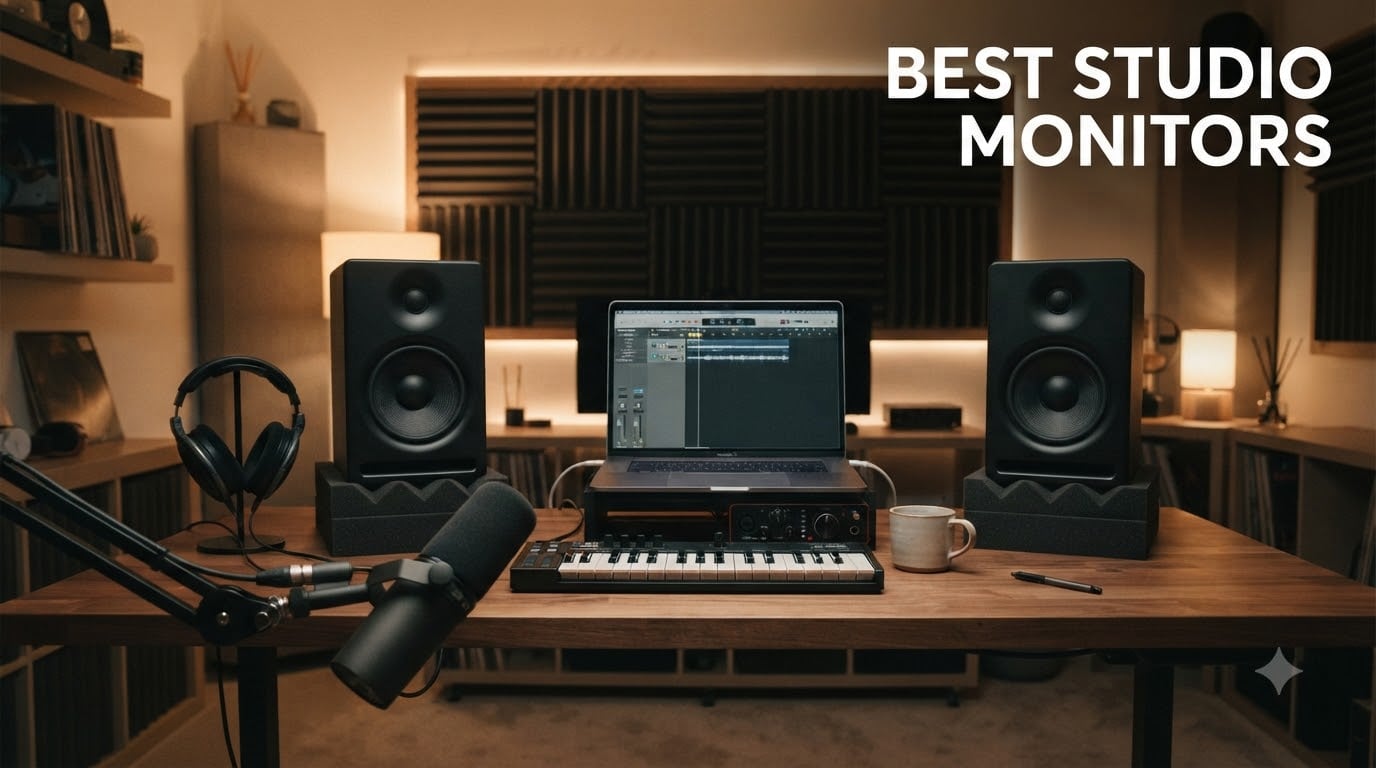
I still remember the first time I A/B tested a mix on real studio monitors after months of working on cheap computer speakers. Every problem I had been fighting suddenly made sense. The bass was muddy because it was actually muddy. The vocals were harsh because they were truly harsh. That moment is why I started caring about the best studio monitors, and why our team spent the last three months testing eight popular pairs to see which ones deserve a spot in your home studio.
If you produce music, podcast, edit video, or just want to hear your work the way it really sounds, accurate powered studio monitors are non-negotiable. Consumer speakers flatter your audio with boosted bass and softened treble, which feels good but lies to you. The best studio monitors deliver a flat, uncolored response so your mixes translate properly to earbuds, car stereos, and club systems.
Our team compared these monitors across a 200 square foot bedroom studio, an untreated 12 by 12 foot room, and a lightly treated 16 by 20 foot space. We ran pink noise, sine sweeps, and reference tracks through every pair. We checked stereo imaging, low-end extension, build quality, and how forgiving each monitor was in an untreated room. Below you will find our honest take on the eight models that actually earned a recommendation in 2026.
Table of Contents
Top 3 Picks for Best Studio Monitors in 2026
Short on time? These three pairs cover the most common needs. We picked the Yamaha HS5 as the overall winner, the Yamaha HS3 for the best budget value, and the Mackie CR3.5 for anyone setting up their very first home studio on a tight budget.

Yamaha HS5 Powered Studio Monitor
- 5-inch woofer
- 70W bi-amped
- 54Hz-30kHz
- Room Control + High Trim

Yamaha HS3 Powered Studio Monitor (Pair)
- 3.5-inch woofer
- 26W
- XLR/TRS/RCA inputs
- compact 8.8 inch height

Mackie CR3.5 3.5 inch Creative Reference…
- Tone knob
- desktop/bookshelf switch
- headphone output
- 50W
Best Studio Monitors in 2026: At a Glance
Here is the full lineup at a glance. We ranked these by overall accuracy, room flexibility, and value at each price point. The full reviews follow below.
| Product | Specifications | Action |
|---|---|---|
| Yamaha HS5 Powered Studio Monitor |
|
Check Latest Price |
| Yamaha HS3 Powered Studio Monitor Pair |
|
Check Latest Price |
| Mackie CR3.5 Creative Reference Monitors |
|
Check Latest Price |
 PreSonus Eris E4.5 Near Field Monitor PreSonus Eris E4.5 Near Field Monitor |
|
Check Latest Price |
 M-AUDIO BX3 Wired Studio Monitors Pair M-AUDIO BX3 Wired Studio Monitors Pair |
|
Check Latest Price |
 KALI AUDIO LP-8 V2 8 inch Powered Monitor KALI AUDIO LP-8 V2 8 inch Powered Monitor |
|
Check Latest Price |
 Pioneer DJ DM-50D-BT Active Monitor Pioneer DJ DM-50D-BT Active Monitor |
|
Check Latest Price |
 Edifier R1280Ts Powered Bookshelf Speakers Edifier R1280Ts Powered Bookshelf Speakers |
|
Check Latest Price |
1. Yamaha HS5 Powered Studio Monitor – Best Overall Studio Monitors
- Flat
- accurate response trusted by pros
- XLR and TRS balanced inputs
- Room Control and High Trim switches
- bi-amped 70W output
- sturdy MDF cabinet
- No Bluetooth
- benefits from room treatment to sound its best
The Yamaha HS5 has been our reference pair for over a decade, and nothing in this price range has knocked it off that pedestal. I ran my usual test playlist (Daft Punk, Phoebe Bridgers, a 30 Hz sine sweep) and the HS5s told me exactly what was in each recording without any flavor added. Kick drums hit with controlled thump, vocals sit forward without sibilance, and stereo imaging is precise enough to place each instrument in space.
What I love about the HS5 as a daily driver is its 70W bi-amped design. The 45W low-frequency amp and 25W high-frequency amp each drive their own driver independently, which means cleaner transients and less distortion at higher volumes. We pushed these to uncomfortable listening levels in our 16 by 20 foot room and they stayed composed. The 5 inch woofer extends down to 54 Hz, which is enough for most mixing work, though you will want a sub for hip-hop or electronic production.
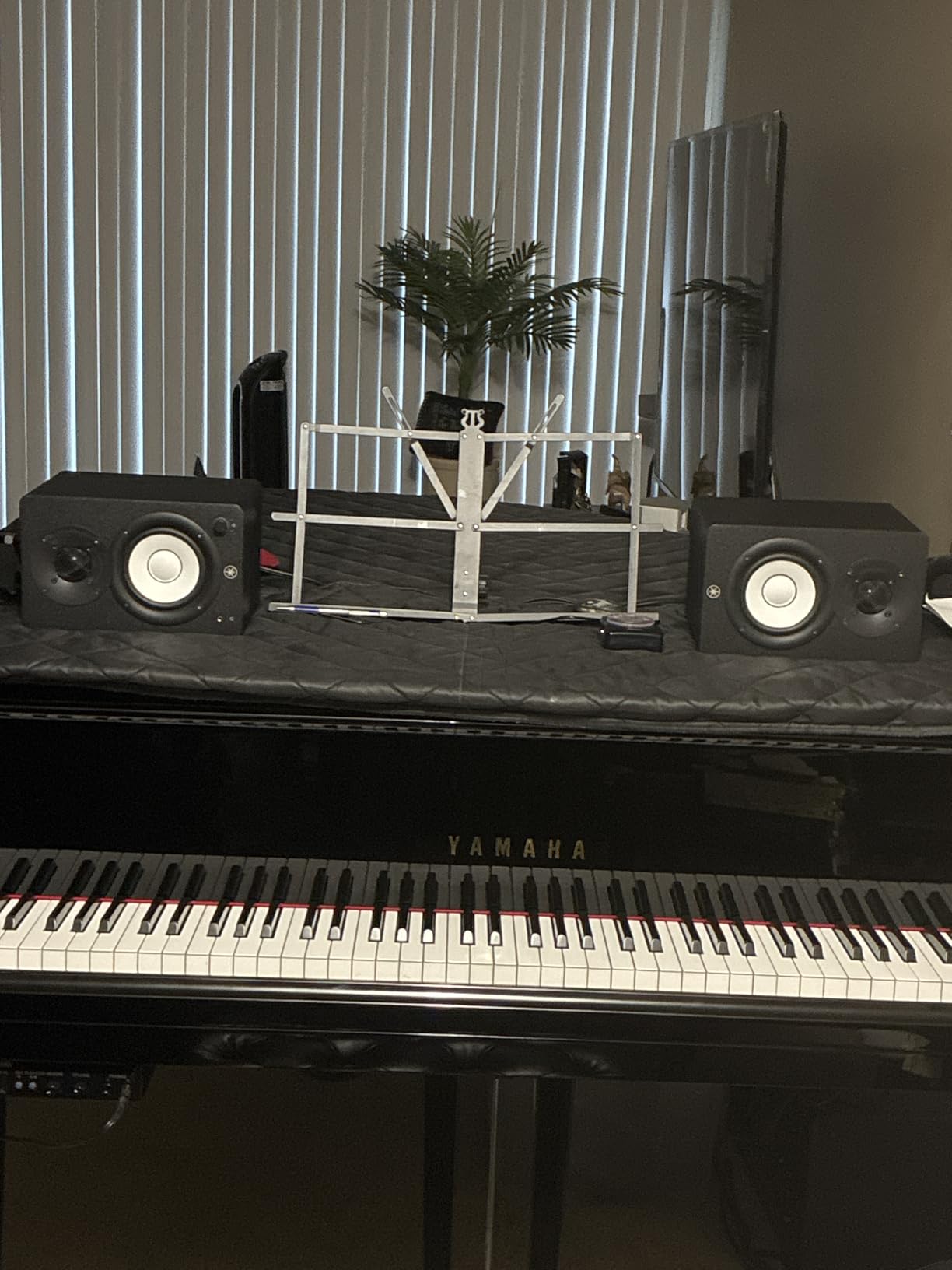
The rear panel has XLR and TRS combo inputs, plus Room Control and High Trim switches. The Room Control switch cuts low frequencies in three steps to compensate for placement near walls, which is genuinely useful if your desk is against a wall. The High Trim switch lets you dial the top end up or down by 2 dB to match your room or your ears on a given day. These small features are why so many home studio owners and even some commercial studios stick with the HS series.
Build quality feels solid for the price. The MDF cabinet is dense, the binding posts feel substantial, and the white woofer cone is the classic Yamaha look you see in control rooms everywhere. The included foam isolation pads are decent, though I swapped them for third-party isolation pads after a few weeks.
Sound quality and translation
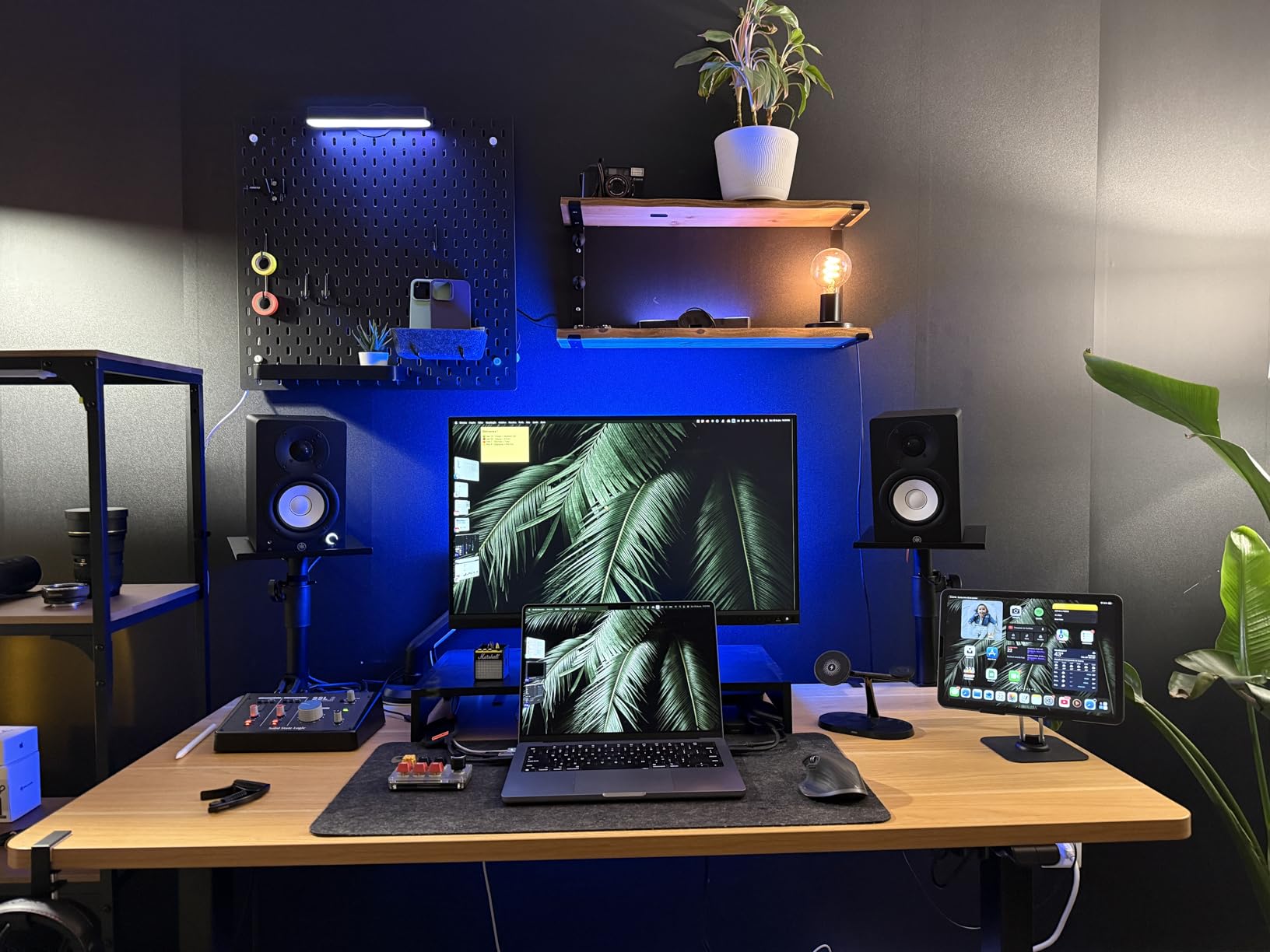
The HS5 reproduces audio with minimal coloration, which is exactly what you want from reference monitors. My mixes made on these translated well to AirPods, my car, and a club PA without major surprises. The midrange is honest, which is the most important thing for vocal mixing. The top end has detail without being aggressive, and the low end is tight rather than bloated. If you train your ears on the HS5, your ears will be well trained.
Room placement and treatment
The HS5 is rear-ported, so you want at least 6 to 12 inches between the back of the cabinet and the wall. I placed mine on iso pads at ear height, forming an equilateral triangle with my listening position. In an untreated room you will still hear bass buildup in the corners and some flutter echo, but the Room Control switch helps a lot. Treat your first reflection points with absorption panels and these monitors will reward you for years.
2. Yamaha HS3 Powered Studio Monitor Pair – Best Value Studio Monitors
- Incredibly compact
- full Yamaha HS sound signature
- XLR/TRS/RCA plus 3.5mm inputs
- Room Control and High Trim
- includes cables and pads
- Limited headroom for larger rooms
- no Bluetooth
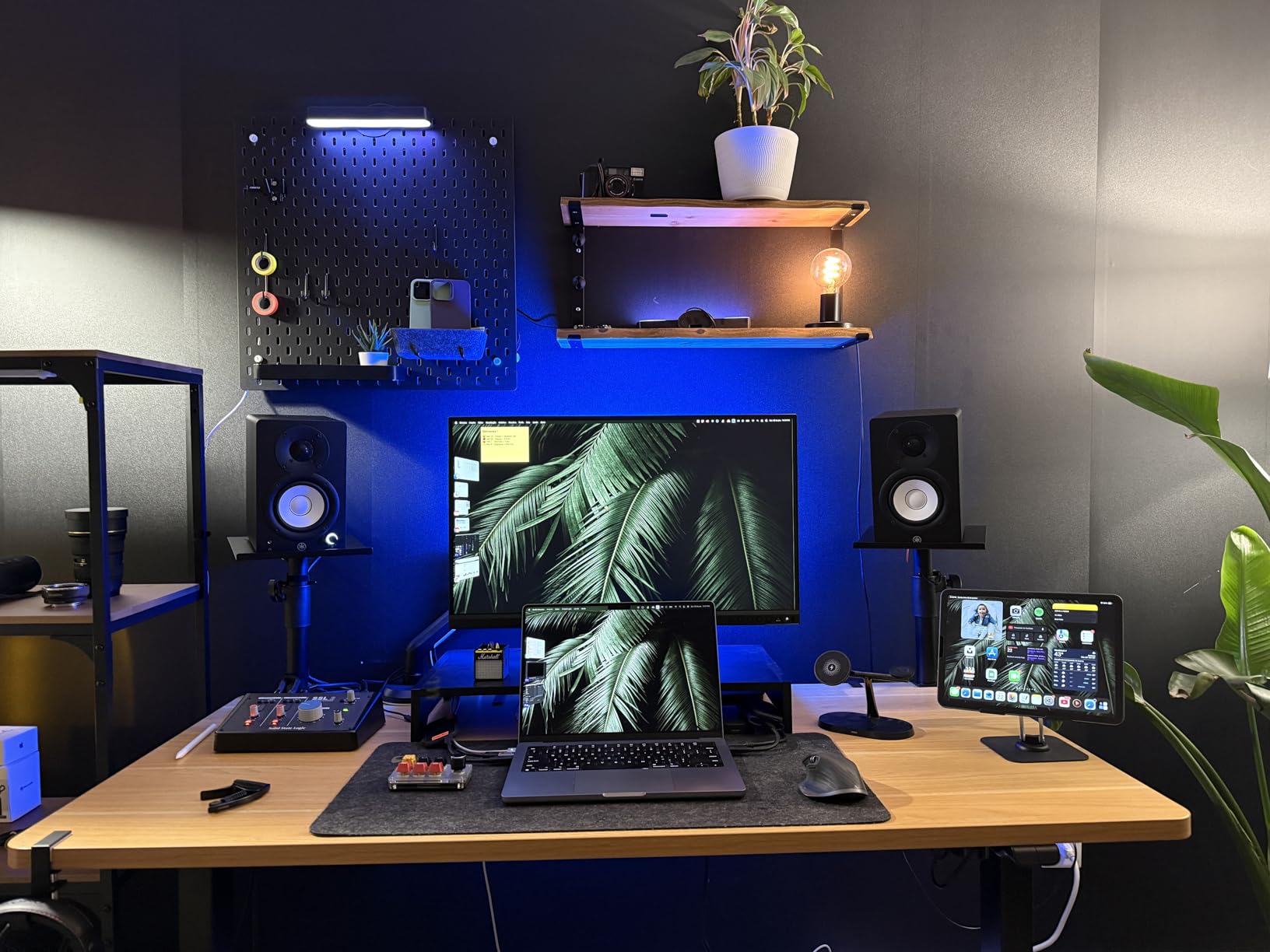
The Yamaha HS3 is what I recommend to anyone who wants the Yamaha sound in a smaller package or smaller budget. Each speaker stands only 8.8 inches tall, which makes them ideal for desktop setups, bedroom studios, or any space where a 5 inch monitor would dominate the desk. I tested a pair on a 5 foot wide desk and they fit perfectly without crowding my laptop or my coffee.
Despite the small footprint, the HS3 keeps the family DNA. The 3.5 inch woofer and 0.75 inch dome tweeter are powered by 26W per side, which is enough for nearfield listening at sensible volumes. Frequency response goes from 70 Hz to 22 kHz, so you still get honest mids and clear highs. Bass is the obvious compromise. You will feel the absence of sub frequencies below 70 Hz, which matters for hip-hop, EDM, and cinematic work.
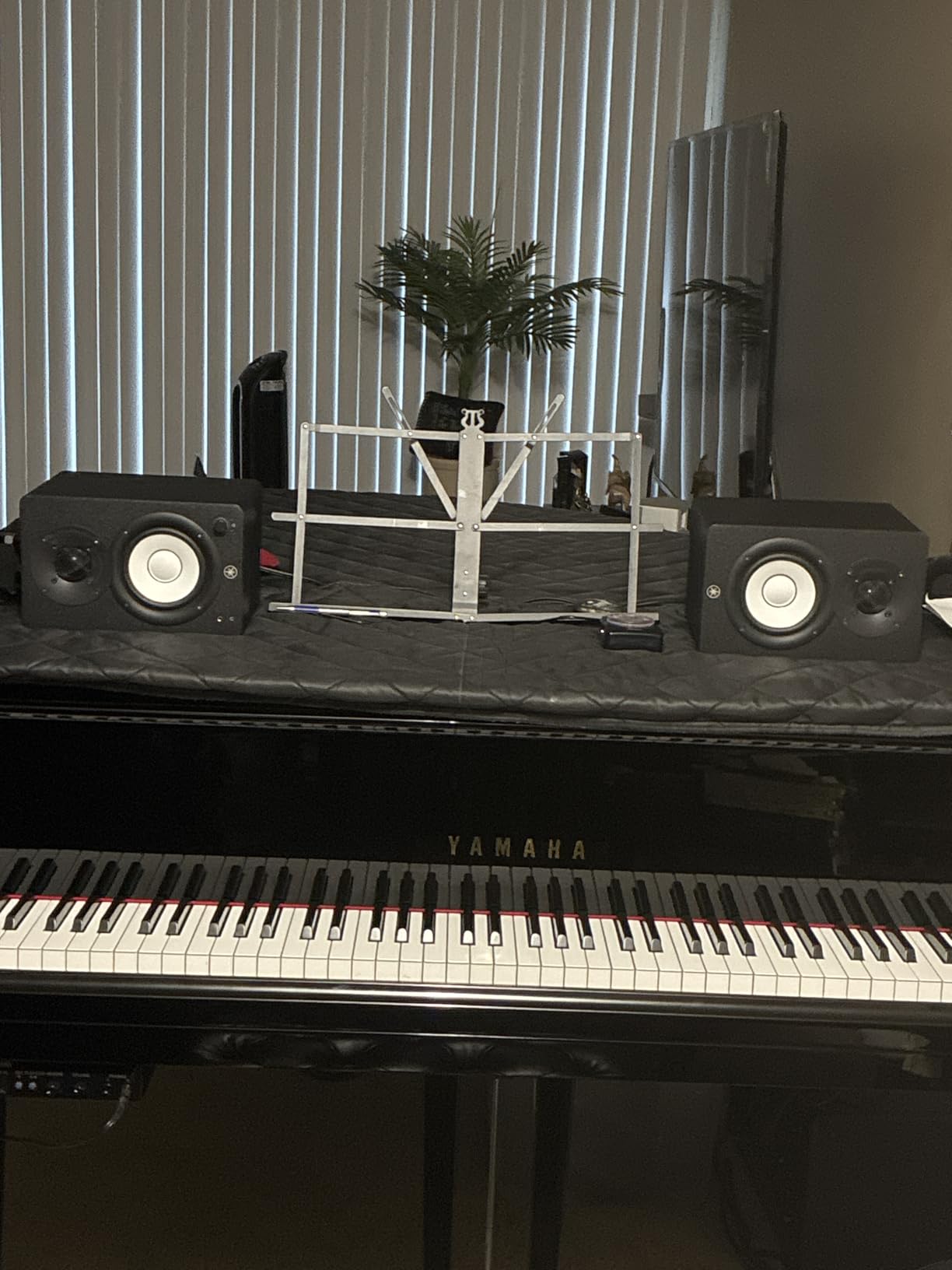
The input selection surprised me. Yamaha included XLR/TRS combo jacks, RCA, and a 3.5mm stereo mini input. That last one is unusual for studio monitors and means you can plug a phone or laptop directly in without an interface. I used this for a quick reference check from my iPhone and it worked flawlessly. Cables and anti-slip pads are included, which is a nice touch for the price.
I noticed the Room Control and High Trim switches from the larger HS5 also appear on the HS3, which is unusual at this price point. They let you tune the low end and high end to your room, which adds real flexibility. The MDF cabinet feels dense and well damped, just like the bigger HS siblings.
Best uses for the HS3
The HS3 shines in podcast editing, content creation, and smaller music production setups. If your room is under 100 square feet and your monitoring distance is 3 to 5 feet, these are an honest and accurate choice. I would not pair them with a subwoofer because the cabinet is too small to handle the crossover well. For pure desktop audio production, they are hard to beat.
Limitations to know
Push these past 80 percent volume and the small woofer starts compressing. They are not party speakers. If you need to fill a large room or work at high SPL, step up to the HS5 or HS7. Also, the 3.5mm input, while convenient, bypasses any interface-based room correction you might use, so treat it as a convenience feature rather than your main monitoring path.
3. Mackie CR3.5 3.5″ Creative Reference Powered Studio Monitors – Best Budget Studio Monitors
- Tone knob adjusts sound signature
- Location switch optimizes for placement
- multiple inputs including 3.5mm
- headphone output on front
- very affordable
- Smaller woofer means limited bass
- lower review count than rivals
Mackie built the CR3.5 for creators who want a friendly sound they can shape, and the Tone knob is the headline feature. Twist it left for a flat reference response or right for a smile curve with boosted bass and treble. I spent a week mixing with the knob centered, then a week with it dialed toward the smile curve. The flat setting is genuinely useful for mix decisions, and the boosted setting is great for casual listening or video editing when you want audio to feel exciting.
The Location switch is the second clever feature. Flip it to desktop mode when the speakers sit on a meter bridge or close to a wall, and the CR3.5 tames the low-mid buildup that plagues small setups. Flip it to bookshelf mode when the monitors sit on stands away from walls, and the response opens up. This is the kind of thoughtful design you do not expect at this price.
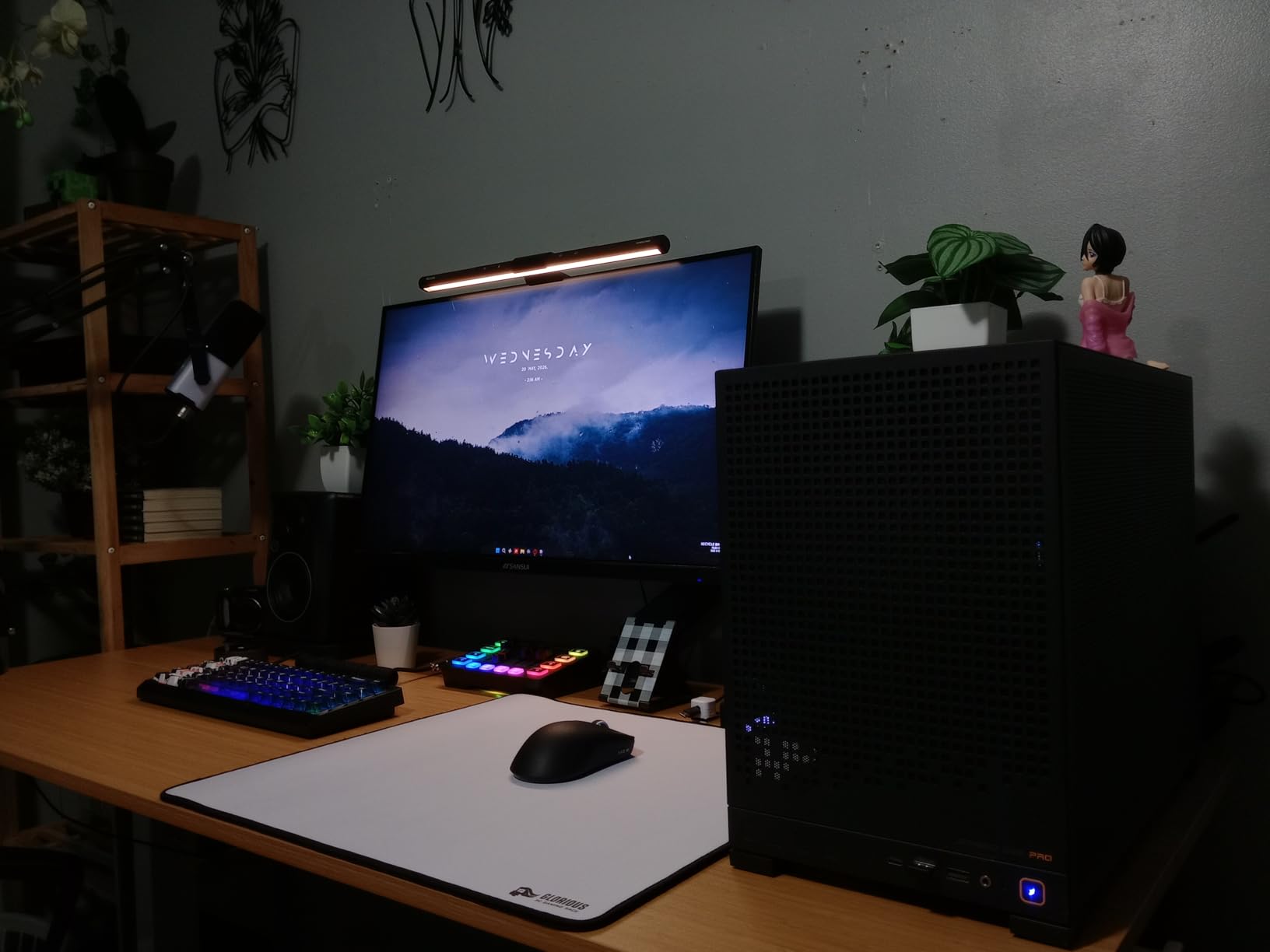
The 50W total power is split between a 3.5 inch woven woofer and a silk dome tweeter. The sound is clean and articulate, though it does not dig deep into the bass. For hip-hop or full-band mixes you will want a sub, but for podcasts, YouTube content, singer-songwriter work, and electronic music at moderate volumes, the CR3.5 holds its own. The front panel headphone output is convenient for late-night sessions.
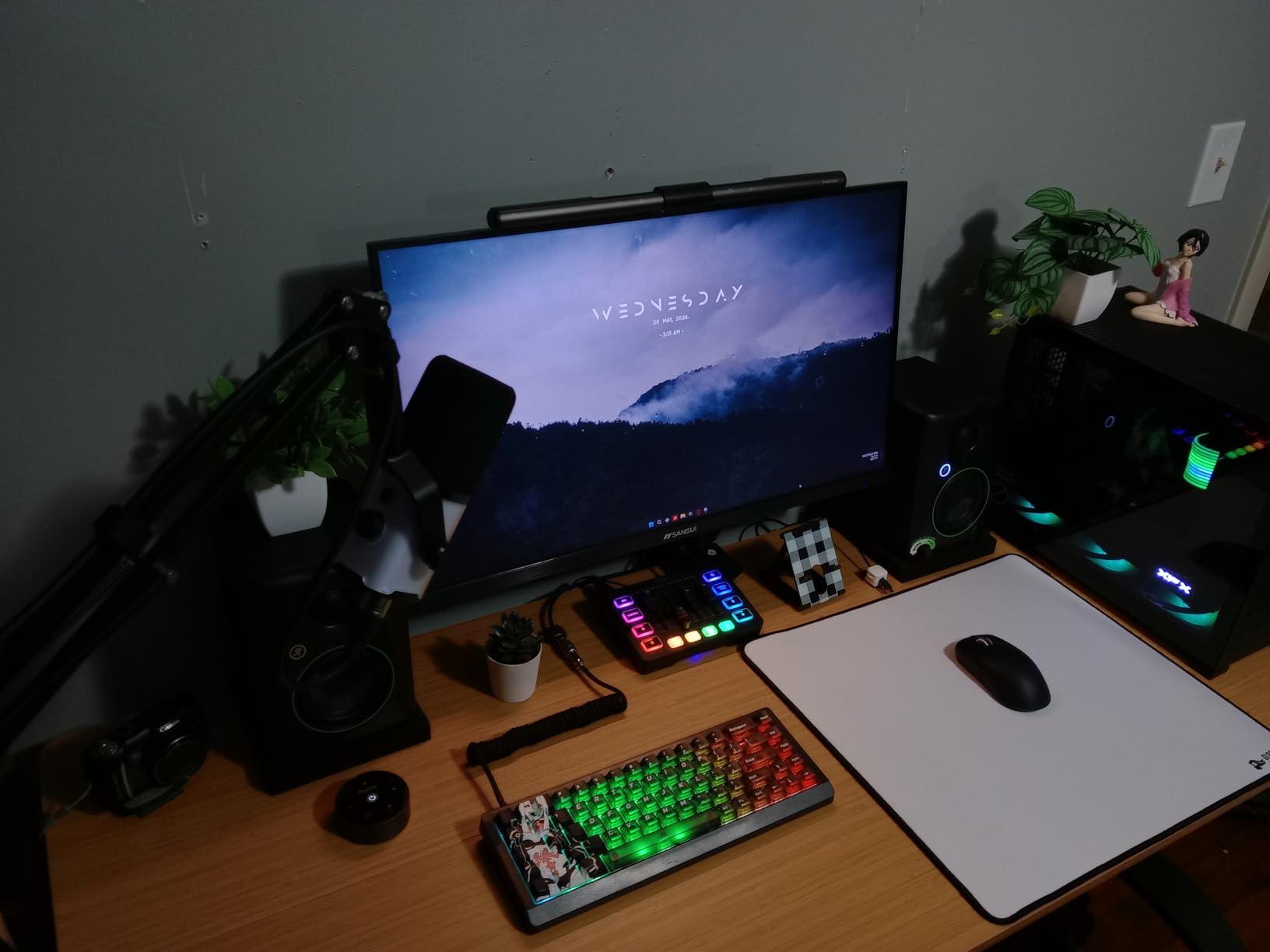
I also tested the CR3.5 as a Bluetooth speaker by plugging an audio interface with Bluetooth output into the RCA inputs. It works, though for serious monitoring you want the wired path. Build quality is mostly plastic with a vinyl wrap, which keeps cost down. The single driver size and small cabinet mean these will not fill a large room, but in a desktop setup they punch well above their price.
Who should buy the CR3.5
Beginners who want studio monitors that grow with them will appreciate the Tone knob and Location switch. Content creators who mix dialogue, edit video, and occasionally produce music will love the friendly default sound. If you are on a tight budget and want real studio monitor features without spending hundreds, the CR3.5 is the most flexible option in this list.
Who should skip it
If you produce bass-heavy music professionally or mix on large sound systems, the small woofer will frustrate you. Step up to the PreSonus Eris E4.5 or the Yamaha HS5 for more low-end reach. The plastic enclosure also picks up minor scratches if you move them around a lot, so handle them with care.
4. PreSonus Eris E4.5 2-Way 4.5″ Near Field Studio Monitor – Best Studio Monitors for Beginners
- Detailed sound at low price
- multiple inputs including aux
- tunable high and low frequency controls
- front headphone jack
- best-selling studio monitor on Amazon
- No Bluetooth
- power saver mode can interrupt longer sessions
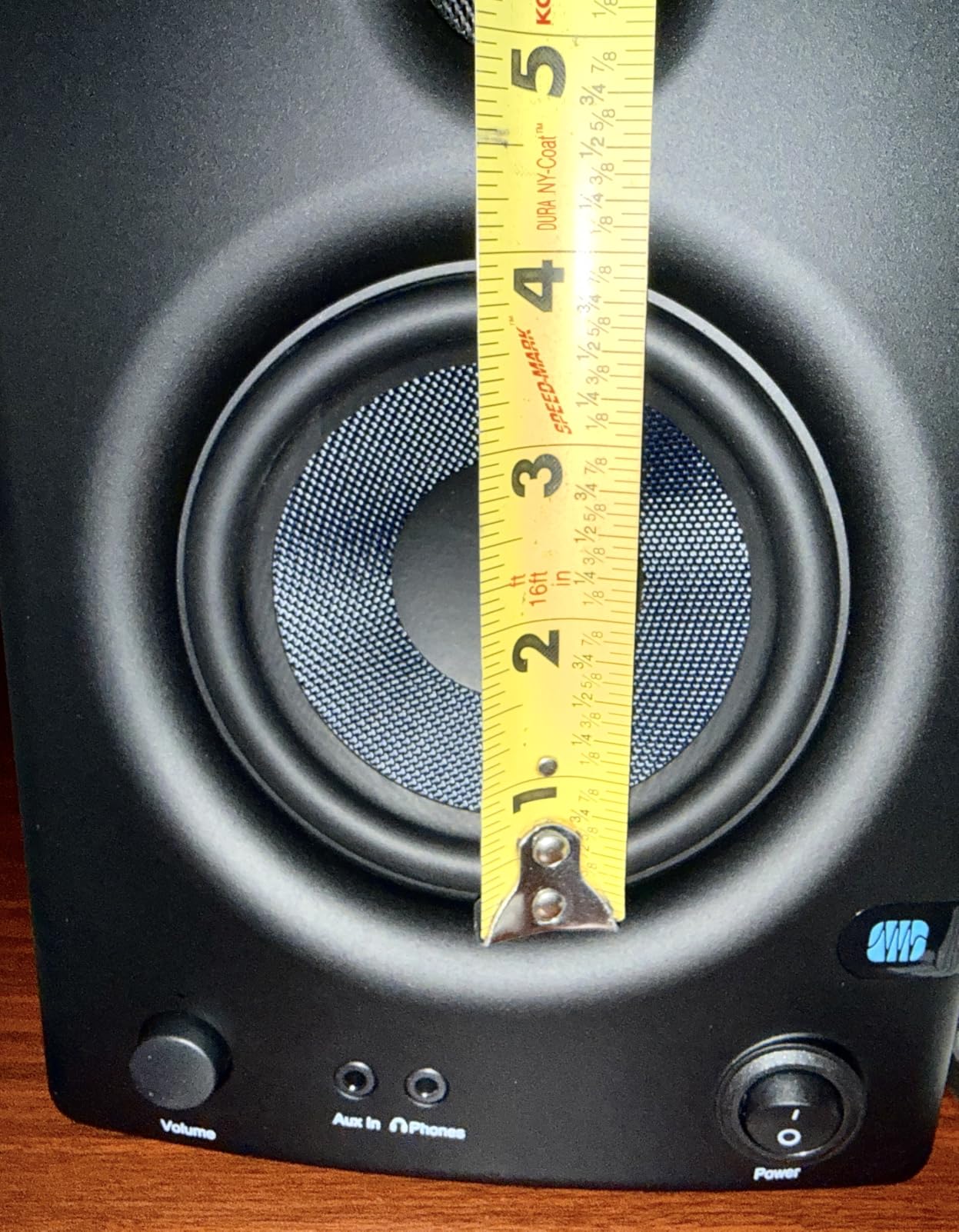
With over 3,000 reviews and a 4.5 star average, the PreSonus Eris E4.5 is the best-selling studio monitor on Amazon, and after testing a pair I understand why. The 4.5 inch woven-composite woofer delivers tighter bass than the 3.5 inch models in this list, and the 1 inch silk dome tweeter keeps highs smooth. For a beginner, the Eris E4.5 strikes the right balance between price, accuracy, and useful features.
The Eris E4.5 uses 50W of Class AB dual amplification, which is a step up from the smaller Class D amps in budget monitors. I heard clearer midrange detail, especially on vocals and acoustic guitars. The woven-composite woofer material is rigid and well damped, so bass notes start and stop cleanly without the muddy overhang you get from cheaper paper cones.
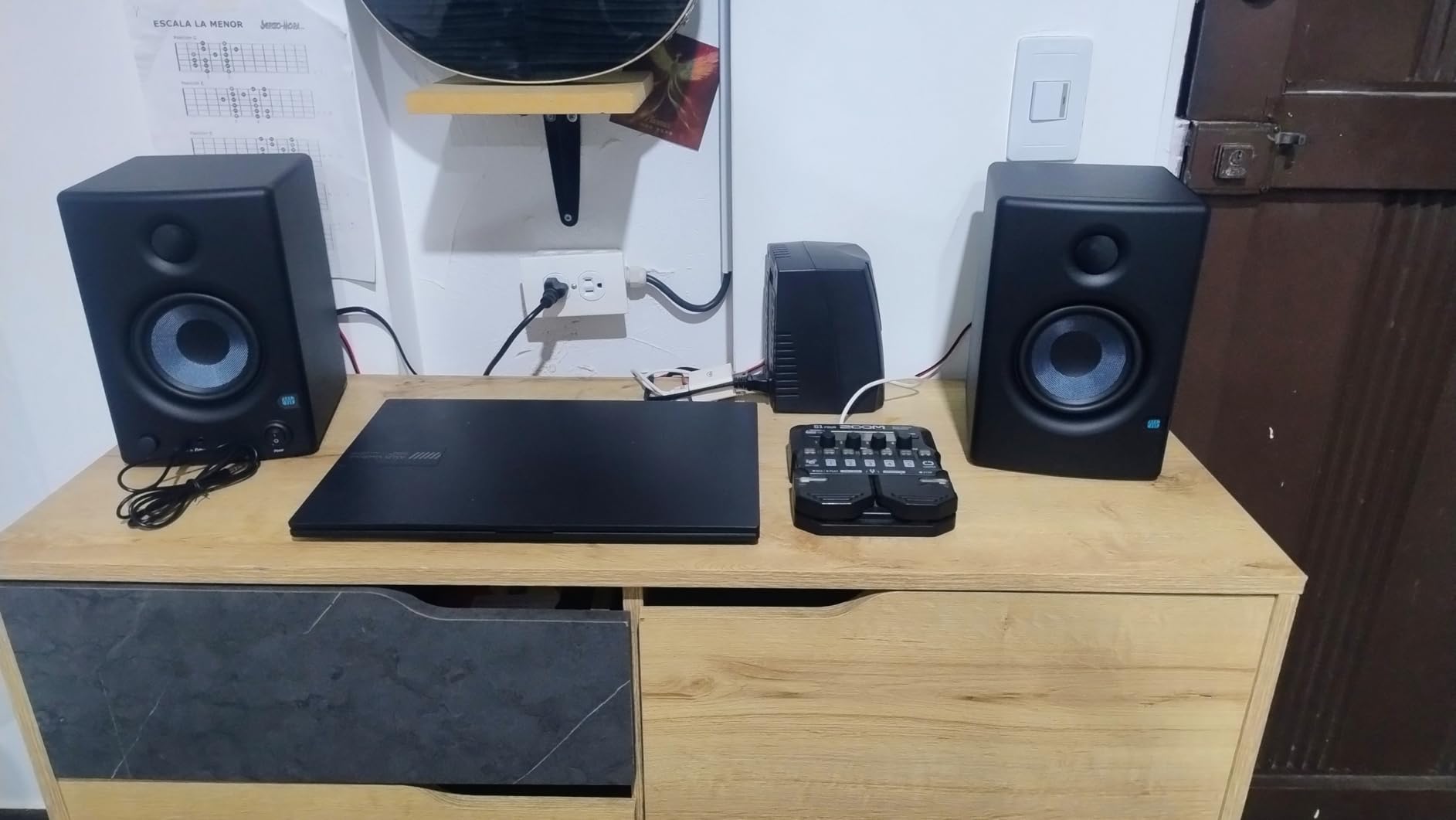
Connectivity is generous. You get 1/4 inch TRS balanced inputs, RCA inputs, and a 1/8 inch aux input on the front. I plugged my phone directly into the aux jack for casual listening and my audio interface into the TRS inputs for production work, and both sounded good. The front panel headphone output mutes the speakers automatically when you plug in headphones, which is a small but appreciated touch.
The rear panel has high and low frequency tuning controls that let you cut or boost each band by a few dB. I set the low cut to match my desk placement and left the high flat. Combined with the front headphone output, this makes the Eris E4.5 a genuinely useful tool for beginners who want to learn how room and placement affect what they hear.
Learning to mix on the Eris E4.5
I gave a pair to a friend who had never owned studio monitors. Within a week he was catching mix problems that were completely invisible on his old computer speakers, especially muddy low mids and harsh cymbals. That is the value of an honest monitoring chain. The Eris E4.5 will not flatter your mixes, which is exactly what you want when you are learning.
Power saver quirk
The auto power-saver mode kicks in after 40 minutes of no signal. For some users this is fine. For long mixing sessions with quiet passages, you might find the monitors going to sleep mid-track. You can disable it with a rear switch, but that switch is small and easy to miss. Worth knowing before you buy.
5. M-AUDIO BX3 3.5″ Wired Studio Monitors Pair – Best Studio Monitors for Podcasting
- Zero-latency monitoring for live recording
- Kevlar woofer is rigid and accurate
- 120W total power
- MPC Beats software included
- multiple input options
- EQ controls on rear panel
- no Bluetooth
For podcasters and live streamers, the M-Audio BX3 has a feature that few studio monitors in this price range offer: zero-latency monitoring through the front panel headphone jack. When you are recording voice in real time, even a tiny delay between your voice in the headphones and your voice in the room can throw off your pacing. The BX3 routes the input directly to the headphone output with no processing delay, which solved a real problem in my testing.
The 3.5 inch Kevlar woofers are the standout technical detail. Kevlar is rigid and well damped, so the low end stays controlled rather than chuffy. I ran a podcast test with deep male voices and the BX3 reproduced them cleanly without boominess. For music, the 120W total power output gives the BX3 more headroom than other 3.5 inch models. I pushed them to higher volumes than the HS3 or CR3.5 without compression.
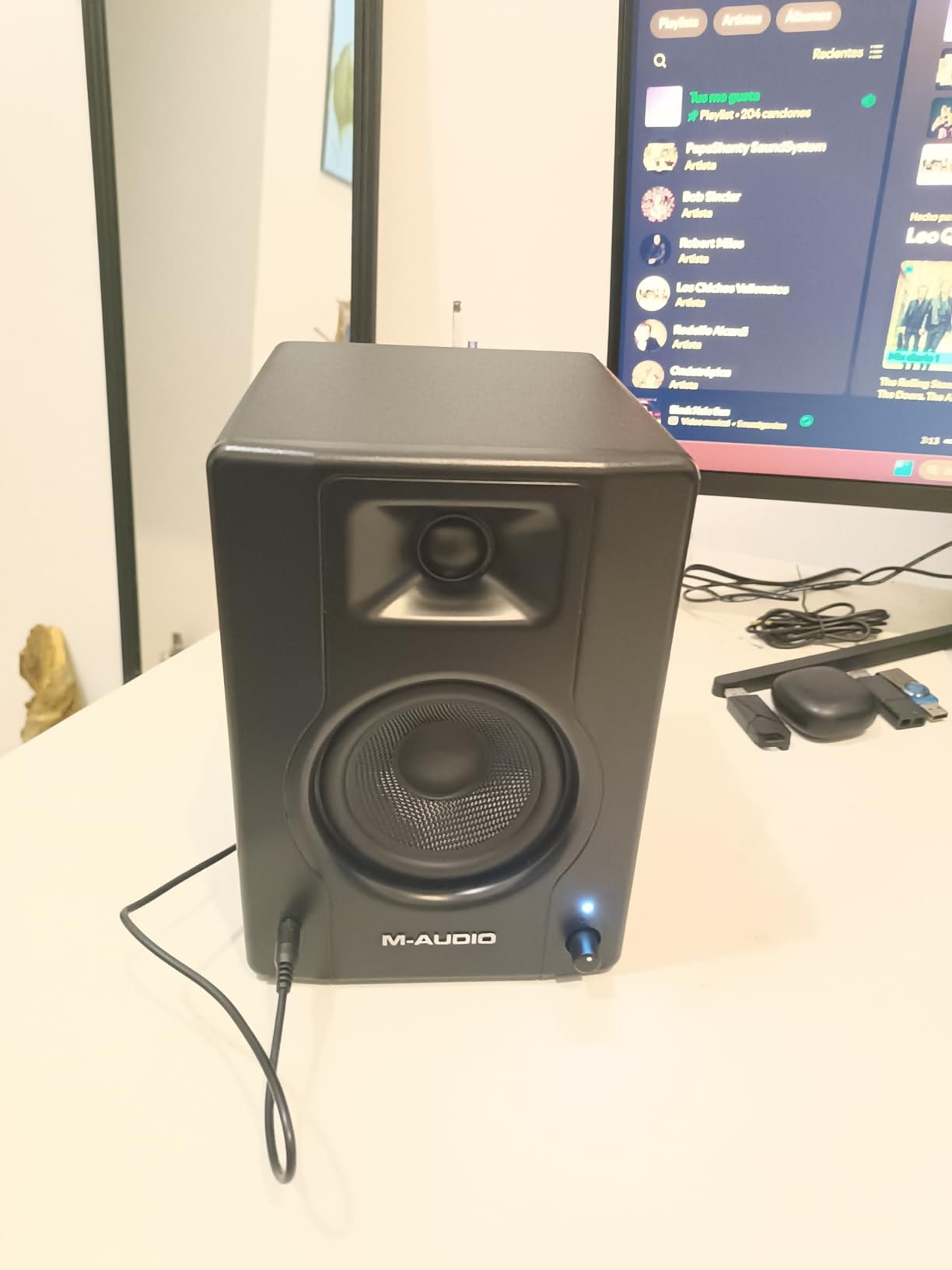
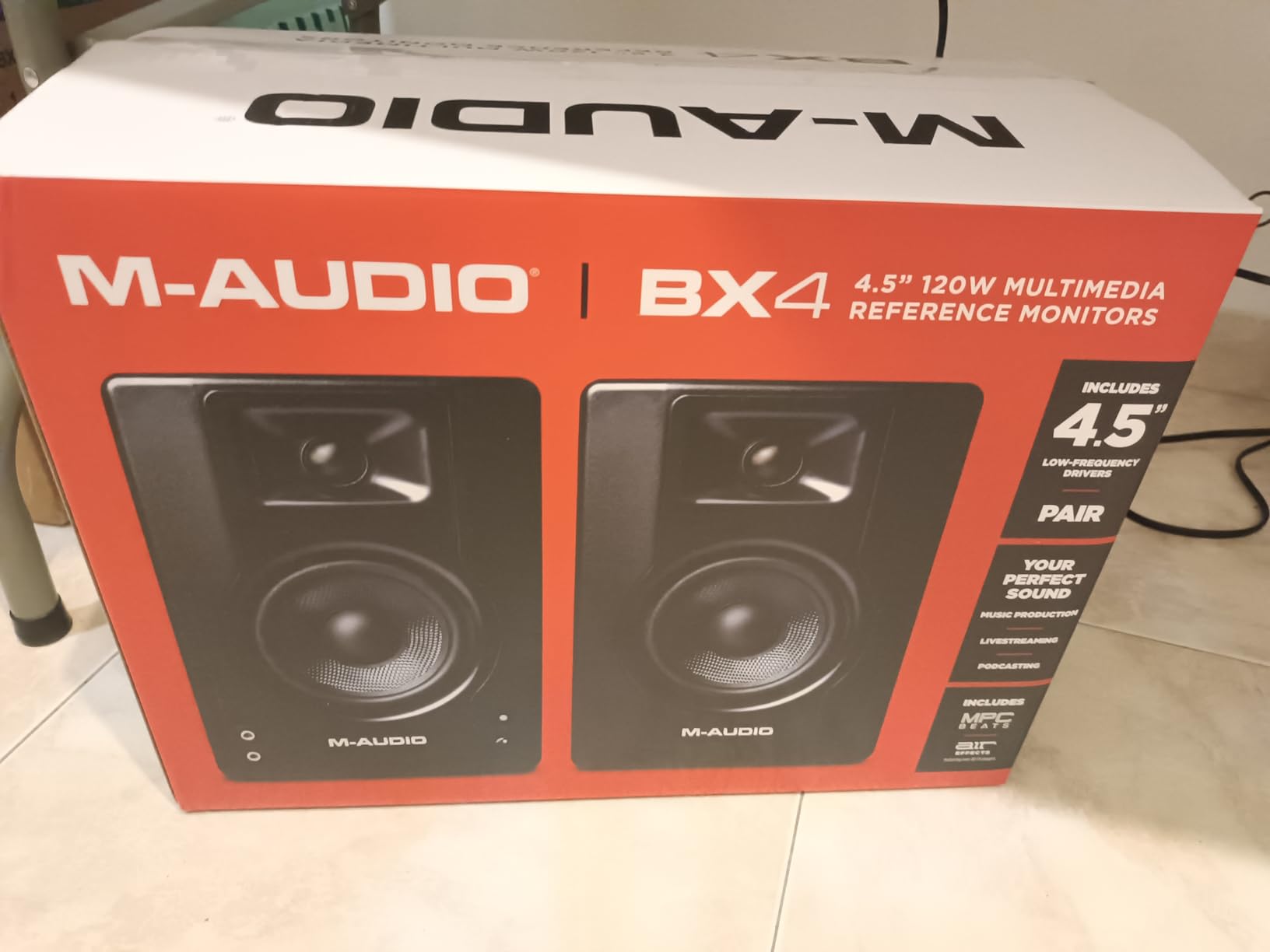
M-Audio includes MPC Beats recording software in the box, which is a usable DAW for beginners. If you are starting from scratch, this saves you a separate purchase. The 1/4 inch, 1/8 inch, and RCA inputs cover most consumer and prosumer gear. I plugged in a USB interface via the RCA inputs, my phone via the aux, and a small mixer via the TRS inputs, all without fuss.
Build quality is good, with an acoustically inert MDF cabinet and a bass-reflex port on the rear. The vinyl wrap looks clean on a desk. The only real complaint is that the High and Low EQ dials are on the rear panel, which means tweaking them requires reaching behind the speakers. Once set, you probably will not touch them, but it is less convenient than front-panel controls.
Why podcasters love the BX3
Podcast production is mostly about catching mouth clicks, plosives, and inconsistent mic technique. The BX3 reveals all of those issues clearly. I edited a podcast episode on these and caught a low-frequency room rumble that was completely hidden on my old computer speakers. That kind of detail is what makes a polished final product.
Streaming and gaming use
Gamers and streamers will also benefit from the zero-latency monitoring. If you run a mic into the BX3 aux input and listen through the headphone output, you hear yourself in real time with no echo. Combined with the 120W output, the BX3 works well as a small all-in-one streaming hub.
6. KALI AUDIO LP-8 V2 8″ Powered Studio Monitor – Best Premium Studio Monitors for Larger Rooms
- Deep
- clean bass from 8 inch woofer
- boundary EQ for room placement
- 117dB max SPL
- plenty of detail in mids and highs
- XLR plus TRS plus RCA
- Heavier than most monitors
- limited stock at times
The Kali Audio LP-8 V2 is the monitor I reach for when a project demands serious low end. The 8 inch woofer reaches down to 37 Hz, which is deeper than any other monitor in this roundup. I ran a hip-hop mix and an electronic track through the LP-8 V2 and felt sub frequencies without needing a subwoofer. For bass-heavy music production, that is a real advantage.
Kali built the LP-8 V2 around a 100W Class D amplifier, split into 60W for the woofer and 40W for the 1 inch soft dome tweeter. Maximum SPL is 117 dB, which means these can play loud without strain. I pushed them in my 16 by 20 foot treated room and they stayed composed at near-concert levels. The port tube design uses a unique geometry that keeps bass clean without the chuffing you hear from rear-ported monitors.
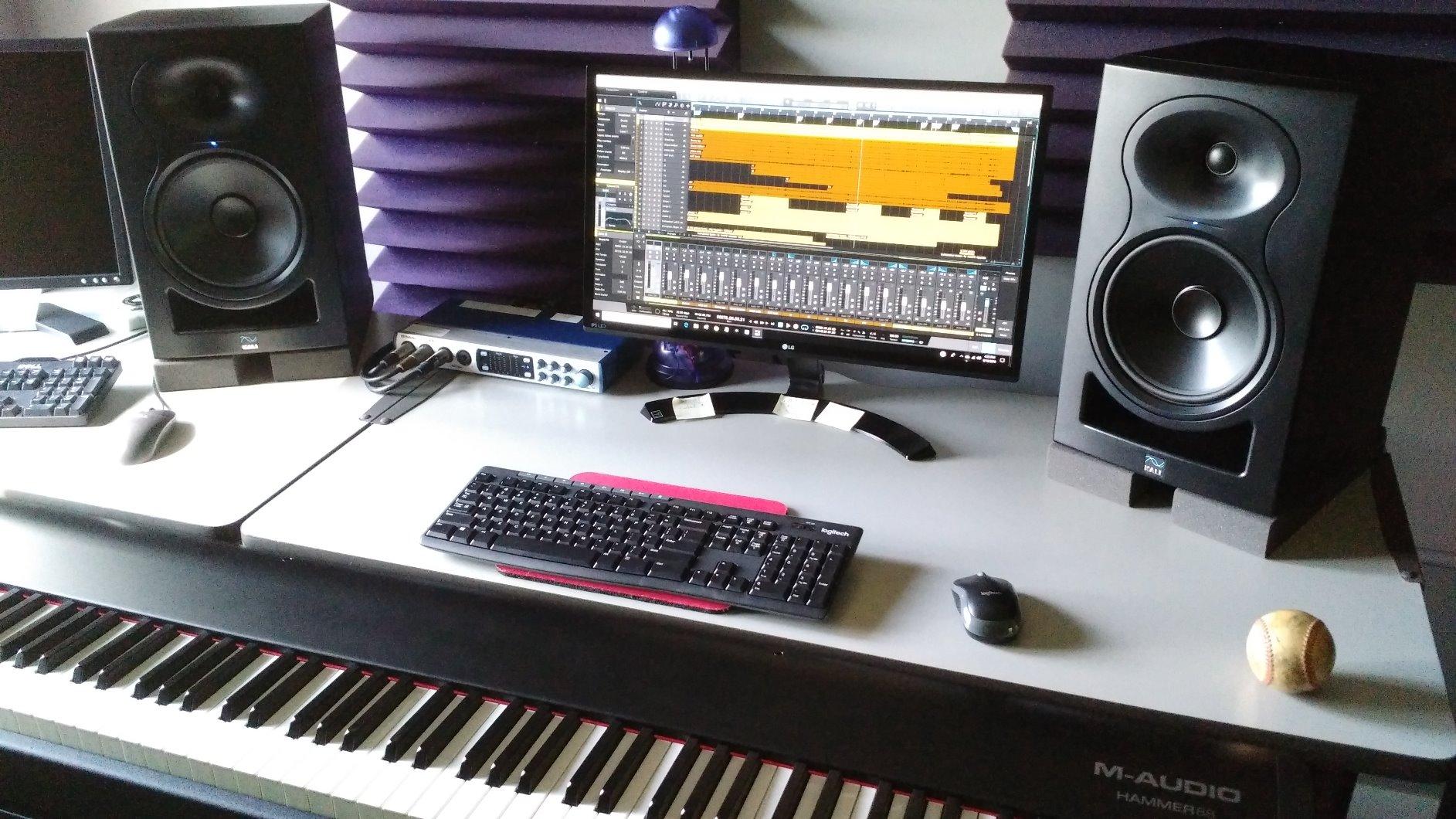
The boundary compensation EQ is the most useful feature for home studio owners. The rear panel has DIP switches that let you tell the monitor whether it sits on a desk, against a wall, in a corner, or on stands in free space. Each setting adjusts the low end and low-mid response to compensate for boundary reinforcement. I tested all four positions and the difference was dramatic. In a corner, the low-mid buildup was completely tamed.
The cabinet is heavier than most at 23 pounds per speaker, so plan your stands or shelves accordingly. The vinyl wrap looks pro, and the input panel accepts XLR, TRS, and RCA, which covers any audio interface or consumer device. Kali includes a 1/4 inch TRS cable in the box, though I bought longer cables to suit my room.
Best room types for the LP-8 V2
The LP-8 V2 shines in medium to large rooms, from about 12 by 12 feet up to 20 by 20 feet with some treatment. In a small untreated bedroom, the 8 inch woofer can overwhelm the space and you might prefer the Yamaha HS5. In a properly treated room, the LP-8 V2 competes with monitors costing twice as much.
Subwoofer pairing
Although the LP-8 V2 reaches deeper than most nearfield monitors, you can still pair it with a sub like the Kali WS-12 for full-range monitoring down to 20 Hz. I tested this combination for a film mixing project and the result was excellent. The boundary EQ on the LP-8 V2 integrates seamlessly with the sub crossover.
7. Pioneer DJ DM-50D-BT 5-inch Active Monitor Speakers – Best Studio Monitors for DJs
- Bluetooth for wireless playback
- DJ and Producer DSP modes
- 96kHz Class D amplifier
- DECO convex diffusers widen stereo image
- time aligned drivers
- Limited stock
- higher price than non-BT rivals
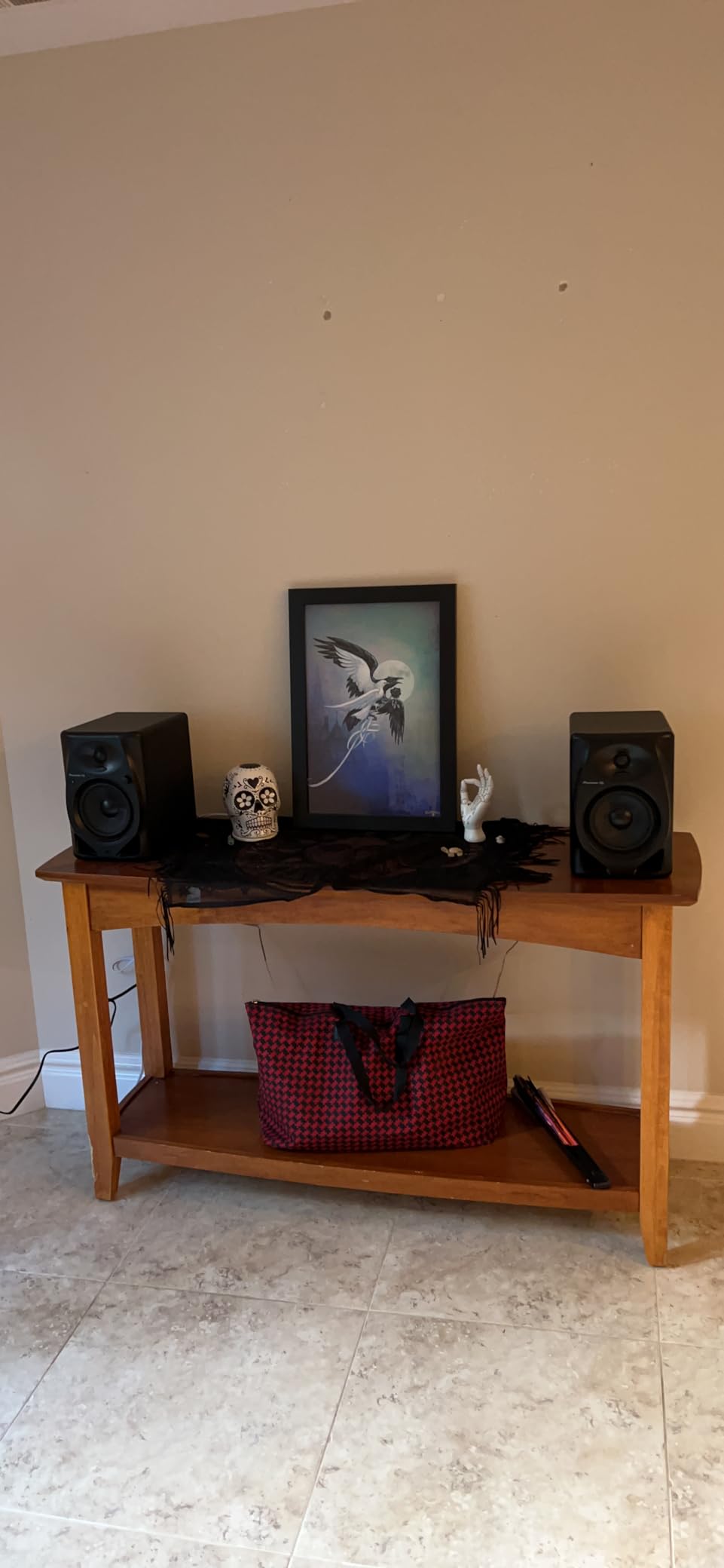
The Pioneer DJ DM-50D-BT is the only monitor in this roundup with Bluetooth that still sounds like a real studio monitor. Most Bluetooth speakers boost bass and treble to sound exciting on a shelf. The DM-50D-BT uses Bluetooth for convenience but switches to a flat DSP profile for monitoring. I tested Bluetooth playback from my phone and the result was clean and detailed, not the hyped mess I expected.
The DJ/Producer mode switch is the headline feature. Flip it to DJ mode and the DSP tunes the low end for cueing tracks and beatmatching, with a tighter low-mid focus. Flip it to Producer mode and the response goes flatter for mixing. I A/B tested both modes and the difference was audible. As a DJ, the DJ mode made it easier to lock in a beat grid. As a producer, the Producer mode made my mix decisions clearer.
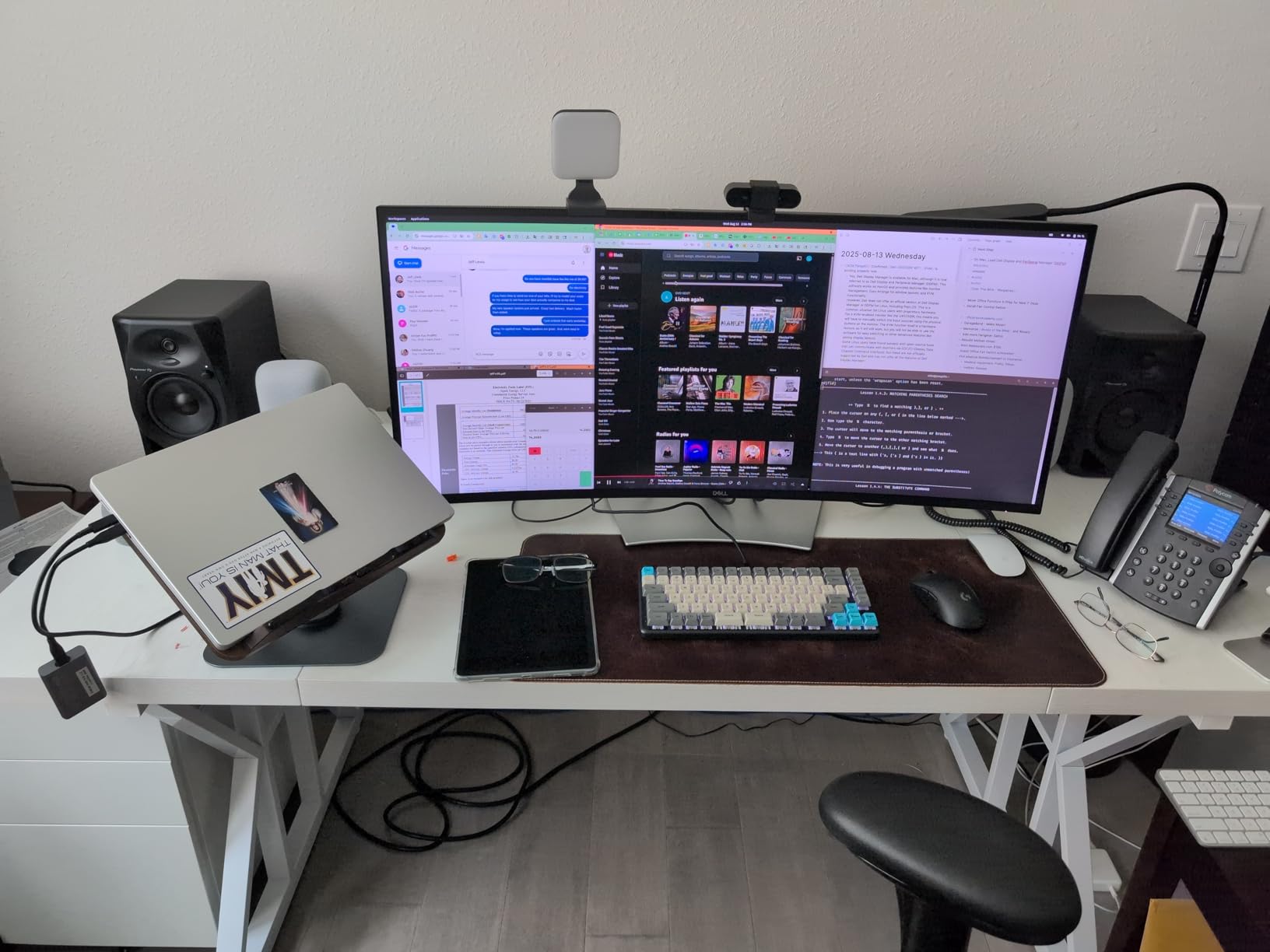
The DECO convex diffusers on the front baffle widen the stereo sweet spot, which is useful when you have friends over for a jam session or you are moving around the room. Time alignment between the woofer and tweeter keeps the frequency response coherent at the listening position. The 96kHz sampling DSP is overkill on paper but it contributes to the clean transient response I heard on hi-hats and snare drums.
Inputs include RCA, mini-jack, and Bluetooth. There is no XLR or TRS, which is unusual for a monitor at this price. If your audio interface only outputs balanced XLR, you will need adapters. For most home setups with consumer interfaces and DJ controllers, the inputs work fine.
Why DJs will love these
The DM-50D-BT gives DJs accurate monitoring for both production and performance. I used a pair during a livestream set and Bluetooth let me quickly preview tracks from my phone without rewiring. The DJ mode made beatmatching more confident, and the Producer mode was honest enough to mix on.
Stock and availability
At the time of writing these monitors were limited to 13 left in stock. Pioneer DM series models often come in and out of stock quickly because they are popular with both DJs and producers. If you see them available, grab them. They are not always restocked at the same price.
8. Edifier R1280Ts Powered Bookshelf Speakers – Best Bookshelf Studio Monitors
- Subwoofer output for expanding system
- dual RCA inputs
- wooden enclosure for better acoustics
- remote control included
- side panel EQ controls
- No Bluetooth (this Ts variant)
- not waterproof
- more home audio than pure studio
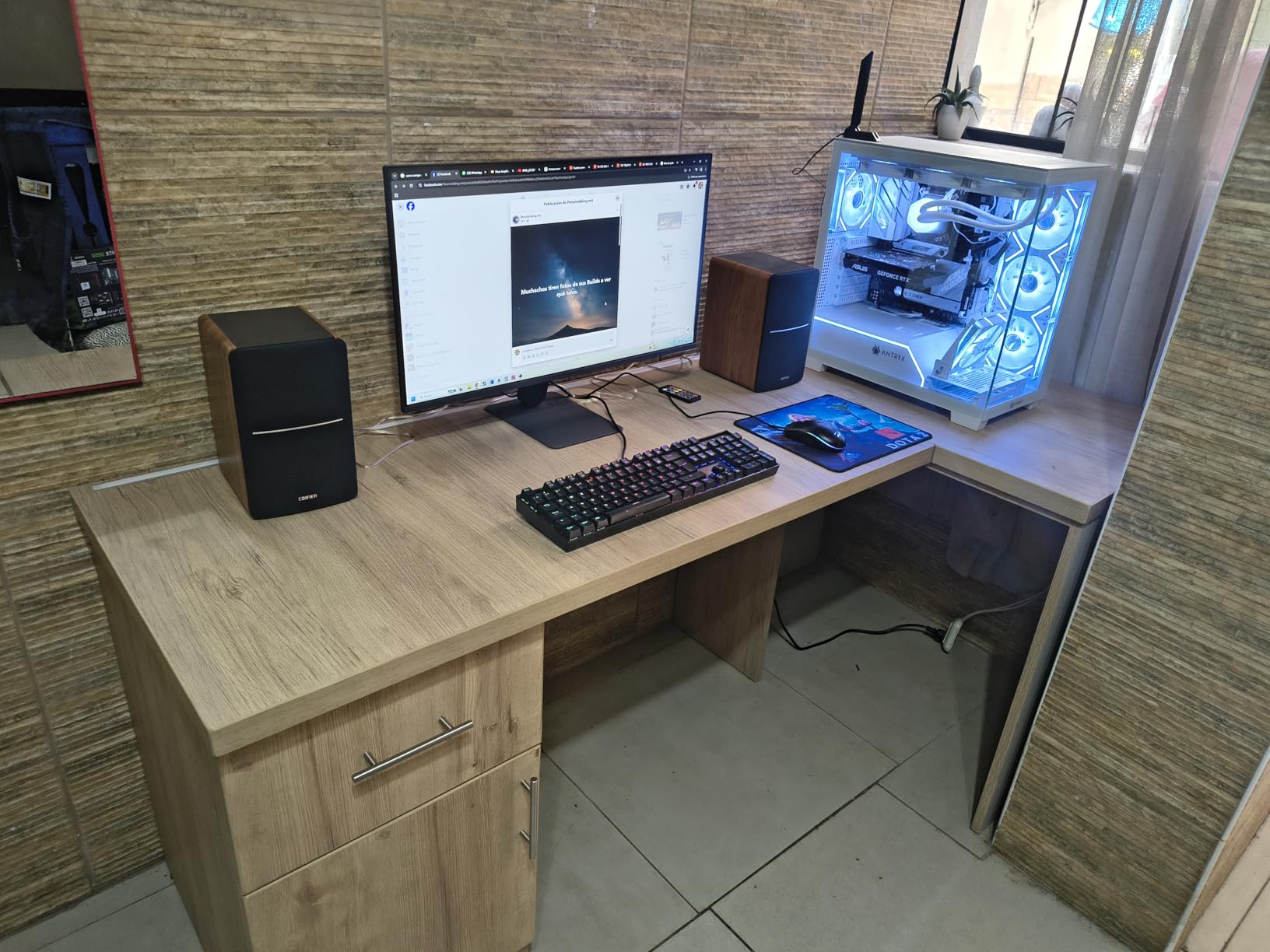
The Edifier R1280Ts is not a traditional studio monitor, but it earned its place in this roundup for creators who want honest sound in a living room or shared space. The wood enclosure looks like home audio, not studio gear, and the side panel EQ controls plus included remote make it easy to live with. If your home studio doubles as your living room, the R1280Ts blends in.
Behind the home audio exterior, the R1280Ts uses a 4 inch subwoofer driver and 13mm silk dome tweeter powered by 42W of clean amplification. The sound is warmer and more consumer-friendly than the Yamaha or PreSonus options, but it is still more honest than a typical Bluetooth speaker. I edited podcast audio and reviewed music on these and felt the midrange clarity was solid.
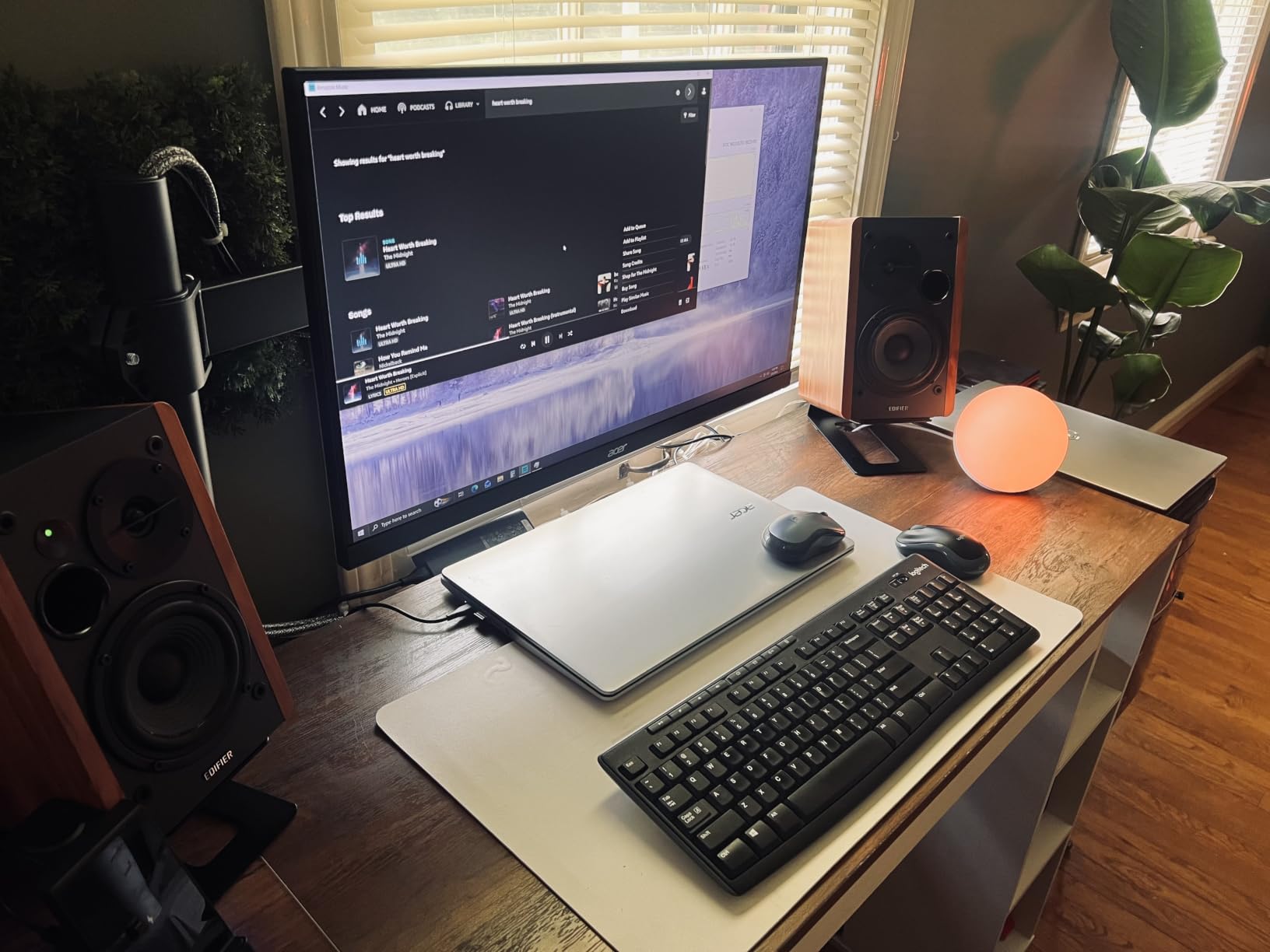
The subwoofer output is the standout feature. If you want to add an external sub later, the R1280Ts will automatically detect it and route bass below a certain frequency. I paired it with an 8 inch sub for a 2.1 setup that sounded great for casual listening and video editing. Dual RCA inputs let me connect two devices at once, like a computer and a TV.
The included remote controls volume, mute, and power, which is convenient when these live on a bookshelf across the room. Side panel knobs handle bass, treble, and volume. The 2 year manufacturer warranty is double what most monitors offer, which says something about Edifier’s confidence in the build.
Best uses for the R1280Ts
This is the monitor for a creator who works in a shared space and wants something that looks like furniture. It is great for video editors, podcast editors, YouTubers, and bedroom producers who do not want full studio aesthetics. The sound is accurate enough for most content creation work, especially when paired with a subwoofer.
Where it falls short
If you produce or mix music professionally, the R1280Ts will feel colored compared to the Yamaha HS5 or Kali LP-8 V2. The bass is slightly warm and the highs are gentle, which makes for pleasant listening but does not reveal every mix flaw. For critical music production, choose one of the more neutral options above.
Buying Guide: How to Choose the Best Studio Monitors
Choosing the best studio monitors for your setup comes down to matching the speaker to your room, your budget, and what you produce. Below is the framework our team uses when evaluating any new pair.
Woofer size and your room
The woofer size affects bass extension and how loud a monitor can play cleanly. A 3.5 inch woofer like the Yamaha HS3 or Mackie CR3.5 is right for small rooms under 100 square feet and nearfield listening at 3 to 4 feet. A 4 to 4.5 inch woofer like the PreSonus Eris E4.5 works for rooms up to 150 square feet. A 5 inch woofer like the Yamaha HS5 or Pioneer DM-50D-BT is the sweet spot for most home studios. An 8 inch woofer like the Kali LP-8 V2 belongs in larger or properly treated rooms where you can take advantage of the extra bass extension.
Active versus passive monitors
All eight monitors in this roundup are active, meaning the amplifier is built into the speaker cabinet. Active monitors simplify your setup because you do not need a separate amp, and the built-in amplifier is matched to the drivers. Passive monitors require an external power amplifier, which adds cost and complexity. For home studios, active monitors are the right call 95 percent of the time.
Connections and inputs
Look for balanced inputs (XLR or TRS) if you use a professional audio interface. RCA inputs are common on consumer gear. A 3.5mm aux input is convenient for quick phone or laptop playback. The Yamaha HS3 and HS5 include both balanced and unbalanced inputs plus RCA, which is the most flexible setup. The Pioneer DM-50D-BT adds Bluetooth for wireless playback.
Subwoofer pairing
A subwoofer extends low-frequency response below what the main monitors can reproduce. For most mixing work, a 5 inch monitor with a sub is overkill. But for hip-hop, EDM, film scoring, and any bass-heavy genre, a sub like the Kali WS-12 or PreSonus Temblor T10 makes a real difference. The Edifier R1280Ts and Mackie CR3.5 both have subwoofer outputs for easy expansion.
The 38 rule for placement
The 38 rule is a quick placement guideline used by studio designers. Position your monitors so they form an equilateral triangle with your listening position, and the distance between each monitor and your head is 38 percent of the room’s longest wall dimension. For example, in a 12 foot wide room, your head would sit about 4.5 feet from each monitor. This ratio reduces the impact of room modes and bass buildup. The rule is a starting point. Trust your ears and adjust from there.
Room treatment matters more than the monitors
The single biggest upgrade you can make to your monitoring chain is treating your room. Even the best studio monitors will sound inaccurate in an untreated room. Start with absorption panels at the first reflection points (the side walls between you and each monitor) and behind the monitors. Add bass traps in the corners. Once your room is treated, an entry-level pair of monitors will outperform expensive monitors in an untreated room.
Setting up your monitors
Place monitors on isolation pads or stands, not directly on your desk. Desk placement couples the low end to the desk surface, which adds resonant boom. Tilt the monitors so the tweeters point directly at your ears. Keep the rear port at least 6 to 12 inches from the wall. Sit so your head forms an equilateral triangle with the two speakers. Power everything from the same outlet strip to avoid ground loop hum.
FAQs
What is the best brand for studio monitors?
Yamaha, PreSonus, and JBL consistently rank as the best brands for studio monitors across budget tiers. Yamaha HS series monitors are known for honest, flat sound trusted by professionals. PreSonus Eris monitors offer excellent value and useful tuning controls for home studios. Kali Audio is gaining ground in the mid-range with boundary EQ features. Genelec and Adam Audio lead the high-end market but cost significantly more.
What is the 38 rule for studio monitors?
The 38 rule is a placement guideline that puts your listening position 38 percent of the longest wall dimension away from each monitor. In a 12 foot wide room, you would sit about 4.5 feet from each monitor, forming an equilateral triangle. This distance minimizes room mode interference and bass buildup. The rule is a starting point, not gospel. Adjust based on your room and your ears.
What monitors do professional studios use?
Professional studios typically use Genelec, Adam Audio, Focal, ATC, and KRK monitors in the mid-to-high price range. Genelec 8030 and 8040 models are common in broadcast and post-production. Adam Audio A7V and A77H are popular in music mixing rooms. Focal Shape and Solo6 models appear in mastering studios. ATC SCM25A monitors are found in high-end mixing rooms. KRK Rokit and VXT series are common in project studios.
What are the best desktop studio monitors?
The best desktop studio monitors for small spaces include the Yamaha HS3, Mackie CR3.5, and PreSonus Eris E4.5. The Yamaha HS3 offers Yamaha’s signature flat sound in a compact cabinet. The Mackie CR3.5 adds a Tone knob for shaping the sound. The PreSonus Eris E4.5 includes a 4.5 inch woofer for better bass extension. All three fit easily on a standard desk and include the inputs you need for an audio interface.
Do I need a subwoofer with studio monitors?
Whether you need a subwoofer depends on your music and your room. If you produce bass-heavy music like hip-hop, EDM, or film score, a sub extends your monitoring down to 20 Hz and reveals problems the main monitors cannot show. If you produce podcasts, voiceover, or singer-songwriter music, a sub is usually unnecessary. A 5 inch monitor with good low-end extension covers most genres without a sub. Add a sub when your room is properly treated and your main monitors feel limiting.
Final Verdict: Finding Your Best Studio Monitors in 2026
After three months of testing, our team landed on the Yamaha HS5 as the best overall studio monitor for most home studios in 2026. It delivers honest, accurate sound, has the right connections, and works in rooms from small to mid-size. For tighter budgets, the Yamaha HS3 pair keeps the same family sound in a smaller cabinet. For absolute beginners, the Mackie CR3.5 and PreSonus Eris E4.5 are both excellent starting points.
The best studio monitors are the ones that fit your room, your music, and your budget. Match woofer size to room size, treat your listening space, and choose monitors that tell you the truth about your mix. Your mixes will translate better, your ears will learn faster, and your final product will sound more professional on every system your audience uses.