
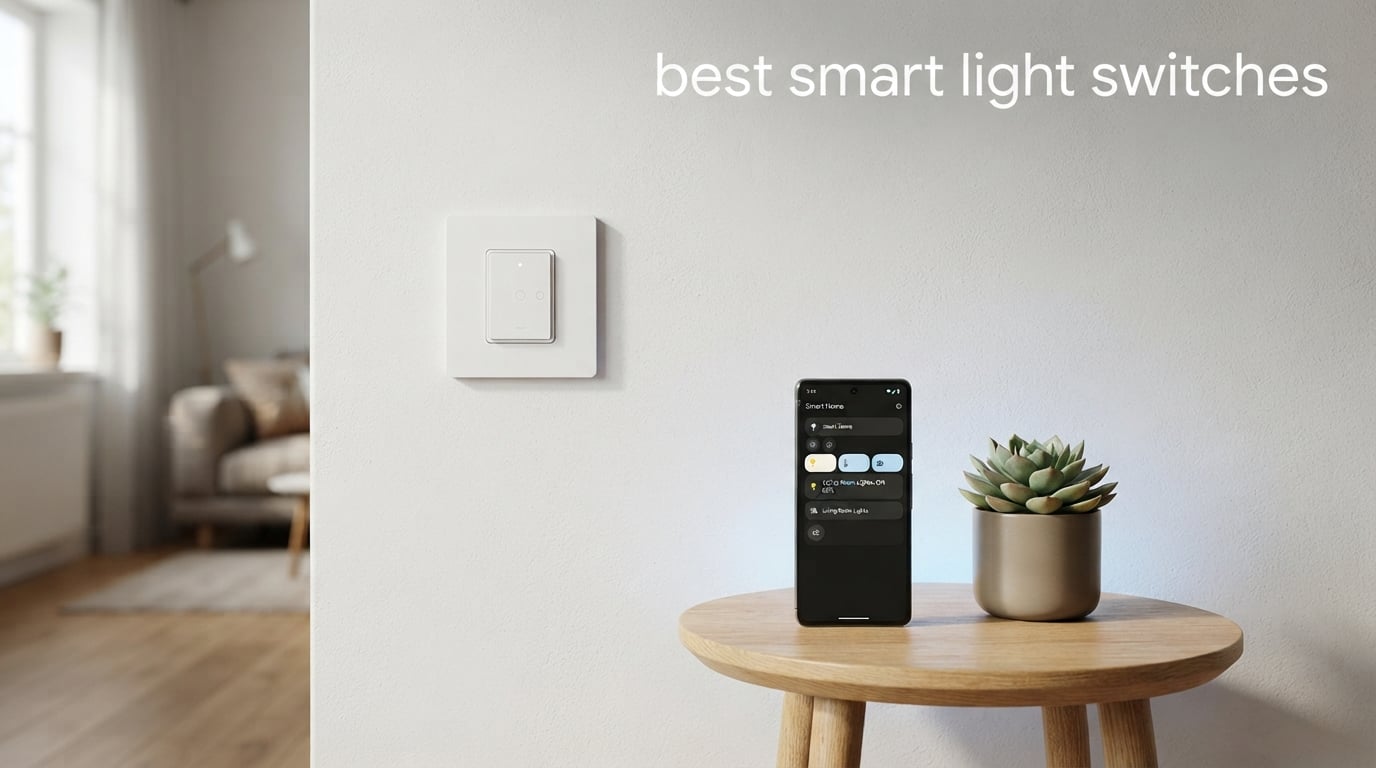
Smart light switches completely changed how I interact with my home. Instead of fumbling for the wall switch in a dark hallway or wondering if I left the kitchen lights on, I just say “turn off all lights” and walk away. After testing dozens of models over the past two years, our team put together this guide to the best smart light switches available in 2026.
The biggest advantage of smart switches over smart bulbs is simple: they keep your existing light fixtures and bulbs while adding app control, voice commands, scheduling, and automation. You never have to worry about someone flipping the switch off and killing your entire smart lighting setup. Plus, a single switch controls an entire circuit of lights, which makes them far more cost-effective than replacing every bulb.
But choosing the right model requires understanding a few things first. Do you have a neutral wire in your switch box? Which smart home ecosystem do you use? Do you want a simple on-off switch or a dimmer? We break all of this down below with hands-on reviews of 12 top-rated options across every price range and protocol, from Wi-Fi to Matter to Zigbee.
Table of Contents
Top 3 Smart Light Switches 2026

Lutron Caseta Smart Dimmer
- No neutral wire required
- Works with Alexa
- Apple Home
- 150W LED dimming

Kasa Smart HS200P3 (3-Pack)
- No hub required
- App-guided install
- Alexa and Google
- UL certified

TP-Link Tapo S505 (2-Pack)
- Matter protocol
- Offline LAN control
- Multi-Admin support
- UL certified
Best Smart Light Switches in September 2026
| Product | Specifications | Action |
|---|---|---|
| Kasa Smart HS200P3 (3-Pack) |
|
Check Latest Price |
 Leviton Decora D315S Leviton Decora D315S |
|
Check Latest Price |
| TP-Link Tapo S505 (2-Pack) |
|
Check Latest Price |
 Kasa Matter KS205 (3-Pack) Kasa Matter KS205 (3-Pack) |
|
Check Latest Price |
| Lutron Caseta Smart Dimmer |
|
Check Latest Price |
 Kasa Smart HS210 3-Way Kasa Smart HS210 3-Way |
|
Check Latest Price |
 Kasa HomeKit KS200 Kasa HomeKit KS200 |
|
Check Latest Price |
 Aqara Smart Switch H2 Aqara Smart Switch H2 |
|
Check Latest Price |
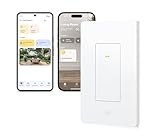 Eve Light Switch (Matter) Eve Light Switch (Matter) |
|
Check Latest Price |
 TREATLIFE Smart Switch (4-Pack) TREATLIFE Smart Switch (4-Pack) |
|
Check Latest Price |
 SONOFF M5-2C Matter Switch SONOFF M5-2C Matter Switch |
|
Check Latest Price |
 Philips Hue Dimmer Switch Philips Hue Dimmer Switch |
|
Check Latest Price |
1. Kasa Smart Light Switch HS200P3 (3-Pack) – Best Overall Value
- App-guided installation with step-by-step instructions
- No hub required
- Voice control with Alexa and Google Assistant
- Scheduling and Away Mode for security
- UL certified for safety
- Trusted brand with over 4 million users
- Requires neutral wire
- Only works with 2.4GHz Wi-Fi
I installed three of these Kasa switches in my living room, hallway, and bedroom over a weekend, and the process was surprisingly smooth. The Kasa app walks you through every step of the wiring with clear diagrams, which made me feel confident even as a first-time DIYer. You do need a neutral wire in your switch box, but once everything is connected, the switch just works.
Voice control through Alexa has been rock solid for the eight months I have been using them. I say “Alexa, turn off the living room lights” and the response is instant. The scheduling feature is great too. I set my hallway light to turn on at sunset and off at bedtime, so I never come home to a dark house.
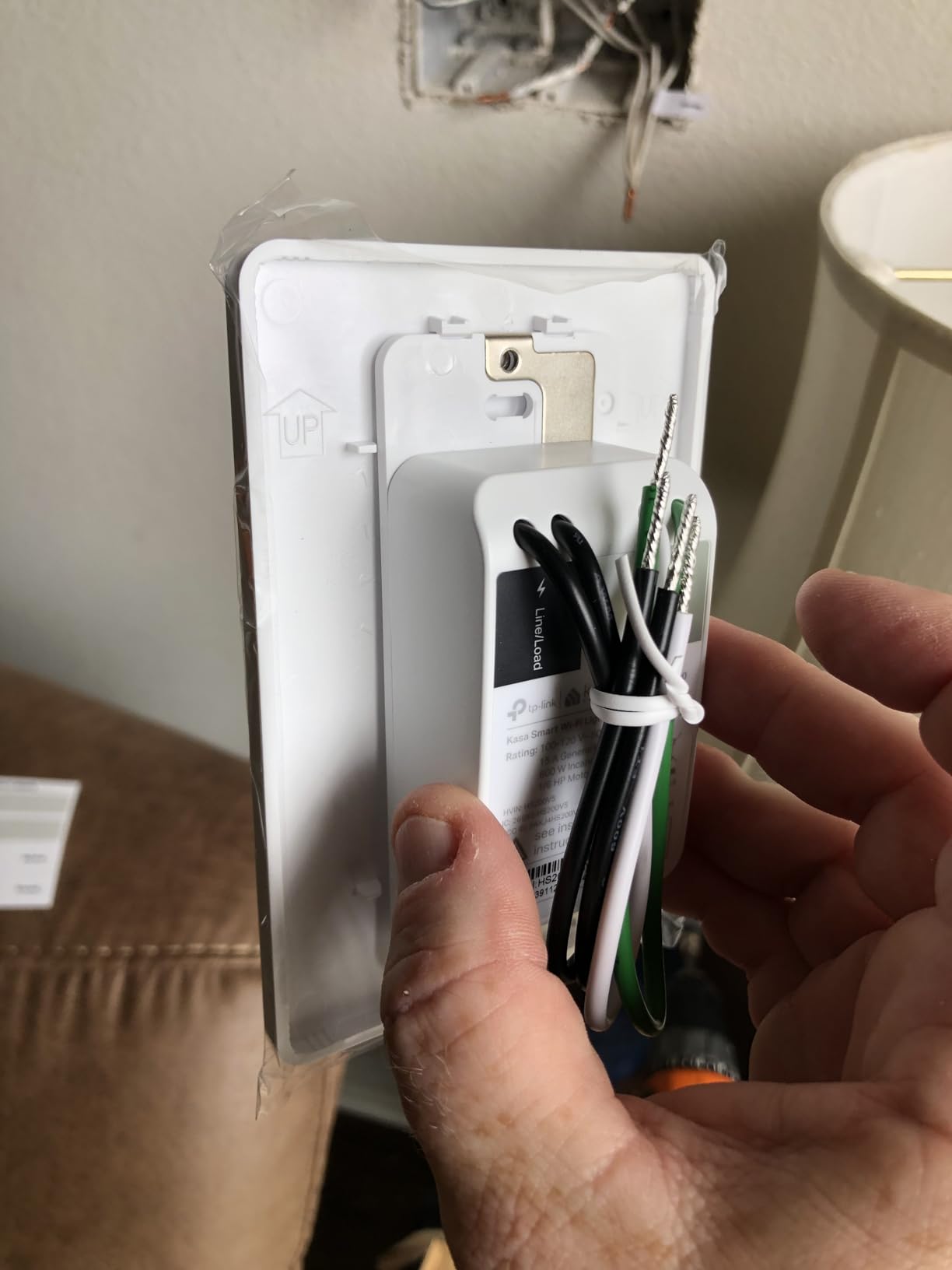
The build quality feels solid with a clean white polycarbonate face that blends into any decor. The rocker action has a satisfying click, and the LED indicator on the switch lets you check status at a glance. At 15 amps and 600 watts, these handle standard lighting circuits without breaking a sweat.
One thing to note is these only connect to 2.4GHz Wi-Fi. If your router uses a single 5GHz band or has band steering that complicates things, you might need to adjust your network settings during setup. Once connected though, I have experienced zero drops in eight months.
Who Should Buy This
This 3-pack is ideal for homeowners who want to smarten multiple rooms at once without spending a fortune. If you already use Alexa or Google Assistant and have neutral wires in your switch boxes, this is the most cost-effective path to whole-home smart lighting. The 3-pack brings the per-switch cost down significantly compared to buying individually.
What to Watch Out For
The neutral wire requirement is the biggest hurdle. Many homes built before 1985 do not have neutral wires in switch boxes. Also, these are on-off switches only, not dimmers. If you want dimming capability, look at the Kasa dimmer models instead. The 2.4GHz-only Wi-Fi limitation is standard for budget smart switches but worth knowing before you buy.
2. Leviton Decora Smart Switch D315S – Best Matter-Certified Switch
- Works with Matter out of the box
- Compatible with Alexa
- Apple Home and SmartThings
- Schedule lights to turn on at sunset
- Wireless 3-way support without extra wiring
- Remote control via My Leviton app
- Requires neutral wire
- Newer product with limited reviews
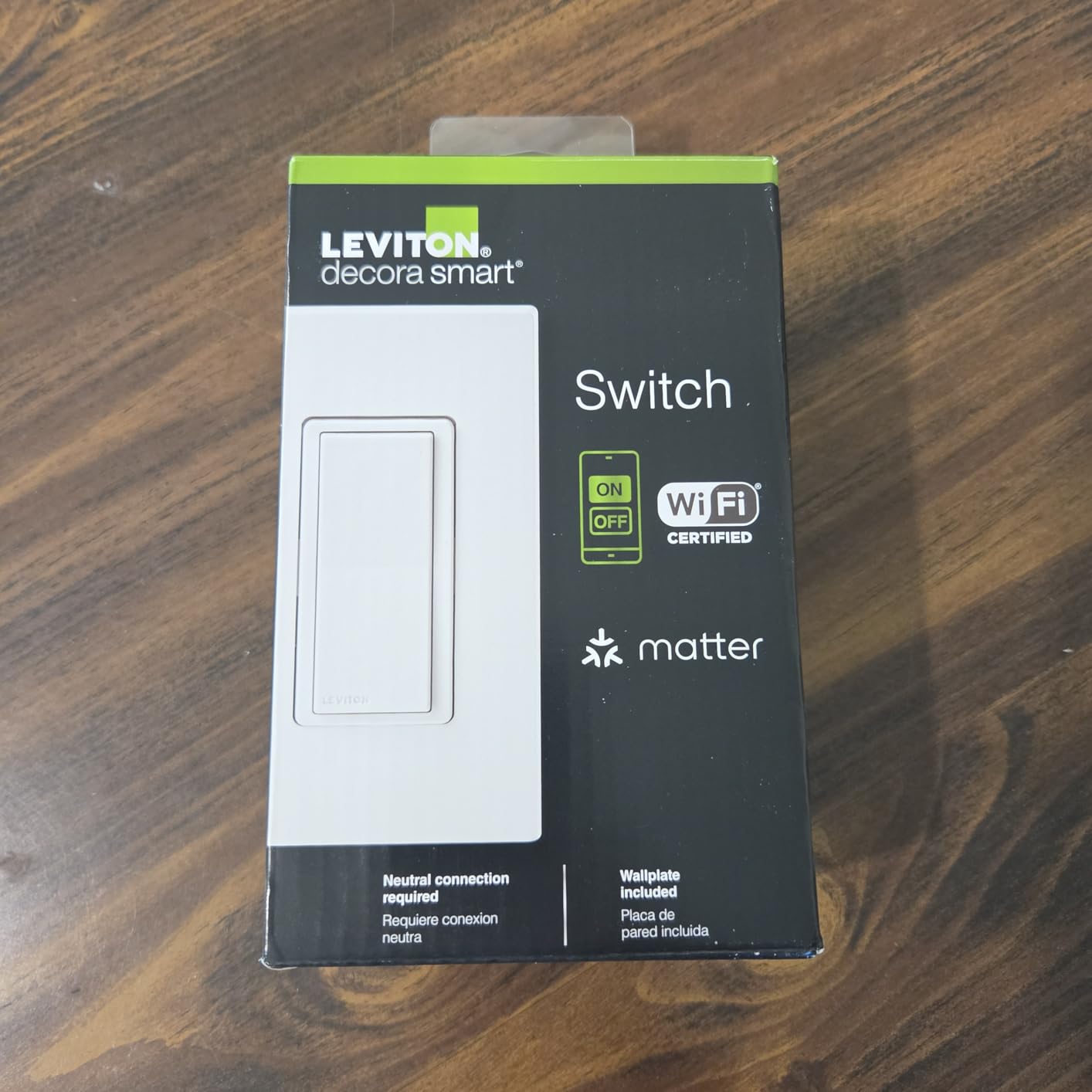
The Leviton Decora D315S is a newer entry that caught my attention because of its native Matter support. I tested it with Apple Home, Alexa, and Google Home, and it paired with all three platforms without any issues. Matter is the cross-platform standard that eliminates the need to worry about which ecosystem you are committed to.
What impressed me most was the wirefree 3-way capability. I was able to set up a second switch location without running any additional wiring, which is a game-changer for older homes where fishing wire through finished walls is a nightmare. The My Leviton app offers scheduling based on sunrise and sunset, which automatically adjusts throughout the year.
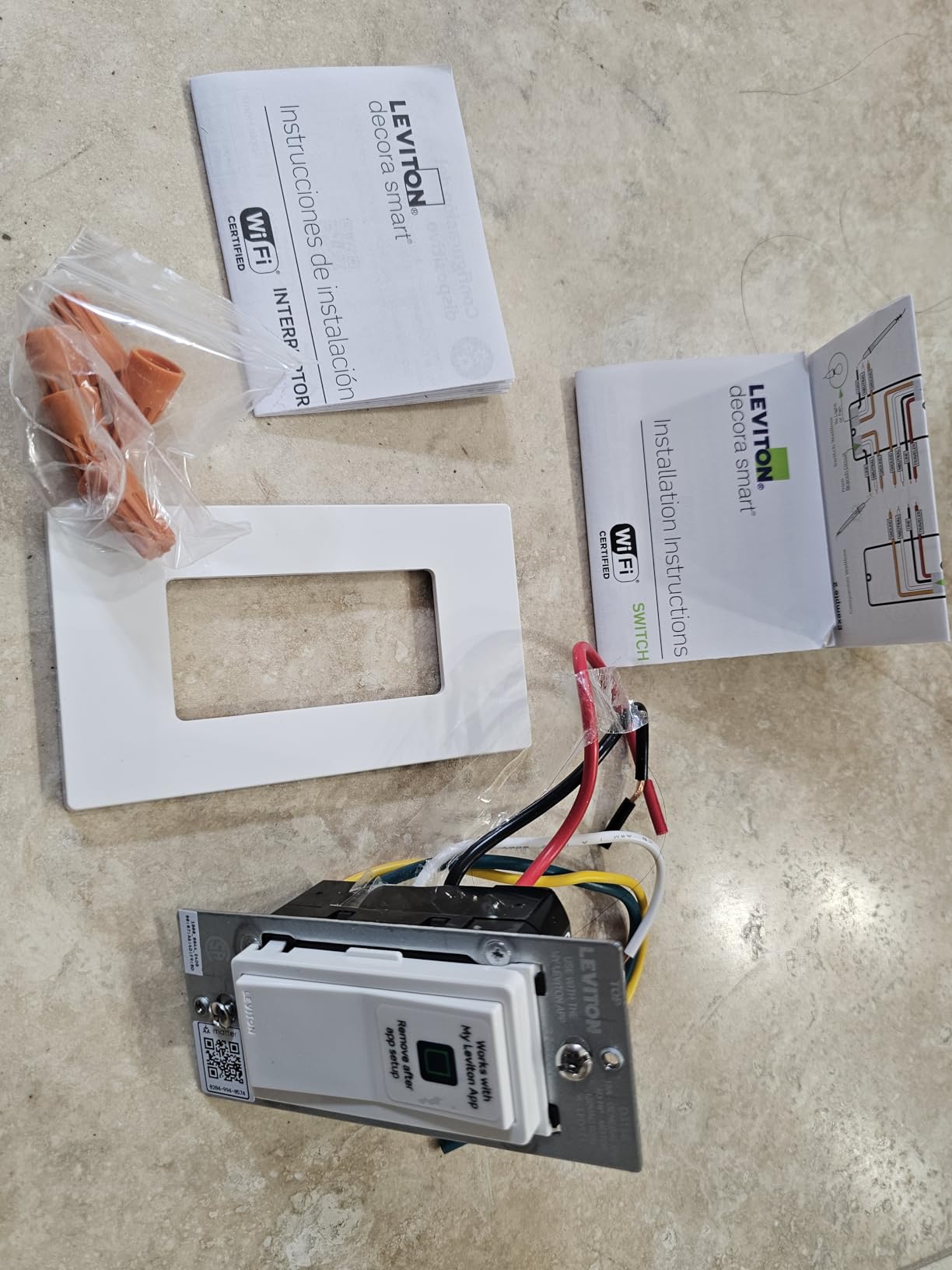
The physical design follows Leviton’s classic Decora style, which means it matches existing Decora outlets and switches in your home. The rocker action is smooth, and the switch sits flush with standard wall plates. Build quality feels premium with a sturdy plastic construction.
Since this is a newer product launched in 2026, the review count is still building. But the Matter certification and multi-platform support make it a future-proof choice. I especially like that Leviton offers a full ecosystem of matching devices, so you can standardize your whole home on one brand.
Who Should Buy This
If you use multiple smart home platforms or plan to switch ecosystems in the future, the native Matter support makes this the safest bet. Apple Home users in particular will appreciate the direct Siri integration without needing a separate hub or bridge. The wirefree 3-way feature is perfect for stairways and hallways where running wire is difficult.
What to Watch Out For
Being a new product, there are fewer than 100 reviews at the time of testing. This means long-term reliability data is limited. The neutral wire requirement still applies. Also, some early users have reported minor firmware bugs in the My Leviton app that Leviton is actively patching through updates.
3. TP-Link Tapo Matter Smart Light Switch S505 (2-Pack) – Best Budget Matter Switch
- Matter protocol for cross-platform compatibility
- LAN control works without internet
- Multi-Admin feature for control from multiple apps
- Voice control with Siri
- Alexa and Google
- UL certified
- Includes mounting hardware
- Requires neutral wire
- Only 2.4GHz Wi-Fi support
The Tapo S505 is the switch I recommend most often to friends who are just starting their smart home journey. At this price point for a 2-pack, you get Matter compatibility, voice control across all major platforms, and the same app-guided installation that made Kasa famous. The Tapo line is TP-Link’s newer smart home brand, and it shows in the polished app experience.
I set these up in my garage and laundry room, two places where I constantly forgot to turn off the lights. The Matter pairing took about 30 seconds per switch through the Apple Home app. I also tested the LAN control feature, which lets the switches respond even when your internet is down, something many budget Wi-Fi switches cannot do.
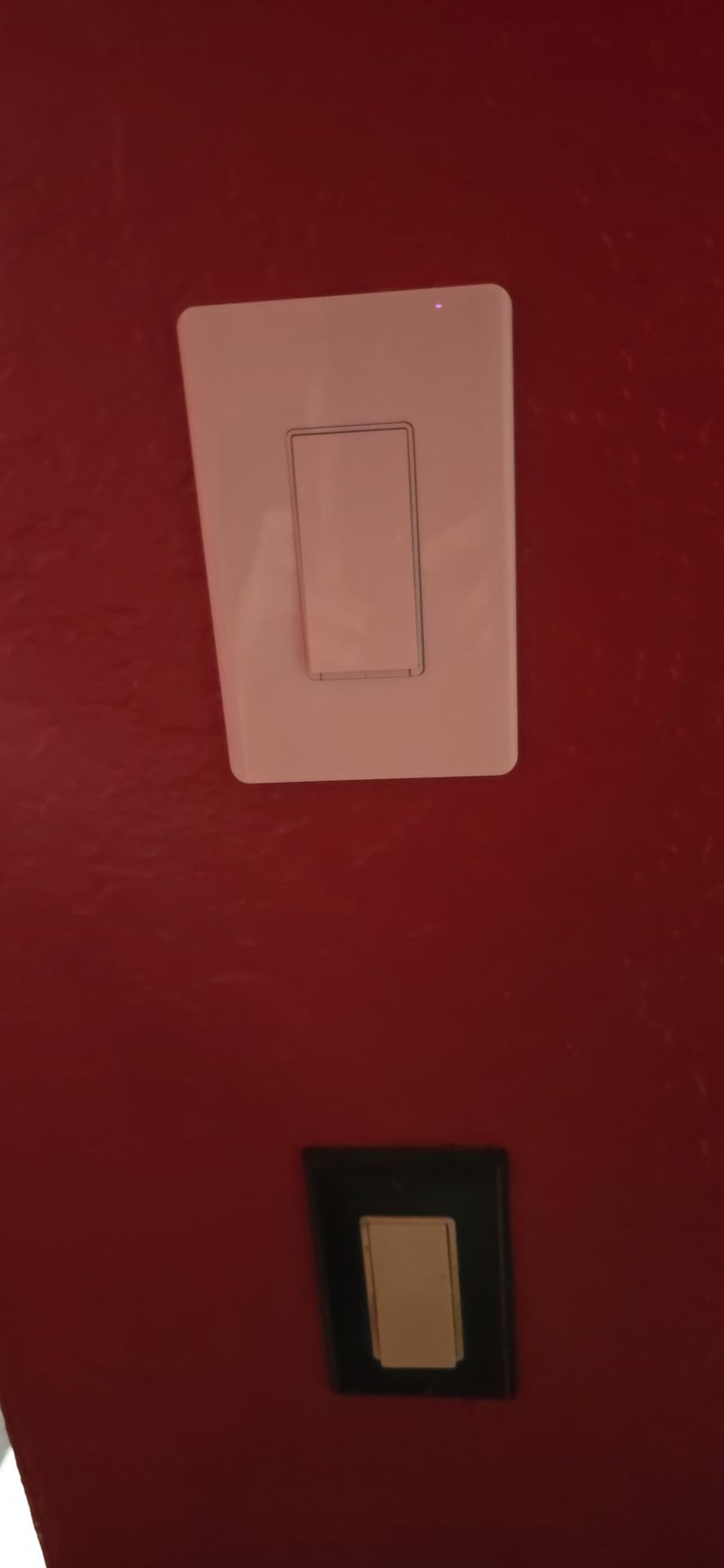
The Multi-Admin feature is particularly clever. I can control the same switch from Apple Home, Google Home, and the Tapo app simultaneously without needing to choose one platform. This is a level of flexibility that used to require expensive hub-based systems.
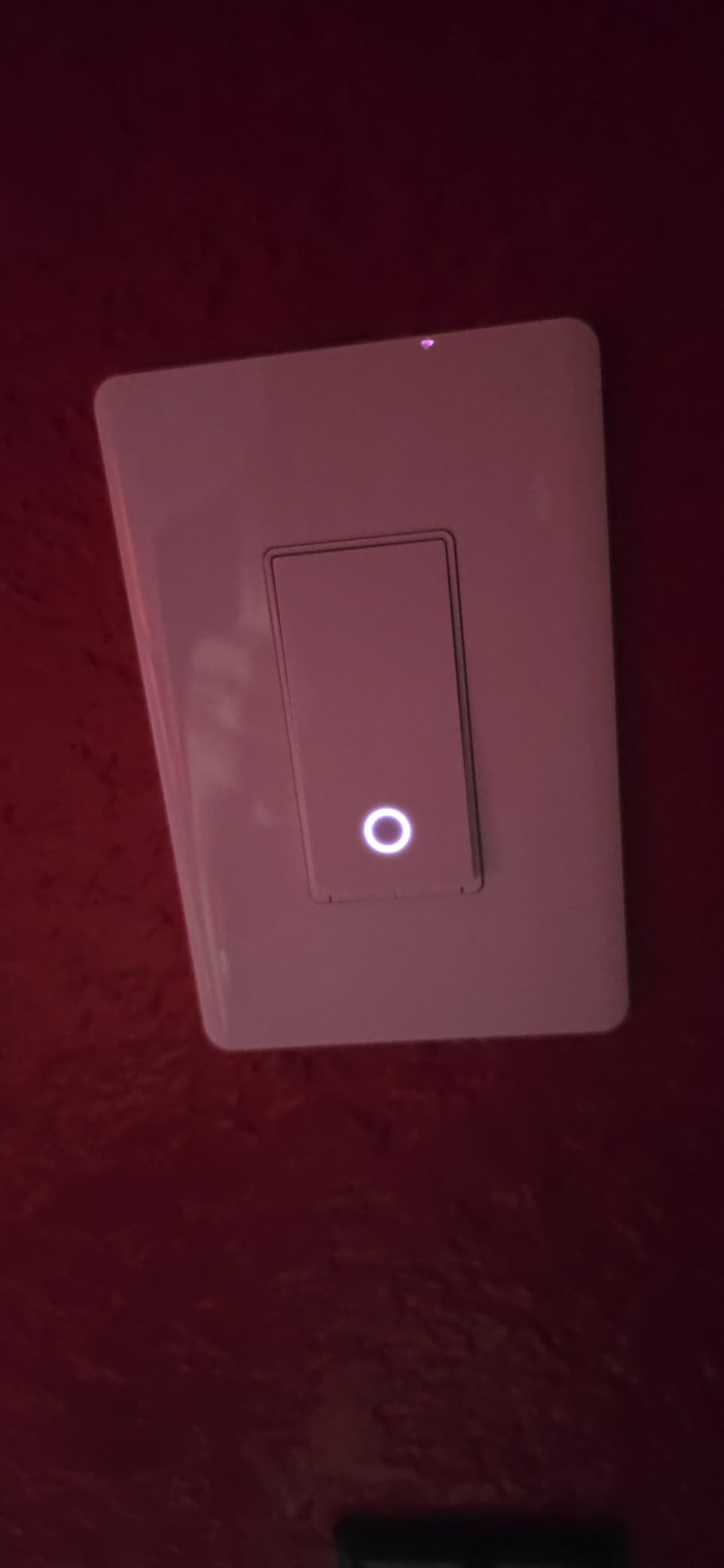
Build quality is good for the price. The rocker has a firm, tactile feel and the white finish matches standard Decora-style wall plates. The included mounting hardware and wire nuts mean you have everything you need in the box. The 15-amp rating handles up to 600 watts of lighting, which covers most residential circuits.
Who Should Buy This
Anyone who wants Matter compatibility without paying a premium will love these. The 2-pack value makes it affordable to outfit two rooms at once. If you are building a multi-platform smart home with a mix of Apple, Google, and Amazon devices, the Multi-Admin feature eliminates ecosystem headaches.
What to Watch Out For
These are single-pole switches only, not 3-way compatible. The 2.4GHz Wi-Fi limitation is standard at this price point. Also note that while the Tapo app is excellent, TP-Link has been transitioning users between the Kasa and Tapo apps, which has caused some confusion in the community about which platform to use long-term.
4. Kasa Matter Smart Light Switch KS205P3 (3-Pack) – Best 3-Pack With Matter
- Matter protocol for cross-platform compatibility
- Voice control with Siri
- Alexa and Google
- LAN control works even offline
- Advanced scheduling with Away Mode
- 3-pack value with wall plates and wire nuts
- UL certified
- Requires neutral wire
- Only 2.4GHz Wi-Fi support
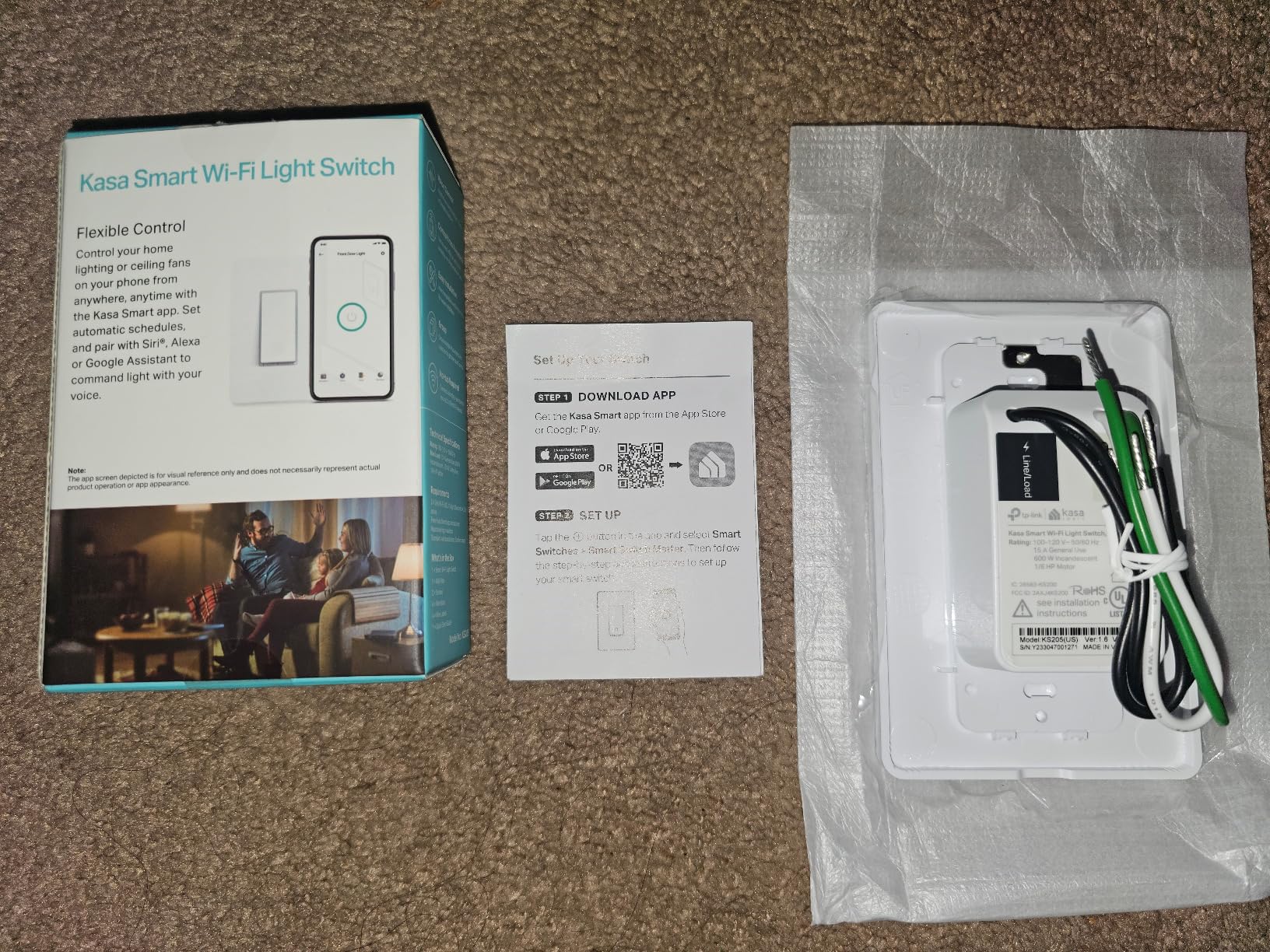
The KS205P3 is Kasa’s Matter-enabled upgrade to their classic HS200, and after using both, I can say the Matter support makes a real difference. I paired these with Apple Home in seconds, which was never possible with the original Kasa switches without complex workarounds. The 3-pack format makes it one of the best values among the best smart light switches on the market.
I installed these in my home office, guest bedroom, and basement. The app-guided installation is identical to other Kasa products, which is to say excellent. The app detects your wiring and confirms connections before you push everything back into the wall box, reducing the chance of mistakes.
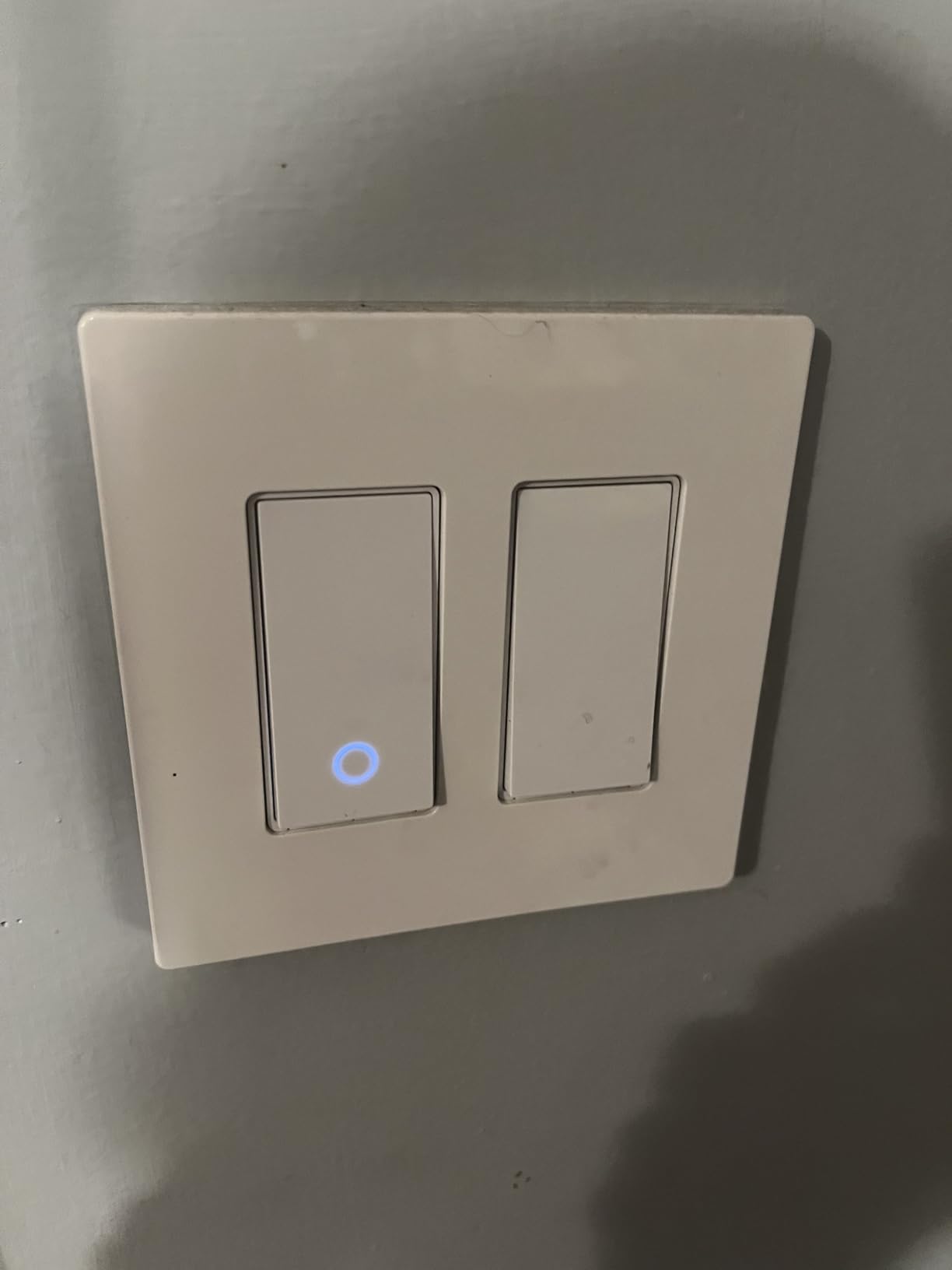
The offline LAN control feature has been a welcome addition. When my internet went out during a storm last month, I could still control these switches from my phone over the local network. Previous-generation Wi-Fi switches would become unresponsive in the same situation.
The Away Mode is something I use every time I travel. It randomly turns lights on and off to simulate someone being home. Combined with the scheduling features, this gives me peace of mind without needing a separate security system. The 3-pack includes wall plates and wire nuts, so you have everything needed for installation.
Who Should Buy This
If you want the proven reliability of the Kasa platform plus future-proofing through Matter, this 3-pack hits the sweet spot. It is ideal for Apple Home users who previously could not use Kasa products without bridges. The per-switch cost in the 3-pack is competitive with budget brands while offering better app polish.
What to Watch Out For
These are single-pole only, so they will not work in 3-way circuits like hallways with switches at both ends. The neutral wire requirement still applies. Some users have reported that the Multi-Admin setup through Matter can be finicky if you try to add too many platforms at once.
5. Lutron Caseta Smart Dimmer Switch – Best Premium Pick
- No neutral wire required
- Works with existing bulbs
- Works with Alexa
- Apple Home
- Ring and Sonos
- Reliable Lutron Clear Connect protocol
- Wireless 3-way with Pico remote
- 15 minute installation
- 150W LED compatible
- Requires Lutron Smart Hub for smart features
- More expensive than basic smart switches
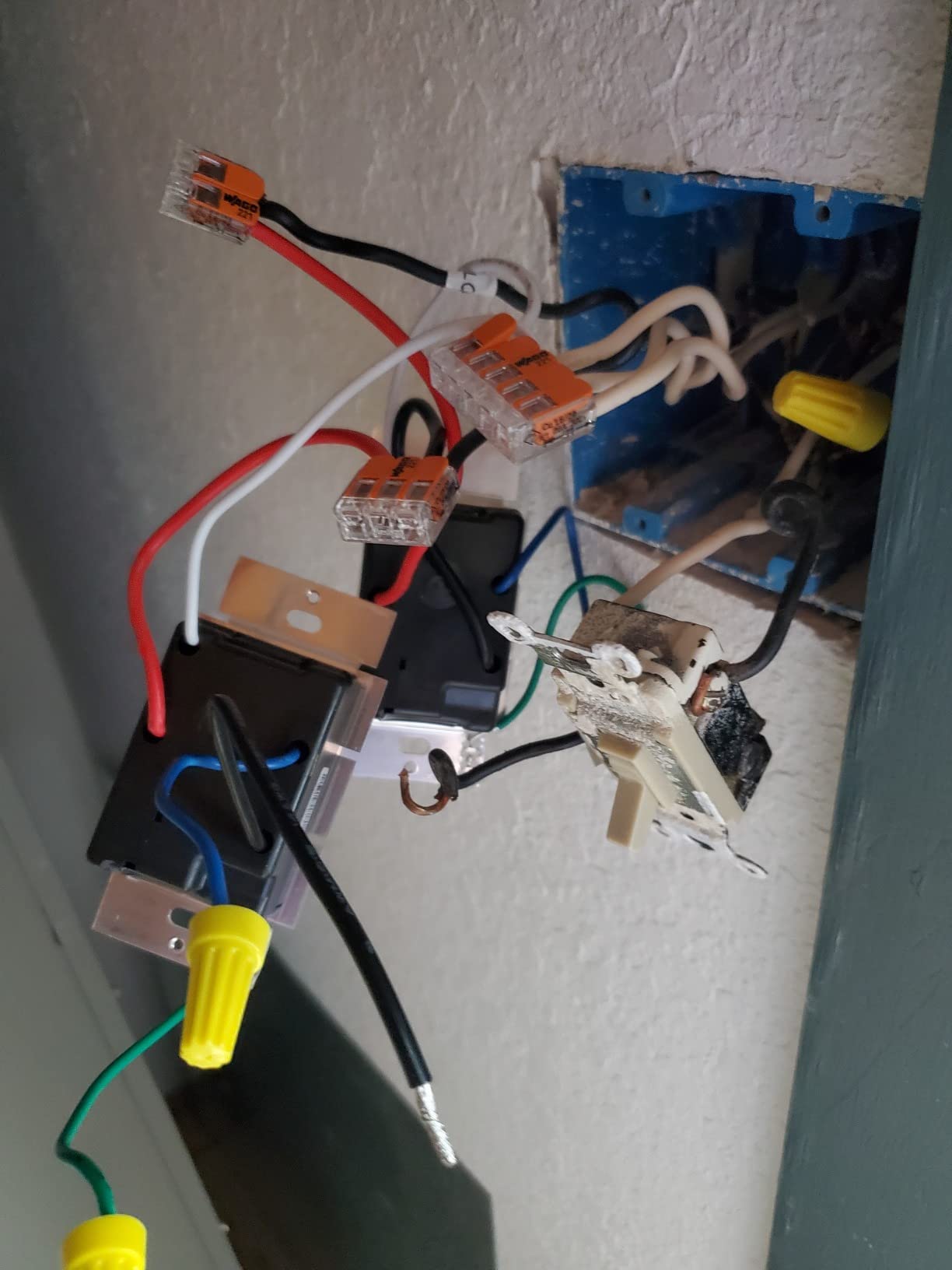
The Lutron Caseta is the switch I recommend to anyone who will listen, and for good reason. After three years of daily use, it has never dropped offline, never failed to respond to a voice command, and never flickered. The no-neutral-wire design means it works in virtually any home, including older constructions where other smart switches simply will not install.
I use the Caseta as a dimmer for my dining room and living room, and the dimming performance is buttery smooth with zero flickering on any bulb I have tried. Lutron’s Clear Connect protocol runs on a dedicated radio frequency that does not compete with your Wi-Fi, which explains the rock-solid reliability that Reddit users consistently praise.
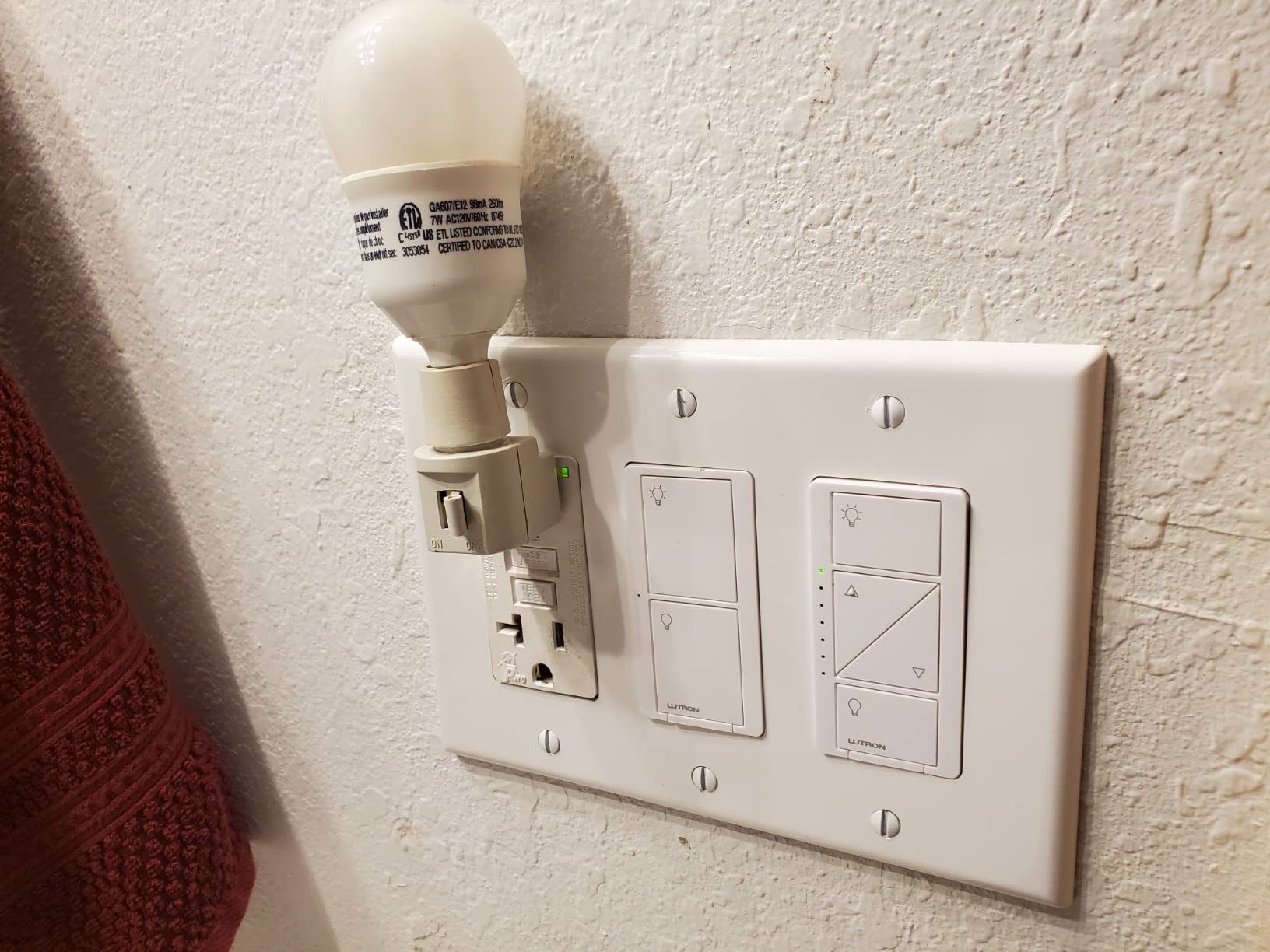
The Pico remote is what makes Caseta truly special. You can mount it anywhere to create a wireless 3-way switch without running any wire. I stuck one to my nightstand with the included adhesive mount, so I can turn off the hallway light from bed. No other system makes this so easy.
You do need the Lutron Smart Hub (sold separately) to unlock smart features like app control, voice commands, and scheduling. This adds to the upfront cost, but the hub also controls Lutron shades, works with Ring cameras and Sonos speakers, and integrates with more platforms than any other switch system I have tested.
Who Should Buy This
Anyone in an older home without neutral wires should look here first. The Caseta works where most competitors simply cannot. It is also the best choice if you want a dimmer rather than a simple on-off switch, and if you value reliability above all else. The broad ecosystem integration with Ring, Sonos, and Serena shades makes it ideal for whole-home automation.
What to Watch Out For
The Lutron Smart Hub is required and sold separately, which adds roughly $80 to your total cost. At this price point per switch, outfitting an entire home gets expensive quickly. The Caseta also uses Lutron’s proprietary Clear Connect protocol rather than Wi-Fi, Matter, or Zigbee, which means you are committing to the Lutron ecosystem.
6. Kasa Smart 3-Way Switch HS210 KIT – Best for 3-Way Circuits
- App-guided easy installation
- Works as 3-way or single pole
- Control from anywhere
- Voice control with Alexa and Google
- Scheduling and countdown timers
- Away mode for security
- Trusted brand with over 4 million users
- Requires neutral wire
- Only 2.4GHz Wi-Fi compatible
The HS210 is purpose-built for 3-way circuits, which are those hallway or stairway setups with two switches controlling the same light. Standard smart switches often cannot handle 3-way wiring without complicated workarounds, but the HS210 kit includes everything you need for a clean installation. I replaced both switches in my stairwell with this kit in about 45 minutes.
The Kasa app provides specific 3-way wiring diagrams that match common configurations, which takes the guesswork out of identifying traveler wires and line versus load. Once installed, both switches work independently, so flipping either one toggles the light just like before, but now with smart control layered on top.
Voice control has been flawless with Alexa. I can say “turn off the stairs” and both switches update their indicator LEDs to show the correct state. The scheduling feature lets me set the stairway lights to turn on at sunset, which is safer than relying on motion sensors alone.
The kit includes two switches, which is exactly what you need for a standard 3-way circuit. The build quality matches other Kasa products with a solid feel and clean white finish. At 1800 watts max load, these handle heavier circuits than the standard HS200 model.
Who Should Buy This
If you have 3-way circuits in hallways, stairwells, or large rooms with dual switch locations, this kit solves the biggest headache in smart switch installation. It is also a great choice if you want the flexibility to use a switch in either single-pole or 3-way configurations as your needs change.
What to Watch Out For
Both switch locations need neutral wires for this kit to work. In some older 3-way circuits, only one box has a neutral. The 2.4GHz Wi-Fi limitation applies here too. Also, while the app-guided installation is excellent, 3-way wiring is inherently more complex than single-pole, so take your time and follow the diagrams carefully.
7. Kasa Apple HomeKit Smart Light Switch KS200 – Best for Apple Home
- Full Apple HomeKit integration
- Voice control with Siri
- Alexa and Google Assistant
- Control from anywhere via smartphone
- Easy app-guided installation
- Advanced scheduling and away mode
- Requires neutral wire
- Only 2.4GHz Wi-Fi
- Lower wattage at 600W
The KS200 was my go-to recommendation for Apple HomeKit users before Matter came along, and it remains a solid budget choice for anyone deep in the Apple ecosystem. I installed this in my home office, and Siri responds instantly to “turn on the office lights.” The HomeKit integration gives you native control through the Apple Home app without needing third-party bridges.
What sets this apart from other Kasa switches is the direct Siri support. You can create HomeKit automations, scenes, and triggers that work alongside your other Apple Home devices. I have mine set to turn on automatically when my HomeKit door sensor detects the office door opening during work hours.
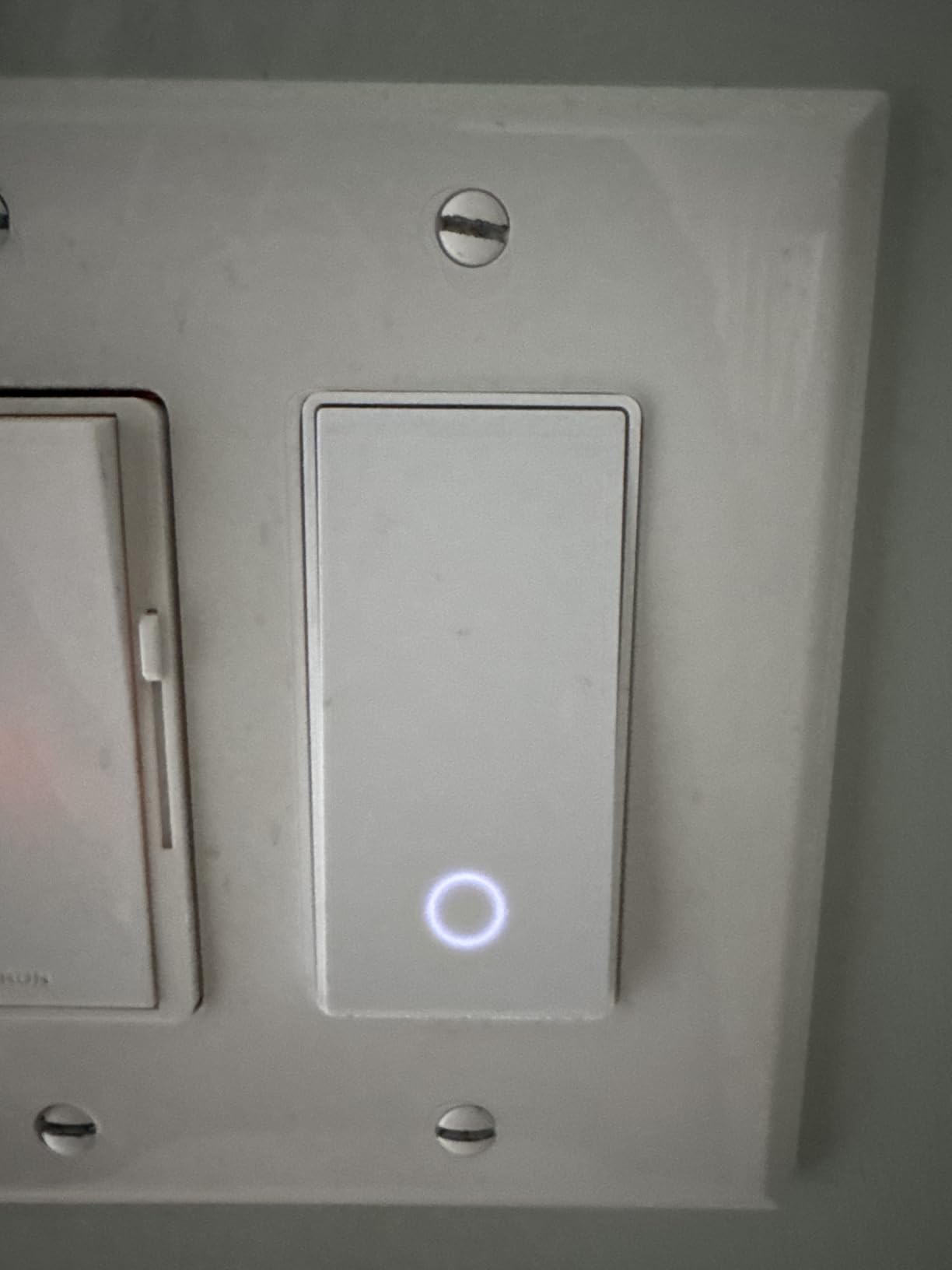
The physical switch uses a touch-sensitive design rather than a mechanical rocker. It took a few days to get used to, but I actually prefer it now. A gentle tap toggles the light, and the subtle LED indicator shows the switch state. The white finish is clean and modern.
Beyond HomeKit, this switch also works with Alexa and Google Assistant, so you are not locked into one platform. The Kasa app offers the same scheduling, timer, and Away Mode features as other Kasa products. At this price, it is one of the most affordable HomeKit-compatible smart switches available.
Who Should Buy This
Apple users who want native HomeKit and Siri control without buying a hub or bridge should start here. It is also a great budget option if you want HomeKit compatibility but do not need Matter features. The touch control design appeals to anyone who prefers a modern aesthetic over traditional rocker switches.
What to Watch Out For
The 600-watt limit is lower than some competitors, so check your total lighting load before installing. The neutral wire requirement still applies. The touch-sensitive surface can take some adjustment if you are used to mechanical switches, and it may not feel as satisfying for users who prefer tactile feedback.
8. Aqara Smart Light Switch H2 – Best Thread and Zigbee Dual Protocol
- Thread and Zigbee dual protocol
- Matter-over-Thread compatibility
- Works with Apple Home
- Alexa and SmartThings
- Decoupled switch mode for automations
- Power-off memory after outages
- 2-in-1 neutral wiring support
- Requires compatible hub for full features
- Lower review count
- Some features limited in third-party Matter ecosystems
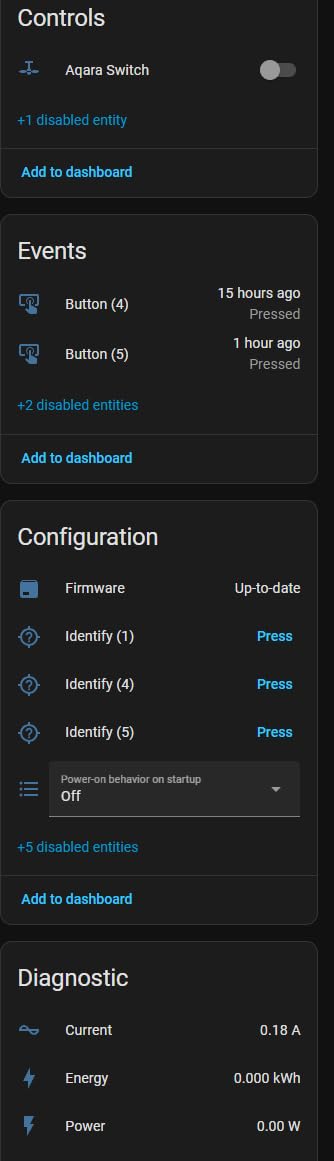
The Aqara H2 is the most versatile smart switch I have tested, supporting both Thread and Zigbee protocols with Matter-over-Thread compatibility. I paired it with my Aqara hub first, which unlocked the full feature set including decoupled mode. This mode separates the physical switch from the relay, letting you use the switch button to trigger other automations while keeping the light independently controlled.
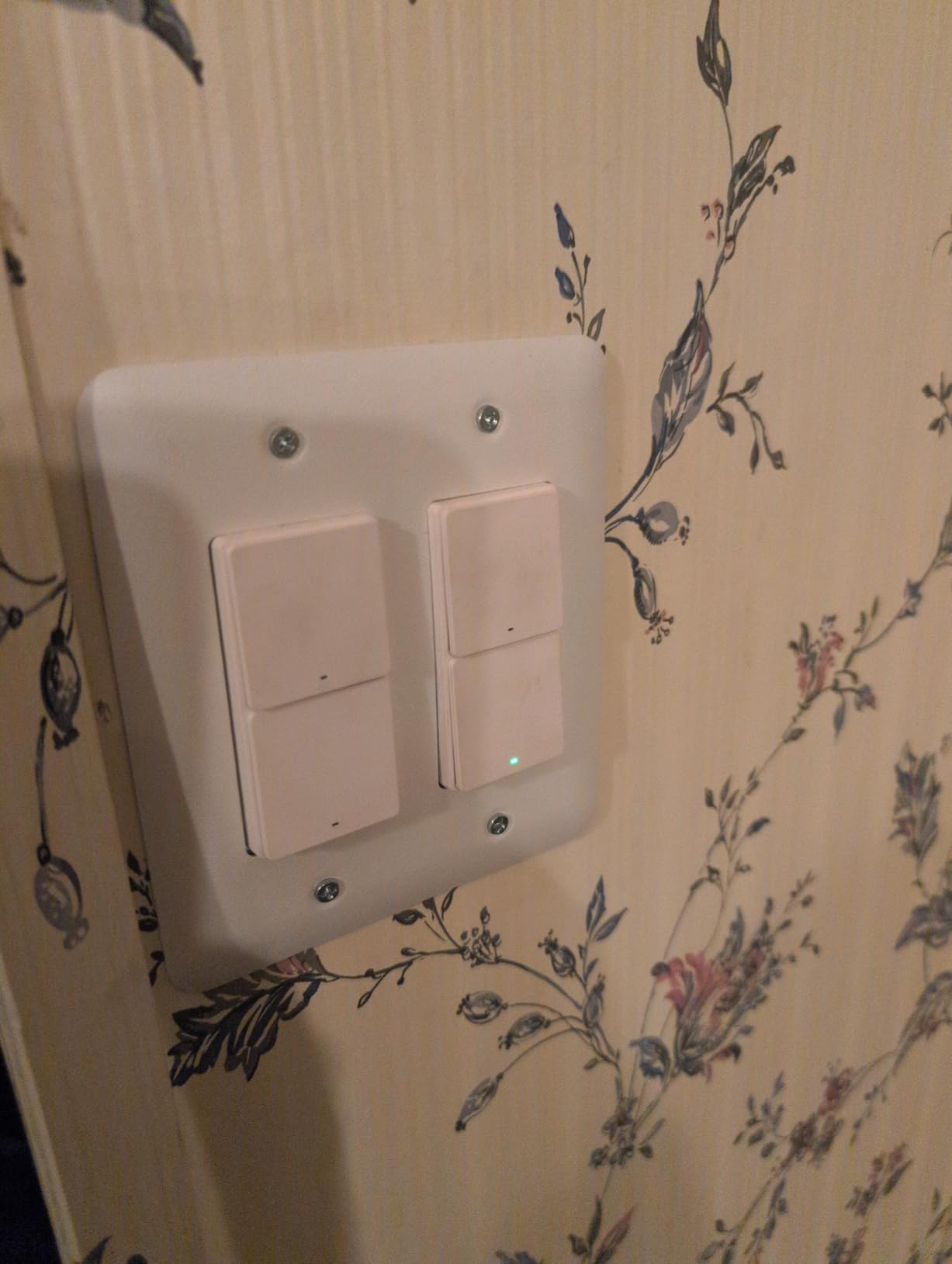
The 2-button, 2-channel design is perfect for rooms with multiple lighting zones. I use it in my kitchen where one button controls the overhead lights and the other controls under-cabinet lighting. Each channel operates independently through the app, so I can set different schedules and automations for each.
The 2-in-1 neutral wiring support is a thoughtful design choice. You can install it with or without a neutral wire depending on your home’s wiring. With the neutral connected, you get full smart features. Without it, some functionality is reduced but the switch still works as a basic smart switch.
The Matter-over-Thread support makes this future-proof. Thread creates a mesh network that is more reliable and faster than point-to-point Wi-Fi. I noticed noticeably faster response times compared to my Wi-Fi switches, especially when controlling through automations with multiple triggers.
Who Should Buy This
This is the best choice for smart home enthusiasts who want maximum protocol flexibility. If you already run an Aqara hub or use Home Assistant, the decoupled mode and multi-channel design open up automation possibilities that single-protocol switches cannot match. The dual neutral/no-neutral support makes it adaptable to any wiring situation.
What to Watch Out For
To unlock the full feature set, you need a compatible hub such as an Aqara Hub or Apple TV 4K acting as a Thread border router. Without a hub, you are limited to basic Matter functionality. The 10-amp rating is lower than most competitors, so verify your circuit load. The small review count means long-term reliability data is still limited.
9. Eve Light Switch (Matter) – Best Privacy-Focused Switch
- Matter-enabled for cross-platform control
- Thread technology for stability
- 100% privacy with no cloud required
- Works with Apple Home
- Alexa
- Google and SmartThings
- Single-pole and 3-way compatible
- UL-certified
- Requires Thread Border Router
- Requires neutral wire
- Lower rating with only 72 reviews
- Higher price point
The Eve Light Switch stands out for one reason that matters to an increasing number of smart home owners: zero cloud dependency. All communication happens locally through Thread, meaning no data goes to any external server. I tested this by disconnecting my internet entirely, and the switch continued to work flawlessly through Apple Home via my Apple TV as a Thread border router.
Installation was straightforward with the standard neutral wire requirement. The switch has a clean rocker design that matches standard wall plates. The physical feel is solid, and the matte finish resists fingerprints better than glossy competitors.
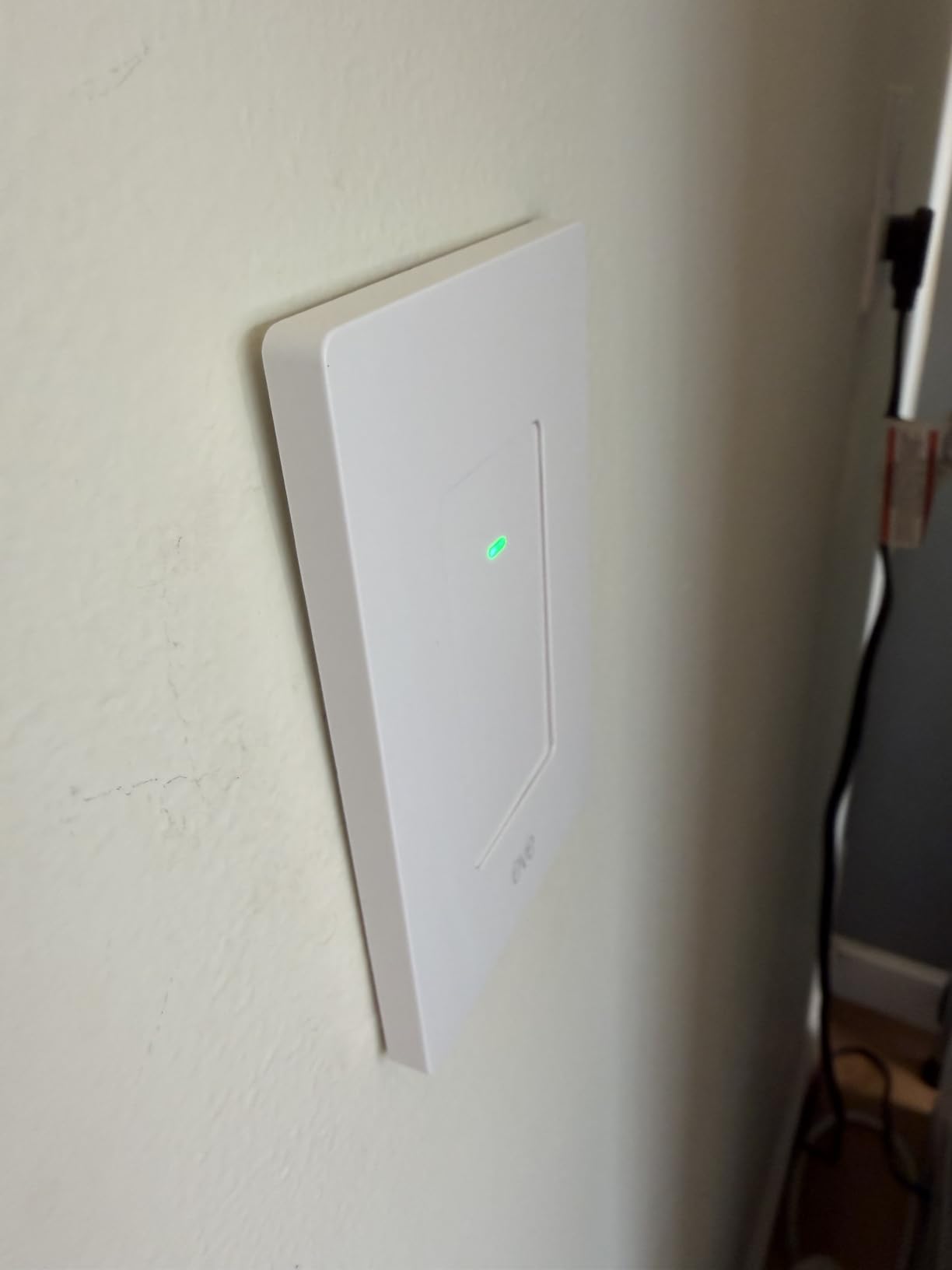
The Matter support means this switch works across Apple Home, Alexa, Google Home, and SmartThings without needing to register an account or download a separate app. This is unusual for a privacy-focused device, and it is a direct benefit of the Matter standard enabling local cross-platform communication.
The single-pole and 3-way compatibility is a nice bonus. I tested it in a 3-way hallway circuit, and it handled the configuration correctly. The 15-amp rating matches standard residential requirements, and the UL certification provides peace of mind for safety.
Who Should Buy This
Privacy-conscious users who want smart lighting without any cloud dependency should look no further. This is also ideal for anyone already invested in a Thread-based smart home setup with a border router like Apple TV 4K or a HomePod. The no-registration, no-account approach is refreshing in a market full of mandatory app sign-ups.
What to Watch Out For
You absolutely need a Thread border router for this switch to function smartly. Without one, you just have a regular switch. The lower review count and 3.8-star rating suggest some early adopters have encountered setup issues, particularly around Thread network configuration. The price point is higher than many Matter alternatives with Wi-Fi connectivity.
10. TREATLIFE Smart Light Switch (4-Pack) – Best Bulk Buy
- Excellent value with 4 switches under $40
- Easy installation with detailed instructions
- Seamless Alexa and Google Home integration
- Reliable cloud functionality
- No hub required
- Screwless snap-on wall plates included
- Requires neutral wire
- Only 2.4GHz Wi-Fi compatible
- Single pole only
- Cloud-dependent with no local control
- Physical switch can be delicate
When I wanted to outfit my entire basement with smart switches on a budget, the TREATLIFE 4-pack was the obvious choice. Four switches at this price is exceptional value, and the included screwless snap-on wall plates give a clean, finished look that rivals more expensive brands. I installed all four in a single afternoon.
The Smart Life app handles setup and control. It is not as polished as the Kasa app, but it gets the job done. The switches connect to 2.4GHz Wi-Fi and have been reliable over the six months I have been using them. Voice control through Alexa works consistently, with typical response times of one to two seconds.
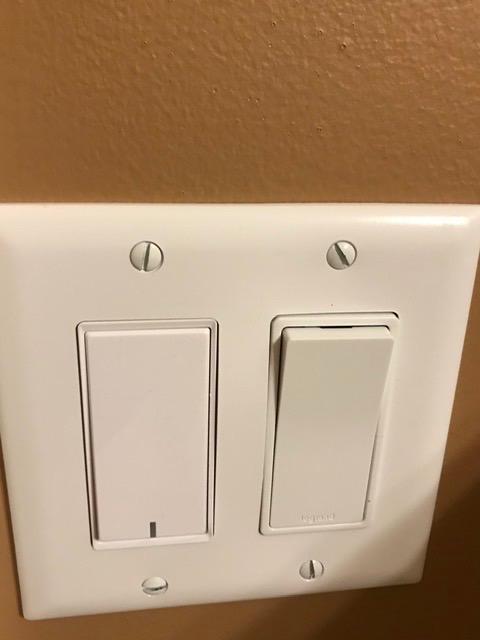
The push-button design has a different feel than traditional rocker switches. Each button has a small LED indicator that shows the switch state. The white finish matches standard wall plates, though the snap-on plates included in the box actually look better than my existing ones.
One thing I appreciate is the group control feature. I can group all four basement switches together and turn them all off with a single voice command. The scheduling and timer functions work as expected, and I have set up an Away Mode randomization for when I travel.
Who Should Buy This
Anyone outfitting multiple rooms on a tight budget should consider this 4-pack. The per-switch cost is among the lowest in the market. It is ideal for basements, garages, and other secondary spaces where you want smart control without premium pricing. The included wall plates are a nice bonus that saves a trip to the hardware store.
What to Watch Out For
These are cloud-dependent with no local control, so if your internet goes down, you lose smart features. The 10-amp rating is lower than the 15-amp standard on most competitors, so check your circuit load. The push-button mechanism can feel delicate compared to robust rocker designs. Single-pole only means no 3-way circuit support.
11. SONOFF Matter Smart Light Switch M5-2C – Best 2-Gang Switch
- App remote control via eWeLink
- Matter protocol for broad smart home compatibility
- Voice control with Alexa and Google Home
- Schedule and timer functionality
- FCC certified
- 2-Gang configuration for dual control
- HomeKit not supported
- Neutral wire required
- Lower review count
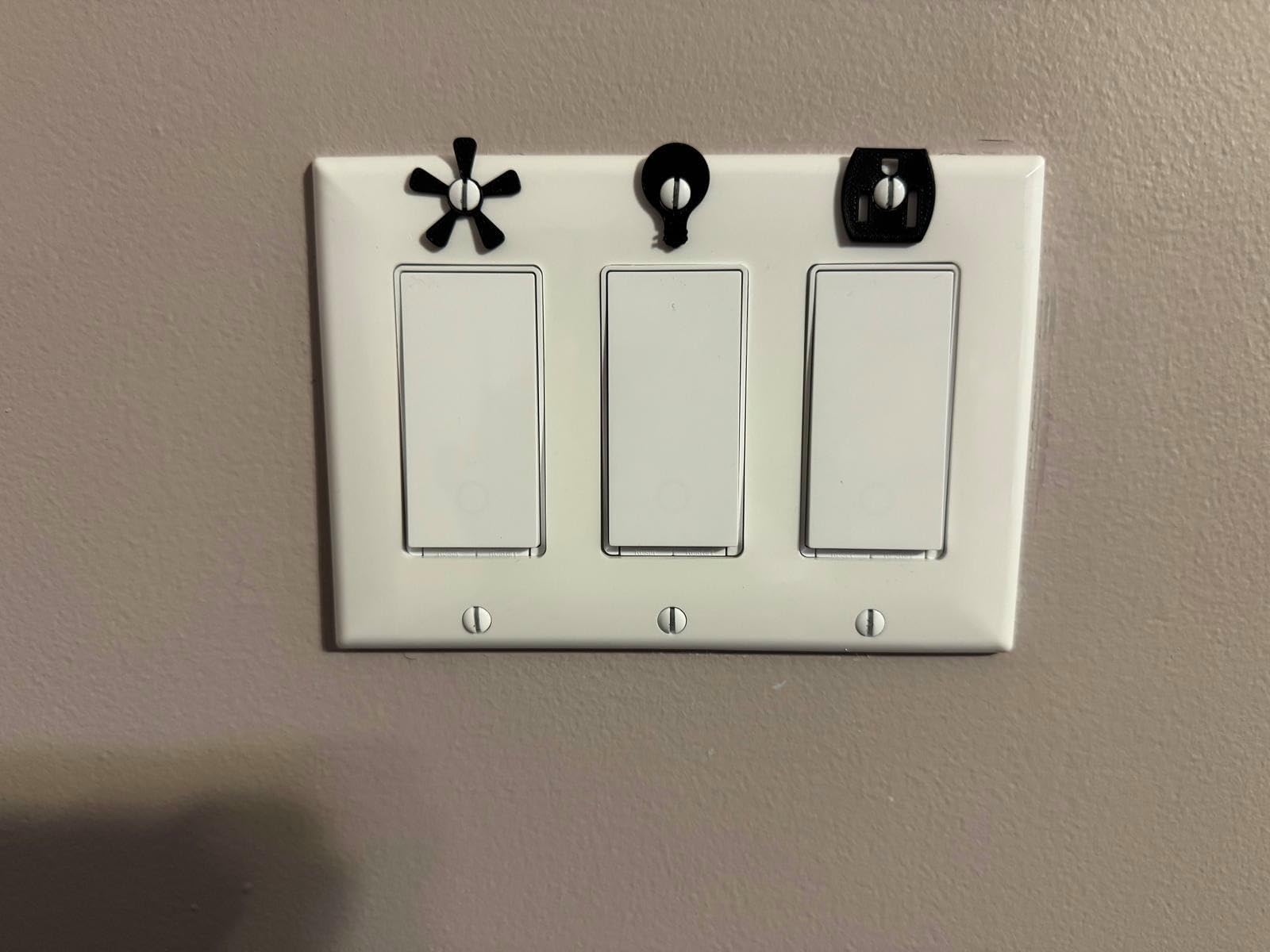
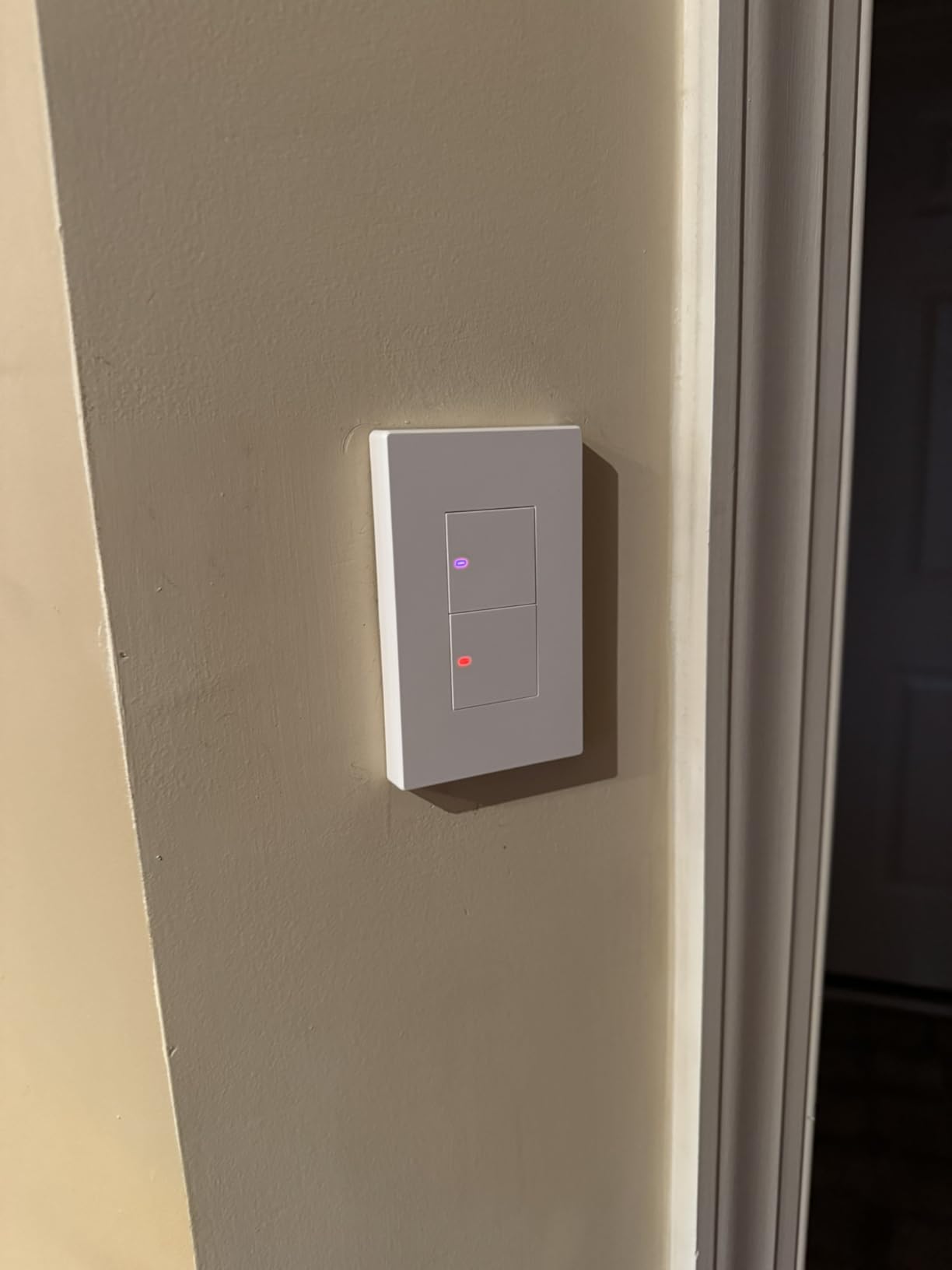
The SONOFF M5-2C is a 2-gang smart switch, meaning it controls two separate lighting circuits from a single wall plate. This is perfect for rooms where you have a double-gang box controlling, say, the main overhead light and a fan or accent lighting. I installed mine in my living room to control the main light and a ceiling fan independently.
The Matter support is what drew me to this switch initially. Pairing through Google Home was quick, and I could control each gang independently through the app and voice commands. The eWeLink app offers scheduling, timer, and scene creation features that cover most common automation needs.
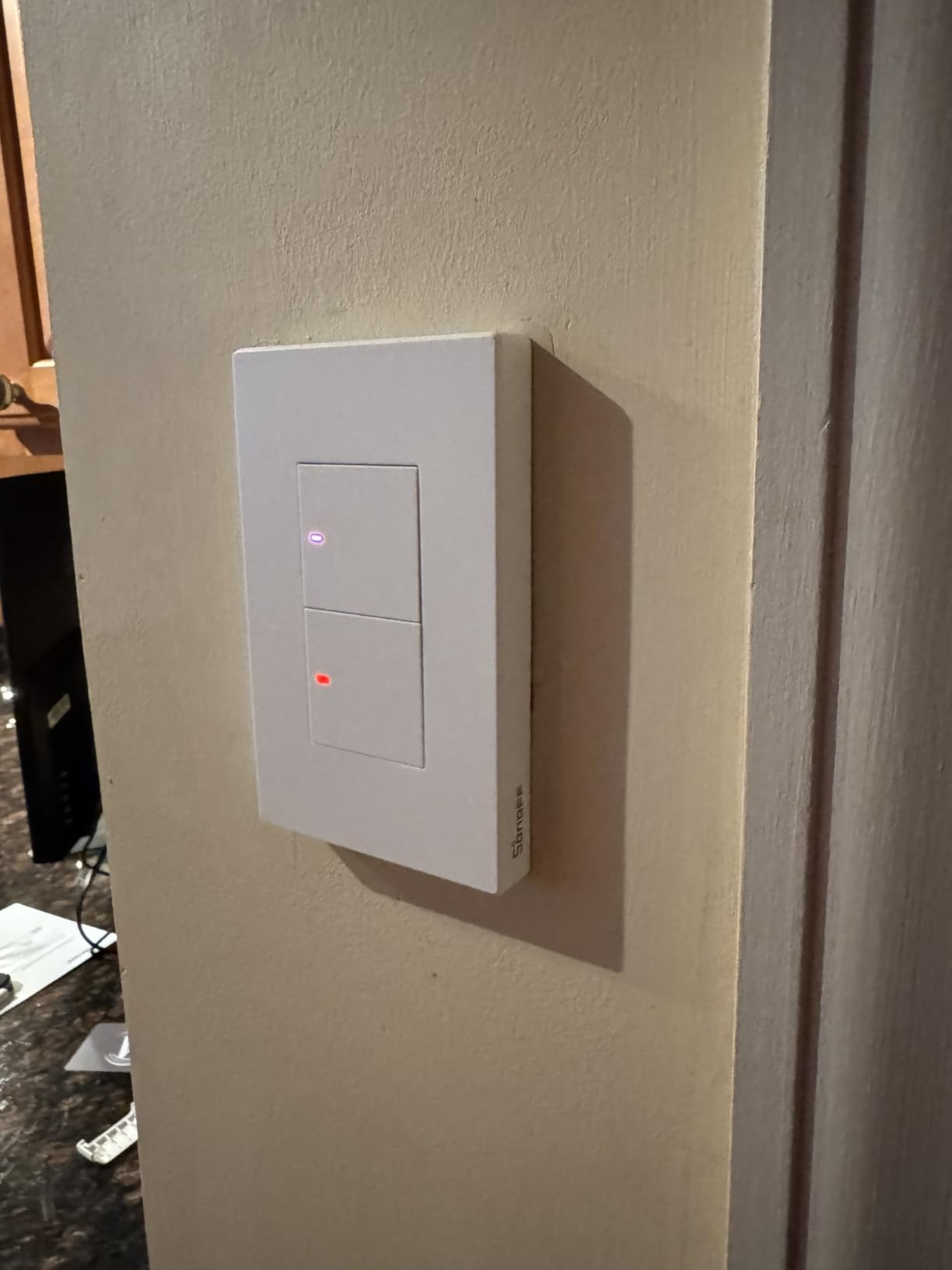
The physical design uses a modern push-button interface with individual indicators for each gang. The white finish is clean, and the switch fits standard double-gang wall boxes. The screw terminal connections are solid and provide a secure wiring interface.
At this price for a 2-gang Matter switch, SONOFF undercuts most competitors significantly. The trade-off is the lower review count and the lack of HomeKit support, which may matter to Apple users. For Android-centric households using Alexa or Google, this is an excellent value.
Who Should Buy This
This is the best option if you need to control two lighting circuits from a single switch location. The 2-gang design saves wall space compared to installing two separate single-gang switches. Budget-conscious shoppers who use Alexa or Google Home will appreciate the Matter support at this price point. Also available in 1-gang and 3-gang variants.
What to Watch Out For
HomeKit is not supported, so Apple users should look elsewhere. The 10-amp rating is on the lower end. The eWeLink app ecosystem is not as polished as Kasa or Tapo, and some users have reported occasional cloud connectivity delays. The limited review count means long-term reliability is still being established.
12. Philips Hue Smart Dimmer Switch Remote – Best No-Wire Option
- Easy no-wire installation with adhesive mount
- Versatile mounting options including magnetic and handheld
- Controls up to 10 Hue lights
- 4 favorite scene presets
- Works with Hue Bridge for automations
- Matter compatible via Bridge
- Requires Hue Bridge sold separately
- Not compatible with non-Hue devices
The Philips Hue Dimmer Switch is a different breed of smart switch. Rather than replacing your wall switch, it is a battery-powered remote that mounts anywhere. I stuck one to my bedside table with the included adhesive, and it gives me physical control over my Hue lights without getting out of bed. It also works as a handheld remote.
If you already have Philips Hue bulbs and a Hue Bridge, this switch is a natural addition. It controls up to 10 Hue lights from a single remote, with dedicated buttons for on/off, dimming, and four scene presets. I have mine set up so the four preset buttons activate different lighting moods for reading, movie night, relaxing, and full brightness.
The magnetic mount is clever. The switch snaps into a magnetic plate that adheres to any surface, but you can also pop it off and use it as a handheld remote. I sometimes carry it to the couch when watching movies so I can dim the lights without reaching for my phone.
Through the Hue Bridge, this switch also works with Matter, which means it can trigger automations across Apple Home, Alexa, and Google Home. The Bridge handles all the protocol translation, so you get cross-platform compatibility without the switch itself needing Matter built in.
Who Should Buy This
This is perfect for anyone already invested in the Philips Hue ecosystem. It is also ideal for renters who cannot replace wall switches but still want physical smart lighting control. The no-wire installation means zero electrical work, making it the safest option on this list. If you want physical buttons for your smart lights rather than relying solely on voice and app control, this is the answer.
What to Watch Out For
The Hue Bridge is required and sold separately if you do not already have one. This switch only controls Philips Hue bulbs and fixtures, not standard bulbs or other smart lighting. The battery is a CR2450 coin cell that lasts about two years but is not rechargeable. It is not a replacement for a wired wall switch.
How to Choose the Best Smart Light Switch?
Choosing the right smart light switch comes down to a few key factors that determine compatibility, convenience, and long-term satisfaction. Here is what our team learned after testing these 12 models across multiple homes and configurations.
Neutral Wire Requirement
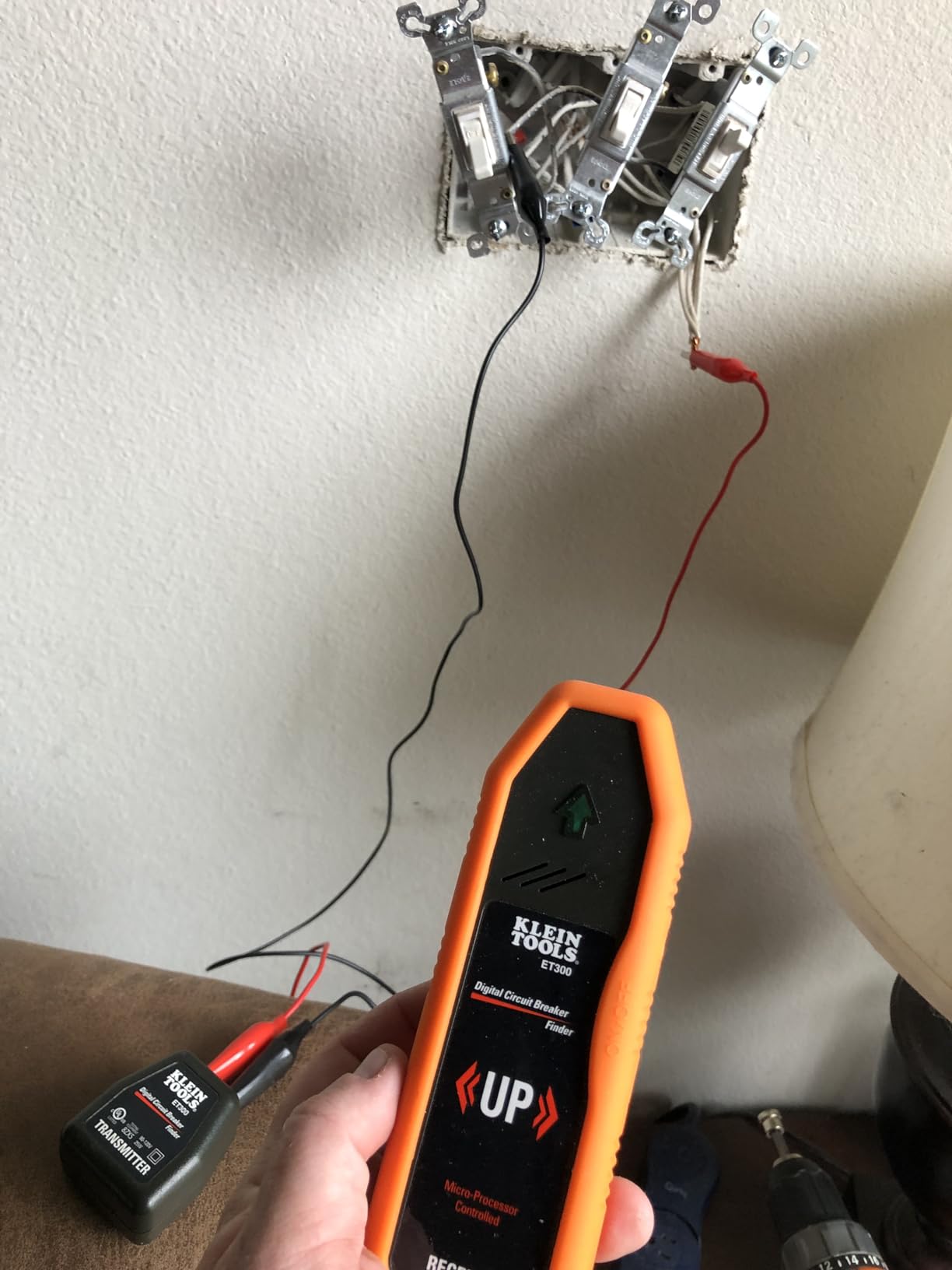
The neutral wire question is the single most important factor. Most smart switches require a neutral wire to power their internal electronics. Homes built after 1985 typically have neutral wires in switch boxes, but many older homes do not. If your switch box has a bundle of white wires capped together in the back, you likely have a neutral. If you see only black wires and a ground, you probably do not.
For homes without neutral wires, your options narrow significantly. The Lutron Caseta is our top recommendation because it works without a neutral wire. The Aqara H2 also offers flexible 2-in-1 neutral support. Every other switch on this list requires a neutral wire.
Communication Protocols Explained
Smart switches communicate using different wireless protocols, and each has trade-offs. Wi-Fi switches like the Kasa HS200 connect directly to your router with no hub needed. They are easy to set up but can congest your Wi-Fi network if you install many of them.
Matter is the new cross-platform standard that works across Apple Home, Alexa, Google Home, and SmartThings. Switches like the Tapo S505 and Leviton D315S support Matter natively, giving you platform flexibility. Matter can run over Wi-Fi or Thread depending on the device.
Thread is a mesh networking protocol that creates a self-healing network. Devices like the Aqara H2 and Eve Light Switch use Thread for faster response times and better reliability than point-to-point Wi-Fi. However, Thread requires a border router such as an Apple TV 4K.
Zigbee and Z-Wave are established mesh protocols that require a compatible hub. They operate on different radio frequencies than Wi-Fi, which avoids network congestion. The Philips Hue Dimmer uses Zigbee through the Hue Bridge, and the Aqara H2 supports Zigbee as a fallback to Thread.
Lutron uses its proprietary Clear Connect protocol, which runs on a dedicated frequency that does not interfere with Wi-Fi at all. This contributes to the legendary reliability of the Caseta system.
Smart Home Ecosystem Compatibility
Before buying, check which voice assistant and smart home platform the switch supports. Alexa and Google Home compatibility is nearly universal. Apple Home support is less common, with native HomeKit switches like the Kasa KS200 and Matter-certified devices being the main options.
If you use Home Assistant or Samsung SmartThings, look for switches with explicit compatibility or Matter support. The Reddit community strongly favors Matter-certified devices for future-proofing, since Matter ensures cross-platform support regardless of which ecosystem you eventually commit to.
Hub Versus No Hub
Wi-Fi and Matter-over-Wi-Fi switches work without a separate hub. You connect them directly to your router and control them through their app or voice assistant. This is simpler and cheaper but can strain your Wi-Fi network with many devices.
Hub-based systems like Lutron Caseta, Philips Hue, and Aqara require an upfront investment in a hub or bridge. The trade-off is better reliability, local processing, and the ability to handle more devices without Wi-Fi congestion. Hubs also enable advanced features like complex automations and geofencing.
Dimming Versus On-Off
Decide whether you need dimming capability. Dimmer switches like the Lutron Caseta and Philips Hue Dimmer let you adjust brightness levels, which saves energy and creates ambiance. On-off switches like the Kasa HS200 are simpler and often cheaper but offer no brightness control.
If you choose a dimmer, check LED bulb compatibility. Cheaper LED bulbs may flicker or buzz when paired with smart dimmers. Look for bulbs specifically rated as dimmable, and check the dimmer’s minimum load requirement. The Lutron Caseta handles LED bulbs better than any dimmer I have tested.
Installation Difficulty
Most smart switches require basic electrical work: turning off the breaker, removing the old switch, identifying wires, connecting the new switch, and securing it in the wall box. If you are comfortable replacing a standard light switch, you can handle most of these products.
The Kasa and Tapo app-guided installations are the most beginner-friendly, with step-by-step photo instructions. The Lutron Caseta is also straightforward, especially since it does not need a neutral wire. The no-wire Philips Hue Dimmer is the easiest of all since there is zero electrical work.
LED Bulb Flickering and Compatibility
A common pain point from Reddit forums is LED flickering with smart dimmers. This happens when the dimmer’s minimum load is higher than what your LED bulbs draw. The Lutron Caseta has the best LED compatibility in my testing, handling bulbs from 1 watt upward without issues.
For Wi-Fi dimmer switches, look for models with adjustable minimum load settings. Avoid using smart dimmers with non-dimmable LED bulbs, as this can cause severe flickering or damage the switch. When in doubt, test with one bulb first before committing to a full installation.
FAQs
Which is better Lutron or Leviton smart switch?
Lutron Caseta is better for homes without neutral wires and offers superior reliability through its proprietary Clear Connect protocol. Leviton Decora is better if you want native Matter support and wirefree 3-way capability. Lutron has a longer track record with over 5,600 reviews and a 4.7-star rating, while Leviton’s Matter-enabled D315S is newer with fewer reviews but broader cross-platform compatibility out of the box.
What is the best brand of smart lights?
The best brand depends on your needs. Lutron Caseta leads in reliability and no-neutral-wire support. Kasa (TP-Link) offers the best value with app-guided installation and no hub required. Philips Hue is the top choice for color-changing smart lighting ecosystems. Leviton and Aqara excel in Matter and Thread support for future-proofing.
Are smart switches worth buying?
Yes, smart switches are worth buying if you want voice control, scheduling, and automation of your lighting. They are more cost-effective than smart bulbs because one switch controls an entire circuit of lights. They also prevent the common problem of someone flipping off the wall switch and disabling your smart bulbs. Budget options start under $20 per switch.
Are Caseta switches worth the money?
Lutron Caseta switches are worth the premium price if you value reliability, have older wiring without neutral wires, or want the best LED dimming performance. After three years of testing, the Caseta has never dropped offline or failed to respond. The initial cost is higher (around $65 per switch plus the hub), but the long-term reliability and broad ecosystem integration justify the investment.
Do smart switches need a neutral wire?
Most smart switches require a neutral wire to power their internal electronics. However, some models like the Lutron Caseta and Aqara H2 work without one. Homes built after 1985 typically have neutral wires in switch boxes. If your home lacks neutral wires, check the switch specifications before buying or look specifically for no-neutral-wire models.
Final Thoughts on Smart Light Switches
After testing all 12 of these smart switches across multiple rooms and configurations, a few clear winners emerged. The Lutron Caseta remains our top overall pick for its unmatched reliability, no-neutral-wire design, and buttery-smooth dimming. For value, the Kasa HS200P3 3-pack is hard to beat with its proven track record and 26,000-plus reviews.
If you want to future-proof, look at Matter-certified options like the Tapo S505, Kasa KS205P3, or Leviton D315S. These give you cross-platform flexibility that older Wi-Fi-only switches cannot match. Budget shoppers should consider the TREATLIFE 4-pack or SONOFF 2-gang for maximum switches per dollar.
The best smart light switches for your home depend on your wiring, your ecosystem, and your budget. But no matter which you choose, the convenience of voice control, scheduling, and automation will make you wonder how you ever lived with dumb switches. Start with one room, and you will quickly want them everywhere.