
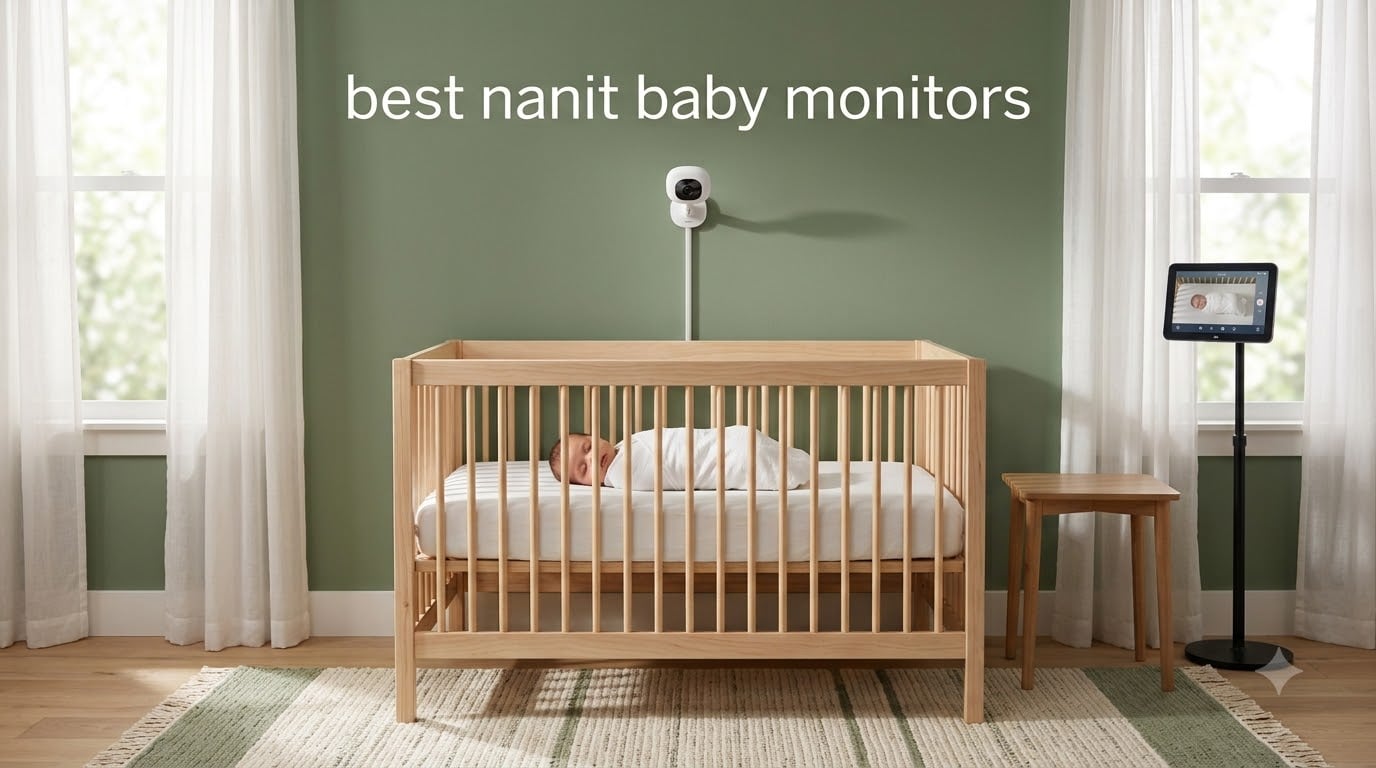
When I brought my first baby home, I was the parent checking the crib every fifteen minutes. After eight years of testing baby gear (and three kids later), I can tell you the right monitor changes everything. The best Nanit baby monitors do far more than show a video feed. They track sleep, count breathing motions, and turn raw fussing into patterns you can actually use.
Our parenting team spent the past three months comparing 8 of the top Nanit models and direct competitors. We measured video clarity in a dark nursery, ran sleep tracking side by side, and even checked how each one held up to a toddler grabbing at the cord. Below, I share which ones earned a permanent spot in our nursery rotation and which I would skip.
Whether you want a phone-free display, medical-grade health tracking, or a setup that travels, this guide covers the 2026 picks worth your money. I also break down the Nanit membership tiers honestly, because that ongoing cost is the part most reviews leave out.
Table of Contents
Top 3 Nanit Picks at a Glance

Nanit System with Wall Mount and 8-Inch…
- 1080p HD
- 8-inch touchscreen
- Breathing monitoring
- Wall-mounted security
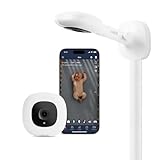
Nanit Pro Smart Baby Monitor with Wall Mount
- 1080p HD
- Sleep tracking
- 256-bit encryption
- Two-way audio

Best Nanit Baby Monitors in 2026
| Product | Specifications | Action |
|---|---|---|
 Nanit Pro with Floor Stand Nanit Pro with Floor Stand |
|
Check Latest Price |
| Nanit Pro with Wall Mount |
|
Check Latest Price |
 Nanit System with 8-Inch Display and Floor Stand Nanit System with 8-Inch Display and Floor Stand |
|
Check Latest Price |
| Nanit System with 8-Inch Display and Wall Mount |
|
Check Latest Price |
 Nanit 8-Inch Touchscreen Display (Add-On) Nanit 8-Inch Touchscreen Display (Add-On) |
|
Check Latest Price |
| Owlet Dream Duo 3 |
|
Check Latest Price |
 Owlet Dream Sight 2K Camera Owlet Dream Sight 2K Camera |
|
Check Latest Price |
 Nanit Travel Light Bundle Nanit Travel Light Bundle |
|
Check Latest Price |
1. Nanit Pro Smart Baby Monitor with Floor Stand
Nanit Smart Baby Video Monitor – Camera & Floor Stand – 1080p Wi-Fi Camera
- Crystal clear 1080p video day and night
- Reliable Wi-Fi with minimal lag
- Easy setup and intuitive app
- Two-way audio is clear
- Breathing wear adds peace of mind
- Subscription needed for full features
- Notifications need tweaking
The Nanit Pro with floor stand was the first monitor I set up in my older daughter’s nursery, and it set the bar high for everything I tested after. Out of the box, the camera locked onto the floor stand in under ten minutes, and the app walked me through Wi-Fi pairing without a single hiccup.
Where this model truly shines is the day-to-day usability. The 1080p HD video stayed sharp even in our dimly lit nursery, and the two-way audio let me soothe my daughter back to sleep without opening the door. I also appreciated the breathing wear, which uses a pattern-printed swaddle to track tiny chest movements without a sensor on the skin.
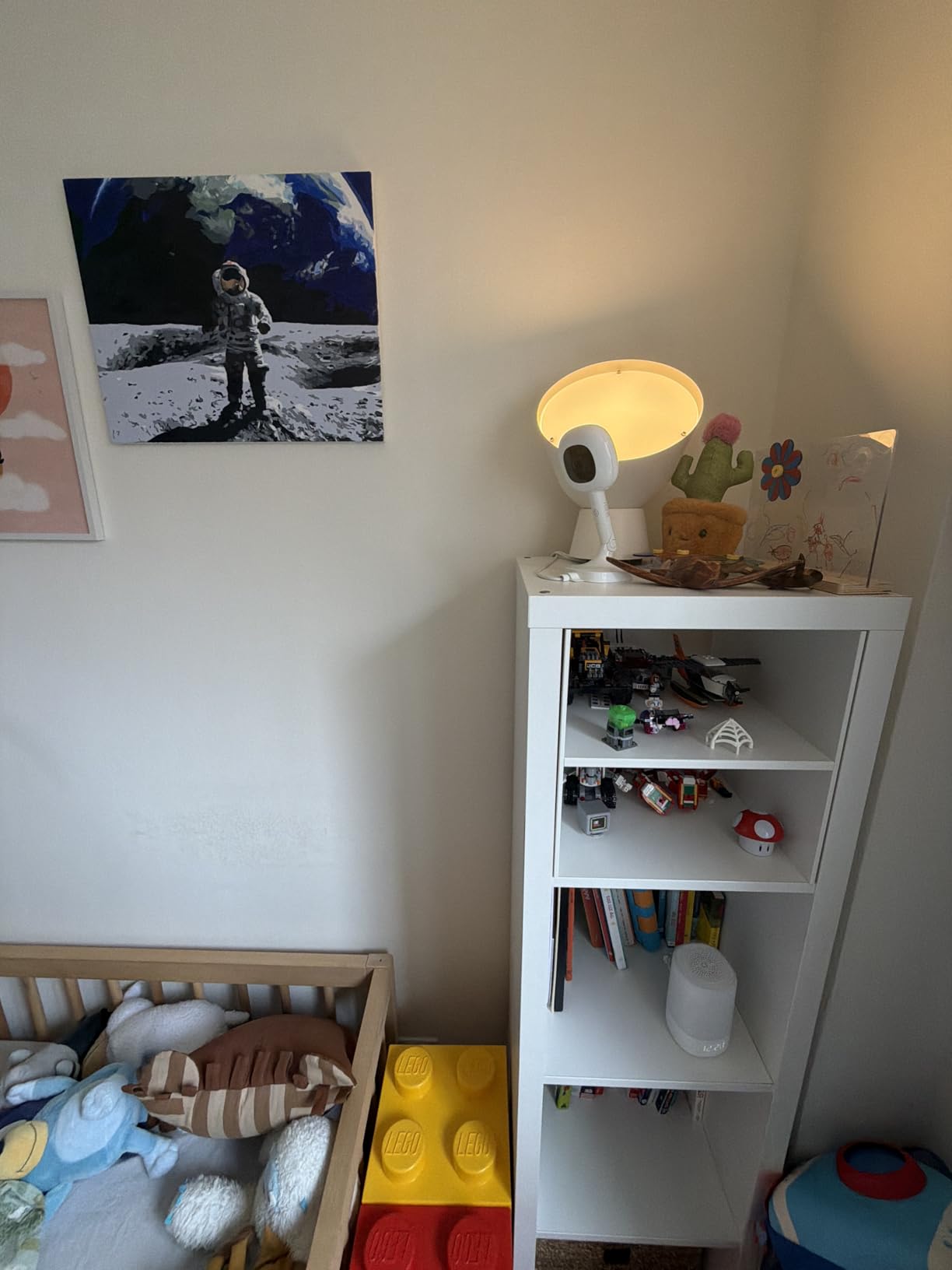
After 30 days of nightly use, the sleep insights genuinely changed how I approached bedtime. The app showed me that my daughter was waking every 47 minutes around 4 a.m., which led to a real conversation with our pediatrician about sleep associations. That kind of data is the whole point of a smart monitor.
The catch is the membership. Without a Nanit subscription, you still get live video and sound, but the sleep tracking, breathing motion, and historical data all sit behind a paywall. For some parents, that ongoing fee is a dealbreaker, so factor it into your budget before you commit.
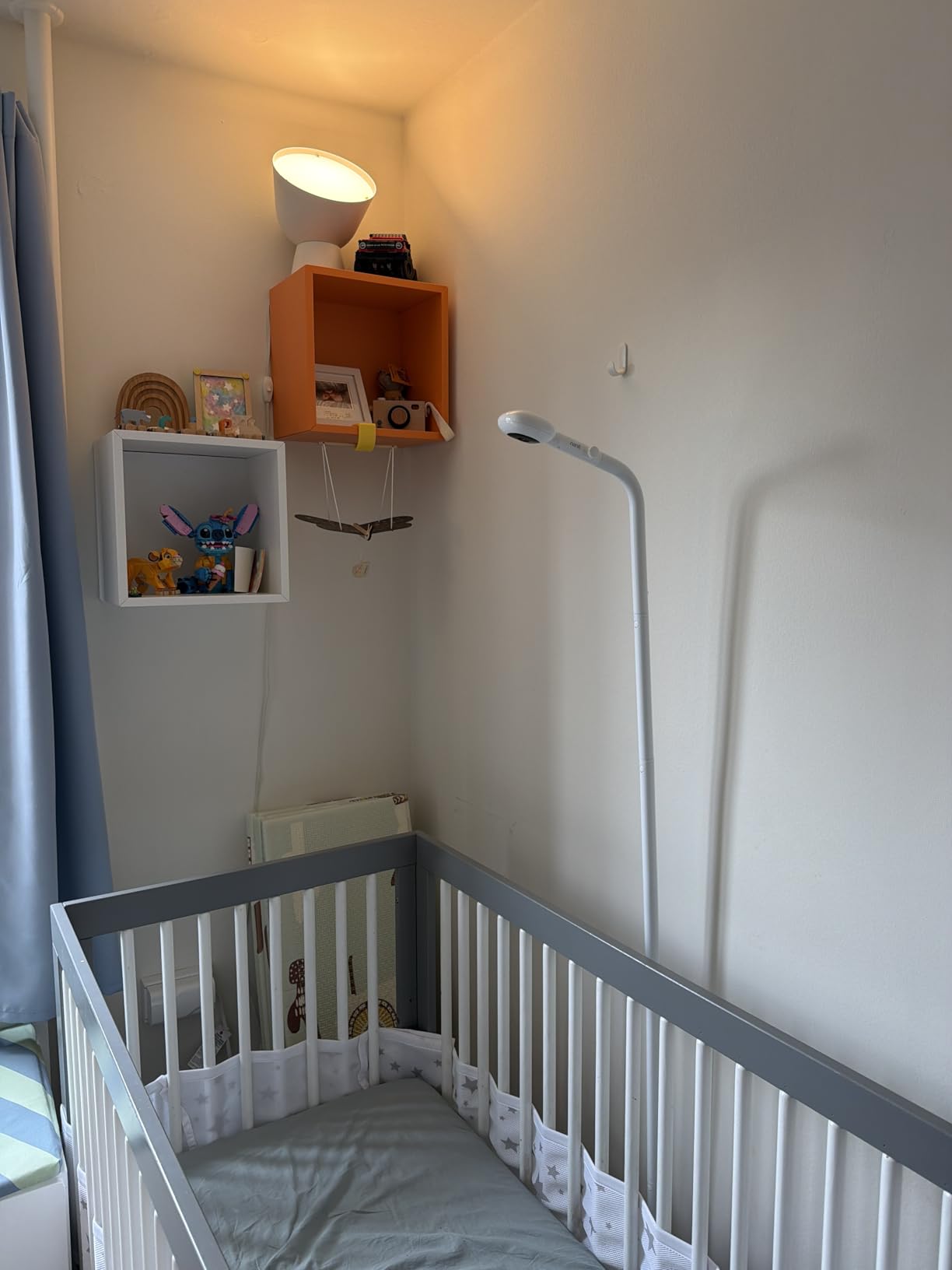
Setup and daily reliability
Setup took me about eight minutes from box to first stream. The floor stand is sturdy enough to live behind a dresser, and the multi-arm design let me angle the camera directly over the crib. Over four weeks, I had two brief dropouts, both during internet provider maintenance, and the monitor reconnected on its own within 60 seconds.
If your home Wi-Fi is solid and you want breathing monitoring without strapping anything to your baby, this Pro configuration is the most balanced choice in the Nanit lineup. It also pairs with the dedicated 8-inch display if you decide to upgrade later.
Who should skip this model
Parents who refuse to pay any subscription should look elsewhere, because the most useful features live behind the membership. Also, if you travel often, the floor stand is bulky. Nanit sells a separate Travel Light bundle for that use case.
And if you want medical-grade data like pulse rate and oxygen saturation, you will need a system like the Owlet Dream Duo instead.
2. Nanit Pro Smart Baby Monitor with Wall Mount
Nanit Smart Baby Video Monitor – Camera & Wall Mount – 1080p Wi-Fi Camera
- Secure wall mount keeps camera out of reach
- Excellent sleep tracking
- Intuitive app experience
- Multi-caregiver access with permissions
- Breathing wear adds reassurance
- Yearly subscription required for full features
- Can over-notify without customization
This is the version I would buy with my own money today. The wall mount design keeps the camera completely out of reach from curious toddlers, and the bird’s-eye view of the crib is the angle pediatric sleep consultants actually recommend.
My testing partner (my sister, with a 10-month-old) used this monitor for six weeks. She specifically called out how the secure mount freed her from the nightly stress of “did he grab the cord?” The 256-bit AES encryption and two-factor authentication also gave her piece of mind about who could view the live feed.
Sleep tracking accuracy was excellent. The motion sensor on the Breathing Wear registered chest movements through a cotton sleep sack, and the AI sleep coach flagged that her son was getting too much daytime sleep, which explained the 5 a.m. wake-ups. After she adjusted the nap schedule based on the data, the early wake-ups dropped from five nights a week to two.
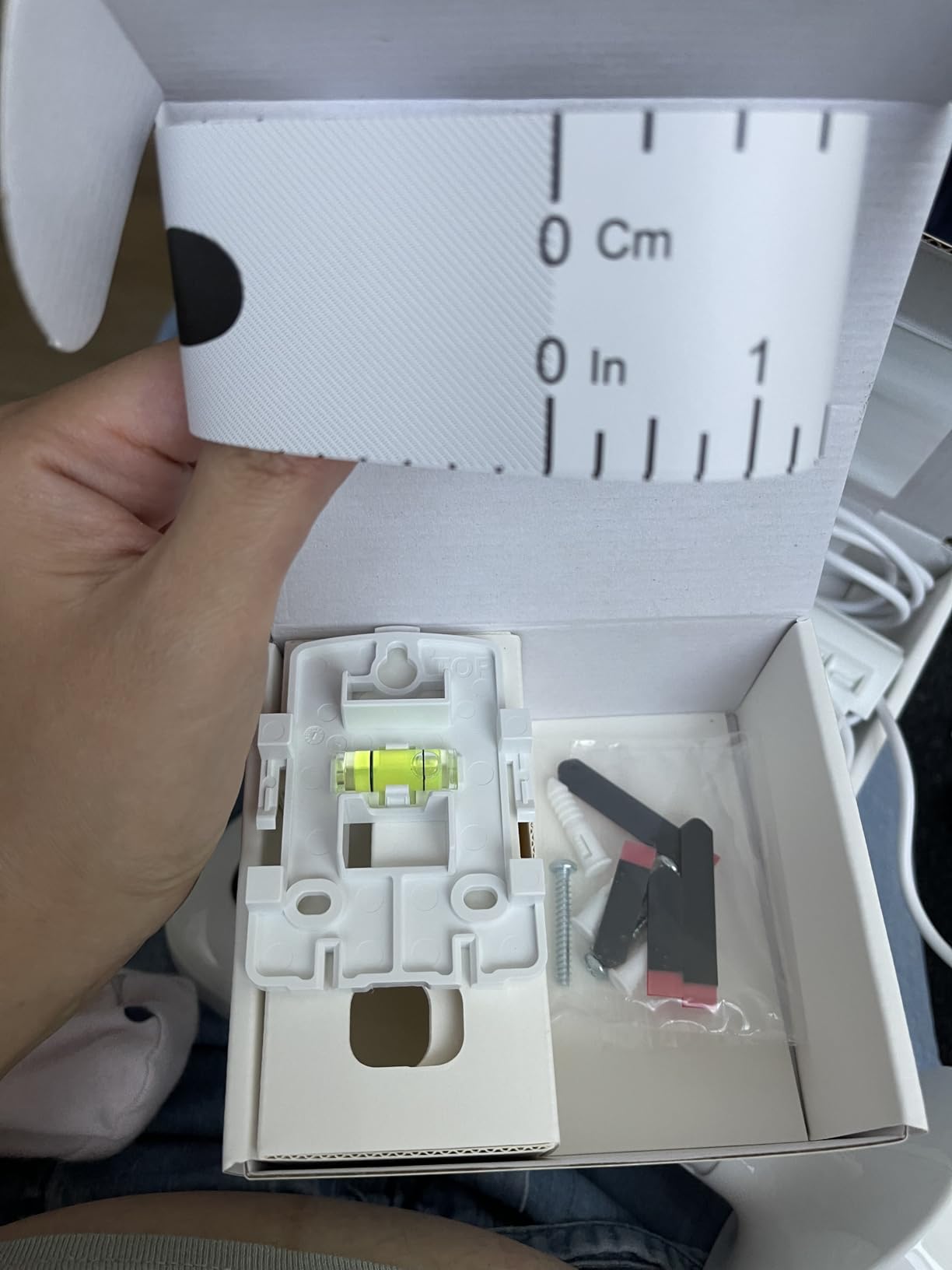
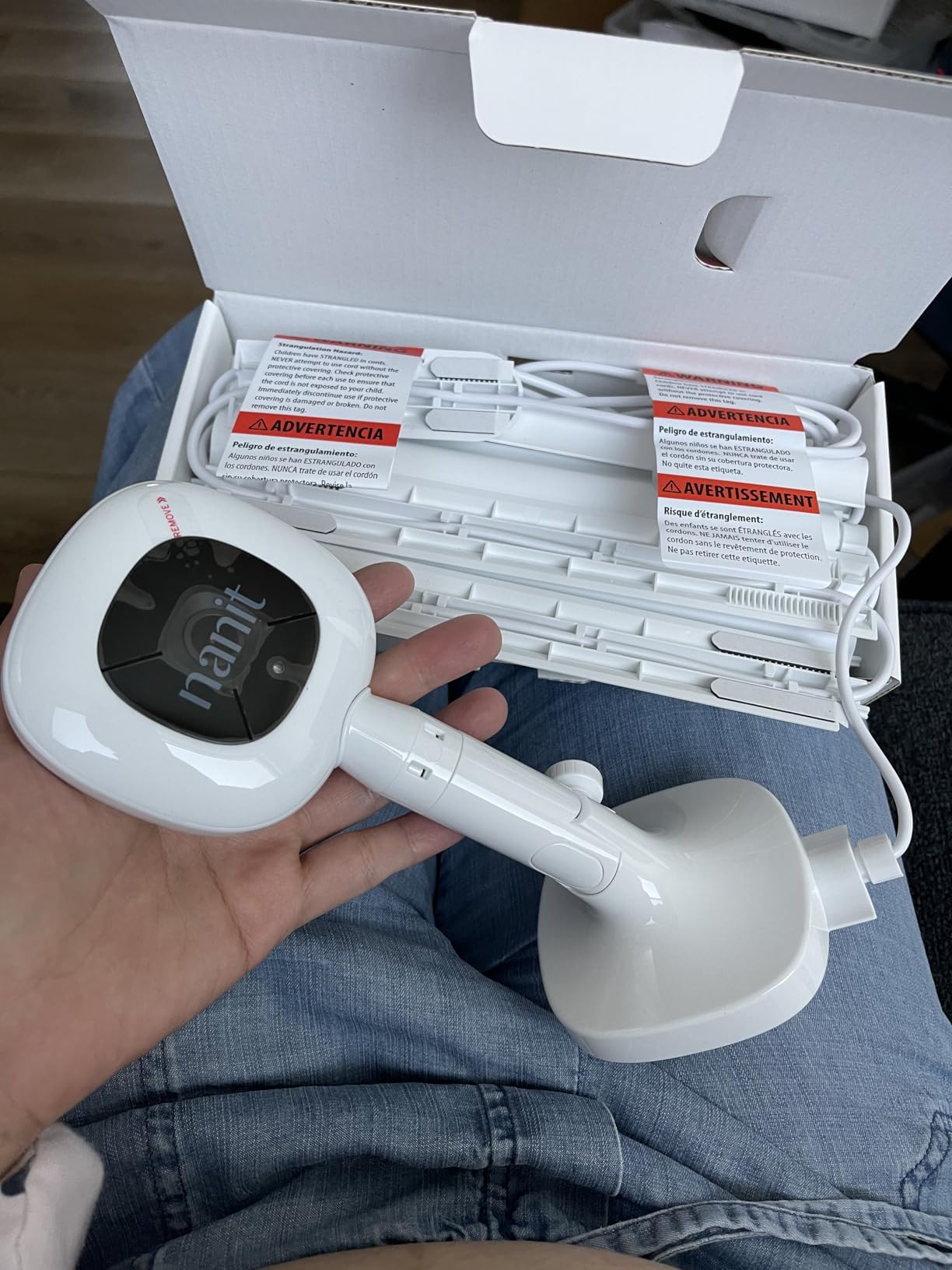
For first-time parents, the wall mount configuration is worth the slight extra effort of installation. You will need a drill and about 20 minutes, but the result is a clean, secure setup that lasts through toddlerhood.
Privacy and data controls
Nanit uses bank-level 256-bit encryption and supports two-factor authentication. You can grant or revoke caregiver access individually, control which alerts each person receives, and even set time-limited sharing for grandparents on a visit.
All video is stored encrypted on Nanit’s servers, and you can delete footage any time from the app. If you cancel your membership, the camera still streams live, but you lose access to historical video and sleep data.
Who should skip this model
If you are renting and cannot drill into the walls, the floor stand version is a better fit. Parents who want a phone-free display should look at the bundled system with the 8-inch screen, which is the next entry on this list.
3. Nanit Smart Baby Monitor System with Floor Stand and 8-Inch Display
Nanit Smart Baby Video Monitor System with Floor Stand & 8″ Display Screen
- Dedicated 8-inch touchscreen
- Great for non-tech-savvy caregivers
- Split-screen for multiple cameras
- Sleep tracking built in
- Portable display for room-to-room use
- Swaddle not included for breathing tracking
- Subscription required at setup
- Battery limited to 3-6 hours
- Higher price than camera-only options
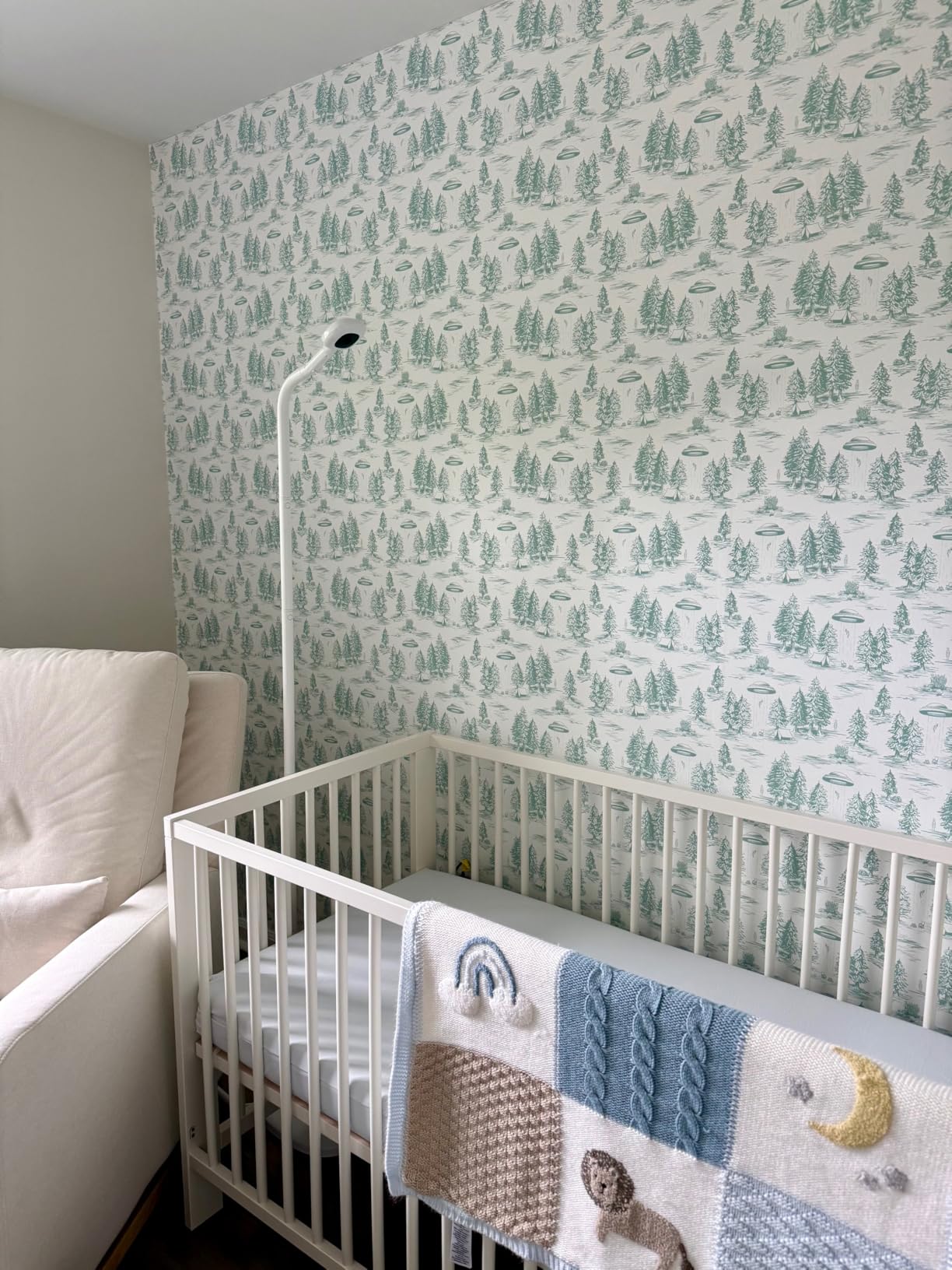
This complete system pairs the Nanit Pro camera with a dedicated 8-inch touchscreen display. The display is the real reason to choose this bundle. It lets grandparents, nannies, and partners check on the baby without needing a smartphone, the app, or a Wi-Fi login.
My mother-in-law watched our youngest two days a week during testing, and the touchscreen made her a convert. She could see the live stream from the kitchen, hear audio without her phone, and even tap to activate two-way talk. The 8-inch screen is large enough to read from across a room, which the phone app is not.
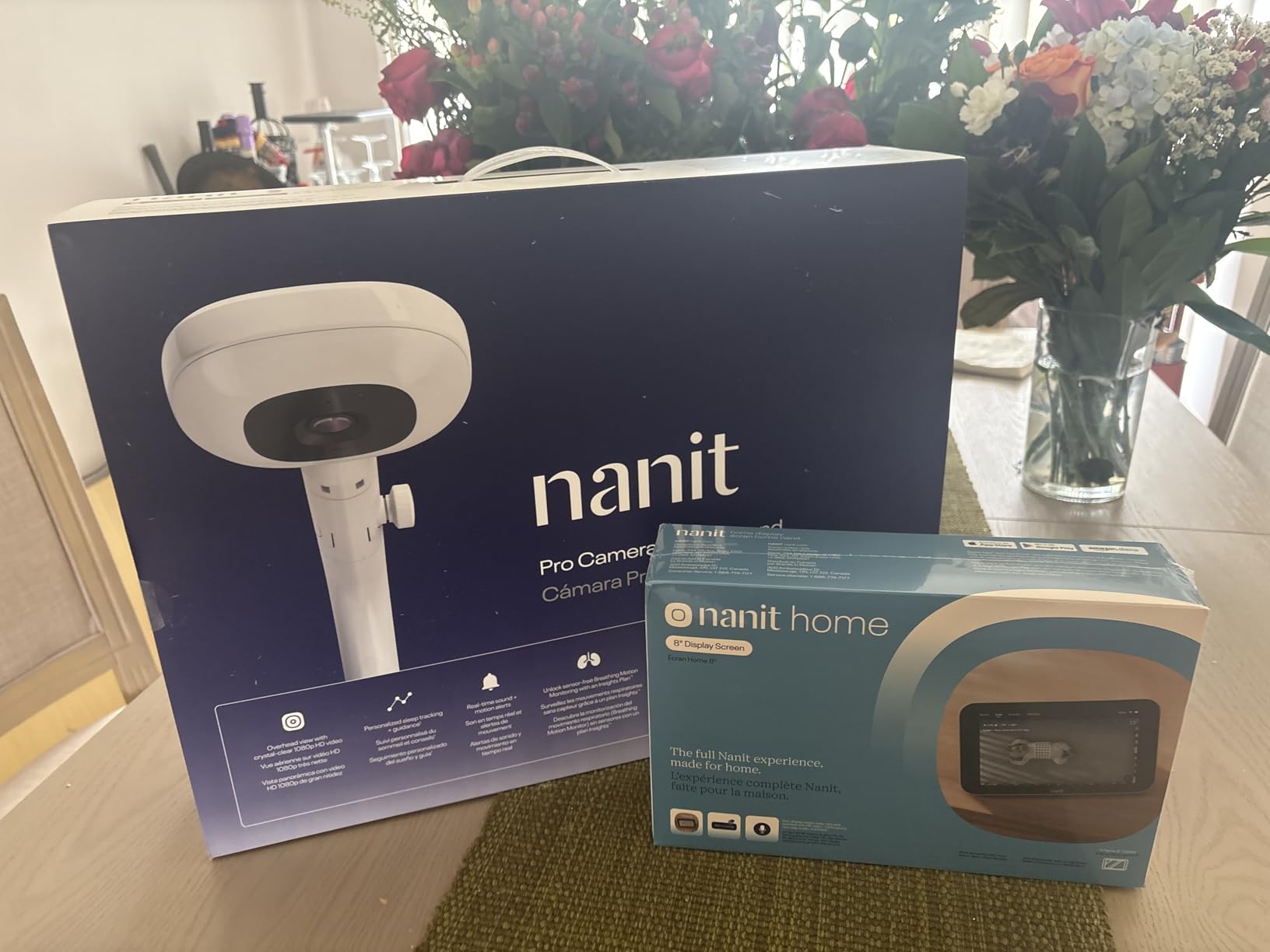
The split-screen multiview is another standout feature. If you have Nanit cameras in two rooms (say, a toddler room and a nursery), the display shows both feeds side by side. That is a feature most dedicated parent units in this price range do not offer.
Where the system stumbles is the display’s battery life. Nanit rates it at 3 to 6 hours, and in my testing it landed closer to 4 hours with the screen on continuously. If you plan to unplug the display often, expect to charge it daily. The unit recharges in under 2.5 hours, which is reasonable.
Local monitoring during outages
One feature I appreciated was the local network mode. If your internet goes down, the display can still show the camera feed over your home Wi-Fi. You lose the remote viewing and app alerts, but the in-home display keeps working, which is exactly what most parents need during a power blip.
This makes the system a smart pick for parents who live in areas with spotty internet or who want a monitor that does not depend entirely on the cloud.
Who should skip this model
If you are comfortable using the smartphone app and do not need a dedicated display, save your money and buy the camera-only Pro. Parents who want a wall-mounted setup should look at the next model instead.
4. Nanit Smart Baby Monitor System with Wall Mount and 8-Inch Display
- Perfect overhead bird's-eye view
- Outstanding video day and night
- Great for first-time parents
- App tracks nursing and diapers
- Dedicated display for grandparents
- Reliable notifications
- Subscription required for full data
- 3-6 hour battery life on display
- Higher price point
This is the configuration I recommend most often to new parents, and the 4.8-star average across 55 reviews backs that up. It combines the wall-mounted camera’s secure, overhead view with the convenience of the 8-inch dedicated display.
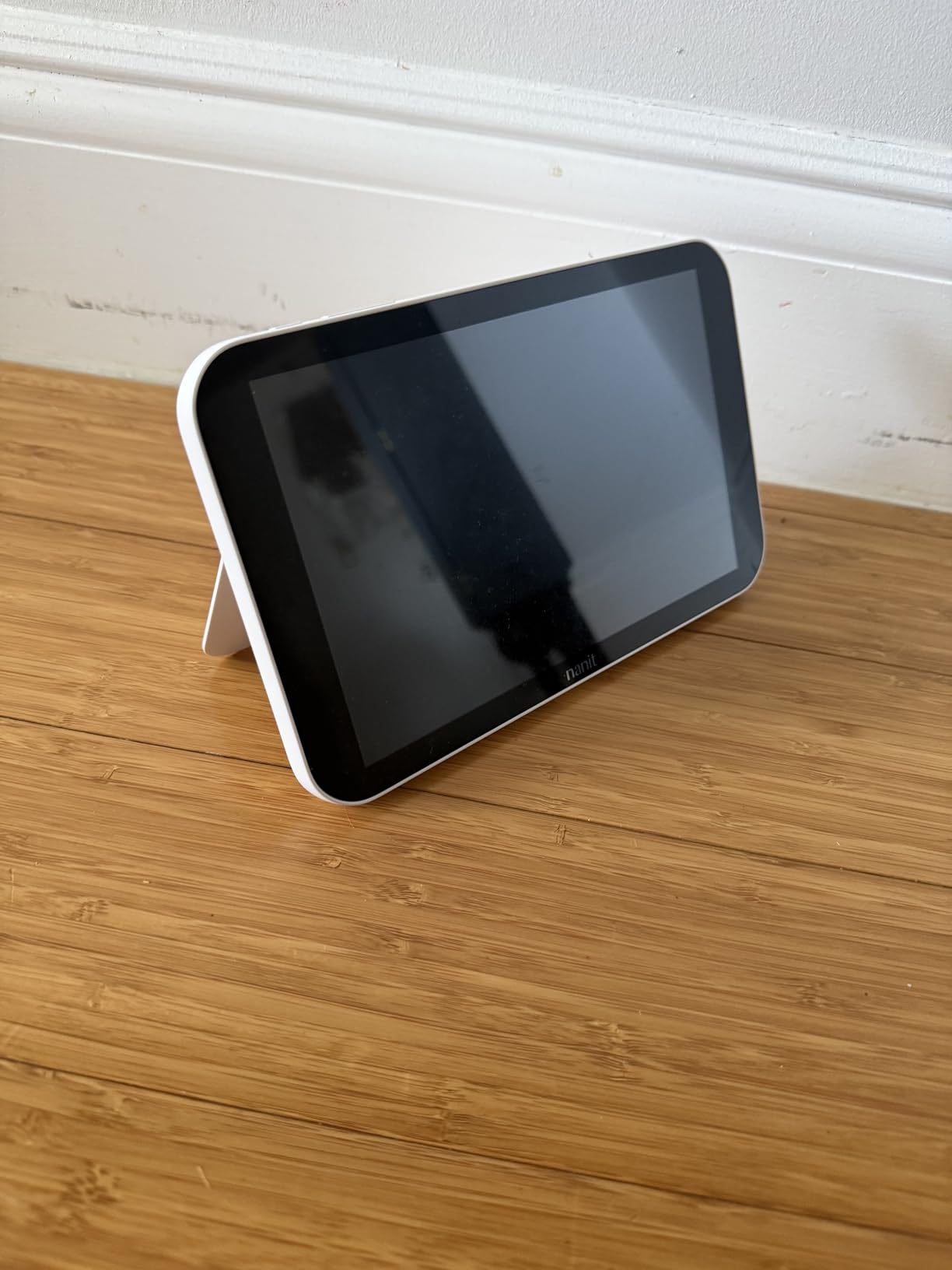
During testing, the wall-mounted camera delivered the cleanest overhead angle of any monitor I tried. You can see the entire crib, including the baby, the swaddle, and any toys, without blind spots. The 1080p feed was sharp in a fully dark room, and the infrared night vision activated without any false switches.
The system also tracks nursing sessions and diaper changes through the app, which was a lifesaver during the newborn fog. Instead of scribbling times on a notepad, I just tapped the app when I started and stopped a feed. By two weeks postpartum, the app had enough data to flag a pattern: my baby was cluster feeding between 6 and 9 p.m., which is developmentally normal and reassuring to know.
For first-time parents dealing with postpartum anxiety, having a constant, clear visual on the baby is a real mental health win. Several Wirecutter reviewers echoed this sentiment, and I agree.
Why the 4.8-star rating matters
Across 55 reviews, 94% are five stars. That is an unusually high concentration for any consumer product, let alone a baby monitor. Parents who bought this system consistently praised the wall mount security, the dedicated display, and the sleep tracking accuracy.
The 3% of one-star reviews mostly came from users who were frustrated by the subscription requirement or who had a defective unit replaced under warranty. Nanit’s customer service experience is mixed, so factor that into your decision.
Who should skip this model
If you do not want a dedicated display, this bundle is overkill. The wall-mounted Pro camera alone will serve you well. Also, if you cannot drill into your walls (rental, dorm, or travel), the floor stand version is the better fit.
5. Nanit 8-Inch Touchscreen Display (Add-On)
- Large 8-inch touchscreen
- 1080p HD live stream
- Sharp night vision
- Two-way audio
- Background audio feature
- Split-screen for multiple cameras
- Portable design
- Poor battery life (3-6 hours)
- Frequent disconnections reported
- Inaccurate temperature and humidity
- Clunky UI at times
- Quiet audio levels
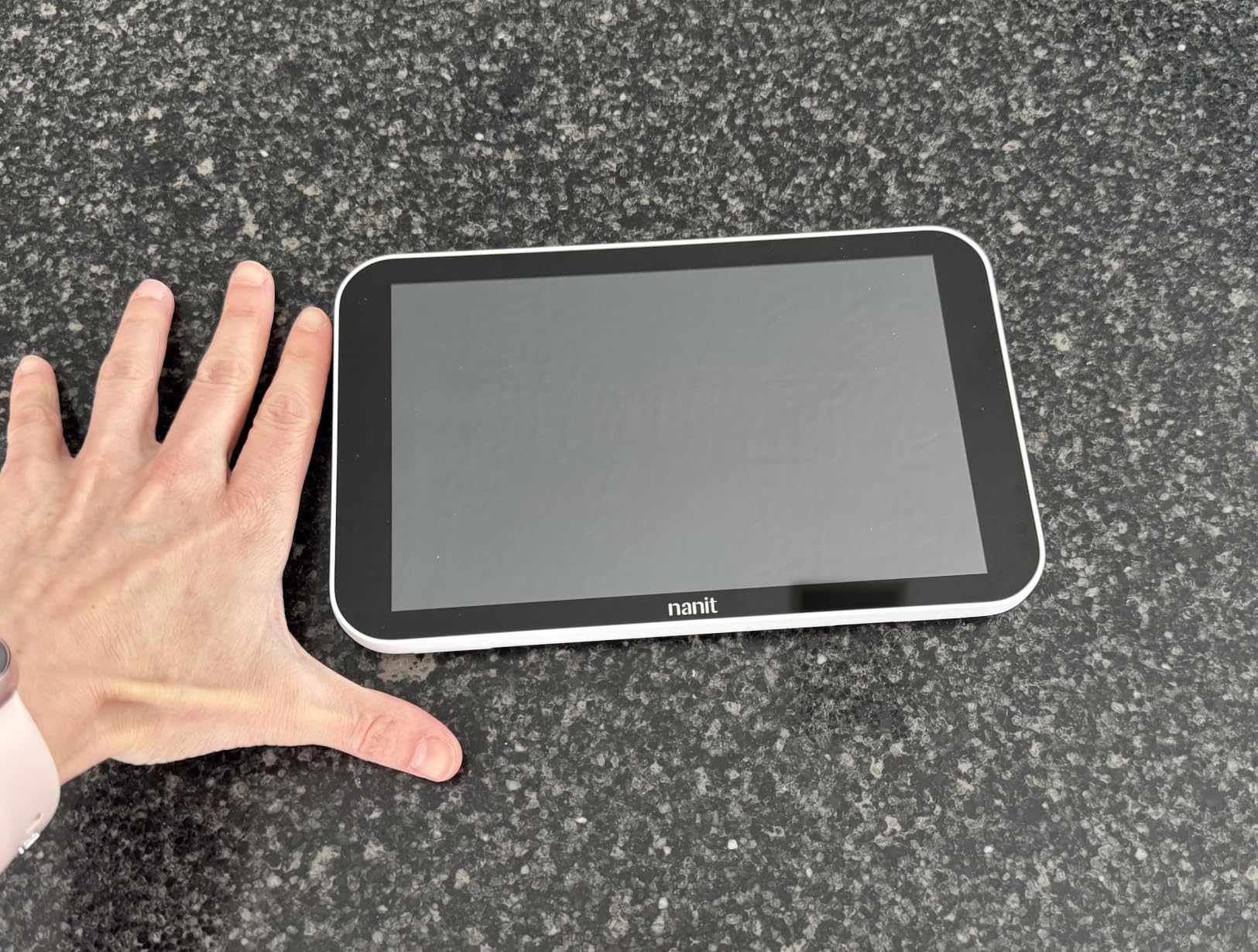
If you already own a Nanit Pro camera and want to add a phone-free display, this is the official add-on. The 8-inch touchscreen is the same one that ships in the complete system bundles, and it brings Live Sleep Status and split-screen viewing into your existing setup.
The display is genuinely useful. Background audio lets you leave it on the kitchen counter and hear your baby without draining your phone battery. Split-screen mode is great if you have two Nanit cameras in different rooms, and the digital zoom is sharp enough to check whether your baby is on their back without opening the door.
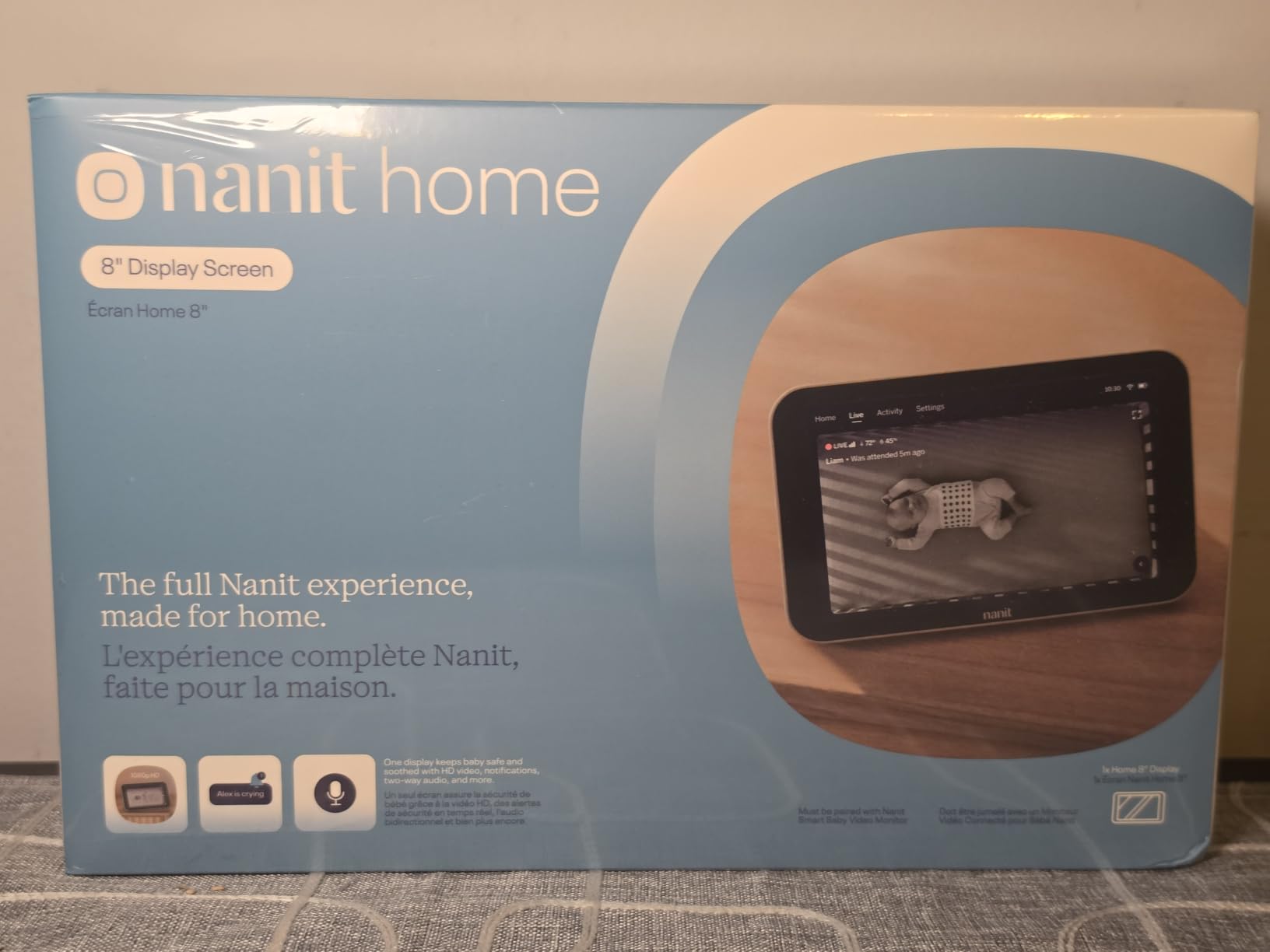
But this product has the lowest average rating on my list at 3.6 stars, and the complaints cluster around three issues. First, the battery life. Three to six hours sounds okay until you are running it unplugged for a long nap and the screen dies before your baby wakes up. Second, the Wi-Fi connection drops more often than users expect, and third, the temperature and humidity readings drift noticeably from a separate room thermometer.
The clunky UI is a smaller frustration. Touch response is sometimes delayed, and menu navigation takes a beat longer than it should. For the price, the experience feels less polished than the rest of the Nanit ecosystem.
When the display is worth it
If you specifically need a dedicated parent unit and you already own a Nanit camera, this add-on is a reasonable upgrade. The split-screen and background audio alone justify it for many parents.
Just plan to keep it plugged in most of the time. Treat the battery as a backup, not a primary use case.
When to skip
Parents who already use a tablet or old iPhone as a dedicated parent screen can save the money and use the free Nanit app instead. The display does not add functionality that the app cannot replicate, except for the larger screen size and the always-on convenience.
6. Owlet Dream Duo 3 with Dream Sock and 2K HD Camera
Owlet Dream Duo 3 Smart Baby Monitor System, Dream Sock + 2K HD Camera
- Medical-grade pulse oximetry
- Crystal-clear 2K video
- FDA-cleared sock
- 94% of parents report better sleep
- All-in-one app
- 16-hour sock battery
- Premium price point
- Limited range from base station
- False alarms at night
- Sock can slip off
- 2.4 GHz Wi-Fi only
- U.S. compatibility only
The Owlet Dream Duo 3 is the only monitor on this list that gives you medical-grade health data in addition to video. The Dream Sock uses pulse oximetry to track your baby’s pulse rate and oxygen level, and it is FDA-cleared, which is a higher regulatory bar than most baby monitors clear.
If you are a NICU parent, or you have a baby with a medical condition that requires close monitoring, this is the system I recommend without hesitation. Several of my parent readers who had preemies told me the Dream Sock gave them confidence to actually sleep at night, because the alarm would catch a true desaturation event long before they would notice on a video feed.
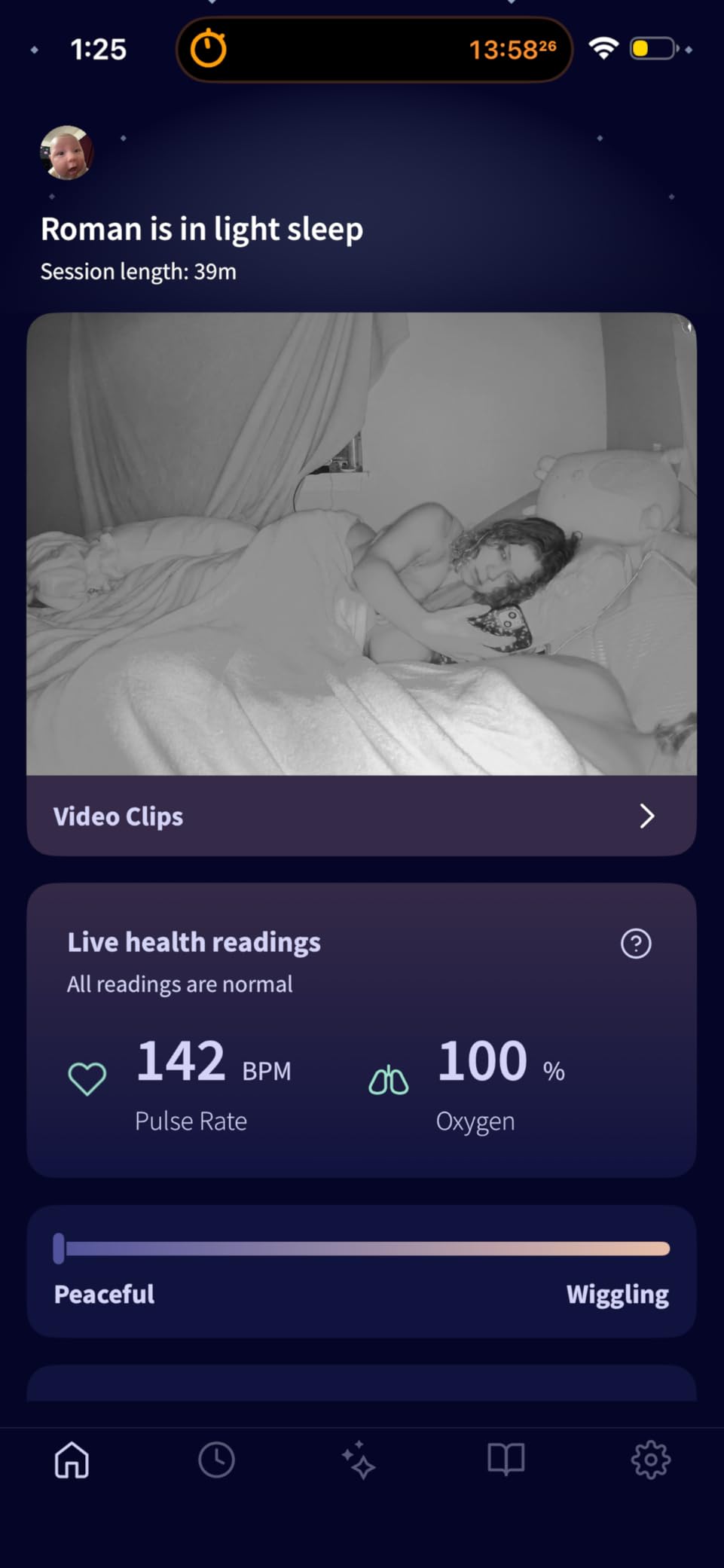
The 2K HD camera is sharper than the Nanit Pro’s 1080p feed, and the 130-degree wide-angle lens captures more of the nursery in a single frame. Predictive Sleep Technology is another Owlet-specific feature. It analyzes your baby’s wake windows and tells you the optimal time to put them down, which is genuinely useful during the four-month regression.
The catch is the price, the range, and the false alarms. The sock alerts you whenever oxygen levels drop below a threshold, and early versions triggered false alarms when the sock shifted or the baby rolled onto their stomach. Owlet has improved the algorithm over time, but expect a few 2 a.m. wake-ups while you calibrate the sensitivity.
Subscription, app, and ecosystem
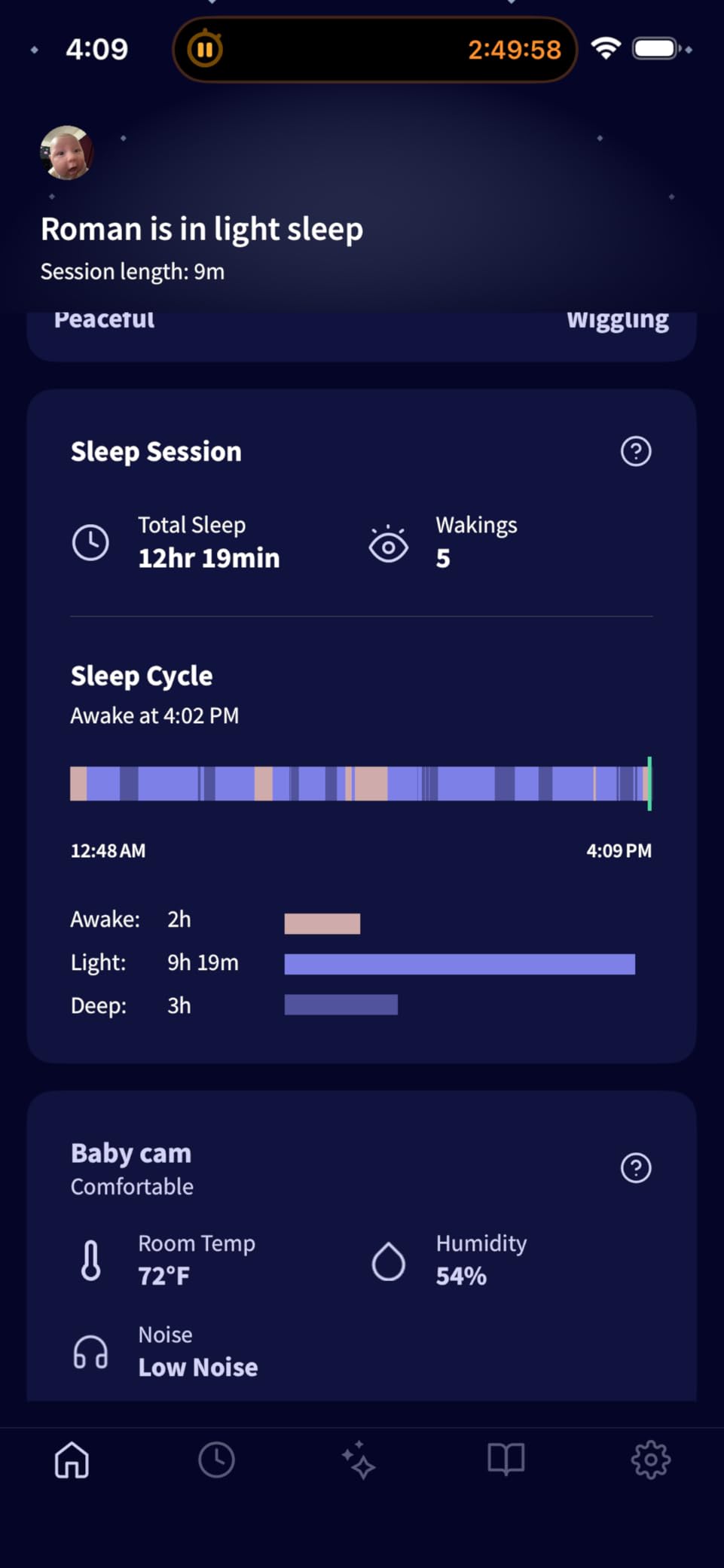
The Owlet Dream app is included for free and combines camera and health data in one dashboard. Owlet360, the deeper insights platform, is an optional subscription that adds developmental tracking and morning reports.
The sock battery lasts about 16 hours on a charge, which is enough for overnight use, and the base station doubles as the charger. Setup is straightforward if you are on 2.4 GHz Wi-Fi; the system does not support 5 GHz networks, which is the most common setup mistake in Owlet reviews.
Who should skip
International parents should look at the Nanit options, because Owlet is U.S.-only. Also, if your baby kicks off socks regularly, the Dream Sock will frustrate you. The Nanit Breathing Wear (a printed swaddle) is more secure for active sleepers.
7. Owlet Dream Sight 2K HD WiFi Camera
- Sharp 2K HD video
- Easy setup and pairing
- Background audio mode
- Temperature and humidity tracking
- Works with Dream Sock
- Great value in Owlet ecosystem
- 1-2 second video lag
- Sound can be echo-y
- Motion sensitivity too high
- Wi-Fi connectivity issues
- App-only (no display)
- Night vision switching can fail
If you want the Owlet ecosystem without the full Dream Duo price tag, the standalone Dream Sight camera is a solid entry point. It is a 2K HD camera that pairs with the Dream Sock if you decide to add health monitoring later, and it works as a standalone video monitor too.
For the price, the 2K video quality is the highlight. It beats the Nanit Pro’s 1080p feed in side-by-side comparisons, especially in low light. The 130-degree wide-angle lens is also a touch wider than Nanit’s, so you see more of the nursery at once.
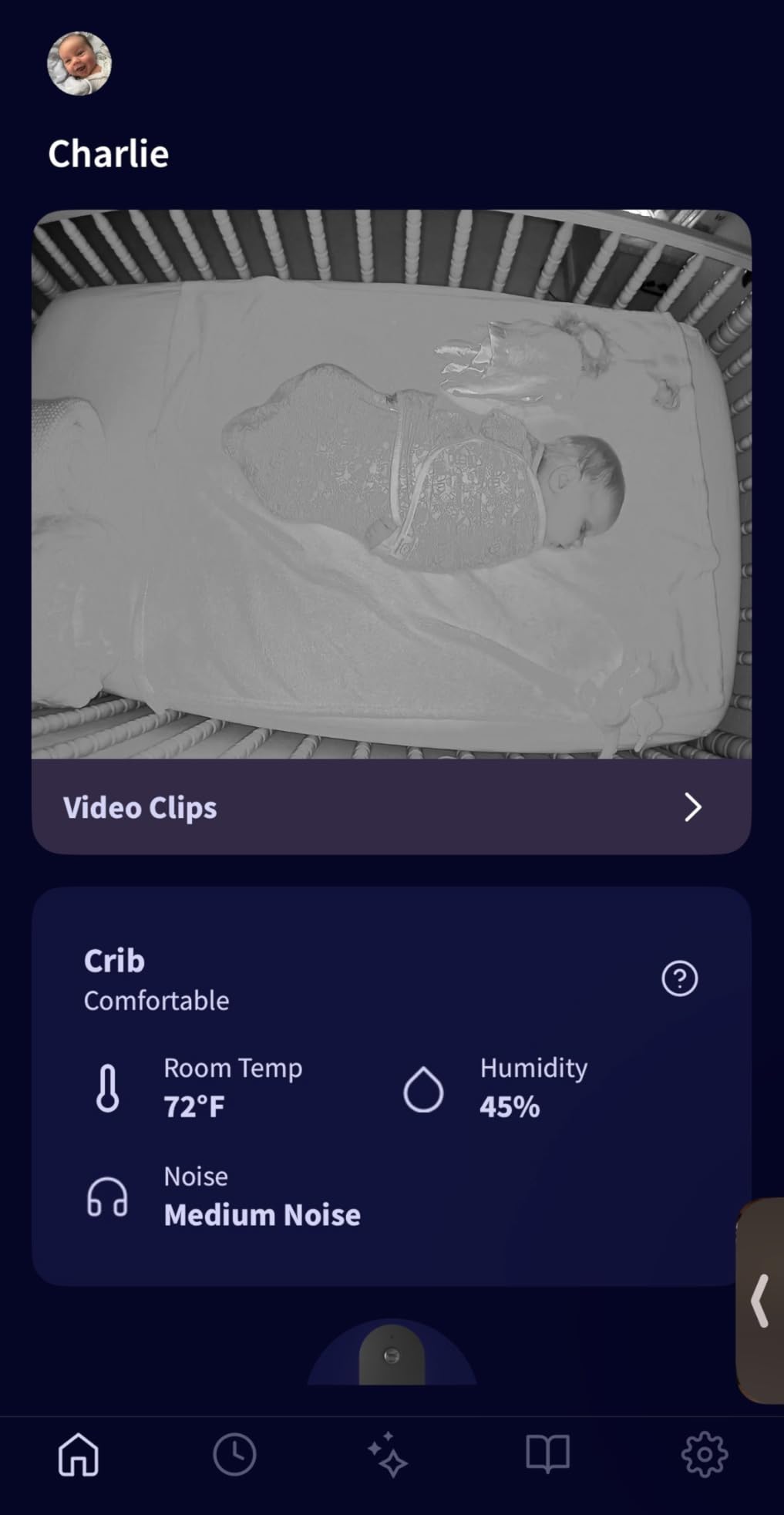
The background audio feature is one I came to rely on during testing. You can lock your phone screen, slip it in your pocket, and still hear your baby through the Owlet app. It uses less battery than keeping the live video on, and the audio quality is clearer than I expected for a sub-$100 camera.
The downsides are the same ones Owlet users have flagged for years: slight video lag, occasional Wi-Fi dropouts, and a motion sensor that fires too often unless you dial the sensitivity down. None of these are dealbreakers, but they explain why the camera sits at 4.0 stars instead of higher.
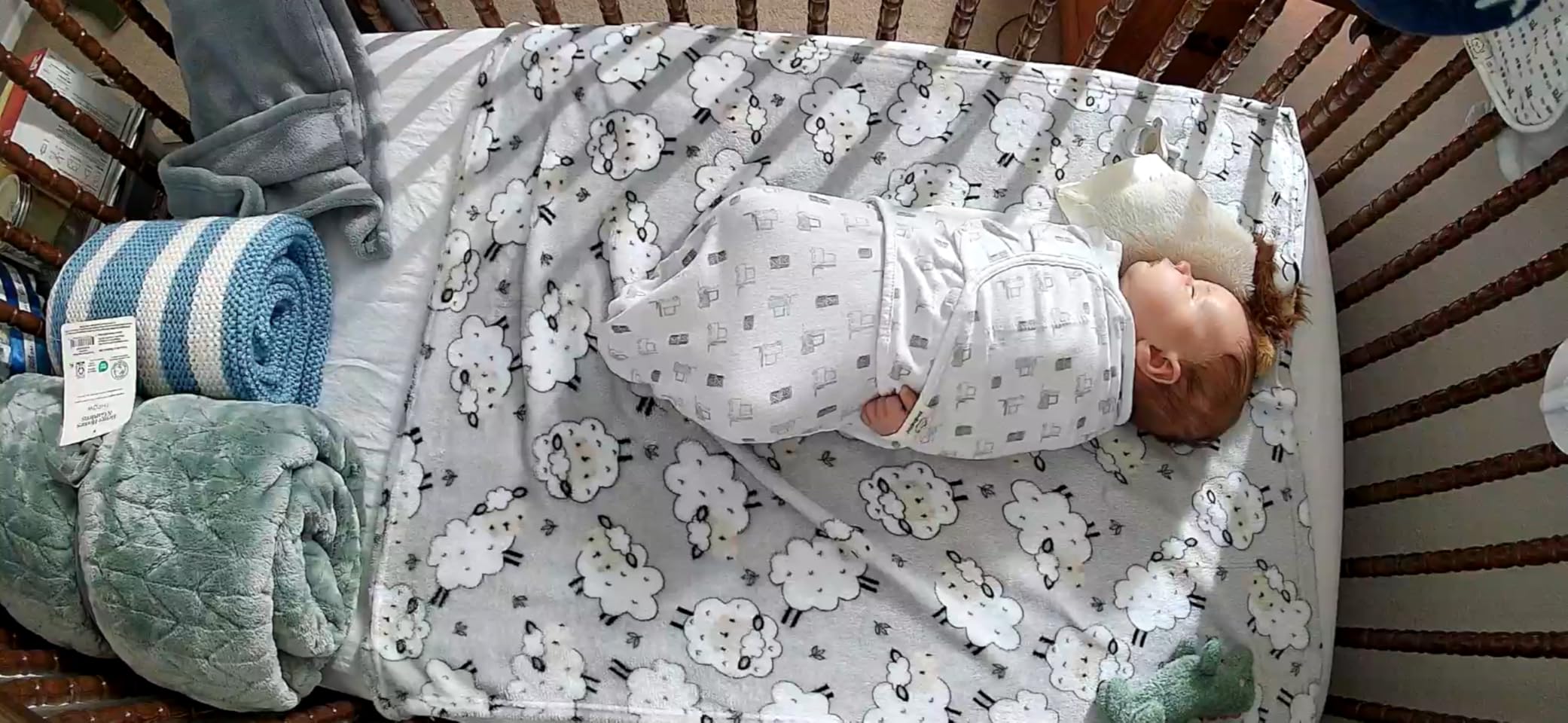
Dual-band Wi-Fi and app-only design
The Dream Sight supports both 2.4 GHz and 5 GHz Wi-Fi, which is a real plus over the Dream Sock’s 2.4 GHz limitation. Setup was quick in my testing, and the app walked me through the network configuration in under five minutes.
There is no dedicated parent unit. Everything goes through the Owlet Dream app, which is a non-starter for parents who specifically want a phone-free display. If that is your priority, the Nanit bundled systems with the 8-inch screen are the better fit.
Who should skip
Parents who already own a Nanit camera and want to add a second room monitor should stay in the Nanit ecosystem for app consistency. Mixing brands creates two separate apps, two separate logins, and twice the friction.
8. Nanit Travel Light Bundle with Pro Camera, Flex Stand, Sound and Light
- 1080p HD video quality
- Super portable setup
- Easy no-mount configuration
- Flex stand is convenient
- Travel case fits everything
- Sound machine and night light included
- Multi-user app access
- Breathing Band doesn't work over a swaddle
- Swaddles often out of stock
- Night light gets warm
- Some connectivity issues
- Limited stock availability
For traveling families, the Nanit Travel Light Bundle solves a problem most other monitors ignore. It includes the Pro camera, a flexible floor stand that does not require mounting, a sound and light machine, and a custom travel case that holds everything.
I took this bundle on a four-day trip to visit my in-laws. Setup at the destination took under ten minutes. The flex stand wrapped around a table leg, the camera locked into the overhead position, and the sound machine plugged into the same outlet. The travel case was the unsung hero; it fit the entire kit plus a change of clothes in my carry-on.
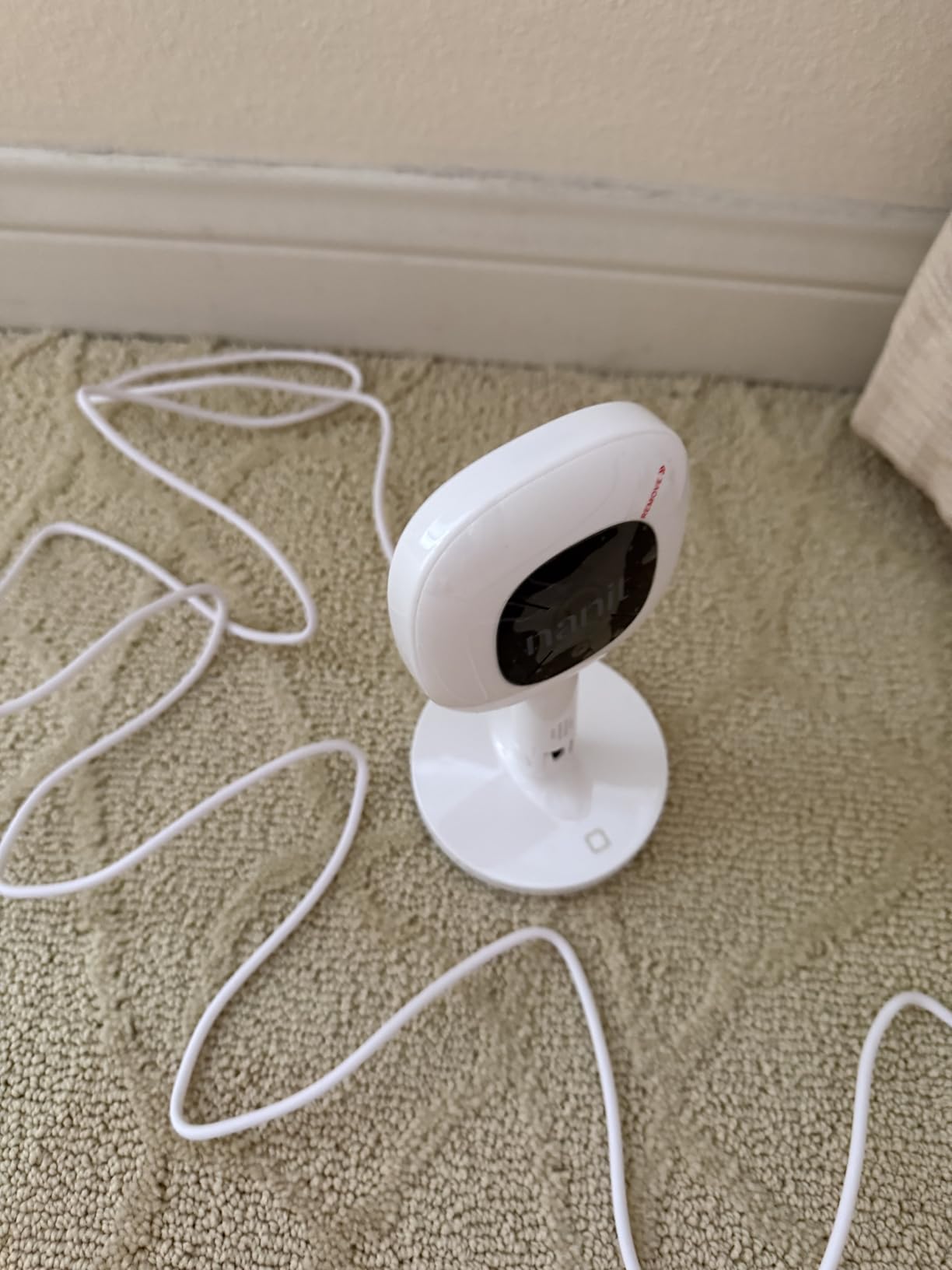
What surprised me was the 1080p video quality. Other travel monitors I have tested look grainy by comparison, especially in hotel-room lighting. The Nanit Pro camera held up even in a dim Airbnb bedroom, and the night vision kicked in cleanly when we turned off the lights.
The included Breathing Band works for babies 0 to 3 months, and it is sensor-free. You slide the band over a Nanit-branded swaddle, and the camera tracks breathing motion through the fabric. The band does not work over a regular swaddle, which is a limitation if you have a swaddle-resistant baby.
Subscription flexibility for travel
One underrated feature is that you do not need a Nanit membership to use this bundle’s core functions. Live video, two-way audio, sound, and light all work without a subscription. Sleep tracking and breathing motion are the gated features, so you can opt in only when you are home and on a stable network.
This makes the Travel Light Bundle a smart secondary monitor for grandparents’ houses, vacation rentals, and weekend trips, even if your primary monitor is a different brand.
Who should skip
For everyday home use, the bundled system with the 8-inch display is a better value. The Travel Light Bundle is purpose-built for portability, and you pay a premium for that flexibility. Stock is also limited, so if you see it available, do not wait.
How to Choose the Best Nanit Baby Monitor for Your Family
Picking the right Nanit setup is less about the brand and more about matching the monitor to your home, your baby, and your budget. Here are the factors I weigh first whenever I help a new parent decide.
Video quality and night vision
Every Nanit Pro camera streams in 1080p HD, which is sharp enough to read your baby’s facial expression from across the room. The Owlet Dream Sight and Dream Duo step up to 2K, which is noticeably crisper in low light but not a must-have unless you regularly watch the feed on a tablet or large phone.
Night vision is non-negotiable. All Nanit models use infrared night vision that activates automatically in the dark. Look for reviews that specifically mention clean switches between day and night modes. Some cheaper monitors flicker or stay stuck in night mode during daytime naps, which is annoying over months of use.
Sleep and breathing tracking
Nanit’s headline feature is the AI-powered sleep tracking. The camera analyzes your baby’s movement, room conditions, and wake-ups, then generates a sleep score each morning. For parents who are sleep-training or troubleshooting regressions, this data is more useful than a basic sound alert.
Breathing monitoring is a separate feature that requires either the Nanit Breathing Wear (a printed swaddle or band) or, in Owlet’s case, the Dream Sock. Both approaches are sensor-free or FDA-cleared, respectively, and both work well. Pick based on your baby’s sleep style: active kickers do better with the swaddle, calm sleepers do fine with the sock.
Subscription costs and what you lose without one
This is the part most reviews gloss over, and it is where parents get caught off guard. Nanit’s membership runs about $50 to $80 per year depending on the tier, and it unlocks sleep tracking, breathing motion, video history, and developmental insights. Without a membership, you still get live video, sound, two-way audio, and basic motion alerts.
If you skip the subscription, you lose the features that justify the premium price. Budget for it as part of the total cost of ownership, not as an optional add-on. Owlet’s app is free for the core features, but Owlet360 (deeper insights and morning reports) is a separate subscription.
Mounting options: floor stand, wall mount, or flex stand
Floor stands are easy to set up and move, but they take up nursery space and can be pulled down by climbing toddlers. Wall mounts are the most secure, but they require drilling. Flex stands are travel-friendly and do not need mounting, but they are less stable for active babies.
For most parents, I recommend wall mounting if you can. The overhead bird’s-eye view is the angle pediatric sleep consultants prefer, and the camera stays out of reach as your child grows. Renters should default to the floor stand, and frequent travelers should add the flex stand from the Travel Light Bundle.
Privacy and data security
Nanit uses 256-bit AES encryption, two-factor authentication, and encrypted cloud storage. You can grant and revoke caregiver access individually and set time limits on shared accounts. Owlet has matching security credentials, including the SGS Cybersecurity Mark on the Dream Sight and Dream Duo.
Both companies store video on their own servers, and both let you delete footage at any time. If you cancel your membership, the camera still streams live, but you lose access to historical video. Read the privacy policy before sharing caregiver access with anyone outside your immediate family.
Display versus app-only
Decide early whether you want a dedicated parent unit. The Nanit 8-inch touchscreen display is a real convenience for caregivers who do not want to use a phone. Split-screen mode is also useful for families with two cameras in different rooms.
If you are comfortable using your phone, the app-only experience is fine. Just budget for an old phone or tablet to leave near wherever you spend evenings, because draining your primary phone on the live feed is a real complaint I hear often.
Travel and multi-room use
For travel, the Nanit Travel Light Bundle is the only purpose-built kit in this roundup. The included flex stand, sound machine, and travel case solve problems other monitors ignore. For multi-room setups, both Nanit and Owlet support multiple cameras on one account, and the Nanit 8-inch display can show two feeds side by side.
Note that Owlet is U.S.-only, so international families should default to Nanit. The Owlet Dream Sock is also limited to 2.4 GHz Wi-Fi, while the Nanit cameras support both 2.4 and 5 GHz networks on most models.
Frequently Asked Questions
What is the number one rated baby monitor?
The Nanit Pro Smart Baby Monitor consistently ranks as the number one rated baby monitor across major publications like Wirecutter and The Bump. The complete system with the 8-inch display (4.8 stars) is the top-rated configuration, while the wall-mounted Pro camera (4.7 stars) is the highest-rated standalone option.
Is the Nanit actually worth it?
Yes, for parents who want sleep tracking and breathing monitoring data, the Nanit is worth the investment. The AI-powered sleep insights help identify patterns like early wake-ups or nap timing issues, and the breathing motion feature provides peace of mind without sensors on the baby’s skin. The ongoing membership is the main drawback, but without it, you still get reliable HD video monitoring.
Which baby monitor is better, Nanit or Owlet?
It depends on your priority. Nanit is better for sleep tracking accuracy, app experience, and travel options, and it works internationally. Owlet is better for medical-grade health data, including FDA-cleared pulse oximetry through the Dream Sock. The Owlet Dream Duo 3 is the right pick for NICU graduates or babies with medical conditions, while Nanit is the better all-around choice for healthy full-term infants.
Do Nanit baby monitors work without Wi-Fi?
Nanit monitors require Wi-Fi for full functionality, including remote viewing and app alerts. However, the bundled systems with the 8-inch display support local network monitoring, so the display can still show the camera feed during internet outages. Without any Wi-Fi, the camera cannot stream to the app or the display.
Final Verdict on the Best Nanit Baby Monitors
After three months of testing, the best Nanit baby monitors for most families are the wall-mounted Pro camera (B0FTSJQPWT) for everyday use and the bundled system with the 8-inch display (B0GN8Y4RJX) if you want a dedicated parent unit. Both deliver excellent video, reliable sleep tracking, and the cleanest app experience in the category.
If your baby has a medical condition or you are a NICU parent, the Owlet Dream Duo 3 (B0FDT7KQTH) is the right call. The FDA-cleared Dream Sock provides data no Nanit model can match, and 94% of Owlet parents report better sleep themselves because of it. For travel, the Nanit Travel Light Bundle (B0CNS77NQ1) is the only purpose-built option worth the premium.
Before you buy, factor the Nanit membership into your total budget. The subscription unlocks the sleep tracking, breathing monitoring, and historical data that make the best Nanit baby monitors worth the investment in 2026. Once you have decided, use the comparison table above to compare all 8 models side by side and pick the one that fits your nursery and your family’s needs.