
If you are in the market for a printer this 2026, the Epson EcoTank ET-2800 is the one to watch: it prints color and black from refillable ink bottles rather than cartridges, which is where a printer’s real running cost lives, and it carries more owner reviews than anything else on this list. The Canon PIXMA TR8620a covers the home office that needs automatic duplex and a document feeder, and the Canon MegaTank G3270 is the cheaper route into the same refillable-ink idea.
Printers are one of the categories that reliably moves during the sale, and Prime Big Deal Days runs October 6-7, 2026. Offers shift through the event and most need a Prime membership, a free trial counts, so use this list to decide what you want and let the buttons show you today’s price.
Table of Contents
Our Top 3 Picks for Best Amazon Prime Big Deal Days Printer Deals (October 2026)


The ET-2800 wins because ink is the expense that never ends on a printer, and this one sidesteps cartridges entirely. The TR8620a is the pick when duplex and a feeder matter more than ink price. The G3270 does the same job as the ET-2800 for less up front, with a slightly lower yield.
Best Amazon Prime Big Deal Days Printer Deals Compared
| Product | Specifications | Action |
|---|---|---|
| Epson EcoTank ET-2800 |
|
Check Deal Price |
| Canon PIXMA TR8620a |
|
Check Deal Price |
 Canon MegaTank G3270 Canon MegaTank G3270 |
|
Check Deal Price |
 Epson Expression XP-7100 Epson Expression XP-7100 |
|
Check Deal Price |
 Brother DCP-L2640DW Brother DCP-L2640DW |
|
Check Deal Price |
 Canon PIXMA TS3720 Canon PIXMA TS3720 |
|
Check Deal Price |
 Brother HL-L2460DW Brother HL-L2460DW |
|
Check Deal Price |
 HP LaserJet M209dw HP LaserJet M209dw |
|
Check Deal Price |
 HP LaserJet Pro 3101sdw HP LaserJet Pro 3101sdw |
|
Check Deal Price |
 HP Envy 6155 HP Envy 6155 |
|
Check Deal Price |
How We Chose
We compared the specs that decide whether a printer suits a home, a photo job or a shared office: print technology, black and color speed, duplex, paper capacity, feeder size, wireless options and warranty. We also weighed the themes that dominate owner reviews, particularly running cost, connectivity and setup friction. Data was checked in October 2026.
1. Epson EcoTank ET-2800: The Best All-Rounder, Editor’s Choice
- Refillable ink bottles cut running cost sharply
- Up to 4500 black and 7500 color pages per ink set
- Up to two years of ink in the box
- App and LCD control over Wi-Fi
- Single-sided printing only
- 100-sheet tray is small
- Some owners report Wi-Fi drops
Where the running cost comes from: the ET-2800 refills from ink bottles, and Epson puts one set in the box with a yield of up to 4,500 black pages and 7,500 color pages. That is the number that matters, because a cartridge machine of similar capability can burn through supplies in a fraction of it.
Black output runs at 10 pages per minute and color at 5, with a maximum resolution of 5760 by 1440 dpi. The Micro Piezo printhead runs heat-free, so there is no warm-up delay on the first page. It handles a 100-sheet paper capacity, which is fine for a week of documents and short of a home office.
Owners consistently single out two things: the running cost, and the paperwork it removes. Epson states that one set of bottles is equivalent to roughly 90 individual cartridges, and the design produces no cartridge waste to dispose of. The counter-theme in reviews is wireless reliability, with a portion of ratings reporting connection drops that need a router reset.
Good to know: this model prints single-sided only. If two-sided documents are part of your routine, the Canon PIXMA TR8620a below handles automatic duplex and adds a 20-sheet feeder.
Compare it with the Canon MegaTank G3270, which uses the same refillable approach with a higher stated black yield of 6,000 pages but no duplex and a smaller control screen. Pick the Epson for the longer track record and faster black speed, the Canon for the bigger ink yield claim.
2. Canon PIXMA TR8620a: The Best for a Home Office
- Genuine four-function machine with fax
- 20-sheet automatic document feeder
- Automatic two-sided printing
- 100-sheet cassette plus 100-sheet rear feed
- Canon mobile app is slow
- Feeder is single-sided only
- Lightweight plastic body
Automatic duplex is what changes daily use here, and the TR8620a has it in print, copy and scan. It suits a week built around contracts, invoices and anything that arrives face down. Black runs at 15 pages per minute, color at 10, against a 1,000-page monthly duty cycle.
Paper handling is the other reason to look at it. A 100-sheet cassette sits under a 100-sheet rear feed, so 200 sheets are available without a refill, and the rear tray takes envelopes and heavier media that will not go through the cassette. The 20-sheet feeder handles multi-page originals for scanning and copying.
Owners treat it as a dependable workhorse with clear text and photo output, and the tilting backlit touchscreen makes it usable without an app. Five separate ink tanks mean you replace only the color that ran dry, and Alexa ink alerts can flag a low cartridge before a project stalls.
Skip it if software reliability is your top concern. The most repeated complaint is the Canon mobile app reporting no printer available on a network that is otherwise fine. Several reviews also mention a lighter plastic feel than older Canon bodies, and the occasional unit arriving with a bent bracket.
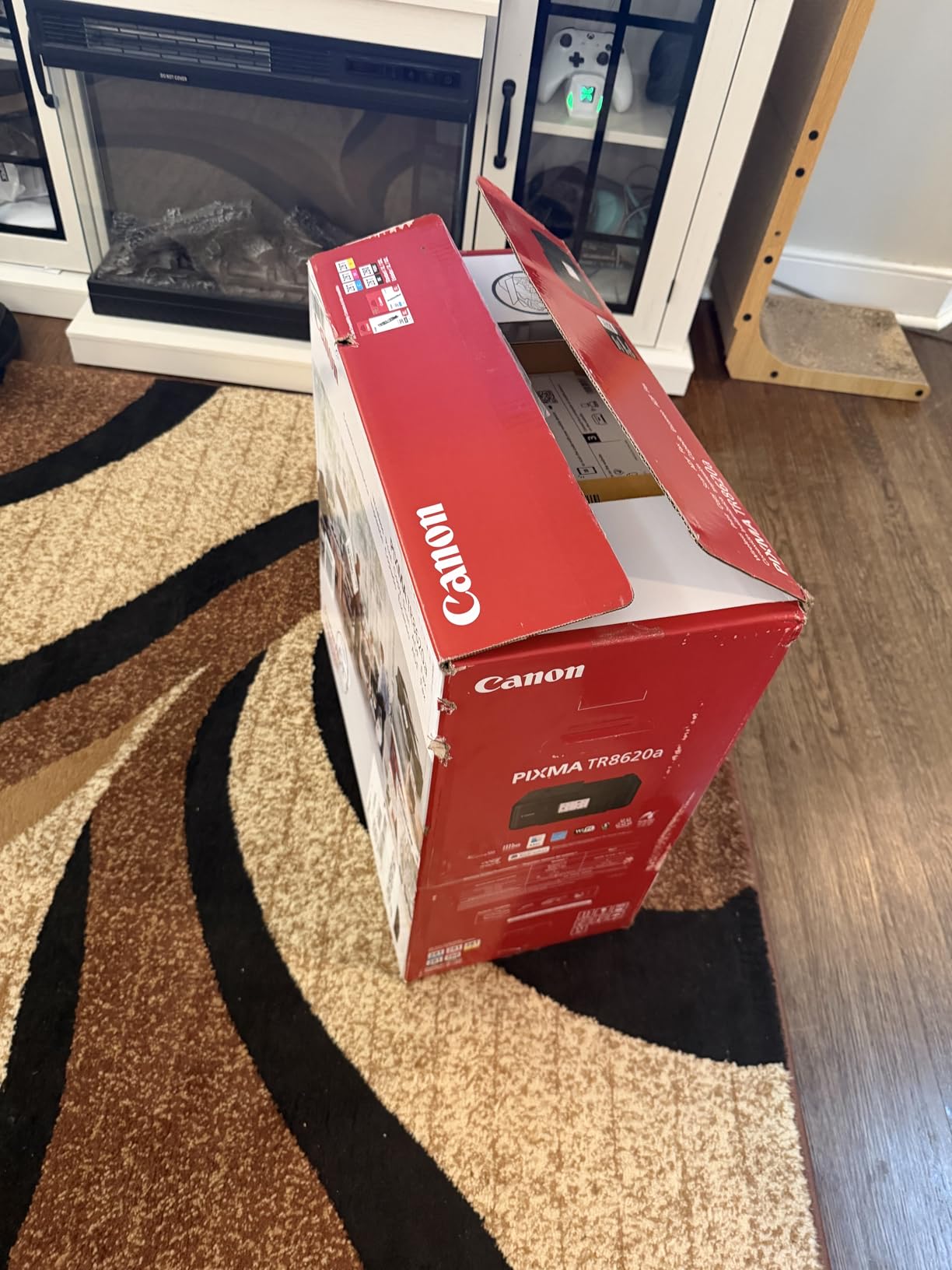
Against the HP LaserJet Pro 3101sdw further down, you gain color output and a fax line here but lose the 250-sheet tray and the laser speed class. Against the Epson Expression XP-7100, you get a 100-sheet paper source instead of 30 sheets, and you give up the 4.3-inch photo touchscreen.
3. Canon MegaTank G3270: The Best Value Ink Tank
- Ink bottle refills with up to two years of ink in the box
- Up to 6000 black and 7700 color pages per set
- Handles square and card media
- Wireless and USB
- Single-sided printing only
- Small 1.35-inch LCD and app-only control
- 100-sheet tray
The cheaper route into the same refillable-ink idea, for anyone who finds the ET-2800’s sticker steep but prints in color regularly. The G3270 also refills from bottles, and Canon states up to 6,000 black-and-white pages and 7,700 color pages per ink set with up to two years of ink included in the box. On stated yield it is the strongest number in this group.
It covers print, copy and scan over Wi-Fi or USB, at 11 black and 6 color pages per minute, with a maximum resolution of 4800 by 1200 dpi. Media support is broad for a tank printer: square prints, card stock, envelopes and legal sizes all work.
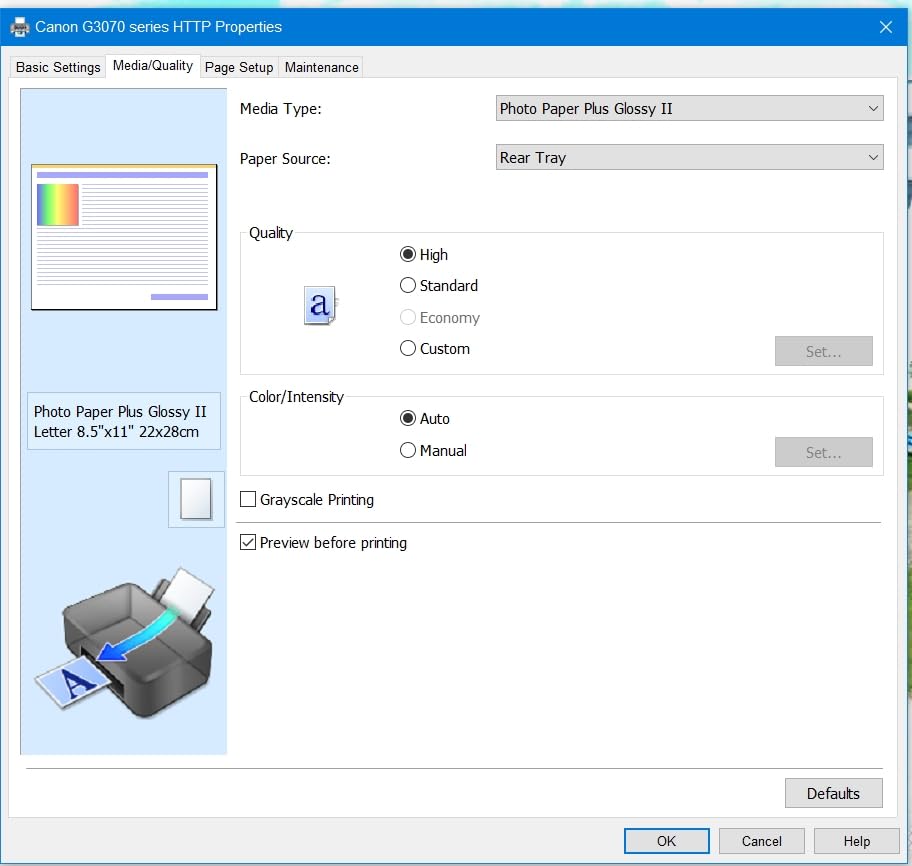
Buyers frame it as the affordable entry into refilling ink rather than replacing cartridges, and the color quality comes in well for the class. It ranks high in Amazon’s ink tank category, which is consistent with how often it turns up in roundups like this one.
The on-device experience here is minimal. The 1.35-inch square LCD shows status and little else, so most settings live in the Canon PRINT app. A 14% share of one-star ratings points to some variance in build quality and wireless connections.
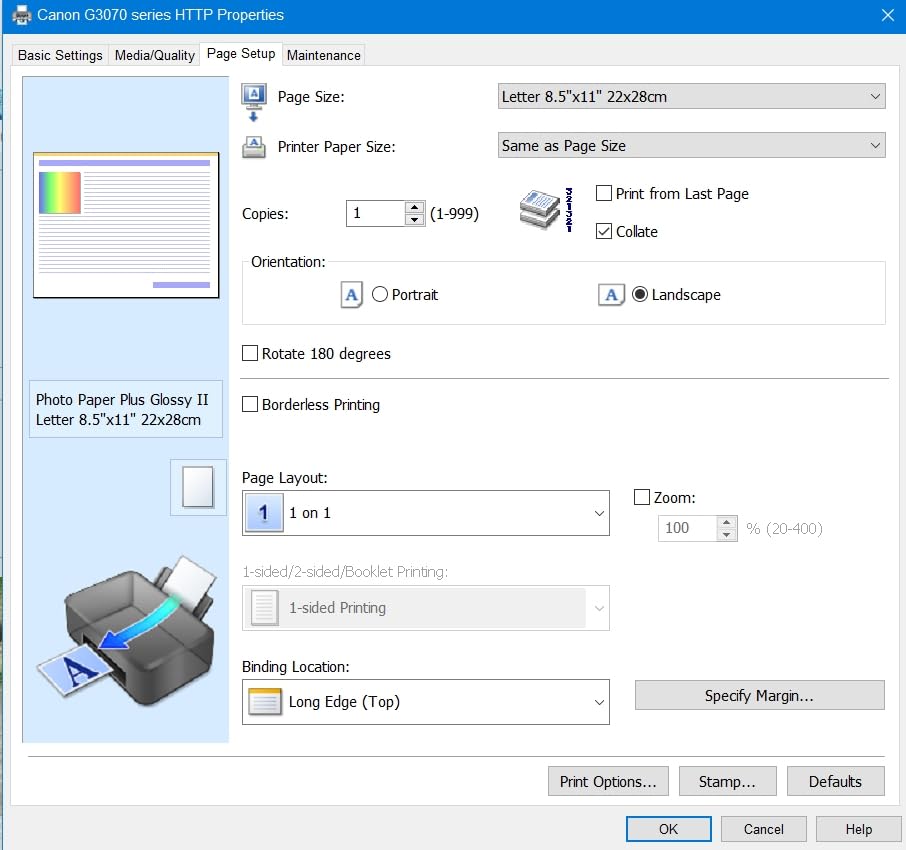
The G3270 and the ET-2800 are the closest pair on this list. The Canon states a higher black yield, the Epson prints black faster and has the much larger review base, and the Epson carries an app and LCD control as standard. Both skip duplex, so if double-sided matters, look at the TR8620a instead.
4. Epson Expression XP-7100: The Best for Photo Printing
- Borderless photos up to 8x10 inches
- 4.3-inch touchscreen for on-device editing
- 30-page feeder with auto duplex
- CD and DVD printing
- Small 30-sheet tray and a flimsy main tray
- Touchscreen is imprecise to navigate
- No fax function
A family album, a school project, anything that has to look right in a frame. The XP-7100 prints borderless photos up to 8 by 10 inches at up to 4800 dpi, and it can also print discs, a capability most machines in this range have dropped.
The 4.3-inch touchscreen is the standout. You can view, crop and edit a photo on the machine itself or pull one straight from a USB stick or SD card, without opening anything on a computer. Black prints at 15.8 pages per minute, and print, copy and scan all run two-sided automatically through a 30-page feeder.
Owners rate the output quality highly, and reviewers consistently describe the unit as quiet and straightforward to set up on wireless. The motorized output tray retracts on its own, which stops finished pages ending up on the floor, a small thing you notice daily.
Trade-off: paper capacity is 30 sheets, and the main tray is reported as flimsy and hard to remove. The touchscreen is also less precise than its size suggests, with swipes frequently read as taps. That matters more here than on other models because this is the screen you are meant to use.
Against the Canon PIXMA TS3720, this machine is faster, doubles as a duplex printer and prints photos far larger, at the cost of a much larger body at 21.5 pounds. Against the Canon PIXMA TR8620a, you trade the fax line and the 200-sheet paper capacity for disc printing and the bigger screen.
5. Brother DCP-L2640DW: The Best for Black-and-White Volume
- 36 ppm monochrome speed
- 250-sheet tray and 50-sheet feeder
- Flatbed and sheetfed scanning
- Dual-band Wi-Fi plus Ethernet
- Wi-Fi setup and the firmware password step are fiddly
- Bundled PaperPort software is cumbersome
- Heavy at 25 pounds
Laser toner is the reason a home office running contracts, invoices and shipping labels should look here. It costs far less per page than color ink, it does not dry out in a rarely used machine, and this one prints black at 36 pages per minute with automatic duplex.
The hardware is complete for a small office. A 50-sheet feeder and a flatbed scanner cover print, copy and scan, and the 250-sheet paper tray means a busy week without a refill. Scanning runs up to 23.6 ipm in black and 7.9 ipm in color, and print resolution reaches 1200 by 1200 dpi.
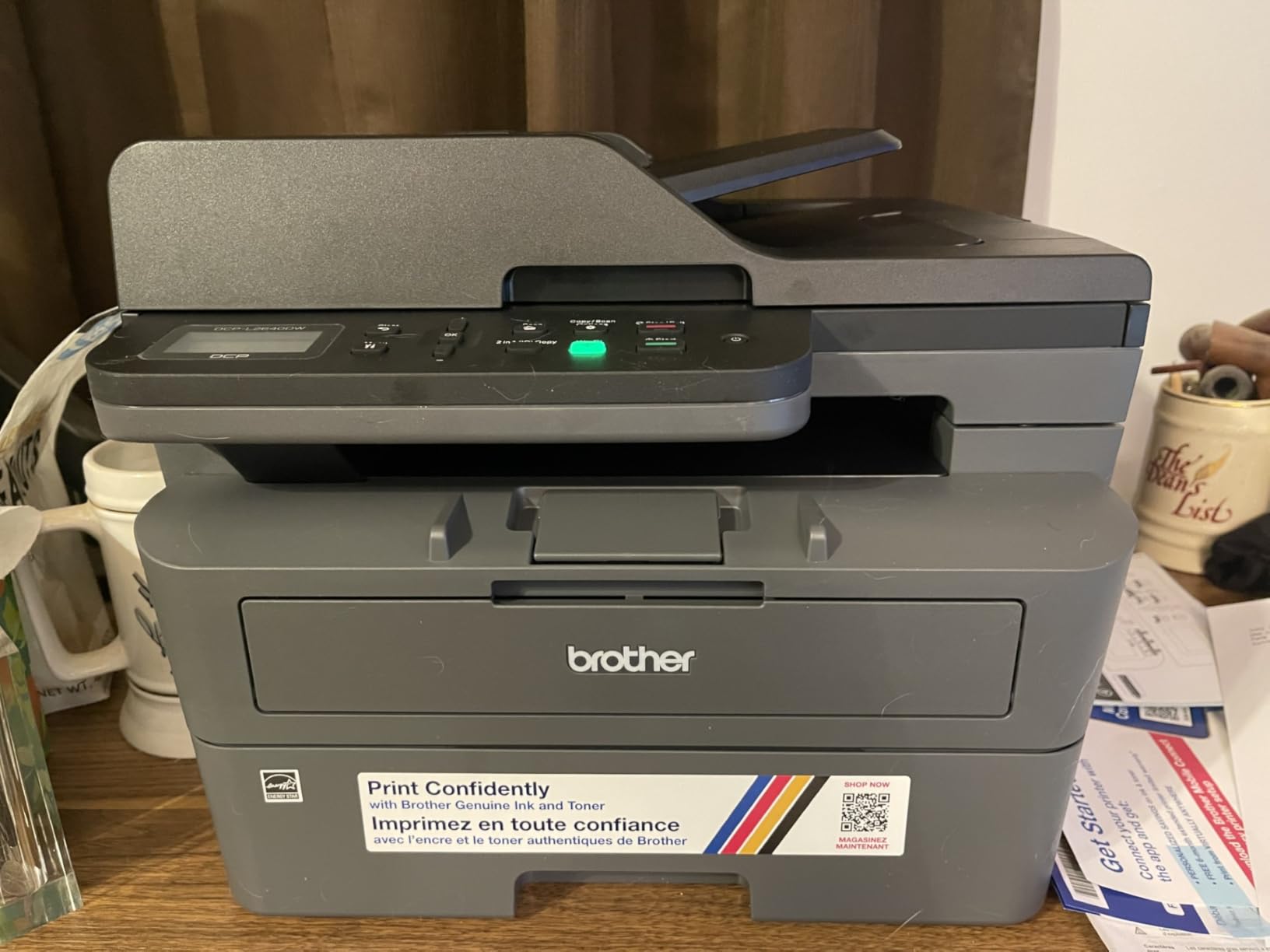
Owners of small businesses call it dependable and jam-free, with reliable network printing on both Windows and Linux. The review base is deep, and the sentiment splits on software rather than on output quality.
Good to know: the rough spot is the first ten minutes. Wi-Fi setup and the firmware password step come up repeatedly, and scanning to a PC sometimes hangs until a restart. The bundled PaperPort software is described as cumbersome. Owners who hard-wire over Ethernet report fewer problems, and the machine supports both.
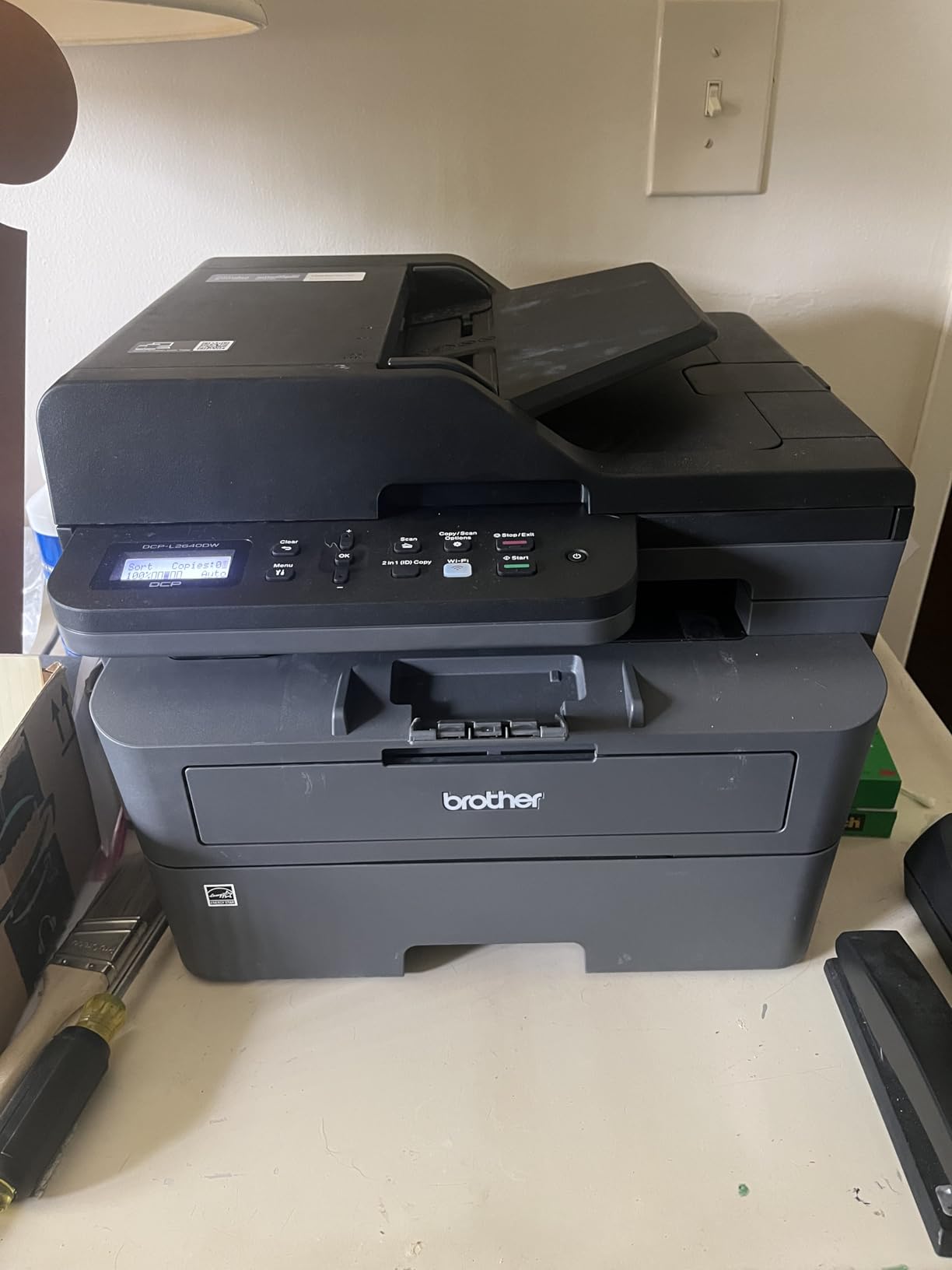
The DCP-L2640DW is the more complete machine than the Brother HL-L2460DW below, which prints only. It is also heavier and taller, so measure the space: 25 pounds and over 12 inches high is not a shelf printer.
6. Canon PIXMA TS3720: The Budget Pick
- Compact and light at 8.7 pounds
- Dual-band Wi-Fi sets up without a computer
- Borderless 5x7 photo printing
- Works with AirPrint and Mopria
- Two cartridges only
- Single-sided printing
- 60-sheet tray and slow output
A first printer, a dorm room, a second machine for occasional schoolwork. At 8.7 pounds and under 6 inches tall, the TS3720 is the smallest machine here, and it sets up over dual-band Wi-Fi without needing a computer on the network first.
It prints at up to 4800 by 1200 dpi in color and handles borderless 5 by 7 photos plus square 5 by 5 formats. Canon PRINT, Apple AirPrint and Mopria all work, which matters if the household mixes Macs, Chromebooks and phones.
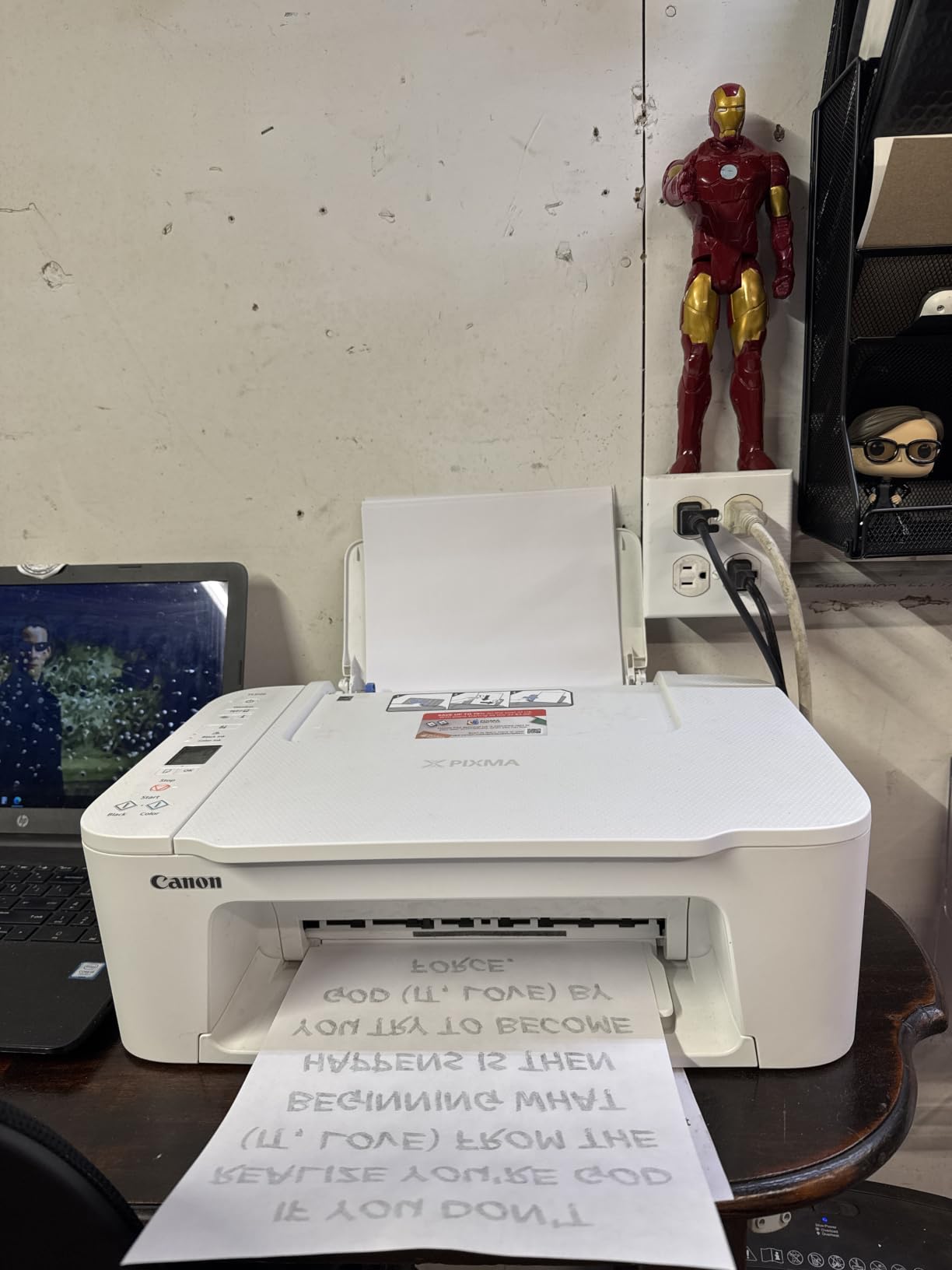
The honest warning is the ink system. It takes two cartridges, one black and one tri-color, so a single colour-heavy job can use up all three inks at once. A 16% share of one-star ratings tracks directly back to that, along with the speed and the lack of duplex.
Speed is modest at about 7.7 black and 4 color pages per minute, and the paper tray holds 60 sheets behind a 1.5-inch non-touch LCD. If you print more than a page or two a week, the running cost will outweigh the low entry point.
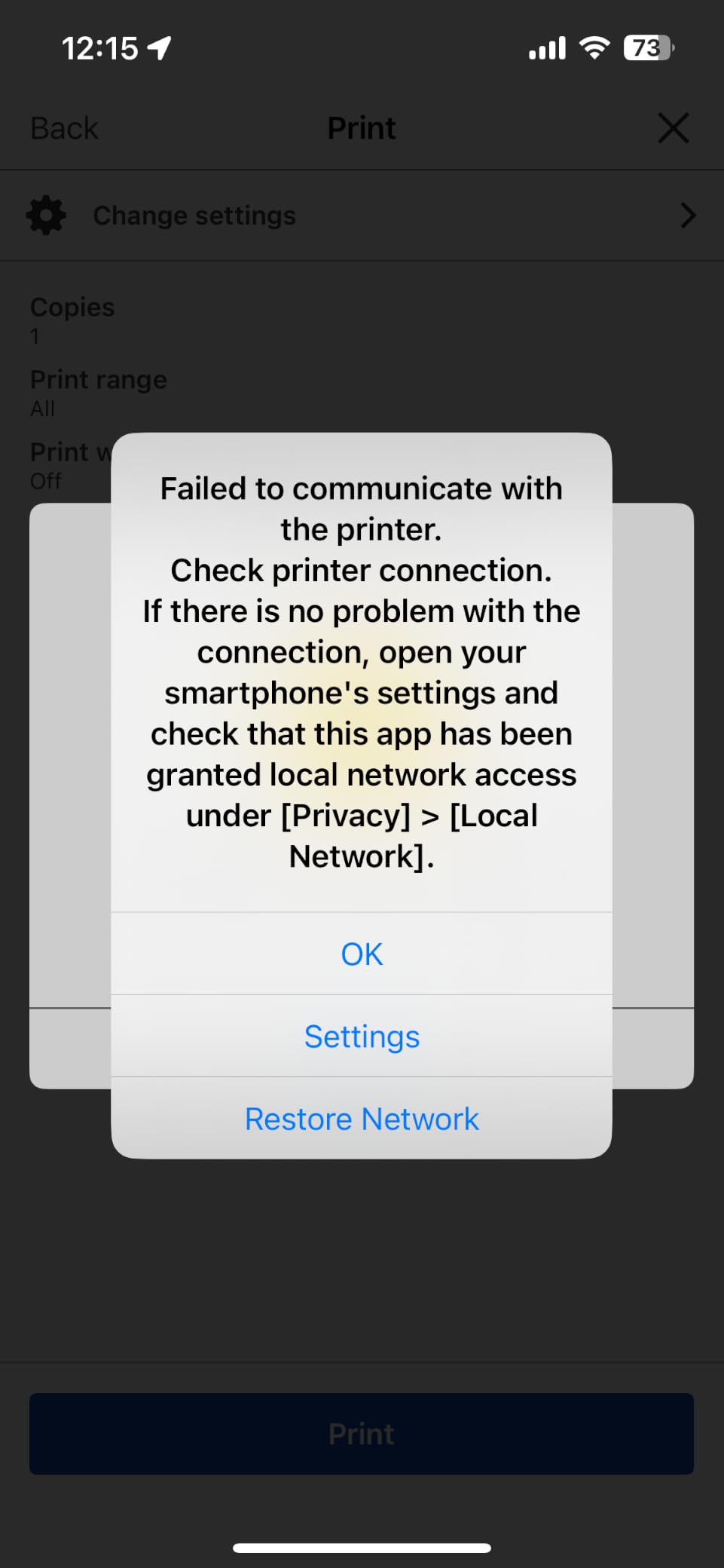
Compare it with the Canon MegaTank G3270: the tank machine costs more to buy and far less to run, and for anything beyond occasional printing that is the better direction. Choose the TS3720 only when size, setup simplicity and a first-time budget matter more than ink economics.
7. Brother HL-L2460DW: The Best Compact Duplex Laser
- 36 ppm with an 8.5-second first page
- 250-sheet tray plus manual feed slot
- Light at 15.6 pounds for a laser
- Works with Windows and Linux
- Print-only with no scanner or fax
- Limited-button Wi-Fi setup is tedious
- Refresh trial can generate overage charges
Duplex laser output and nothing else. The HL-L2460DW prints 36 pages per minute with an 8.5-second first page, and the automatic duplexer handles double-sided documents without manual flipping. At 15.6 pounds it is the second-lightest laser here, after the HP LaserJet M209dw.
The 250-sheet tray takes 100-page booklets and multi-copy jobs without jamming, and a manual feed slot covers envelopes and specialty media. Dual-band Wi-Fi, Ethernet and USB are all present, and reviewers note that setup takes about five minutes with no dependence on an app.
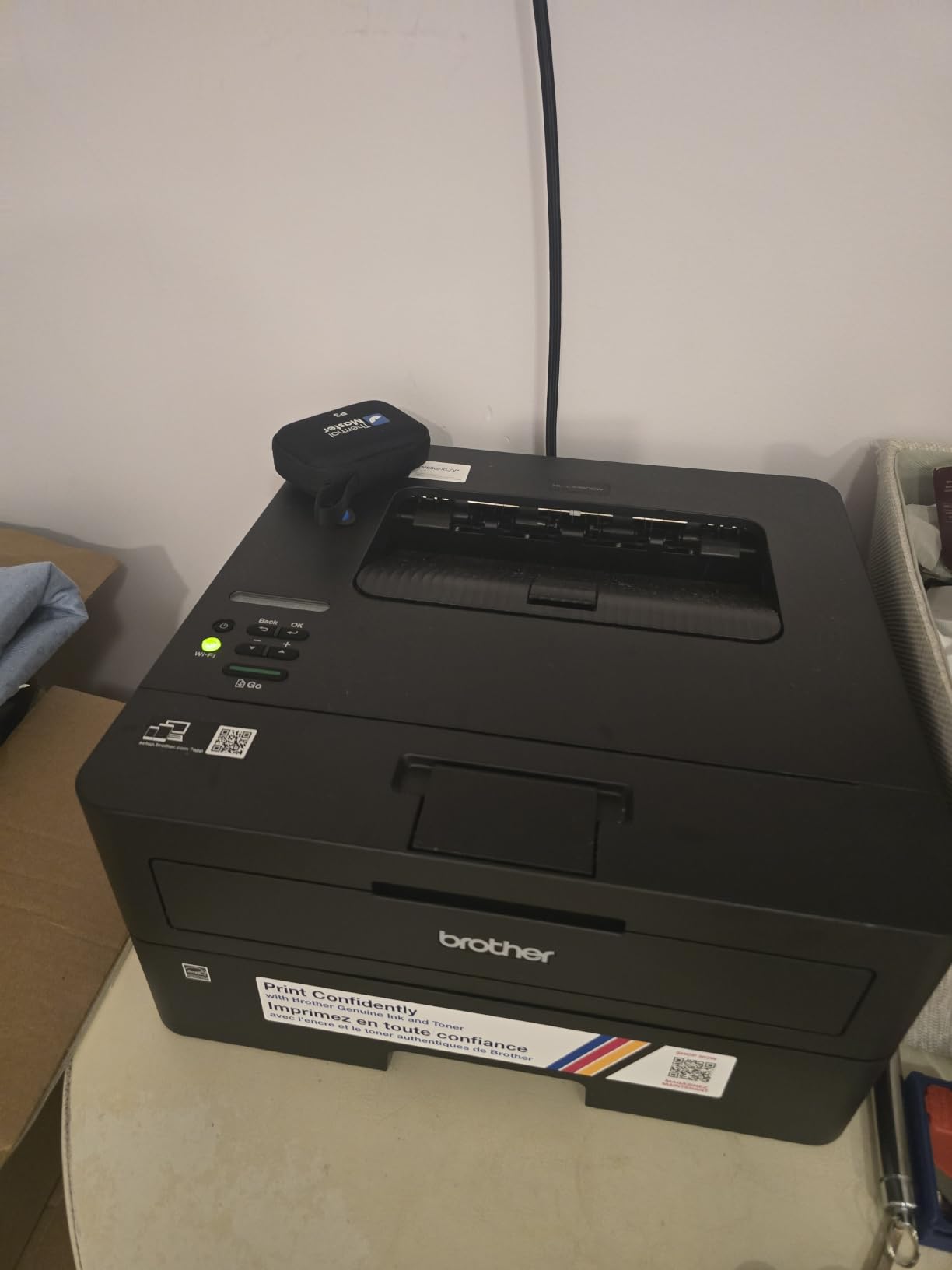
Consensus across reviews describes a quiet, dependable machine that does one job well. Genuine high-yield TN830XL toner runs roughly 3,000 pages, which keeps the per-page cost low, and owners running Linux alongside Windows report it works on both.
Good to know: this is print-only. There is no scanner, copier or fax, so if you still file paper records, the Brother DCP-L2640DW above adds a 50-sheet feeder and flatbed for a similar footprint class. The biggest negative theme is not the hardware but the bundled Refresh toner trial, which several buyers report billing them for pages beyond the allowance.
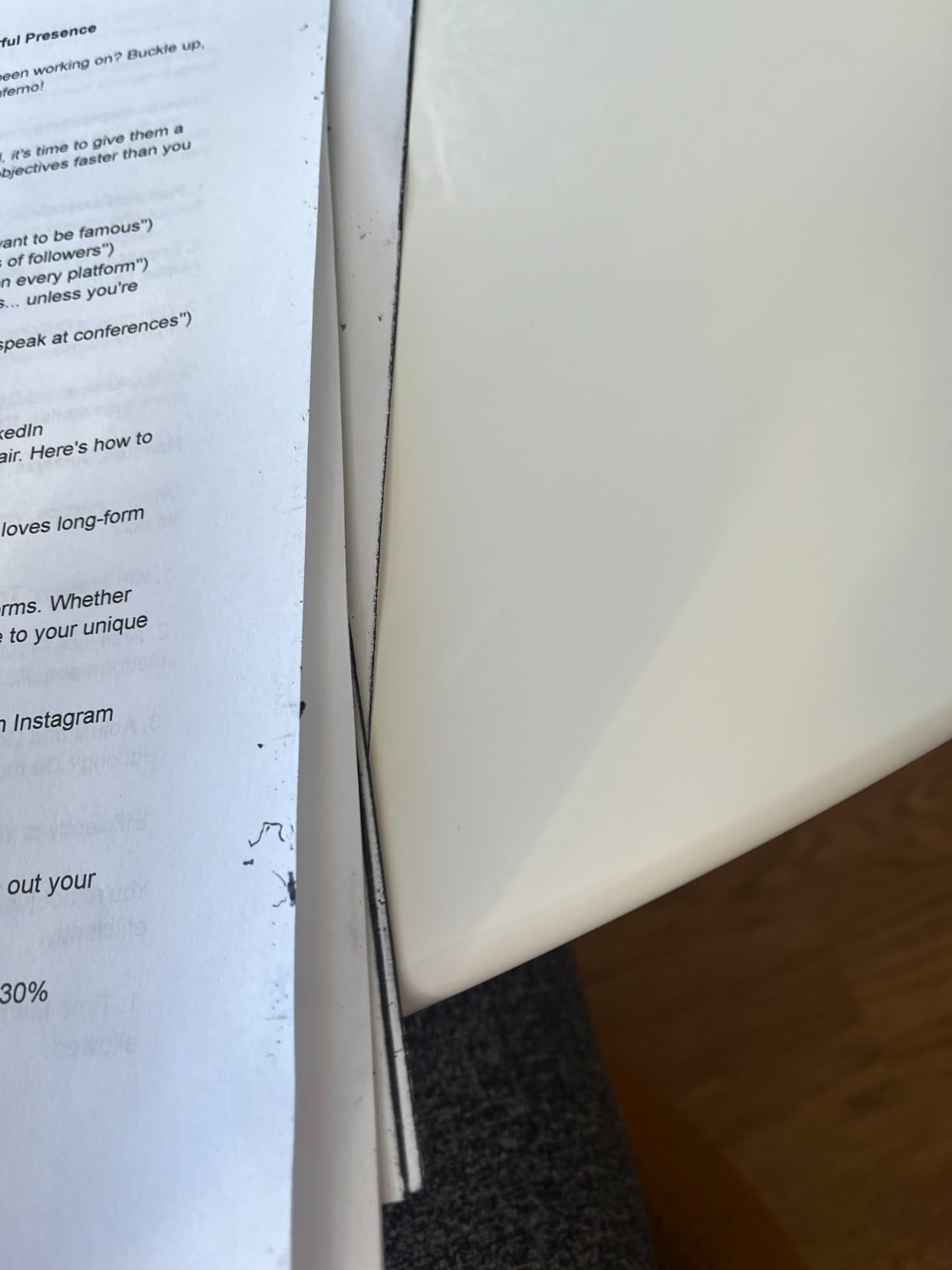
Against the HP LaserJet M209dw further down, this Brother matches it on speed, weighs less and carries a larger 250-sheet tray against 150 sheets, while the HP offers a touch panel and a self-resetting wireless connection.
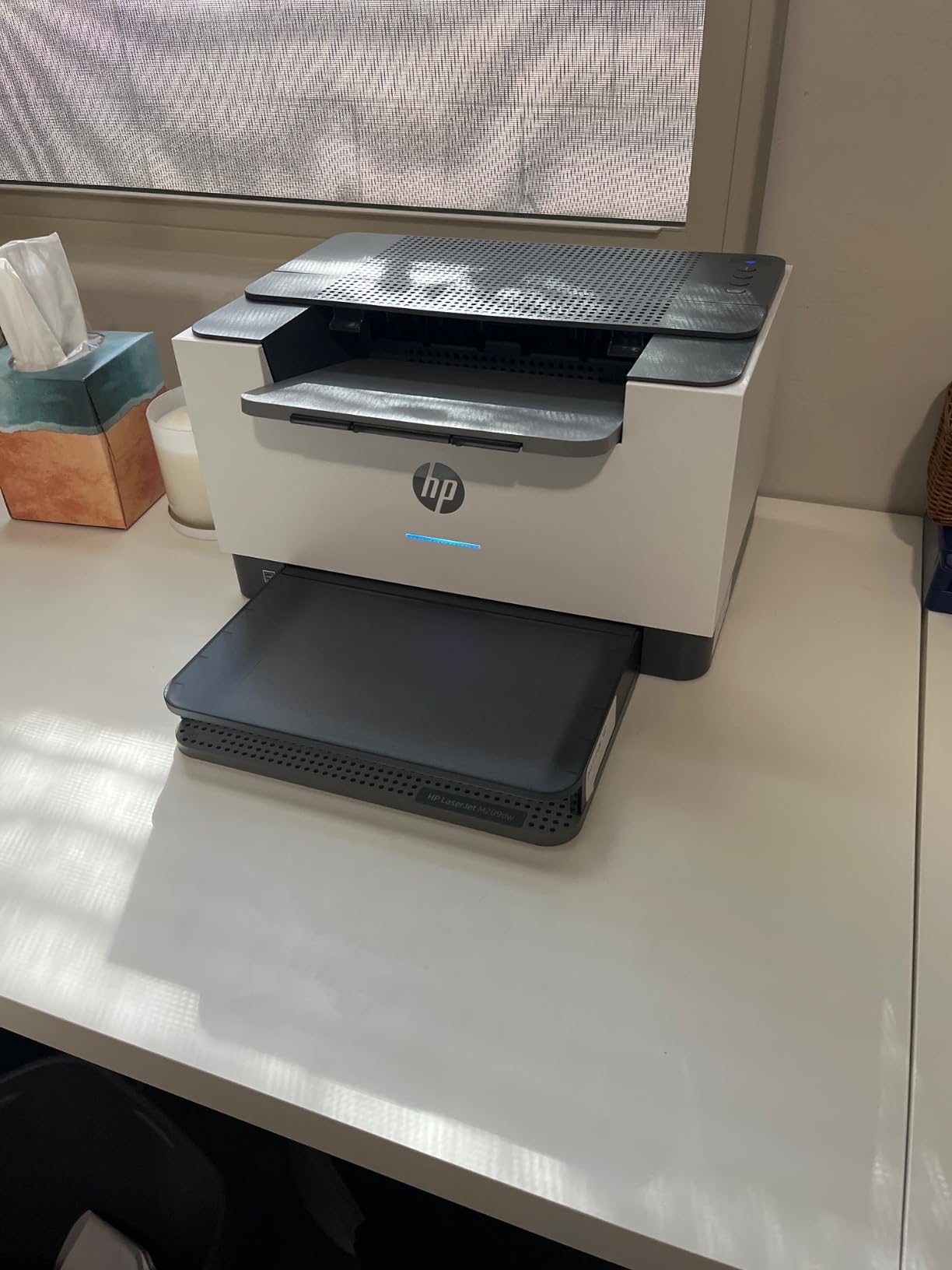
8. HP LaserJet M209dw: The Best for Small Teams
- Self-reset dual-band Wi-Fi
- Compact at 11.2 pounds
- Two-sided output up to 19 images per minute
- Quick HP app setup
- Print-only with no scanner
- Monochrome output only
- Units have stopped powering on for some owners
A one-to-five person team that prints black documents and nothing else is what this machine is built around. The M209dw manages 30 pages per minute single-sided and up to 19 images per minute when it flips to the back automatically, and it sits in a 13.98-inch-wide body weighing 11.2 pounds, the smallest laser footprint here.
The reason reviewers rank it well is the wireless. Its dual-band connection includes a self-reset that recovers the network automatically, which several owners describe as the most stable connection they have had from a printer. The HP app completes setup in minutes and then handles phone and tablet printing, and the 150-sheet tray takes media up to 8.5 by 14 inches.
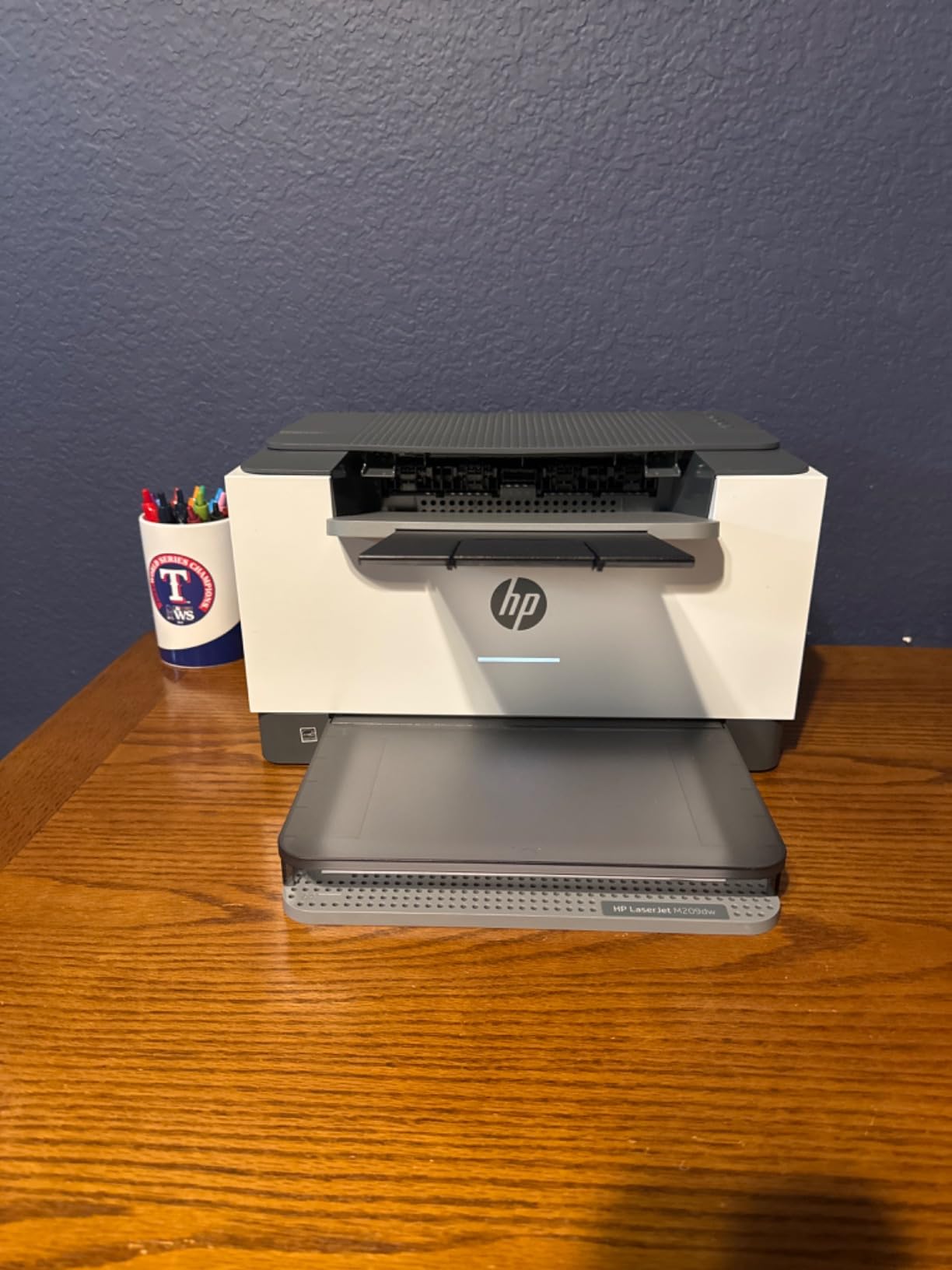
Buyers moving off an older inkjet or a colour laser tend to be the happiest, calling it a strong value for black-and-white work with quick, uneventful output. Built-in security features protect the machine on a shared office network.
Skip it if you scan regularly. It prints and nothing else, at 600 by 600 dpi maximum. The recurring complaint is not print quality but HP’s support process after an early hardware failure, and several owners report a machine that stopped powering on within a few months of arrival.
Compared with the HP LaserJet Pro 3101sdw below, the M209dw is lighter and cheaper in class but has no feeder, no scanner and a smaller tray. Compared with the Canon PIXMA TR8620a, it is faster on black and monochrome, and it cannot print a single colour page.
9. HP LaserJet Pro 3101sdw: The Best for Scan and Copy
- Highest average rating on this list at 4.5
- 250-sheet tray and 50-sheet feeder
- Print scan copy with scan-to-email
- Connects and recovers without fuss
- Firmware blocks non-HP toner cartridges
- Body and tray flex noticeably
- False paper-empty errors
Small team, three functions, one machine, and a willingness to commit to genuine HP toner. It prints black at 35 pages per minute with a 7-second first page, and a 50-sheet feeder and flatbed scanner handle originals, including scan-to-email.
The 250-sheet input tray and automatic duplexing suit sustained workloads rather than occasional ones. The list’s highest average rating sits here at 4.5 stars, with 77% of ratings at five stars, and owners report fast, quiet, crisp output that they compare favourably with the inkjets and Brother machines they replaced.
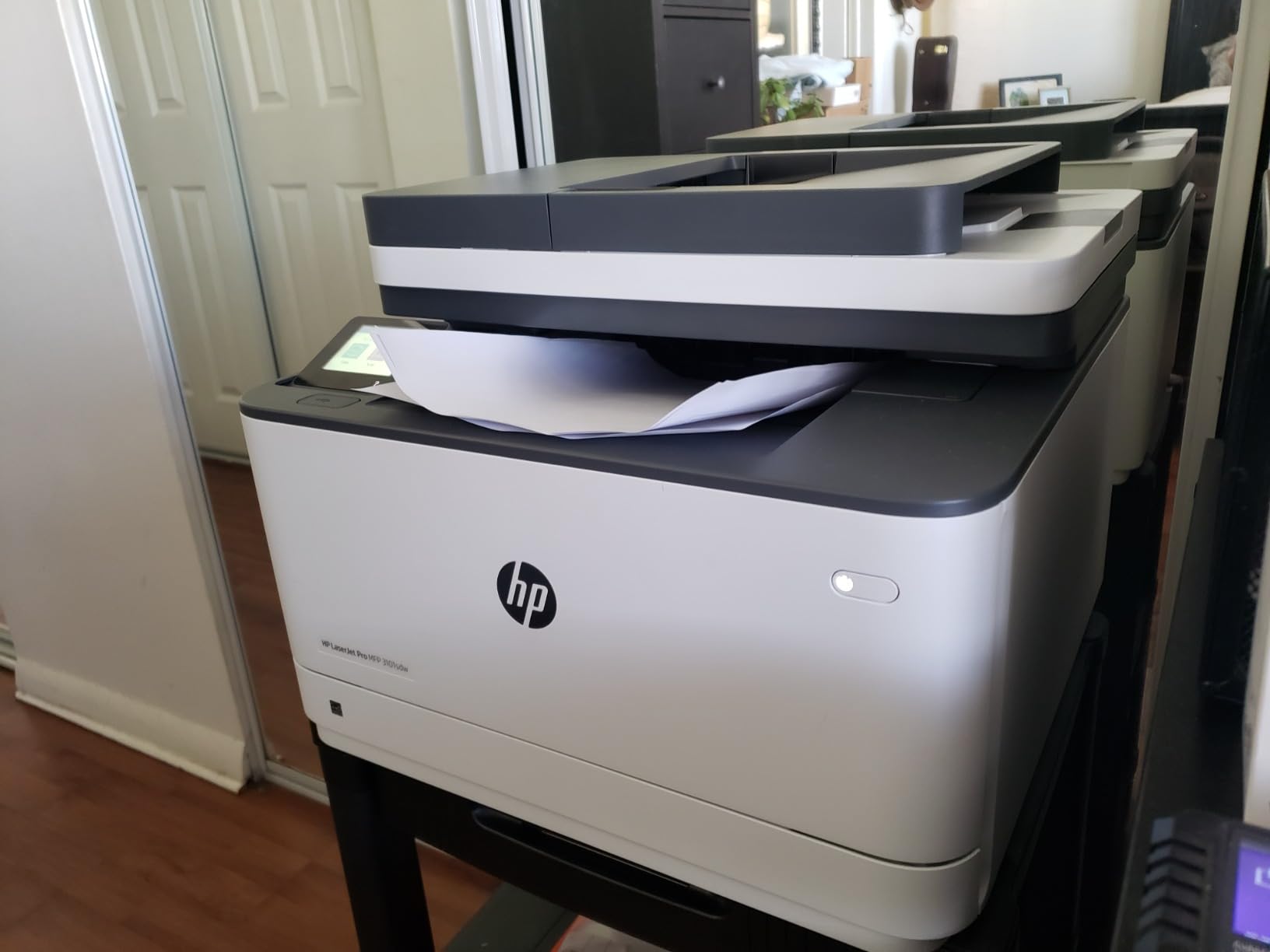
Setup is reported as straightforward: it connects to Wi-Fi immediately and returns on its own after a power outage. The caveat is the toner. Chip authentication in the firmware blocks cartridges without HP chips, and several owners decline firmware updates specifically to keep using cheaper third-party toner, which can put warranty coverage at risk.
Plan the desk space before ordering: at 23.1 pounds with a large footprint, this machine is not a shelf printer. Owners also report the tray and body flexing, and occasional false no-paper errors with slow wake from sleep.
The Brother DCP-L2640DW covers the same print, scan and copy ground at the same 36 ppm class with a 250-sheet tray and no cartridge lockout, at the cost of HP’s faster wireless and quieter running. If you dislike subscription or lock-in models, the Brother is the safer fit.
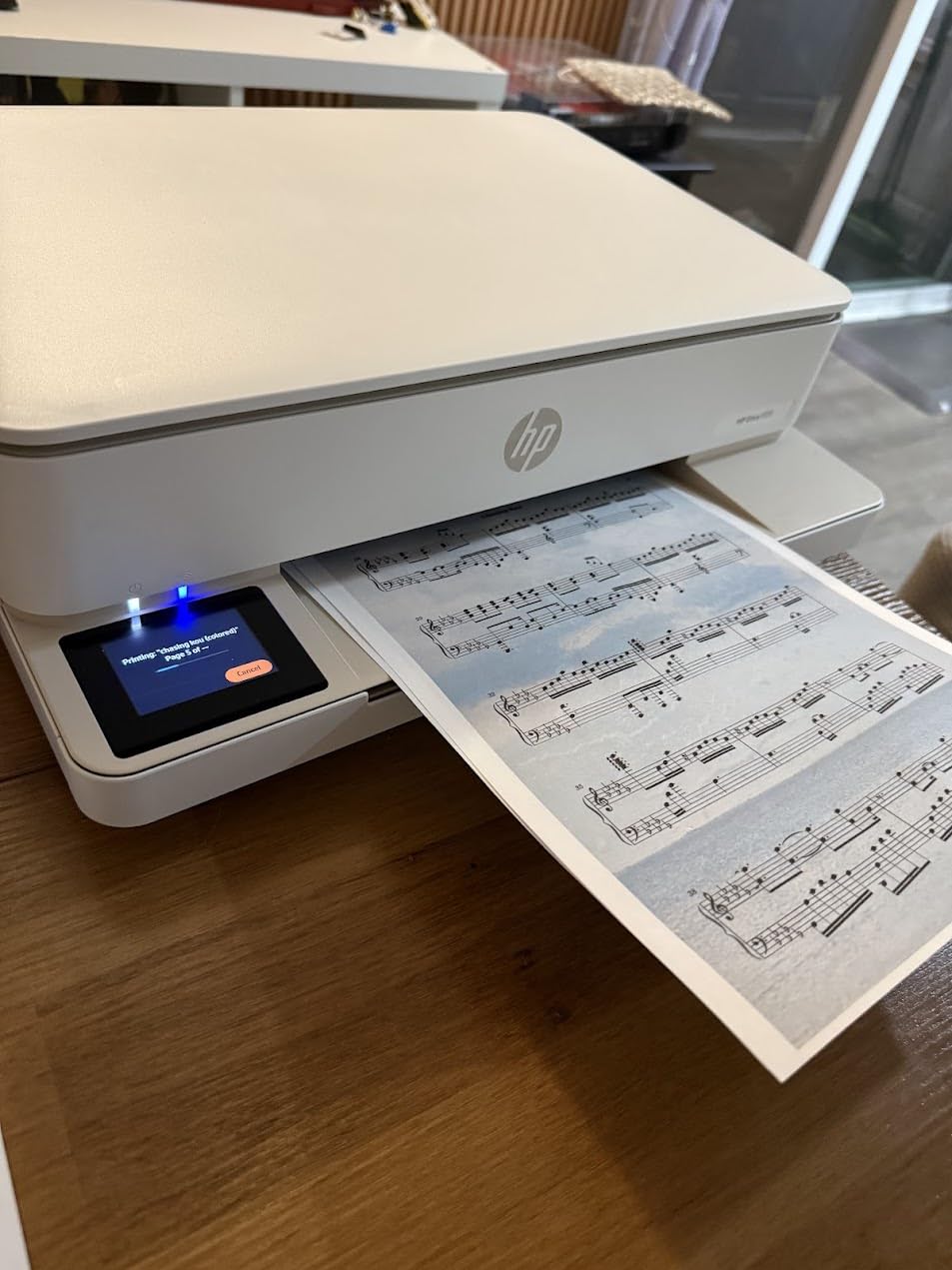
10. HP Envy 6155: The Best for On-Device Color Control
- 2.4-inch color touchscreen at an entry price
- Automatic two-sided printing
- Dual-band Wi-Fi that self-recovers
- HP formatting cleans up web pages
- HP 68 cartridges are costly per page
- Instant Ink fee applies after the trial
- Chip authentication blocks aftermarket ink
A touchscreen changes how you would use a printer, and that is the argument for this one as long as you print lightly enough that ink cost stays in check. The 2.4-inch color screen is unusual at this level, and combined with automatic duplex and a 100-sheet tray it covers most of what a family asks of an all-in-one.
Output runs 10 black and 7 color pages per minute at up to 4800 by 1200 dpi, with borderless photos and clean output on homework and forms. HP’s print formatting strips the navigation bars and email headers off web pages, which is a genuine time saver for anyone printing from a browser. The body is made with at least 60% recycled plastic.
This is the newest and least-reviewed model here, and the response to the screen, duplex printing and wireless reliability is positive. As with other recent HP models, the discussion centres on cartridge chip authentication and the Instant Ink subscription rather than on print quality.
HP 68 cartridges are small and expensive per page, and the printer blocks aftermarket cartridges through firmware updates. A 3-month Instant Ink trial is included, after which a monthly fee applies unless cancelled. Deciding against that programme before setup is easier than opting out later.
For heavier colour printing, the Canon MegaTank G3270 does the same job with refillable bottles and no subscription attached, though it has no duplex and only a status LCD. Choose the Envy 6155 for the screen and the automatic two-sided printing, not for the running cost.
How to Choose Printers During Prime Big Deal Days
Print Quality and Paper Compatibility
Resolution matters less than most listings suggest. Everything in this group prints sharp text, so decide on paper instead: 250 sheets suits a small team, 100 sheets suits a week of home documents, and 30 sheets means you will refill constantly. For photos, look for borderless printing and an 8 by 10 inch maximum, which narrows the field to the Epson Expression XP-7100.
Ink or Laser: Choosing the Right Cost Profile
A cartridge inkjet is the most expensive per page and the least durable for occasional use, since inkjets dry out when they sit. A refillable tank cuts that dramatically, with the ET-2800 stating 4,500 black pages and the G3270 6,000 per ink set. A monochrome laser wins on text and never dries out, with toner yields around 3,000 pages on the high-yield Brother cartridge. Under roughly 400 pages a year, a tank or a laser beats a cartridge machine; above 2,500 to 3,500 pages a year, laser is hard to argue with.
Connectivity and Smart Printing Features
Every pick here has Wi-Fi, and all but one also carry USB, with several adding Ethernet for a hard-wired office. Dual-band 2.4GHz and 5GHz support matters in older homes, and the HP M209dw and Envy 6155 go further with a self-reset that recovers the connection on its own. Check app support for your devices: AirPrint and Mopria cover most phones and Chromebooks without extra software.
Print Volume and Speed for Home or Office
Occasional home use means speed barely registers, and the 7.7 ppm Canon PIXMA TS3720 is fine. A home office printing a few hundred pages a month wants at least 15 ppm black and automatic duplex, which puts the Canon PIXMA TR8620a and Epson Expression XP-7100 in range. Shared workspaces and small businesses should start at 30 ppm, where the Brother and HP lasers sit.
Size, Setup, and Ongoing Maintenance
Desk space is a real constraint. The TS3720 is under 6 inches tall and weighs 8.7 pounds, while the HP LaserJet Pro 3101sdw needs 23.1 pounds and 12 inches of height. On setup, owners of the Brother machines and the HP Lasers single out the wireless and firmware steps as the hardest part, so allow an unhurried ten minutes and keep the network password to hand. Ink tank machines need occasional nozzle cleaning, and rarely used inkjets need a weekly print to keep the heads clear.
How to Shop Printer Deals During the Sale
Check the exact model number before you click, because printer listings often mix generations and colour configurations under one page. Confirm whether the machine is new or renewed, who the seller is and who ships it, and whether the ink or toner in the box is included. For tank models, verify that starter bottles come in the box rather than a setup cartridge. Most offers during Prime Big Deal Days require a Prime membership, and prices and configurations change through the event, so re-check the listing before paying.
- Match the model number on the listing to the one in the spec section, not just the family name.
- Check whether the seller is Amazon or a marketplace partner, and who handles delivery.
- Confirm the tray size, duplex support and colour output match your actual use.
- Look for the toner chip or cartridge lockout terms before committing to an HP model.
- Note whether an Instant Ink or Refresh trial is attached, and when it ends.
- Re-open the listing on the day you buy, since configurations rotate through the event.
Frequently Asked Questions
When does Amazon Prime Big Deal Days run in 2026?
Amazon Prime Big Deal Days runs October 6-7, 2026. It is a two-day event, and many offers appear before those dates as early-access deals. Offers change during the event and end when it closes, so it is worth checking back on both days rather than assuming a deal lasts the whole window.
Do I need a Prime membership to get these printer deals?
Most offers during Prime Big Deal Days require a Prime membership, and a free trial counts for the length of the trial. A small number of offers run for everyone, so check the Prime badge on each listing. The printers on this list are ordinary retail products, so they can be bought outside the event, just usually at a different price.
Is Amazon Prime Big Deal Days actually cheaper?
Sometimes, and it varies by product. Some sale prices match the everyday price, and the percentage shown can be misleading when a list price moves first. Check the current price on the product page before you assume a deal is real.
What time of year do printers go on sale?
Printers tend to move during the big seasonal events rather than at random, with Prime Big Deal Days in October and the spring and July Prime events being the busiest. Printers are also discounted when a new generation launches, since retailers clear the outgoing model. Ink and toner often move more than the machines themselves.
What is cheaper to run, an inkjet or a laser printer?
A monochrome laser is cheapest to run for text, because toner cartridges yield around 3,000 pages and the powder does not dry out. A refillable ink tank is the cheapest route to color, with yields in the thousands of pages per ink set. A cartridge inkjet is the most expensive per page, so it suits light use only.
Should I buy a printer during Amazon Prime Big Deal Days?
Buy during the event if you need a printer soon, you have already chosen a model, and the running cost fits your print volume. Skip the urgency if you already own a working printer, because the saving is small next to two years of ink. A printer bought cheaply with expensive supplies is not a saving at all.
Final Verdict: Best Amazon Prime Big Deal Days Printer Deals
The Epson EcoTank ET-2800 is the one to watch first during Prime Big Deal Days, because refillable ink changes the running cost and it carries the largest owner base on the list. For a home office that needs duplex and a feeder, take the Canon PIXMA TR8620a. The Canon MegaTank G3270 is the budget-friendly alternative, with the highest stated black yield here at 6,000 pages per ink set.
Further down: the Epson Expression XP-7100 for photos up to 8 by 10 inches, the Brother DCP-L2640DW for black-and-white volume with scanning, the Canon PIXMA TS3720 as a small first printer, the Brother HL-L2460DW for duplex in a tight space, the HP LaserJet M209dw for small teams, the HP LaserJet Pro 3101sdw where scanning and copying matter, and the HP Envy 6155 if a touchscreen changes how you print. Check the current price on each listing during the event, and decide on the running cost before the deal does it for you.