

Storage is the one category where a small decision now saves a lot of annoyance later. The SanDisk Extreme 2TB leads our list of Amazon’s Prime Big Deal Days external SSD picks, with 91725 owner reviews behind it, an IP65 shell rated to survive 3-meter drops and 1050MB/s transfer speeds that suit both photo offload and a game library.
Two alternatives cover most of the rest. The Samsung T7 1TB is the pick for anyone who wants an aluminium body and a brand that long-term owners name without hesitation, while the Samsung T7 Shield 1TB is the one to watch if the drive lives in a bag and gets dropped. Prime Big Deal Days runs October 6-7, 2026, and most offers on the event need a Prime membership.
Table of Contents
Our Top 3 Picks for Best Amazon Prime Big Deal Days External SSD Deals (October 2026)

SanDisk Extreme 2TB
- 2TB capacity
- 1050MB/s read and 1000MB/s write
- IP65 and 3-meter drop protection
- 5-year limited warranty

Samsung T7 1TB
- 1TB capacity
- 1050MB/s read and 1000MB/s write
- Solid aluminium unibody
- Resists falls up to 6 feet

Samsung T7 Shield 1TB
- 1TB capacity
- 1050MB/s read and 1000MB/s write
- IP65 with 9.8-foot drop protection
- Rubberised grip
These three sit at the front because the evidence behind them is deep rather than thin. The SanDisk Extreme has more owner reviews than the other nine picks combined, which means its quirks are well documented rather than unknown. The T7 and T7 Shield share the same 1050MB/s ceiling, so the choice between them is about build and warranty, not speed.
Best Amazon Prime Big Deal Days External SSD Deals Compared
| Product | Specifications | Action |
|---|---|---|
| SanDisk Extreme 2TB |
|
Check Deal Price |
| Samsung T7 1TB |
|
Check Deal Price |
| Samsung T7 Shield 1TB |
|
Check Deal Price |
 Samsung T9 2TB Samsung T9 2TB |
|
Check Deal Price |
 Kingston XS1000 1TB Kingston XS1000 1TB |
|
Check Deal Price |
 SSK 500GB SSK 500GB |
|
Check Deal Price |
 Crucial X9 2TB Crucial X9 2TB |
|
Check Deal Price |
 Amazon Basics 2TB Amazon Basics 2TB |
|
Check Deal Price |
 Lexar ES3 1TB Lexar ES3 1TB |
|
Check Deal Price |
 Crucial X10 Pro 1TB Crucial X10 Pro 1TB |
|
Check Deal Price |
One column deserves a second look before anyone buys. Every drive here except the SSK runs a USB 3.2 Gen 2 interface, and three of them push 2000MB/s or more over Gen 2×2. A Gen 2×2 drive on a Gen 2 port does not run slow so much as run at Gen 2 speeds, so the port on your laptop decides how much of the number on the box you will actually see.
How We Chose
We compared the specs that decide this purchase: capacity, interface generation, rated read and write speed, physical size, IP rating, drop resistance and warranty length. Alongside those we read what owners actually report on Amazon, including the recurring gripes, and checked the listing data again in October 2026.
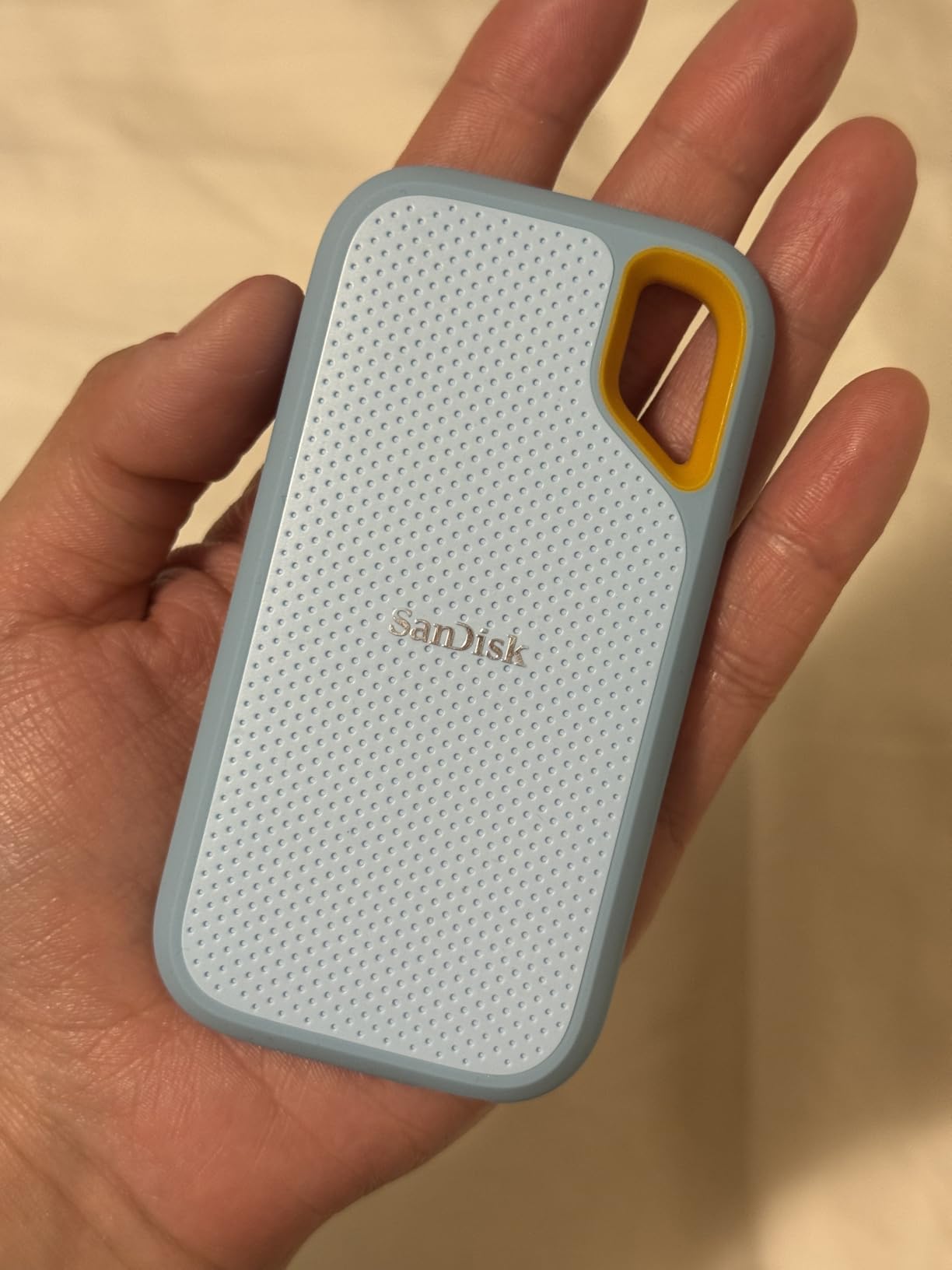
1. SanDisk Extreme 2TB: The All-Round Pick
- IP65 sealing with drop protection rated to 3 meters
- Holds 91725 owner reviews at a 4.6 average
- 2TB of room for backups and a partial game library
- Carabiner loop and hardware AES encryption
- Only 1.76 ounces so it disappears in a pocket
- Can be finicky with low-quality USB cables
- Runs slightly warm during long sustained transfers
The reason this one leads is the size of the evidence behind it. Ninety-one thousand reviews is not a marketing number, it is a decade of people describing what the drive did on a Tuesday afternoon, and the recurring description is remarkably consistent: small, fast, and quiet about it.
For a photographer on a two-week shoot, 2TB means the card fills overnight and still holds a working library. For a household splitting console storage, it holds a chunk of a library without needing a second device nearby. The IP65 sealing and 3-meter drop rating are the practical part, because camera bags and carry-on luggage get dropped.
Points that keep coming up in reviews:
- Rated 1050MB/s read and 1000MB/s write, fast enough to edit from the drive rather than copy first
- 256-bit AES hardware encryption plus password protection for a drive holding client photos
- The SanDisk Memory Zone app handles file cleanup and backups from a phone
- Compatibility listed with Xbox Series X and PlayStation 4 alongside desktop and laptop
Owners report the most common friction is cable quality: a cheap USB-C lead in a hotel drawer can stop it mounting at all, and swapping to the included cable usually fixes it. Compared with the Samsung T7 1TB, the SanDisk carries a longer warranty and a slightly tougher shell, while the T7 is the more machined-looking of the two.
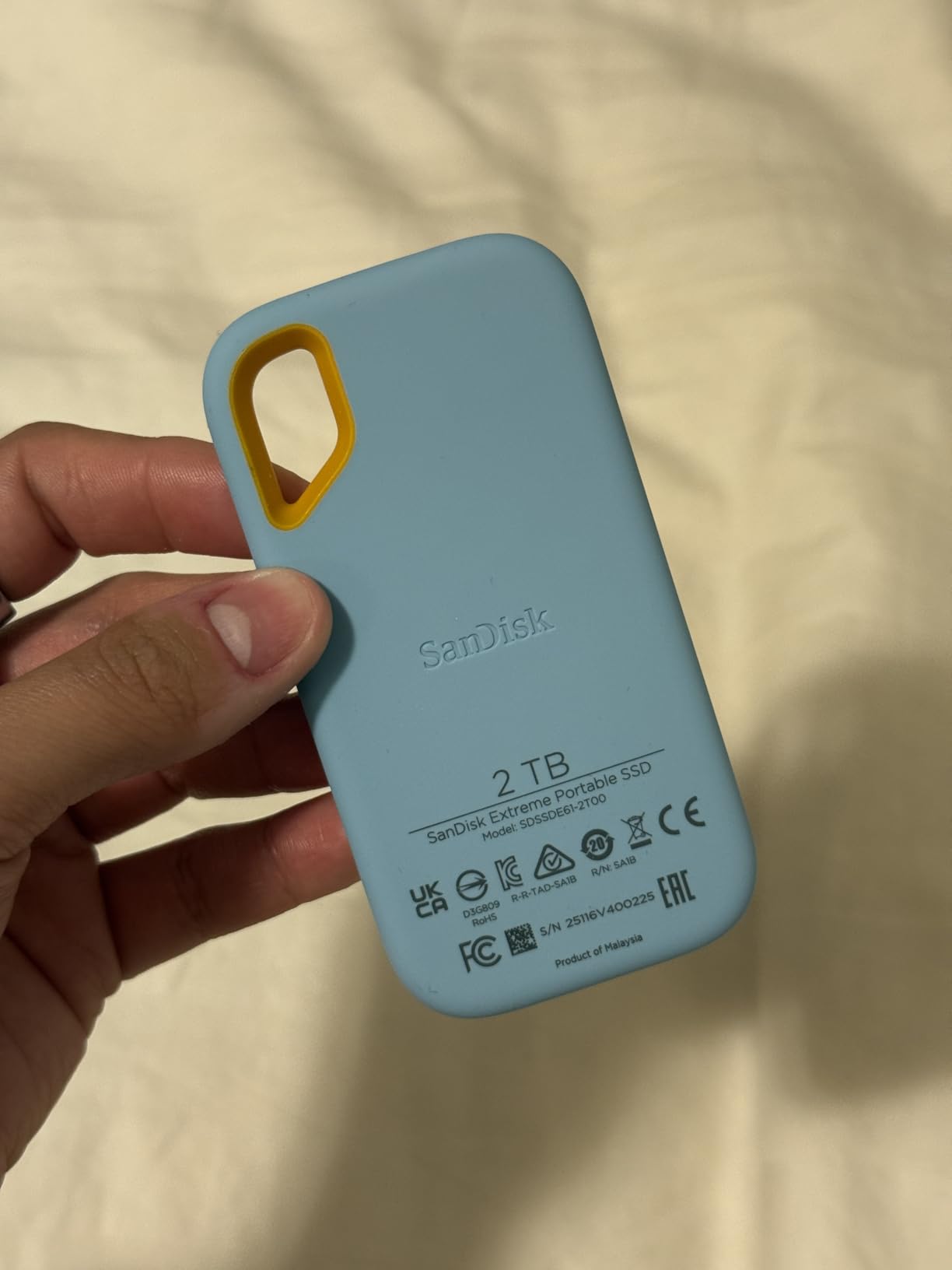
Good to know: it warms up during long transfers. Owners editing 4K timelines straight from the drive say it settles down once copying stops, which is normal behaviour rather than a fault.
2. Samsung T7 1TB: The Most Versatile
- Solid aluminium unibody that resists falls up to 6 feet
- Holds a 4.7 average across 21220 reviews
- Records 4K 60fps video from cameras and recent iPhones
- Works with PC and Mac plus PlayStation consoles
- Capacities run up to 4TB in the same body
- Rated speed drops sharply on a USB 3.0 port
- No carrying pouch in the box
- Not as rugged as the T7 Shield in rough conditions
This is the one long-term owners keep recommending without being asked. Ask buyers which portable drive they would still own a decade from now and the T7 is the name that comes up most, and that kind of history is worth more than a headline speed figure.
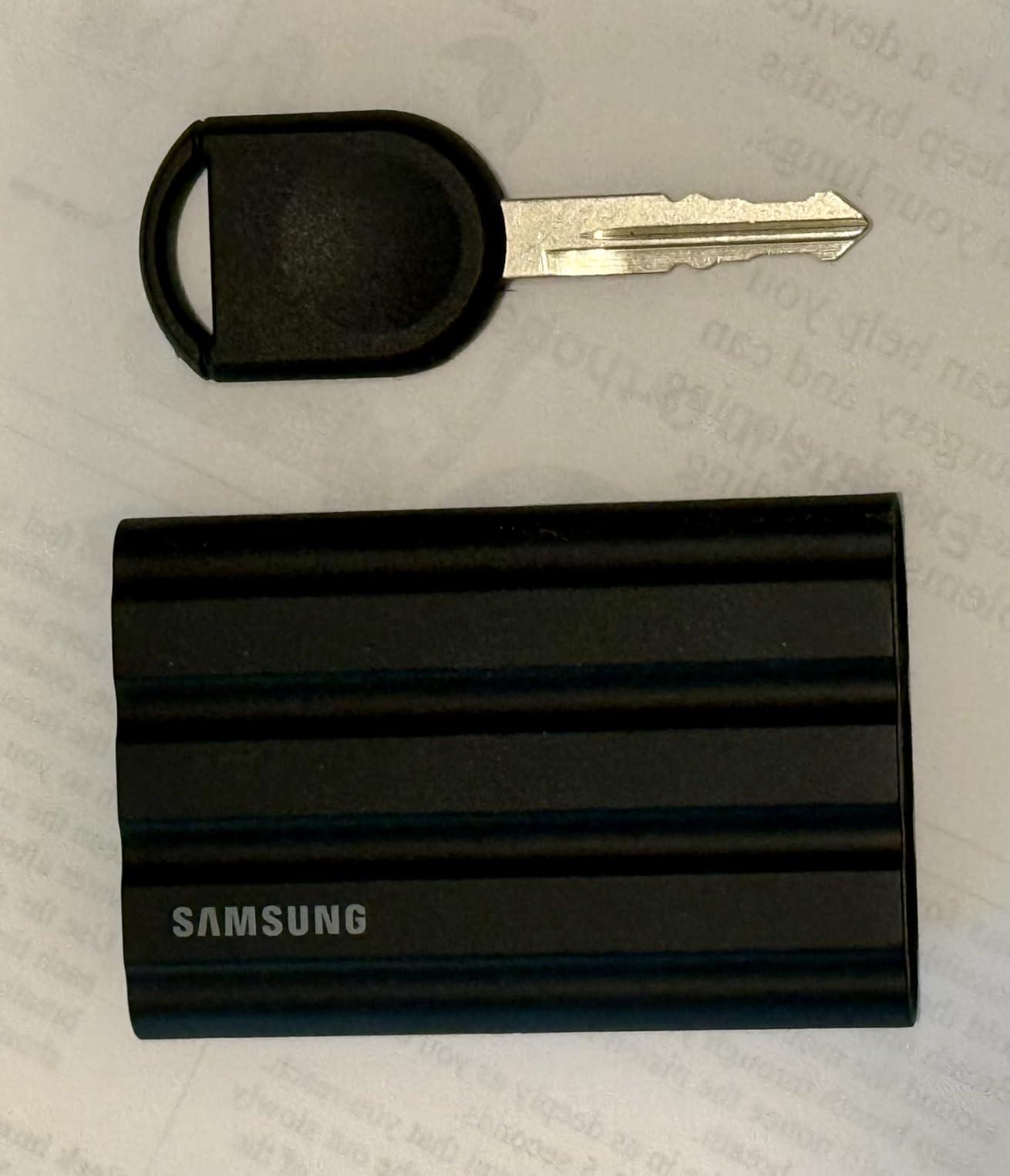
The build is the argument. A solid aluminium unibody resists shock and falls up to 6 feet, and at 3.3 by 2.2 inches it fits a shirt pocket. The rubberised sleeve softens the finish and, according to owners, quietly wears at the corners after a few years of being in a backpack.
Long-term owners point at three things repeatedly: speed that holds near its rating on a proper port, compatibility that spans a laptop, a phone and a console without adapters, and direct 4K 60fps recording support that makes it useful as a scratch disk on a shoot.
Skip it if you need 2TB or more. That is the only real compromise, and the Samsung T9 2TB covers the same interface family with twice the room.
Good to know: check which port you plug into. Owners who connect to a USB 3.0 port report a large drop in throughput, which is the single most common misunderstanding about drives like this.
3. Samsung T7 Shield 1TB: The Top Rated Rugged Pick
- IP65 sealing with drop protection up to 9.8 feet
- Holds a 4.7 average across 16352 reviews
- Stays cool through long file transfers
- Works with PS5 and Xbox Series consoles plus iPhones
- Both USB-C to C and C to A cables included
- Rubber exterior collects lint in a bag
- No carrying pouch included
- One owner reported a drive that stopped being recognised on Windows
The Shield is the version of the T7 built for people who are hard on their gear. The 9.8-foot drop rating is roughly 60 percent higher than the standard T7, and the rubberised grip is a different material from the smooth sleeve, which matters when the drive spends its life in a work bag.
Readers who hoard data and archive it tend to name this drive. When owners list the models they would trust with a long-term archive rather than a scratch file, the Shield comes up often, and the reason given is consistent: it does not get hot and it does not drop out mid-copy.
Compared with the SanDisk Extreme 2TB, the Shield is smaller at 1TB and lighter on paper, and it ships with both cable types, which saves a trip to a drawer when a machine only has USB-A. The SanDisk keeps the edge on capacity and on warranty length.
For PS5 and Xbox Series owners, the Shield is listed as compatible with both current consoles, and it supports 4K 60fps recording from recent iPhones. That makes it a reasonable single drive for a household that does a bit of everything.
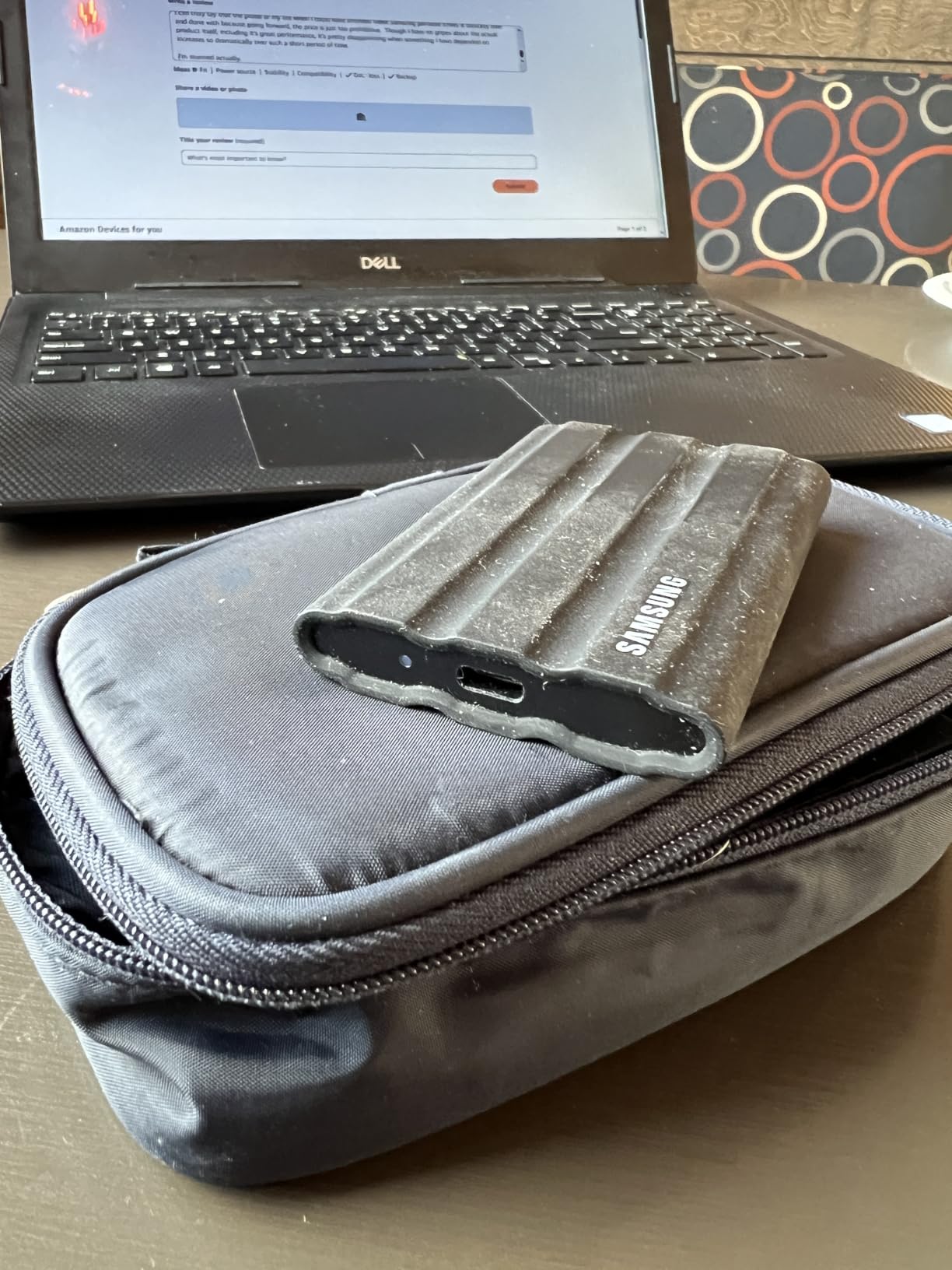
Owners are candid about the small stuff: the rubber surface picks up lint, and no pouch is included. Neither is a dealbreaker; a silicone sleeve fixes both.
4. Samsung T9 2TB: Best for Large Video
- Rated 2000MB/s sustained read and write
- Dynamic Thermal Guard manages heat under load
- 2TB suits a 4K project library plus a backup
- Magician covers firmware encryption and health monitoring
- Works with desktops cameras tablets and consoles
- Needs a Gen 2x2 host port to reach its rated speed
- Heavier and bulkier than 1050MB/s drives
- Magician needed to get the most from health monitoring
The T9 is the first drive on this list that is not really about capacity or toughness but about how long a copy takes. A 4K project copied in minutes rather than a coffee break changes what a working day looks like, and 2TB keeps a serious shoot self-contained.
Owners credit it with holding high throughput over long jobs rather than peaking and dropping, and the Dynamic Thermal Guard is the visible reason why: it is the part of the design that keeps a sustained write from cooking the controller. The Magician app covers firmware updates, encryption and a drive health readout.
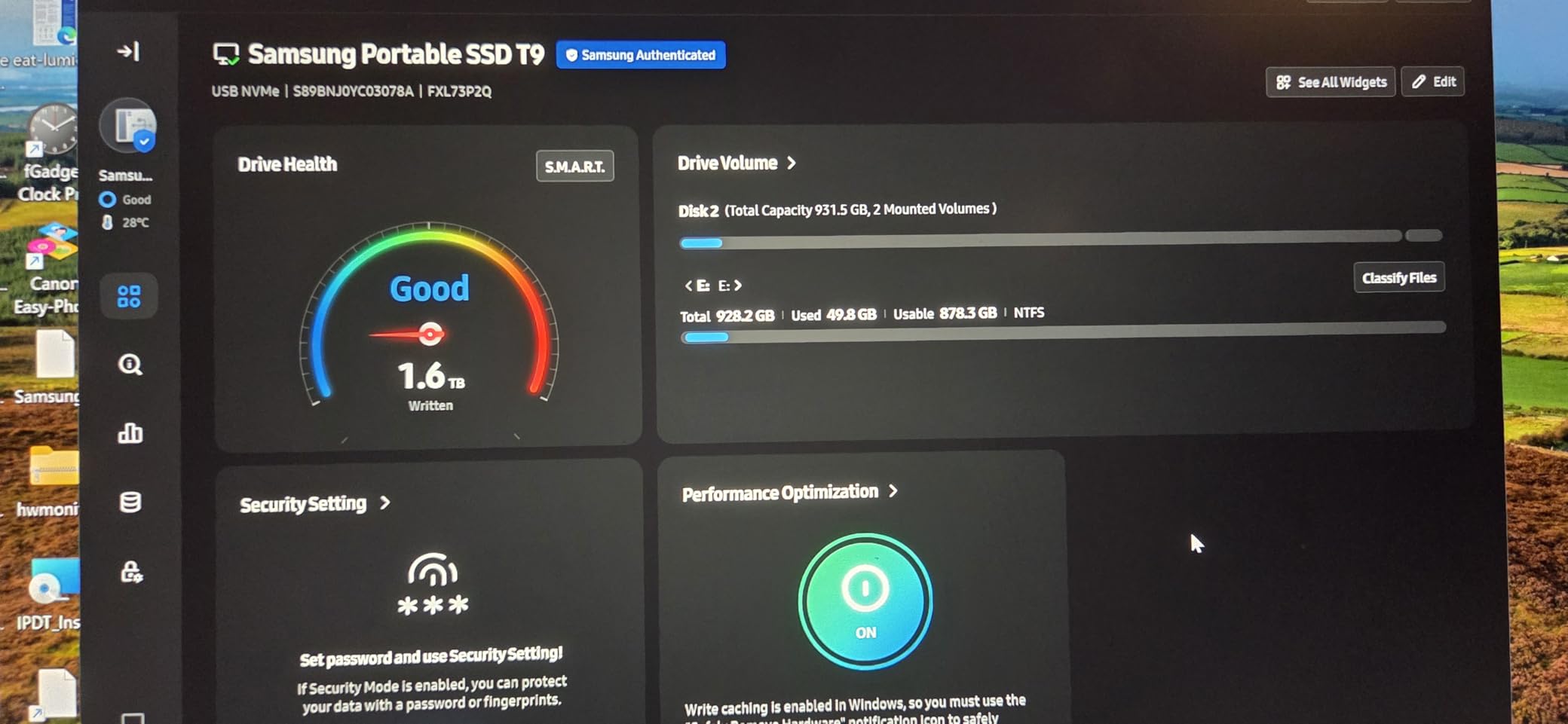
The catch is the one buyers most often get wrong. The 2000MB/s figure needs a USB 3.2 Gen 2×2 port, and plenty of laptops and desktops still have plain Gen 2. On those machines the T9 settles at the same 1050MB/s class as the cheaper drives on this list, while costing more and weighing 122 g.
Check your port first. If it is Gen 2×2, this is the fastest sensible pick here; if it is not, the Samsung T7 1TB does the same job for less and sits in a pocket more easily.
5. Kingston XS1000 1TB: Best for Daily File Storage
- Smallest and lightest body in the list at 1.44 ounces
- Holds a 4.7 average across 4611 reviews
- 5-year limited warranty
- Mixed metal and plastic build with a USB-C cable included
- Dependable throughput for everyday documents and media
- Needs a Gen 2 port to reach its full rating
- Less rugged than fully rubberised rivals
- This 1050MB/s model tops out at 2TB
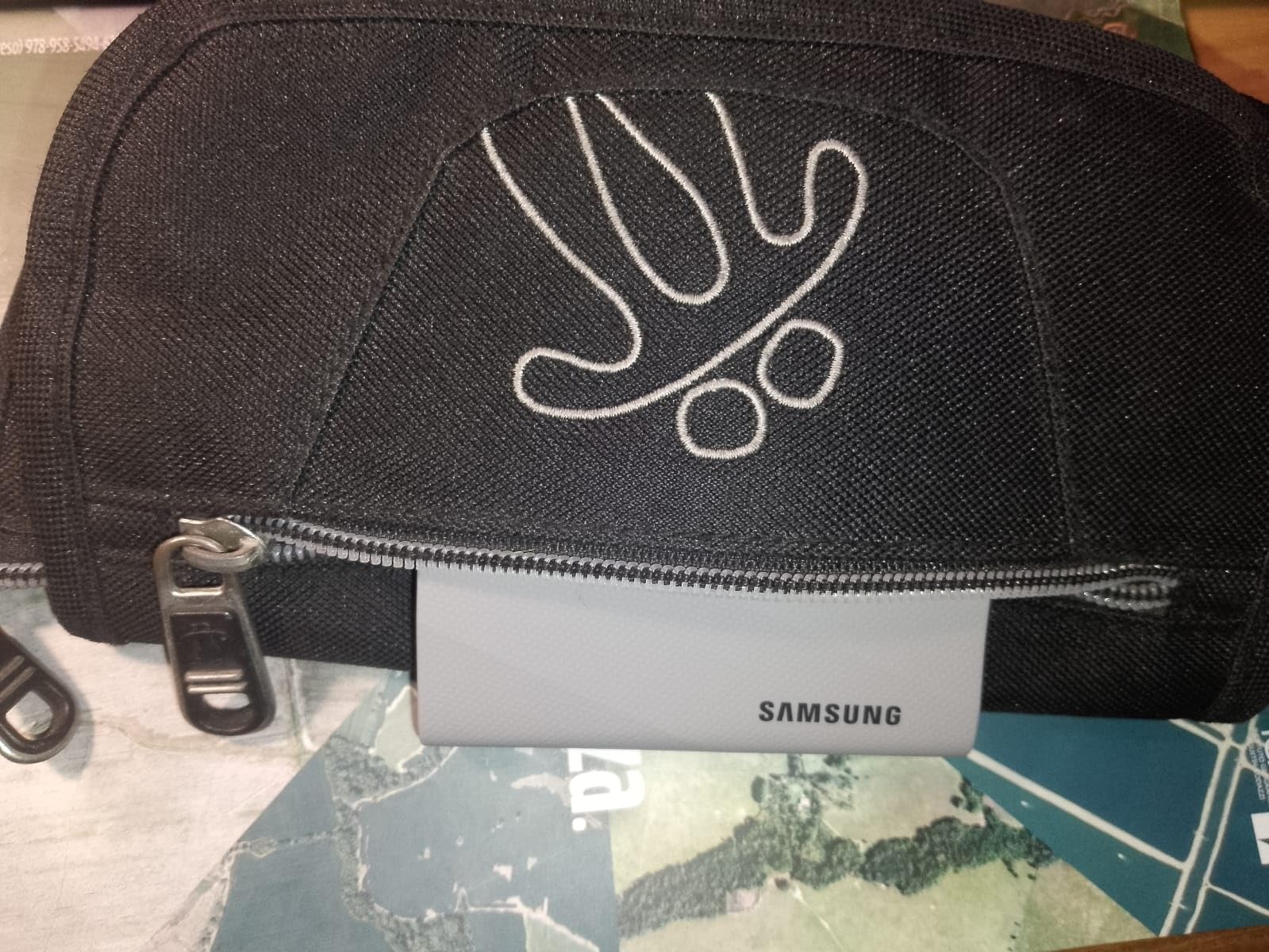
At 2.74 by 1.28 inches this is the drive you forget you own. It weighs 1.44 ounces and slips into a laptop sleeve or a jacket pocket without being noticed, which makes it the easiest pick here for someone who wants storage for documents and a photo library rather than a workstation.
The 4.7 average across 4611 reviews puts it level with the Samsung drives on satisfaction, and the warranty runs 5 years, which is longer than the 3 years on the T7 and the T7 Shield. Buyers tend to mention the cable in the box and the simple plug-and-play setup as reasons it stays in rotation.
What it is not is a rough-handling drive. The metal and plastic enclosure is built for a desk, a bag and daily use, not for being dropped on gravel. If your storage lives in the field, the SanDisk Extreme 2TB or the Samsung T7 Shield 1TB make more sense.

Compared with the SSK 500GB, which sits in the same ultra-small bracket, the Kingston carries double the capacity and a longer warranty. The SSK leads on phone capture support.
6. SSK 500GB: Best for Phone Video Capture
- Records 4K 60fps ProRes HDR from an iPhone under 2.4W
- Aluminium alloy case holds a peak of about 105F
- Both USB-C to C and C to A cables in the box
- 33.8 g body with an LED activity indicator
- TRIM and S.M.A.R.T. health diagnostics
- Windows shows 500GB as roughly 465GB
- SLC cache covers only about 25 percent of capacity
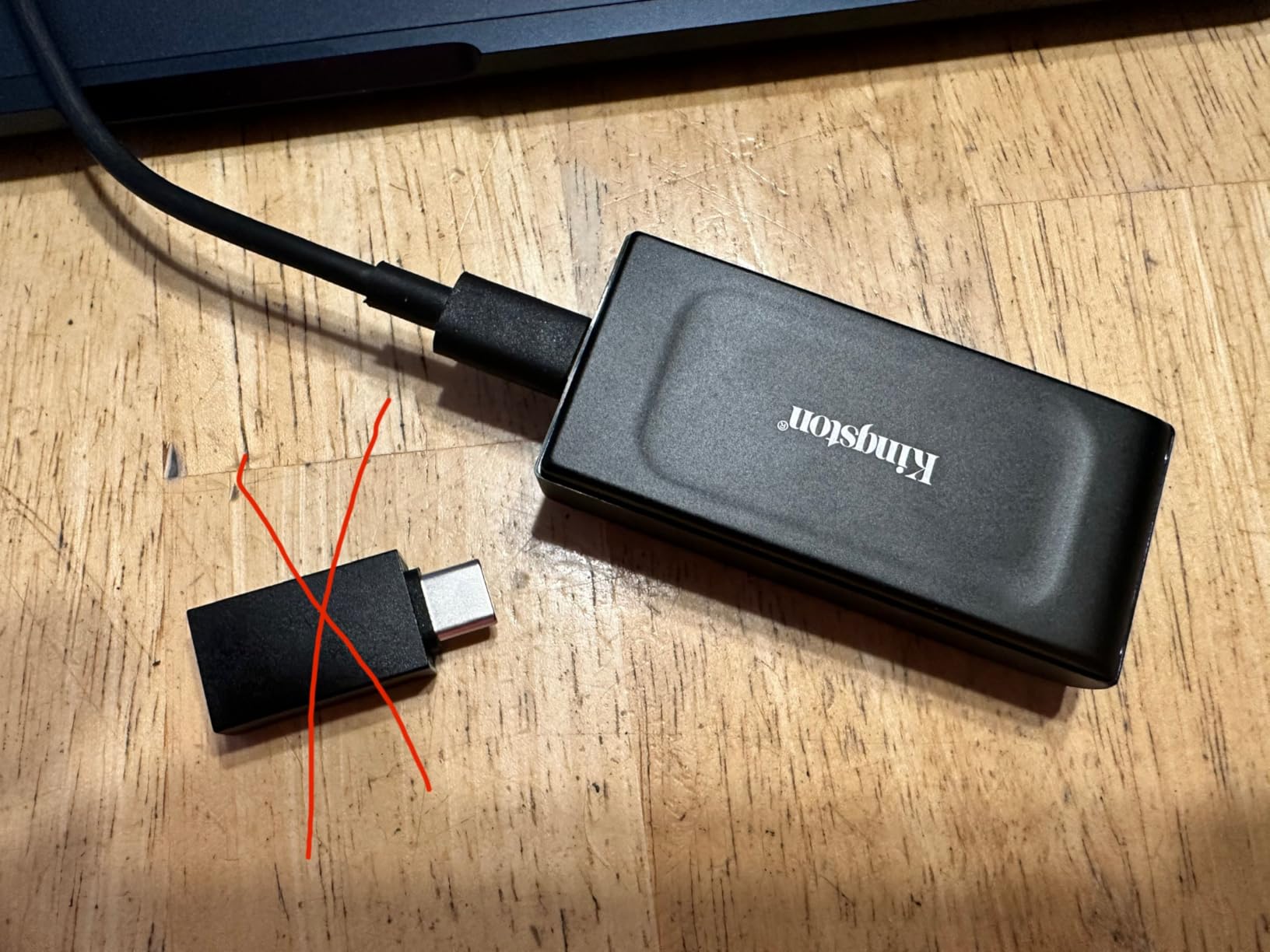
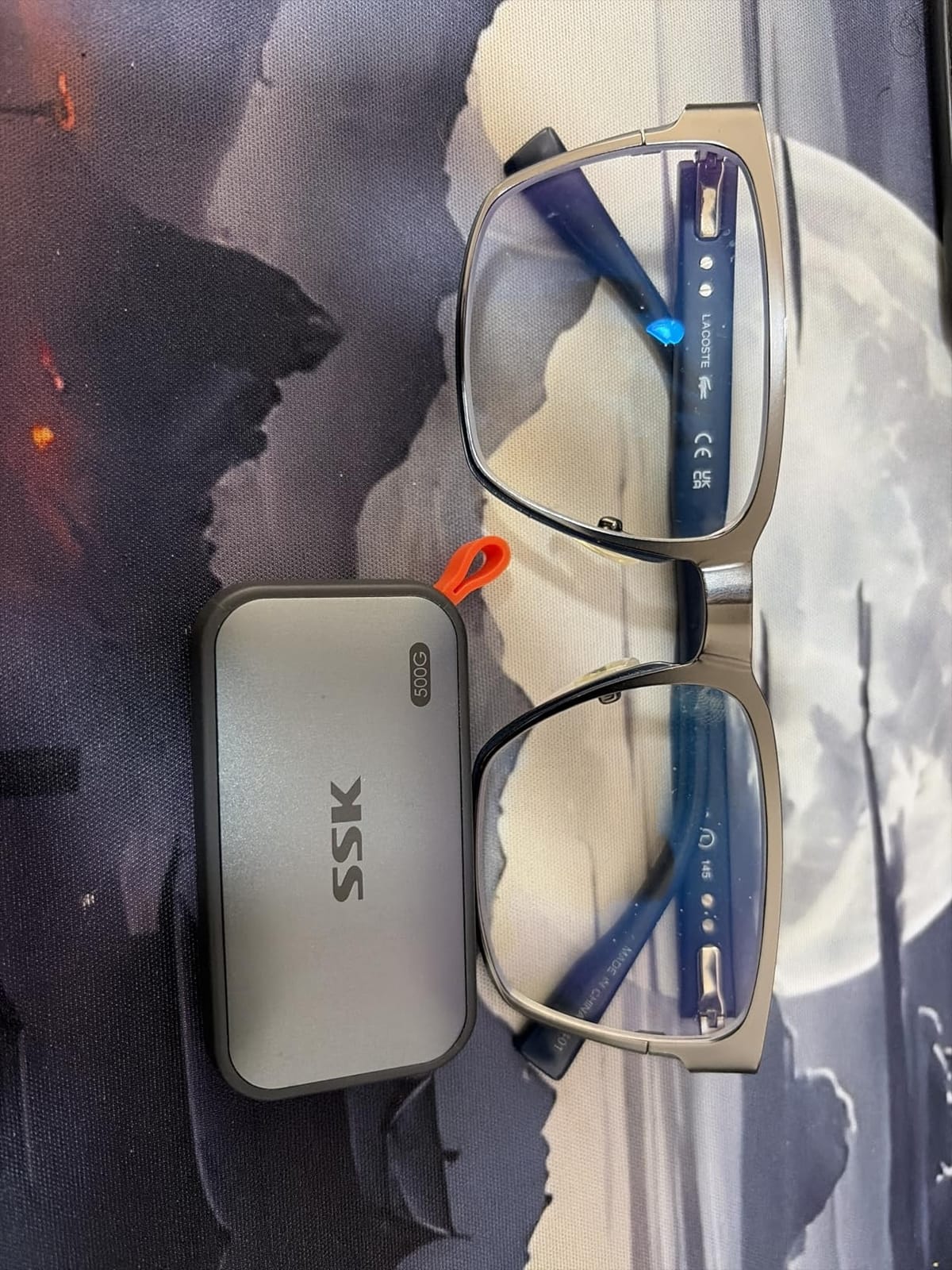
This is the smallest drive here and the only one whose listing leads with phone capture. The 2.4W power draw figure matters more than it sounds: a drive that draws that little can record 4K 60fps ProRes HDR straight to an iPhone without draining it, which is exactly what creators shooting short vertical clips need.
The aluminium alloy case is listed with a peak temperature around 105F, so it stays workable in a hand during a long take. An LED activity indicator gives some feedback during recording, and TRIM plus S.M.A.R.T. diagnostics handle upkeep.
- 500GB holds a working reel of 4K clips rather than a full archive
- Compatible with desktop, laptop, smartphone, tablet, Xbox Series X and PS5 per the listing
- 33.8 g and slim enough to live in a camera pocket
Two caveats come up in reviews. Windows reports the drive as about 465GB, which is binary capacity math rather than a fault, and the SLC cache covers roughly a quarter of the drive, so long sustained transfers slow once that fills. The SanDisk Extreme 2TB handles a sustained copy with four times the room.
Good to know: keep an eye on the copy speed once you pass the cache mark. A quick read-back after your first important transfer is a sensible habit.
Over a long shoot that matters more than the headline figure suggests, because a stalled copy is a lost take. For a single evening of clips, this is the most straightforward pick in the list.
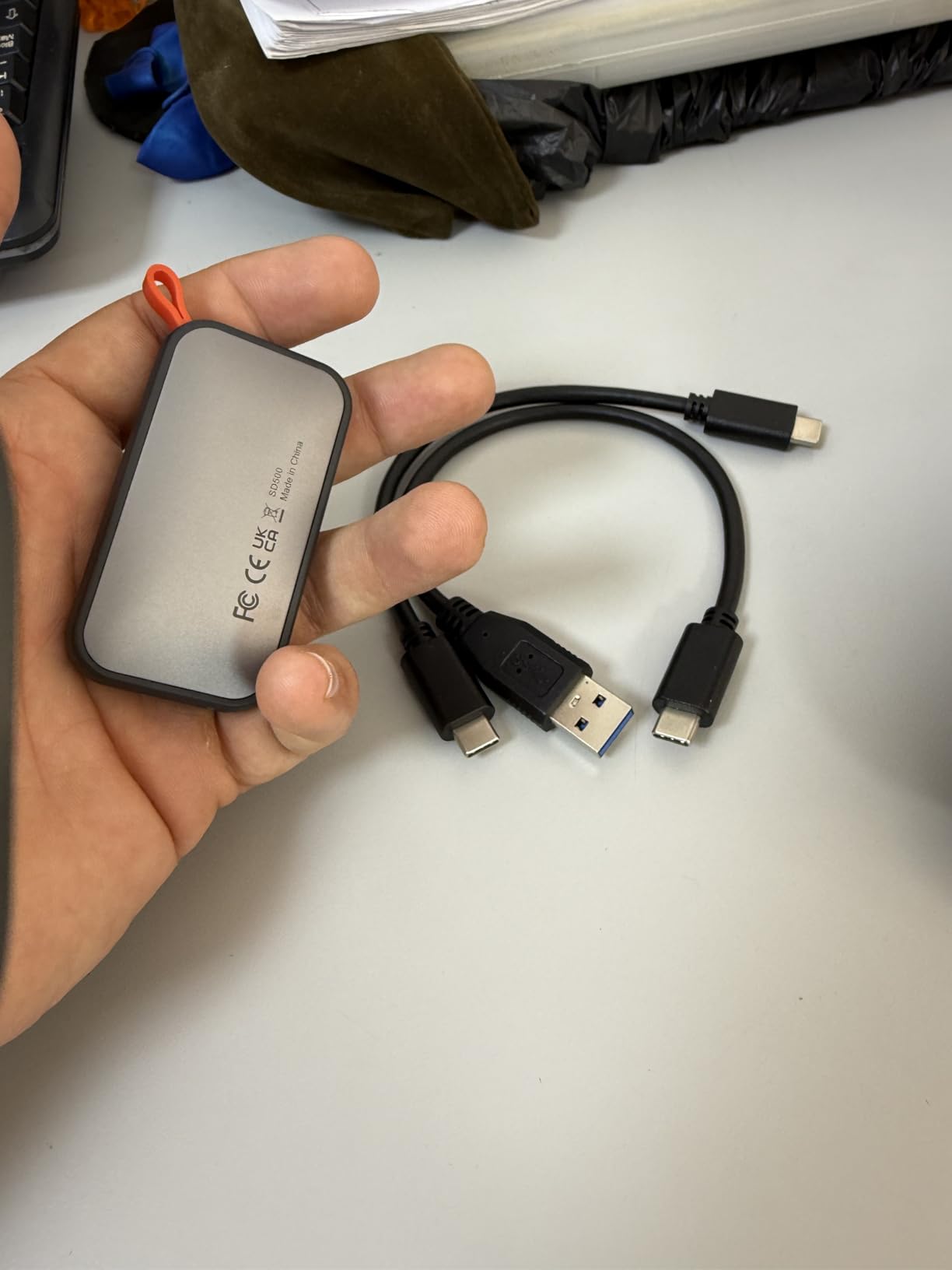
7. Crucial X9 2TB: The Best Value Pick
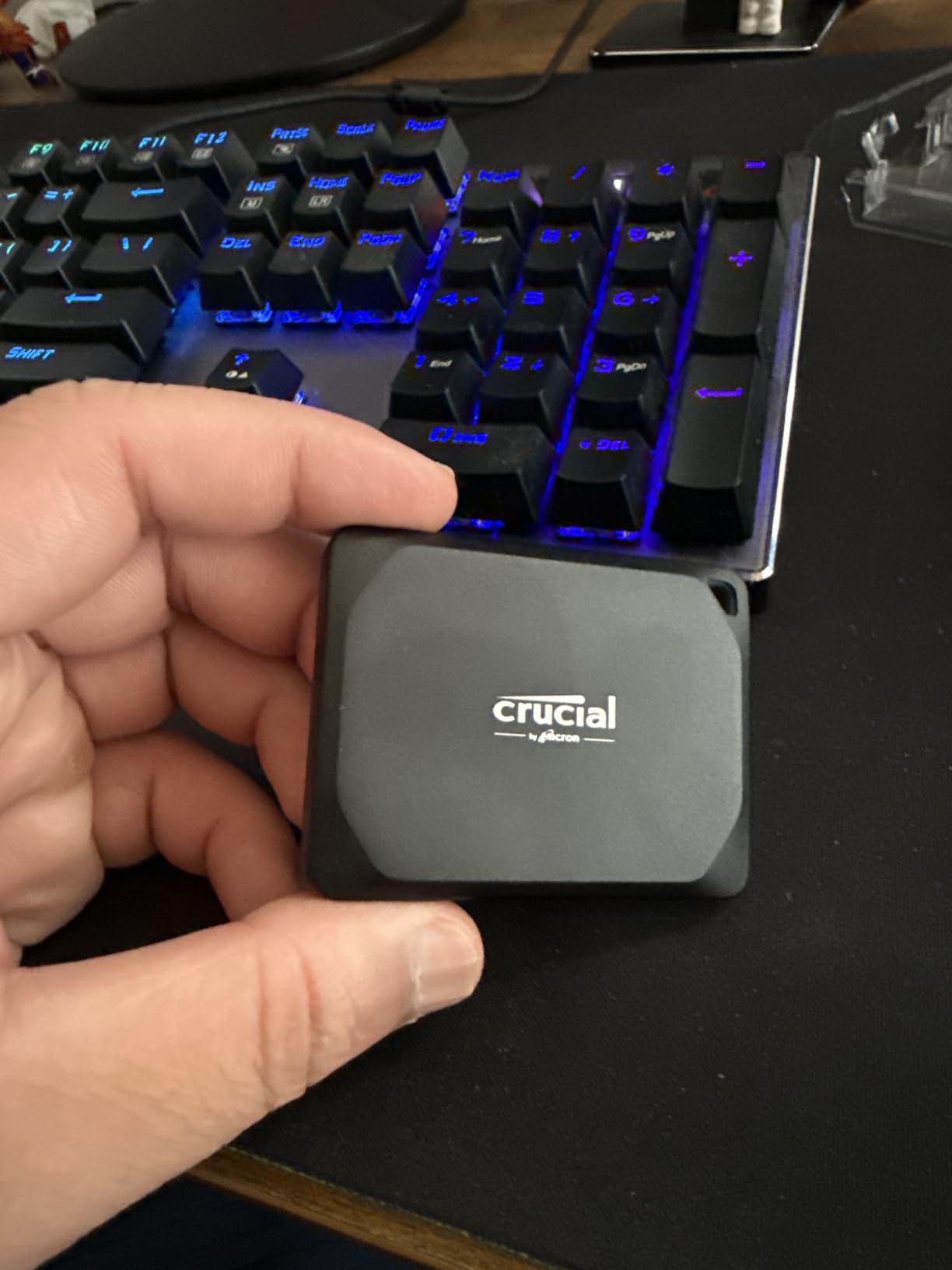
- 2TB in a body smaller than a credit card
- IP55 sealing with drop resistance up to 7.5 feet
- Owners report CrystalDiskMark read figures around 1067MB/s
- Works with Windows Mac Android and consoles
- Comes preformatted in exFAT for cross-platform use
- Polycarbonate housing feels less solid than aluminium
- Sustained throughput settles around 650MB/s
- Included cable is very short
The X9 gets the value slot because it does something none of the 1TB drives here do: 2TB in a 32 g body smaller than a credit card. For someone building a portable working library, that combination is hard to argue with.
Owners like the real-world numbers. Benchmark figures quoted in reviews land around 1067MB/s read and 1039MB/s write in burst tests, and sustained transfers hold up better than the plastic housing suggests. That combination of size and speed is what makes it the pick most people in this bracket should look at first.
Crucial is one of the manufacturers that makes its own NAND and controllers, and buyers tend to treat that as a reliability signal. Long-horizon owner opinion usually anchors trust in the chip and controller maker rather than the drive brand, and Crucial and Samsung are the two names that come up most.
Where it loses ground is the shell. Polycarbonate is lighter than aluminium and feels less solid in the hand, and sustained throughput through Gen 2 settles nearer 650MB/s than the headline number suggests. The SanDisk Extreme 2TB is the sturdier 2TB option in this list.
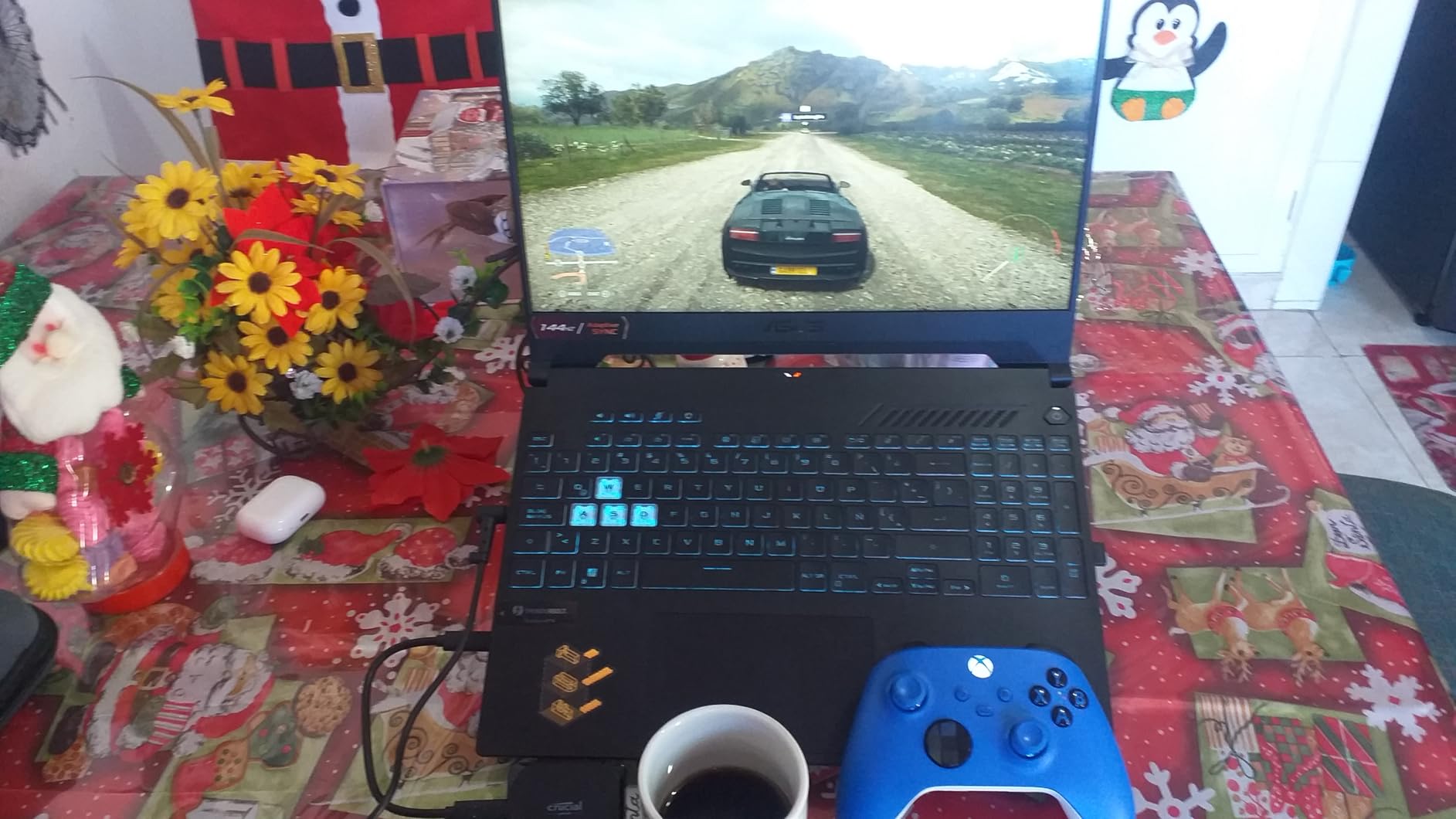
It arrives preformatted in exFAT, which saves a step if you move between a Mac and a PC. The bundled backup software is worth skipping in favour of the backup tool you already use.
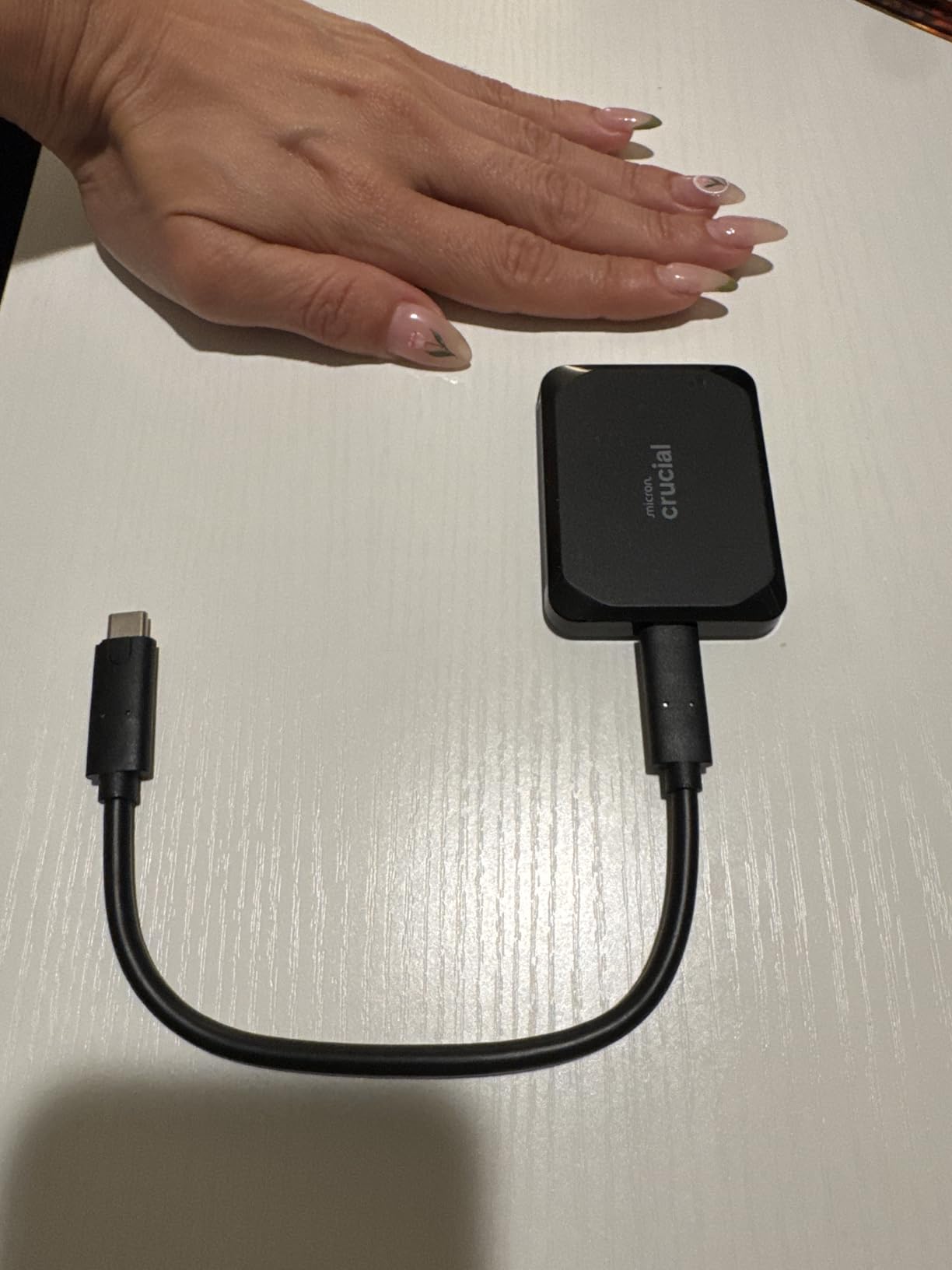
8. Amazon Basics 2TB: Best With Accessories in the Box
- 2000MB/s rated transfers in a compact body
- IP65 water and dust resistance
- Keeps temperatures under 50C during heavy use
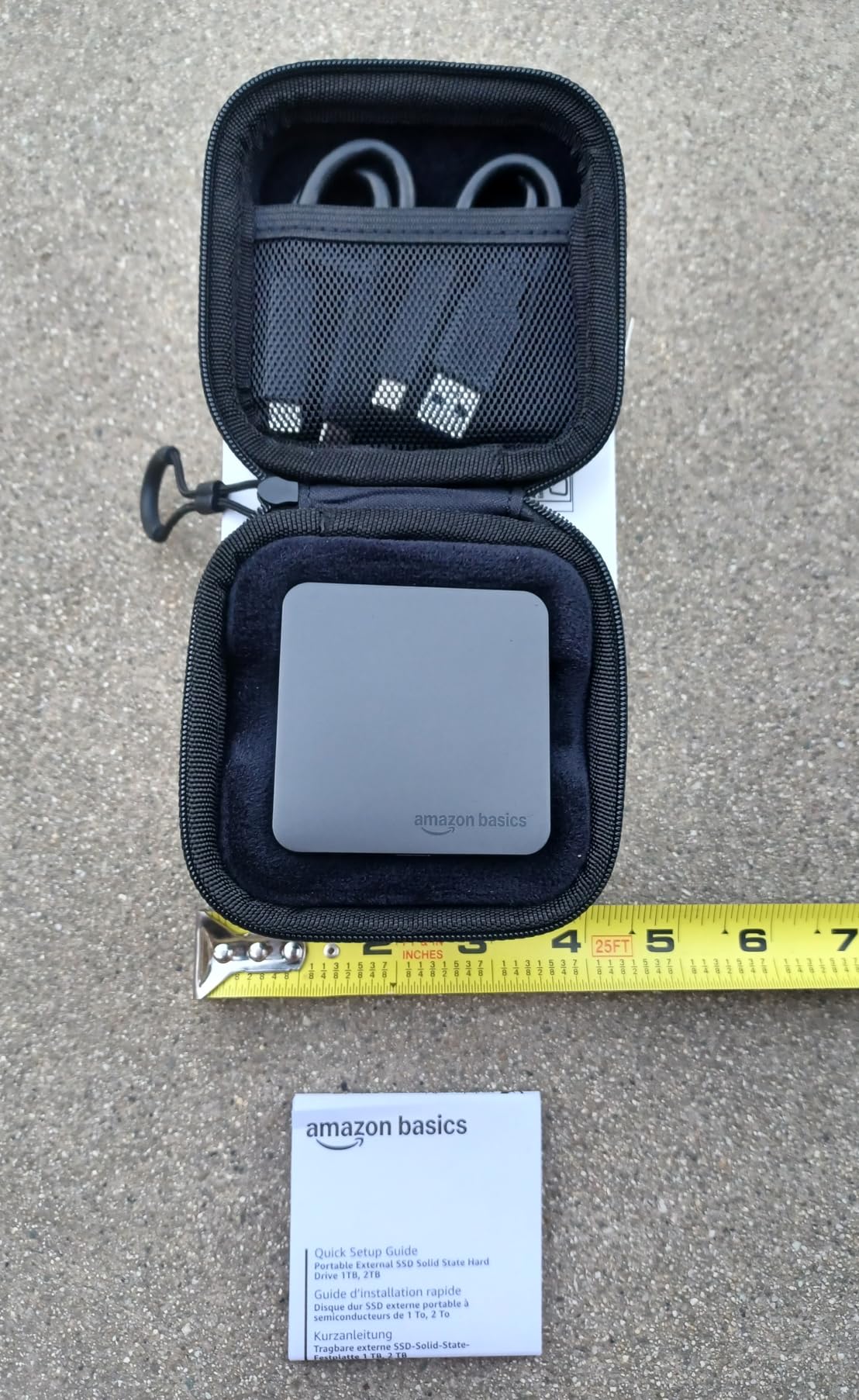
- USB-C to C and C to A cables plus a storage case
- Owners moved 80GB of footage in about 50 seconds
- Needs formatting to NTFS before first use
- Quick Start Guide is printed in very small type
- Requires a Gen 2x2 host port for full speed
The reason this drive is on the list is the box. It ships with a USB-C to C cable, a USB-C to A cable and a storage case, and at just over 2 inches and 53 g it still fits a laptop bag without feeling like a brick. Plenty of rivals sell you the drive and leave the accessories to you.
Speed is a genuine 2000MB/s class over Gen 2×2, and owners report moving 80GB of footage in roughly 50 seconds. The thermal solution holds the drive under 50C during heavy use, which matters for anyone copying a full day of shoot in one go.
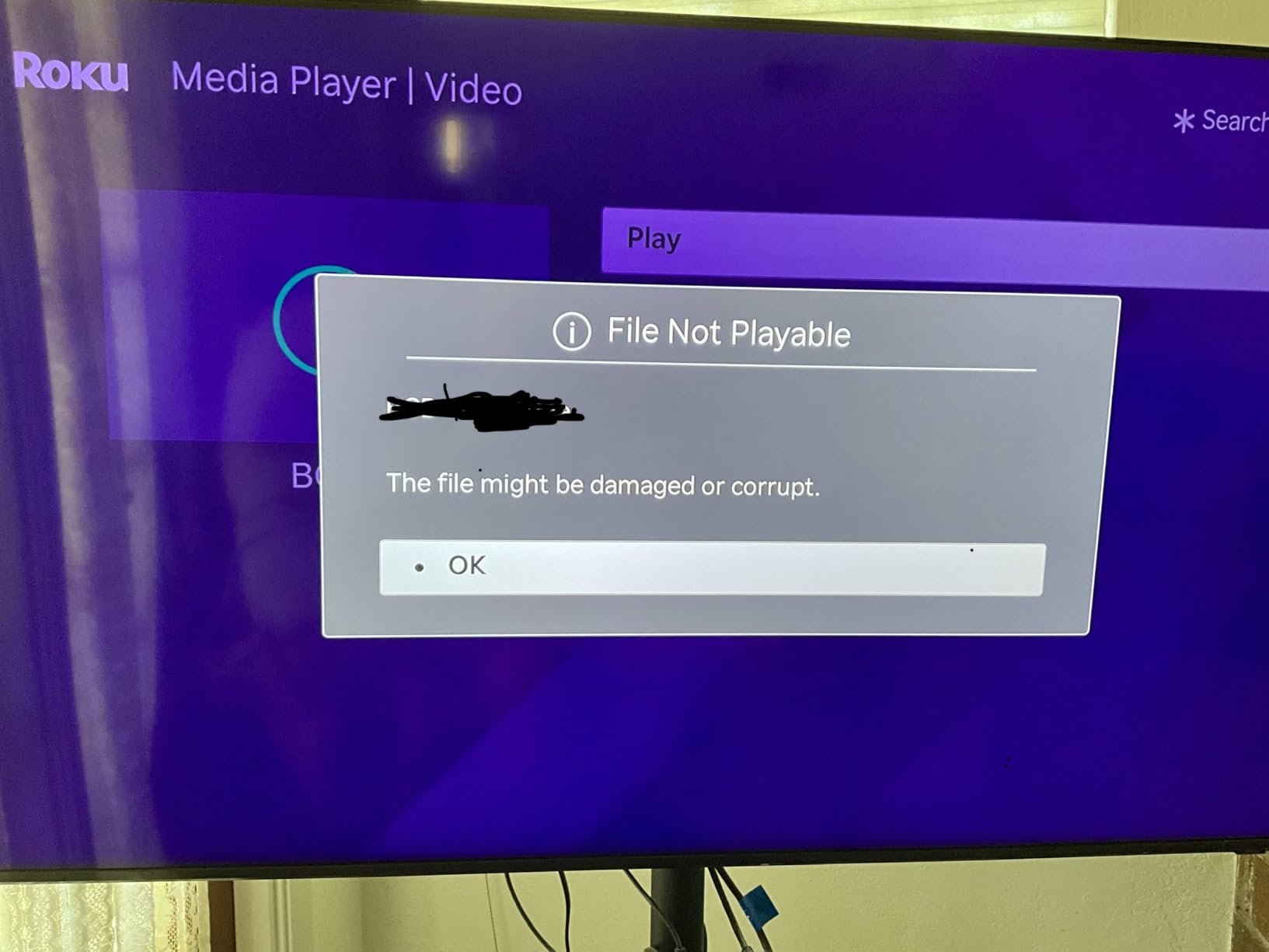
Owners comparing it against premium brands generally rate the thermals and the included accessories favourably. The common gripes are procedural: it must be formatted to NTFS before first use, and the Quick Start Guide is set in very small type.
The short answer on who should buy this is anyone who wants fast transfers and a complete kit without hunting for cables. If you already have spare Gen 2×2 cables and need something tougher, the Samsung T9 2TB is the better established name at the same speed class.
9. Lexar ES3 1TB: Best for Slim Phone Offload
- Only 10.5mm thick and 42g
- 1050MB/s read and 1000MB/s write over Gen 2
- Supports the iPhone 17 series plus Android laptops and cameras
- Lexar DataShield 256-bit AES encryption included
- USB-C cable in the box for plug-and-play use
- iPhone support starts at the iPhone 17 series
- Hosts without Gen 2 see reduced performance
- No MagSafe attachment on this version
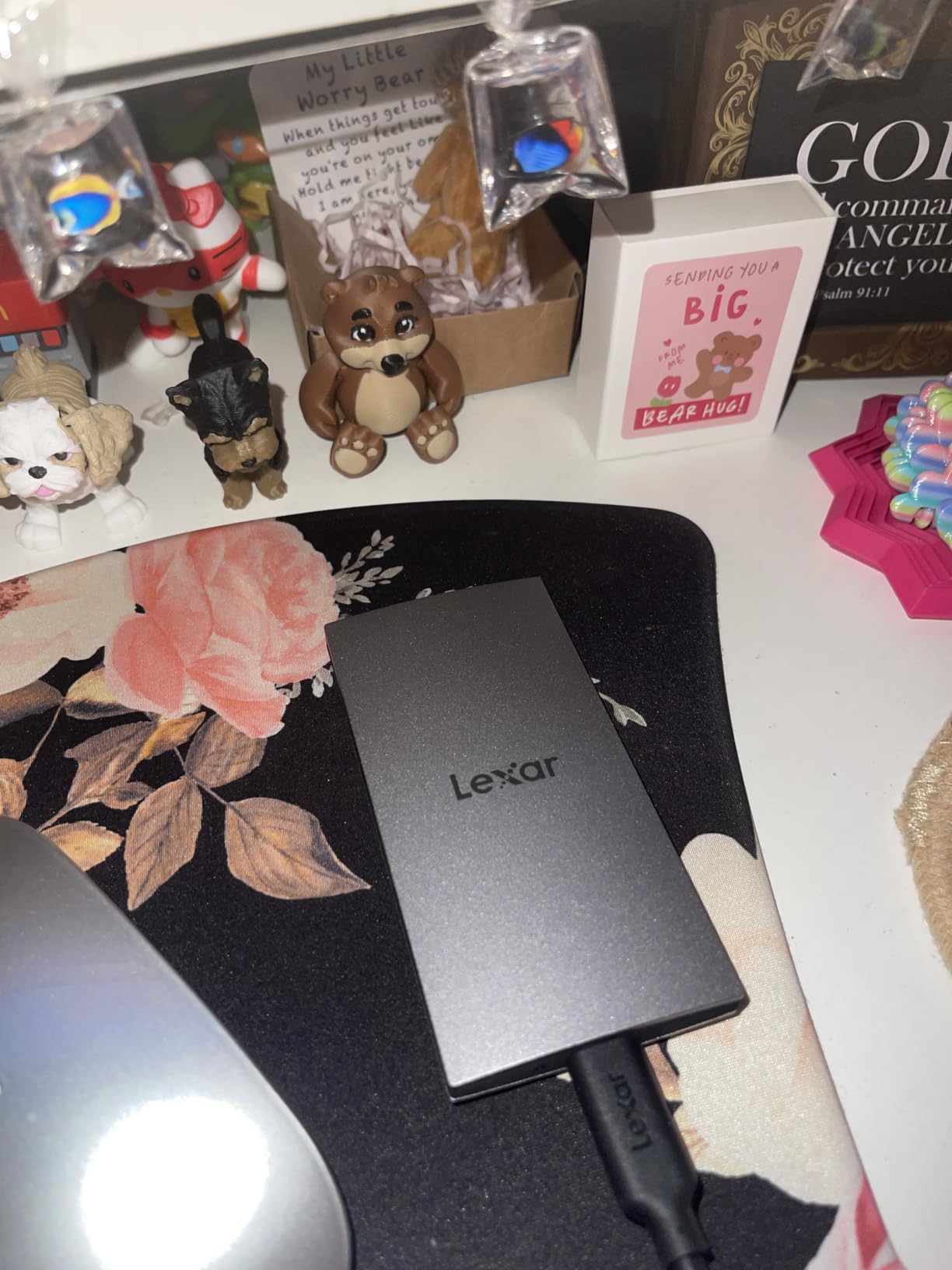
The Lexar ES3 is the drive to look at if you want something that disappears into a jacket pocket and handles a phone as readily as a laptop. At 10.5mm thin and 42g it is the flattest body in this list, and the silver finish reads more like a card than a gadget.
Owners value the straightforward setup: a USB-C cable in the box, no setup software, and Lexar DataShield for 256-bit AES encryption if the drive is holding anything you would rather keep private. Rated speeds are a familiar 1050MB/s read and 1000MB/s write.
Two limits are worth knowing before you buy. Phone support starts at the iPhone 17 series, so an older handset is out, and this version has no MagSafe attachment, which matters if you were hoping to stick it to the back of a phone. Machines without USB 3.2 Gen 2 will also run it slower than the rating.
Compared with the SSK 500GB, which also targets phone capture, the Lexar is thinner, carries twice the capacity and includes encryption software; the SSK leads on stated power draw for ProRes recording. If your phone is recent, either works, and the 4.4 average here is the lowest among the picks that are not aimed at high-speed editing.
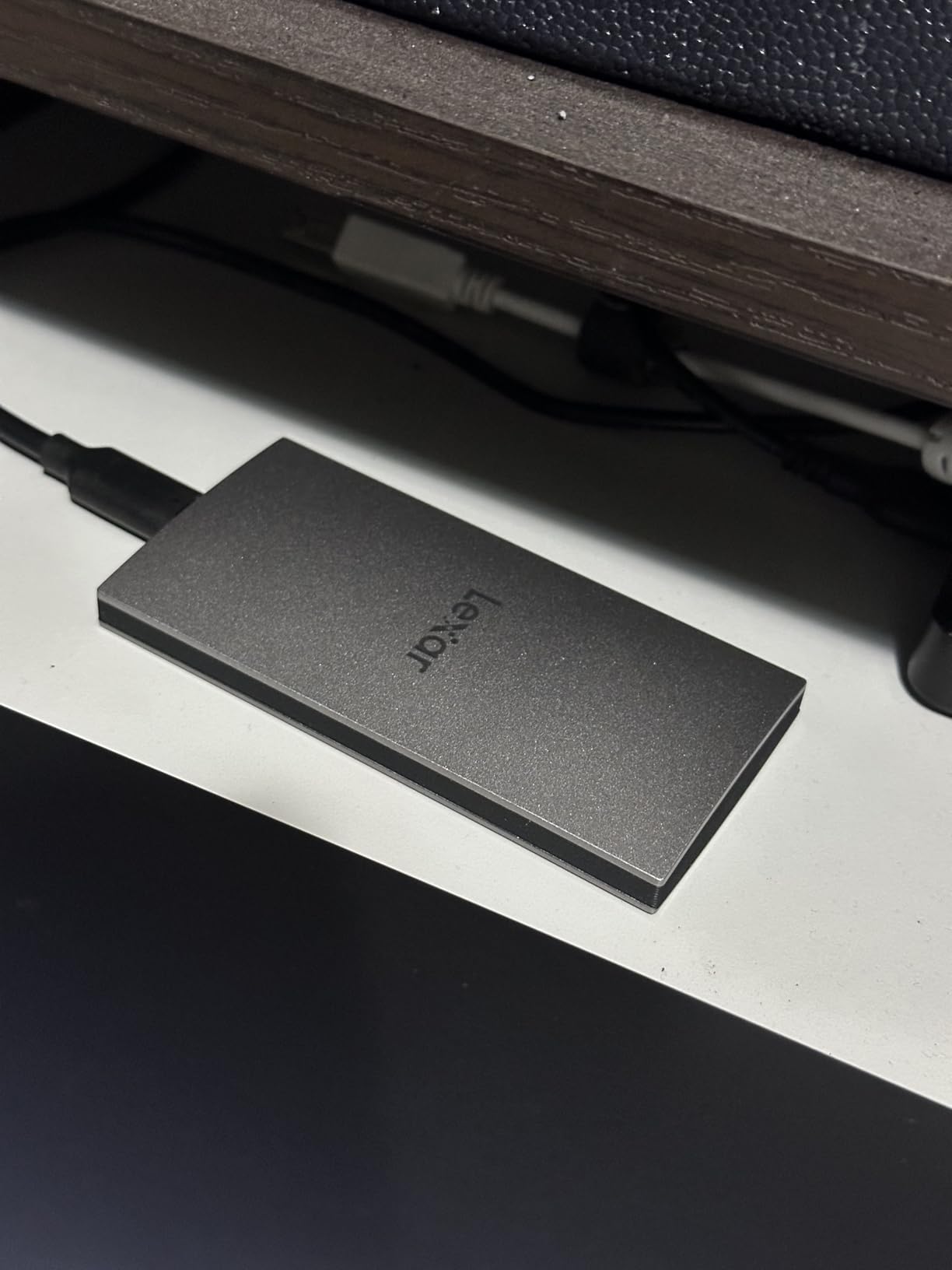
Good to know: the drive is listed at 45 g in the product details and described by owners at 42 g. Either way it is lighter than a pack of cards times two, and it disappears in a pocket.
10. Crucial X10 Pro 1TB: Best for Speed-First Editing
- Highest rated read speed here at 2100MB/s
- Anodized aluminium body with IP55 sealing
- Drop resistant up to 7.5 feet
- Lanyard loop activity LED and password protection
- Works across Windows Mac Linux Android and consoles
- Lowest average rating here at 4.0 with 18 percent one-star reviews
- Full speed requires a Gen 2x2 host port
- Bundled photo and backup offers need registration
The X10 Pro is the fastest-rated drive on the list at 2100MB/s read and 2000MB/s write, inside an anodized aluminium body with IP55 sealing and a 7.5-foot drop rating. On paper it is the obvious choice for a workstation.
The owner reviews complicate that. Its 4.0 average is the lowest in this group, with 18 percent of ratings at one star, and the complaints cluster around consistency rather than headline speed: drives that feel slower than the label suggests, or behave differently from one unit to the next. Reviewers still praise the class-leading speed and the rugged build, but the spread of scores is wider than for any other pick here.
That matters more than it would for a filing drive. A backup that runs once a week can absorb an occasional slow transfer; an edit timeline that stalls mid-session cannot. Buyers who want the aluminium build without the variable rating can look at the Crucial X9 2TB, which is 4.5 with 8110 reviews and offers twice the capacity at 1050MB/s.
Read the one-star reviews before committing. If your workflow can tolerate a drive that is occasionally slower than advertised, the speed is worth it; if not, the Amazon Basics 2TB delivers 2000MB/s with a steadier 4.6 rating and 824 reviews.
How to Choose External SSDs During Prime Big Deal Days
How to Compare External SSD Speeds and Interfaces
Every drive in this list except one runs USB 3.2 Gen 2 at roughly 1050MB/s, and three run Gen 2×2 at 2000MB/s or more. A Gen 2×2 drive on a Gen 2 port runs at Gen 2 speed, so check the port on your machine before you pay extra for the faster number.
Look at two things in the listing: the interface generation and whether a Gen 2×2 cable is included. Several drives here ship with both a USB-C to C and a C to A lead, and one includes a case, which is worth more than a small spec difference once the drive is in your bag.
How Much External SSD Capacity Do You Need?
1TB covers documents, a phone’s worth of photos and a partial game library. 2TB is the sweet spot for photo libraries, a console’s worth of games or a 4K video project, and it is where most of the picks in this list sit.
Buy a tier above what you need rather than filling the drive completely. A drive kept under roughly 80 percent full sustains its rated speed more reliably, and headroom means you do not have to move files off before a shoot or a trip.
How to Check External SSD Durability and Portability
Weight is the fastest proxy for ruggedness. The SSK 500GB at 33.8 g and the Kingston XS1000 1TB at 1.44 ounces are desk-and-bag drives; the Samsung T7 Shield 1TB at 97 g is built for a work bag. IP65 ratings appear on four picks here, and drop ratings range from 2 meters on the Crucial drives to 9.8 feet on the Shield.
Warranty length is the other number worth reading. Five years appears on the SanDisk Extreme, the Samsung T9, the Kingston XS1000 and the Crucial X10 Pro; three years covers the T7, the T7 Shield, the Crucial X9, the Lexar ES3 and the SSK. A three-year warranty on a multi-terabyte backup is not a red flag, but it is a shorter commitment.
Long-term owner opinion is the tiebreaker no spec sheet gives you. Buyers shopping for drives that last consistently tend to favour the manufacturers that make their own NAND and controllers, and they ask about durability before speed, which is a useful reminder when a deal drive is flashy. If your storage also gets used while you are out and about, our guide to portable SSD recorders covers the field-recording side of the same question.
How to Verify External SSD Compatibility
Phone support is narrower than most listings imply. The SSK 500GB supports 4K 60fps ProRes HDR capture from an iPhone, the Lexar ES3 1TB works with the iPhone 17 series and older handsets are out, and the Samsung T7 Shield 1TB supports 4K 60fps recording from recent iPhones.
Console support is broad: the T7 Shield lists PS5, PS5 Slim, Switch, Switch OLED, Switch Lite and Xbox Series S and X, the T9 lists Xbox Series S, and the Kingston XS1000 lists Nintendo Switch. Formatting is the last check. The Crucial X9 arrives preformatted in exFAT for cross-platform use, while the Amazon Basics drive needs formatting to NTFS before first use.
How to Shop External SSD Deals During the Sale
On any external SSD listing during Prime Big Deal Days, confirm the model number, not just the capacity, because the same family name covers different interfaces. Check whether the capacity shown is the one you want, read what is in the box, and see whether the offer is a renewed unit rather than new. Most importantly, look at who sells and who ships it, since a marketplace seller changes the warranty position.
Most offers on the event need a Prime membership, and they change through the two days. The buttons below show the current price, which is the only figure that stays accurate.
- Match the model number to the interface you need before you compare anything
- Check the capacity in the listing, since 1TB and 2TB versions of the same family differ a lot
- Confirm which cables are included, and whether an adapter or case comes with it
- Check whether the offer is new or renewed, and what the warranty is either way
- Read the seller and shipper on the listing rather than assuming the brand sells it
- Use the button for the current price, since event offers change through the sale
Frequently Asked Questions
When does Amazon Prime Big Deal Days run in 2026?
Amazon Prime Big Deal Days runs October 6-7, 2026, as confirmed by Amazon. It is a two-day event rather than the longer Prime Day format, and storage offers appear mostly on the first morning. Most of the offers require an active Prime membership, and a free trial counts.
Do I need Prime membership to buy an external SSD during Prime Big Deal Days?
Most event offers require a Prime membership, and a free trial counts toward the requirement. A small number of everyday deals run alongside the event without membership, but the storage deals worth watching are the ones tied to the event window. Prime Big Deal Days runs October 6-7, 2026, and offers change through both days.
Are external SSDs usually discounted during Amazon’s Prime Big Deal Days?
Storage is one of the categories that reliably appears in the event, and SSDs are usually among it. How far the price moves varies by brand and by capacity, and the biggest capacities often move least. Check the current price with the buttons in this list rather than relying on any figure you see written elsewhere, since event pricing shifts during the two days.
What is the best external SSD for transferring large video files?
For large video transfers, the Samsung T9 2TB is the pick here, rated at 2000MB/s with 2TB of room and a thermal system built for sustained writes. It needs a USB 3.2 Gen 2×2 port to reach that speed, and on a Gen 2 port it behaves like the 1050MB/s drives. For an offload drive used between shoots, the SanDisk Extreme 2TB is the steadier choice.
How do I know if an external SSD will work with my computer or game console?
Check two things: the interface your machine has, and the format the drive arrives in. A Gen 2×2 drive will run at Gen 2 speed on an older port rather than fail, so the worst case is slower transfers, not incompatibility. Console support is broad on these picks, with the Samsung T7 Shield listing PS5, Switch and Xbox Series S and X, and phone support is narrower and worth checking against your exact model.
Should I buy a larger external SSD than I currently need?
Usually yes. A tier above what you use today costs less later than a second drive bought in a hurry, and headroom keeps write speeds steady because a nearly full drive throttles. Measure what you actually use now, add a margin for a shoot or a trip, and buy that size rather than the smallest one that fits.
Final Verdict: Best Amazon Prime Big Deal Days External SSD Deals
The SanDisk Extreme 2TB (Editor’s Choice) is the one to watch most closely during the sale, and it earns the place on evidence rather than headline speed: 91725 owner reviews, IP65 sealing, a 3-meter drop rating and 2TB of room. If you want the machined aluminium build and can live with 1TB, the Samsung T7 1TB (Most Versatile) is the alternative, and for a drive that lives in a work bag the Samsung T7 Shield 1TB (Top Rated) holds up better than anything else here.
For anyone watching their spend, the Crucial X9 2TB (Best Value) puts 2TB in a body smaller than a credit card, and the SSK 500GB (Best for Phone Video Capture) is the budget route into phone recording. Big files and a Gen 2×2 port point to the Samsung T9 2TB (Best for Large Video), a complete cable kit points to the Amazon Basics 2TB (Best With Accessories), and phone offload points to the Lexar ES3 1TB (Best for Slim Phone Offload).
Two of these picks need a Gen 2×2 port to deliver their rated speed, so check yours before the event ends. Amazon Prime Big Deal Days runs October 6-7, 2026, most offers need a Prime membership, and the button under each product shows the current price.