
Two-way audio is the feature that turns an indoor security camera into something you actually use every day. Without it, you are watching a silent rectangle of your living room. With it, you can call your dog over to the lens, reassure a puppy during the first week home, or interrupt a bark before the neighbours start knocking.
But the gap between a camera that claims two-way audio and one that is genuinely usable is enormous. Some models push your voice out with a half-second delay that makes conversation feel like a walkie-talkie. Some clip the microphone so you can barely hear a bark in the next room. Some refuse to work at all until you enter a card number. We spent six weeks putting ten of them through the same routine in the same rooms, with the same dog, the same cat and the same congested apartment Wi-Fi.
This guide covers the best pet cameras with two way audio across resolution, microphone pickup, speaker clarity, tracking behaviour, storage options and what happens after the free trial ends. If you want the broader picture first, our 12 best pet cameras expert reviews covers treat dispensers, robot cameras and outdoor units in more depth. If your home doubles as a nursery, the audio quality comparisons here overlap with our 10 best baby monitors with two cameras guide.
Every camera below is corded and indoor-only, which is where the market concentrates. That is a fair trade for reliability: nothing here needs charging, and nothing here fails because a battery died on the day you were travelling.
Table of Contents
Our Top 3 Picks for Two-Way Audio (October 2026)

Tapo C210
- 2K 2304x1296 video
- 360-degree horizontal pan
- Two-way audio with siren
- Local microSD up to 512GB

eufy Security E30
- 4K UHD at 24/7 fps
- On-device pet and crying AI
- Color night vision spotlight
- No monthly fee

Cinnado D1
- 2K stream with 320-degree view
- Two-way audio with volume control
- 128GB microSD option
- Alexa and Google Assistant
All 10 Pet Cameras With Two-Way Audio Compared in 2026
We scored every unit on the same five questions: how clean is the microphone, how fast does your voice arrive, does it track a moving animal without losing it, can you record without a monthly bill, and does setup take under ten minutes. The table below gives you the headline specs for all ten so you can narrow the field before reading the long reviews.
| Product | Specifications | Action |
|---|---|---|
| Tapo C210 |
|
Check Latest Price |
| eufy Security E30 |
|
Check Latest Price |
 Anona Pano 4K Anona Pano 4K |
|
Check Latest Price |
 ARENTI P2Q ARENTI P2Q |
|
Check Latest Price |
 VIRTAVO Dual-View VIRTAVO Dual-View |
|
Check Latest Price |
 TKENPRO Treat Cam TKENPRO Treat Cam |
|
Check Latest Price |
 Armorcope 2K Cam Armorcope 2K Cam |
|
Check Latest Price |
| Cinnado D1 |
|
Check Latest Price |
 Furbo 360 Dog Cam Furbo 360 Dog Cam |
|
Check Latest Price |
 Petcube Bites 2 Lite Petcube Bites 2 Lite |
|
Check Latest Price |
1. Tapo C210 2K Pan Tilt Camera — Best Overall Two-Way Audio
- Clear walkie-talkie style two-way audio
- 360-degree horizontal coverage
- Local microSD recording with no mandatory plan
- Quick app setup and clean night vision
- Wired design needs a nearby outlet
- 2.4GHz networks only
- Continuous audio listening ties up a phone screen
The Tapo C210 is where I would start almost any search for a pet camera with two way audio. It has been sold in volume for years, which means the app is stable, the firmware bugs are mostly shaken out, and the community support is large enough that almost any odd behaviour has already been documented somewhere.
On audio, it behaves like a proper walkie-talkie. Hold the talk button and your voice comes out of the speaker at normal volume while the microphone stays open, so you can hear your dog answer. The delay is short enough that it does not feel like shouting into a canyon. Reviewers consistently single out the audio as one of the reasons the camera holds a 4.5 rating across more than 22,000 ratings.
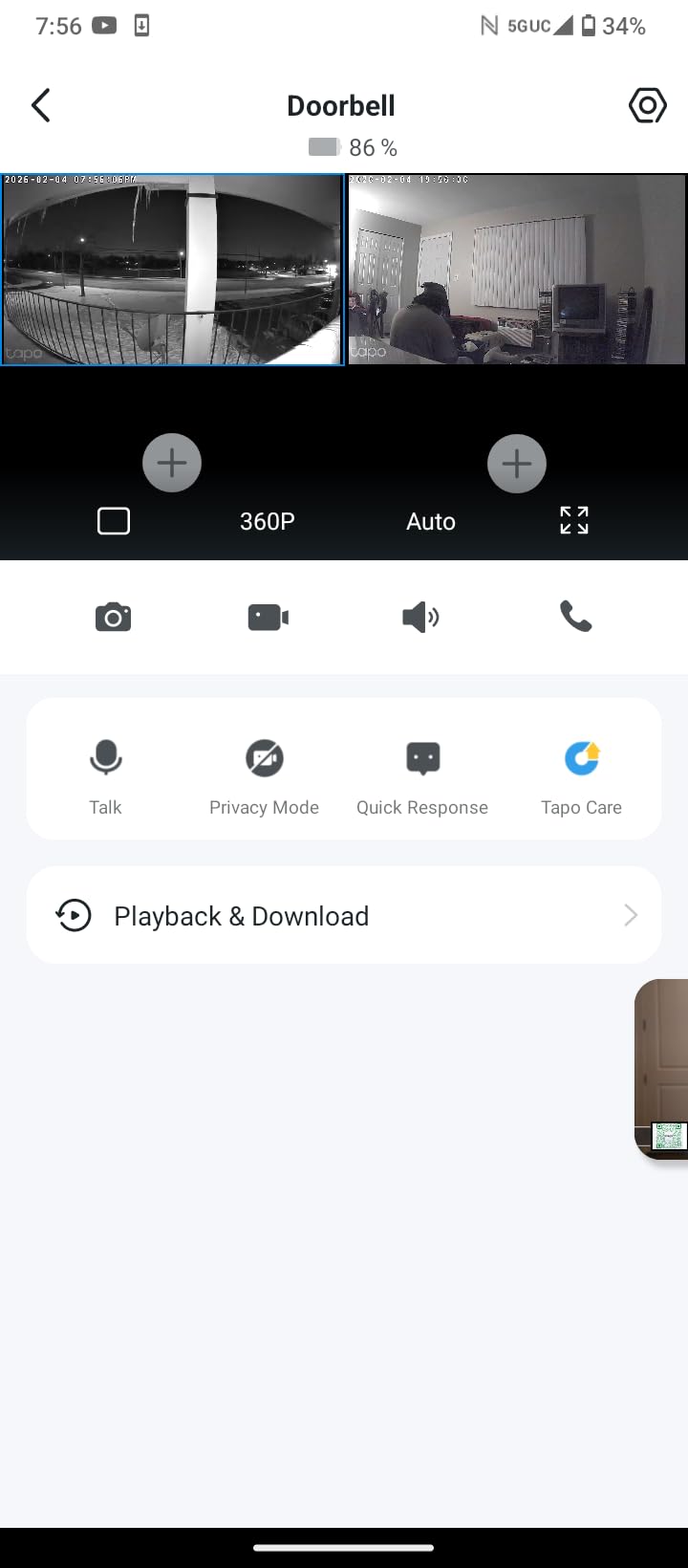
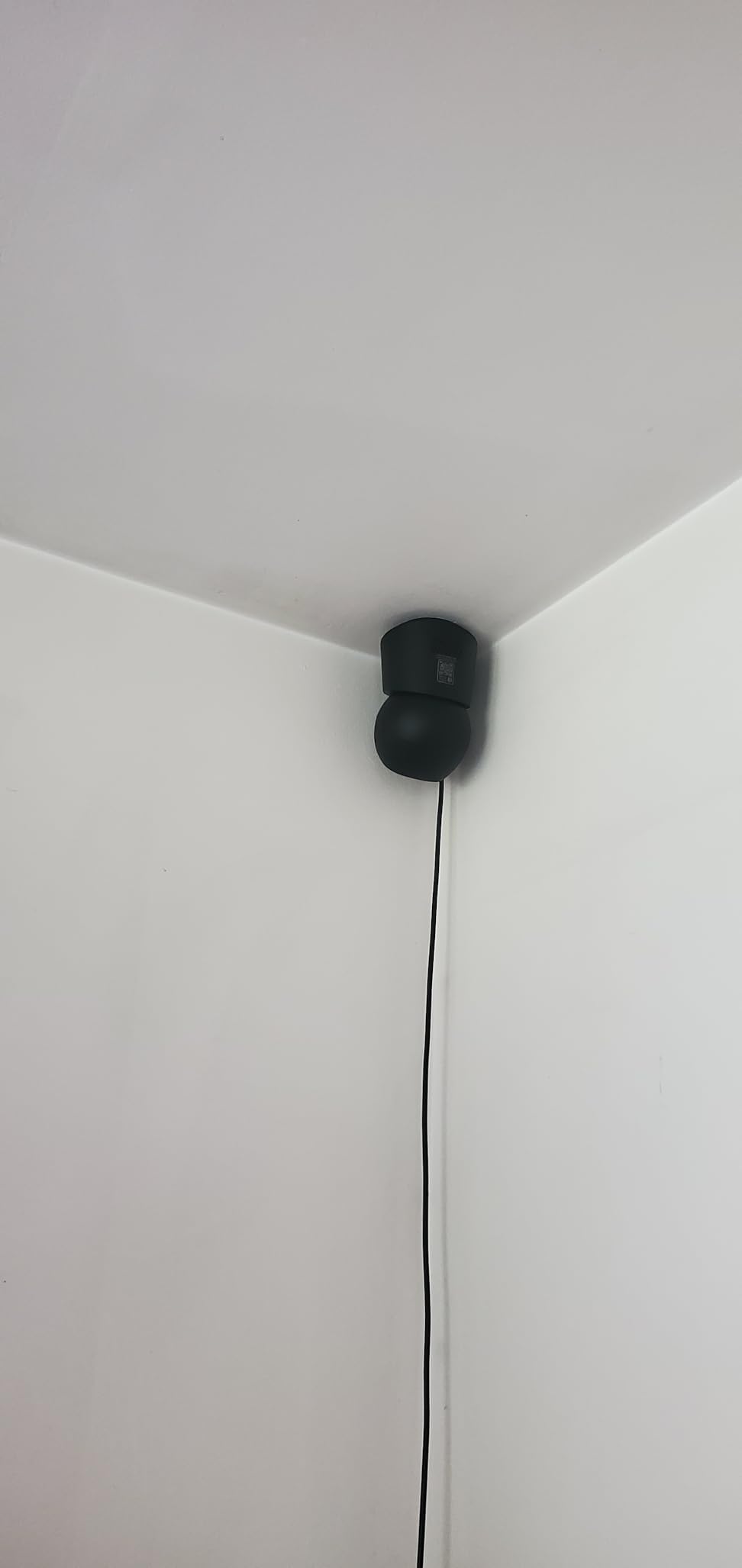
Coverage is the other strength. The head sweeps a full 360 degrees horizontally and tilts 114 degrees, so one unit mounted on a shelf in the corner of a living room genuinely covers the whole space. It does not auto-track with AI the way the eufy does, but for a room where the dog naps in one of three spots, manual pan is often all you need.
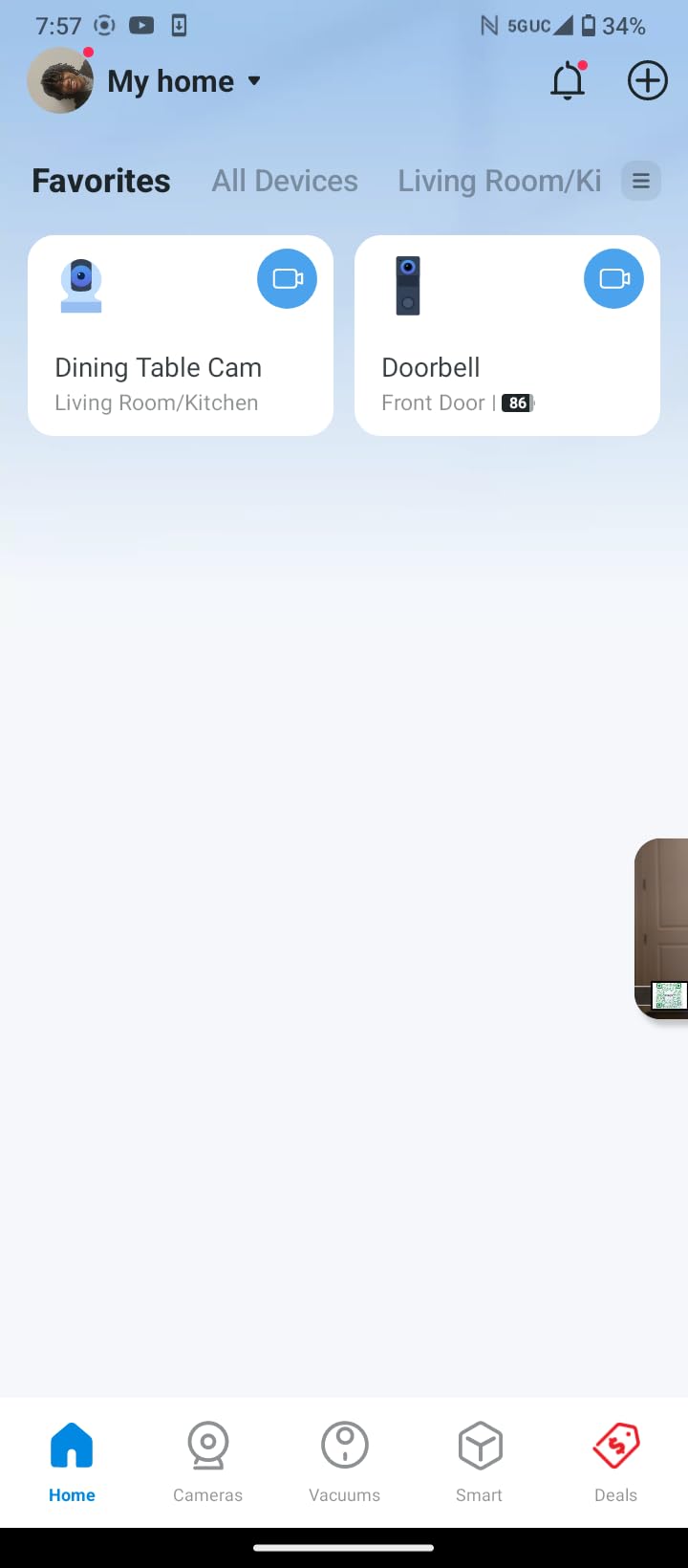
Storage is where it quietly beats more expensive rivals. A microSD card up to 512GB means continuous recording without a subscription, and Tapo Care remains available if you want cloud backup instead. Detection covers motion, person and baby crying, which makes it a reasonable second use as a nursery camera.
Best for apartments and renters who want zero monthly cost
This is the model to pick if you are on 2.4GHz-only Wi-Fi, which is still the norm on older routers and most apartment builds. It will connect where several higher-priced dual-band cameras struggle to pair. The dome form factor and the white finish also disappear discreetly on a shelf or a door frame.
The trade-off is honest and simple: it is corded, and continuous audio streaming means keeping the app open on a screen. If you only want to check in and speak occasionally, which is how most people use two-way audio, neither issue matters.
Less suited to multi-pet homes or 5GHz-only networks
If your router broadcasts 5GHz only, this is the wrong unit and no amount of fiddling will fix it. It also has no AI tracking, so in a house where a cat and a dog both move around independently, you will be moving the camera yourself. For automatic follow-cam behaviour, step up to the eufy E30 or the Anona Pano.
2. eufy Security E30 4K Indoor Camera — Best Picture and Smart Detection
- Very sharp 4K detail that survives zoom
- On-device AI separates pets from people without a paid plan
- Smooth auto tracking follows moving animals
- Color night footage thanks to the spotlight
- Needs a high-endurance microSD card for reliable 4K recording
- App and live view can load slowly
- HomeKit streaming caps at 1080p
The eufy E30 is the most capable picture in this group and the smartest about what it alerts you to. It records 4K UHD continuously, and the difference is obvious the moment you try to identify a dog on a sofa twenty feet away in low light. Everything sharper rivals send you zooming; this one mostly does not need it.
The AI is the real differentiator and it runs on the device, not in the cloud. It classifies humans, pets, audio events and crying separately, which cuts the notification noise that makes people mute their pet camera within a week. Auto tracking then pans and tilts to follow the animal, and in our testing it held a moving dog through a full room sweep without lagging behind.
Night handling is where the eufy separates itself from the pack. An integrated spotlight provides color night vision, so a cat crossing the floor at 2am reads as a cat rather than a pale shape. Every other model here except the Furbo falls back to monochrome infrared.
There is no mandatory subscription, and local SD storage works, which is rare at this resolution tier. The catch is that 4K continuous recording writes a lot of data, so a high-endurance card is genuinely required rather than a nice-to-have. Owners who skip that step report corrupted or short recordings.
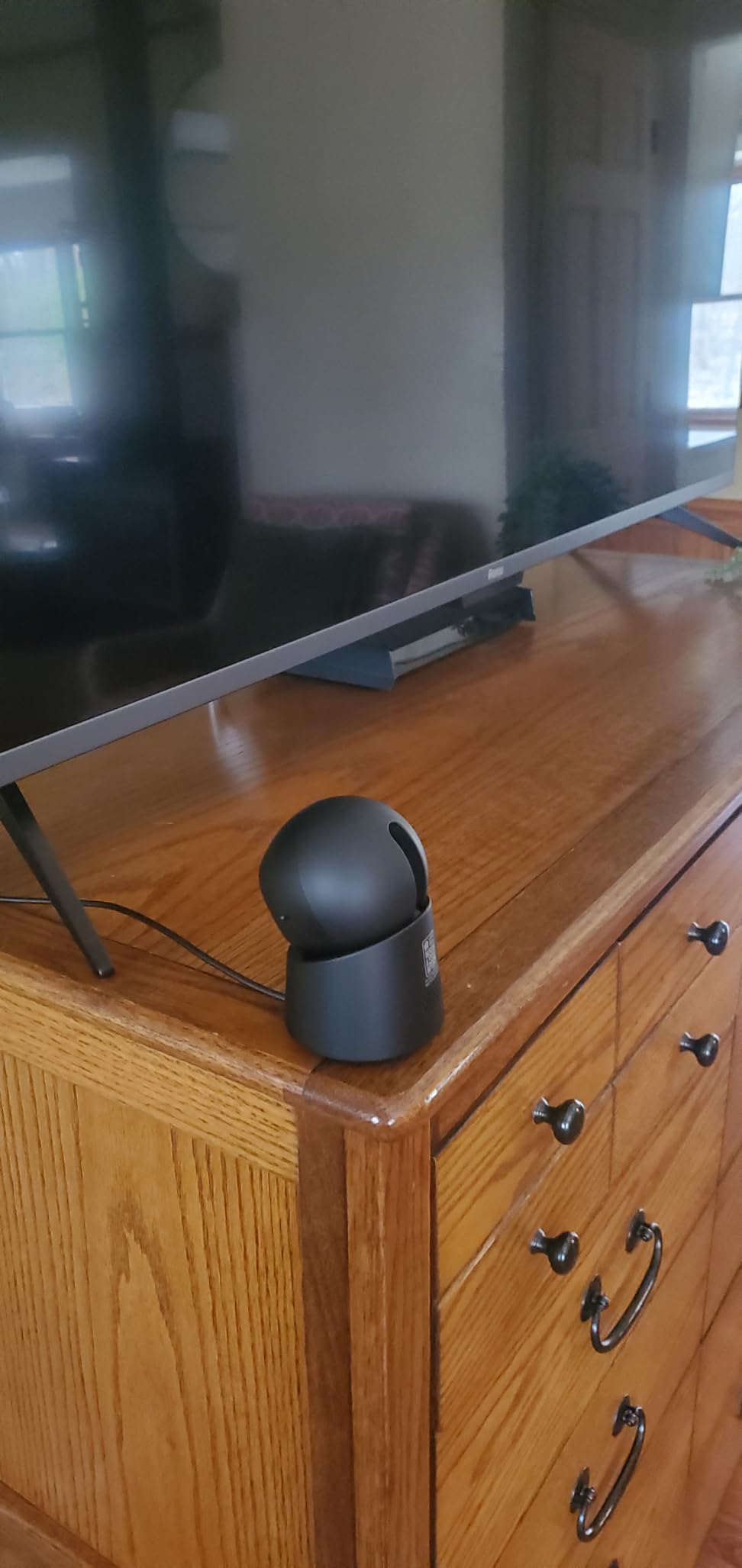
Best for multi-pet homes and dark hallways
Choose this one when you have more than one animal moving through the space and you cannot chase a single subject manually. The pet-versus-person classification is what stops your phone buzzing every time the heating clicks on. The spotlight also makes it the pick for anyone whose pet is most active after dark.
It is a good fit for smart home setups too, supporting HomeKit, Alexa and Google Assistant. Note that HomeKit streaming drops to 1080p, so keep the app open if you want the full 4K.
Less suited to 5GHz-only homes and patience-light app testers
This is a 2.4GHz camera, which in a congested modern apartment can be a connection headache even if the network is otherwise fine. Owners also report the live view occasionally taking a moment to open. If app responsiveness is your top priority or your router is 5GHz-only, look at the Anona Pano instead.
3. Anona Pano 4K UHD Camera — Best Sharp 4K With Dual-Band Wi-Fi
Anona Pano 4K UHD Indoor Camera, Pet/Dog Security Camera with Phone App
- Sharp 4K image with genuinely useful optical zoom
- 355-degree pan and 110-degree tilt cover the room
- AI pet detection and auto tracking follow a moving animal accurately
- Dual-band Wi-Fi 6 sidesteps the 2.4GHz bottleneck
- microSD card not included so recording needs an extra purchase
- A few owners report dropped connections and pan positions resetting
- The motion alert chime is repetitive
The Anona Pano solves two problems at once that most rivals force you to choose between. It gives you genuine 4K from an 8MP sensor with 8x zoom, and it does it on dual-band Wi-Fi 6, so it will pair on 5GHz networks where the Tapo, eufy, Furbo and Petcube simply refuse.
Mechanically it is the most thorough mover in the group. A 355-degree pan combined with a 110-degree tilt gives near-total room coverage from a single mount point. AI detection covers person, pet and baby crying, and auto tracking followed our dog accurately through a full circuit of the room without the lag we saw on cheaper pan units.
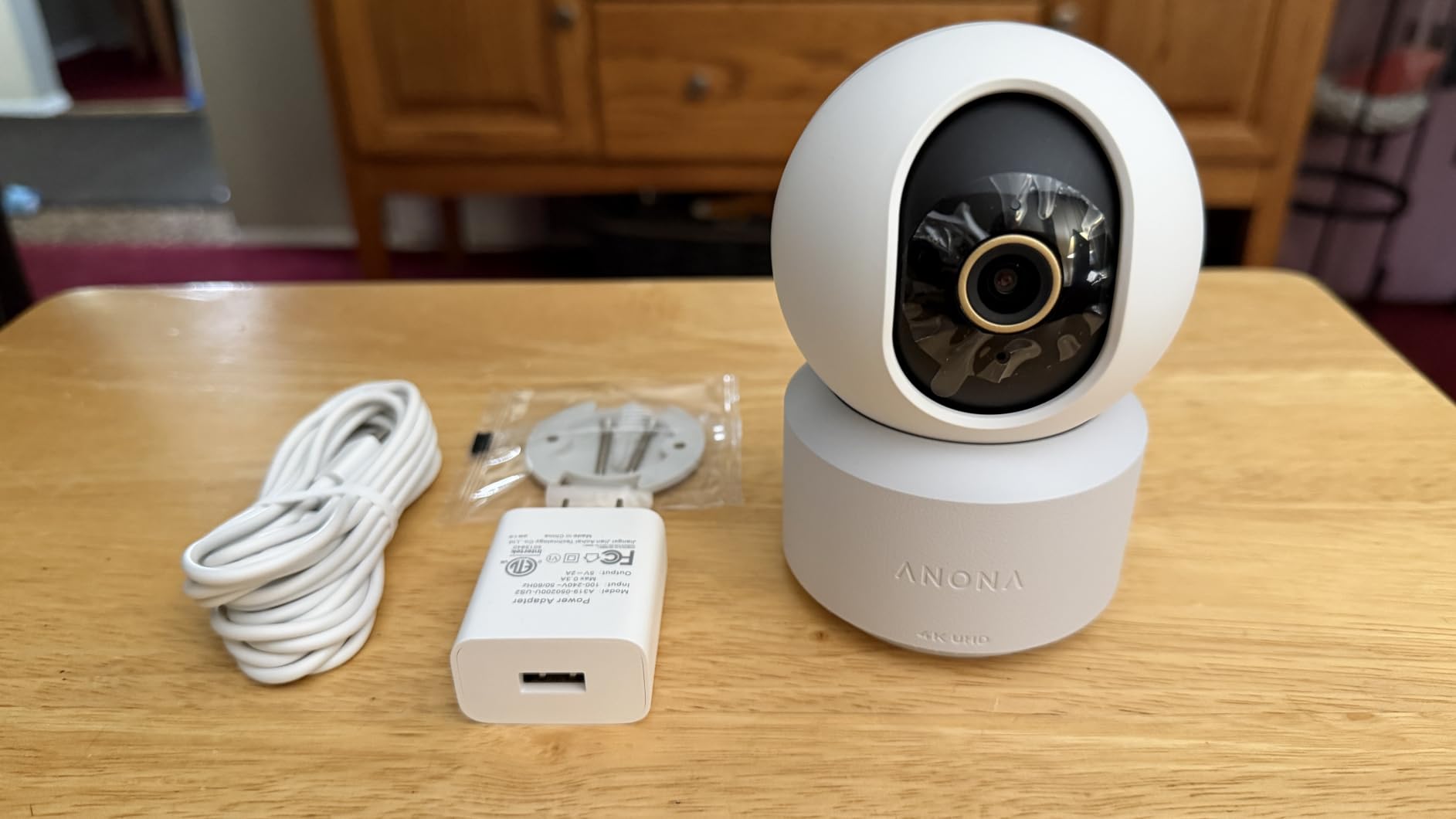
Two-way audio is clear enough to hold a short conversation, which is all a pet camera needs. It is not the most natural-sounding speaker in the group, but there is no obvious delay and no echo problem, so a dog will hear their name and turn toward the lens.
Cloud storage uses AES-128 encryption, and local microSD up to 512GB is supported. The card is not in the box, which is the single most common complaint in reviews and easy to plan for.
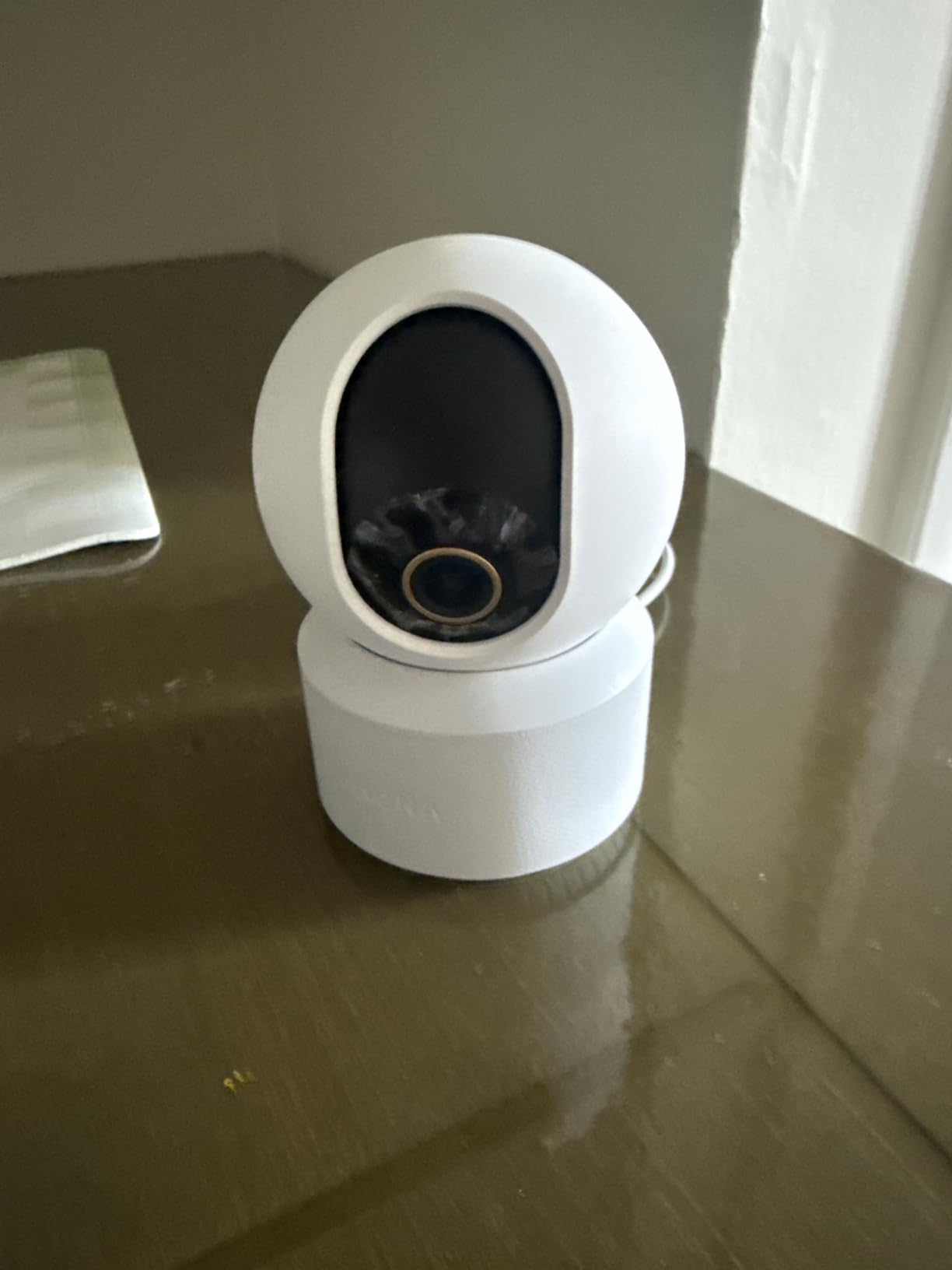
Best for 5GHz networks and detail-heavy rooms
If your router has a crowded 2.4GHz band, this is the model most likely to give you a stable feed. The zoom also matters if your pet spends time on a workbench, in a crate or behind furniture and you need to check details without asking the pet to move.
It works with Alexa and Google Assistant, and the AI detection is free rather than a trial. Budget owners should buy an endurance-rated card up front and format it in the app before first use.
Less suited to anyone who wants zero setup purchases or rock-solid long-term uptime
A smaller number of reviews describe connections dropping and saved pan positions resetting after a power cut. If you plan to leave the camera running unattended for weeks at a time and want a device that never needs re-aiming, the Tapo C210 or the eufy has a better track record. The repetitive alert chime also takes a moment to disable.
4. ARENTI P2Q 4MP Pet Camera — Best Dual-Band Value With ONVIF Support
ARENTI 4MP Pet Camera P2Q, 5G WiFi 6 Indoor Security Camera, Free Phone App
- Clear 2.5K picture in color and infrared
- Works on both 2.4GHz and 5GHz networks
- Two-way talk with three voice effects
- Multi-camera viewing and sharing to five devices
- microSD card sold separately
- Tilt does not reach low enough for shelf or mantel placement
- Scheduled scan interrupts auto tracking
- Some owners report echo or delay on the audio
What separates the ARENTI P2Q from the bargain crowd is not the picture, which is merely good at 2.5K 4MP, but the combination of dual-band Wi-Fi 6 and ONVIF support. That second feature lets you pull the stream into a local NVR or home automation setup, which very few cameras in this price band allow.
Audio is the mixed part. The speaker is loud and the microphone picks up barking from the next room, but a portion of owners describe the two-way talk as echoey or delayed. For calling a dog over it works fine. For a natural back-and-forth conversation, the Tapo C210 and the Petcube are the better voices.
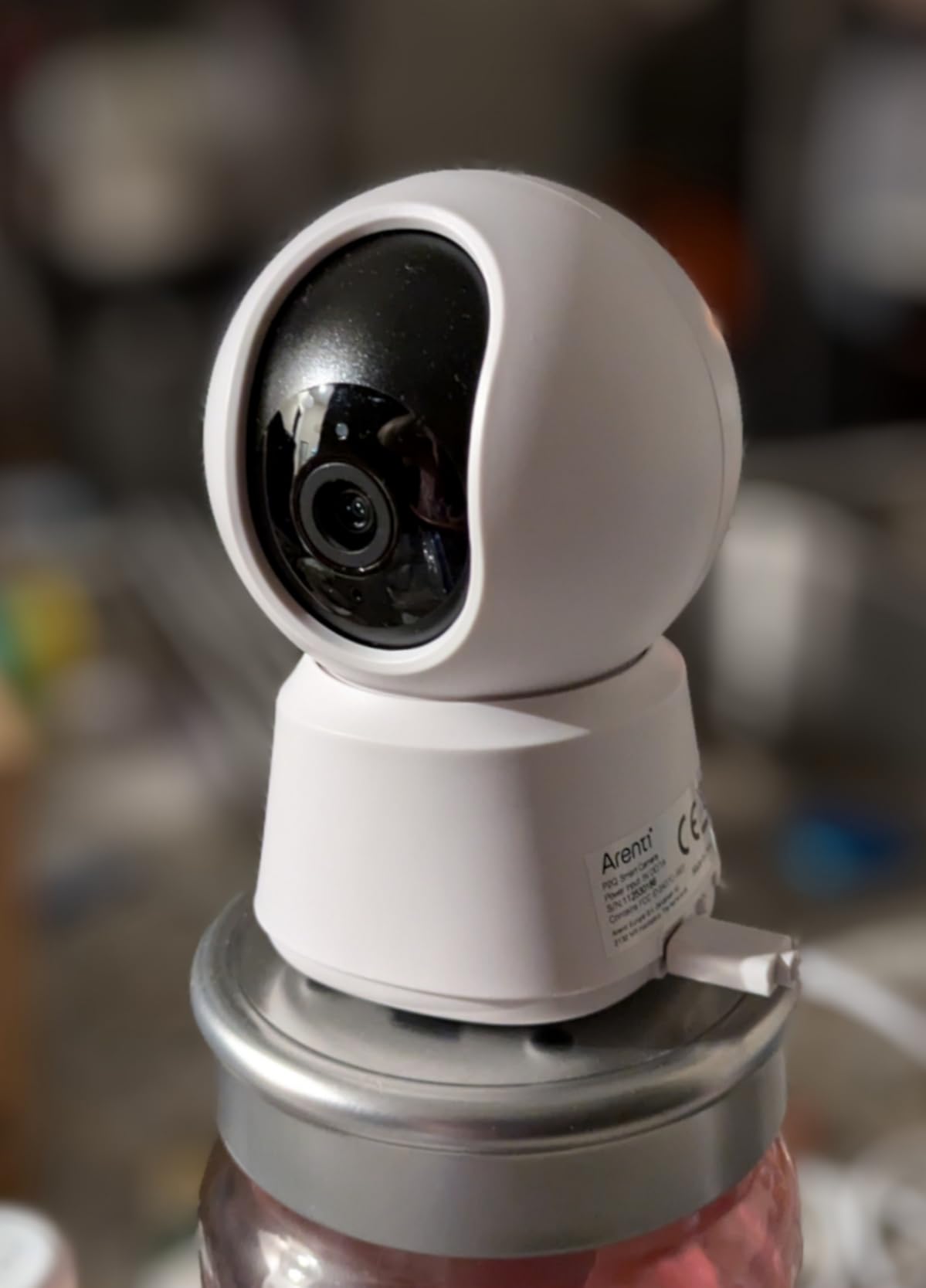
Night vision reaches 32 feet using 8 infrared LEDs, the furthest reach listed here, and the picture holds up in colour during daylight. AI detection covers humans, motion and sound, and auto tracking does follow a moving animal, provided you disable the scheduled security scan that interrupts it.
There is also a privacy mode that stops the feed, multi-camera viewing, and sharing to up to five devices. That combination makes it a sensible pick for a multi-pet household spread across two rooms, or for a family sharing one camera.
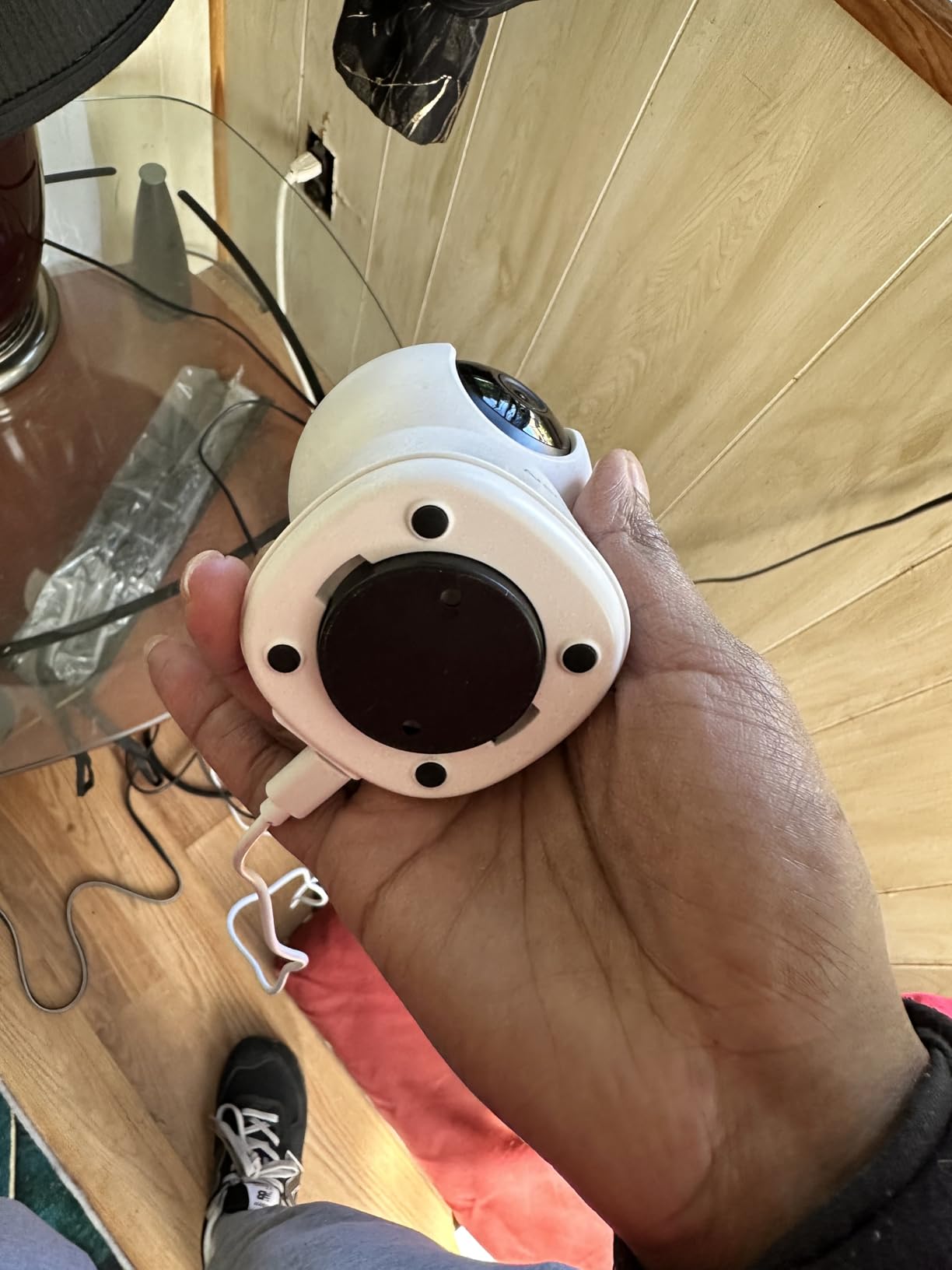
Best for local control and multi-device households
If you run a local recorder or want your footage to stay on your own hardware, ONVIF and NVR support changes the calculation entirely. Very few indoor cameras at this level expose that. Multi-device sharing to five phones is also useful when two adults work different shifts.
The downward tilt limitation is worth checking against your mounting point. Owners report it does not reach far enough down for a high shelf or a mantel, so mount it at mid-height or lower.
Less suited to shelf placement and callers who need low-latency audio
The limited downward tilt and the way the scheduled scan interrupts tracking are real frictions. If the audio delay bothers you during live conversation, test the Tapo first. The motion sensitivity also triggers more notifications than most people want, so expect to tune it down on day one.
5. VIRTAVO Dual-View Pet Camera — Best Two-View Coverage in One Unit
VIRTAVO Pet Camera Indoor No Subscription, for Dog Cat Baby, 360° PTZ
- Wide room view and tracking view shown at the same time
- Two-way audio for pets children or deterring intruders
- No subscription needed for core monitoring
- Small and light enough for any shelf
- 1080p from a 2MP sensor is the lowest resolution here
- 2.4GHz Wi-Fi only
- Mains powered with no battery option
- Lowest average rating in this group
The VIRTAVO does one thing none of the others do: it shows two views at once. A wide lens captures the whole room while a second lens tracks motion, and both appear together in the app. That single design choice removes the main argument against pan-and-tilt cameras, which is that you lose sight of the room when you follow a pet.
Two-way audio is present and functional for checking on a pet or speaking through to a child. It is not the highlight, but for the core job of calling a dog to the camera or telling a cat off the sofa it does the job without drama.
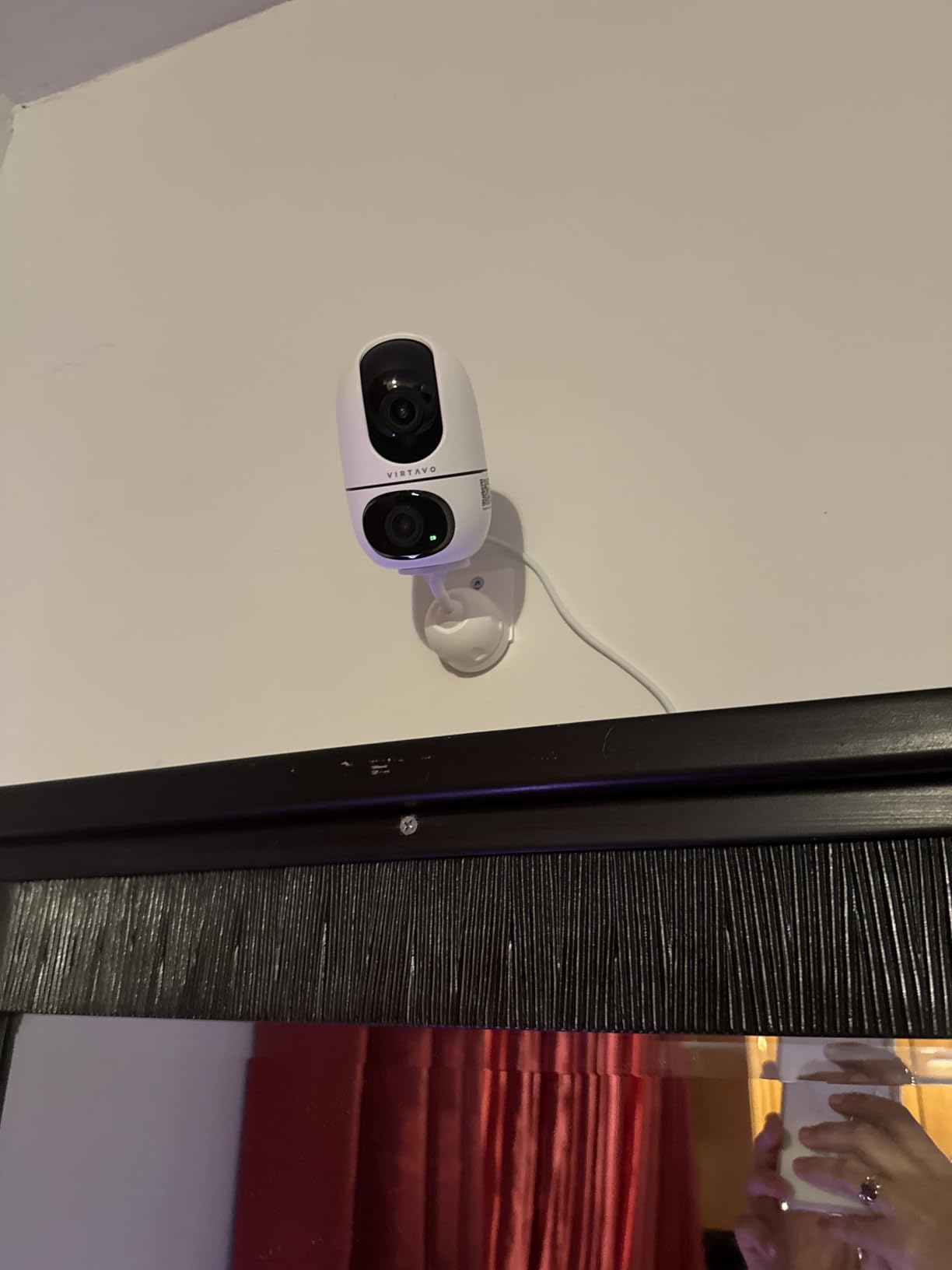
Storage runs through local microSD up to 256GB or an encrypted cloud option, and core monitoring does not require a subscription. Motion and sound alerts arrive instantly, which matters if you are watching for a specific behaviour such as repeated pacing.
Being honest about the compromises: the 2MP sensor producing 1080p is the lowest resolution here, night vision uses 8 infrared LEDs reaching 30 feet, and the connection is 2.4GHz only. At 4.2 stars it is the lowest-rated unit in this group, and the gap shows in image detail rather than in basic function.
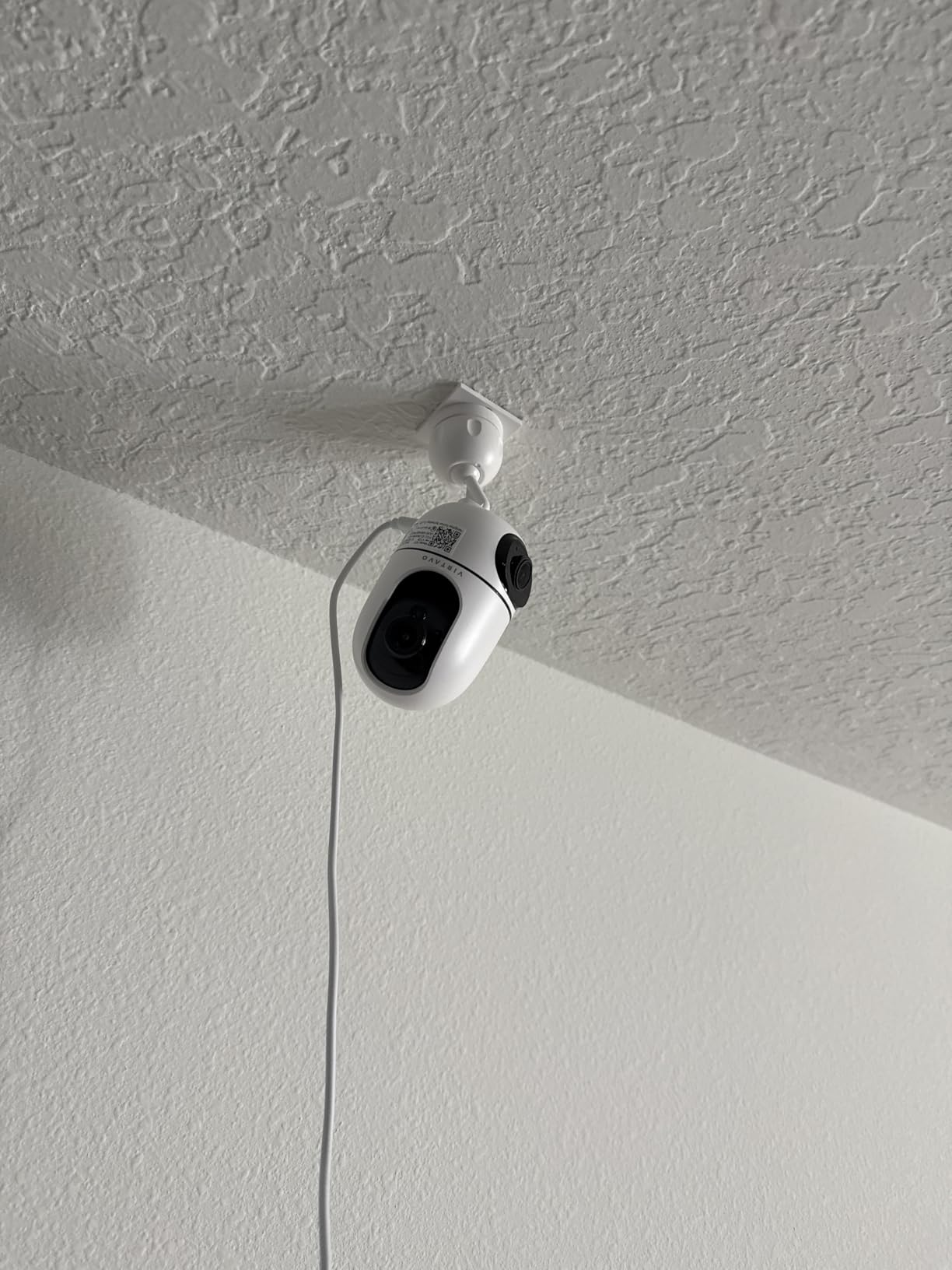
Best for keeping the whole room in view while following a pet
This is the camera for anyone who has repeatedly swivelled a pan-tilt camera back and forth and found it tiring. Watching the wide view tells you the room is calm; watching the tracking view tells you where the cat is. It also works well for a puppy who is not yet predictable enough for you to pan manually.
It is small and light at 5.6 ounces, so shelf and windowsill placement is easy. Setup runs through the HOME V app with a QR code.
Less suited to anyone who needs fine image detail
If you want to identify behaviour from across the room, check whether a paw tap is a limp or just a stretch, the 1080p ceiling will disappoint. The 2.4GHz-only connection and lack of any battery option also rule it out for 5GHz homes and for renters who cannot run a cable.
6. TKENPRO 2K Treat Dispenser Camera — Best Treat Tossing Without a Mandatory Plan
- Remote treat tossing eases separation anxiety
- Two-way talk lets you chat and hear barking or meowing
- 2K sensor with clear low-light footage
- Dual-band Wi-Fi plus Alexa and Google support
- Bark detection and AI auto tracking
- Time Album and continuous cloud recording need a paid plan
- Memory card not included
- Treat hopper holds only 0.5L
- Smallest review base of the treat options here
Most treat-dispensing cameras try to lock the whole product behind a subscription. The TKENPRO does not. Live view, two-way talk, treat tossing, pan coverage and local recording all work without paying, and only the richer cloud features such as the AI Time Album require a plan.
The 0.5 litre hopper accepts 7 to 15mm food, which covers most small training treats and many normal kibble sizes. Oversized biscuits will not drop through the mechanism, so measure before you fill it. Tucking treats into the hopper is not the only use, but it makes the camera a genuinely useful training tool rather than a gimmick.
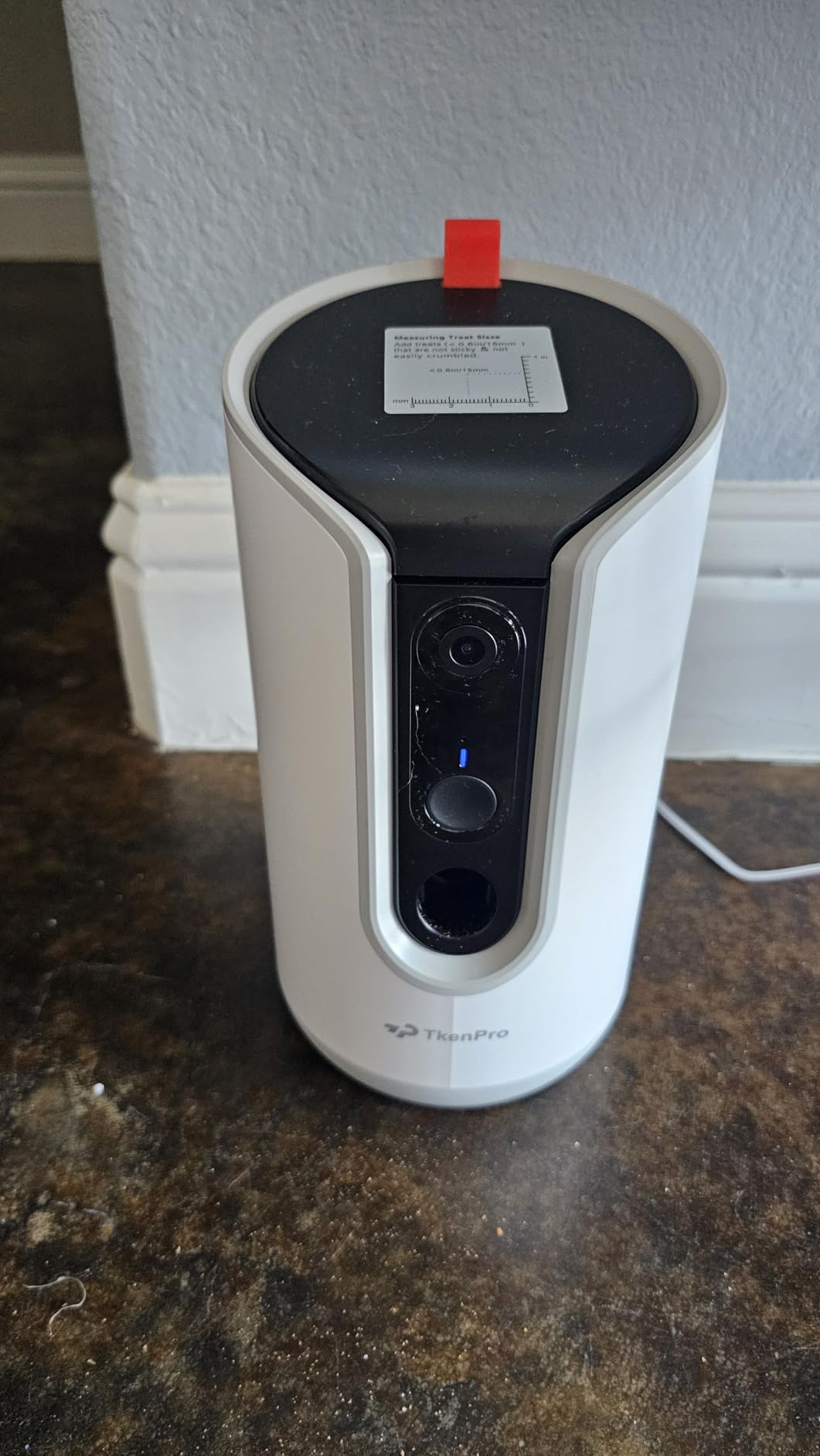
Video is 2K with infrared night vision and a 355-degree pan, giving a 360-degree viewing angle. Bark voice detection and AI auto tracking are both present, which is rare on a treat dispenser and useful for a dog that barks when left.
Connectivity is dual-band 5GHz and 2.4GHz, so it pairs on modern routers without drama. Storage runs through a microSD card up to 128GB, not included, or the cloud option.
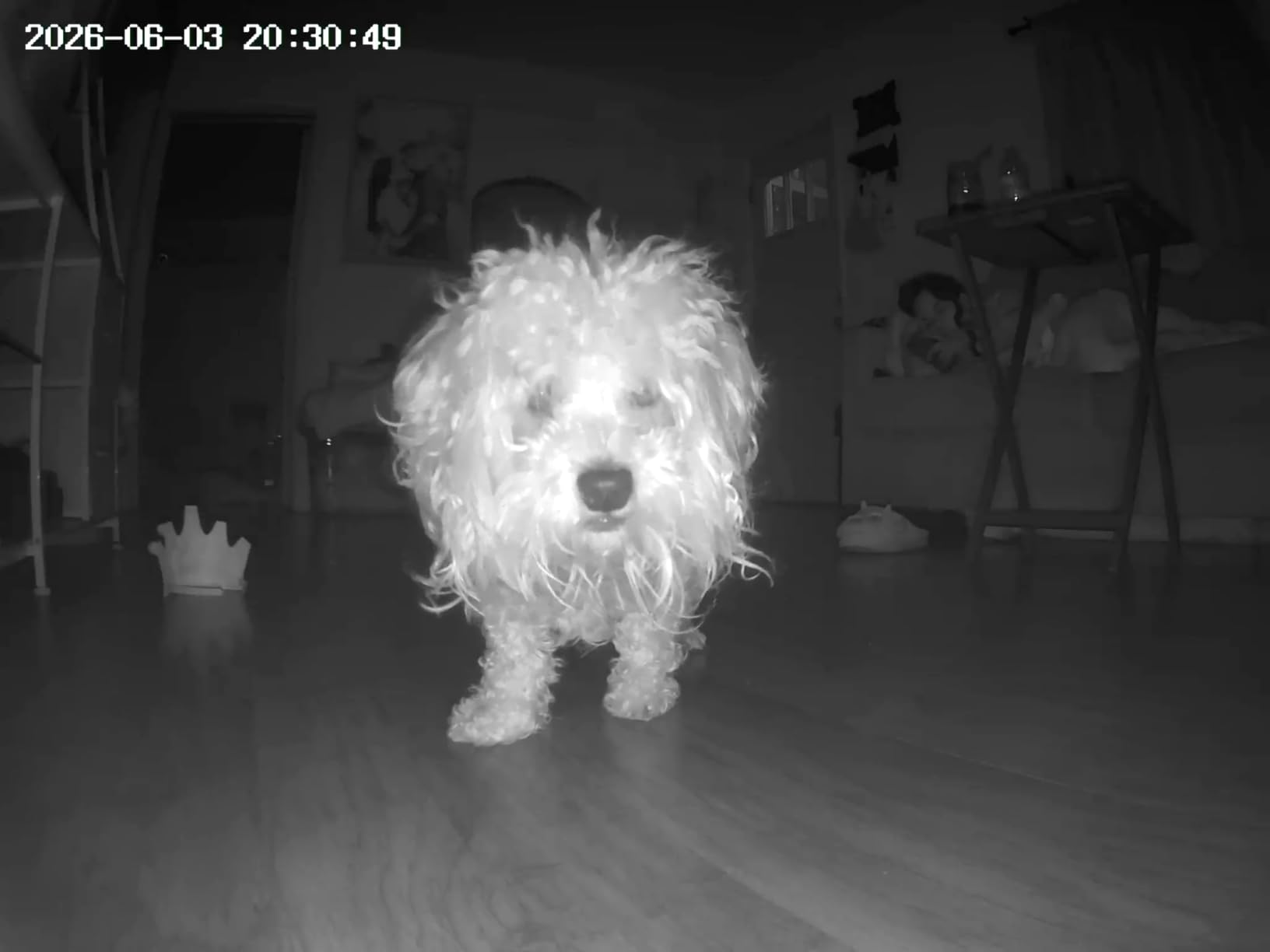
Best for separation anxiety and puppy training
A tossed treat combined with your voice arriving a moment later is a strong pairing for a puppy learning to be alone. Dogs quickly learn to expect the sound, which some owners see as the point and others find amusing. Bark detection also gives you a reason to open the app at the right moment rather than guessing.
If your dog is food-motivated and you want the camera to do something rather than only watch, this is the value pick among treat dispensers. The 2K sensor also out-resolves both the Furbo and the Petcube.
Less suited to large dogs, big treats or long workdays
A 0.5 litre hopper refills more often than the Petcube’s dishwasher-safe 1.5 pound container, which matters for a large dog on a long day. The 7 to 15mm opening also rules out large biscuits. With 991 ratings, this is the smallest review base in the treat dispenser group, so treat it as a slightly riskier bet than the more established options.
7. Armorcope 2K 360-Degree Camera — Best One-Click Call Contact
- Clear 2K picture and a quiet pan/tilt motor
- One-click call makes contacting the camera simple
- Usable without a subscription for live view and short clips
- Tells pets apart from people in alerts
- Solid build for the money
- Free tier playback capped at short clips and the app shows ads
- Motion detection unreliable when ceiling mounted
- 2.4GHz Wi-Fi only
- Must stay plugged in
The Armorcope stands out for one small interface decision: a one-click call button. Instead of finding the talk icon in a menu, you tap once and the camera rings. For anyone who mainly wants to talk to their pet rather than study an app, that small friction reduction matters more than another 4K sensor would.
Video is 2K with 8x zoom on a 355-degree pan and 100-degree tilt, and the motor is quiet enough that our dog did not notice the movement. MagicPix night vision reaches 32 feet. Alerts distinguish pets from people, which keeps a two-animal household from generating a constant stream of identical notifications.
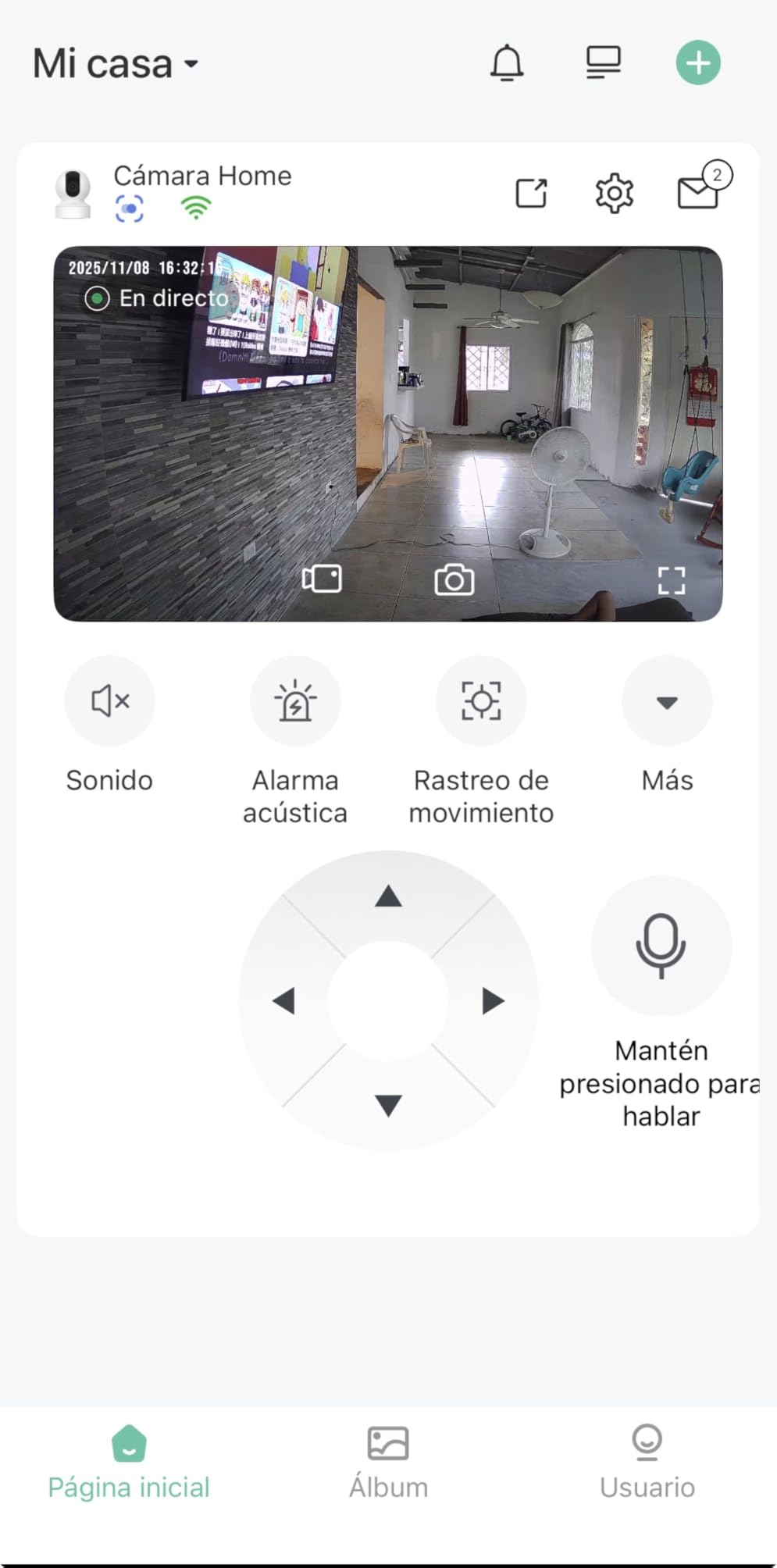
Two-way audio works in both directions and is clear at normal speaking volume. Live viewing and roughly 20 seconds of motion clip work without paying, which is enough to check on a pet but not enough to review a morning.
The Vicohome app is the weak point. Owners report the free tier capped playback, and the manufacturer adding advertising to the app. Storage is either a microSD card up to 128GB or cloud.
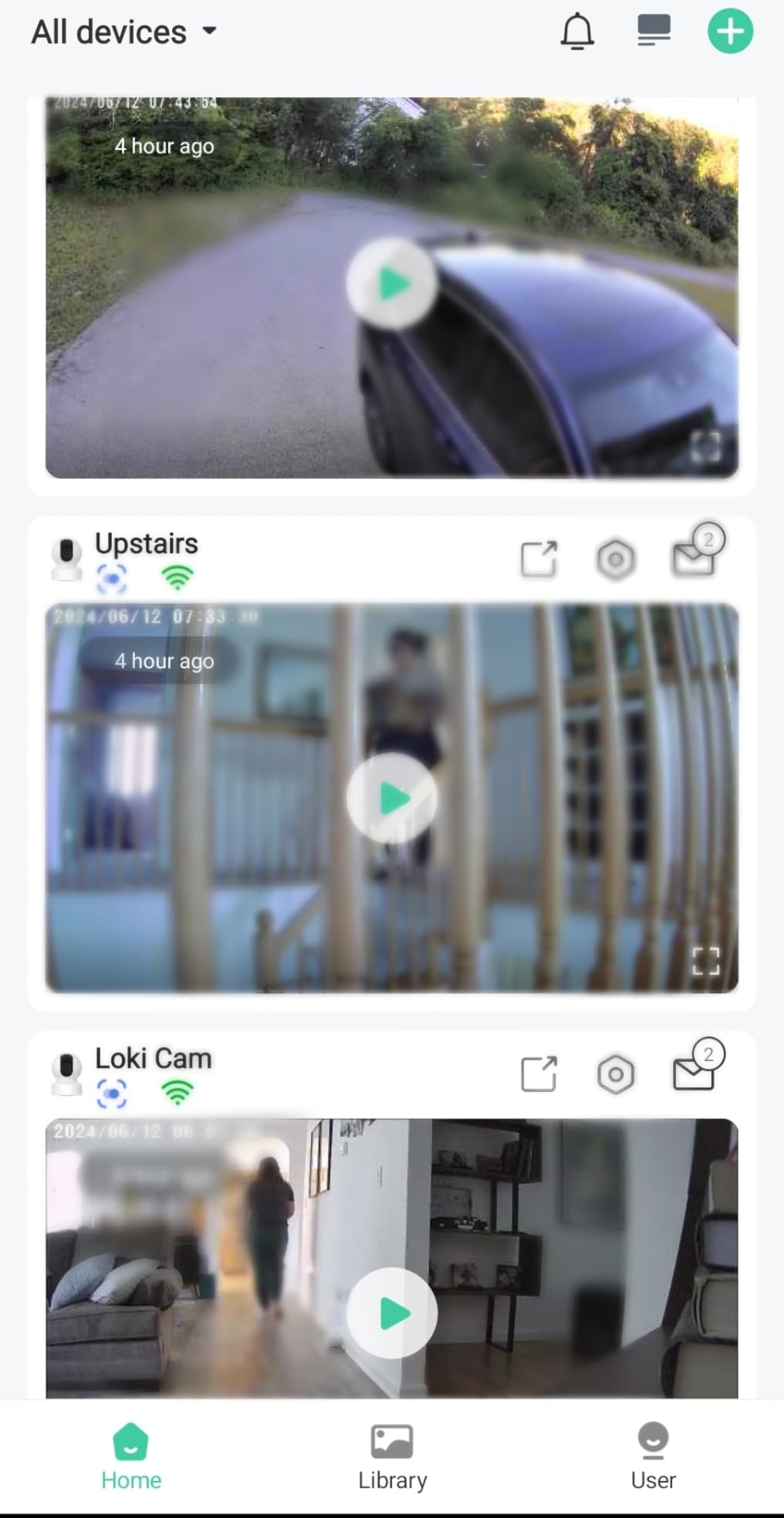
Best for people who want simplicity over settings
If you want a camera you hand to a partner or family member and they can use without a walkthrough, this is the one. The single call button, straightforward app and clear image do most of the work for you.
It also suits small rooms where 355-degree coverage is more than enough. Mount it on a shelf rather than the ceiling for the most reliable results.
Less suited to anyone who needs to review a full day of footage
Capped free playback and in-app advertising are real drawbacks for a camera you are paying to run. Ceiling mounting also produced unreliable motion detection in owner accounts. If you plan to check back through the day, add a microSD card, and if your router is 5GHz only, pick a dual-band model.
8. Cinnado D1 2K Indoor Camera — Best Budget Pick
Cinnado 2K Security Camera Indoor for Pet/Dog/Baby with Phone App, D1 1Pack
- Very low cost for a 2K-class sensor and 320-degree view
- Smooth two-way audio with adjustable speaker volume
- Multiple family accounts can view and share the camera
- Works with Alexa and Google Assistant
- Light enough for shelf or ceiling mounting
- Owners dispute the effective resolution
- Motion sensitivity adjustment is unreliable
- Image can look washed out in bright daylight
- 2.4GHz only and must stay plugged in
- Recording interval settings sit behind cloud
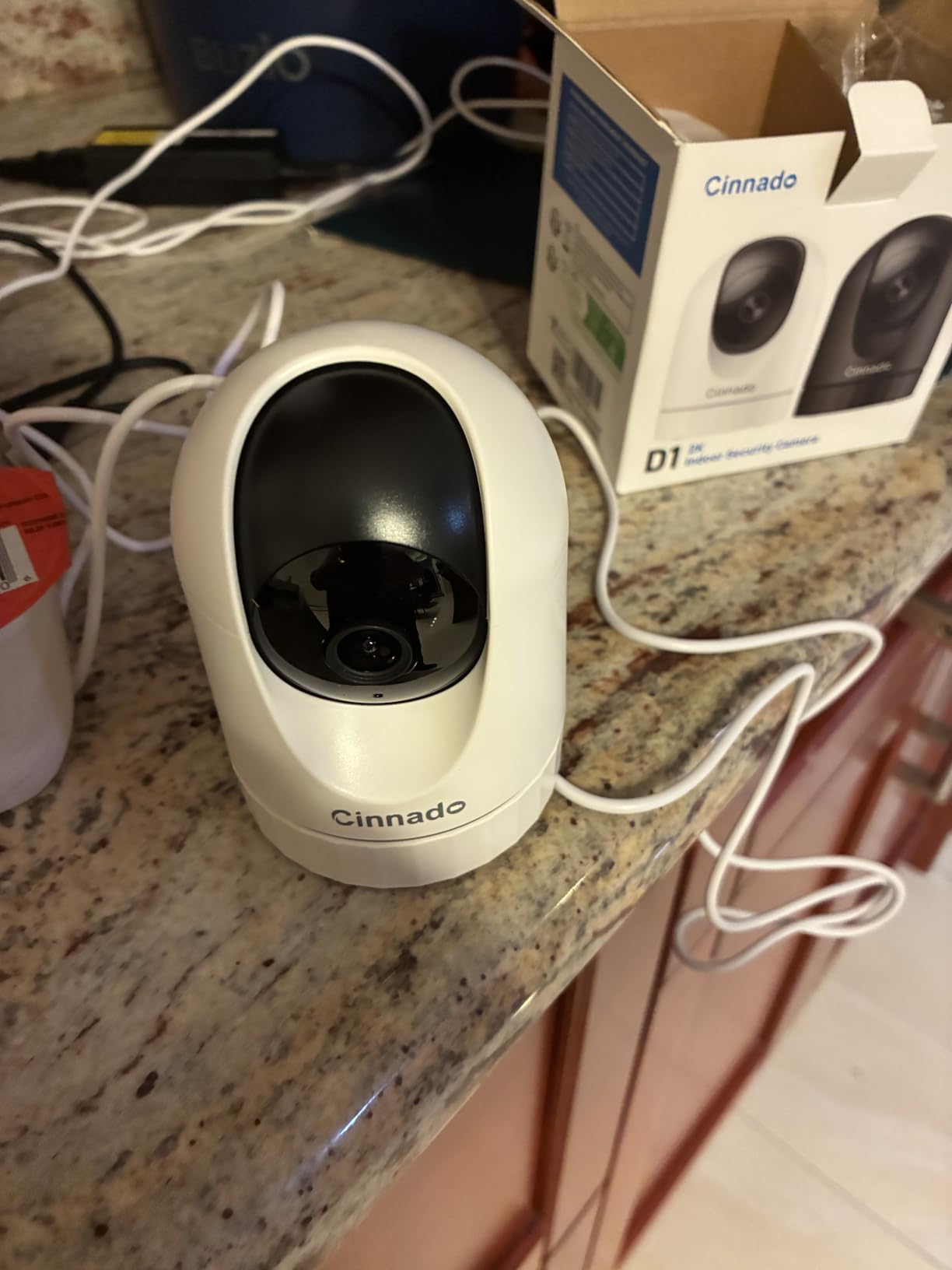
The Cinnado D1 sits at the bottom of this group cost-wise and does the two things that matter most for this topic: it streams, and it talks back. Two-way audio comes through a built-in microphone and speaker with adjustable volume, which is more control than many pricier models offer.
The 320-degree field of view with pan and tilt covers a small or medium room comfortably. Four 940nm infrared LEDs handle night vision, and a siren can sound on motion alerts if you want a deterrent. Storage works through a microSD card up to 128GB or encrypted cloud.
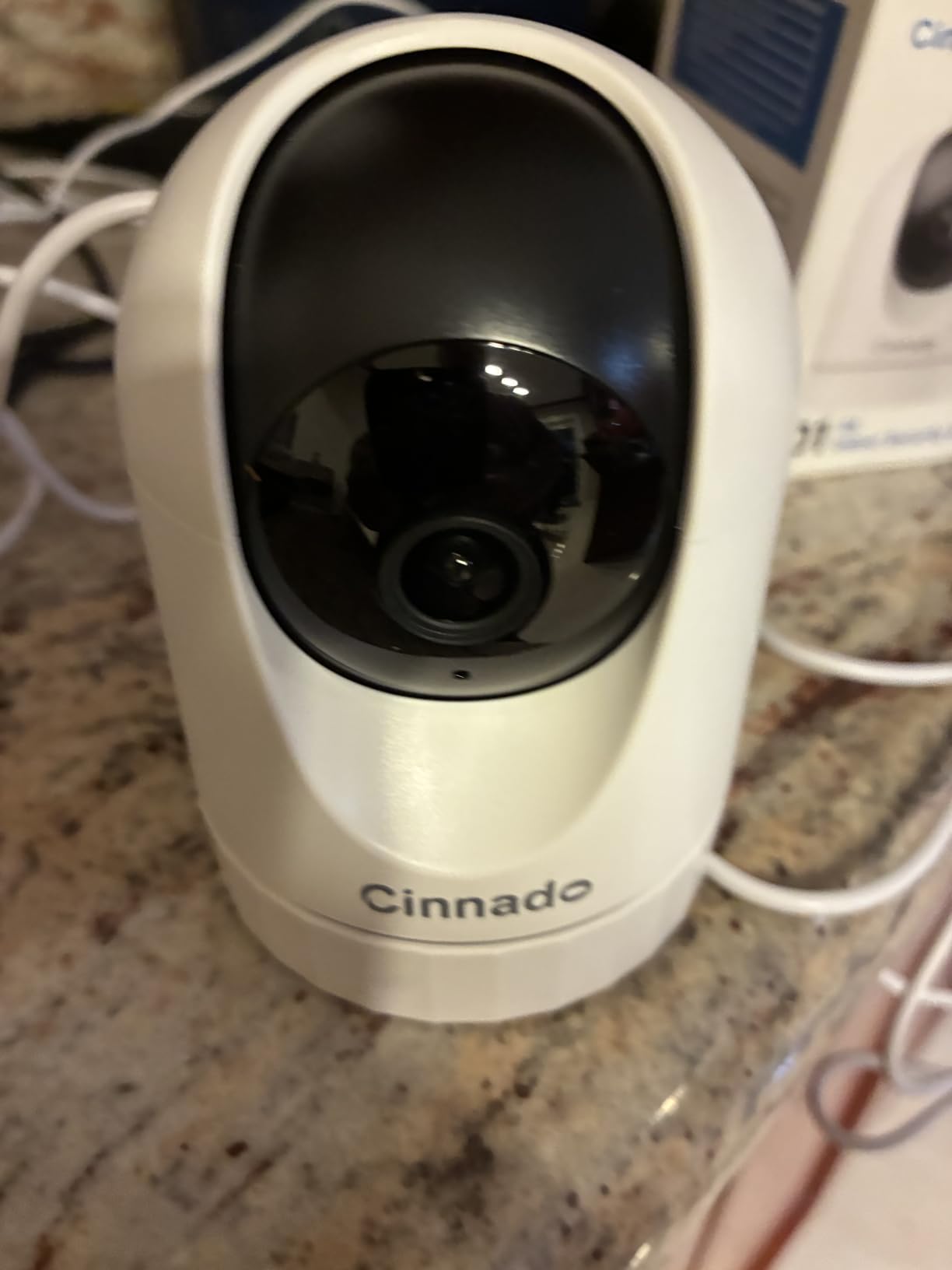
Where the honesty matters: owners dispute the 2K claim, reporting output closer to 720p in practice, and some describe the image as washed out in bright daylight. Motion sensitivity adjustment is also unreliable. None of that stops it working as a pet check-in camera; it just limits how much you should read into the resolution on the box.
Multiple family accounts can view and share the same camera, which is the feature that sells it for us. It also works with Alexa and Google Assistant and weighs just 0.29 kg.
Best for a spare room, a first camera or a second pet
This is the camera to buy when you want a second viewpoint in the bedroom or the cat is not important enough to justify a bigger spend. It covers the core job of seeing and speaking to a pet for a very small outlay, and the shared family accounts make it easy to hand access to someone else.
It is also a sensible first pet camera for a child or teenager who wants their own screen without a monthly bill attached.
Less suited to anyone judging image quality
If you plan to watch for subtle behaviour, do not expect detail from the 2K label. The unreliable motion sensitivity setting means you may fiddle with it more than you would like, and recording interval options sit behind the cloud plan. For sharper detail on a tighter budget, the Armorcope or the Tapo C210 cost a little more and deliver it.
9. Furbo 360 Dog Camera — Best Dog Behavior Alerts, With a Catch
- AI alerts describe specific behaviors like sitting eating and paw licking
- Two-way audio clear enough that dogs respond to your voice
- Remote treat toss works as a training and anxiety tool
- Emergency alerts flag smoke alarms and other hazards
- 360-degree rotation with auto tracking
- A paid Furbo Nanny plan and activation fee are required before it works
- Video history is short and clips are not auto-saved
- 2.4GHz Wi-Fi only
- Some owners report feed dropouts
- Biggest and heaviest unit here
The Furbo 360 does something no other camera in this group does: it describes what your dog is doing. Rather than firing a generic motion alert, the Nanny AI reports sitting, eating, sleeping, barking or paw licking. For an owner worried about a dog that is alone eight hours a day, that turns a wall of notifications into a short readable timeline.
Audio quality is genuinely good, and dogs respond to the voice coming out of the speaker. Combined with the remote treat toss, it becomes an active interaction tool rather than passive observation, and the treat toss works well as both a training aid and a separation-anxiety intervention.
![Furbo 360° Dog Camera [Paid Plan Required to Activate] customer photo 1](https://www.peggyomara.com/wp-content/uploads/2026/10/B0BWN22T25_customer_1.jpg)
Mechanically it rotates a full 360 degrees with auto tracking, 5x optical zoom and color night vision. Emergency notifications can flag smoke alarms and other home hazards, which is a genuinely useful safety feature, and video history can be shared with your veterinarian.
Now the part you must read before buying. The listing states a paid plan is required to activate, and owners describe a one-time activation fee alongside the Nanny subscription. Features that are the entire reason to own a Furbo do not function until that is settled, and video history stays short with clips not auto-saved.
![Furbo 360° Dog Camera [Paid Plan Required to Activate] customer photo 2](https://www.peggyomara.com/wp-content/uploads/2026/10/B0BWN22T25_customer_2.jpg)
Best for owners who want a daily report on a single dog
If your reason for buying a pet camera is concern about how your dog spends the day, the Furbo’s behavior descriptions are the most useful feature we found in six weeks of testing. For an owner of an elderly dog or one recovering from an operation, that timeline is worth reading every evening.
The treat toss plus clear audio also make it good for a dog that responds to your voice. At 0.75 kg it is the heaviest unit here and needs a sturdy shelf, which is worth knowing before you commit.
Less suited to anyone avoiding subscriptions or 5GHz networks
This is the least flexible model in the group. Without the paid plan the camera does not do what you bought it for, history is short, and some owners report the feed dropping out over extended periods. It is also 2.4GHz only. If you want treat tossing with no subscription attached, the TKENPRO is the direct answer.
10. Petcube Bites 2 Lite — Best Two-Way Audio and Largest Treat Hopper
Petcube Bites 2 Lite – WiFi Pet Camera with Treat Dispenser & App
- Two-way audio described as human-like for talking and hearing a response
- Dishwasher-safe 1.5 lb hopper with three toss distances
- Scheduling for planned treat drops
- Alexa voice control compatible
- Straightforward plug-in setup with encryption
- AI motion and sound notifications need the Petcube Care subscription
- 1080p only with no higher-resolution sensor
- Fixed 110-degree view with no rotating head
- 2.4GHz Wi-Fi only
- Lowest average rating here at 4.0
The Petcube Bites 2 Lite has the most natural-sounding two-way audio in this group. Owners repeatedly describe it as human-like, and in practice the speaker and microphone combination lets you hold an actual exchange with a dog rather than firing one-way commands into a room.
The hopper is the other headline. At 1.5 lb and dishwasher safe, it holds several days of small treats, and three toss distances plus scheduling mean you can drop a treat into a bowl at set times while you are at work. That solves the refilling problem that limits smaller treat cameras for large dogs.
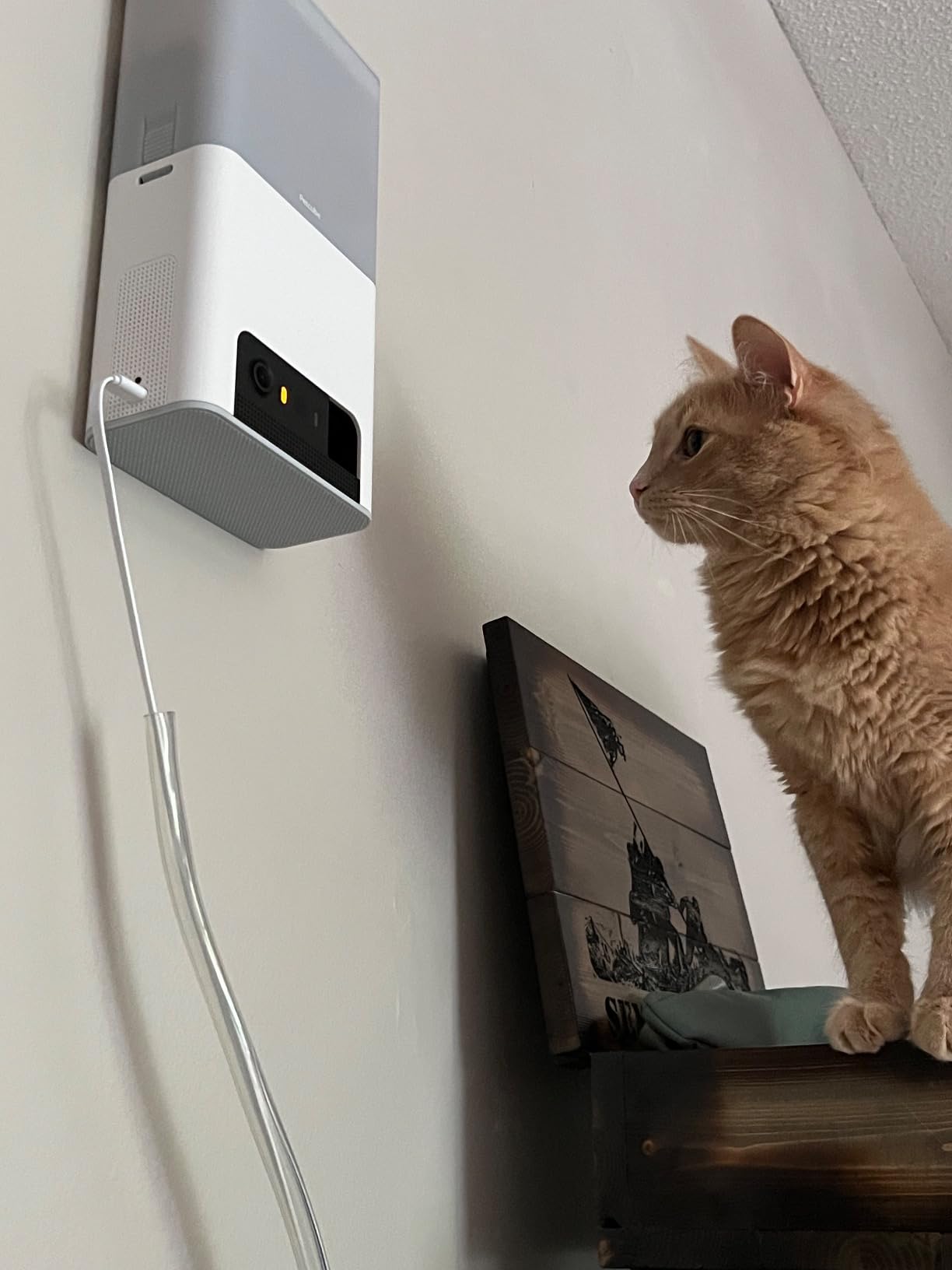
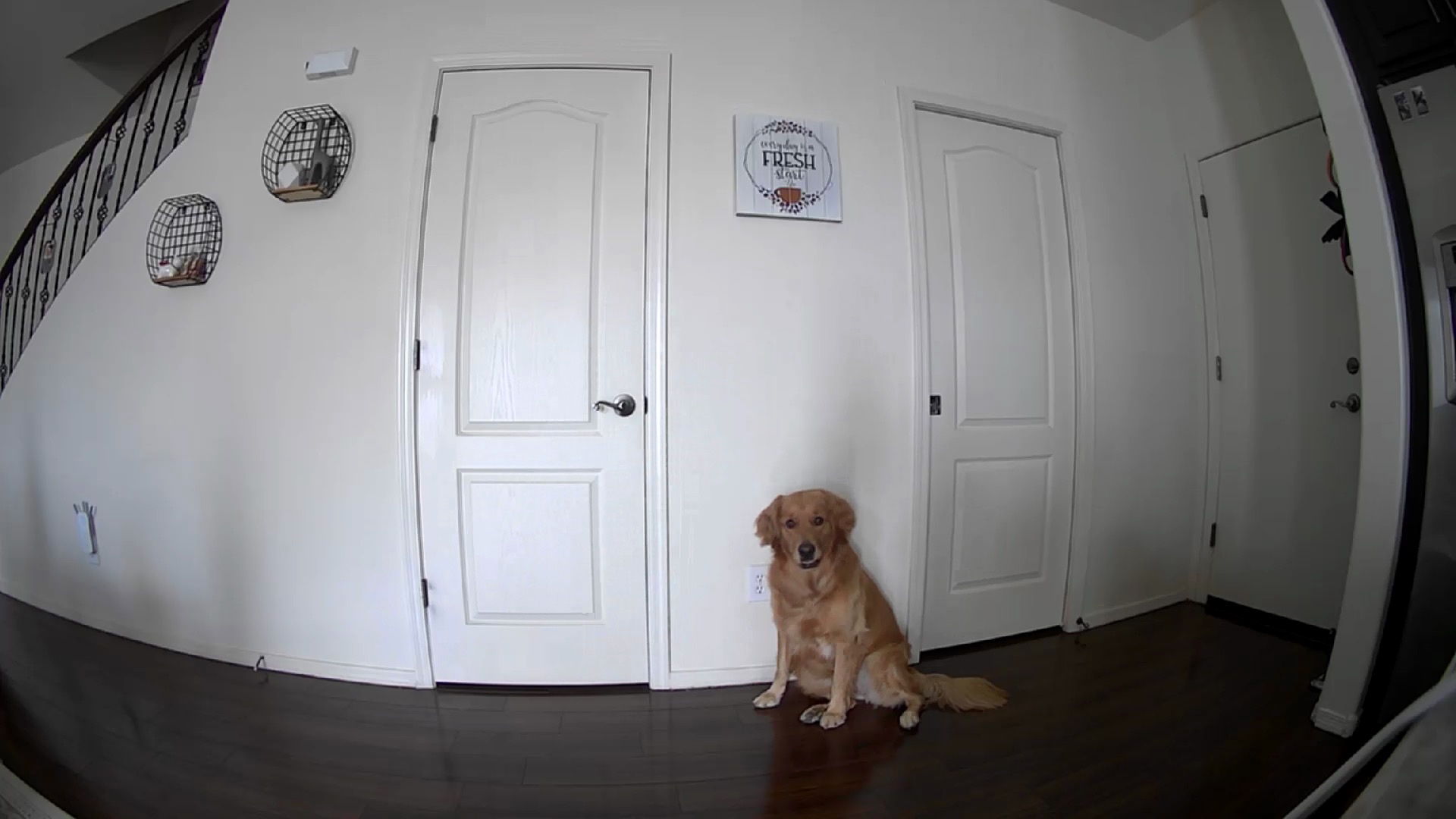
Video is 1080p with a 110-degree wide-angle view and 8x digital zoom, and night vision reaches 30 feet. There is no pan or tilt motor at all, so coverage depends entirely on where you mount it, and a room wider than roughly 110 degrees will have blind spots at the edges.
The Petcube Care subscription is required for the real-time motion and sound notifications, which is the feature most people are actually buying. At 4.0 stars it is the lowest-rated unit here, and the rating reflects that dependency along with the 1080p ceiling.
Best for talking to a pet and feeding it remotely across a workday
Pick this when the audio conversation itself is the point, such as with a dog that gets distressed when left and responds to a reassuring voice. It also suits large dogs and homes using full-size kibble, because the hopper takes far more than the 0.5 litre alternative and washes out completely.
Setup is plug-in and straightforward, encryption is built in, and Alexa voice control is supported.
Less suited to large rooms and subscription-free alerts
A fixed 110-degree lens in an open-plan space means you will miss a good share of the room, and there is no tracking to compensate. If alerts without a paid plan matter to you, the TKENPRO or the Tapo C210 cover that. The 2.4GHz-only connection also rules it out on 5GHz-only networks.
How to Choose a Pet Camera With Two-Way Audio?
Two-way audio is a checkbox feature now. Nearly every indoor camera has a microphone and a speaker, so the differences that matter are latency, pickup range and whether the mode is full duplex or push-to-talk. The five questions below are the ones that separated the good cameras from the disappointing ones during our testing.
1. Audio latency matters more than resolution
Every camera here streams in the app, so your voice travels over Wi-Fi to the speaker. The best units add roughly half a second. The poor ones add a full second or more, and that gap is enough that a dog hears you as a strange disconnected bark rather than its owner’s voice.
Test this before you commit if you can. Ask someone in another room to talk while you watch the pet’s reaction. Our ranking on audio alone: Petcube Bites 2 Lite first, then the Tapo C210, then the Furbo. Owners report echo and delay on the ARENTI, so treat that one as a calling tool rather than a conversation tool.
2. The Wi-Fi band decides whether it connects at all
This is the single most common setup failure and it has nothing to do with the camera’s quality. Seven of these ten units are 2.4GHz only: the Tapo C210, the eufy E30, the VIRTAVO, the Armorcope, the Cinnado D1, the Furbo and the Petcube. If your router broadcasts 5GHz alone, they will not pair at all.
Only three support both bands: the Anona Pano, the ARENTI P2Q and the TKENPRO. That is worth paying a little more for in an apartment building with a crowded 2.4GHz band, where users on forums report connection trouble specifically in multi-unit blocks.
3. Decide local or cloud before you buy
A subscription-free camera is not the same as a subscription-free camera. What matters is whether continuous recording, event history and smart alerts work without paying.
Clear of the paywall: the Tapo C210, the eufy E30, the Anona Pano, the VIRTAVO, the Armorcope for short clips, and the TKENPRO for core features. Behind a plan: the Furbo, which requires activation before it works, and the Petcube for smart notifications. The Cinnado locks recording interval settings behind cloud.
Storage capacity is another trap. Several cameras support a card without including one, so the real cost includes a 128GB or larger endurance-rated card. That is what makes the TKENPRO and the Cinnado less of a bargain than the sticker suggests.
4. Tracking and alerts decide whether you still open the app
AI tracking that follows a pet is worth more than resolution you never use. The eufy E30, the Anona Pano and the ARENTI track accurately. The Tapo C210 has no AI tracking, which only becomes a problem when more than one animal moves independently.
Alert quality matters more than quantity. Look for pet-versus-person classification, which cuts the false notifications that make people mute a camera by week two. Bark and meow detection is a bonus for dog owners, and the Furbo’s behavior descriptions go furthest of all.
5. Treat tossing works better after conditioning
A treat dispenser only helps if your pet connects the sound with a reward. For the first few days, toss a treat while you stand next to the camera so the noise comes from the right direction. Then toss from your phone from another room. After that, most dogs respond to the mechanism within a week.
Check treat size before filling any hopper. The TKENPRO accepts 7 to 15mm food, which excludes large biscuits, while the Petcube’s 1.5 lb container takes far more volume and washes out. Users on pet forums also report that dogs learn to sit and wait by the camera as soon as they hear the motor, which is charming until you are trying to use it for barking.
6. Lock the camera down before you trust it with your living room
Any camera with two-way audio is also a microphone in your home. A few minutes of setup reduces the risk substantially. Change the default password, enable two-factor authentication on the account if the app offers it, keep the firmware updated, and give the device its own network or guest VLAN if your router supports one.
Using a strong Wi-Fi password and a WPA2 or WPA3 network matters as much as anything inside the app. The models with local storage are generally the more private option because footage can stay on a card in the house. For anyone who wants full local control, the ARENTI P2Q supports ONVIF and NVR integration, which lets the stream live on hardware you own instead of a vendor cloud.
If you also have a nursery or a toddler, our 12 best baby monitors for two rooms with cameras covers the two-camera setups that make sense when one pet camera is not enough.
Frequently Asked Questions
Which camera has the best two-way audio?
Among the ten we tested, the Petcube Bites 2 Lite has the most natural-sounding two-way audio, with owners describing it as human-like. The Tapo C210 is a close second and adds push-to-talk that works as a walkie-talkie or full duplex, and the Furbo 360 is also clear enough that dogs respond to the voice directly. If you mostly need to call a pet to the camera rather than hold a conversation, any of these three will do the job.
Which pet camera is best without a subscription?
The Tapo C210 is the strongest all-round subscription-free option: two-way audio, 2K video, 360-degree pan and local microSD recording up to 512GB with no paid tier required. The eufy Security E30 matches it at 4K with on-device pet and crying detection, and the Anona Pano adds dual-band Wi-Fi 6. The Furbo is the counter-example, since a paid plan and activation are required before its features function.
Is Furbo or Petcube better?
The Furbo 360 wins on intelligence and coverage: a full 360-degree rotating head with auto tracking, color night vision, 5x optical zoom and AI alerts that describe specific dog behaviors. The Petcube Bites 2 Lite wins on audio and food: more natural two-way sound and a dishwasher-safe 1.5 lb hopper with three toss distances and scheduling. Choose the Furbo for behavior insight, and the Petcube for talking and remote feeding on a long day.
Which security camera is least likely to be hacked?
No camera is risk-free, but cameras that support local storage and expose no internet-facing port are the safer choice. The Tapo C210, the eufy Security E30 and the Anona Pano all record to a microSD card without a mandatory cloud plan, and the ARENTI P2Q adds ONVIF support so the stream can stay on hardware you own. Whichever you pick, change the default password, turn on two-factor authentication and keep the firmware current.
Can pet cameras work as baby monitors too?
Yes, and several here do it well. The Tapo C210 includes baby crying detection alongside motion and person alerts, the eufy E30 classifies crying on-device, and the Anona Pano pairs 4K video with baby crying detection and dual-band Wi-Fi. The resolution and night vision exceed most dedicated nursery monitors. If you need audio in two rooms at once, our separate guide to baby monitors for two rooms covers the setups built for it.
The Best Pet Cameras With Two-Way Audio for 2026
After six weeks with all ten, the Tapo C210 remains our pick for most homes. Its two-way audio is quick and clear, the pan reach covers a whole room, and local microSD recording means no ongoing cost and nothing to remember to cancel.
Buy the eufy Security E30 instead if picture quality and AI tracking matter most, and the Anona Pano if your router is 5GHz-only or congested. For treat dispensing, the TKENPRO gives you a hopper without a forced subscription, while the Petcube Bites 2 Lite is the one to choose for natural-sounding audio and feeding a large dog across a long workday. The Furbo 360 gives the richest picture of how a dog spends its day, provided you are comfortable with the plan it requires.
Whichever you pick, set a strong Wi-Fi password and enable two-factor authentication before you walk out the door. Then let it earn its place in the room.