
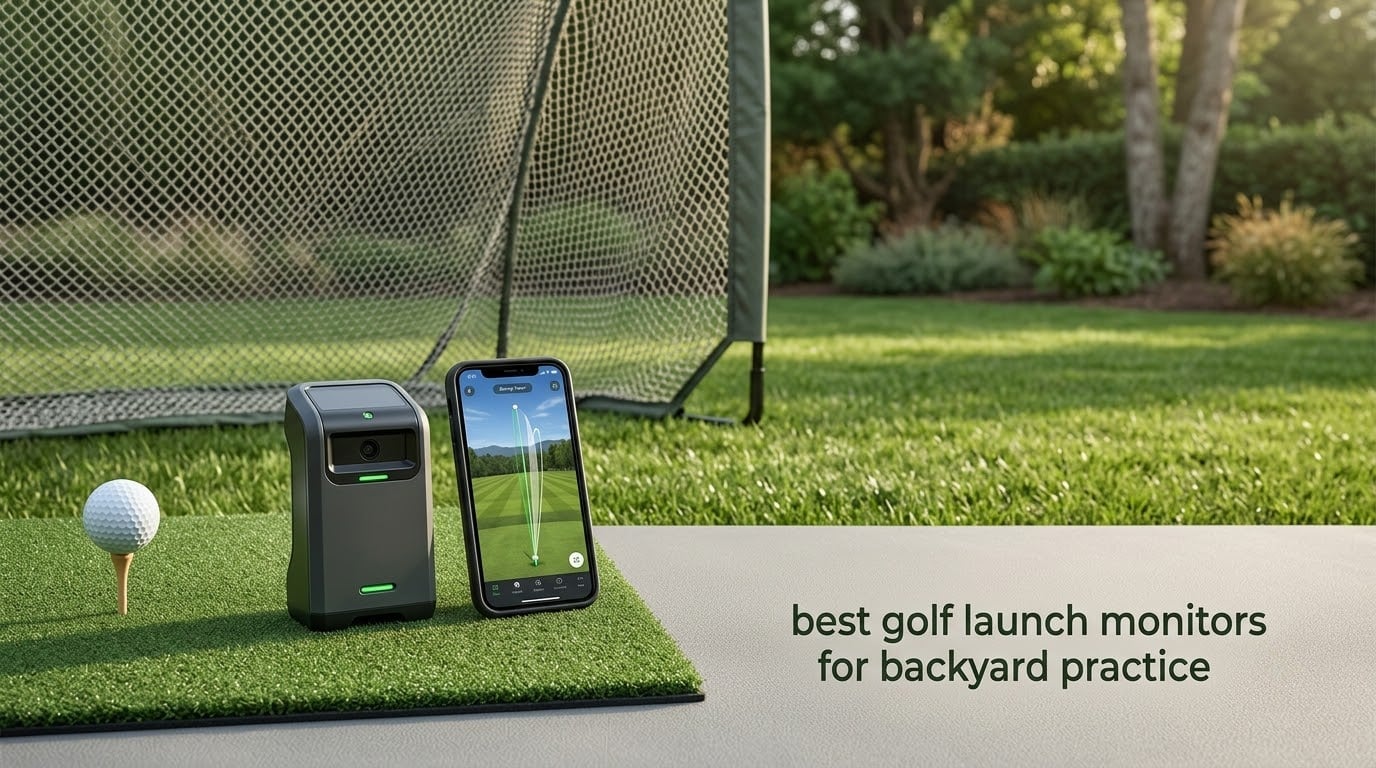
Most golfers hit balls into a backyard net and guess. They think a wedge carries 90 yards, bury it in the rough, and have no idea why. A launch monitor turns that guesswork into a number you can build a practice plan around, and choosing among the best golf launch monitors for backyard practice comes down to three things: how much space you have behind the ball, whether you will use it in direct sun, and whether you mind signing up for software.
We compared the radar units, the camera-based units and the pocket devices that only report speed, and the outdoor question shaped everything else. A radar unit reads the ball in flight and needs a clear lane behind your swing, while a camera unit photographs the ball at impact and works in a tight bay but wants light. One r/Golfsimulator thread captures why golfers hesitate: a buyer who had a bad experience with a budget radar unit still describes it as giving inconsistent numbers and being unreliable on mis-hits.
That experience is why we ranked these on accuracy claims the manufacturer publishes, on setup time in a real yard, and on whether recurring software cost is worth it for someone who just wants better ball striking. For the rest of your bag, see our [best golf clubs roundup](https://www.peggyomara.com/best-golf-clubs/), and for the wider category our general [golf launch monitor guide](https://www.peggyomara.com/best-golf-launch-monitors/) covers indoor simulator software in more depth.
Here is the short answer. The Rapsodo Mobile Launch Monitor is the best golf launch monitor for most backyards, because it clips to the bag, gives you video plus real numbers, and costs nothing to keep using. The PRGR HS 130-A is the value pick if you only care about speed. The Garmin Approach R10 is the one to buy if you want manufacturer-published radar accuracy in open grass.
Table of Contents
Top 3 Picks for Backyard Launch Monitor Practice in 2026

Rapsodo Mobile LM
- Ball speed
- club speed
- launch angle
- Video replay with shot tracer
- Free app with GPS dispersion
- Clips to the bag at 0.4 kg

Garmin Approach R10
- 1 mph ball speed tolerance
- 1 degree launch angle tolerance
- Per-club stats and dispersion chart
- 10 hour battery and IPX7

PRGR HS 130-A
- Doppler radar club and ball speed
- Measures speed with no ball at all
- 4.9 ounces and AAA battery powered
- No app or account needed
Those three cover most of the decisions people actually face. The Rapsodo wins on immediacy, the PRGR on simplicity, the R10 on published precision.
All 10 Best Golf Launch Monitors for Backyard Practice (October 2026)
| Product | Specifications | Action |
|---|---|---|
| Rapsodo Mobile Launch Monitor |
|
Check Latest Price |
| PRGR HS 130-A Portable Launch Monitor |
|
Check Latest Price |
| Garmin Approach R10 |
|
Check Latest Price |
 Voice Caddie SC200 Plus Voice Caddie SC200 Plus |
|
Check Latest Price |
 Garmin Approach G80 Garmin Approach G80 |
|
Check Latest Price |
 Rapsodo MLM2PRO Rapsodo MLM2PRO |
|
Check Latest Price |
 Garmin Approach R50 Garmin Approach R50 |
|
Check Latest Price |
 The Stack Radar The Stack Radar |
|
Check Latest Price |
 Uneekor EYE MINI CORE Uneekor EYE MINI CORE |
|
Check Latest Price |
 FlightScope Mevo Gen2 FlightScope Mevo Gen2 |
|
Check Latest Price |
Two entries deserve a note. The MLM2PRO is the only unit in this lineup that reports club path alongside spin, and the Mevo Gen2 is the only one bundling a full course library with nothing recurring attached.
1. Rapsodo Mobile Launch Monitor: the best golf launch monitor for most backyards
Rapsodo Mobile Launch Monitor Golf Simulator | MLM iPhone & iPad Only
- Ball speed and launch angle on every swing
- Video replay with an on screen shot tracer
- Free app with per club averages and GPS dispersion
- Light enough to clip to a golf bag
- Works at the range
- net or indoors
- iOS only with no Android support
- No measured spin rate
- Less accurate with driver and long clubs
- Camera view is hard to align in bright sun
This is the unit we keep coming back to for a backyard, because there is no setup ritual. It weighs 0.4 kg, it clips to the side of the bag, and it pairs with the phone you already carry. The phone becomes the unit, and the app draws an on-screen tracer over a video of every swing.
Per shot you get ball speed, club speed, launch angle, carry distance and a shot shape indicator. The tracer and the replay are what actually change your swing. A number tells you you are short; the video tells you the face was open at impact.
The catch is the platform. It is an iPhone and iPad device only, and the phone can overheat in direct sun. Owners report accuracy softening with driver and long clubs, and very high shots and wedges are sometimes not detected at all.
We would call this a practice-feedback tool rather than a fitting tool. Spin figures are extrapolated, not measured, so deliberate spin work needs something else. For club gapping, speed gains and a visual record of strike quality, 3181 reviews averaging 4.2 out of 5 is a strong showing.
Who this backyard launch monitor suits
It suits golfers who hit into a net, want the ball flight drawn in front of them, and would rather not fiddle with mounting hardware every session. If you carry your phone onto the course anyway, it slots into the same routine.
It also suits anyone who has bounced off a subscription. The Rapsodo app is free, and the numbers and video do not sit behind a paywall, which is not true of most mid-range units here.
Who should buy something else
If you use Android, this device is not an option. If you want measured spin, club path or face-to-path numbers, move up to the MLM2PRO or a three-camera unit.
A r/Golfsimulator poster made the point that a phone camera in full sun is where setup breaks down first, and that is the most common complaint. Practise in the shade or the evening and the alignment problem largely disappears.
2. PRGR HS 130-A: the budget pick for pure speed work
- Dependable club and ball speed from Doppler radar
- Measures club speed with no ball at all
- 4.9 ounces and fits in a golf bag
- AAA powered with no app or Wi-Fi
- Stores roughly 500 swings for later review
- Speed data only with no launch angle or spin
- No video or shot tracer
- Needs a separate device to visualise swings
The PRGR does one job and does not pretend otherwise. It is a pocket Doppler radar unit reporting club head speed, ball speed, smash factor, total distance and carry distance, and it weighs 4.9 ounces. It runs on AAA batteries, stores about 500 swings, and asks nothing of your phone.
That last point is the real draw. No app means no account, no cloud login and no software updates to chase. One r/Golfsimulator commenter described not wanting to pay a yearly membership just to open the driving range, and this device is the cleanest answer to that frustration on the list.
It also measures club head speed with no ball struck at all, which makes it a genuine swing speed trainer for a garage. A measuring range of 135 to 270 yards and water resistance suit range and yard use.
Reviewers who already track speed sessions praise the radar consistency and the ability to record without a ball. They accept a narrow metric set in exchange for pocket size and total simplicity.
Why backyard golfers buy the PRGR
Because speed is the metric that moves when you change something. If your practice is a speed block on irons and wedges, club head speed and smash factor are exactly the two numbers you want.
You also get carry and total distance, so gap checks between clubs are possible, just without any launch direction.
Where the PRGR runs out of road
There is no launch angle, no spin, no apex and no shot shape. Hit into a net and you cannot see ball flight anyway, so that matters less here than on open grass.
There is no video either, which is the one gap you cannot work around. When a number looks wrong you have no way to check whether it was a mis-hit.
3. Garmin Approach R10: the best outdoor launch monitor for published accuracy
- Manufacturer publishes 1 mph ball speed tolerance
- Launch angle and direction within 1 degree
- Per club stats and a shot dispersion chart
- Automatic video clip of every swing
- 10 hour battery and IPX7 rating
- Home Tee Hero and 43000 courses need a Garmin Golf membership
- Needs a compatible phone and the Garmin Golf app
- Spin is estimated rather than measured
- Bulky beside a pocket radar unit
The R10 is the only unit here where the manufacturer publishes a numeric tolerance: ball speed within 1 mph, club head speed within 3 mph, launch angle within 1 degree and launch direction within 1 degree. For a backyard golfer who wants a number to trust on open grass, that published spec is the whole argument.
It is built for exactly this. The unit weighs 340 g, is IPX7 rated and runs up to 10 hours, so a long session or a wet afternoon is not a problem. A tripod stand, phone mount, carry case and cable are in the box.
Training mode is what changes practice. It stores per-club statistics, draws a shot dispersion chart in the Garmin Golf app, and records a video clip automatically so every swing arrives with its metrics attached.
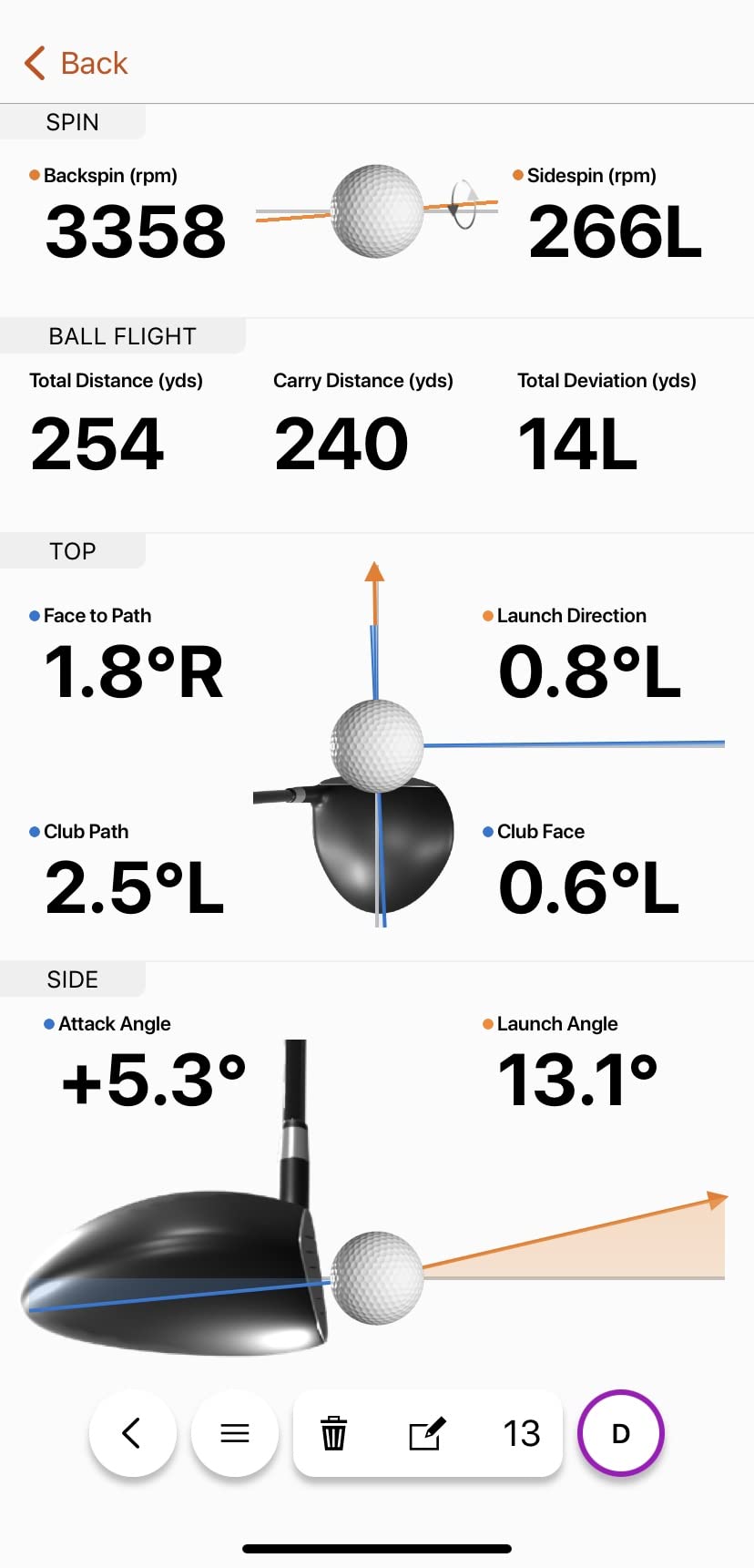
Buyers treat it as the accuracy benchmark in the mid-priced radar group, and the dispersion chart is the feature most often credited with altering practice. A tight pattern or a wild scatter is the most useful thing a backyard monitor can show you.
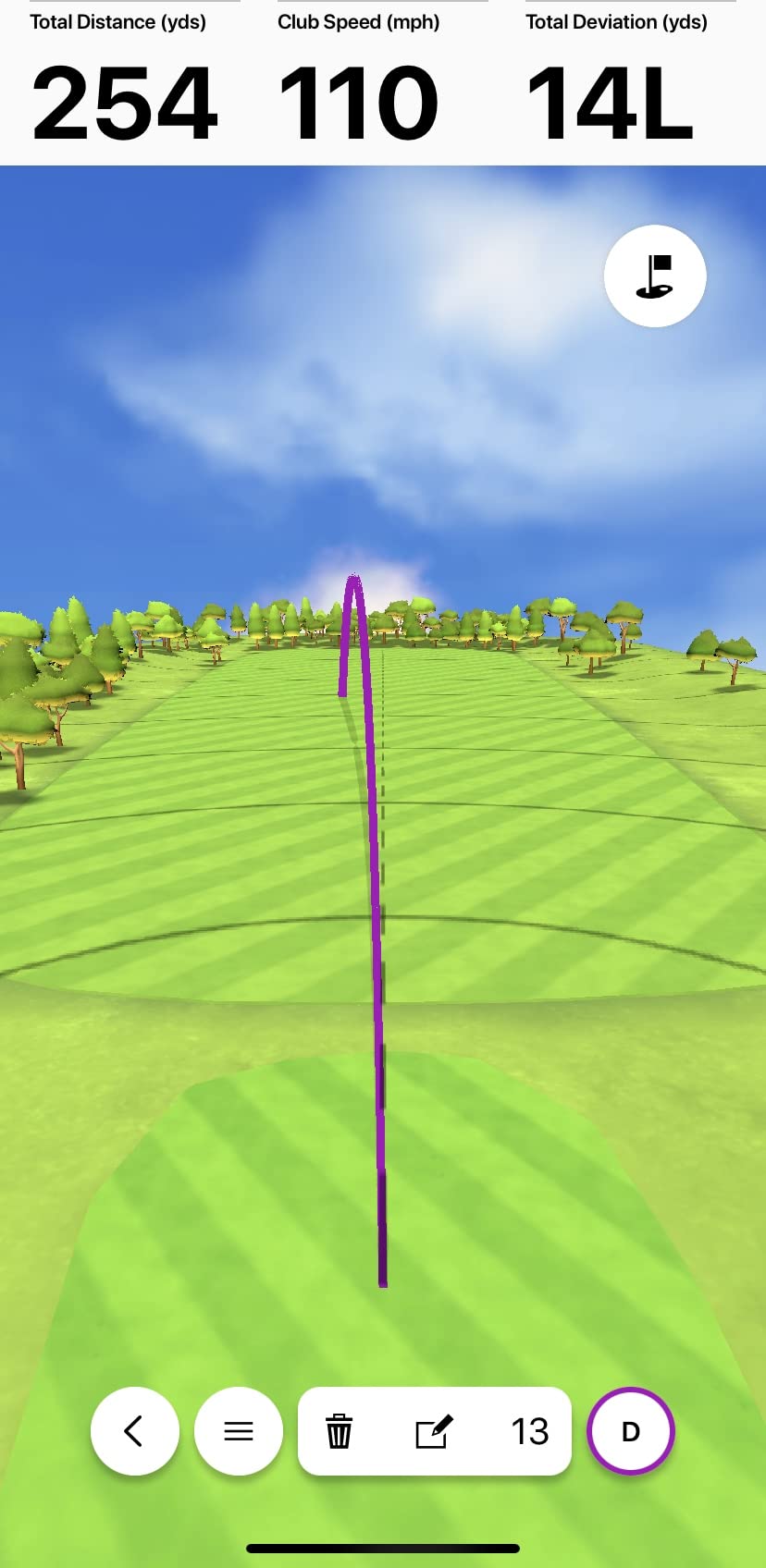
The friction is software, not hardware. Home Tee Hero and the library of more than 43000 virtual courses sit behind an active Garmin Golf membership, and the device depends on a compatible phone and the app. Owners also note that dim indoor net setups can struggle to read shots, though that is not an issue in an open backyard.
What you gain with the R10
A published accuracy spec, real dispersion charts, and video tied to every swing with no extra step. It also works at the driving range, so your habits carry over to the one place you can compare against laser range data.
It suits a golfer who wants real numbers for swing work and already owns a phone and a tripod.
What you give up
Spin is estimated rather than measured, so it will not replace a fitting-grade unit. And if virtual golf is the main draw, much of that software sits behind the membership rather than in the box.
It is also the bulkiest of the portable radar options here, so we would keep it at home rather than in the car.
4. Voice Caddie SC200 Plus: the best value for tempo and speed sessions
- Doppler radar with pressure calibration for stable readings
- Swing speed mode works without a ball
- Voice output after every shot
- Adjustable loft angles
- Up to 20 hours of battery life
- No app
- no video and no shot tracer
- Speed and distance data only
- Small monochrome screen limits analysis
The SC200 Plus has been in production for years, and that longevity tells you something. It is an 8 ounce gray box with an LCD, a radar head and a speaker, measuring club head speed, ball speed, smash factor and distance without a phone in the loop.
Its swing-speed mode measures the club with no ball struck, which is genuinely useful for tempo work in a garage. Adjustable loft angles let you check how the reading changes at different attack positions, and voice output means you can watch the ball instead of the screen.
The radar head calibrates against atmospheric pressure, which keeps readings stable as the weather changes through a session. Battery life of up to 20 hours outlasts most practice sessions on one charge.
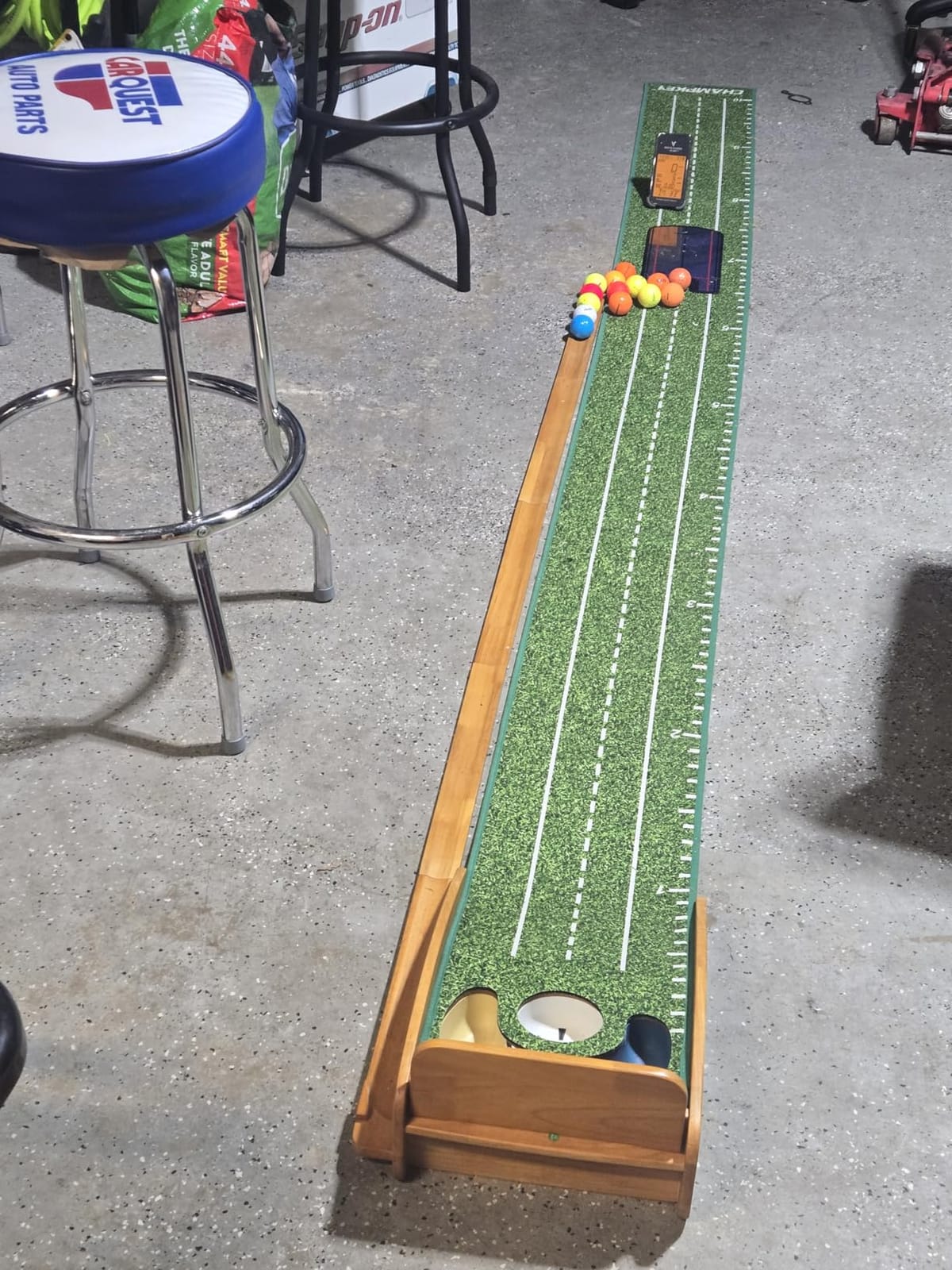
Owners treat it as a durable no-frills trainer, and the appeal is that it works standalone. No phone, no account, no app, in a living room as easily as in a yard.
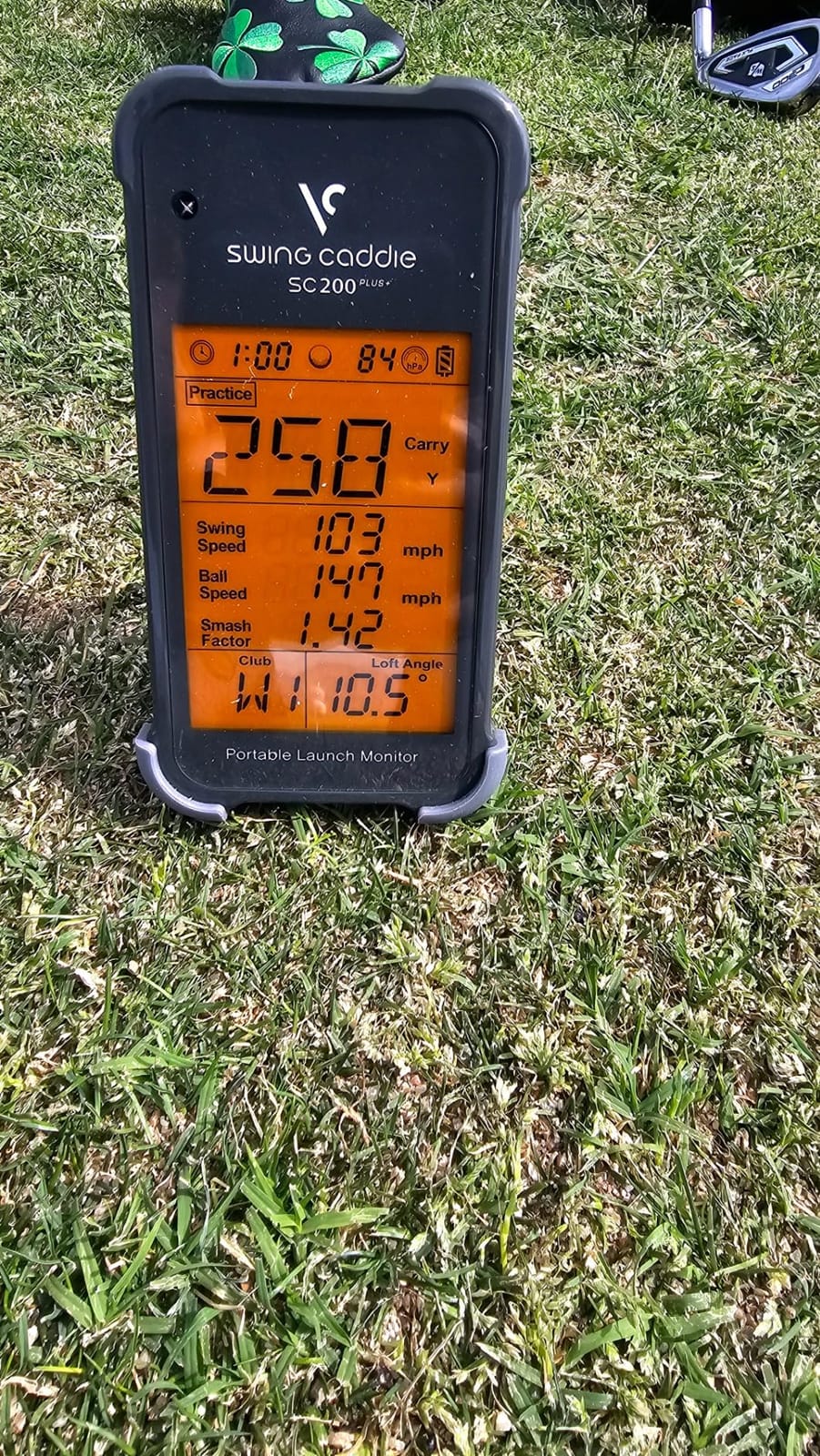
The limitation is scope, and owners accept it. There is no launch angle, no spin, no apex and no shot tracer, and the small monochrome display does not support deeper analysis. If you want ball flight data, you need a different class of unit.
When the SC200 Plus is the right buy
Buy it for tempo, for club speed, and for sessions where you want to hit 200 balls and never touch a screen. It is also the easiest unit here to hand to another golfer in the household.
One r/Golfsimulator thread shows why the category is trusted cautiously: a golfer there described an older Voice Caddie radar unit as giving inconsistent numbers on mis-hits. Test this one against a range laser or a swinging bat before trusting it for anything important.
When it is the wrong buy
It is wrong if your goal is shot shape. There is no launch direction figure, so a pushed slice and a pulled slice look identical to it.
It is also wrong if you want a record beyond simple averages. Internal storage holds shot data and per-club averages, but there is no export to a proper analysis tool.
5. Garmin Approach G80: the pick that follows you from the yard to the course
Garmin Approach G80, All-in-One Premium GPS Golf Handheld with Integrated Launch Monitor, 3.5″ Touchscreen
- Course GPS and launch monitor in one device
- 3.5 inch sunlight readable transflective screen
- Over 41000 preloaded colour course maps
- Tracks club speed
- ball speed
- smash factor and tempo
- 15 hour GPS battery
- No spin
- launch angle or video data
- Older generation hardware with a small screen
- Radar access sits behind the handheld's main function
The G80 does something the other units here do not: it comes with a full golf course GPS. The integrated radar reports club head speed, ball speed, smash factor, swing tempo and estimated distance, so you can take quick readings during a practice session or a round.
The 3.5 inch transflective colour touchscreen is sunlight readable, which is unusual and genuinely useful outdoors. More than 41000 detailed colour course maps are preloaded, and battery life runs up to 15 hours in GPS mode.
It weighs 4.16 ounces on a wrist mount, so it lives on your arm rather than on a tripod. Practise a few shots in the yard, drop it in the cart, and keep the same data flowing for the rest of the round.
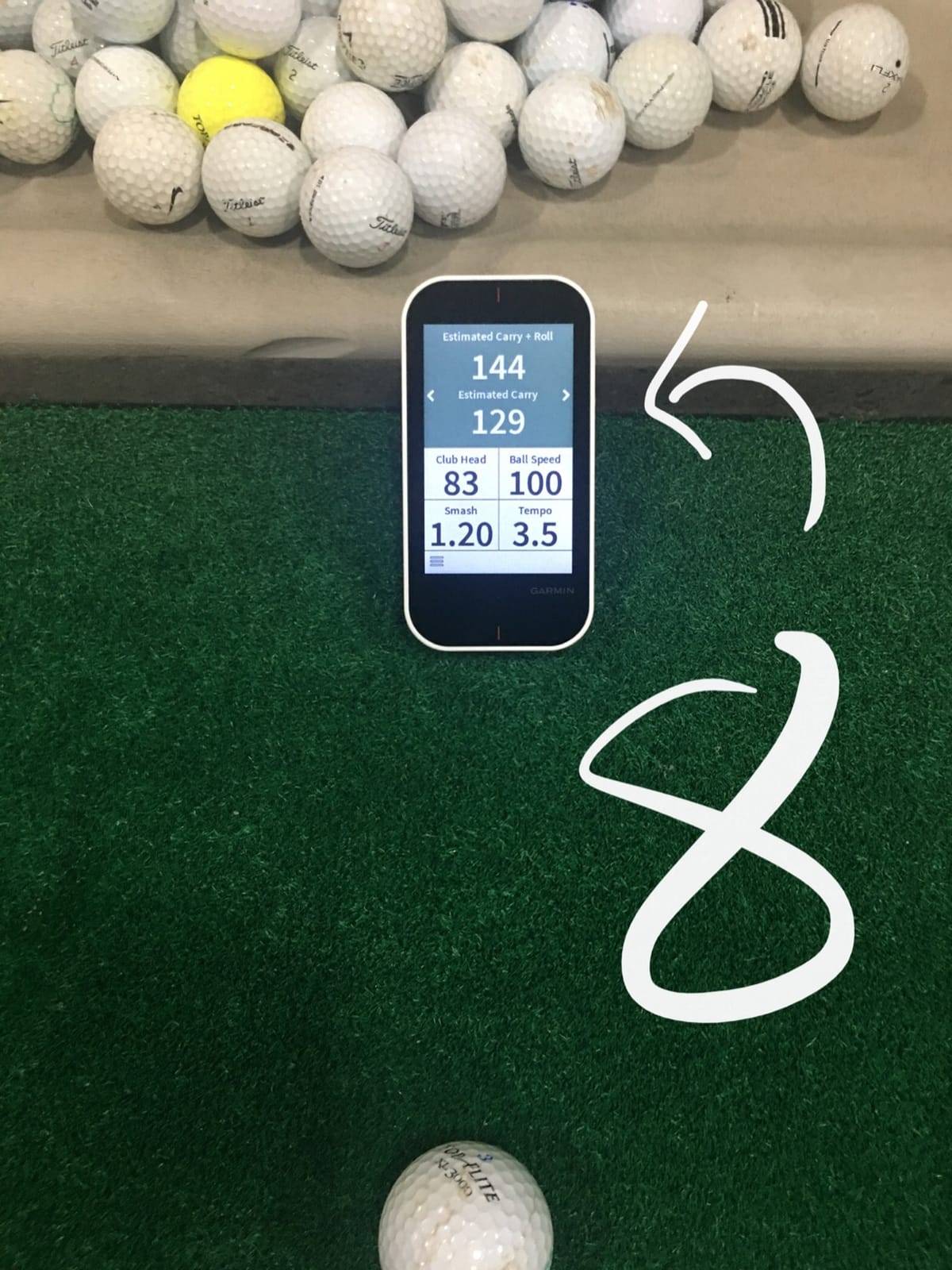
Owners buy it as a course GPS and treat the radar as a bonus. The bright screen, long battery and preloaded maps draw the praise, along with the value of two functions in one device.
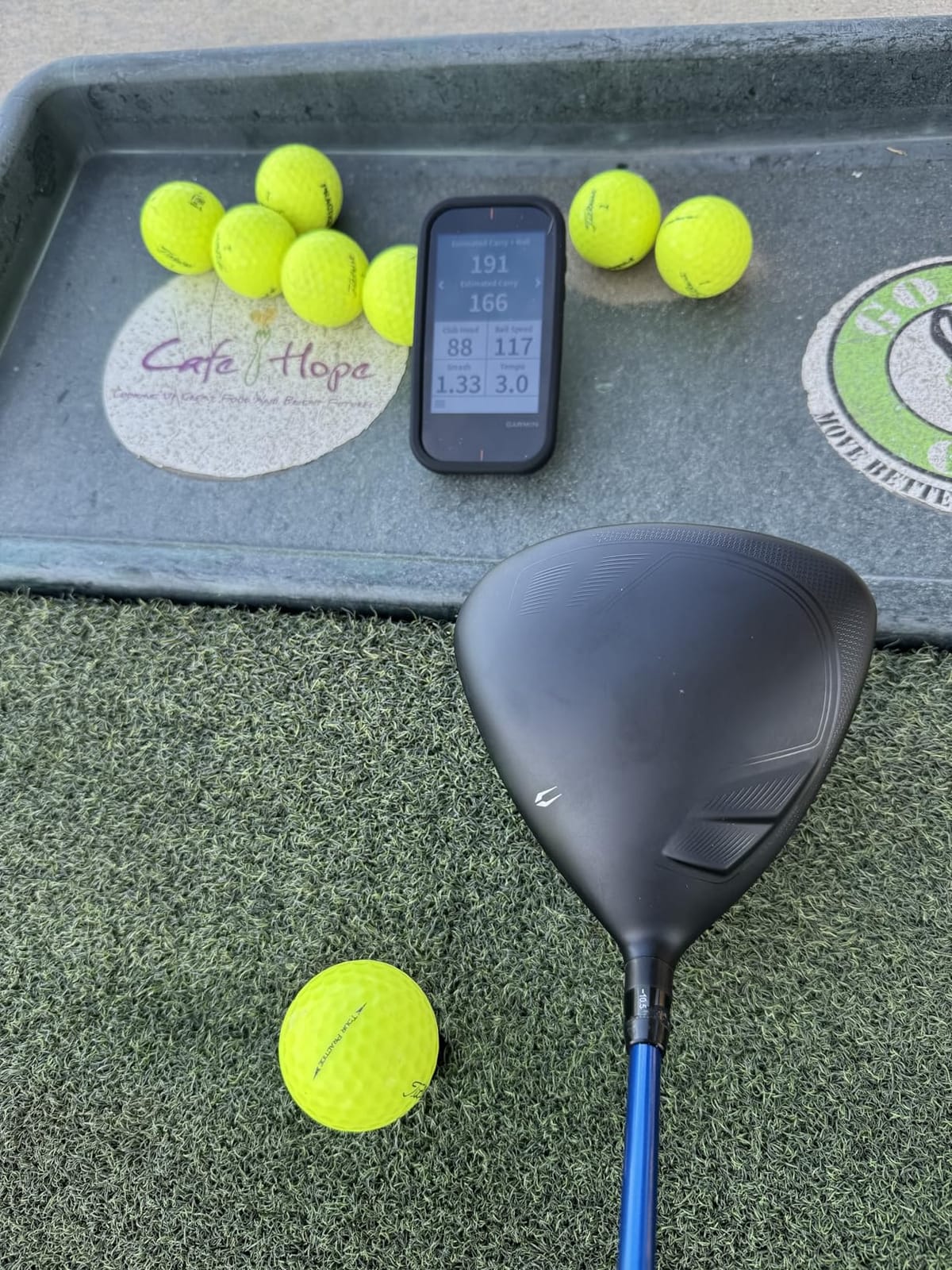
The recurring complaint is depth on the measurement side. Speed, smash factor, tempo and estimated distance is the full list, so anyone wanting launch angle, spin or video concludes it is a supplement. The hardware is an older generation with a 282 x 470 screen, and the radar is secondary to the GPS, so toggling in is not instant.
Why a backyard golfer would choose the G80
If you already want a course GPS, the launch monitor comes along with it and removes a device from your bag. Range practice, walking nine and distance gaps all happen through the same screen.
It is also the most forgiving option for golfers who prefer buttons and a readable display over a phone app. No account, nothing to update.
Why it is not a backyard launch monitor
Because the data set is too thin for swing work. Without launch angle and direction you cannot see whether a wedge is starting on a descending attack, which is the point of hitting into a net.
It is a supplement by design. If you want one practice tool that measures the ball properly, choose something built only for that job.
6. Rapsodo MLM2PRO: the pick for golfers doing real swing work
Rapsodo MLM2PRO Mobile Launch Monitor Golf Simulator | 3 Chrome Tour Balls
- 15 metrics from radar plus dual cameras
- Club path and impact vision at this tier
- Owners report readings within 2-3 percent of reference systems
- 45 day Premium trial included
- Three marked Callaway RPT balls in the box
- Premium membership needed for most software value
- Shared Wi-Fi connection is unreliable for many users
- Heavy phone battery use and overheating in direct sun
- Chipping under about 10 yards is unreliable
The MLM2PRO is the pick for measured swing data in a mid-range body. Doppler radar plus two cameras deliver 15 metrics including spin rate, spin axis, club speed, club path and launch angle, and club path at this tier is rare.
Impact vision is the other standout. It shows exactly where on the clubface contact happened in slow motion, turning strike quality from a number into something you can see and correct. Owners focused on data quality treat it as near reference-system accurate for a fraction of the cost of a commercial unit.
It works indoors and outdoors and ships with a tripod, a carrying case and three Callaway RPT Chrome Soft X balls. The marked balls matter, because the system reads them most accurately.
What the Premium trial actually gets you
The 45 day trial unlocks Combine mode, the target range, 30000 or more courses and third-party app integration. Plenty of owners report improved scores without ever graduating past the trial, because the hardware stands on its own.
Plan for the membership anyway. Most owners call it essential for the full experience, and that is the single biggest reason to think twice on a subscription budget.
Where owners get frustrated
The weak link is software, not hardware. Shared Wi-Fi drops for many users, direct Wi-Fi works but forces the paired device onto cellular data, and phone battery takes a real hit. Owners also report overheating and shutdowns in direct sun.
Chipping under about 10 yards is unreliable and the simulated greens are regularly described as fast and unrealistic. The included RPT balls wear out after a limited number of swings, so budget for replacements.
7. Garmin Approach R50: the pick when the simulator matters more than the swing
- Three camera system with improved spin rate and spin axis
- 10 inch built in colour touchscreen
- Face to path measured with the included stickers
- Barometer adjusts carry for local pressure and elevation
- HDMI output for a larger monitor
- Home Tee Hero needs an active Garmin Golf membership
- Only about 4 hours of battery at 9 pounds
- Windows based so it needs its own screen and space
- Premium pricing
The R50 is a full indoor-outdoor simulator station rather than a portable device. It has a 10 inch built-in colour touchscreen, a three-camera array and Windows under the hood, so it can run a virtual round without a phone or a laptop in the room.
Measurement is the strongest in this group. The three-camera system gives improved spin rate and spin axis, and the included club stickers let it measure face-to-path, the number that explains a slice or a draw better than anything else here.
A built-in barometer adjusts carry distance for local atmospheric pressure and elevation, which matters in a backyard where you cannot check against a range laser. High-speed impact video gives immediate strike feedback, and HDMI output pushes it to a bigger screen.
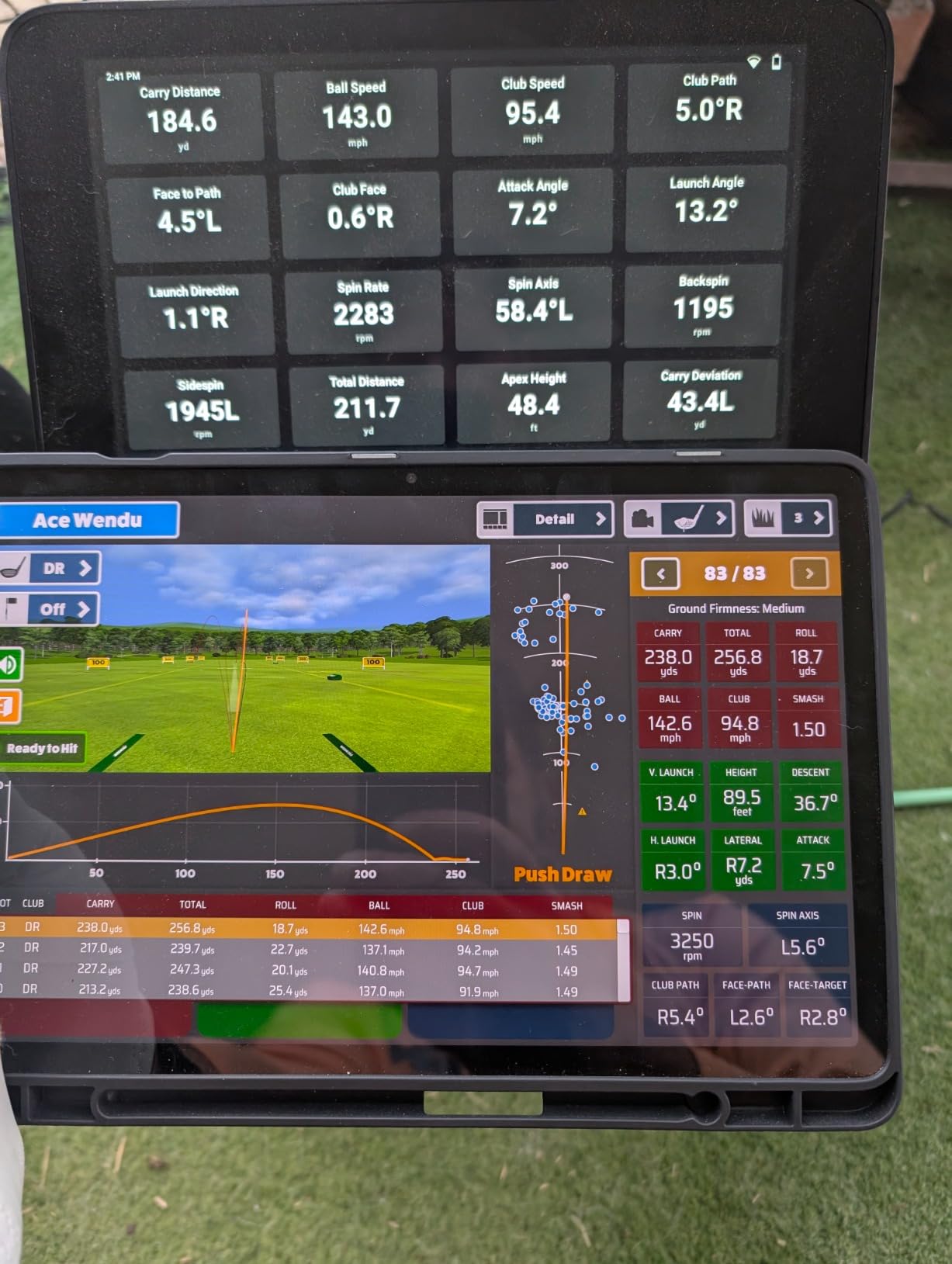
Buyers describe it as the most complete all-in-one unit available, and feedback on spin and barometer-corrected distances is favourable. The review base is small at 63 ratings averaging 4.4 out of 5, but it is consistently positive.
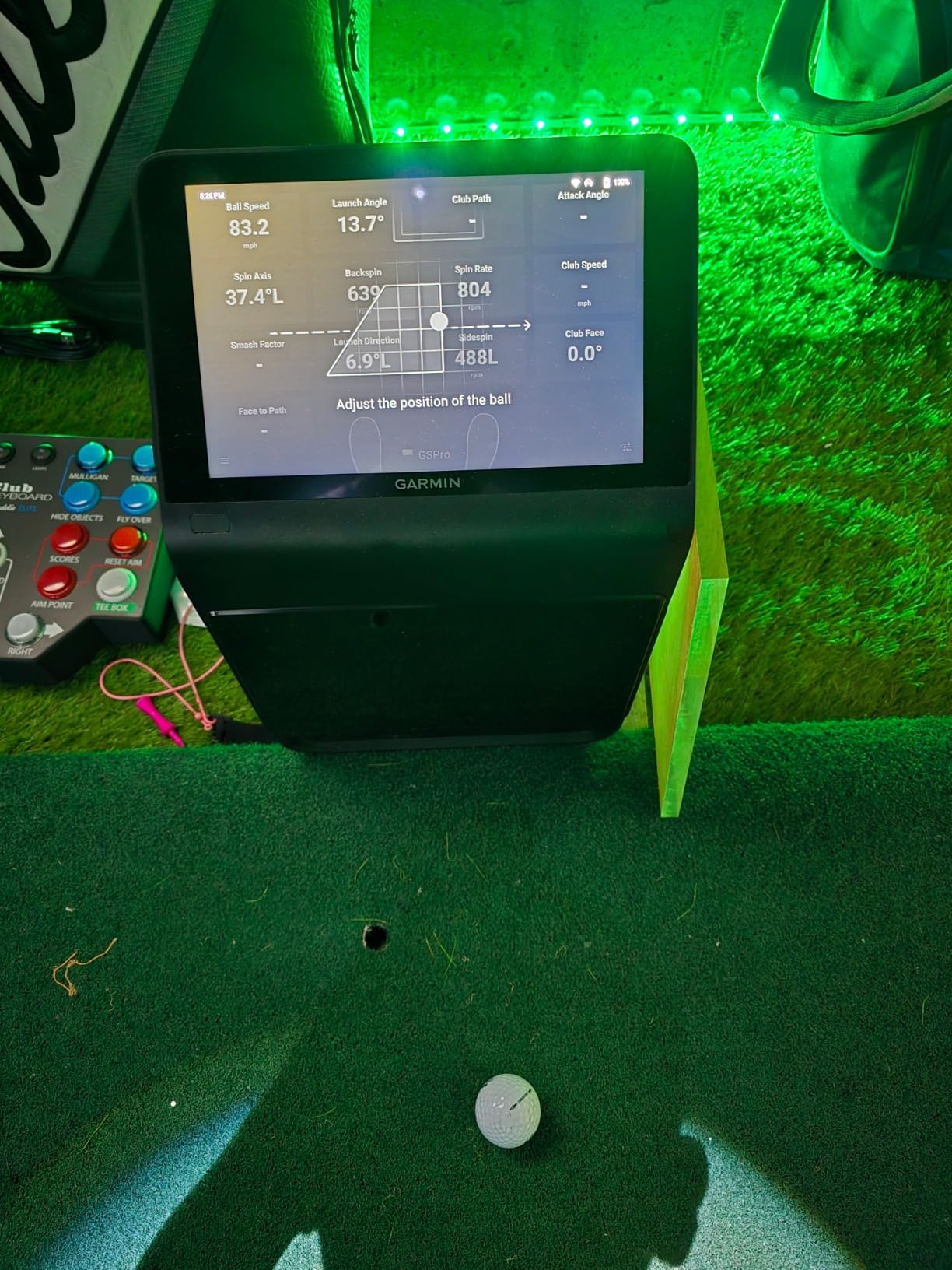
The caveats are commercial and physical. Home Tee Hero and 43000 plus courses need an active Garmin Golf membership, battery life is about 4 hours, and at 9 pounds with a 16.5 inch tall body it is the largest and heaviest unit in this roundup.
Why a serious home setup suits the R50
Because it removes the phone from the equation. You get a bright screen you can read from the tee, impact video, dispersion charts and a full course library in one box, and one person can play a round without a laptop on a desk.
It is also the only unit here with face-to-path built in, the metric coaches use to explain ball curvature. Working on a persistent slice or draw, this is where the answer lives.
Why it is wrong for a typical yard
It is a 9 pound unit that wants a stable spot near the hitting area and a power source. Anyone who carries a monitor in from the garage will find this one stays in the garage.
The membership also puts recurring cost back on the table at a different tier. Budget for both the hardware and the years of software before you commit.
8. The Stack Radar: the pick for speed training and wedge drills
TheStack™ Radar – Portable Golf Launch Monitor, Swing Speed & Ball Tracker
- Highest average rating of any unit in this roundup
- Swing speed and ball speed with smash factor
- Automatic Bluetooth sync to the Stack app
- Built specifically for Stack speed training
- Gamified wedging and putting apps included
- Speed and estimated carry data only
- No video
- spin or launch angle
- Stack Wedging mode is not yet on Android
The Stack Radar is the highest rated device in this roundup at 4.6 out of 5, and the reason is scope. It measures swing speed and ball speed, calculates estimated carry and smash factor, and sends every reading to The Stack app automatically over Bluetooth.
At 0.12 kg it disappears into a golf bag, which makes it easy to carry between the yard and the range. It is built for speed training with The Stack system, and owners already using that system value the automatic data transfer more than anything else.
The bundled apps matter. The Stack Wedging app is a gamified practice tool with skill-specific sessions and a one-month free trial, and a guided putting app with green insights comes with it.
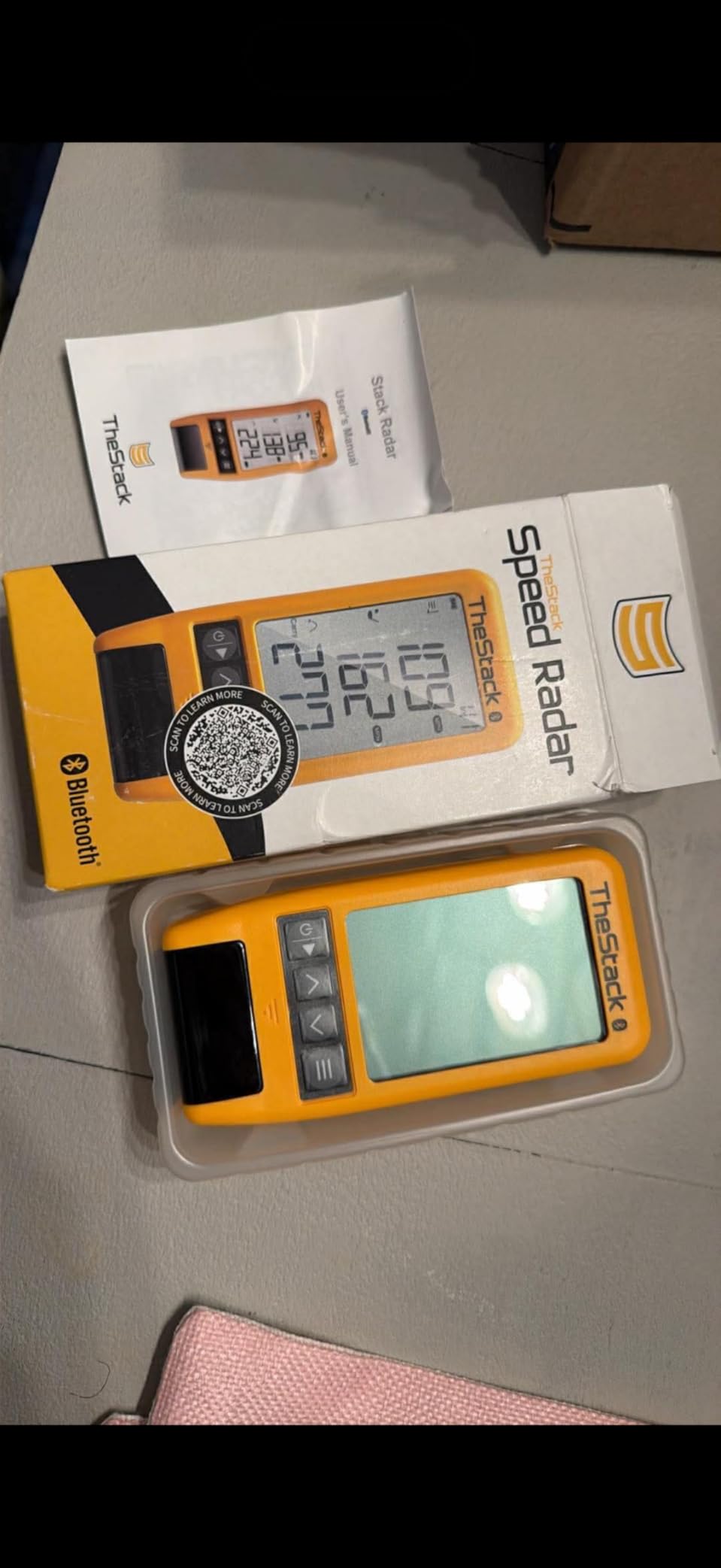
Feature notes list a US Open champion among the golfers who use it for speed training, which tells you the intended user: someone chasing clubhead speed with a structured program.

Limitations are about scope rather than defects. There is no video, no spin and no launch angle, and carry distance is calculated rather than tracked. The Stack Wedging mode is iOS only, so the most interesting software is not available to every buyer.
Why speed training suits this radar
Because it removes the manual step. You hit, the number appears, and the next shot is already in progress. There is no ball to collect between swings, which is exactly what speed blocks demand.
If your practice is a structured speed and wedge program, the gamified sessions and automatic syncing remove the friction that ends most home sessions early.
Why it is not a full launch monitor
Estimated carry is a calculation from club and ball speed, not a measurement of where the ball went. Hit into a net in a small yard and that number has nothing to check against.
With 60 ratings the review base is the thinnest here, and no Android access to the wedging mode narrows the appeal. Treat it as a specialist speed tool and pair it with a fuller unit if you need launch data.
9. Uneekor EYE MINI CORE: the pick for indoor accuracy on a covered bay
Uneekor EYE MINI CORE Golf Launch Monitor & Simulator, 15 Ball Data Points, Near-Zero Latency, Works with GSPro, TGC19 & E6
- Near zero latency from cameras and infrared sensors
- Dimple Optix reads any dimple pattern with no stickers
- Very low misread rate in owner head to head tests
- All metal build with a large placement area
- Works with GSPro
- E6 Connect and TGC19
- Third party suites need a separate annual subscription
- Requires a gaming class PC with an RTX GPU
- Must stay plugged in with an Ethernet cable
- Reliably misses delicate chips and putts
The EYE MINI CORE is built for reading every ball. High-speed cameras with infrared sensors run at near-zero latency inside an all-metal body that sits behind the ball, and multiple owners report zero misreads across hundreds or a thousand shots.
Dimple Optix is the feature that changes daily use. It reads any dimple pattern, so no ball stickers are needed and any golf ball works, removing a step that trips up most camera-based systems. You get 15 ball data points plus session reports.
Simulation is where the value sits. It works with GSPro, E6 Connect, TGC19 and Creative Golf 3D, so you are not locked to one library, and a three-month Ultimate Package trial includes 4K GameDay courses, online play and skills training.
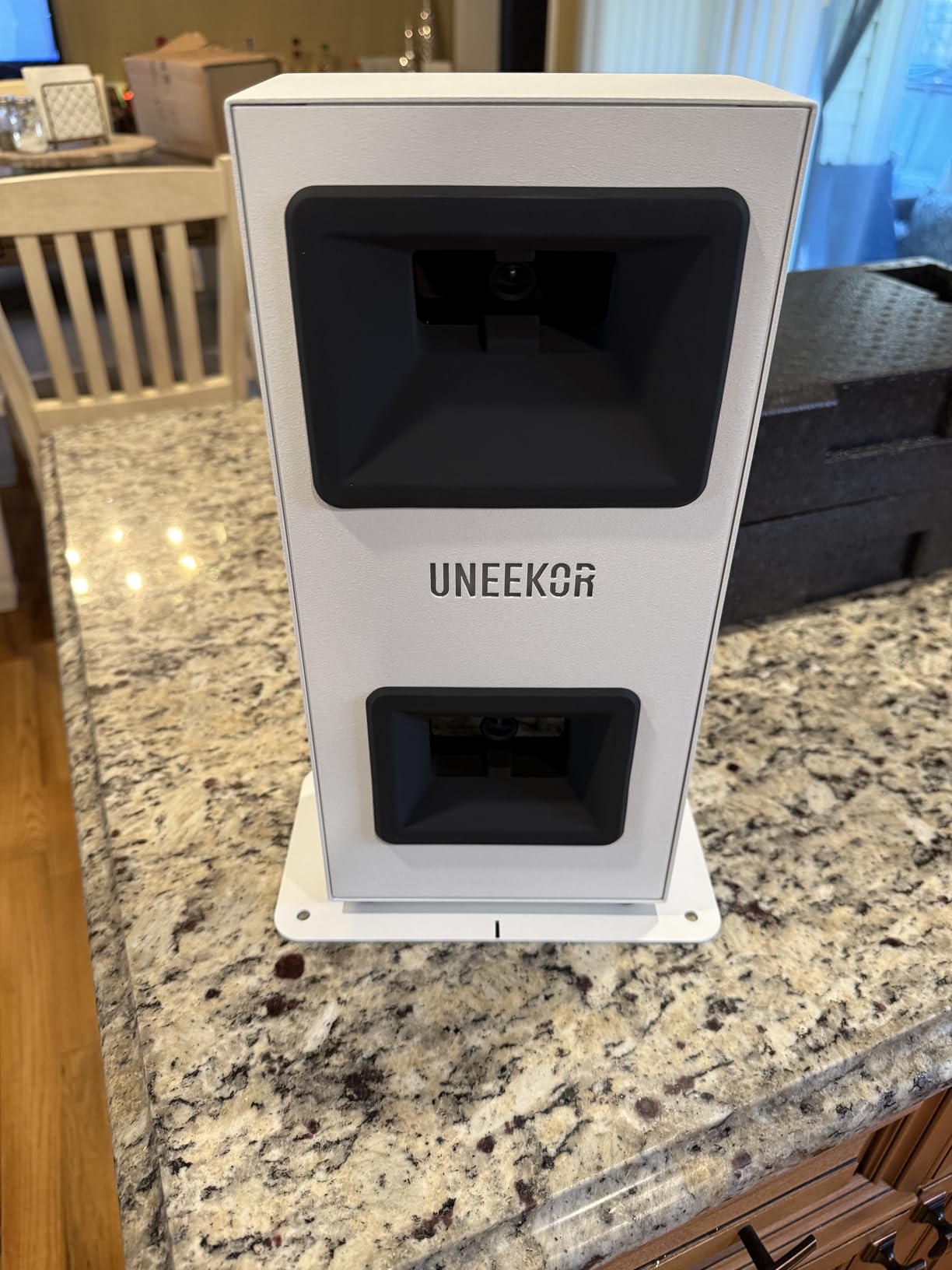
There is a 2 year warranty and responsive technical support, which is generous in a category where one year is standard. Twenty club sticker sheets, a CAT6 Ethernet cable and the power cable are in the box.
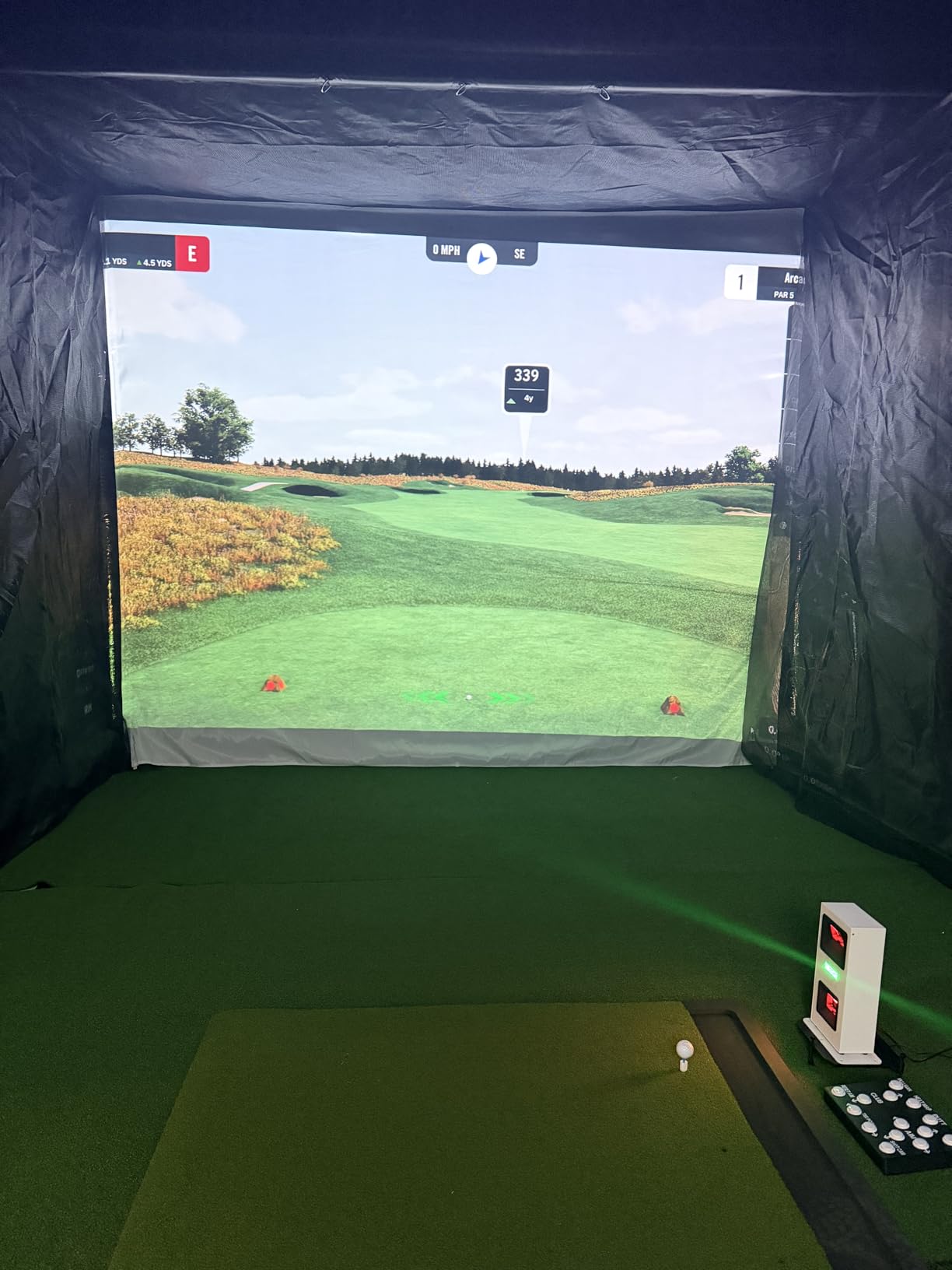
The dominant caveat in every review is total system cost. You need a gaming-class PC with an RTX3060 or RTX4070 and 16 to 32 GB of RAM, a hardwired Ethernet connection makes results nearly instant but rules out portability, GSPro and other third-party suites carry their own annual fee, and two displays are needed for the full GameDay experience.
Why indoor golfers rate this one highly
Because reading every ball is what makes a simulator worth owning. A low no-read rate means the session is spent swinging rather than re-hitting balls the system missed, and the large placement area forgives an imperfect setup.
For a garage or covered bay, this is the measurement hardware we would trust most, with reported shot data described as realistic against professional equipment.
Why it is a poor backyard buy
It must stay plugged in at the back of the hitting area, which is a problem when the monitor lives outside and the computer lives inside. There is no battery and no wireless mode.
It is also not a short game tool. Owners report a consistent failure to read delicate chips and putts, the bundled course library is still thin, and swing speed and face-to-path are not included at this level.
10. FlightScope Mevo Gen2: the pick for broad data with no membership fee
- 3D Doppler radar fused with high speed image processing
- 18 parameters covering swing
- chipping and putting
- Lifetime E6 Connect bundle with 8 courses and no subscription
- 3D Shot Tracer with data overlays on video
- 6 hour battery at 1.1 pounds
- Pairing and firmware setup can be difficult
- Only one phone or tablet connects at a time
- Intermittent connection drops mid session
- Default elevation can leave distances off until corrected
The Mevo Gen2 is unusual because it gives you a full course library with nothing recurring attached. The lifetime E6 Connect bundle includes eight courses, Kiawah Ocean and Torrey Pines among them, and there is no membership to renew.
FlightScope Fusion Tracking combines 3D Doppler radar with synchronised high speed image processing, and the data set covers 18 parameters across full swing, chipping and putting, which is broader than anything else here except a three-camera indoor system.
The Shot Tracer renders the ball flight in 3D with data overlays on the swing video, and a front-facing camera with multi-cam support adds drawing, circles and voiceover. A range ball setting improves accuracy with cheap driving-range balls, which matters in a yard.
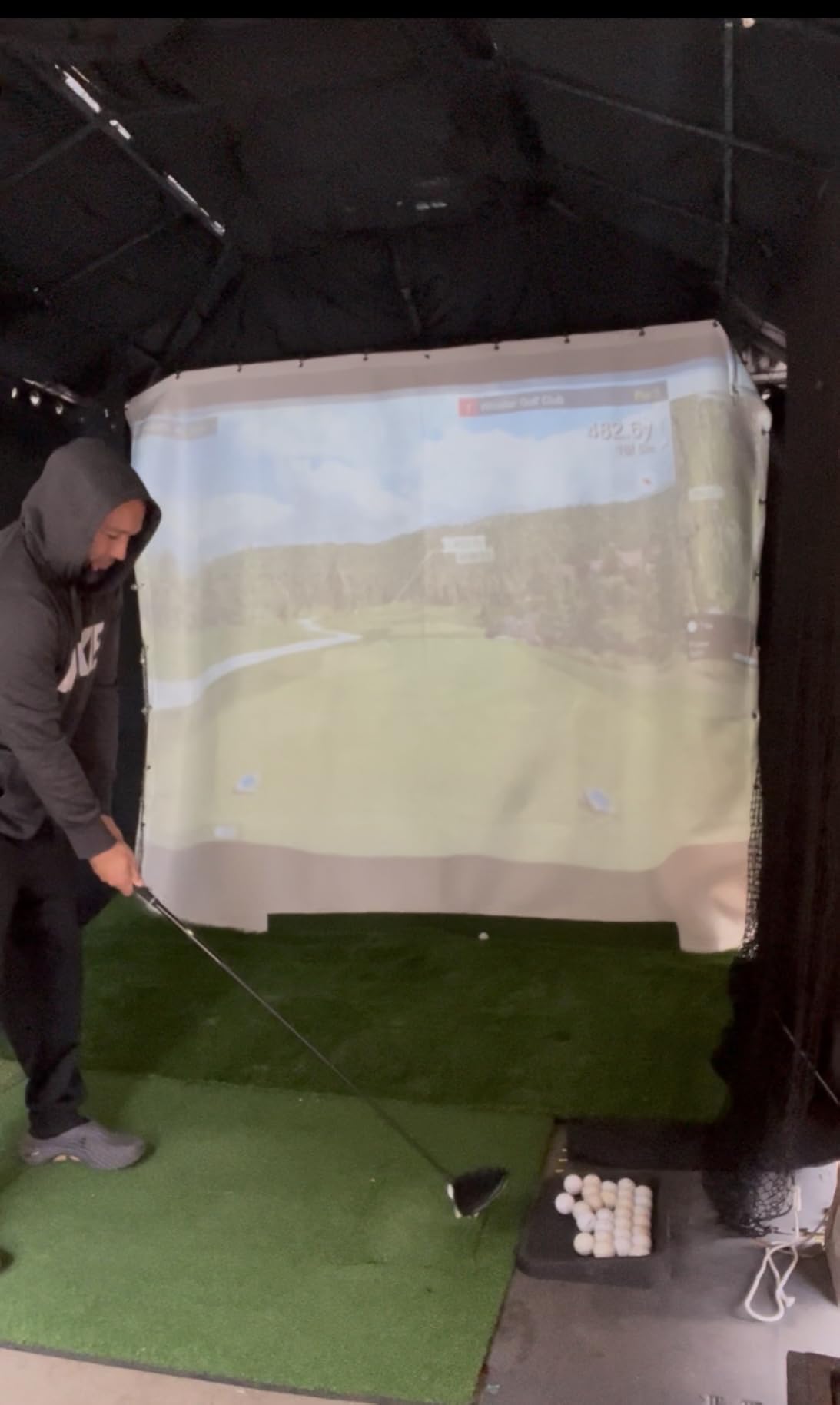
At 1.1 pounds with up to 6 hours of battery and a carrying case, it is light enough to move between the garage and the yard. Aluminium club stickers, a charging cable and block are included.
The reviews are consistent about the value: a generous parameter set and a bundled course package with no ongoing cost. The negatives are about friction, not accuracy. Pairing frustrated even technical users, only one device connects at a time, and several owners had to raise the default elevation setting before distances matched real play.
Why the no-subscription model matters outdoors
Because backyard practice is seasonal. A golfer in a cold climate might get four to six months of outdoor use a year and does not want to pay software fees for the other six, a concern raised repeatedly by golfers with this exact setup.
A one-time purchase with a permanent course library also means nothing stops working when a membership lapses.
Where the setup takes patience
Plan the first session around configuration, not practice. Have the firmware current, set your elevation before trusting any distance, and confirm the connection holds for a full block of shots.
If two people in the house want to connect, that is a real limitation. And some E6 courses want a stronger graphics card than the stated minimums, so check that before virtual rounds become your main activity.
Radar or camera: which technology works in a backyard
Yes, camera launch monitors can work outdoors, with one caveat about light rather than weather. Radar units send a signal at the ball and track it in flight, so they need roughly 7 to 8 feet of clear space behind the ball and they are completely indifferent to sunlight. Camera units photograph the ball at impact, so they need only a couple of feet of depth but they read the scene optically, which means harsh backlight, deep shade and a sunlit phone screen all complicate the picture.
That is why radar is the default answer for a backyard. A radar unit in open grass is measuring the one thing that stays constant all day. A camera unit in the same yard is measuring how bright the sky is.
Two entries here are camera-based rather than radar: the Rapsodo Mobile Launch Monitor, which is a phone camera in a weatherproof case, and the Uneekor EYE MINI CORE, which needs a wired indoor setup. Owners of the Rapsodo regularly report alignment trouble in direct sun and occasional overheating, which is why we place it as a shade-or-evening device.
The units that genuinely suit open grass are the hybrids. The MLM2PRO pairs radar with dual cameras, and the Mevo Gen2 fuses 3D Doppler radar with high speed image processing, so both track the ball in flight and use cameras for strike detail.
How to choose a backyard launch monitor without regret
Start with the sentence you would use to describe your practice. I just want to know my real carry distances points to a speed and distance unit such as the PRGR or the Voice Caddie. I want to see the ball flight and the strike points to a camera unit such as the Rapsodo Mobile. I want to change my swing and watch dispersion tighten, which points to the MLM2PRO or the Mevo Gen2.
Then check recurring cost, because it is the most common regret. The PRGR, the Voice Caddie and the Rapsodo Mobile ask nothing. The Mevo Gen2 bundles a permanent course library. The Garmin R10, the MLM2PRO and the R50 put simulator features behind a membership. One r/Golfsimulator poster said plainly that paying a large annual fee just to use the driving range while ignoring everything else was a bad deal, and that is a fair test before you buy.
Next, separate what is measured from what is estimated. Measured: ball speed, club speed, carry, launch angle and launch direction on radar units. Estimated: spin rate on most sub-premium units, spin axis on most units, and any carry distance derived from club speed rather than tracked. The MLM2PRO, the R50 and the Mevo Gen2 measure spin rather than infer it, which is the biggest technical differentiator between tiers.
Finally, decide whether you need a phone. The R10 training data is app dependent, but only the PRGR and the Voice Caddie have no account, no app and no login at all. If you would rather not hand your swing data to a cloud service, those two are the clean options.
Backyard setup requirements: clearance, sunlight and space
Radar units need a clear lane behind the ball, and this is the number one reason a purchase goes wrong. Plan for 7 to 8 feet of depth behind where the ball sits, with no net, wall or tree in that lane, and keep the unit level. The R10 is the fussiest because the tripod has to sit still and low enough to read ball flight cleanly.
Camera units need depth rather than width, plus a mat. Two or three feet behind the ball is enough for a phone or tripod unit, which is what makes them work in a 10 by 10 foot cage. One r/Golfsimulator poster running a low-ceilinged backyard cage said accurate shot shape with a driver mattered more than anything else, and that points at a radar or hybrid unit with a direction reading rather than a pocket speed device.
Sunlight decides which camera units are usable. Practise a camera-based device in the shade, at the edge of the net, or in the late evening, and it behaves very differently from the same device at midday. A mat and a ball alignment marker make repeat sessions much faster.
For storage, treat every unit as an indoor device unless it says otherwise. The R10 is IPX7 rated with up to 10 hours of battery, so it tolerates a wet session. The PRGR carries a water resistance rating and the Voice Caddie is built for outdoor use, but neither should be left out overnight. The Uneekor EYE MINI CORE stays plugged in behind the hitting area, so it lives indoors by design.
Finally, plan ball and net spacing before you buy. Range or marked balls read better on most camera-based units, and a ball tray within reach plus a net that catches full driver means the session is spent swinging rather than walking. If your yard is tight, the deciding question is simple: can a radar unit see 7 to 8 feet of clear air behind the ball? If not, a hybrid unit is the compromise.
Frequently Asked Questions
What is the best golf launch monitor for backyard practice?
For most golfers the Rapsodo Mobile Launch Monitor is the best backyard launch monitor, because it clips to the bag, reports ball speed, club speed, launch angle and shot shape, records video of every swing, and the app is free with no membership. Choose the Garmin Approach R10 if you want manufacturer published radar accuracy of 1 mph ball speed and 1 degree launch angle with a per-club dispersion chart. Choose the PRGR HS 130-A if you only care about speed.
Do camera launch monitors work outdoors?
Yes, but light matters more than weather. A camera-based unit reads the scene optically, so direct sun, backlight and a sunlit phone screen can all cause missed or misread shots, and phones can overheat. Radar units ignore sunlight entirely and are the safer choice for open grass. Hybrid units such as the Rapsodo MLM2PRO and the FlightScope Mevo Gen2 combine radar with cameras, so they track ball flight outdoors and use cameras for strike detail.
Is the Garmin R10 or the Rapsodo MLM2PRO better?
The Garmin Approach R10 is simpler and better value. It publishes accuracy tolerances of 1 mph ball speed and 1 degree launch angle and direction, runs up to 10 hours on a charge, and its training mode gives per-club stats and a dispersion chart, though simulator features sit behind a Garmin Golf membership. The Rapsodo MLM2PRO measures more: 15 metrics including measured spin rate, spin axis and club path, plus impact vision, but it needs a Premium membership for most of its software and reviews report unreliable shared Wi-Fi and overheating in sun.
What is the best budget golf launch monitor for a backyard?
At the low end, the PRGR HS 130-A is the strongest value, because it uses Doppler radar for club head speed, ball speed, smash factor and carry, weighs 4.9 ounces, runs on AAA batteries and needs no app or account. The Voice Caddie SC200 Plus is similar but adds a swing-speed mode, voice output and up to 20 hours of battery. Both report speed and distance only, with no launch angle, spin or video, so they suit speed and tempo work rather than swing analysis.
How much space do I need behind the ball for a launch monitor?
Plan for 7 to 8 feet of clear depth behind the ball for any Doppler radar unit, with no net, wall or tree in the lane and the unit kept level. That clearance is what lets the radar track the ball in flight. Camera-based units need only about 2 to 3 feet of depth, which is why they work in a 10 by 10 foot cage or a garage. If your yard cannot give a radar unit that lane, choose a hybrid or camera-based model.
How accurate are consumer launch monitors compared to a TrackMan?
For the metrics most backyard golfers care about, consumer units are close enough to trust. The Garmin Approach R10 publishes 1 mph ball speed, 3 mph club head speed and 1 degree launch angle and direction tolerances, and owners report close agreement with range laser data. Owners of the Rapsodo MLM2PRO describe readings landing within roughly 2 to 3 percent of reference systems. The bigger gap is spin, which is estimated rather than measured on most units below the three-camera tier.
Which launch monitor does Bryson DeChambeau use?
There is no publicly documented answer for a specific consumer unit, so treat any claim as unverified. What is clear is the tier he operates at: tour-level radar and high-speed camera systems rather than a backyard device. The closest consumer equivalent in this roundup is the Garmin Approach R50, with a three-camera system measuring spin rate and spin axis, a built-in 10 inch touchscreen and face-to-path measurement using the included club stickers.
Conclusion: the best golf launch monitors for backyard practice in 2026
The Rapsodo Mobile Launch Monitor is our pick for most backyards in 2026, because it is the only unit here giving you video, a real tracer, launch angle and shot shape with no membership attached. Buy the Garmin Approach R10 if you want published radar precision and dispersion charts, and the PRGR HS 130-A if you just want speed and simplicity.
Whichever you choose, measure the space behind your ball before you order, keep a bag of practice balls next to the mat, and give the unit ten full swings before trusting a number. That is how you turn the best golf launch monitors for backyard practice into better shots rather than better data.