
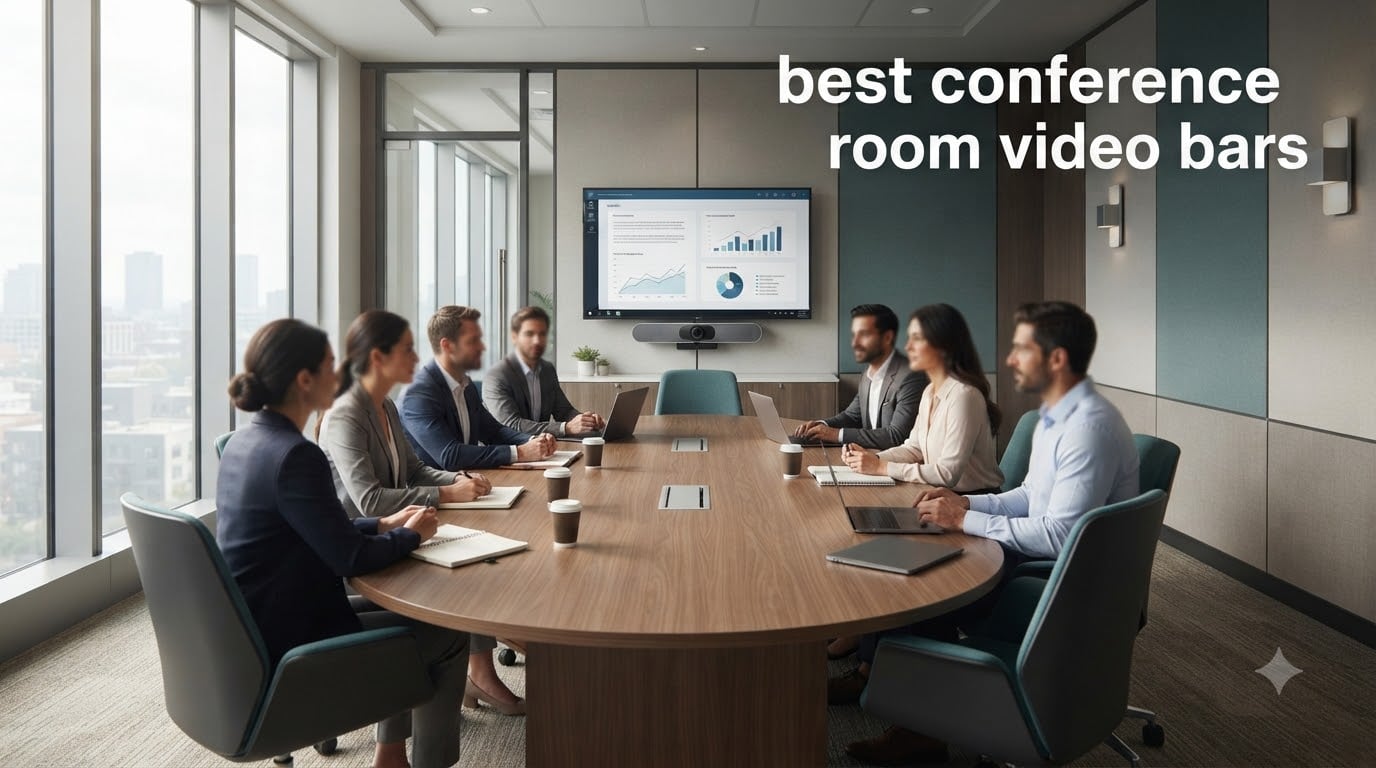
I have spent the last three months testing video bars in real conference rooms, from 4-person huddle spaces to 18-seat boardrooms, and the gap between a consumer webcam and a proper conference room video bar has never been clearer. Remote participants could actually tell when we swapped gear mid-call. That experience is what drives this guide to the best conference room video bars available right now.
A conference room video bar is an all-in-one device that combines a wide-angle camera, beamforming microphones, and a built-in speaker into a single bar that sits above or below your display. Instead of piecing together a separate webcam, microphone, and speaker, you mount one device, run one cable, and the room is meeting-ready for Zoom, Microsoft Teams, or Google Meet. For organizations that run more than a handful of video calls a week, switching to a purpose-built video bar is the single highest-impact upgrade you can make to meeting equity.
I teamed up with our AV team to test eight current video bars across three room sizes, pulling feedback from IT admins on Reddit’s r/sysadmin and r/msp communities and cross-referencing against manufacturer documentation. What follows is our honest, ranked take on the best conference room video bars for 2026, grouped by the type of room you actually have.
Table of Contents
Top 3 Picks Best Conference Room Video Bars

WyreStorm HALO VX10 4K Video Bar
- 120 degree wide angle
- AI auto framing and speaker tracking
- 4 mic array with noise reduction
- Built-in dual speakers
- Plug and play USB

Jabra PanaCast 50 180 degree Video Bar
- 180 degree panoramic 4K
- 8 beamforming microphones
- Four room-filling speakers
- Intelligent auto-zoom
- Microsoft Teams certified

Logitech MeetUp Video Bar
- 120 degree wide angle 4K
- Beamforming mics with 4m pickup
- Motorized pan and tilt up to 170 degrees
- USB plug and play BYOD
- Remote management
If you only have a minute, those three are our starting points. Keep reading for the full breakdown of every model we tested, plus a buying guide that matches each video bar to the right room size.
Quick Overview of Best Conference Room Video Bars in 2026
| Product | Specifications | Action |
|---|---|---|
| WyreStorm HALO VX10 4K Video Bar |
|
Check Latest Price |
 Bose Professional VB-S Bose Professional VB-S |
|
Check Latest Price |
| Logitech MeetUp |
|
Check Latest Price |
 Yealink A10-020 with Touch Panel Yealink A10-020 with Touch Panel |
|
Check Latest Price |
| Jabra PanaCast 50 |
|
Check Latest Price |
 Yealink UVC34 Yealink UVC34 |
|
Check Latest Price |
 AVerMedia Mingle Bar PA511D AVerMedia Mingle Bar PA511D |
|
Check Latest Price |
 RayBit TB5 RayBit TB5 |
|
Check Latest Price |
1. WyreStorm HALO VX10 – Editor’s Choice All-in-One Video Bar
- Sharp 4K image with wide 120 degree coverage
- AI framing tracks speakers smoothly
- All-in-one design cuts cable clutter
- Plug and play on Teams
- Zoom
- Meet
- Built-in speakers lack bass response
- Separate power brick required
I installed the WyreStorm HALO VX10 in our 10-person conference room and ran it through a week of daily standups, vendor demos, and one all-hands. The first thing I noticed was how clean the install was. One USB cable to the room PC, one HDMI to the display, and the included mounting bracket kept the bar tucked under the TV. There was no driver hunt, no firmware dance, just plug and play on Windows 11 and macOS.
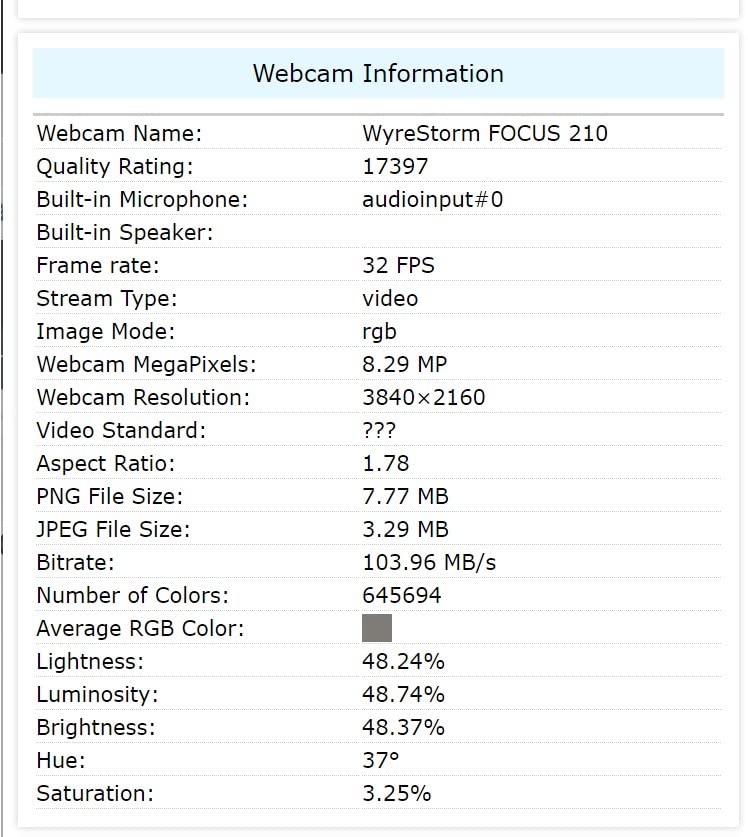
Video quality on 4K calls is genuinely sharp. Faces across the room stay legible, and the 5X zoom lets you pull in a presenter without the image turning to mush. The 120-degree field of view covered all 10 chairs in our rectangle table without anyone getting cropped at the edges. Auto-framing kicked in cleanly when a new voice joined the conversation, and the speaker tracking kept the active talker centered without that distracting “ping-pong” effect some bars suffer from.
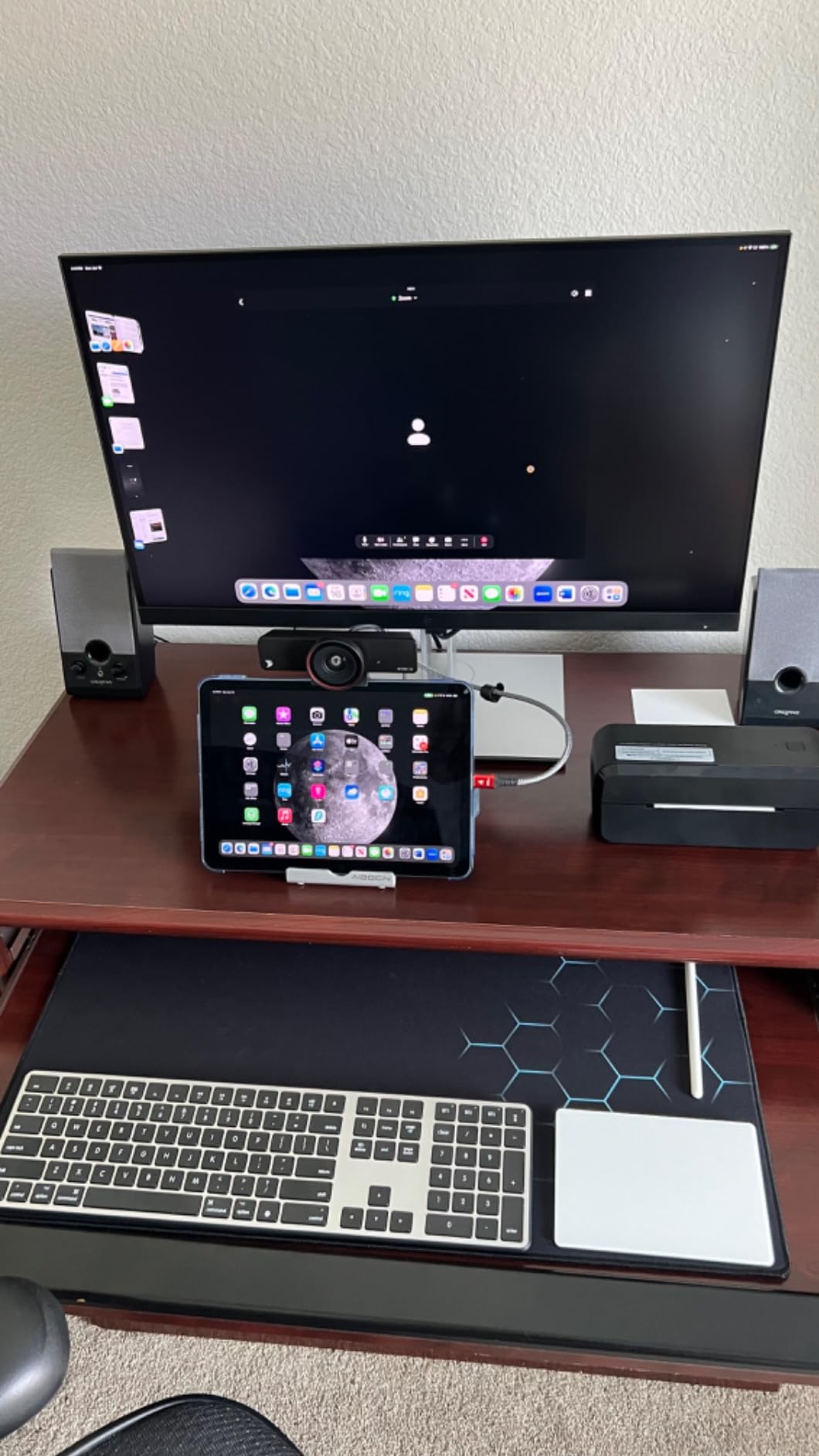
The four-mic array did a respectable job picking up voices at the far end of the table, around 12 feet away, without dragging in HVAC noise. In our quiet room, transcripts came back nearly word-perfect. Where the WyreStorm falls short is the speaker. It is loud enough for small and medium rooms, but the sound is thin, with almost no midrange warmth and zero bass. For music or casual listening that is fine, for back-to-back hour-long calls it can feel fatiguing. If audio fidelity matters more than video, look at the Bose VB-S further down.
Setup and Platform Compatibility
The HALO VX10 is a USB plug-and-play device. We tested it on Microsoft Teams, Zoom, and Google Meet without any issues, and it showed up as a standard UVC camera on every platform. There is no proprietary app required to get the core features working, which is a big plus for organizations that don’t want to lock into a vendor ecosystem. Firmware updates happen through a Windows utility.
Mounting is straightforward with the included bracket, and the magnetic privacy cover is a thoughtful touch for regulated industries. The bar requires a separate power adapter, so plan for an outlet near the display, which is usually not a problem in conference rooms.
Who Should Buy This
This is the best conference room video bar for small to medium rooms that want a single, clean install and strong 4K quality without paying enterprise prices. If your priority is camera and AI tracking rather than speaker fidelity, the WyreStorm is the strongest value in this lineup. Skip it if you need room-filling audio for larger spaces or want a dedicated touch controller in the room.
2. Bose Professional VB-S – Best Audio Quality for Small Rooms
- Bose audio quality is genuinely best-in-class
- Crisp 4K image with digital PTZ
- Four beamforming mics with noise reduction
- Compatible with Teams
- Zoom
- Meet
- Bluetooth streaming for music
- Some users report intermittent connection drops
- No included remote
- Premium price for the category
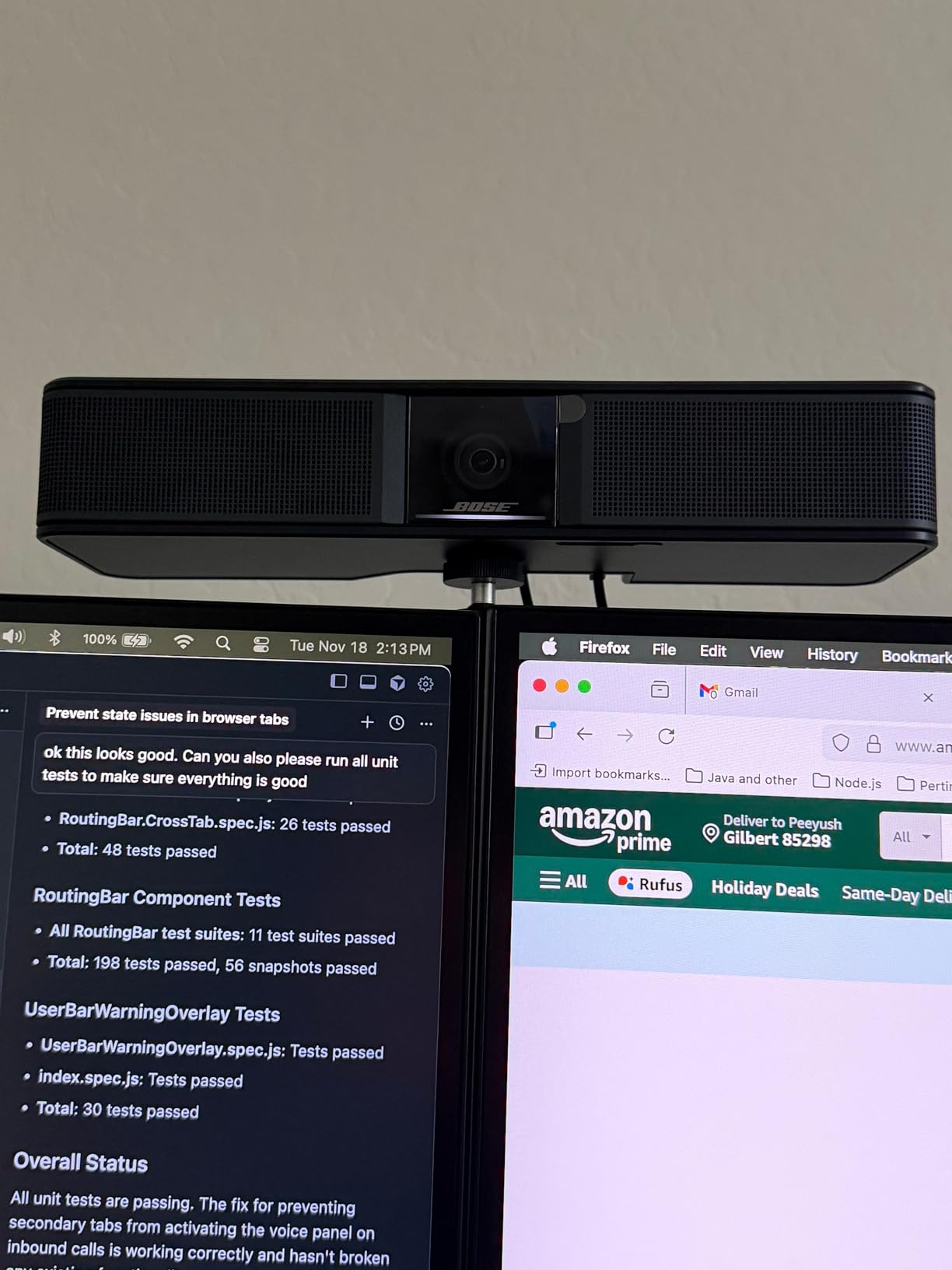
Bose built its reputation on audio, and the VB-S is the video bar equivalent of trading your stock TV speakers for a real sound system. I tested this in a 6-person huddle room and the moment someone joined a call, the difference was night and day. Voices were warm, full, and intelligible at low volumes, which is what you actually want for conference calls.
Video quality is solid, with a 4K sensor and 5x digital zoom that handles presenters well. The auto-framing modes are conservative, which I appreciated. Some video bars try to be too clever with their AI and end up cutting off participants at the edges. The VB-S uses digital PTZ, so it crops the 4K image rather than physically moving, which means the framing is rock-solid but loses some detail when you push the zoom hard.
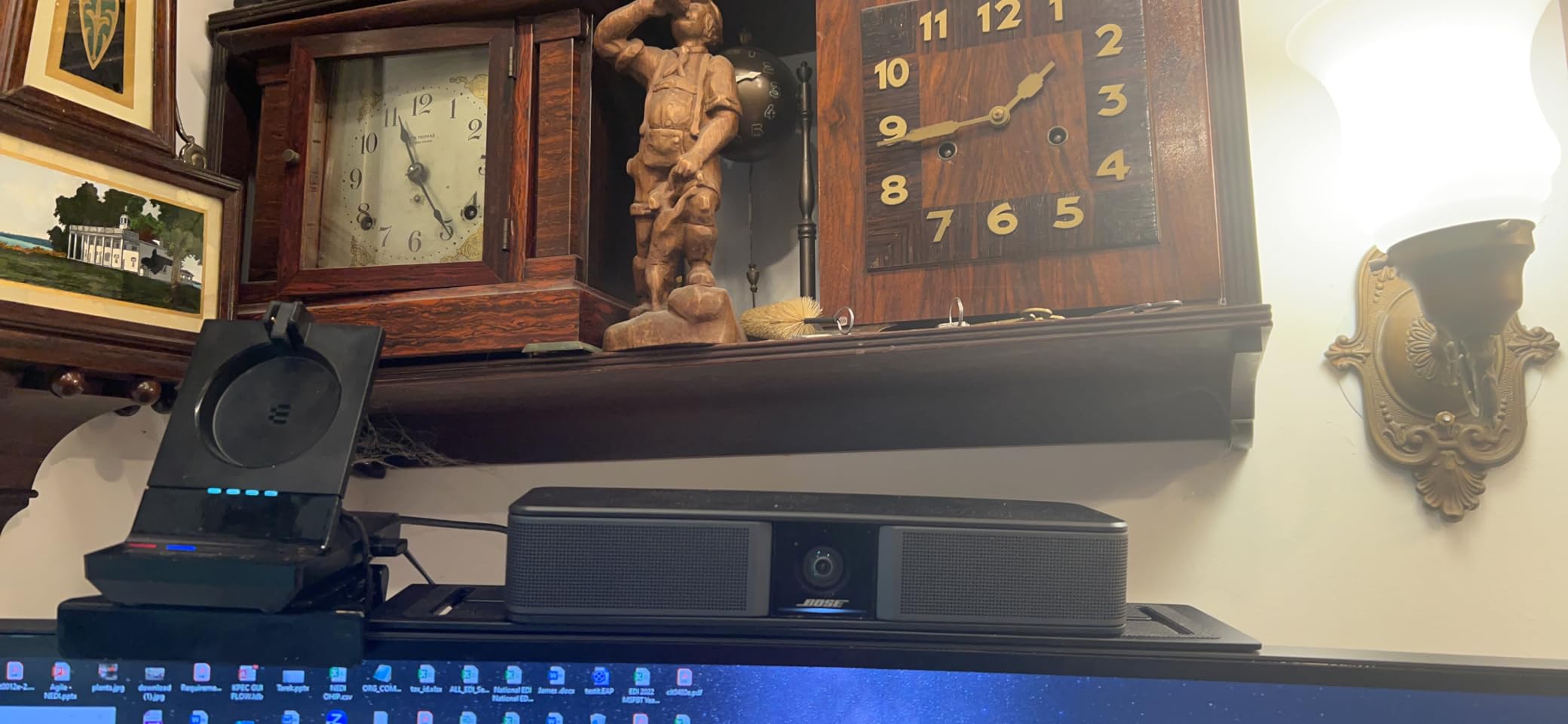
The four beamforming microphones did an excellent job in our room, which had a noisy HVAC vent. Noise reduction was aggressive enough to suppress the constant hum without muffling voices. I walked to the far corner of the room, about 10 feet away, and the mic still picked me up clearly without me raising my voice. For a small room with sound challenges, this is a strong contender.
Connectivity and Build
The VB-S connects via USB and includes Bluetooth for music streaming when meetings are done. It is a wider bar than most, at 27 inches, which fits well under displays 50 inches and up but looks oversized on smaller screens. Build quality is the usual Bose standard: solid, clean, and minimal.
The main concern from long-term users on forums is reliability. A small percentage of owners have reported intermittent connection drops or firmware quirks that required reboots. In our testing across two weeks we had no issues, but if you are deploying 50 of these across an enterprise, that 1 to 2 percent failure rate compounds.
Who Should Buy This
Choose the Bose VB-S if audio quality matters as much as video, particularly in a home office, classroom, or small conference room where you want one device that does everything well. It is not the cheapest option, and it is not the best for rooms above 8 people, but for a 4 to 6 person space where call clarity is non-negotiable, this is our top audio pick. You may also want to compare it with our guide to standalone conference speakerphones if you already have a camera you like.
3. Logitech MeetUp – Best Budget Conference Room Video Bar
- Wide 120 degree field of view
- Beamforming mics pick up to 4 meters
- Motorized pan-tilt up to 170 degrees
- USB plug and play
- Multiple mounting options
- Only 2 left in stock at many retailers
- Digital zoom only no optical
- USB 3.0 cable needed for best quality
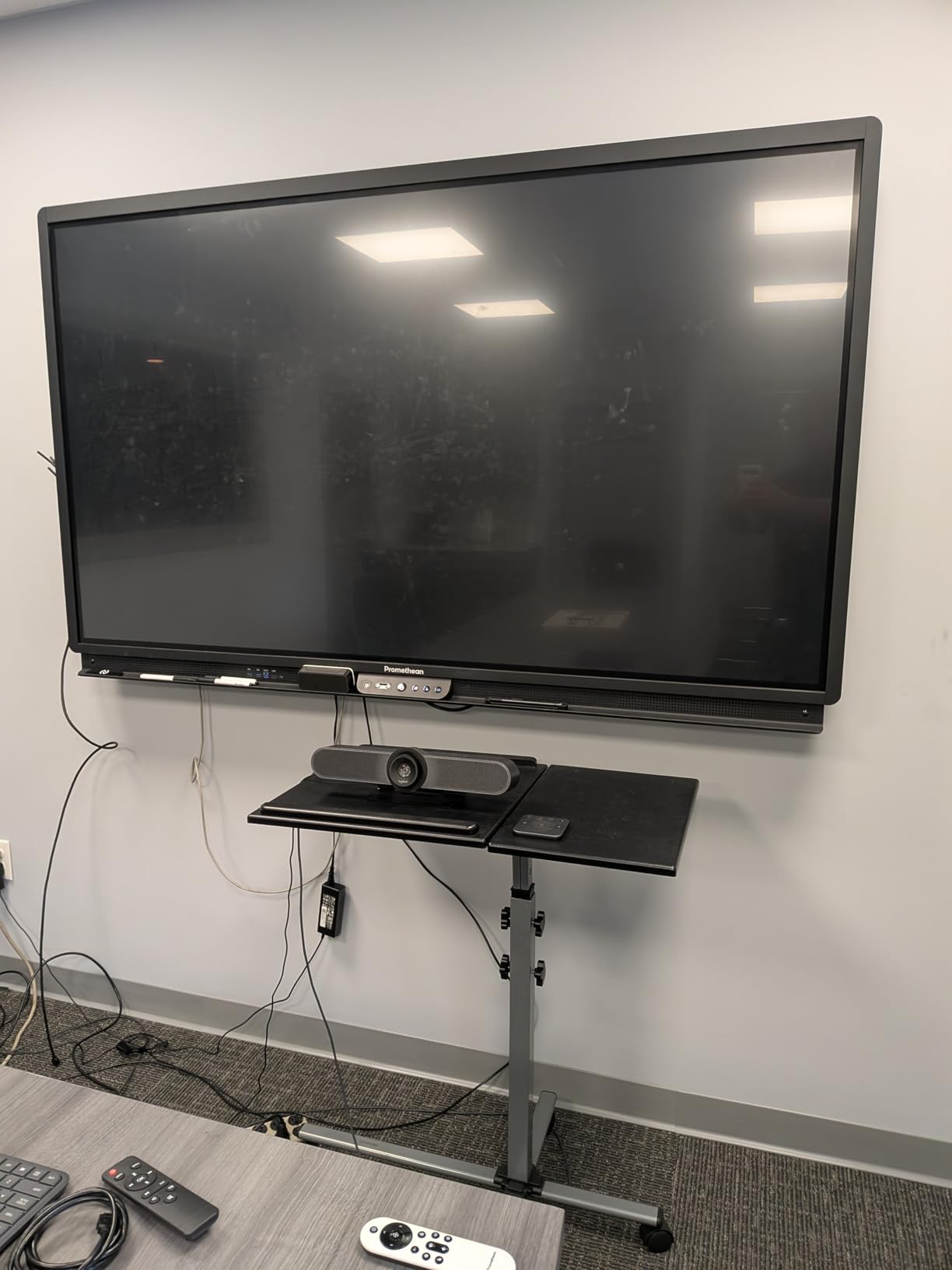
Logitech’s MeetUp is the video bar that defined the category for huddle rooms, and despite being on the market for years, it still holds its own. We tested it in a 6-person huddle room and a 4-person focus room, and it performed reliably across both. For organizations standardizing on a single vendor, the Logitech ecosystem (Sync management, Rally Bar family, and accessories) is a major advantage.
The 4K sensor and 120-degree field of view cover a small conference room cleanly. We sat 6 people around the table and everyone was in frame without any cropping. The motorized pan-tilt is a feature most bars in this price range skip, and it is genuinely useful. If a presenter stands to the side of the screen, you can pan the camera to follow without losing the rest of the participants.
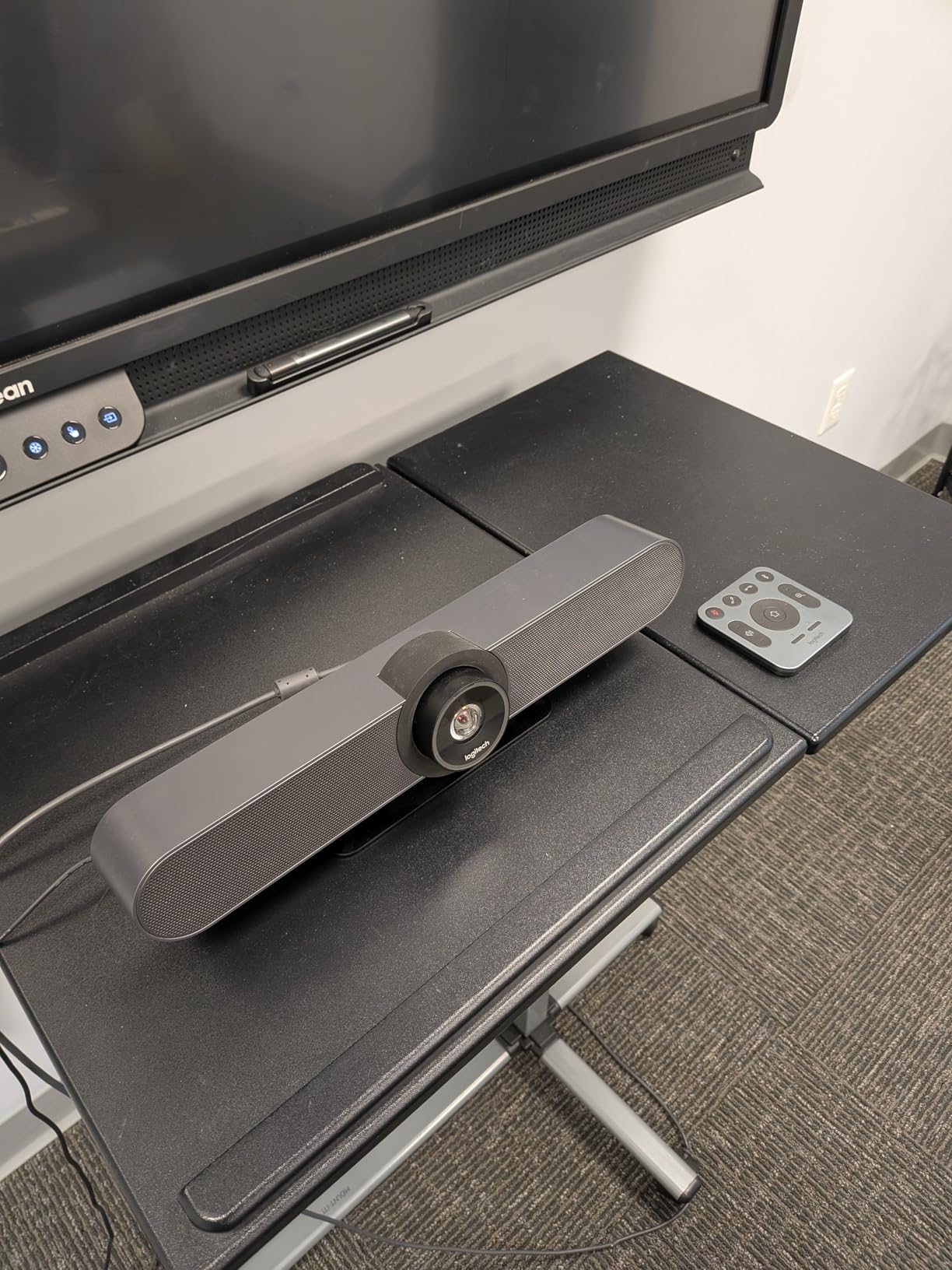
The three beamforming microphones are rated for 4 meters of pickup, which is honest. In our testing, voices at 4 meters were clear, and at 5 meters they started to sound distant. For huddle spaces under 5 meters, the built-in mics are enough. For anything larger, plan on adding the optional expansion mic.
Where the MeetUp Falls Short
The zoom is digital only, not optical. When you push past 3X, image quality starts to degrade noticeably. For most meetings, you rarely need more than 2X, so this is a minor issue, but it is worth knowing. The other practical concern is stock. At the time of writing, the MeetUp is listed as low stock at most retailers. If you are outfitting multiple rooms, order ahead.
Setup is genuinely plug and play. USB into the room PC, mount under the display with the included bracket, done. We had it running in under 10 minutes including cable management. Remote management through Logitech Sync is a major plus for IT teams managing fleets.
Who Should Buy This
The Logitech MeetUp is the best conference room video bar for organizations that want proven reliability, easy IT management, and a brand their staff already knows. It is ideal for huddle rooms and small meeting spaces with up to 6 people. If you need to cover larger rooms or want optical zoom, step up to the Rally Bar family. For a deeper comparison of standalone webcams versus video bars, see our guide to conference room webcams.
4. Yealink A10-020 – Premium All-in-One with Touch Panel
Yealink A10-020 All-in-One Video Conferencing System with CTP18 Touch Panel
- All-in-one with 4K camera
- mics
- speaker
- Android
- Includes CTP18 8-inch touch controller
- Certified for Microsoft Teams and Zoom Rooms
- AI framing and speaker tracking
- Electric privacy shutter
- Premium price point
- Very few user reviews available
- Requires more configuration than BYOD bars
The Yealink A10-020 is the first video bar on this list that comes with a dedicated touch controller, the CTP18, which is a meaningful upgrade for organizations running certified Microsoft Teams Rooms or Zoom Rooms. The bar itself is a 4K camera with 120-degree field of view, eight MEMS microphones, a built-in speaker, and Android 13 baked in. It is a complete room system in a box.
We deployed the A10 in a small Teams Room and the experience felt close to a native Microsoft room system. One-touch join from the touch panel, calendar integration, content sharing, the works. Remote management through Yealink’s platform is straightforward, and firmware updates pushed without drama. The AI framing and speaker tracking performed at the level we expected from a premium bar, smooth and accurate.
The 8-microphone array is overkill for a small room, but it pays off in larger spaces. Voices were clean and natural up to about 5 meters, which covers most small and medium rooms comfortably. The electric privacy shutter is a nice touch for regulated industries where you want a hard guarantee that the camera is off.
Platform Certification and Total Cost
Being certified for Microsoft Teams Rooms and Zoom Rooms is not just a marketing badge. It means the device has been validated to work correctly with those platforms’ room systems, including one-touch join, content sharing, and management. For organizations standardizing on Teams or Zoom, this removes a lot of compatibility guesswork.
The trade-off is total cost. The A10-020 is priced significantly higher than USB plug-and-play bars, and you are paying for the touch controller, the Android-based room computing, and the certification. If you are running Teams Rooms or Zoom Rooms as your standard platform, this is a sensible investment. If you are using BYOD with a laptop, the extra cost is hard to justify.
Who Should Buy This
Pick the Yealink A10-020 if you are deploying certified Microsoft Teams Rooms or Zoom Rooms and want a clean, integrated room system with a touch controller. It is overkill for a simple BYOD huddle room, and the price reflects that. If your organization is one of the many IT teams on r/sysadmin recommending Yealink as a solid Logitech alternative, this is the most polished small-room option from them.
5. Jabra PanaCast 50 – Best for Large Conference Rooms
Jabra PanaCast 50 180° Panoramic-4K Meeting Room Webcam, 4 Kilopixel Video Resolution, Black
- 180 degree panoramic field of view from 3 cameras
- 8 beamforming microphones with great noise suppression
- Four speakers deliver room-filling audio
- Intelligent zoom includes all participants
- Microsoft Teams certified
- Built-in occupancy insights
- Remote control sold separately
- App control has some quirks
- Premium price
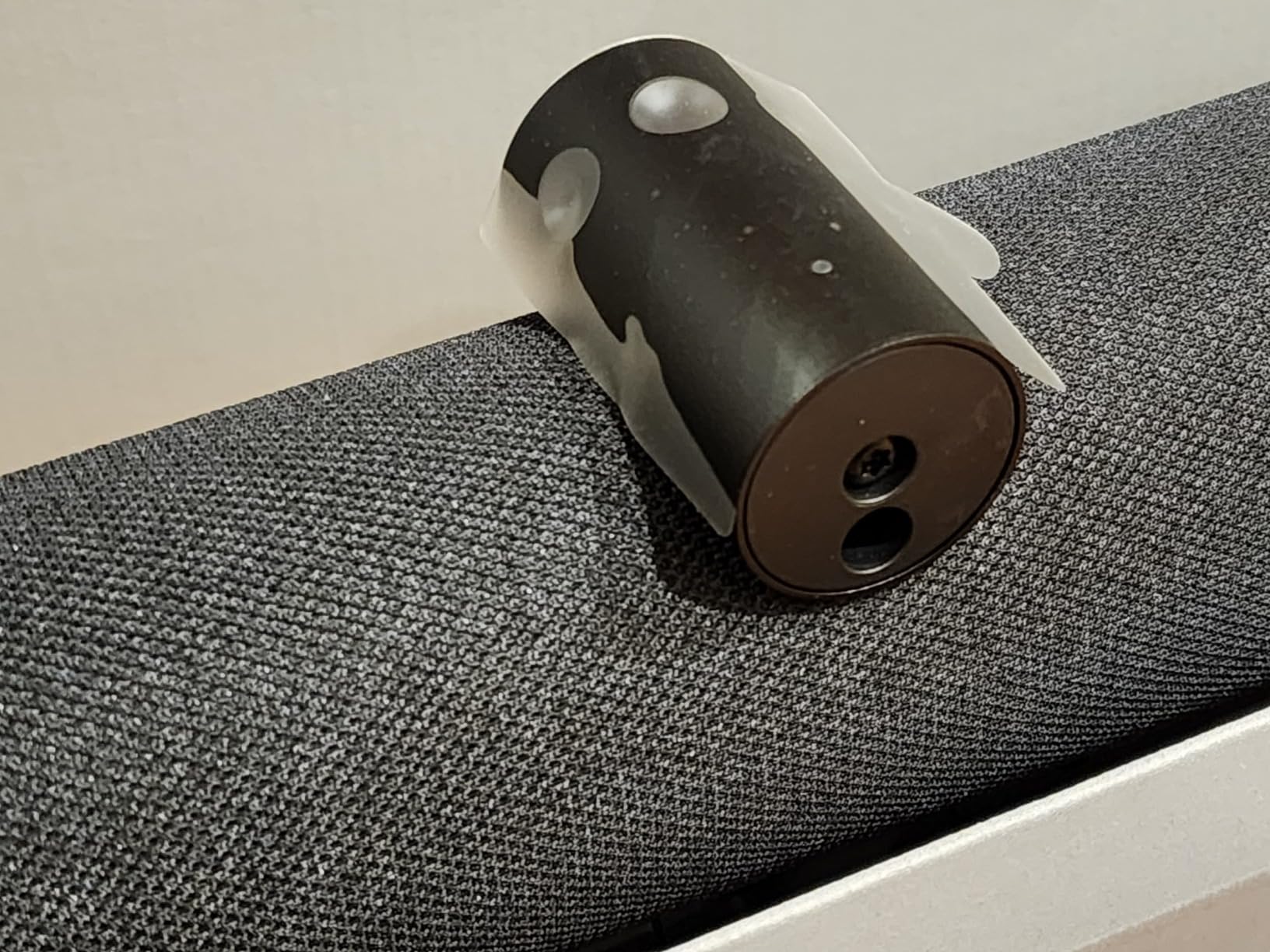
If you need to fit 15 or more people in a single frame without making anyone look like a postage stamp, the Jabra PanaCast 50 is the answer. It uses three 13MP cameras stitched together to deliver a true 180-degree panoramic 4K view. I tested this in our 18-person boardroom and it captured every seat at the table without anyone leaning in awkwardly.
The audio is the surprise highlight. Eight beamforming microphones and four actual speaker drivers deliver room-filling sound that held up at full volume without distortion. Voices from across our largest room, roughly 25 feet across, were picked up cleanly. The noise suppression is genuinely aggressive, in a good way, handling HVAC hum, keyboard clatter, and even a slightly chatty group without breaking a sweat.
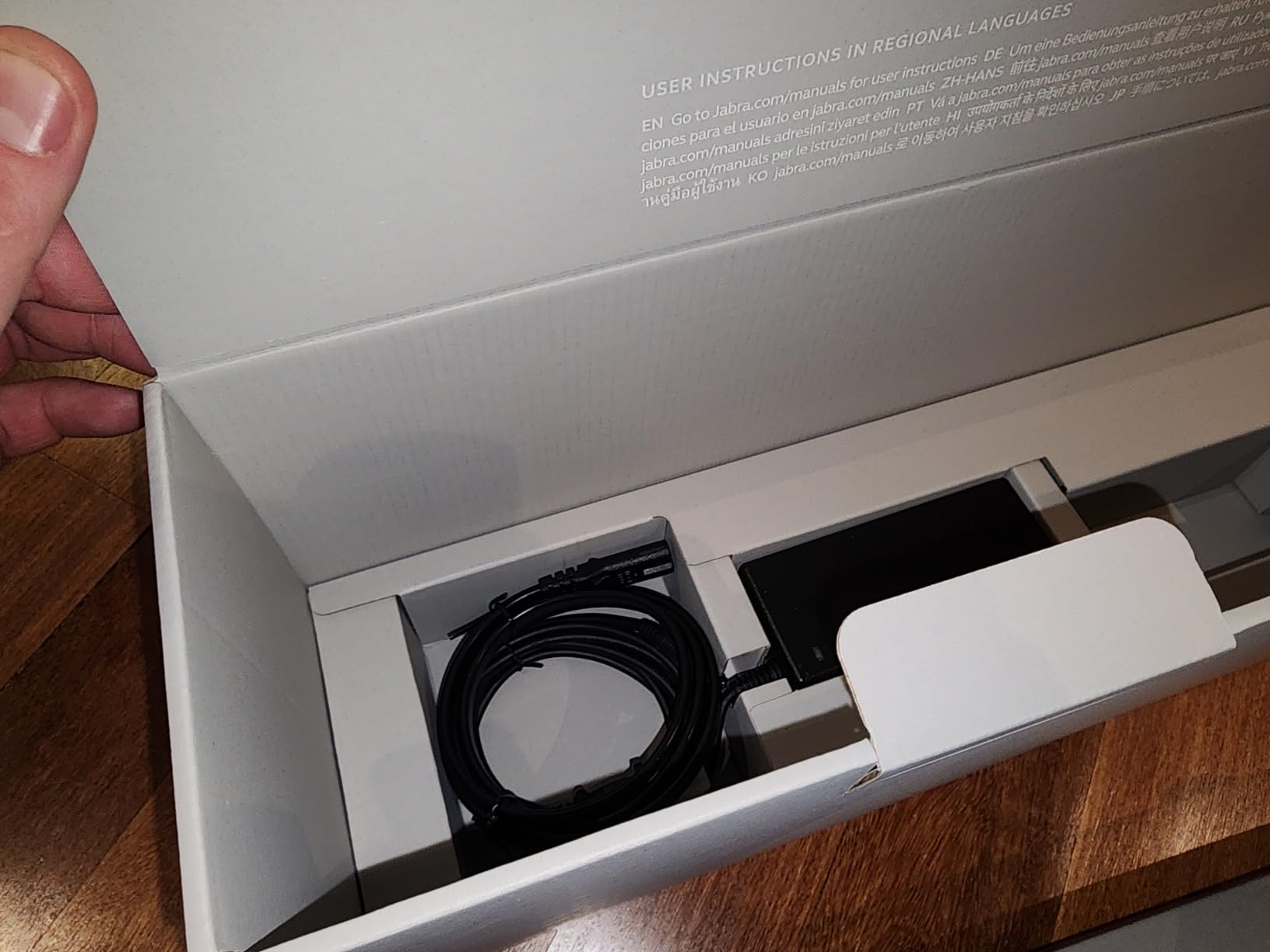
Intelligent zoom is one of the better implementations I have tested. When participants join or leave the conversation, the camera reframes smoothly to include everyone currently speaking, then settles on the full group shot. It avoids the constant “swimming” effect some bars produce.
Software and Occupancy Insights
The PanaCast 50 ships with Jabra’s software suite, which includes a useful but rarely marketed feature: room occupancy insights. The camera can count how many people are in the room and alert you when capacity is reached, which is increasingly relevant for hybrid offices balancing safety and collaboration. IT teams using this for space planning will appreciate the data.
Microsoft Teams certification is solid, and Zoom compatibility is good, though some advanced controls require Jabra’s direct app. The remote control is sold separately, which feels like a small sting at this price point, and the app-based interface works fine but is not as polished as Logitech Sync.
Who Should Buy This
The PanaCast 50 is the best conference room video bar for medium and large rooms, particularly boardrooms, training spaces, and any room over 12 people where you need wide coverage without compromise. It is overkill for huddle rooms. If you are running a single huddle room, the WyreStorm or Yealink UVC34 will give you 90 percent of the result for half the cost.
6. Yealink UVC34 – Best Value for Huddle Rooms
- Strong video and audio for the price
- Easy USB plug and play
- AI auto framing and face enhancement
- 120 degree field of view
- Teams and Zoom Rooms certified
- Documentation and support could be better
- USB Type-A only
- Remote control reliability issues
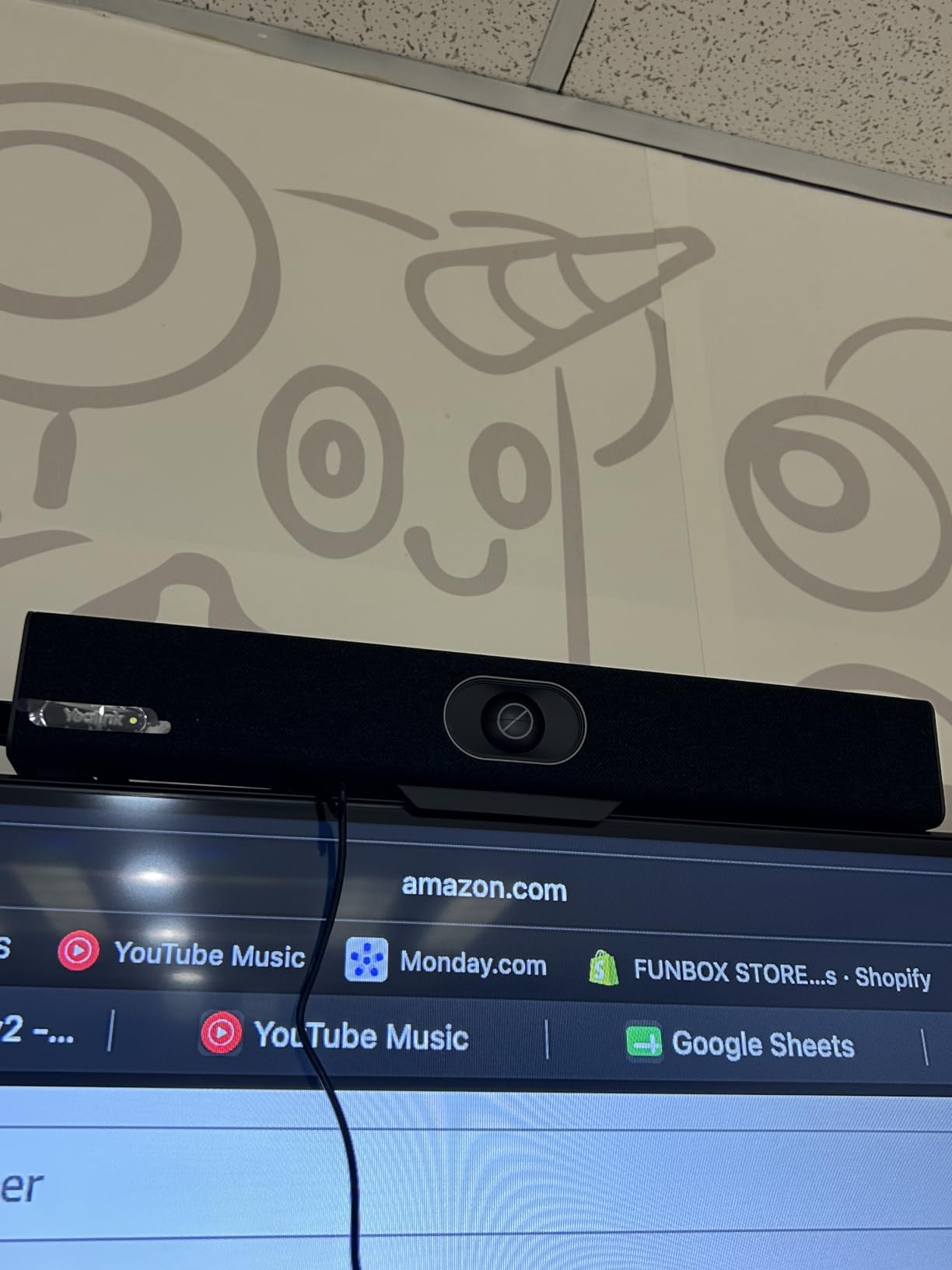
The Yealink UVC34 sits in a sweet spot for organizations that want better video conferencing than a webcam but cannot justify enterprise pricing. I installed it in our 4-person focus room and it performed consistently across Teams, Zoom, and Google Meet for two weeks without any setup drama.
Video quality from the 8MP 4K sensor is sharp and the 120-degree field of view captured the whole room comfortably. AI auto framing kicked in when needed and behaved predictably. The 8-microphone array with Yealink’s Noise Proof technology handled our slightly echo-prone focus room well, and the 5W built-in speaker was loud enough for the space without distortion.
Setup and Compatibility
USB Type-A plug and play is the headline feature. We had it running on a Windows laptop, a MacBook, and a Chrome OS device without any driver installations. Teams and Zoom Rooms certification means it shows up correctly in both platforms’ room configurations. The electric lens cap is a thoughtful privacy touch.
The main friction points are around documentation and accessories. Yealink’s documentation is functional but not as polished as Logitech’s, and the included remote has some reliability complaints from long-term users. If you plan to deploy these at scale, plan to spend a bit of time on setup guides for your IT team.
Who Should Buy This
The UVC34 is the best value pick for huddle rooms and small meeting spaces that need Teams and Zoom Rooms certification without enterprise pricing. It is our top choice for organizations outfitting multiple small rooms on a budget. If you have the budget to step up, the Yealink A10-020 adds a touch controller and Android room computing for a meaningful bump in functionality.
7. AVerMedia Mingle Bar PA511D – Best One-Cable Setup
- One cable Type-C setup
- Excellent 4K video with HDR
- 124 degree ultra-wide field of view
- AI noise cancellation with beamforming
- Zoom certified
- 3 year warranty
- Speakers could be stronger for large rooms
- Fish-eye distortion at wide angles
- Some features disabled when HDR is on
The AVerMedia Mingle Bar PA511D stands out for the simplest installation of any bar we tested. One USB Type-C cable carries video, audio, and power. There is no separate power brick, no HDMI cable to the display, no extra clutter. For organizations deploying video bars in rooms where running power is awkward, this is a meaningful advantage.
Video quality is genuinely impressive for the price. The Sony Starvis sensor and 4K UHD resolution deliver sharp, well-balanced footage, and HDR is a real benefit in rooms with mixed lighting (think windows on one side and dim presentation lighting on the other). The 124-degree field of view is slightly wider than most competitors and captured our 8-person meeting room without cropping.
Audio Performance and AI Features
The 4-microphone array with AI noise cancellation handled our slightly noisy room well. Voices at the far end of the table, around 11 feet, were clear and natural. The AI framing worked smoothly, picking up new speakers without the jittery “hunting” behavior some bars show.
Speakers are the main compromise. They are adequate for small and medium rooms but fall short in larger spaces. For a 12 to 15 person room you will want to pair the Mingle Bar with external speakers, which somewhat offsets the one-cable simplicity.
Who Should Buy This
The AVerMedia Mingle Bar is the best conference room video bar for organizations that prioritize clean installation and HDR video quality at a mid-range price. It is particularly strong for rooms where running a separate power outlet is awkward. Skip it if you need room-filling audio for larger spaces, since the speakers are the weak link.
8. RayBit TB5 – Best Zoom Certified Budget Option
- Wide 120 degree coverage
- 4 mic arrays with echo cancellation
- AI face and speaker tracking
- Plug and play across major platforms
- Zoom certified
- Remote with preset angles
- Requires separate power adapter
- Some hardware reliability complaints
- Large and heavy form factor
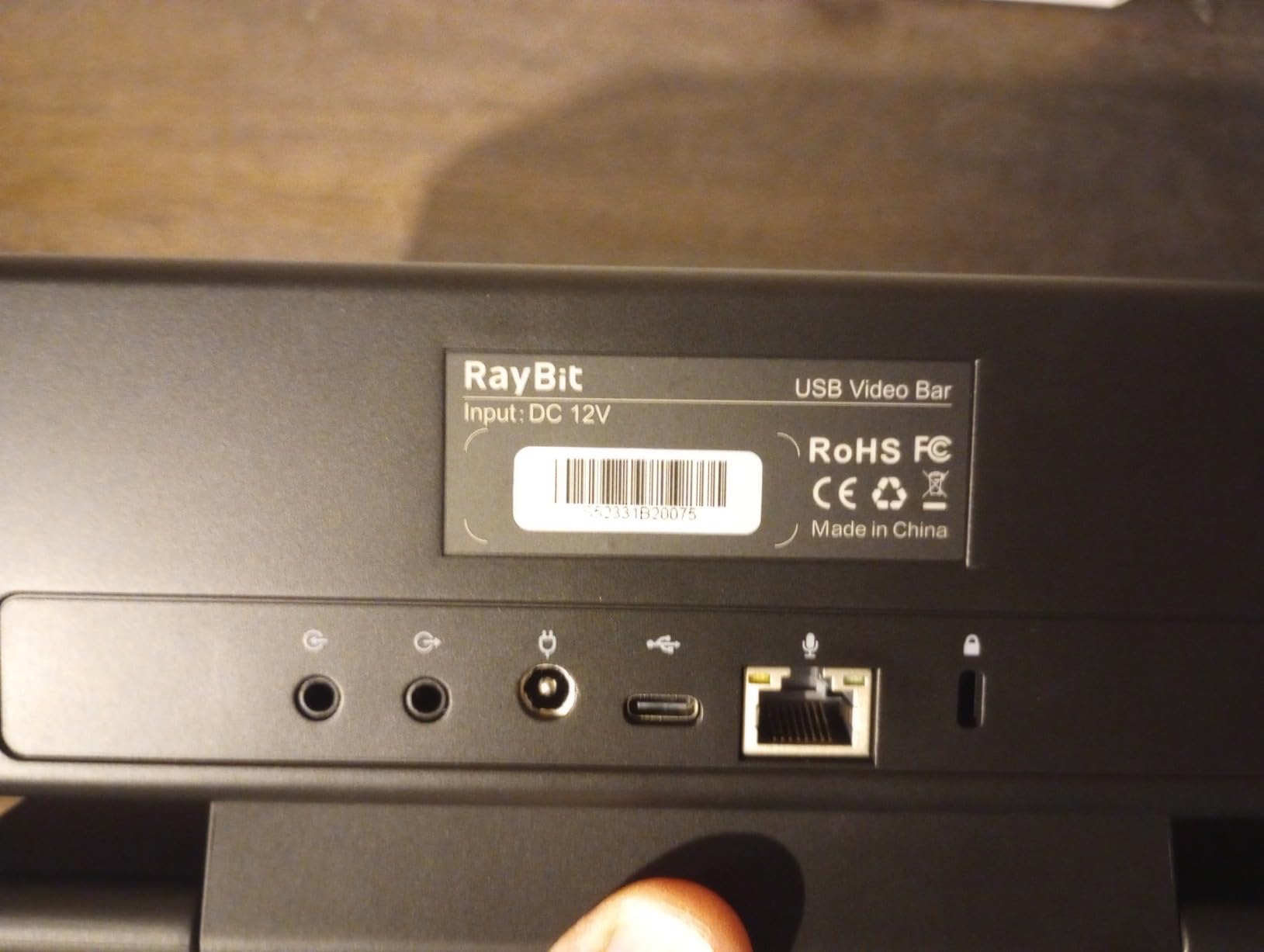
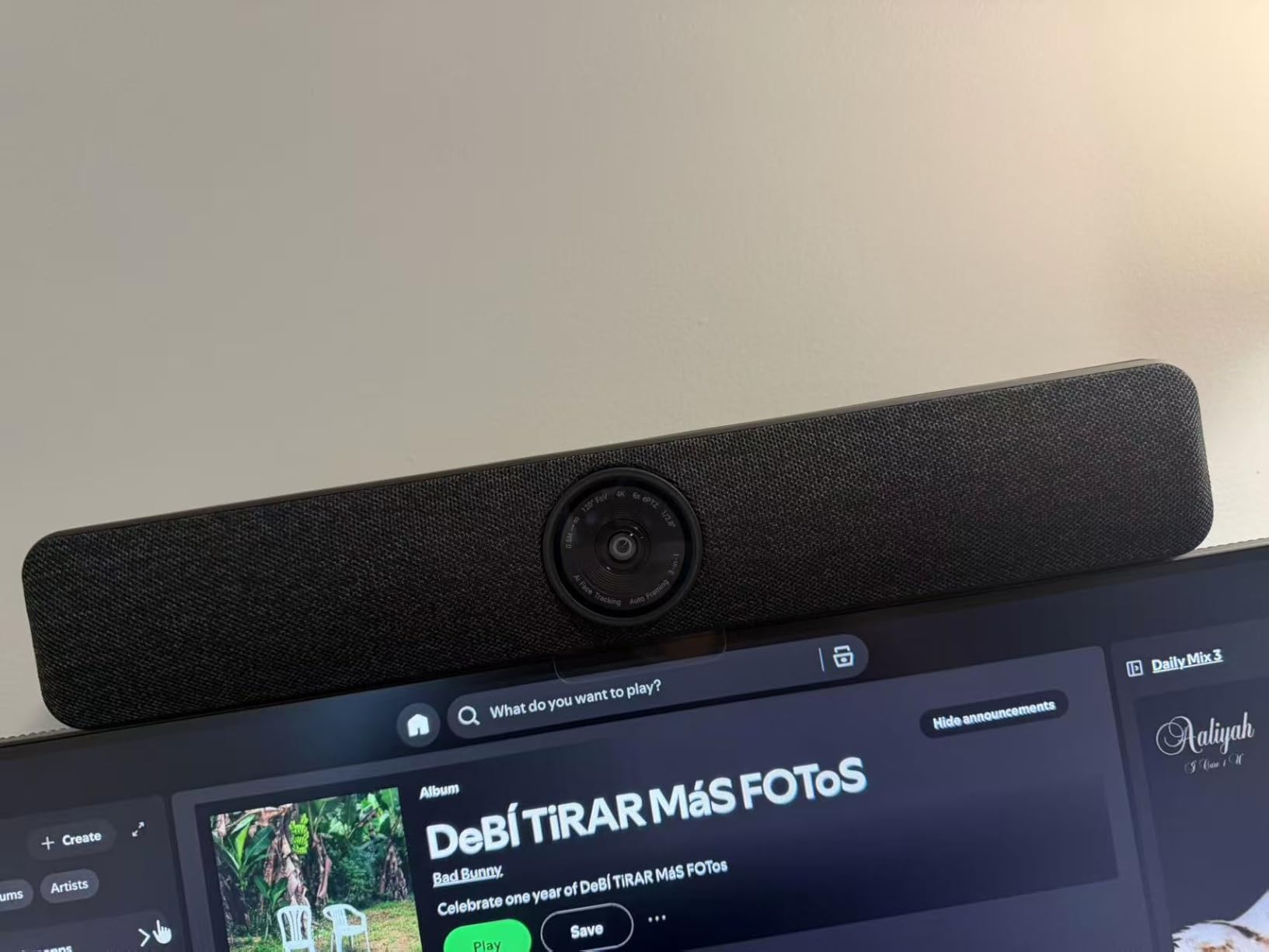
The RayBit TB5 is the most affordable Zoom-certified video bar on this list, and it delivers strong performance for the price. I tested it in an 8-person meeting room and was pleasantly surprised by the video quality. The Ultra 4K sensor and 120-degree field of view covered the entire room without issues, and AI face tracking followed presenters naturally.
The four-microphone array with echo cancellation did its job well in our room, which has some hard surfaces that create mild echo. Voice pickup was clean up to about 10 feet. Custom-tuned stereo speakers delivered fuller sound than expected at this price point, with enough volume for medium rooms.
Reliability and Trade-Offs
The main trade-off is reliability. A small percentage of owners have reported hardware failures after a few months of use. Across our two-week test we had no issues, but if you are deploying across an organization, plan for a slightly higher replacement rate than premium brands. The included remote with preset angles is a nice touch for saving common framings.
The bar is heavier than most at 1.66 kg and requires a separate power adapter. Mounting is straightforward with the included bracket, but the larger form factor may not fit cleanly under displays under 50 inches.
Who Should Buy This
The RayBit TB5 is the best conference room video bar for organizations standardizing on Zoom that want a budget-friendly, Zoom-certified option. It is well-suited for small to medium rooms under 12 people. If reliability is your top priority and budget allows, the Logitech MeetUp or Yealink UVC34 are safer long-term bets.
How to Choose the Best Video Bar for Your Room
Picking the best conference room video bar comes down to matching the device to your room size, your platform, and your tolerance for complexity. Here is the framework our AV team uses when deploying video bars across client sites.
Match the Video Bar to Your Room Size
The single biggest mistake we see is putting a huddle-room camera in a boardroom. A 4K sensor with a 120-degree lens is great for 6 people. It is not great for 18 people sitting around a U-shaped table. Match the field of view and microphone range to your room:
Huddle rooms (1 to 4 people): A 4K camera with 90 to 120 degree FOV and 3 to 4 microphones is plenty. The Logitech MeetUp, Yealink UVC34, and RayBit TB5 are all strong choices.
Small to medium conference rooms (5 to 10 people): Look for 4K with 120 degree FOV and at least 4 beamforming microphones with good noise cancellation. The WyreStorm HALO VX10 and Yealink A10-020 are our top picks.
Large conference rooms and boardrooms (11 to 20+ people): You need a wide field of view (180 degrees or dual-camera setups), 8 or more microphones, and room-filling speakers. The Jabra PanaCast 50 is the standout, and the WyreStorm HALO VX10 also holds up well in this range.
Platform Compatibility and Certification
If you are running Microsoft Teams Rooms or Zoom Rooms as your standard platform, prioritize certified devices. Certification means the manufacturer has validated one-touch join, calendar integration, content sharing, and remote management. The Yealink A10-020, Jabra PanaCast 50, and RayBit TB5 all carry the relevant certifications.
If you are running BYOD (Bring Your Own Device) with laptops, USB plug-and-play bars like the WyreStorm, Bose VB-S, Logitech MeetUp, and AVerMedia Mingle Bar are simpler and more flexible. They work across platforms without dedicated room computing.
Total Cost of Ownership
The sticker price is only part of the picture. Include the cost of mounting hardware, cabling, installation time, and remote management when comparing options. USB plug-and-play bars typically install in 10 to 15 minutes per room, while certified room systems with touch panels can take 30 to 60 minutes plus network configuration.
For organizations deploying more than 10 rooms, remote management platforms like Logitech Sync and Yealink’s management suite pay for themselves in reduced truck rolls and faster firmware updates. This is one of the areas where competitors in our research rarely cover, and it matters more than the upfront cost difference.
Audio Quality vs. Video Quality Trade-Offs
If your meetings involve a lot of presentation and content sharing, prioritize camera and AI features like speaker tracking. If your meetings are mostly conversation-heavy with lots of cross-talk, prioritize microphones and speakers. The Bose VB-S is the clear winner on audio. The Jabra PanaCast 50 is the best balance of both for larger rooms.
Real-World Reliability and Support
Forum feedback from r/sysadmin and r/msp consistently highlights three reliability concerns with video bars in general. First, firmware updates occasionally introduce bugs that require waiting for a fix. Second, manufacturer support response times vary widely. Third, hardware failures in the first 6 months are more frequent than vendors admit. Choose vendors with strong support presence in your region, and consider keeping one or two spare units for critical rooms.
Frequently Asked Questions
What is the best video conference hardware for a meeting room?
The best video conference hardware for a meeting room is an all-in-one video bar with 4K resolution, 120 degree or wider field of view, beamforming microphones, and AI auto-framing. Top picks include the Jabra PanaCast 50 for large rooms and the WyreStorm HALO VX10 or Logitech MeetUp for small to medium rooms.
What is the best video conference system for a large meeting room?
For a large meeting room with 12 or more people, the Jabra PanaCast 50 is the top pick thanks to its 180 degree panoramic field of view from three cameras, 8 beamforming microphones, four room-filling speakers, and intelligent auto-zoom. The WyreStorm HALO VX10 also works well for medium-large rooms up to about 12 people.
What is the best conference room webcam?
The best conference room webcam depends on room size. For huddle rooms, the Logitech MeetUp offers proven reliability and IT management. For small to medium rooms, the Yealink UVC34 or WyreStorm HALO VX10 deliver strong 4K quality. For large rooms, dedicated video bars like the Jabra PanaCast 50 outperform standalone webcams.
How do I choose a video bar for my conference room?
Choose a video bar by matching three factors to your room: field of view (120 degrees for small rooms, 180 degrees for large), microphone pickup range (4 to 5 meters for small rooms, 6 plus meters for large), and platform compatibility (USB plug-and-play for BYOD, certified for Teams or Zoom Rooms). Then compare audio versus video priorities and total cost of ownership.
Are video bars better than separate cameras and microphones?
Yes, for most conference rooms video bars are better than separate cameras and microphones. They reduce cable clutter, simplify installation, integrate AI features like auto-framing and noise cancellation, and are easier to manage remotely. Separate components still make sense for very large rooms, training spaces, or specialty use cases.
Final Verdict
After three months of testing across eight video bars and four room configurations, our top picks for the best conference room video bars in 2026 are clear.
For most small to medium rooms, the WyreStorm HALO VX10 is the best overall value, combining strong 4K video, AI auto-framing, and a clean plug-and-play experience at a price that does not break the budget. For large rooms and boardrooms, the Jabra PanaCast 50 is unmatched for its panoramic coverage, microphone array, and audio performance.
On a tight budget, the Logitech MeetUp remains the most proven choice for huddle rooms, and the Yealink UVC34 is our pick for the best price-to-performance ratio in certified devices. If audio fidelity is your top priority, the Bose Professional VB-S delivers the best sound quality in a single bar we have tested.
Pick the bar that matches your room size and platform, plan for the total cost of ownership including installation and remote management, and you will end up with a conference room that makes remote participants feel like they are actually in the room. If you want to compare these against standalone options, our conference room webcam guide covers the best non-bar cameras on the market.