

The CRUA 49-Inch DQHD is the ultrawide to watch during Amazon’s Prime Big Deal Days, because a 5120×1440 32:9 panel with 120Hz refresh and a 1500R curve is the widest workspace in this list at a moment when 49-inch panels used to be specialist hardware. It has the most owner reviews of anything here too, at more than 4,000, which means the panel’s quirks are well documented.
Two alternatives sit either side of it. The Samsung Odyssey G93SC is the premium 49-inch pick, pairing QD-OLED blacks with a 240Hz refresh, and the Samsung ViewFinity S50GC is the sensible 34-inch option for people replacing two office screens with one. Prime Big Deal Days runs October 6-7, 2026, and most offers need a Prime membership.
Table of Contents
Our Top 3 Picks for Best Amazon Prime Big Deal Days Ultrawide Monitor Deals
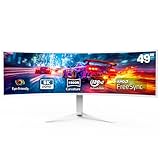
CRUA 49-Inch DQHD
- 5120x1440 32:9 panel
- 120Hz refresh
- 1500R curve
- Height-adjustable stand

Samsung Odyssey G93SC
- QD-OLED 5120x1440 at 240Hz
- 0.03ms GTG response
- Picture-by-Picture at native resolution
- HDMI 2.1 and a three-port USB hub

Samsung ViewFinity S50GC
- 3440x1440 flat panel
- 100Hz and 5ms response
- Ambient light sensor and Eye Saver Mode
- PIP and PBP at native resolution
Best Amazon Prime Big Deal Days Ultrawide Monitor Deals Compared (October 2026)
| Product | Specifications | Action |
|---|---|---|
| CRUA 49-Inch DQHD |
|
Check Deal Price |
| Samsung Odyssey G93SC |
|
Check Deal Price |
| Samsung ViewFinity S50GC |
|
Check Deal Price |
 Dell S3425DW Dell S3425DW |
|
Check Deal Price |
 LG 34SR60QC-W LG 34SR60QC-W |
|
Check Deal Price |
 Sceptre C345B Sceptre C345B |
|
Check Deal Price |
 LG 34WR55QK-B LG 34WR55QK-B |
|
Check Deal Price |
 Amzfast 49-Inch DQHD Amzfast 49-Inch DQHD |
|
Check Deal Price |
 Deco Gear 49-Inch 5K2K Deco Gear 49-Inch 5K2K |
|
Check Deal Price |
 Alienware AW3425DW Alienware AW3425DW |
|
Check Deal Price |
Ten ultrawides, split across three sizes. Five are 34-inch 21:9 panels, four are 49-inch 32:9 models, and one sits in between at 34.2 inches. Every field below comes from the manufacturer’s own listing, so treat the refresh rate as the headline number and the stand, ports and sync support as what actually decides daily comfort.
How We Chose
Every monitor here was compared on the specs that decide an ultrawide purchase: native resolution, aspect ratio, refresh rate, panel type, curvature, brightness, contrast and the port selection. Owner reviews and star ratings on Amazon shaped the ordering as much as the spec sheets did, and the data was checked in October 2026.
1. CRUA 49-Inch DQHD: Best for the Widest Workspace
CRUA 49″ DQHD 120Hz Ultrawide Curved Gaming Monitor, 1500R, FreeSync, White
- Widest workspace in the list at 32:9
- Crisp 5120x1440 detail across two 1440p windows
- 120Hz with FreeSync smooths fast motion
- 3000:1 contrast and 120% sRGB coverage
- Height-adjustable stand and wall mount support
- No built-in speakers
- Best picture quality is head-on rather than off-axis
- 1ms figure is an MPRT claim not measured pixel response
The widest real estate here, and the most owners to back it up. A 5120×1440 panel gives you 49 inches of diagonal across a 32:9 canvas, which is roughly two 16:9 desktops side by side without the bezel down the middle. For trading terminals, editing timelines, or a spreadsheet that never stops scrolling, that width is the whole argument.
Specs back the headline: 120Hz refresh with AMD FreeSync, 330 cd brightness, 3000:1 contrast and 120% sRGB coverage on a matte 1500R panel. Connectivity is DisplayPort 1.4 plus two HDMI 2.1 ports, so a current GPU can drive it without dongles.
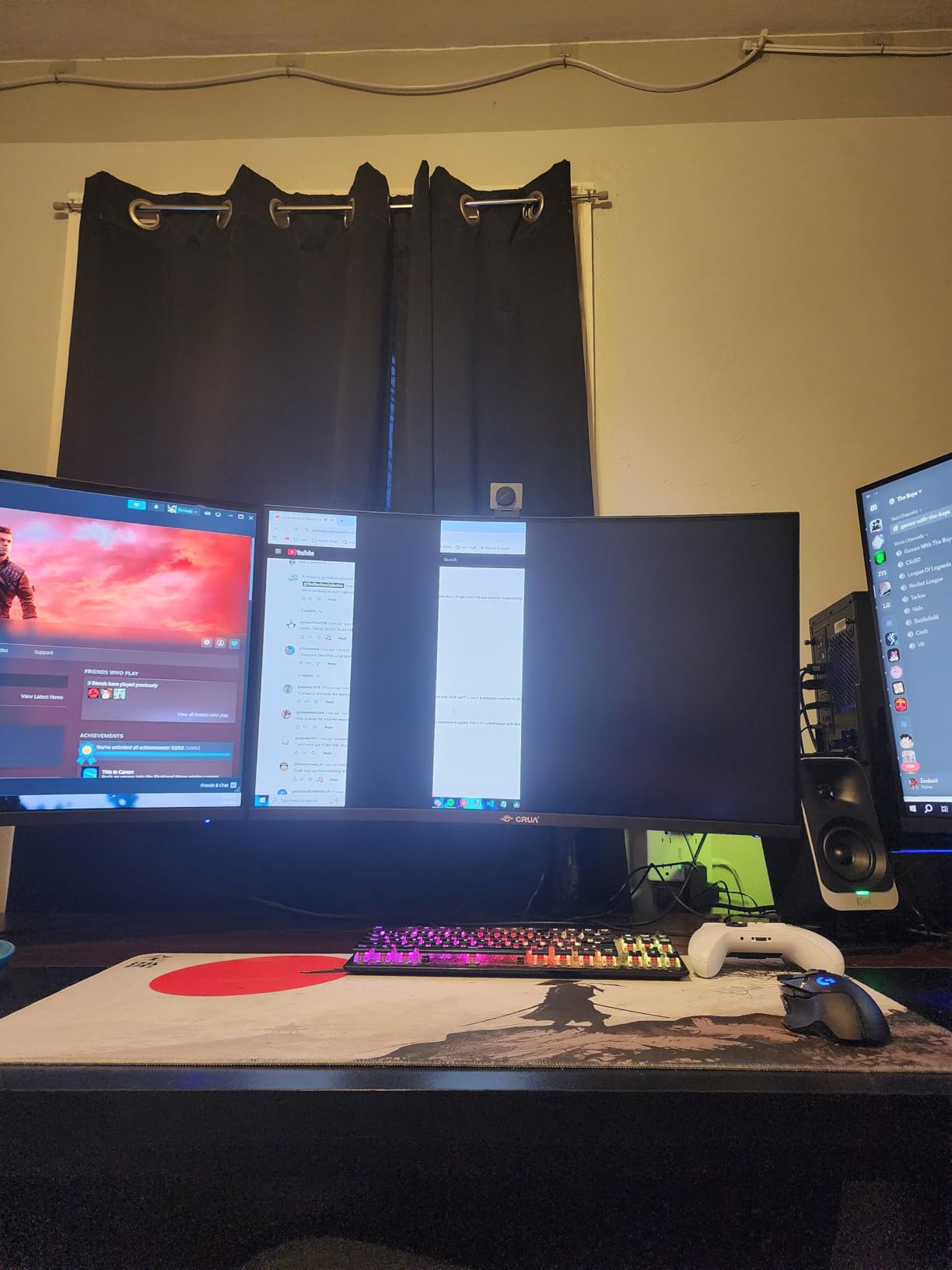
A desk is the real constraint here. At 46 inches wide, this needs a surface that can hold a 49-inch panel at arm’s length, and many desks at that width are already near their limit. The height-adjustable stand helps, and wall mounting is supported, though the panel’s own weight is not listed in the specs.
Owners mention viewing angles as the recurring caveat. Because it is a VA-style panel, the picture holds up best when you sit square to it, which is fine at a desk but less ideal if you plan to swivel around.
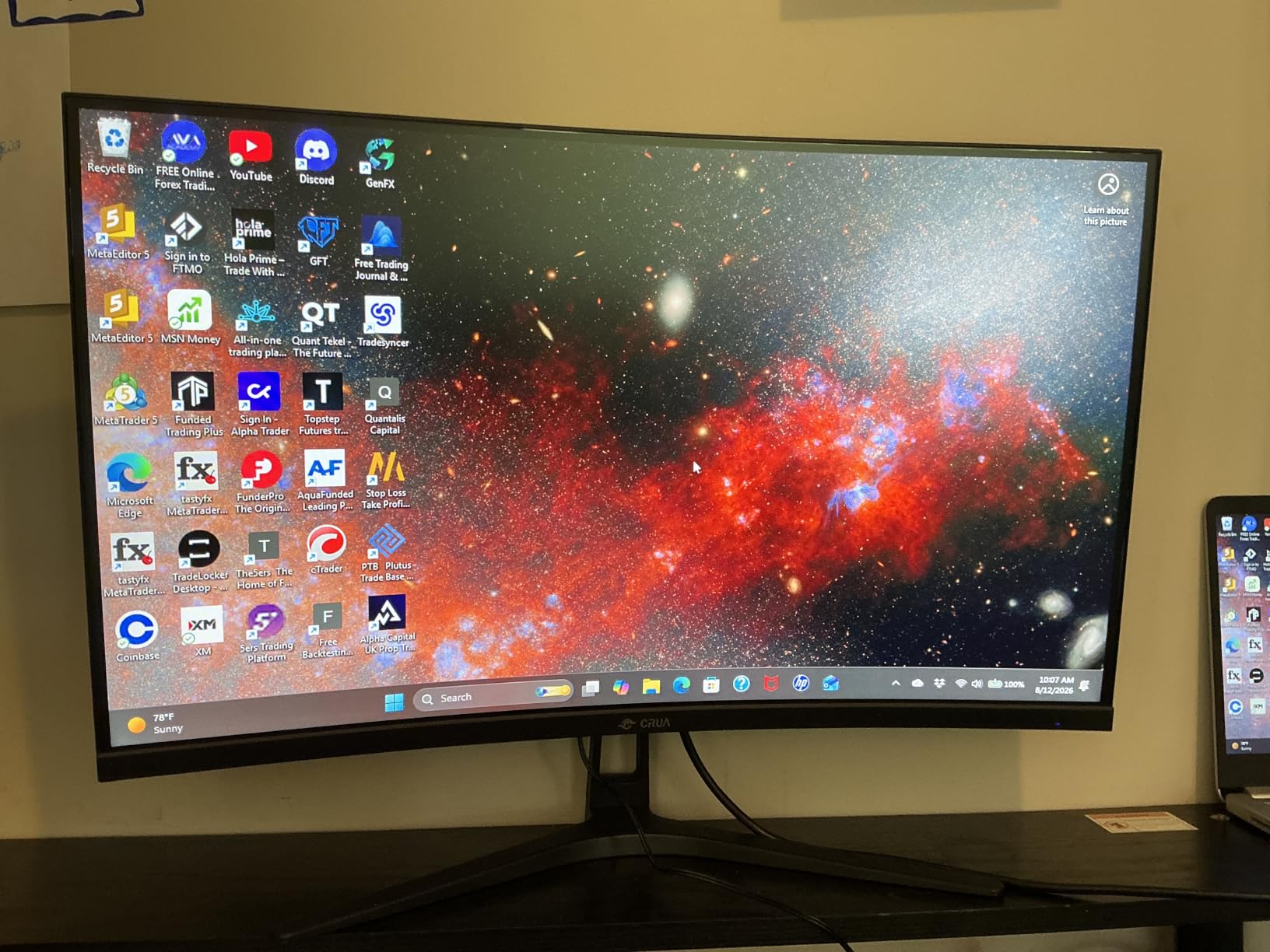
Compared with the Amzfast 49-Inch DQHD, the CRUA is brighter on paper at 330 cd but adds HDMI 2.1 and a white finish. Compared with the Samsung Odyssey G93SC, it gives up the OLED blacks and the 240Hz refresh but costs far less to run into a desk, a wall or a spare room. If your graphics card sits in the middle of the range, 120Hz at 5120×1440 is the sensible target anyway, and this is the panel that hits it.
There are no built-in speakers, so plan on a soundbar or headphones. Worth knowing before you unbox it.
2. Samsung Odyssey G93SC: Best for 49-Inch Gaming
Samsung 49″ Odyssey (G93SC) Series QD-OLED Curved Gaming Monitor
- 240Hz refresh with 0.03ms GTG response
- True blacks with 1000000:1 contrast
- Picture-by-Picture runs two sources at native resolution
- Metal chassis is 4.5mm at its thinnest point
- Three USB 3.0 ports in the hub
- Lowest average rating in this roundup at 4.1 with a 13% one-star share
- 250 cd/m2 rating is modest for HDR content
- At 27.8 pounds the panel is heavy for a monitor arm
The only 49-inch panel here that refreshes at 240Hz. The G93SC pairs a QD-OLED layer with a 0.03ms GTG figure and 1,000,000:1 contrast, so blacks stay black and fast movement stays clean. If you have the GPU headroom and want the widest screen in the list, this is the one.
It also handles two machines properly. Picture-by-Picture runs two inputs at native resolution, meaning you can put a work laptop and a gaming PC on one panel without letterboxing either into a corner. Auto Source Switch handles the handover when you start the other machine.
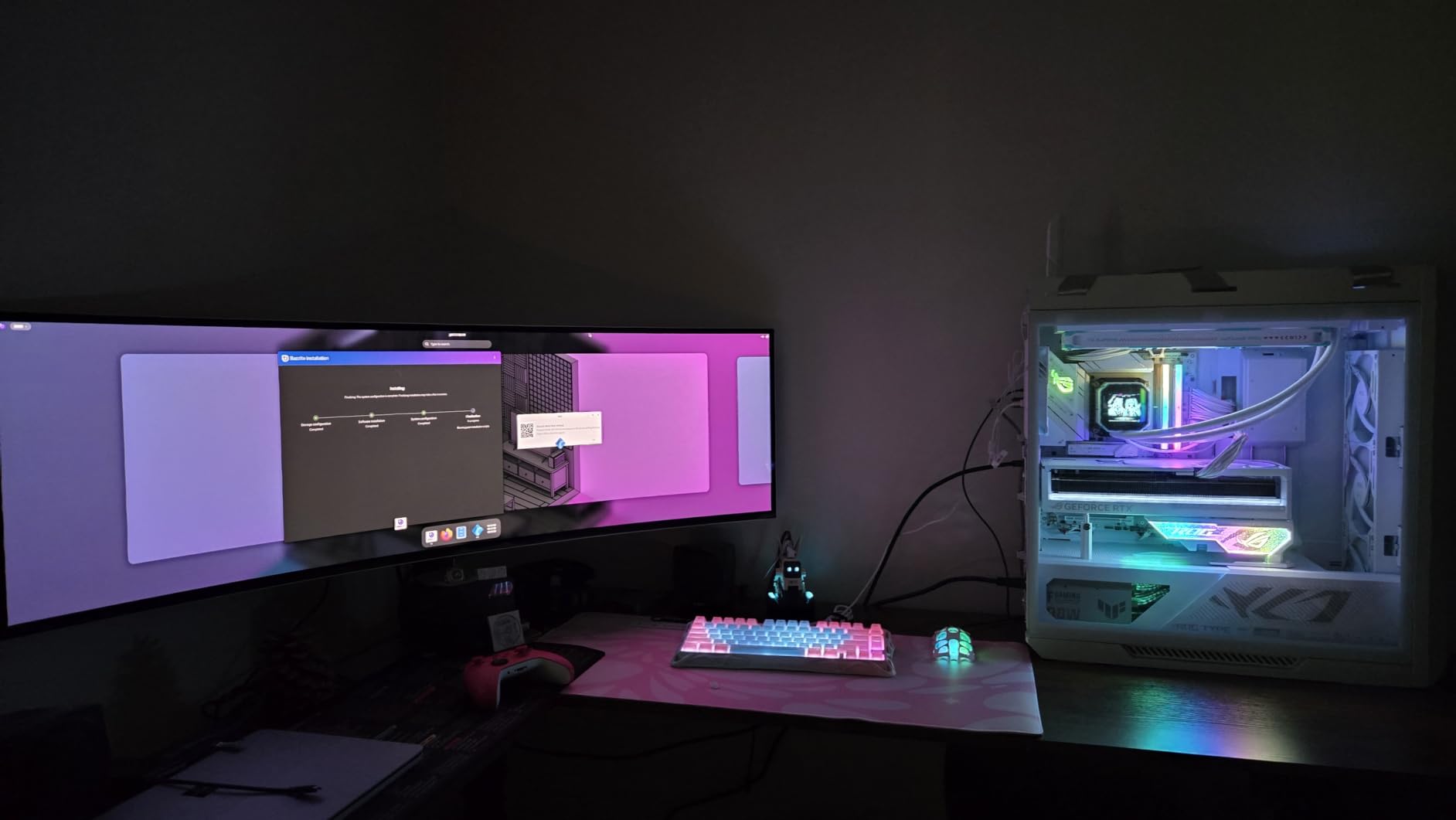
The 4.5mm metal chassis is unusually slim for a 49-inch display and it looks the part on a desk. Connectivity is two HDMI 2.1 ports, DisplayPort, and a three-port USB 3.0 hub, with the necessary cables in the box.
The honest trade-off is brightness. The panel is rated at 250 cd/m2 with DisplayHDR True Black 400, which is plenty in a dim room and short of what a bright window needs. Owners also report a higher share of one-star feedback than the other 49-inch options, mostly around value for money rather than picture quality.
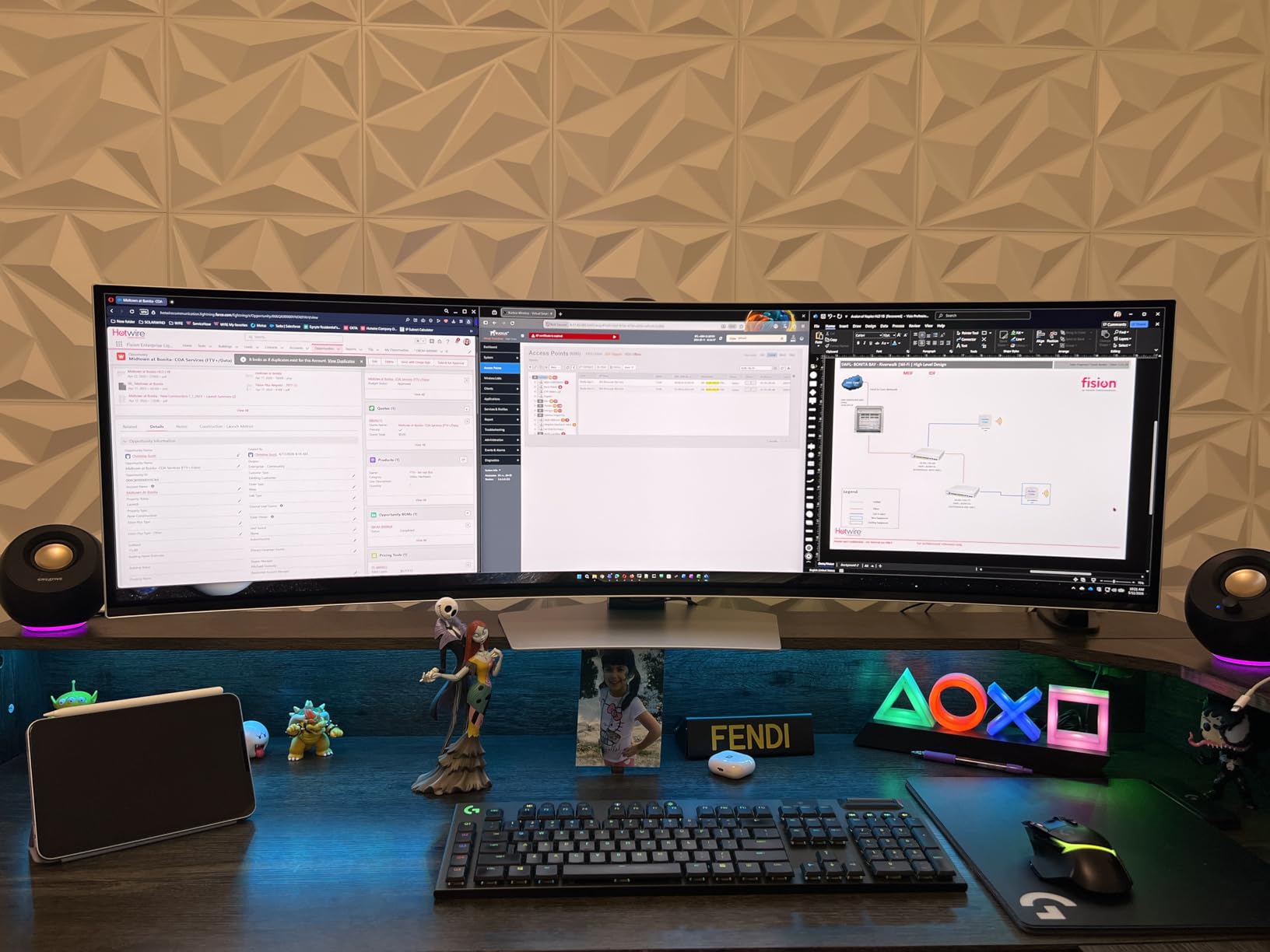
At 27.8 pounds, the weight is the practical issue. VESA mounting is supported, but many single monitor arms are rated below that figure, so check the arm’s load limit before you order an arm to go with it. The Samsung Odyssey G93SC is a desktop-first panel by weight as much as by size.
Against the CRUA 49-Inch DQHD, you are trading an hour of GPU headroom and a higher purchase outlay for true blacks and 240Hz. Against the Alienware AW3425DW, you get double the width and the same QD-OLED panel technology at a smaller diagonal.
3. Samsung ViewFinity S50GC: Best for Office and Study Desks
- Replaces a dual-monitor setup with one cable
- Ambient light sensor adjusts brightness automatically
- PIP and PBP both work at native resolution
- Bright 300 cd panel for office work
- Three-side borderless design keeps the frame out of the way
- Included stand has no height adjustment
- On-screen source switching takes several presses
- Basic HDR10 only and VA off-axis color shift
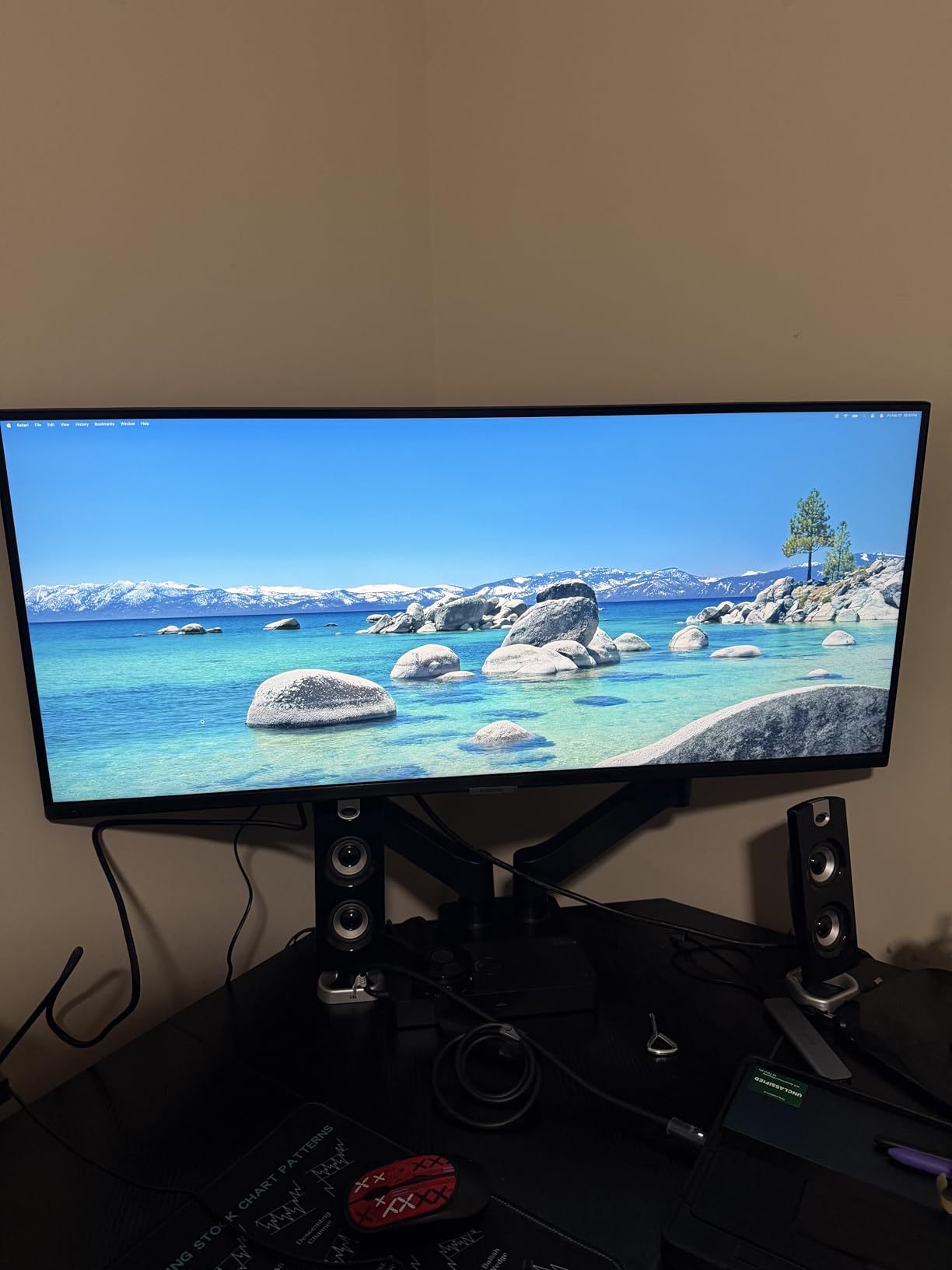
The clearest case for retiring a second monitor. Owners describe the same thing repeatedly: one 3440×1440 screen holding the document, the spreadsheet and the inbox, with a single cable to the laptop. The ViewFinity S50GC is the least fiddly way to do that.
It is a flat 21:9 panel rather than a curve, which suits an office where you sit eight hours a day and text matters more than a sweeping field of view. Brightness is 300 cd with 3000:1 contrast, and 100Hz makes scrolling noticeably smoother than a 60Hz office screen.
Two details stand out for this use case. The ambient light sensor adjusts brightness automatically through the day, and Eye Saver Mode with flicker-free backlighting reduces the eye fatigue that long document work causes. PIP and PBP both run at native resolution, so a second laptop joins the screen without shrinking to postage stamp size.
The fixed stand is the one recurring complaint. There is no height adjustment, so the panel may sit higher than you want, and wall mounting is supported if the desk is too deep or the chair is too low. Owners also find the on-screen source switching through the control toggle takes more clicks than it should.
Where the LG 34SR60QC-W covers similar ground, it adds built-in streaming apps and a white frame. Where the Dell S3425DW covers similar ground, it adds USB-C power delivery and a height-adjustable stand. The ViewFinity S50GC wins on simplicity and on how consistently owners report it doing the one job they bought it for.
One note for researchers: a number of reviews that appear to criticise the resolution are actually about a different 32-inch 1080p model in the same family. Judge it on 3440×1440, which is what this listing describes.
4. Dell S3425DW: Best for Laptop Desks
Dell 34 Monitor S3425DW, WQHD VA, 120Hz, FreeSync Premium, Eye Comfort
- One USB-C cable connects and charges a laptop at up to 65W
- 120Hz even over USB-C on machines limited by HDMI
- 95% DCI-P3 coverage suits light photo and design work
- Tool-free stand assembly and a rear joystick for the on-screen menu
- ComfortView Plus cuts blue light emissions
- No DisplayPort and a modest four USB ports
- Recessed VESA bracket needs spacers to mount
- Built-in speakers distort on voice
One cable, and the laptop stays charged. The S3425DW sends video and up to 65W of power over USB-C, so a MacBook Pro or a Windows work laptop connects with a single lead and no separate charger brick. It still runs at 120Hz over that connection, which matters because several laptops cap video output over HDMI.
Color coverage is 99% sRGB and 95% DCI-P3 at 300 cd brightness, which is more than most 34-inch productivity panels offer and enough for photo work that is not print-critical. FreeSync Premium handles refresh changes, and ComfortView Plus limits blue light output to 35% or less.
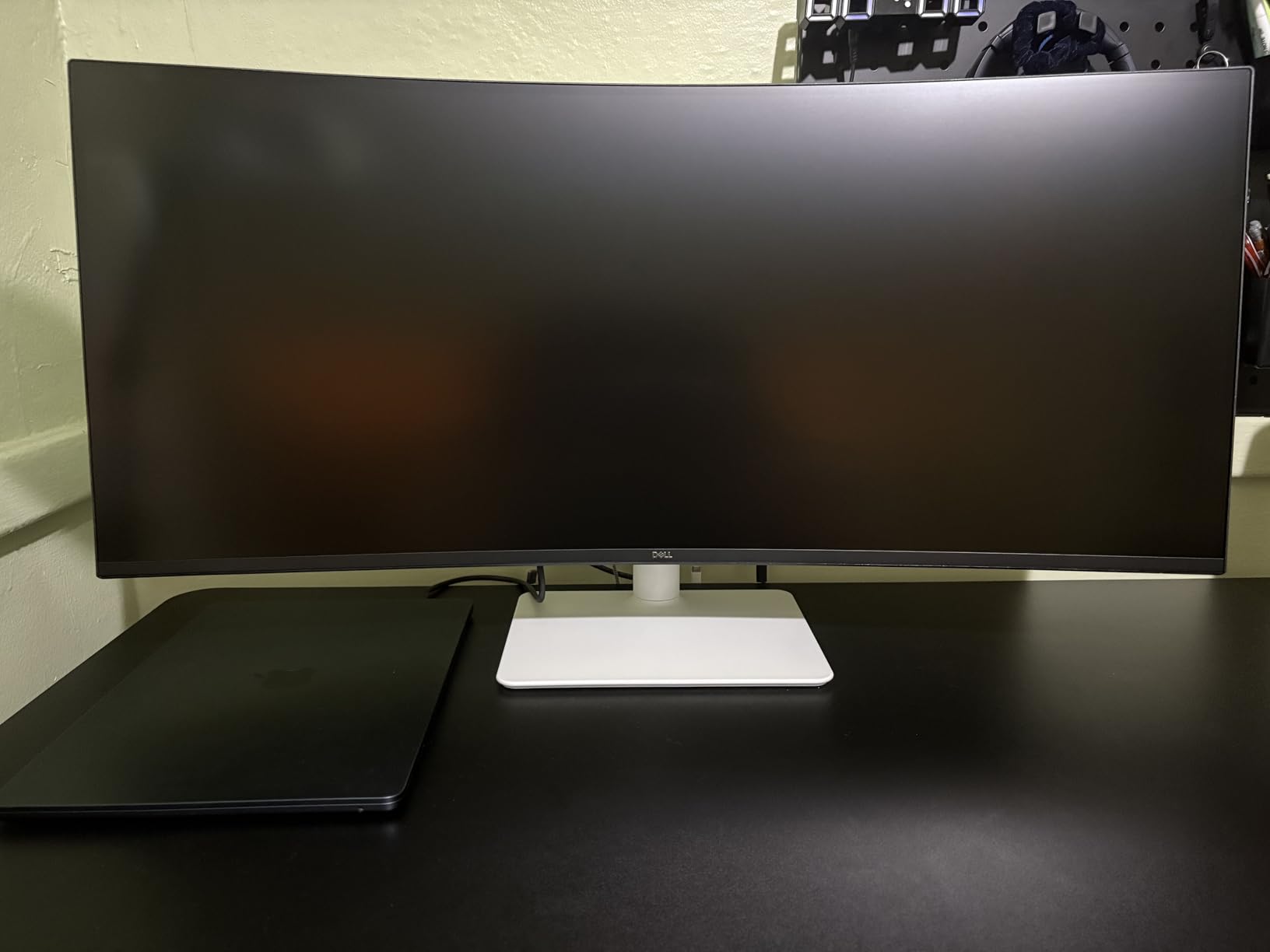
Owners point to text clarity as the reason they bought it, and several mention it specifically for aging eyesight. Setup is tool-free, and the rear joystick makes on-screen menu adjustment quicker than the multi-button toggles used elsewhere in this list.
The port layout is the frustration. There is no DisplayPort, which rules out a direct connection to some desktops and to a second monitor in a daisy chain, and four USB ports is thin for a hub-style productivity panel. A few units arrive with stands that will not hold level.
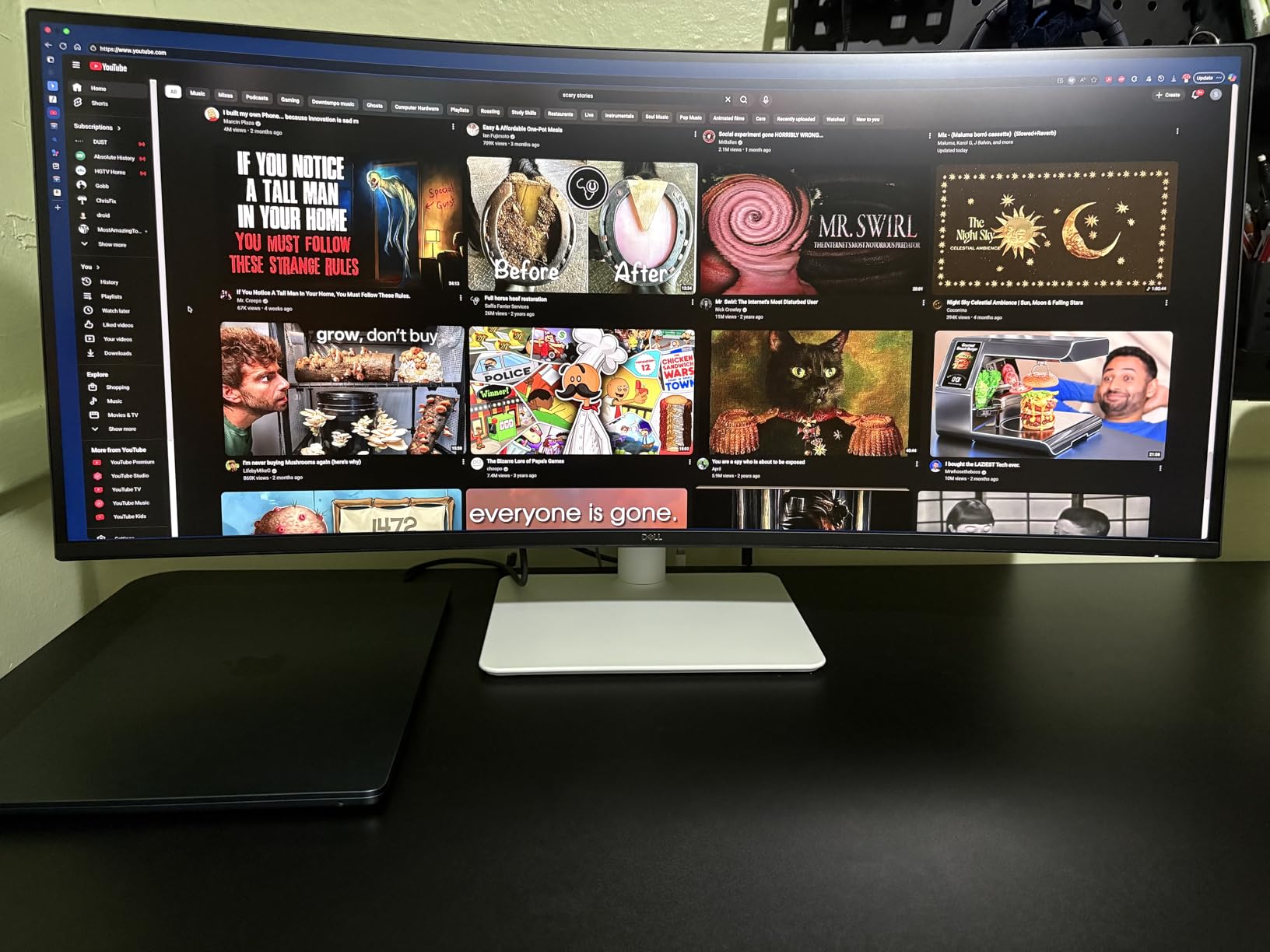
The VESA bracket is recessed, so mounting on an arm needs spacers to line up. For anyone planning an arm, worth checking the geometry before the panel arrives, since the bracket sits well inside the housing rather than flush with it.
The LG 34WR55QK-B offers the same 65W USB-C idea with a height-adjustable stand and Reader Mode. The Dell trades that for a faster 120Hz refresh, better color coverage and Dell’s one-year Advanced Exchange Service.
5. LG 34SR60QC-W: Best for Streaming and Casting
- Built-in webOS 23 with the major streaming apps
- AirPlay 2 and HomeKit with screen share and Bluetooth
- No streaming stick or smart box needed
- 34% wider view than 16:9 in a slim white frame
- Cloud access to Microsoft 365 without a PC
- 100Hz and 5ms response are below the gaming options here
- No height adjustment beyond tilt
- Magic Remote sold separately
A monitor that doubles as a smart TV, which saves the desk space a streaming stick and its cabling take up. The webOS 23 platform carries Netflix, Prime Video, the Apple TV app, Disney+ and HBO Max, so a bedroom desk becomes a television without a separate box.
The casting options are the quiet strength. AirPlay 2, HomeKit, screen share and Bluetooth all come built in, and there is cloud access to Microsoft 365 and Google’s applications for a machine-free check-in. At 3440×1440 on a 21:9 panel, the view is around 34% wider than 16:9.
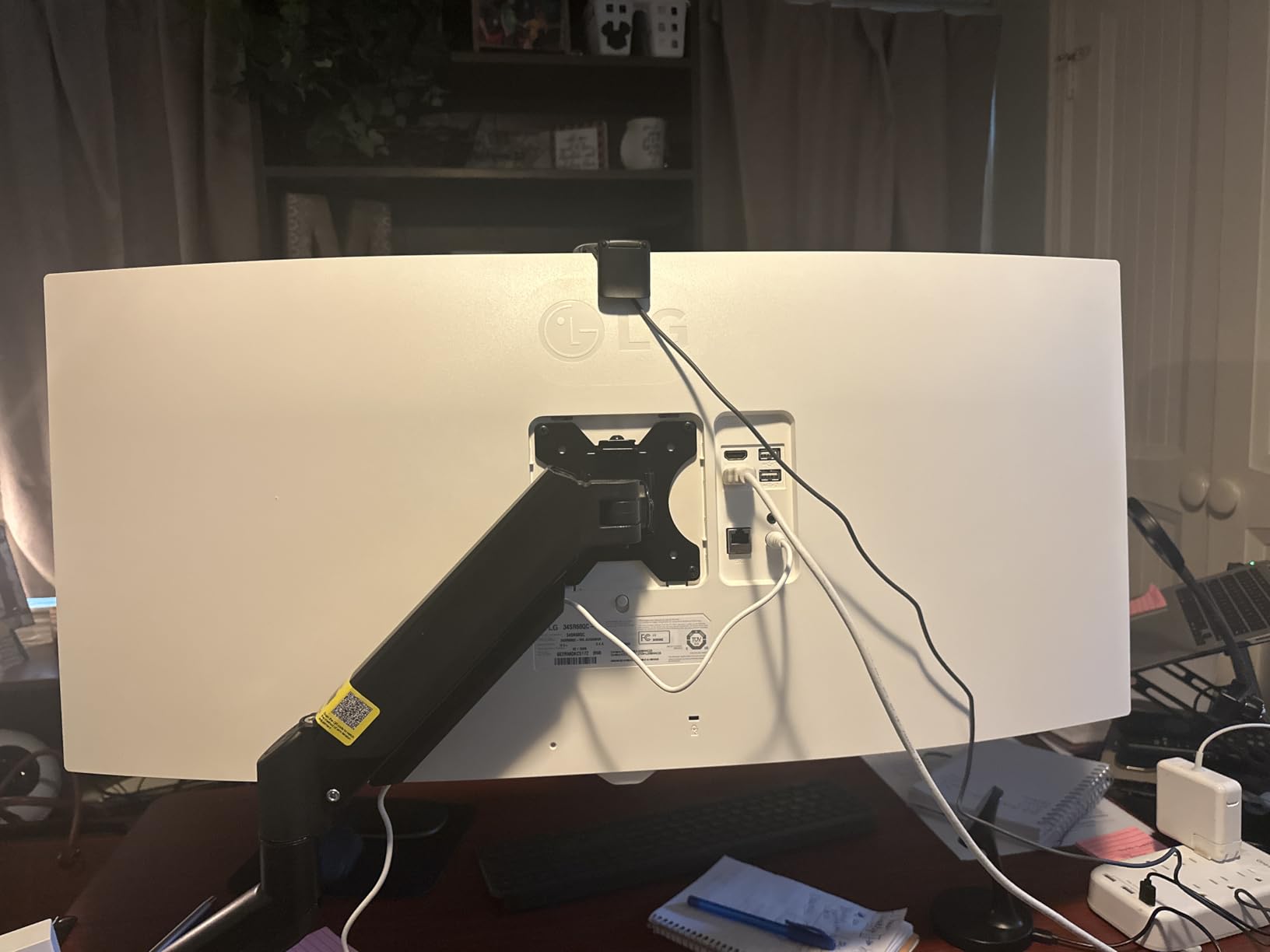
Color is 99% sRGB with HDR10 support and 300 cd brightness, which is a reasonable everyday picture. The 1800R curve is gentle, so it does not distort desktop windows the way a tighter radius does.
Owners are clear that the gaming specifications are the compromise. 100Hz with a 5ms response time and G-Sync compatibility is fine for strategy titles and single-player games, and it will not satisfy someone chasing competitive shooters. The Magic Remote is sold separately, and there is tilt adjustment but no height adjustment.
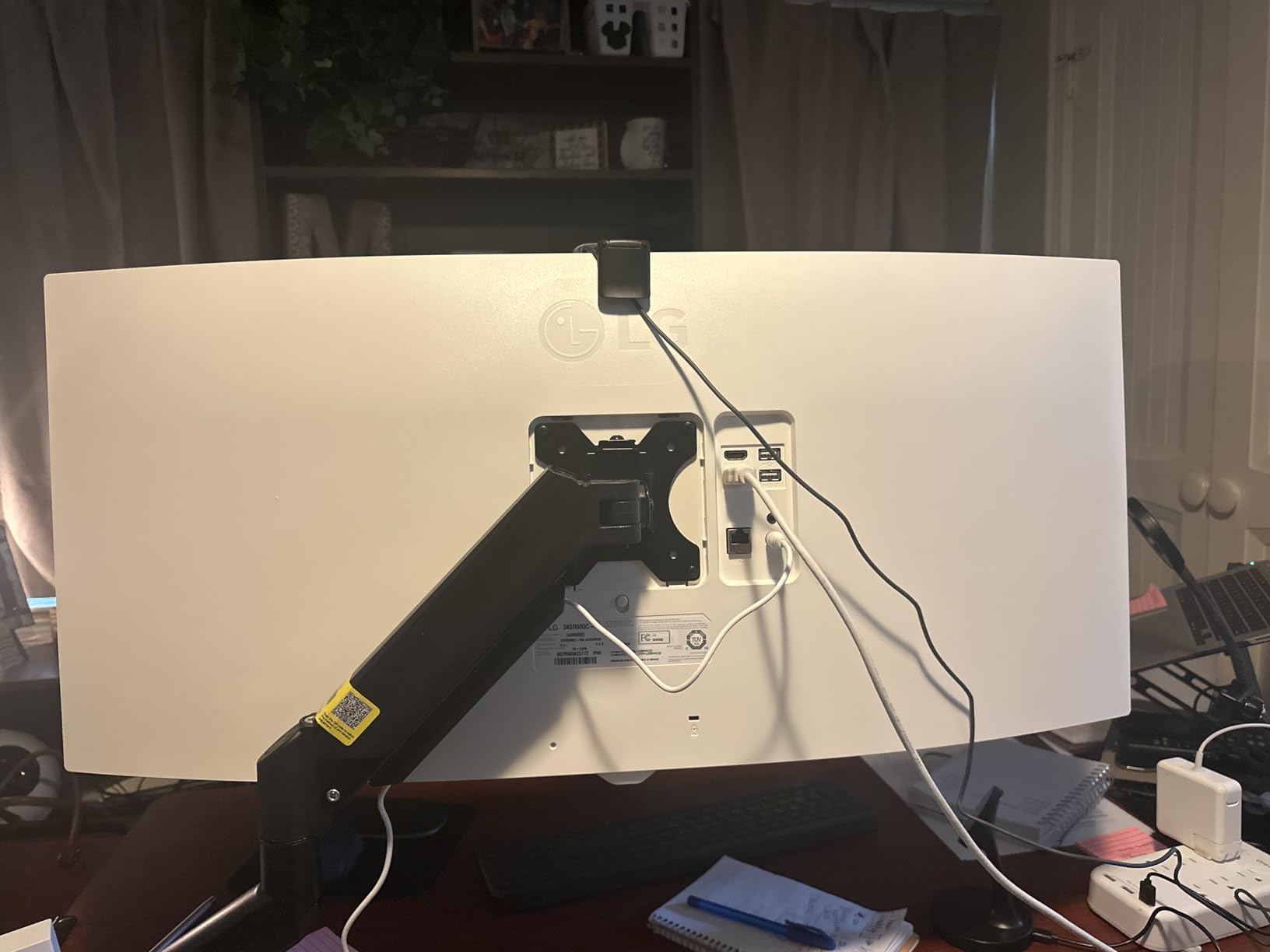
Where the Samsung ViewFinity S50GC covers the same 34-inch productivity ground, that panel adds an ambient light sensor and a flatter screen. Where the Dell S3425DW covers it, that panel adds USB-C charging and a faster refresh. The LG 34SR60QC-W is the pick when the second screen in your life is a television.
6. Sceptre C345B: Best for High Refresh on a Budget
- Up to 180Hz refresh at this size is unusual
- 400 cd/m2 brightness is the highest in the roundup
- VESA mount hardware and a screwdriver are in the box
- Two DisplayPort and two HDMI inputs
- Blue light filter for long sessions
- Only an HDMI cable is included so full refresh needs DisplayPort
- Input switching through the joystick is awkward with two systems
- HDR mode looks poor under Windows 11
The highest refresh rate of any 34-inch panel here, at the lowest end of the money. The C345B runs up to 180Hz with FreeSync Premium, which puts it in fast-shooter territory alongside panels that cost considerably more. The 1ms figure is an MPRT claim, so judge motion by the refresh rate rather than the number on the box.
Brightness is 400 cd/m2, the highest figure in this roundup, and coverage is 99% sRGB. Two DisplayPort and two HDMI inputs mean you can keep a console and a PC connected without swapping cables.
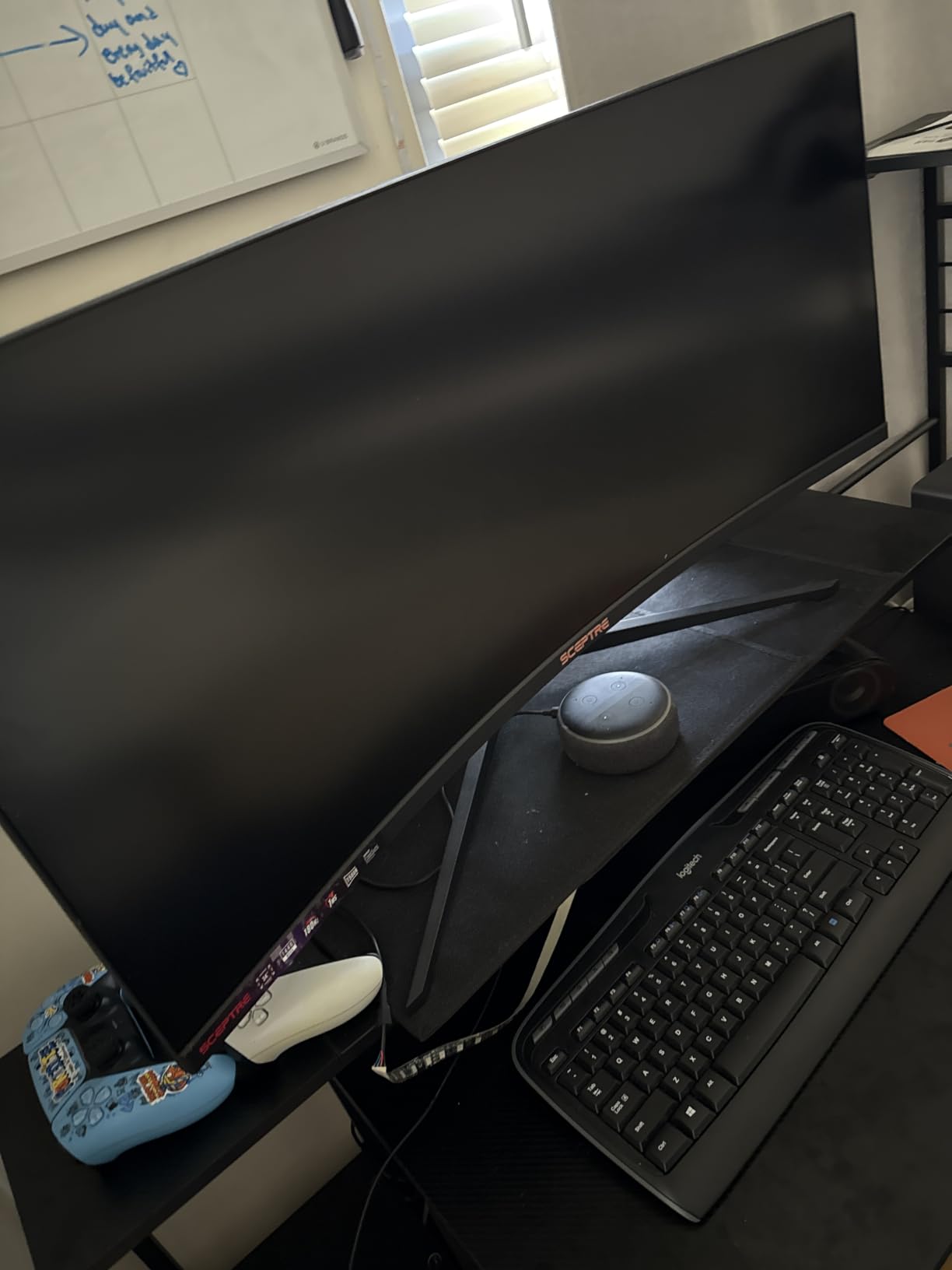
The box contents are unusually generous. VESA mount hardware and a screwdriver are included, which saves a trip to the hardware store, and tilt adjustment works well on desks with limited clearance below the panel.
Owners report one specific catch: only an HDMI cable is included, and you need a DisplayPort cable to reach the full refresh rate. Input switching between two systems through the joystick menu is also described as clumsy, and HDR mode is widely criticised under Windows 11. Built-in speakers exist but are best treated as a fallback.
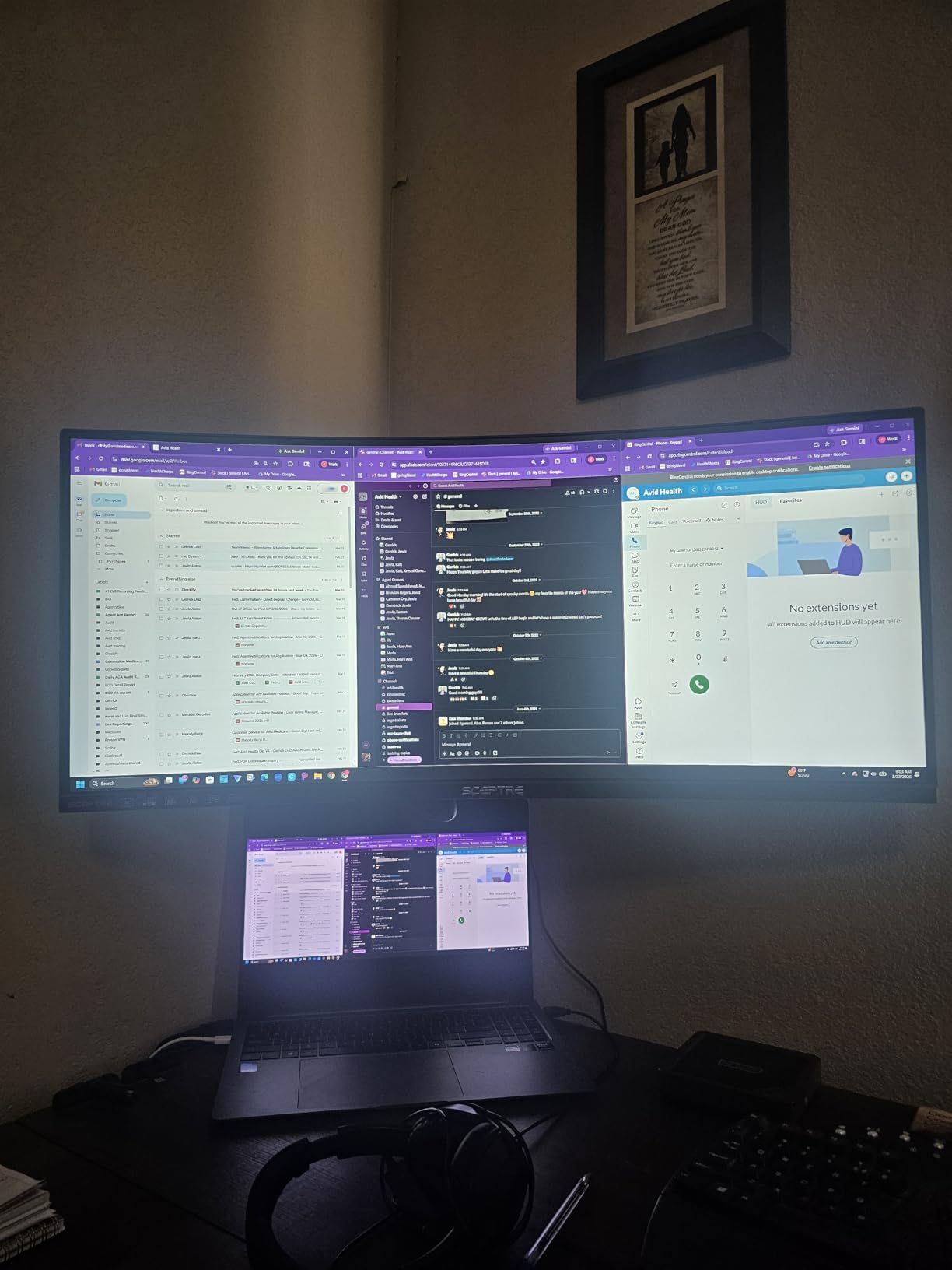
There is a small tail of quality-control reports, including a dead pixel and a unit failing after five months. Set against that, several owners describe support replacing a faulty unit within a week, which is a reasonable answer to the risk.
Against the Alienware AW3425DW, the C345B gives up OLED contrast and color accuracy but delivers far more frames per second per unit of money. Against the LG 34WR55QK-B, it trades the USB-C single-cable setup and adjustable stand for speed and brightness.
7. LG 34WR55QK-B: Best for Long Work Sessions
- Highest average rating in the roundup at 4.6 with only 4% one-star
- USB-C with up to 65W power delivery cuts desk clutter
- Height and tilt adjustable ergonomic stand
- OnScreen Control software simplifies multi-machine work
- Reader Mode for long reading sessions
- 100Hz and 5ms response trail the gaming-focused picks
- 0.23mm pixel pitch means less fine detail per inch than some rivals
The highest average rating in this list, and the least controversial owner feedback. Only 4% of reviews are one-star, which is unusual for any monitor, and the complaints that exist are about gaming specifications rather than build or image quality.
It is built for a desk you sit at all day. The stand adjusts for height and tilt, Reader Mode filters blue light for long reading, and USB-C with up to 65W of power delivery clears the charger brick from your desk. Connectivity covers two HDMI, DisplayPort, two USB ports and a headphone jack.
OnScreen Control handles Picture-by-Picture and workspace splitting, which is what makes a two-machine setup painless: move the mouse to the edge and the second machine takes over. Color is 99% sRGB with HDR10 at 300 cd brightness and 3000:1 contrast.
Pixel pitch is 0.23mm, so text is slightly less fine than on some competing 34-inch panels. For most office work the difference is invisible, and owners who work with very small type are the ones who notice it first.
The honest limit is gaming. 100Hz and 5ms response time sit well below the Sceptre C345B and the Alienware AW3425DW, and buying this for competitive shooters means accepting a slower picture than you could get elsewhere in the roundup.
Among the productivity ultrawides, this is the one to watch during the sale. It has the USB-C charging of the Dell S3425DW, the adjustable stand the Samsung ViewFinity S50GC lacks, and the most consistent owner feedback of the three.
8. Amzfast 49-Inch DQHD: Best for Sim Racing Rigs
- PIP and PBP split the panel into two full 1440p desktops
- 120% sRGB at 350 nits and 3000:1 contrast
- 1500R curve with 178-degree viewing angles
- Height adjustment up to 110mm plus swivel and tilt
- Second-highest review count in the set
- 120Hz needs DisplayPort 1.4 rather than HDMI
- HDR is basic rather than a certified DisplayHDR tier
- 1ms MPRT is a moving-picture figure
The 32:9 field of view a racing cockpit needs, without the OLED price tag. A 49-inch panel at 1500R puts the edges of a track further into your peripheral vision than a 34-inch does, and at 120Hz with FreeSync and G-Sync compatibility there is no tearing in the corners where you need it most.
Brightness is 350 cd/m2 with 120% sRGB coverage and 3000:1 contrast, which is a punchy picture for a racing game in a lit room. The 178-degree viewing angle keeps color shift low across the curve, so the left and right thirds of the screen look like the middle.
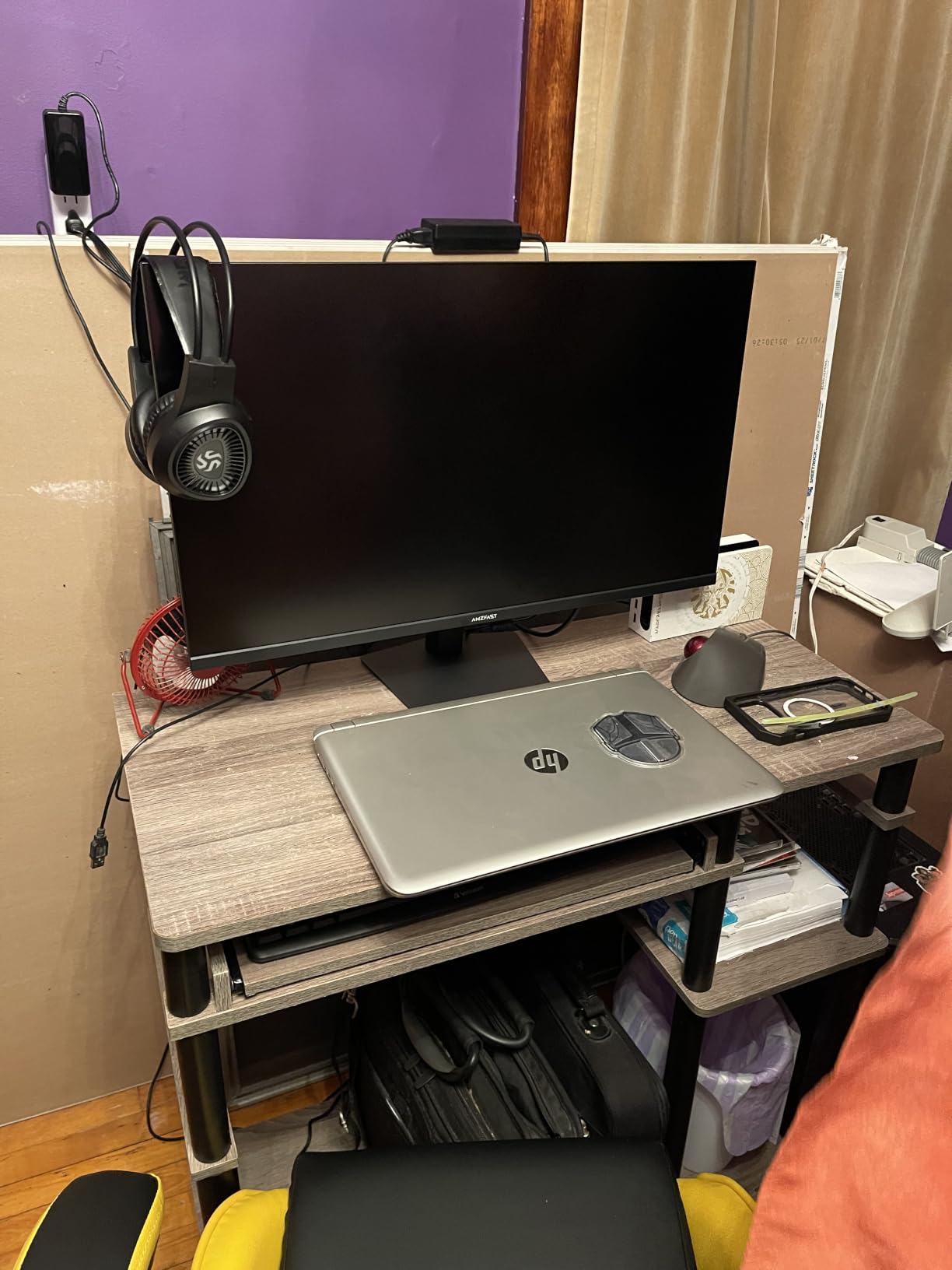
Stand adjustment is unusually thorough for a 49-inch: 110mm of height travel, plus 20 degrees of swivel and tilt from minus 5 to plus 20 degrees. That matters when a racing rig is angled and low rather than flat against a desk.
One practical note: the full 120Hz is reached over DisplayPort 1.4, not the HDMI 2.0 inputs. Owners using HDMI report a lower refresh, which is the most common surprise with this panel. The PIP and PBP split produces two native 1440p windows, handy for keeping a setup screen beside the race.
HDR support is present but basic rather than a certified DisplayHDR tier, so do not expect the highlight punch of the Alienware AW3425DW. Mounting is VESA 75×75, and with a panel this size it is worth checking that a 75×75 pattern is supported by the arm you own.
Among the 49-inch options here, this is the middle ground. The CRUA 49-Inch DQHD adds HDMI 2.1 and a white finish, the Deco Gear 49-Inch 5K2K adds KVM switching and USB-C charging, and the Samsung Odyssey G93SC adds 240Hz and true blacks. For a racing rig the Amzfast is the most practical of the four.
9. Deco Gear 49-Inch 5K2K: Best for Two-Machine Desks
Deco Gear 49″ Super Ultrawide Curved Monitor, 5120×1440, 5K2K, 120Hz, 32:9
- KVM switching with a 65W USB-C one-cable laptop setup
- 5120x1440 at 120Hz with 1ms MPRT and FreeSync Premium
- Three-port USB hub and built-in speakers
- 130mm of height adjustment plus swivel and tilt
- 100% sRGB and 91% DCI-P3 coverage
- Glossy finish picks up reflections in bright rooms
- 12% one-star share is the highest in this roundup
- Some variants in this family come tilt-only
The gateway into 49-inch width for a desk that runs two machines. KVM switching lets one keyboard and mouse move between a laptop and a desktop, and the USB-C input carries 65W of charging, so a single cable handles a work laptop completely.
The panel is 5120×1440 at 120Hz with 1ms MPRT and FreeSync Premium, 3000:1 contrast and 100% sRGB with 91% DCI-P3. Mounting is VESA 100×100, a larger and more common pattern than the 75×75 used by some 49-inch rivals, which makes arm compatibility easier.
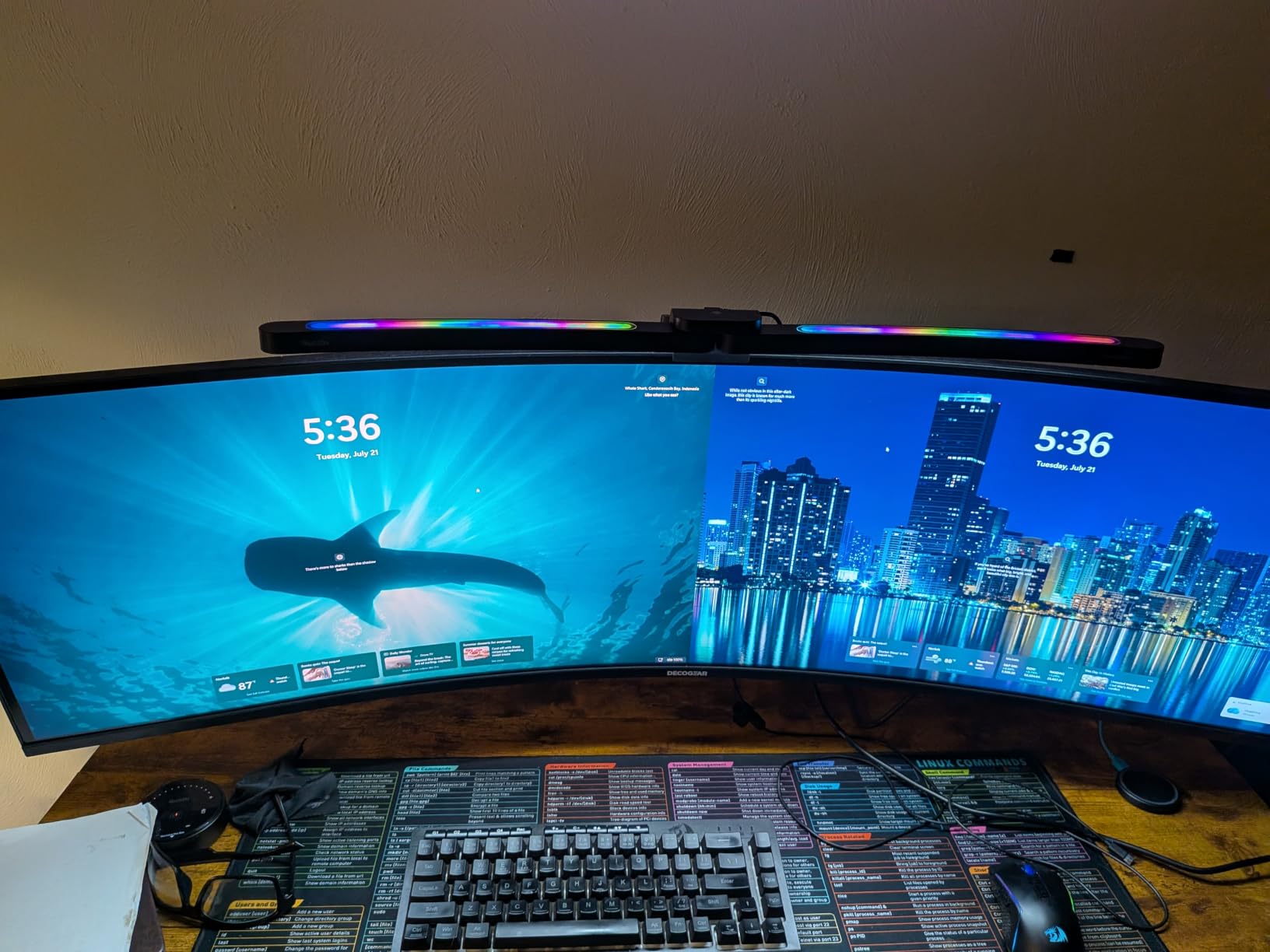
Owners frequently single out the metal construction and clean bezel design as better than the price suggests, and several mention that support supplied missing VESA mounts. Linux compatibility is also reported, which is not guaranteed on every smart monitor.
The glossy screen finish is the practical drawback. In a bright room the reflections are visible at a shallow angle, and matte-finished rivals in this roundup handle daylight better. This panel is best in a room you can control the lighting in.
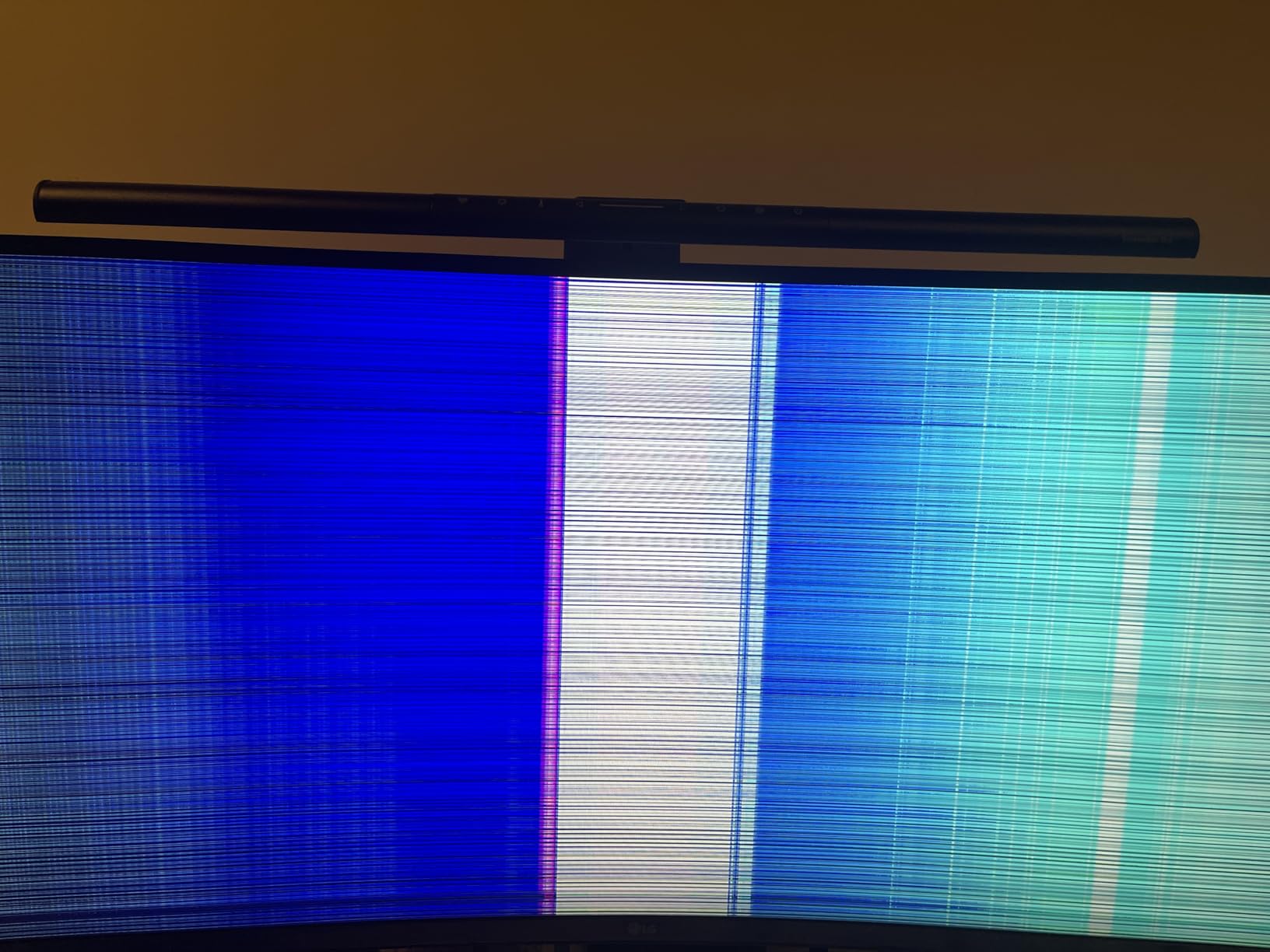
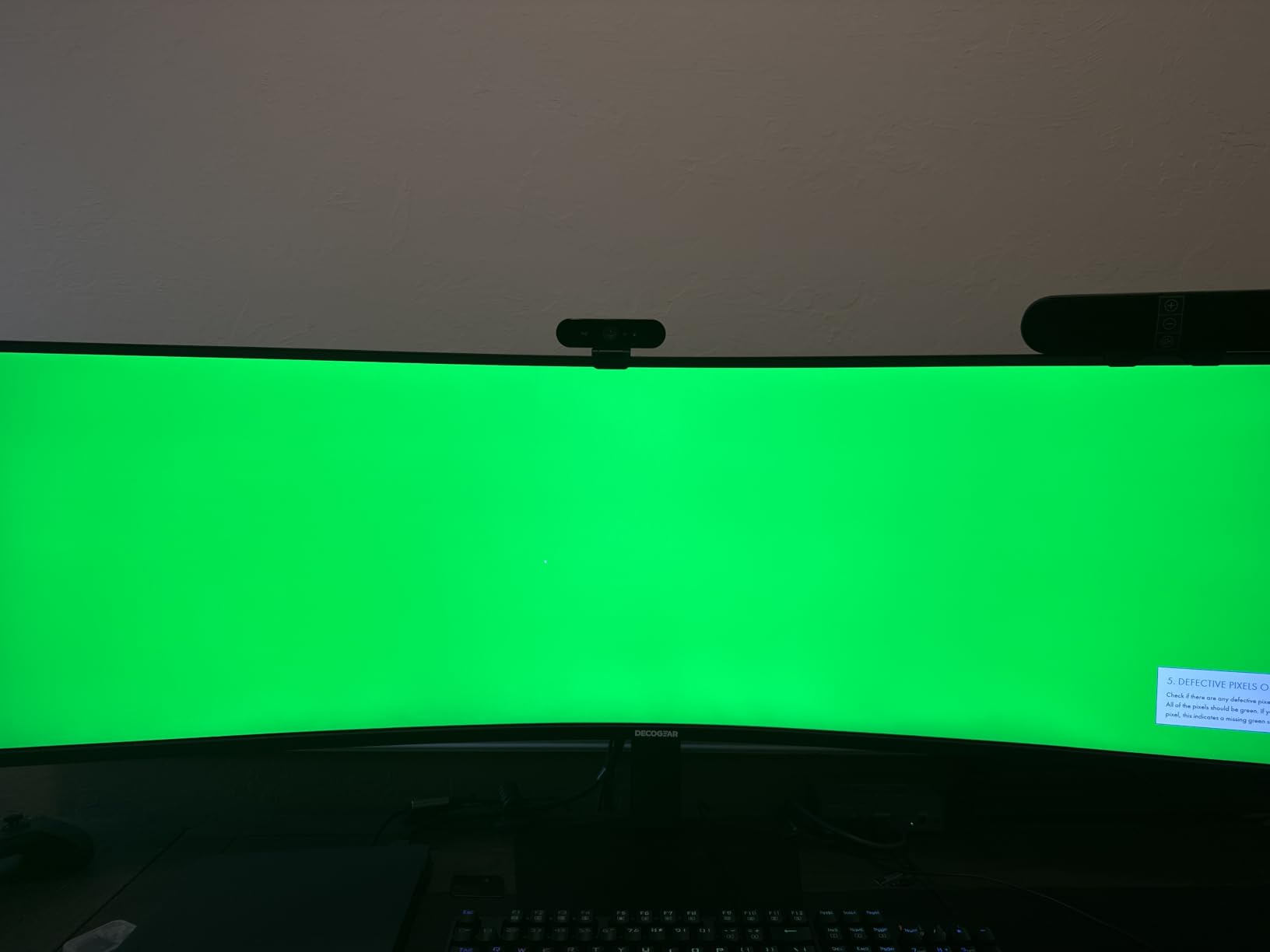
It also carries the highest share of one-star reviews in this roundup at 12%, driven by early-failure and panel-defect reports rather than dissatisfaction with the image. A small number of buyers report colorful vertical line artifacts shortly after unboxing, so check the screen carefully within the return window. Some variants of this product family come with a tilt-only stand, so confirm the height adjustment is present before ordering.
Compared with the CRUA 49-Inch DQHD, the Deco Gear trades a matte panel and HDMI 2.1 for KVM switching, a USB hub, built-in speakers and VESA 100×100. For a dual-machine desk that is the better set of features; for a bright room it is not.
10. Alienware AW3425DW: Best for Color-Critical Work
- Factory-calibrated 99.3% DCI-P3 with Delta E under 2 accuracy
- 1000 nits peak brightness with DisplayHDR True Black 400,240Hz at 0.03ms for the smoothest motion here
- Supports G-Sync and FreeSync Premium Pro and AdaptiveSync
- Three-year warranty with cables included
- OLED burn-in is a long-term consideration
- 250 cd/m2 typical brightness is modest outside peak HDR
- Price sits at the premium end of the roundup
The only panel here with a published factory color accuracy figure, and that is why it leads on picture. The AW3425DW is calibrated to 99.3% DCI-P3 with a Delta E under 2, which means photo and video work matches a reference rather than merely looking nice.
HDR is where the 1000 nits peak brightness figure matters. DisplayHDR True Black 400 certification with 1,500,000:1 contrast gives the kind of highlight-to-shadow separation that LCD panels cannot reach, and the matte finish keeps it from turning into a mirror.
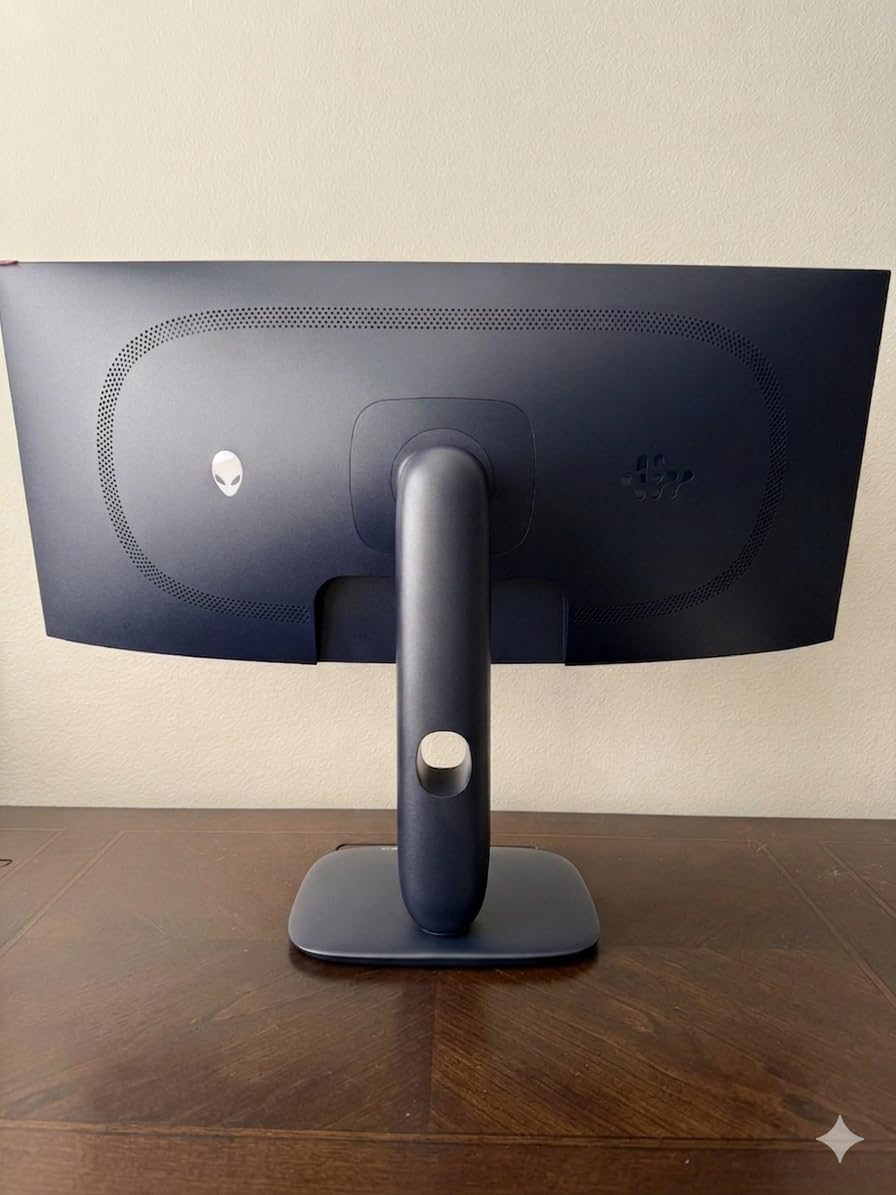
Motion is handled as well as color: 240Hz at 0.03ms, with G-Sync Compatible, AMD FreeSync Premium Pro and VESA AdaptiveSync all supported. Whichever sync standard your graphics card and monitor negotiate, you are covered, and the stand adjusts for height, swivel and tilt.
Owners report 82% five-star feedback, the highest share of positive reviews in this roundup. The warranty runs three years and both DisplayPort and HDMI cables are included.
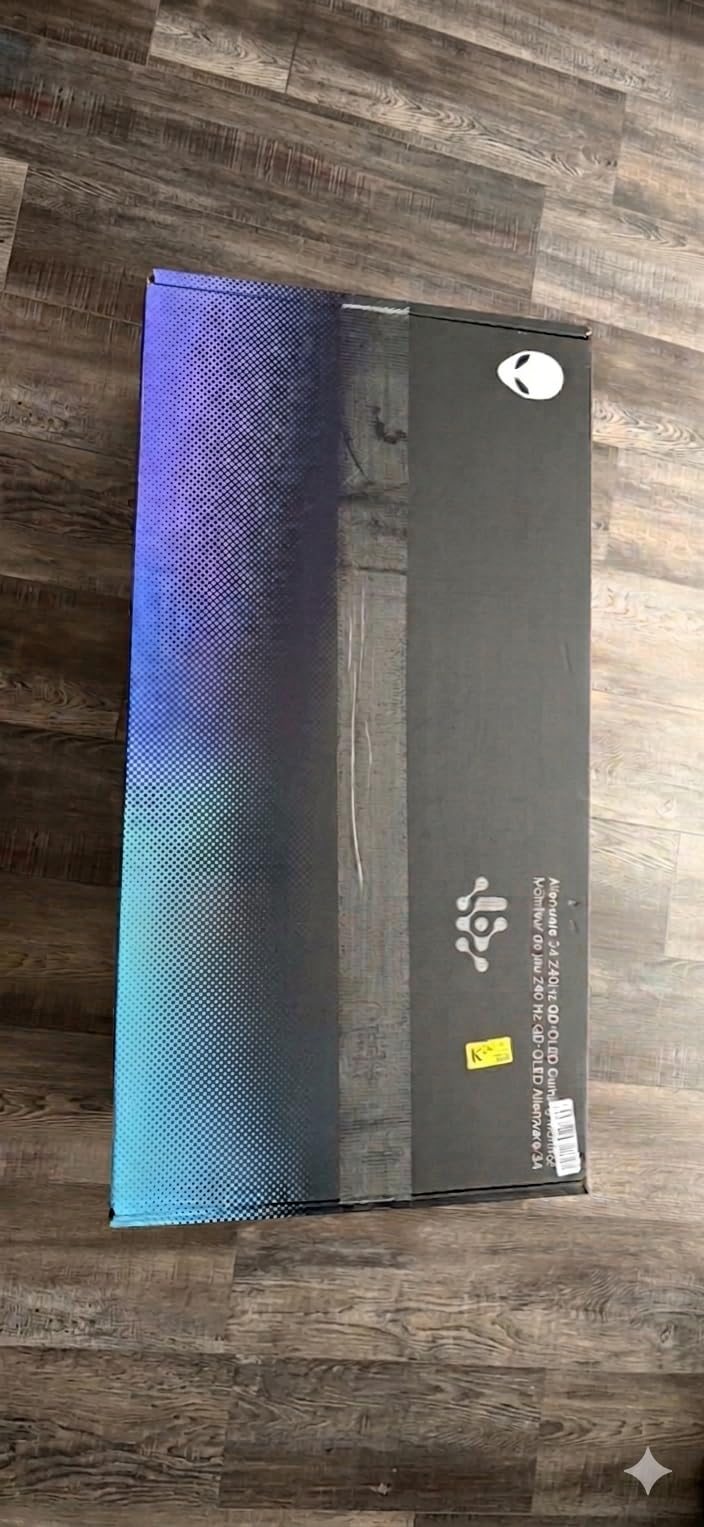
The standing caveat with any OLED is burn-in, and it matters more here because people use a 34-inch ultrawide as a desk monitor for eight hours a day with static interfaces on screen. If your day is spent in one application with a toolbar parked at the top, think about that before buying. Typical brightness of 250 cd/m2 outside peak HDR is the other limitation, noticeable in a sunlit room.
Against the Sceptre C345B you trade raw refresh-per-pound for an accurate picture. Against the Samsung Odyssey G93SC you get a much smaller panel with the same QD-OLED technology and a higher rating from owners.
How to Choose Ultrawide Monitors During Prime Big Deal Days
Screen Size and Desk Fit
Ultrawides fall into two practical size bands. A 34-inch 21:9 panel is roughly 32 inches wide and fits most 60cm desks, while a 49-inch 32:9 panel is closer to 47 inches wide and needs a desk deeper than 80cm or a mounting rig. Measure your desk’s usable width before you fall for a 49-inch model, and check the panel weight against your arm’s load rating if you plan to mount it rather than stand it.
If you intend to put a 49-inch panel on an arm, check the VESA pattern first. The Deco Gear 49-Inch 5K2K uses the common 100×100 pattern, while the Amzfast 49-Inch DQHD uses 75×75, and our guide to commercial monitor arms covers how to match pattern and weight. The CRUA 49-Inch DQHD and Samsung Odyssey G93SC are heavier still, so a desk-mounted setup needs a base that will not tip.
Resolution and Productivity
3440×1440 on a 34-inch panel is enough for most work: a spreadsheet, a document and a chat window, all readable without scaling. 5120×1440 on a 49-inch panel is two of those desktops and is the right choice for timelines, multi-chart trading layouts and side-by-side code review. The width is only useful if you have a graphics card that can push the pixel count, so resolution and GPU come as one decision.
A word of caution on text. At 21:9, older applications that assume a 16:9 window sometimes stretch, and a 0.23mm pixel pitch on a 34-inch panel is slightly coarser than some rivals. Owners of the Samsung ViewFinity S50GC report the occasional misjudged review about resolution, usually written about a different model in the same family, so check what you actually received.
Refresh Rate, Response Time and Gaming
For competitive shooters, 180Hz and above matters: the Sceptre C345B reaches up to 180Hz, and the Alienware AW3425DW and Samsung Odyssey G93SC run at 240Hz with 0.03ms. For single-player and sim racing, 120Hz on a 49-inch panel is enough, and the CRUA 49-Inch DQHD, Amzfast 49-Inch DQHD and Deco Gear 49-Inch 5K2K all deliver that.
Read response-time claims carefully. A 1ms MPRT figure on the Sceptre C345B, CRUA 49-Inch DQHD, Amzfast 49-Inch DQHD and Deco Gear 49-Inch 5K2K is a moving-picture measurement, not measured pixel-to-pixel response, so treat those numbers as marketing until you have seen the panel. The 0.03ms GTG on the two QD-OLED panels is the more meaningful claim, because it is measured in the way competitive buyers mean.
Variable refresh is worth confirming too. FreeSync Premium on the Dell S3425DW, Sceptre C345B, Deco Gear 49-Inch 5K2K and Amzfast 49-Inch DQHD, FreeSync Premium Pro plus G-Sync on the Samsung Odyssey G93SC, and all three standards on the Alienware AW3425DW. A monitor without adaptive sync shows tearing that a higher refresh rate will not fix.
Curvature, Color Accuracy and Panel Quality
Curvature is measured in millimetres of radius, and lower numbers are tighter. The 1500R curve on the CRUA 49-Inch DQHD, Amzfast 49-Inch DQHD and Deco Gear 49-Inch 5K2K wraps the edges toward you, while the 1800R on the Samsung Odyssey G93SC, Alienware AW3425DW and LG 34SR60QC-W is gentler and safer for long desktop work. Larger panels need more curve to keep the edges at a consistent distance from your eye.
Panel type changes the picture more than any other spec. VA panels give 3000:1 contrast and deep blacks, which is why most curved LCD ultrawides use them, at the cost of slower response and some off-axis color shift. IPS panels hold color better from the side but give less contrast. QD-OLED, in the Samsung Odyssey G93SC and Alienware AW3425DW, delivers true blacks and a 1,000,000:1 or better contrast ratio with the fastest response here, plus permanent burn-in risk on a desk. For professional color work, only the Alienware publishes a calibration figure, at Delta E under 2.
Connectivity, Power Delivery and Setup
If you drive a laptop, USB-C with power delivery removes the charger brick and the cable clutter. The Dell S3425DW and LG 34WR55QK-B both send up to 65W over a single USB-C cable, and the Deco Gear 49-Inch 5K2K does the same at 49 inches. Check the wattage against your laptop’s requirement, because 65W covers most 13- and 14-inch machines and throttles larger ones.
For desktops, DisplayPort 1.4 is the most capable input in this roundup. The Amzfast 49-Inch DQHD only reaches its full 120Hz over DisplayPort, the Sceptre C345B includes an HDMI cable rather than a DisplayPort one, and the Dell S3425DW has no DisplayPort at all. The CRUA 49-Inch DQHD is the only panel here with two HDMI 2.1 inputs, which matters for console and high-bandwidth sources.
A built-in USB hub saves a port on the desk. The Samsung Odyssey G93SC, Alienware AW3425DW, Deco Gear 49-Inch 5K2K, Dell S3425DW and Samsung ViewFinity S50GC all include one. The KVM switching on the Deco Gear 49-Inch 5K2K, and PIP and PBP on most of these panels, are what make a two-machine setup workable on one screen.
How to Shop Ultrawide Monitor Deals During the Sale
On a monitor listing, check the model number before you check anything else. Ultrawide ranges get refreshed quietly, and a listing that says 34 inch can be a different panel revision from the one a review covered. Look at the resolution, refresh rate and port list together, since that is where two generations of the same model differ. For 49-inch panels, confirm the VESA pattern and the stand’s height travel. Check the condition field carefully, and note whether the seller and the shipper are Amazon rather than a third-party marketplace seller, because that decides who handles a return. Most offers on Prime Big Deal Days need a Prime membership, and a free trial counts.
A Short Checklist Before You Buy
- Measure the desk’s usable width and depth, then confirm the panel’s footprint fits.
- Match the resolution to your GPU, so you are not paying for frames your card cannot push.
- Confirm adaptive sync support matches your graphics card’s standard.
- Check USB-C power delivery wattage if the monitor will charge a laptop.
- Verify the VESA pattern and the panel weight against your arm’s rating.
- Read the listing for the exact model number, condition and seller, not just the headline size.
Frequently Asked Questions
Where can I find Amazon Prime Big Deal Days ultrawide monitor deals?
The widest models on this list are the ones to watch during the sale: the CRUA 49-Inch DQHD, the Amzfast 49-Inch DQHD, the Deco Gear 49-Inch 5K2K and the Samsung Odyssey G93SC. All four are 5120×1440 32:9 panels, and that size sits in Amazon’s computer monitors category, where the reductions tend to be the ones worth tracking. Check the listing’s model number and condition before buying, since the same size ships in several panel revisions.
When does Amazon Prime Big Deal Days run in 2026?
Amazon Prime Big Deal Days runs October 6-7, 2026. Offers load ahead of the window and change throughout the two days, so a model that is reduced on the first morning may be different by the second afternoon. Nothing on this list is a confirmed discount; the current price is what the check button shows on the day you look.
Do I need Prime to buy an ultrawide monitor during the sale?
Most offers during Prime Big Deal Days require a Prime membership, though a few apply to everyone. A free 30-day trial counts as membership if you sign up before the event and it has not run out. The trial converts to a paid plan afterwards unless you cancel before the renewal date, so set a reminder if you only joined for the sale.
Is a 34-inch ultrawide monitor better than a dual-monitor setup?
For most people replacing two office screens, yes. A 34-inch 3440×1440 panel gives roughly the same working width as two 16:9 monitors with one cable, one stand and no bezel down the middle. It does cost about the same, and if you need independent rotation or a portrait panel for long documents, two separate screens still win. The Samsung ViewFinity S50GC and Dell S3425DW are both built around that one-cable idea.
What resolution should I choose for an ultrawide monitor?
Choose 3440×1440 for a 34-inch panel unless you work with very small type or two machines at once. Choose 5120×1440 for a 49-inch panel when you want a full second desktop beside your first, which suits video timelines, trading charts and sim racing. Whichever you pick, check that your graphics card can drive the pixel count at the refresh rate you want.
Do I need a deeper desk for a 49-inch ultrawide monitor?
Yes, and it is the most common reason a 49-inch purchase goes wrong. These panels are roughly 47 inches wide and 20 to 22 inches tall with the stand, so most need a desk deeper than 80cm or a monitor arm. Check the VESA pattern too: the Deco Gear 49-Inch 5K2K uses 100×100 and the Amzfast 49-Inch DQHD uses 75×75, and the panel weight can exceed a single arm’s rating.
Final Verdict: Best Amazon Prime Big Deal Days Ultrawide Monitor Deals
Buy the CRUA 49-Inch DQHD if you want the most screen you can put on a desk: it is the Editor’s Choice, the widest panel here, and the one with the most owner reviews to tell you what the VA viewing angles are like in practice. The budget-friendly alternative is the Sceptre C345B, which gives up color accuracy and an adjustable stand for the highest refresh rate of any 34-inch panel in the roundup.
For color-critical work, the Alienware AW3425DW is the pick, with a published Delta E under 2 calibration and 1000 nits peak HDR. For a long workday at a fixed desk, the LG 34WR55QK-B has the most consistent owner feedback of any productivity ultrawide here. For streaming, the LG 34SR60QC-W replaces a smart TV box as well as a monitor.
For a laptop desk, the Dell S3425DW powers and displays over one USB-C cable. For a sim racing rig, the Amzfast 49-Inch DQHD gives the widest field of view with the stand adjustment a cockpit needs, and for a two-machine setup the Deco Gear 49-Inch 5K2K handles KVM switching and charging in one lead. The Samsung Odyssey G93SC is the one to pick if you want 240Hz and OLED blacks at 49 inches and have a desk that can take 27.8 pounds.
Use the check button on any of these to see the current price on the day you look, and confirm the model number before the sale window closes.